Video Cushion Mockup Free Download With Mockey AI
Generate & download animated Video Pillow mockups with Mockey AI to present your cushion designs beautifully and attract more customers.
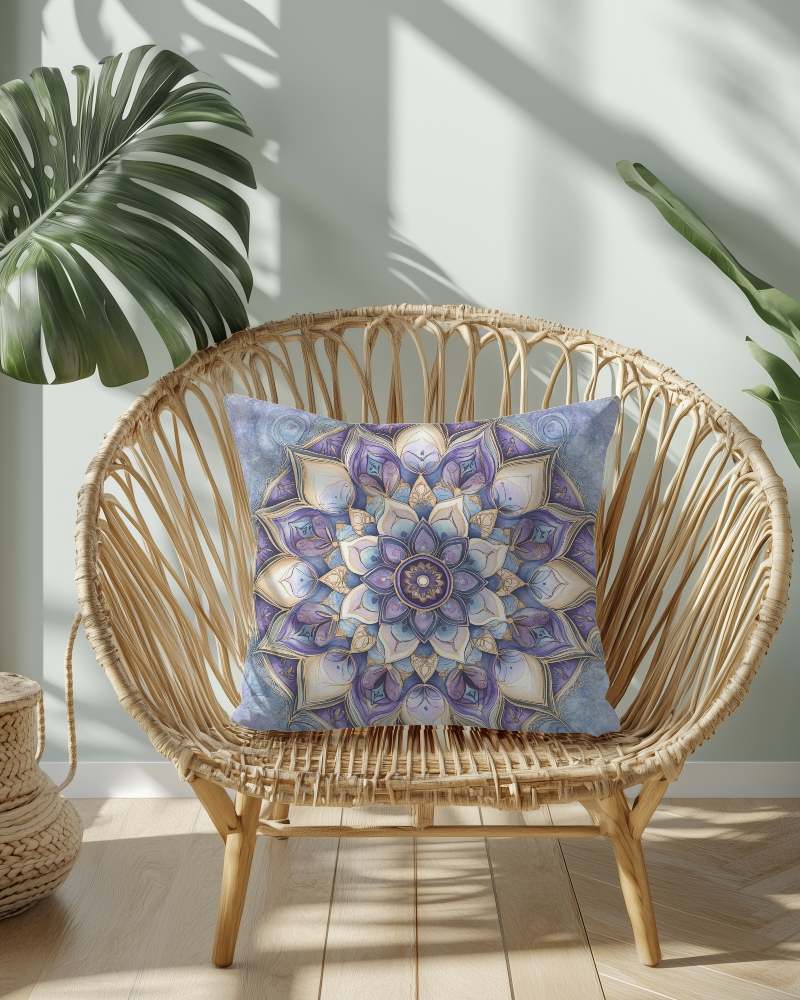
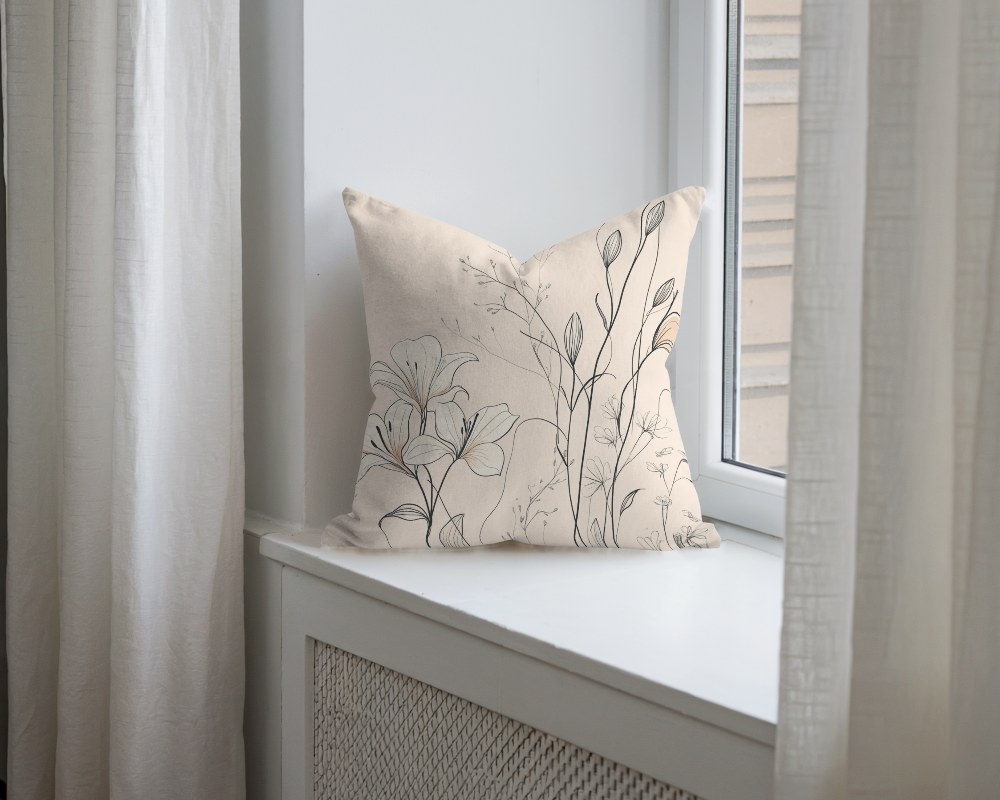
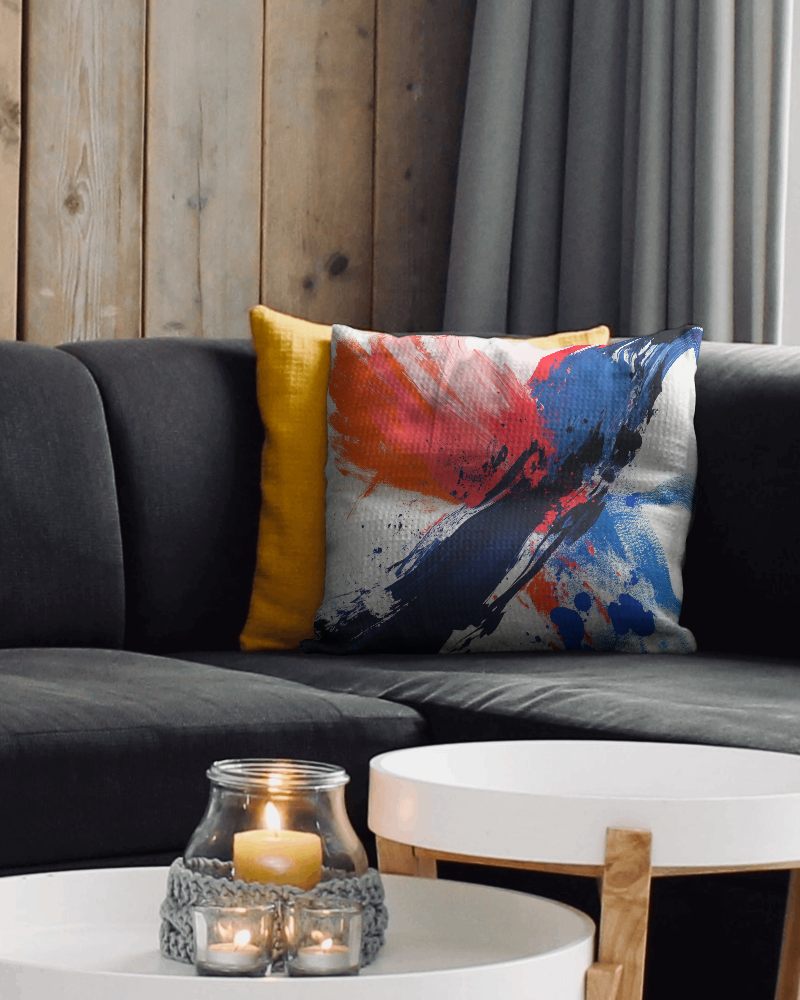
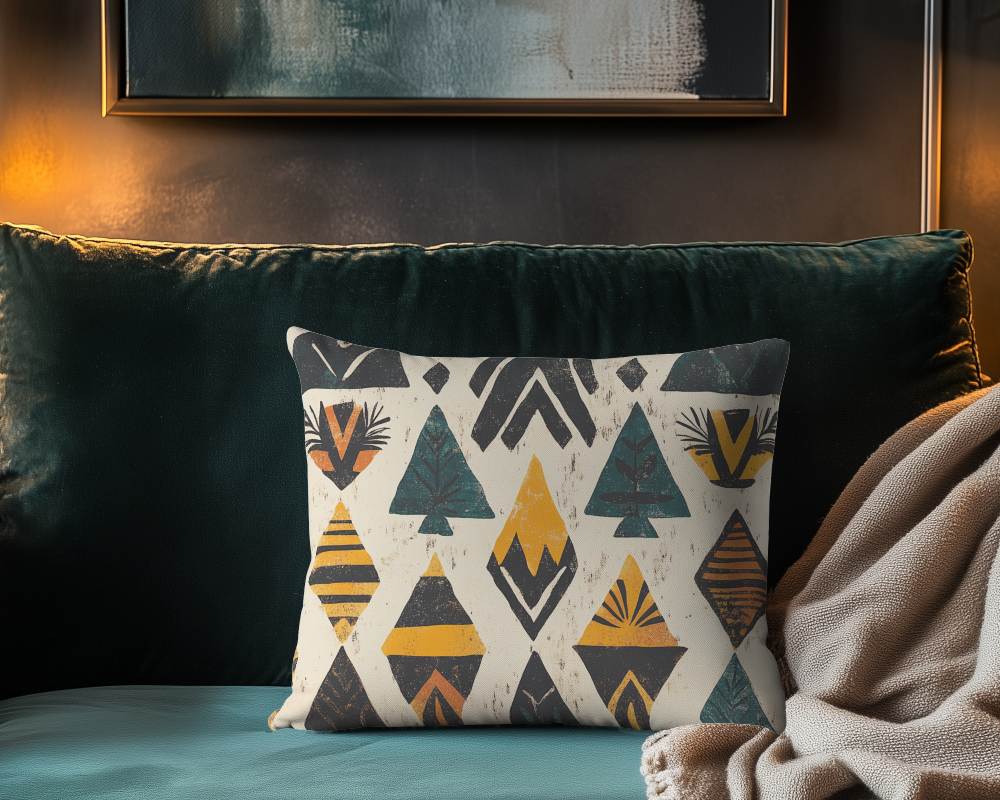
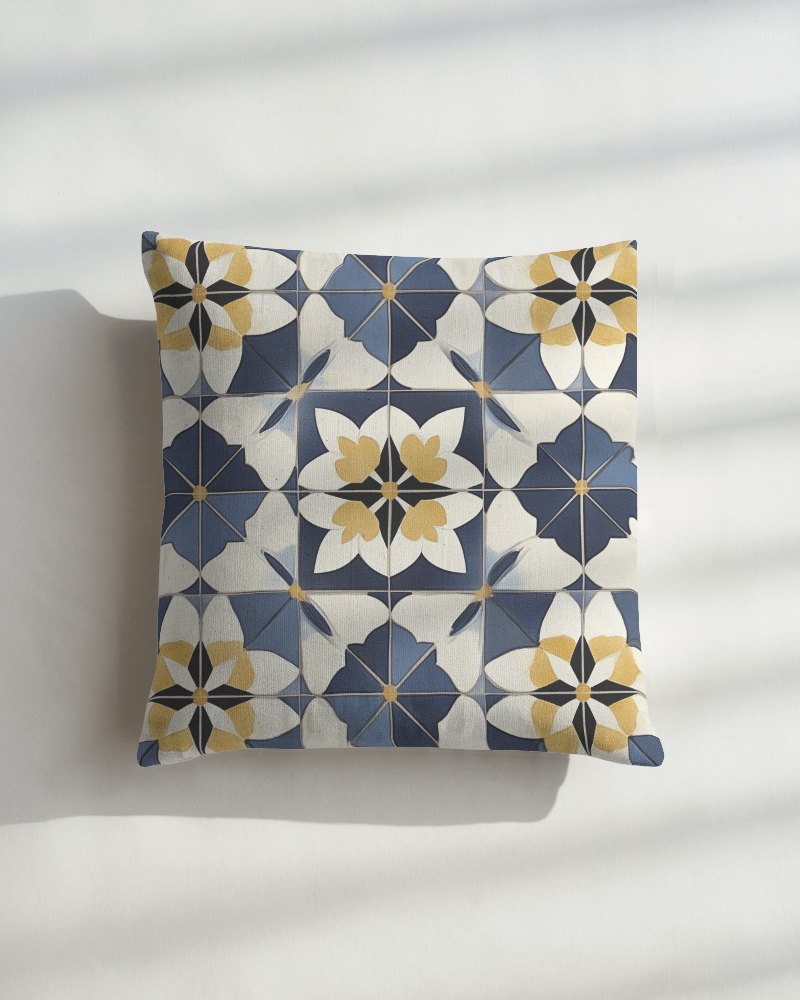
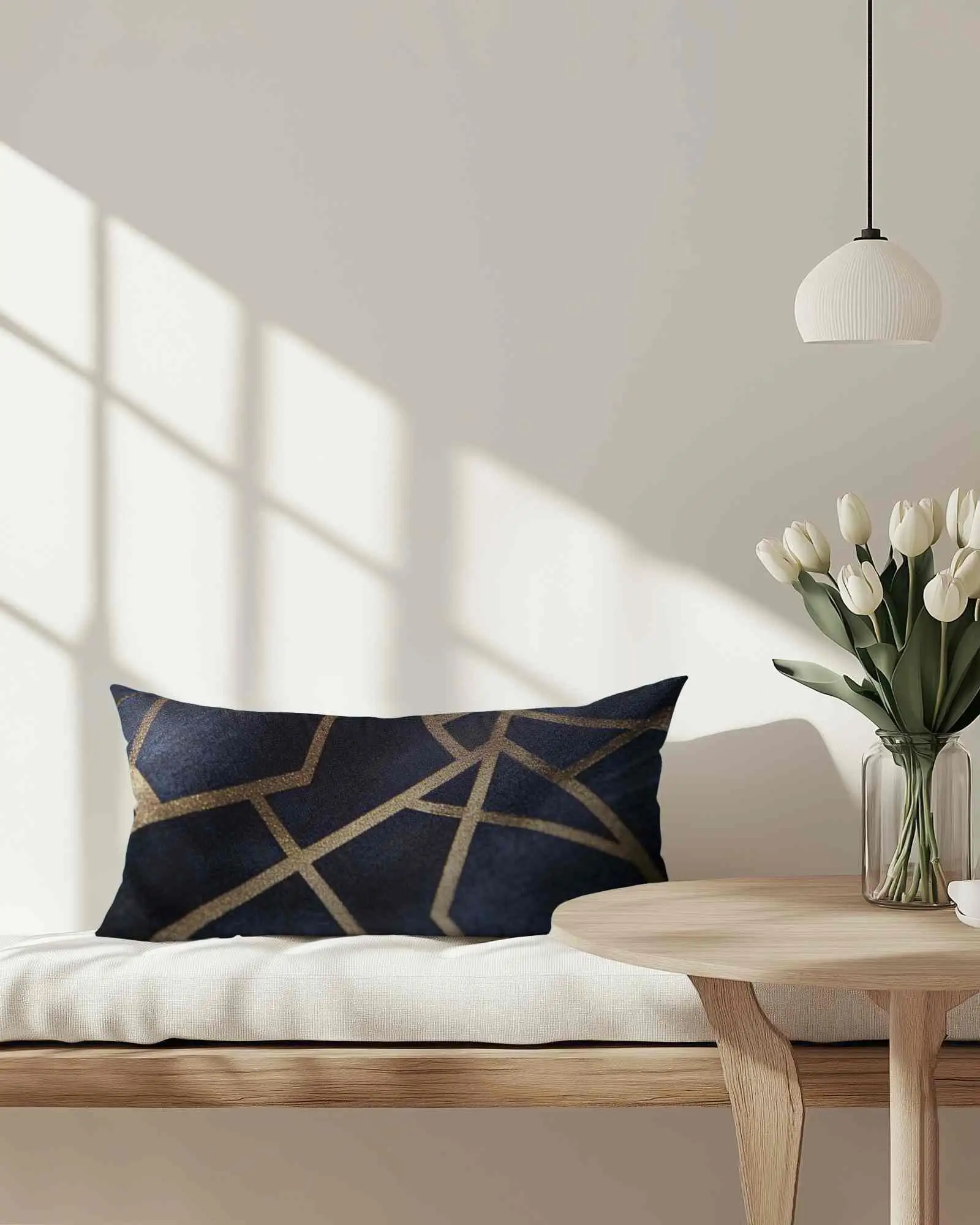
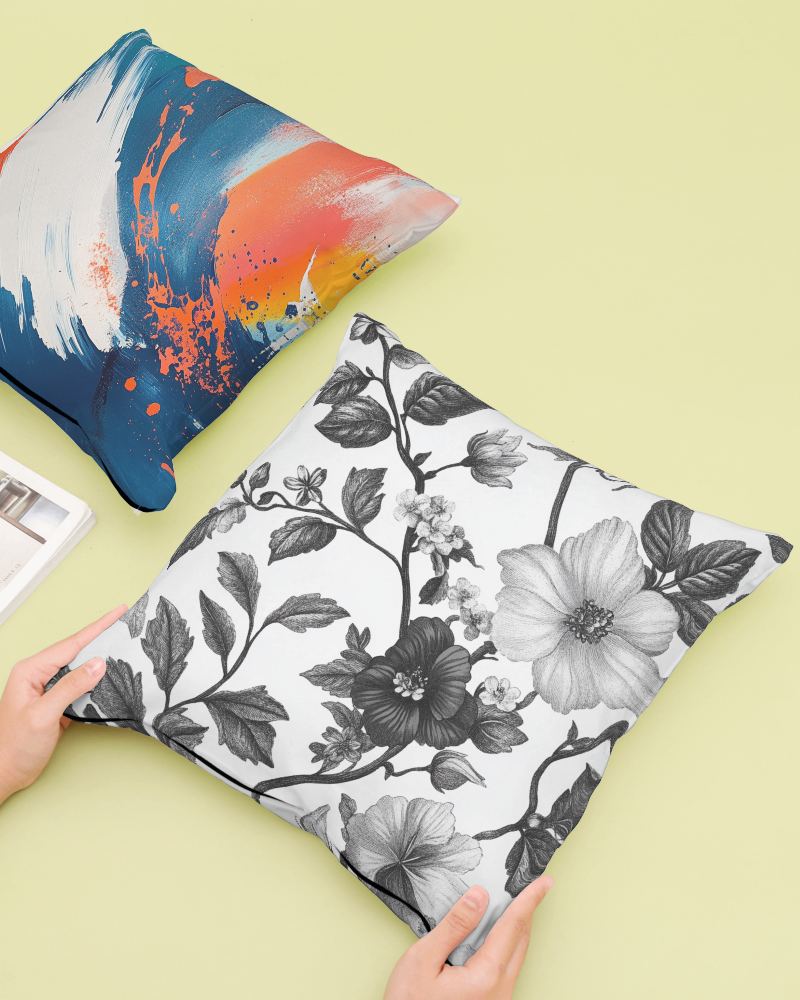
How to Create a Cushion Video Mockup with Mockey AI
To create cushion video mockups:
- Step 1: Sign up and press 'Video Mockups'. Select 'Cushion' under 'Home & Living'.
- Step 2: Pick a template. Insert single or multiple designs and customize them.
- Step 3: Click 'Generate Video'. Save the 5-second animated pillow mockup.


FAQs on cushion Video Mockups
What types of video cushion mockups does Mockey AI provide?
Mockey AI offers square, rectangle, or other shape types to pick from. The tool runs on AI. Start your journey with its MAX plan.
Which is more engaging for customers: video pillow mockups or static pillow mockups?
Video pillow mockups grab more attention than still ones. They move and show the pillow from every side. You can spot the texture and get a real feel of how it looks. Static images just can't do that.
Can I use video cushion mockups for my POD (Print-on-Demand) store?
Yes, you can use video mockups for your POD store. They work well for items like cushions. They help people imagine the product better, leading to more clicks and higher sales.
Is it effective to use video pillow mockups in Meta (Facebook/Instagram) ads?
Video pillow mockups work well in Meta ads. Compared to still images, videos grab attention better. They also get more likes and clicks. However, the effectiveness depends on the video's quality, length, and how well it resonates with your target audience.
