Rectangular Cushion Video Mockup – Realistic Cushion Animation
Transform your fabric patterns into dynamic visuals with Mockey’s Rectangular cushion video mockup. This realistic animation highlights textures, soft shadows, and smooth motion, making your cushion designs look professional and ready for product listings, branding, or POD use.
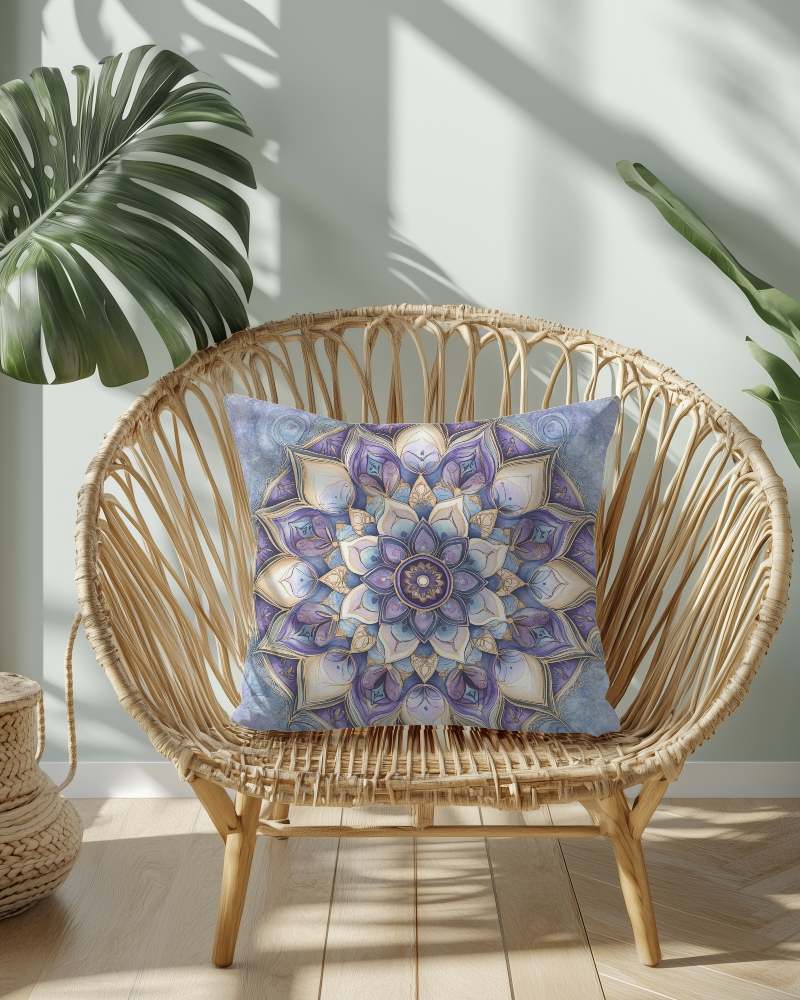
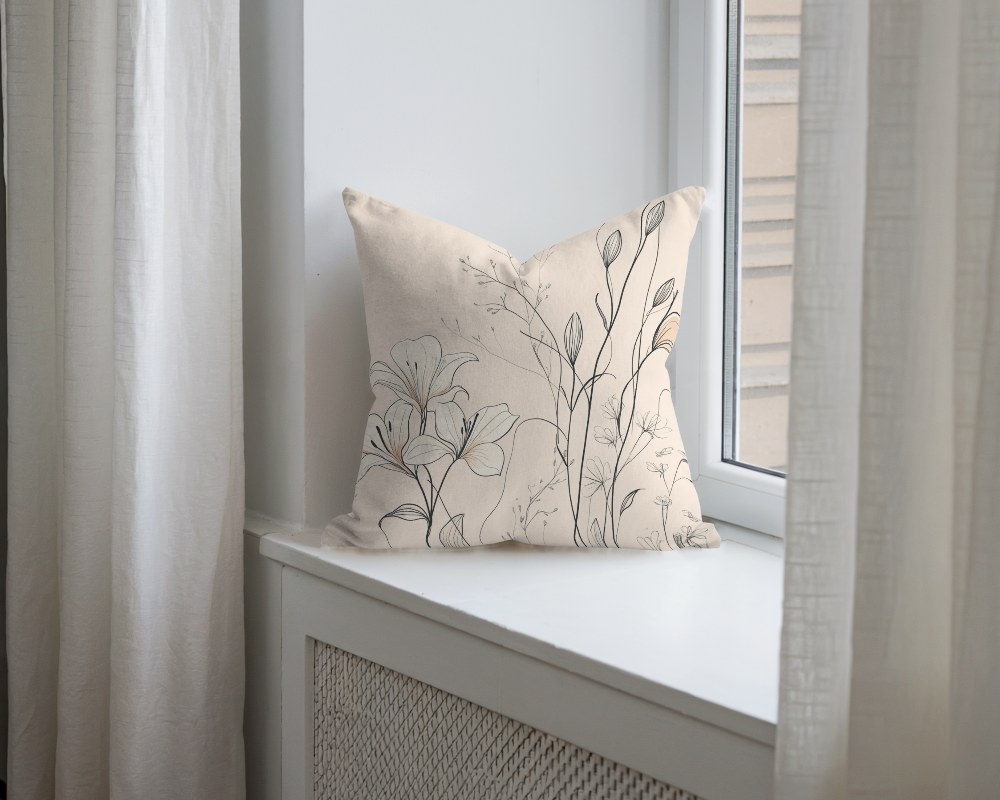
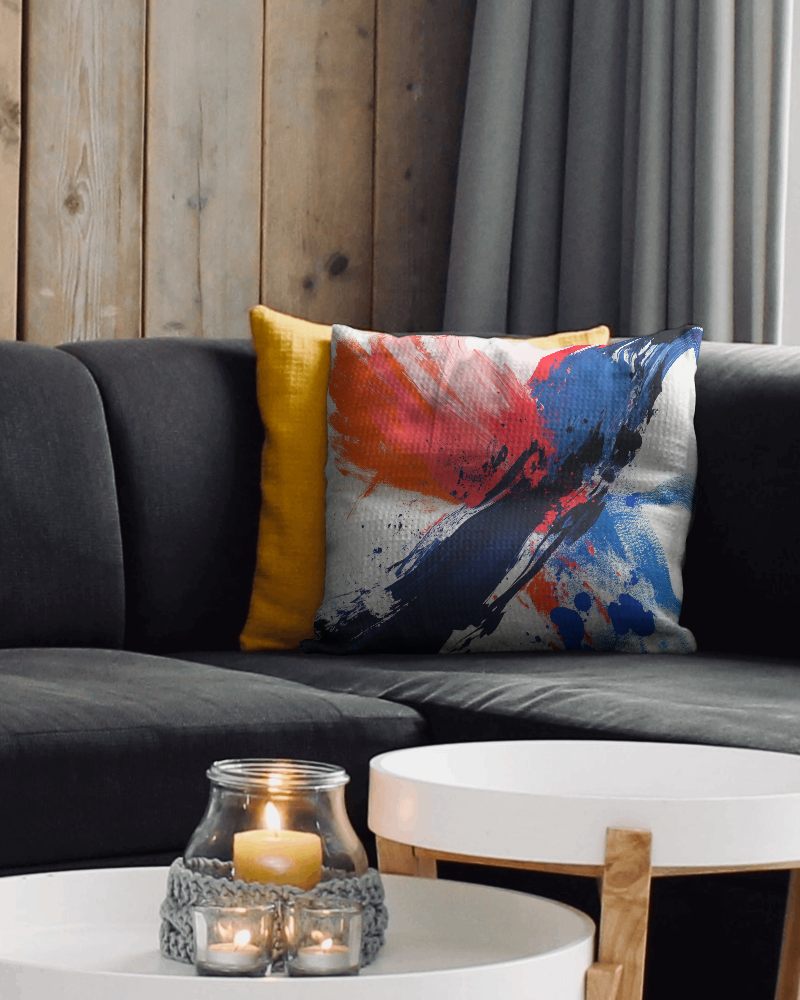
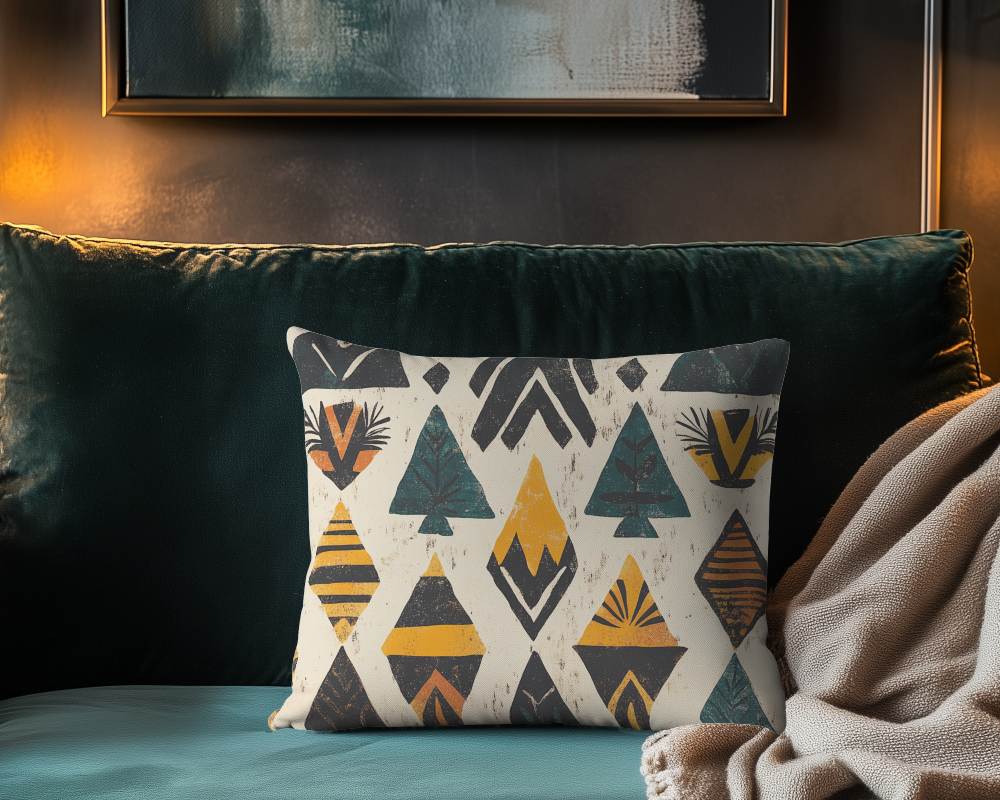
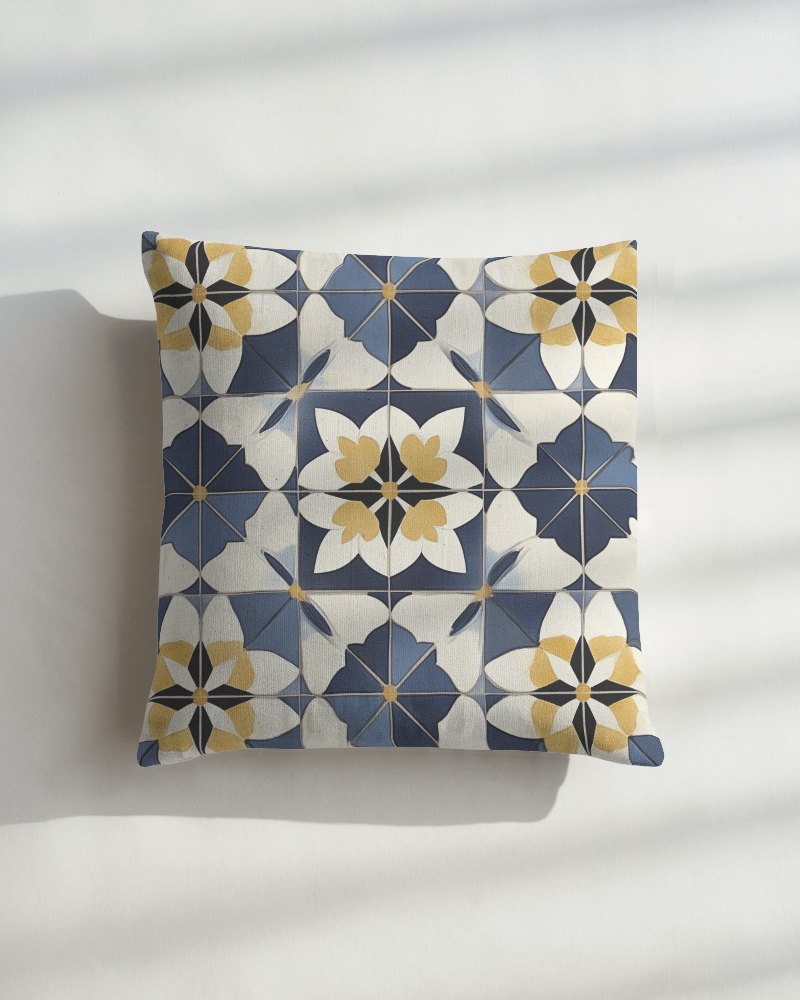
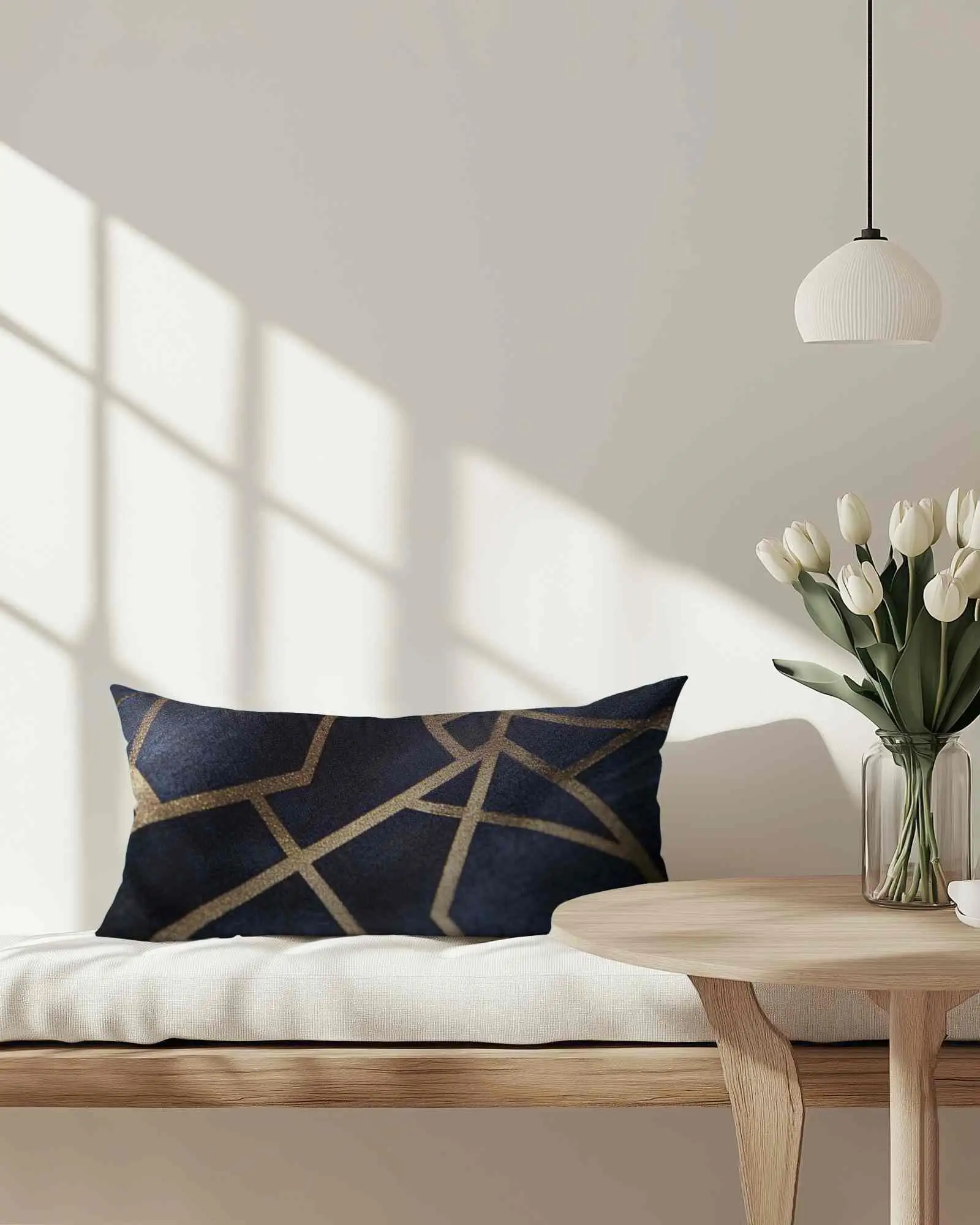
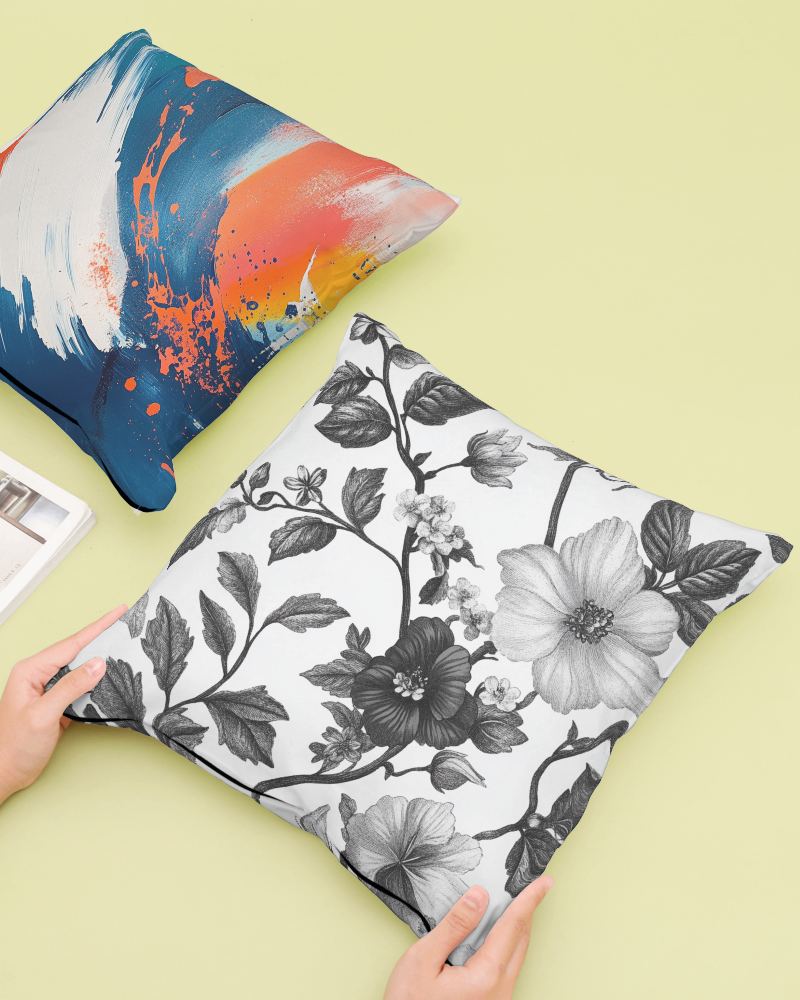
How to Create a Rectangular Cushion Video Mockup
To create a Rectangular cushion video mockup:
- Step 1: Choose a suitable plan and open the Video Mockups section. Navigate to Home & Living and select Cushion.
- Step 2: Pick a video template, upload your design, and customize the placement or appearance.
- Step 3: Click on Generate Video to download the 5-second Rectangular cushion video mockup.


FAQs on Rectangular Cushion Video Mockups
Can I use the Rectangular cushion video mockup for POD listings?
Rectangular cushion video mockups are ideal for print-on-demand listings. Showing your design in motion helps buyers understand the product better and increases engagement.
What file format does the Rectangular cushion video mockup export?
Mockey AI exports Rectangular cushion video mockups in MP4 format, making them easy to upload to stores, ads, or social media.
Will my design wrap correctly on the Rectangular cushion video mockup?
Yes, your design is wrapped accurately using Mockey’s warping feature, ensuring it looks natural on the cushion surface.
Can I change the fabric color in the Rectangular cushion video mockup?
You can easily adjust the cushion fabric color after selecting a video template and uploading your design, giving you full creative control.
