White Coaster Video Mockup – Drinkware Designs in Motion
Mockey’s White coaster video mockup transforms flat artwork into premium animated drinkware visuals. With natural shadows, smooth rotation, and refined surface detail, your design looks polished and professional from every angle—perfect for POD sellers, branding showcases, and product promotions.
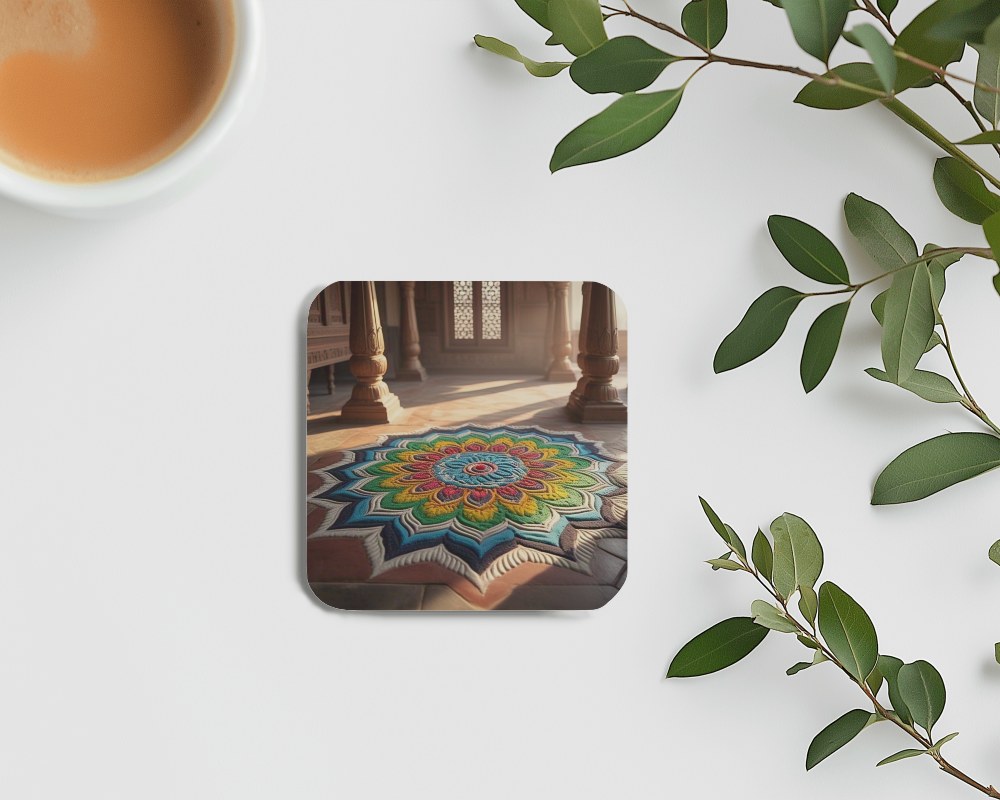
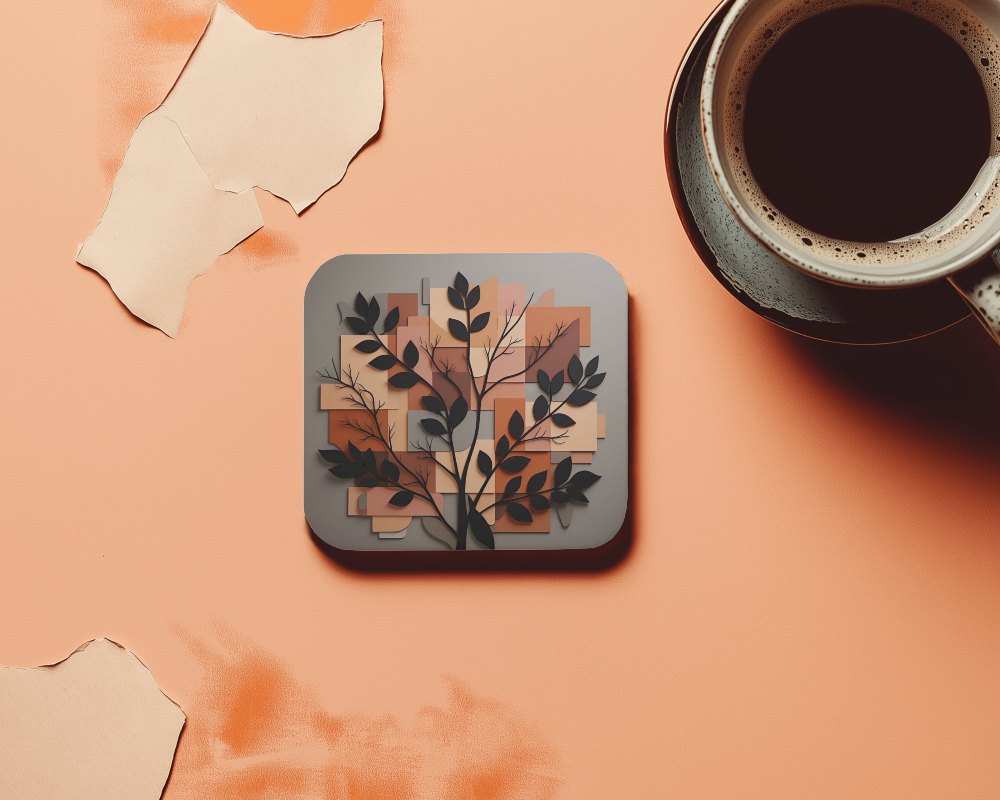
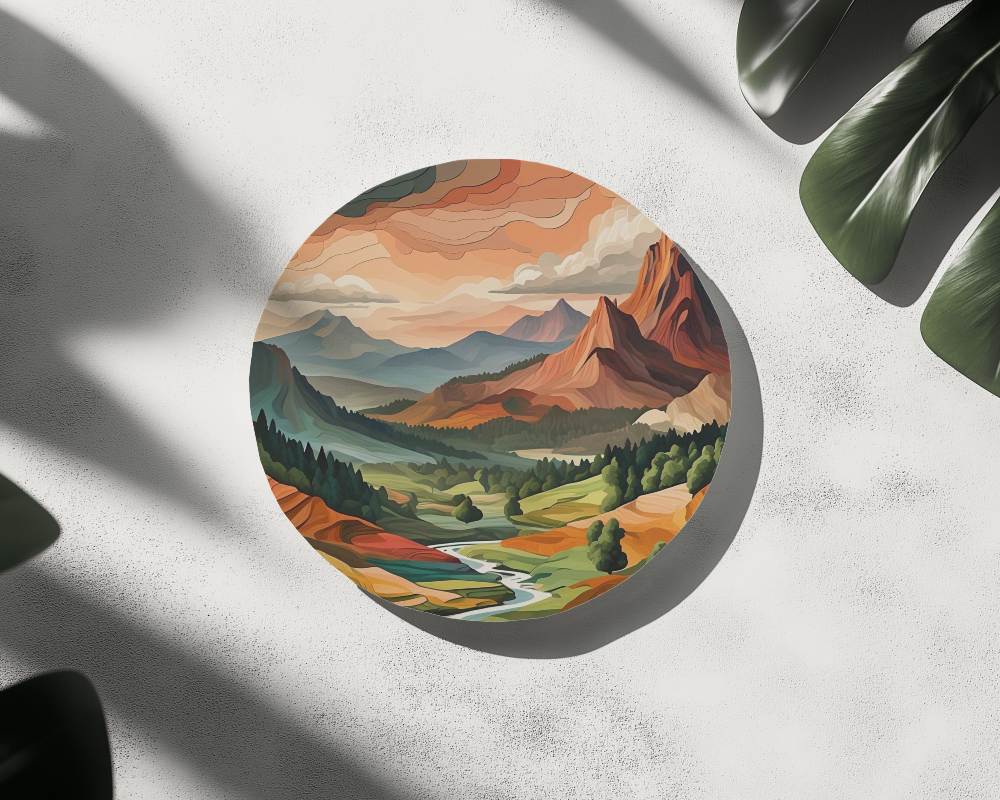
How to Create a White Coaster Video Mockup
To create a White coaster video mockup:
- Step 1: Purchase the CREATOR or ELITE plan and open the Video Mockups section.
- Step 2: Navigate to Home & Living > Coaster, choose a video template, and upload your design.
- Step 3: Click on Generate Video to export the White coaster video mockup in MP4 format.


FAQs on White Coaster Video Mockups
Does the White coaster video mockup support full-color or pattern-based designs?
Yes, Mockey AI’s White coaster video mockups support full-color and pattern-based designs. You can upload any artwork and adjust colors easily using the editor tools.
Will the White coaster video mockup work for Print-on-Demand product previews?
White coaster video mockups work very well for print-on-demand previews. You simply add your design to a video template and download the MP4 output.
Will my design wrap naturally on the edges in the White coaster video mockup?
Your design wraps naturally around the coaster edges. Just upload your artwork to the selected video template, and Mockey AI handles the placement smoothly.
Do I need Photoshop or editing skills to use the White coaster video mockup?
No design skills or Photoshop knowledge are required. Mockey AI is beginner-friendly and allows anyone to create professional coaster video mockups with ease.
