Create High Quality Coaster Video Mockups Online – with Mockey AI
Create amazing video coaster mockups with Mockey AI to showcase your designs in motion and boost your product appeal and sales conveniently.
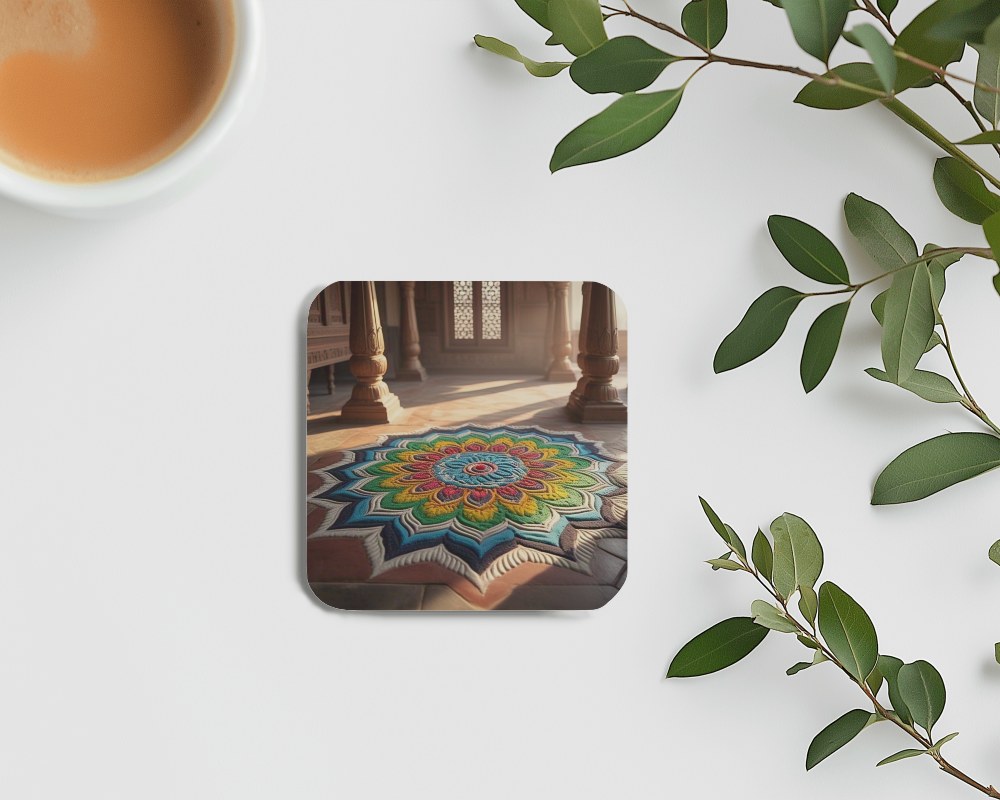
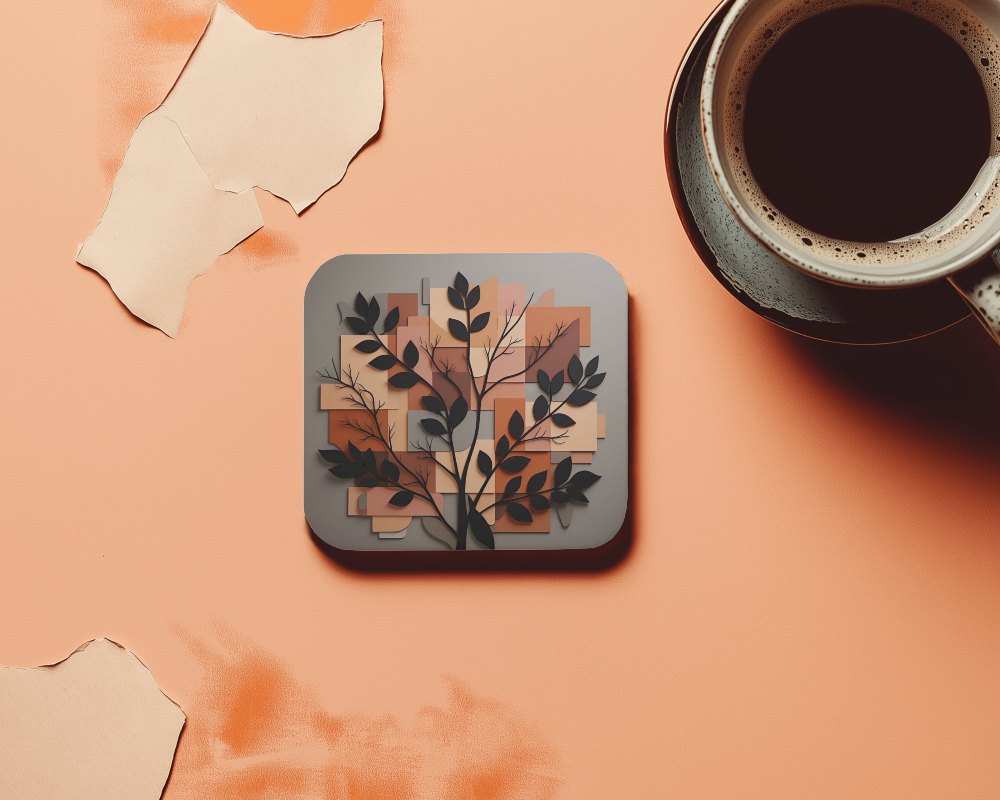
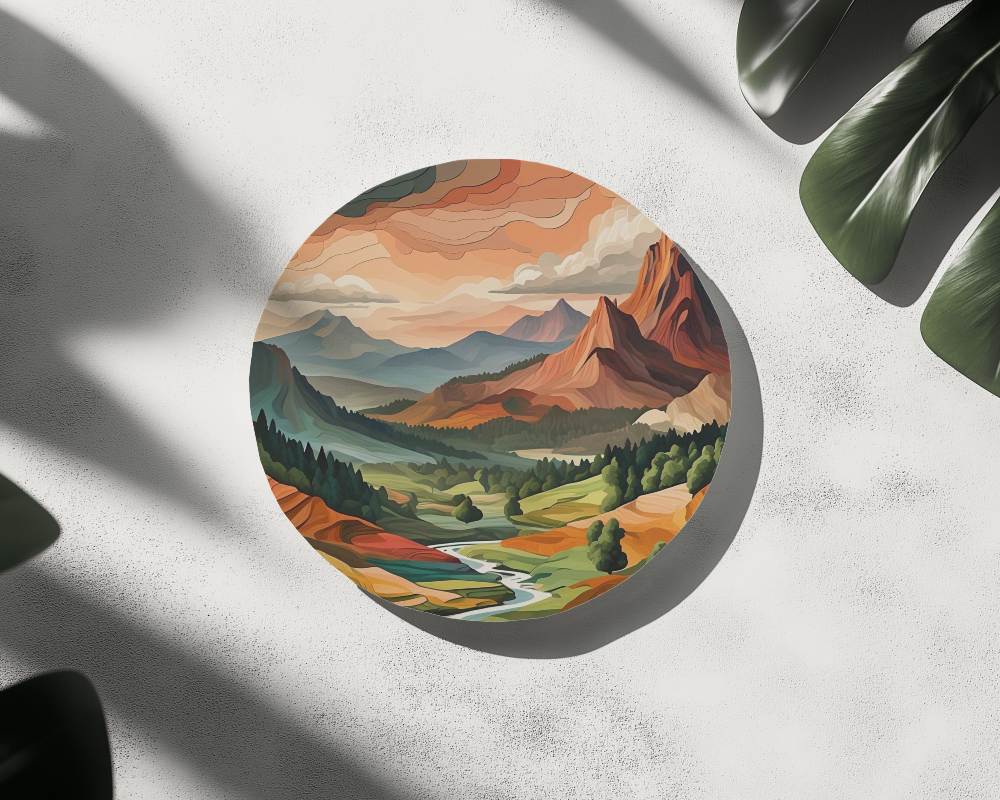
How to Create a Coaster Video Mockup with Mockey AI
To create coaster video mockups:
- Step 1: Sign up. After purchasing the MAX plan, search for 'Video Mockup.'
- Step 2: Navigate to 'Home & Living > Coaster'. Feel free to include any artwork.
- Step 3: Customize the template. Press 'Generate Video' to export the mockup of the coaster video.


FAQs on coaster Video Mockups
What is a Video Coaster Mockup?
A video coaster mockup shows a short clip of your design in action. Designers use it to add movement and smooth changes. It gives a real-world feel. The feedback is really helpful before the final product is made.
How can I customize a video coaster mockup with my brand design?
If your brand design is ready and you need to customize your coaster mockup in video format, just head to Mockey AI. Select a template, then add the brand's design. You’ll get options to customize colors, adjust placement, and add warping effects.
Which platforms offer free video coaster mockups?
You won't be able to generate coaster video mockups for free on any platform. In fact, except for one video mockup generator, no one even offers templates. Only on Mockey AI, you find coaster video templates—you just need to purchase a plan, that's it.
What’s the ideal video length for a coaster mockup preview?
A coaster mockup video works best when it's at least 5 seconds long. That’s just enough time to show off the design clearly. It keeps everything straightforward and understandable. Viewers stay interested. The message gets across without dragging on.
