Create Soda & Drink Can Video Mockups with Mockey AI
Generate Soda & Drink Can Video Mockups with Mockey AI—showcase your Can designs in dynamic, high-quality videos perfect for social media and marketing.
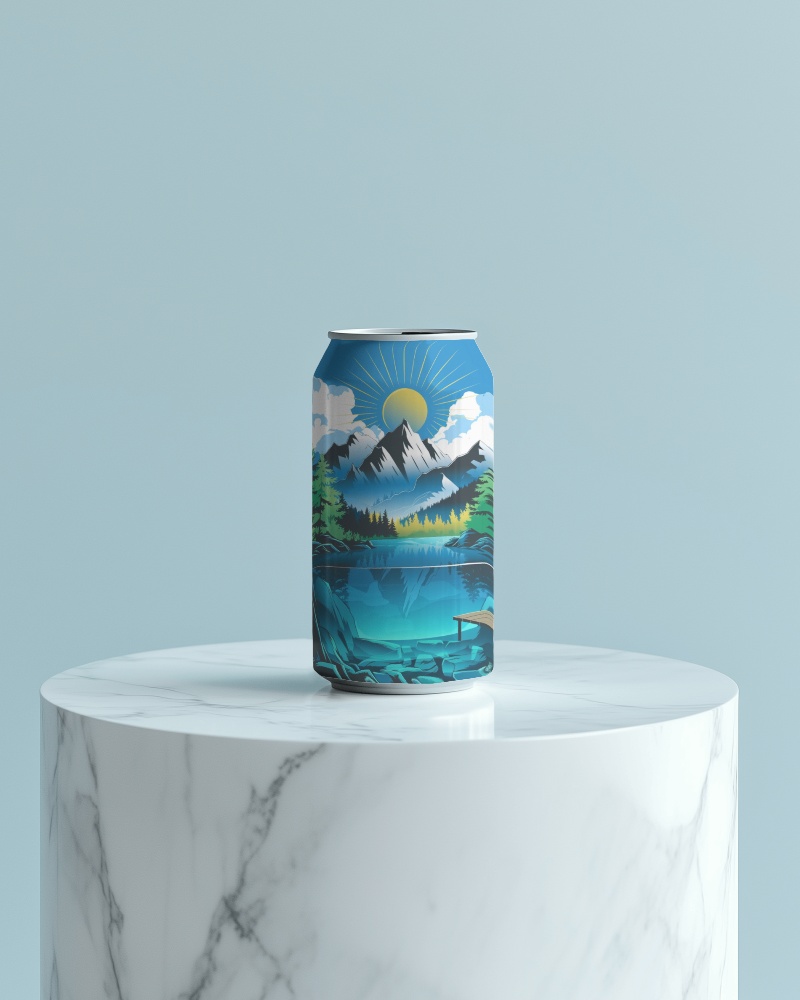
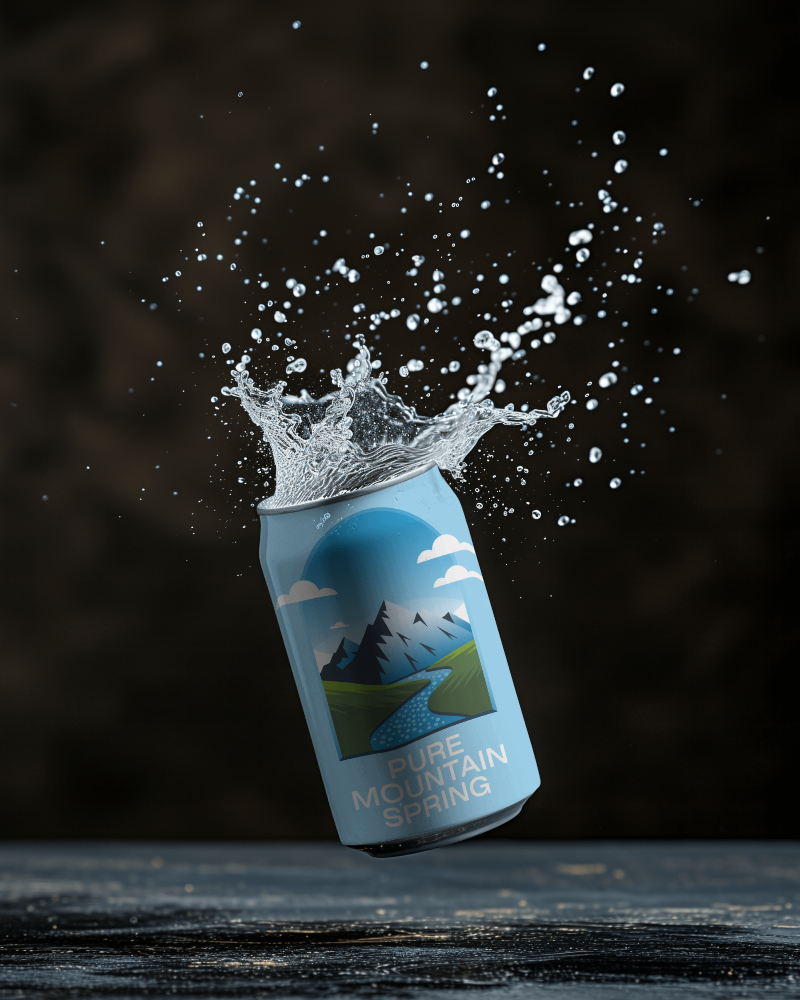
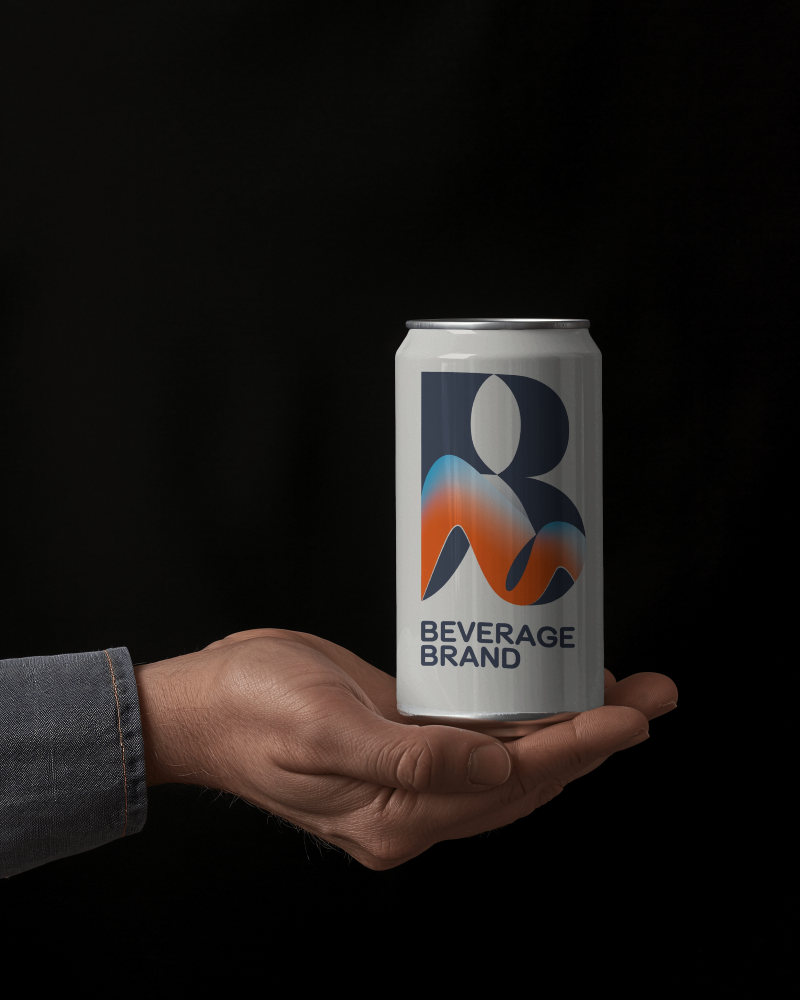
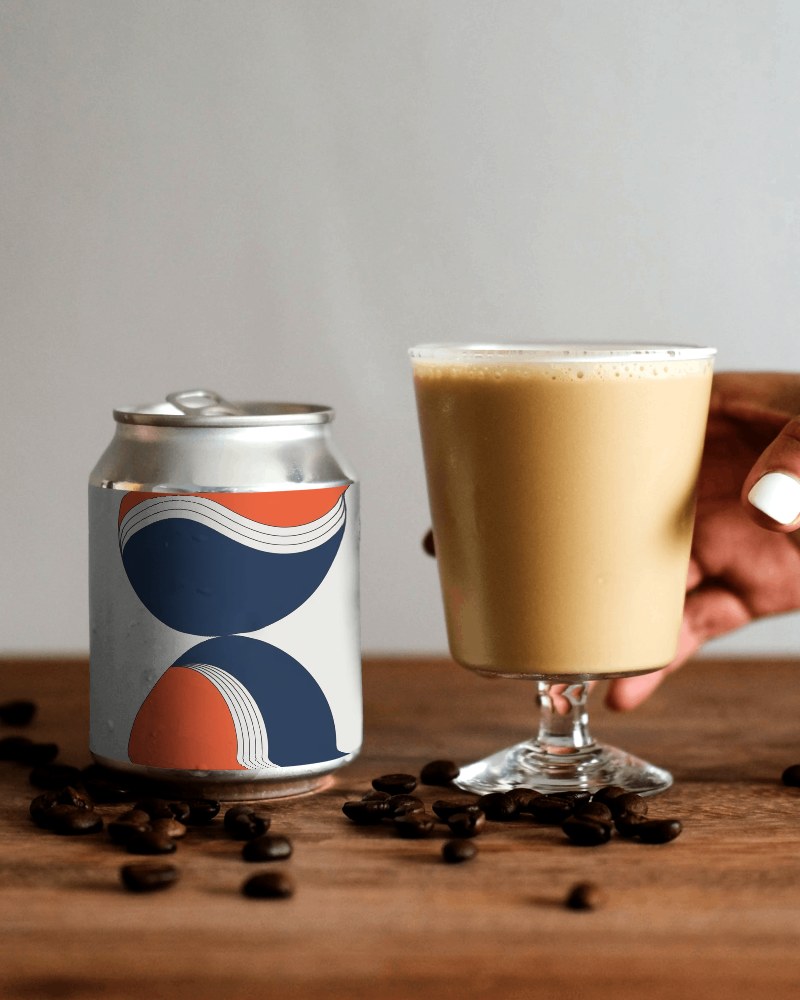
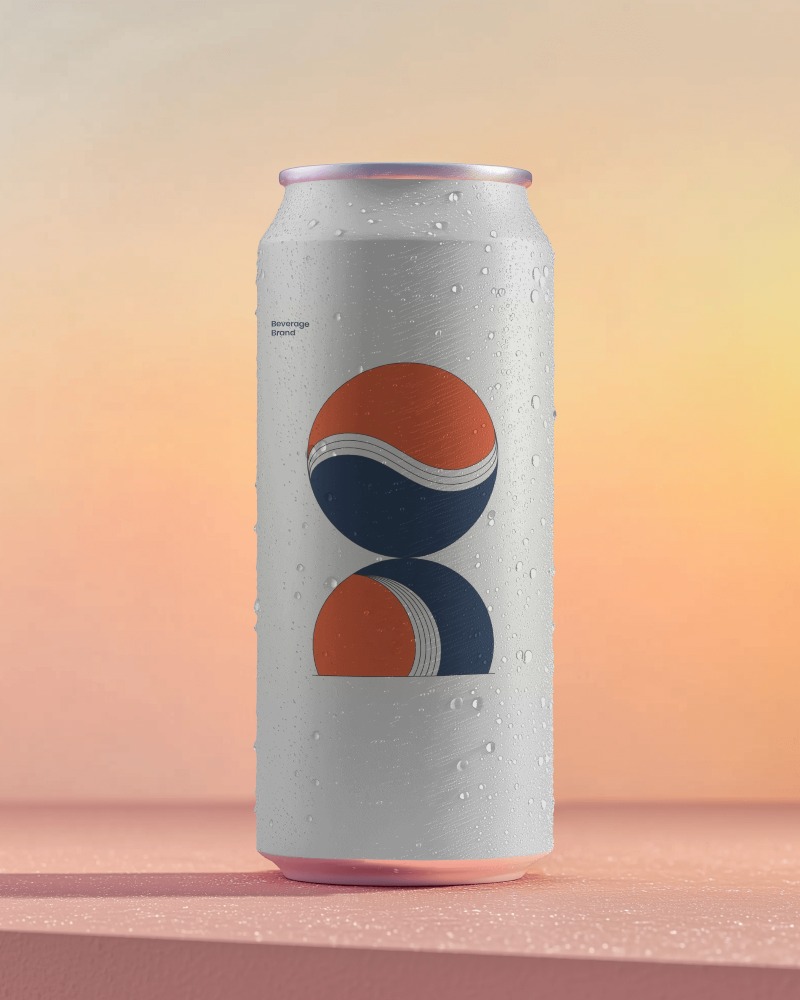
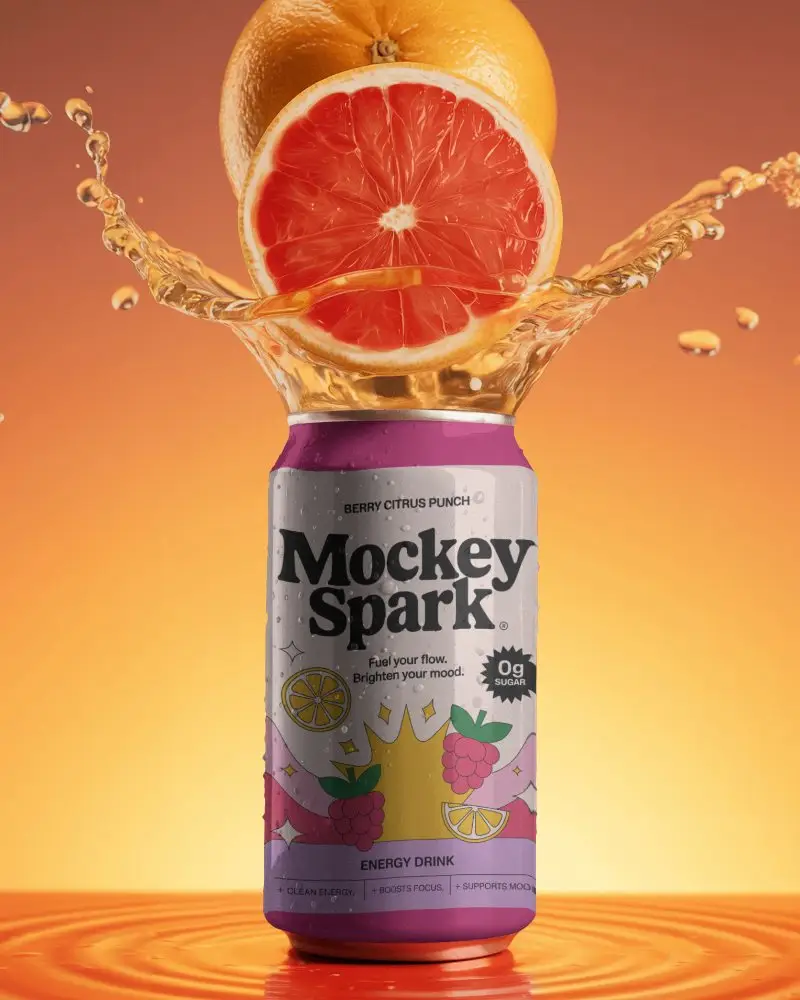
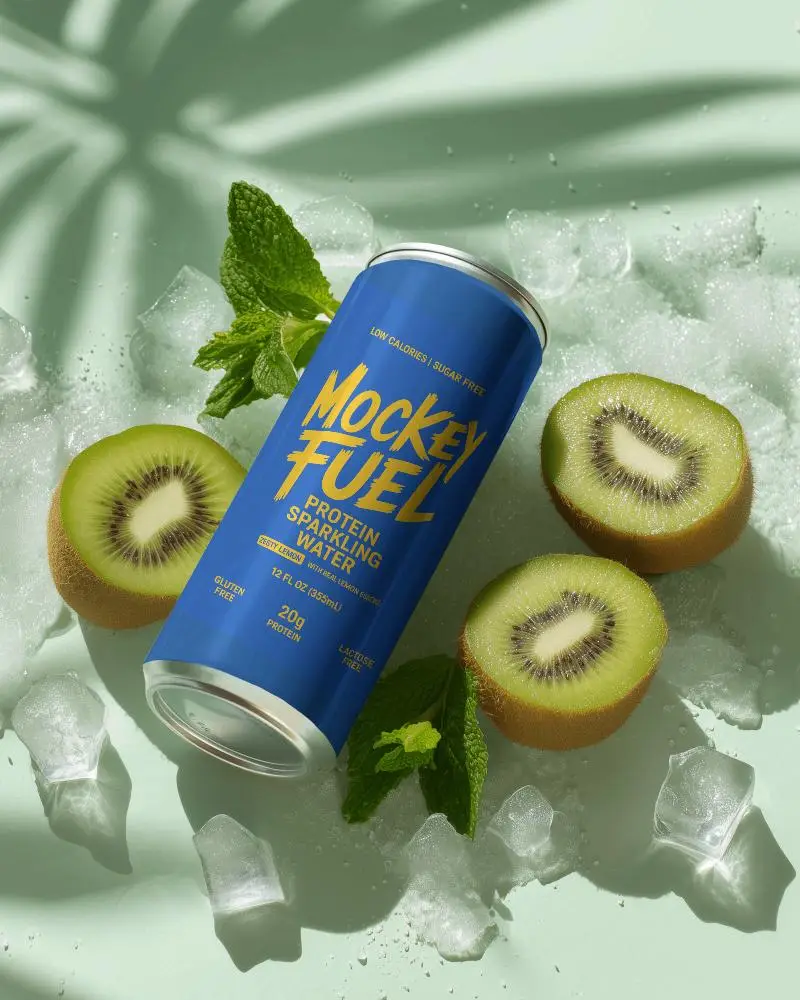
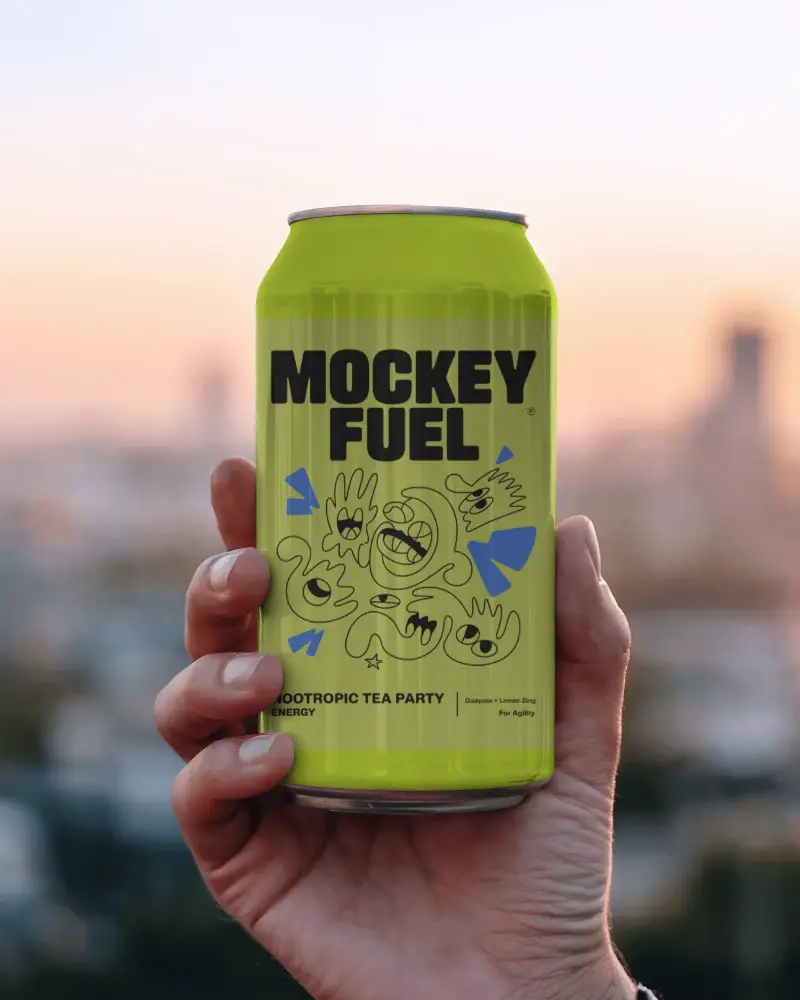
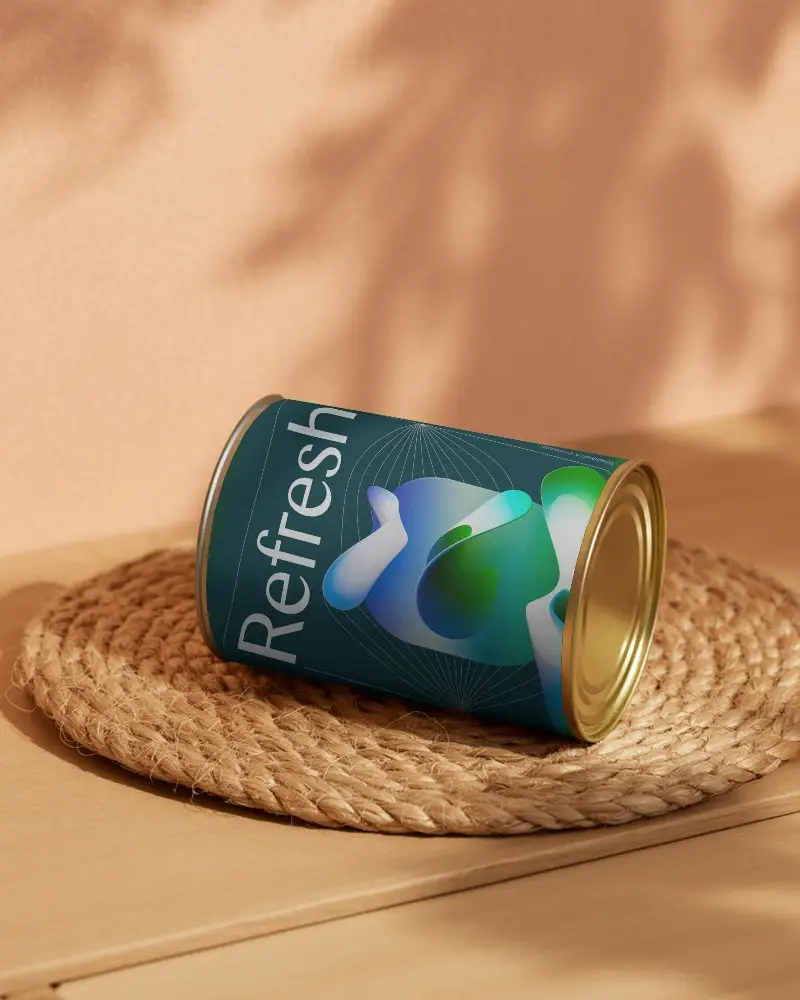
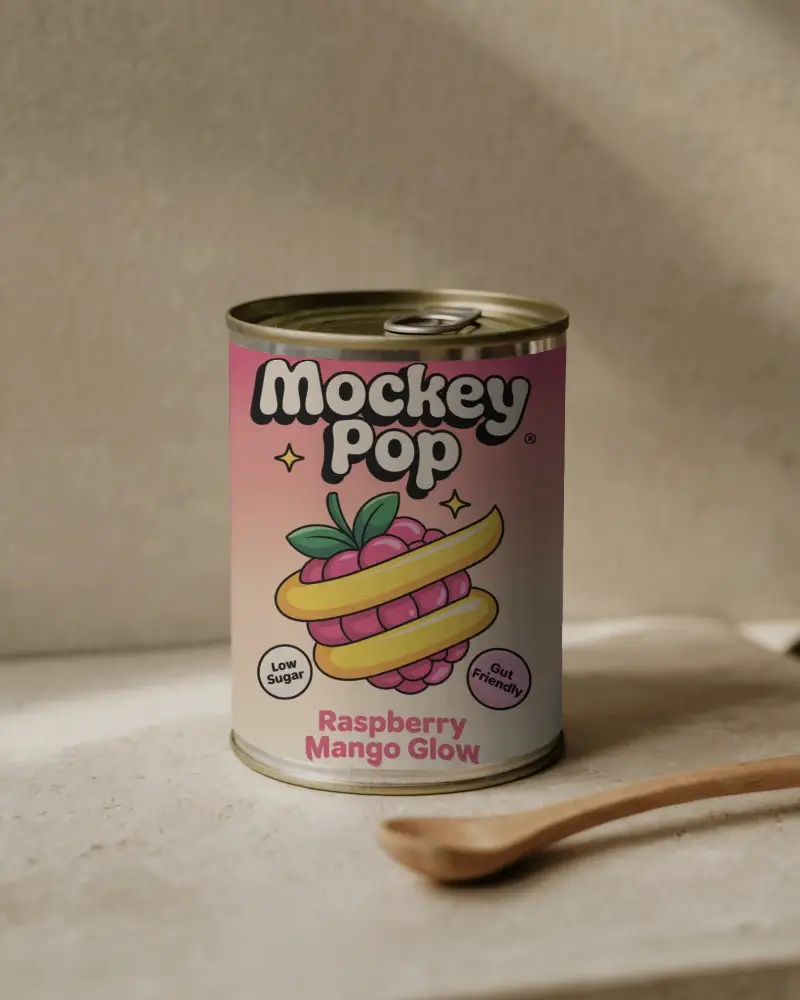
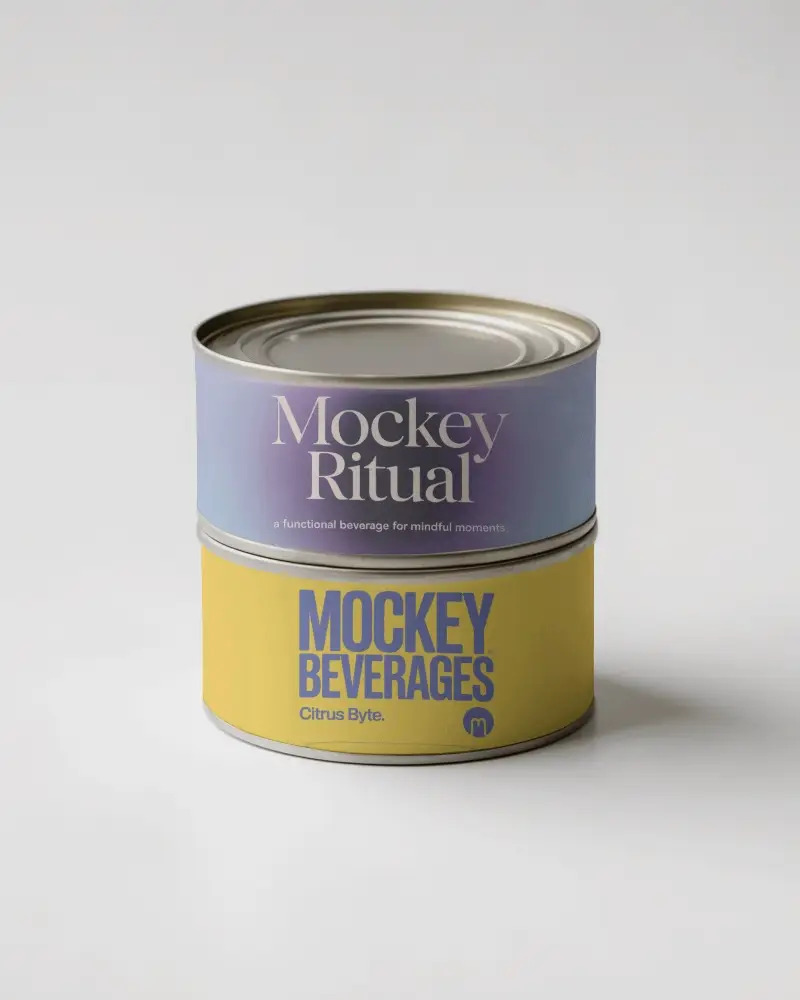
How to Create a Can Video Mockup with Mockey AI
To create can video mockups:
- Step 1: Sign up quickly and head to Video Mockups. Pick 'Can' under 'Packaging'.
- Step 2: Pick a template. Add a brand logo by clicking 'Upload Design'.
- Step 3: Personalize it and tap 'Generate Video'. The Can video mockup will save automatically.


FAQs on can Video Mockups
How do Can video mockups boost engagement compared to static Can images?
Can video mockups grab more attention—up to 3.7 times faster than still images. They boost engagement by 157%. On social media, they often double the interaction. Motion and realism bring the can to life, something static images can't do.
When should you use video mockups?
Video mockups show how the product moves and feels in the real world, helping people visualize using it. It keeps them engaged, looks polished, and is perfect for ads, online shops, or client demos.
What are the top video mockup tools and their key features?
Mockey AI, Canva, Veed, Placeit, and FlexClip are top video mockup tools. They're easy to use, offering advanced editing with AI, ready-to-customize templates, and real-time editing. Plans cost around $15-20 a month.
What best practices make video mockups effective?
Good video mockups stick to the basics: focus on one thing at a time, use familiar scenes, keep movements slow and smooth, and always check the video before sharing. Avoid distractions or confusion.
