Drink Can Video Mockup – Perfect for Soda, Energy Drinks & Beverages
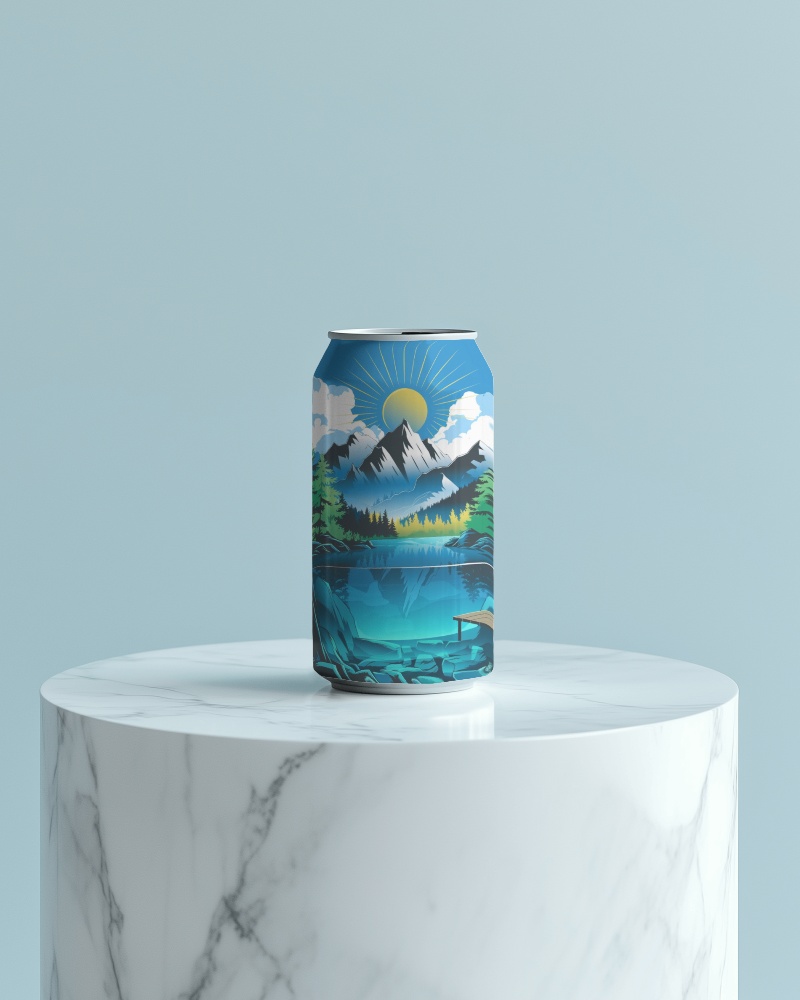
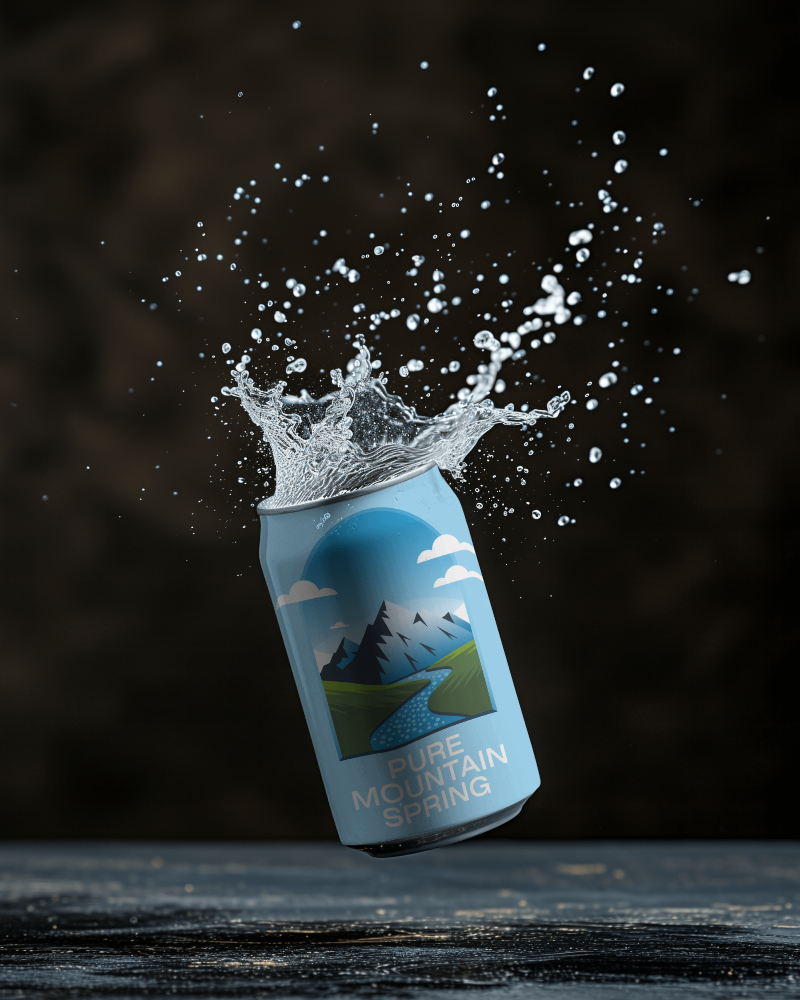
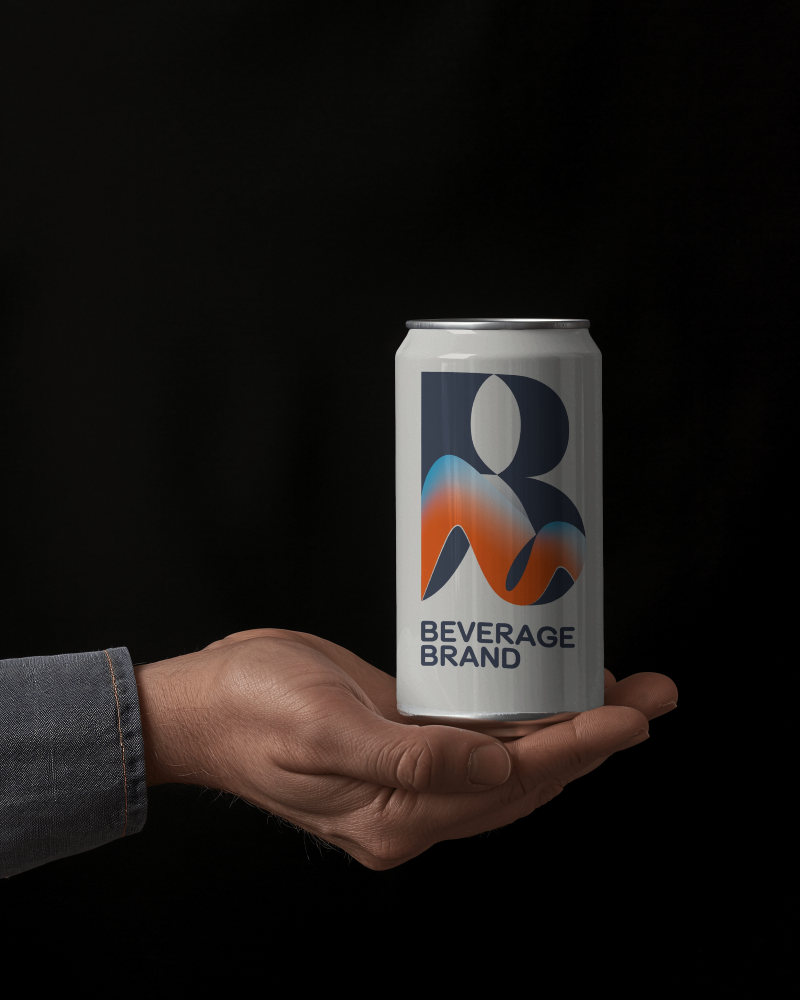
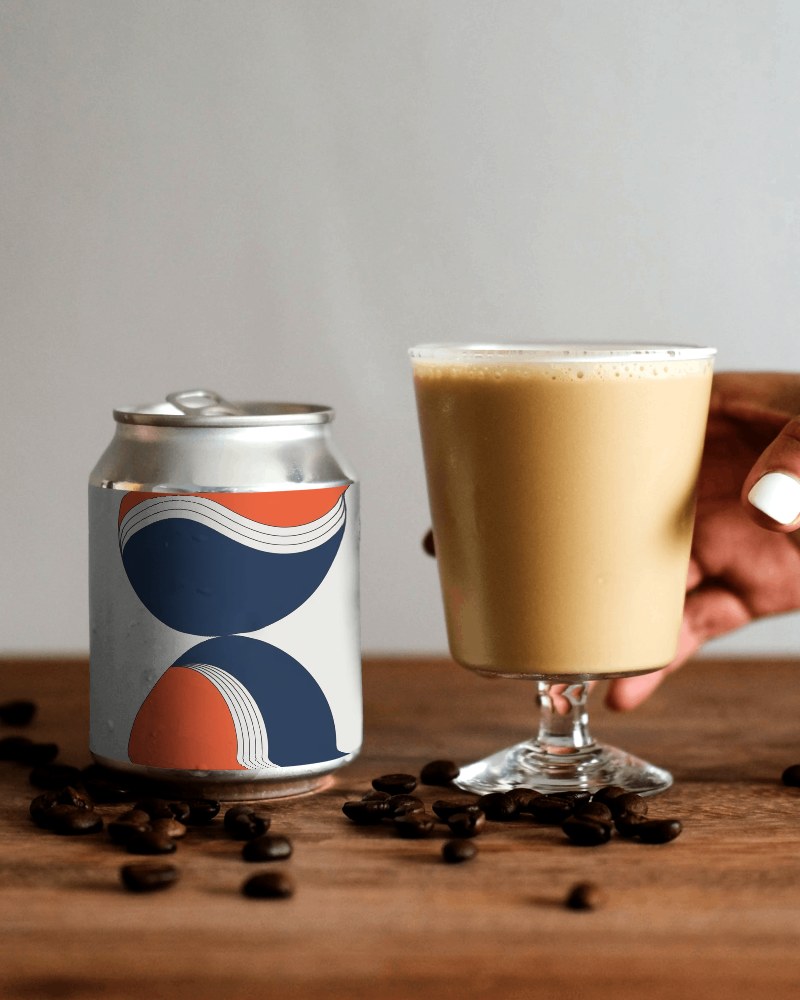
Take your brand visuals to the next level with Mockey’s premium Drink can video mockup. Designed for beverage brands and designers, this realistic animation highlights label details with natural lighting, reflections, and smooth motion.
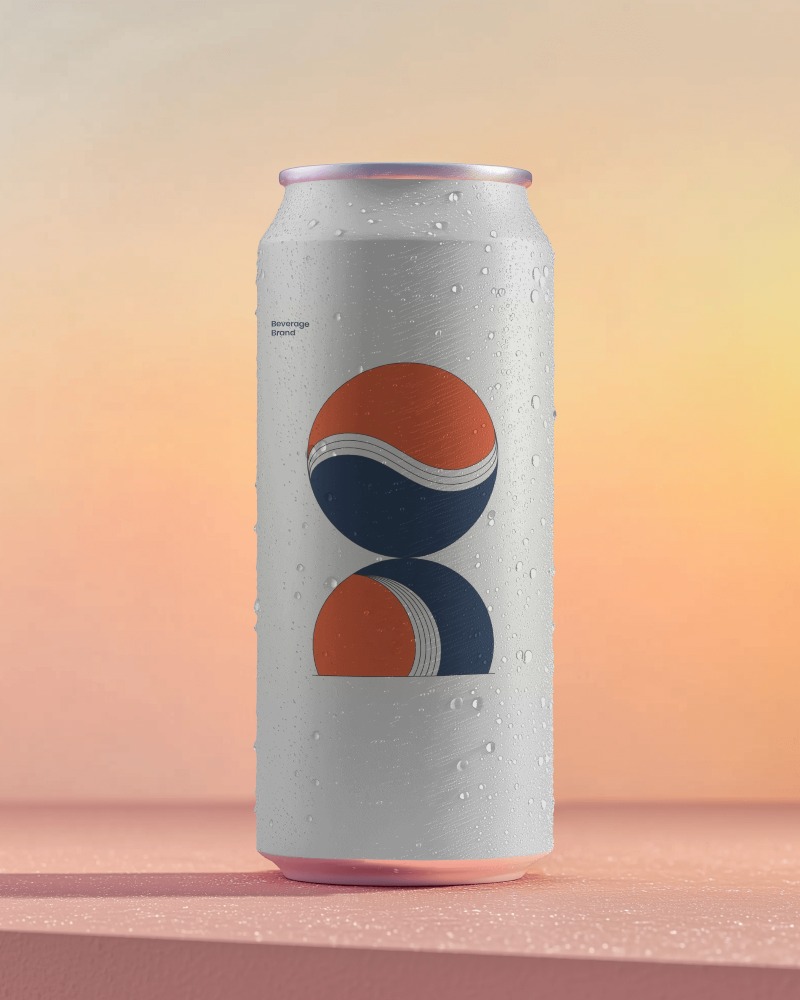
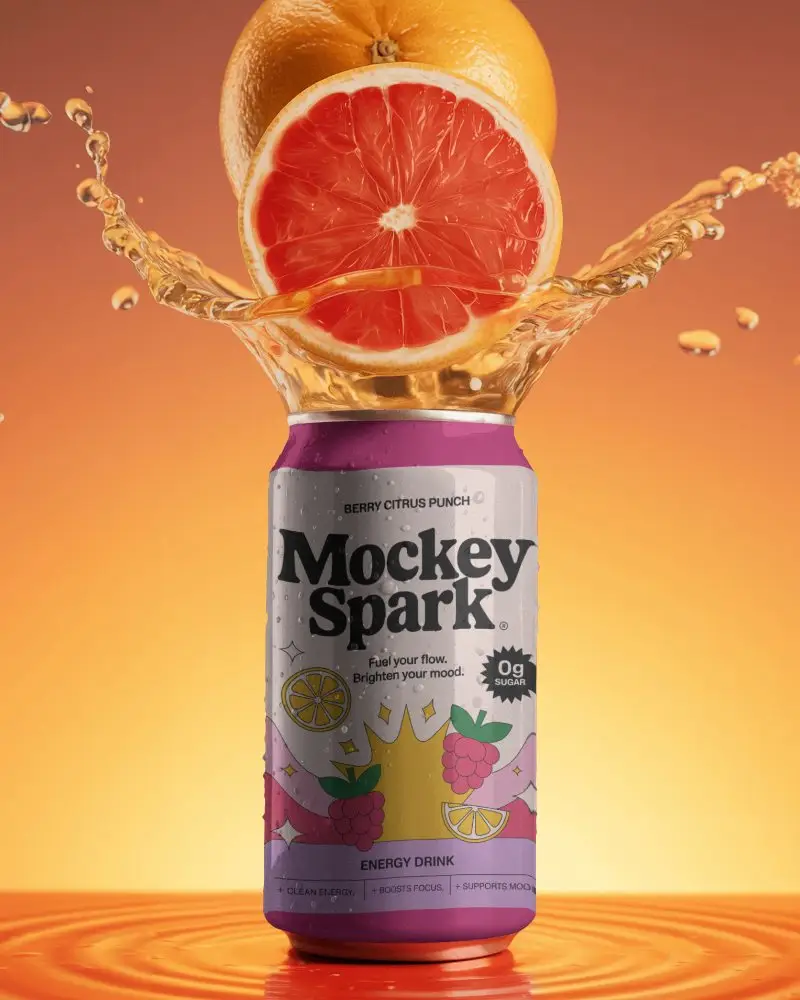
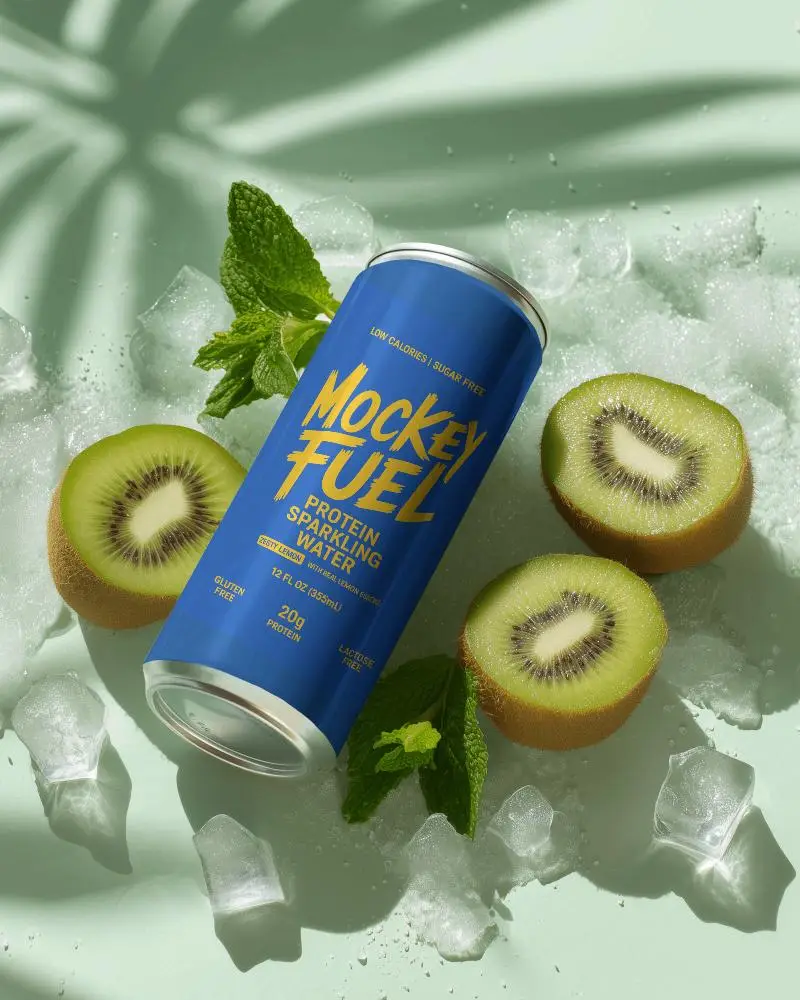
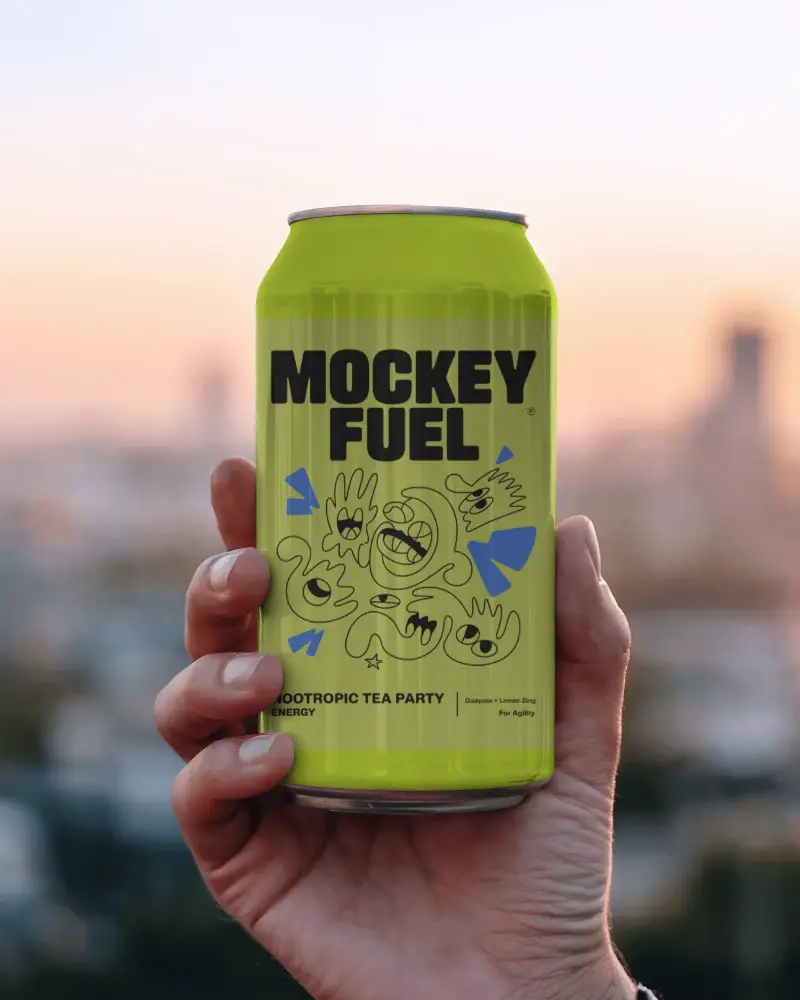
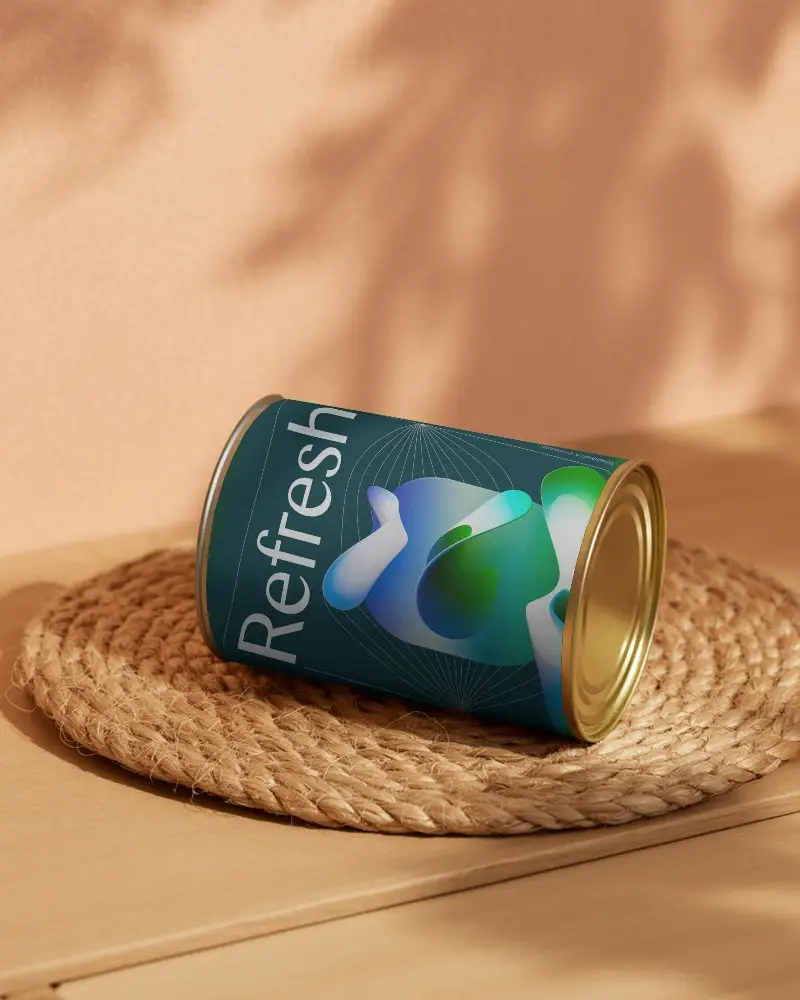
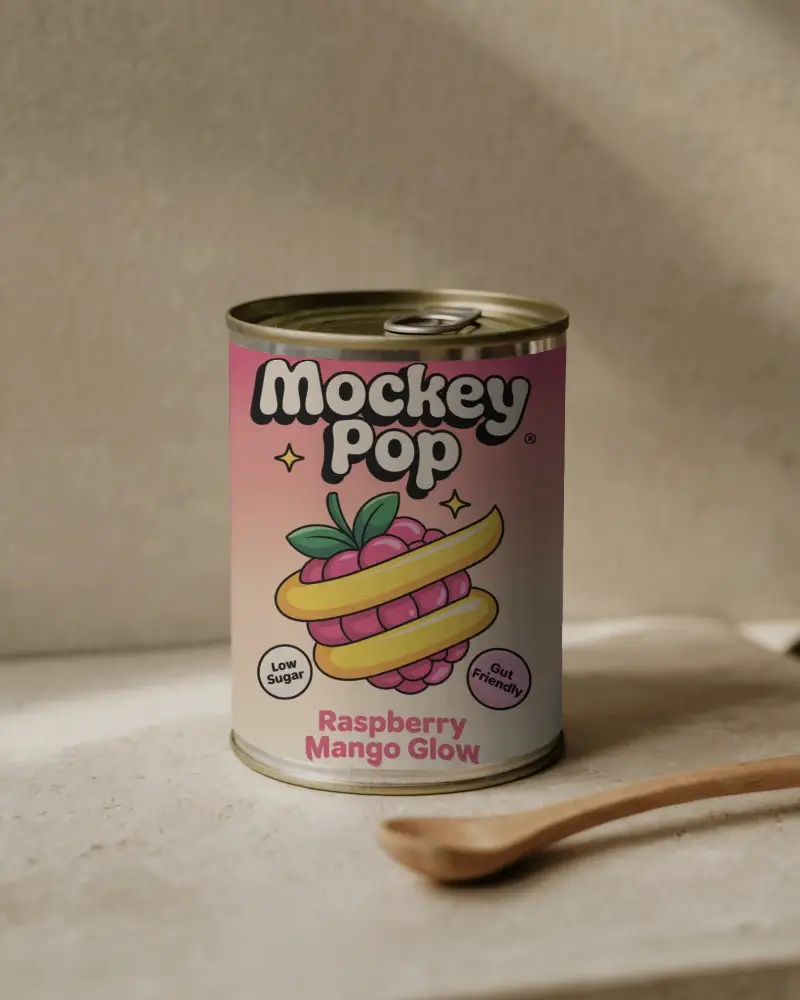
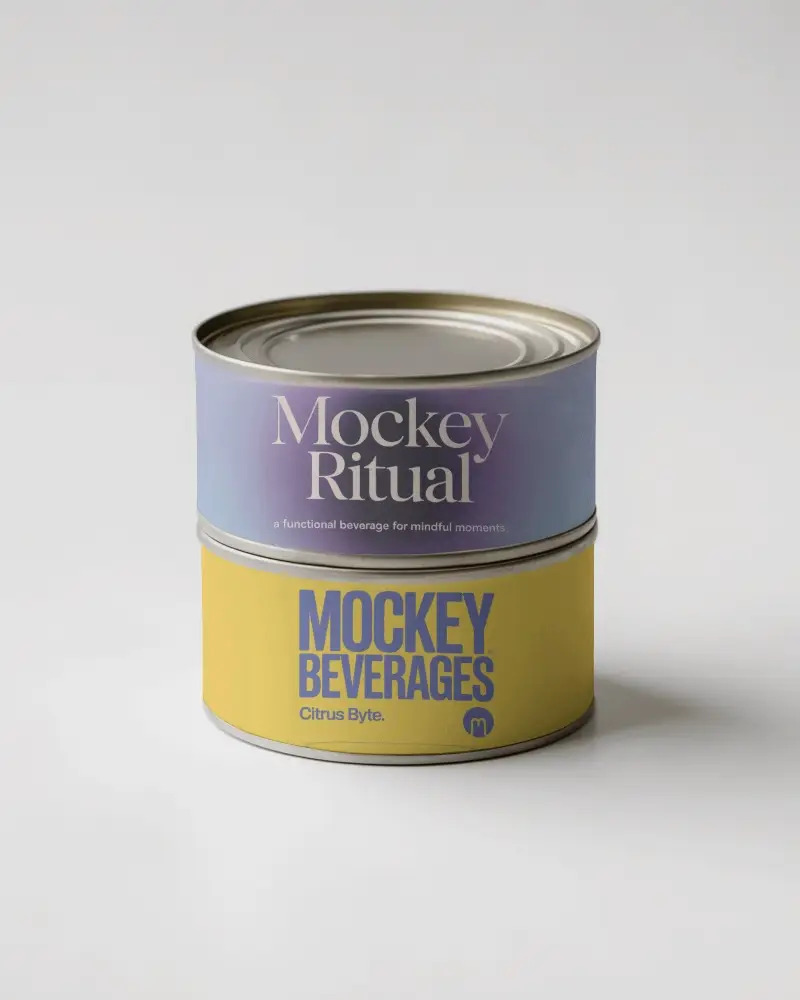
How to Create a Drink Can Video Mockup
To create a Drink can video mockup:
- Step 1: Purchase a plan and open Video Mockups. Navigate to Home & Living and select Can.
- Step 2: Choose a video template and upload your brand logo or label using Upload Design.
- Step 3: Customize the mockup and click Generate Video to save the Drink can video mockup automatically.


FAQs on Drink Can Video Mockups
How do I upload my design to the Drink can video mockup on Mockey?
After selecting a can video template, go to the editor page and upload your artwork using the Upload Design button. Make sure your design file is in PNG or JPG format.
Can I use the Drink can video mockup for print-on-demand?
Yes, Drink can video mockups can be used for print-on-demand. Video mockups help POD sellers impress buyers and increase engagement by showing packaging in motion.
What file format does the Drink can video mockup export?
Mockey AI exports Drink can video mockups in MP4 format. Each generated video is a 5-second high-quality clip.
What type of design works best with the Drink can video mockup?
High-resolution designs with clean artwork, balanced colors, and minimal background elements work best with the Drink can video mockup.
