Sweatpant Video Mockup - Create and Download Realistic Motion Mockups
Bring your sweatpants design to life with Mockey’s video mockup. Featuring smooth motion and lifelike detail, it’s the perfect way to present fit, fabric, and flow. Try it now and download your mockup in seconds.
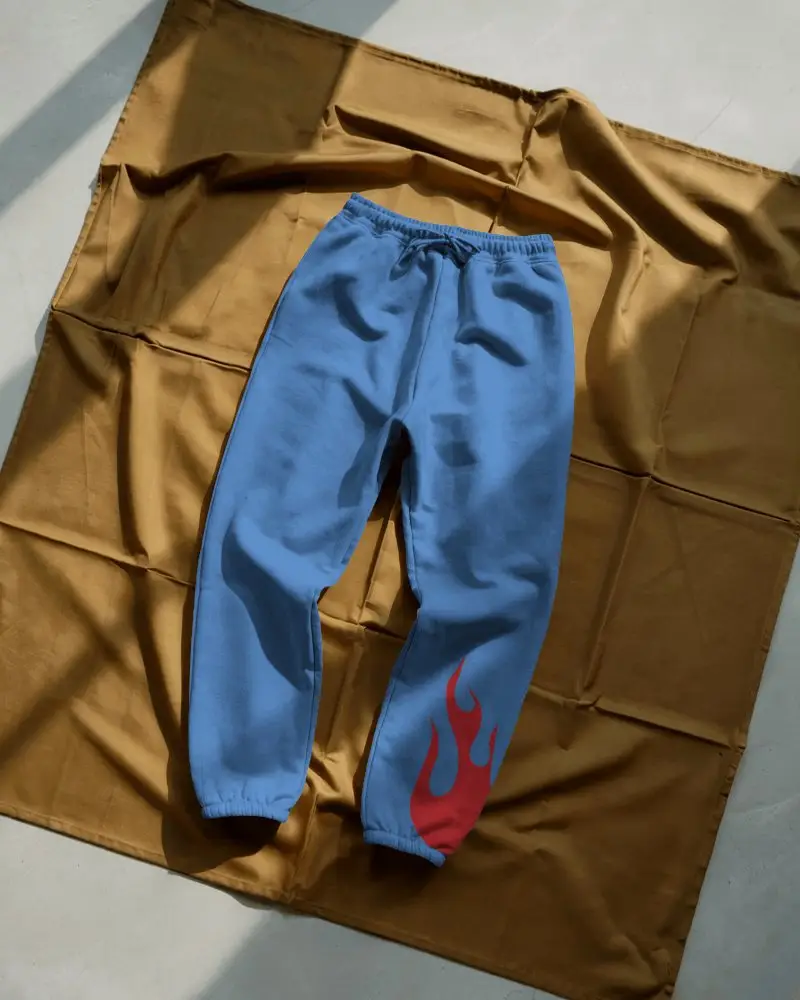
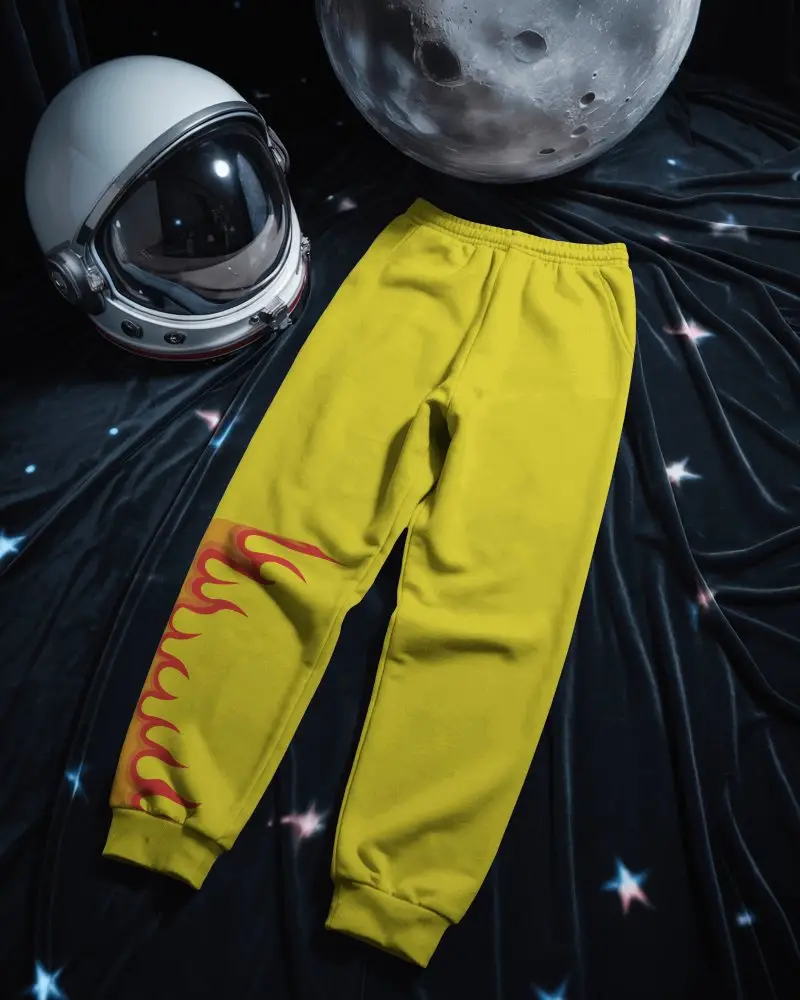
How to Create a Sweatpant Video Mockup with Mockey AI
To create sweatpant video mockups:
- Step 1: Start by buying the MAX plan. Next, click on 'Video Mockups' and under 'Apparel,' choose 'Sweatpant.'
- Step 2: Pick a template as per your requirement. Upload a design, then make any modifications that are required.
- Step 3: Then, hit 'Generate Video.' The sweatpant video mockup is ready to download.


FAQs on sweatpants Video Mockups
What is a sweatpant video mockup?
In a sweatpants video mockup, your design will appear on a sweatpant worn by a model or mannequin in video format. On Mockey AI, ready-made sweatpant video templates are available for customization.
What makes a sweatpant video mockup different from a static one?
A sweatpant video mockup moves. It spins 360 degrees and shows smooth, real-like fabric motion. The lighting shifts as the fabric turns, making it feel alive and realistic. A static mockup only shows still angles.
Do I need any design software to use Mockey’s video mockups?
You don’t need any design software to use Mockey. It’s an online tool. Just upload your design in PNG or JPEG, tweak it as you like, and generate video mockups directly. No Photoshop or costly apps required.
