Dynamic Grey Sweatpants Video Mockup for Design Presentation
Grey sweatpants video mockups help bring your design to life with clean motion and clarity. They create a polished branded look that works perfectly for online stores, ads, and promotional content.
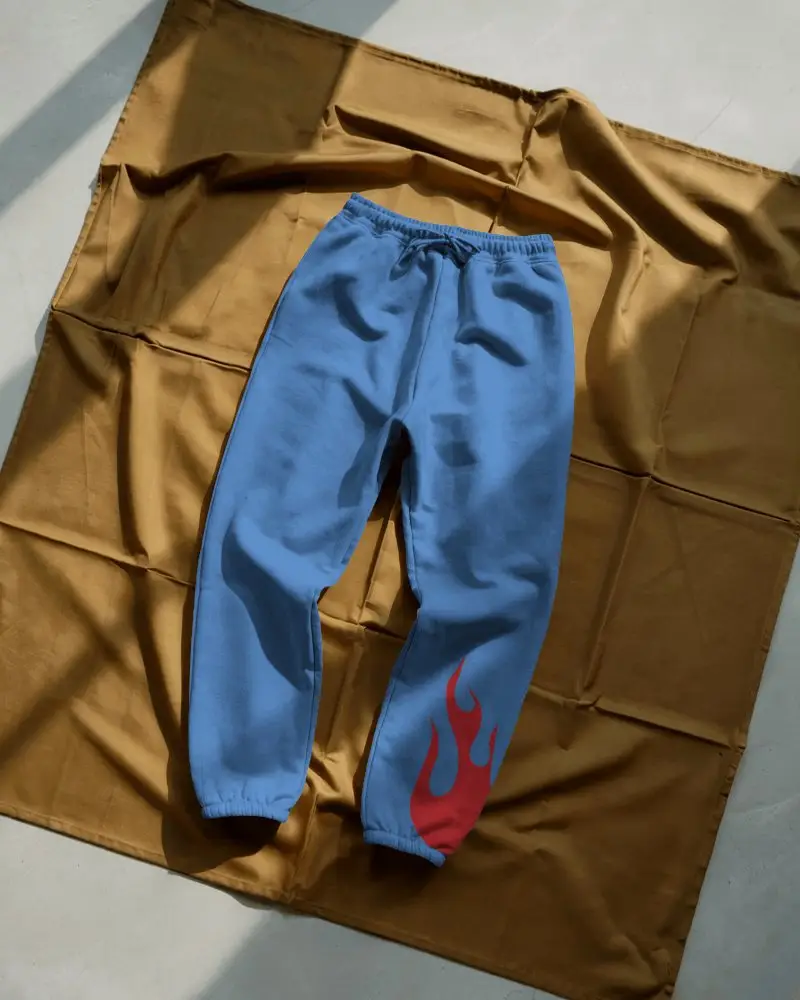
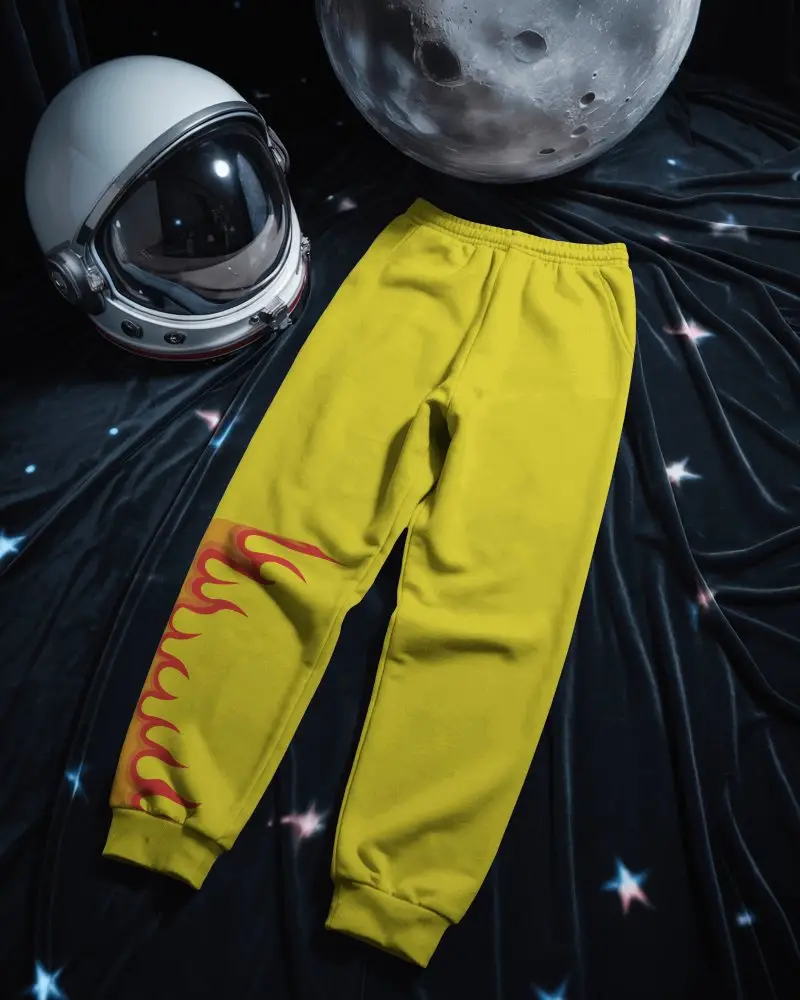
How to Create a Grey Sweatpants Video Mockup
To create a Grey sweatpants video mockup:
- Step 1: Purchase the CREATOR plan and open the Video Mockups section.
- Step 2: Navigate to Apparel, select Sweatpants, and choose a video template.
- Step 3: Upload your design, make adjustments, and click Generate Video to download the mockup.


FAQs on Grey Sweatpants Video Mockups
What is a Grey sweatpants video mockup?
A Grey sweatpants video mockup is a video template where you upload your design and preview it in motion. It removes the need for real video shoots while saving time and budget.
Can I upload my own design on both legs?
Mockey AI is adding new video templates that will support placing designs on both legs. When available, you’ll be able to upload and adjust designs directly from the editor page.
Where can I use these video mockups?
You can use Grey sweatpants video mockups on online stores, websites, ads, and social media. Video mockups help showcase designs in a more engaging and realistic way.
Can I use Grey sweatpants video mockups for eCommerce platforms?
Grey sweatpants video mockups are ideal for eCommerce platforms. They make products look more trustworthy by showing movement, which helps customers understand the fit and increases sales potential.
