Socks Video Mockups for Showcasing Sock Designs
Showcase your sock designs with eye-catching motion using socks video mockups. Create realistic animated previews for branding, ads, and social media without complex software. It helps customers better understand your design and makes your product visuals more engaging and effective.
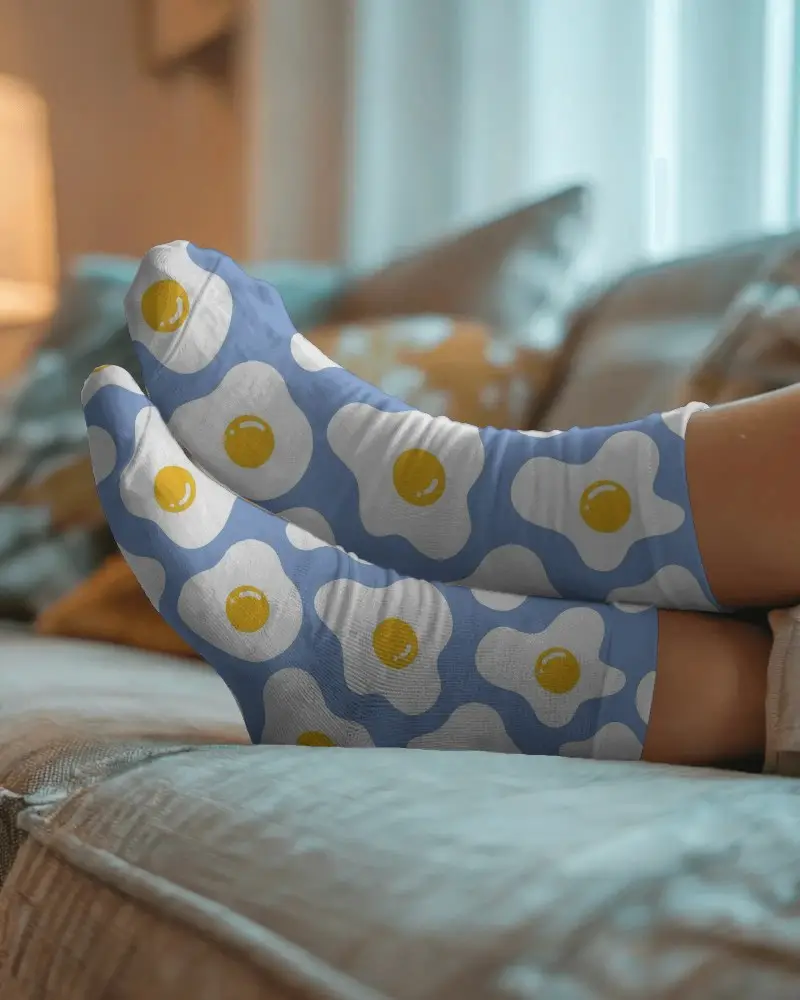
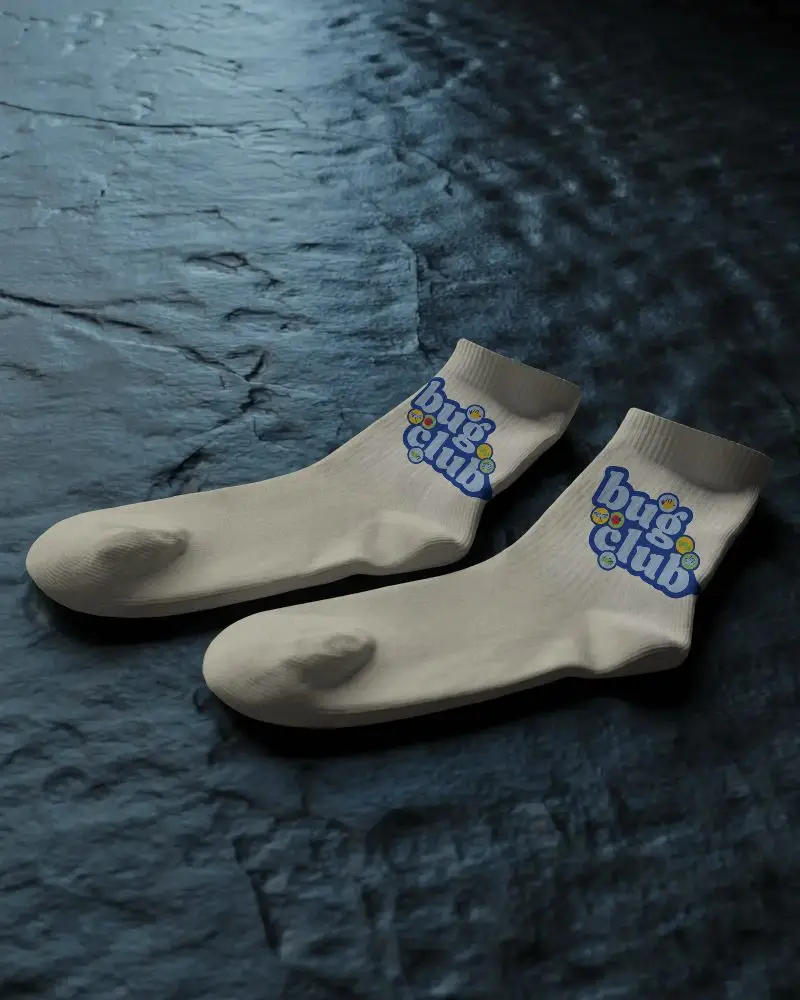
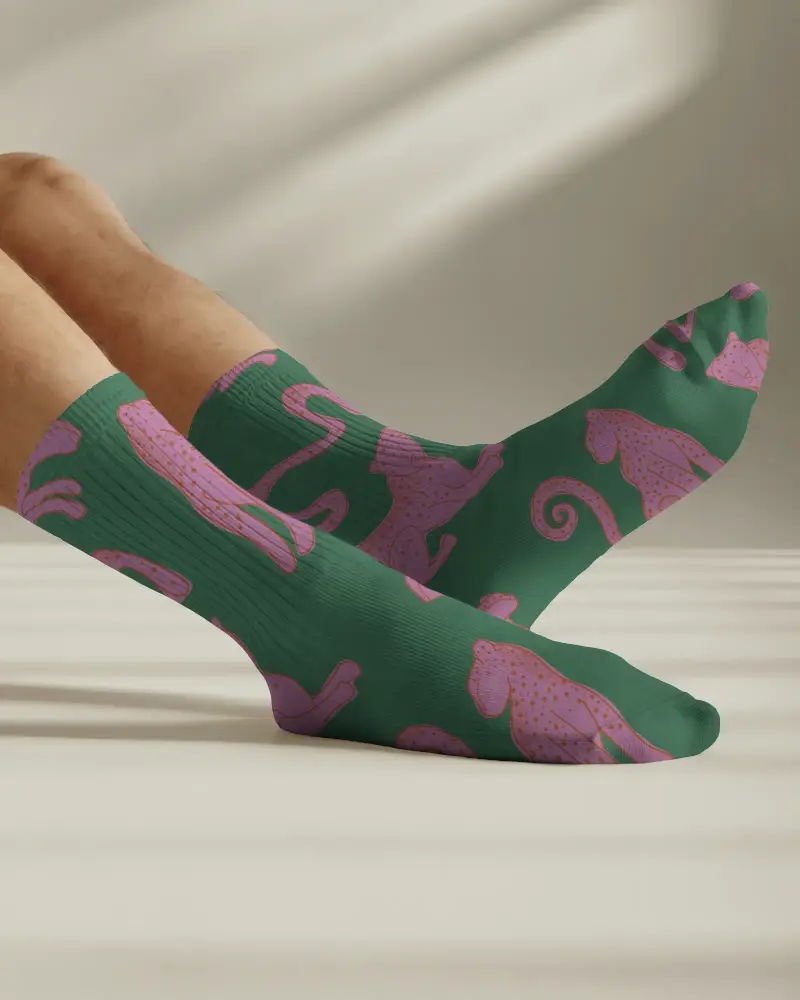
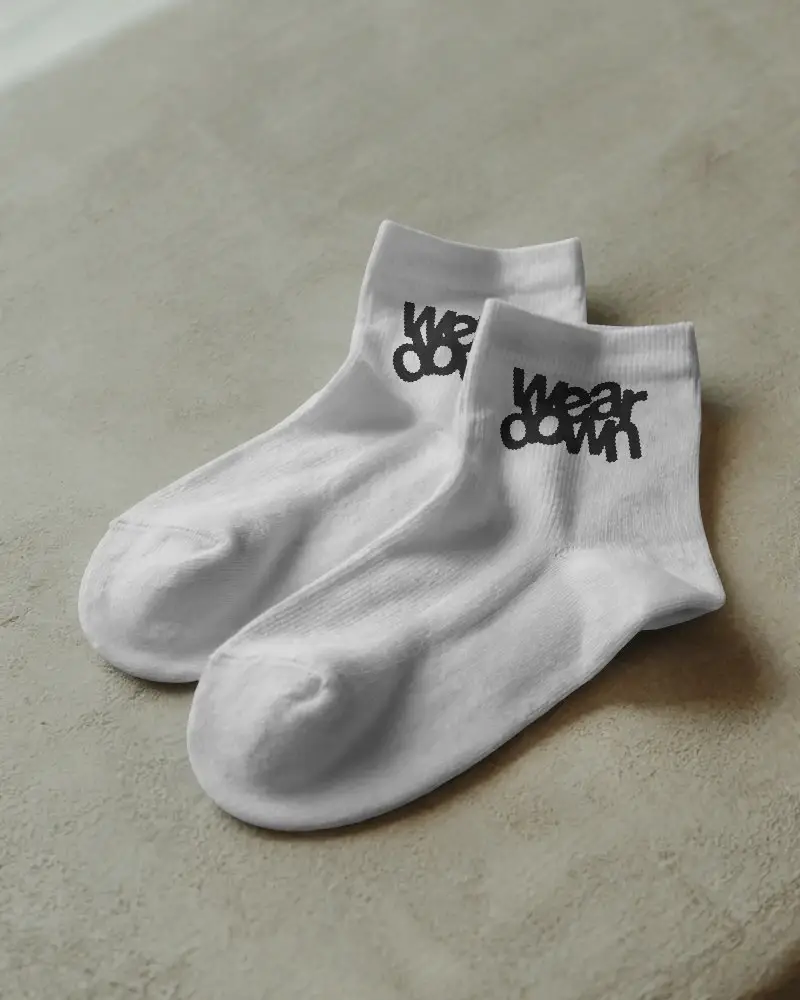
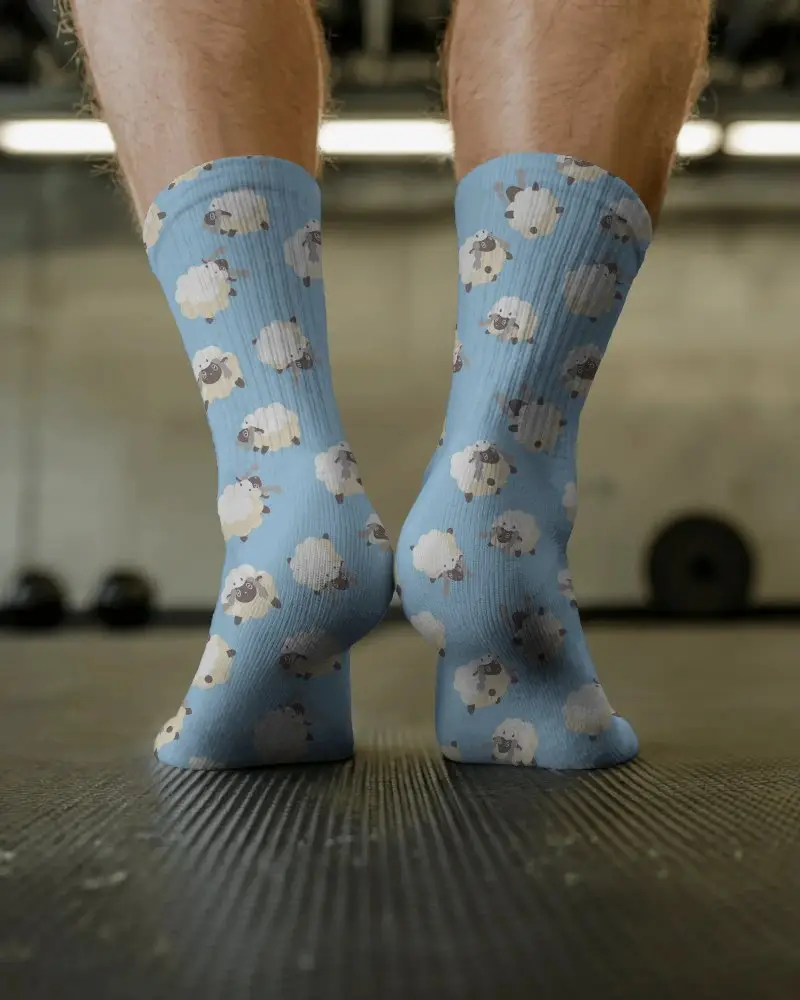
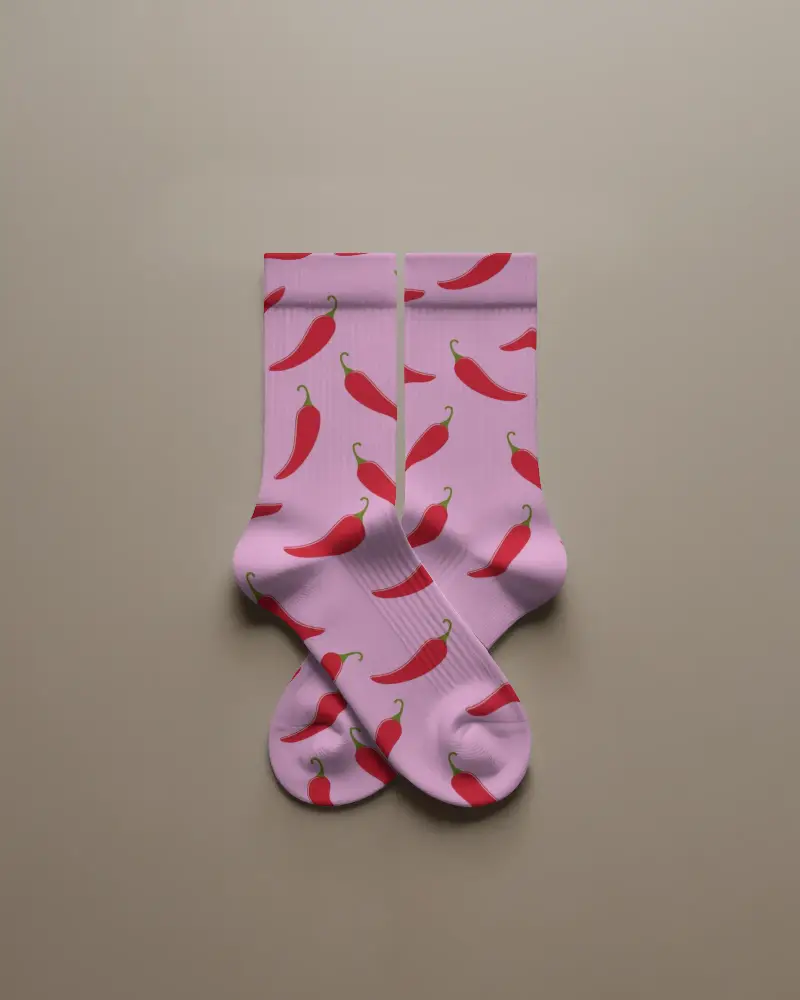
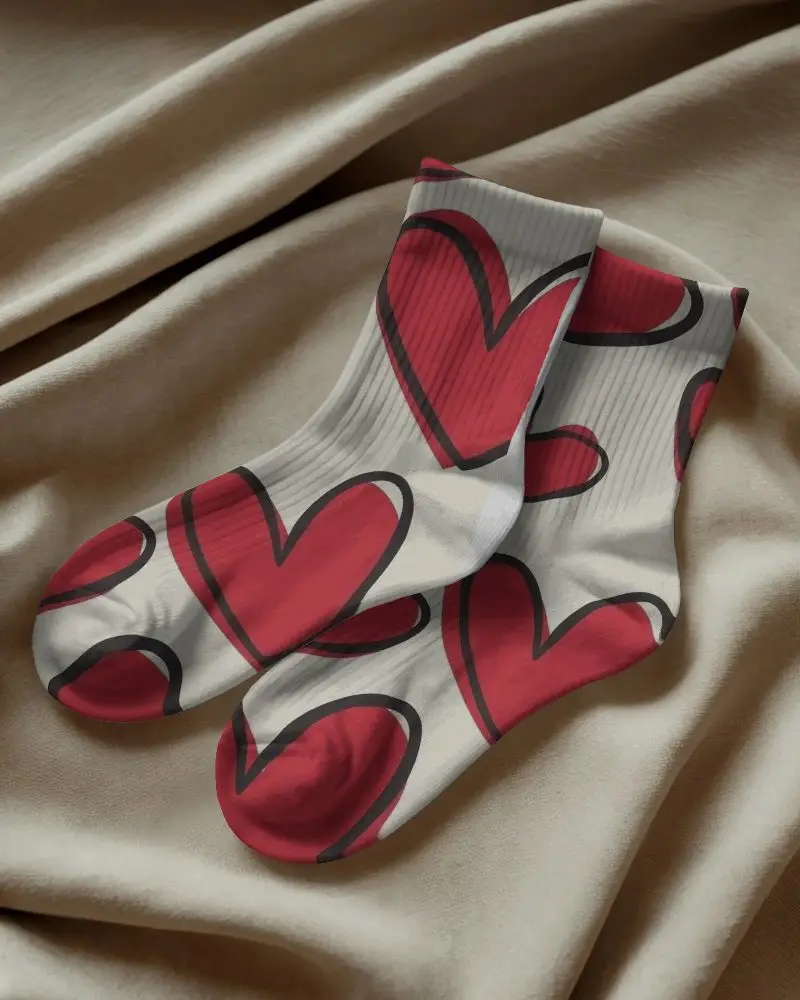
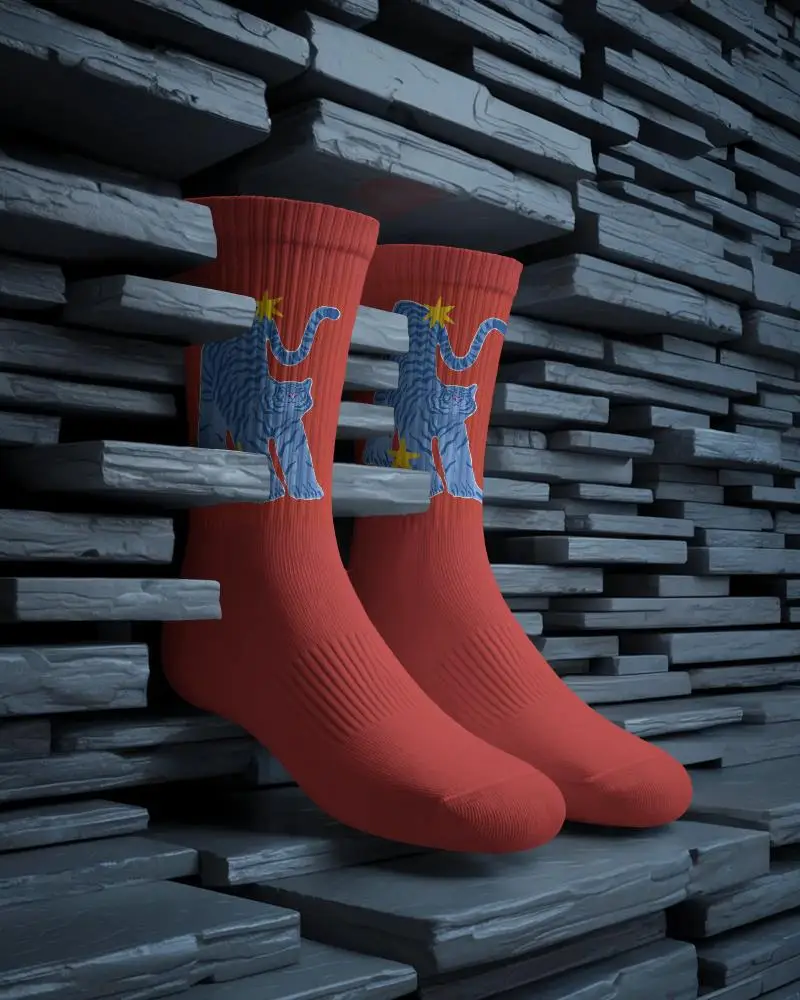
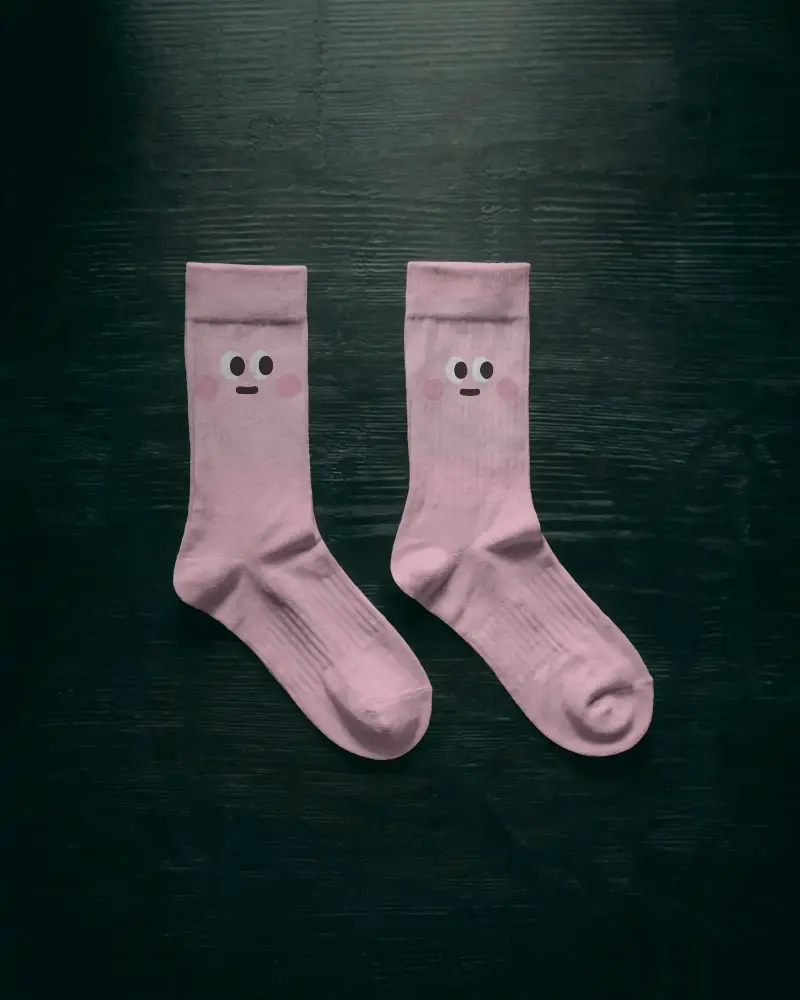
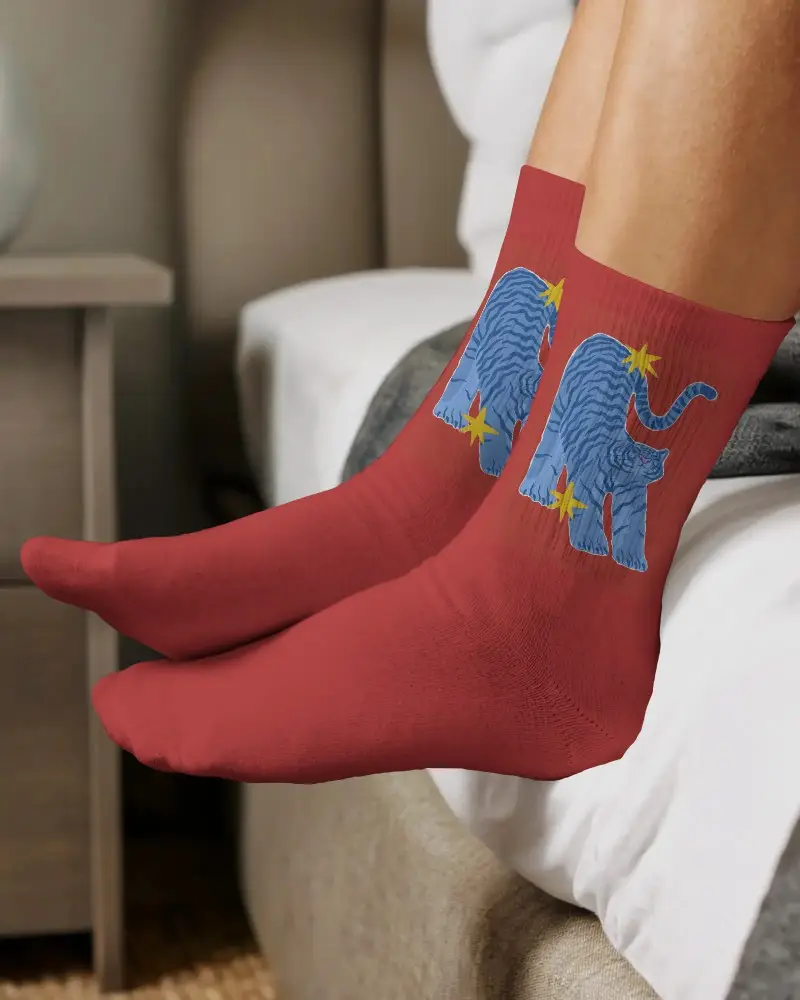
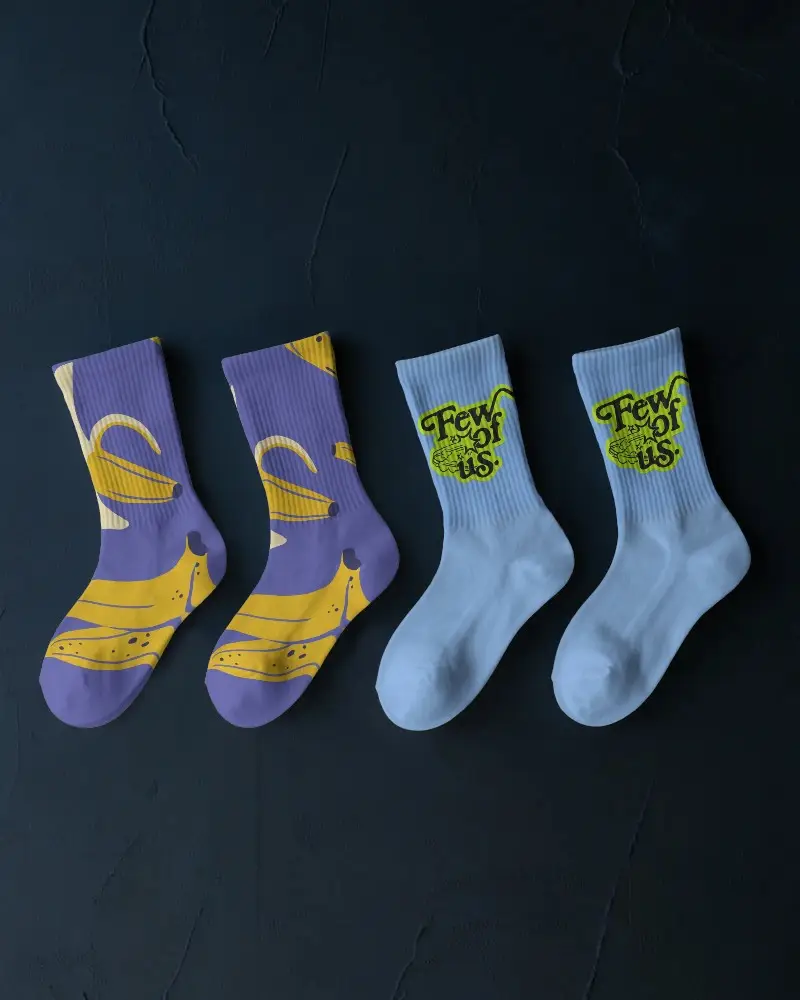
How to Create a Socks Video Mockup
To create socks video mockups:
- Step 1: Choose the Creator plan from the Pricing section and enter the Video Mockups area.
- Step 2: Scroll to Categories, click on Apparel, and look for Socks to select a video template.
- Step 3: Add your artwork, make quick edits, and generate socks video mockups as MP4.


FAQs on socks Video Mockups
What is a socks video mockup?
A socks video mockup is usually a 5–10 second clip where your sock design is placed on a realistic sock model. The sock rotates, moves, or is worn, so buyers can see how the design looks in real life.
Do the video mockups include foot models wearing the socks?
Mockey AI lets you preview socks on realistic foot or leg models, showing natural stretch and accurate fit in their ready-to-use video templates.
Do the mockups show both sides of the sock design?
With Mockey AI's socks video mockup, you can preview the front view, back view, side angle, and sometimes heel and toe details.
What types of socks are available in video mockups?
In Mockey AI's socks video mockups, you get multiple types and styles, including crew socks, ankle socks, sports socks, and gym socks.
