AI Crew Socks Video Mockups Online
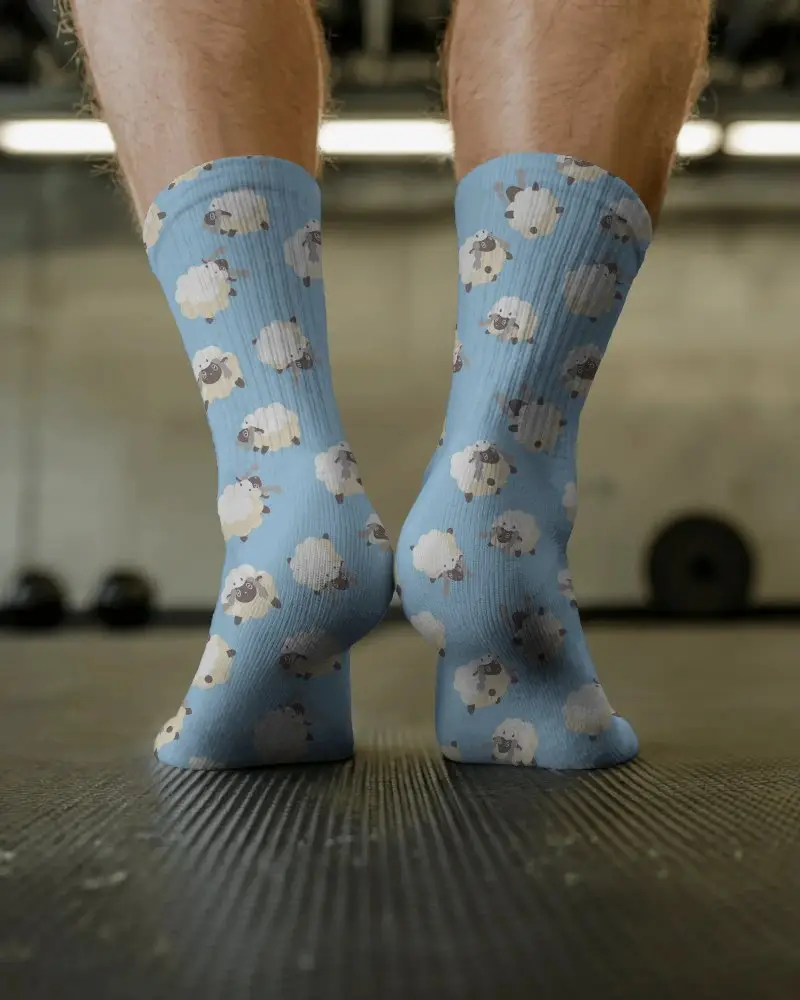
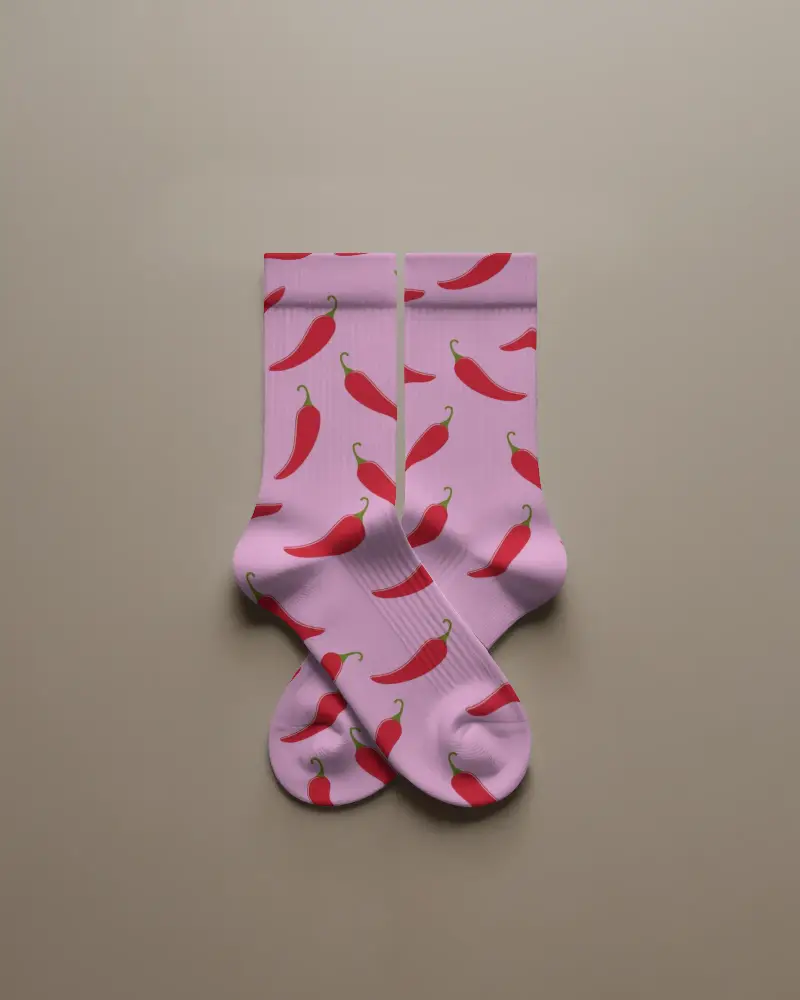
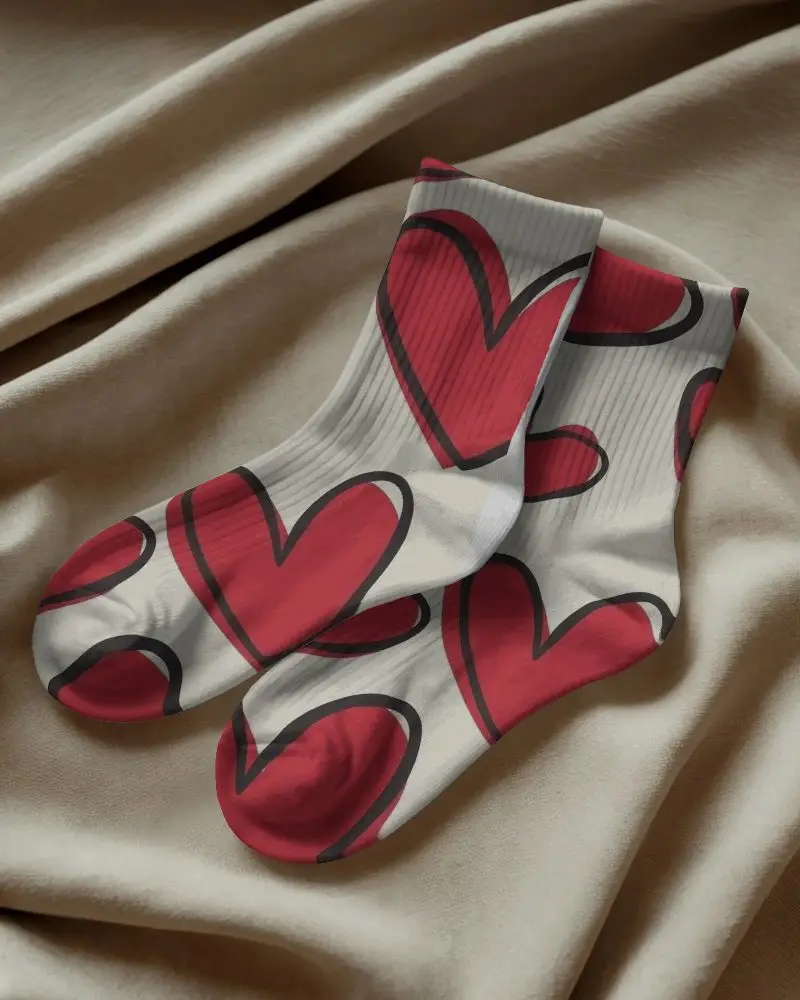
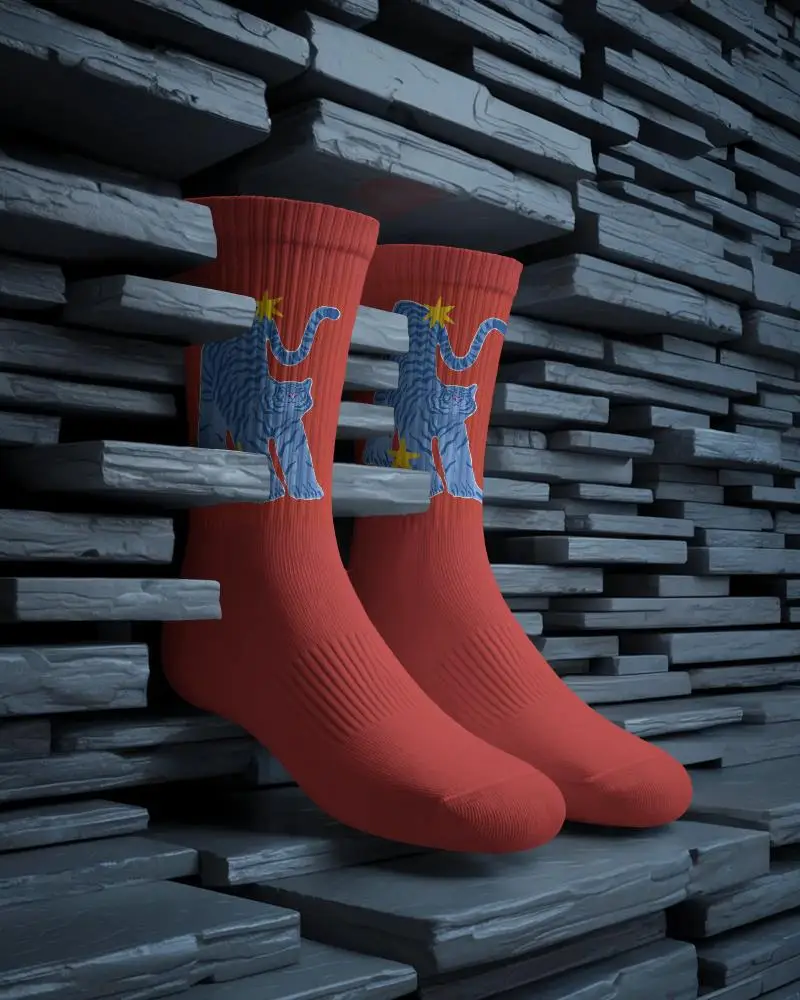
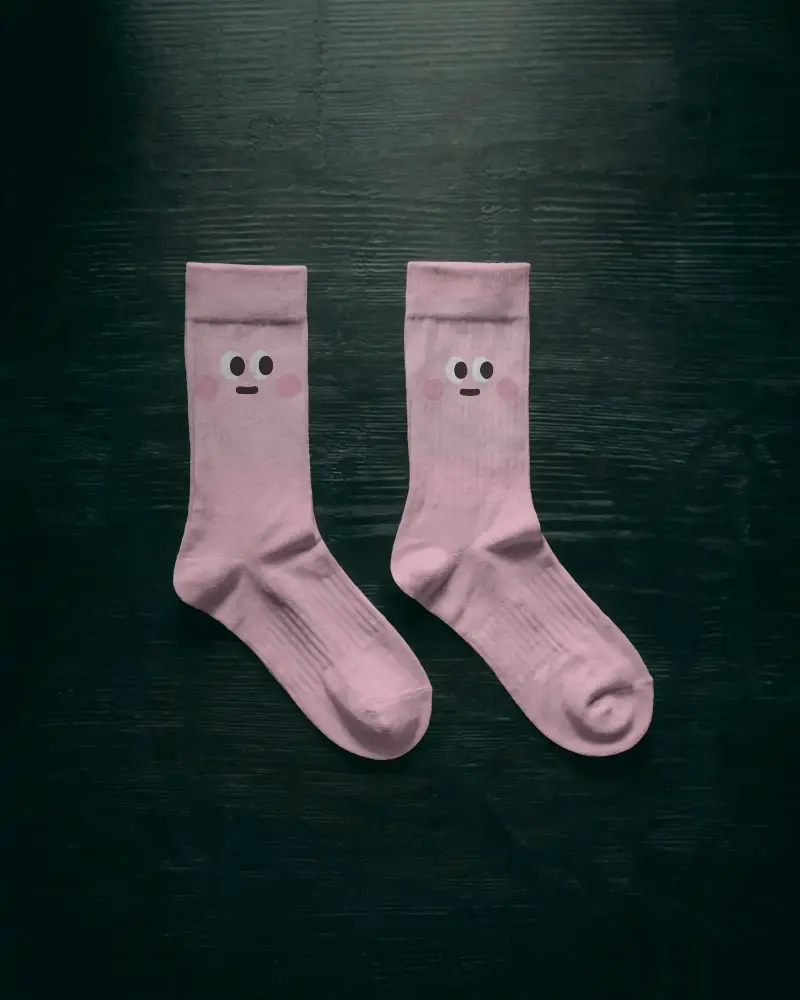
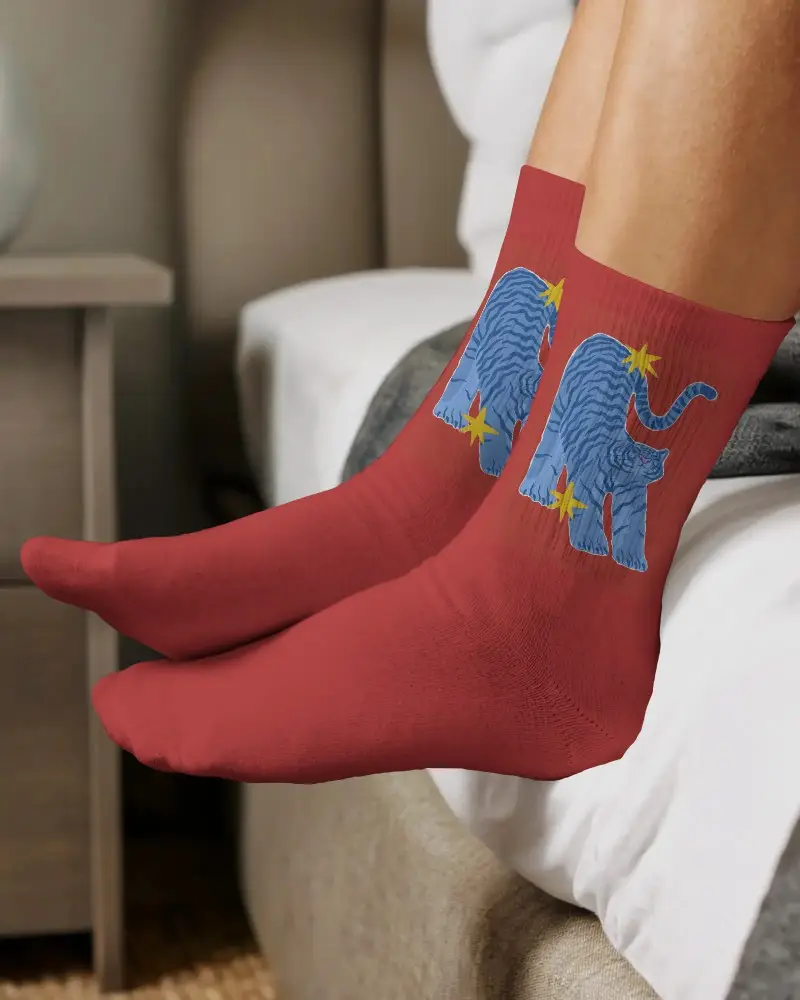
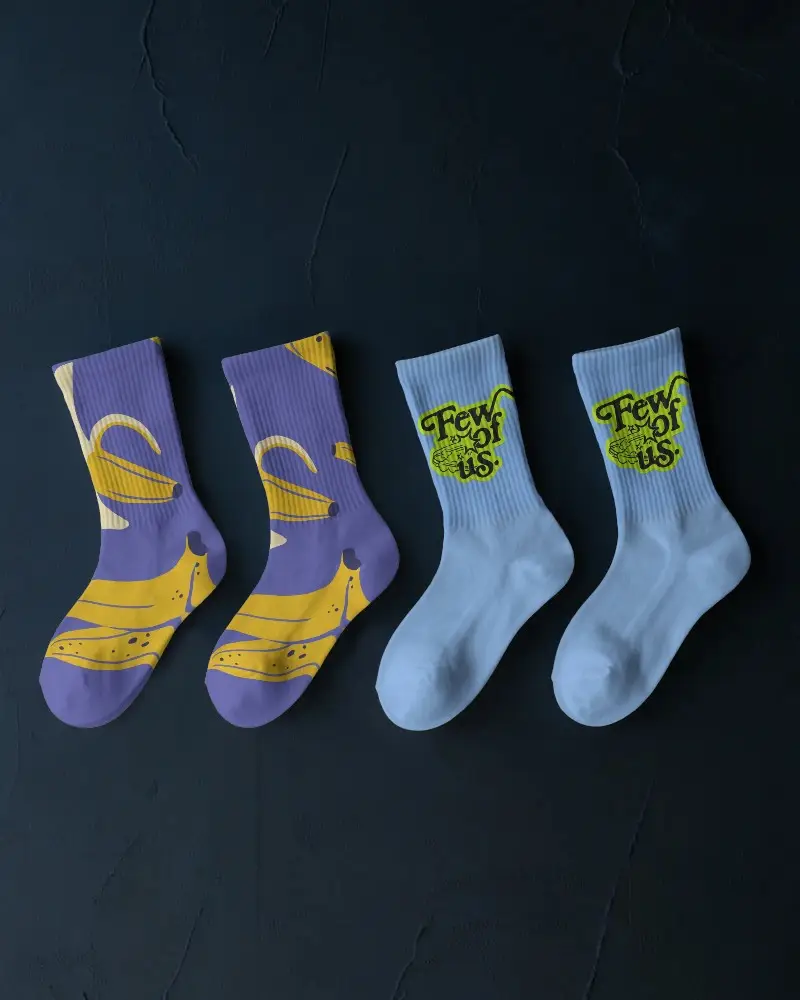
Using Mockey AI you can present Crew socks video mockups in motion showing fabric fit and style clearly for branding marketing and online stores.
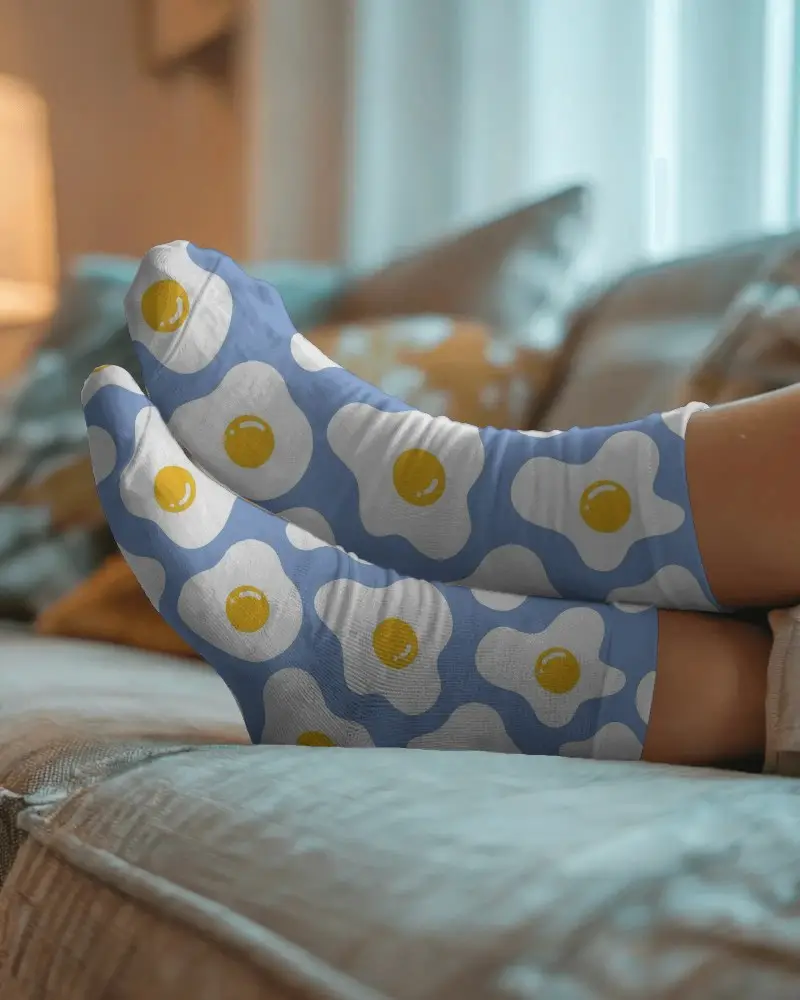
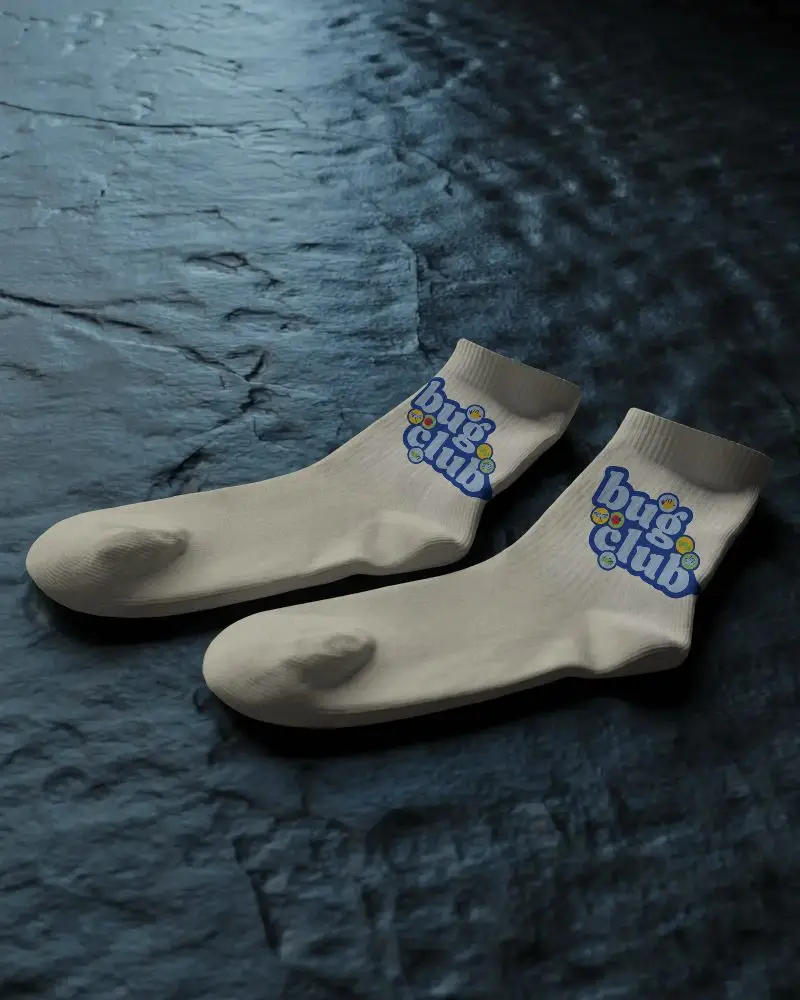
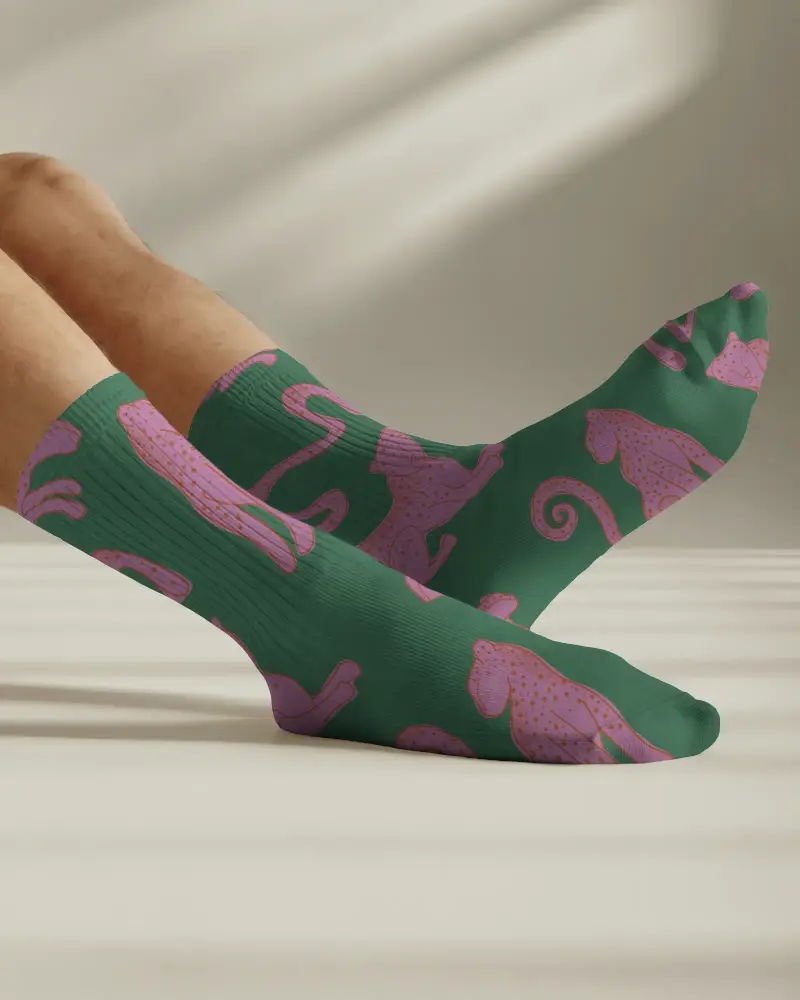
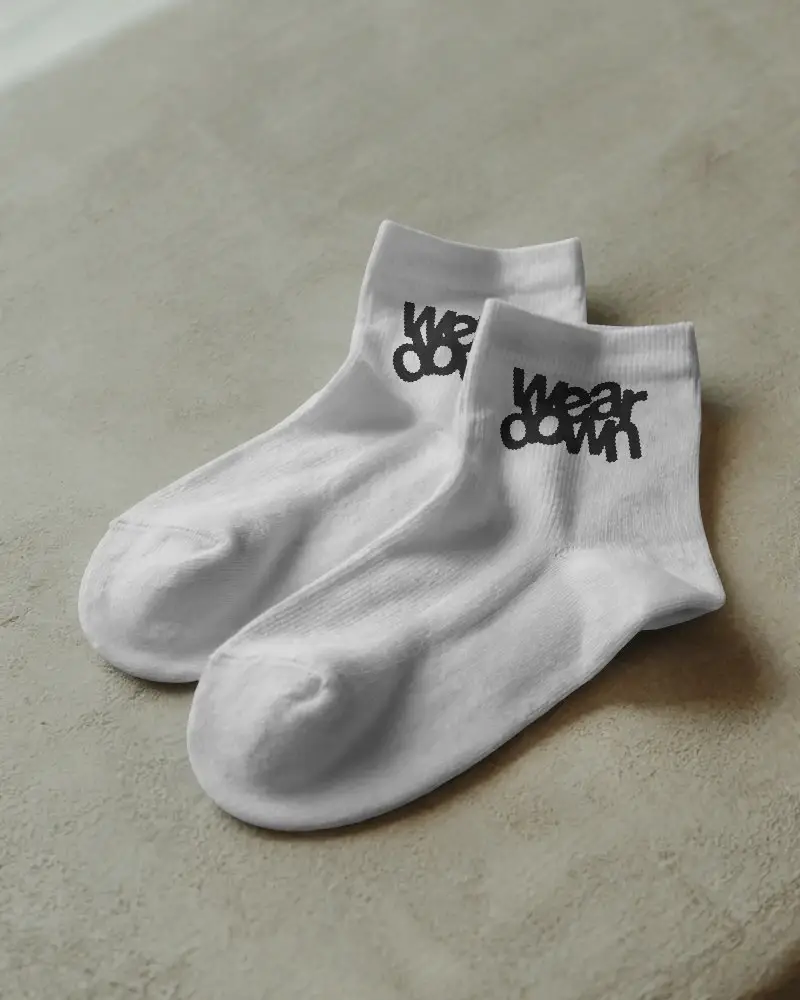
How to Create a Crew Socks Video Mockup
To create Crew socks video mockups:
- Step 1: Open the Pricing page and purchase the Creator plan. After that, go to Video Mockups.
- Step 2: Find Categories, follow Apparel > Socks, and pick a template you like.
- Step 3: Upload your design, adjust it if required, and hit Generate Video to download Crew socks video mockups.


FAQs on Crew Socks Video Mockups
What is a Crew socks video mockup?
A Crew socks video mockup is a short video template that shows sock designs in a realistic, moving view. It is commonly used for e-commerce product displays, social media posts, and marketing ads.
Who should use a Crew socks video mockup?
Clothing brand owners, POD sellers, designers, and manufacturers should use Crew socks video mockups to display their design on socks without spending on a full photoshoot.
Where can I use Crew socks video mockups?
Mockey AI is one of the best platforms for creating Crew socks video mockups. It offers ready-made video templates of socks where you can add your custom design and show realistic video visuals to buyers.
Can I export Crew socks video mockups for ads and product demos?
You can export Crew socks video mockups for ads and product demos if you use tools like Mockey AI. It lets you upload your design to video templates that are specifically made for advertising, with different scenes.
