jersey
Create & Download Jersey Video Mockup Online
Jersey video mockup to transform flat designs into moving visuals that feel real, athletic, and ready for the field or court. Try it now on Mockey and stand out.


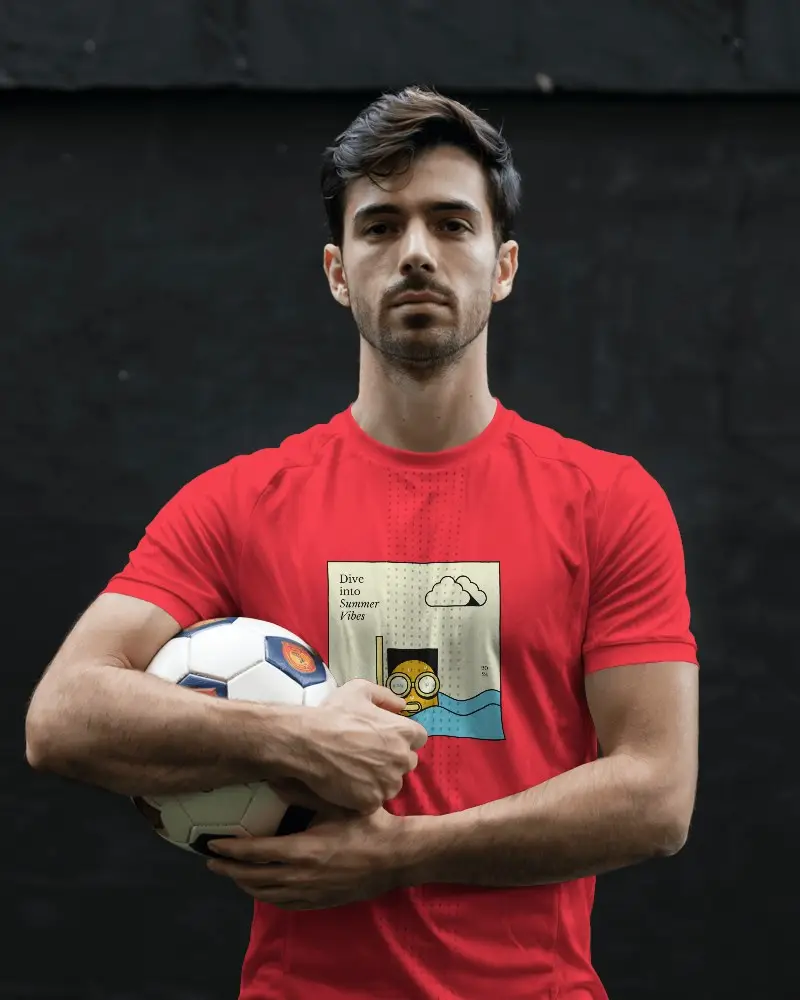

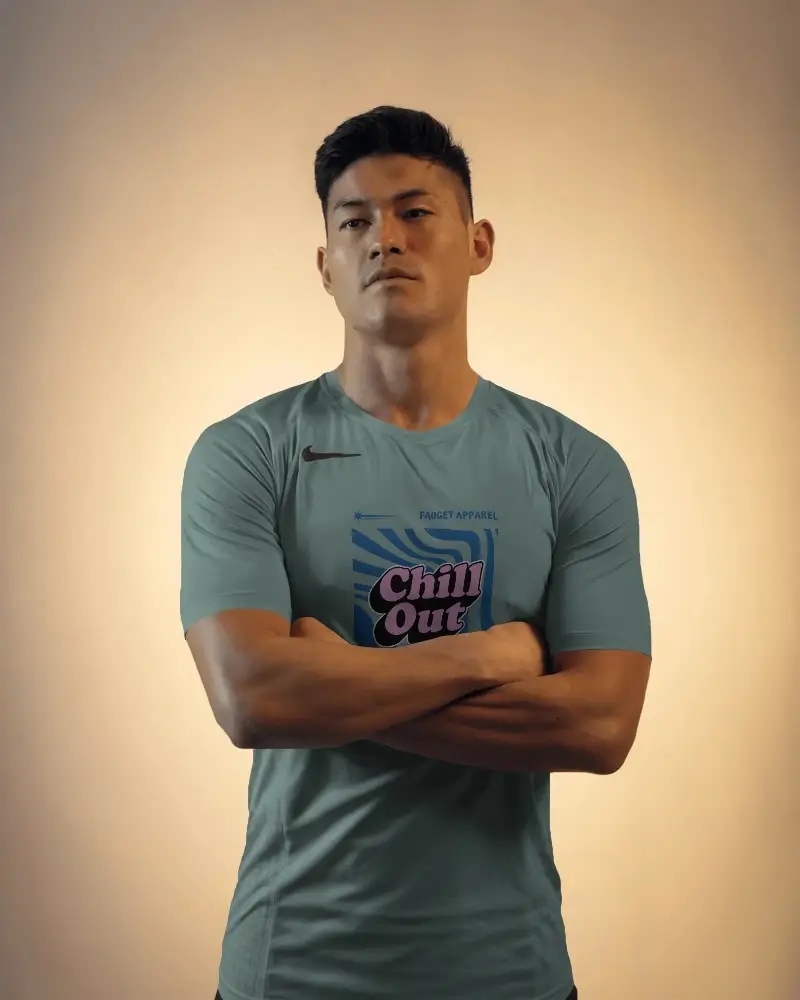
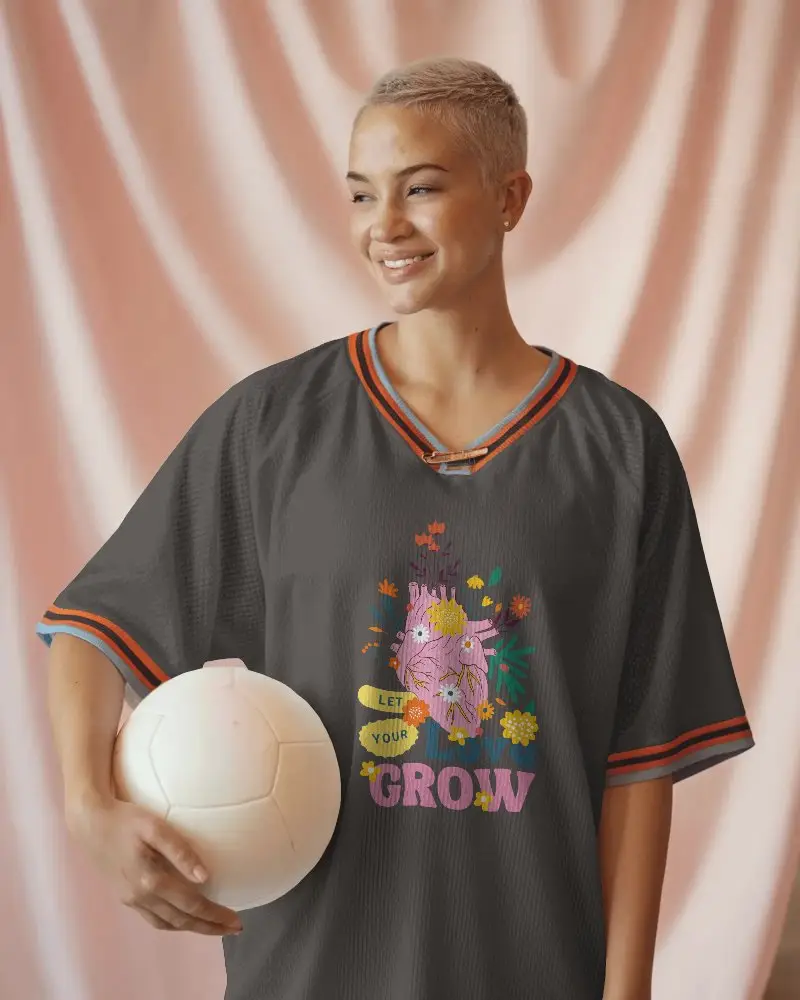
How to Create a Jersey Video Mockup with Mockey AI
To create jersey video mockups:
- Step 1: First, buy the MAX plan. After that, go to 'Video Mockups.'
- Step 2: There you’ll find 'Jersey' inside 'Apparel.' Select it and choose a template.
- Step 3: Upload designs, edit them, and hit 'Generate Video'. Save the jersey video mockup.


FAQs on jersey Video Mockups
How can I customize the jersey video mockup?
To customize the jersey video mockup, upload your design to the template. You can add multiple designs, resize them as needed, and adjust the colors for a perfect look.
Can I download the jersey video mockup in high quality?
Yes. With the MAX plan, you can customize and download the jersey video mockup in excellent quality suitable for marketing, social media, or e-commerce.
Is the jersey video mockup free on Mockey?
No. To use the jersey video mockup, you’ll need to subscribe to the MAX plan at $19 per month. It allows full customization and downloading of high-quality jersey video templates.
