Make a Hockey Jersey Video Mockup in Seconds
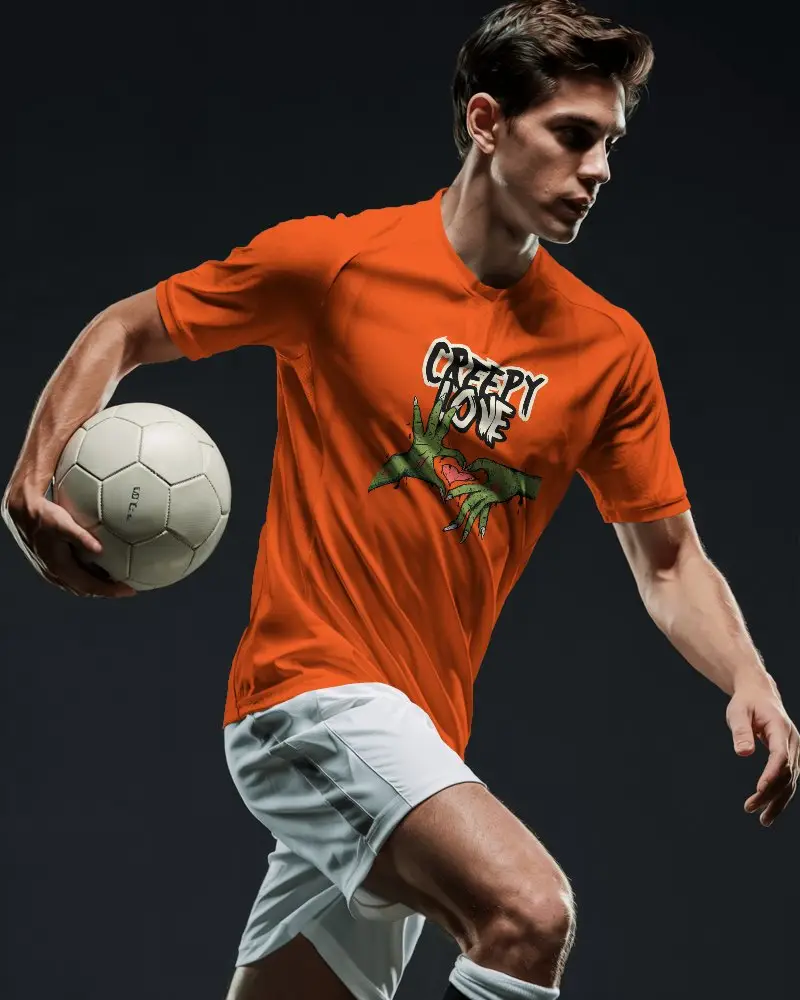
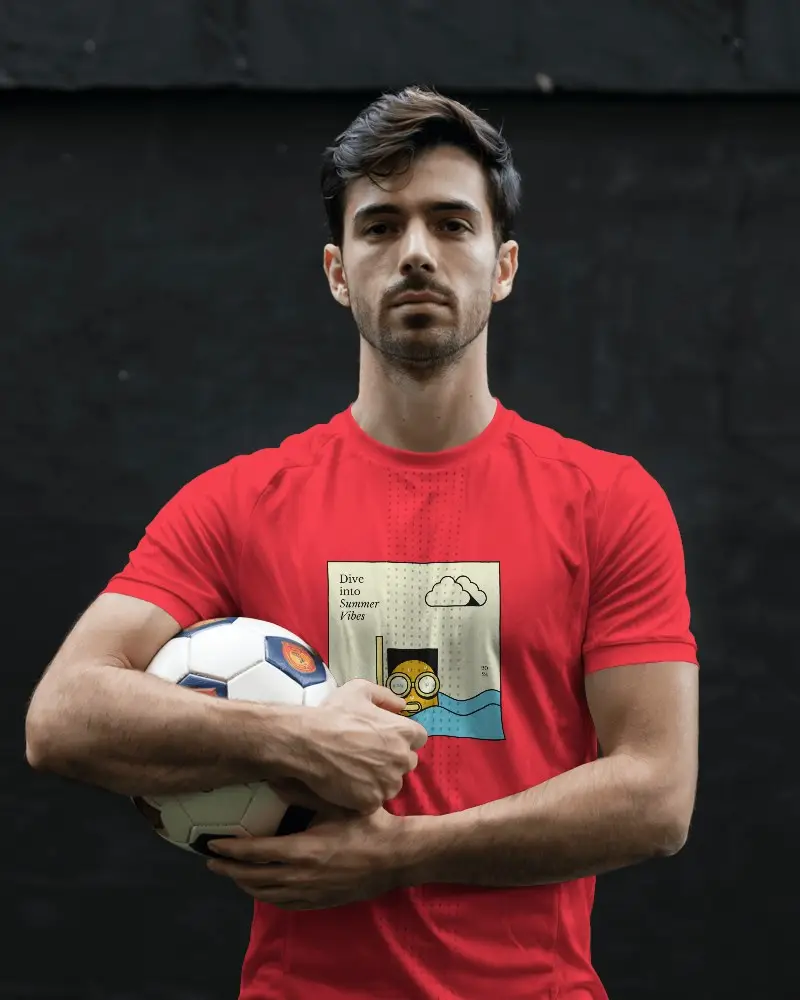
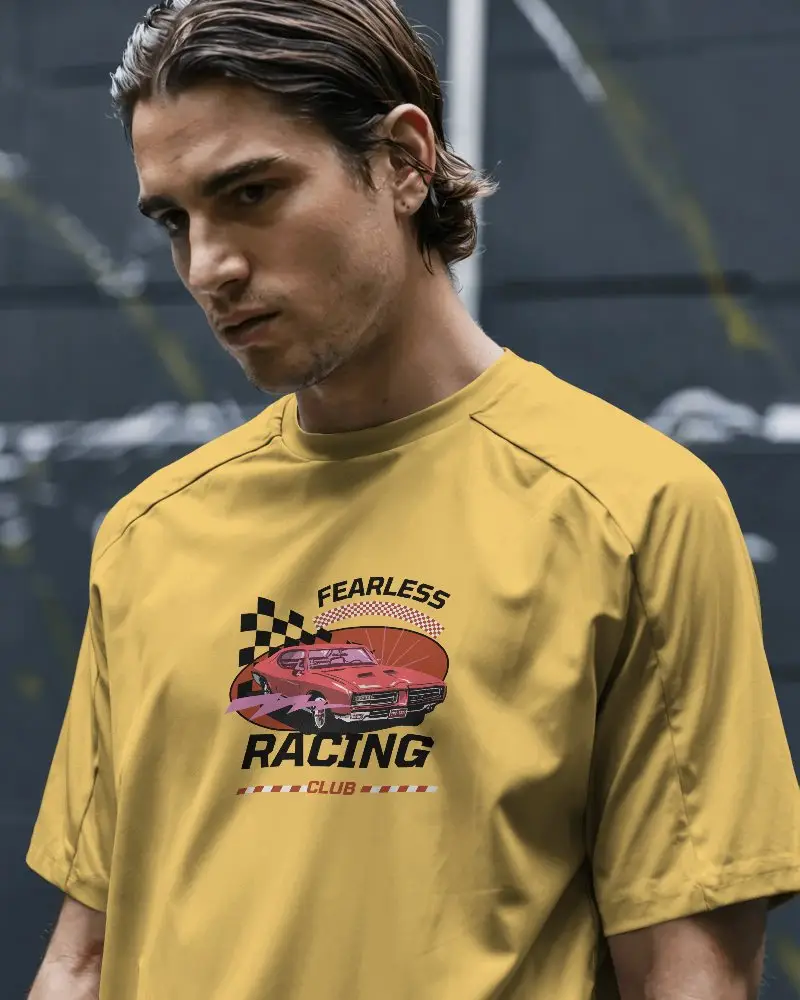
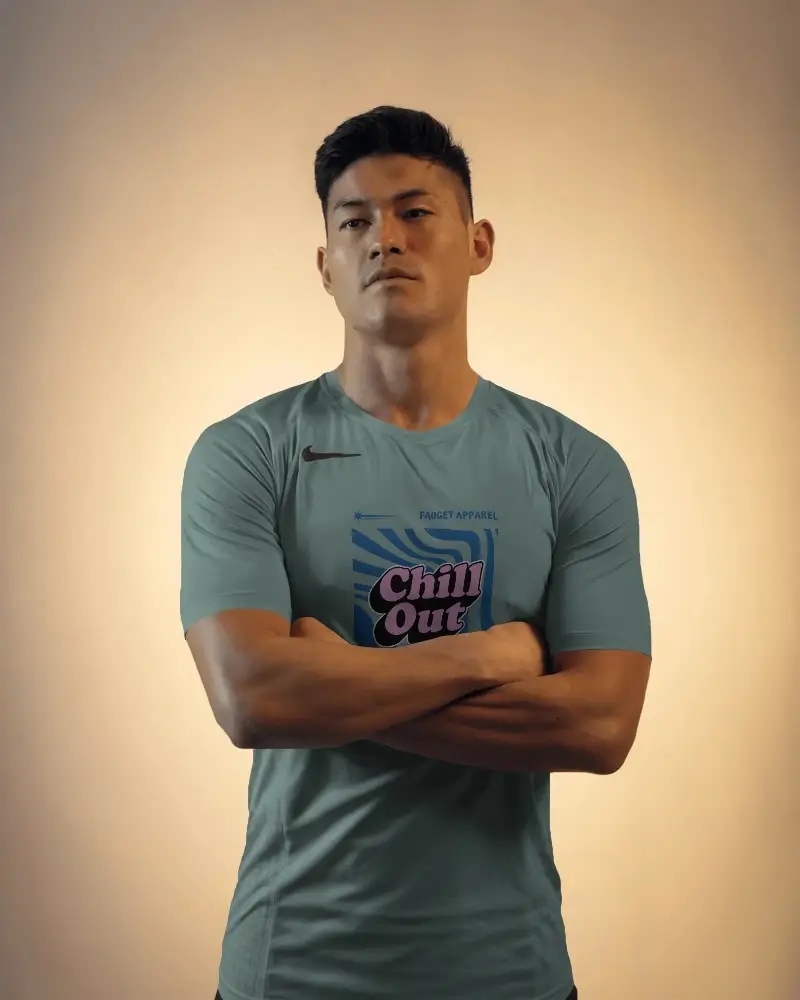
Bring your jersey designs to life with premium Hockey jersey video mockups. Show fabric flow, movement, and colors in a clean professional video that helps customers clearly visualize your sportswear before buying.

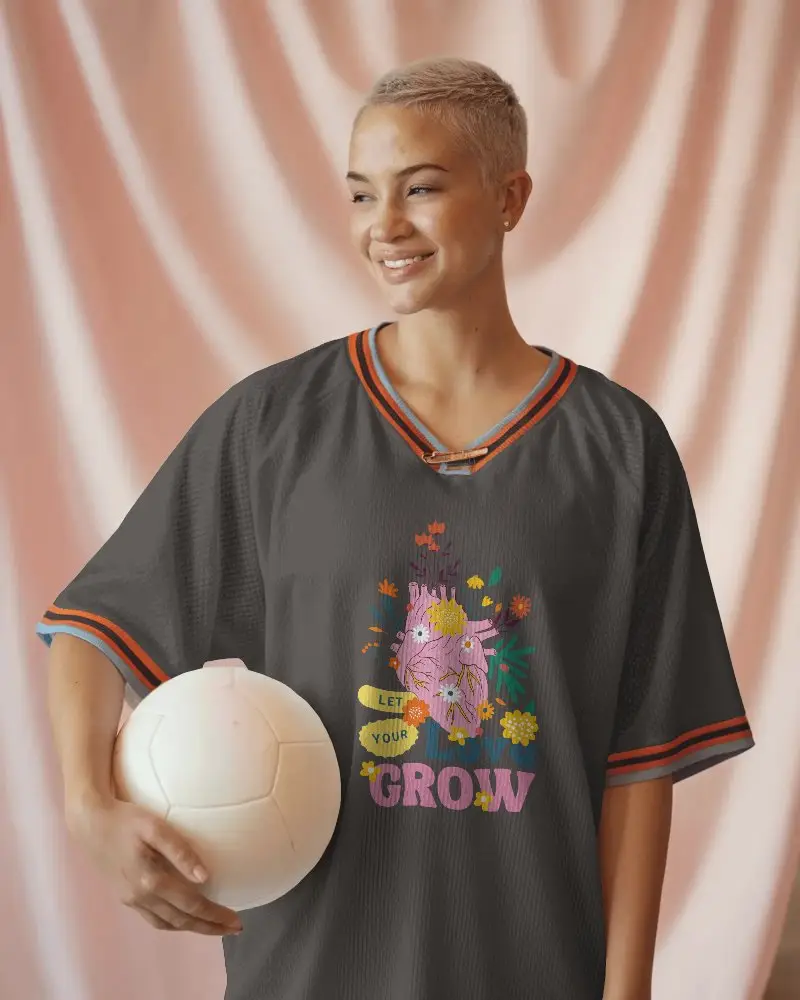
How to Create a Hockey Jersey Video Mockup
To create a Hockey jersey video mockup:
- Step 1: Purchase the CREATOR plan and open the Video Mockups section.
- Step 2: Navigate to Apparel, select Jersey, and choose a video template.
- Step 3: Upload your design, make edits, and click Generate Video to download the MP4.


FAQs on Hockey Jersey Video Mockups
What is a Hockey jersey video mockup?
A Hockey jersey video mockup is an animated jersey template where you can add your logo or design and showcase it in a short, realistic video clip.
Who should use Hockey jersey video mockups?
Hockey jersey video mockups are ideal for designers, sports brands, and online sellers who want to present jersey designs clearly and professionally.
Can I add front and back designs to the Hockey jersey?
If the selected video template supports it, you can apply different designs to the front and back of the jersey for a complete preview.
Can I use Hockey jersey video mockups on Shopify or Etsy?
Yes, Hockey jersey video mockups work perfectly for Shopify and Etsy listings. They make products feel more real and help shoppers decide faster.
