Winter Jacket Video Mockups for Creator & Apparel Brands
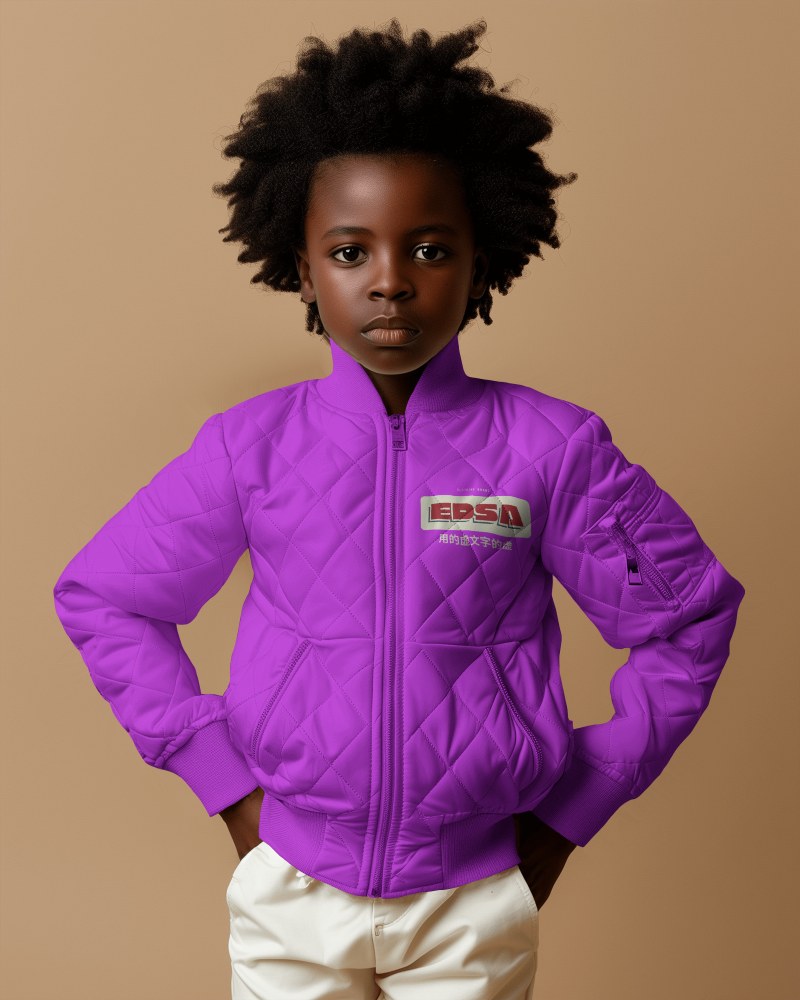
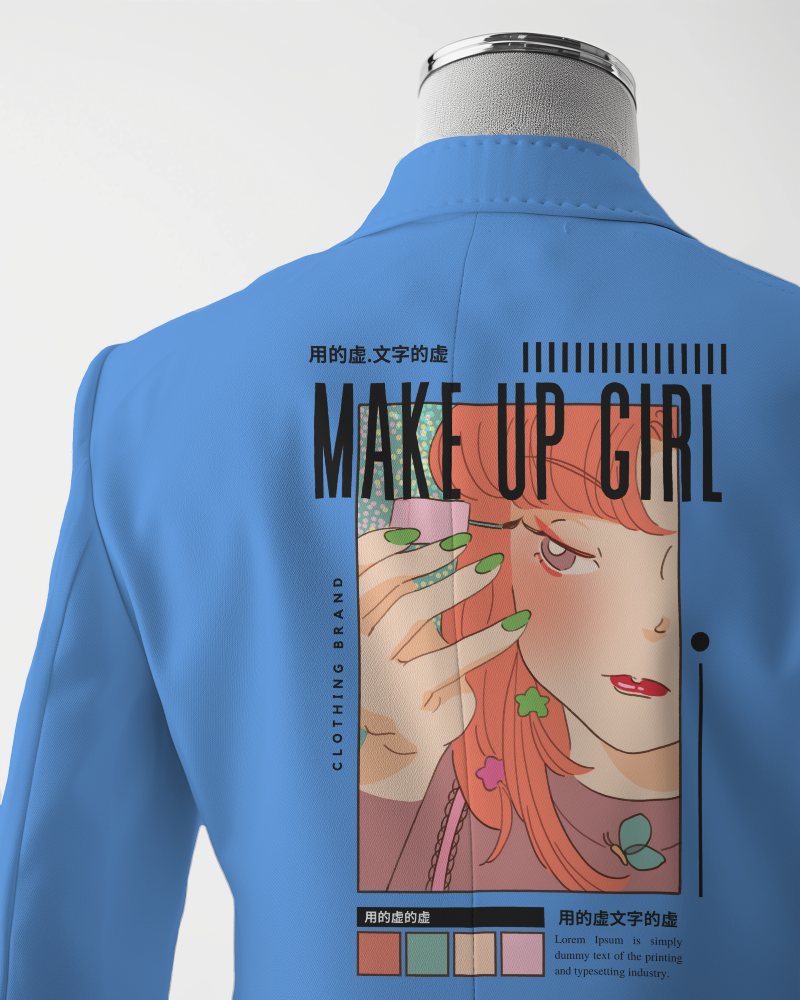
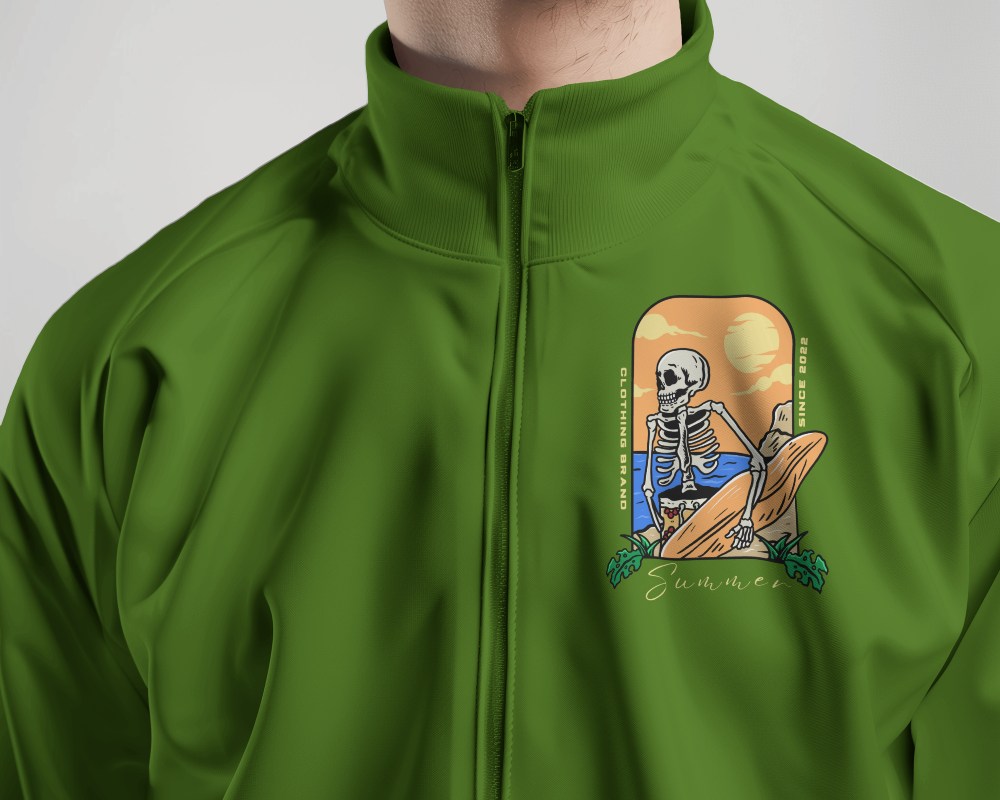
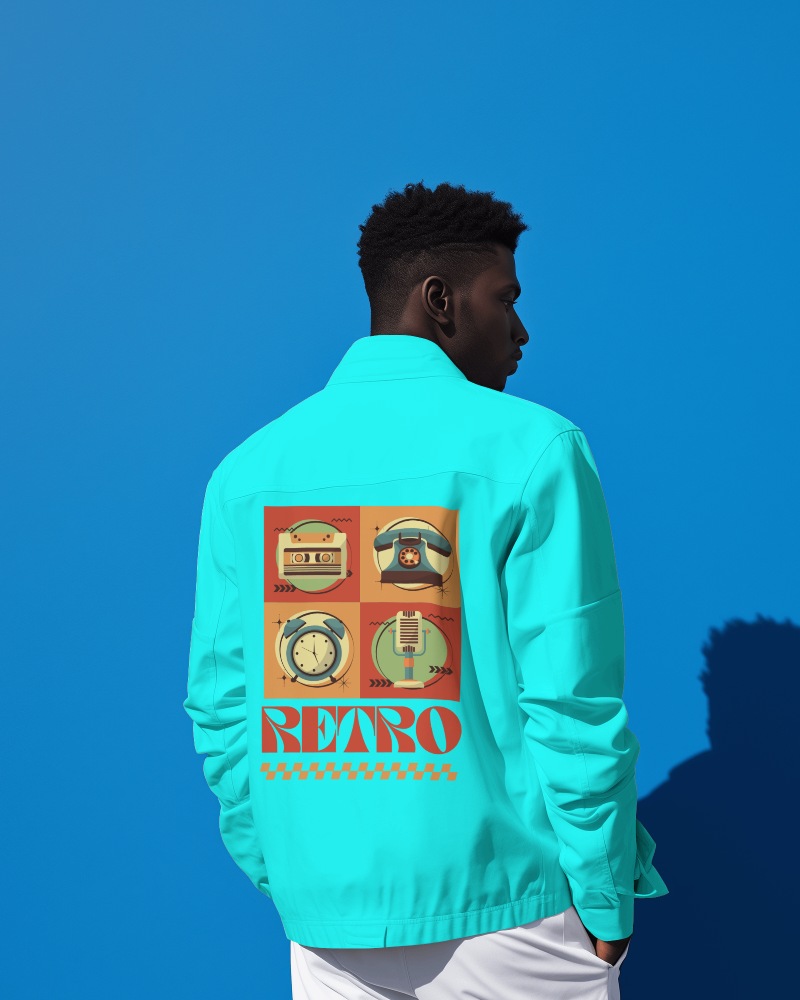
Show your jacket designs in smooth, lifelike motion with premium Winter jacket video mockups. Upload your artwork once and let Mockey animate it into a polished, realistic product video that builds trust, boosts engagement, and elevates your brand across online stores and social platforms.
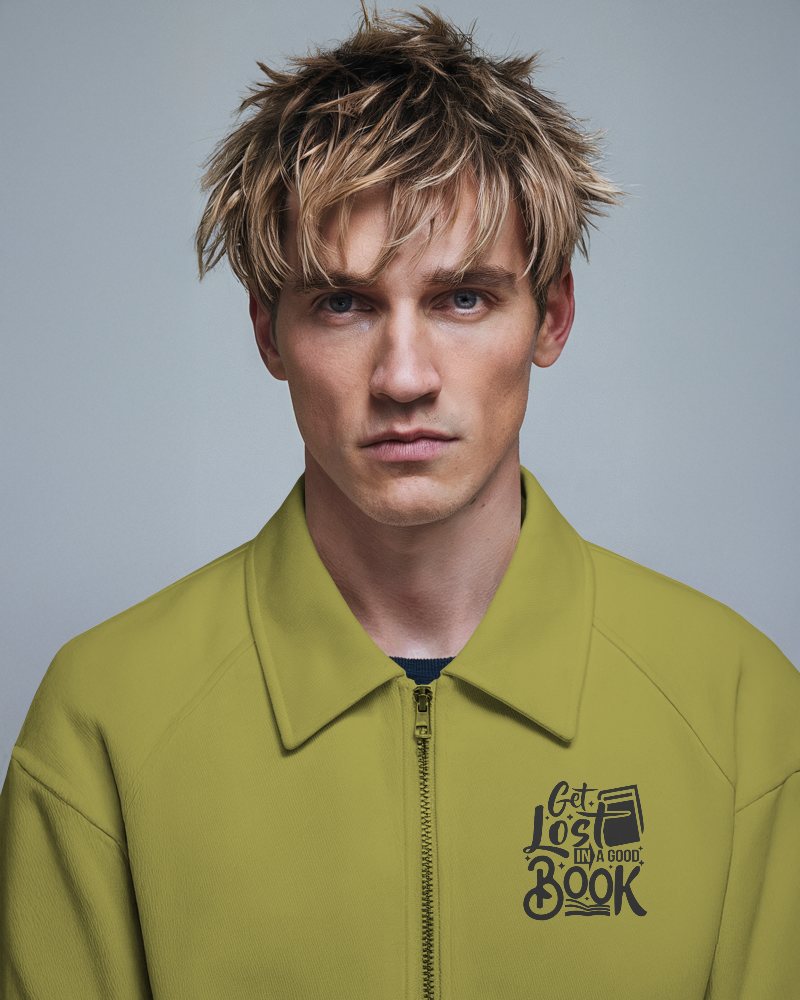
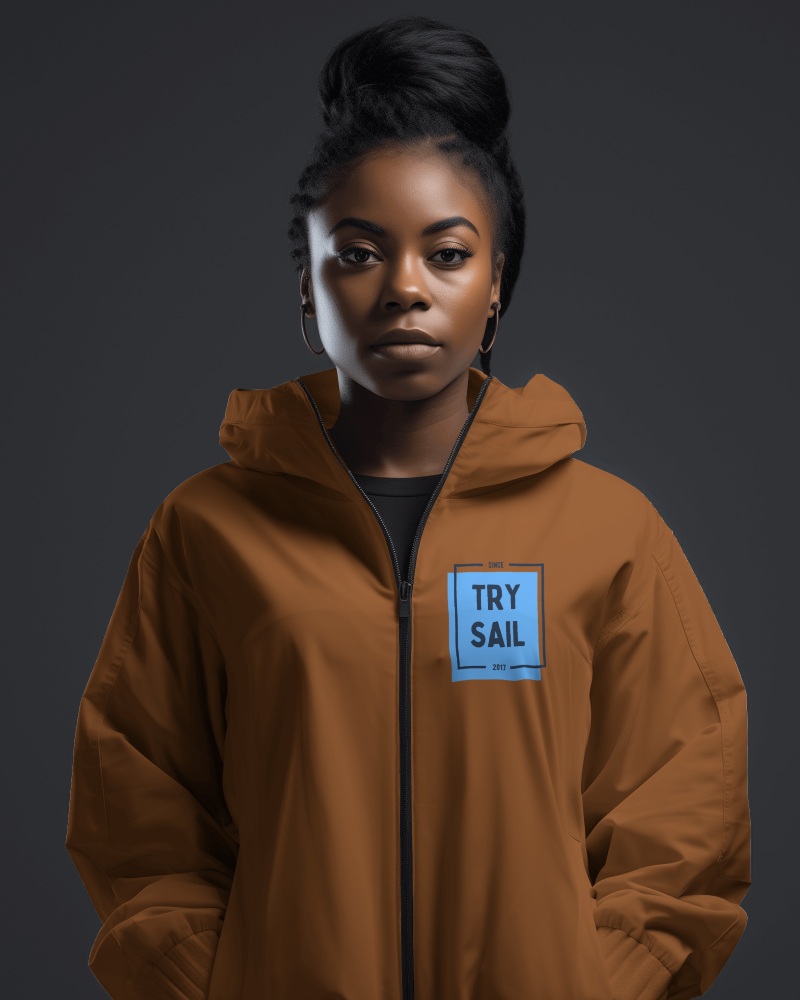
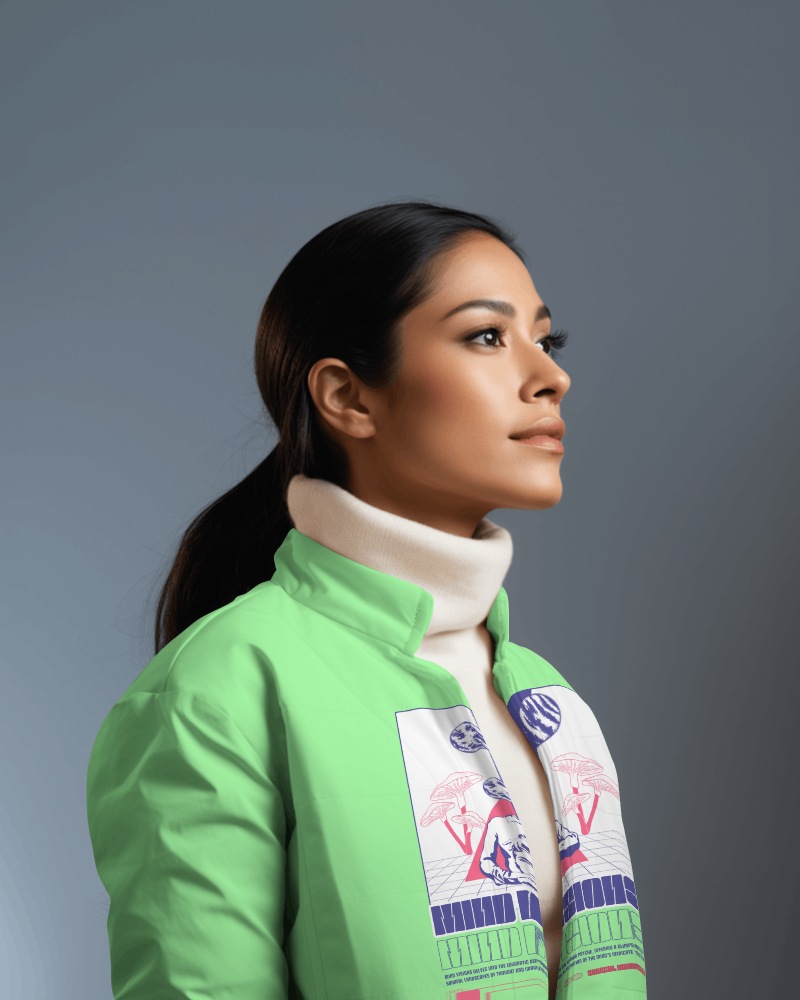
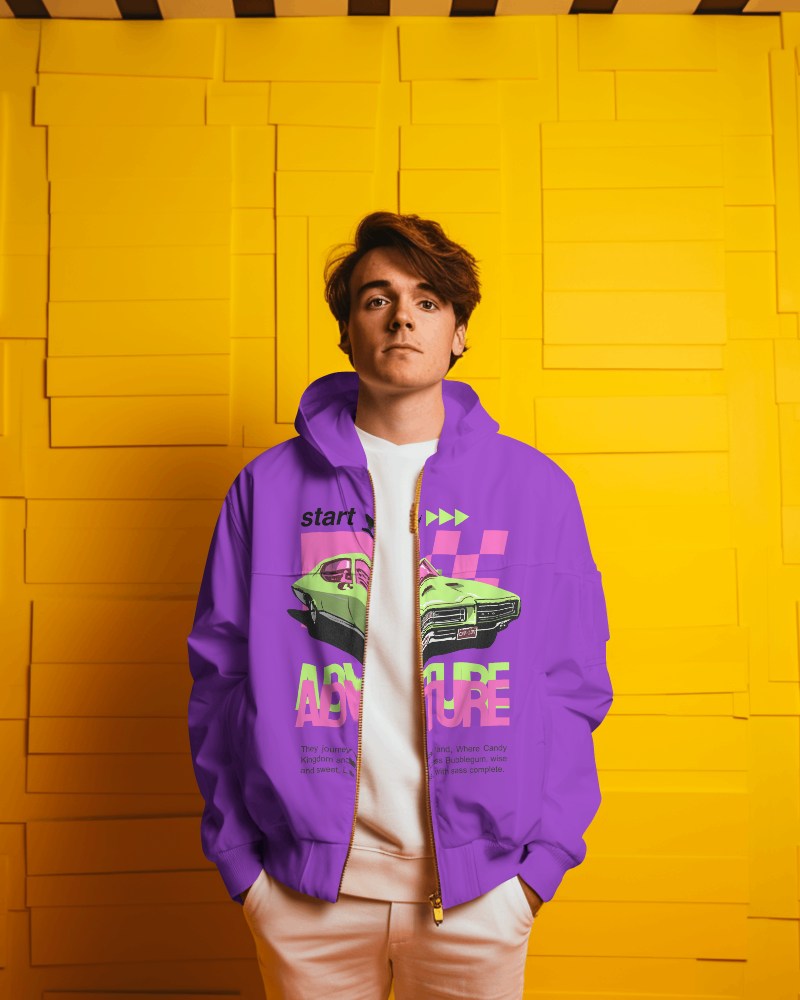
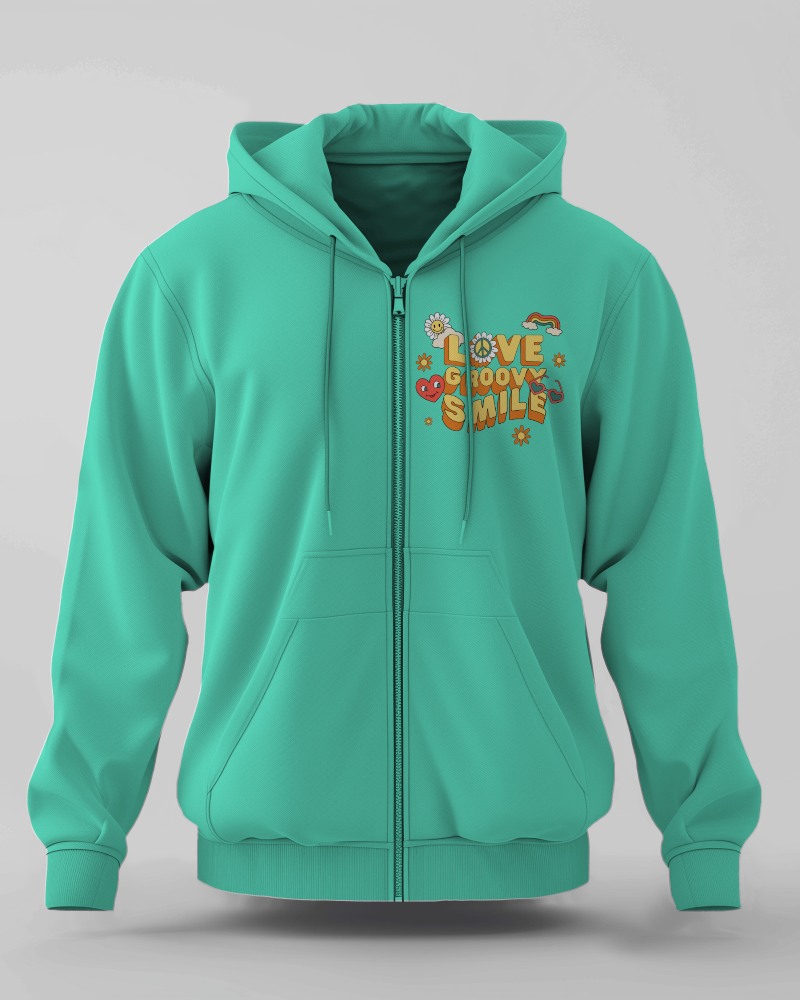
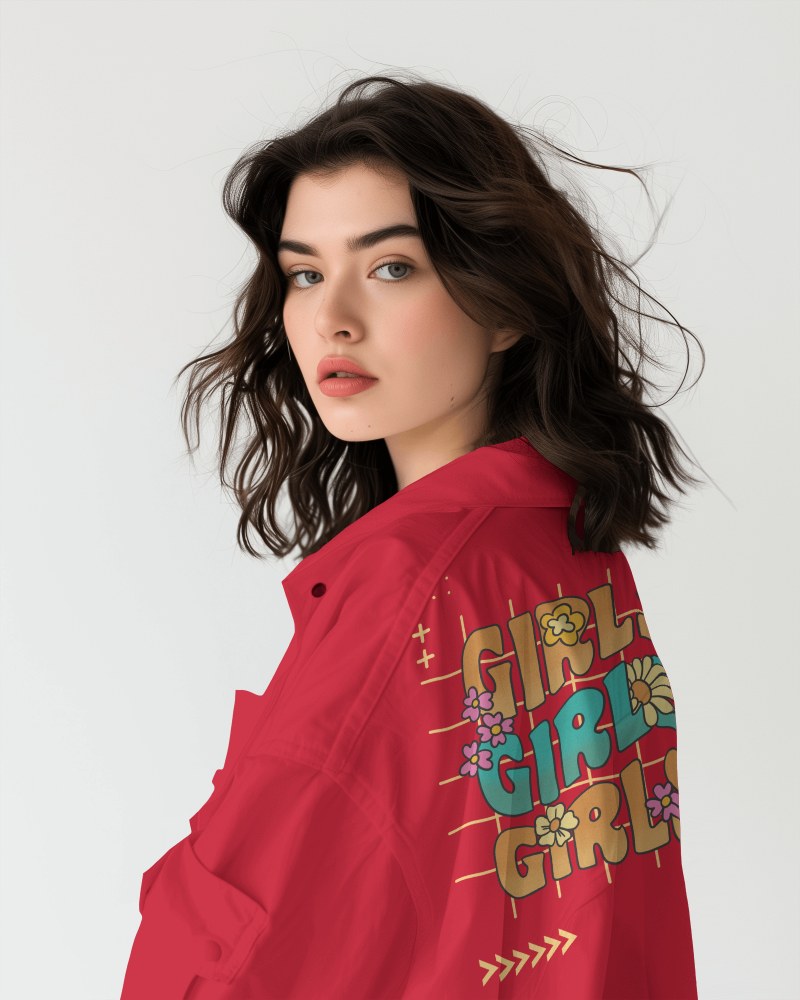
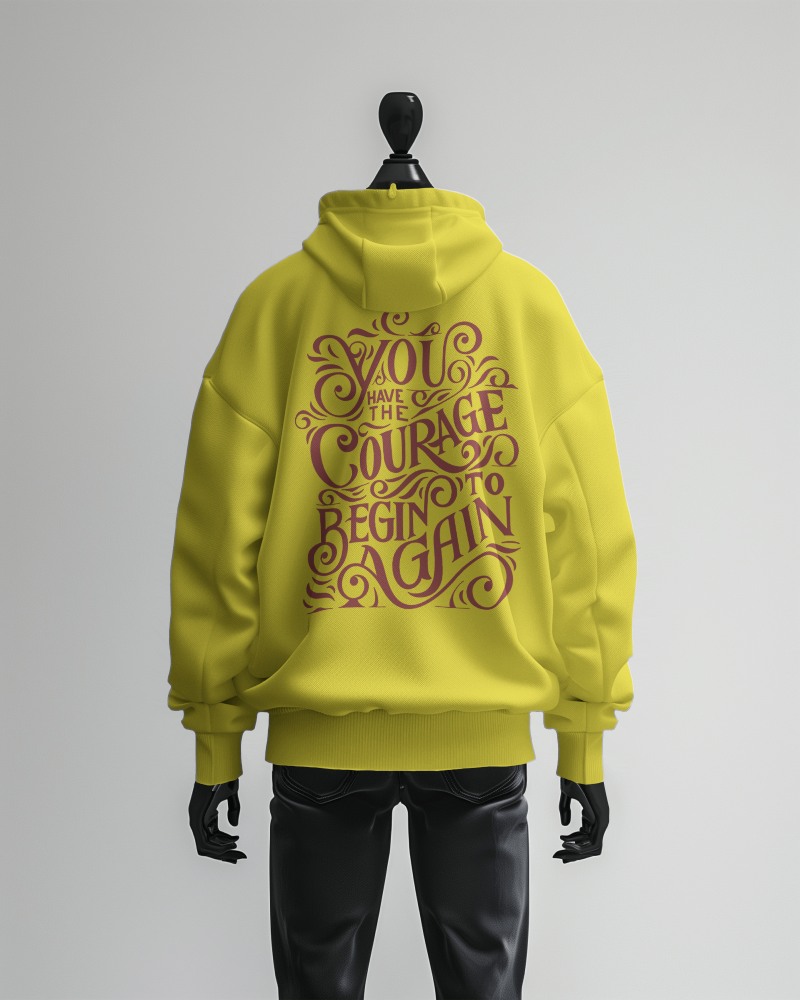
How to Create a Winter Jacket Video Mockup
To create a Winter jacket video mockup:
- Step 1: Click Pricing and subscribe to the CREATOR plan, then open Video Mockups and select Jacket under the Apparel section.
- Step 2: Choose a video template, upload your design, and customize the preview.
- Step 3: Click Generate Video to download your Winter jacket video mockup as an MP4 file.


FAQs on Winter Jacket Video Mockups
What is a Winter jacket video mockup?
A Winter jacket video mockup is a short animated clip that shows your design or logo on a jacket in motion. It lets buyers see how the product looks when worn, without the need for a real video shoot.
Can I download the Winter jacket video mockup without a watermark?
Yes, Mockey AI allows you to download Winter jacket video mockups without any watermark when you use the CREATOR or ELITE plan.
Can I use Winter jacket video mockups for eCommerce stores?
Winter jacket video mockups are ideal for eCommerce stores. They help you showcase custom designs through engaging video previews, saving time and eliminating the need for physical samples.
Are Winter jacket video mockups suitable for social media or ads?
Yes, Winter jacket video mockups work perfectly for social media and ads. Marketers and designers use them to create realistic, eye-catching promotional visuals.
Can I change the jacket color in the video preview?
You can easily change the jacket color after selecting a video template. Use the color wheel or RGB input to pick the exact shade you want.
