Jacket Video Mockup Download
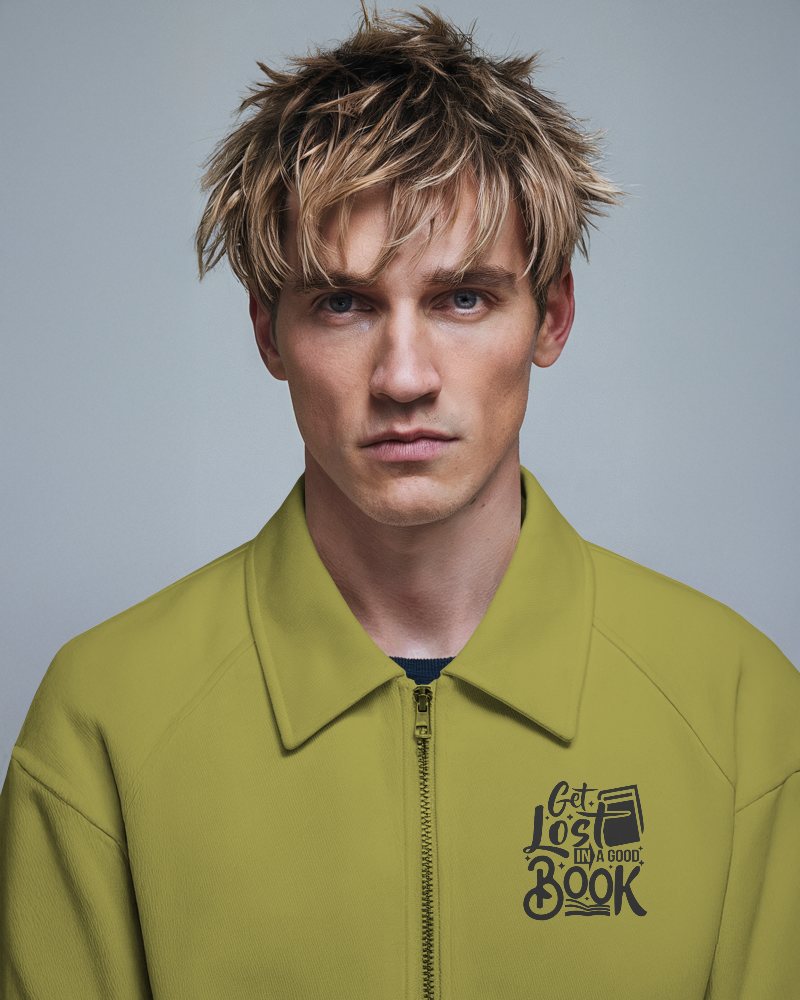
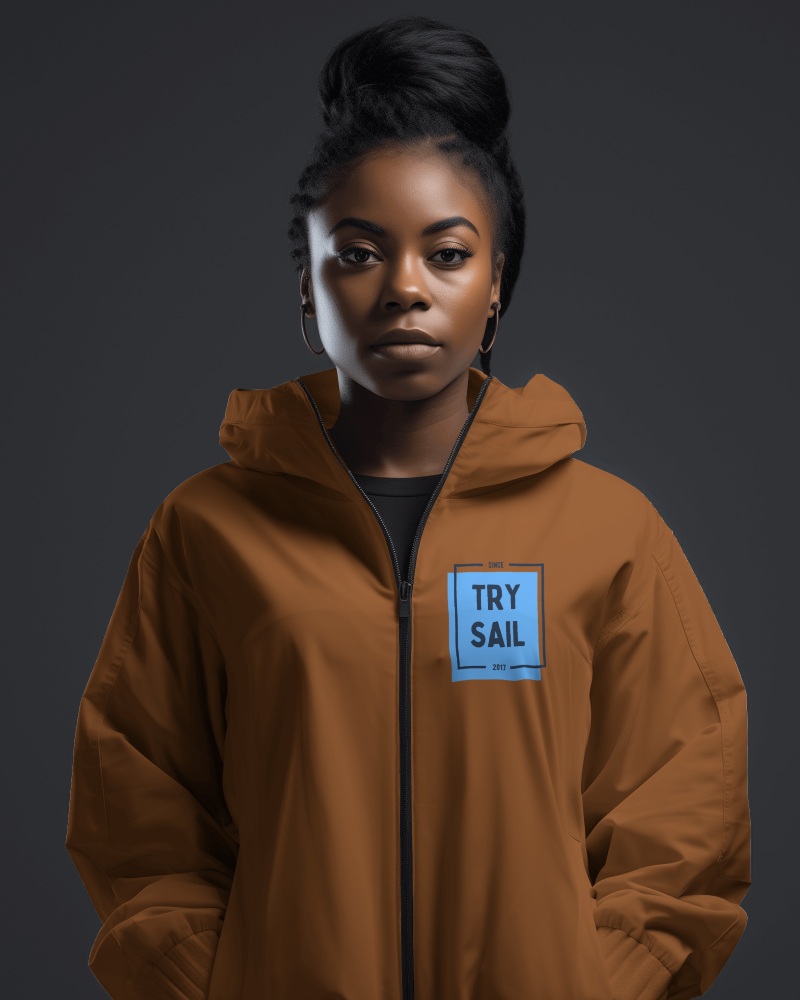
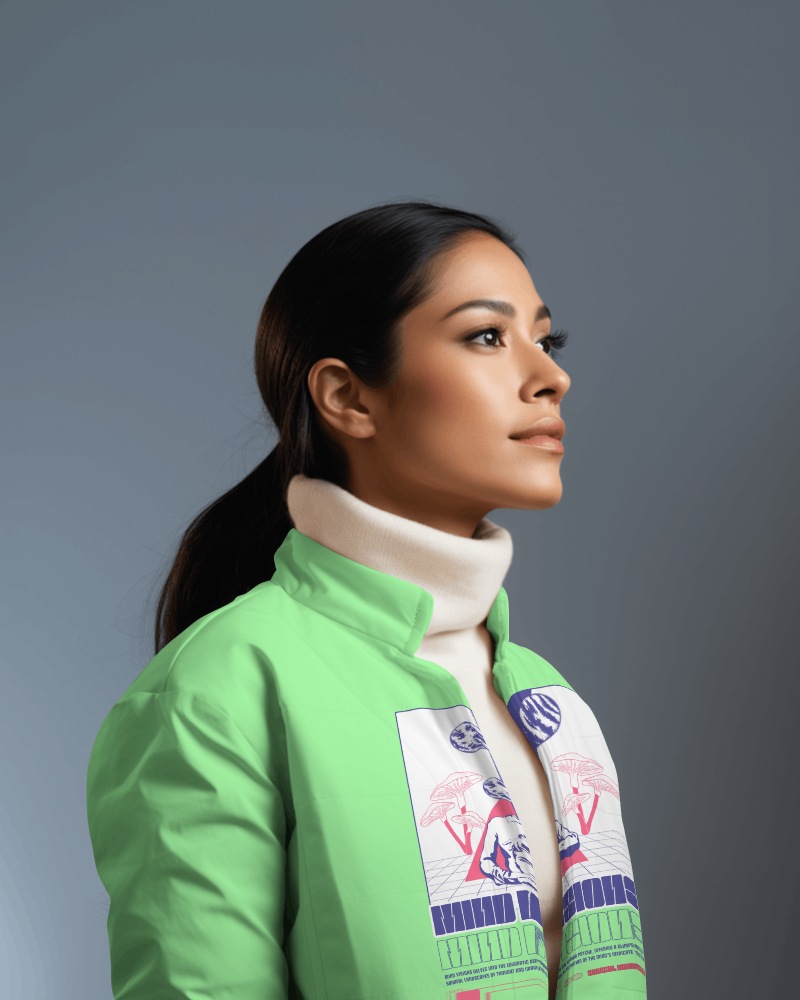
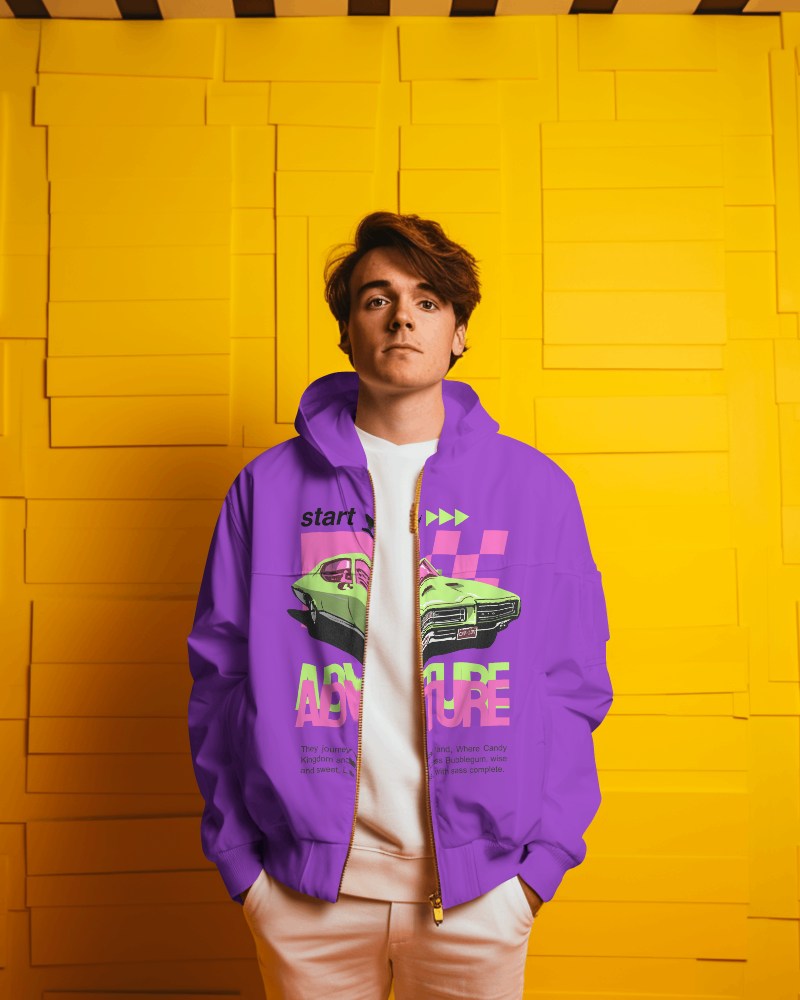
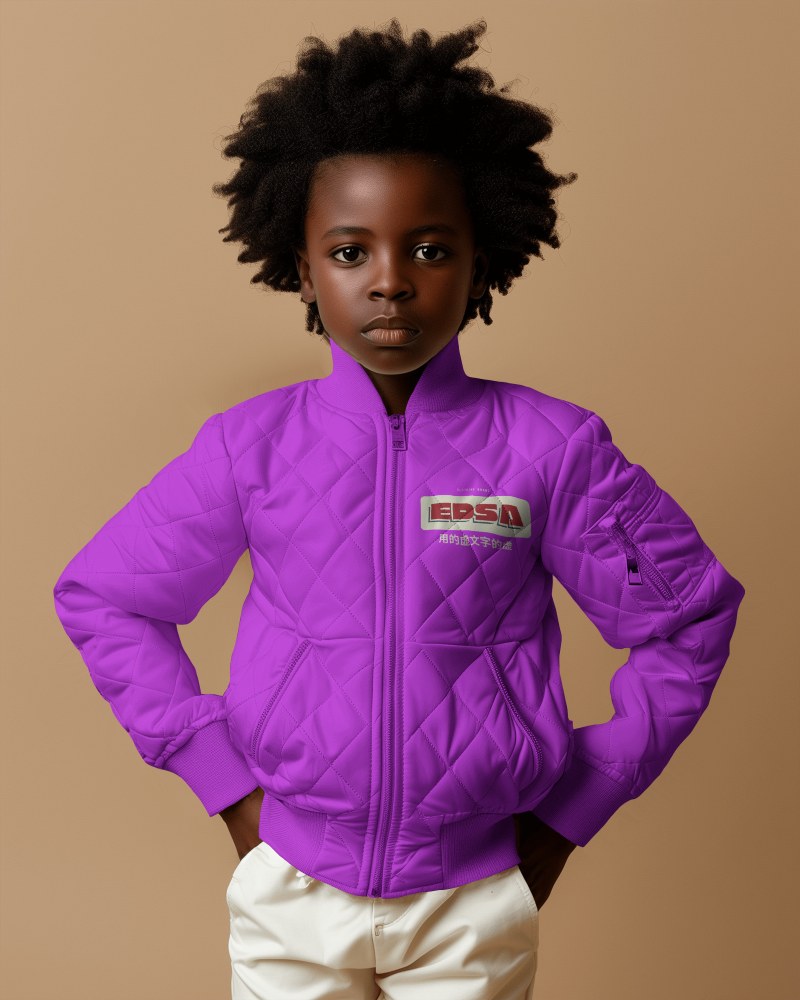
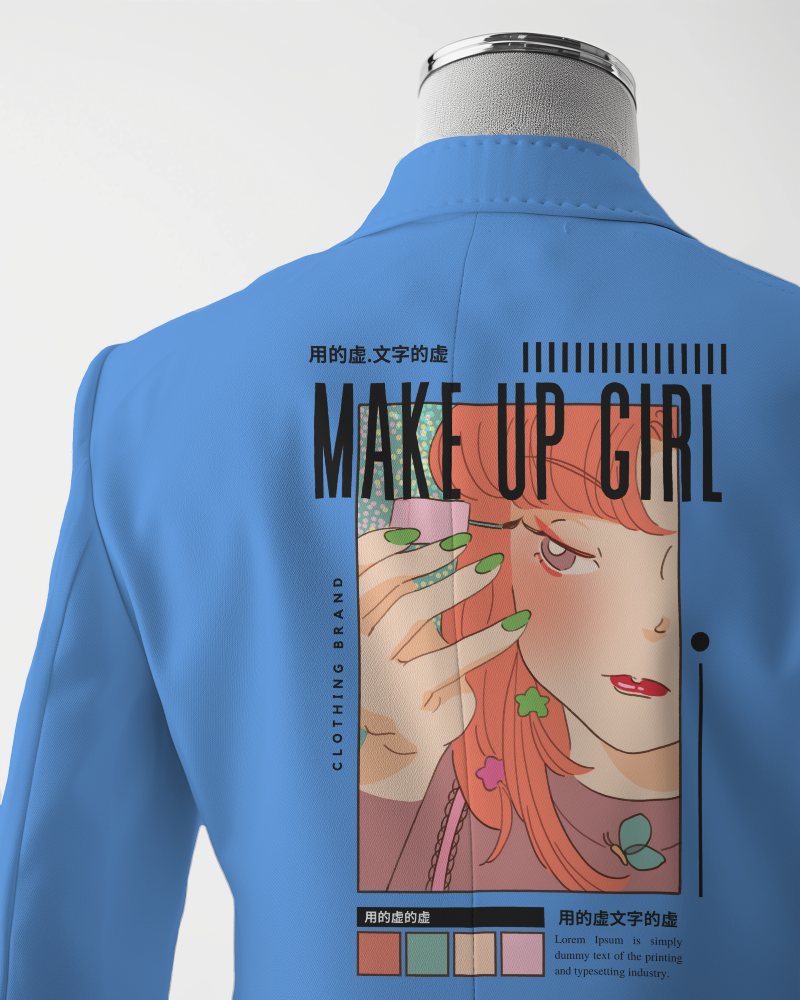
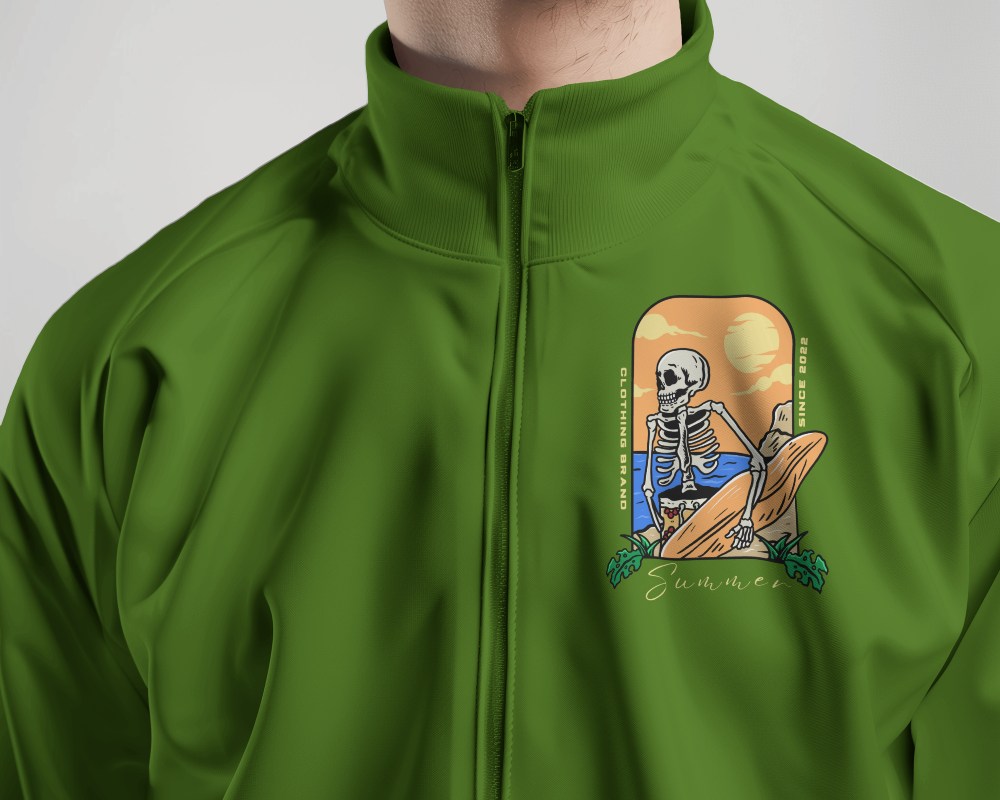
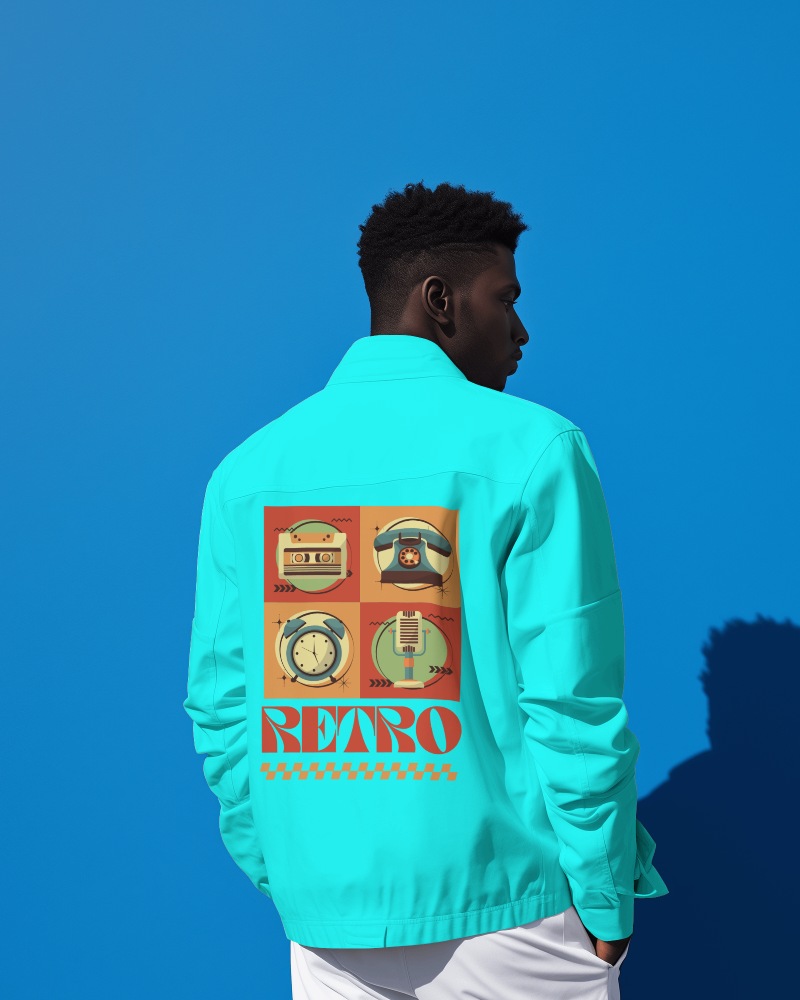
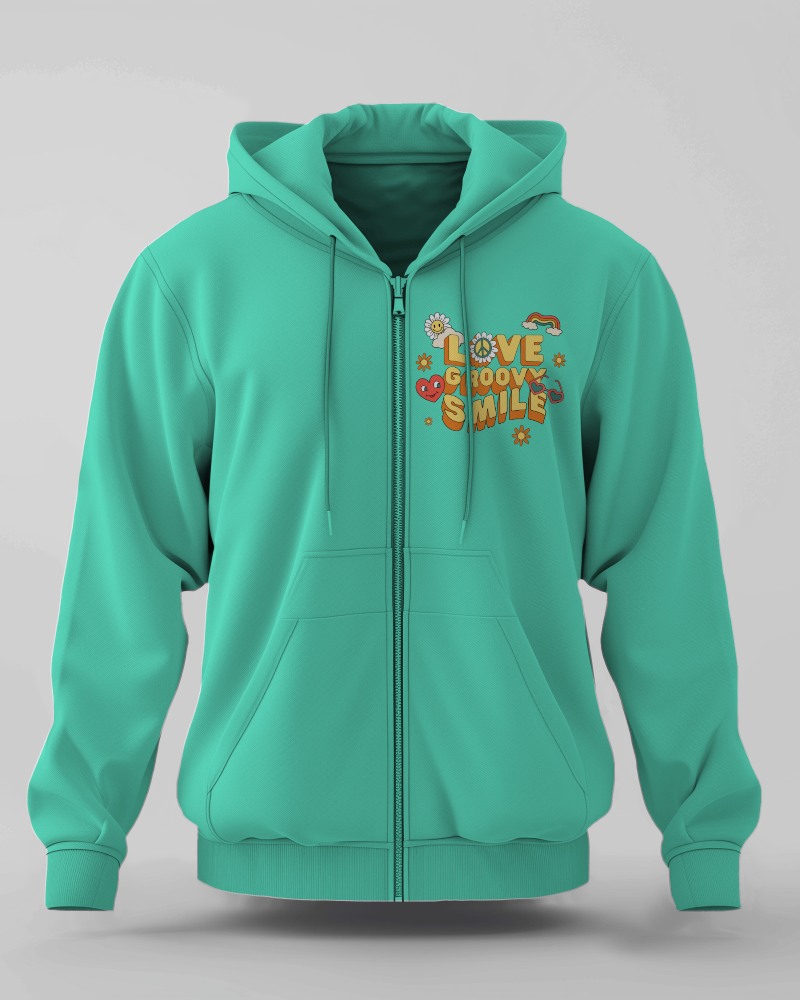
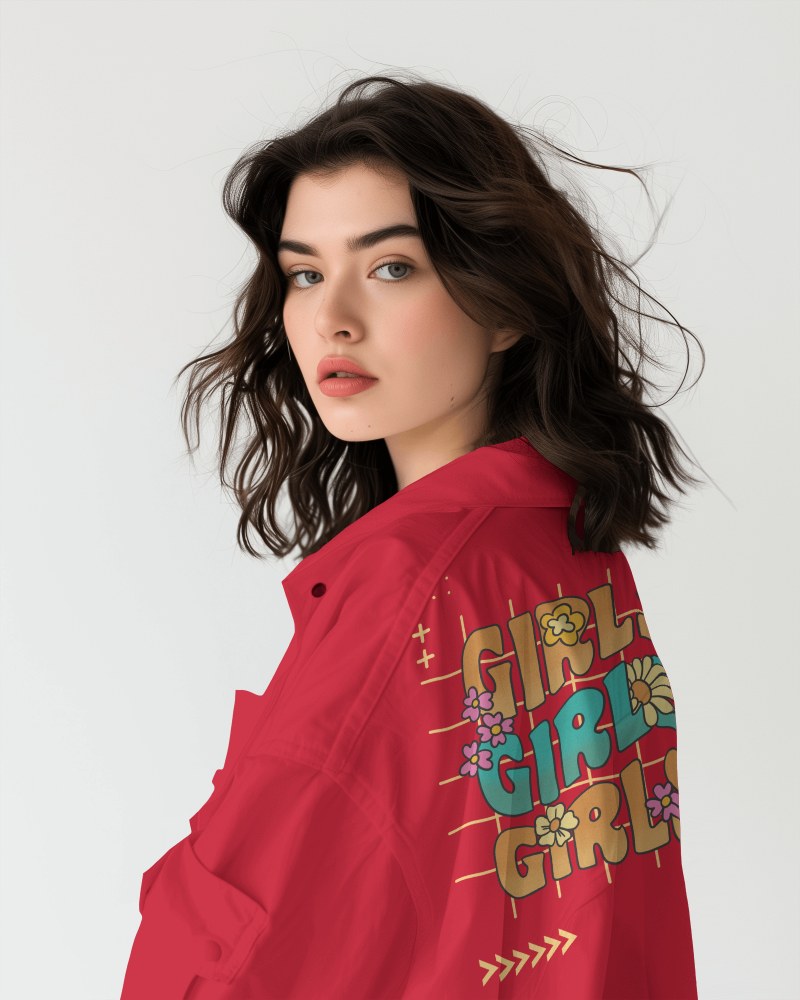
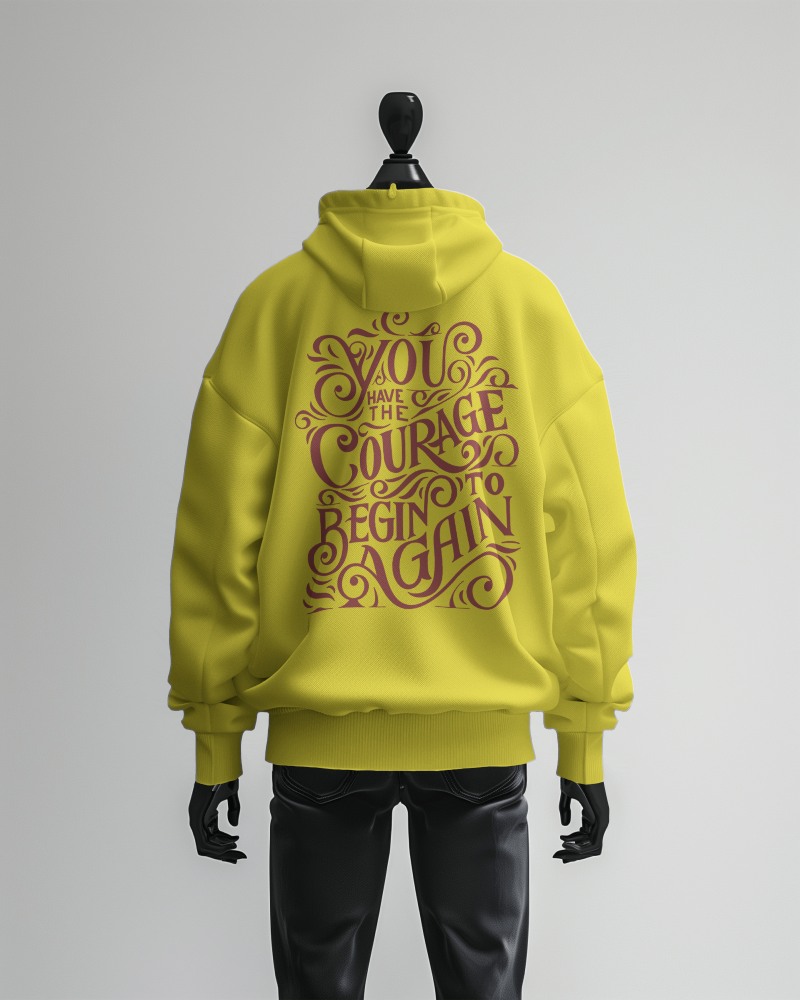
Drop your design on Mockey’s jacket video mockup and watch it turn into something worth scrolling, swiping, and sharing. With just a few clicks, you can transform flat artwork into a high-quality, realistic video that brings your jacket design to life.
How to Create a Jacket Video Mockup with Mockey AI
To create jacket video mockups:
- Step 1: Log in and click 'Video Mockups'. Select 'Jacket' in the 'Apparel' category.
- Step 2: Use a video template for personalization and upload the design.
- Step 3: The jacket video mockup can be saved as an MP4 file by selecting 'Generate Video'.


FAQs on jacket Video Mockups
Why create a jacket video mockup?
Jacket video mockups highlight fabrics and fit dynamically. Customers see the final product clearly, digital promotion gets a big boost, and feedback comes in before making thousands.
Is this mockup appropriate for social media and online retailers?
A jacket video mockup works well for online shops and social media. It shows how the jacket looks and fits. This helps people stay longer, builds interest, and drives more sales. Additionally, it helps your business stand out on the internet.
Will the video mockup include a watermark?
Since you're paying, there's no question of a watermark appearing on the jacket video mockup. Just upgrade to the Max Plan and start creating videos.
