Hood Premium Hoodie Video Mockups for Brand Visuals
Make Hood hoodie video mockups in seconds with Mockey. Upload your design, choose a style, and watch your hoodie come alive with smooth, clean motion. Perfect for ecommerce stores, print on demand sellers, and brands that want strong product videos without editing skills.
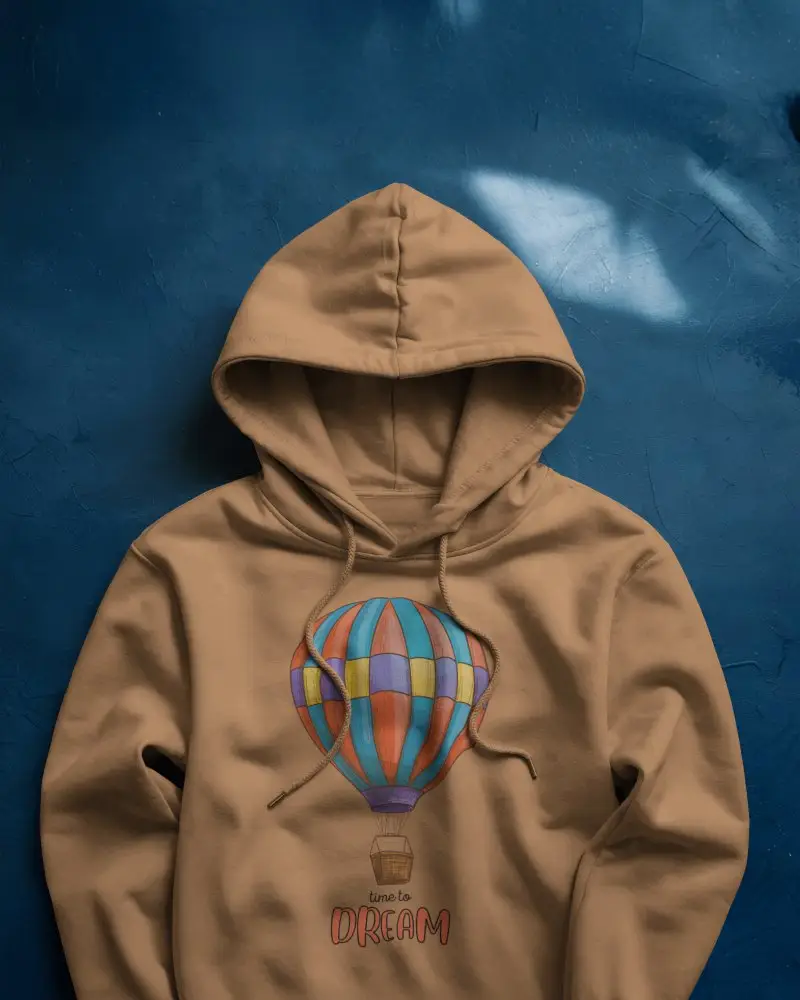
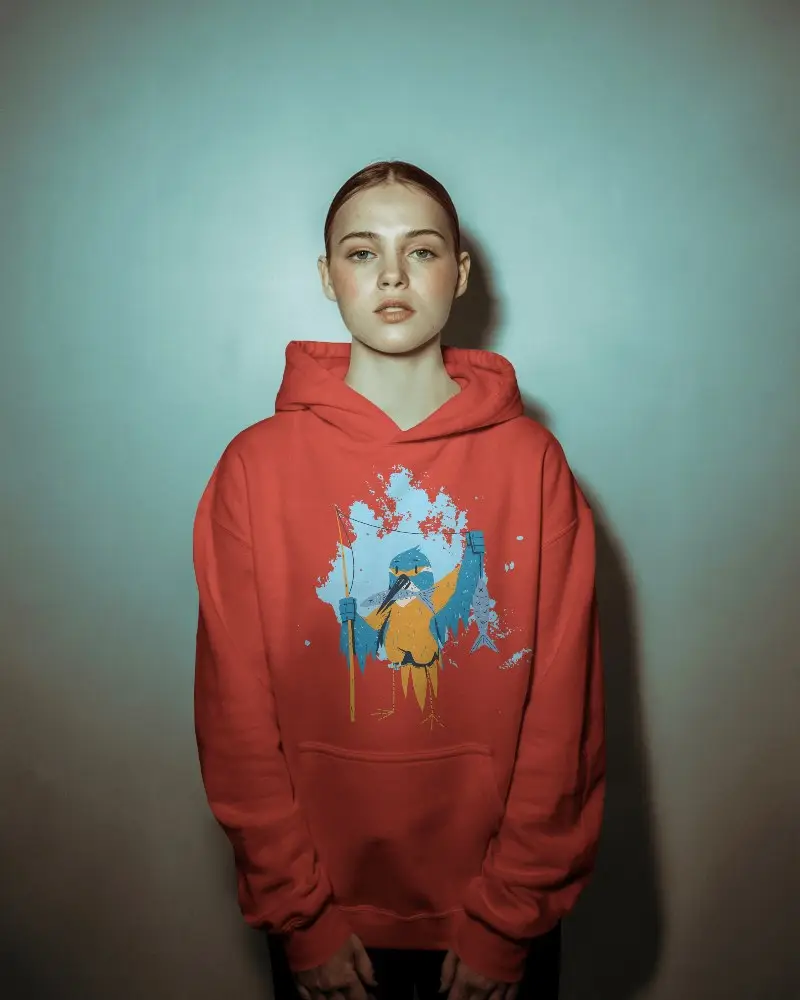
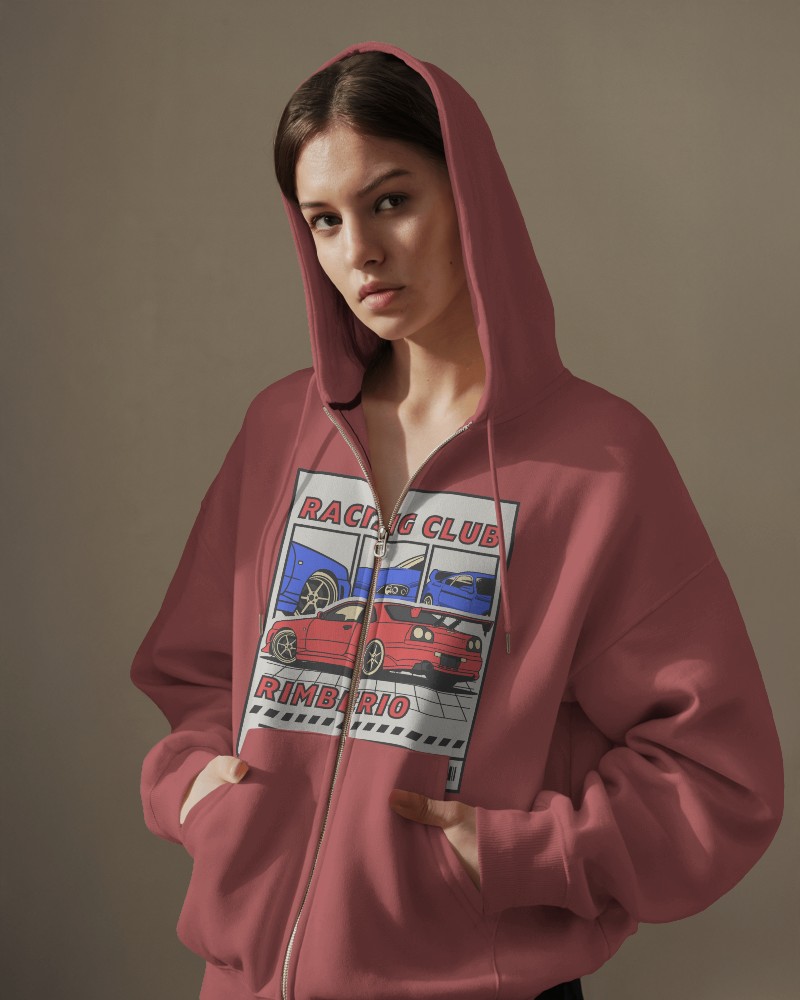
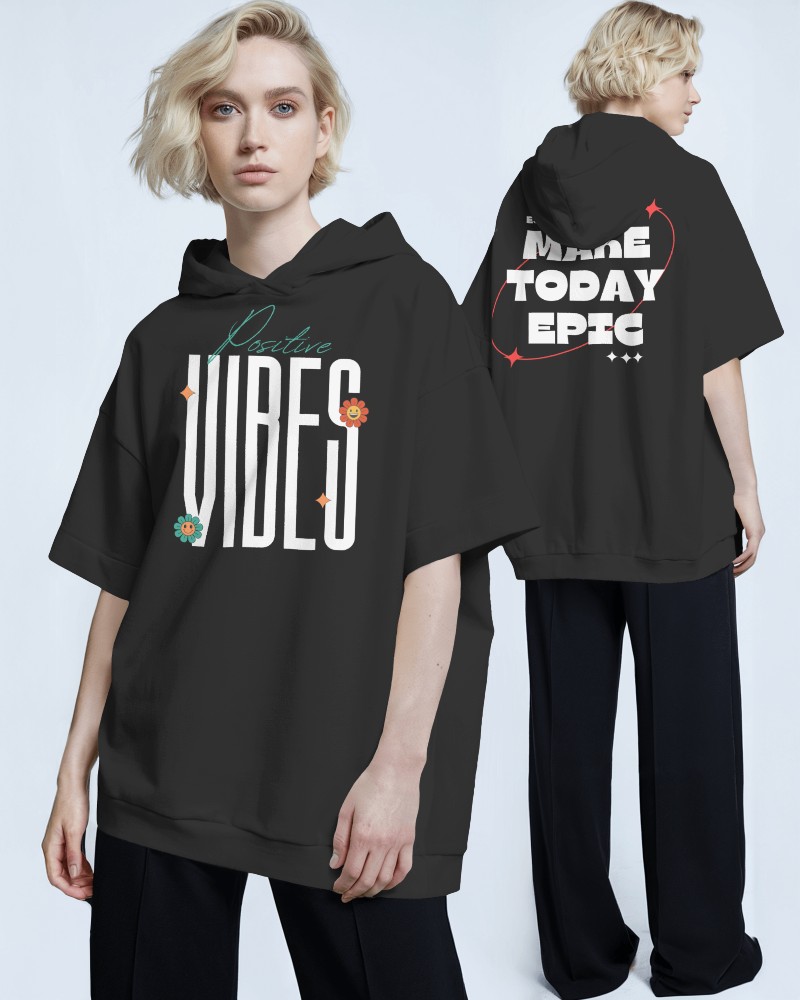
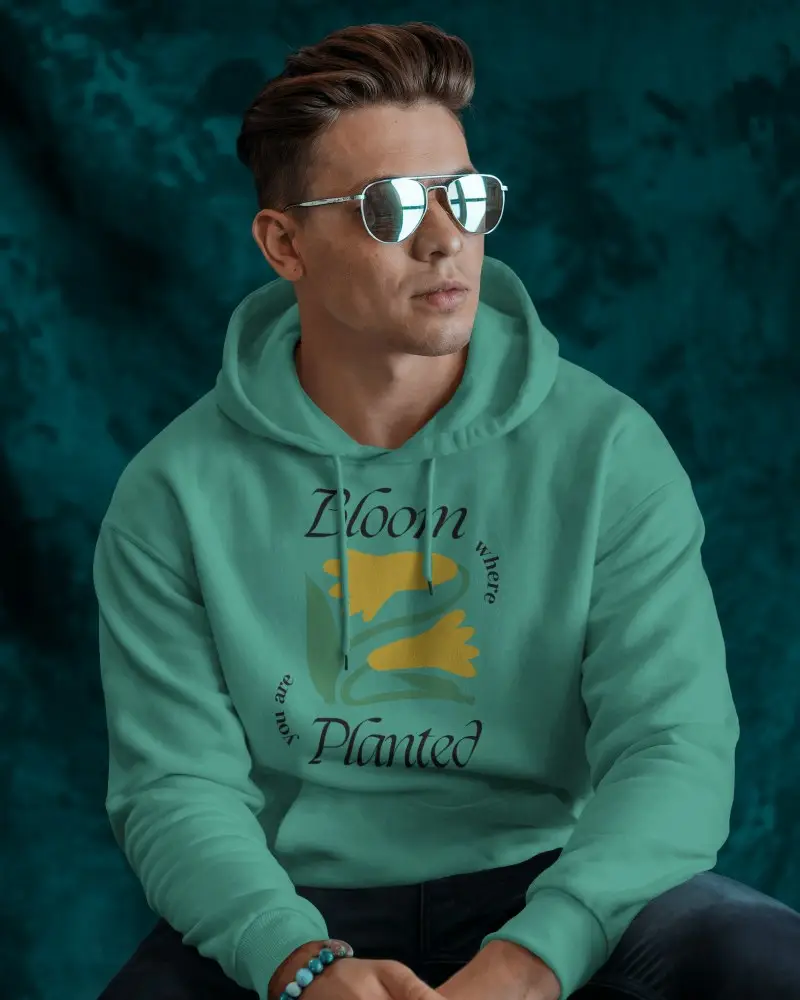
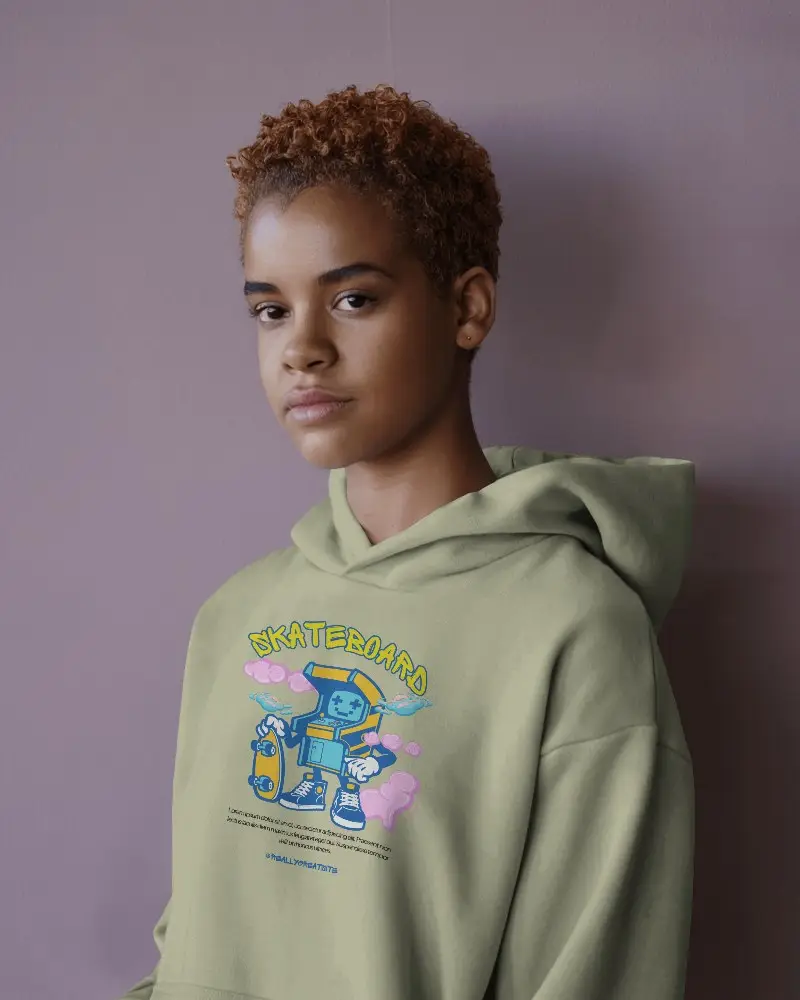
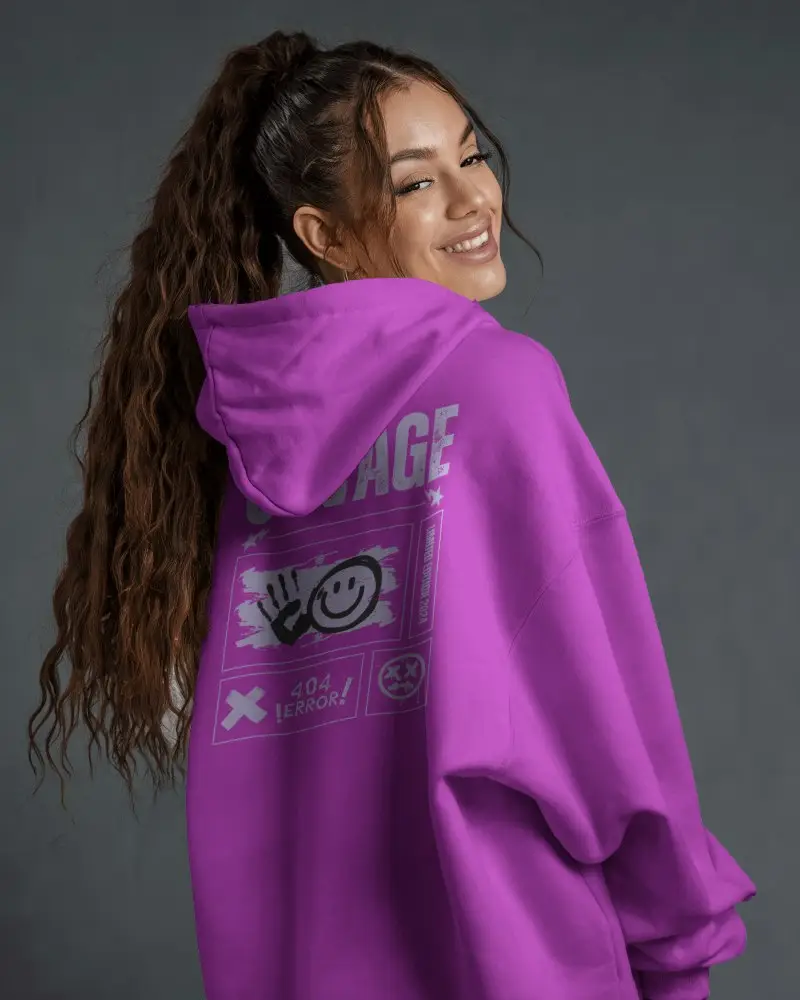
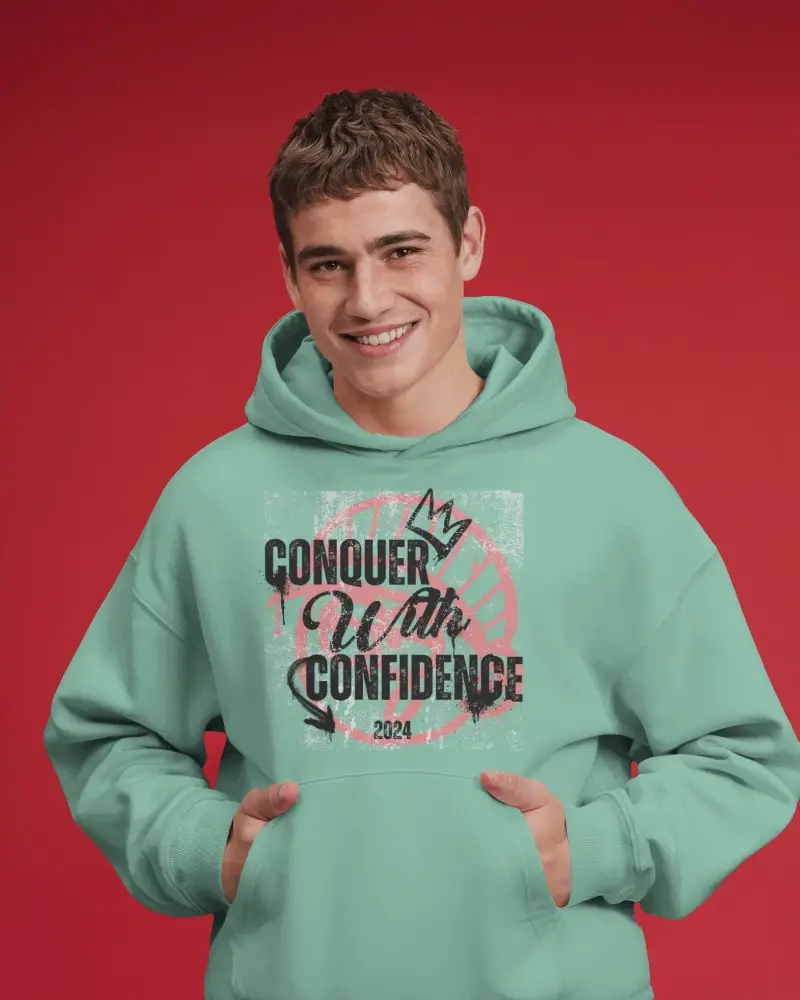
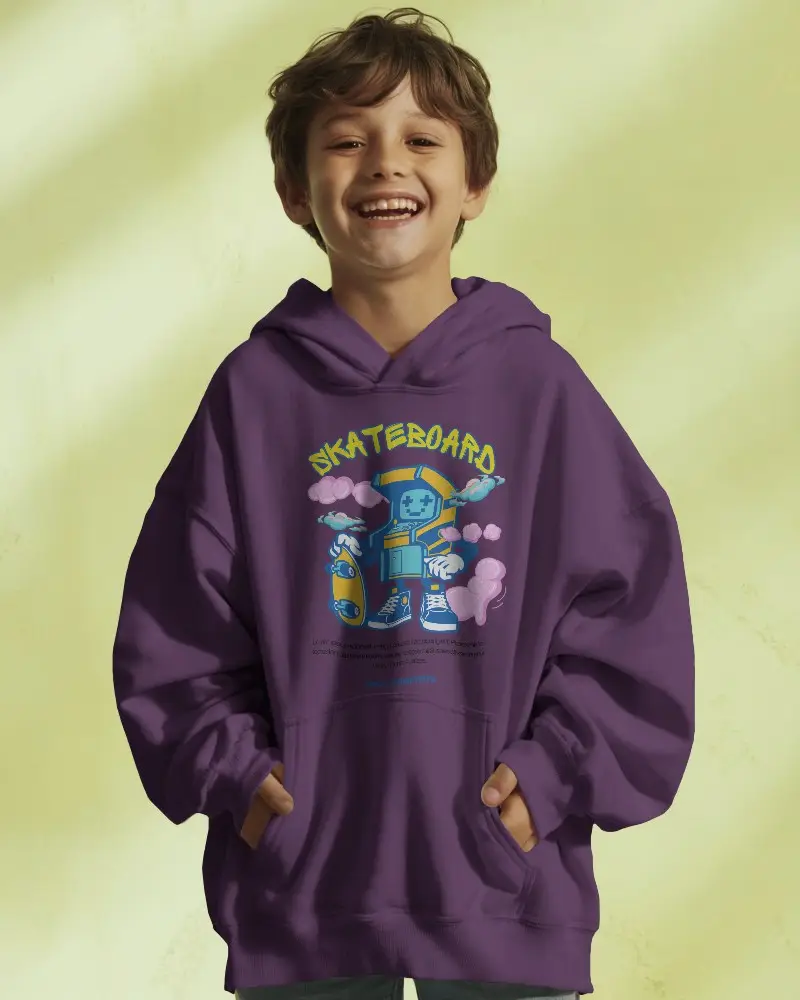
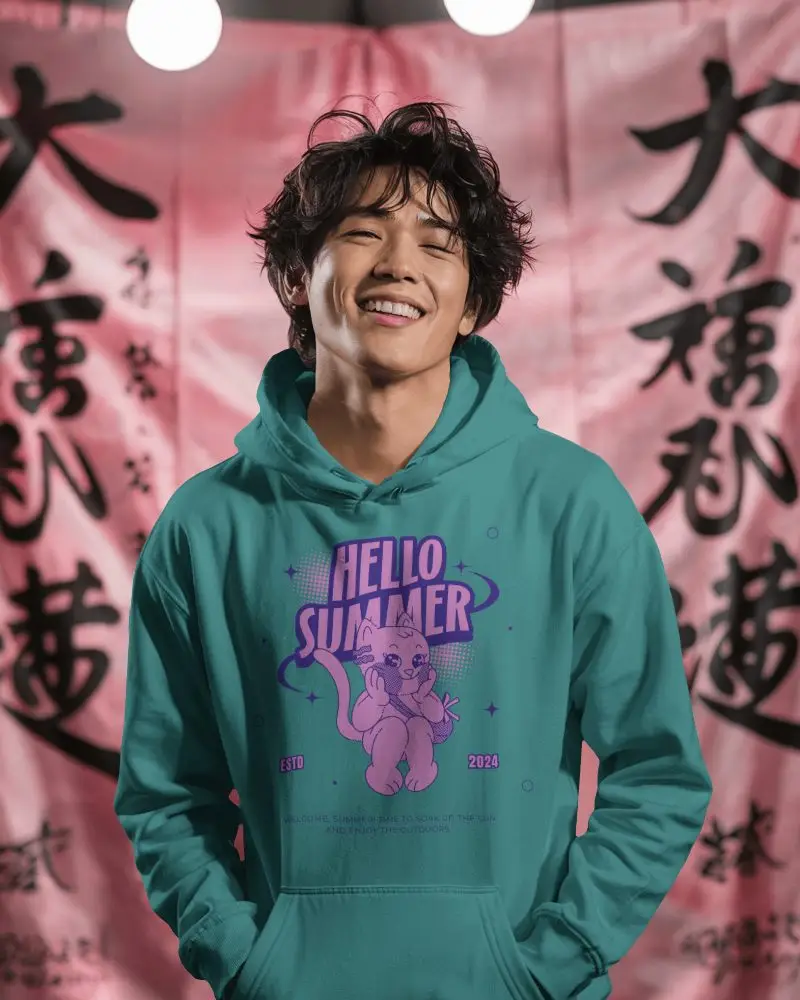
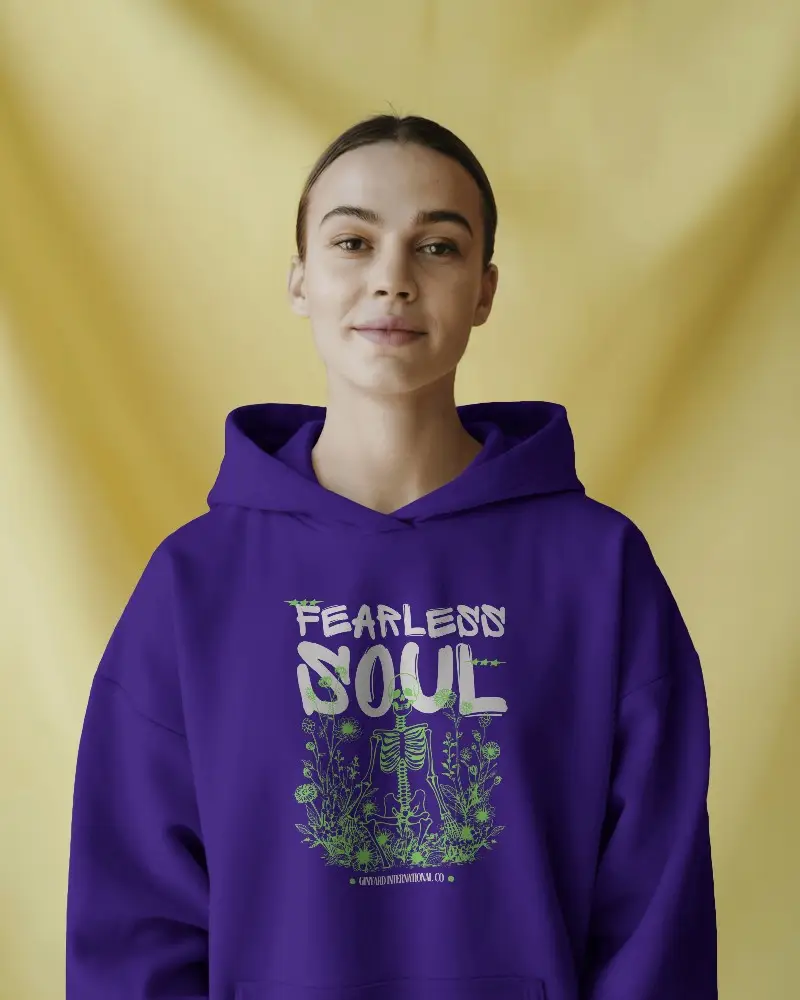
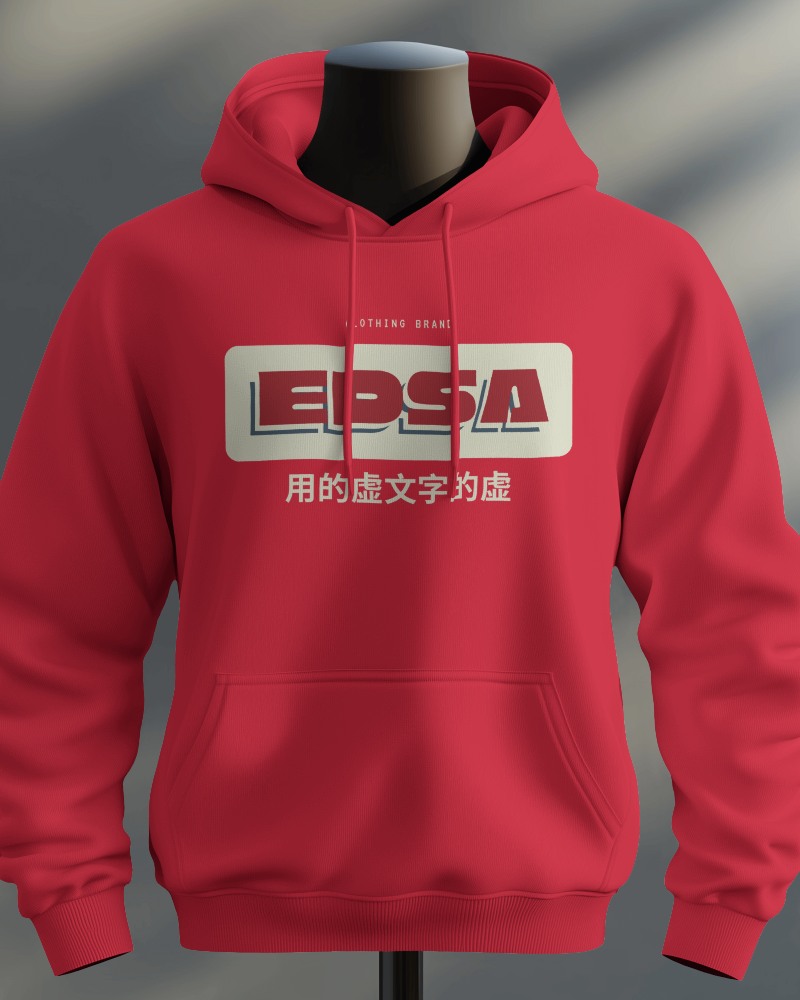
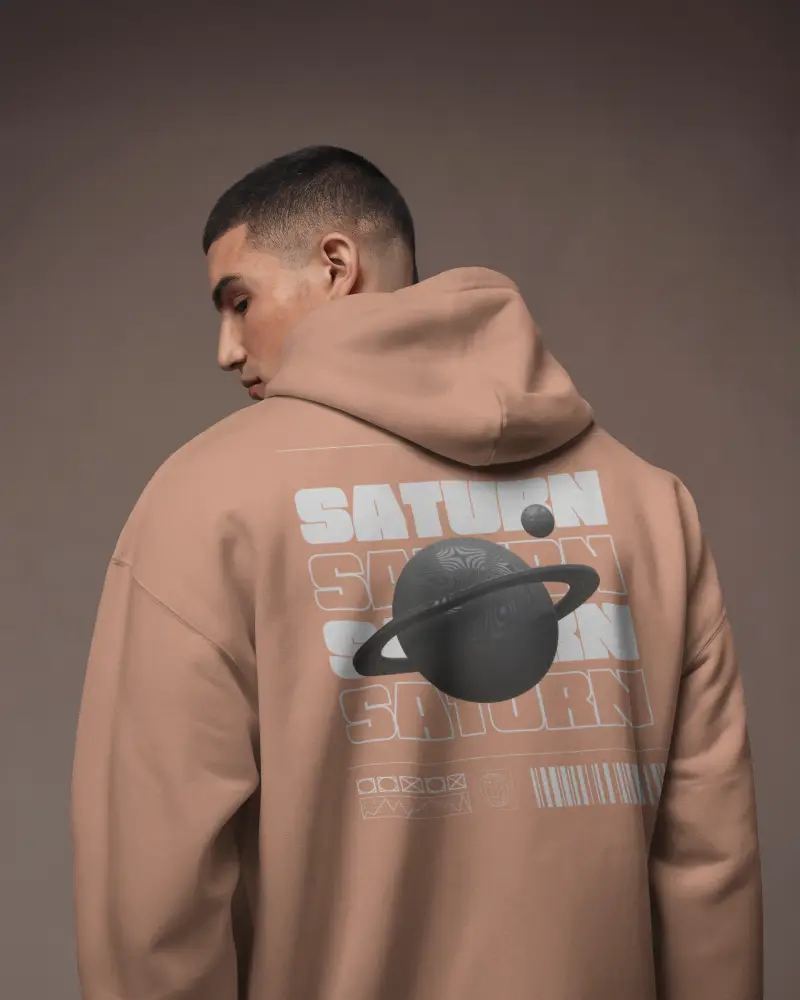
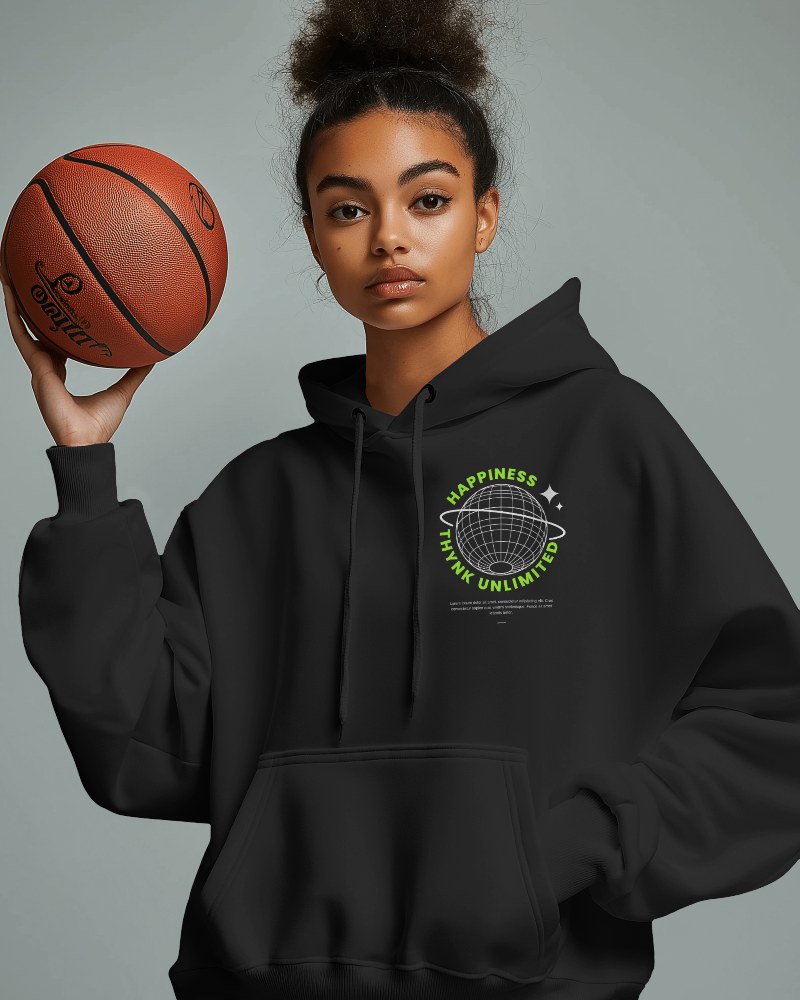
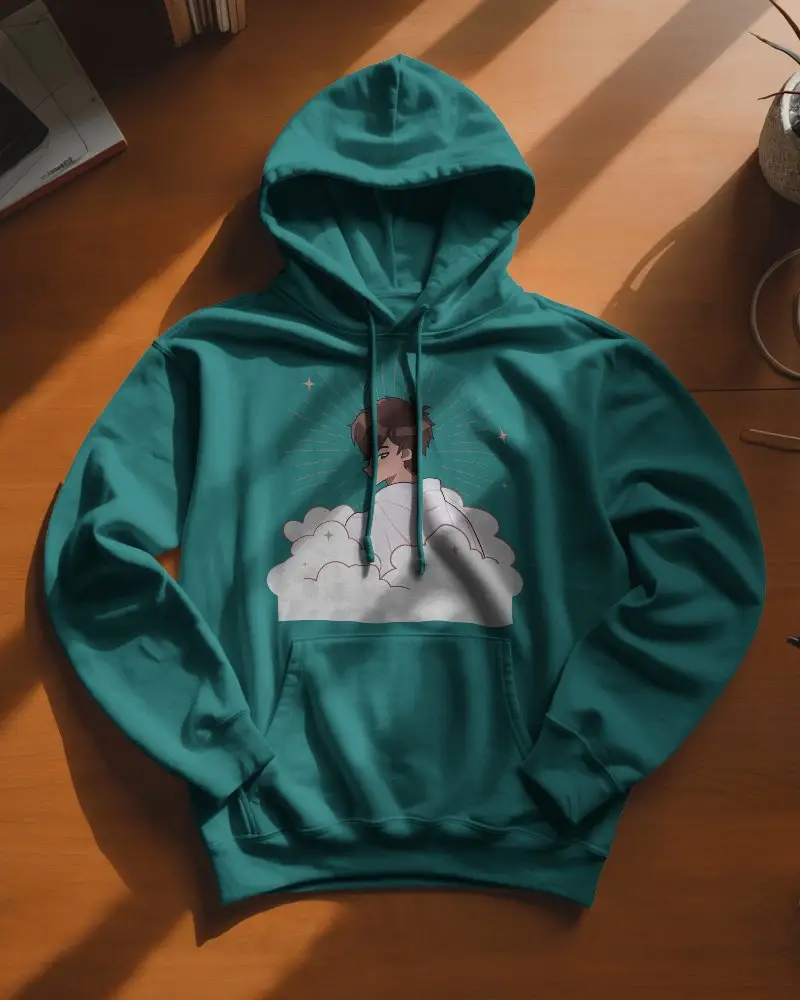
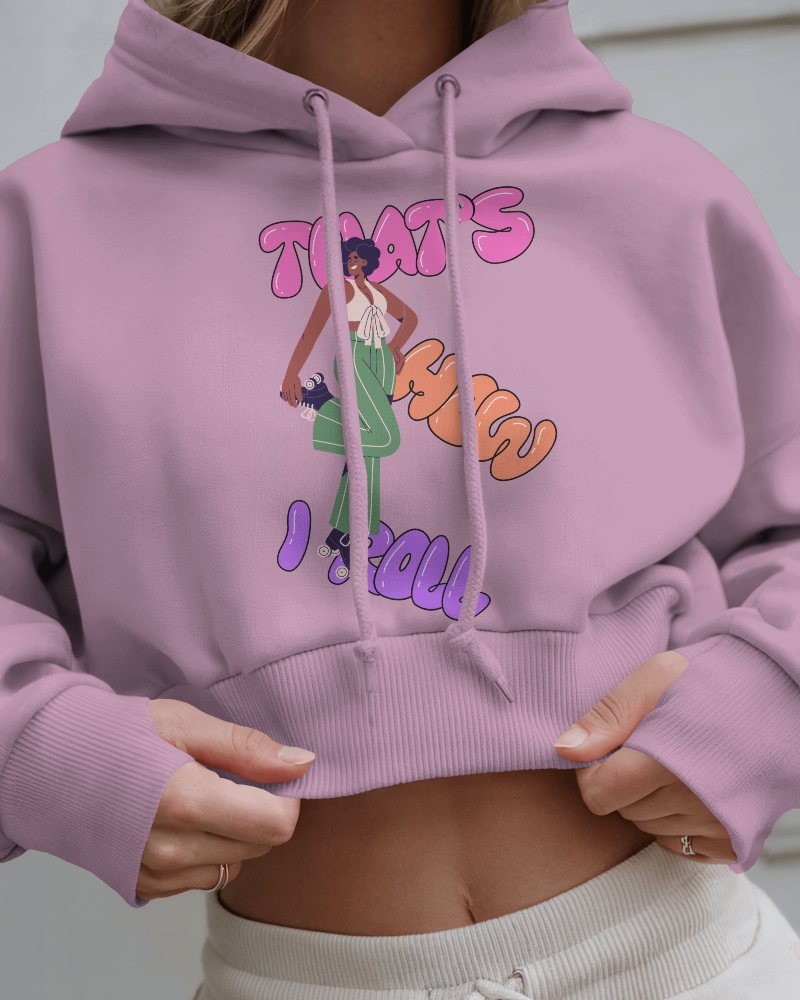
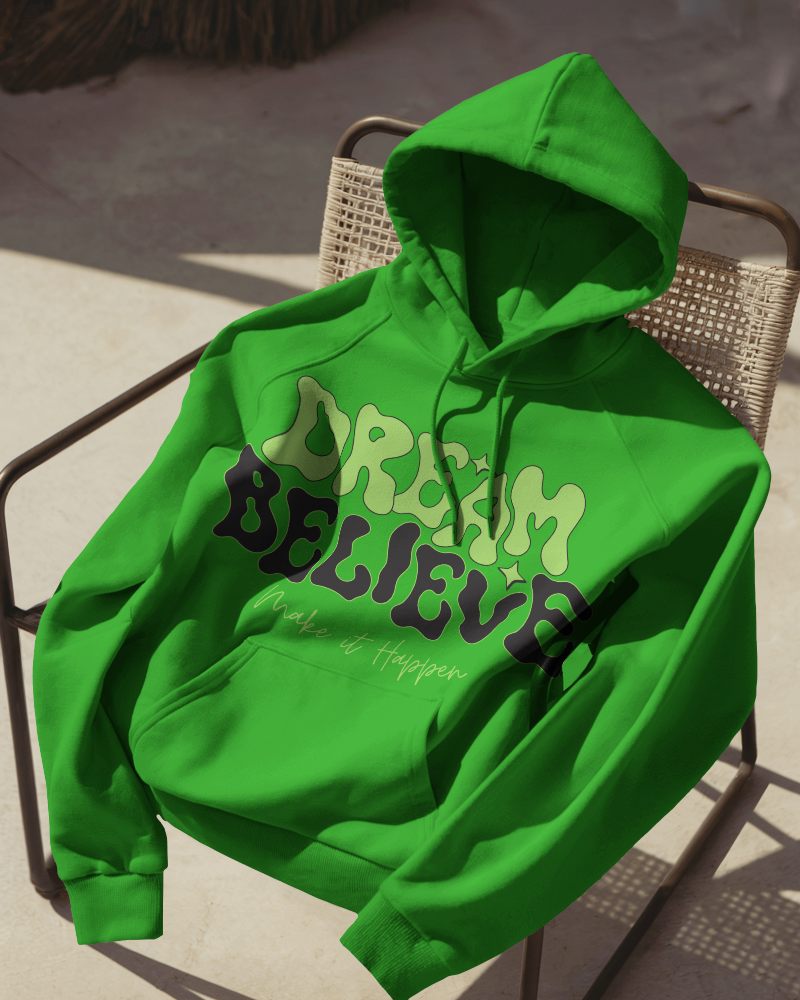
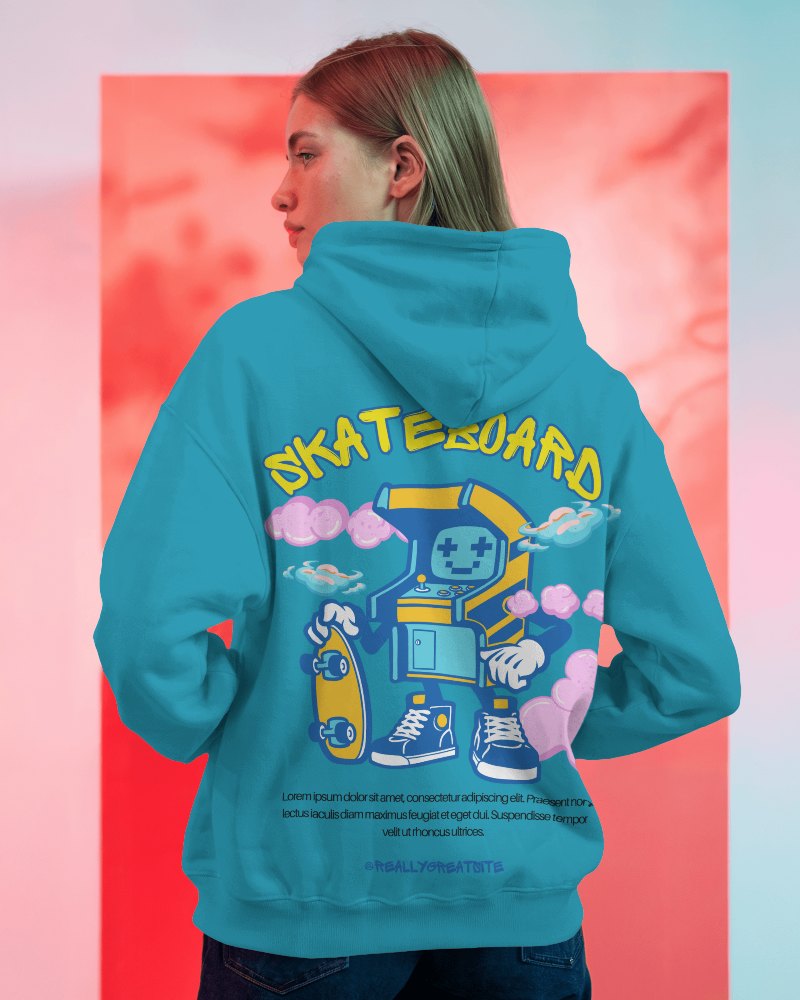
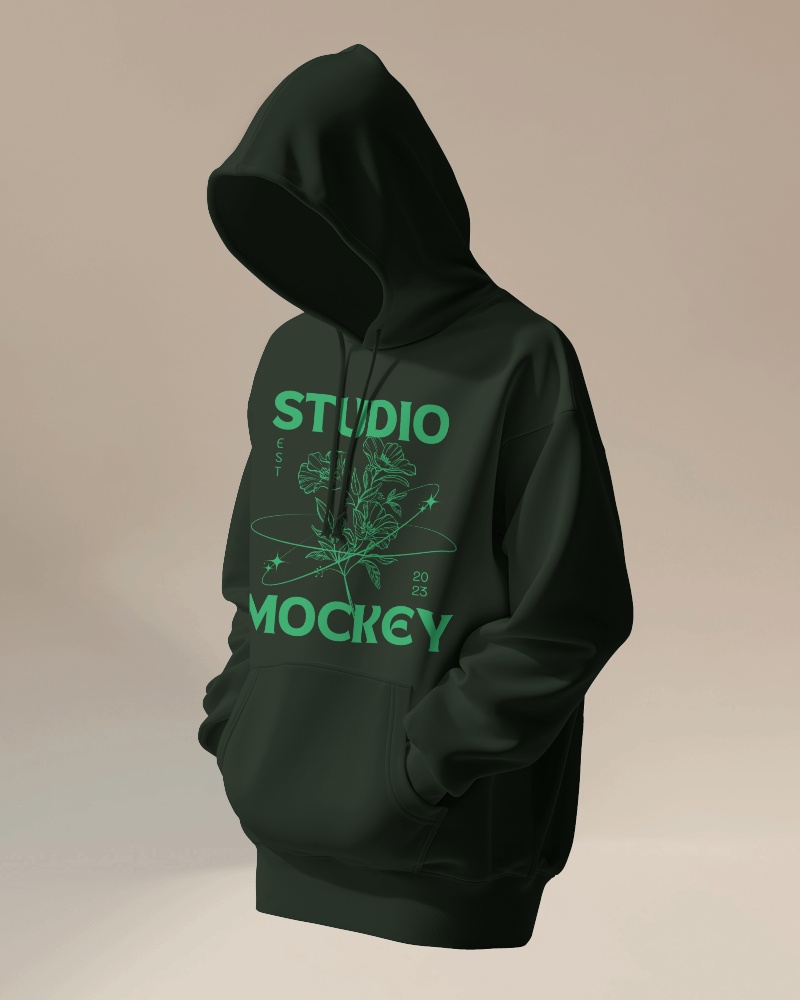
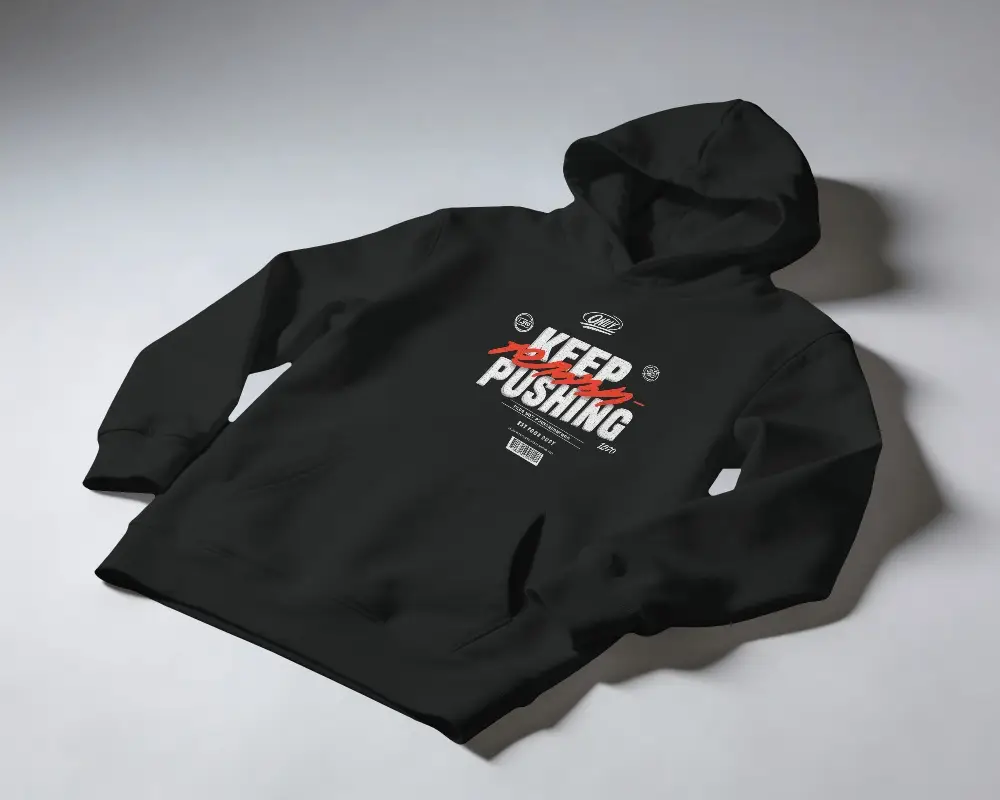
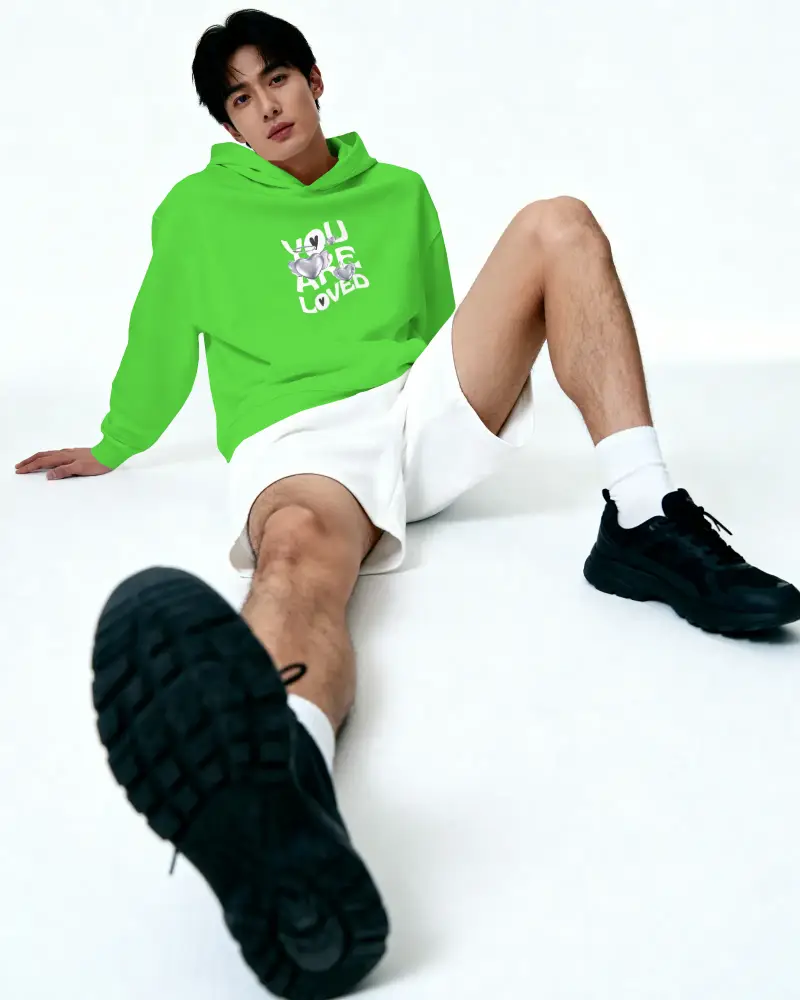
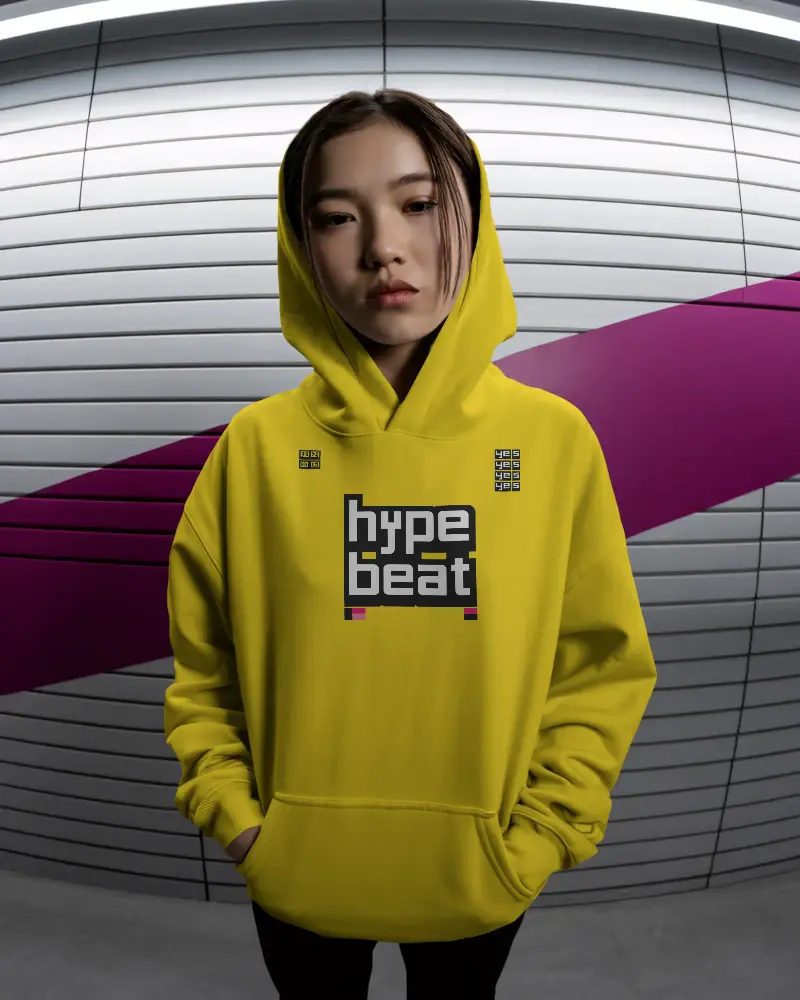
How to Create a Hood Hoodie Video Mockup
To create a Hood hoodie video mockup:
- Step 1: Choose Pricing and switch to the CREATOR plan.
- Step 2: Open Video Mockups, go to the Apparel category, and select Hoodie.
- Step 3: Pick a video template, upload your design, customize it, and click Generate Video to download the hoodie video mockup.


FAQs on Hood Video Mockups
What is a Hood hoodie video mockup?
A Hood hoodie video mockup is a short animated video template of a hoodie where you can add your design. It shows how the hoodie looks in motion and helps brands present designs clearly using a video mockup generator.
Who should use Hood hoodie video mockups?
Hood hoodie video mockups are used by designers, marketers, and online fashion brands. They are ideal for showing realistic previews to clients or customers without doing a physical photoshoot.
Where can I use the Hood hoodie video mockup?
You can use Hood hoodie video mockups on social media, product pages, ads, and ecommerce stores. Video mockups help grab attention and improve engagement.
Is the Hood hoodie video mockup high quality?
Mockey AI’s Hood hoodie video mockups are high quality and professionally rendered. They are designed for brands that want polished and realistic product visuals.
Can I use my own prompt to create Hood hoodie video mockups?
You don’t need prompts to create Hood hoodie video mockups. Just select a video template, upload your design, customize it, and download the final video.
Can I use Hood hoodie video mockups in my Shopify or Etsy store?
Yes, Hood hoodie video mockups work perfectly for Shopify, Etsy, and other ecommerce platforms. They help increase buyer trust and improve conversions.
Can I customize the Hood hoodie color and design placement?
Once you choose a hoodie video template, you can upload your design, adjust hoodie colors, and reposition the artwork easily using Mockey AI’s editor.
