Kids Premium Hoodie Video Mockups for Brand Visuals
Make Kids hoodie video mockups in seconds with Mockey. Upload your design, choose a style, and watch your hoodie come alive with smooth, clean motion. Perfect for ecommerce stores, print on demand sellers, and brands that want strong product videos without editing skills.
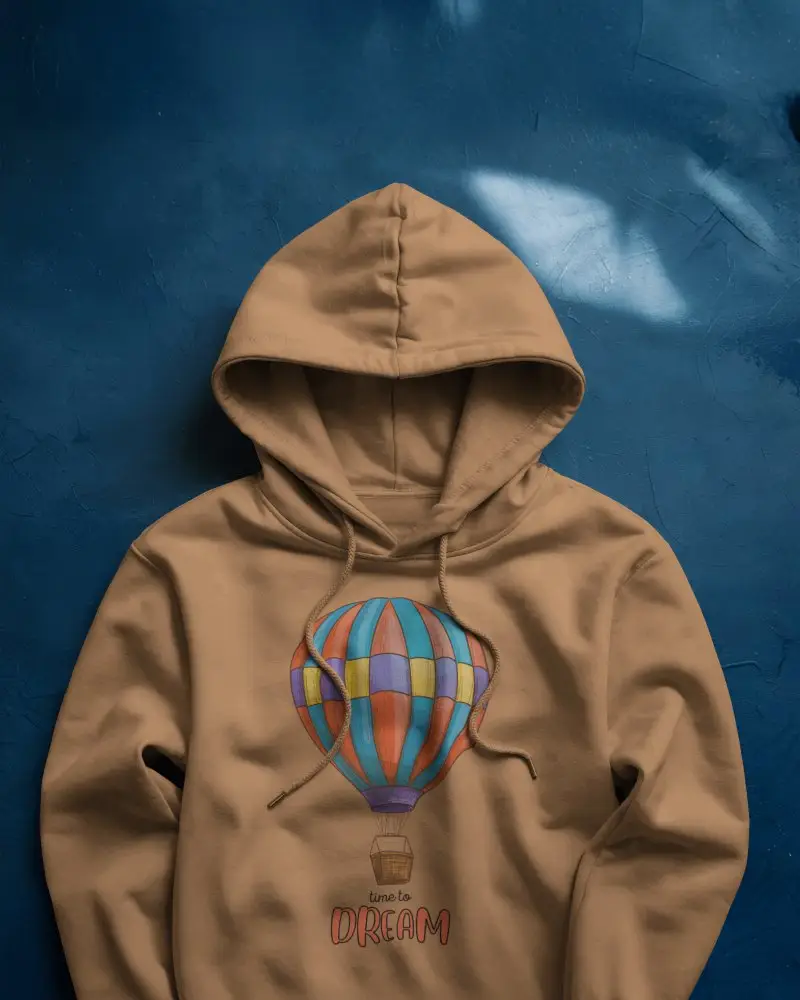
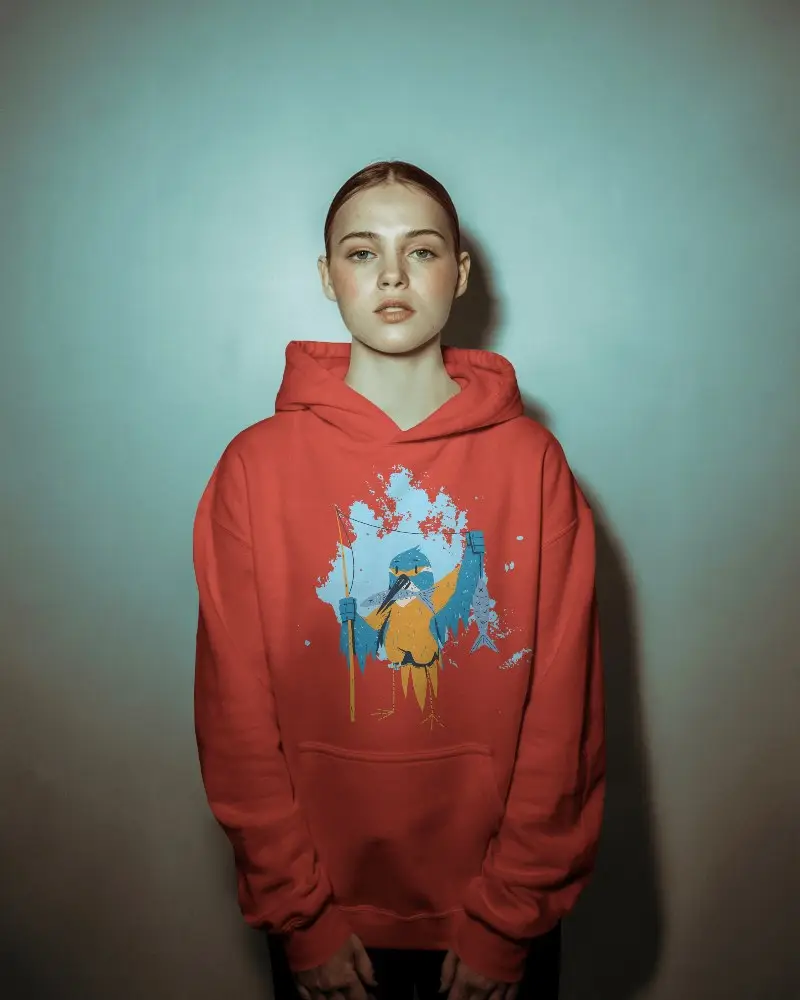
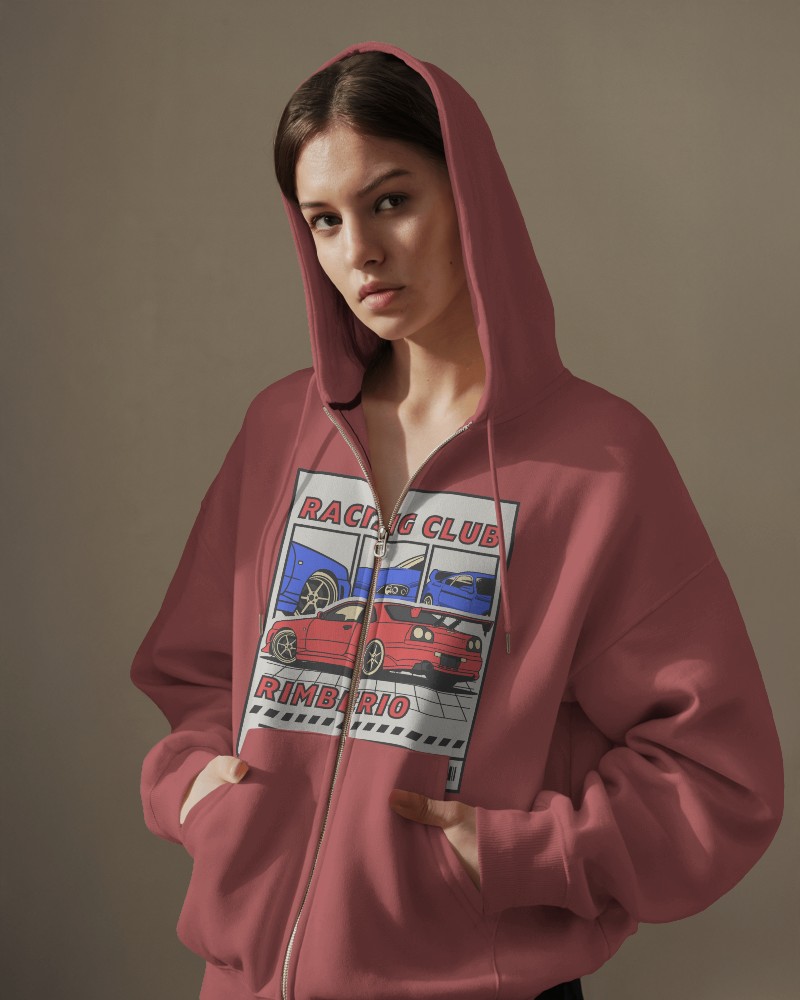
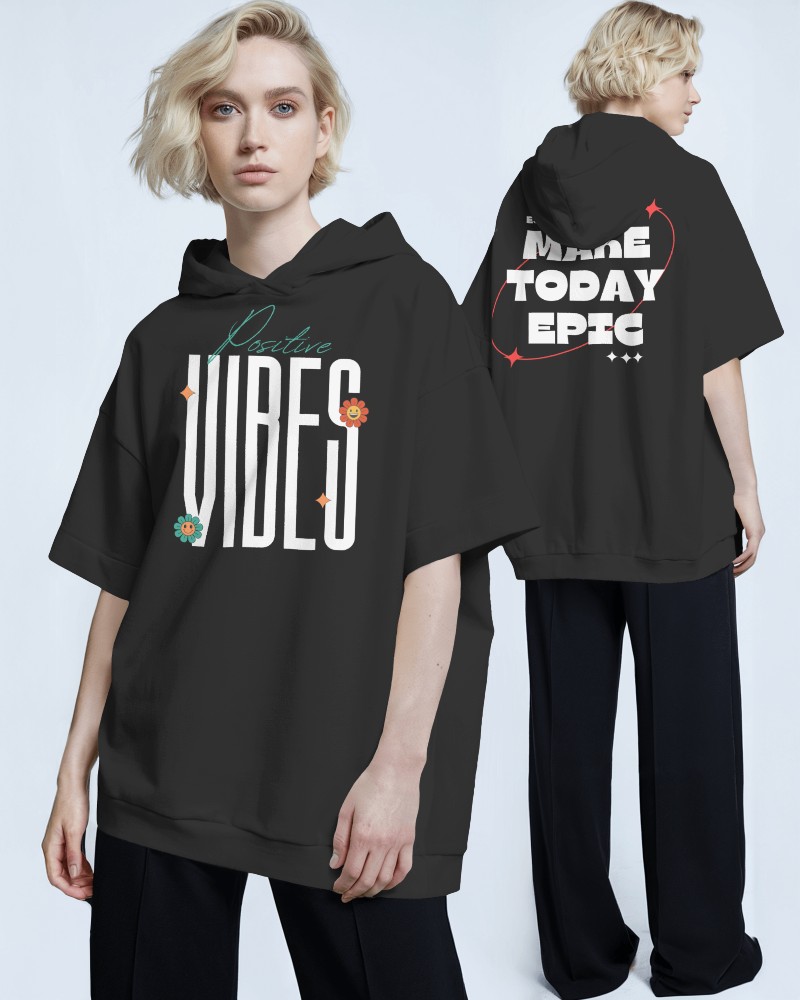
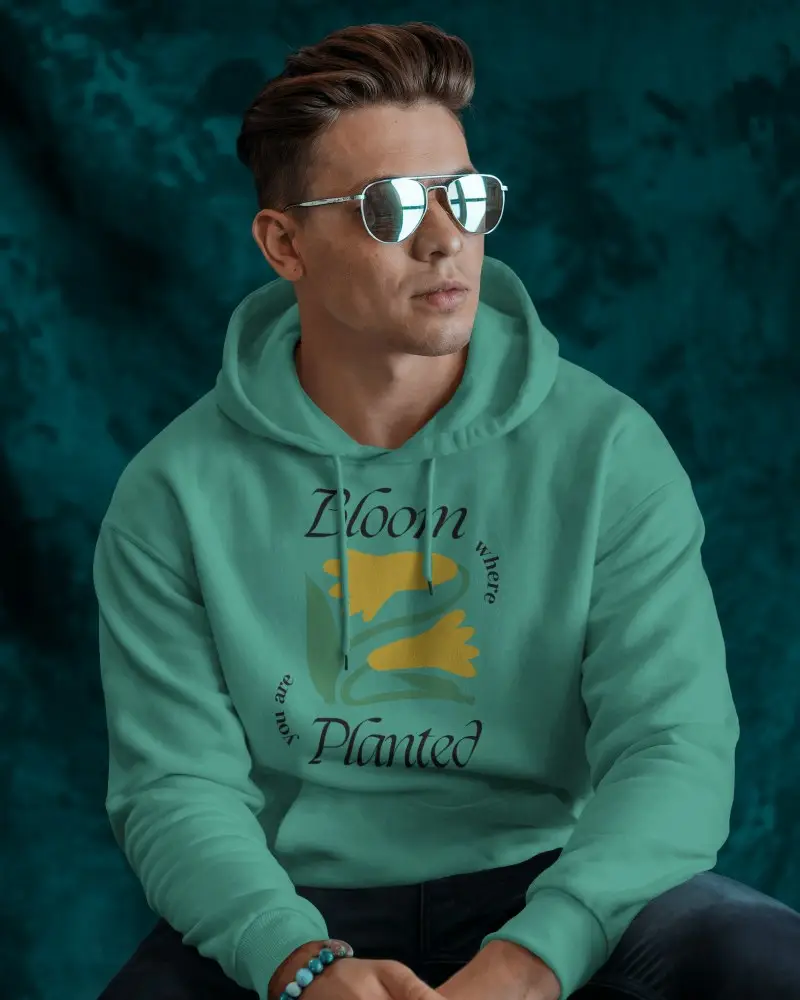
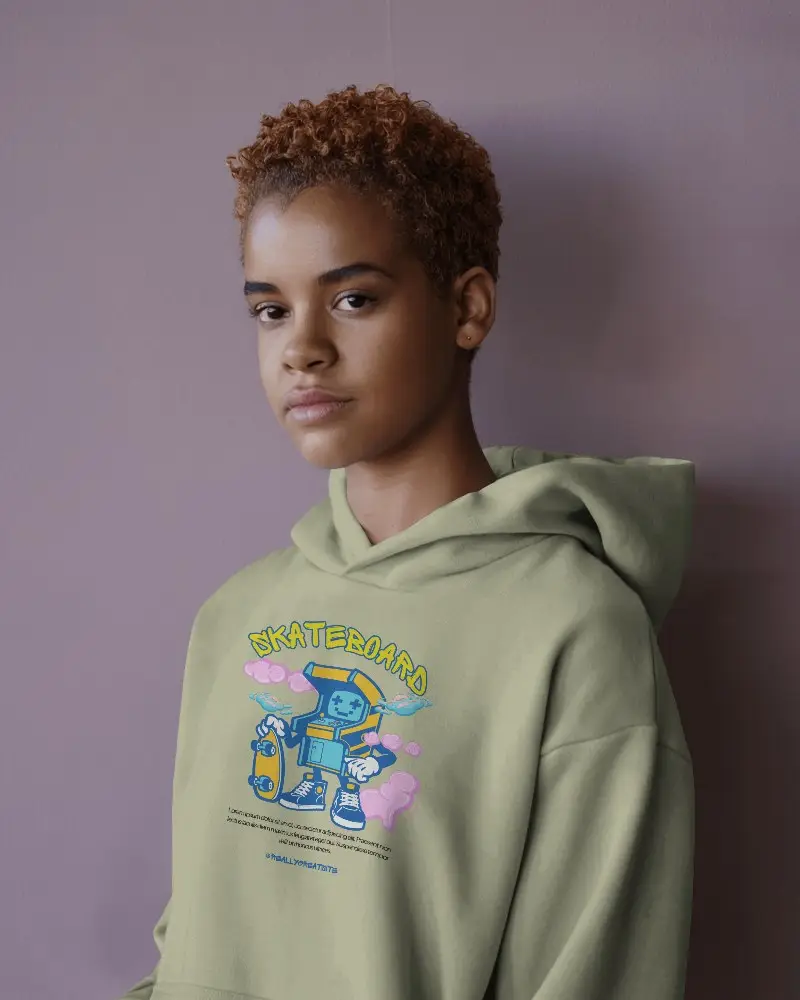
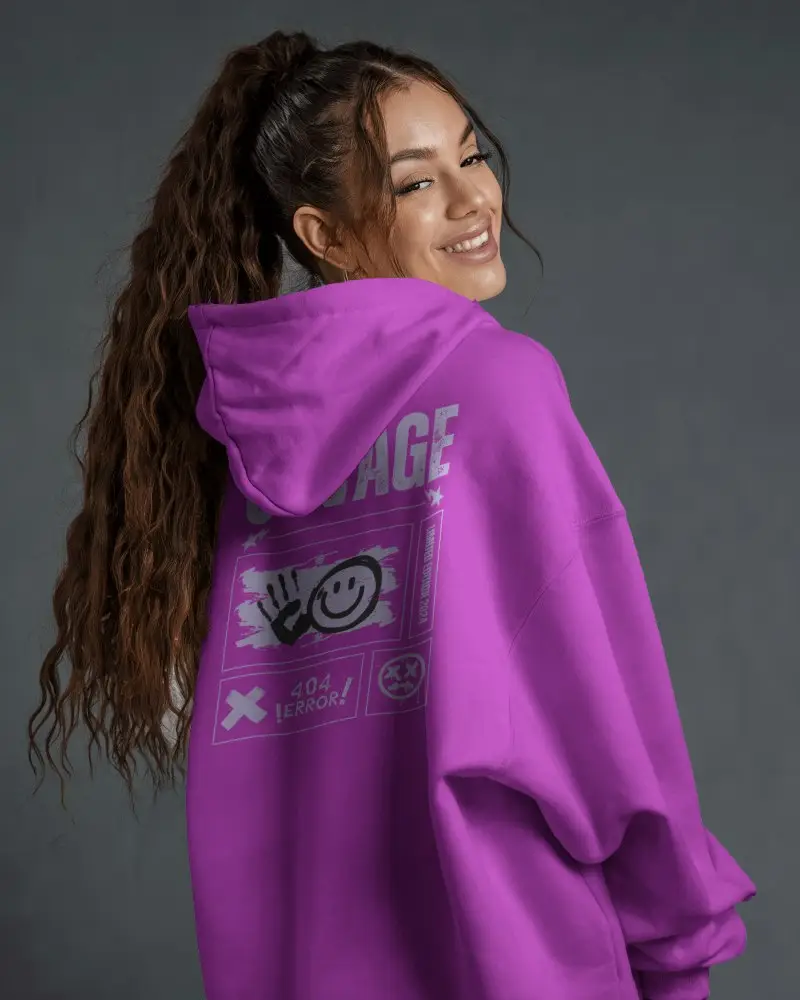
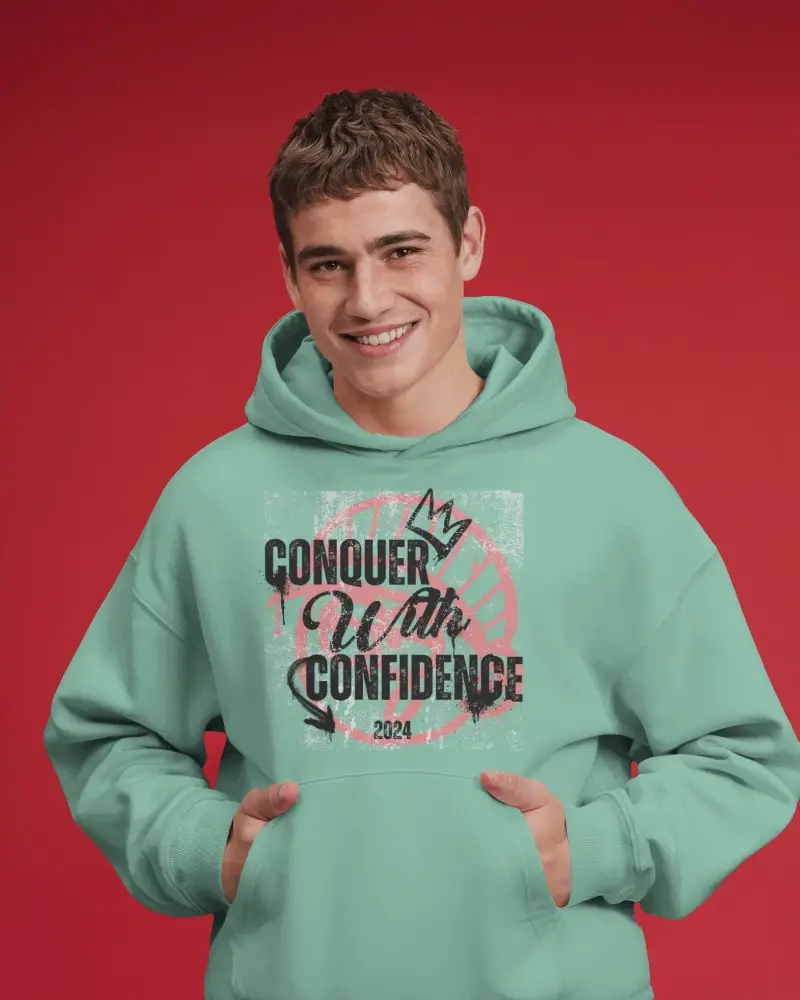
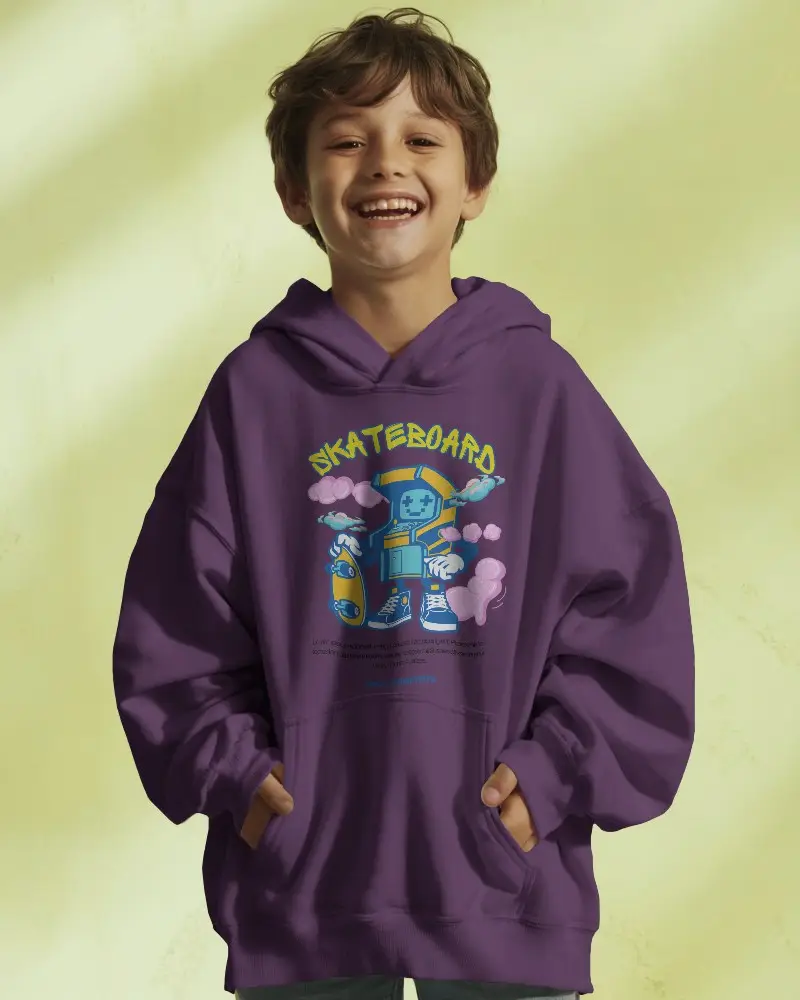
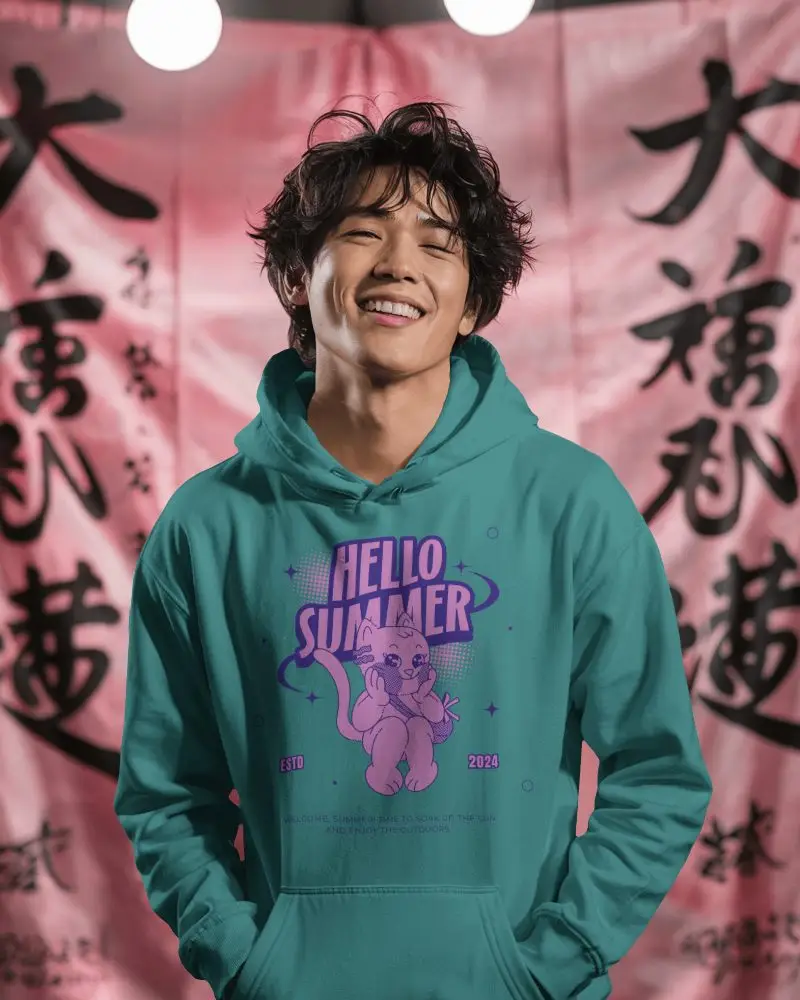
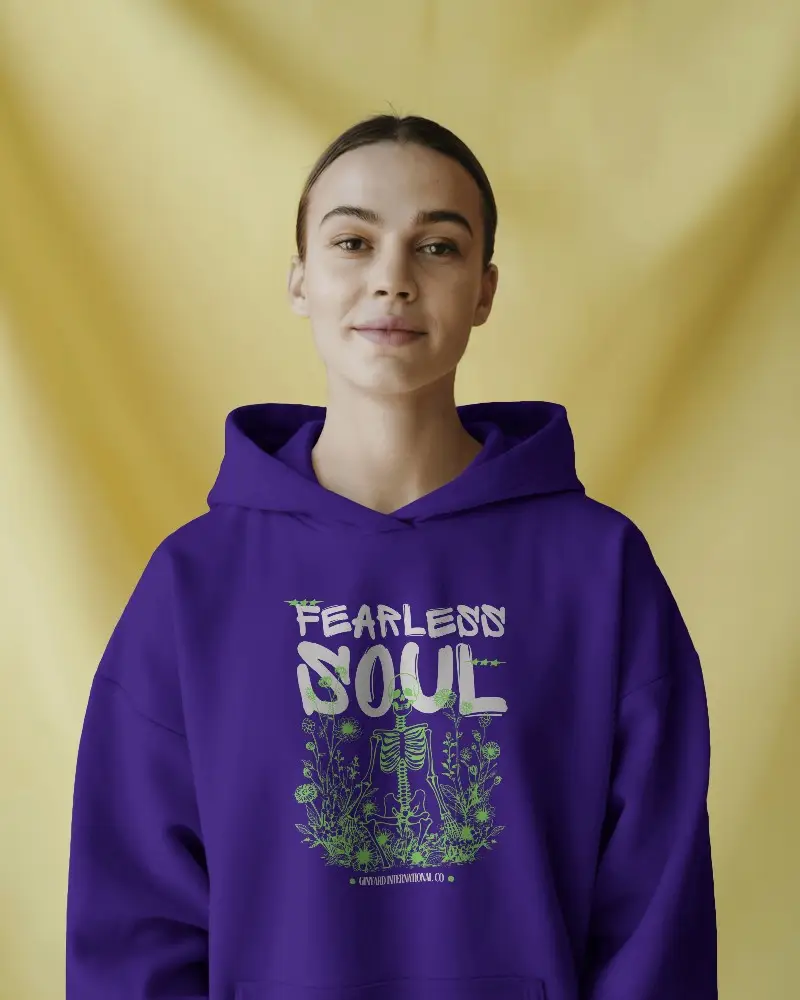
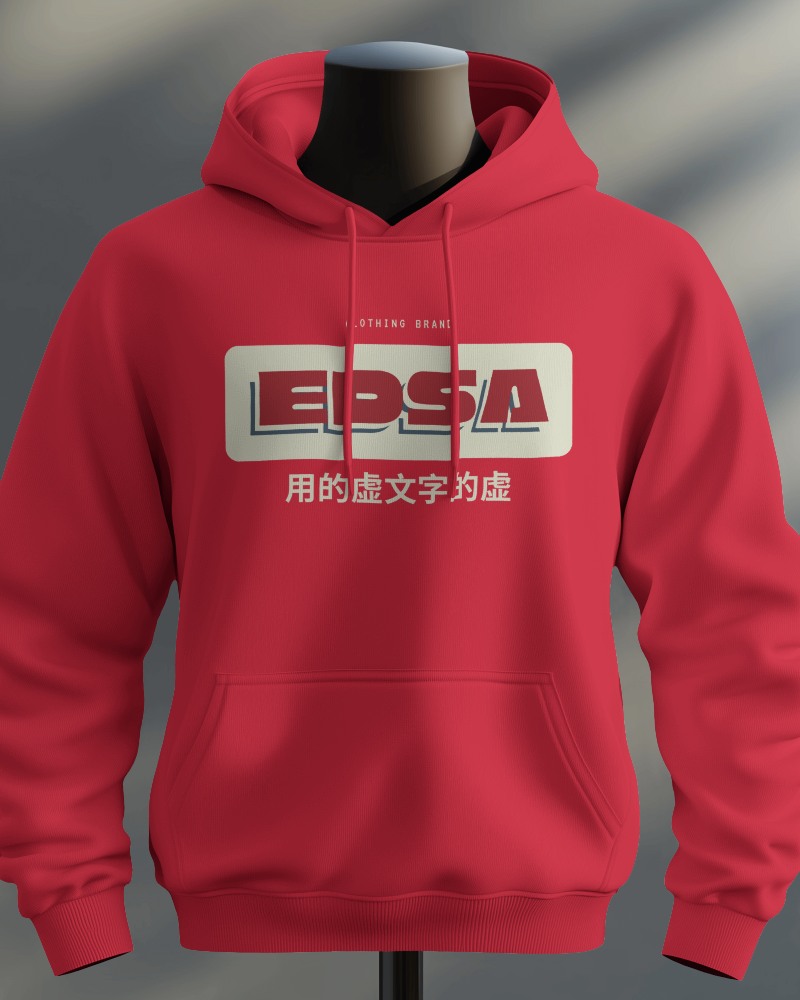
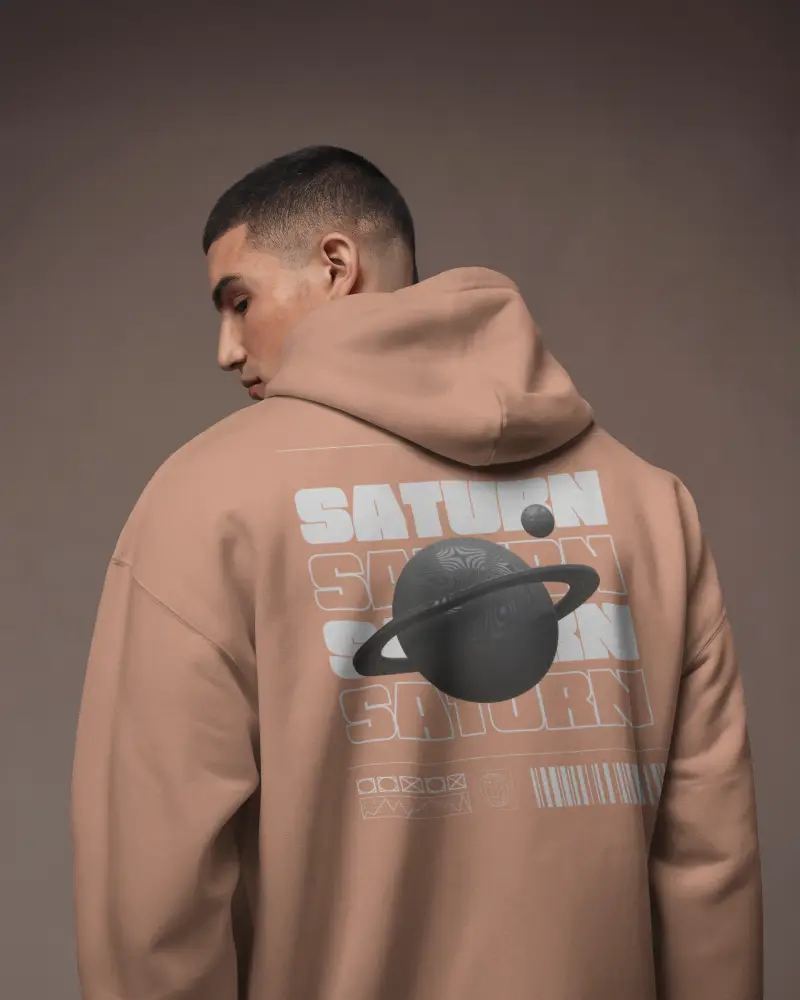
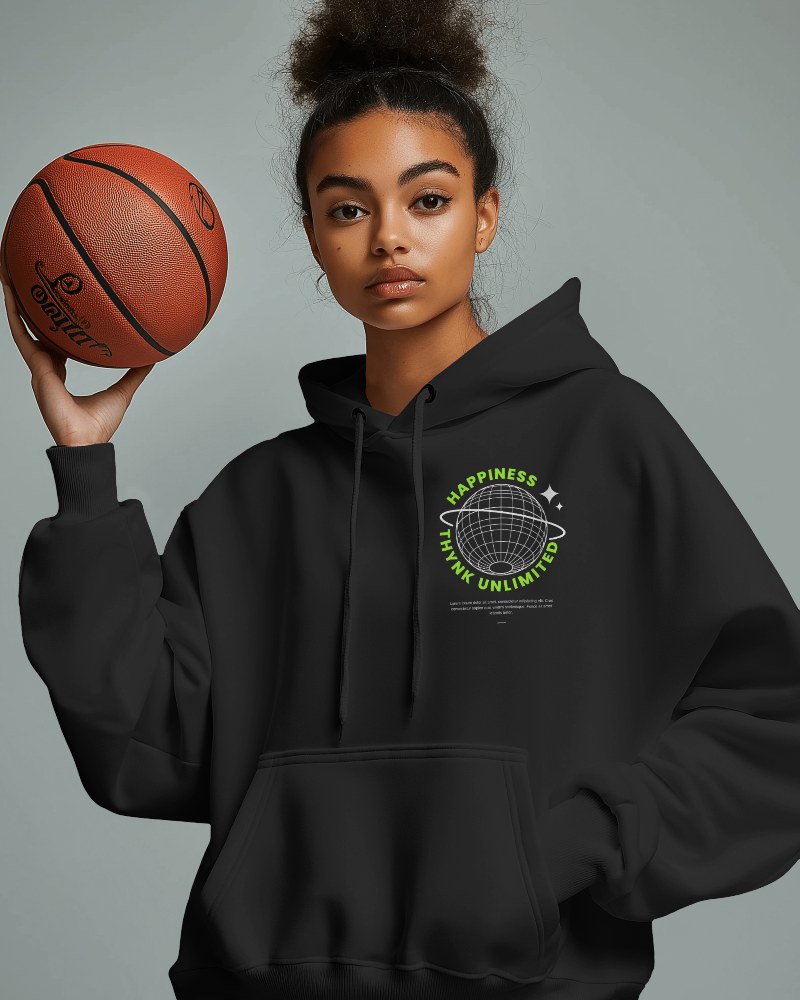
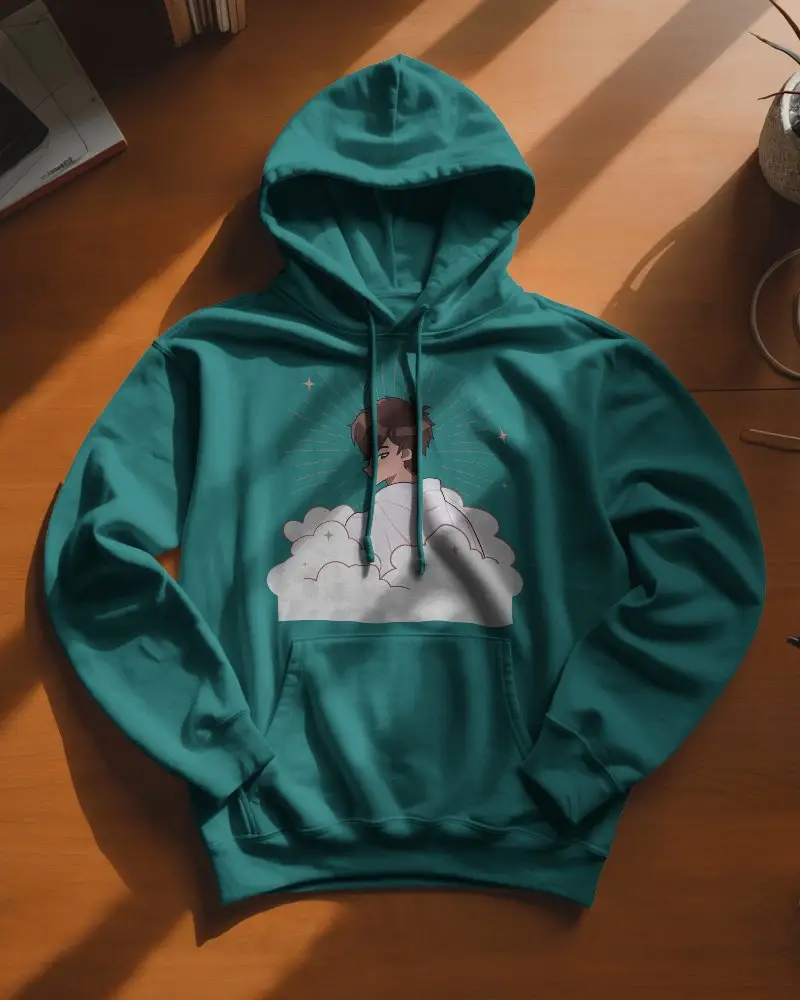
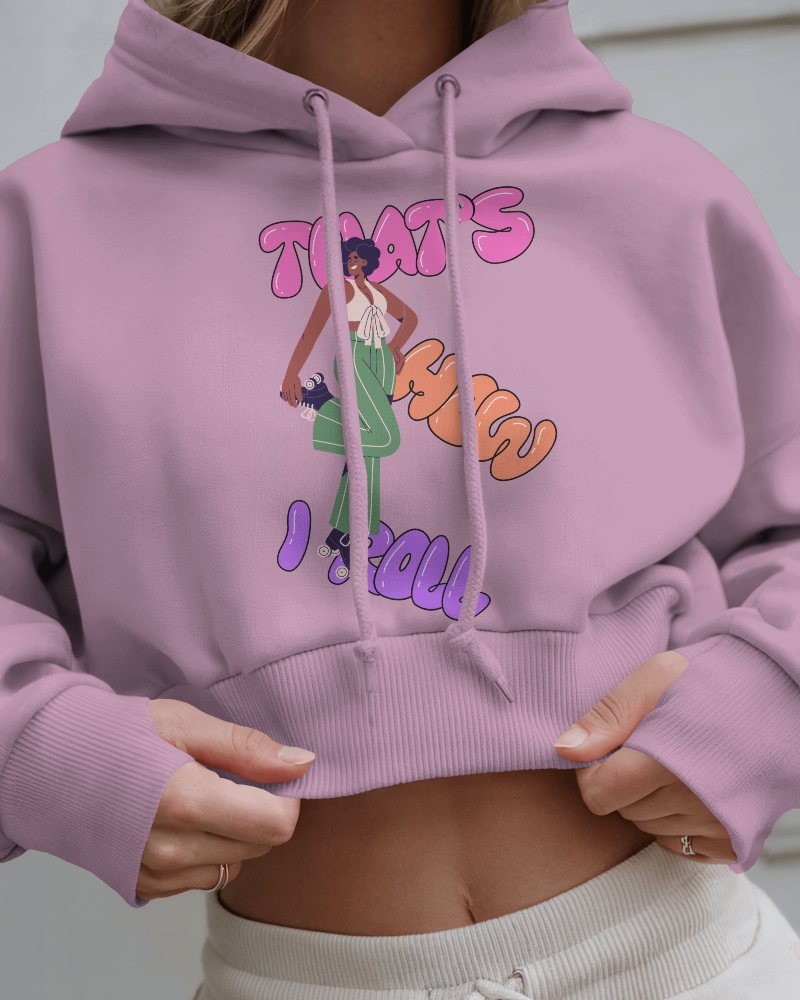
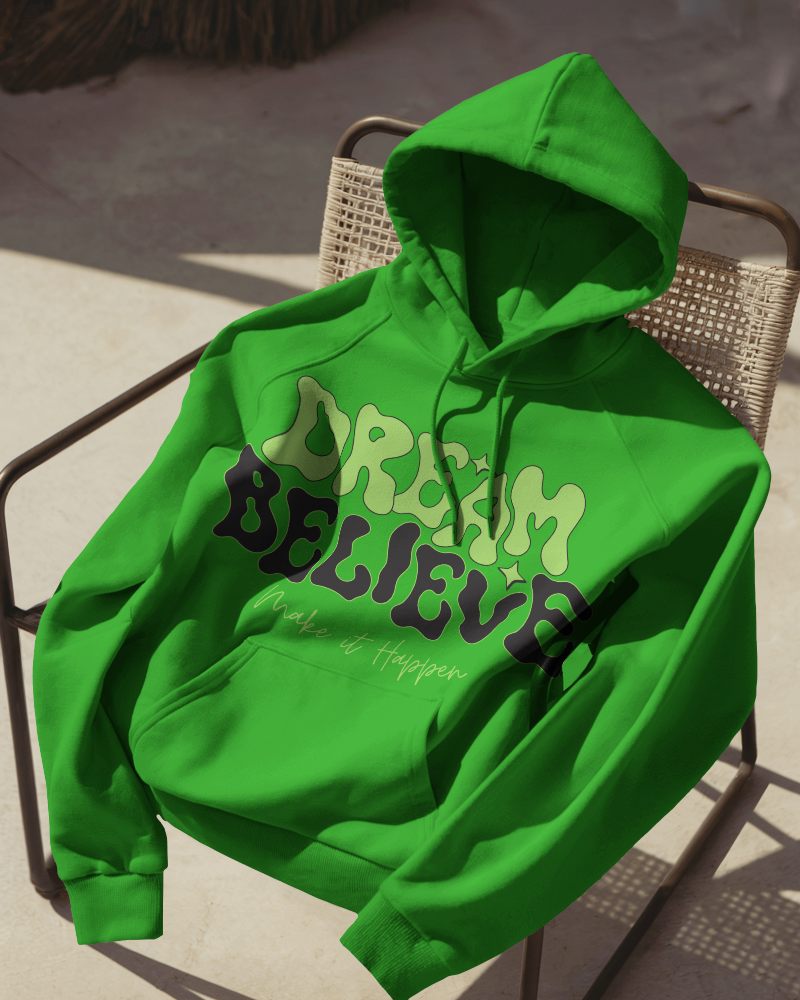
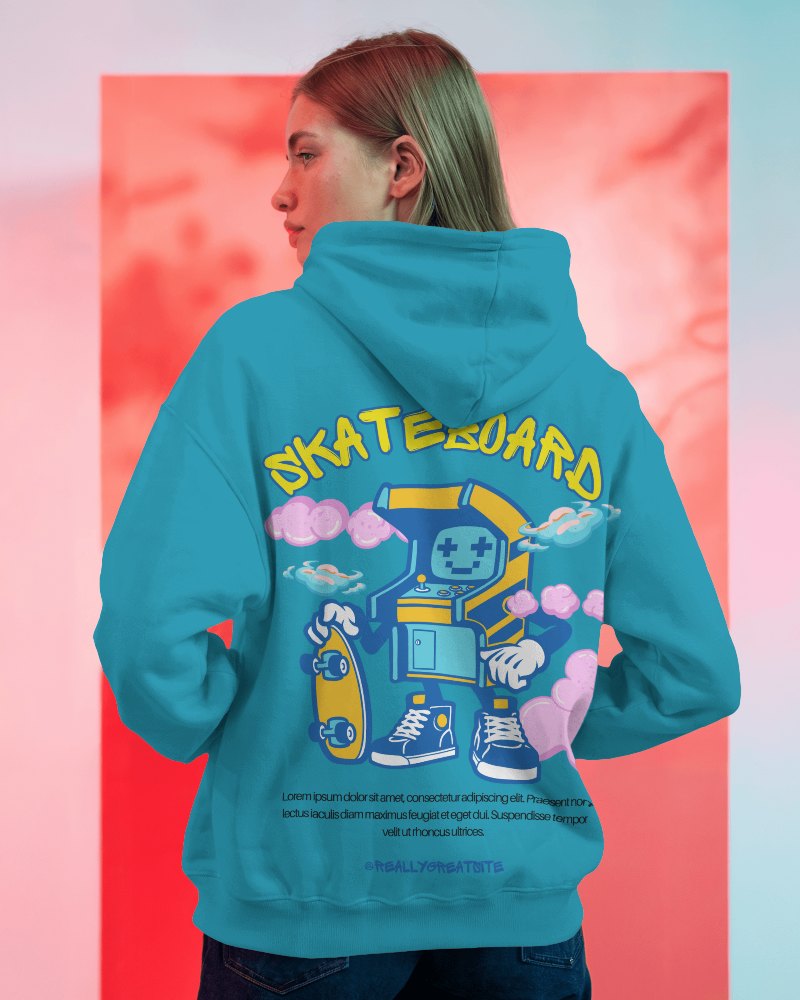
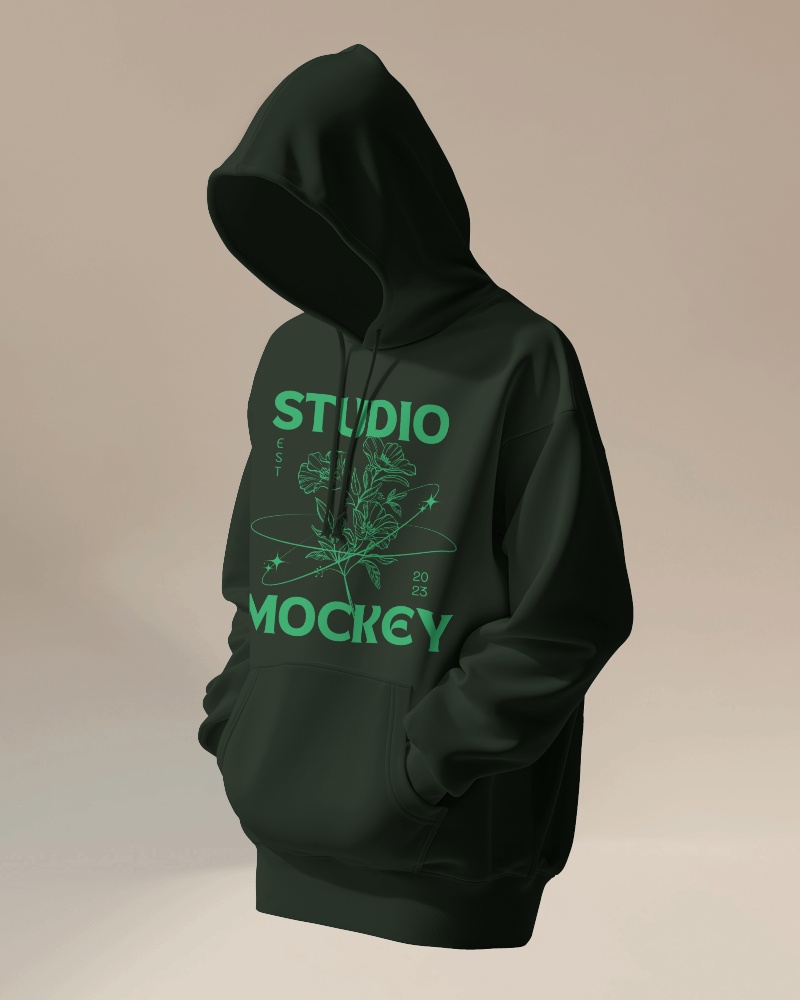
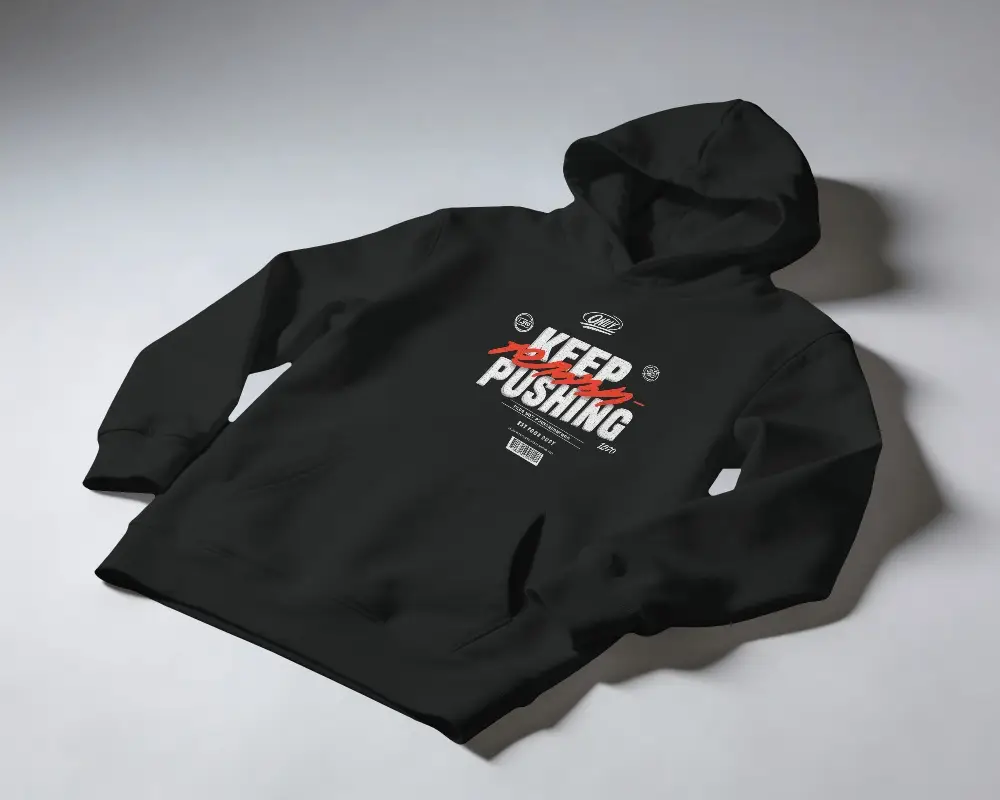
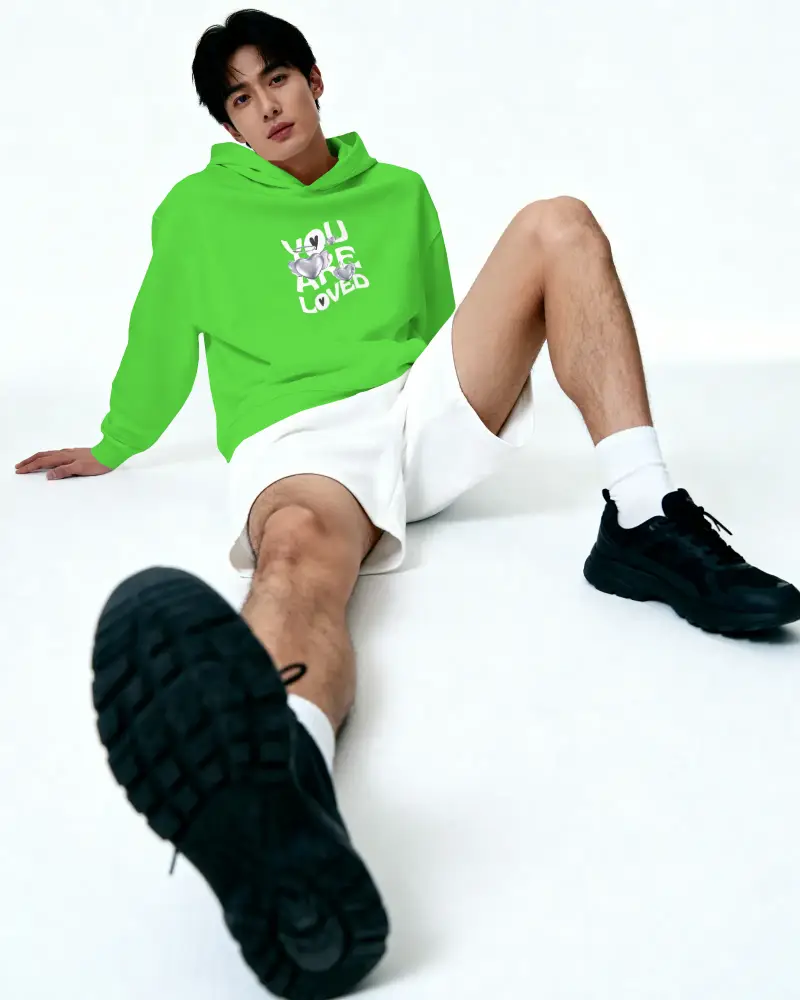
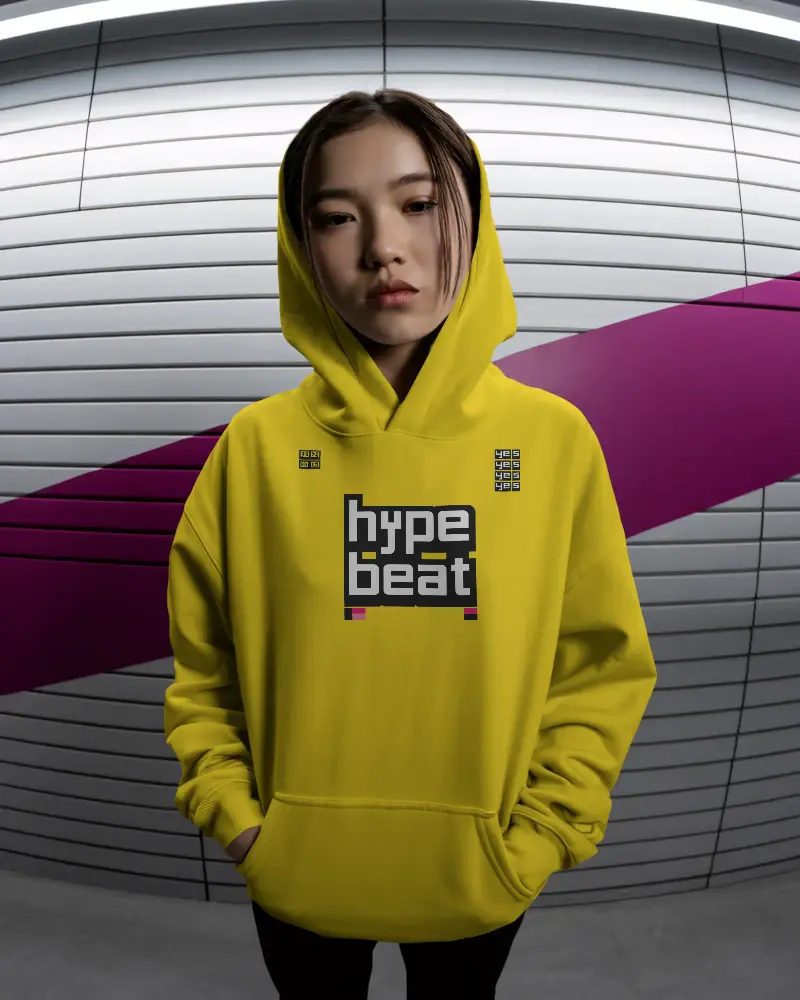
How to Create a Kids Hoodie Video Mockup
To create a Kids hoodie video mockup:
- Step 1: Choose Pricing and switch to the CREATOR plan.
- Step 2: Open Video Mockups, go to the Apparel category, and select Hoodie.
- Step 3: Pick a video template, upload your design, customize it, and click Generate Video to download the hoodie video mockup.


FAQs on Kids Hoodie Video Mockups
What is a Kids hoodie video mockup?
A Kids hoodie video mockup is a short animated video template of a hoodie where you can add your design. It shows how the hoodie looks in motion and helps brands present designs clearly using a video mockup generator.
Who should use Kids hoodie video mockups?
Kids hoodie video mockups are used by designers, marketers, and online fashion brands. They are ideal for showing realistic previews to clients or customers without doing a physical photoshoot.
Where can I use the Kids hoodie video mockup?
You can use Kids hoodie video mockups on social media, product pages, ads, and ecommerce stores. Video mockups help grab attention and improve engagement.
Is the Kids hoodie video mockup high quality?
Mockey AI’s Kids hoodie video mockups are high quality and professionally rendered. They are designed for brands that want polished and realistic product visuals.
Can I use my own prompt to create Kids hoodie video mockups?
You don’t need prompts to create Kids hoodie video mockups. Just select a video template, upload your design, customize it, and download the final video.
Can I use Kids hoodie video mockups in my Shopify or Etsy store?
Yes, Kids hoodie video mockups work perfectly for Shopify, Etsy, and other ecommerce platforms. They help increase buyer trust and improve conversions.
Can I customize the Kids hoodie color and design placement?
Once you choose a hoodie video template, you can upload your design, adjust hoodie colors, and reposition the artwork easily using Mockey AI’s editor.
