Barber Apron Video Mockups Online for Product Showcases
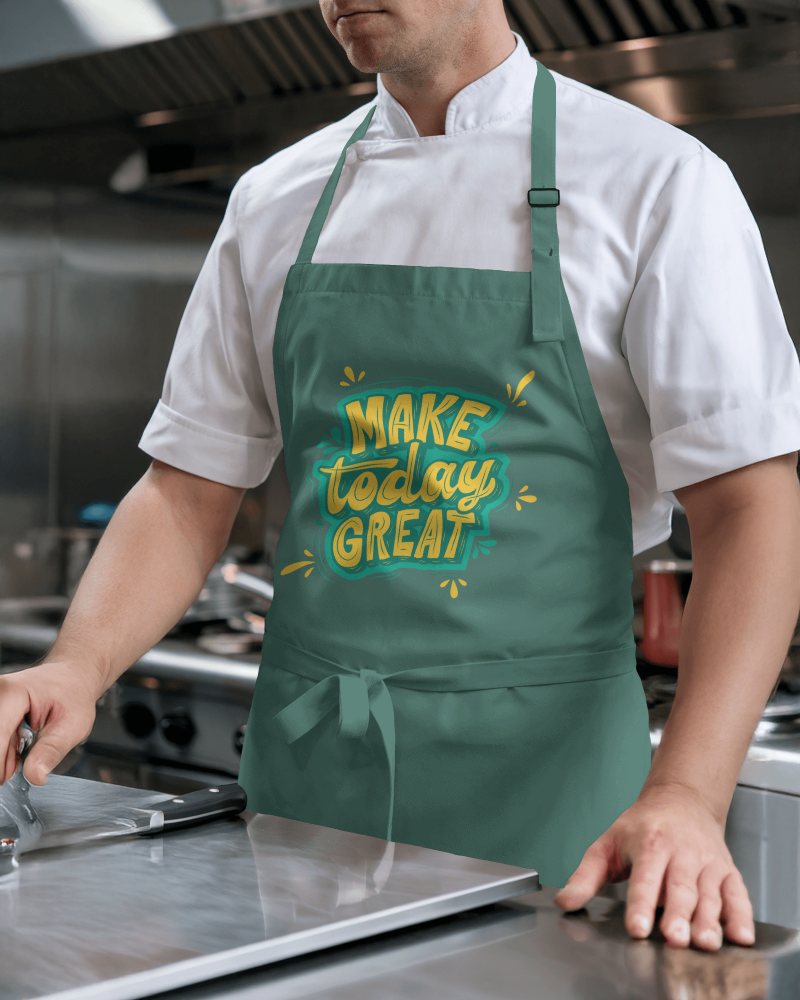
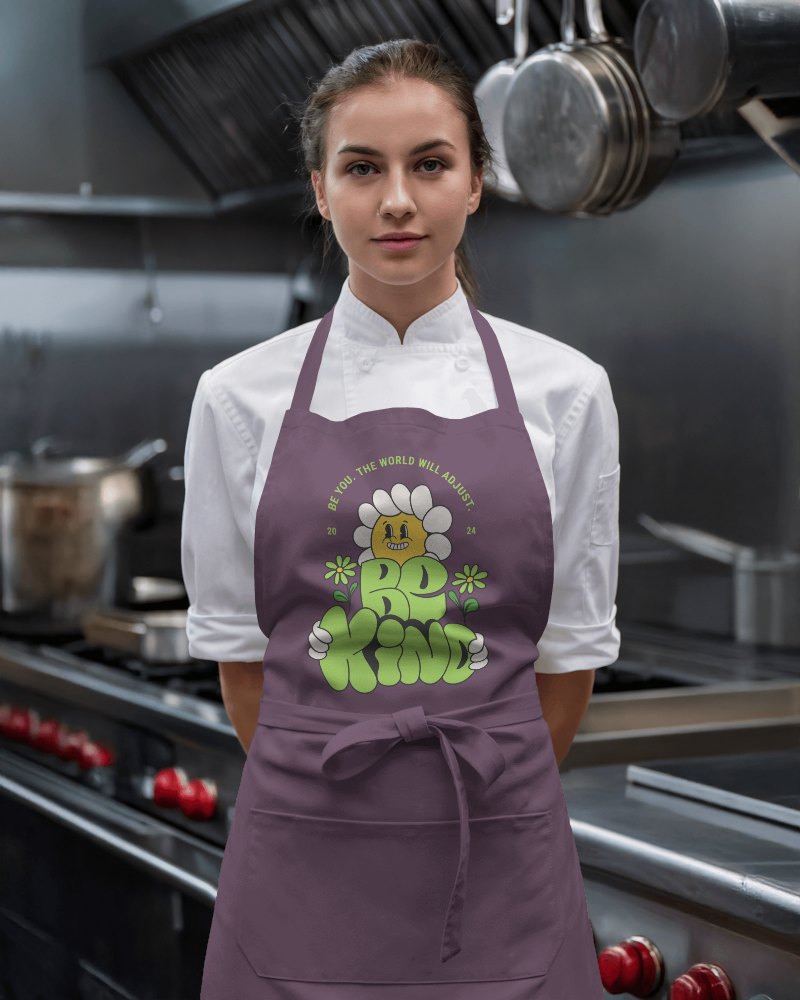
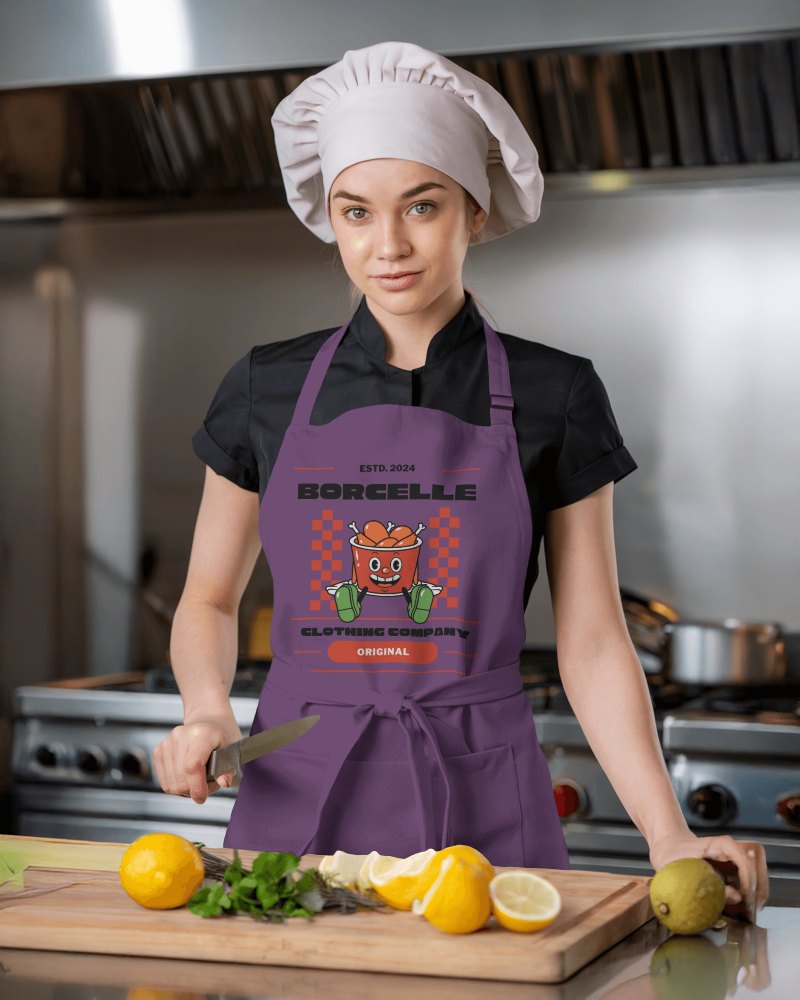
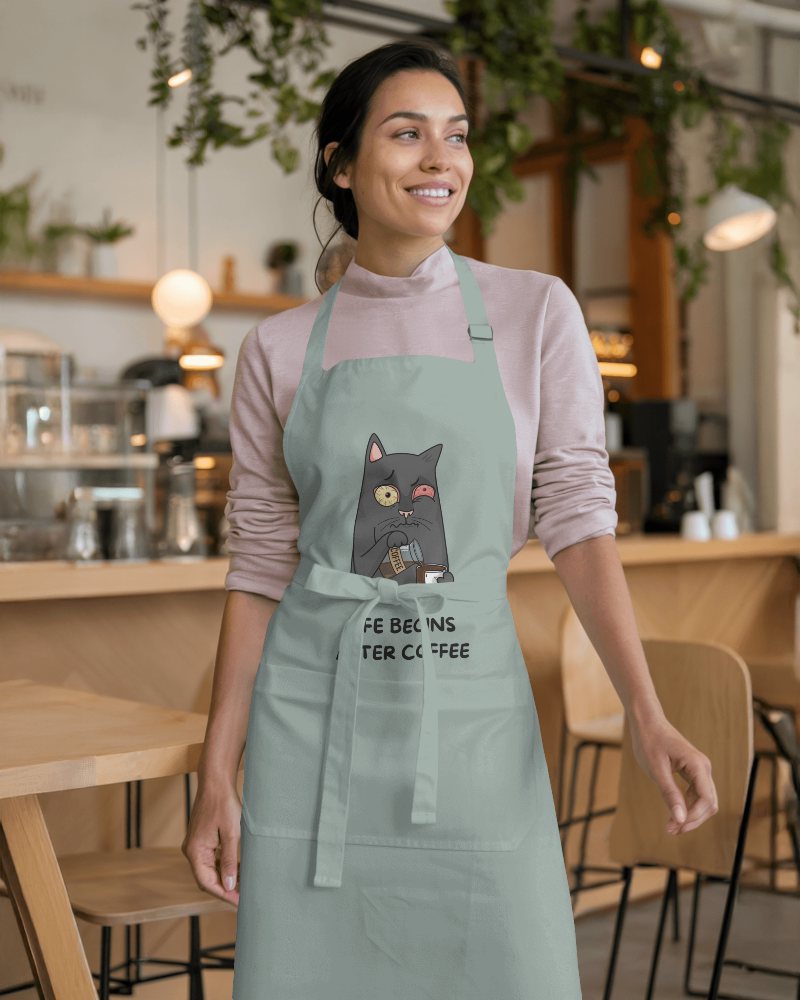
Present your apron designs in smooth, lifelike motion with premium Barber apron video mockups. Upload your artwork once and let Mockey turn it into a clean, realistic product video that boosts trust, engagement, and conversions for kitchen brands and creators.
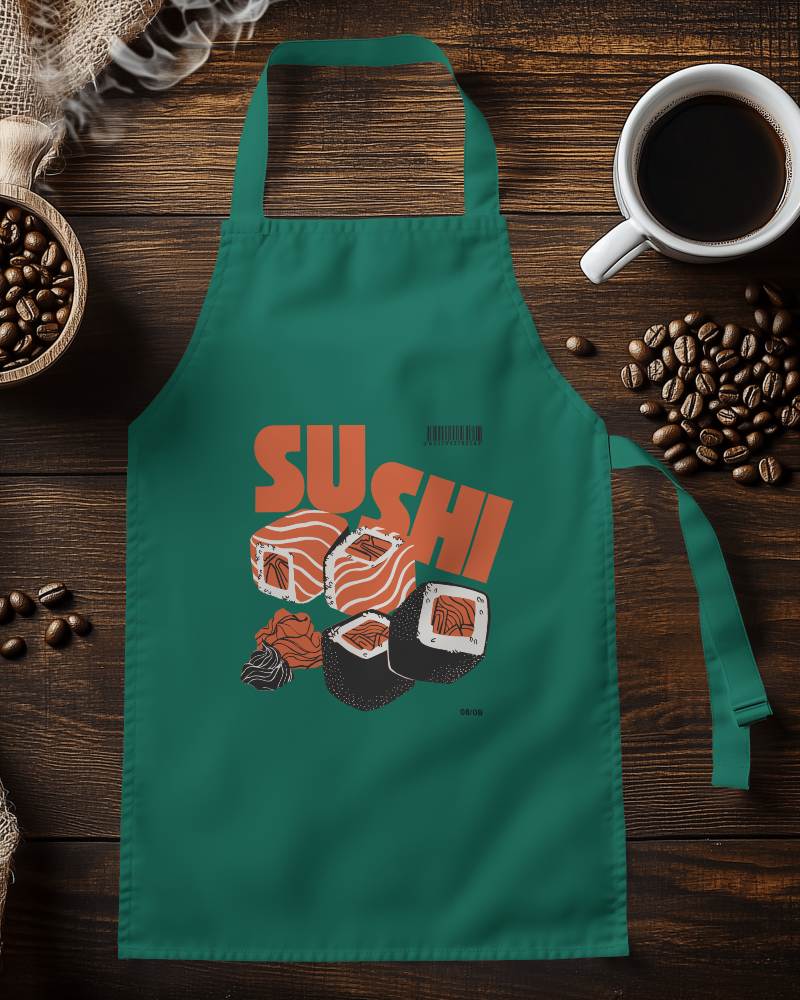
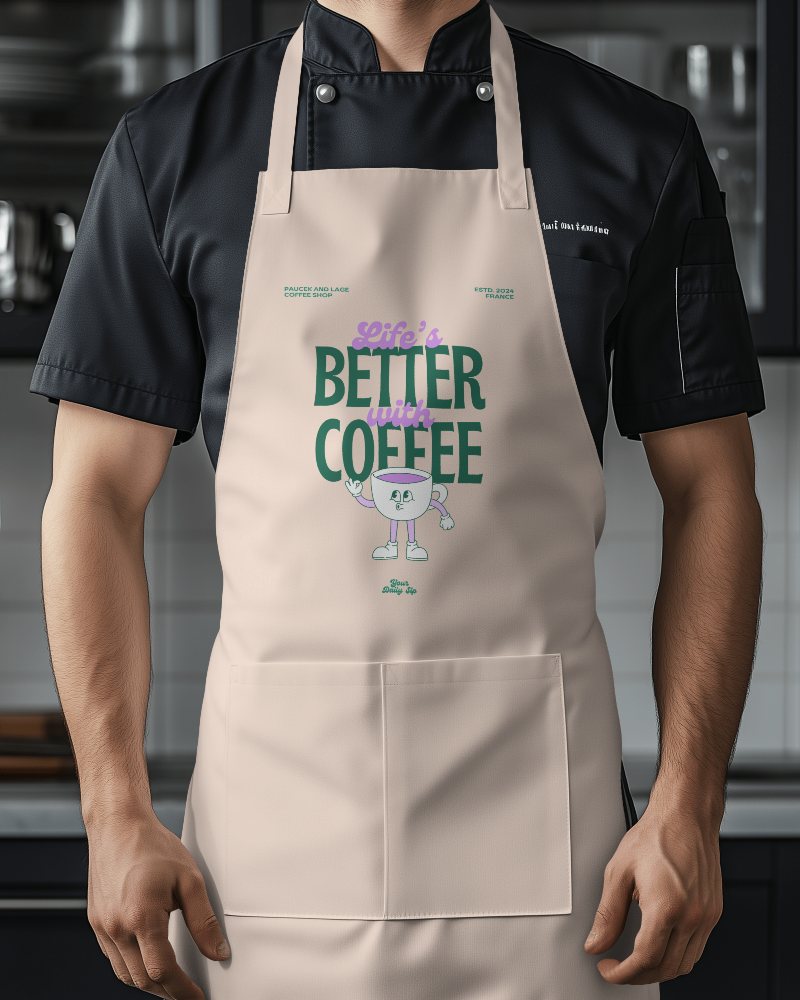
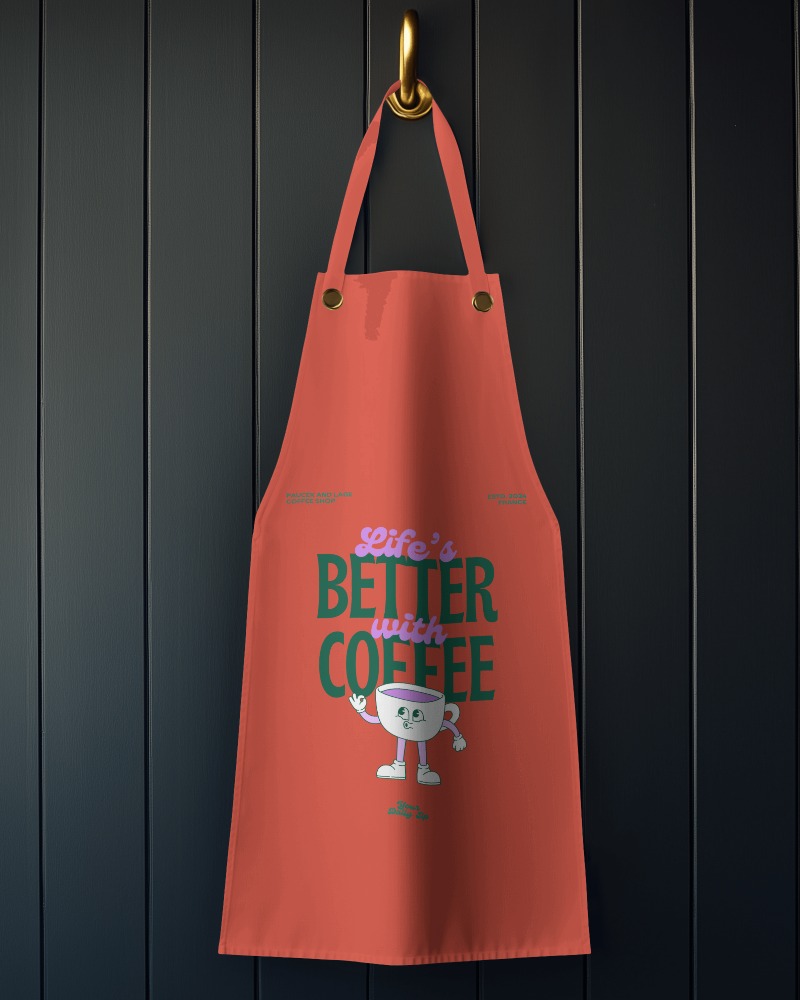
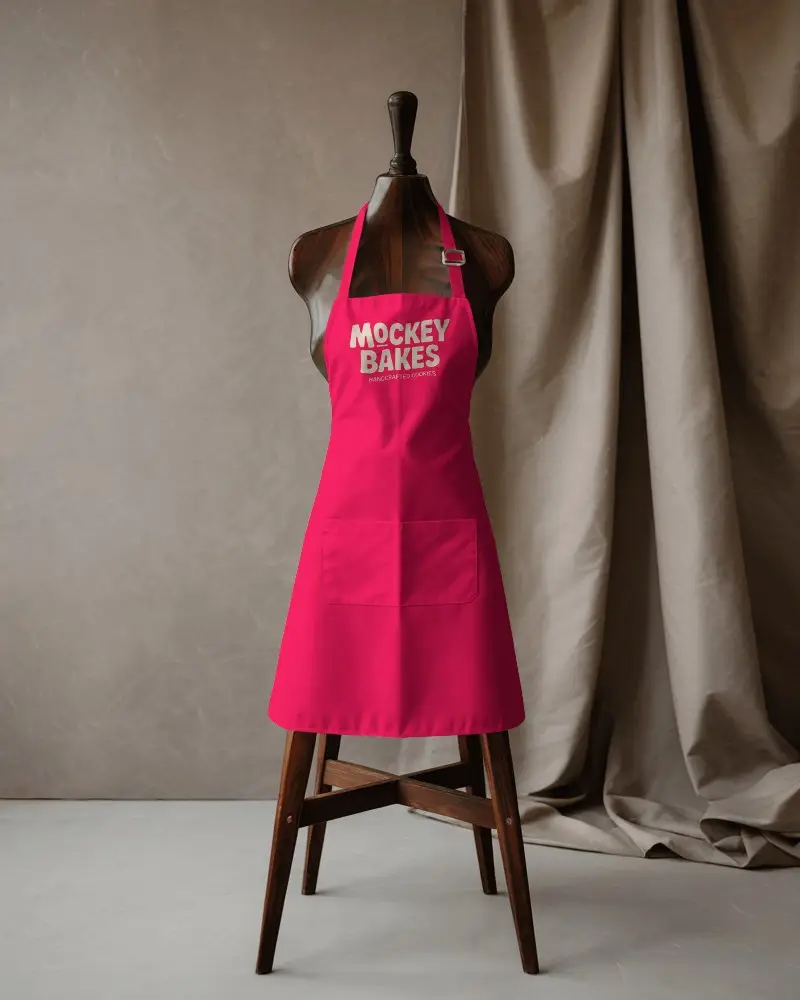
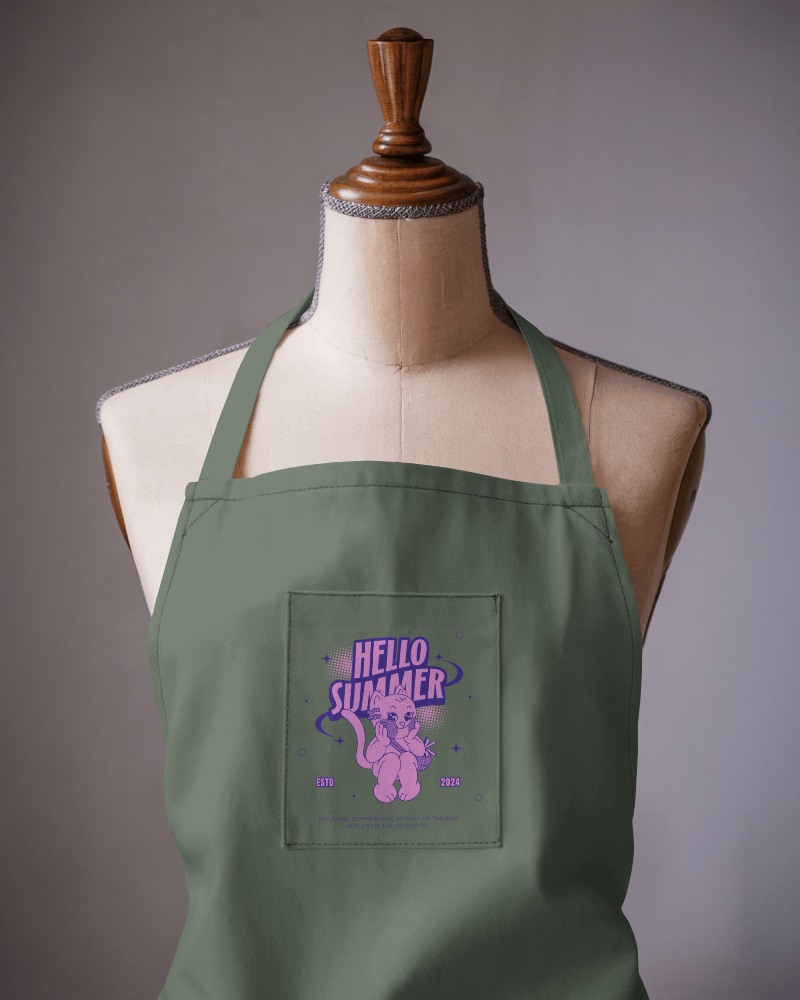
How to Create a Barber Apron Video Mockup
To create a Barber apron video mockup:
- Step 1: Subscribe to the CREATOR plan, open Video Mockups, and navigate to Apparel > Apron.
- Step 2: Choose a video template, upload your design, and adjust the settings.
- Step 3: Click Generate Video to download your Barber apron video mockup in MP4 format.


FAQs on Barber Apron Video Mockups
What is a Barber apron video mockup?
A Barber apron video mockup is an animated template that shows your logo or design on an apron in motion. It helps brands present kitchen apparel realistically without a physical photoshoot.
Who should use Barber apron video mockups?
Designers, small businesses, kitchen brands, and online sellers use Barber apron video mockups to present ideas clearly and promote products more effectively.
Can I use Barber apron video mockups for marketing?
Barber apron video mockups work extremely well for marketing. Videos attract more attention than static images and help improve engagement and conversions.
Are Barber apron video mockups suitable for print on demand?
Yes, Barber apron video mockups are ideal for print-on-demand sellers. Video previews help customers visualize the final product and increase purchase confidence.
