apron
Apron Video Mockup – Showcase Your Design in Motion
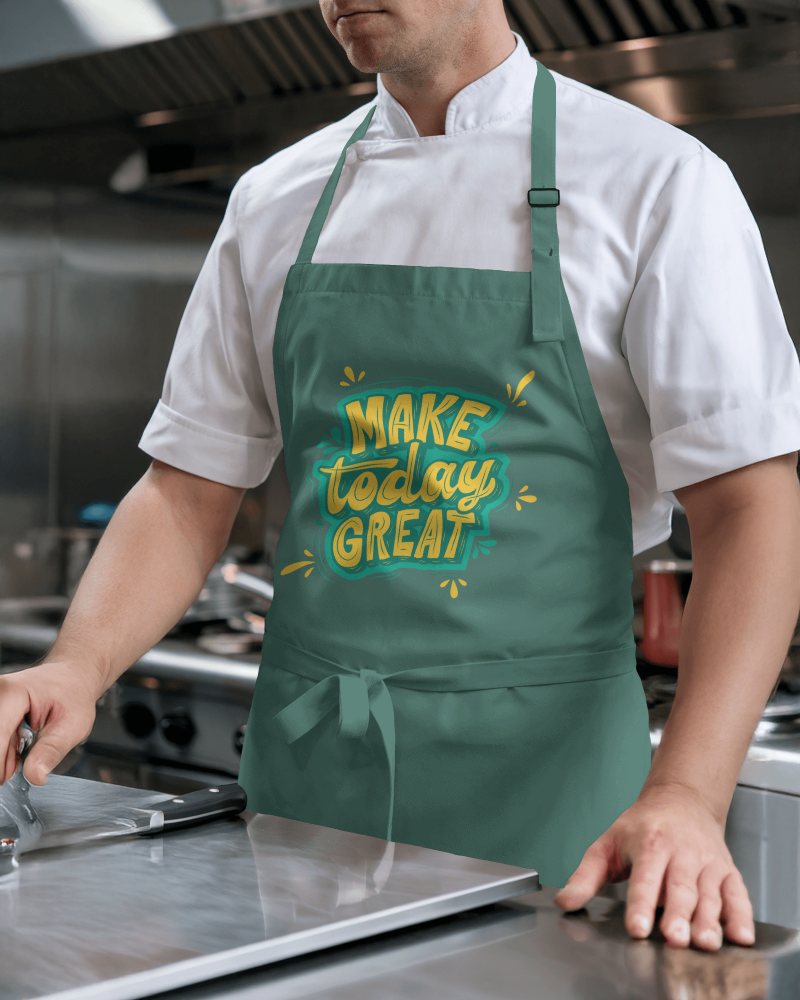
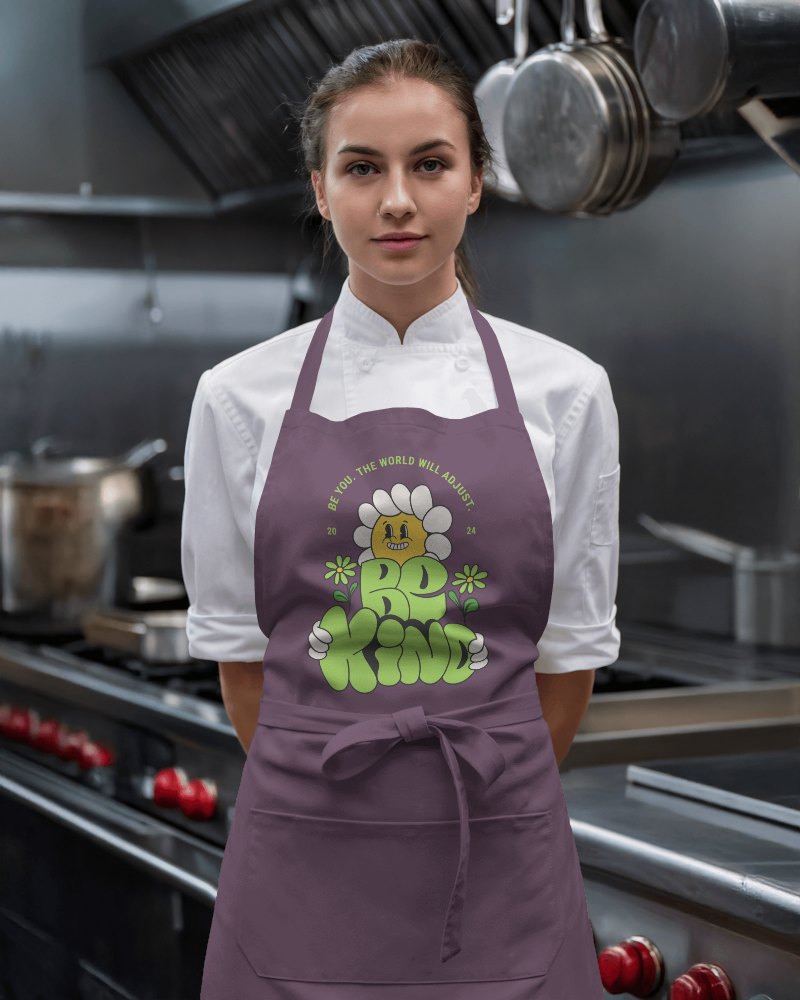
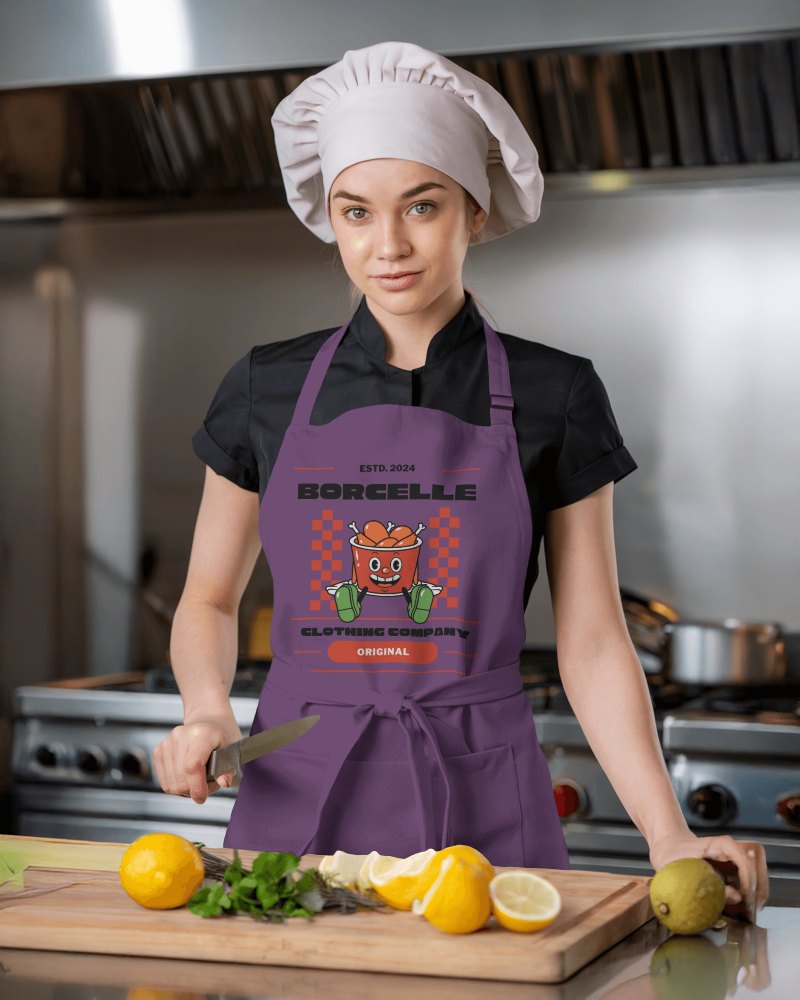
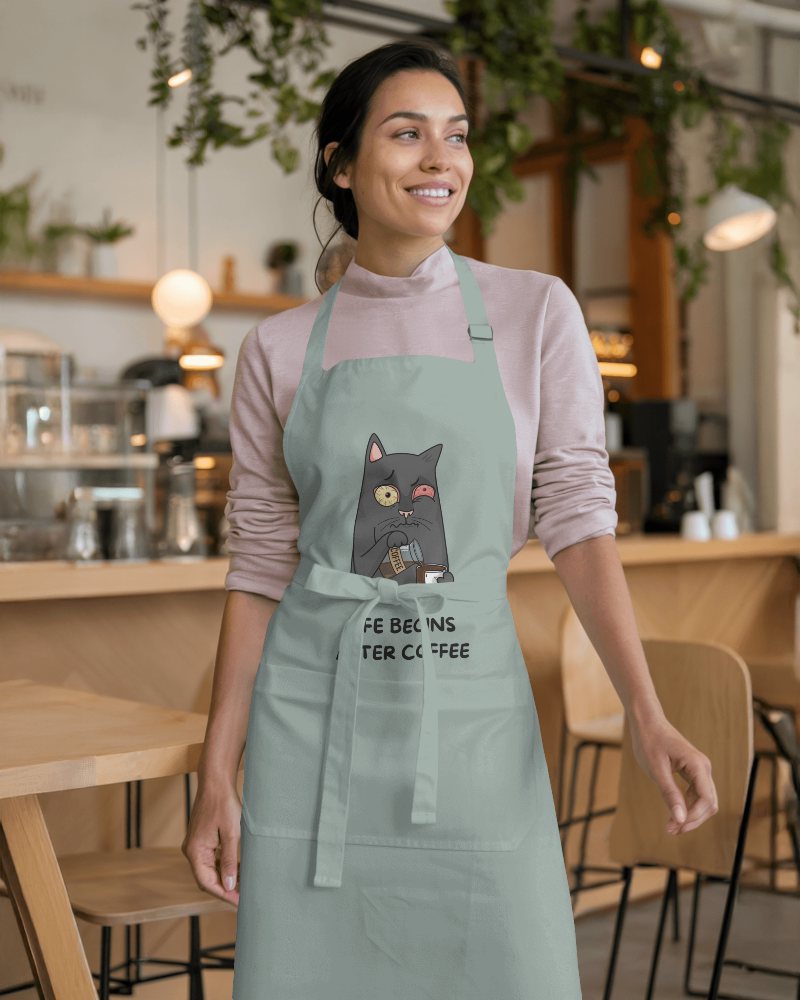
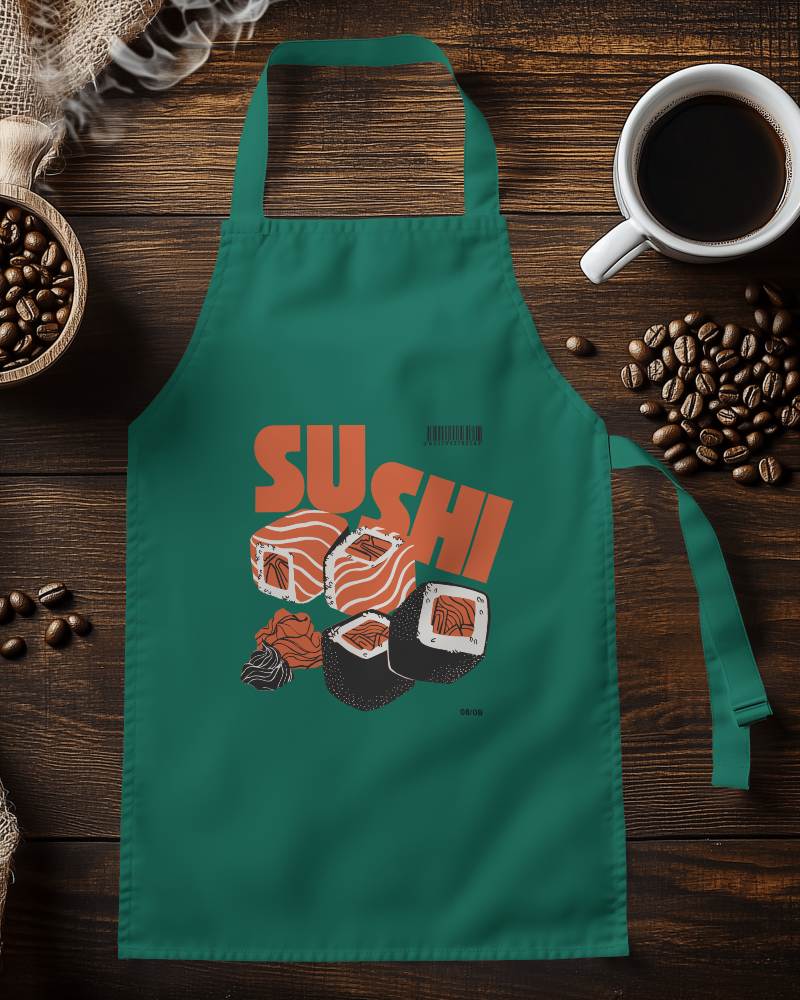
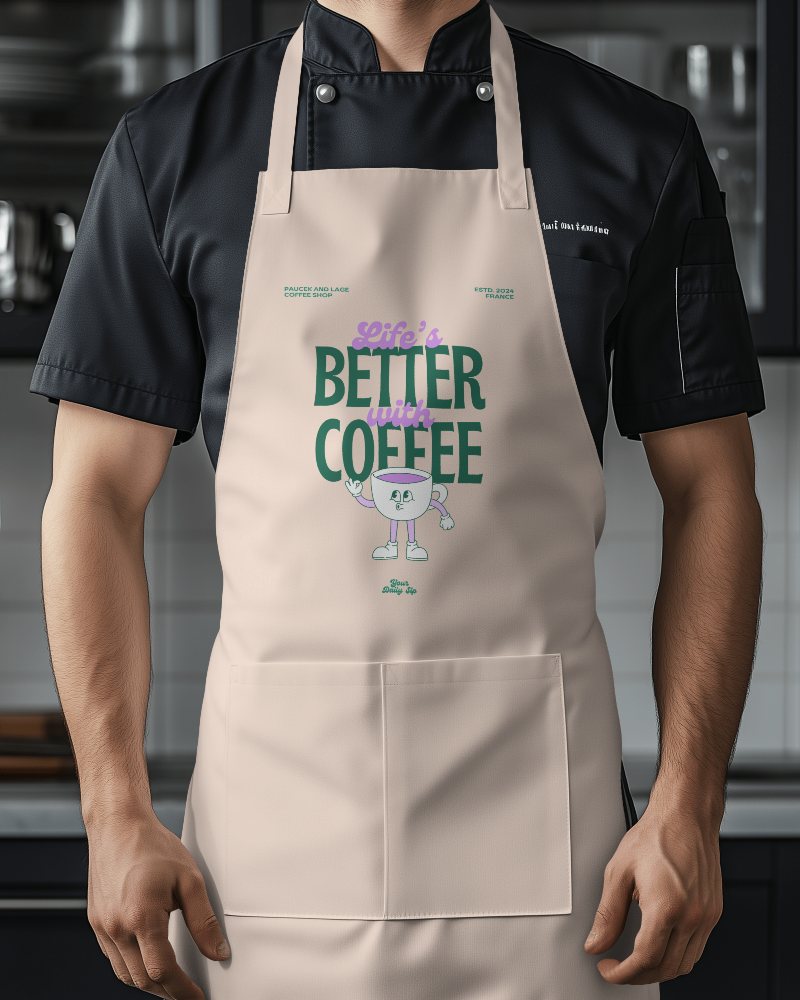
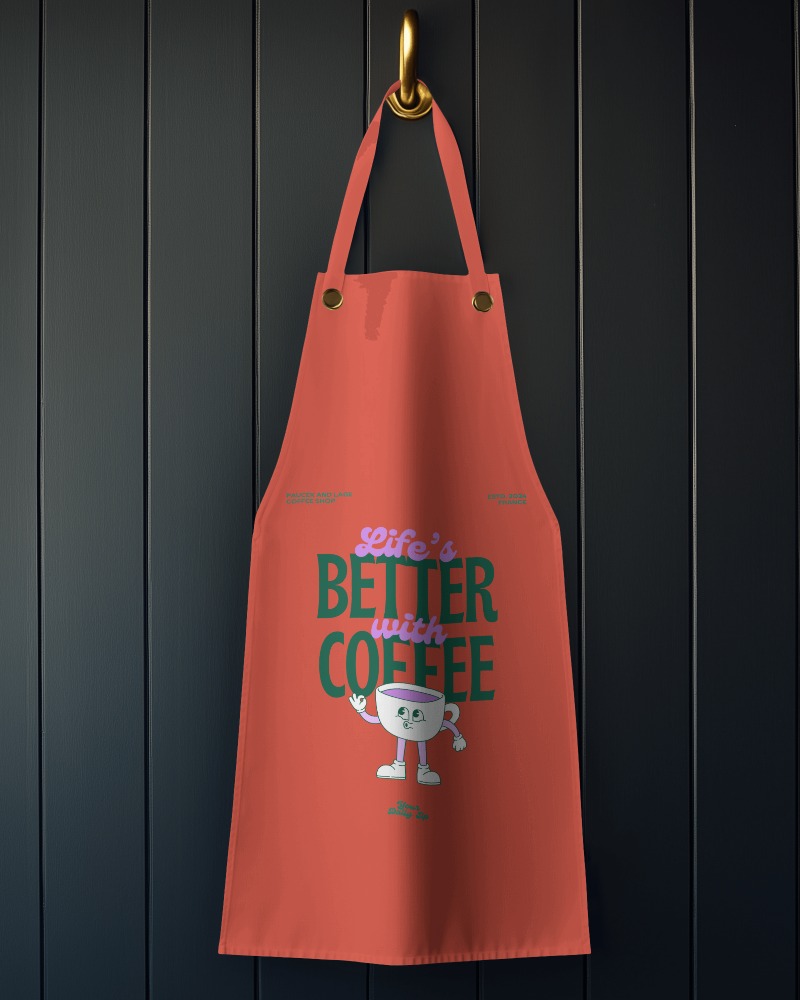
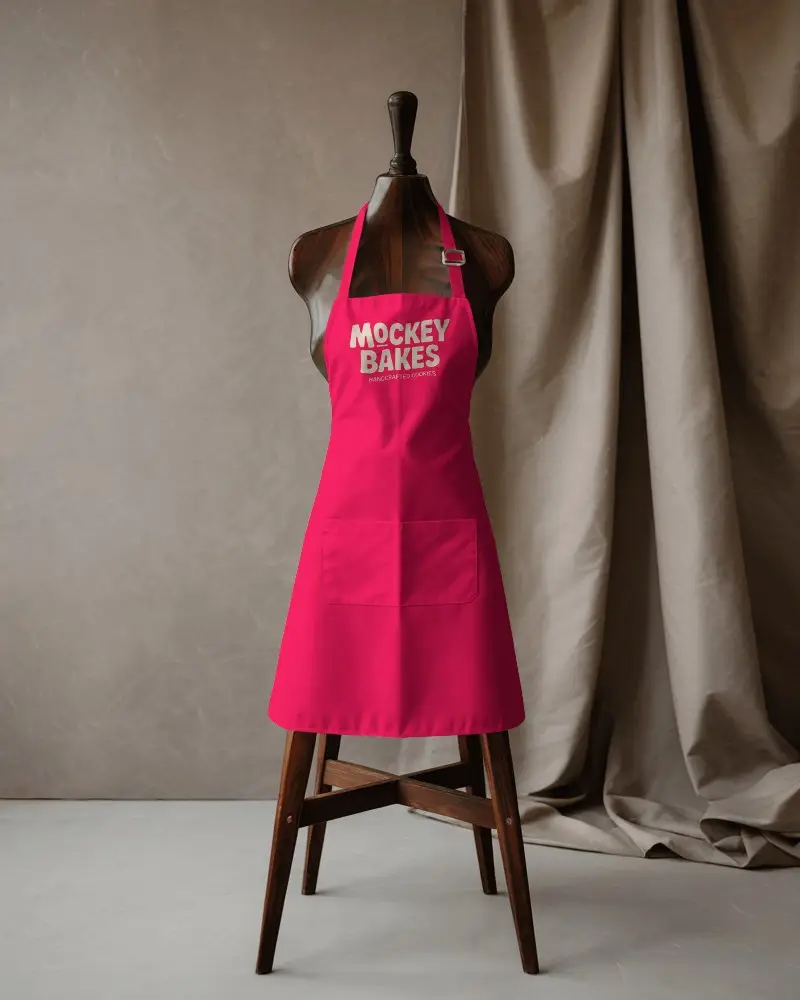
Aprons are more than just functional pieces, as they reflect your brand identity. With Mockey apron video mockup, you can present your kitchenwear design in a clean, real-world scene made for cafe chefs, creators and more.
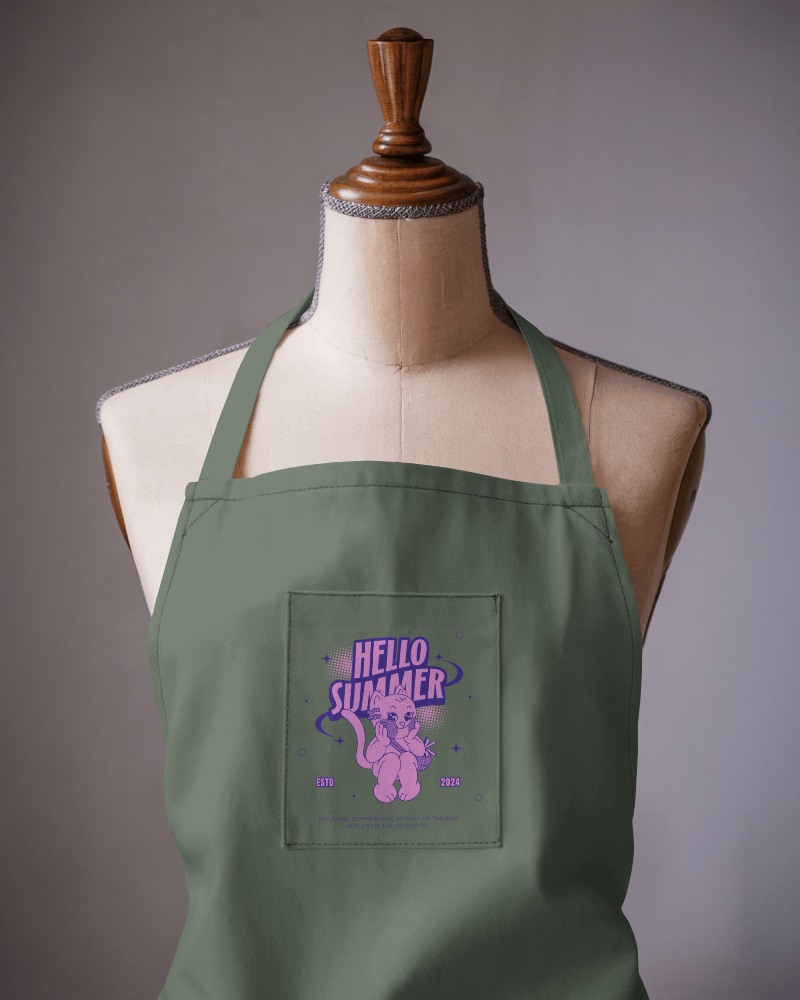
How to Create an Apron Video Mockup with Mockey AI
To create apron video mockups:
- Step 1: Start by signing in and selecting the MAX package available. Head over to the 'Video Mockups' section, then navigate through the categories by choosing 'Apparel' and finally 'Apron.'
- Step 2: Browse through the available video styles. After that, you'll be able to modify the settings and include a design.
- Step 3: Hit 'Generate Video' after customization. Your apron mockup will be automatically saved.


FAQs on apron Video Mockups
Why create an Apron video mockup?
An apron video mockup shows the custom design in action. It moves, so viewers see how it fits and works. It’s better than a photo. It feels real and easy to understand.
Who should use an apron video mockup?
Designers use apron video mockups to show their ideas. Sellers use them to market better. Makers and shops use them to boost sales. Even chefs and hotels find them handy.
