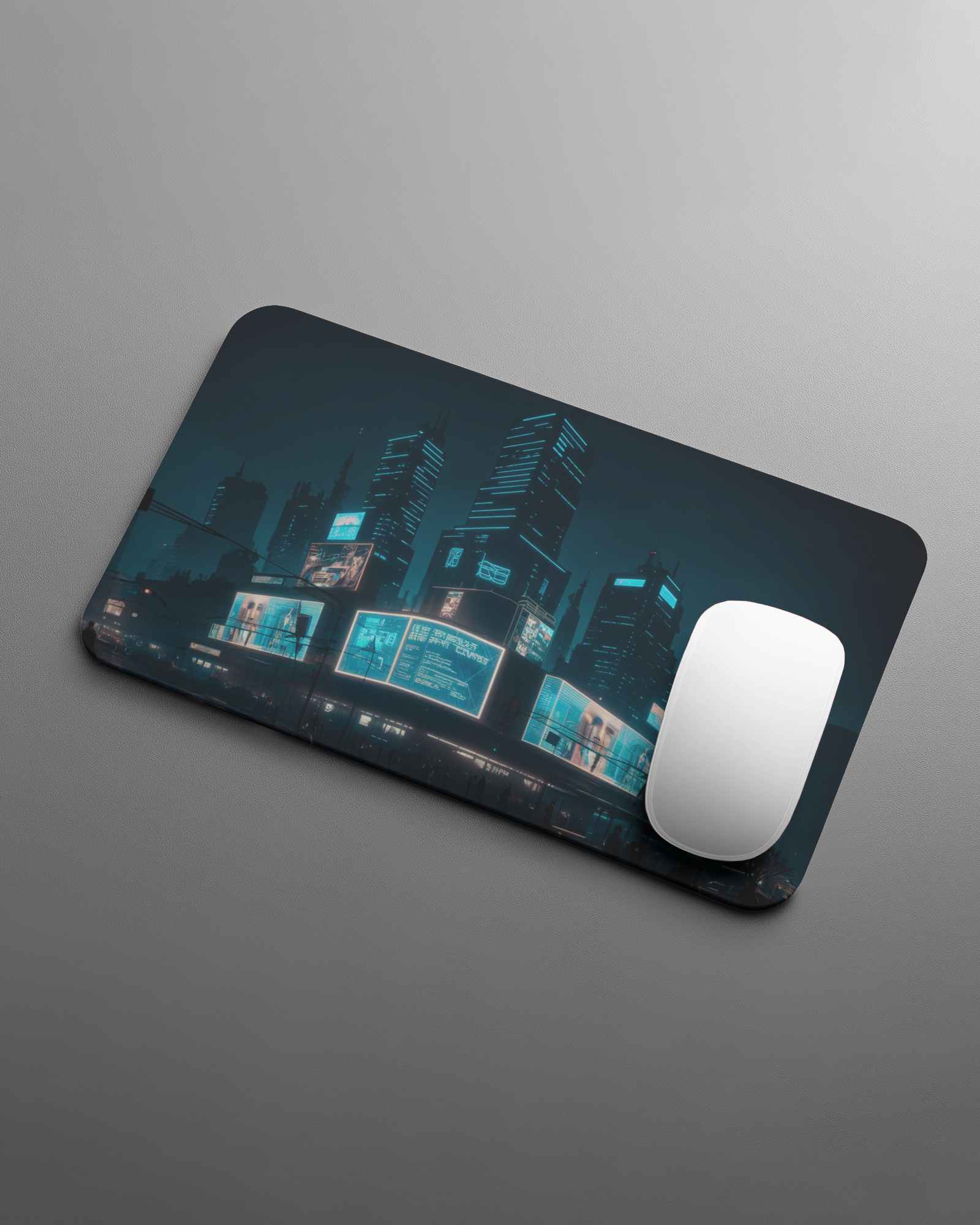
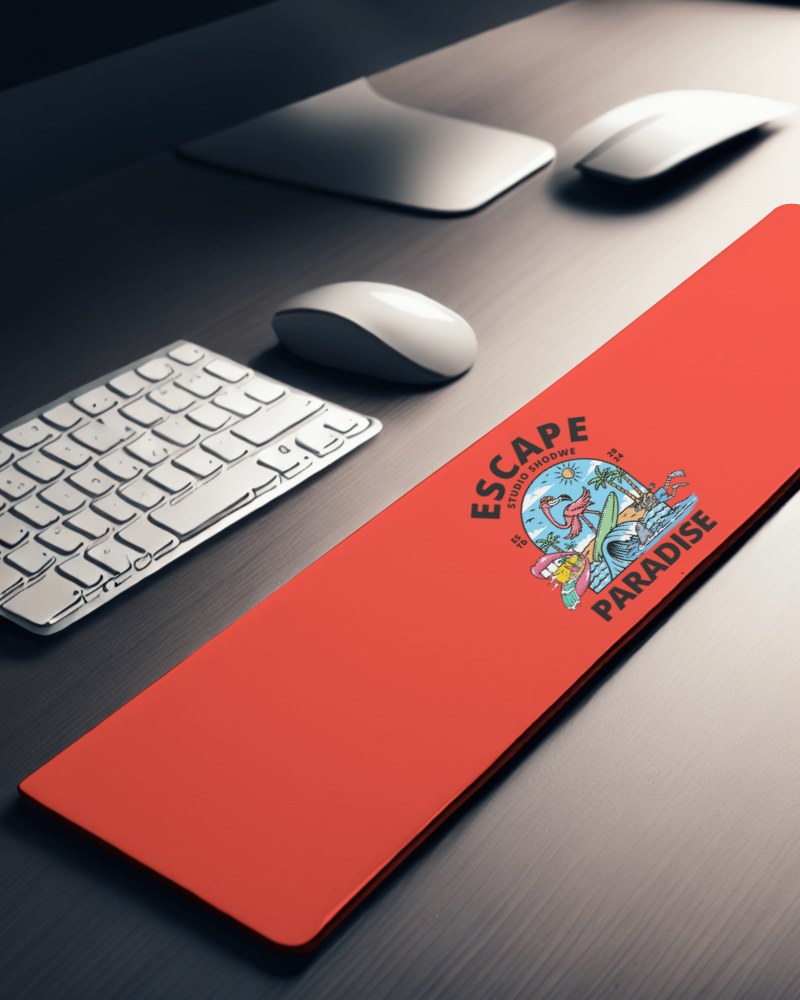
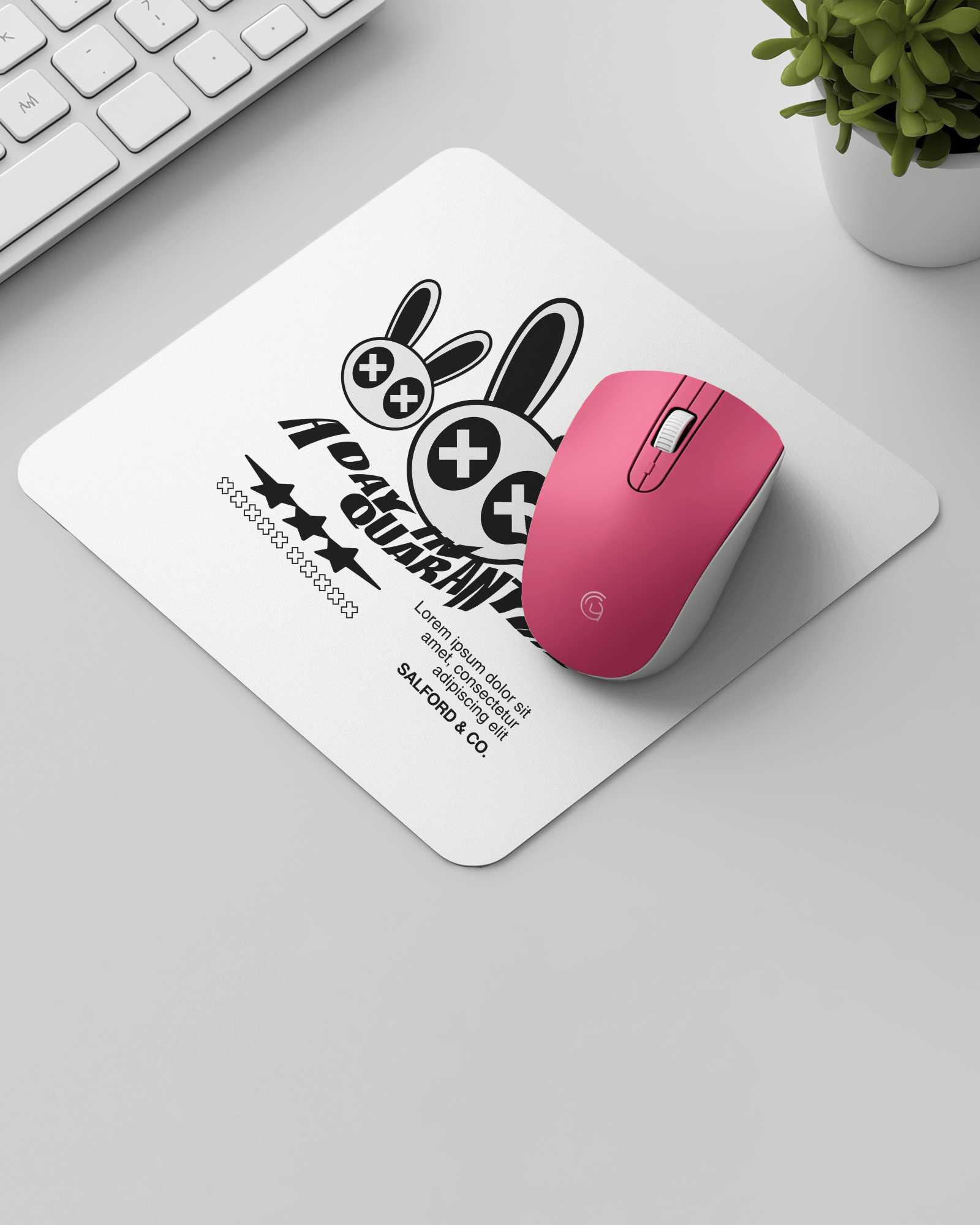
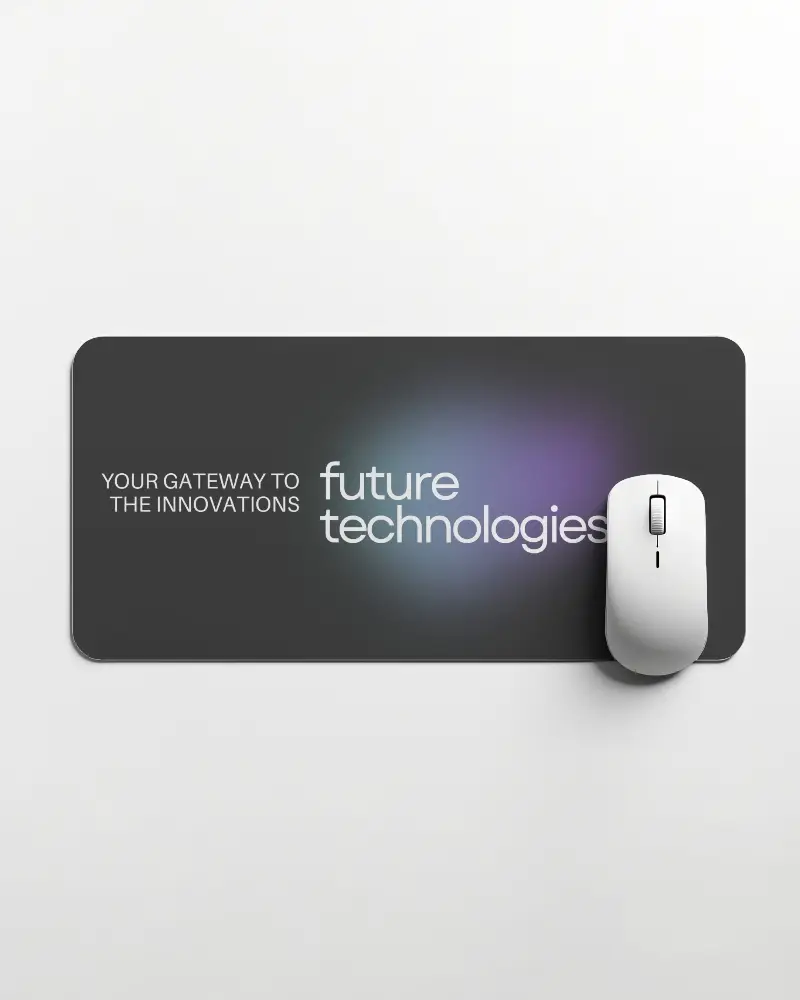
Rectangular Gaming Pad Video Mockup – Dynamic Controller Display
Highlight your gaming controller designs with a crisp, high-quality Rectangular gaming pad video mockup. Ideal for promotions, branding visuals, and eCommerce listings, this mockup showcases decals, textures, and colorways in a sleek animated style.
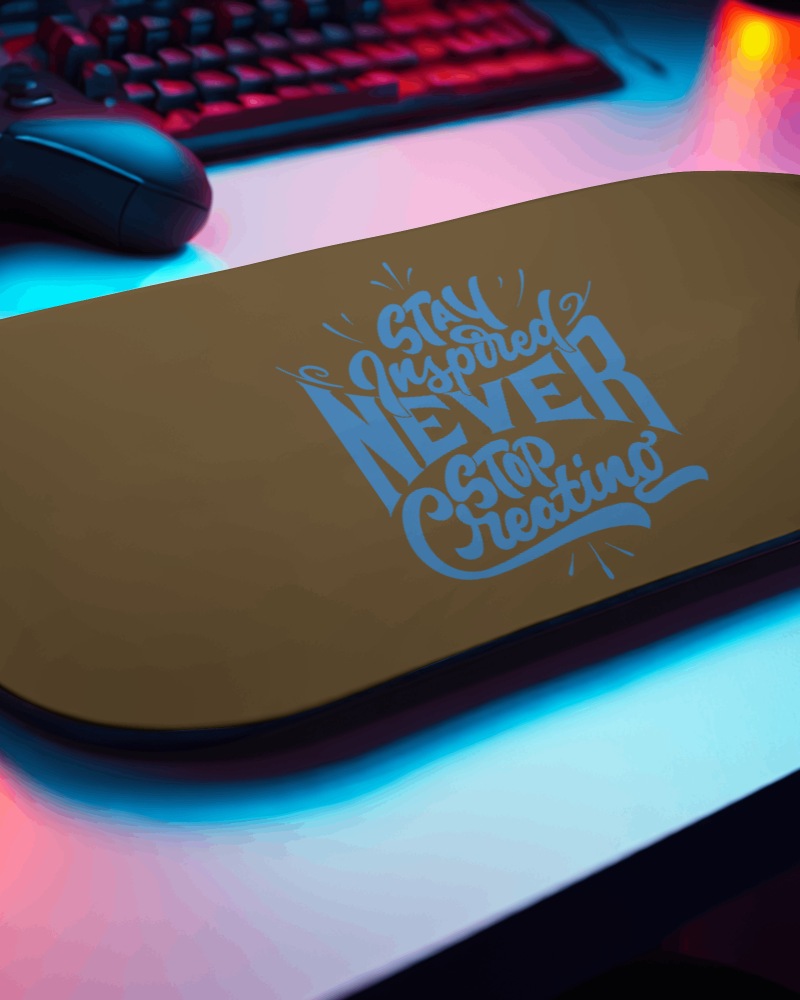
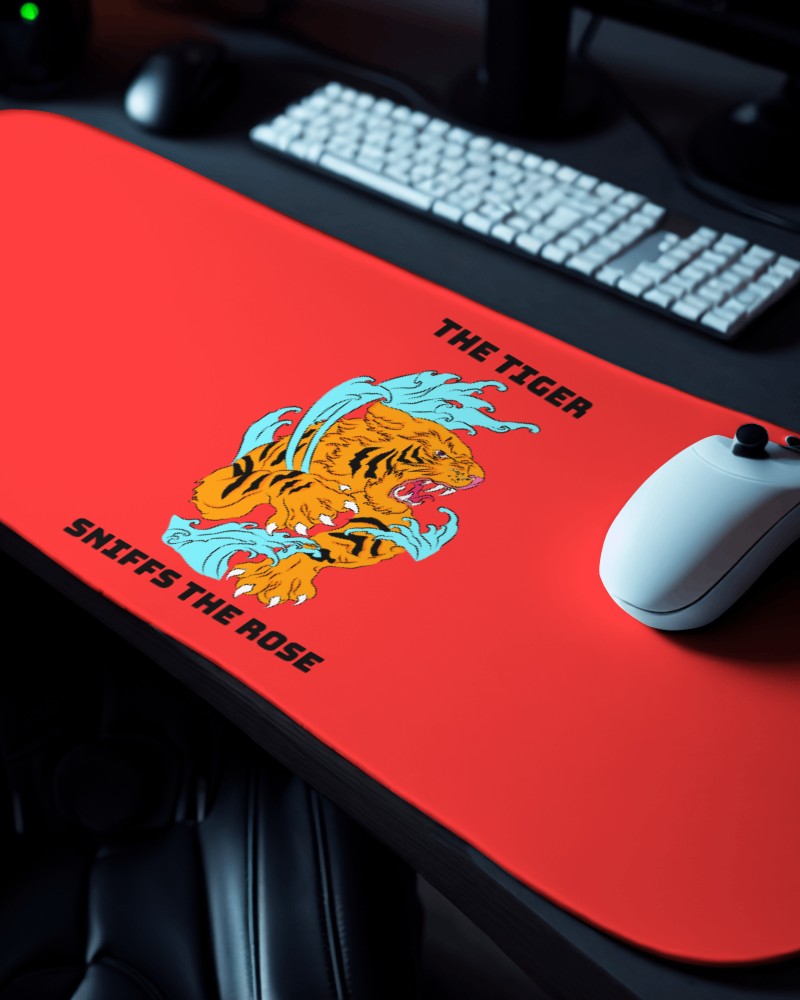
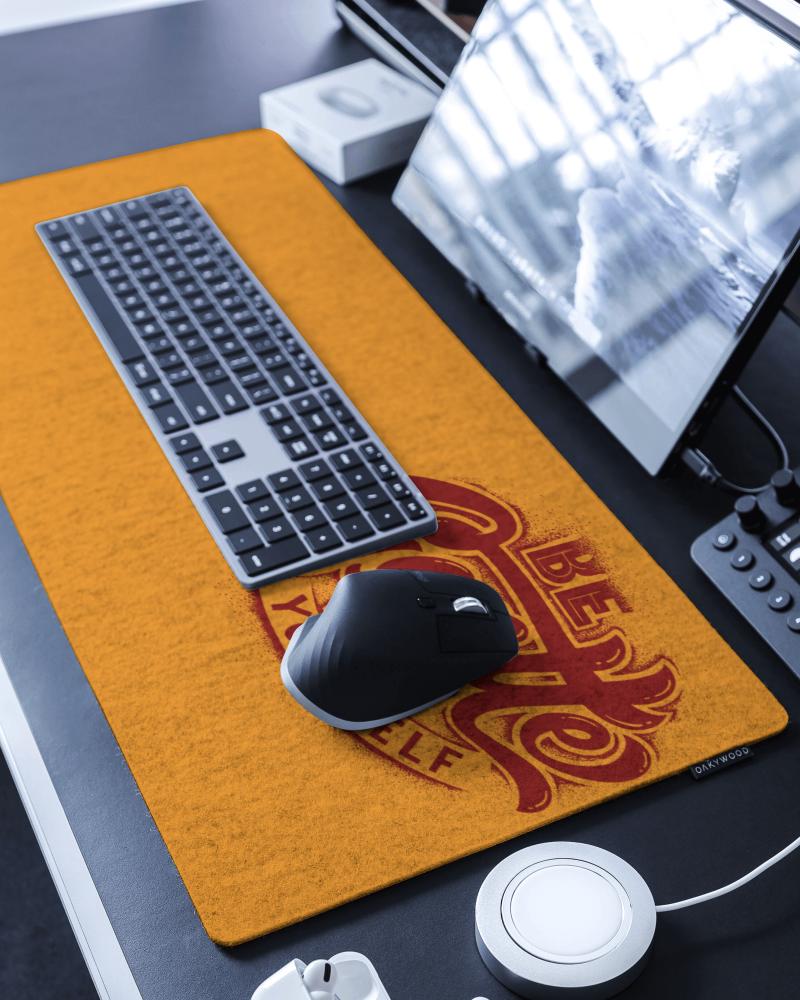
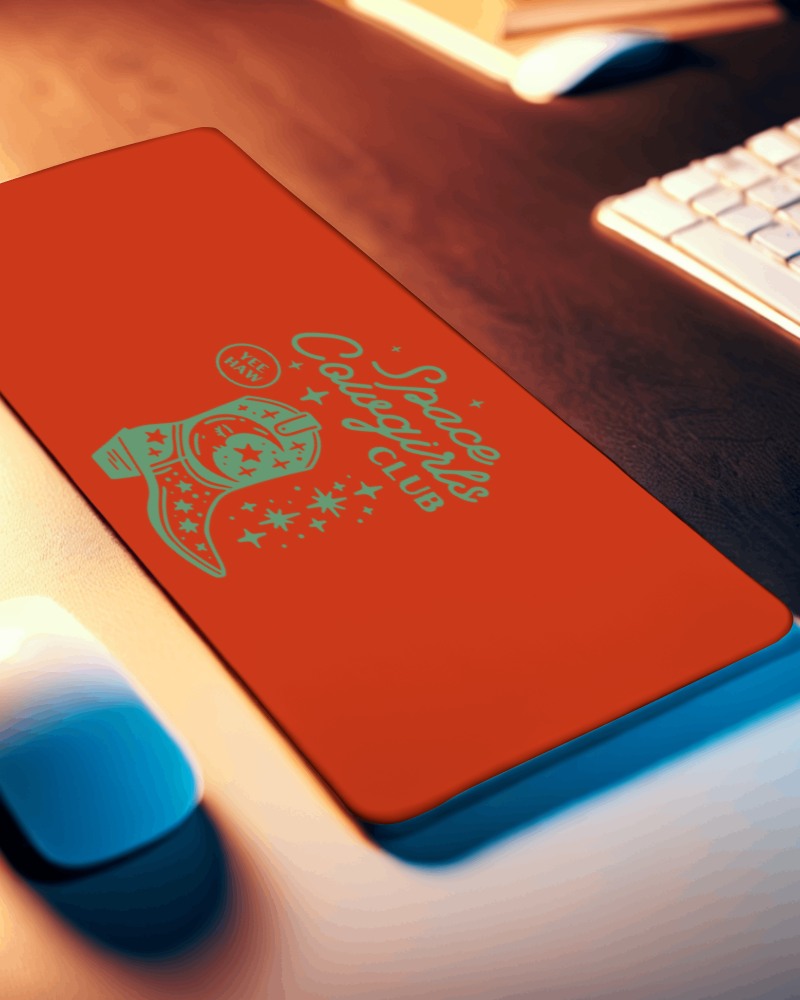
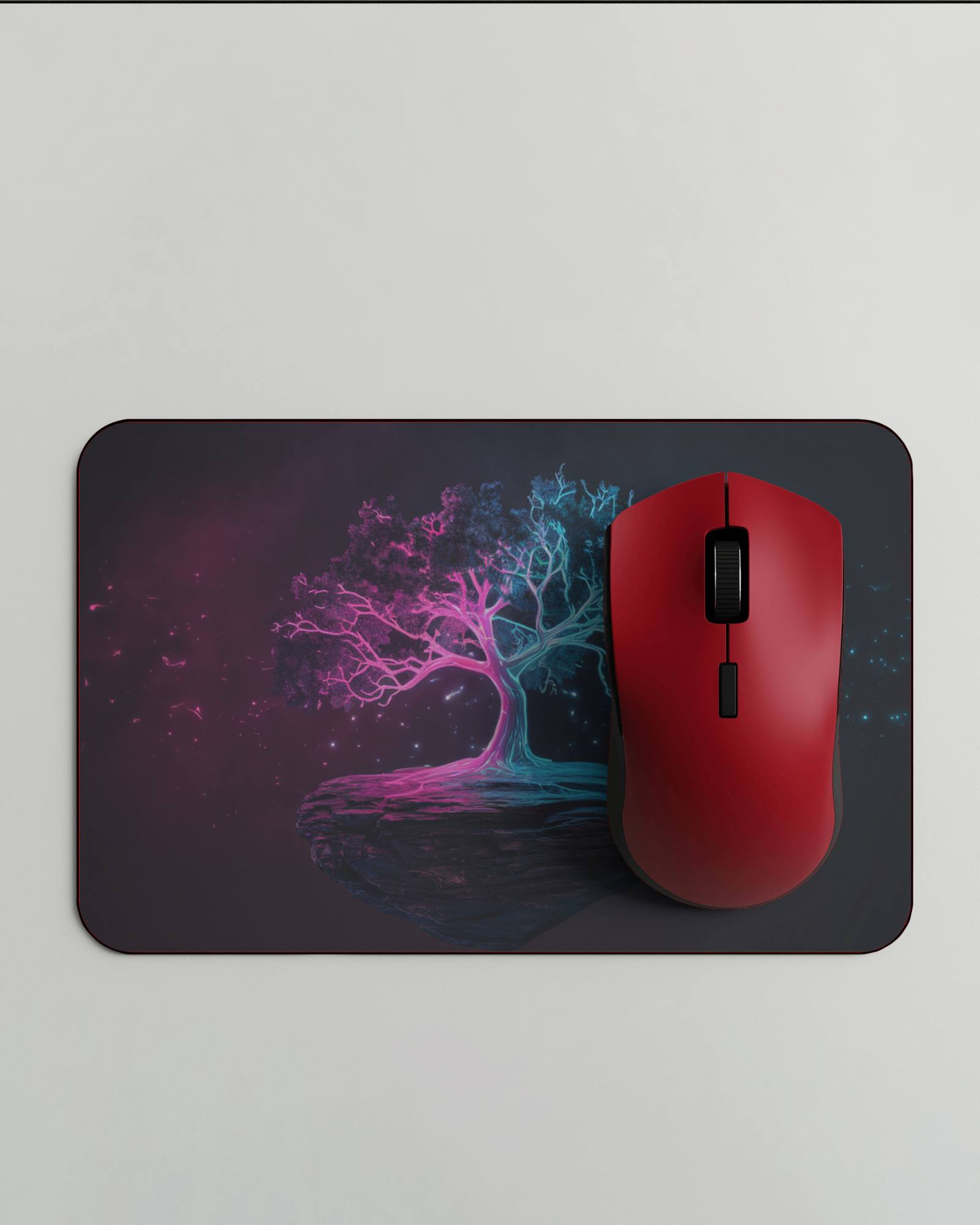
How to Create a Rectangular Gaming Pad Video Mockup
To create a Rectangular gaming pad video mockup:
- Step 1: Sign in and open Video Mockups, then go to Accessories > Gaming Pad.
- Step 2: Choose a video template, click Upload Design, and customize your controller artwork.
- Step 3: Click Generate Video to export the Rectangular gaming pad video mockup in MP4 format.


FAQs on Rectangular Gaming Pad Video Mockups
What is a Rectangular gaming pad video mockup?
A Rectangular gaming pad video mockup is a short animated template of a gaming controller where you can upload your custom design. Video mockups improve engagement and help buyers visualize the final product.
Does this Rectangular gaming pad video mockup support high-detail designs?
Yes. Mockey AI’s Rectangular gaming pad video mockups support high-detail designs, ensuring textures, colors, and graphics remain sharp in the final video output.
Do I need design software like Photoshop to use this Rectangular gaming pad video mockup?
No. You don’t need Photoshop or any design software. Mockey AI’s built-in editor lets you customize the Rectangular gaming pad video mockup easily.
Does the Rectangular gaming pad video mockup support text-based designs?
Yes. Rectangular gaming pad video mockups support text-based designs as long as the uploaded file is in JPG or PNG format.
