AI Gaming Pad Video Mockups
Create the perfect gaming pad video mockups to showcase your design! Customize stunning mockups in seconds with Mockey’s easy-to-use mockup generator.
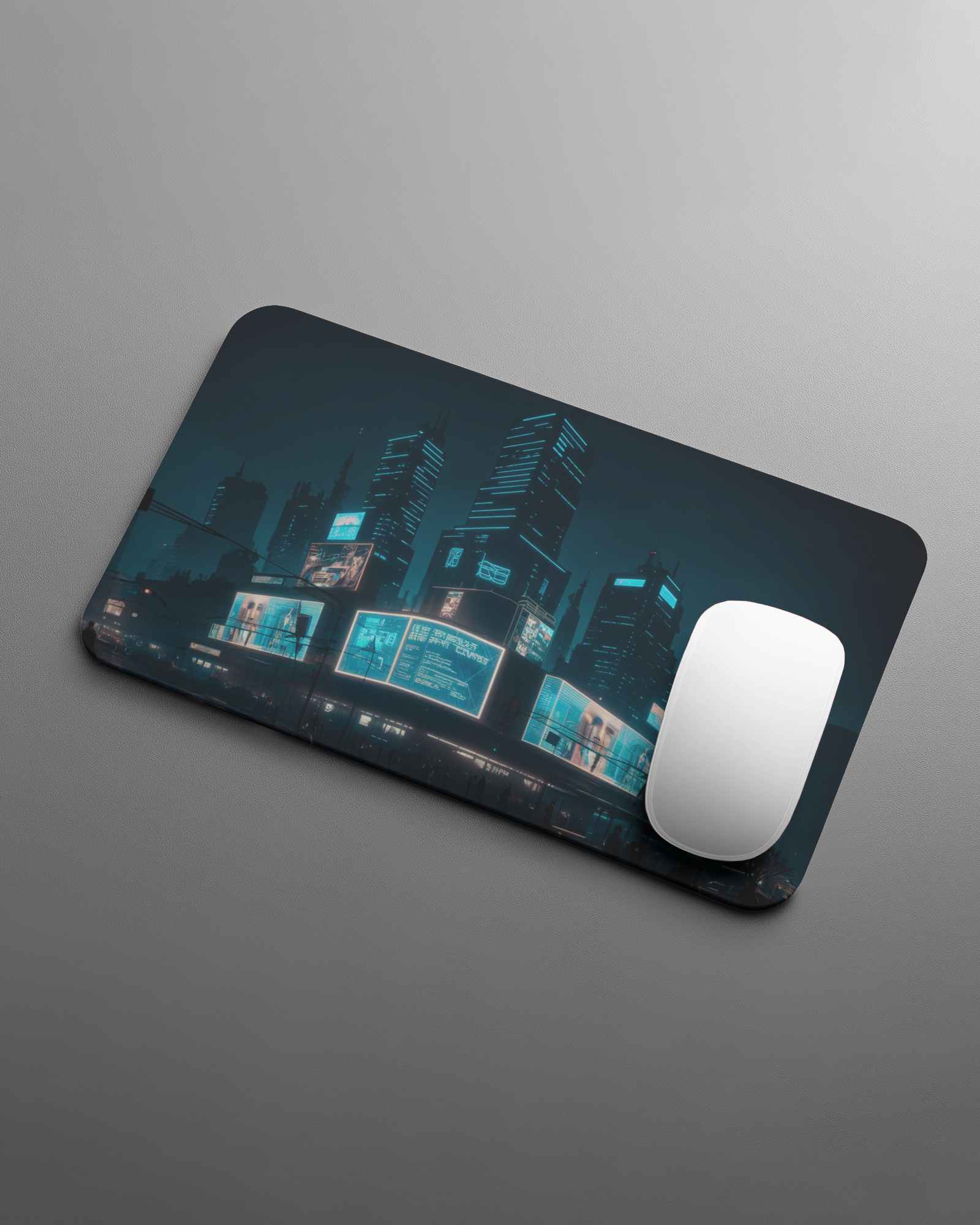
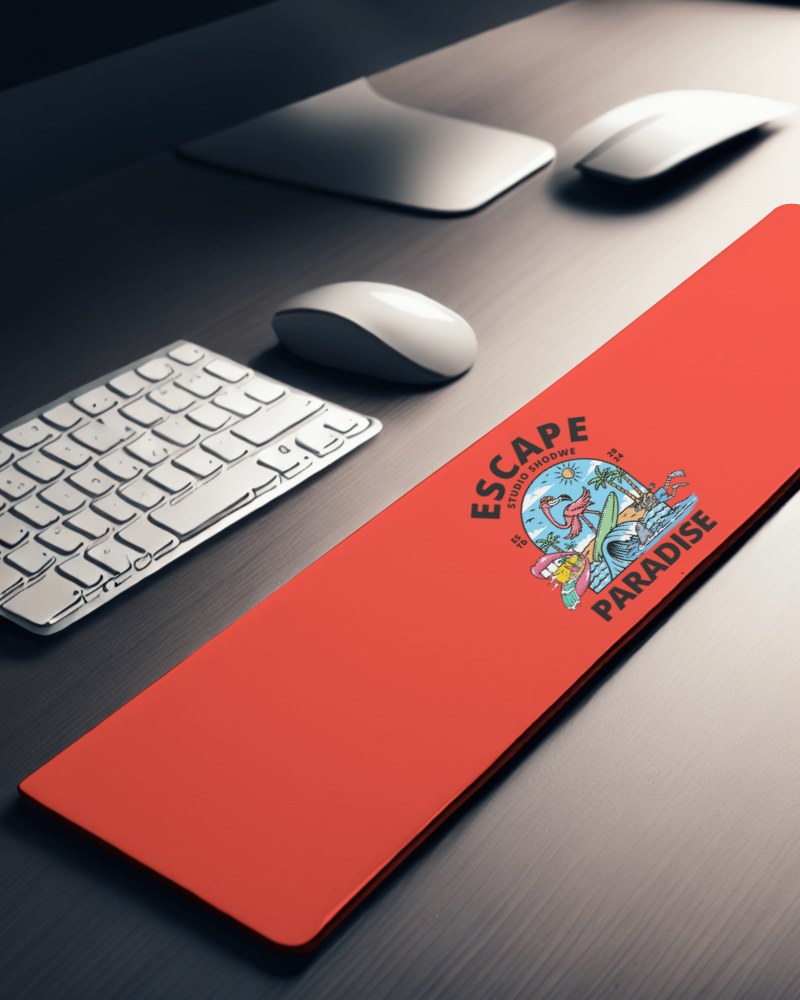
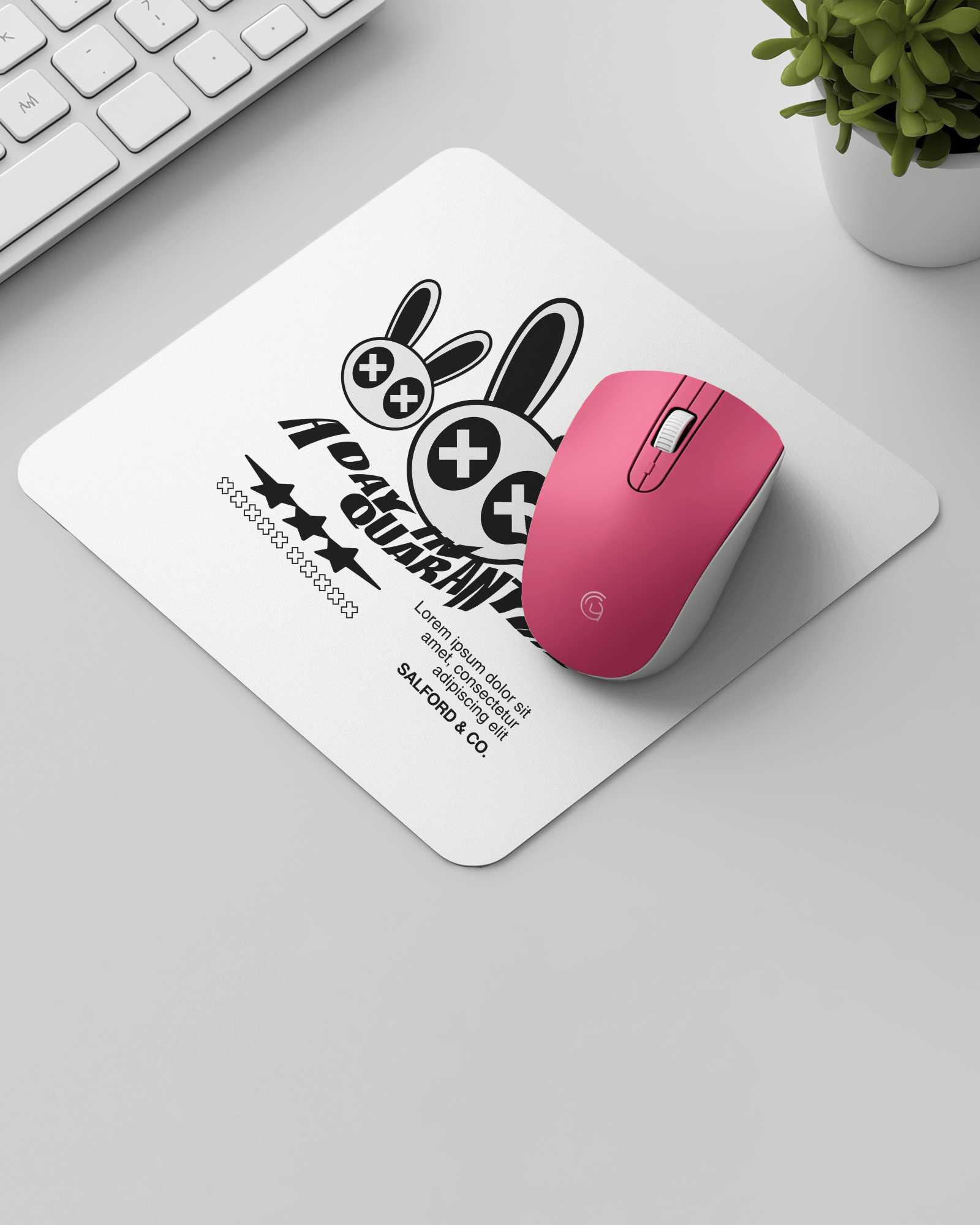
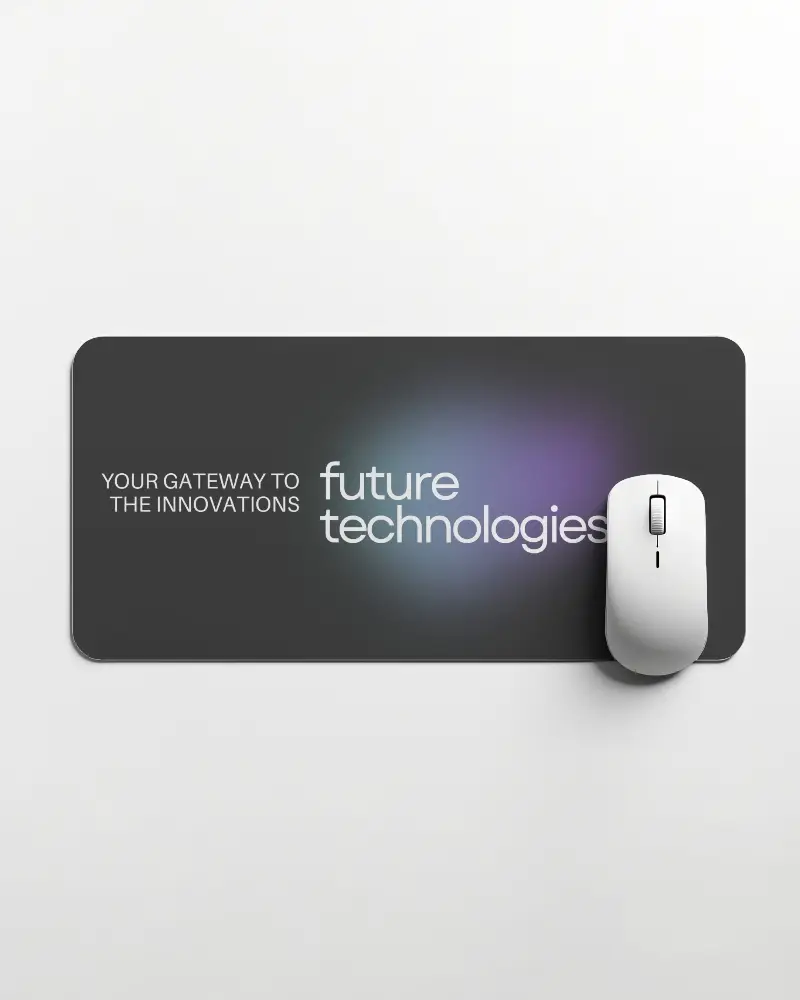
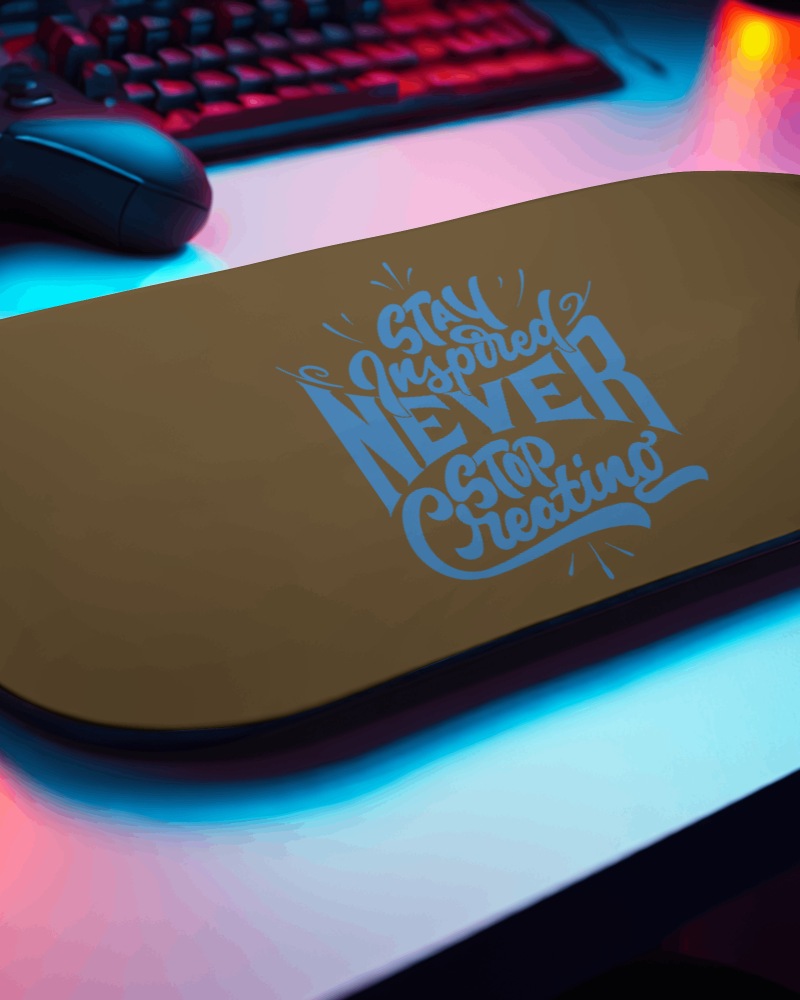
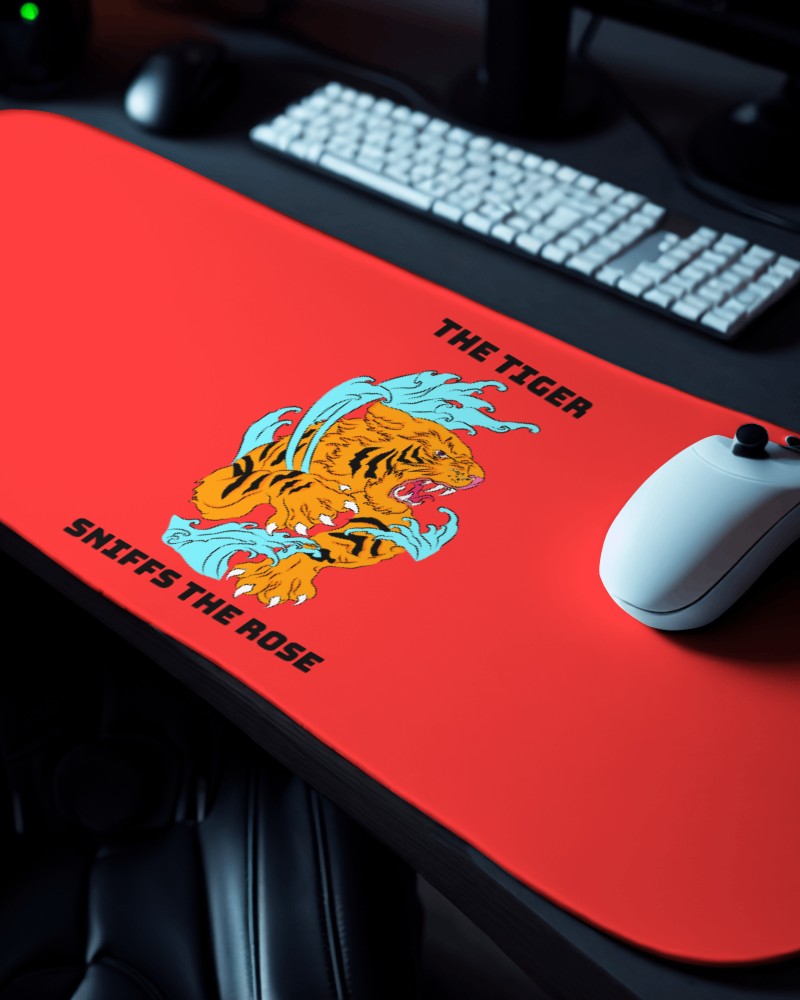
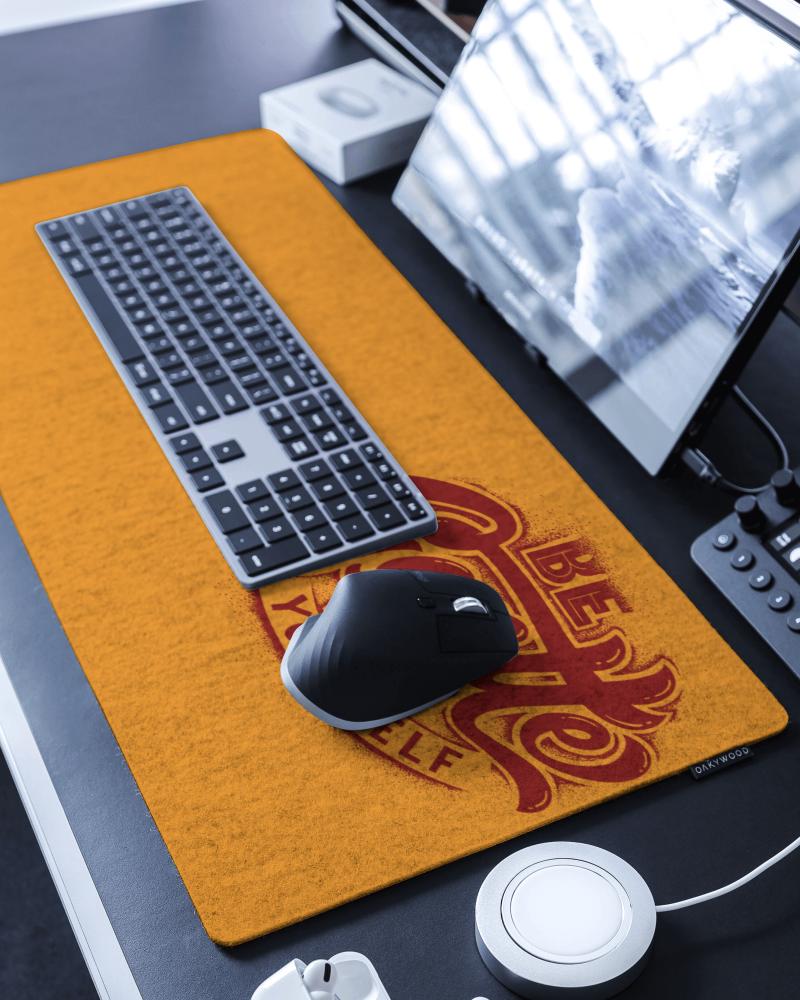
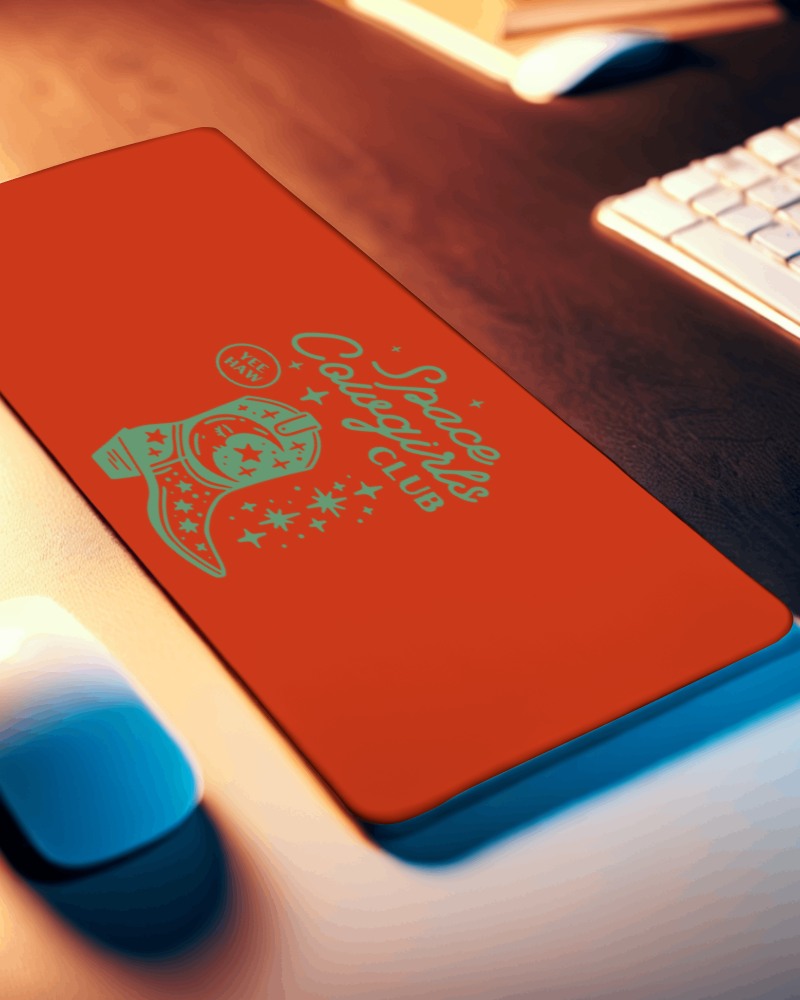
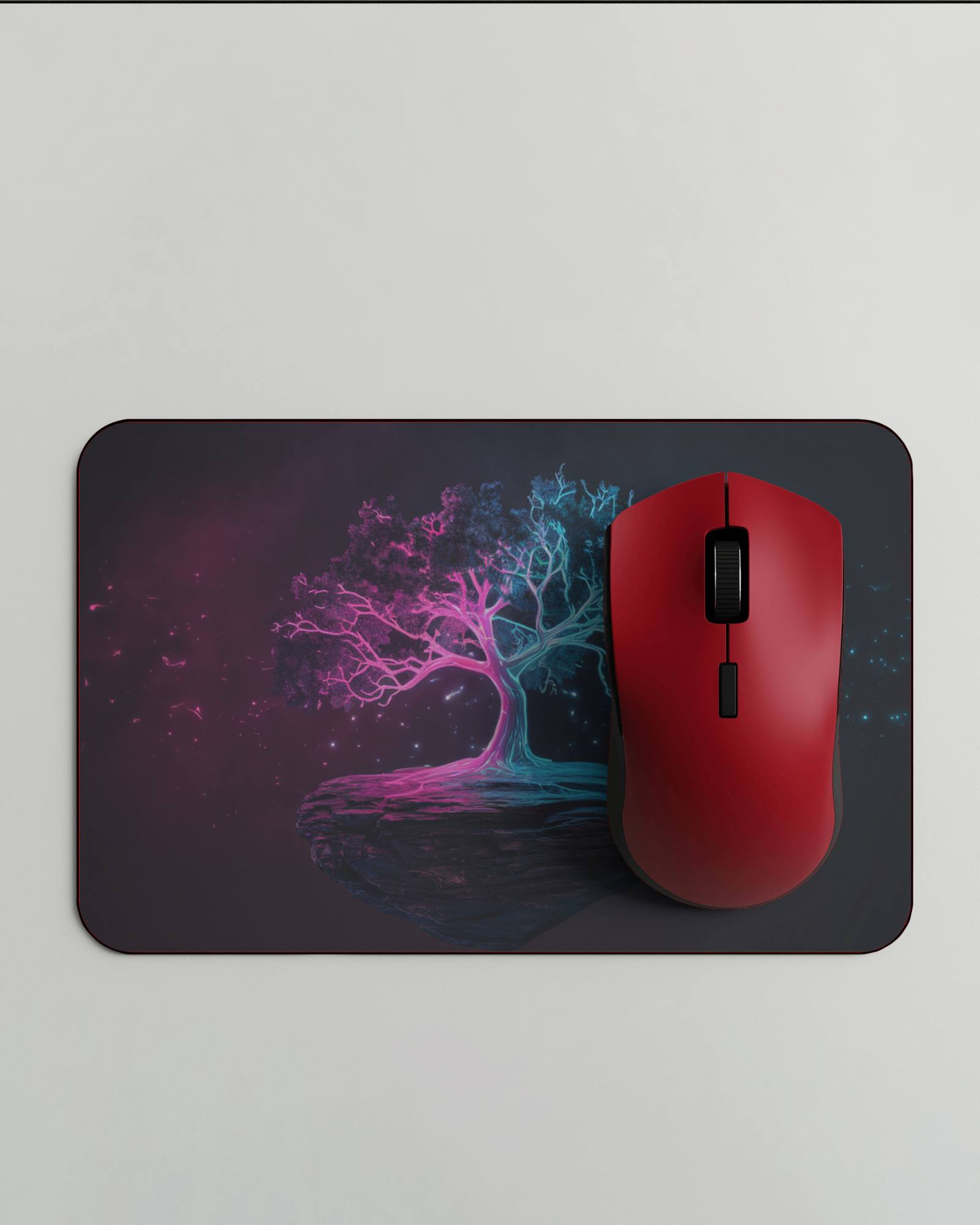
How to Create a Gaming Pad Video Mockup with Mockey AI
To create gaming pad video mockups:
- Step 1: Log in quickly and look for ‘Video Mockups’. Choose ‘Gaming Pad’ in the ‘Accessories’ category.
- Step 2: Select a template. Press ‘Upload Design’ to include your design and personalize it.
- Step 3: Click ‘Generate Video’ to export the gaming pad video mockup.


FAQs on gaming-pad Video Mockups
What is a gaming pad video mockup?
A gaming pad video mockup shows how the pad looks in real use. It’s usually a short video. It can be any gaming surface, such as a mouse pad or game controller. You see how it fits, moves, and works in action. It provides a realistic feeling before you design.
Why use video mockups for gaming pads?
Video mockups show gaming pads in action. They make designs come alive, unlike photos. Buyers can see how the pad fits in a gaming setup. It helps them understand the look, size, and use better.
How can I create a gaming pad video mockup online?
Simply sign up for Mockey AI, choose the gaming pad template, upload your design, and customize it. In just a few clicks, you’ll be able to create a dynamic video mockup and download it.
