Editable Software Box Mockups – Download Online
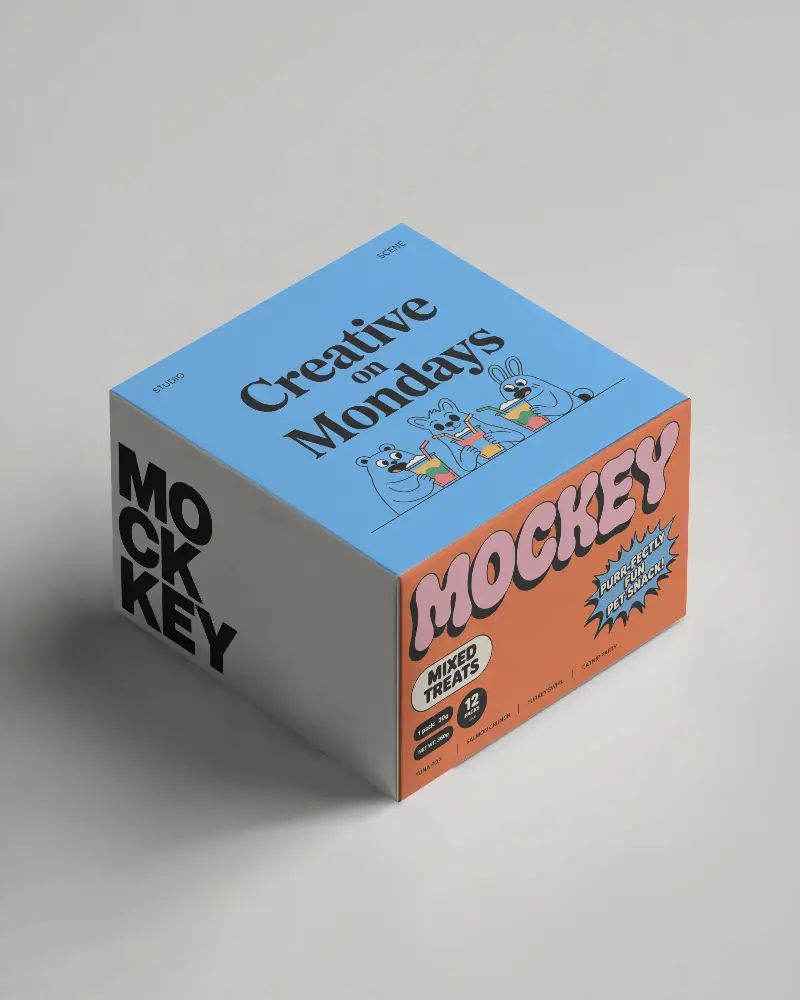
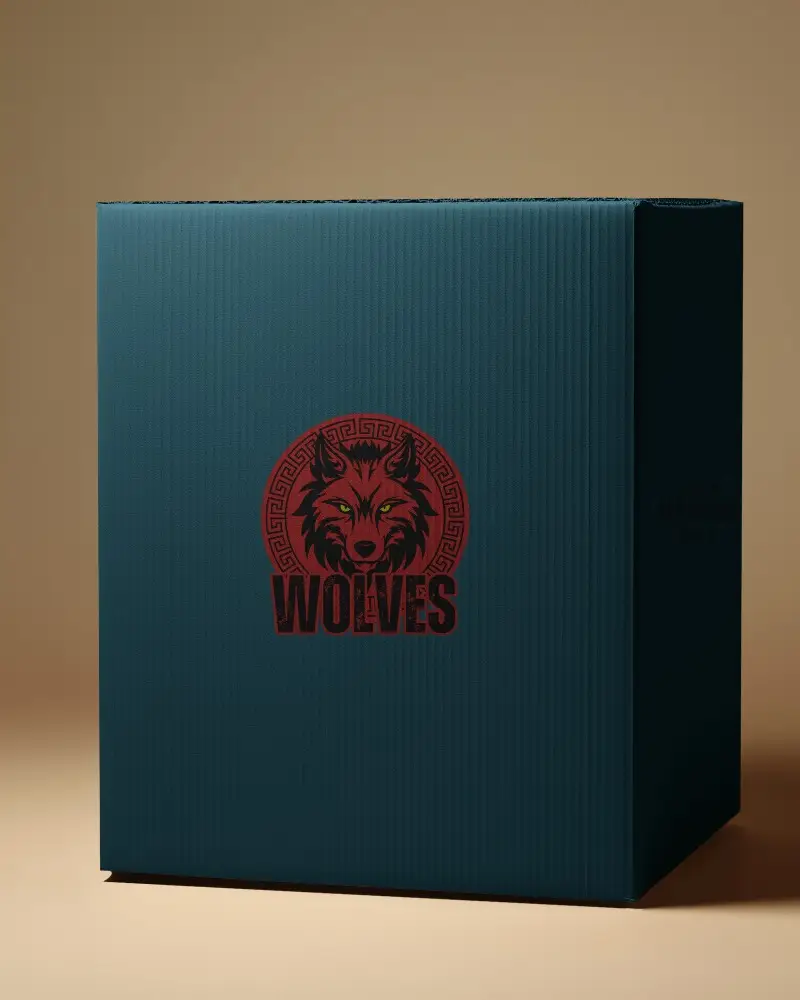
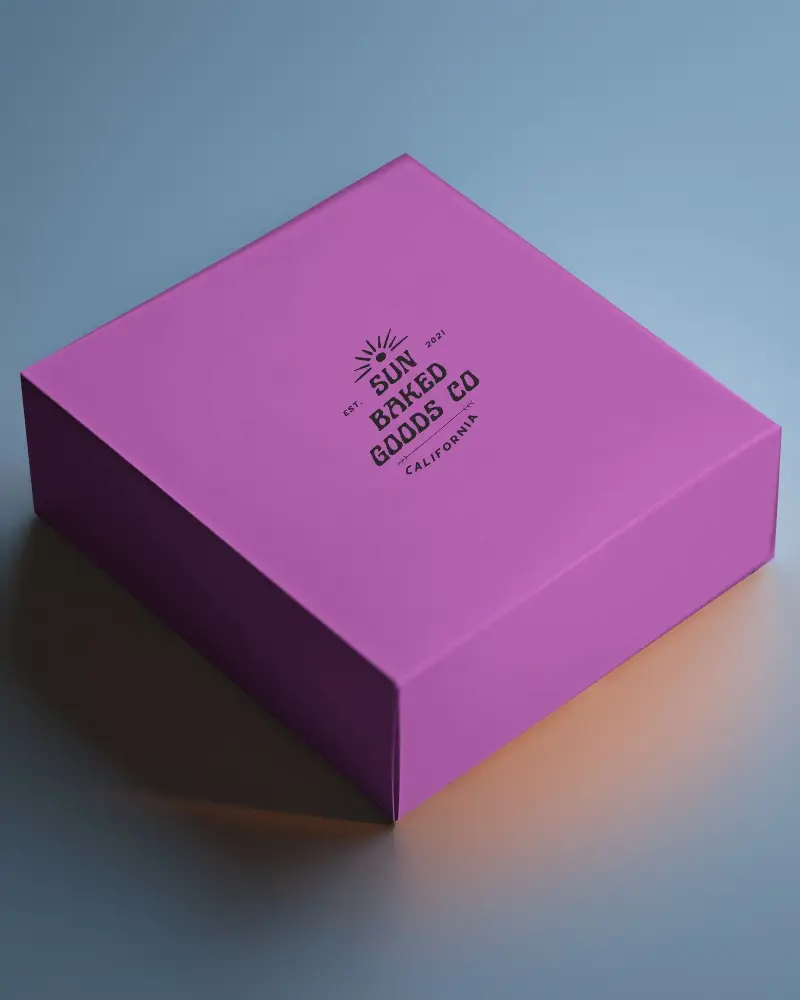
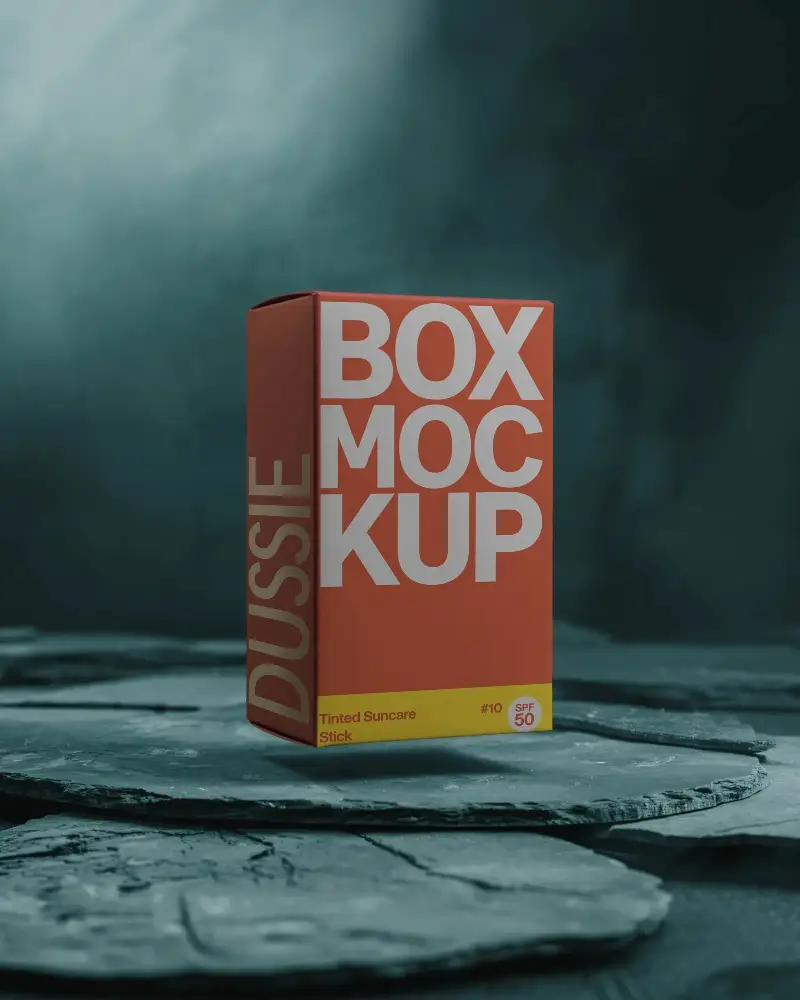
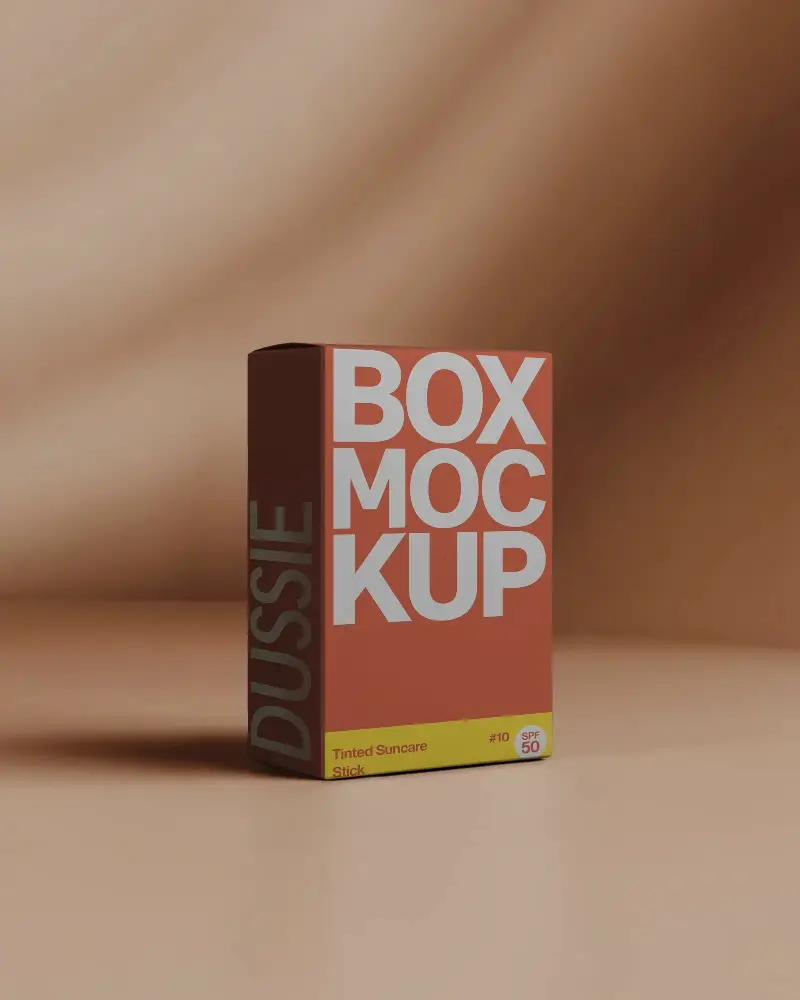
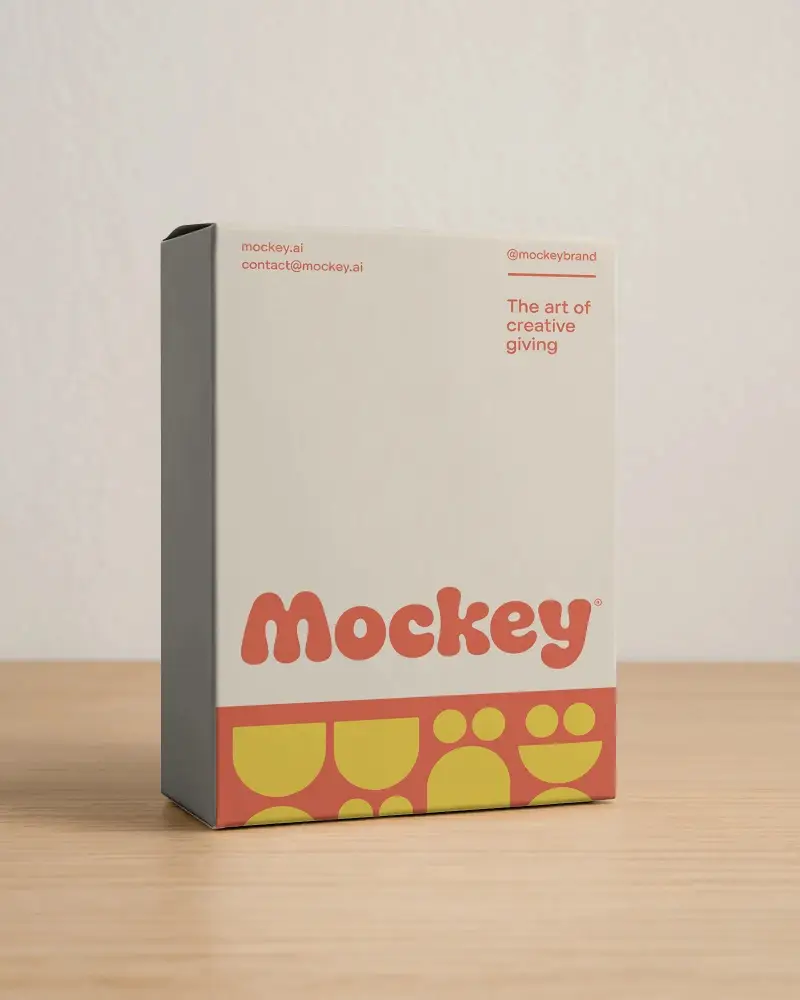
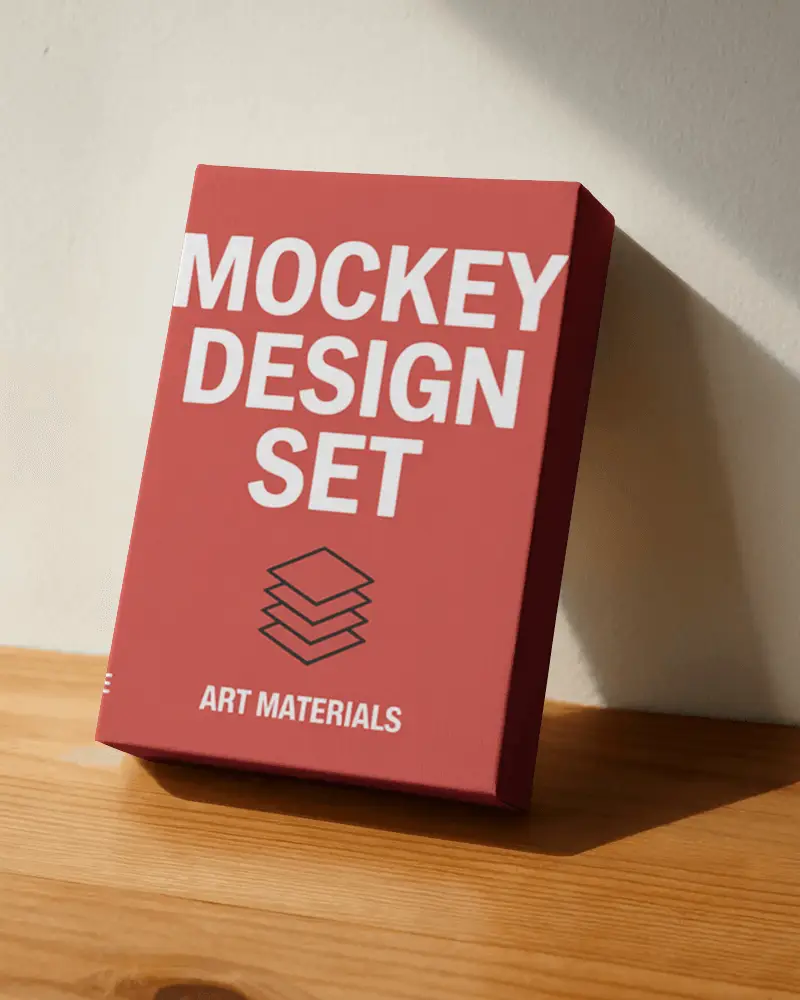
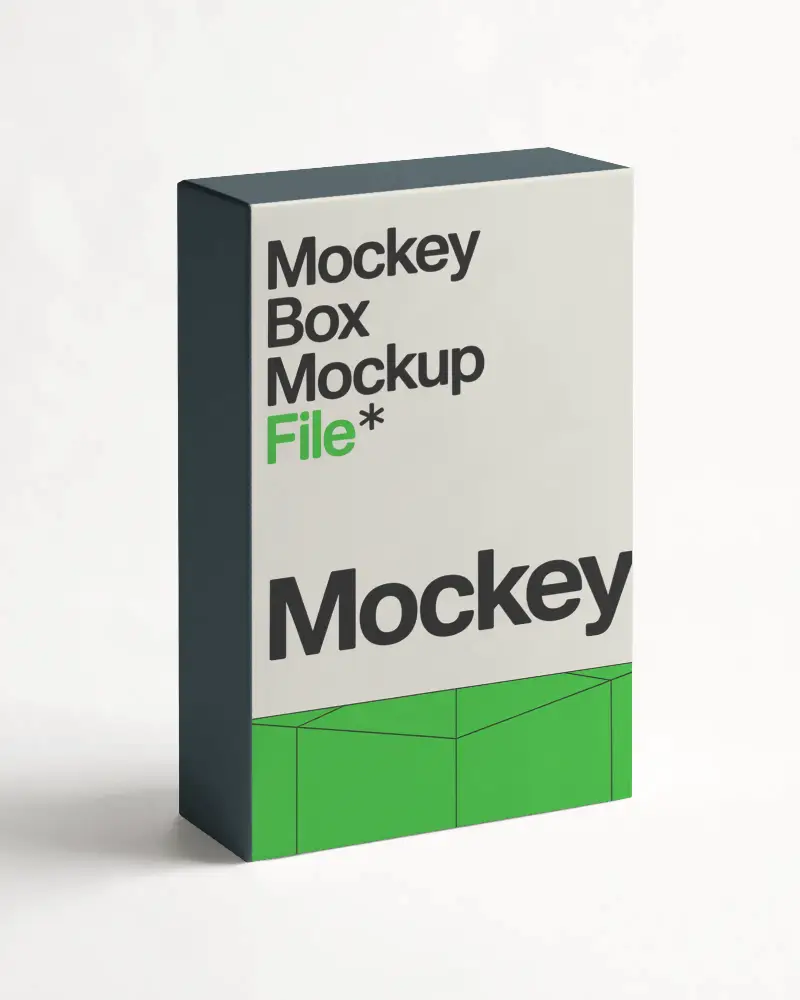
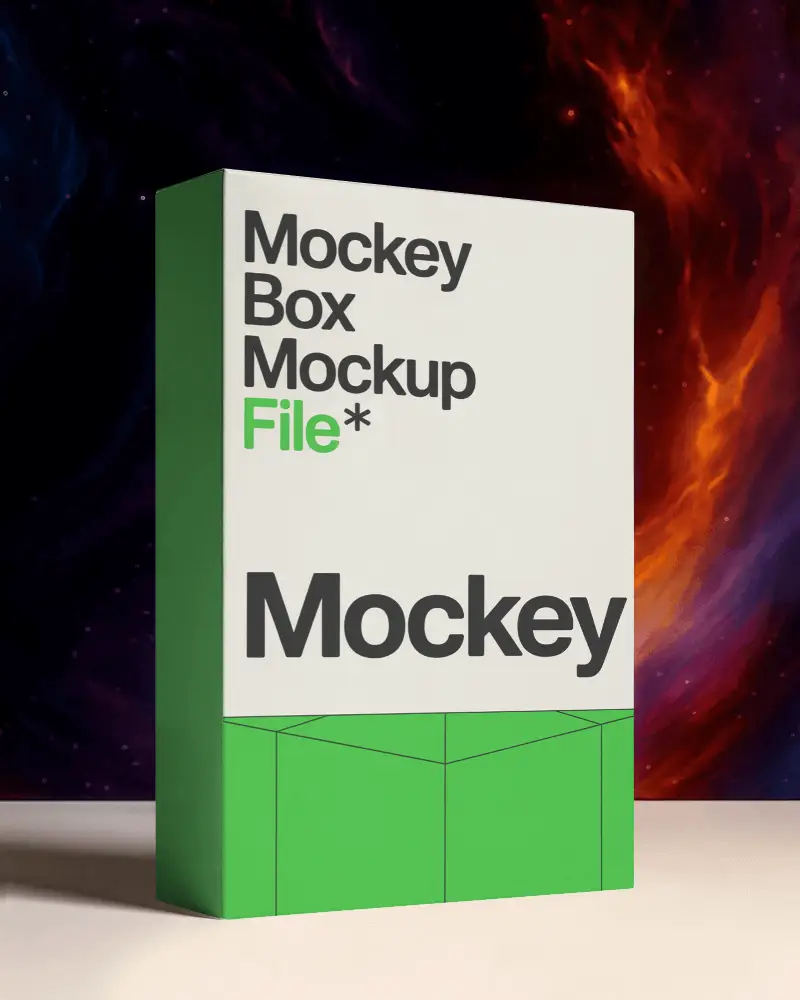
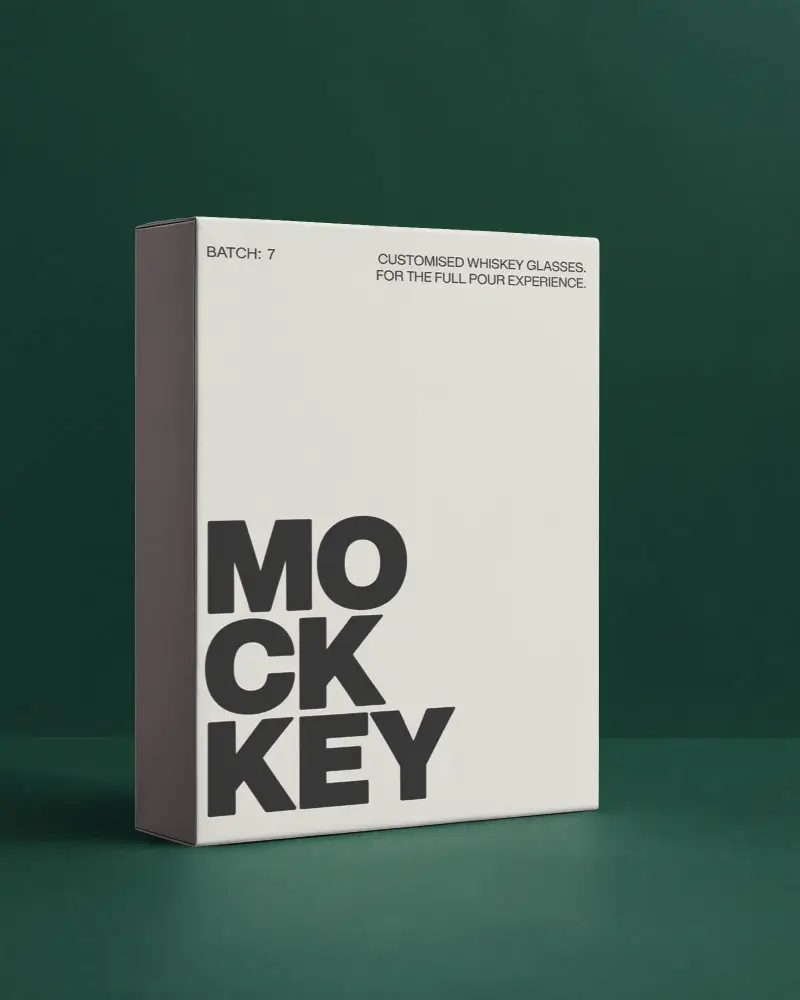
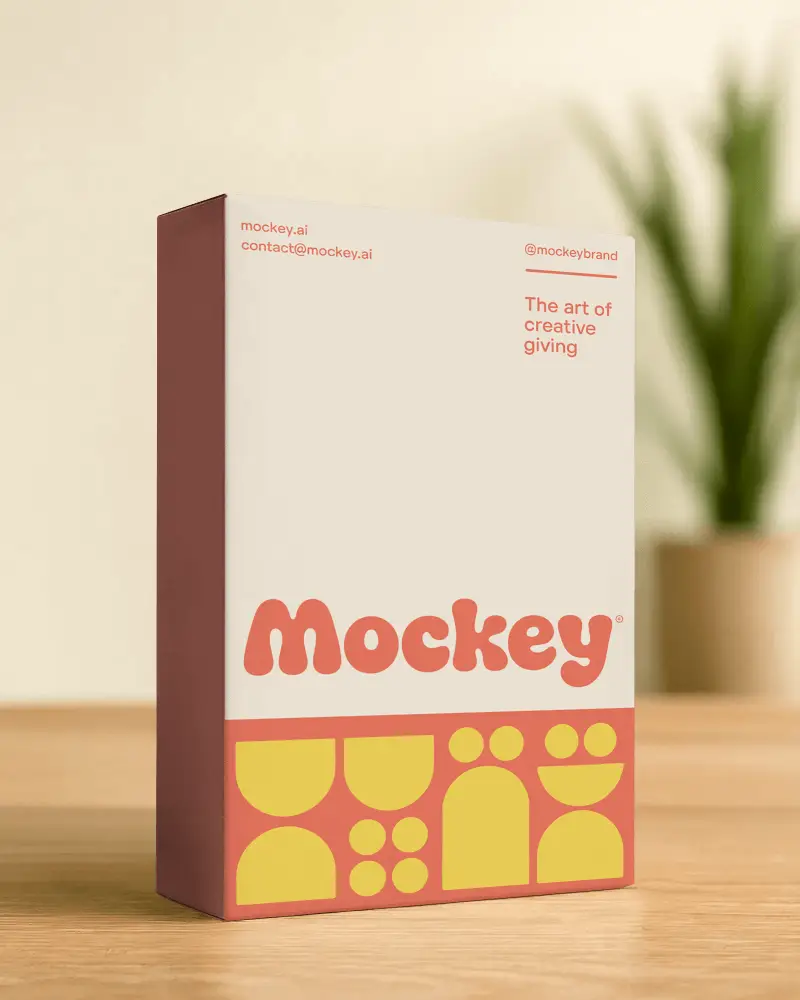
Use free software box mockups from Mockey AI to display your app, game, or software design. Get a clean, real, and professional look easily.
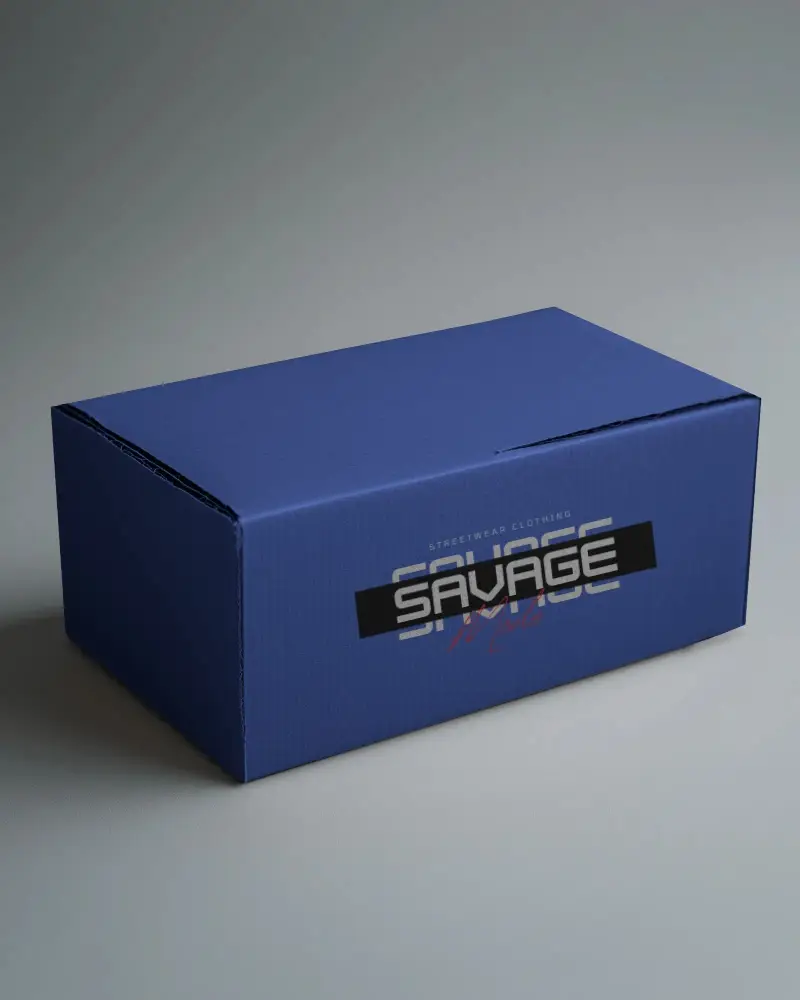
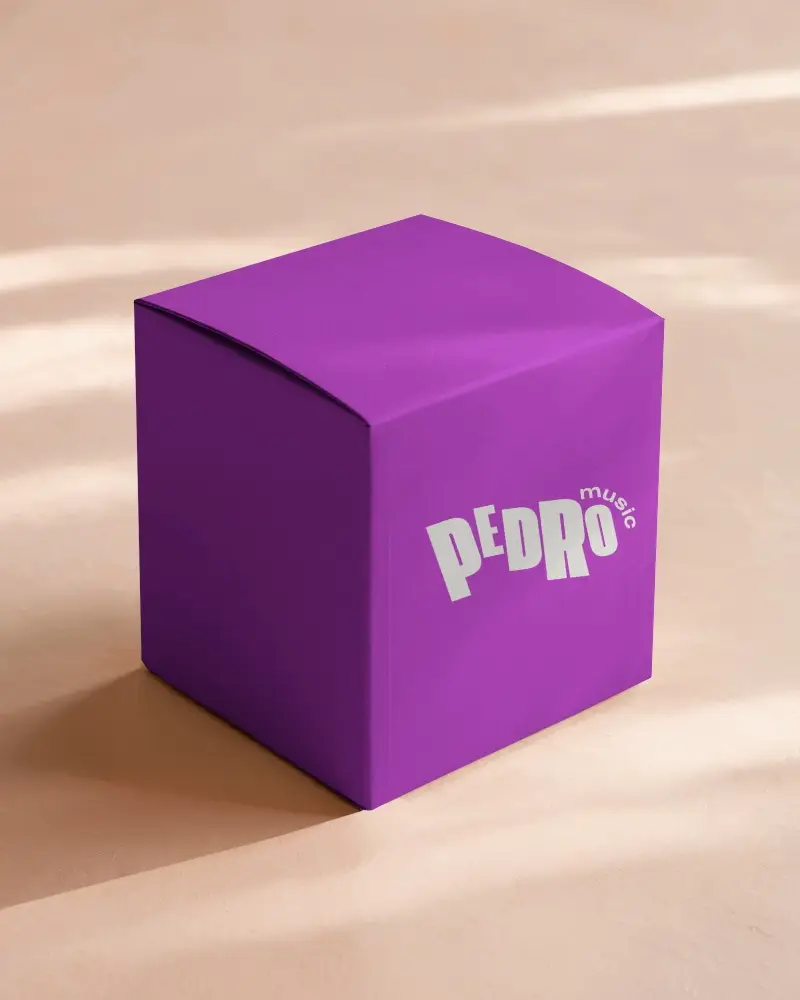
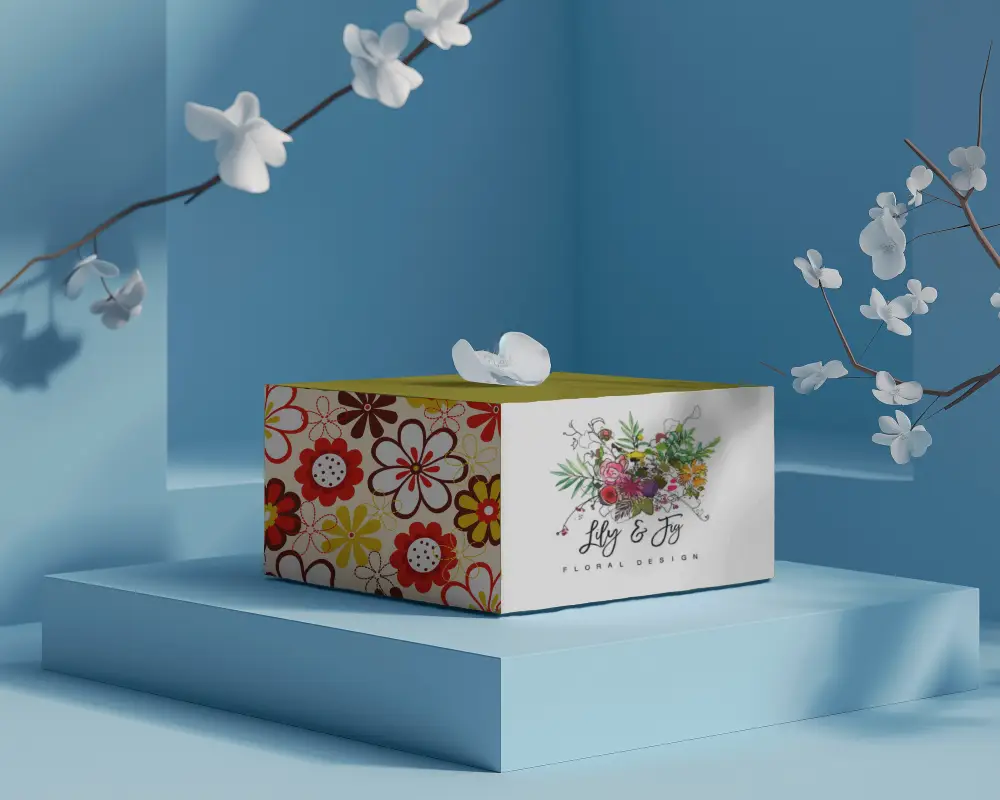
.png)
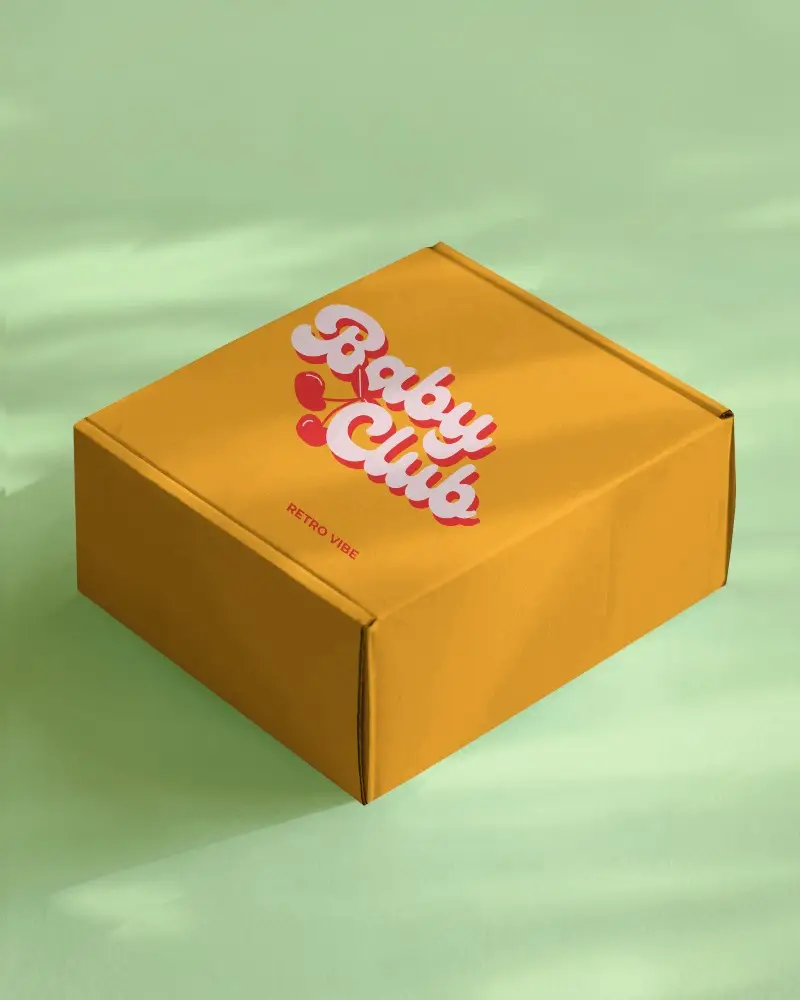
.png)
.png)
(1).png)
.png)



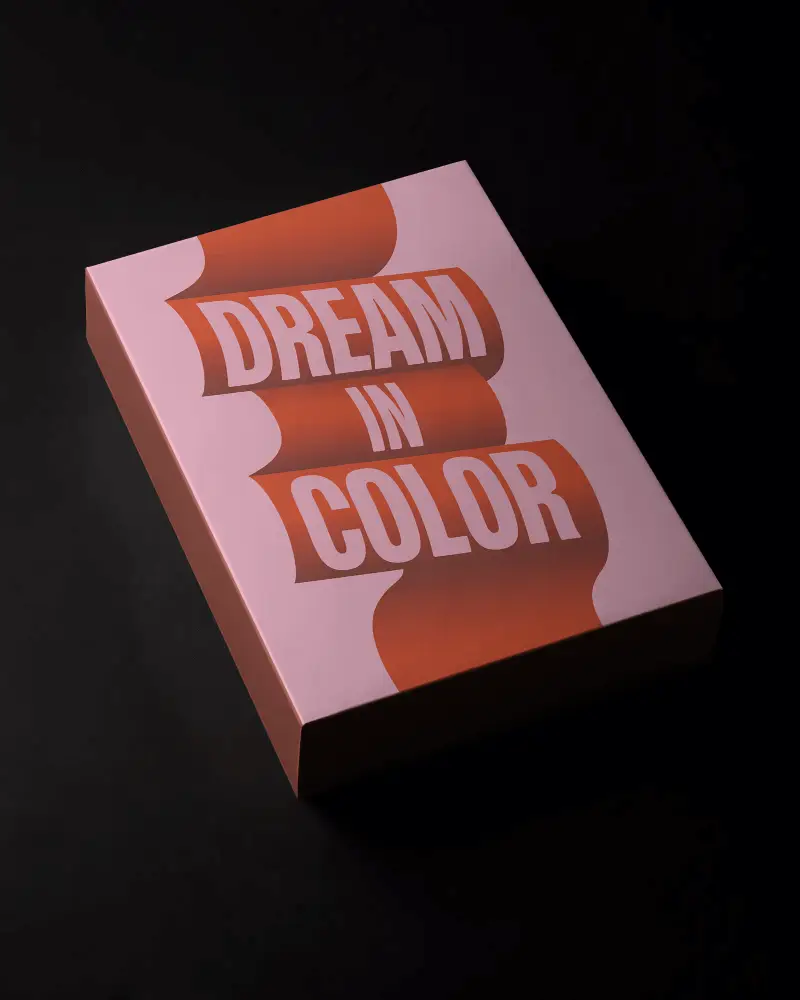
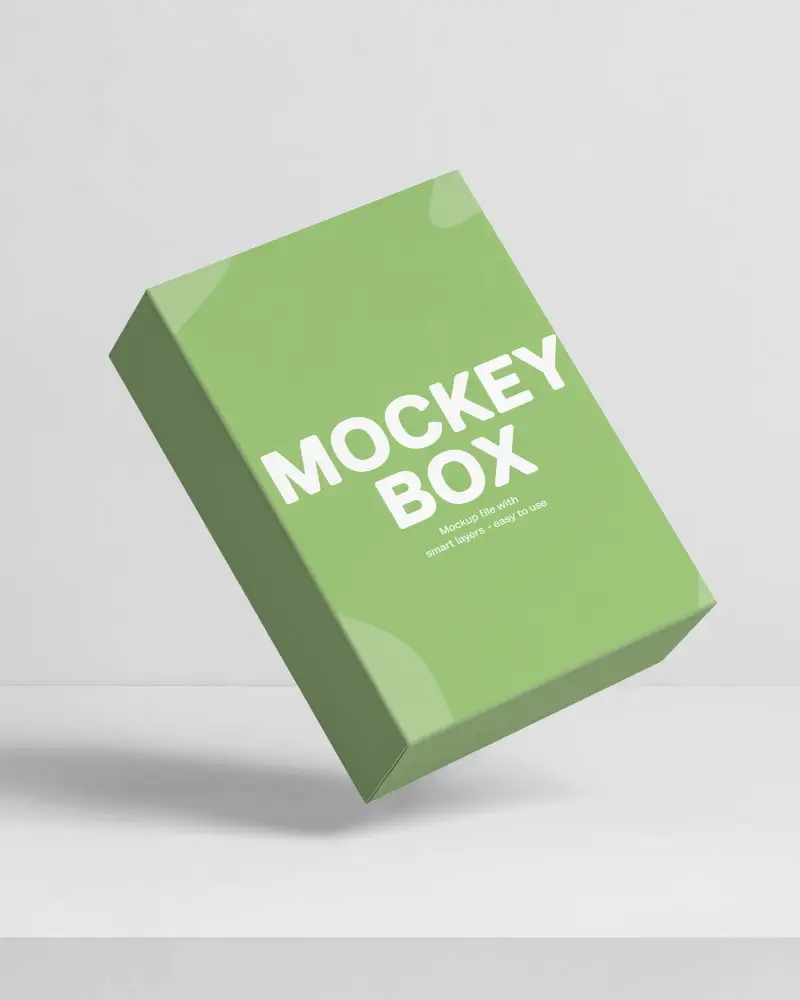

How to Create a Software Box Mockup with Mockey
- Step 1: Sign in and navigate to Mockups > Print > Box.
- Step 2: Choose the Software Box tag and select a template.
- Step 3: Upload your design, customize the software box mockup, and download it in your preferred format.


FAQs on Software Box Mockups
What is a software box mockup?
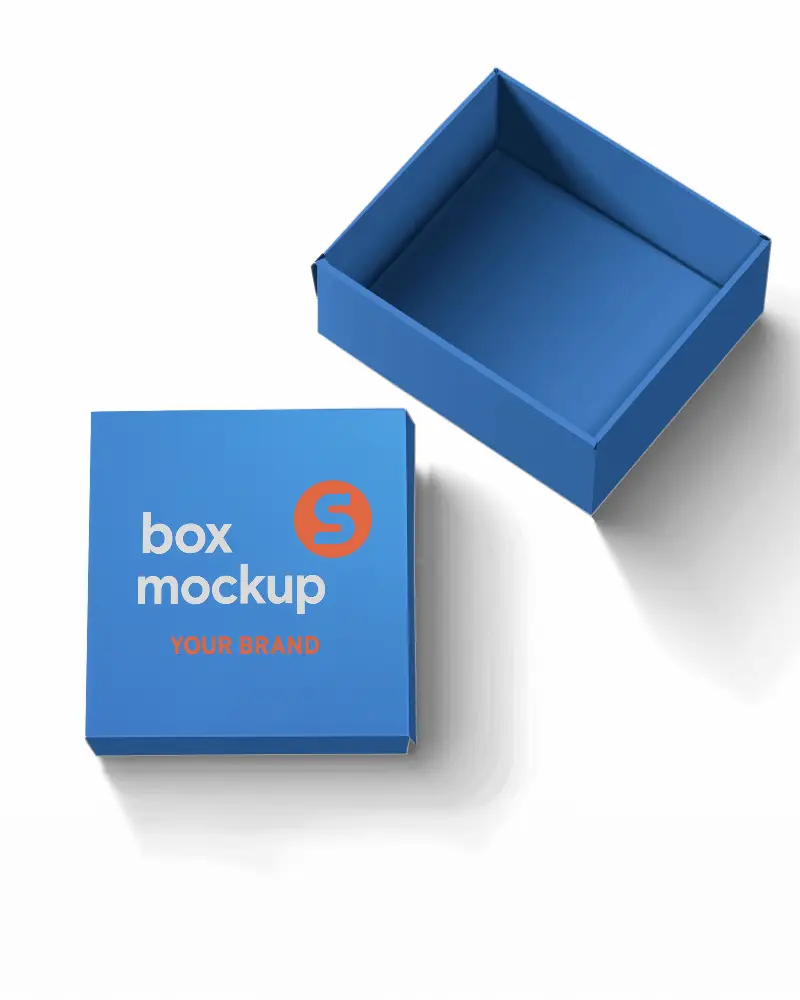
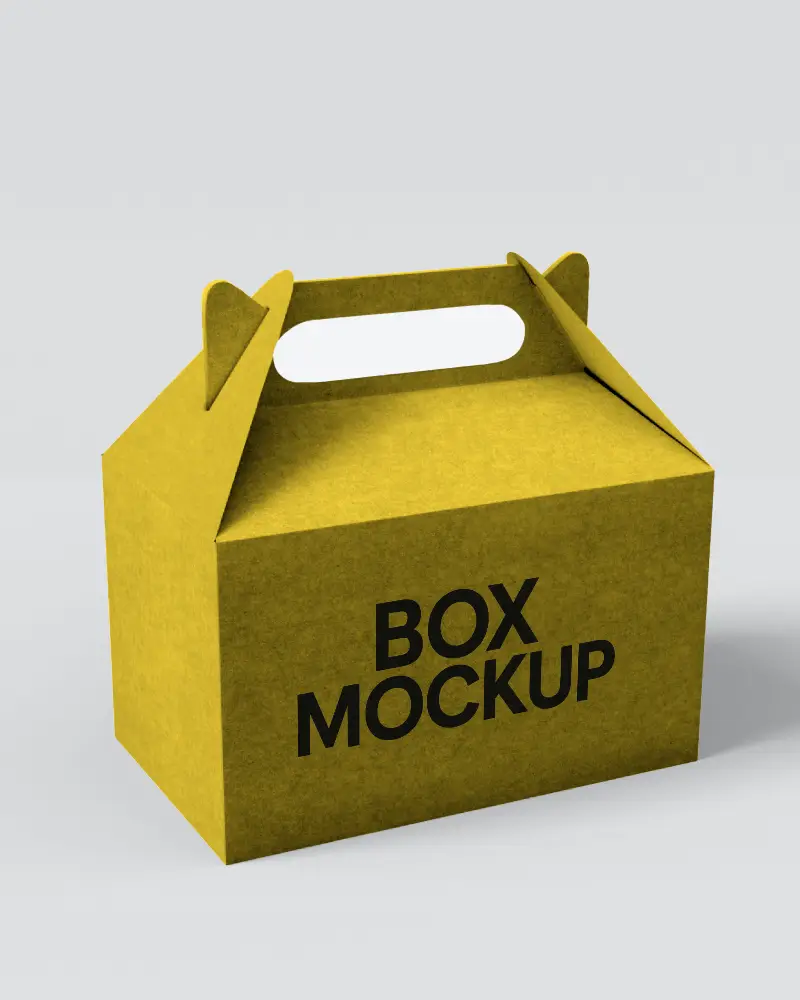
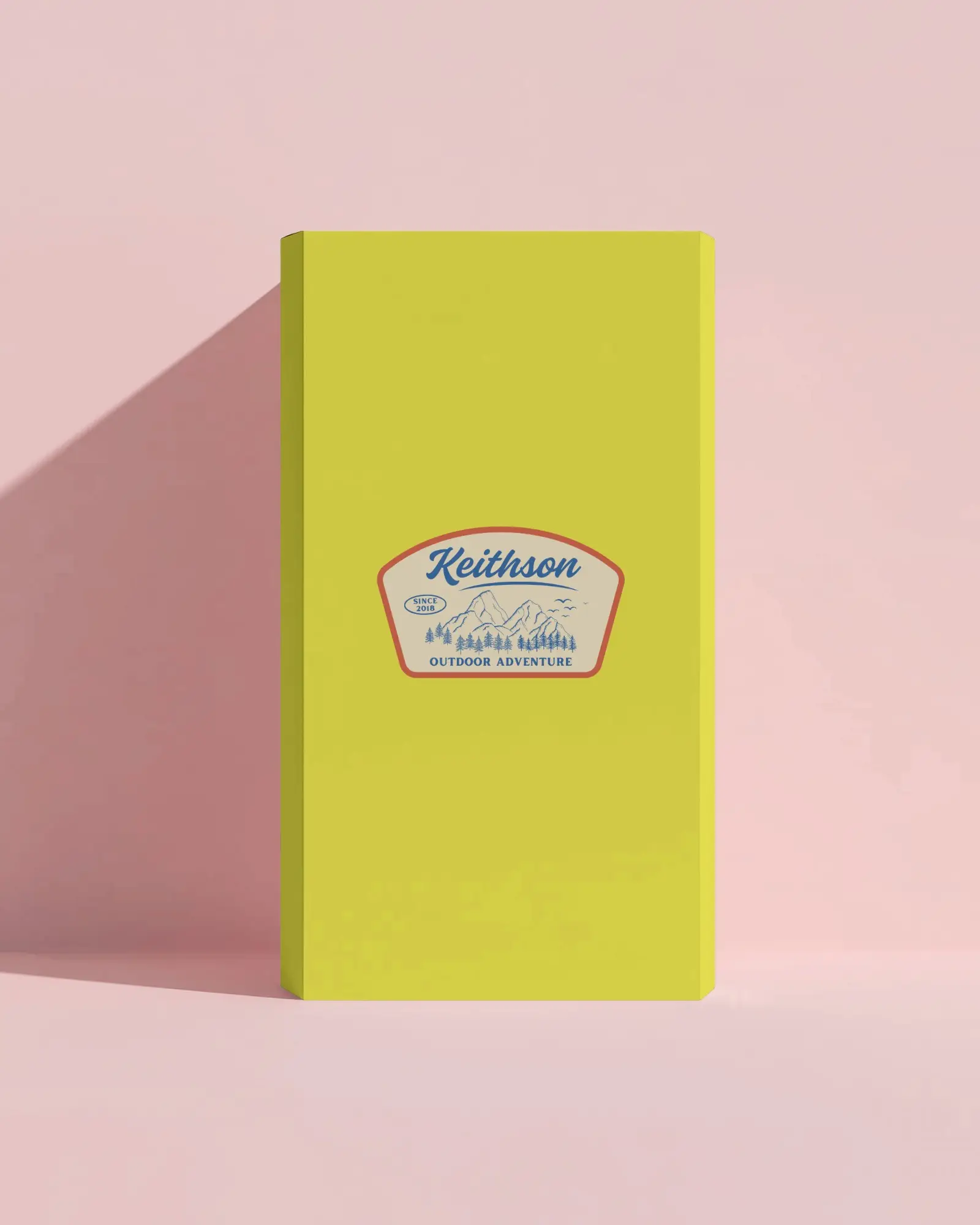
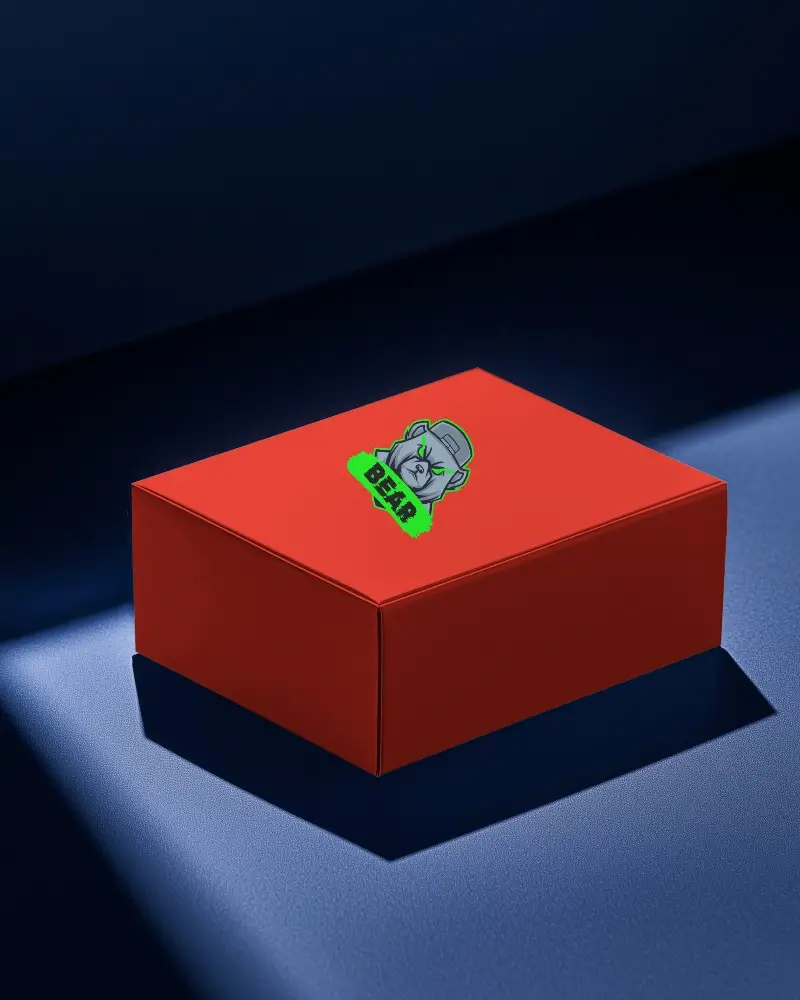
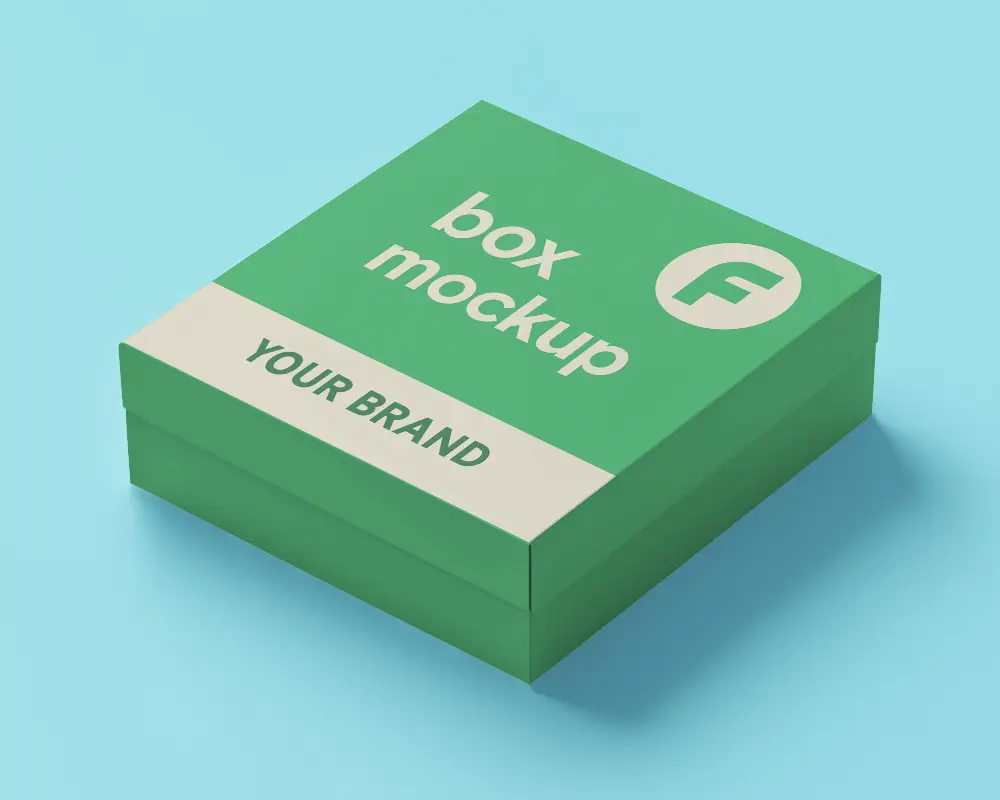
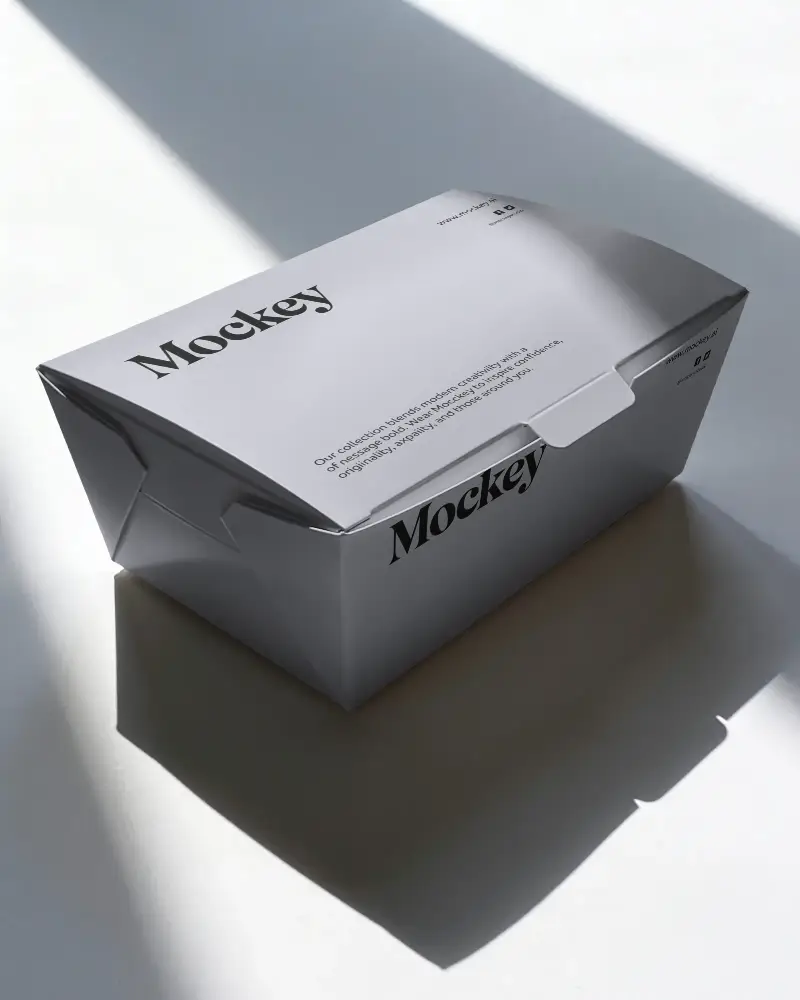
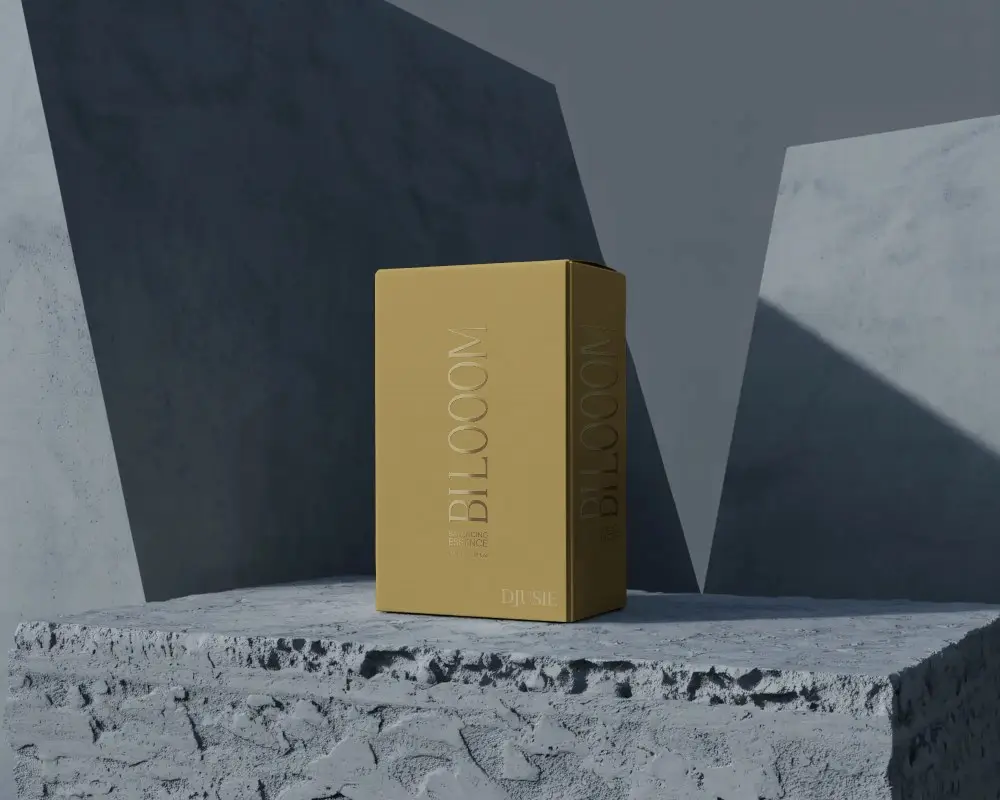
A software box mockup is a template of a software box where you can add your brand name or a custom image to showcase it to clients. A software box mockup generator helps you customize it easily.
Are there other box mockups besides software boxes?
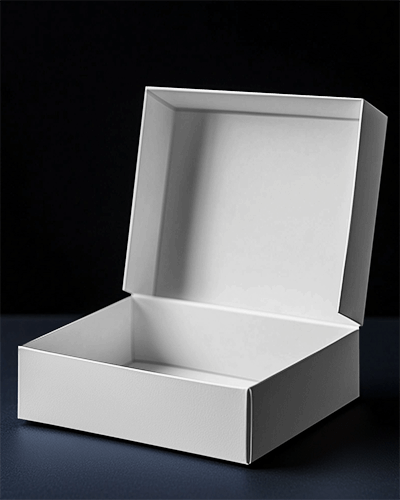
Besides software boxes, there are many other types of box mockups, like square, open, mailing, pizza, and jewelry-style boxes that you can also customize.
Does Mockey AI offer software box video mockups?
On Mockey AI, you can download your software box mockup as a video clip. To do this, you need to buy the CREATOR plan and use a video template to create box video mockups.
Is a software box mockup useful for digital products?
A software box mockup helps show digital products because it makes them look real. This helps attract buyers, sell better, and make the brand look more trusted.
Who should use a software box mockup?
Software box mockups are used by designers and product creators to display their products visually. They help improve presentations and make design testing more effective.
