Free Red Sweatshirt Mockups Online
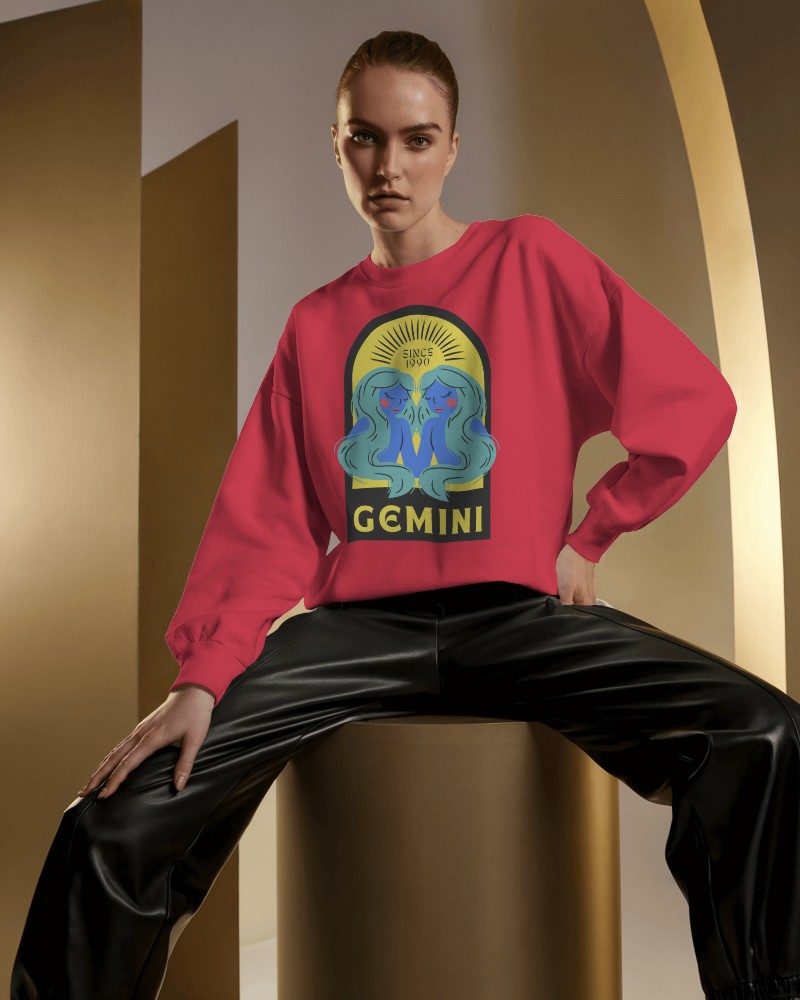
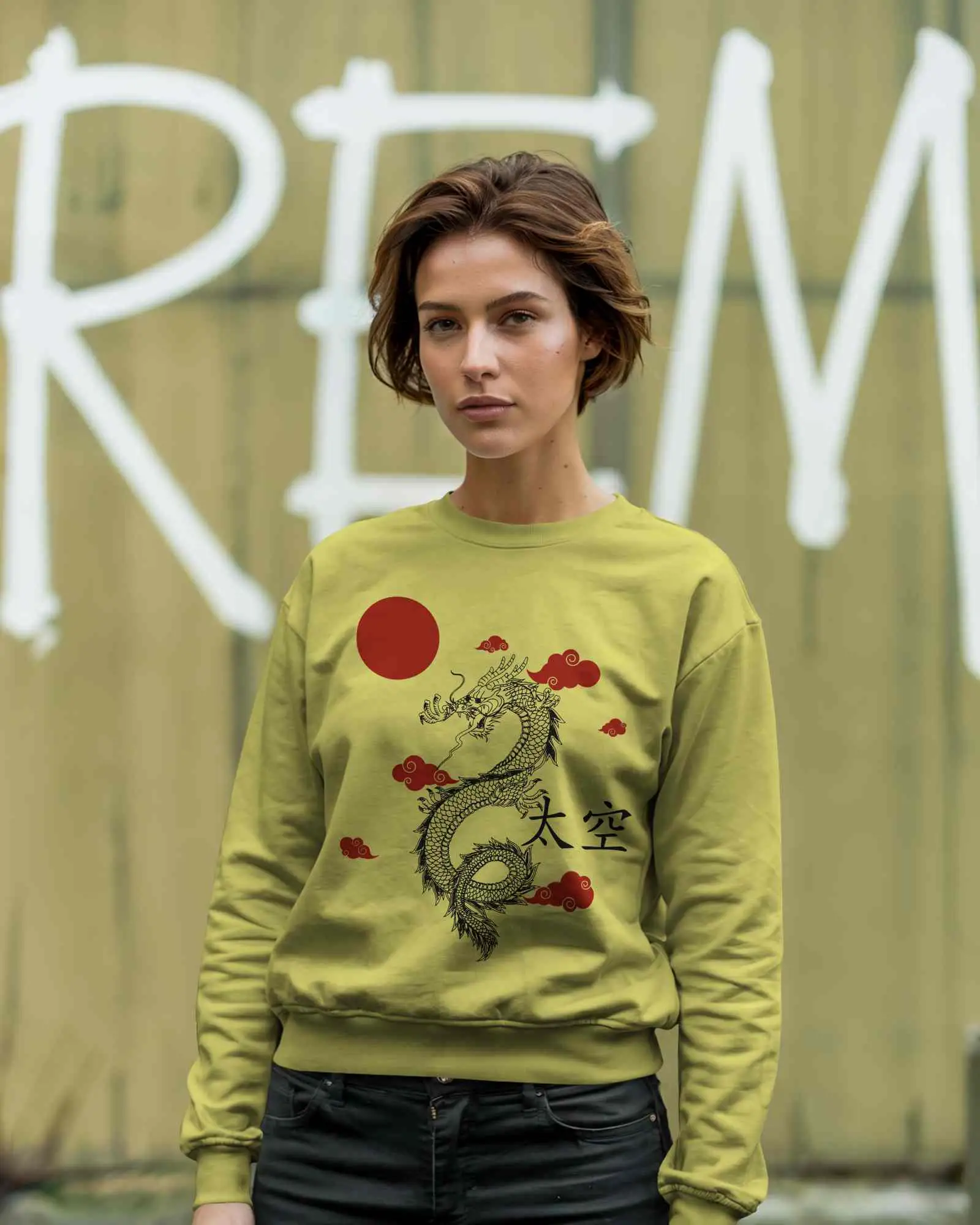
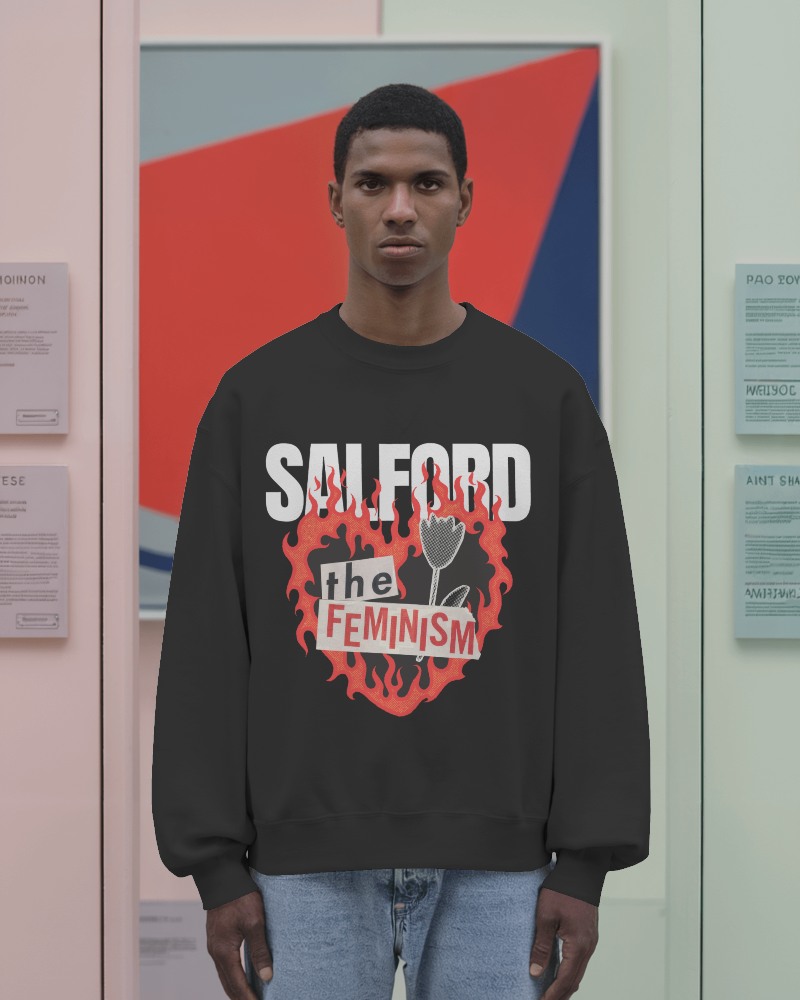
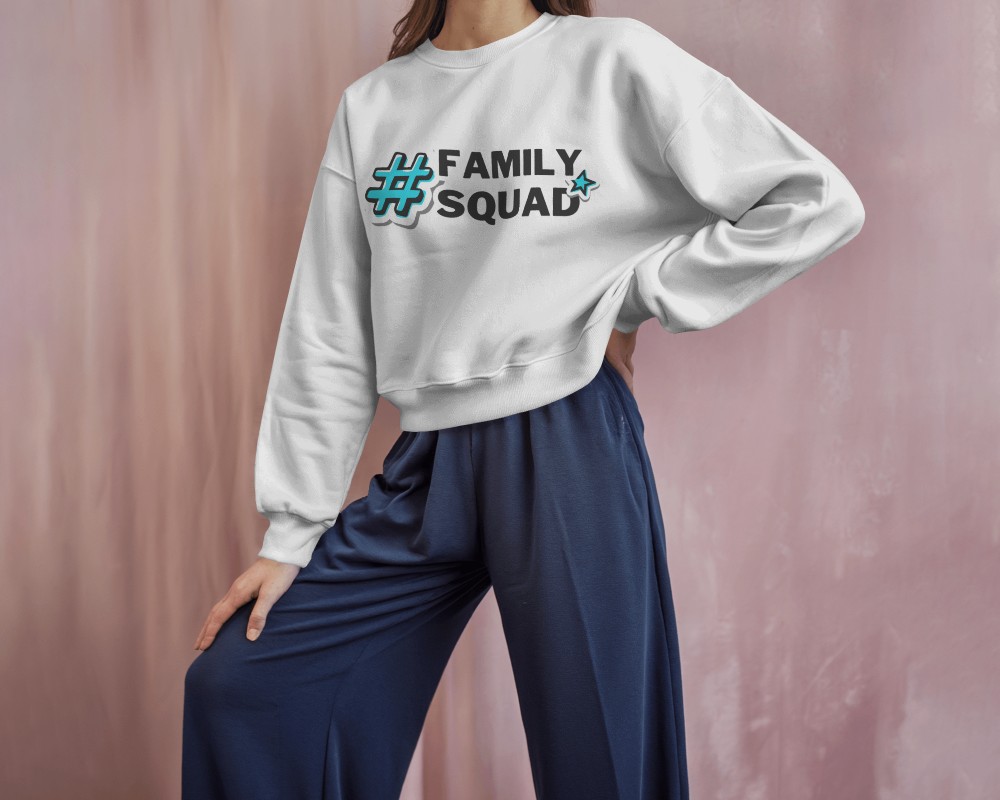
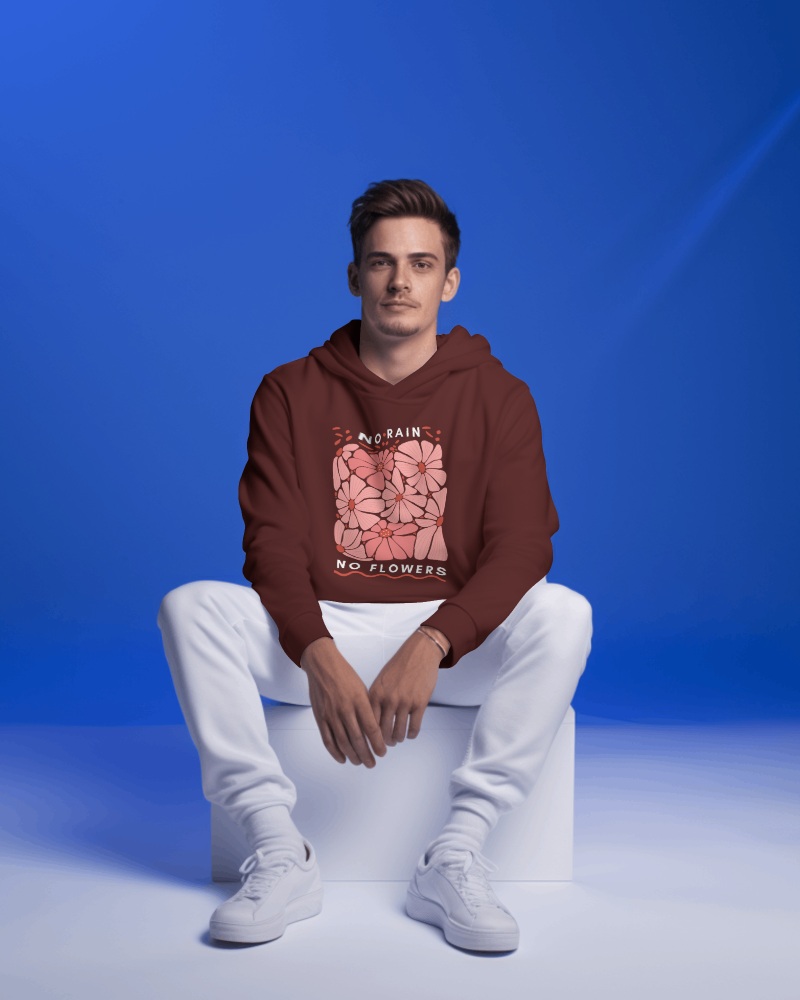
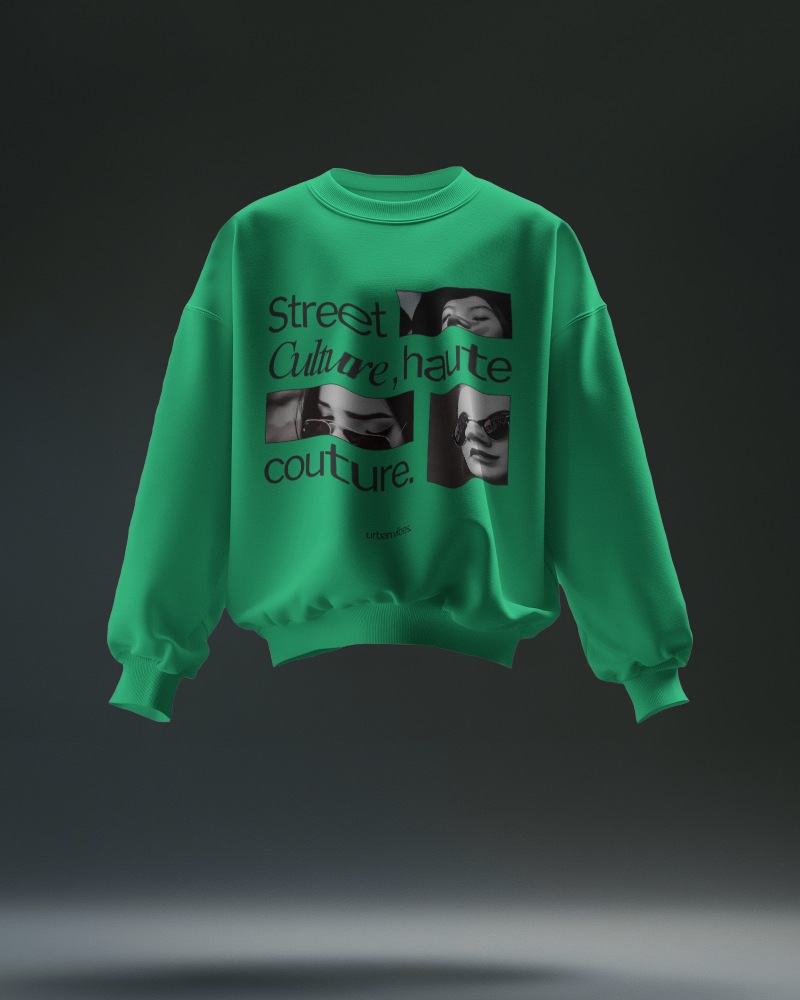
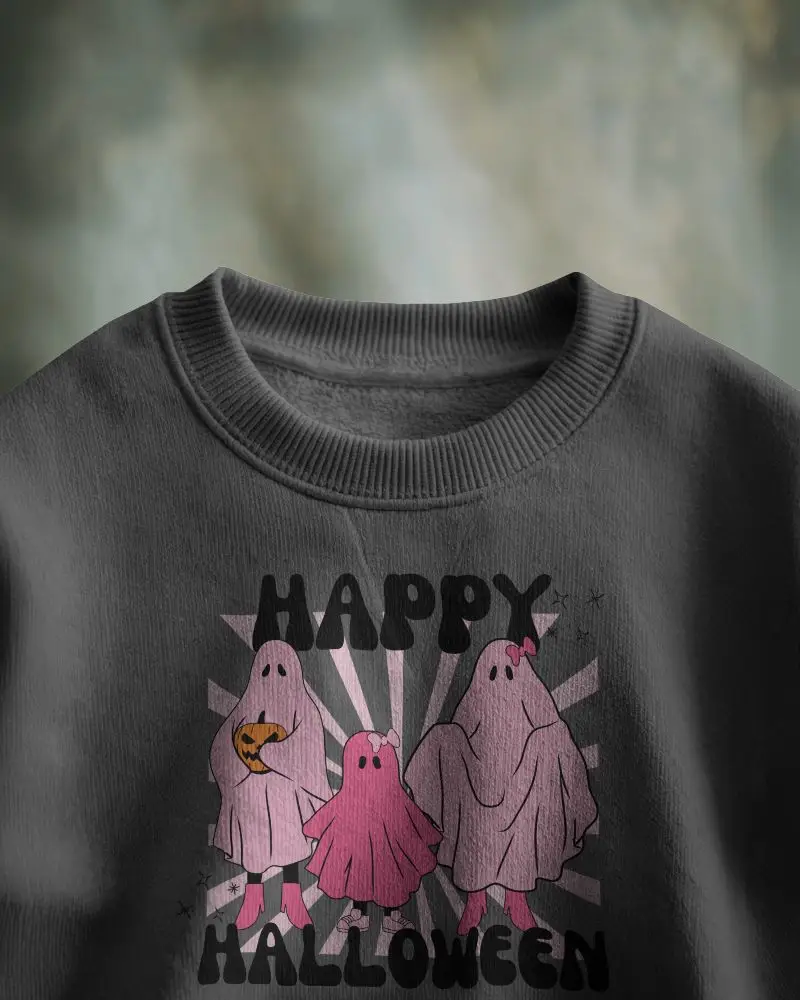
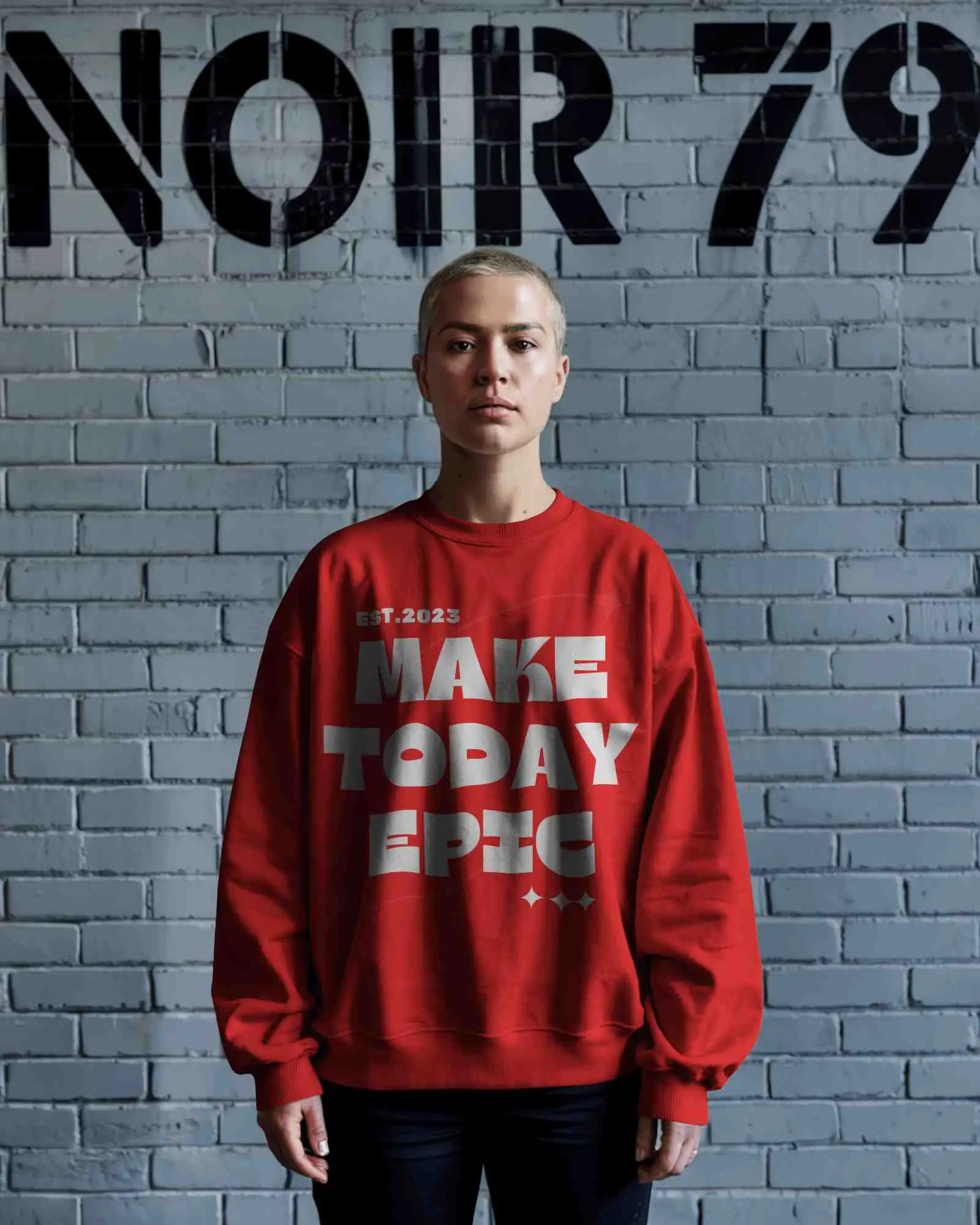
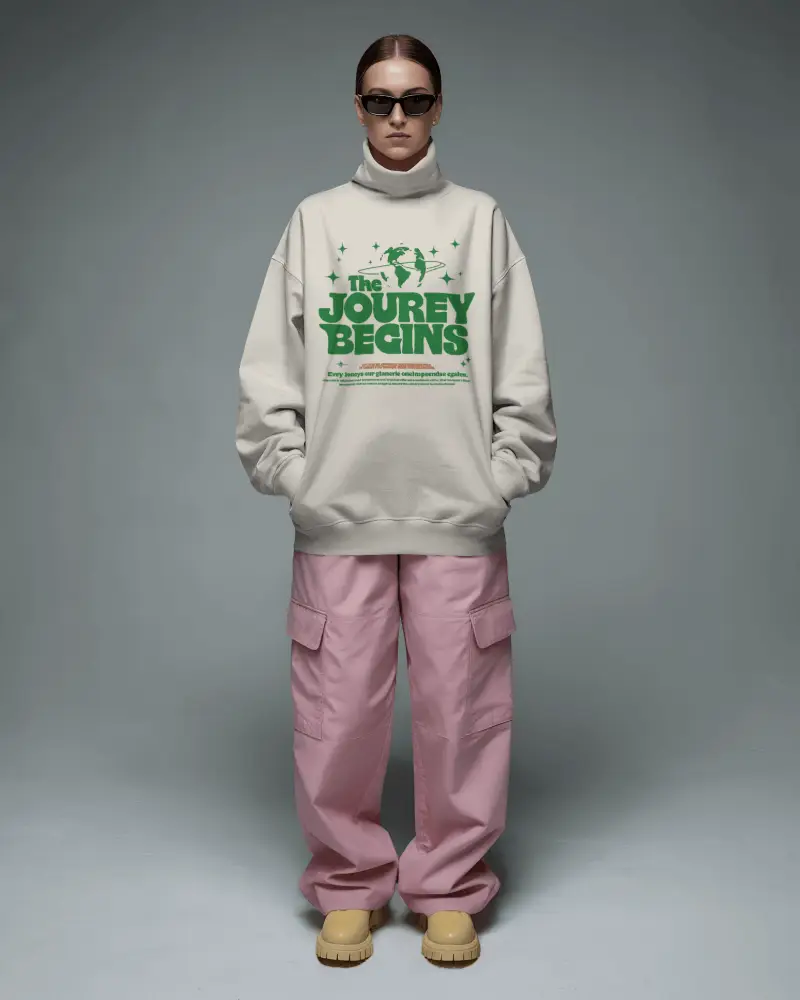
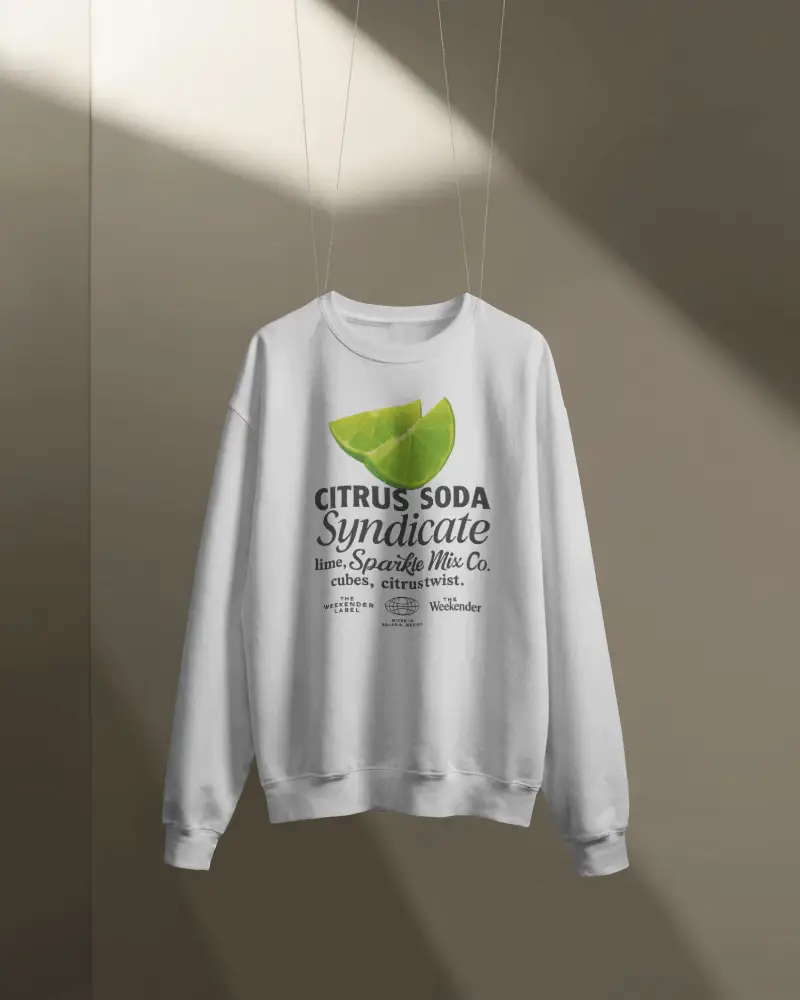
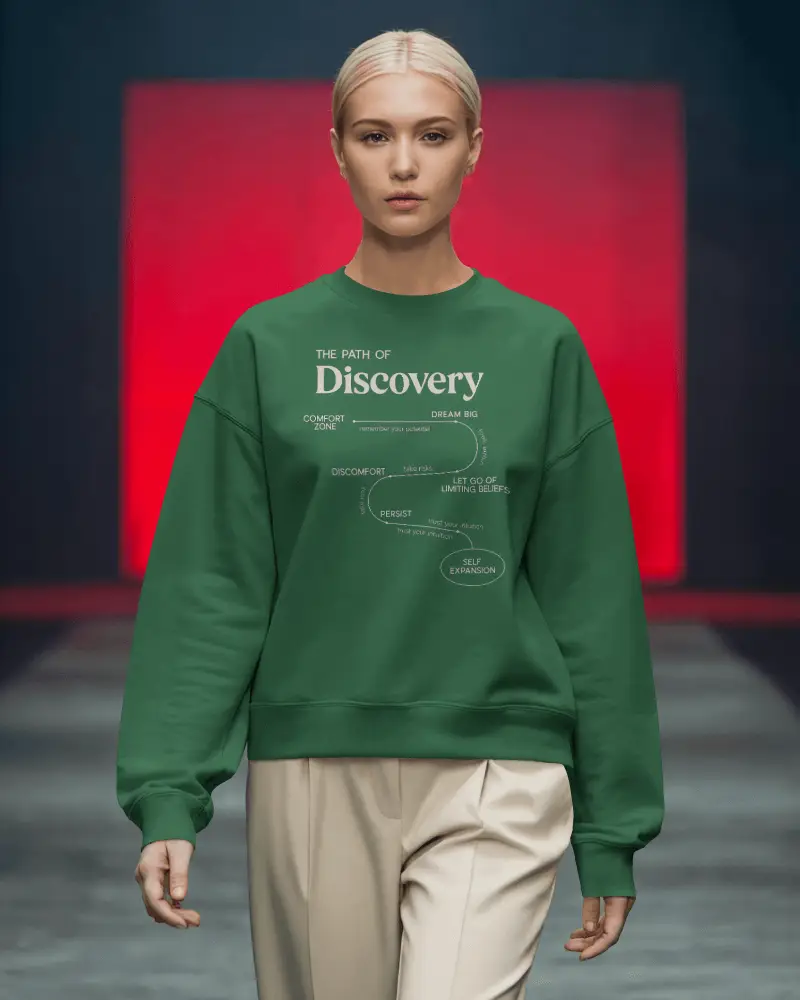
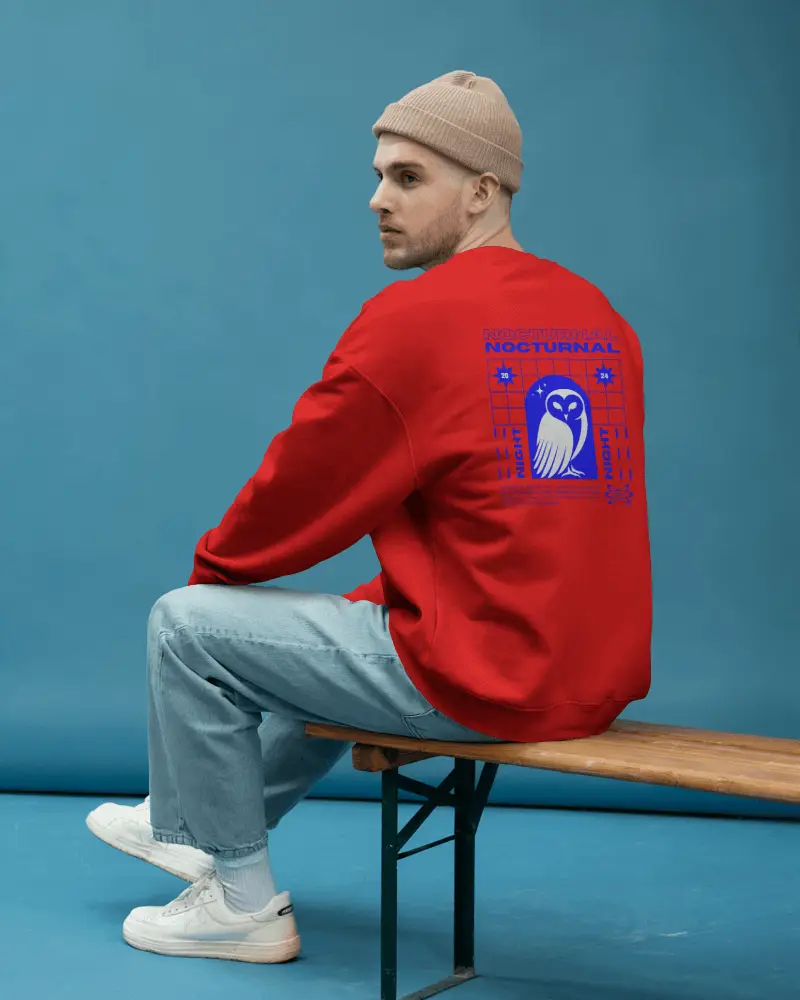
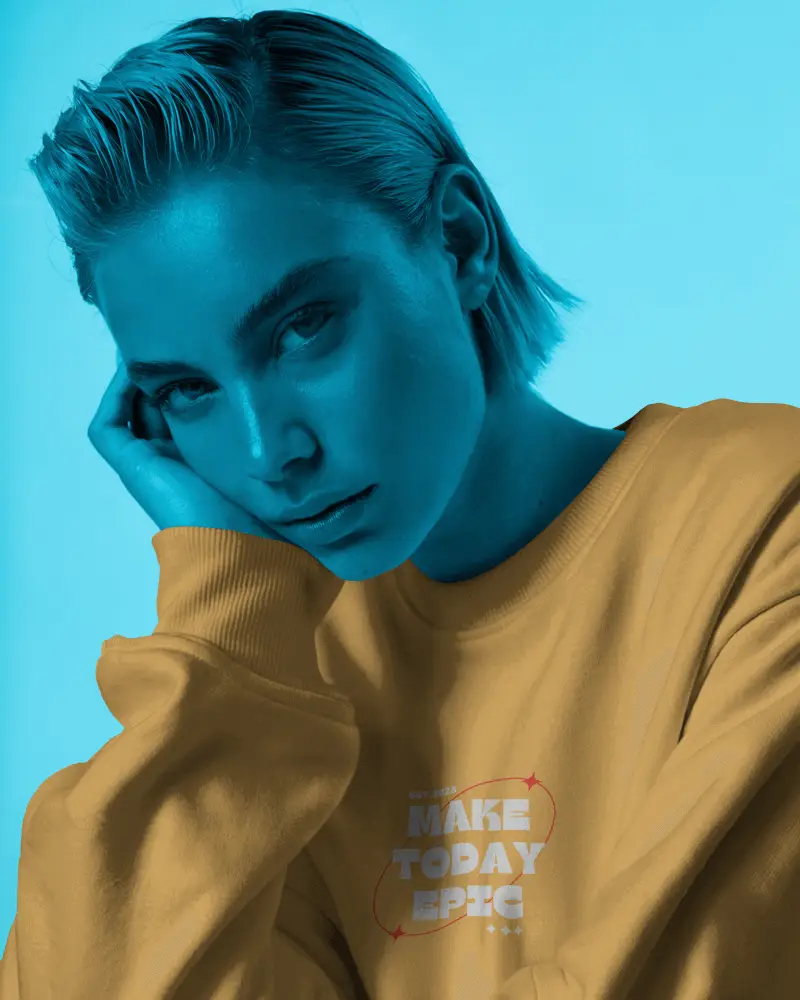
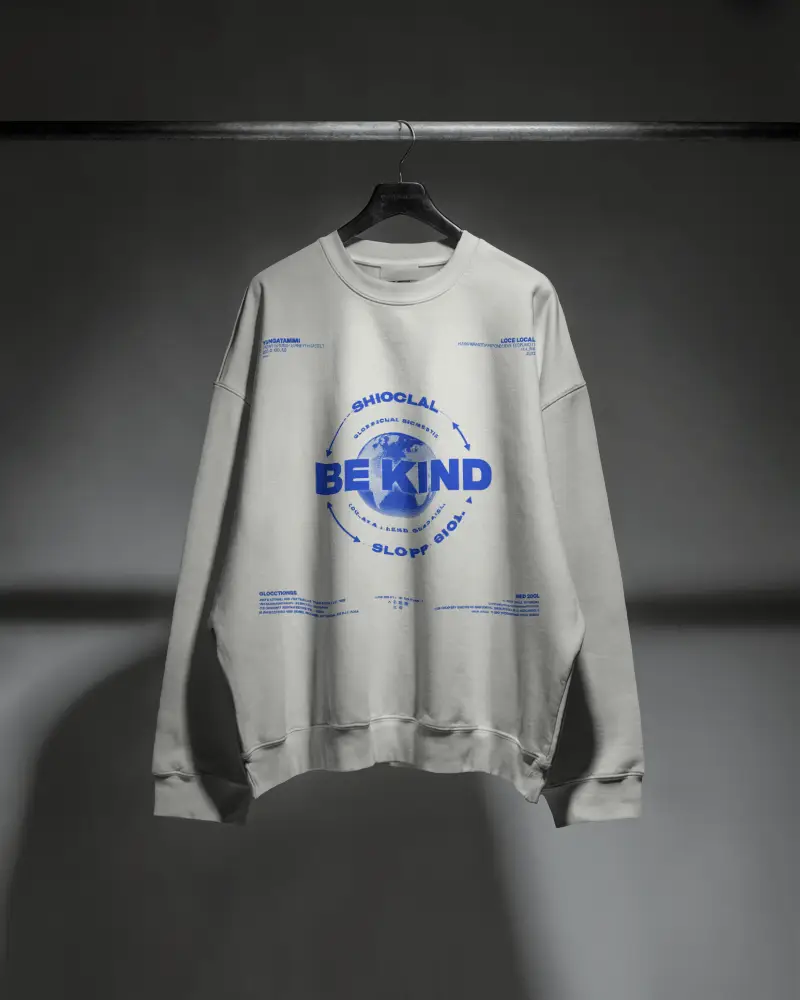
Explore free red sweatshirt mockups on Mockey AI. Make your brand stand out with easy to use and realistic design templates online.

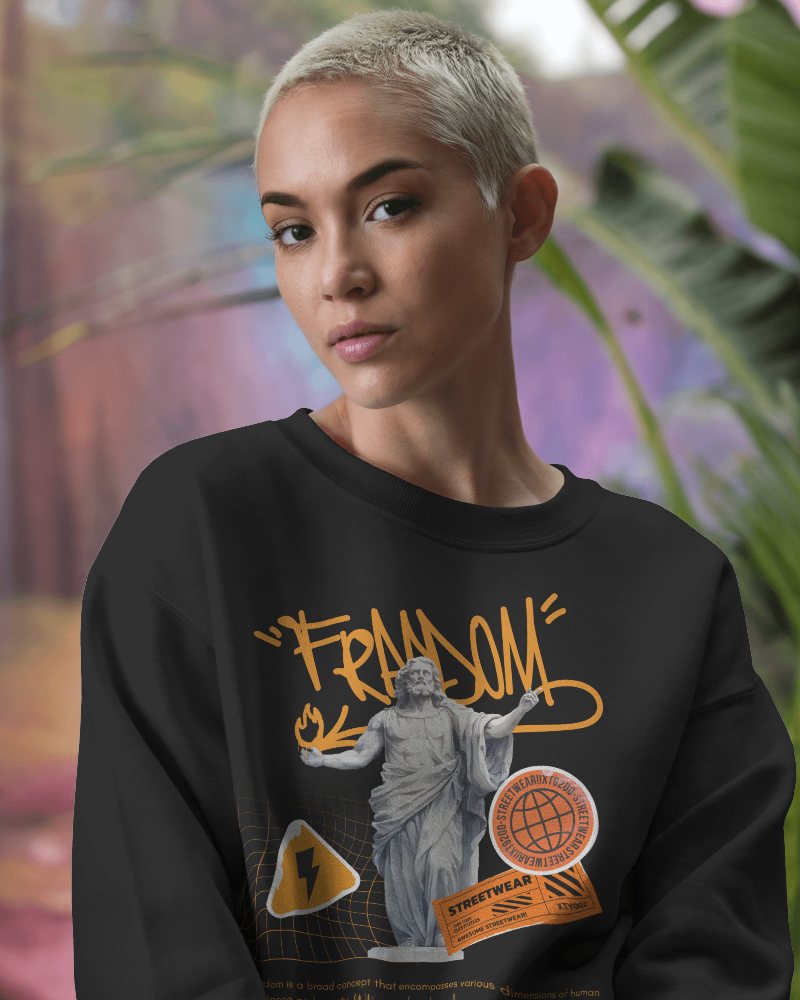

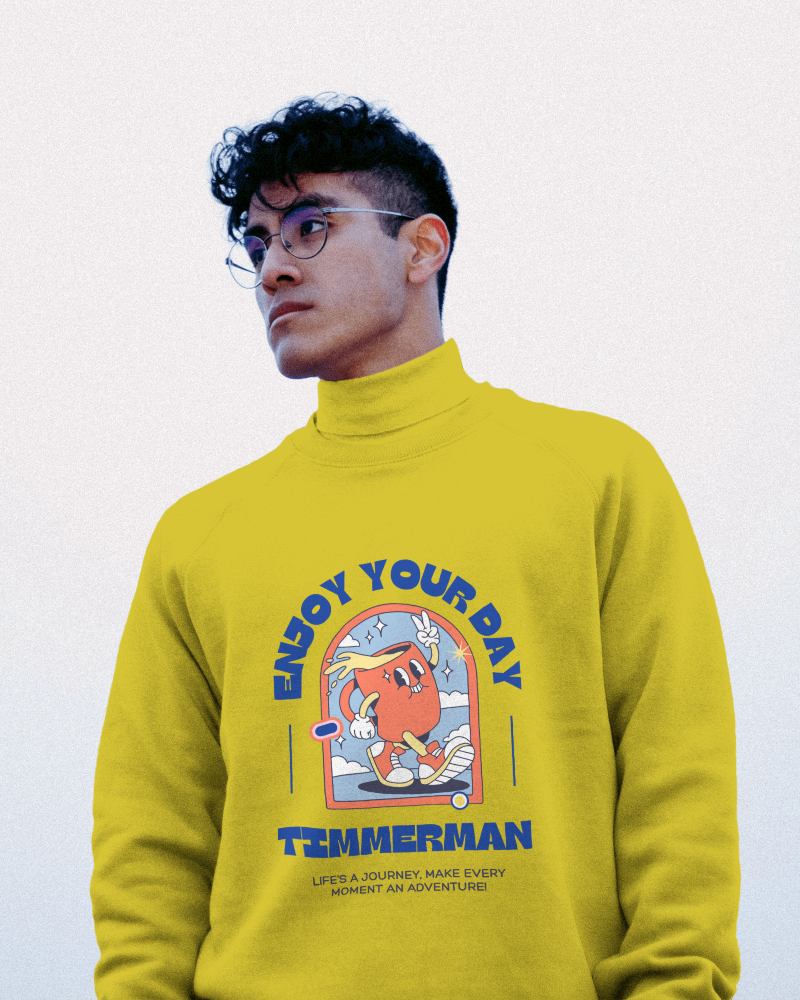
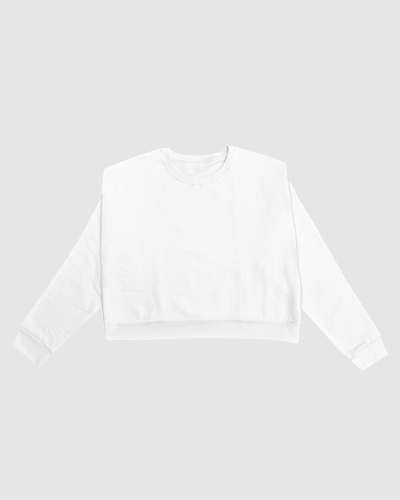
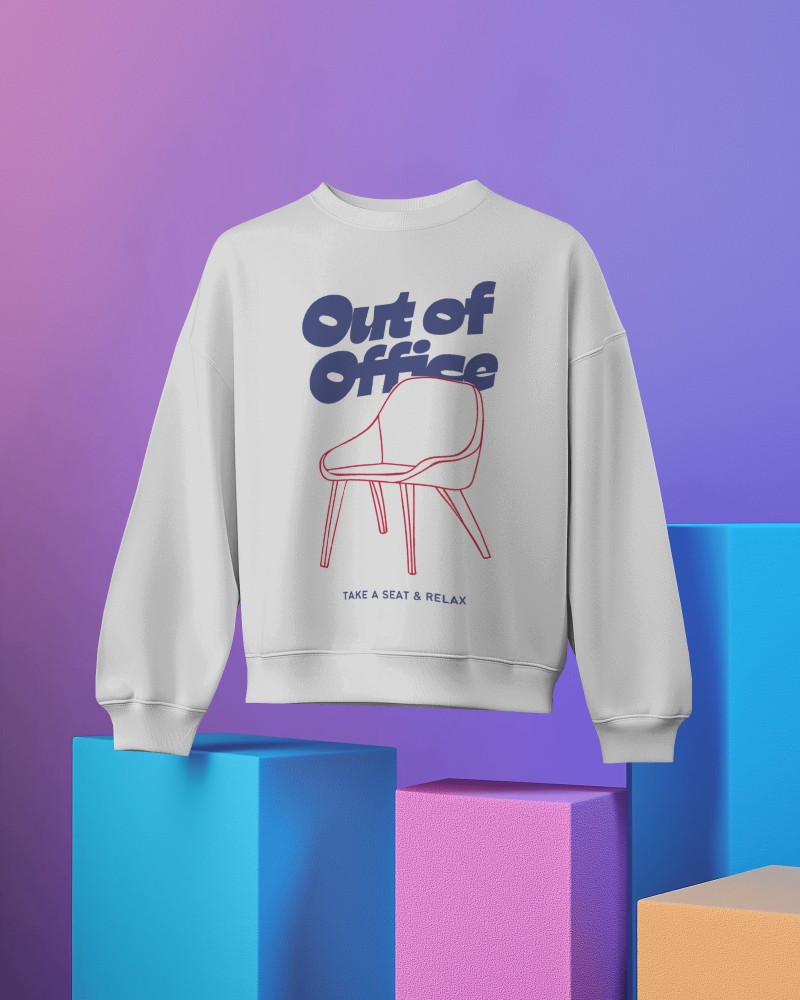

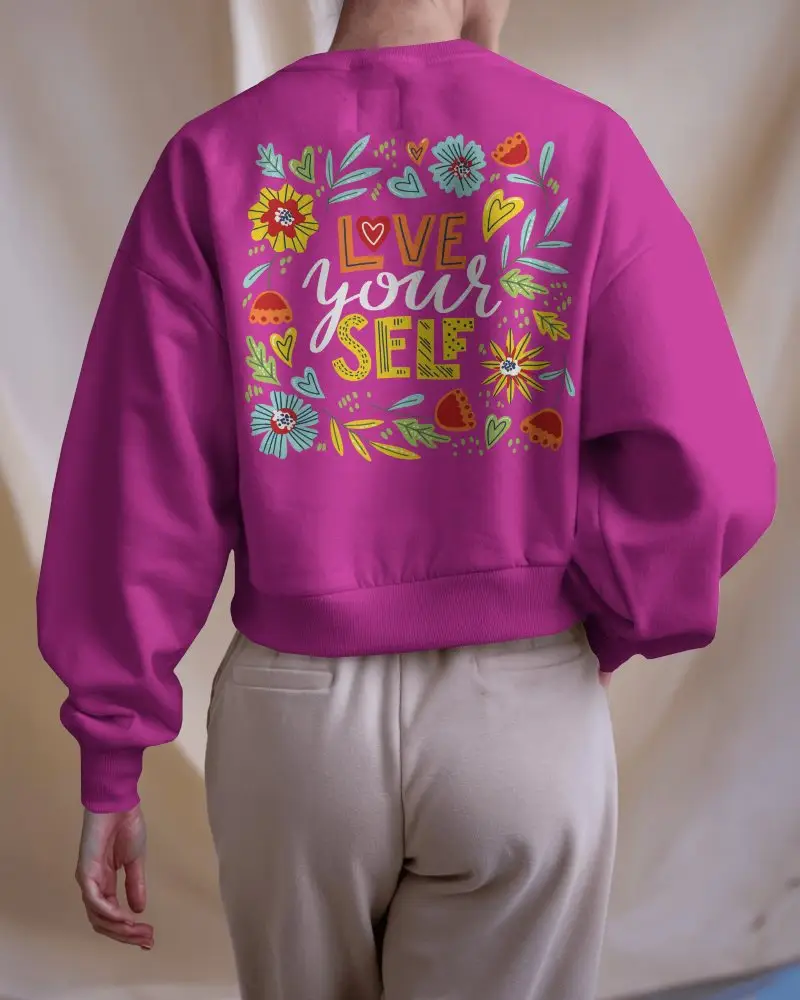
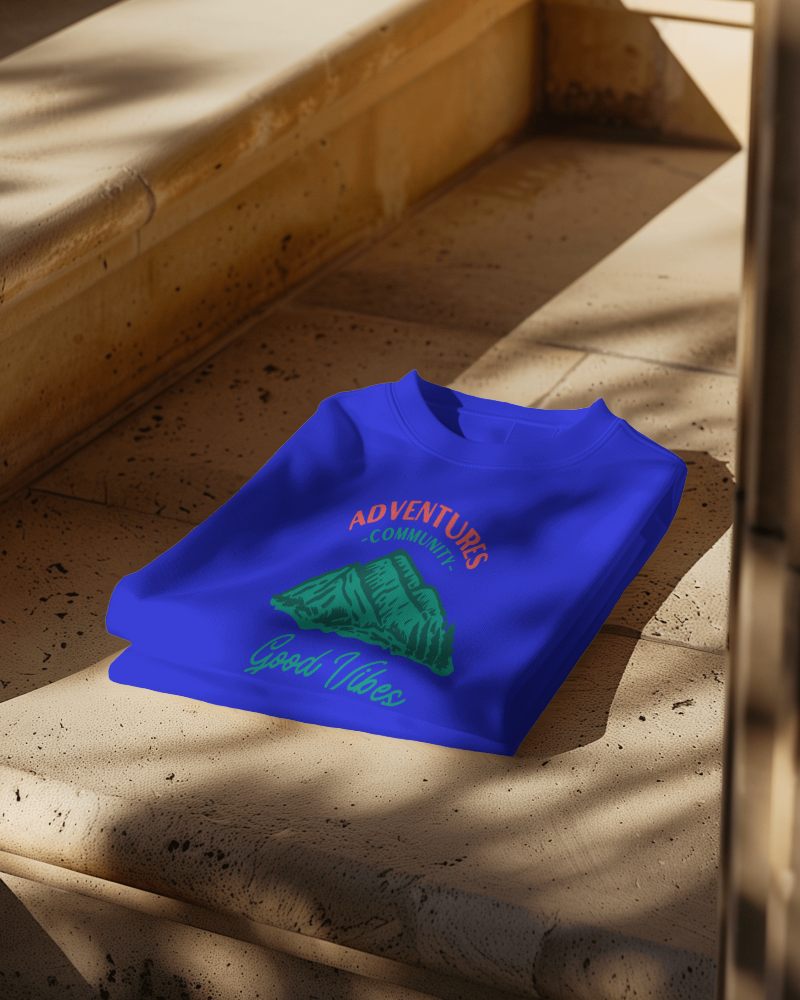



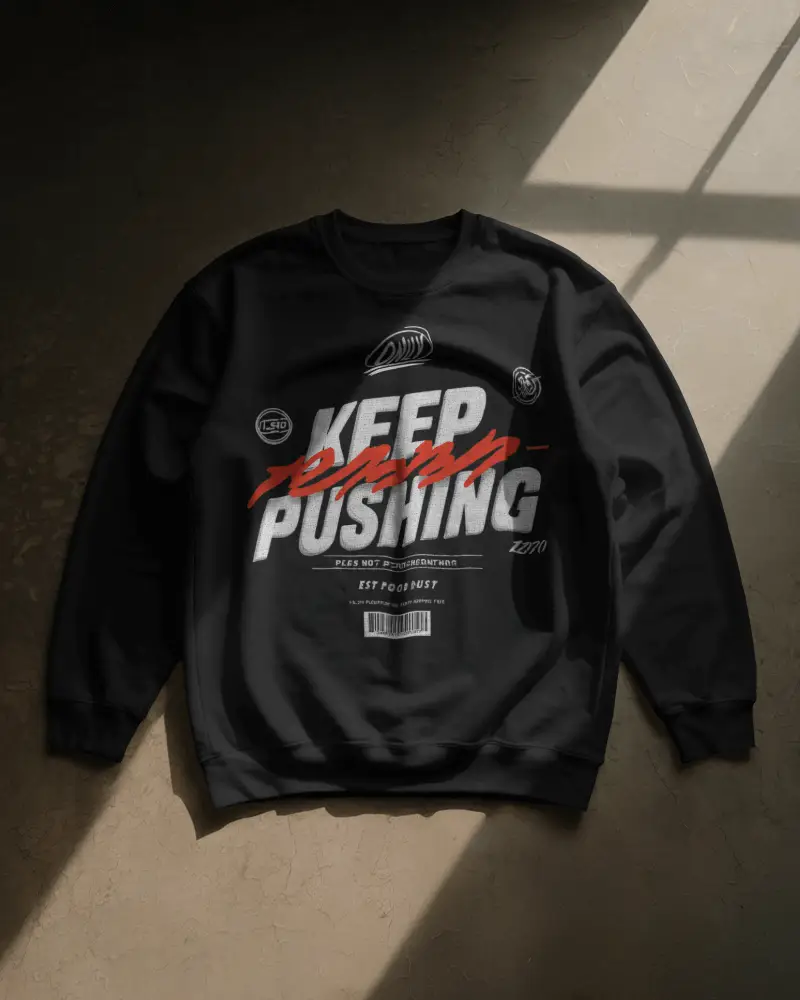
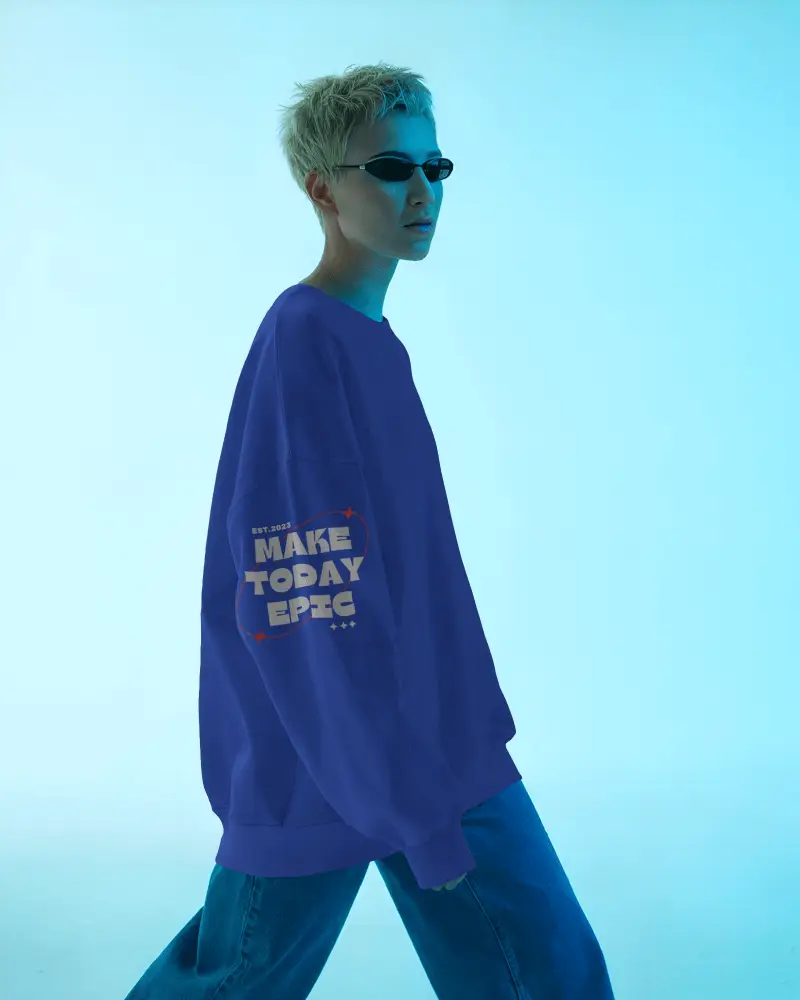


How to Create Red Sweatshirt Mockup with Mockey AI
To create a red sweatshirt mockup:
- Step 1: Go to Mockey.ai and log in or sign up for free.
- Step 2: Navigate to ‘Mockups > Apparel > Sweatshirt’ and select the ‘Red Sweatshirt’ tag.
- Step 3: Upload your design, adjust its placement, and download your red sweatshirt mockup in high-quality PNG or JPG format.


FAQs on Red Sweatshirt Mockups
Why should I use a red sweatshirt mockup?
Using a red sweatshirt mockup is smart. It shows your design clearly without a real product. Red sparks energy and conveys passion. It blends well with neutral tones and creates stylish visuals.
Is the red sweatshirt mockup good for online stores and social media?
The use of red sweatshirt mockups is one of the best ways to improve the sales of your online store and social media, especially when they are used to complement authentic product photography on the website.
Can I use red sweatshirt mockups for print on demand?
Using a red sweatshirt mockup depends on its license. Always check where you downloaded it from. Make sure it allows commercial use before including it in your projects. Mockey AI’s red sweatshirt mockup is ready to use and works perfectly for your POD.
