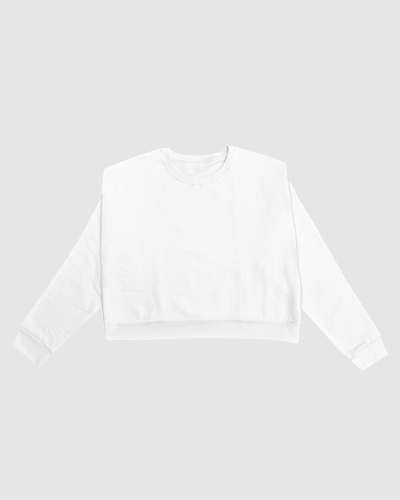
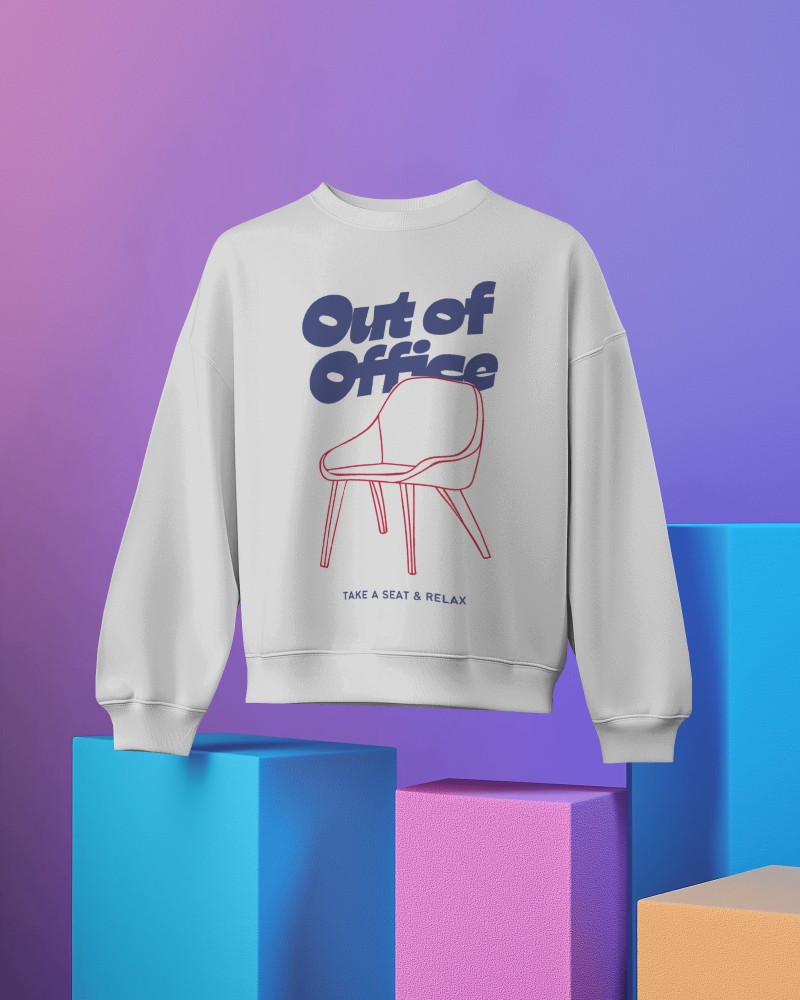
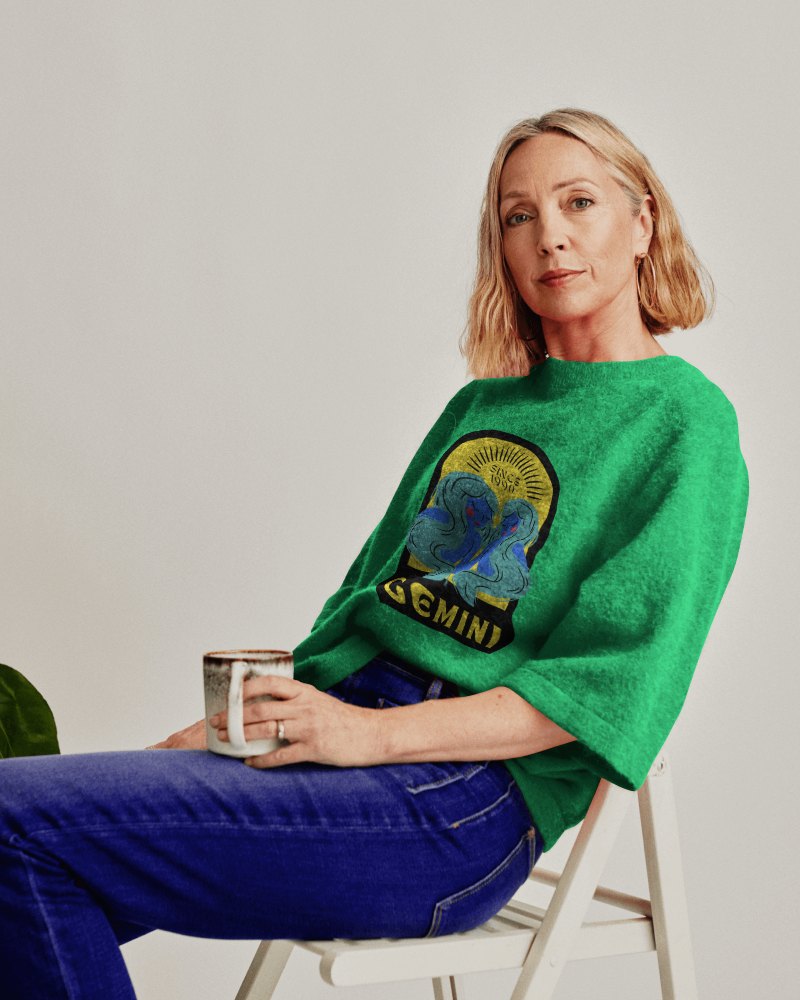
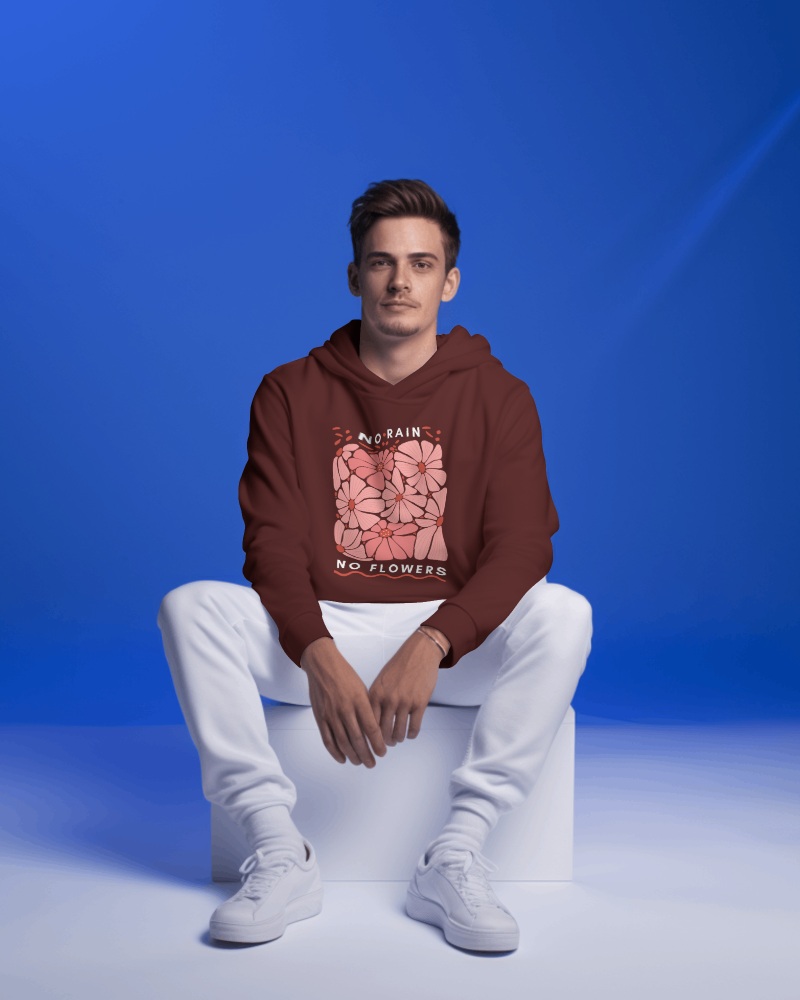
Free Gray Sweatshirt Mockup Template
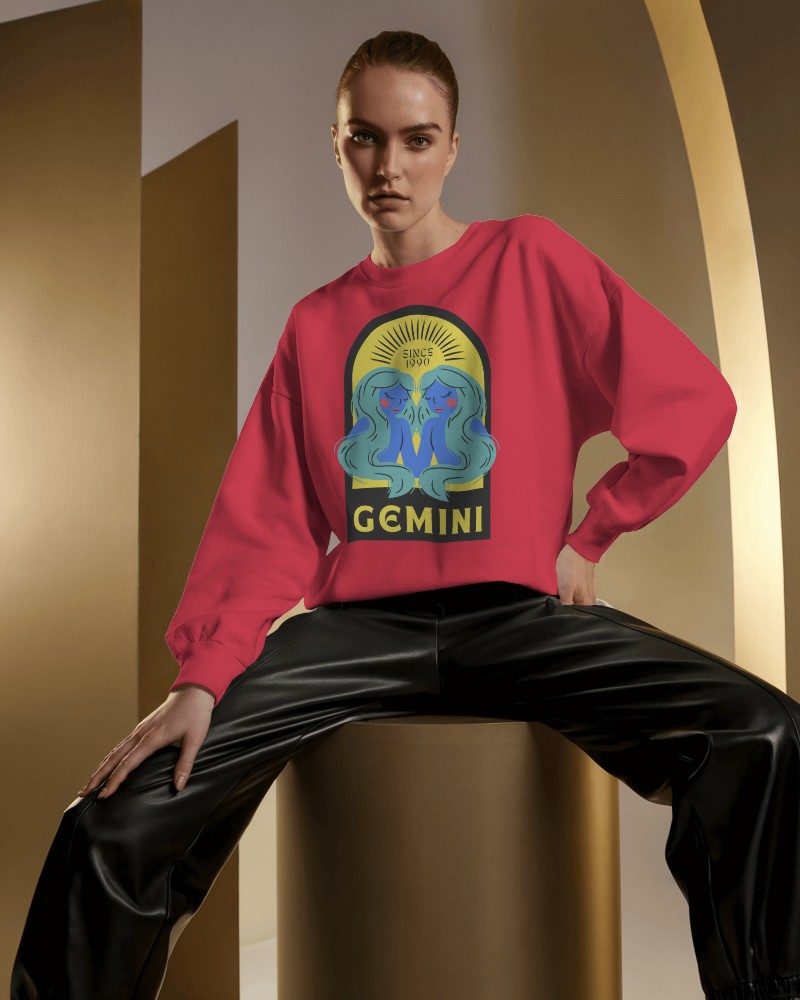
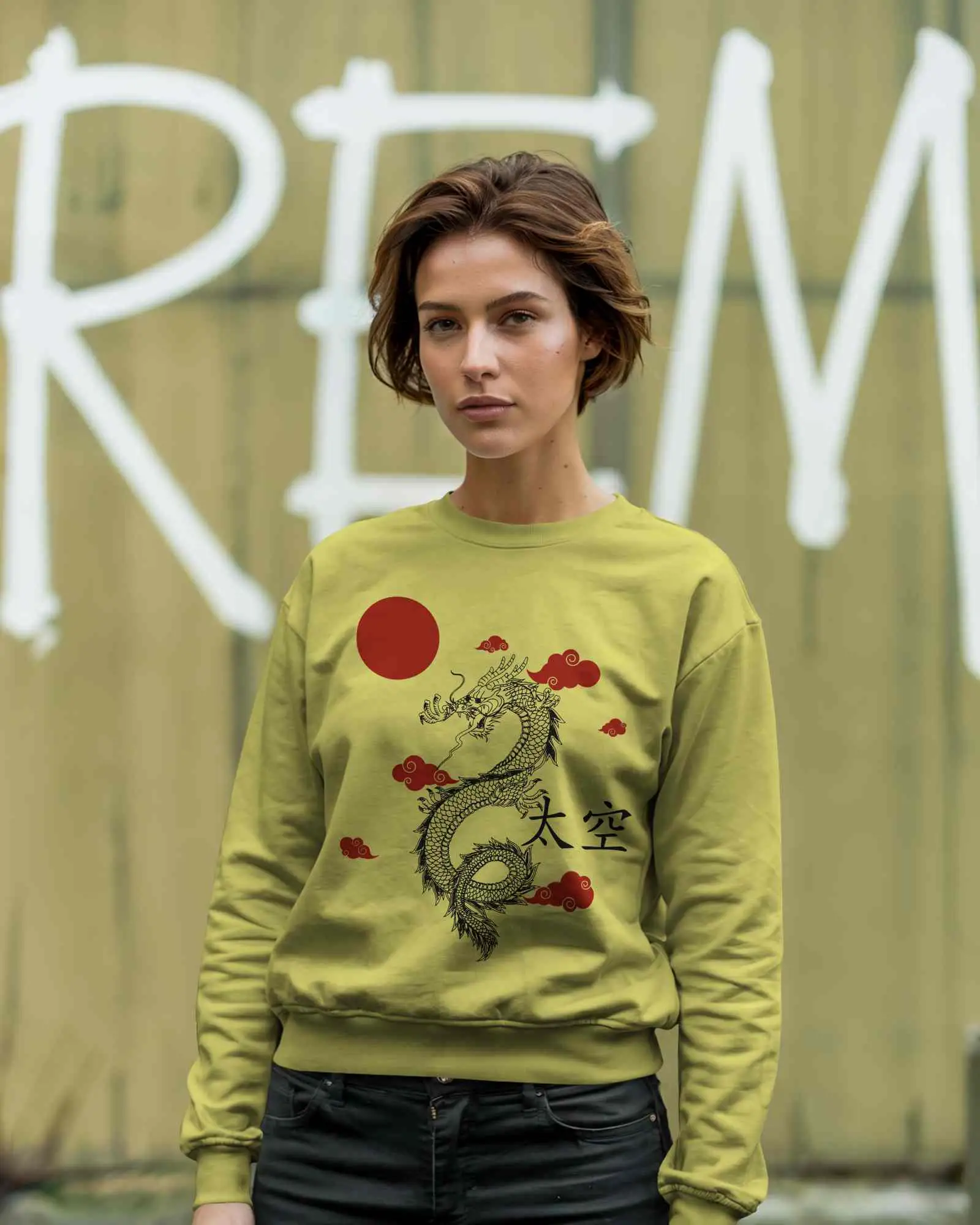
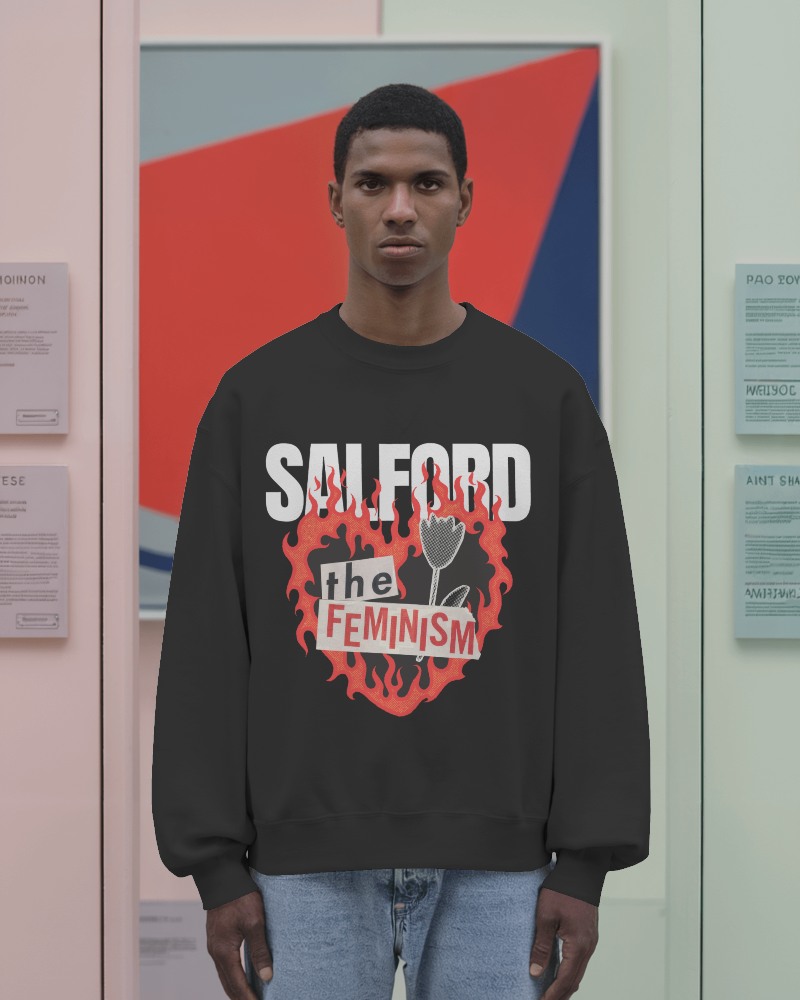
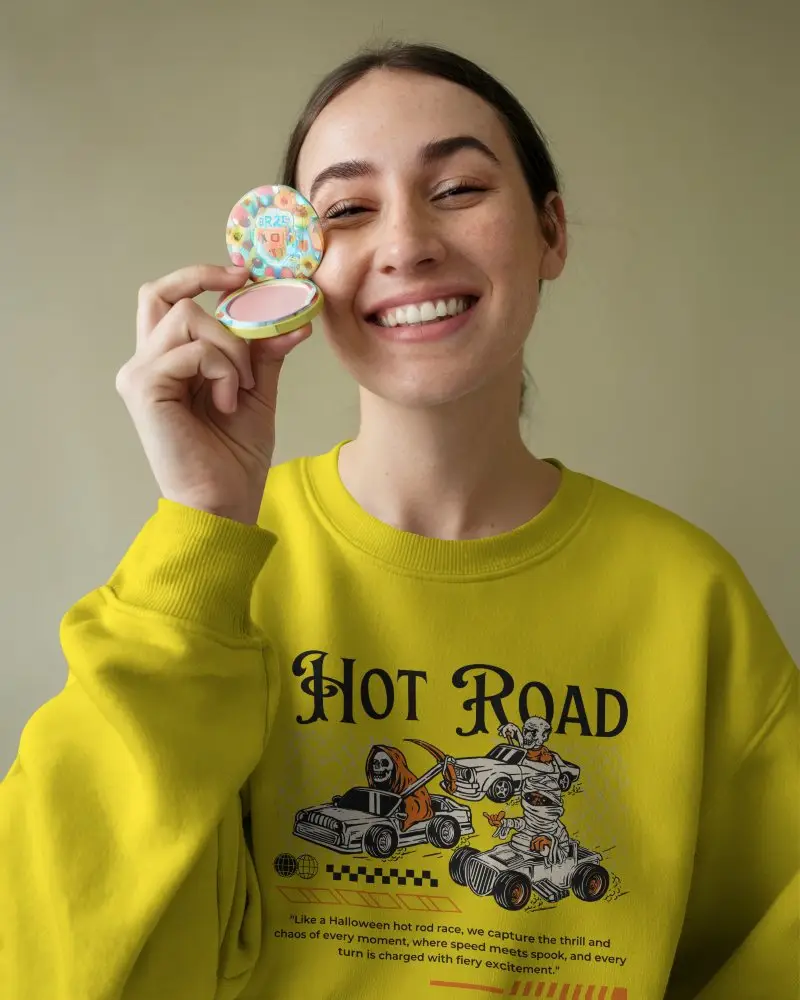
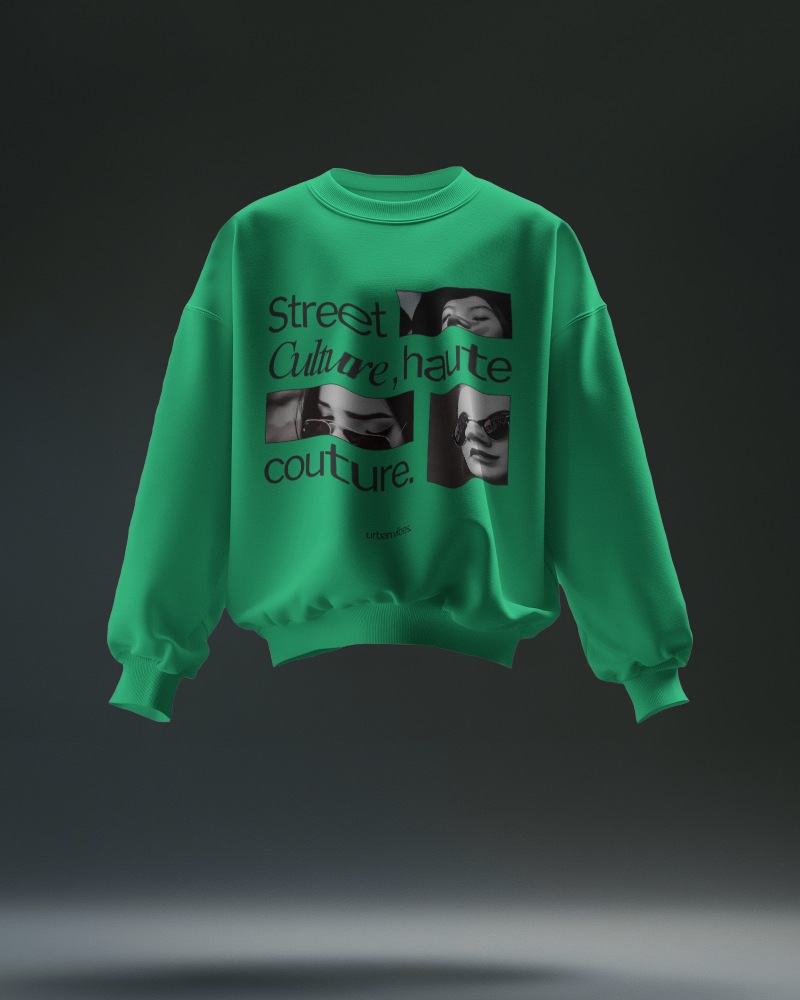
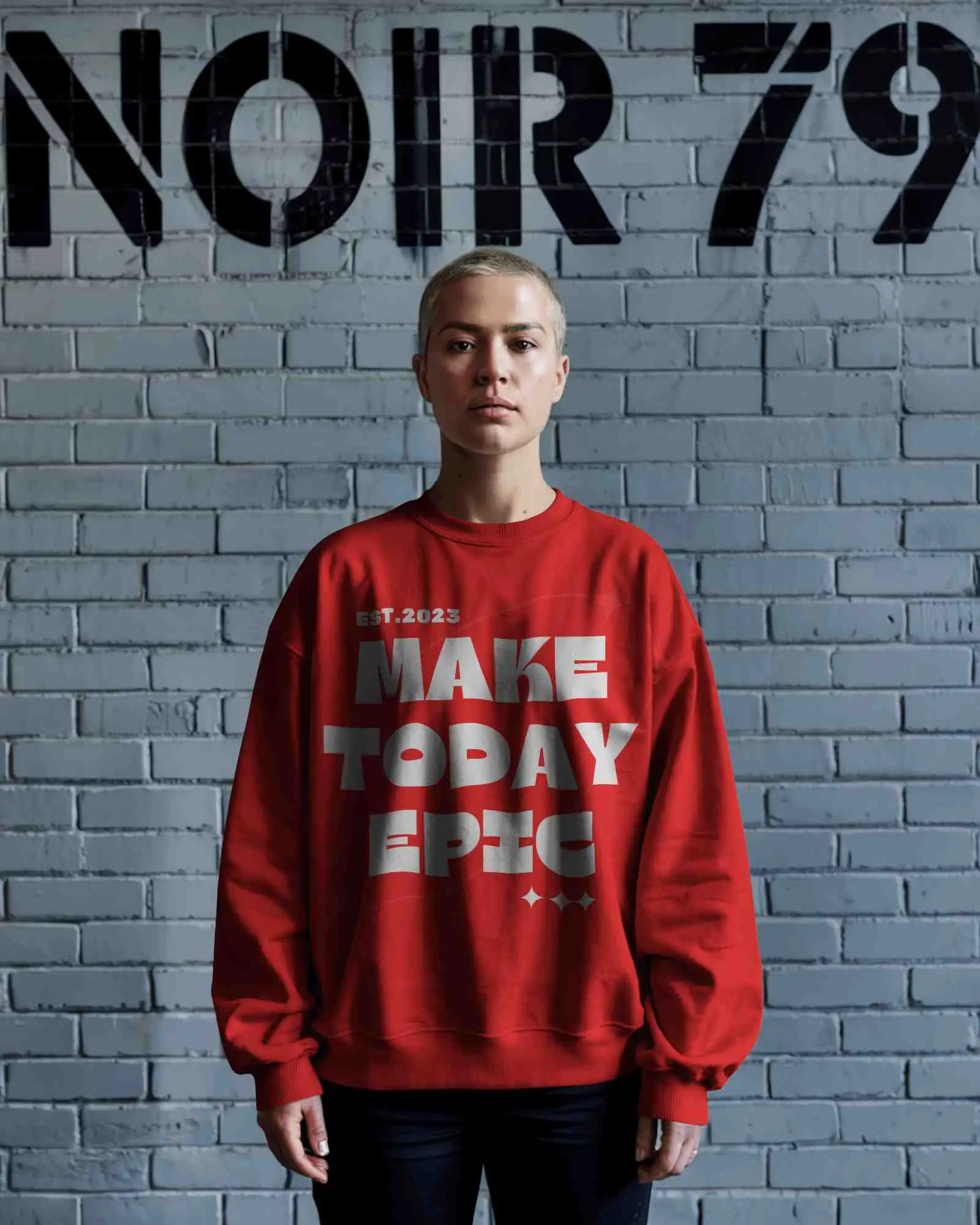
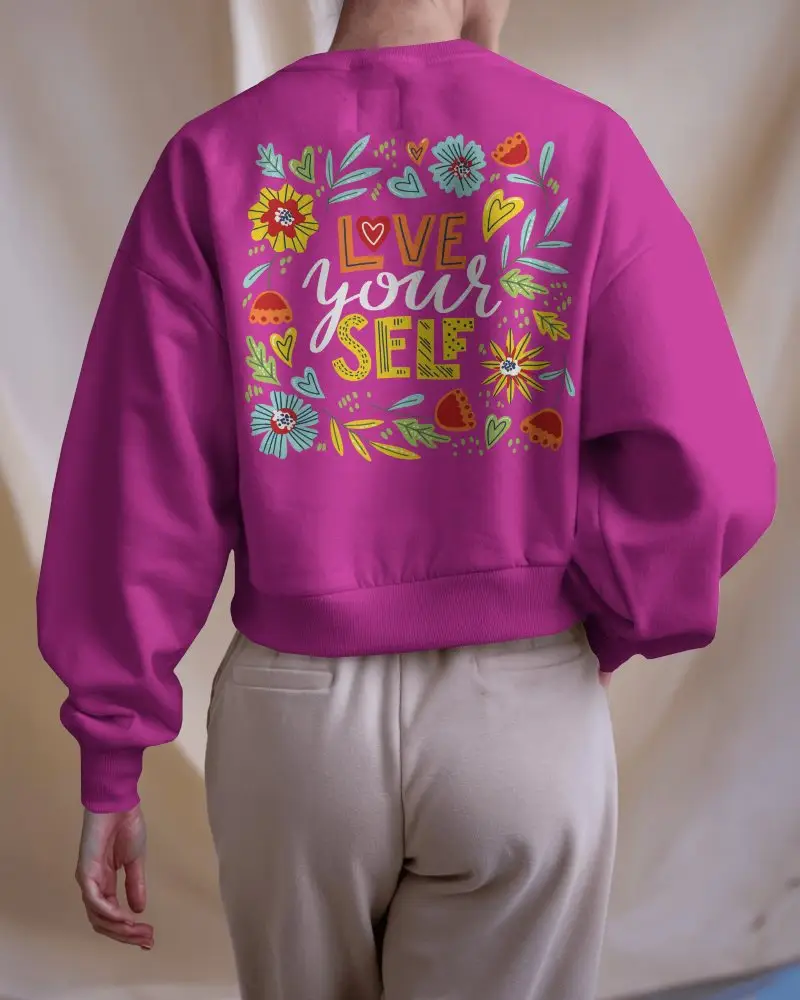
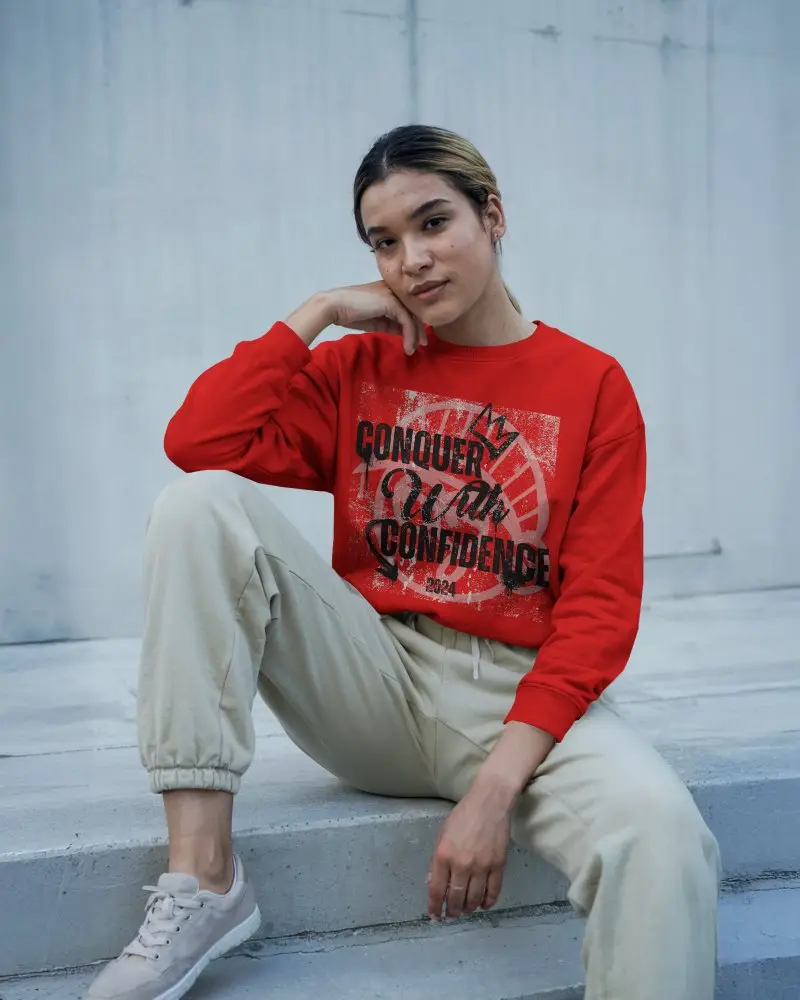
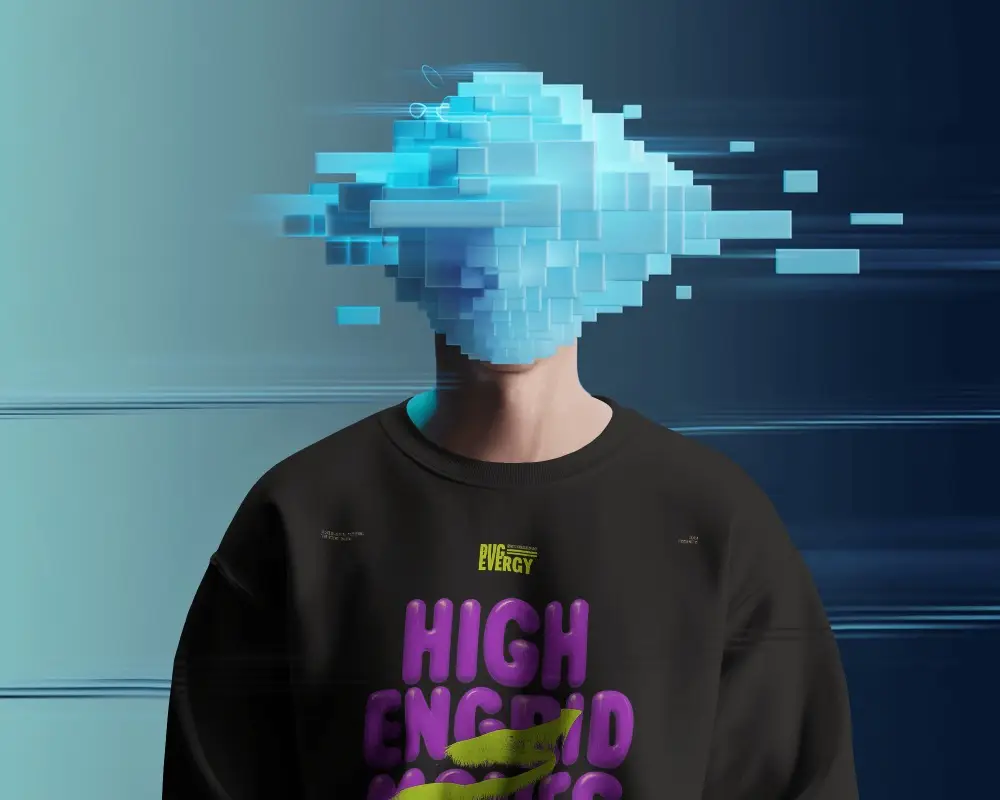
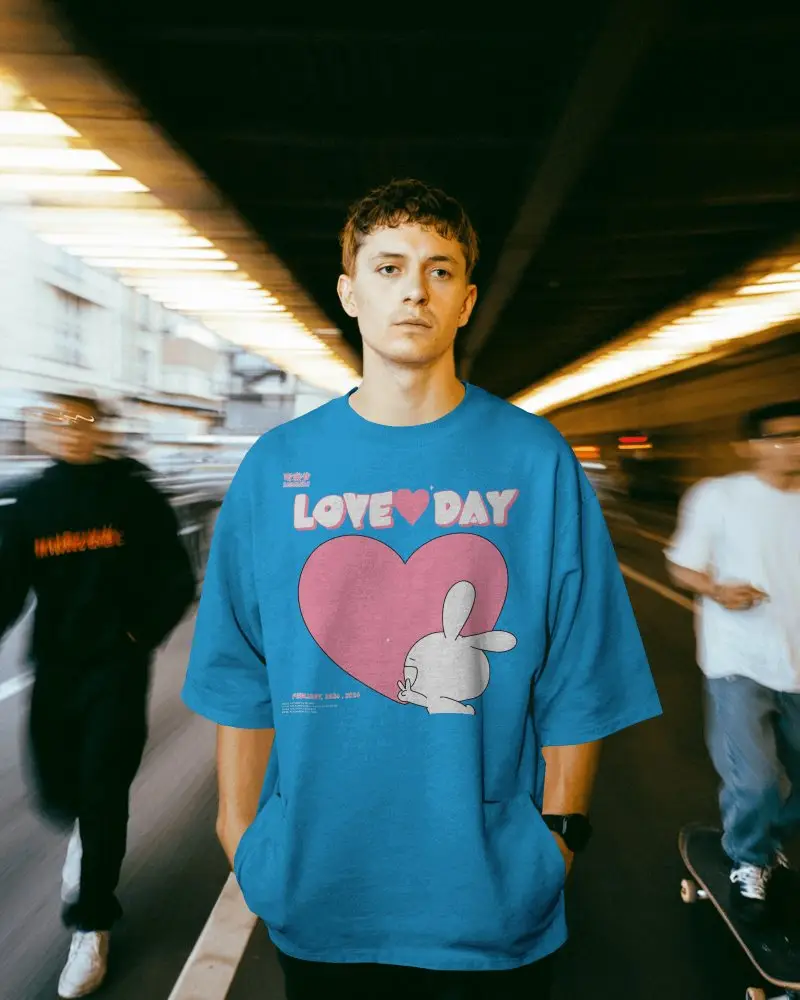
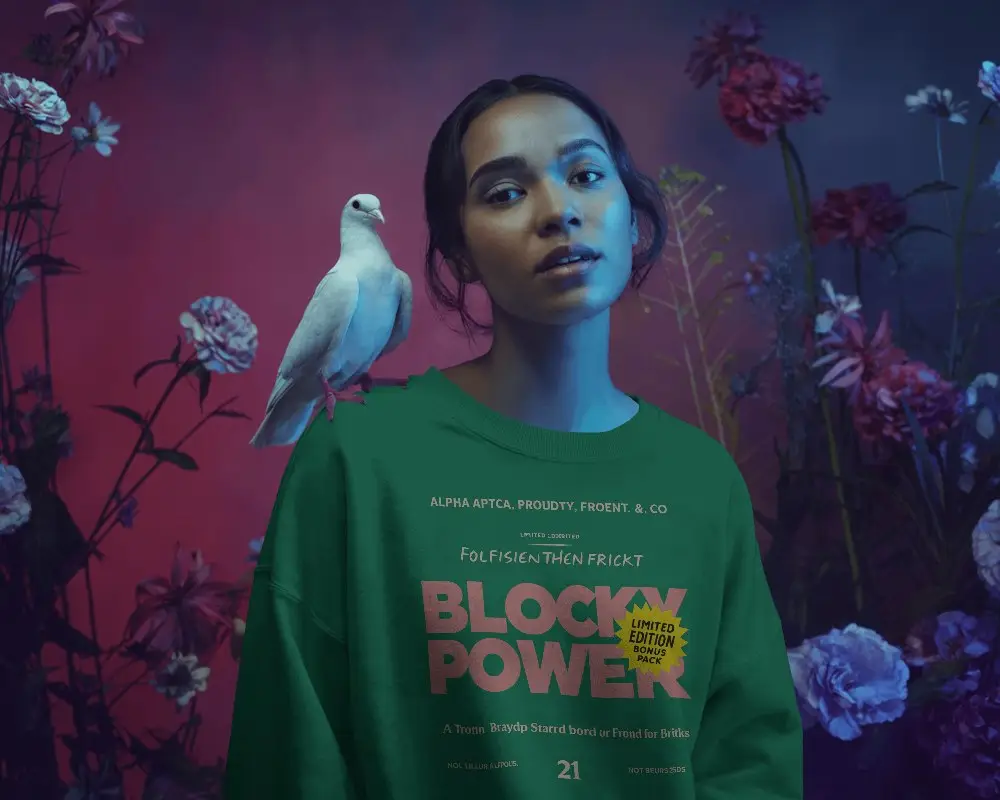
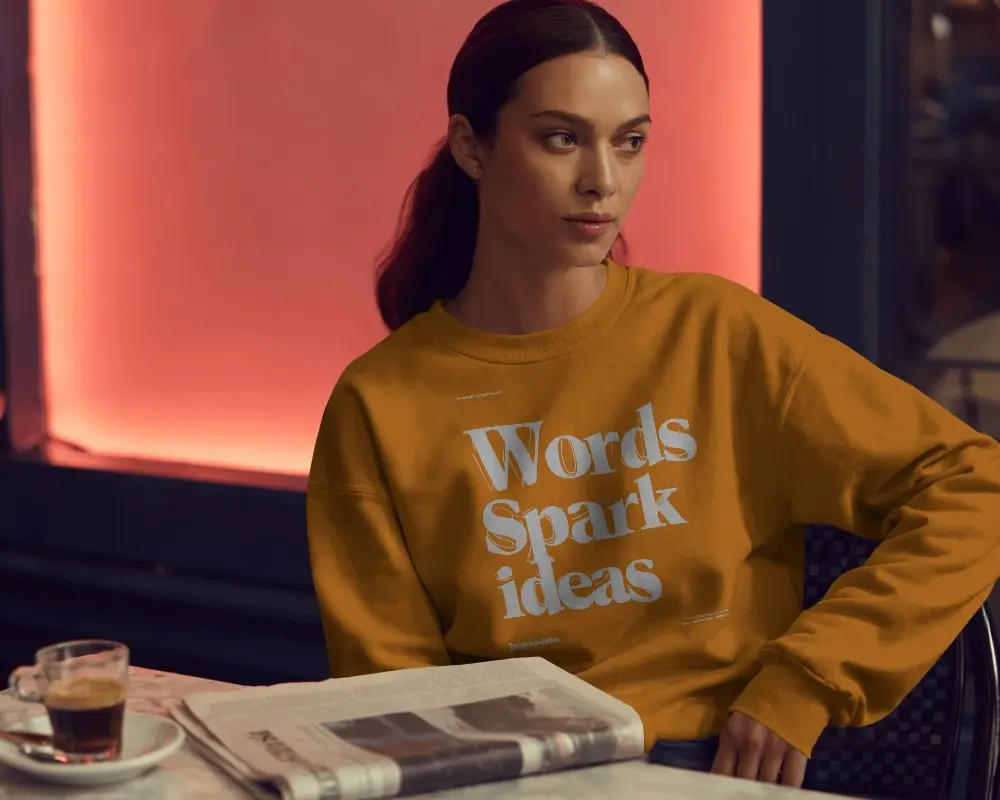
Explore free gray sweatshirt mockups on Mockey to present your designs with a sleek and balanced look. Ideal for branding, fashion, and eCommerce use.
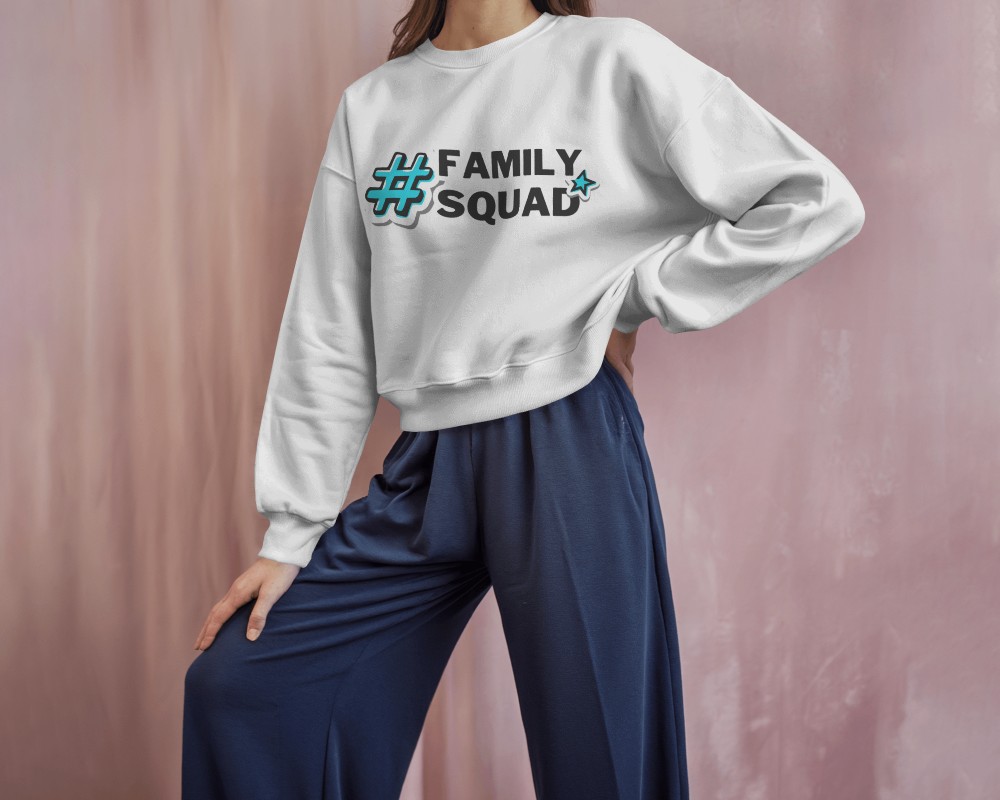
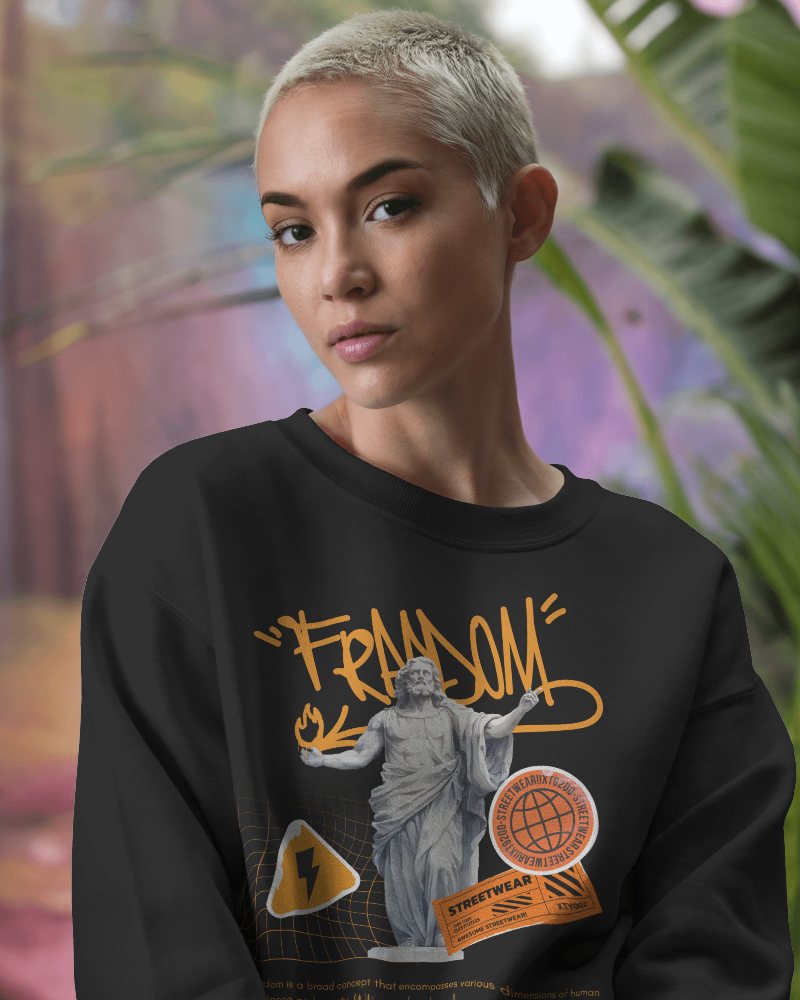
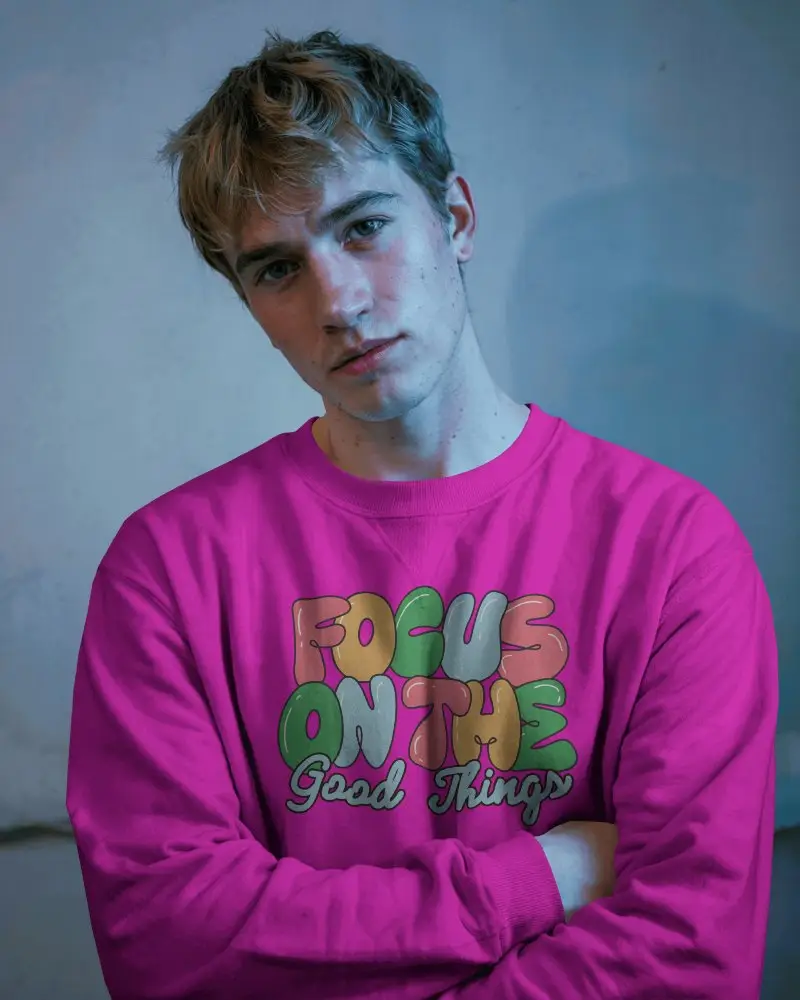
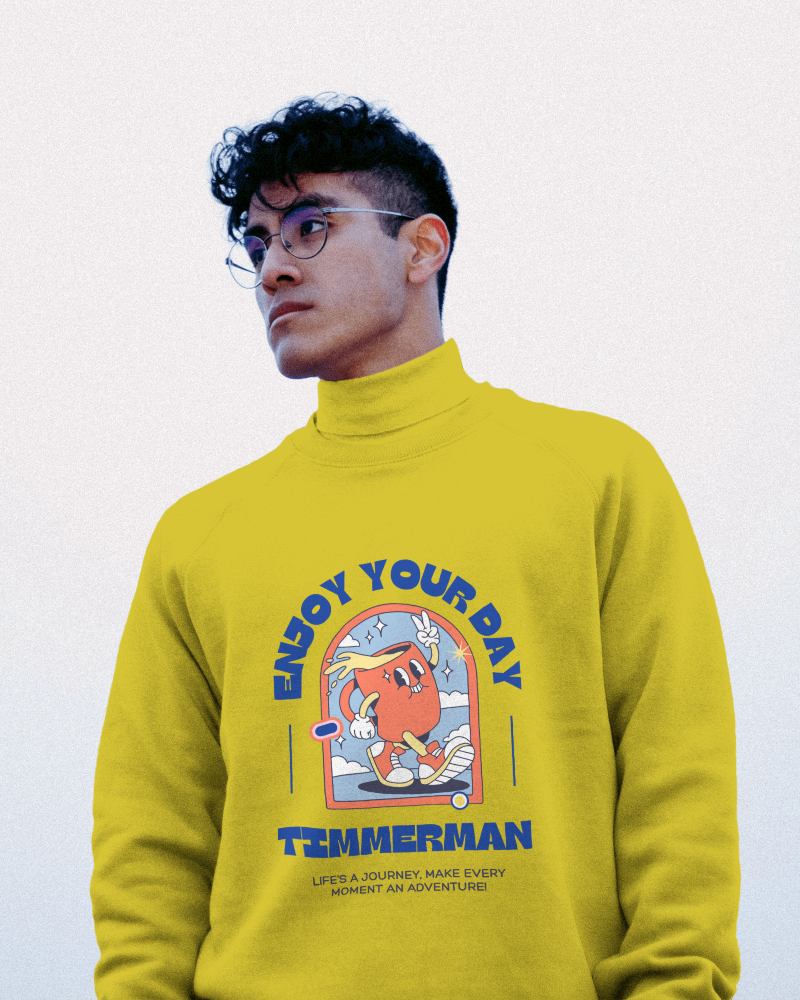
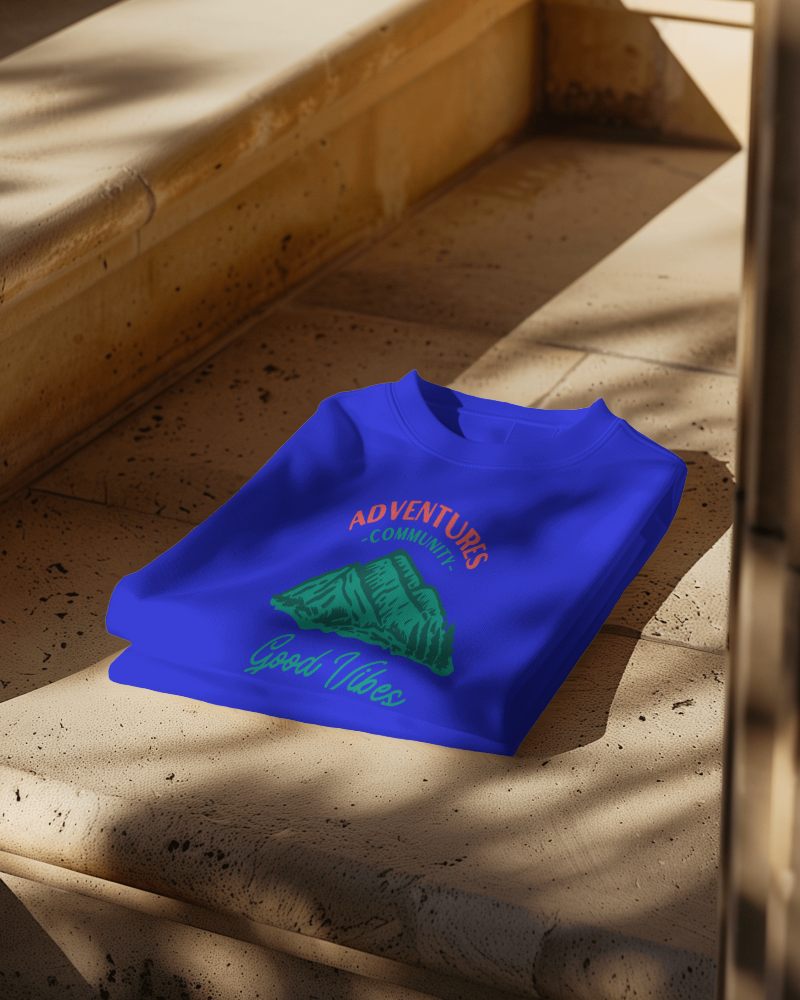



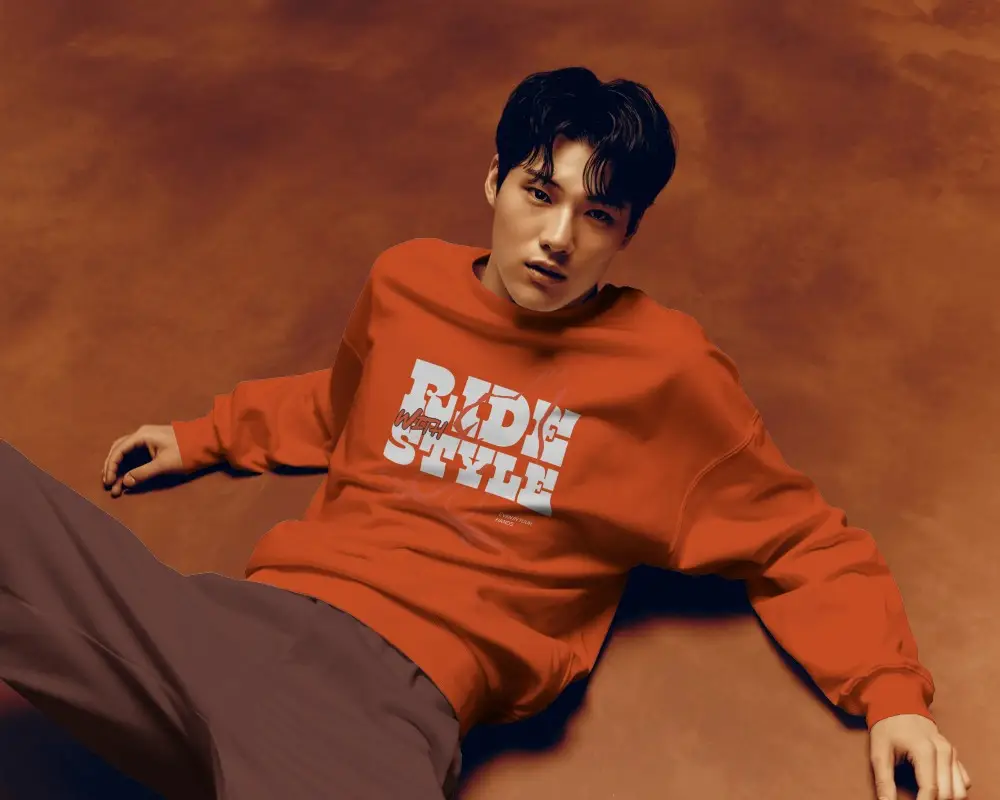
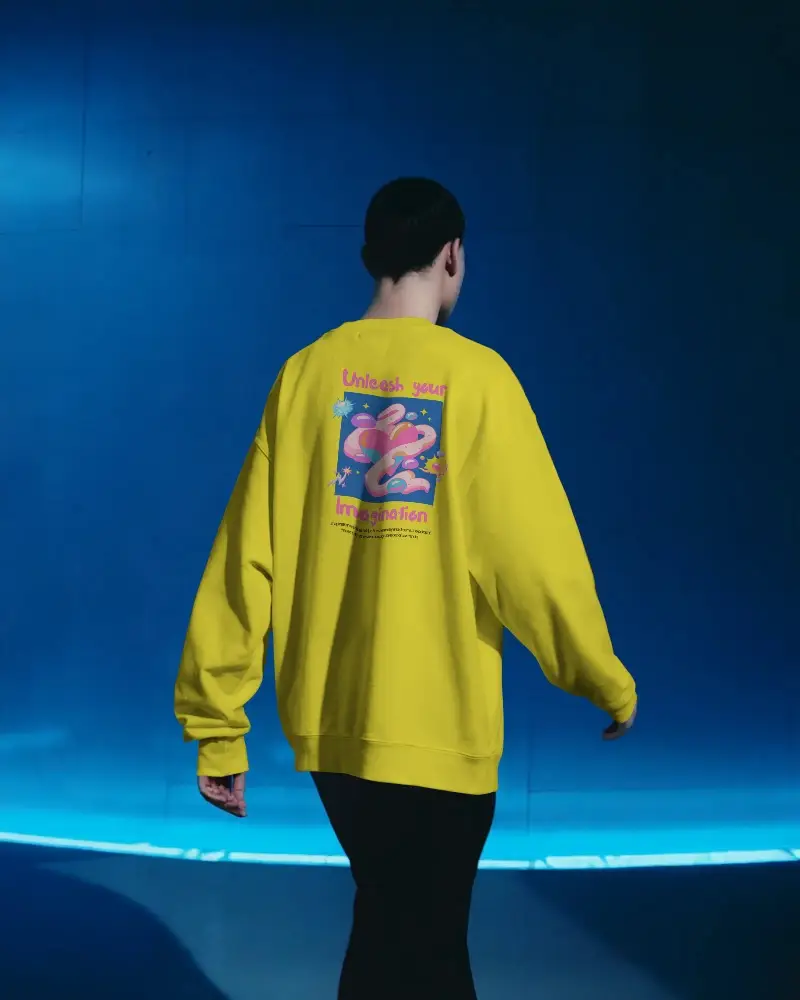
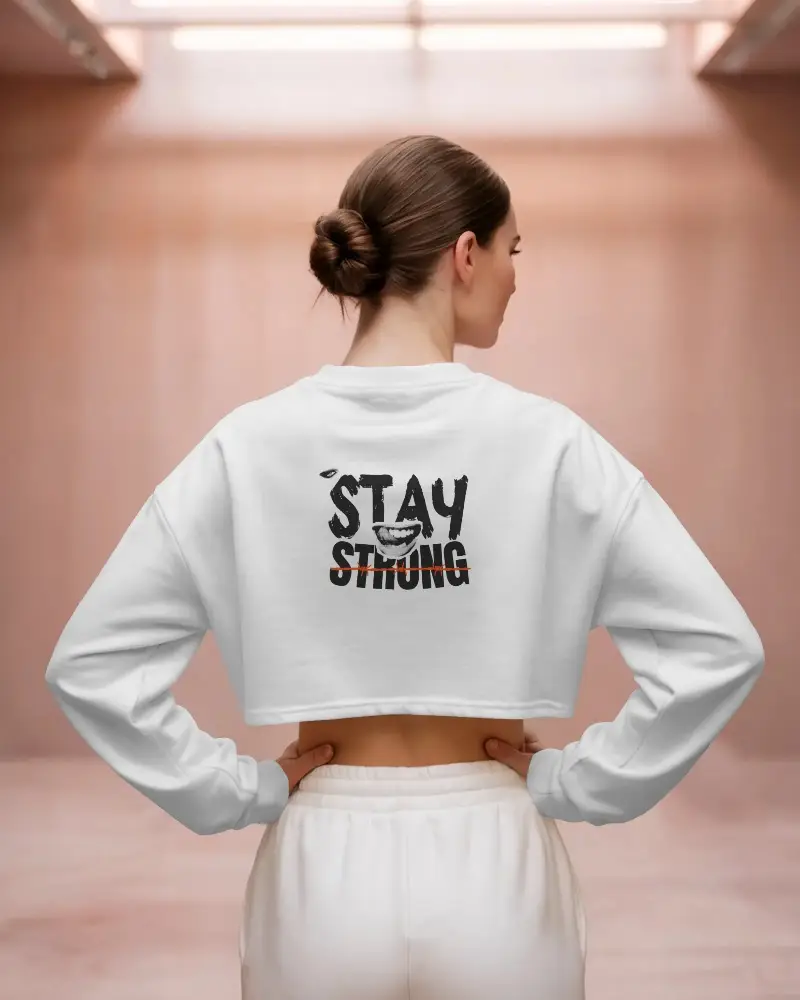
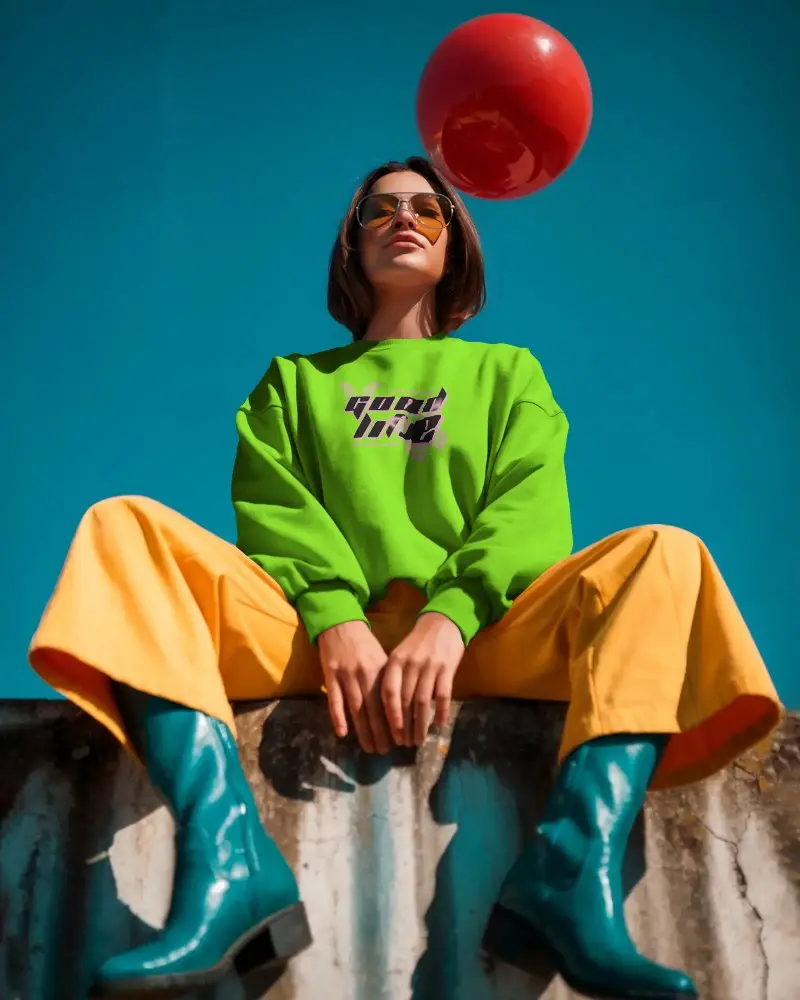
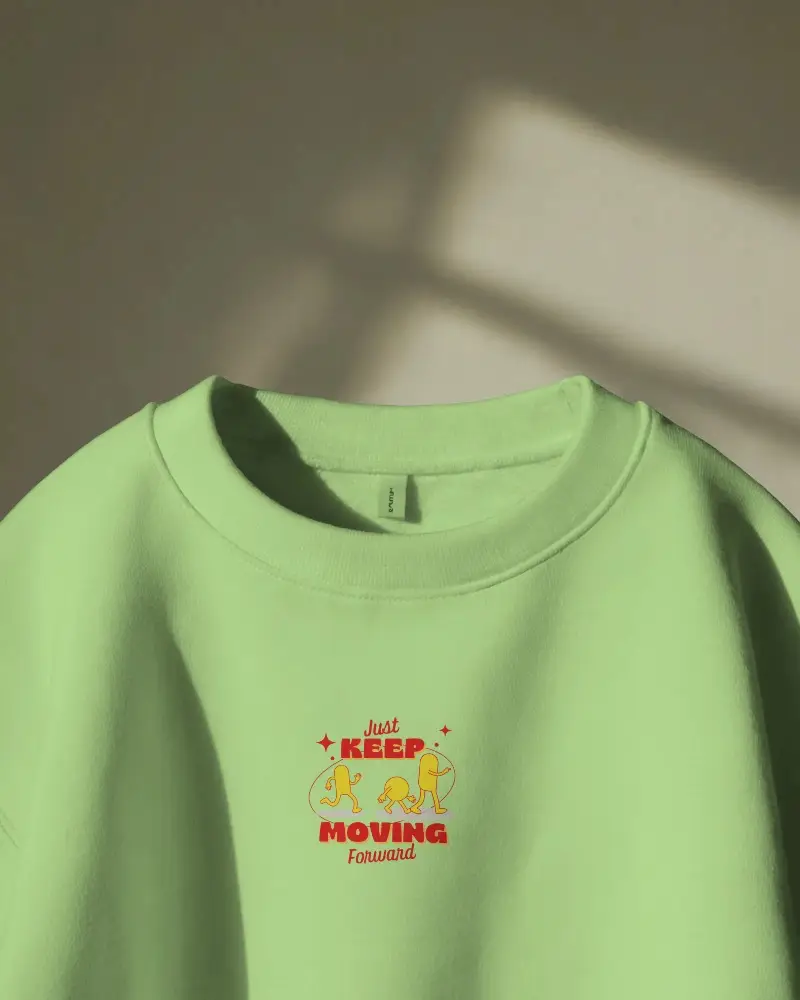
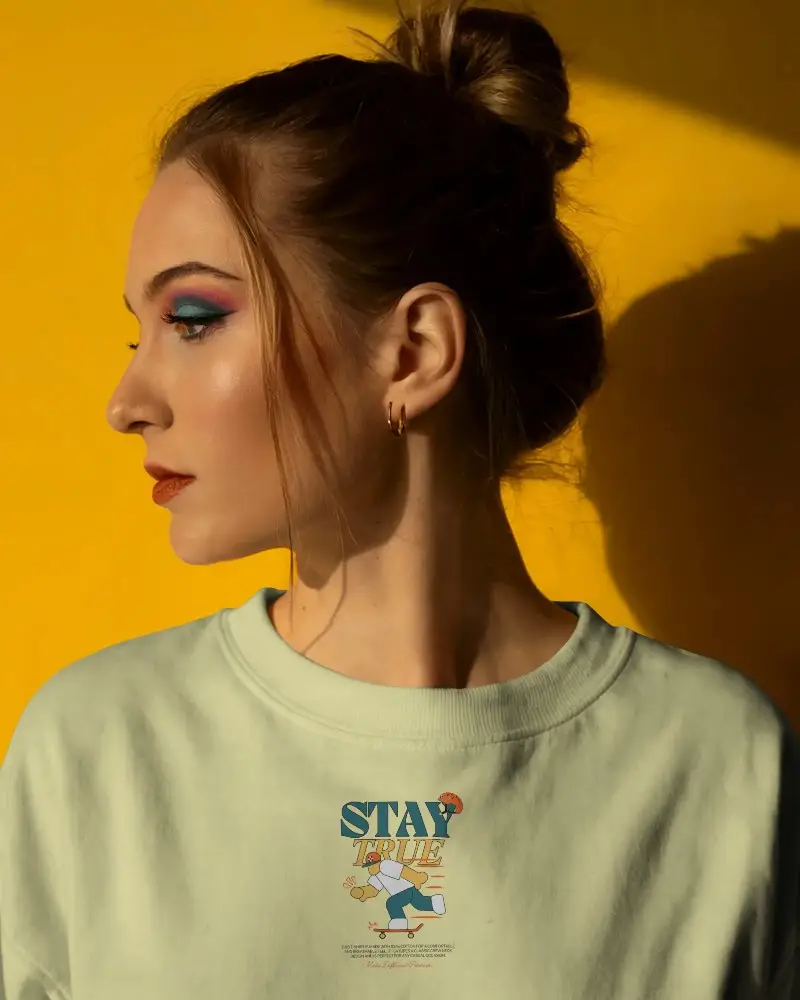
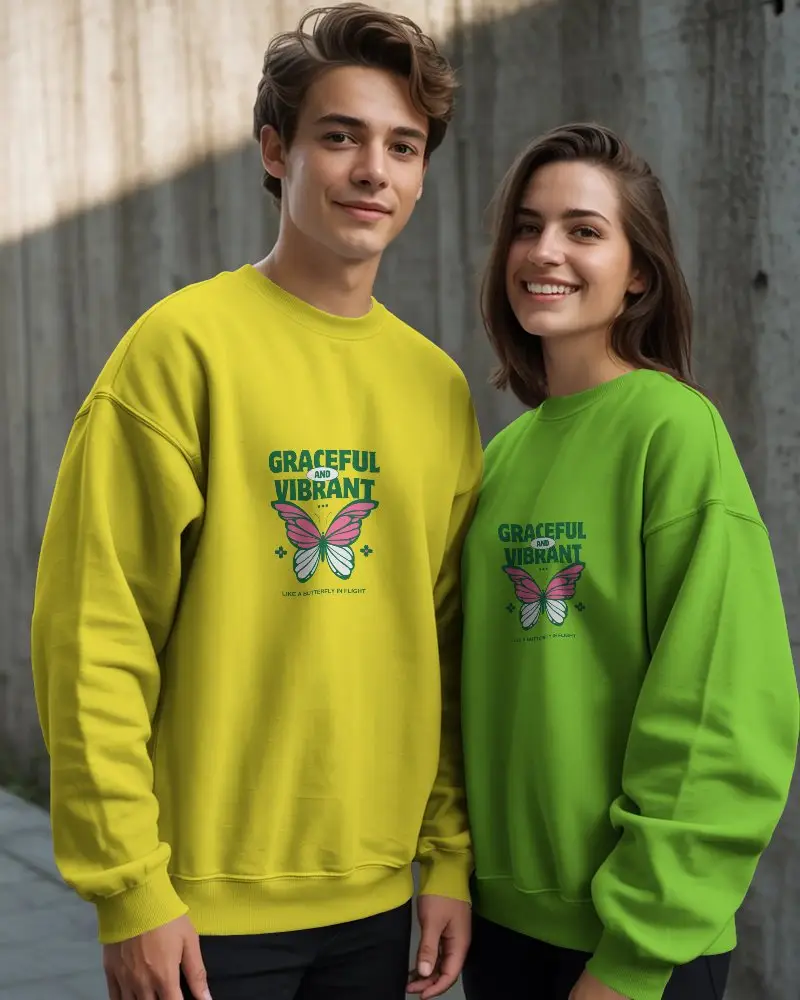
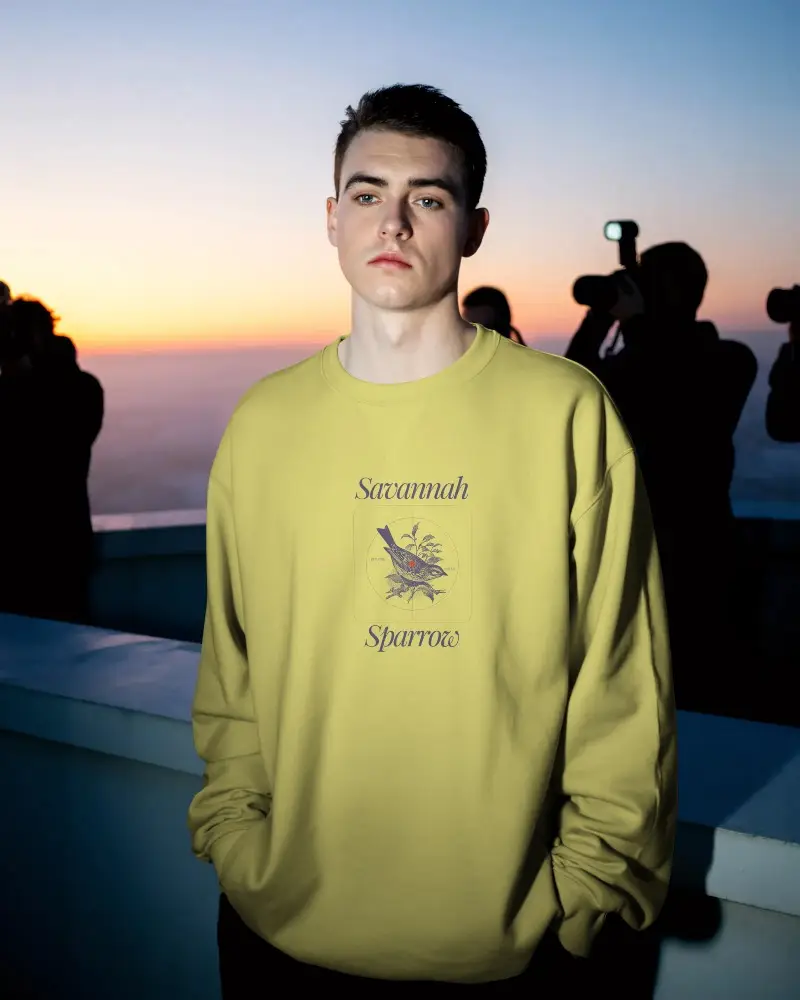
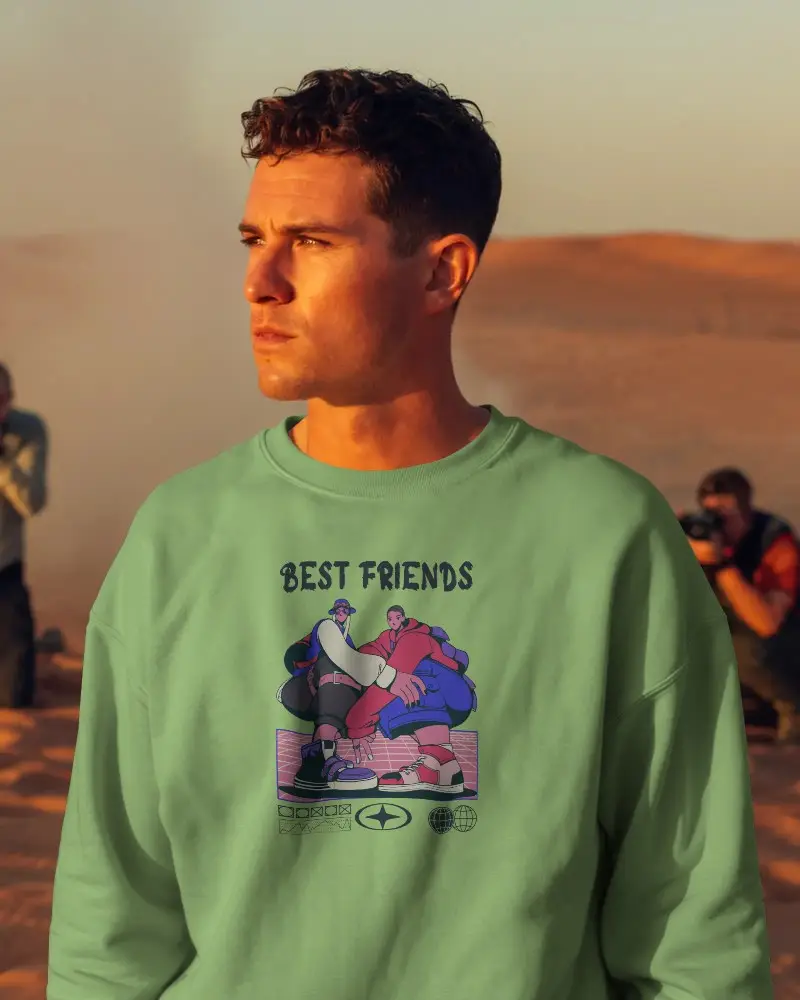
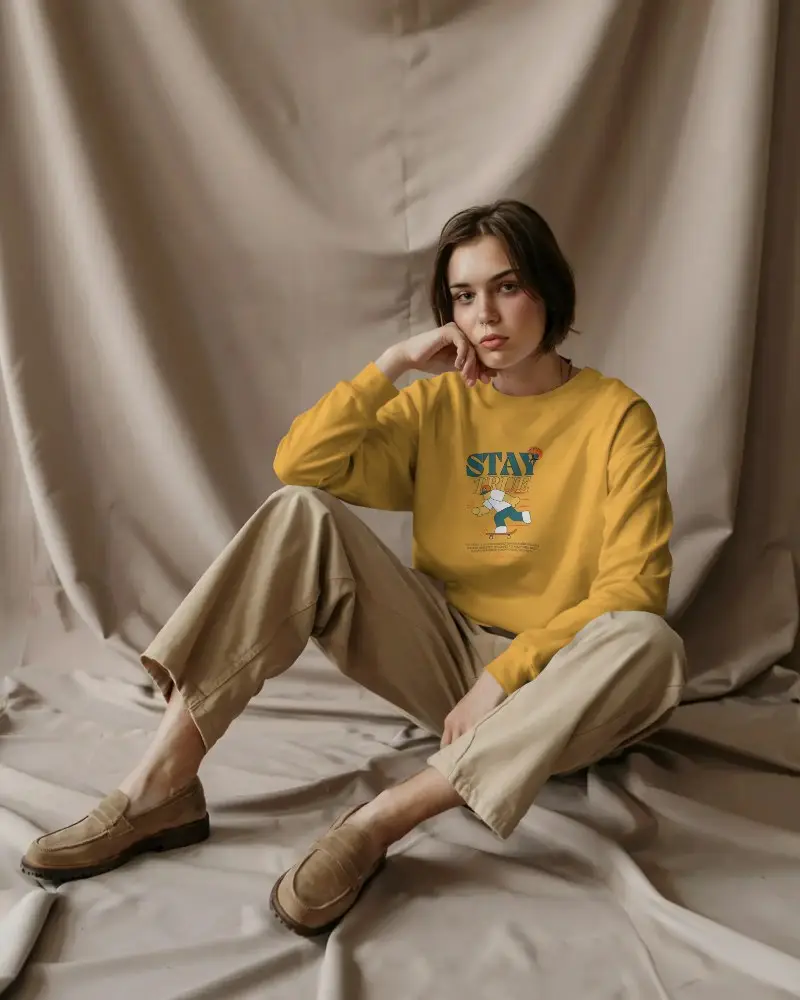
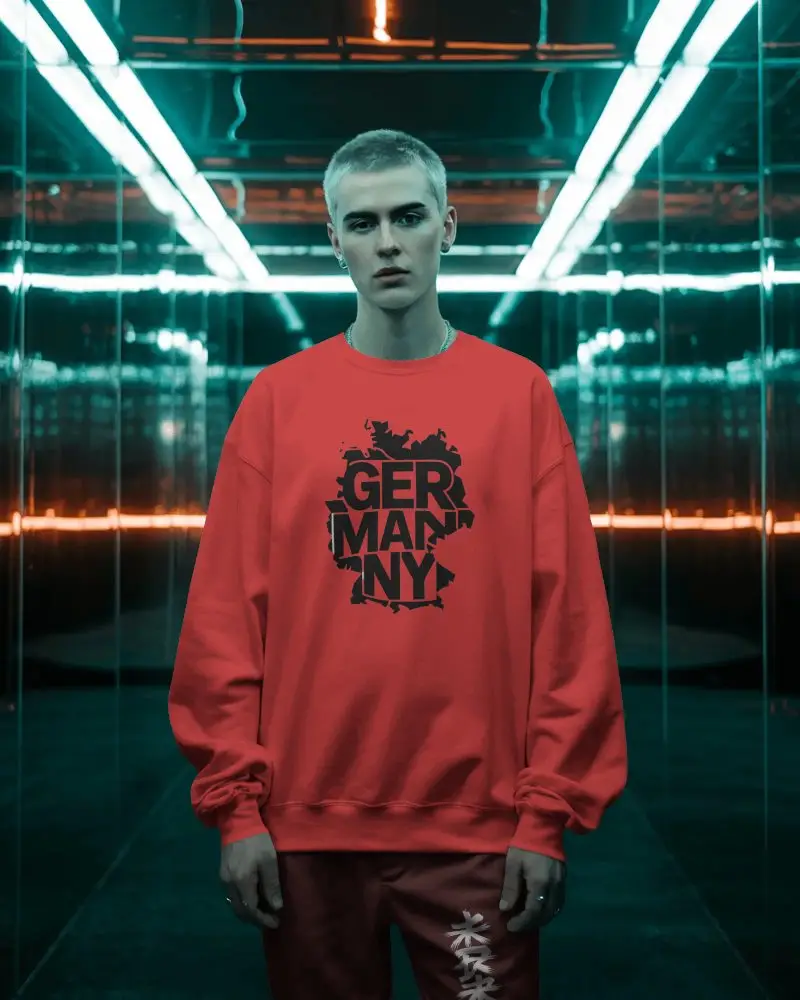
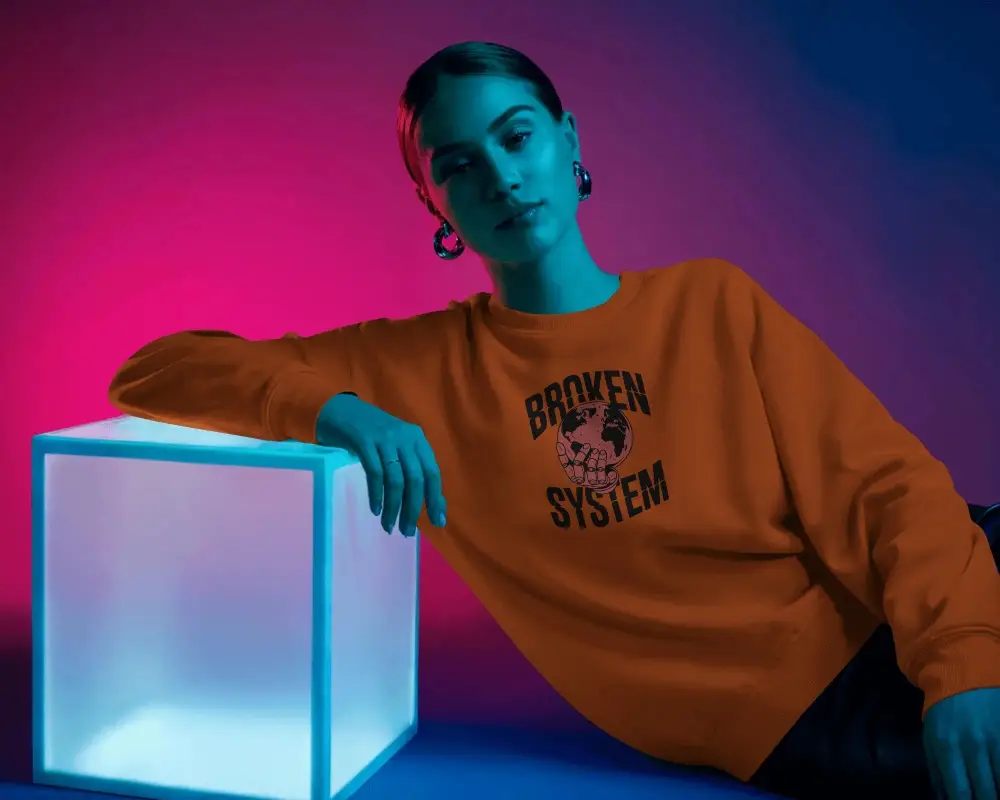
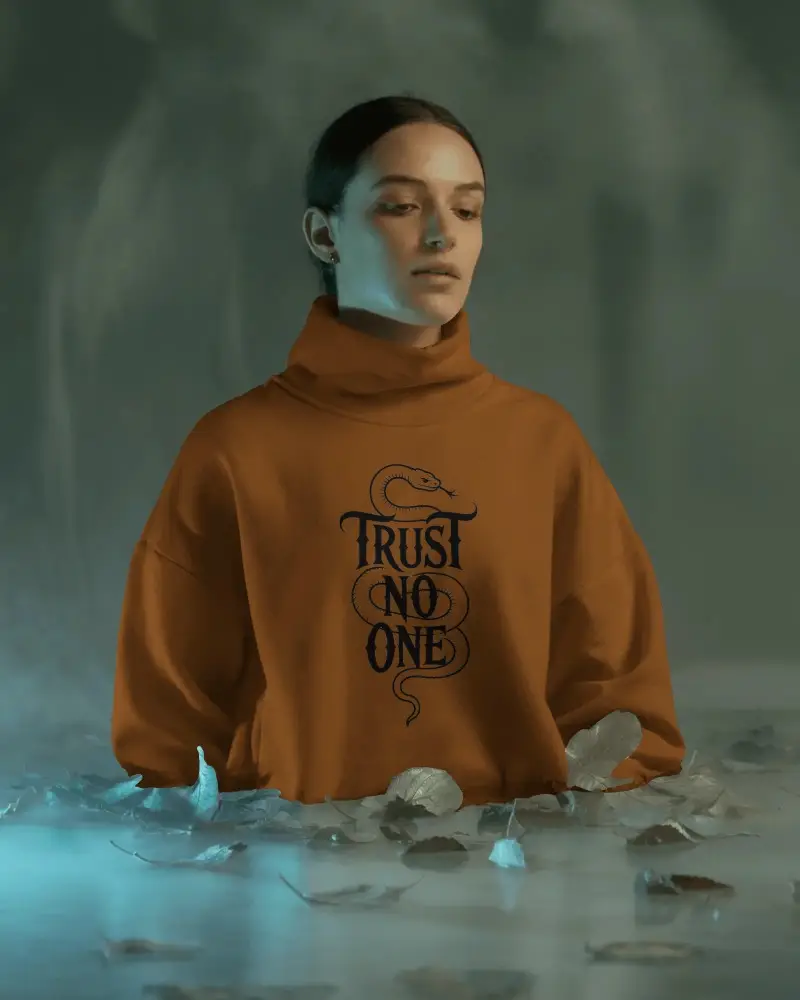
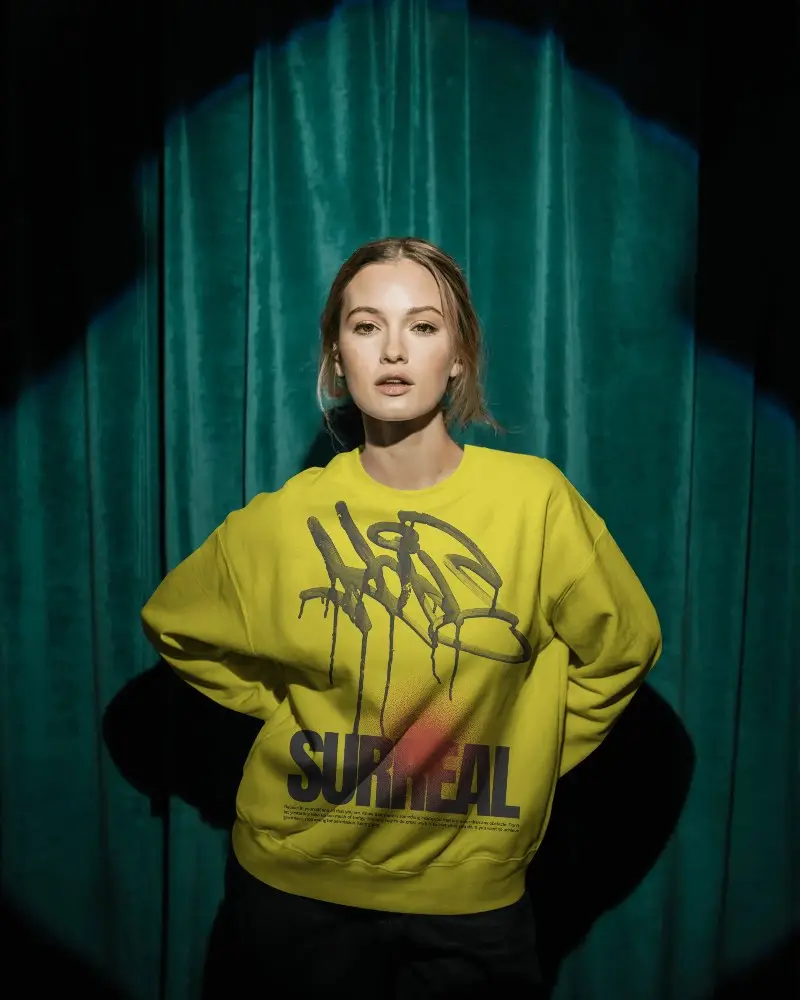

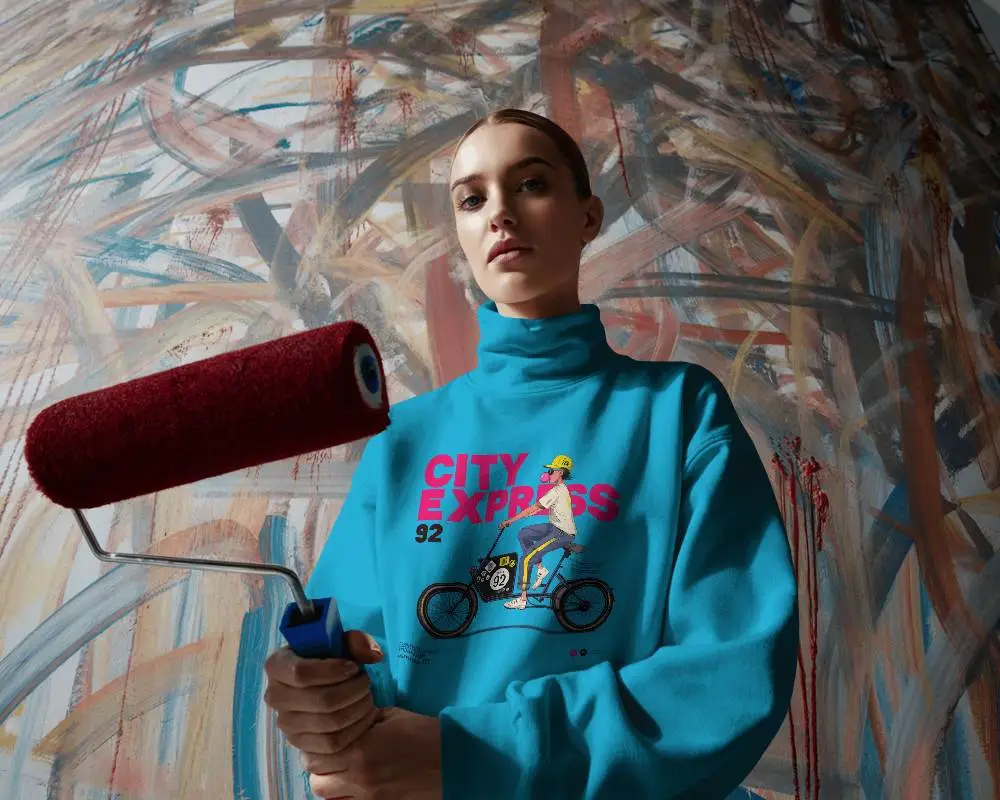
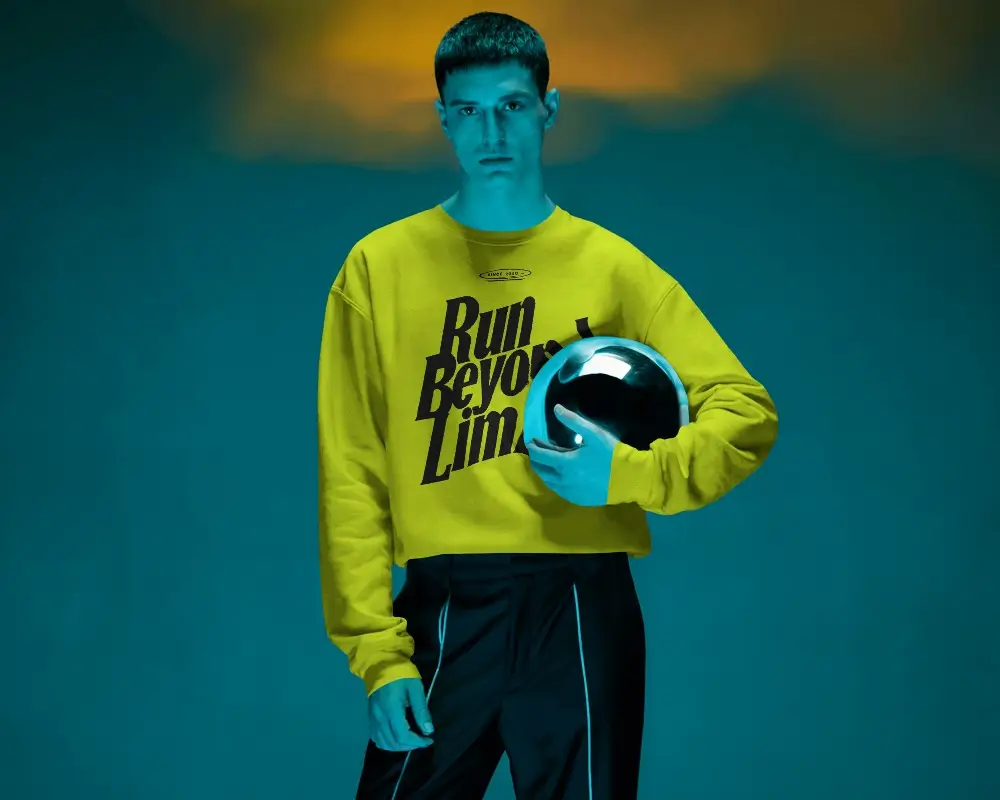
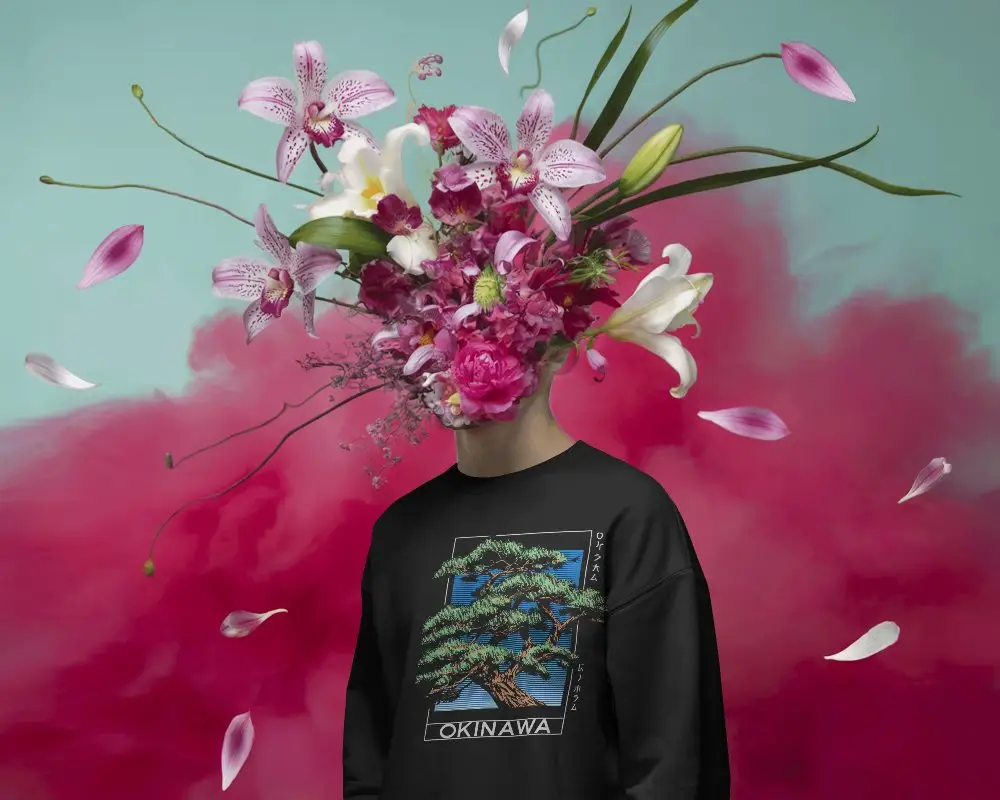
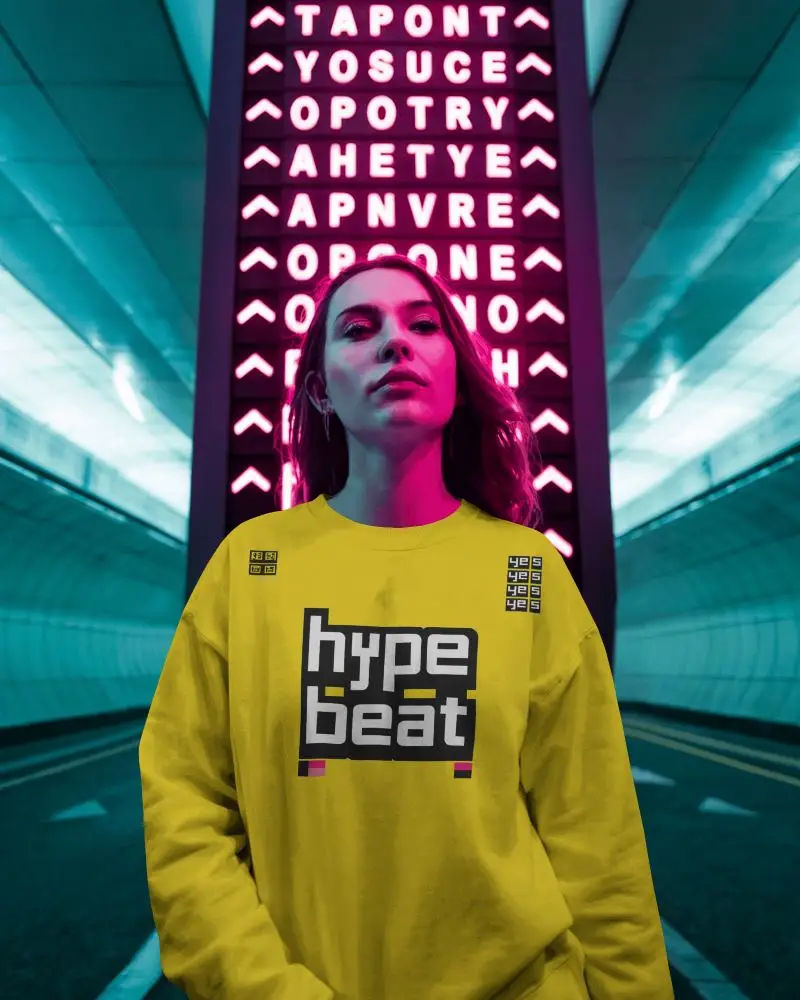
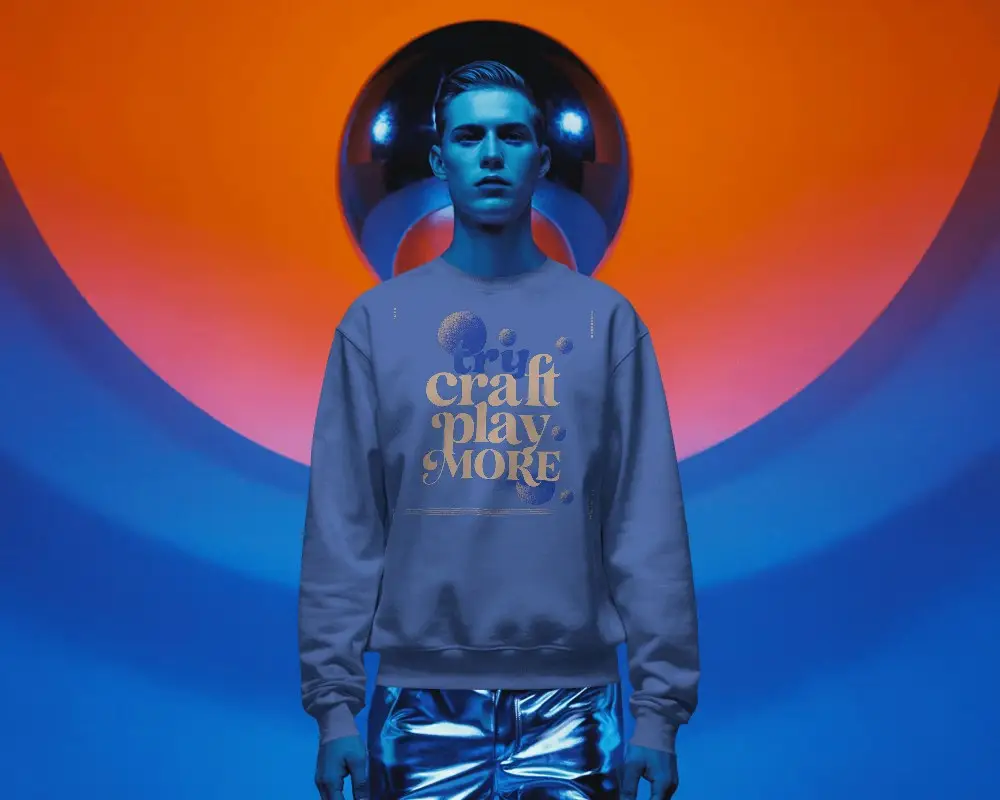
How to Create Gray Sweatshirt Mockup with Mockey AI
To create a gray sweatshirt mockup:
- Step 1: Visit Mockey.ai and sign up or log in.
- Step 2: Navigate to ‘Mockups > Apparel > Sweatshirt’ and select the ‘Gray Sweatshirt’ tag.
- Step 3: Upload your design, customize placement and color, and download your mockup in PNG or JPG format.


FAQs on Gray Sweatshirt Mockups
Who should use a gray sweatshirt mockup?
Grey sweatshirt mockups are an excellent choice for designers or anyone involved in the online selling industry. With just a custom design and the help of a mockup generator, you can easily attract clients.
Why use a gray sweatshirt mockup instead of white or black?
A gray sweatshirt mockup is a popular choice. It shows how a design works in everyday wear. It avoids the sharp contrast of black or white. It also helps simply highlight a design’s versatility.
Can I use the gray sweatshirt mockup for my print on demand store?
Whether you can use a gray sweatshirt mockup depends on its license. Always check where you got it from. Make sure it allows commercial use before you use it for your projects. However, Mockey AI’s grey sweatshirt mockup will be excellent for the POD store.
