Free Hooded Sweatshirt Mockups
Explore free hooded sweatshirt mockups on Mockey. Easily showcase your hoodie designs in realistic scenes with our AI mockup generator. Perfect for brands, designers, and creators.
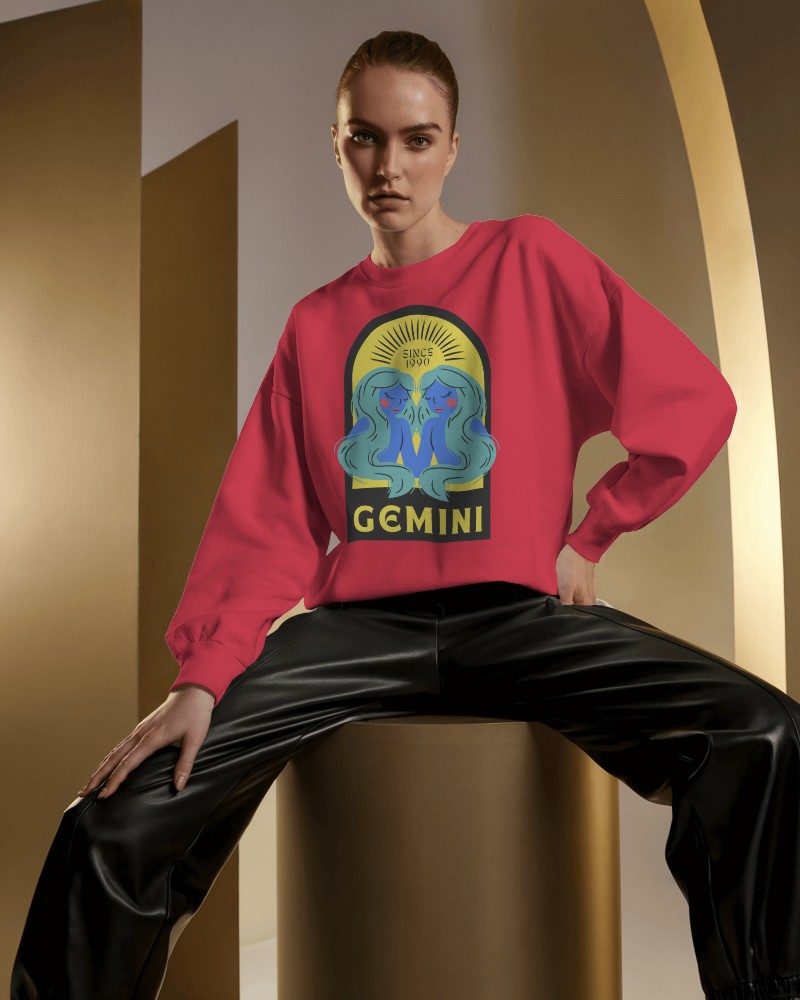
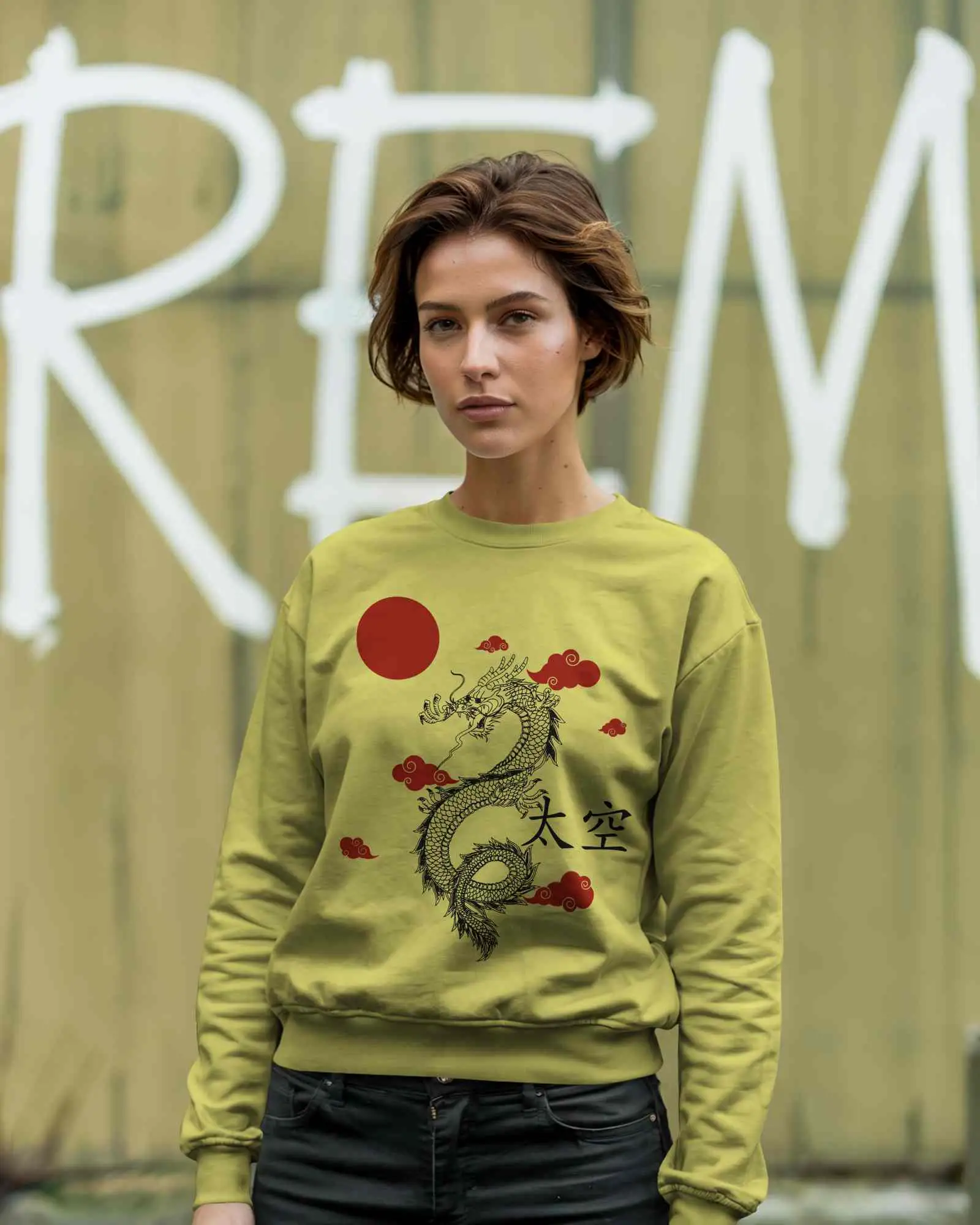
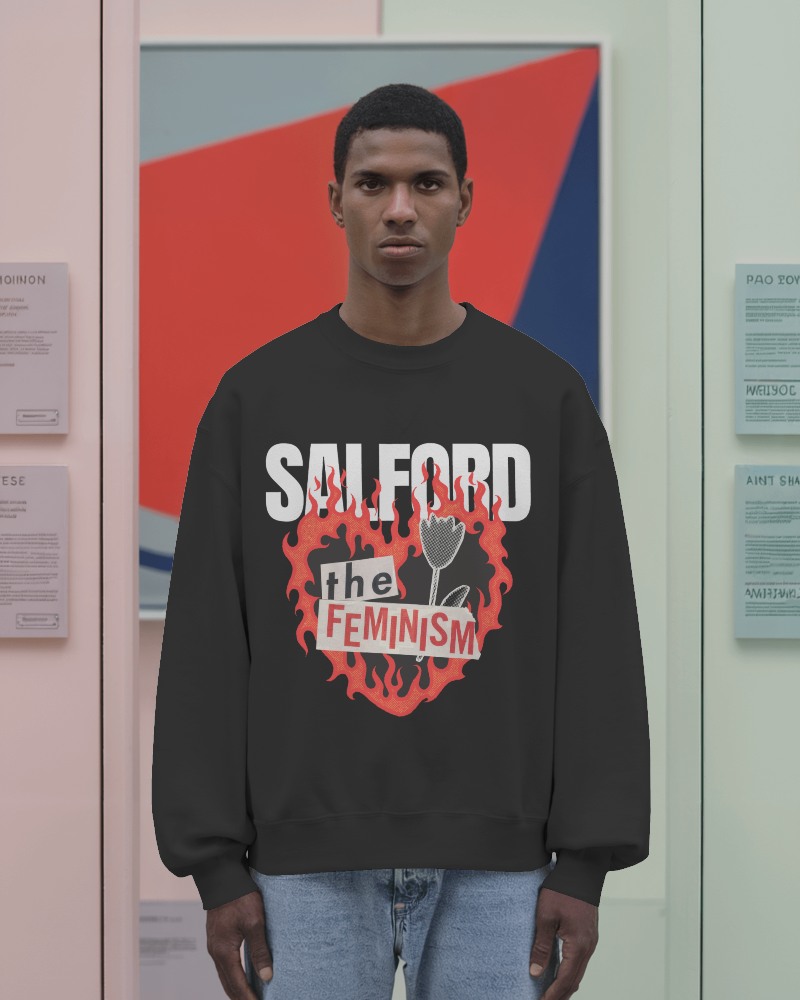
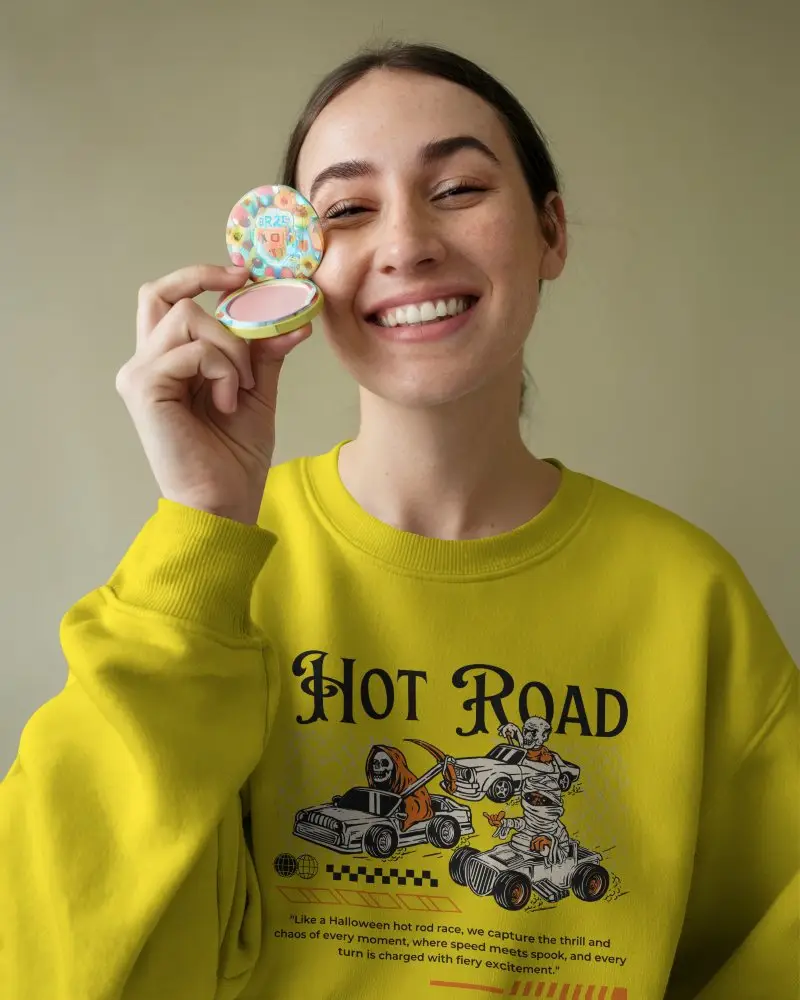
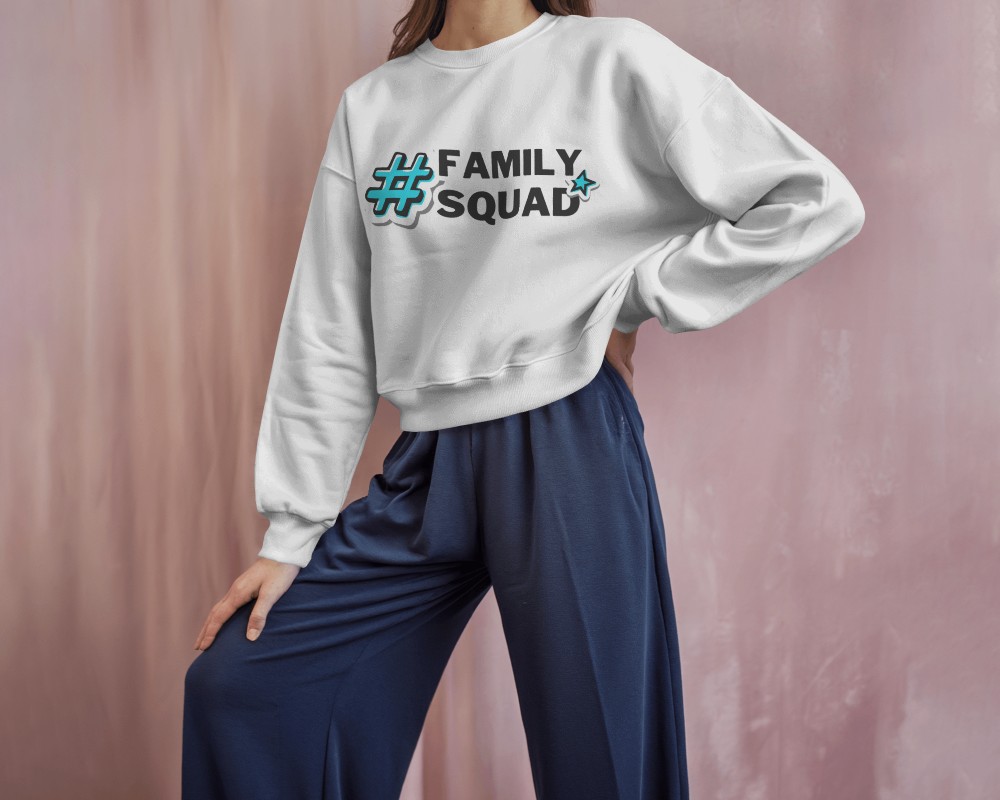
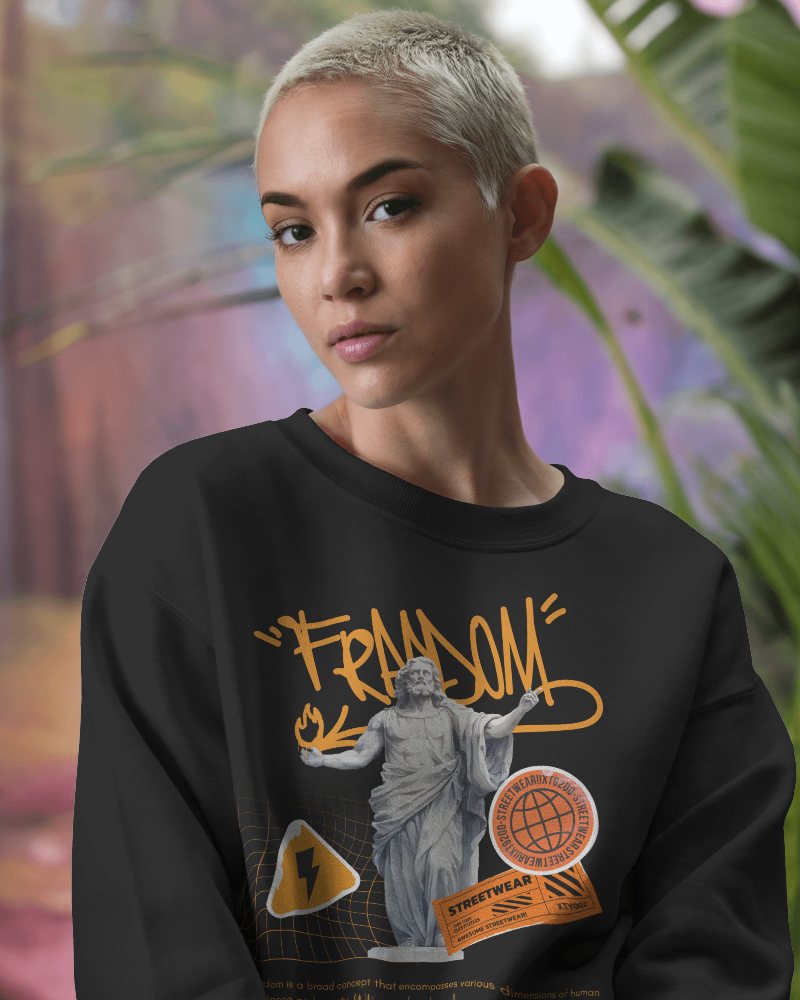
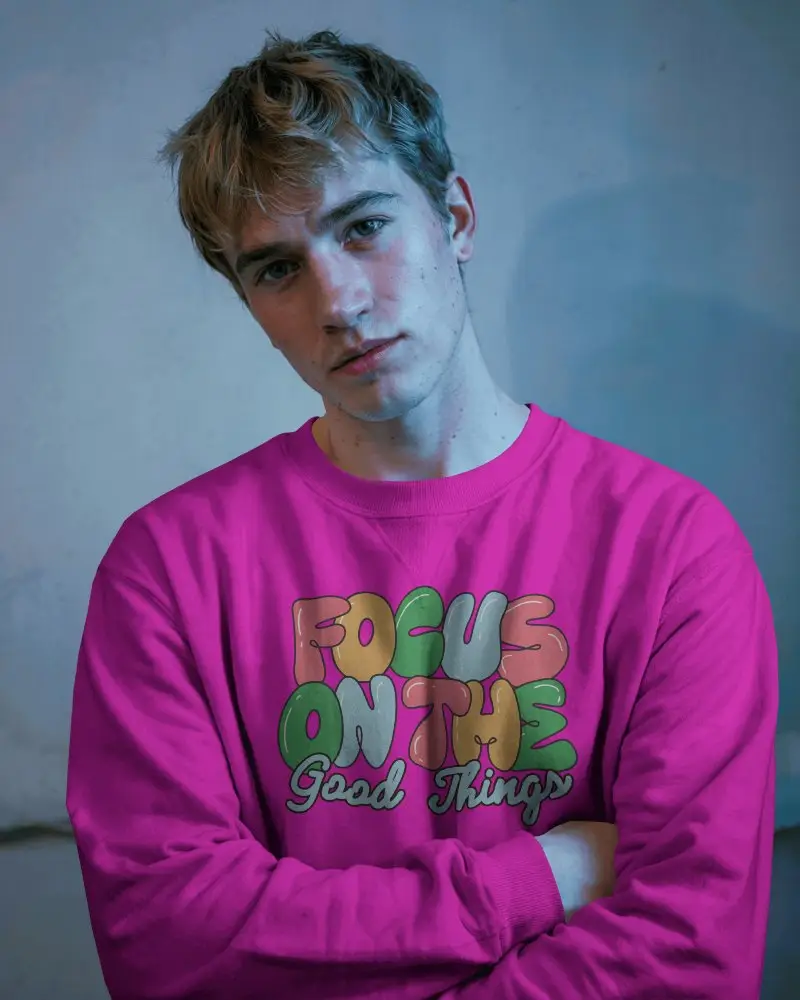
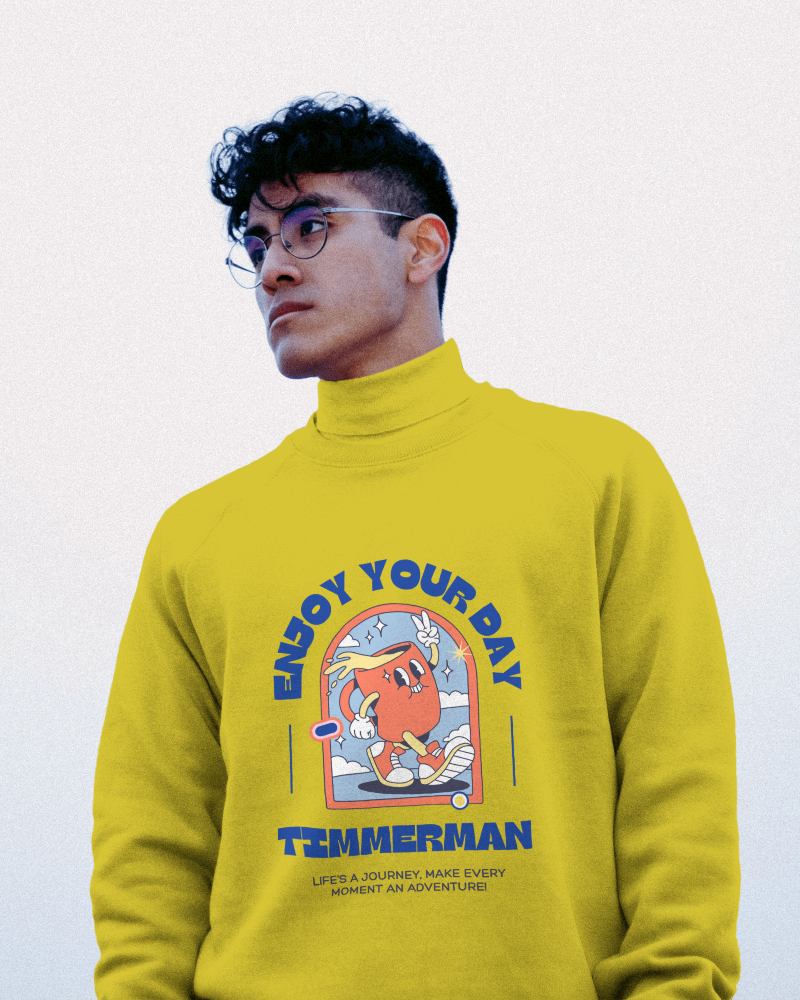
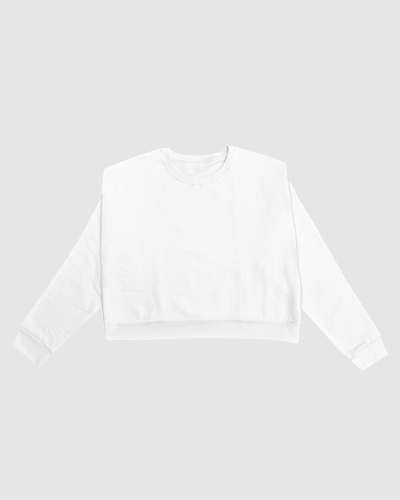
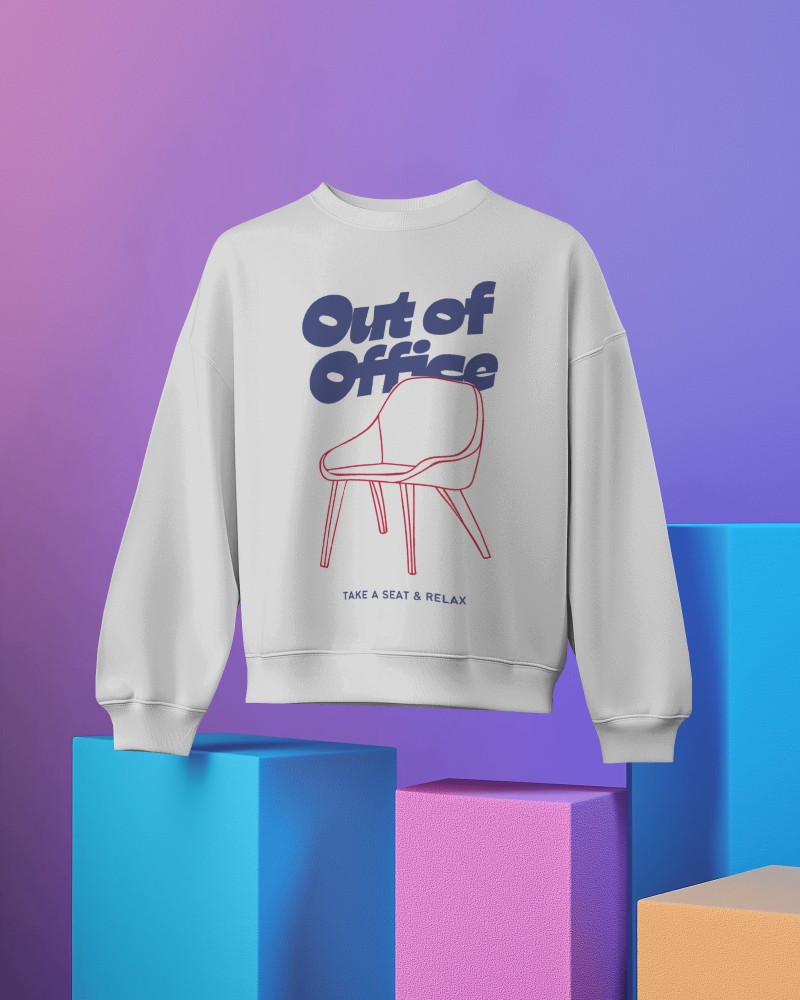
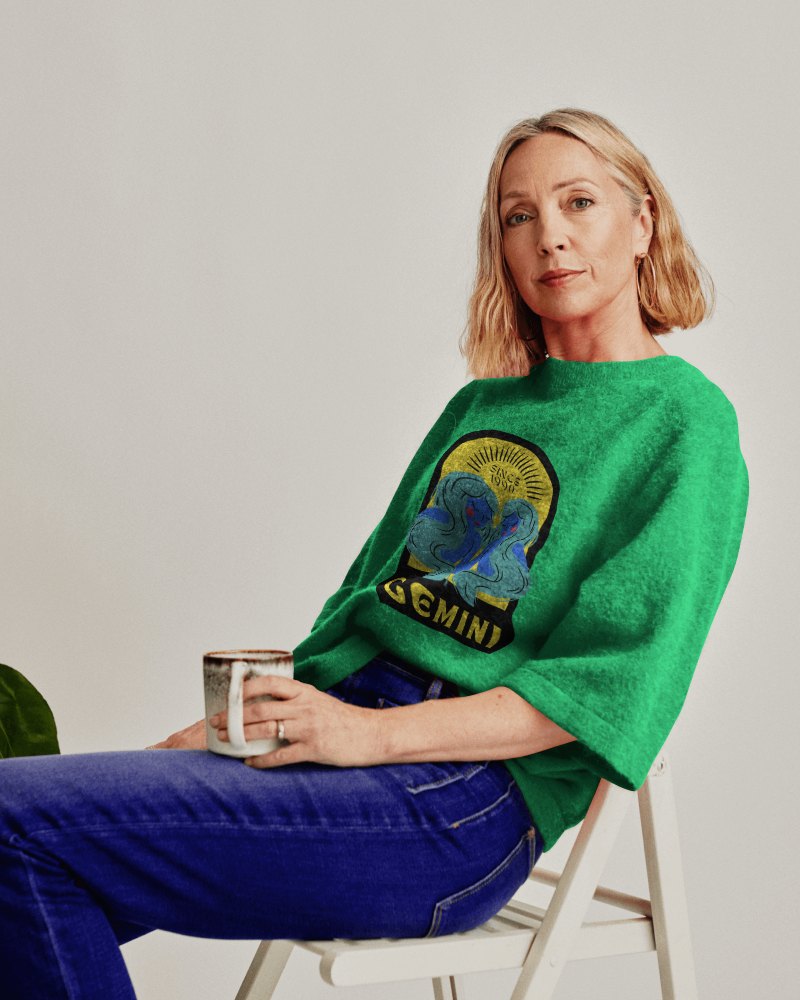
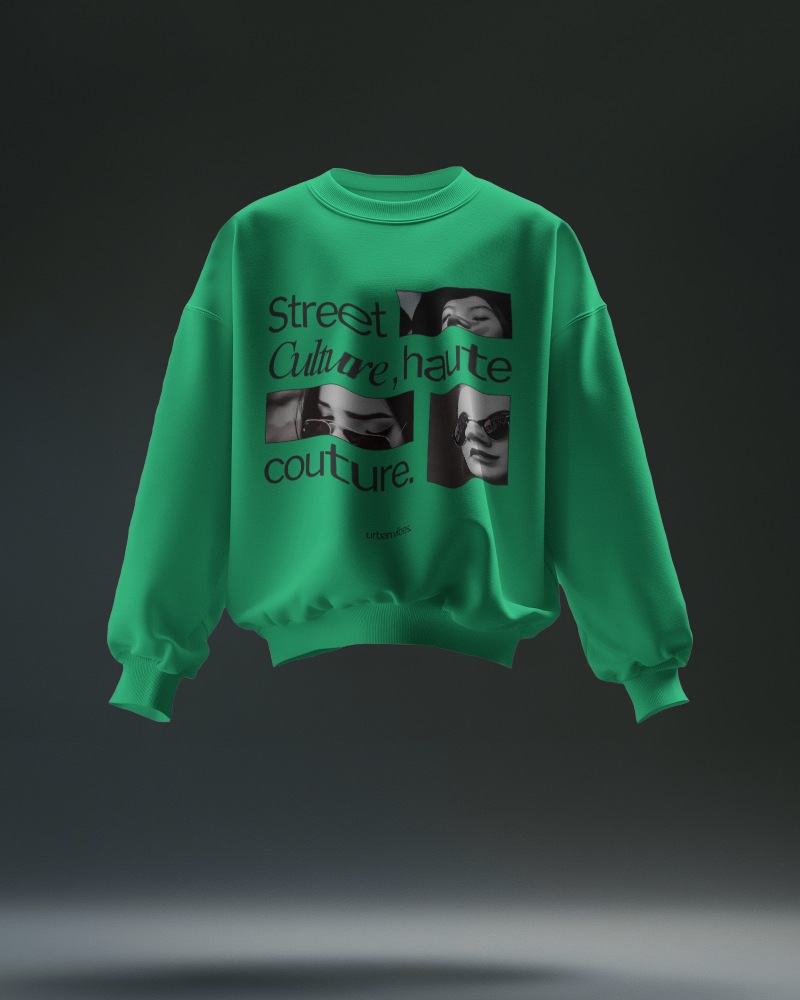
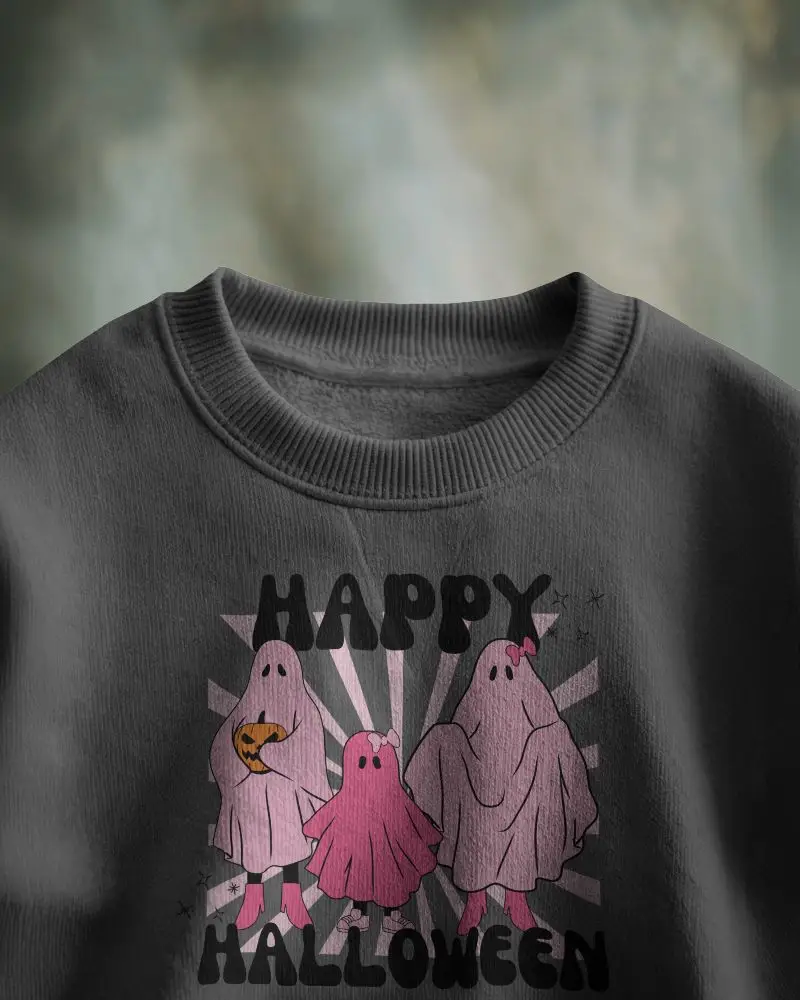
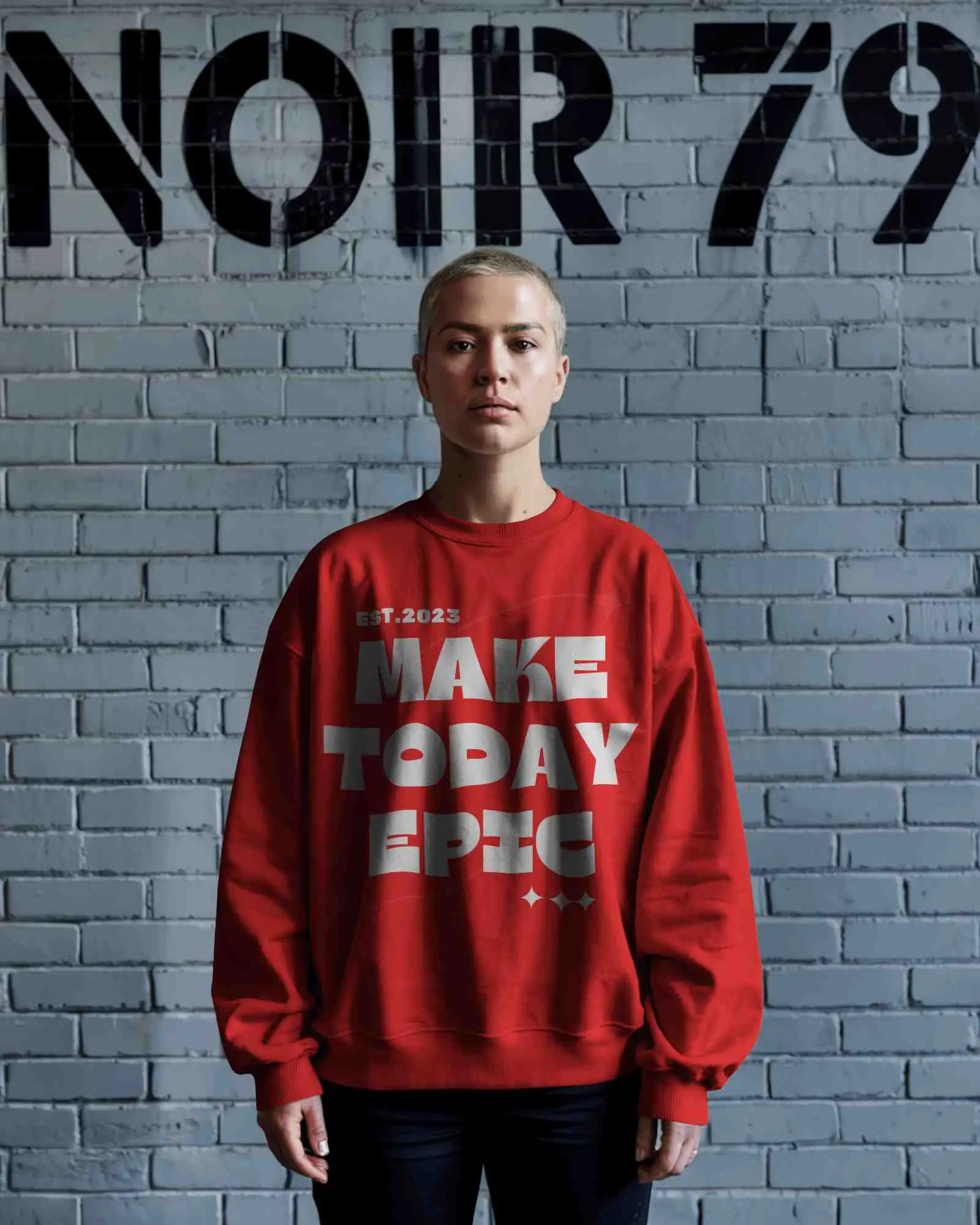
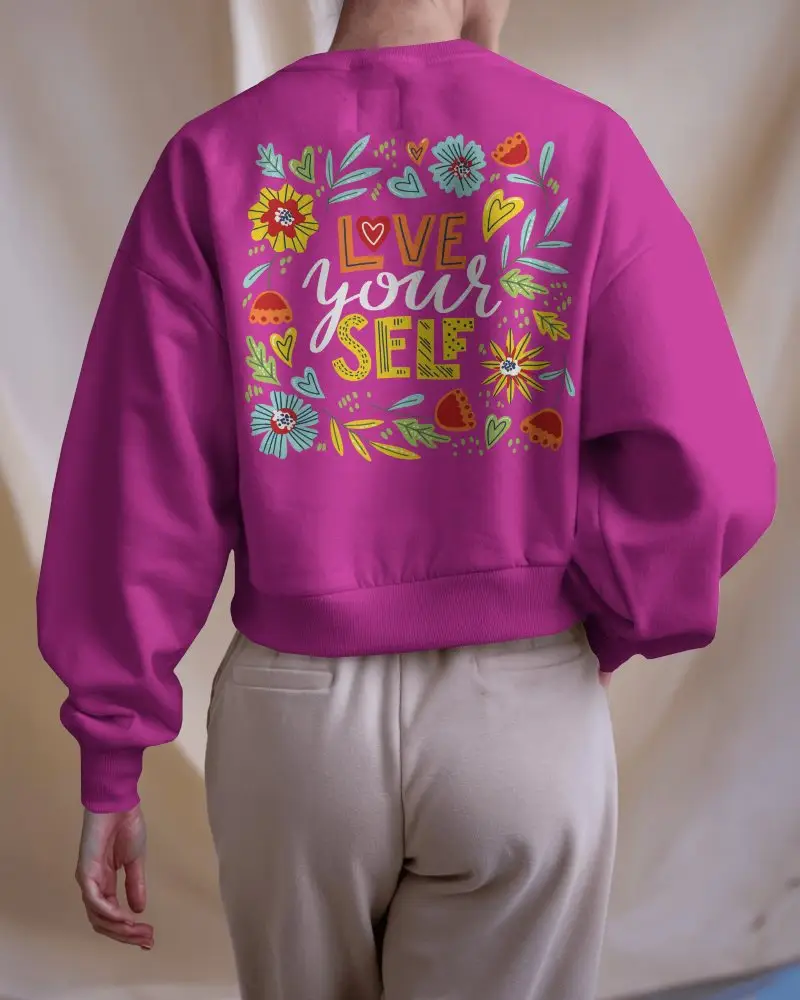
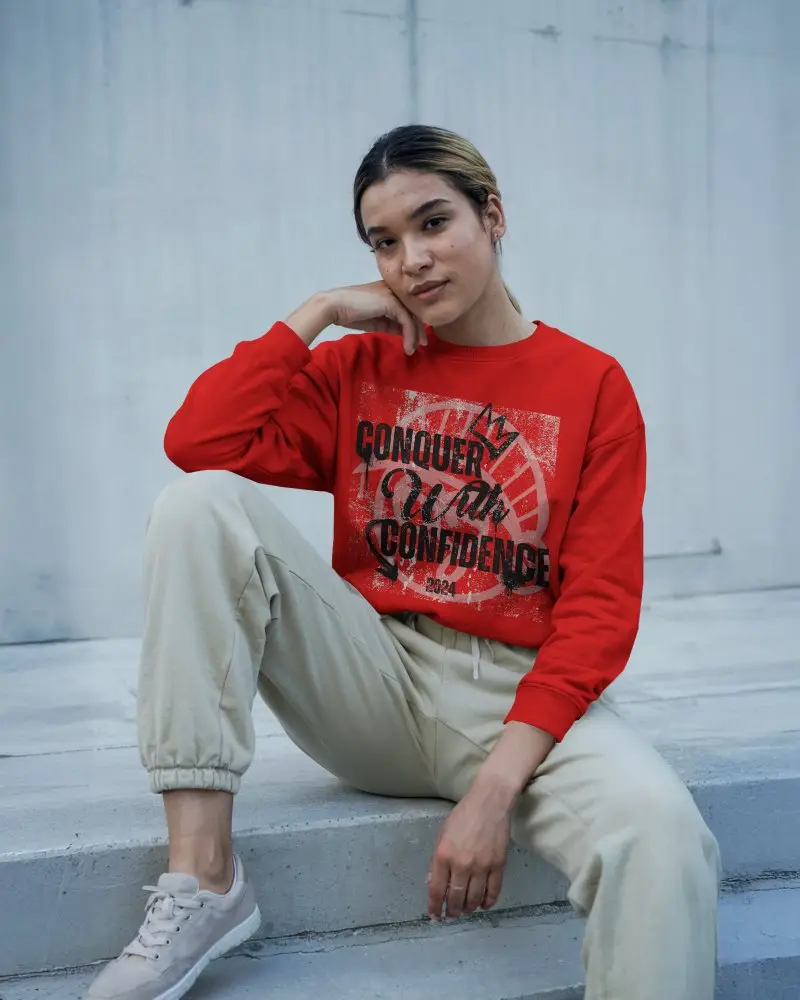
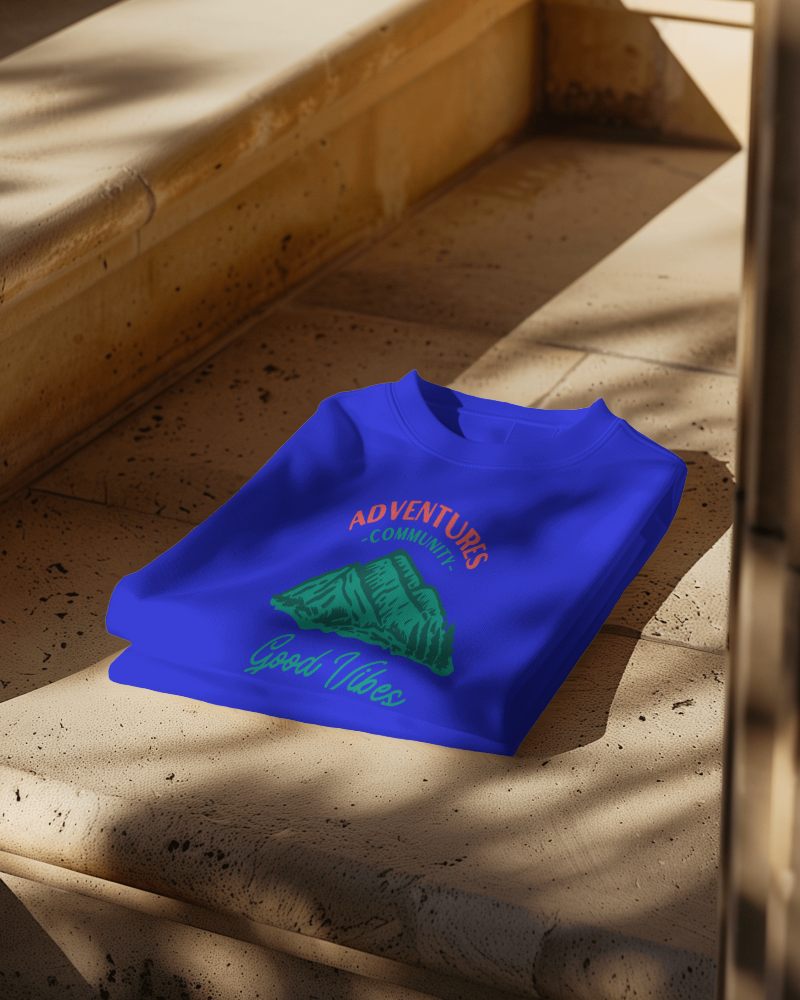
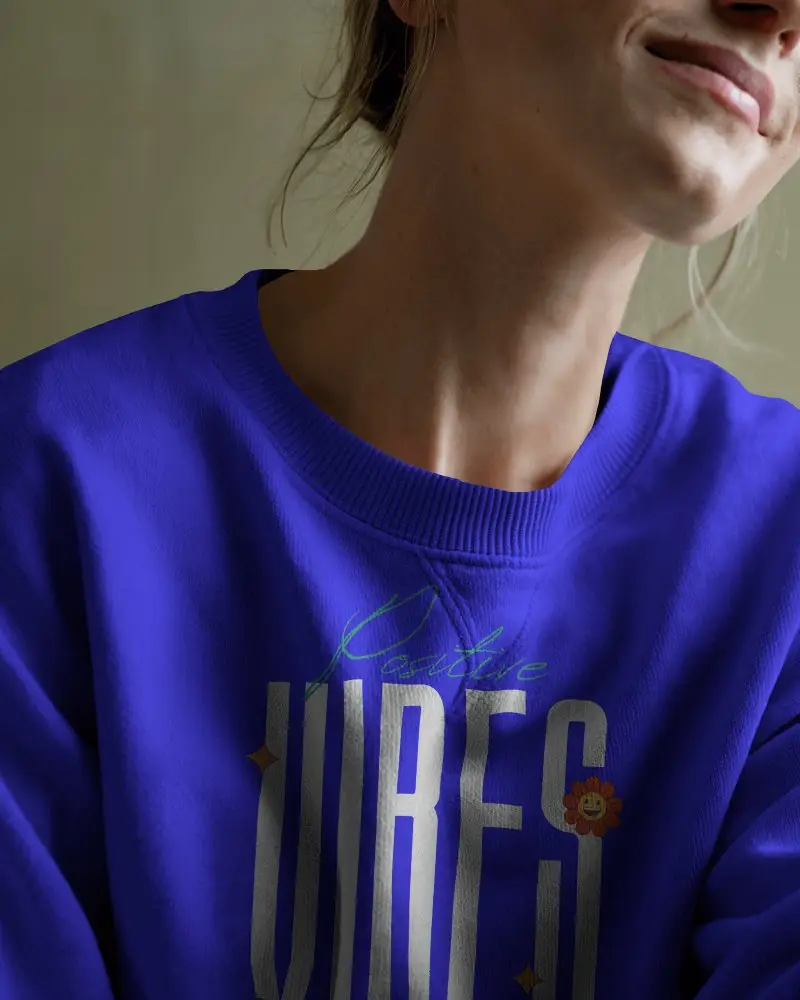
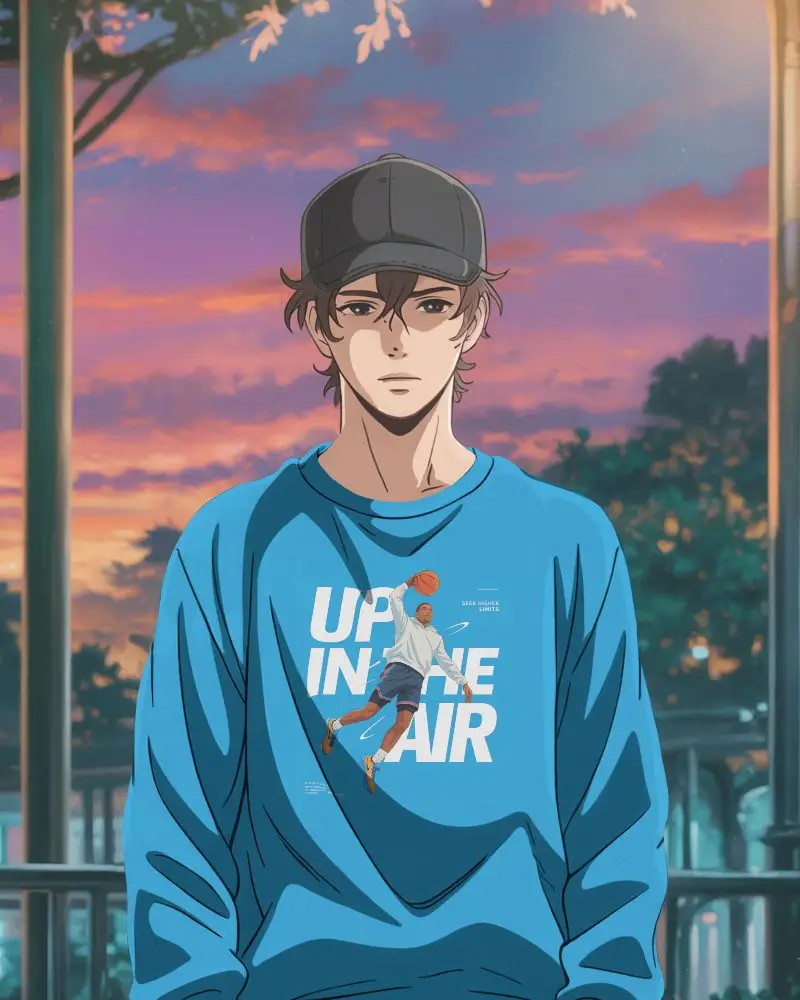
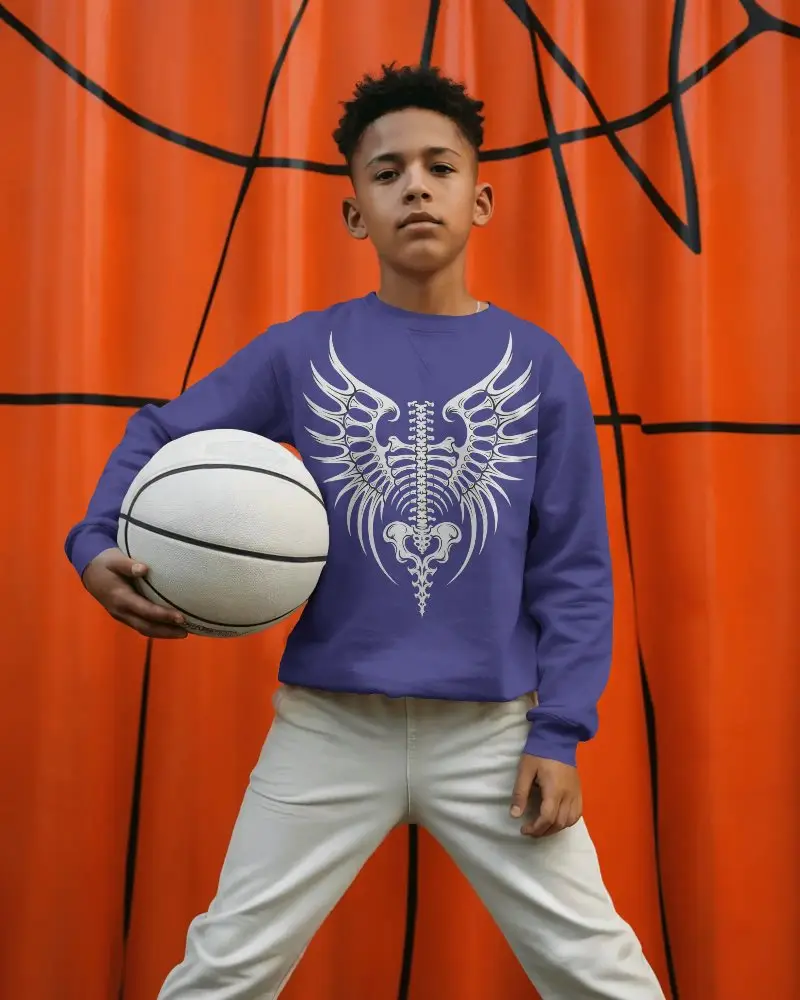
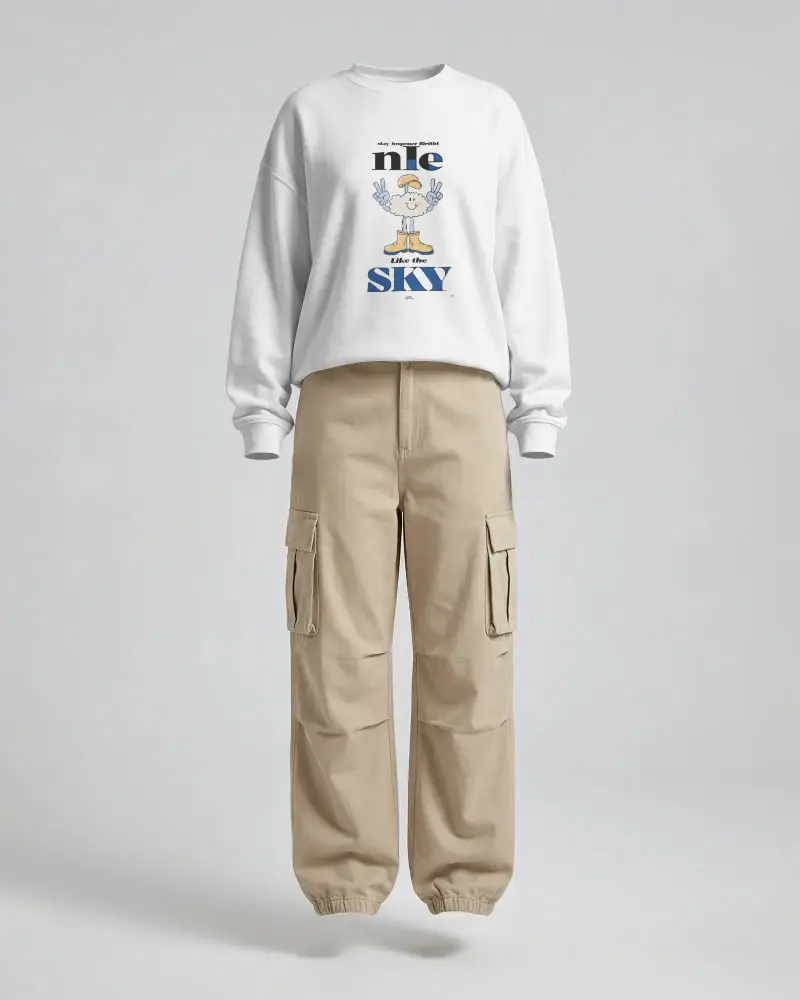
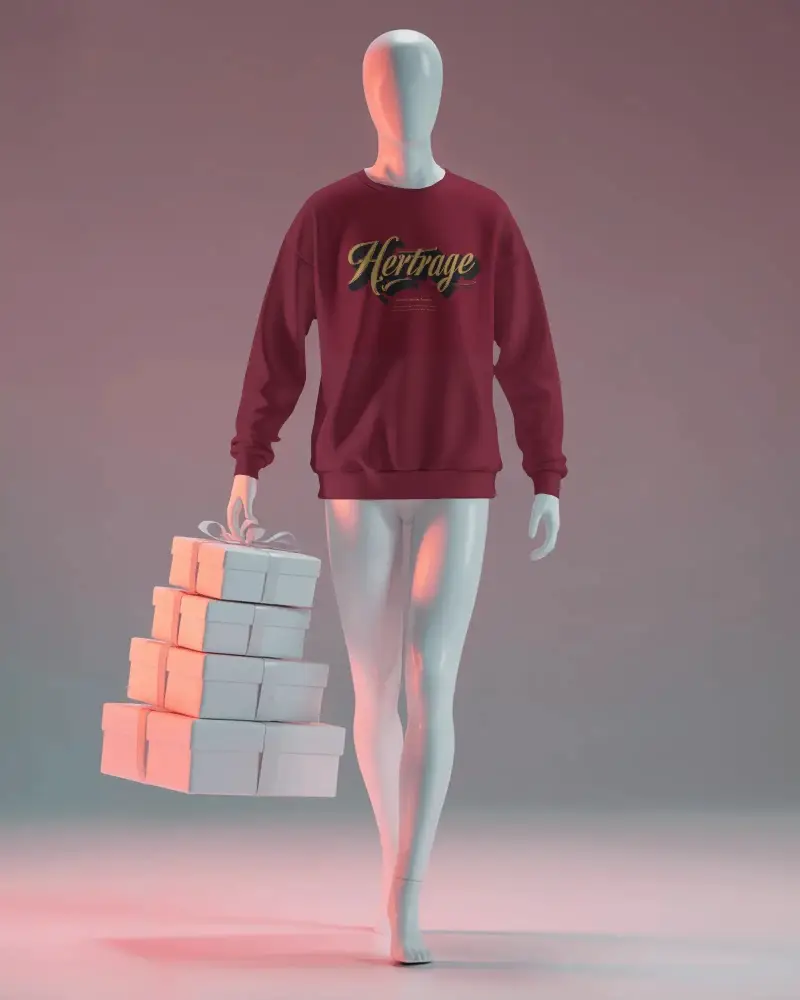
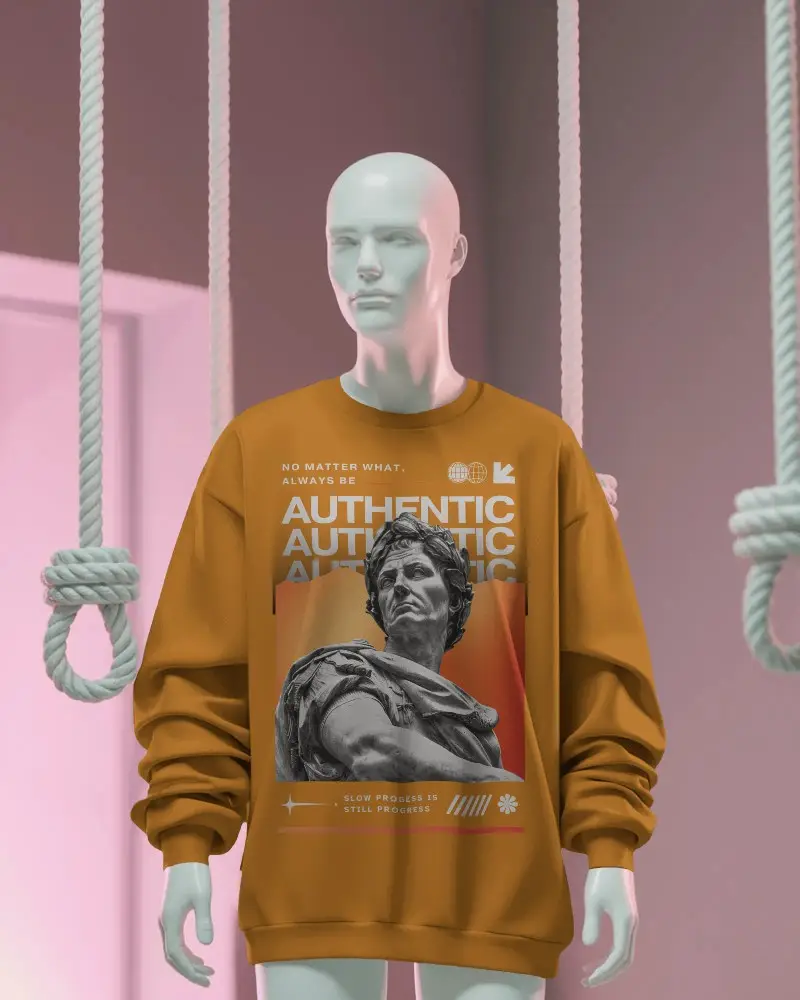

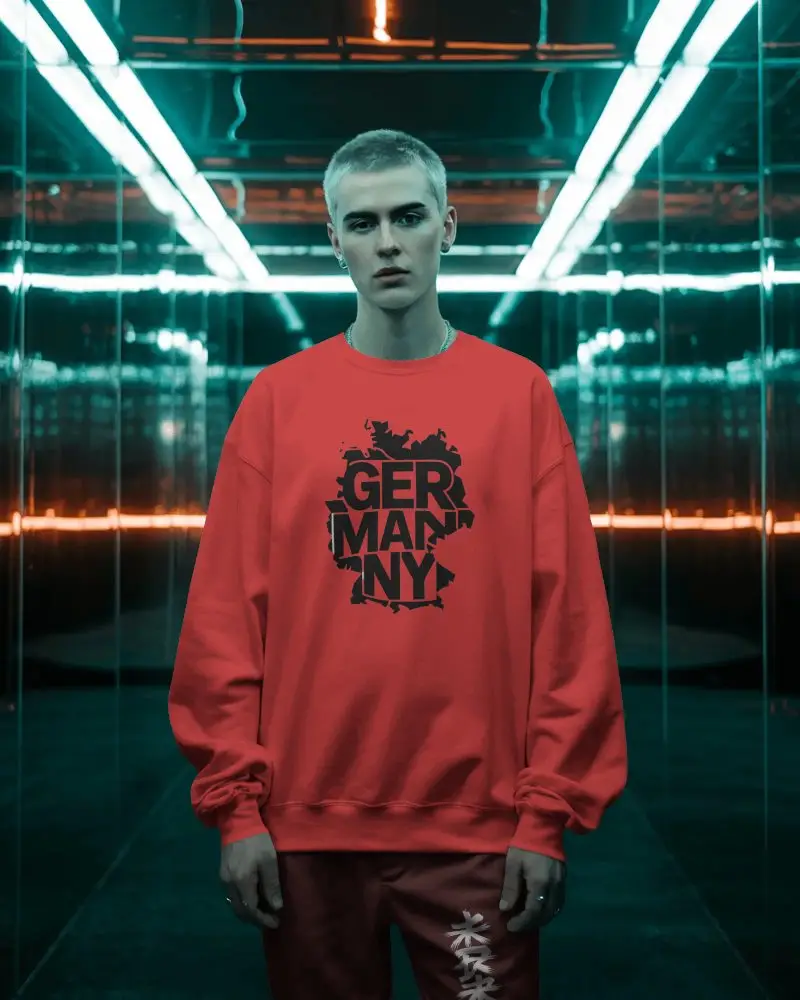
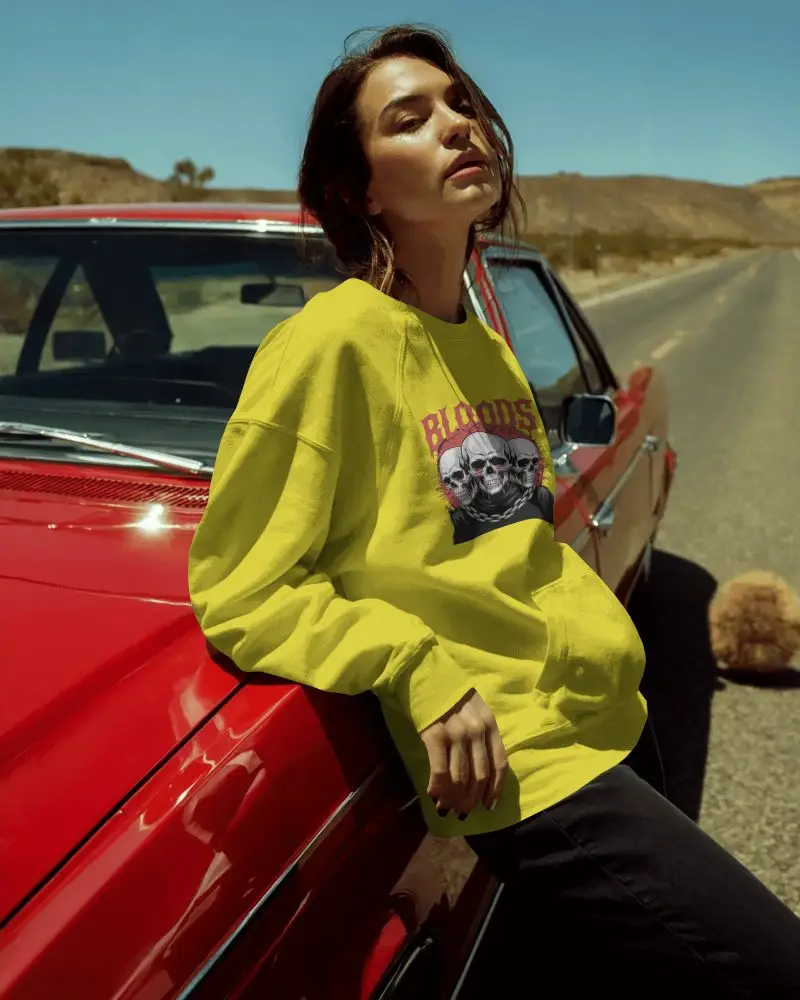
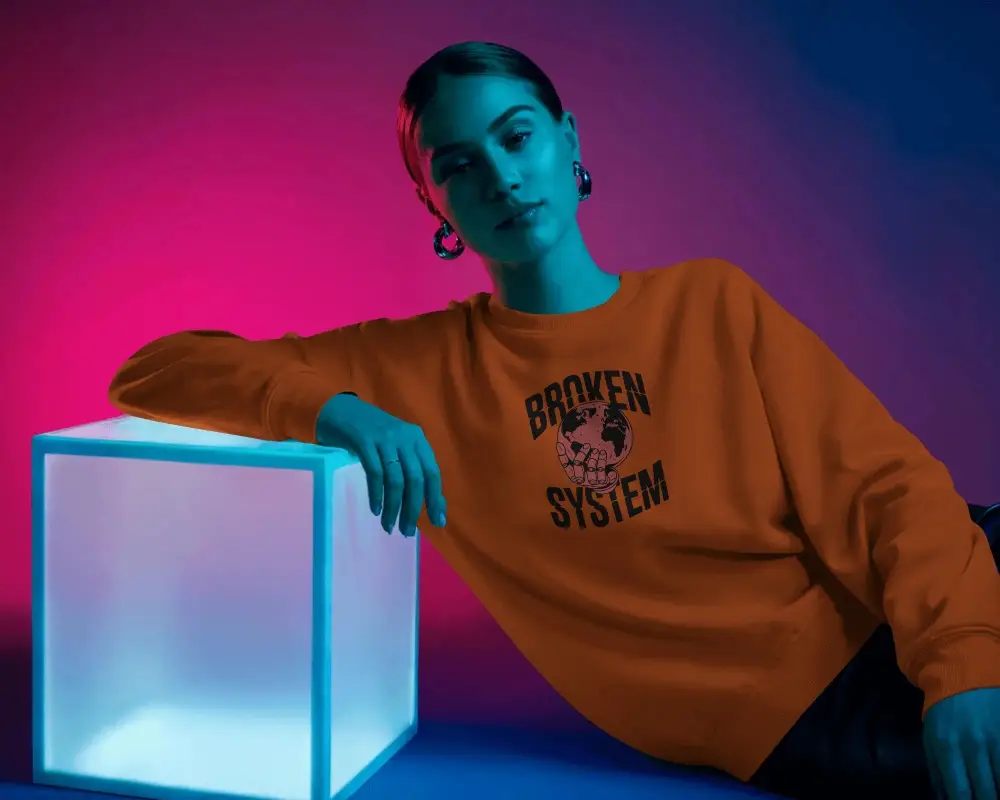
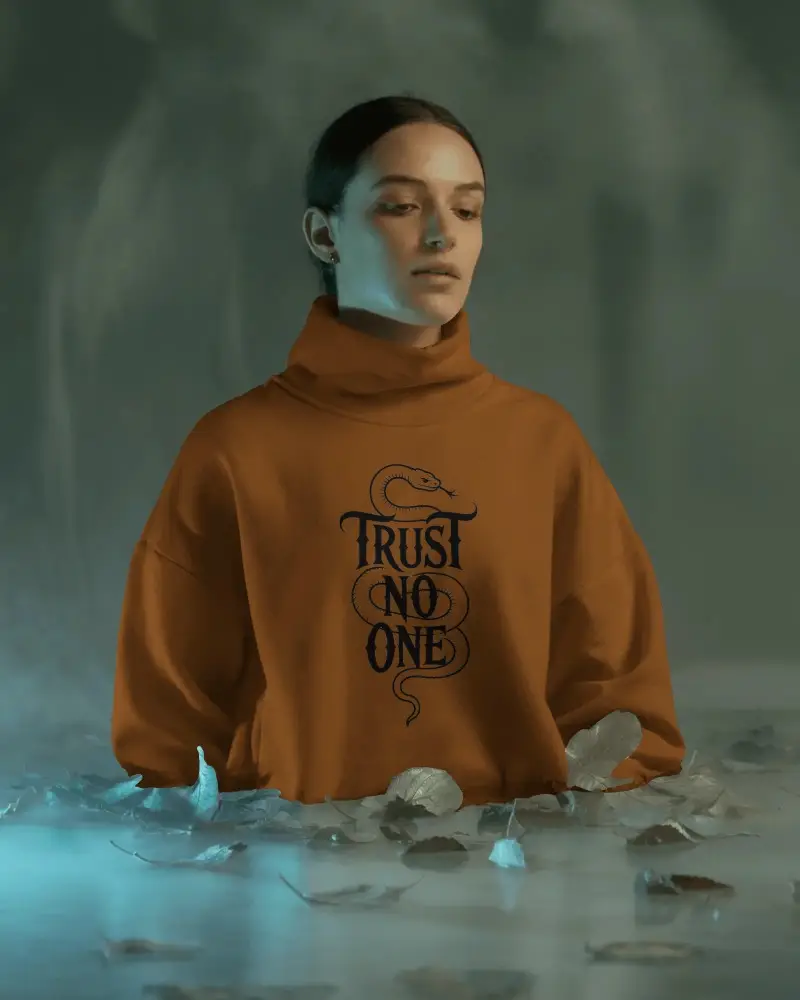
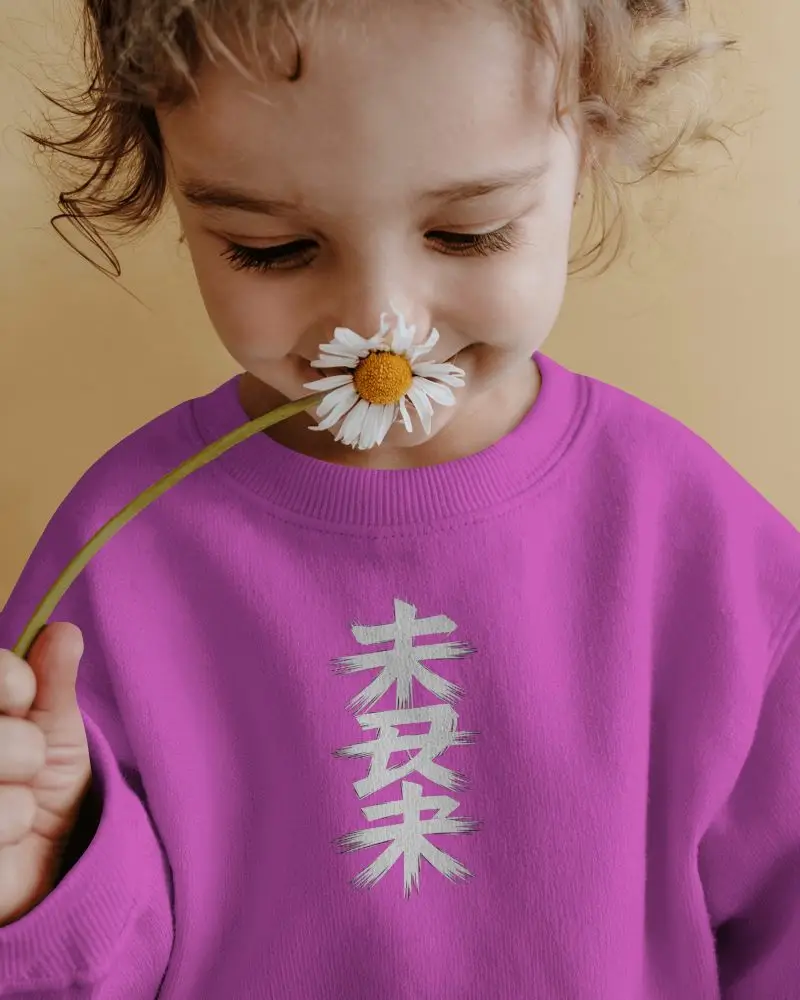

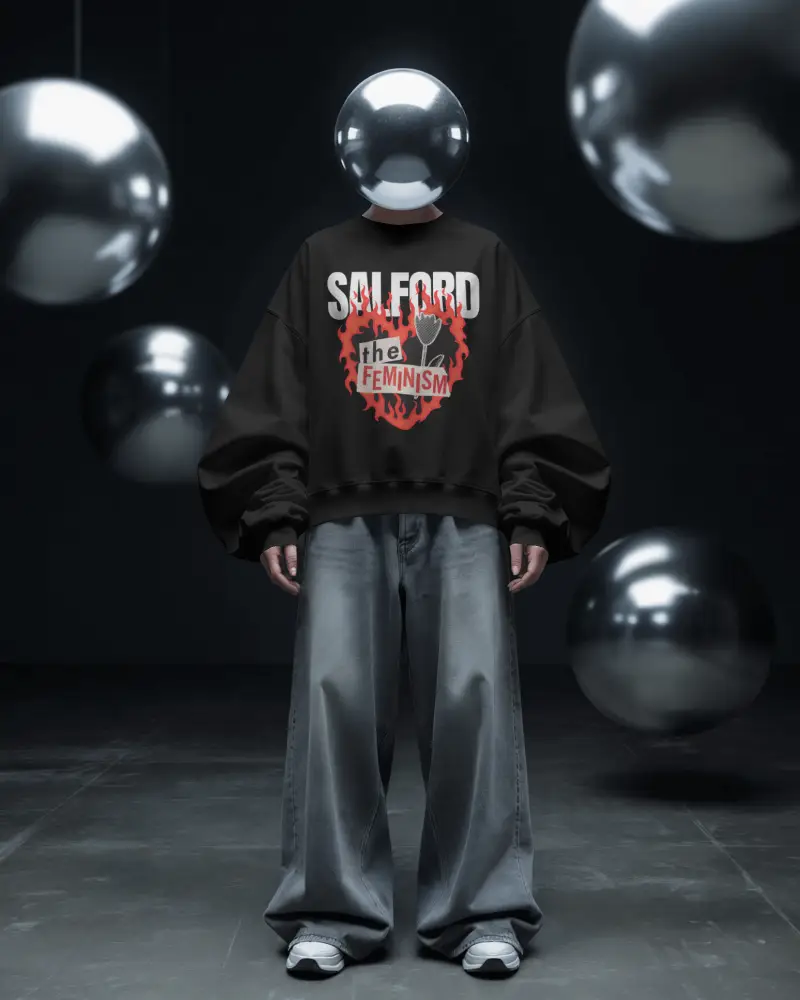
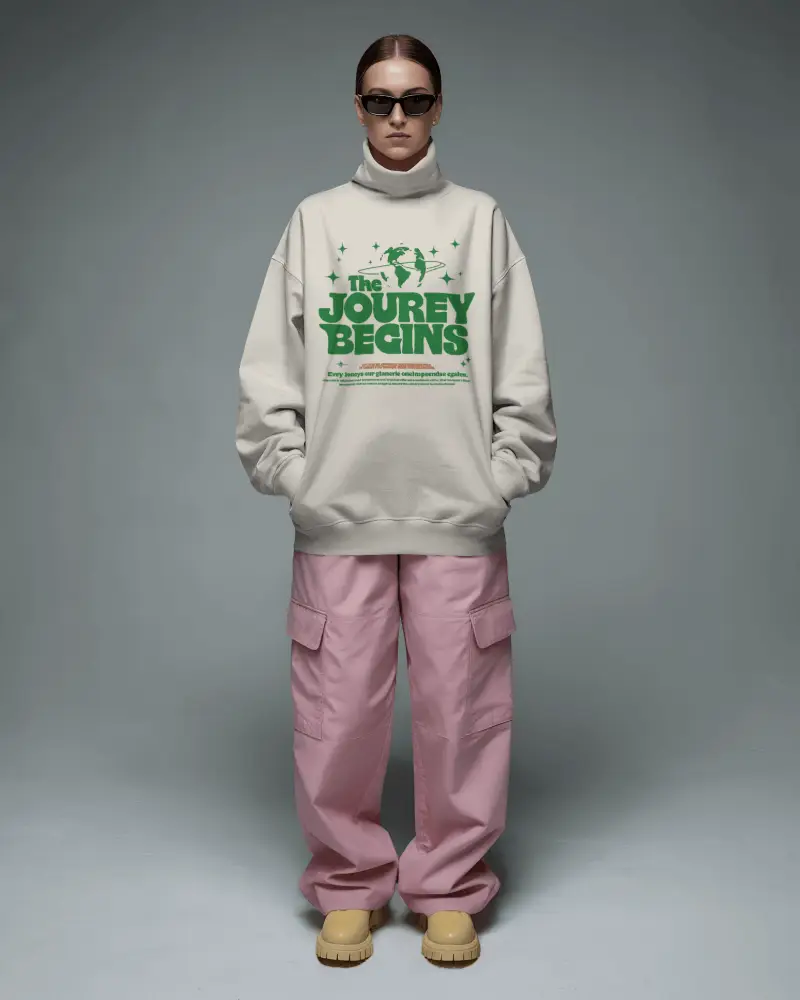
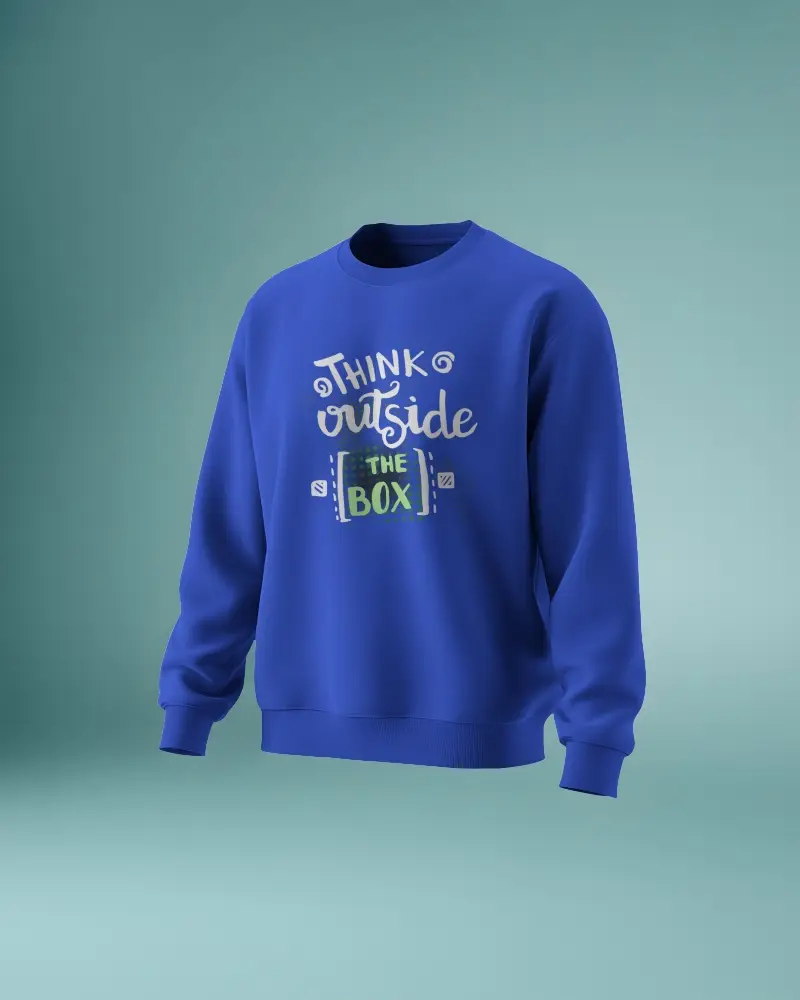
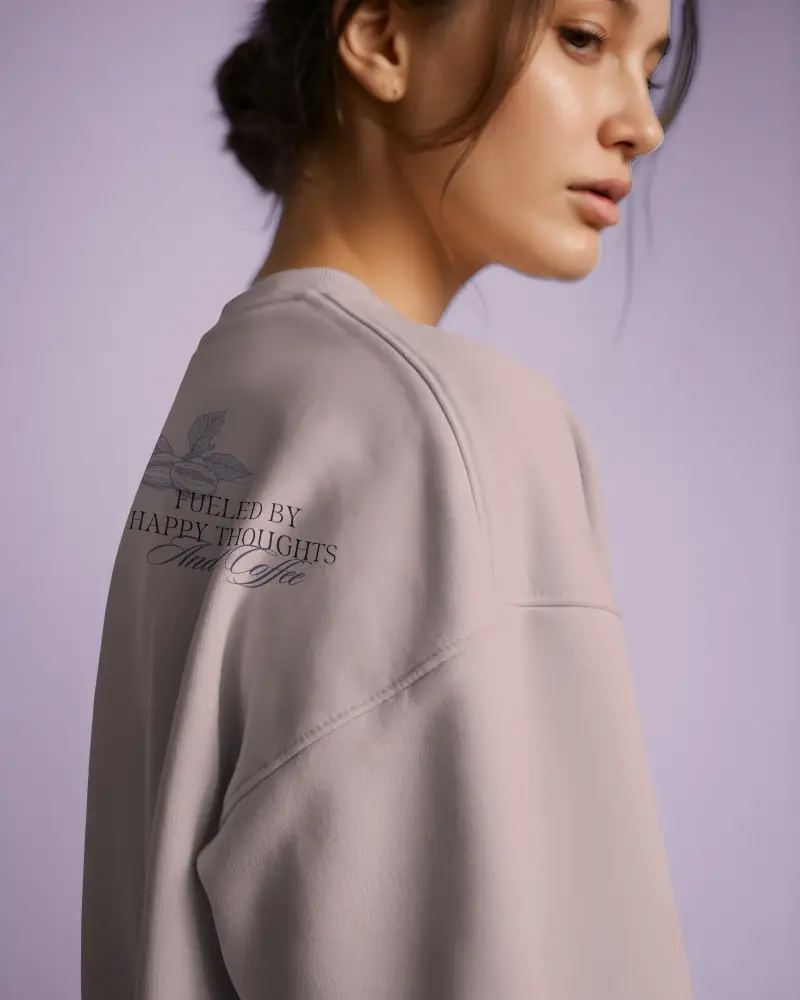
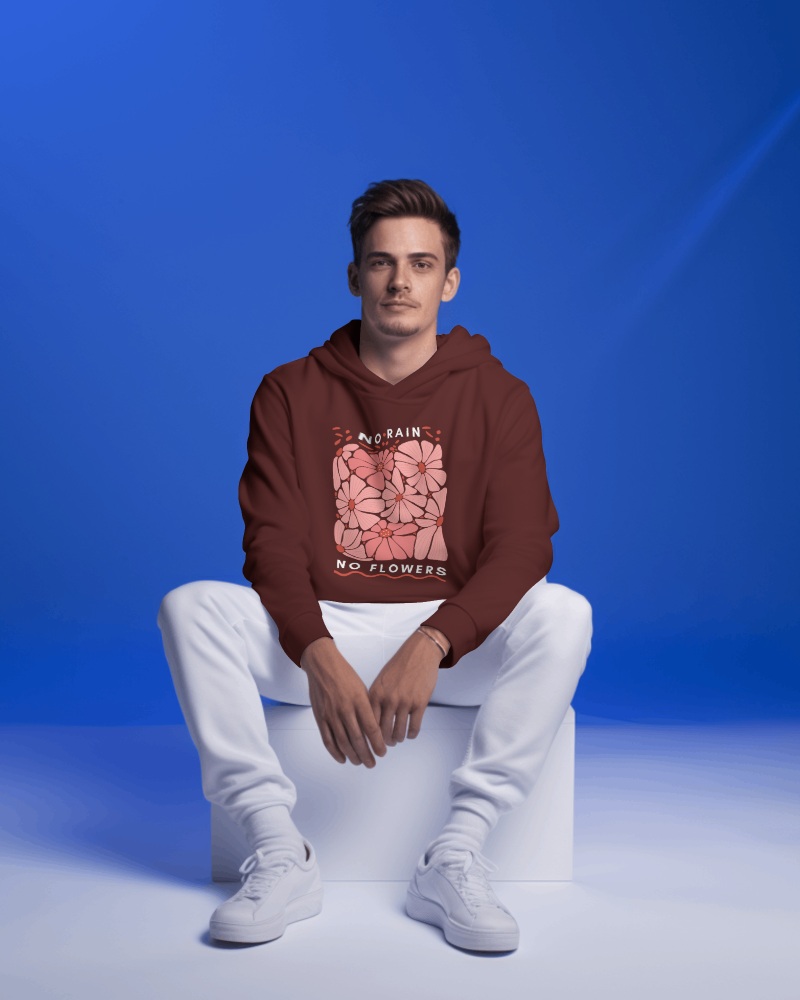
How to Create Hooded Sweatshirt Mockup with Mockey AI
To create a hooded sweatshirt mockup:
- Step 1: Go to Mockey.ai and sign up for free.
- Step 2: Navigate to ‘Mockups > Apparel > Sweatshirt’ and select the ‘Hooded Sweatshirt’ tag.
- Step 3: Upload your design, adjust the placement or color, and download your mockup in PNG or JPG format.


FAQs on Hooded Sweatshirt Mockups
Who should use hooded sweatshirt mockups?
Fashion brands and designers find hooded sweatshirt mockups very useful. Without the necessity for a photo session, they help with converting creative ideas into images. With just a few clicks, you can see how your design looks on an actual hoodie.
Can I upload my own design to a hooded sweatshirt mockup?
You can upload your design to a hooded sweatshirt mockup. Just make sure the file is in PNG or JPG format. After that, you can adjust it by expanding or resizing and then download the hooded sweatshirt mockup to your device.
Are hooded sweatshirt mockups available in different views and styles?
Yes, Mockey AI offers a wide range of stylish hooded sweatshirt mockups, including half-sleeve and pullover options. It also works the other way around. You’ll find hooded templates under half-sleeve sweatshirt mockups, pullover sweatshirt mockups, or even black sweatshirt mockups.
Do hooded sweatshirt mockups come in video format, too?
On Mockey AI, you can also download hooded sweatshirt mockups as video files in high quality that look realistic. Just click on the hooded tag under the sweatshirt video mockups; that’s it.
