500+ Free Lanyard Mockup Templates
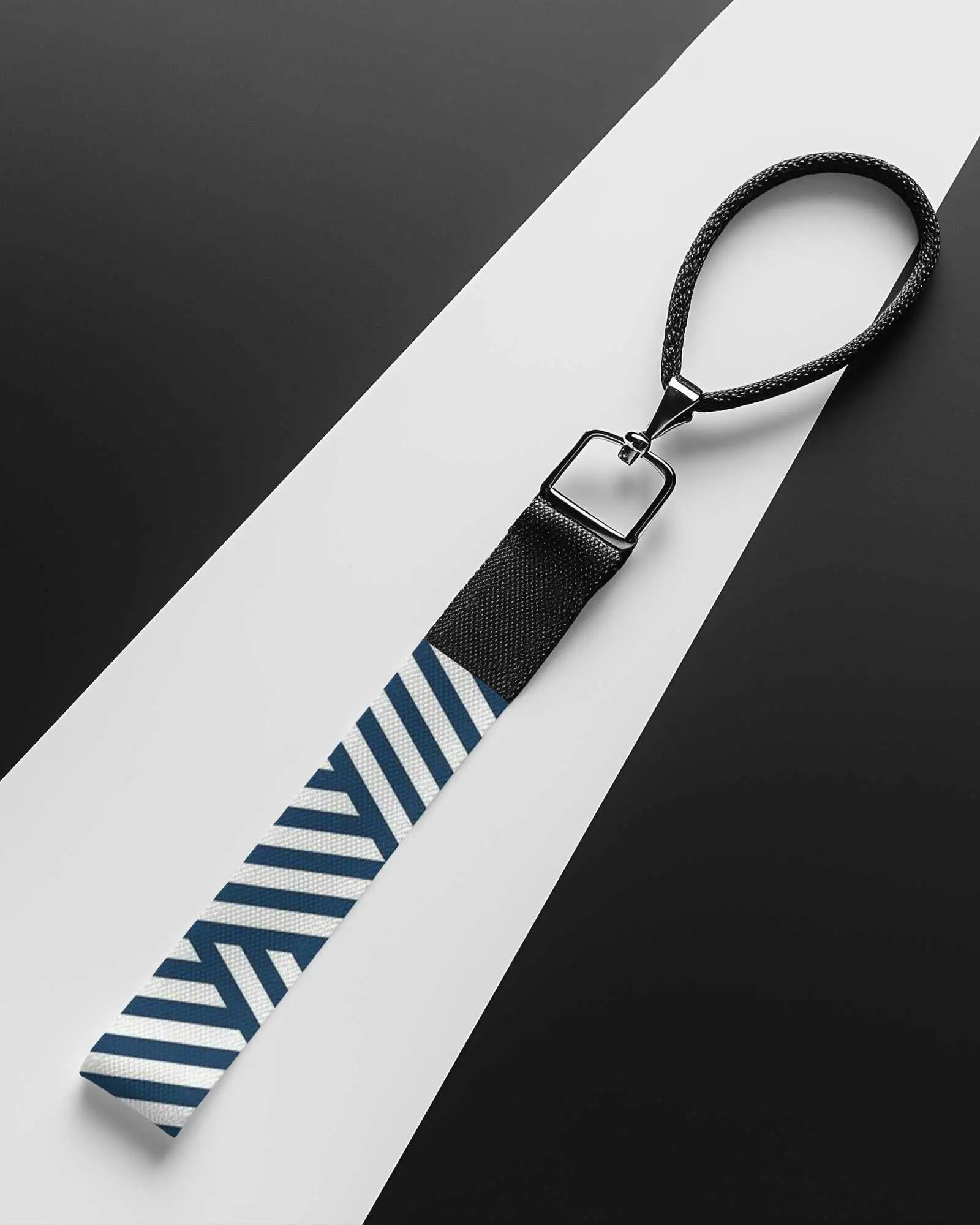
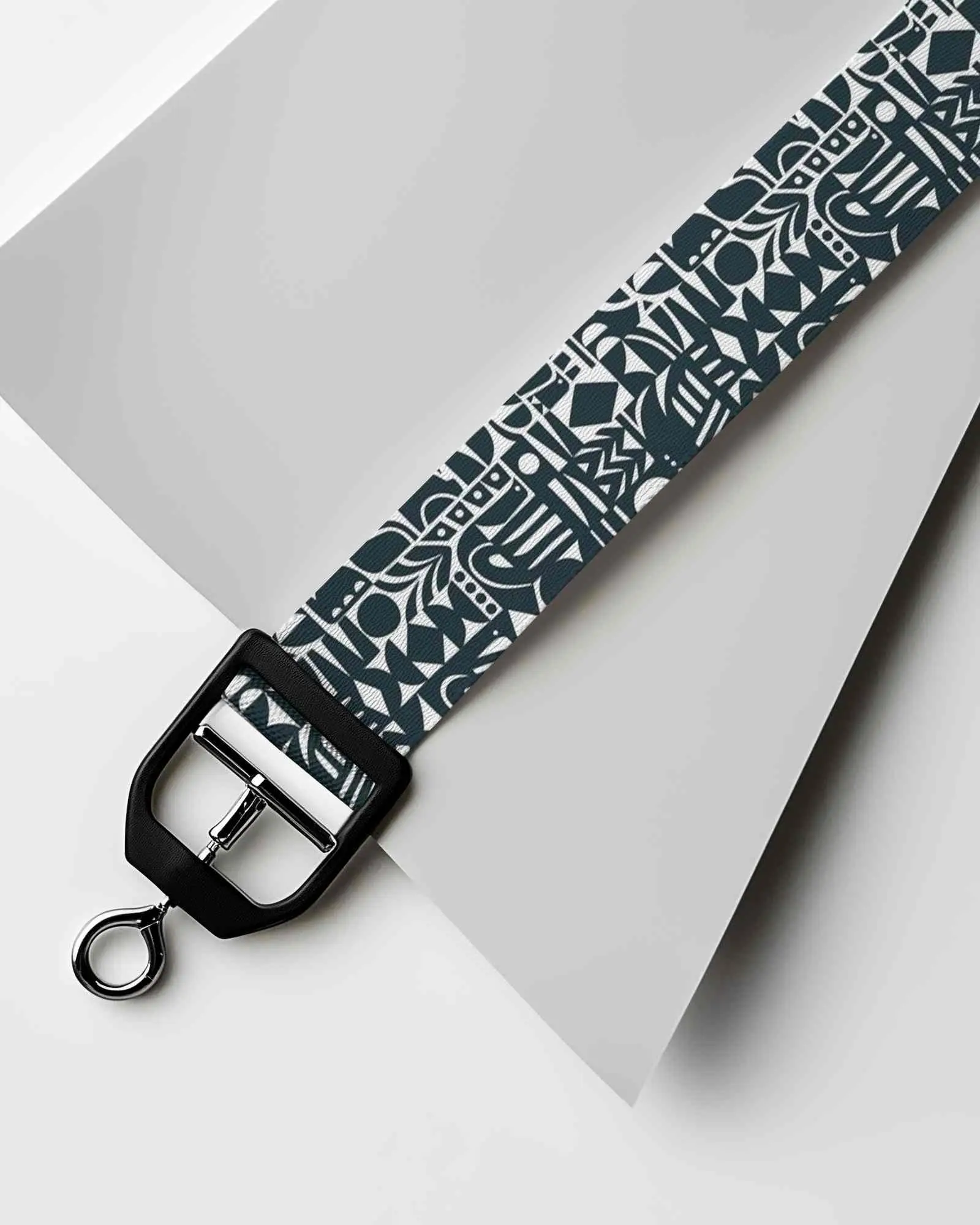
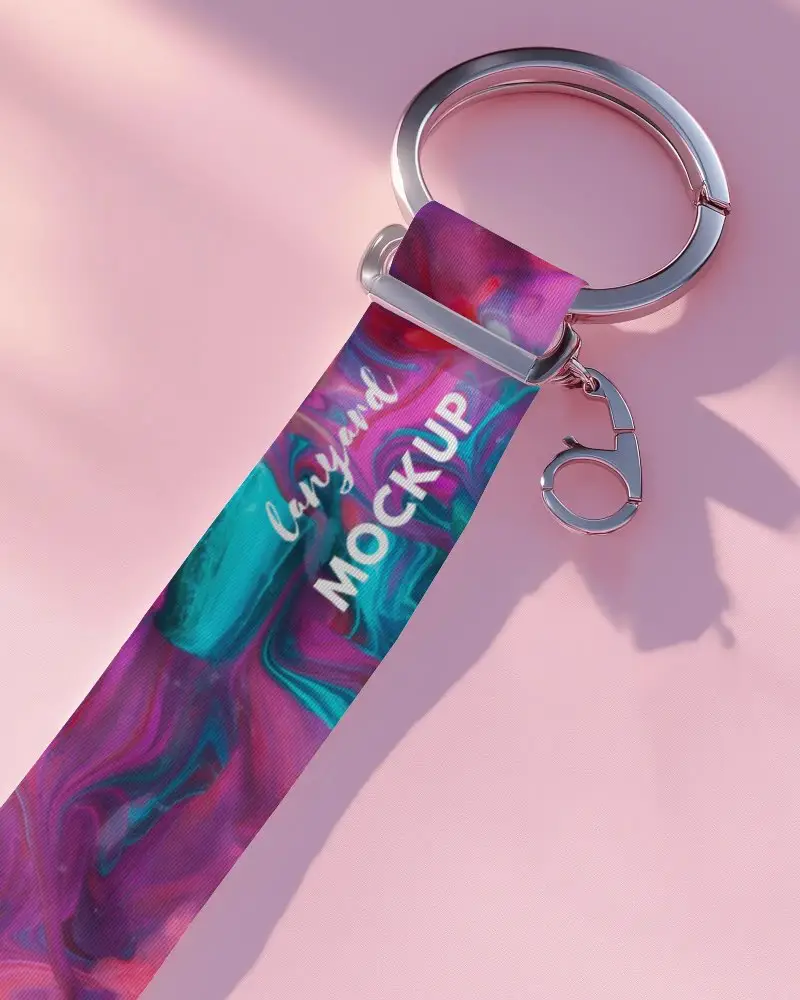
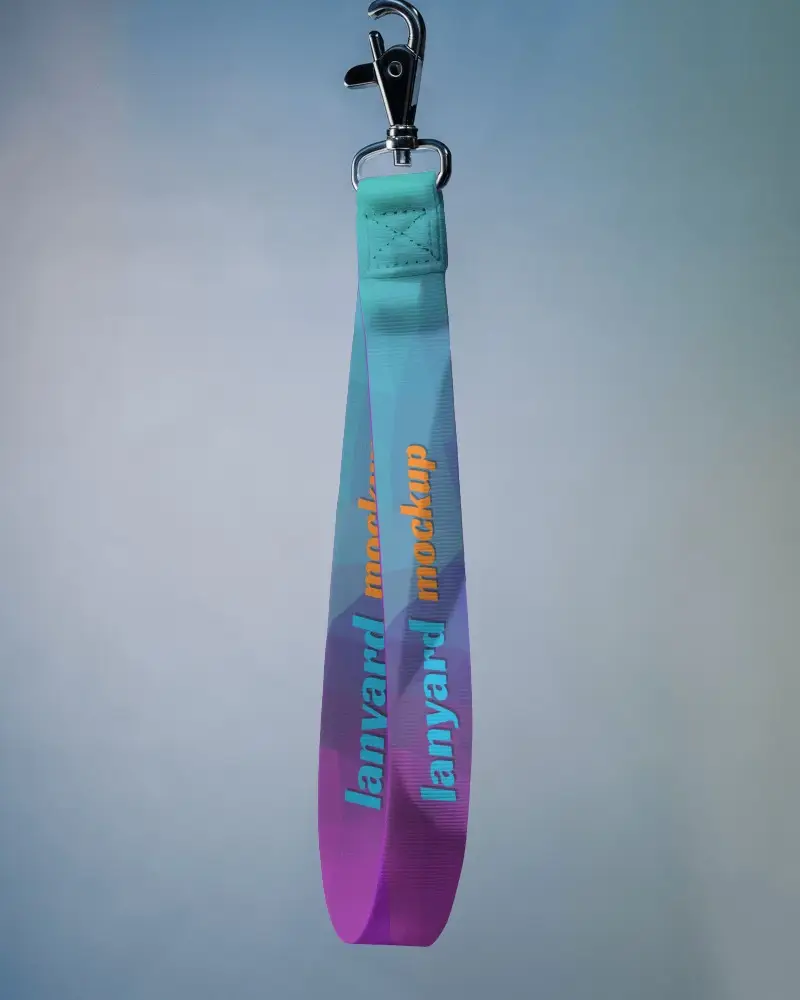
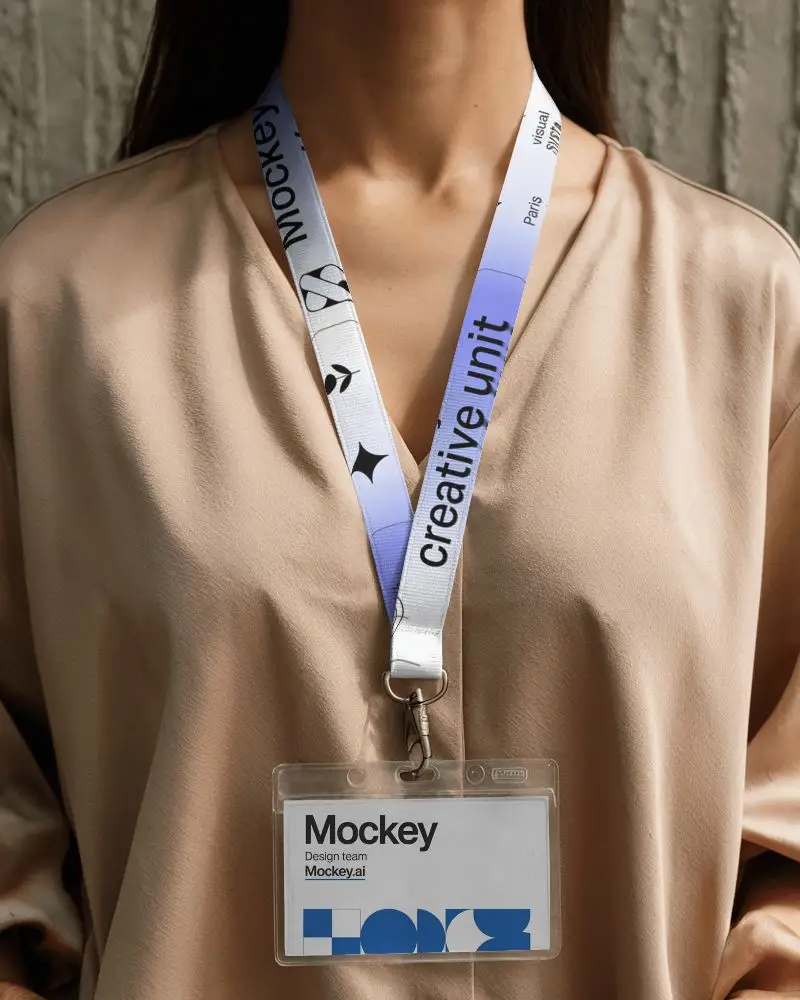
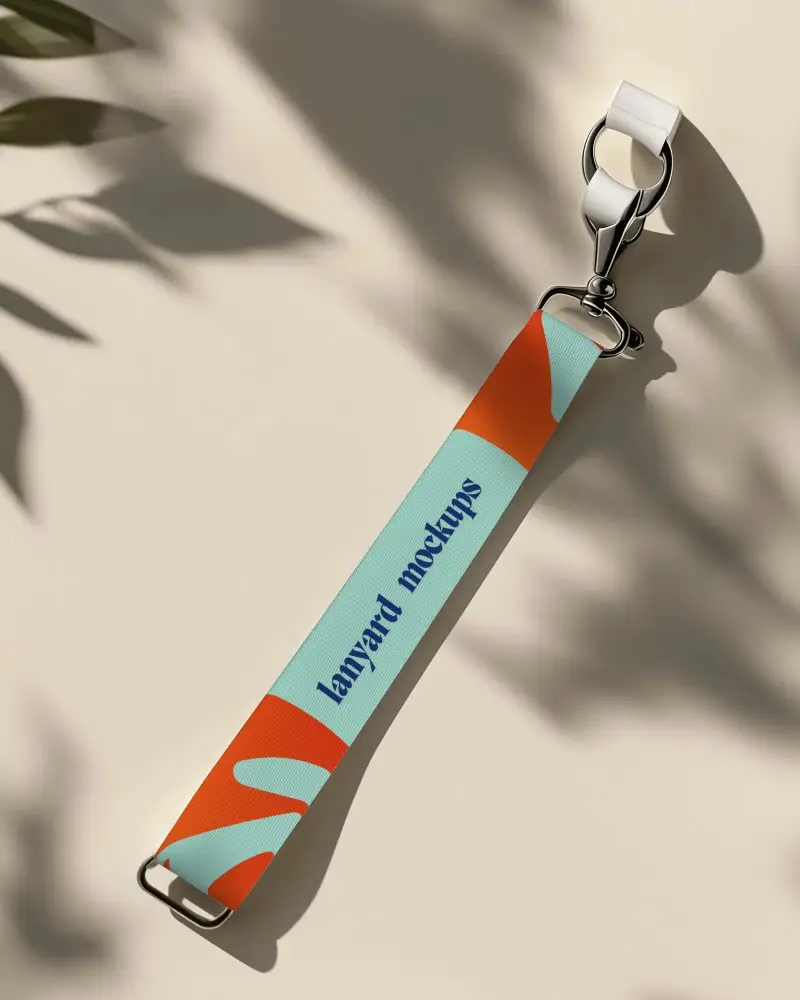
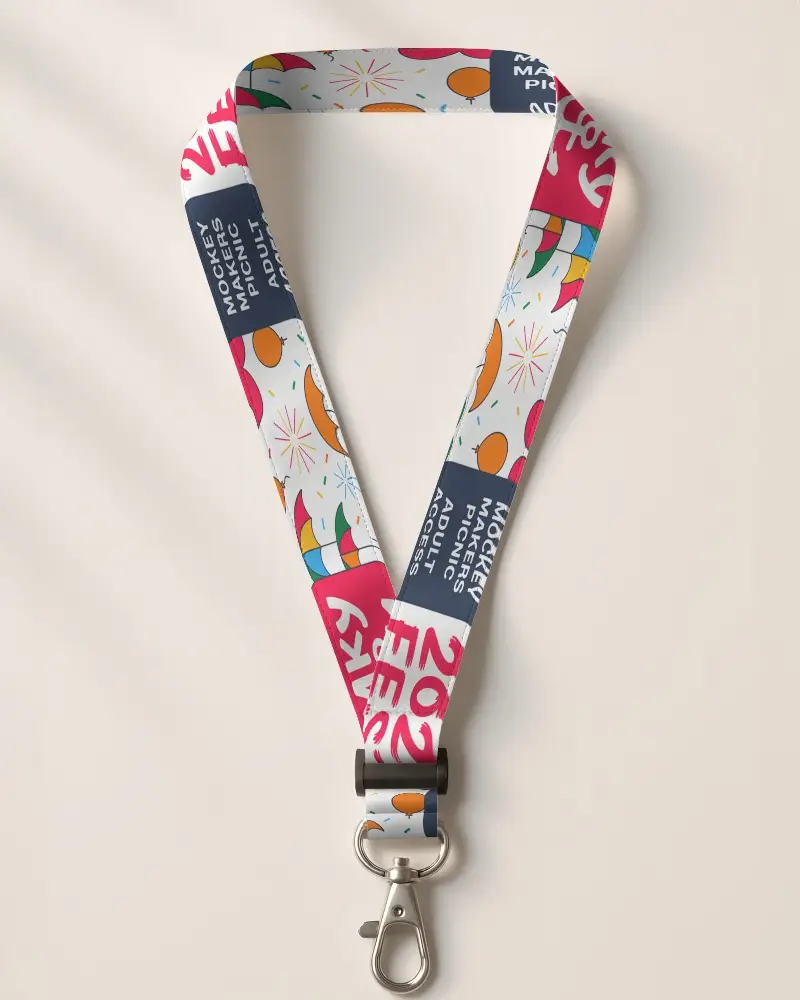
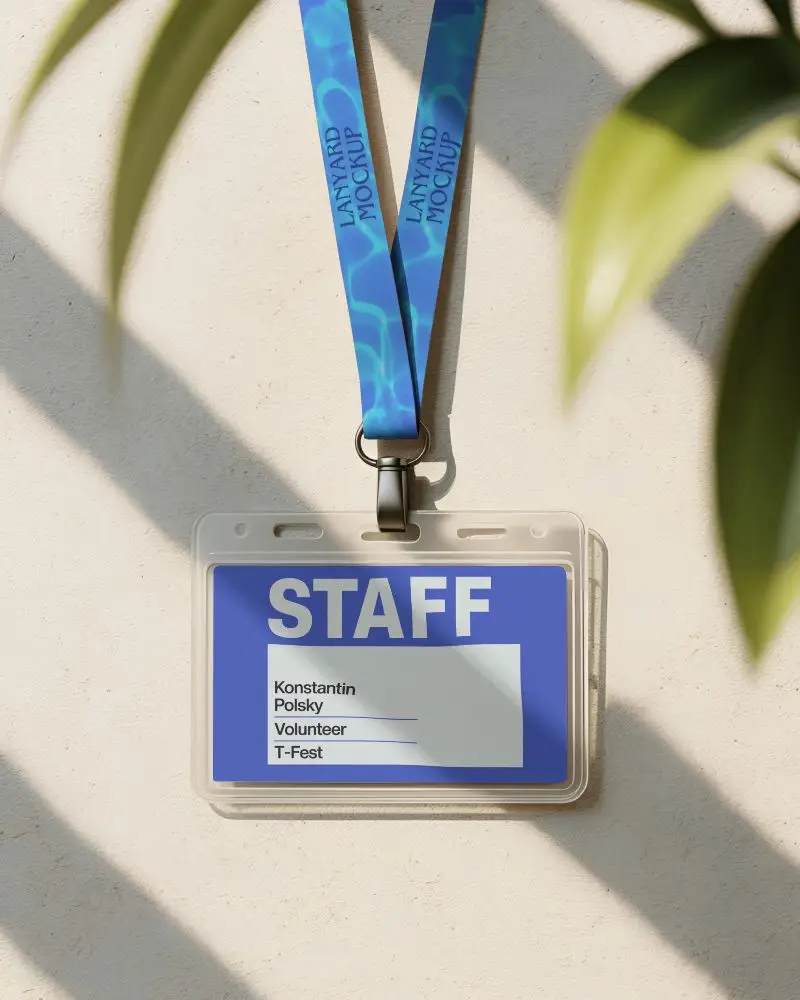
Your product images make the sale before your buyer reads a word. With Mockey AI's free lanyard mockup library, you can place your design onto photo-realistic scenes like flat lay, hanging, or worn styles and download a watermark-free image in seconds. No Photoshop, no paid plan, no waiting around. Whether you're building an Etsy listing, pitching a brand proof, or adding new styles to your POD store, every mockup is built to look premium and actually convert.

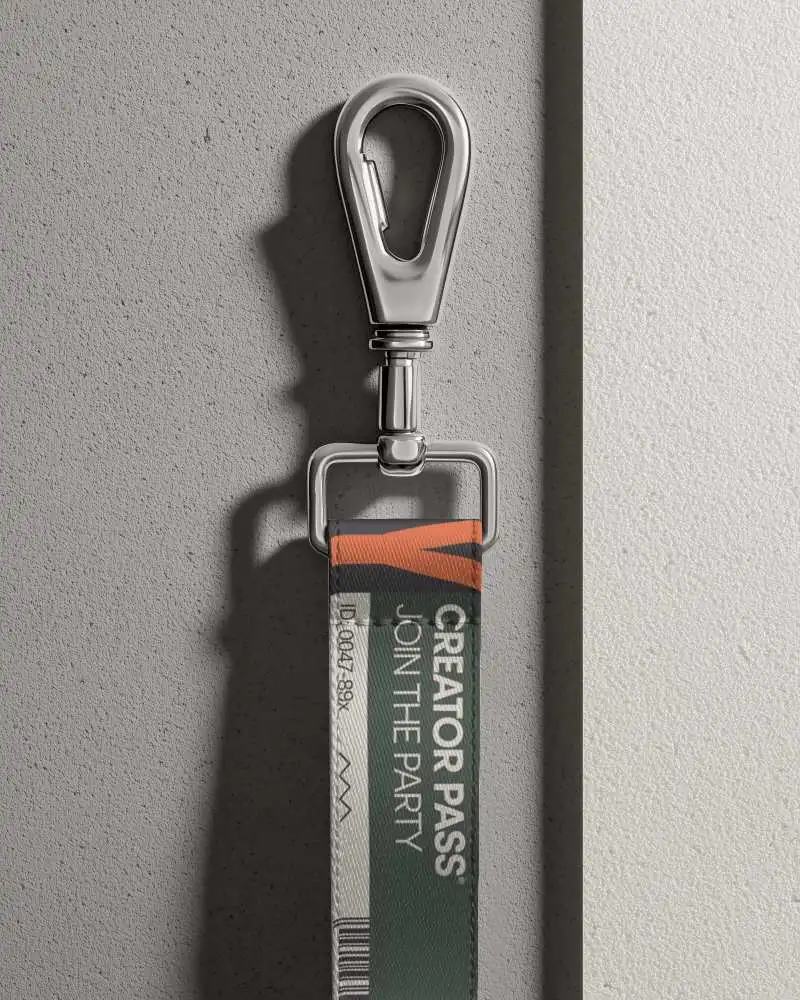
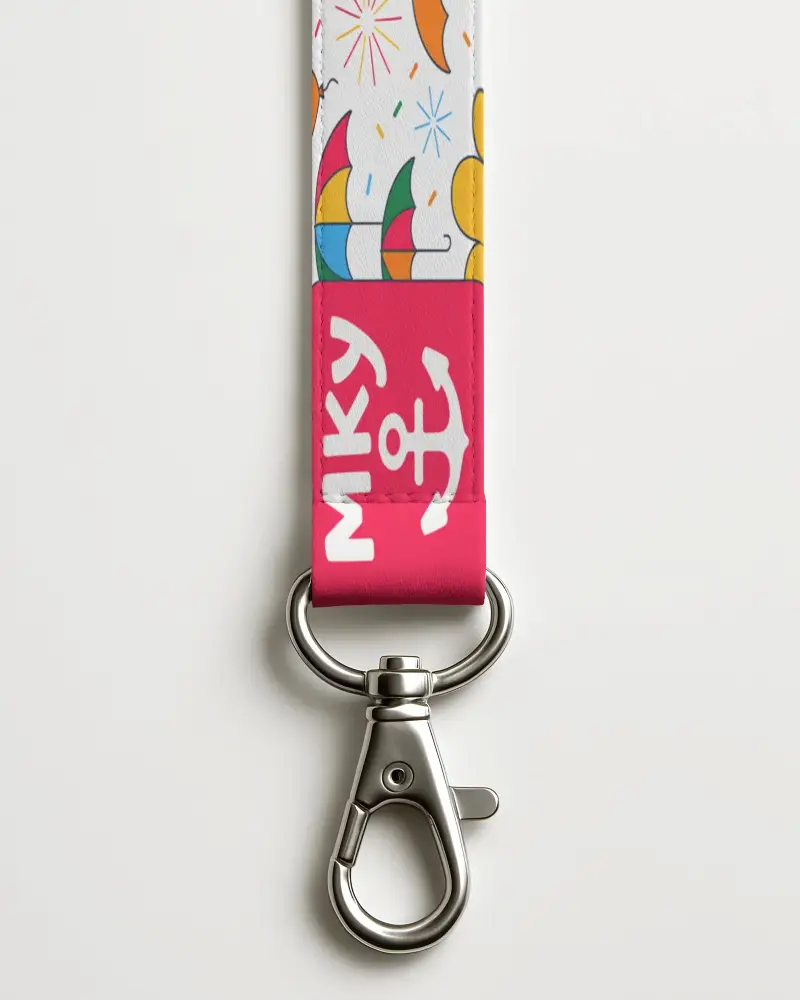
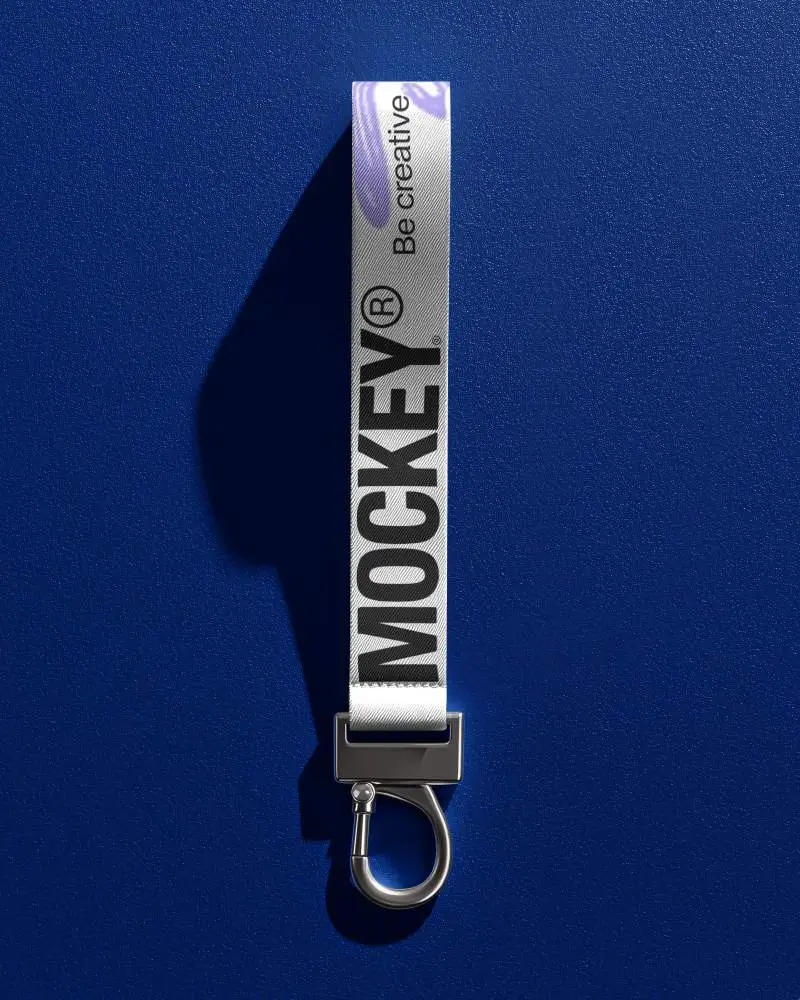
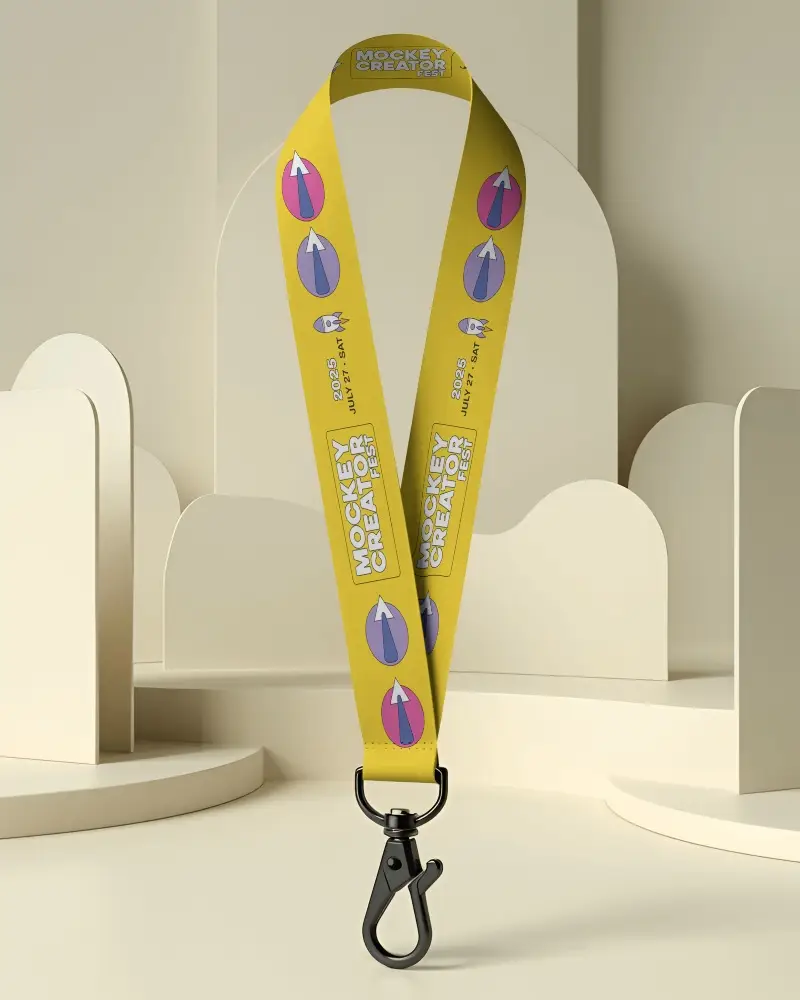
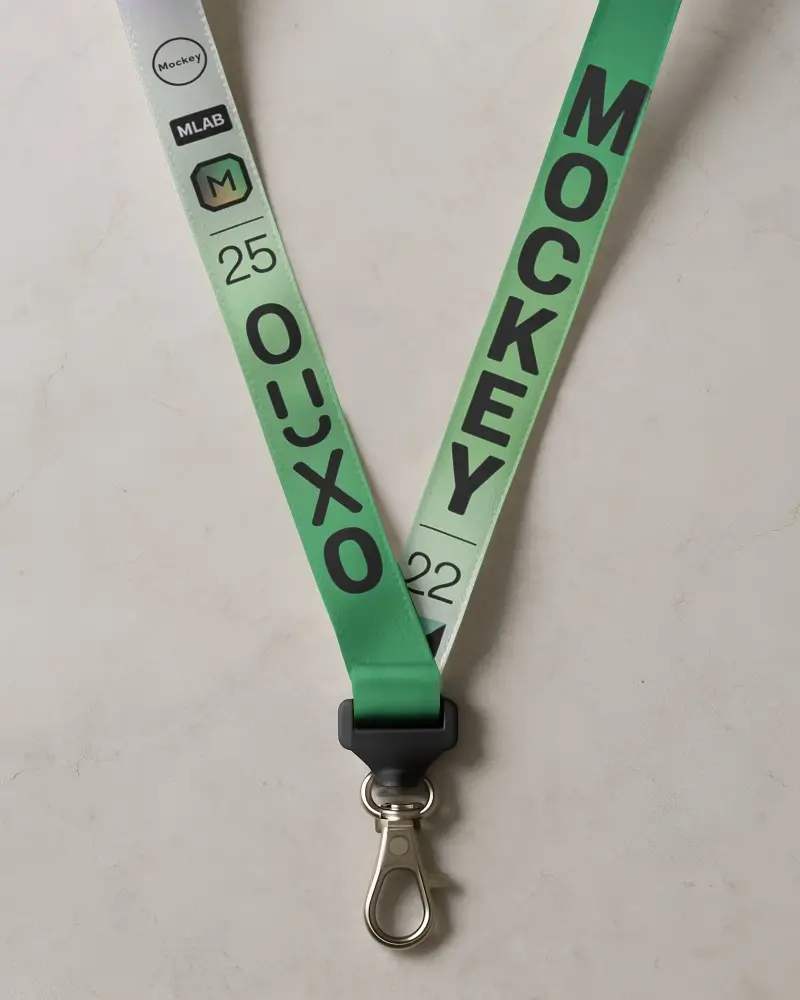
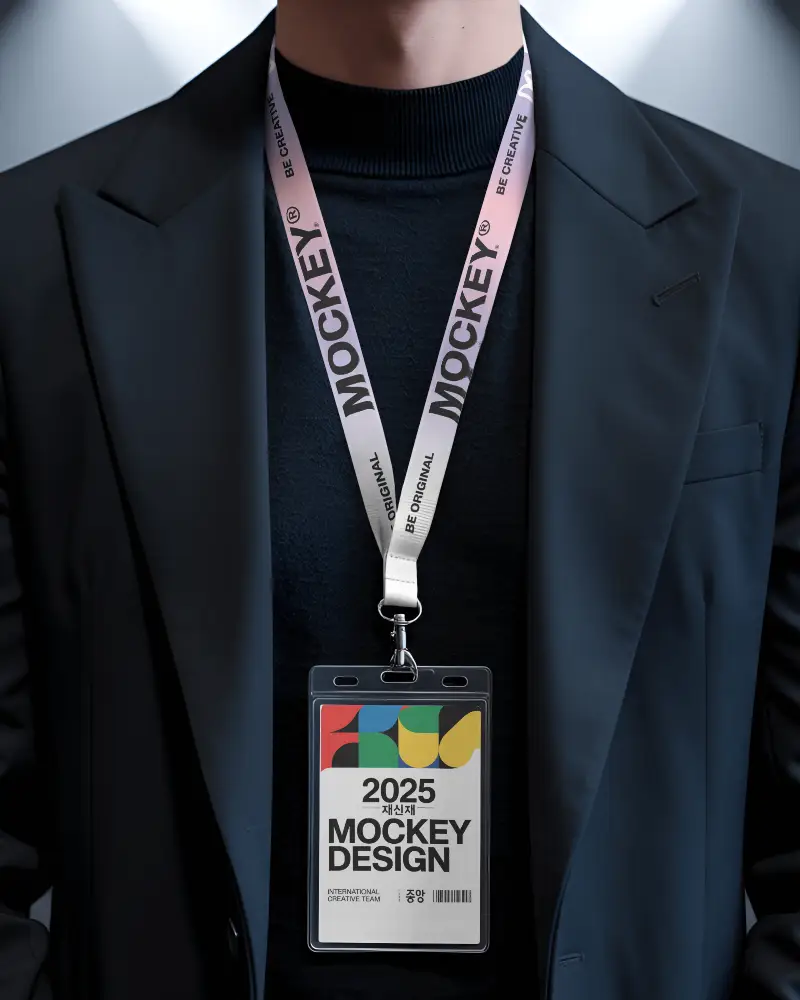
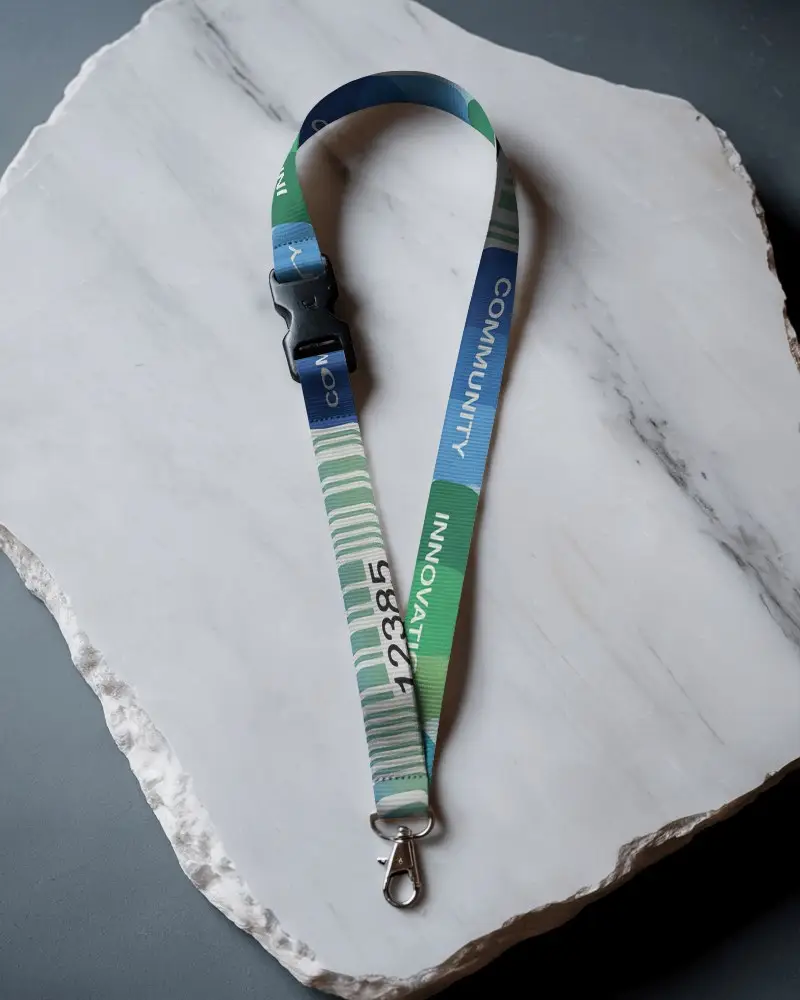
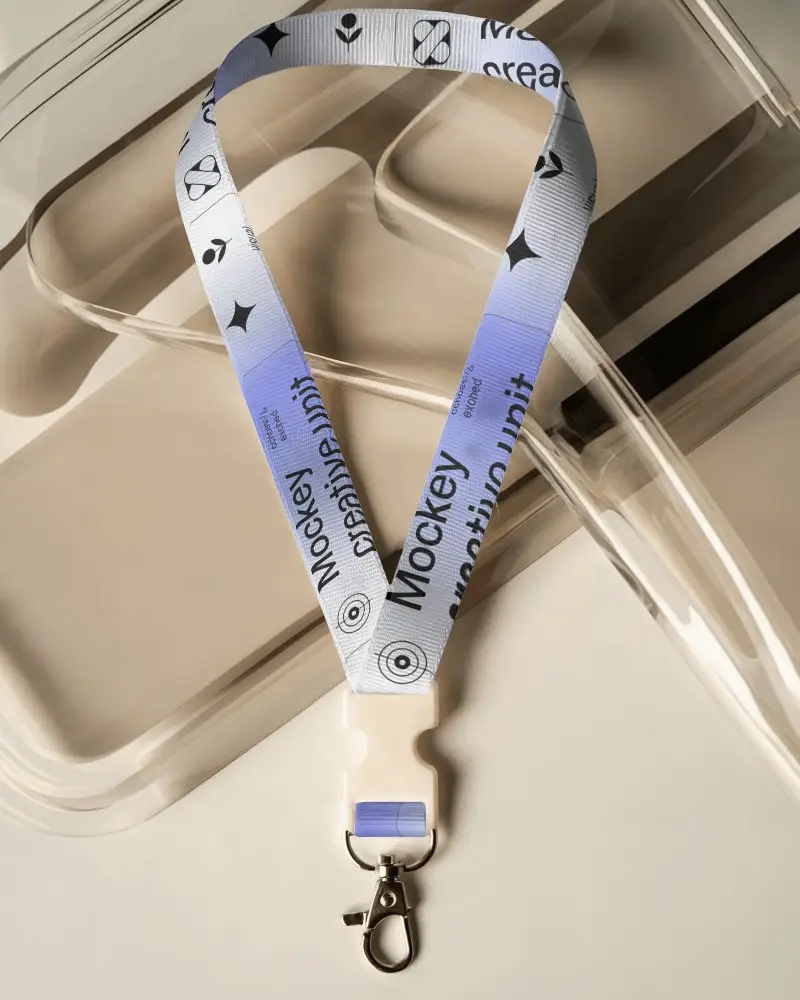
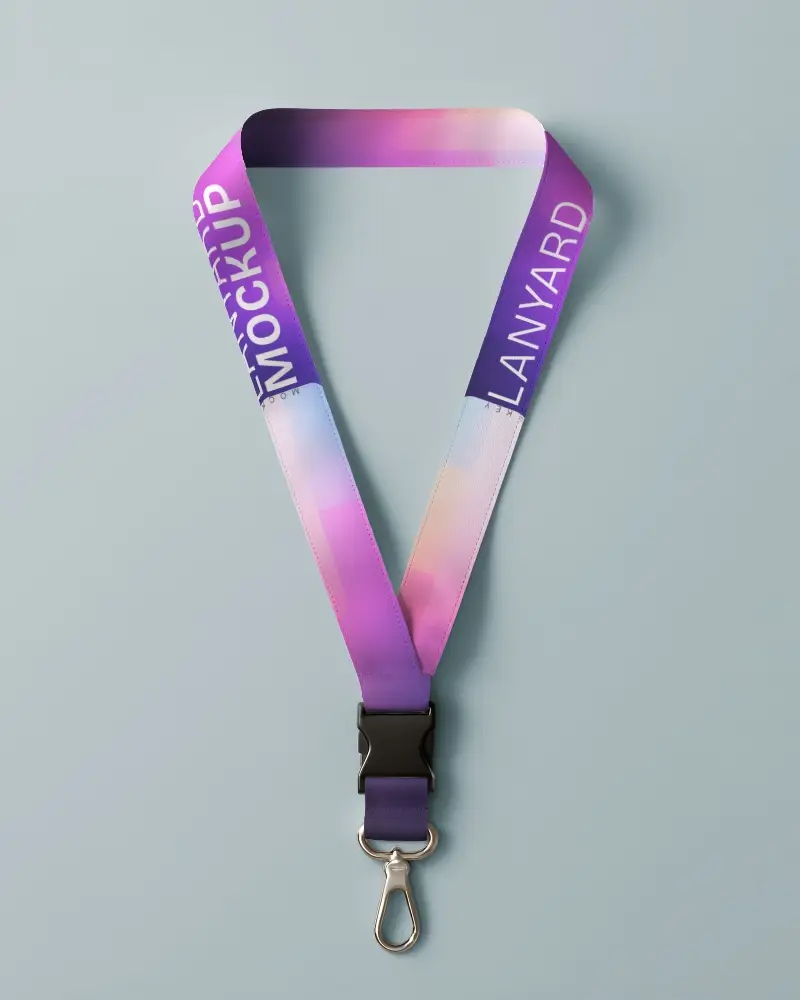
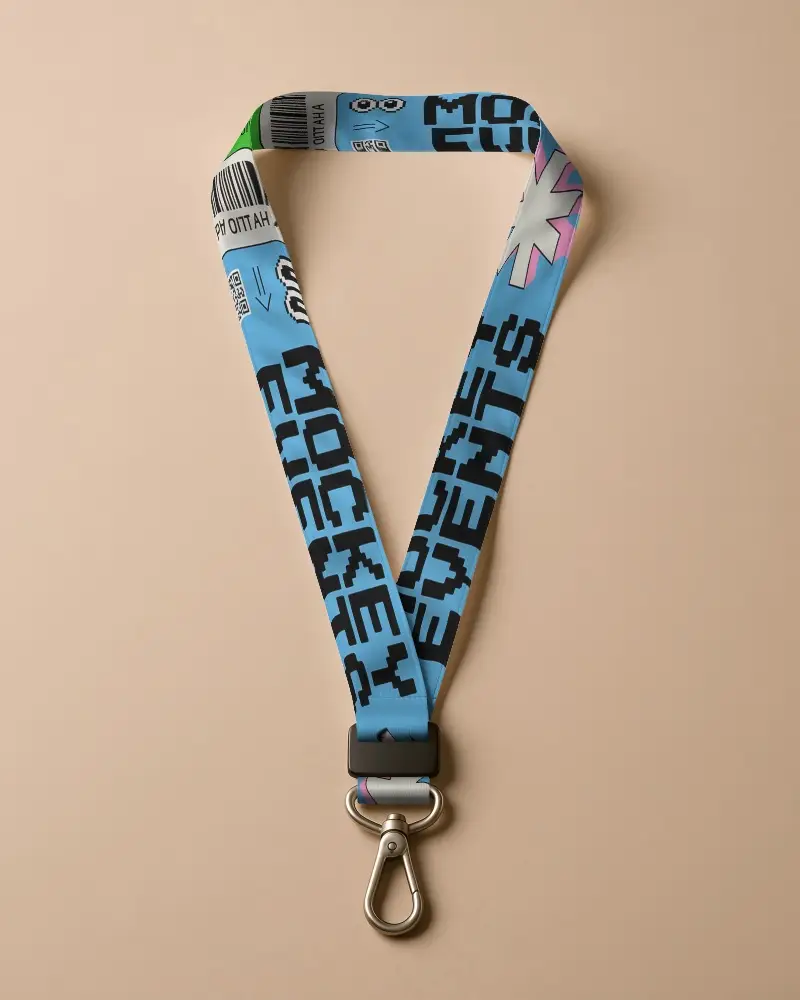
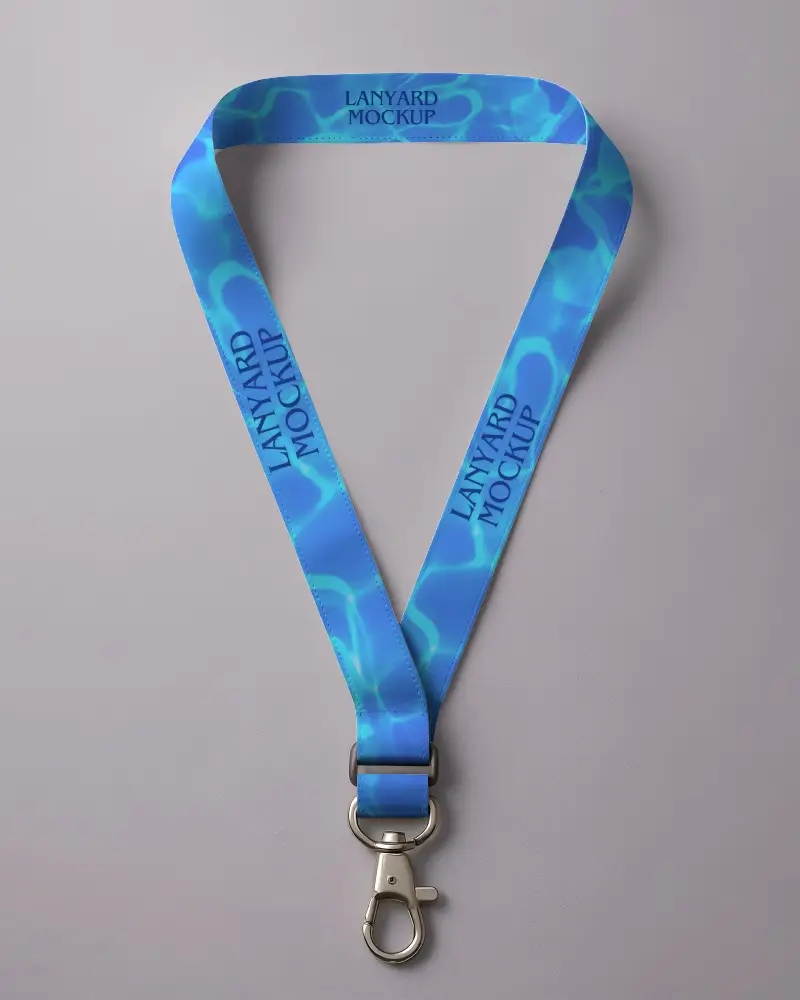
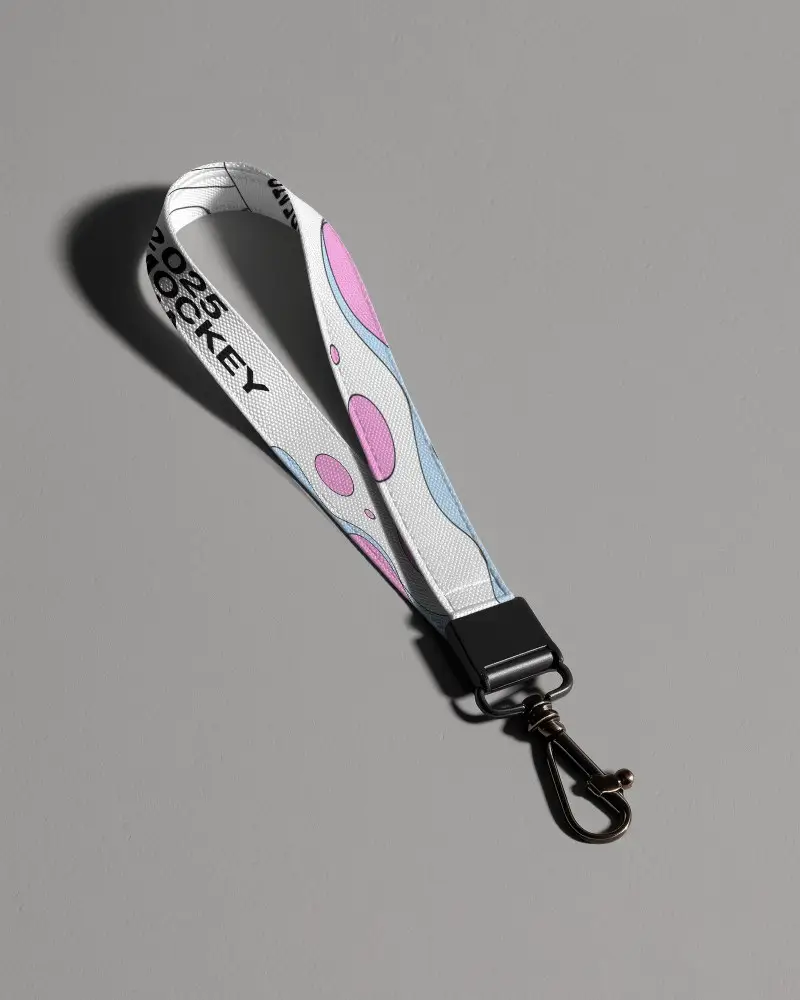
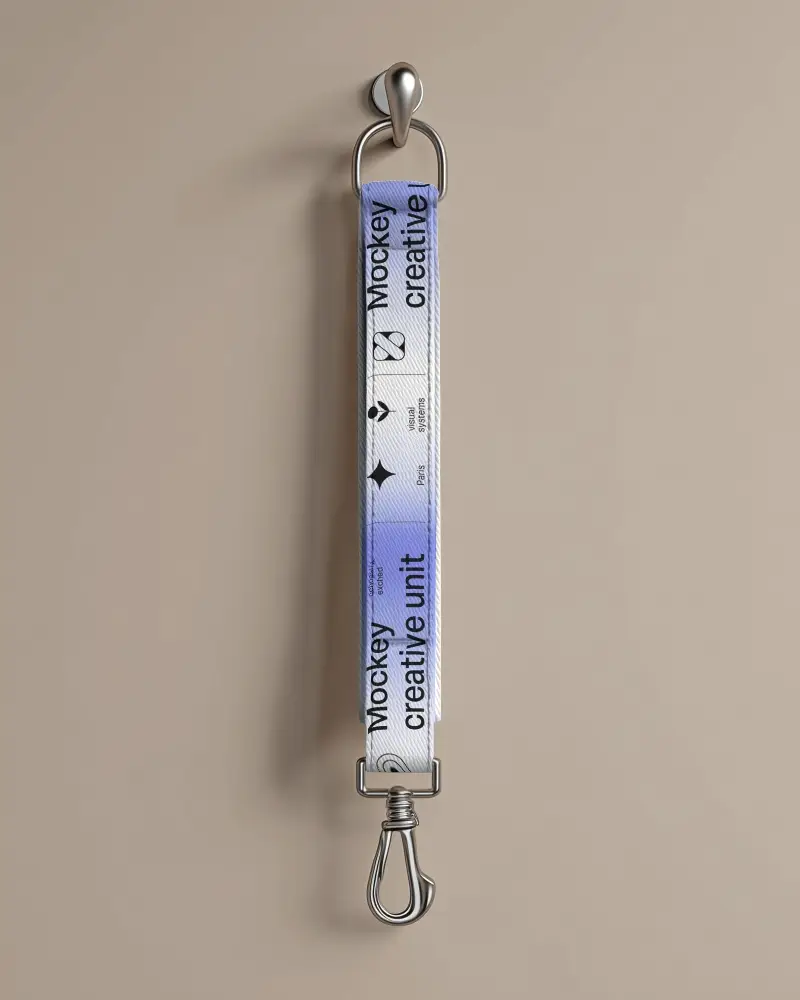
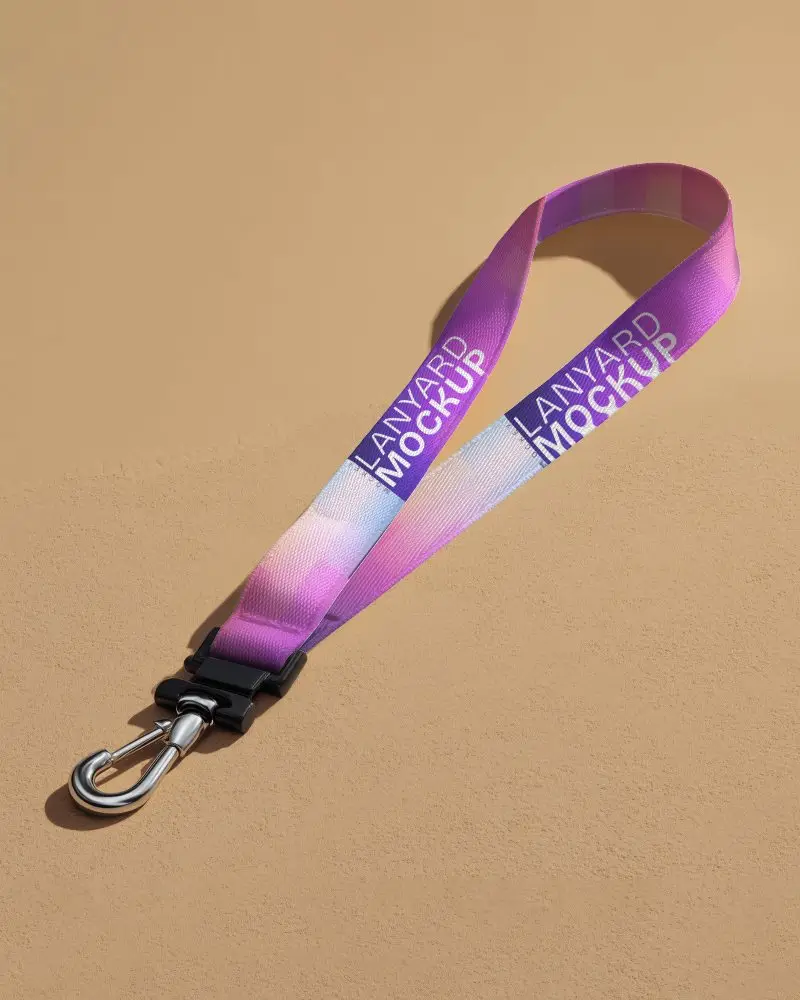
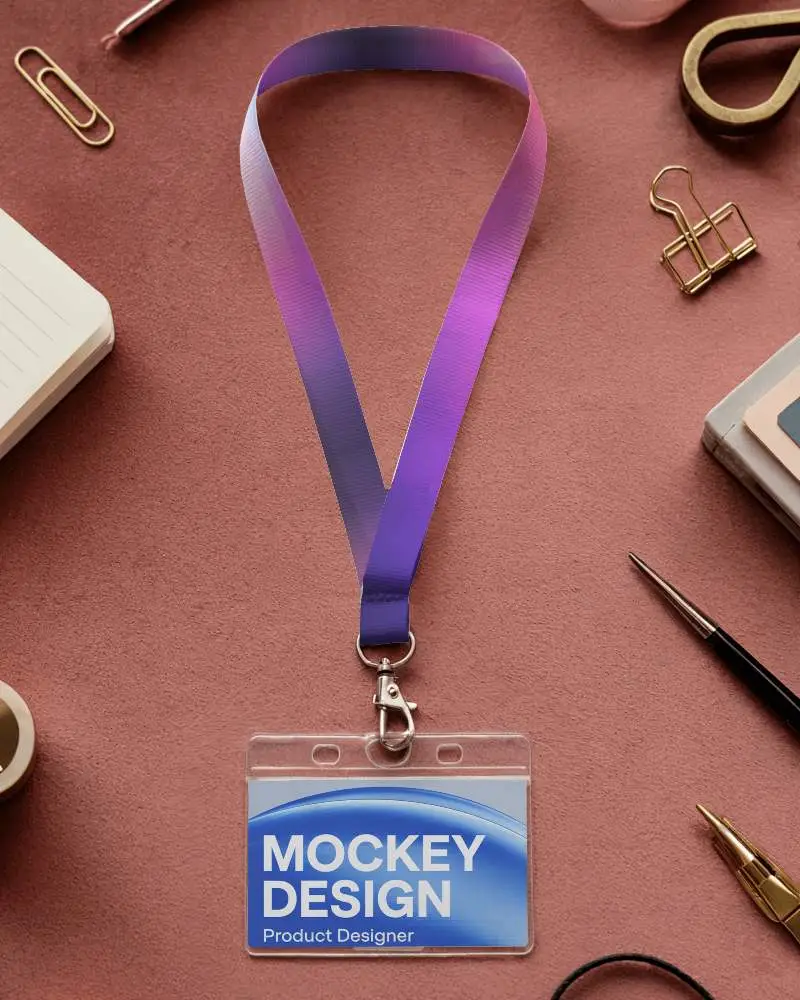
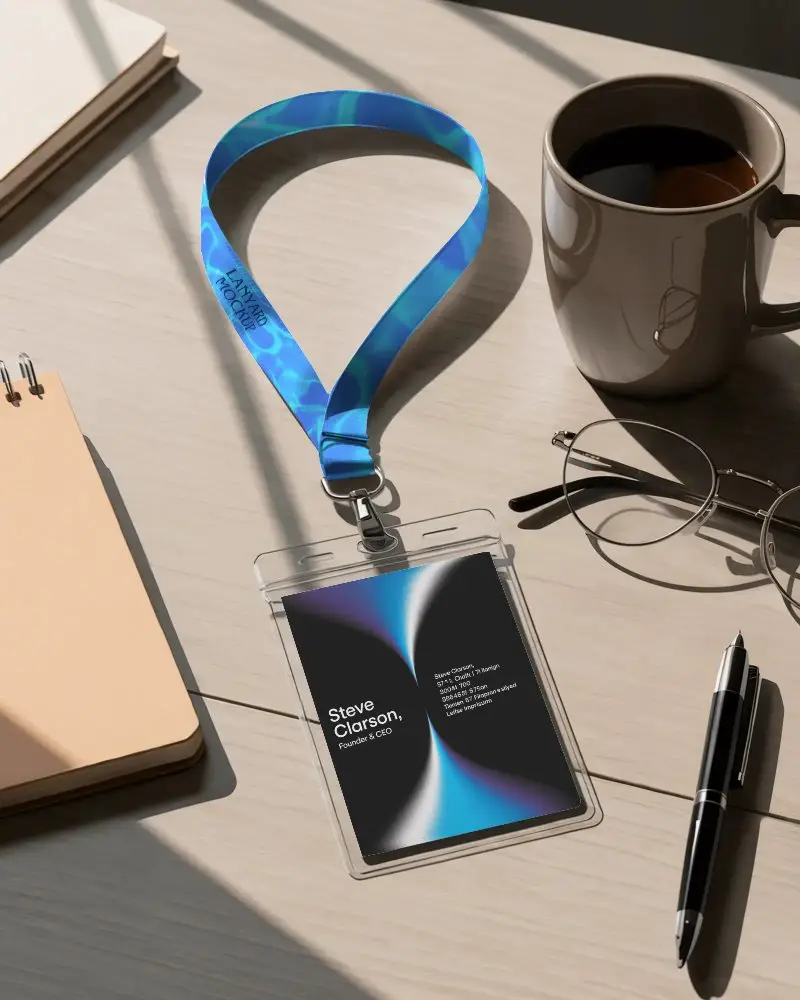
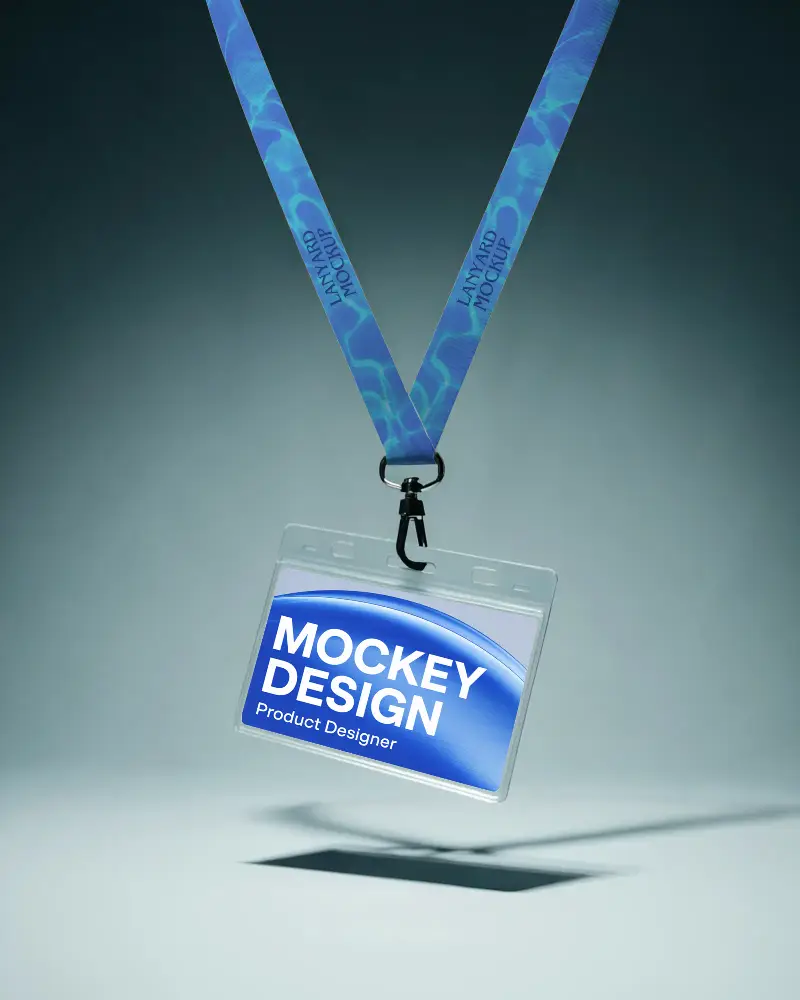
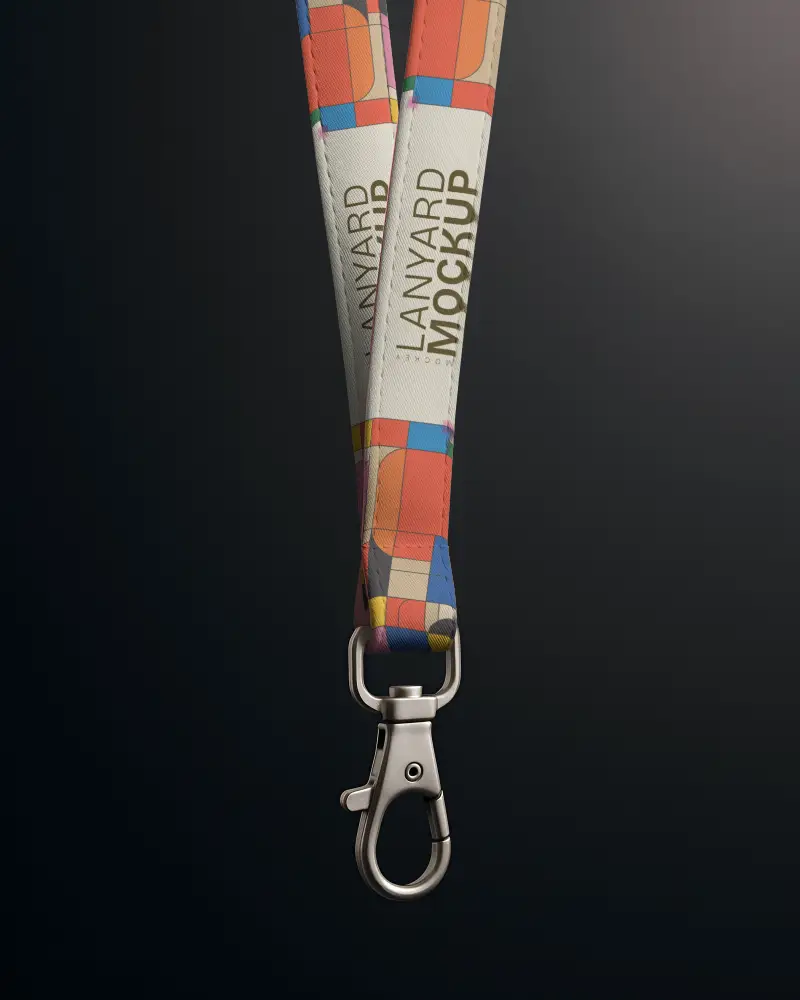
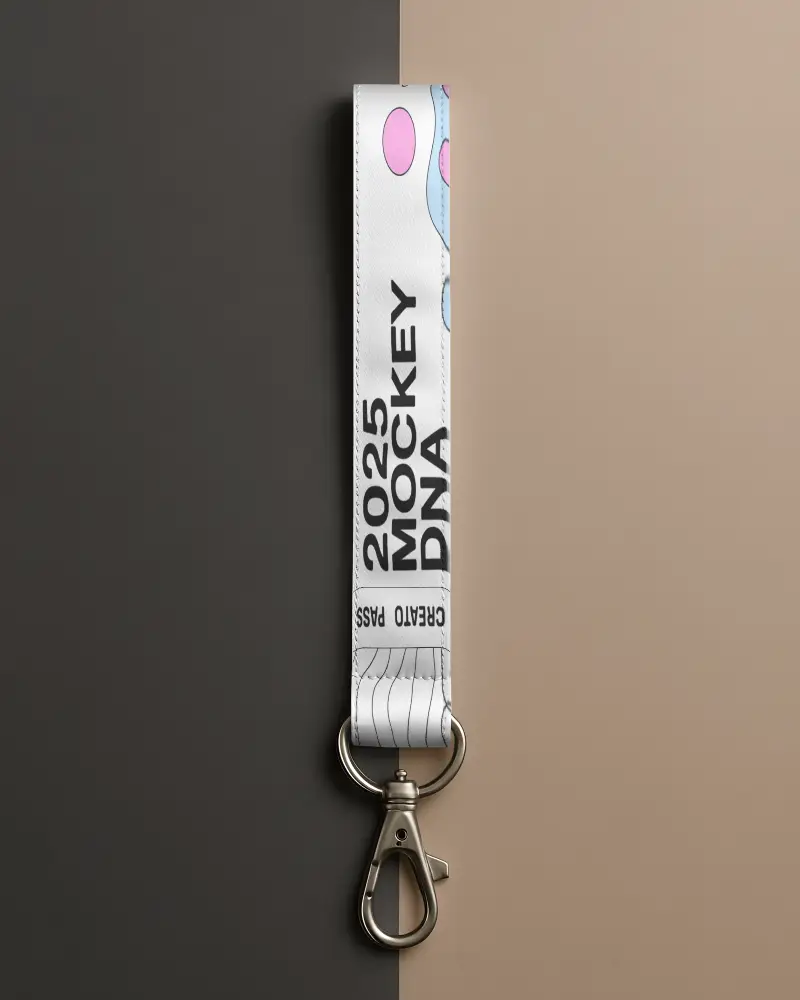
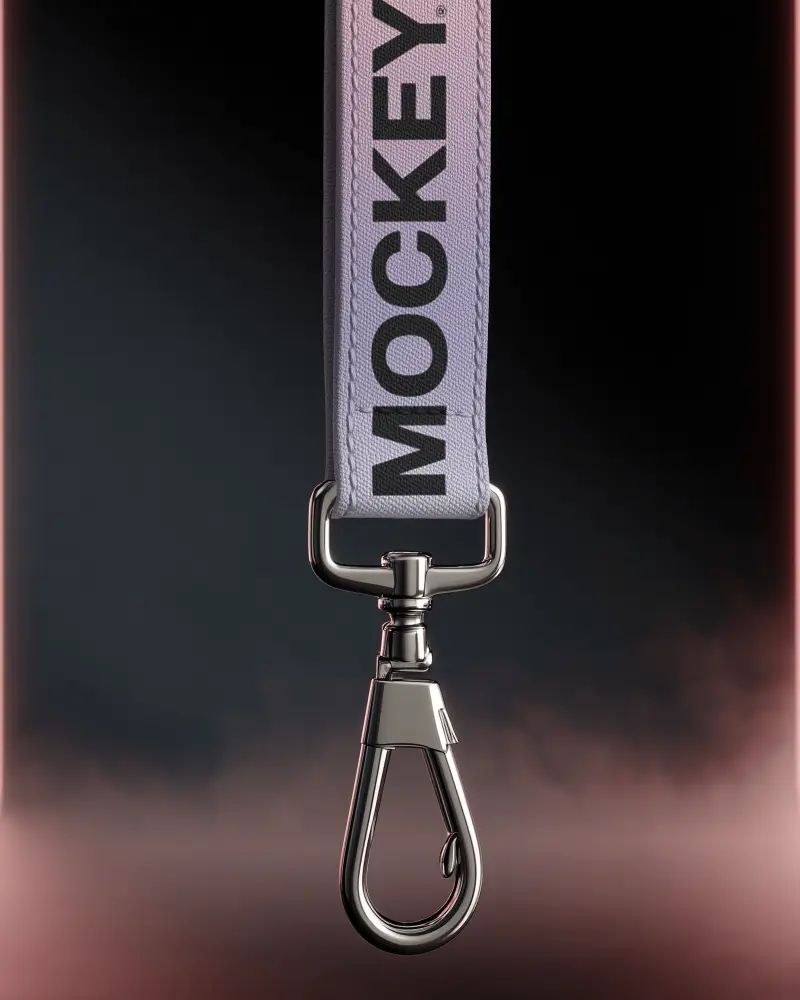
How to Customize Lanyard Mockups with Mockey AI
To customize lanyard mockups:
- Step 1: Choose from different lanyard styles from our library.
- Step 2: Upload your design image and edit it with various tools in the editor.
- Step 3: Export the lanyard mockup with no watermark.


FAQs on lanyard Mockups
What is a Lanyard Mockup?
A lanyard mockup is a digital image that shows your design on a lanyard before it gets printed. People use it for ID cards, event passes, office branding, and trade shows. It saves you from ordering a sample just to see how the final product looks.
Why Use Mockey’s Lanyard Mockup?
Mockey lets you put your design on a lanyard and see how it looks in seconds. You can switch colors, get different styles, create multiple angles, and adjust your design without any technical skills.
Is this Lanyard Mockup Free?
Yes, Mockey's lanyard mockups are free to use. Paid plans start at $7 - $9.99 a month and give you unlimited downloads in high resolution.
Are Mockey's lanyard mockups suitable for commercial use?
Yes. Use them for client work, POD stores, or branded merchandise. There are no restrictions on using Mockey's lanyard mockups for business purposes.
Are Mockey’s lanyard mockups suitable for commercial use?
Mockey’s lanyard mockups can be used for commercial or business purposes. They let designers easily customize and show off branded lanyards.
Can I add a logo to my lanyard mockup on Mockey?
Upload your logo as a PNG, JPG, or WebP, and it lands on the lanyard right away. Move it, resize it, or adjust the colors — whatever it takes to get it looking right.
Why create a Lanyard Mockup?
You can test your design before printing using a lanyard mockup. Events, trade shows, and corporate promotions also benefit from it.
