Custom Lanyard Mockup free Download - Lanyard Mockup Templates
Unlock 100+ free Custom lanyard mockups online, ready for instant use! Explore Mockey’s premium and free Lanyard mockup templates to showcase your designs in style.
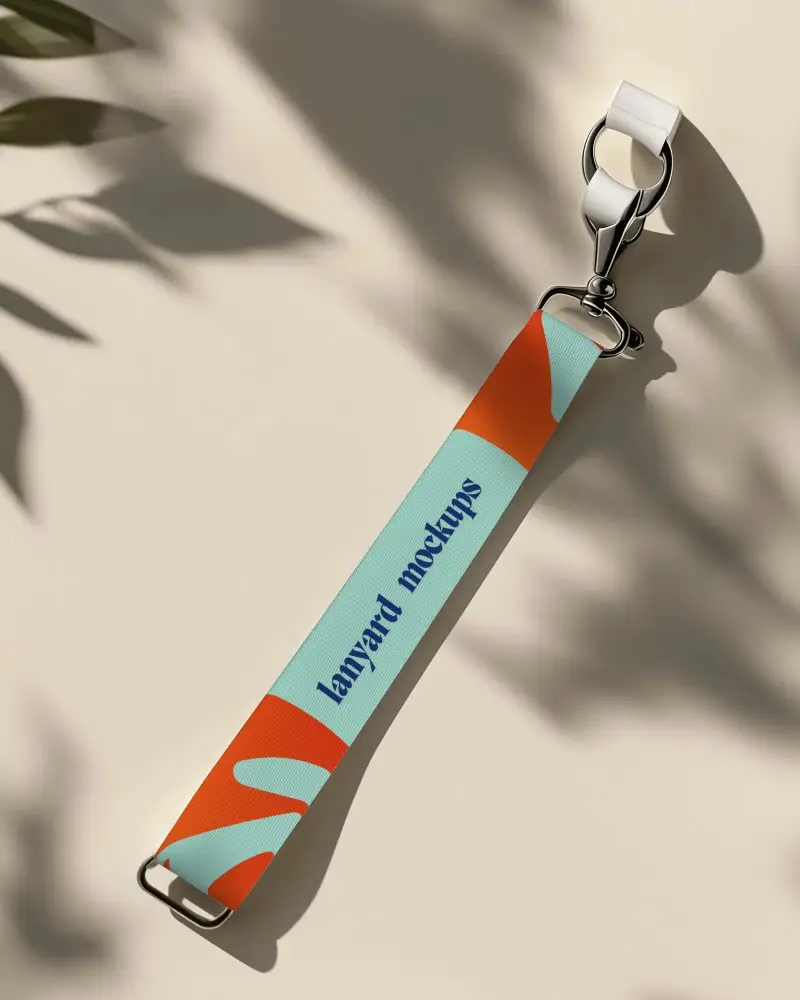
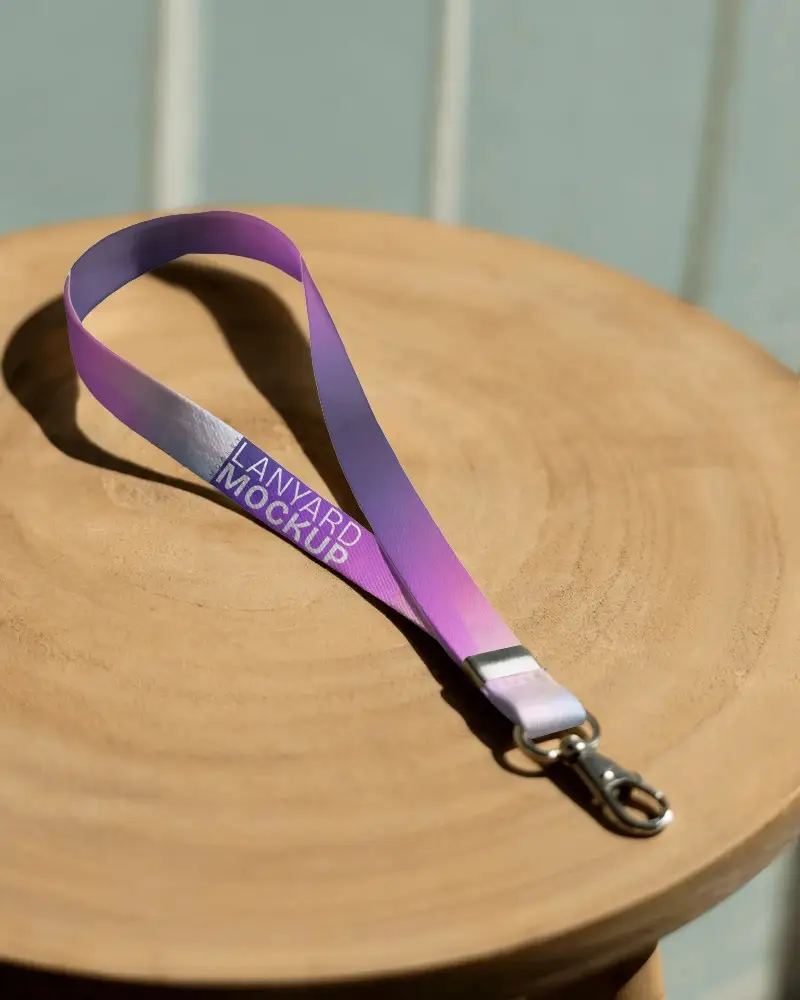

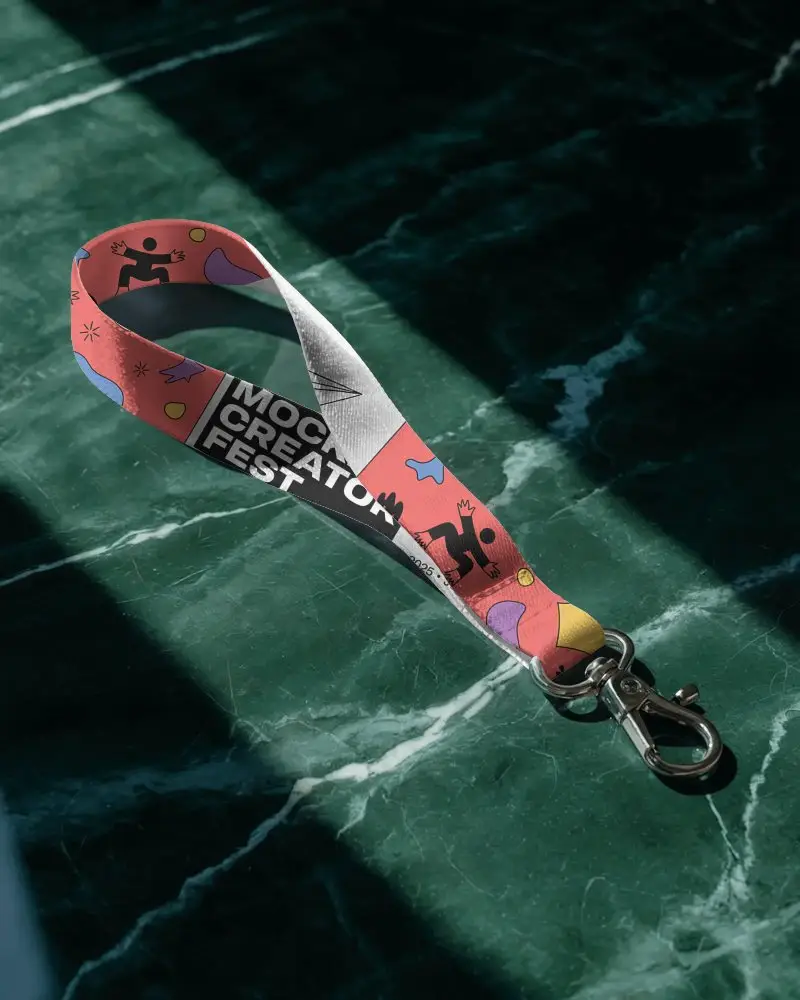
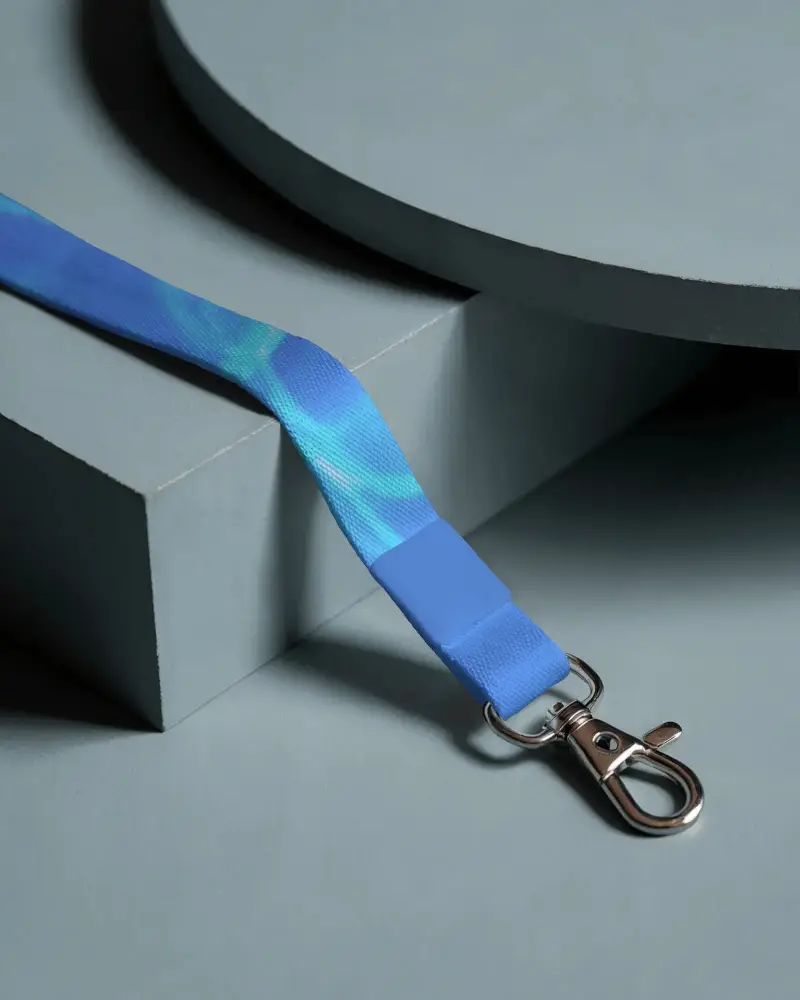
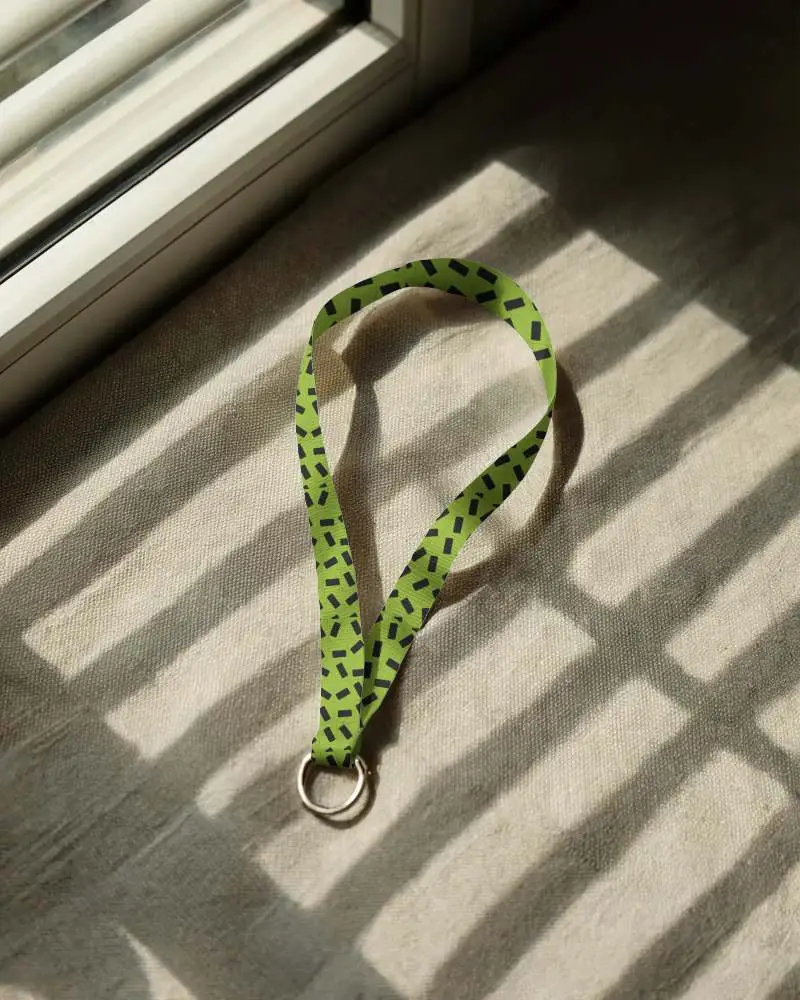

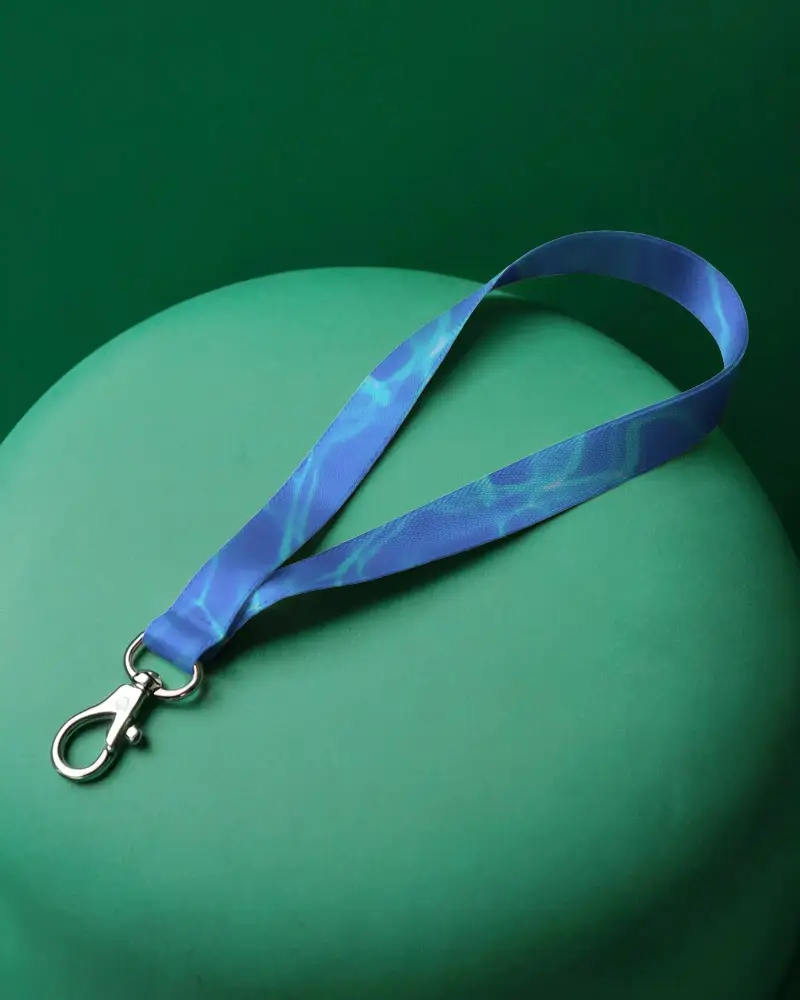
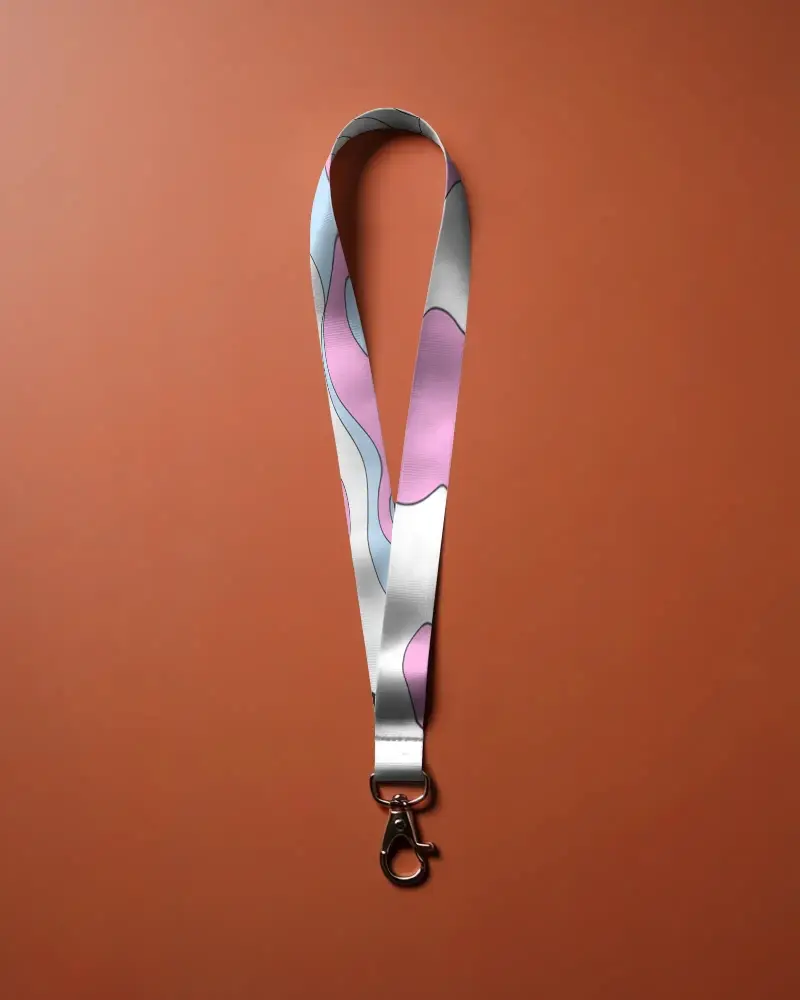
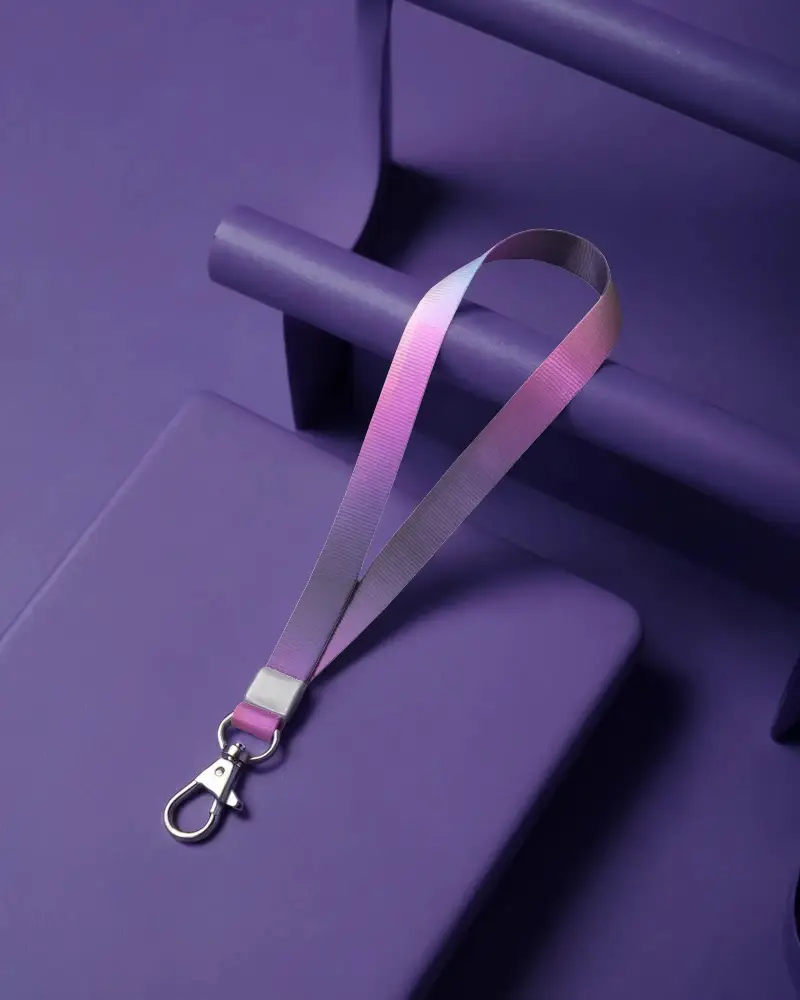

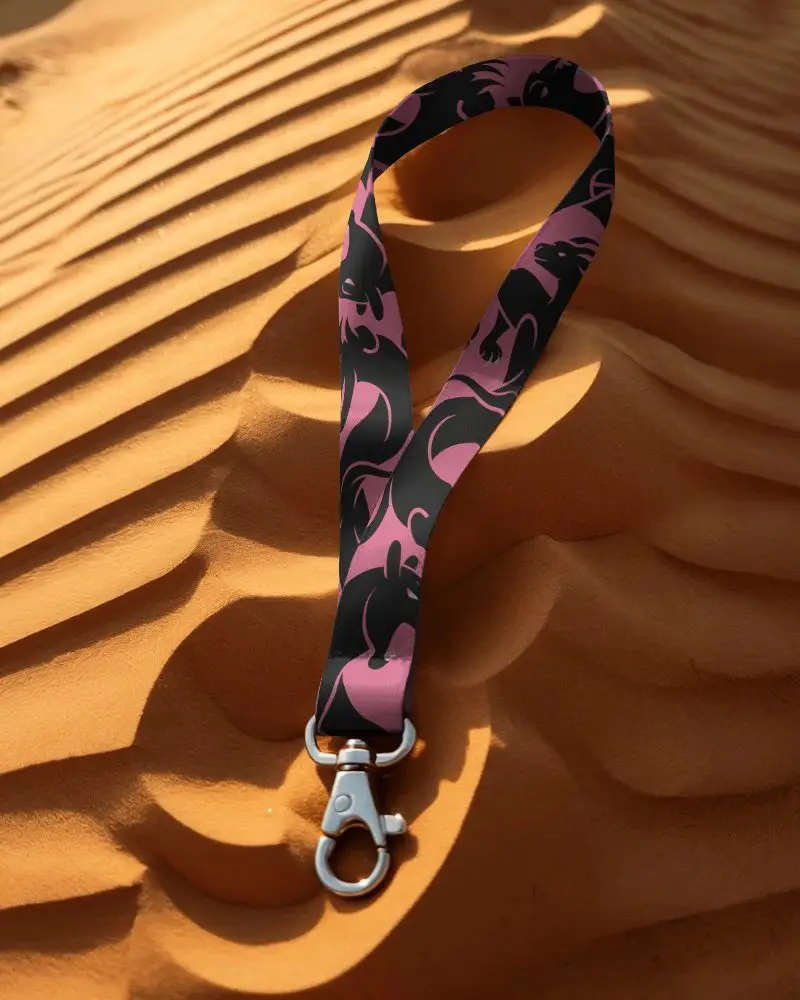

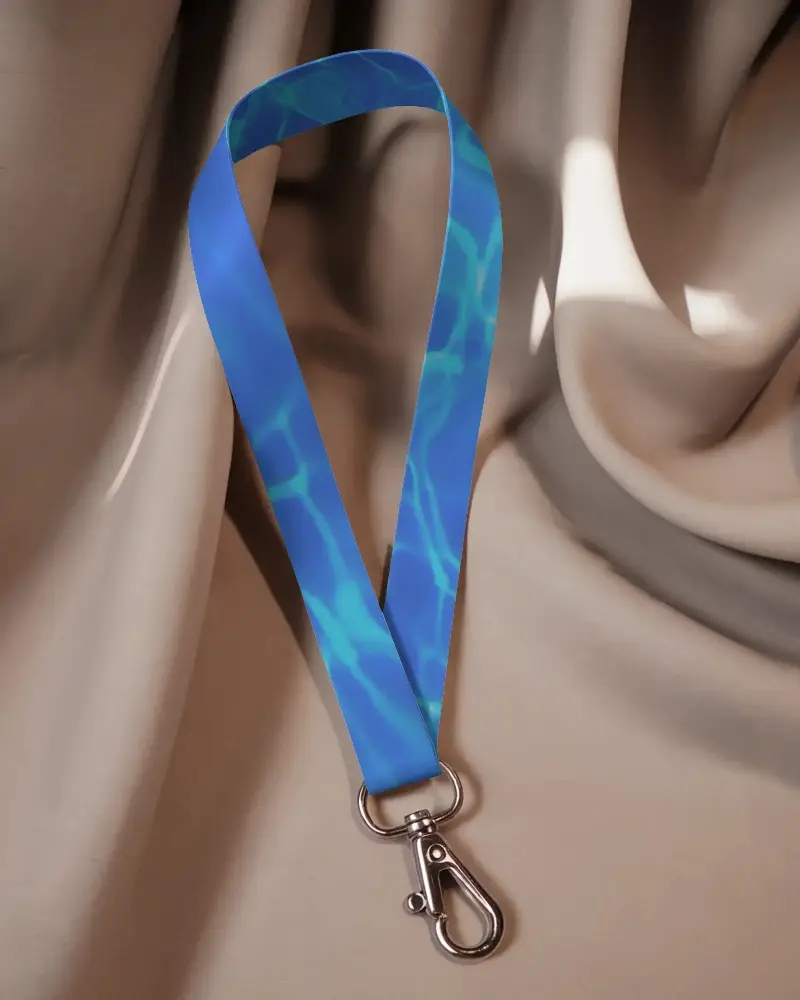

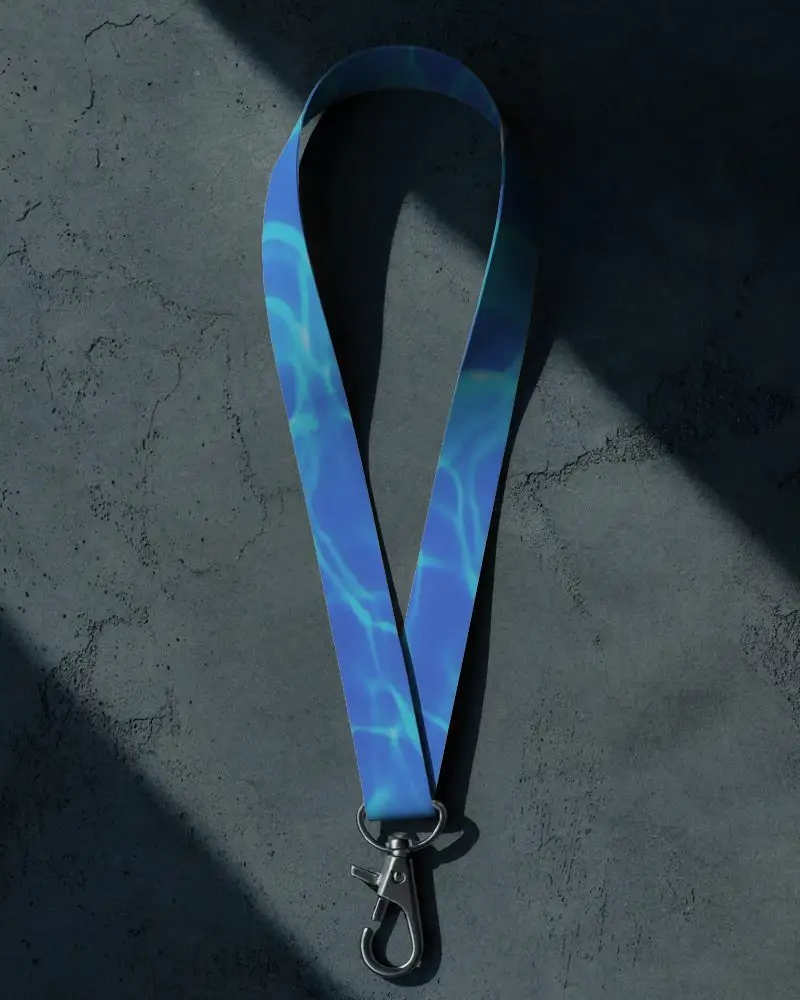
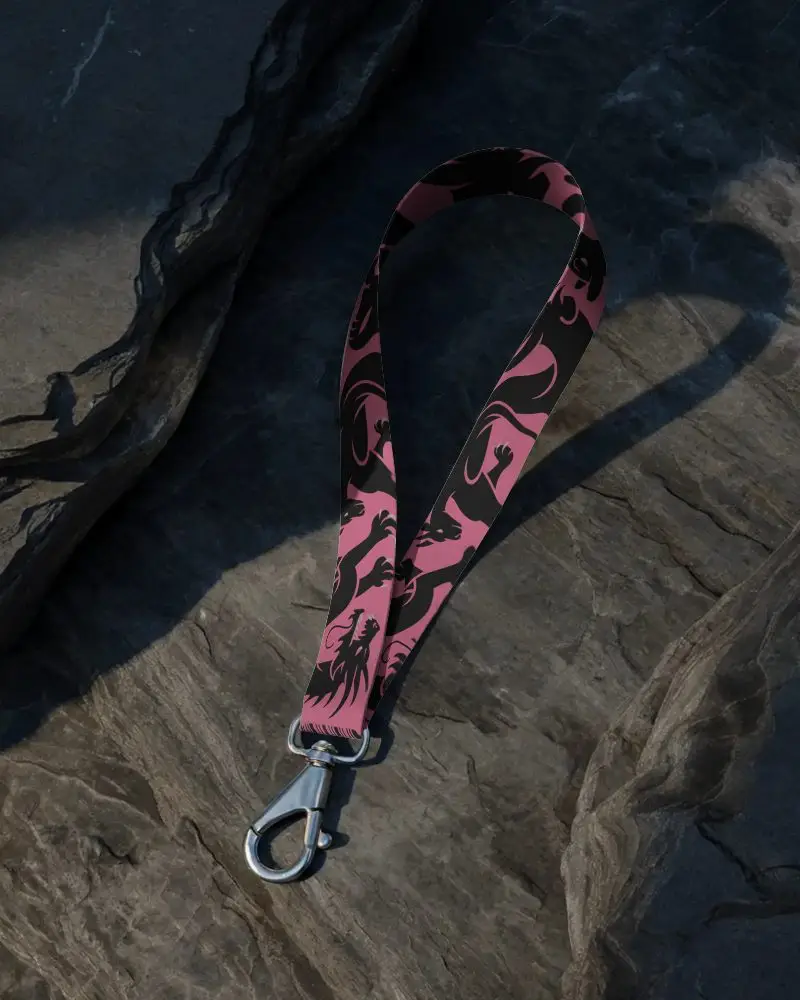
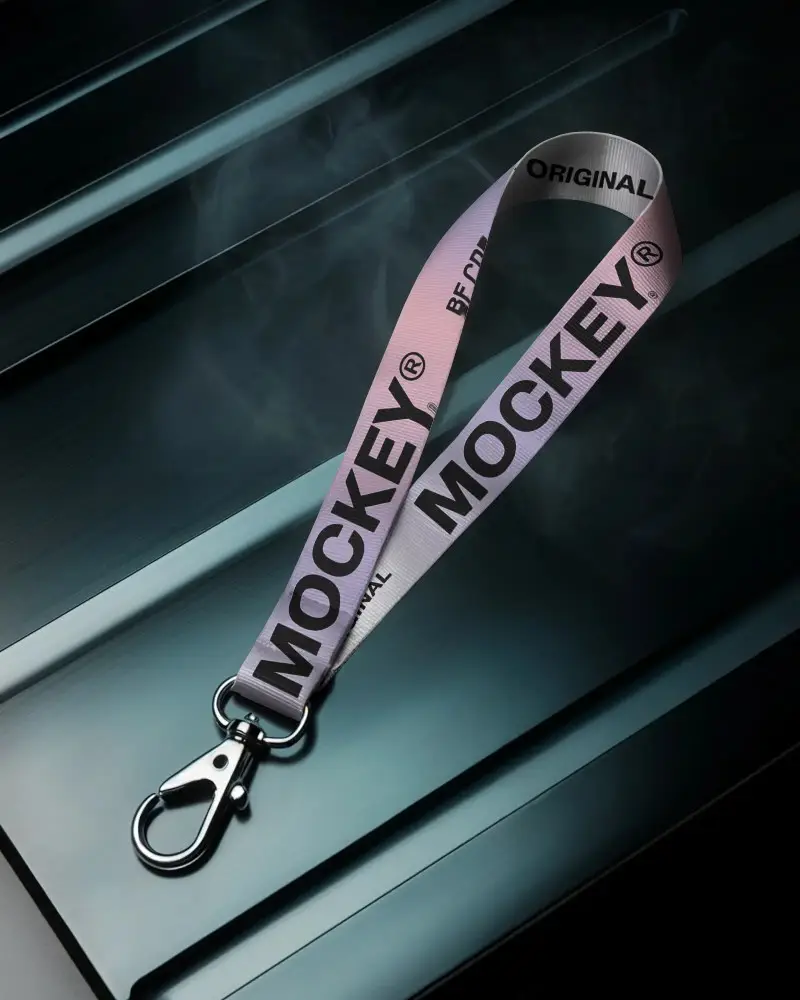
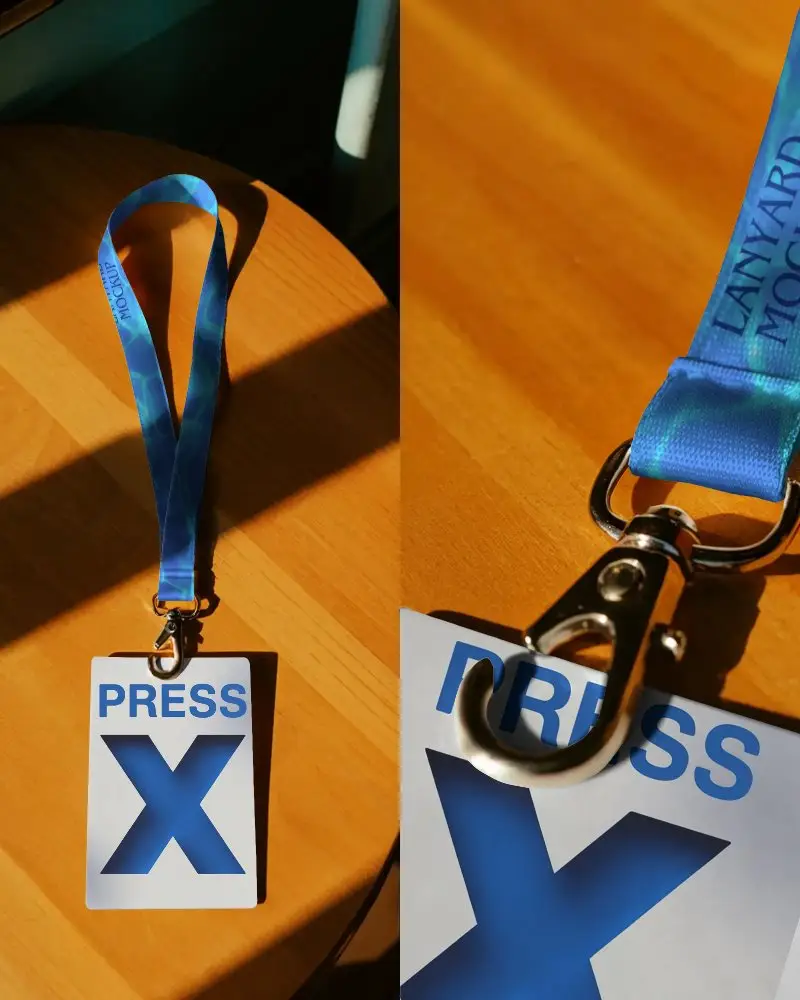
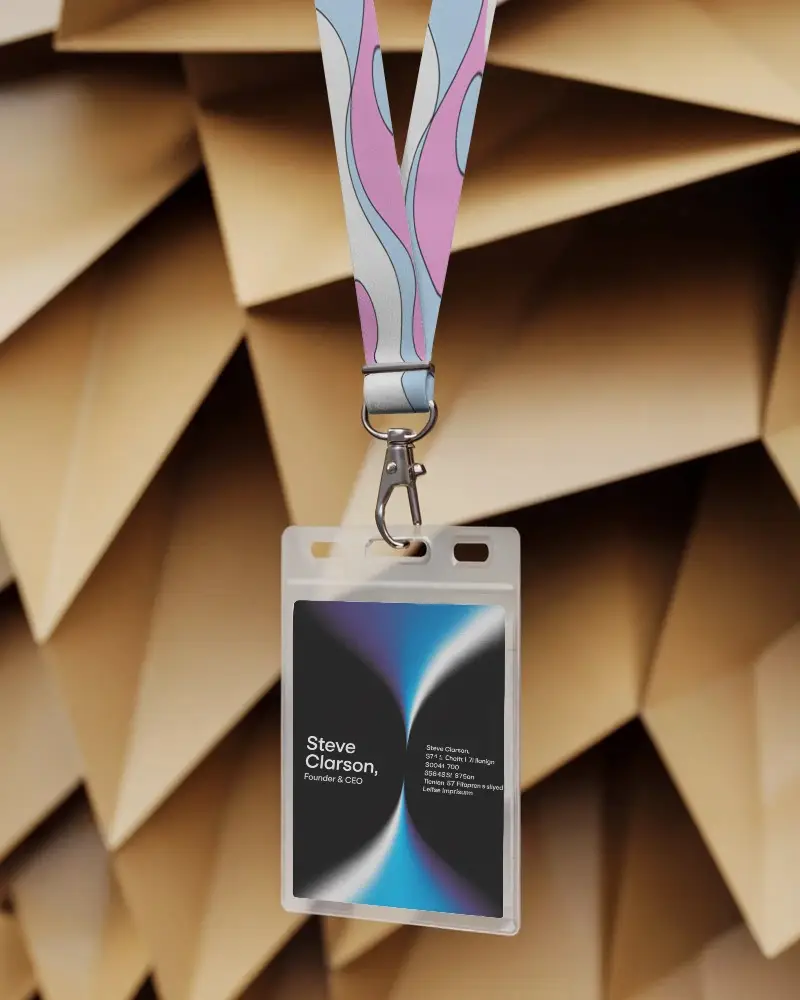
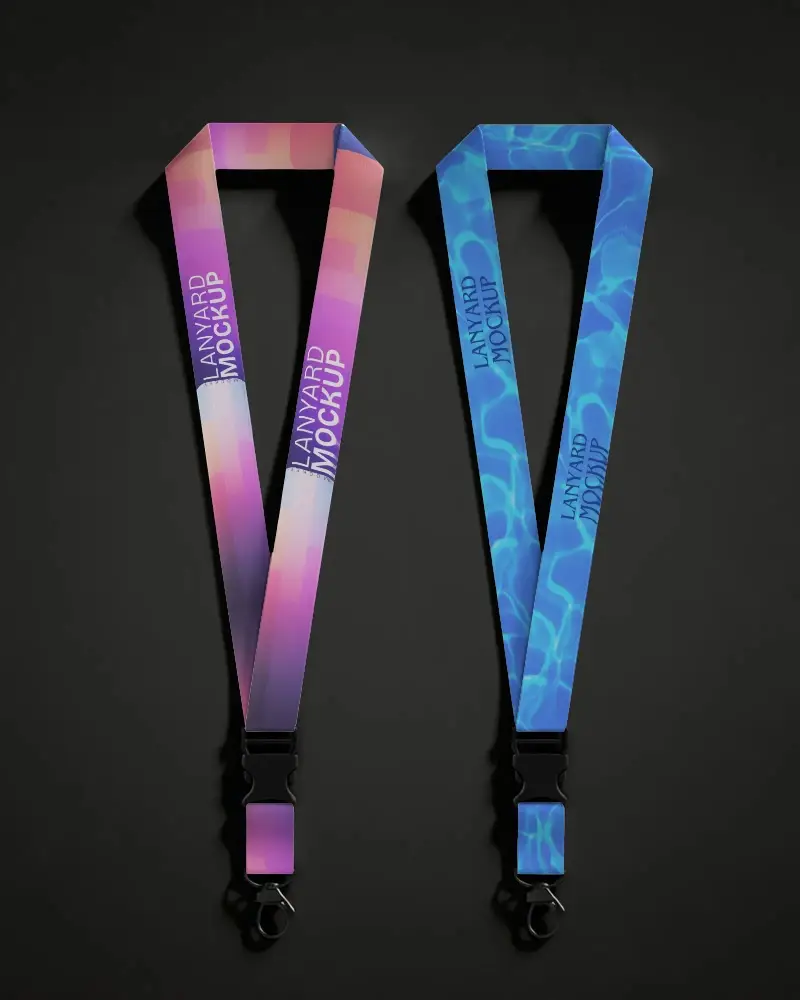
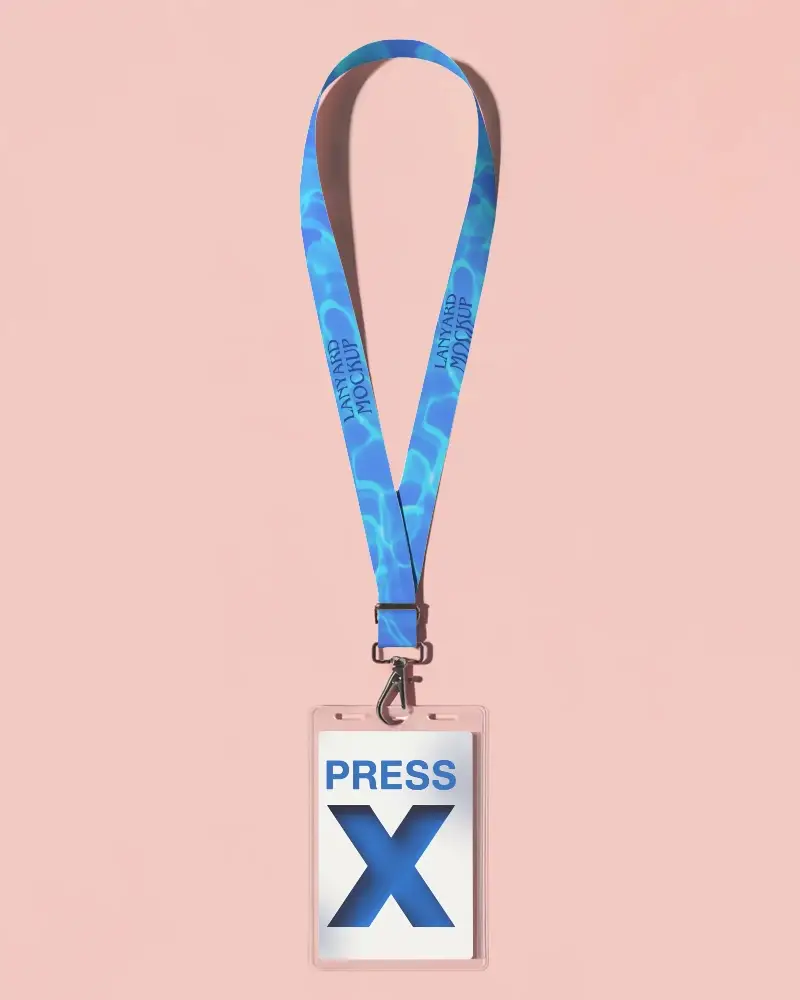
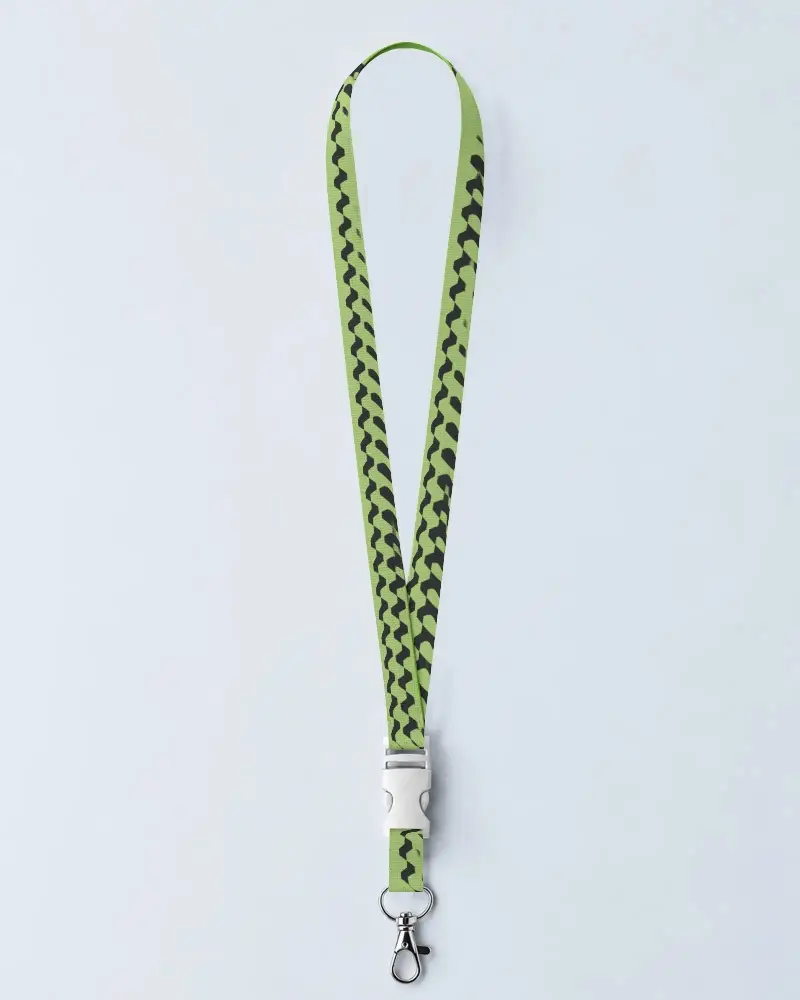
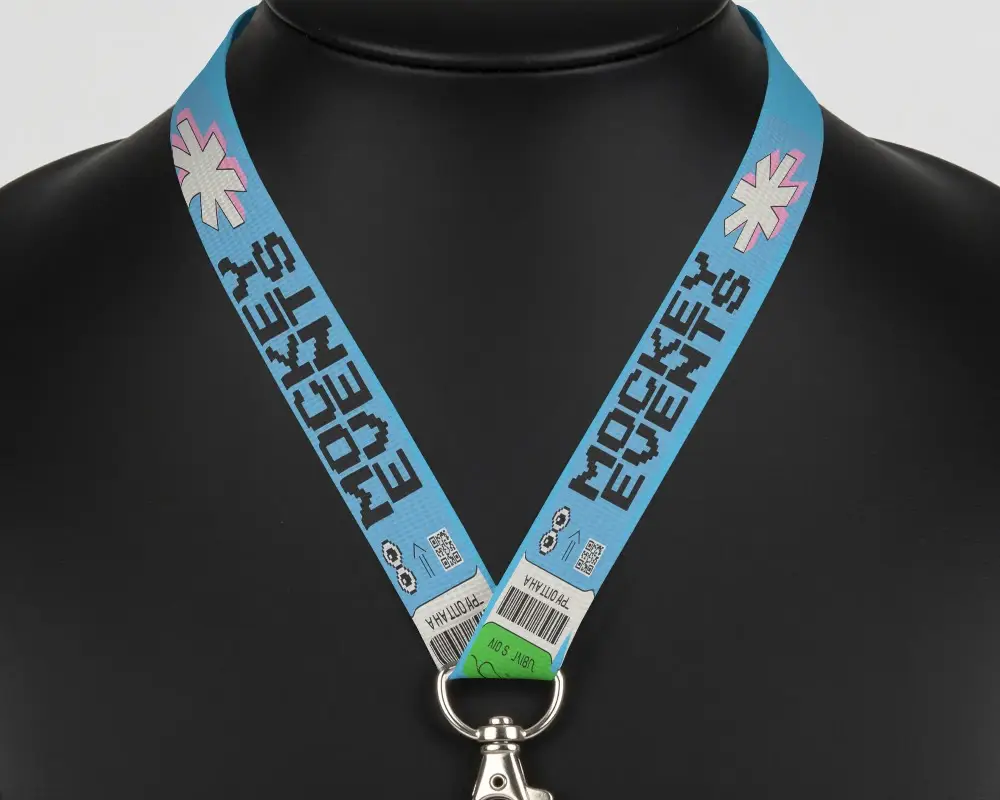
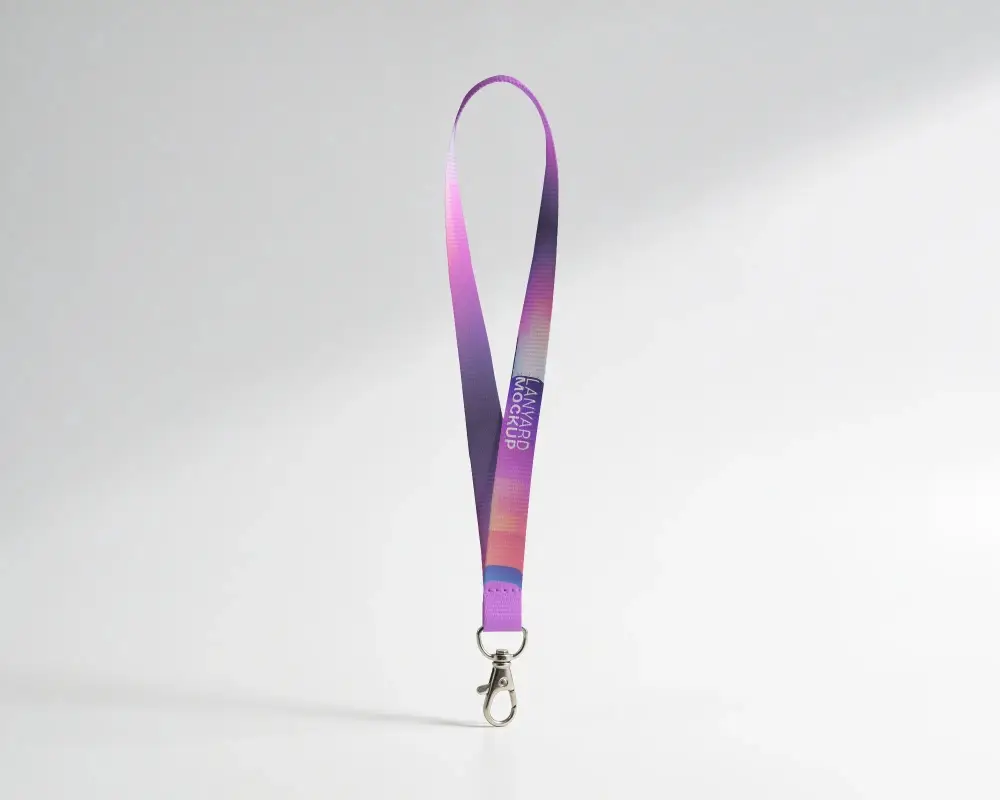
How to Make Custom Lanyard Mockup with Mockey
To create a custom lanyard mockup in Mockey AI:
- Step 1: Sign up on Mockey and navigate to: Mockups > Print > Lanyard > Custom Lanyard.
- Step 2: Choose a custom lanyard template, upload your design or logo in PNG or JPEG format.
- Step 3: Adjust size, color, and layout as needed, then click Download to get your mockup in high quality.


FAQs on Custom Lanyard Mockups
What is a Custom Lanyard Mockup?
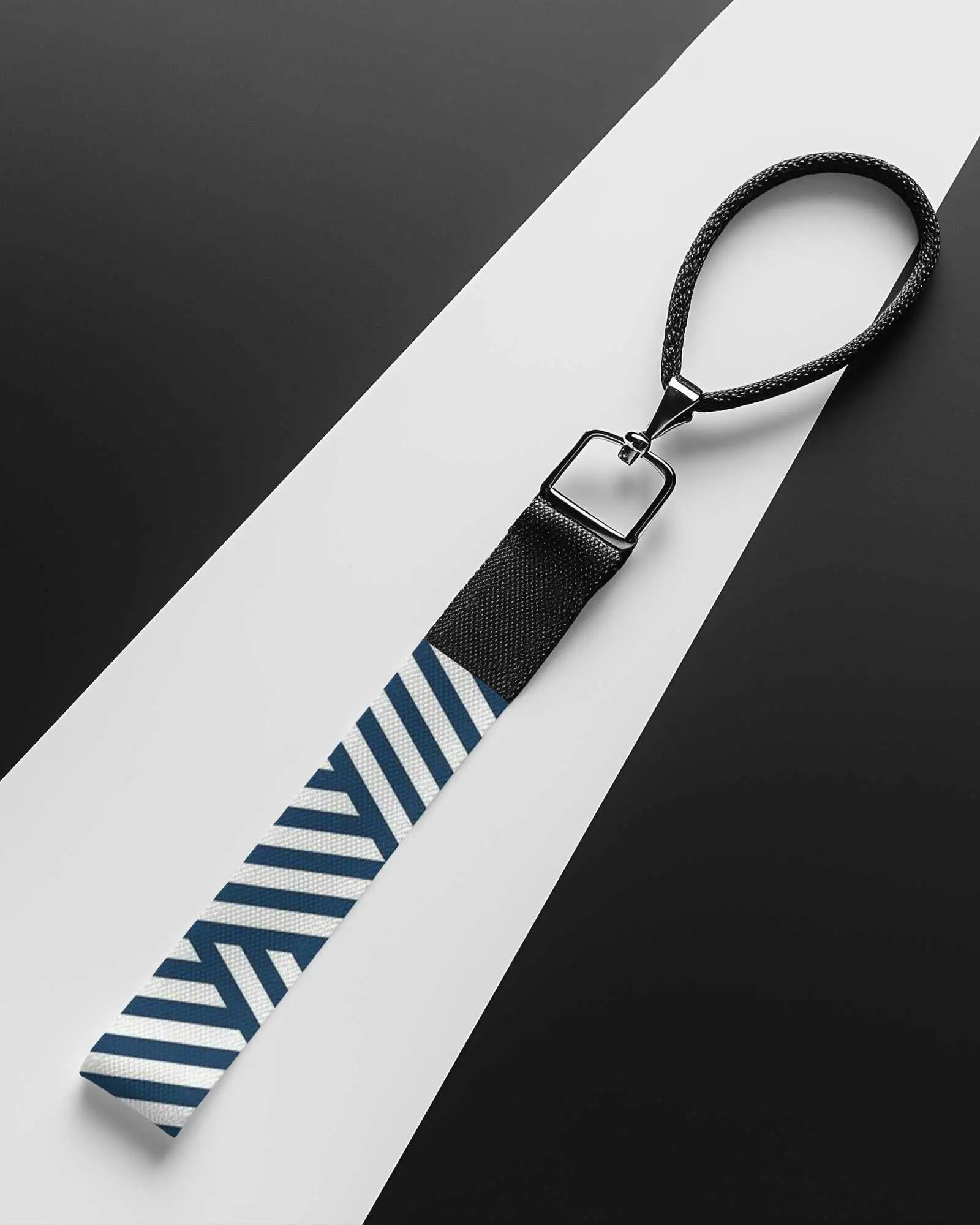
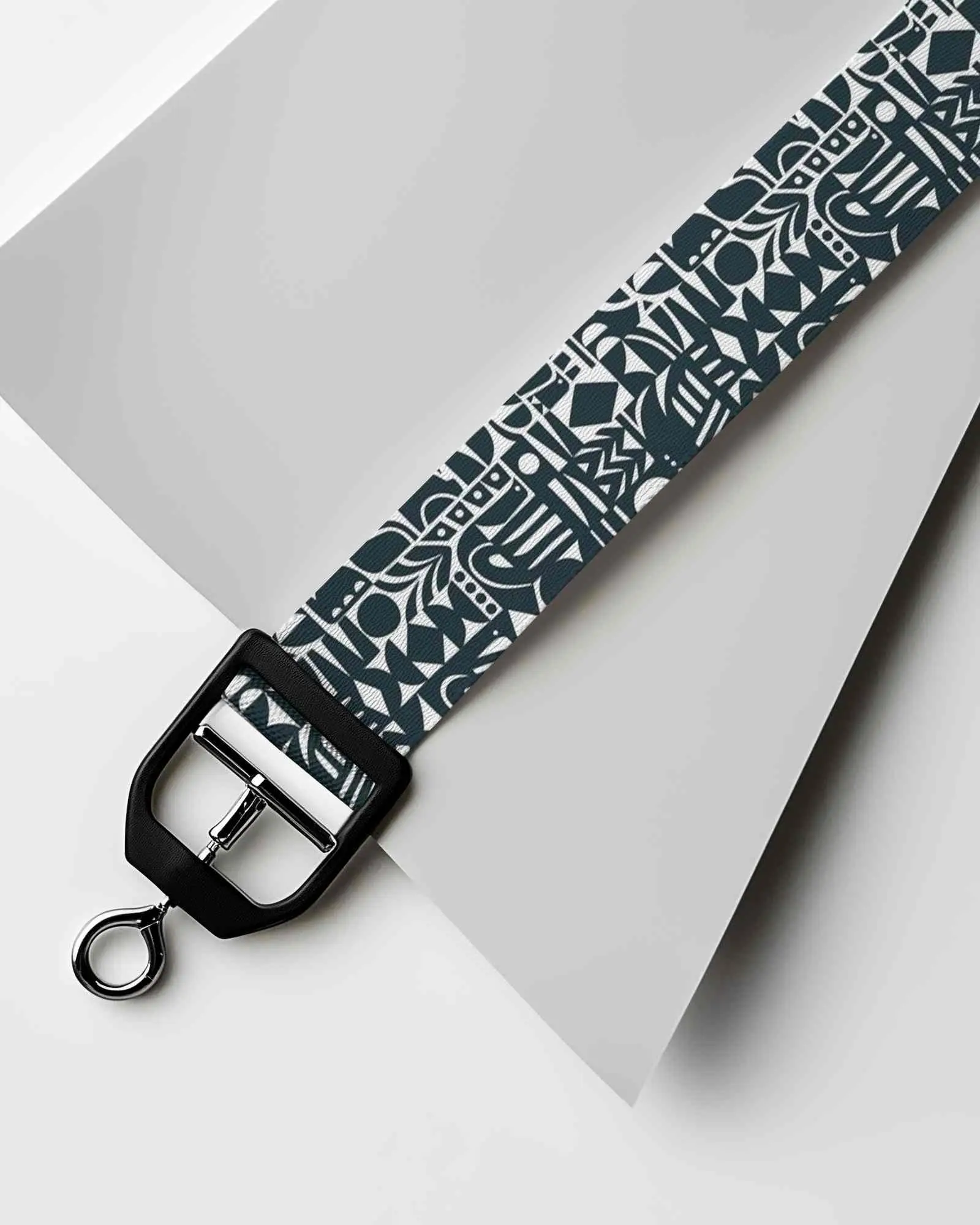
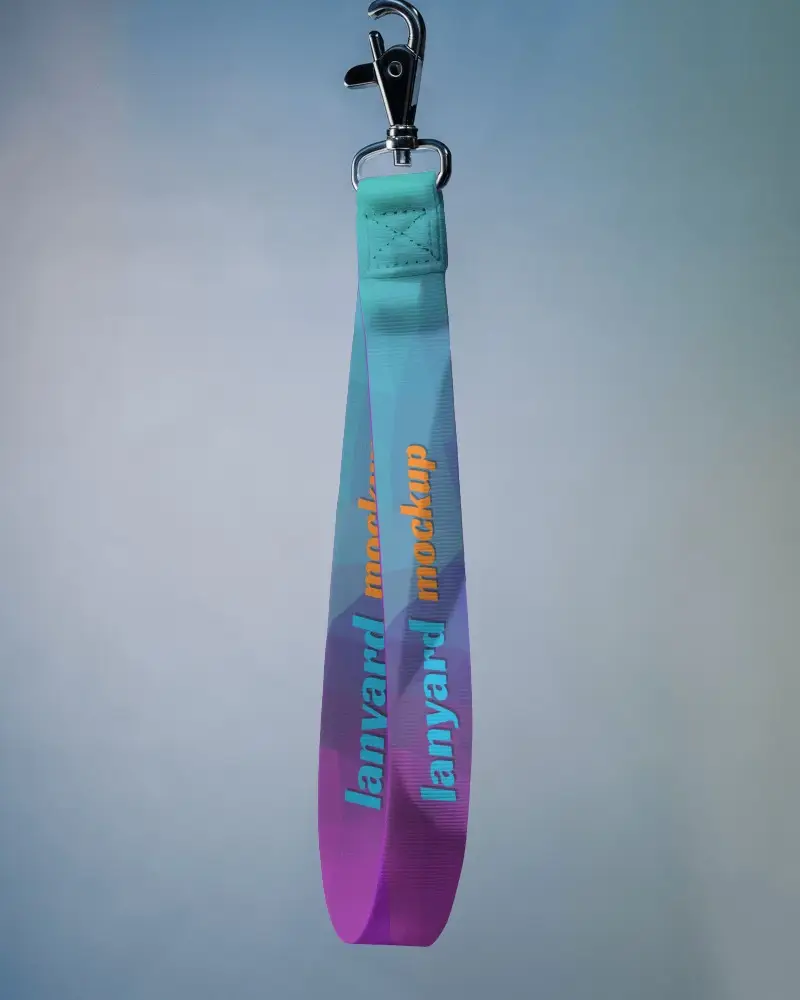
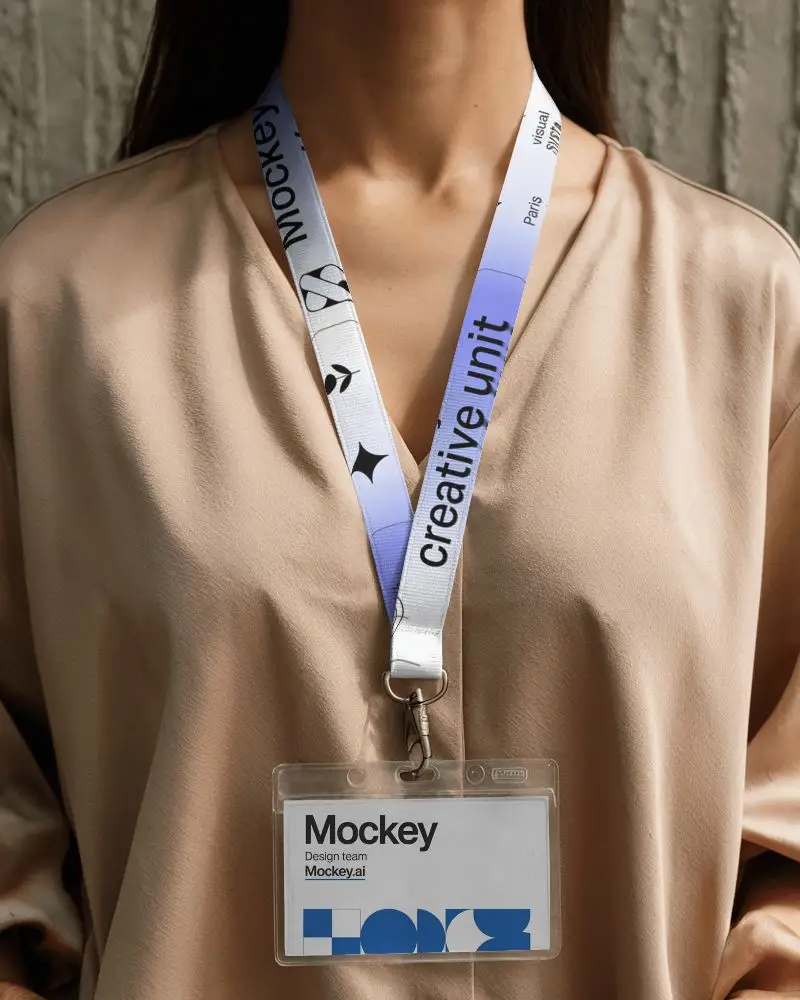
A custom lanyard mockup is a picture that shows what a design will look like on a custom lanyard template.
Why Use Mockey’s Custom Lanyard Mockup?
Mockey’s custom lanyard mockups are easy to use, highly customizable, and offer 100+ templates for branding or events.
Is this Custom Lanyard Mockup Free?
Mockey AI provides both free and premium custom lanyard mockups. Some templates can be downloaded for free, while others need a Starter.
Are Mockey’s Custom lanyard mockups suitable for commercial use?
Mockey's custom lanyard mockups help businesses stand out. These lanyards are great for events, offices, and big meetings like trade fairs and conferences.
Can I add a logo to my Custom lanyard mockup on Mockey?
Tap the Upload Design button to add your brand logo or custom design easily in Mockey AI. Use a PNG or JPEG file to upload.
Is there customer support available for Mockey’s Custom lanyard mockup tool?
Mockey AI has customer support. If you have any questions or need help, visit the Contact Us page on their website.
Why create a Custom Lanyard mockup?
Creating a custom lanyard mockup helps people check if their logo, text, or colors look good and make changes if needed.
