White Lanyard Mockup free Download - Lanyard Mockup Templates
Unlock 100+ free White lanyard mockups online, ready for instant use! Explore Mockey’s premium and free Lanyard mockup templates to showcase your designs in style.




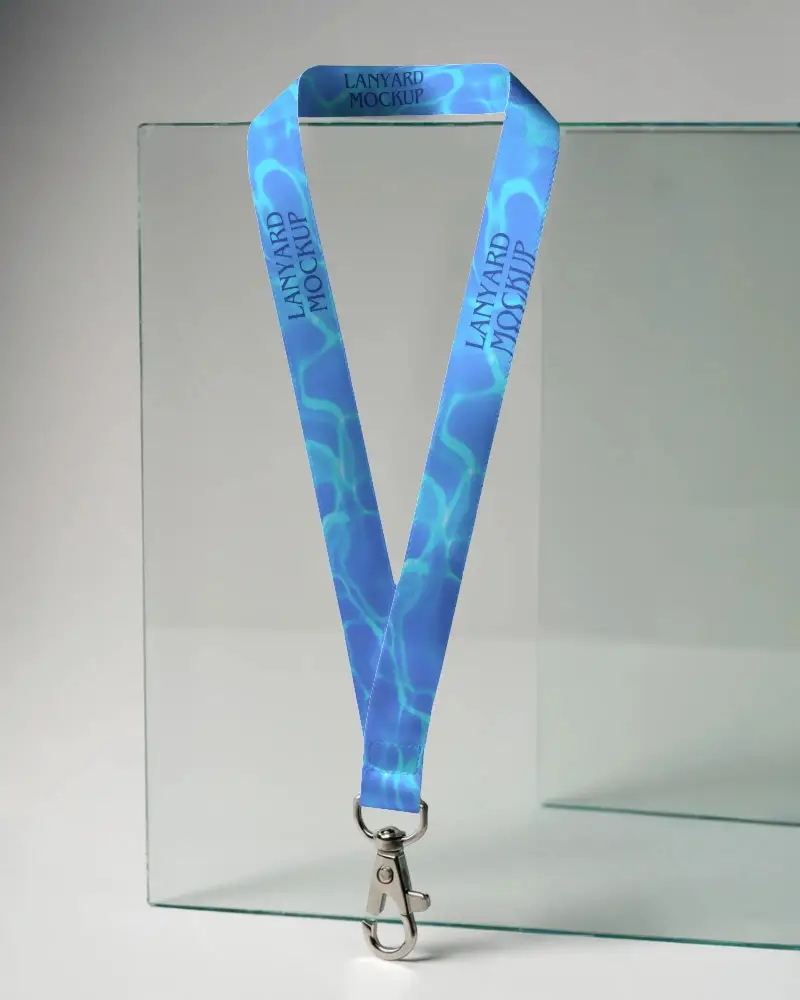

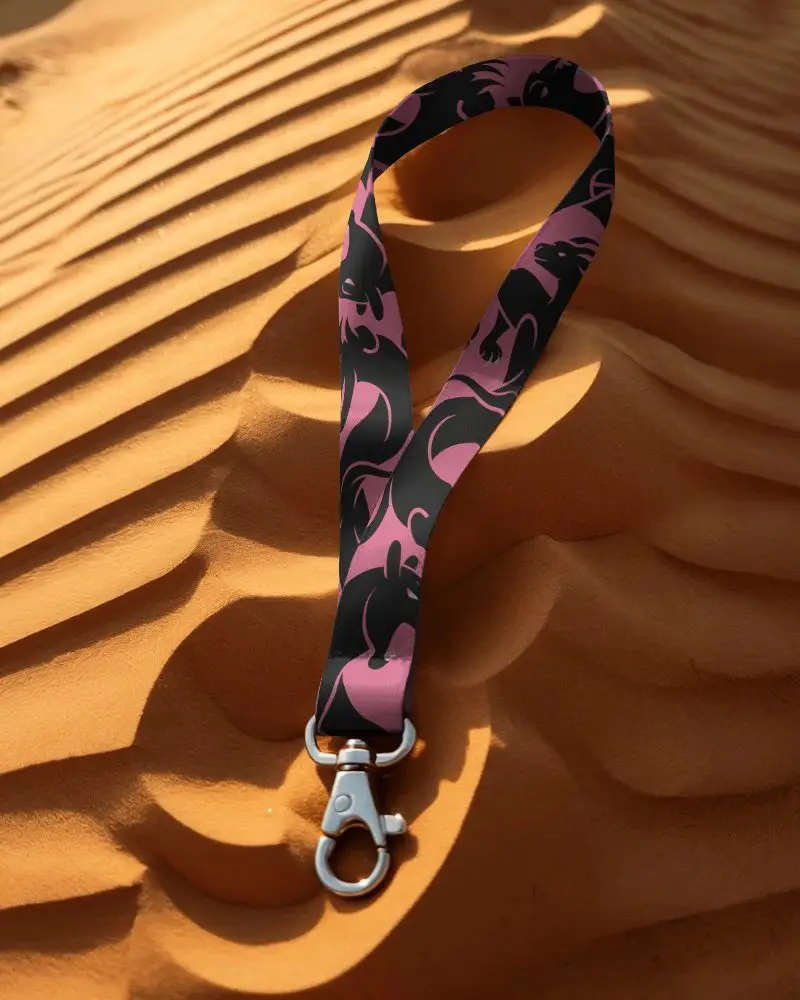





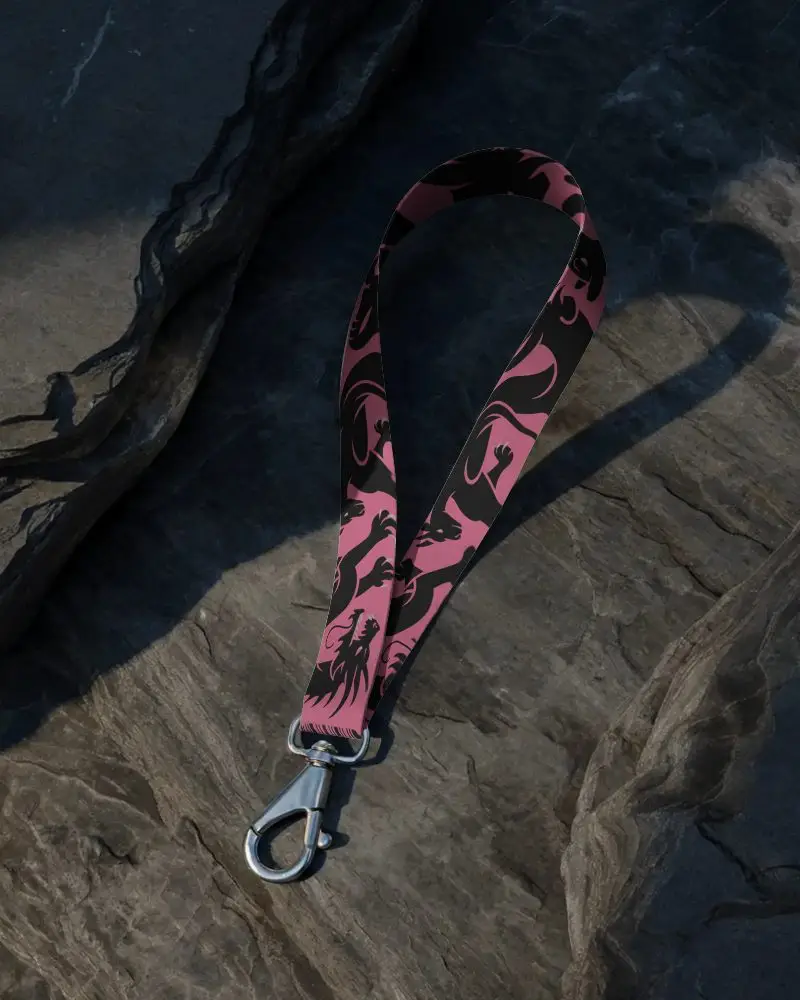

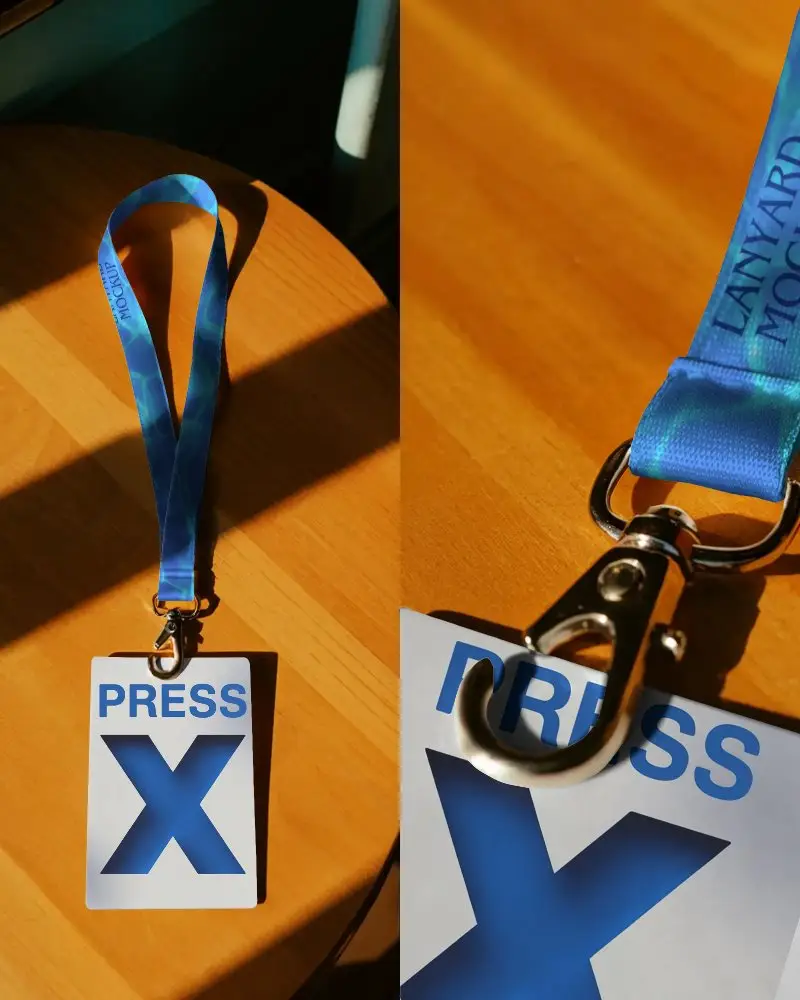
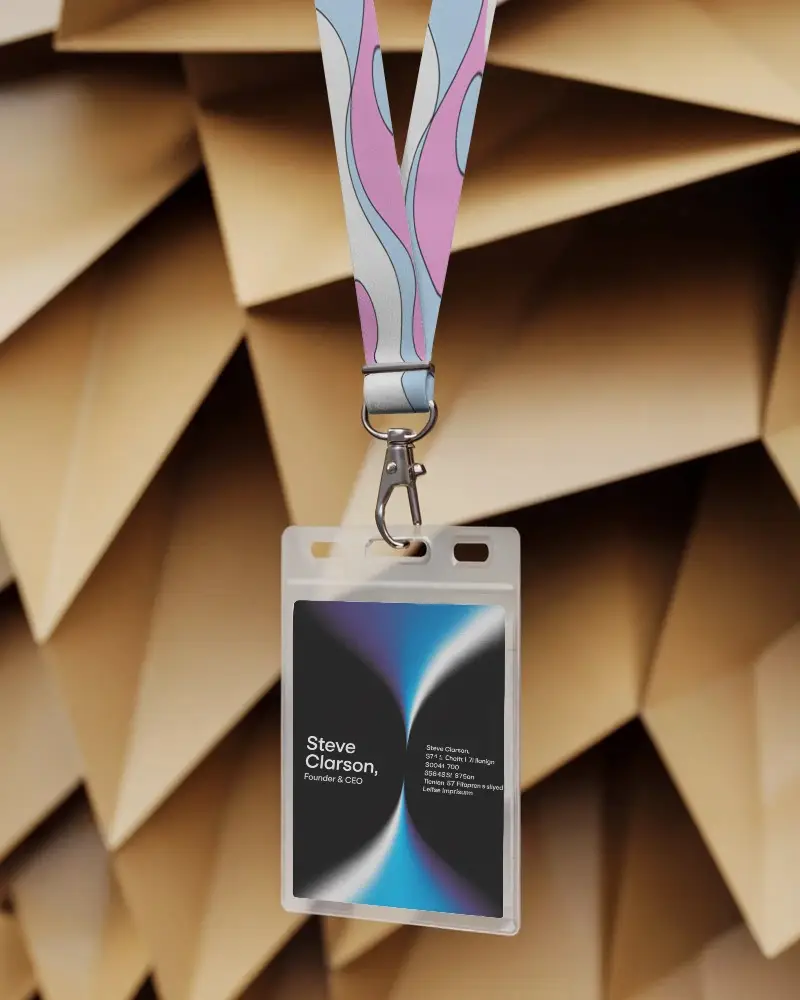
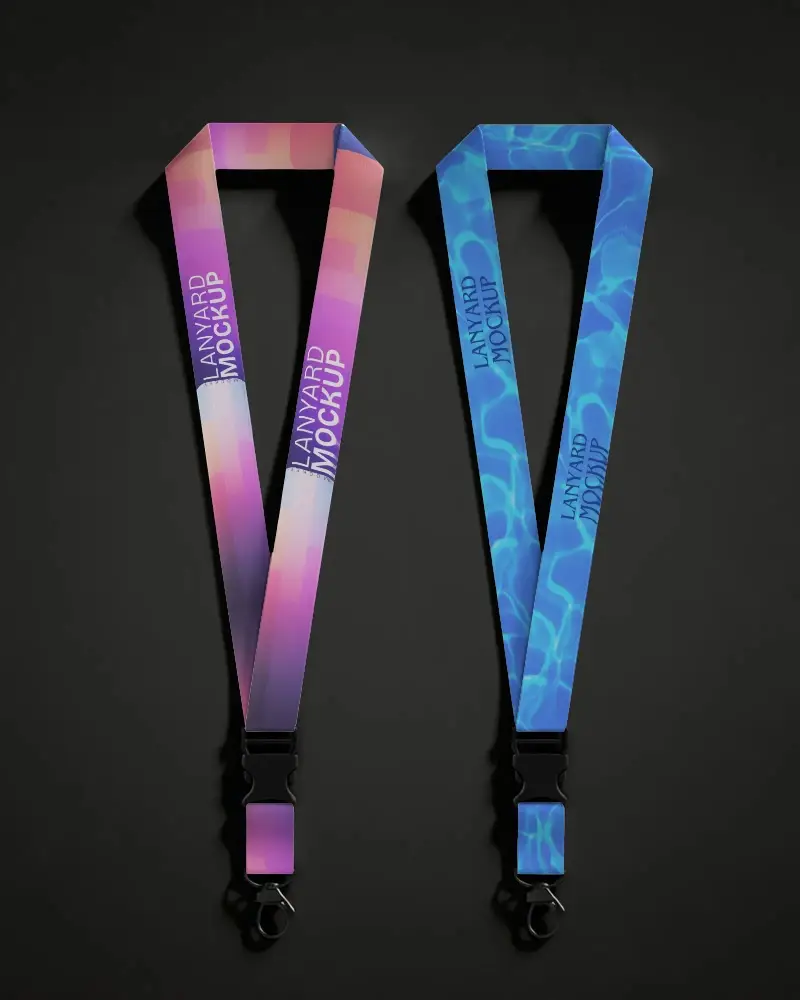
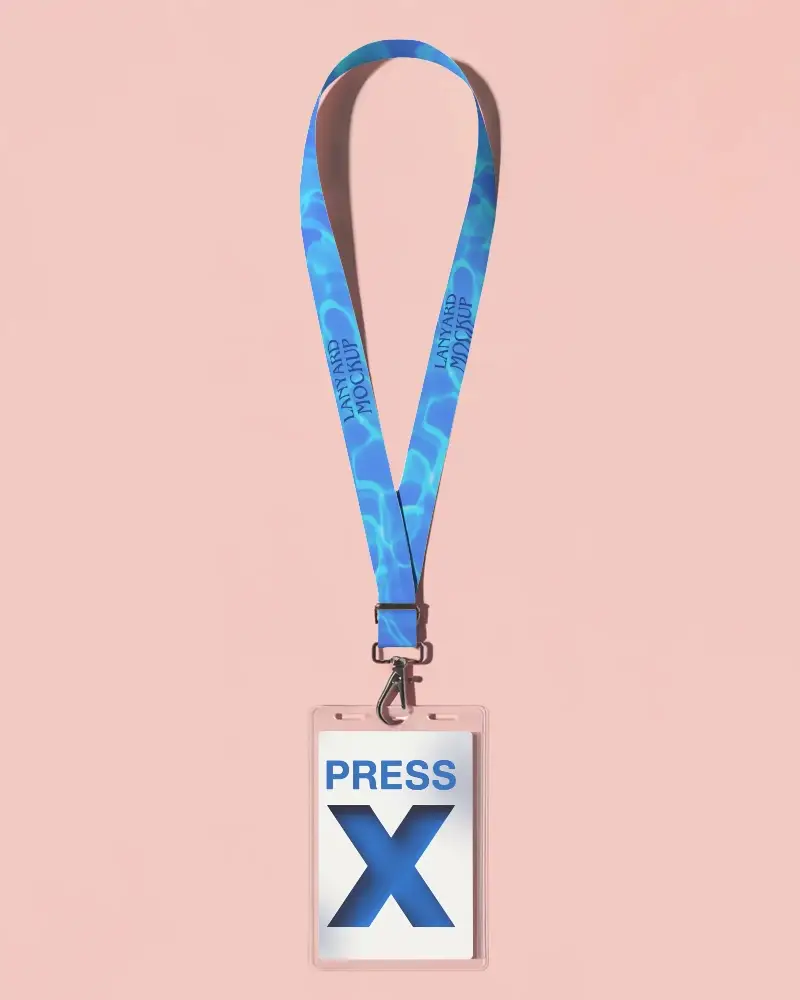
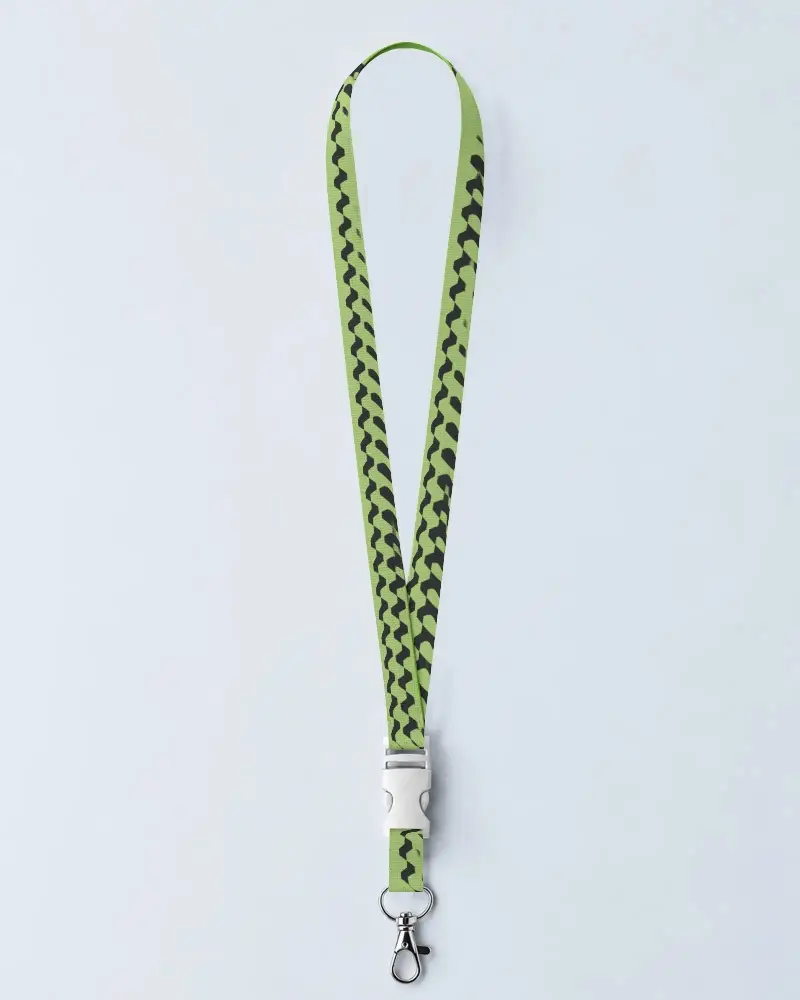
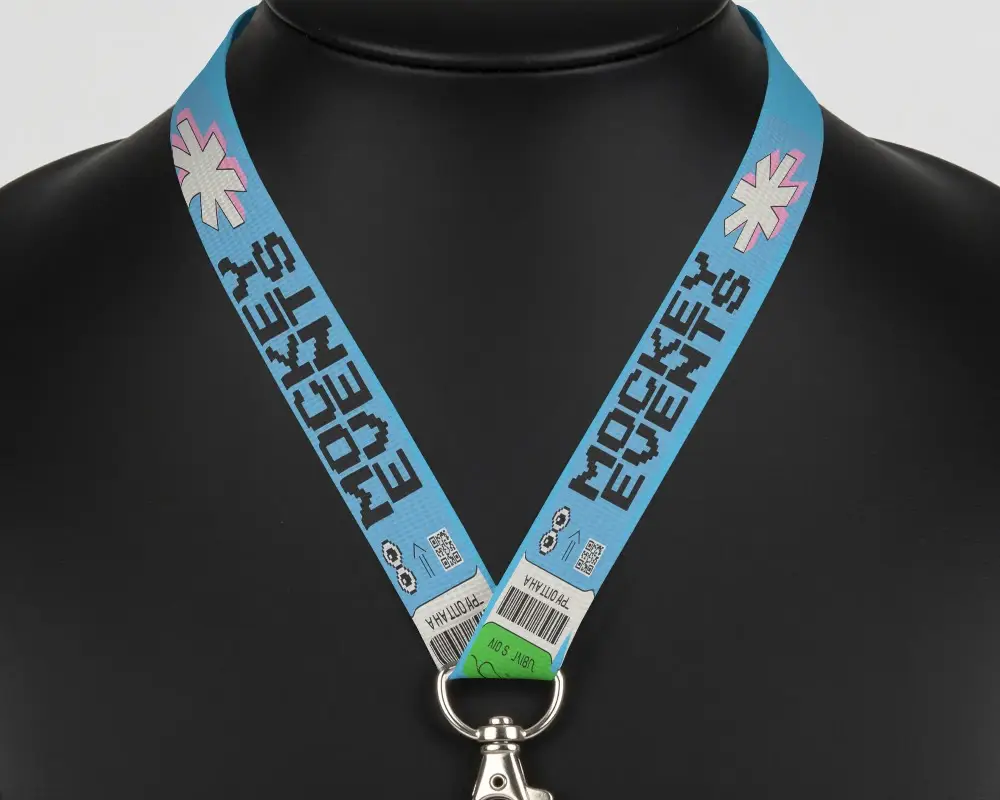
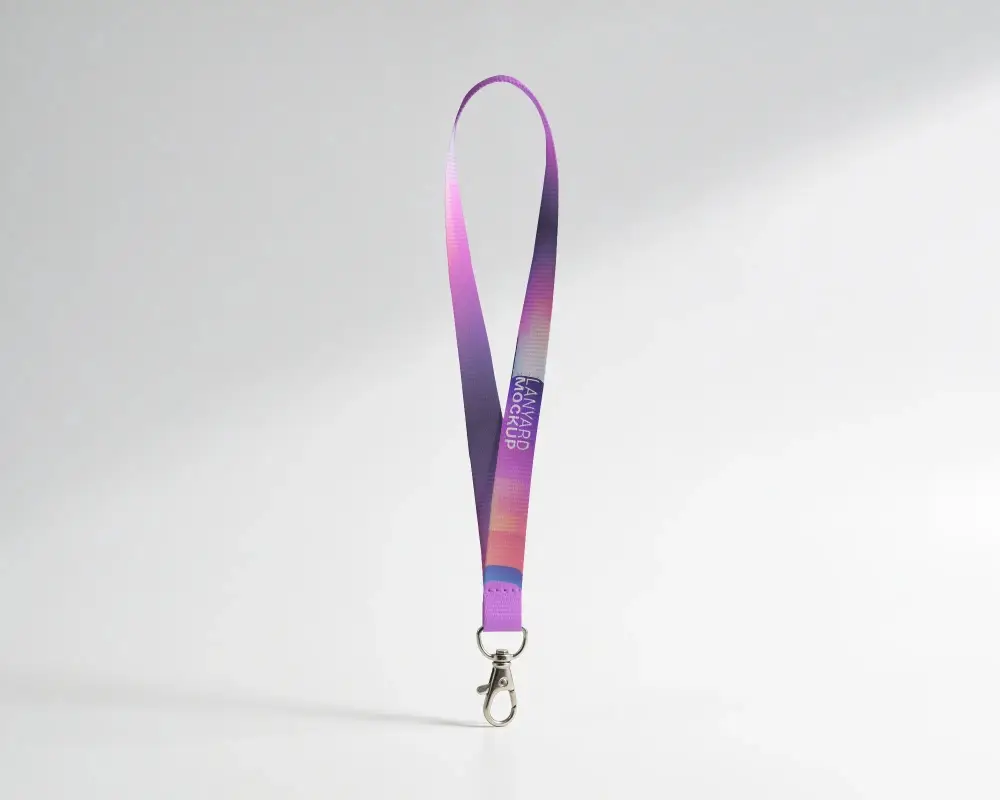
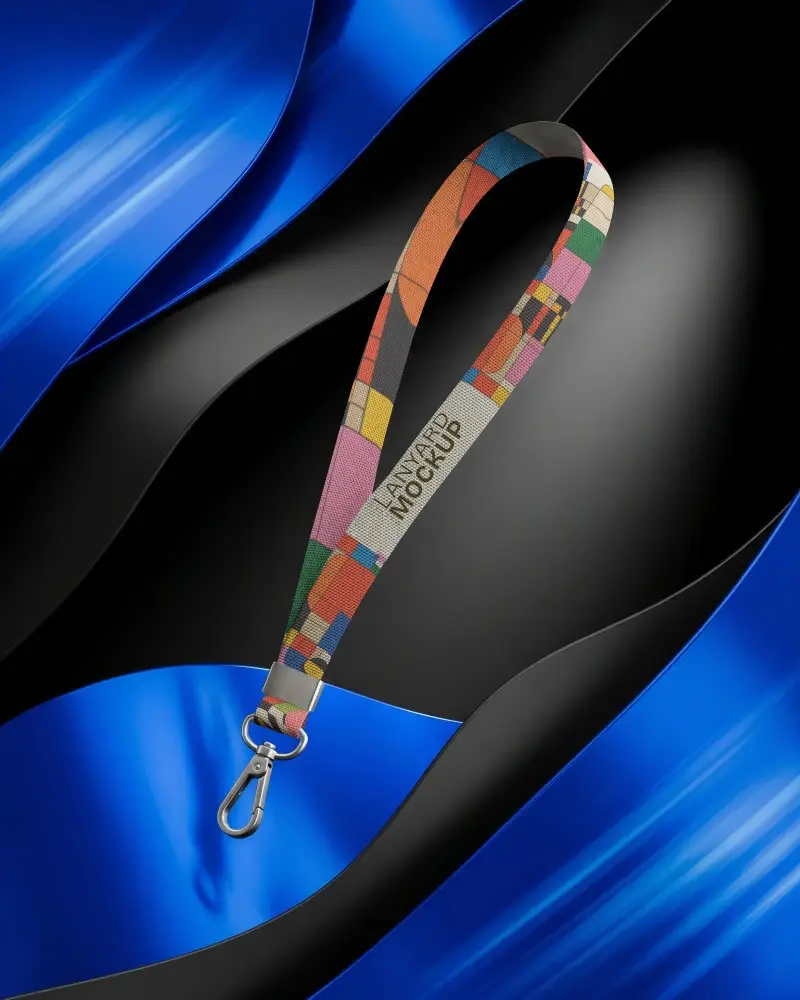
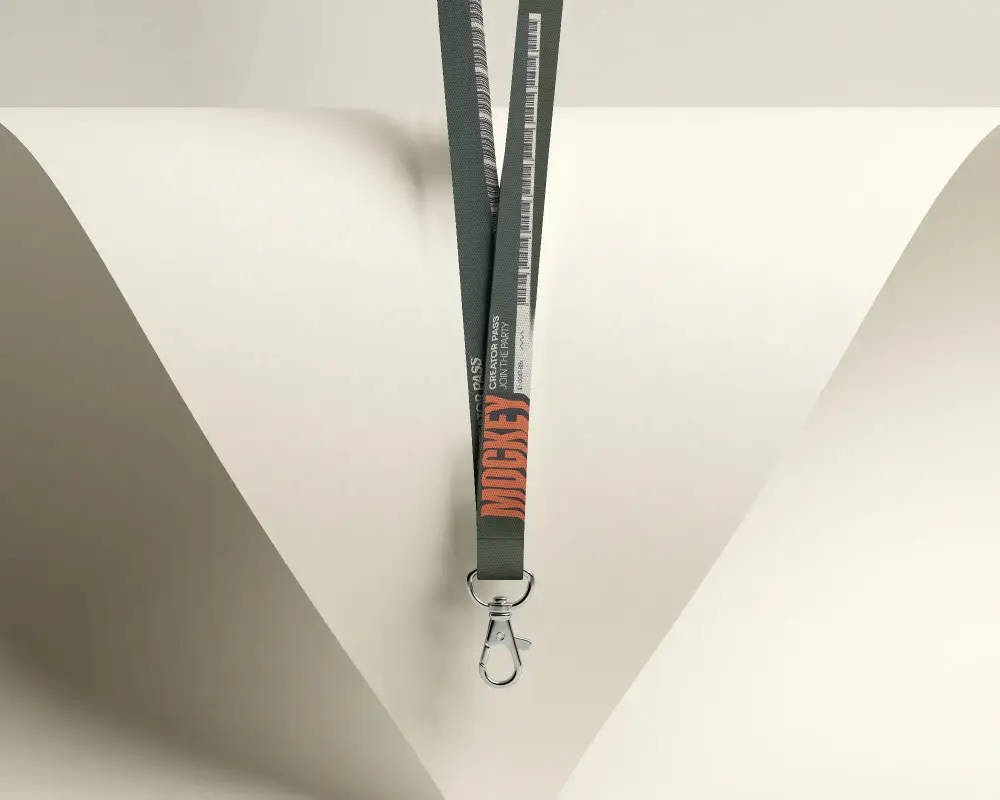
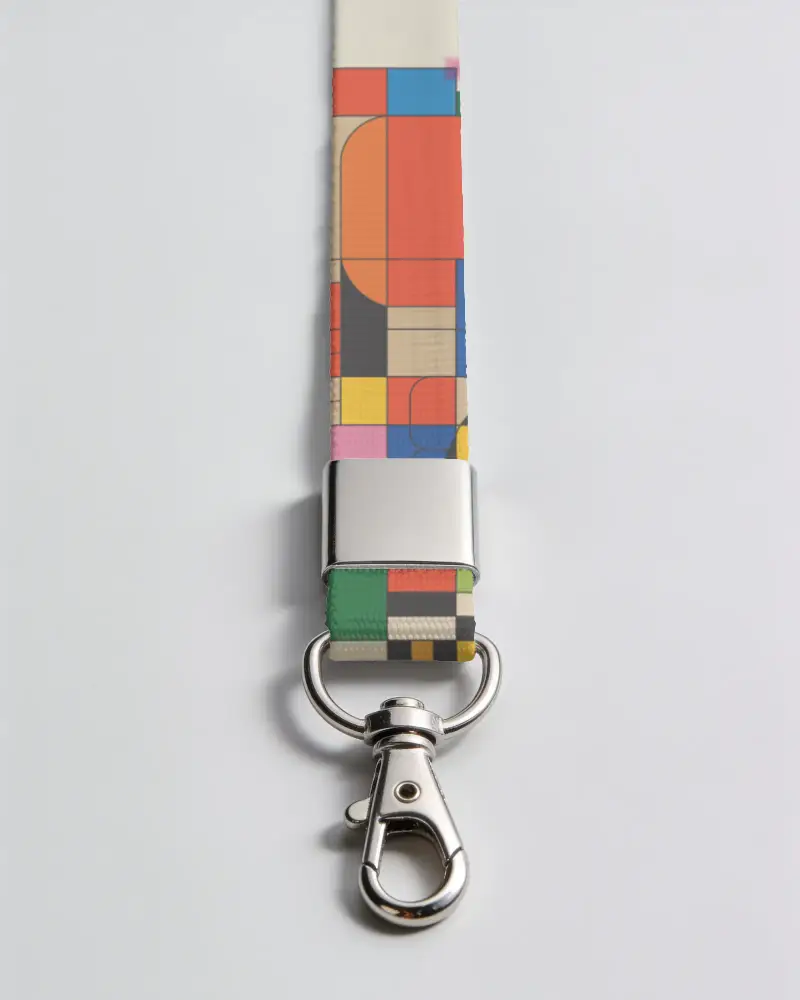
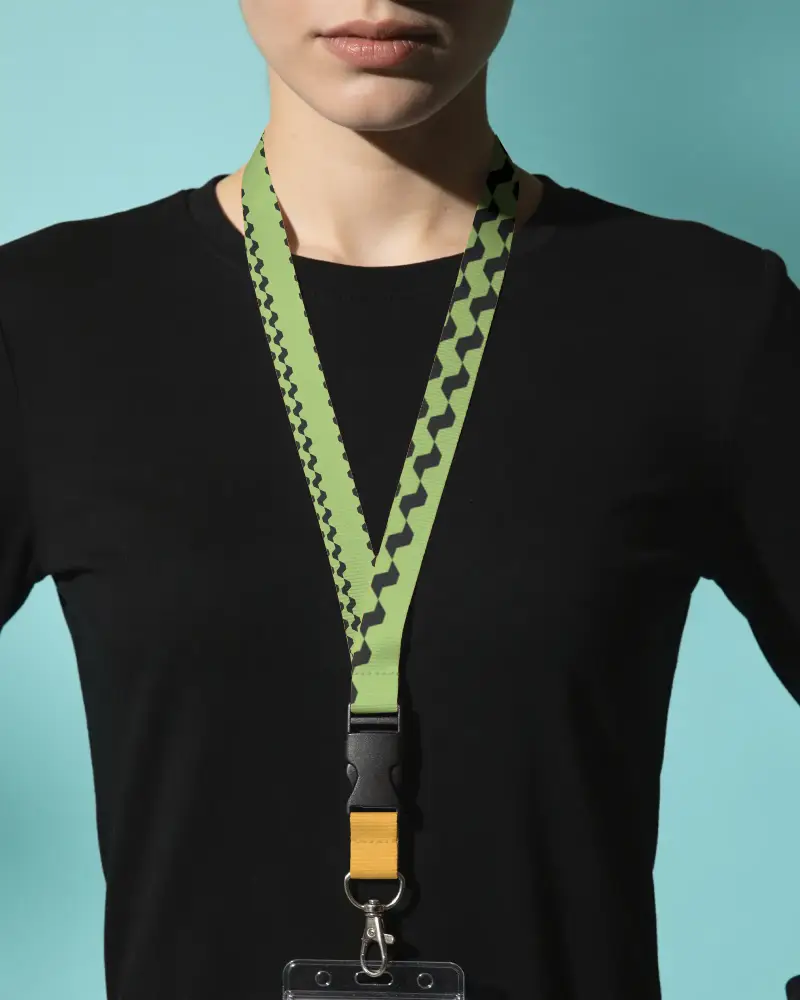
How to Make White Lanyard Mockup with Mockey
To create a white lanyard mockup in Mockey AI:
- Step 1: Go to Mockey and follow: Mockups > Print > Lanyard > White Lanyard.
- Step 2: Choose a white lanyard template and upload your logo or design in JPEG or PNG format.
- Step 3: Adjust the size and position, then click Download to get your mockup with or without watermark based on your plan.


FAQs on White Lanyard Mockups
What is a White Lanyard Mockup?
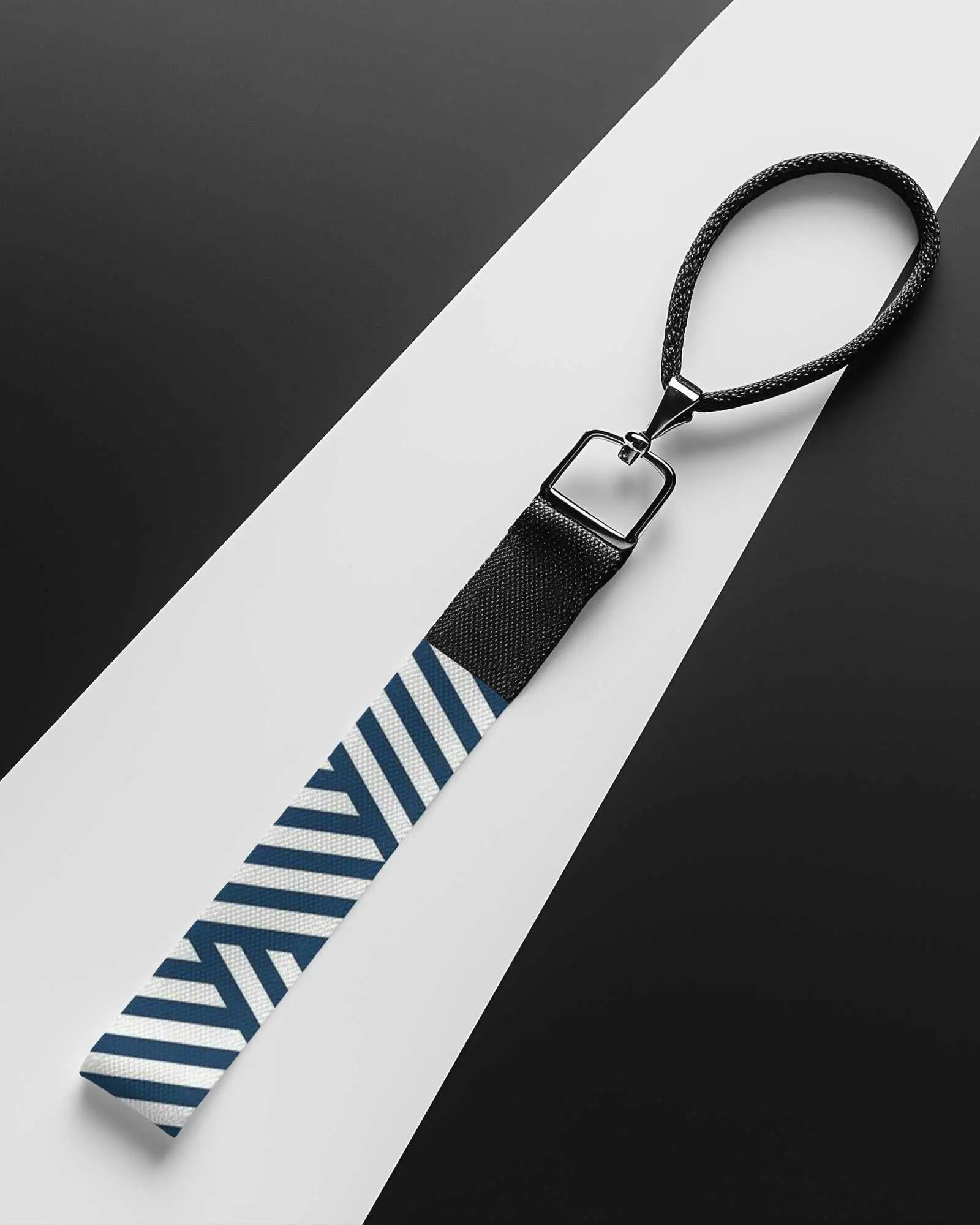
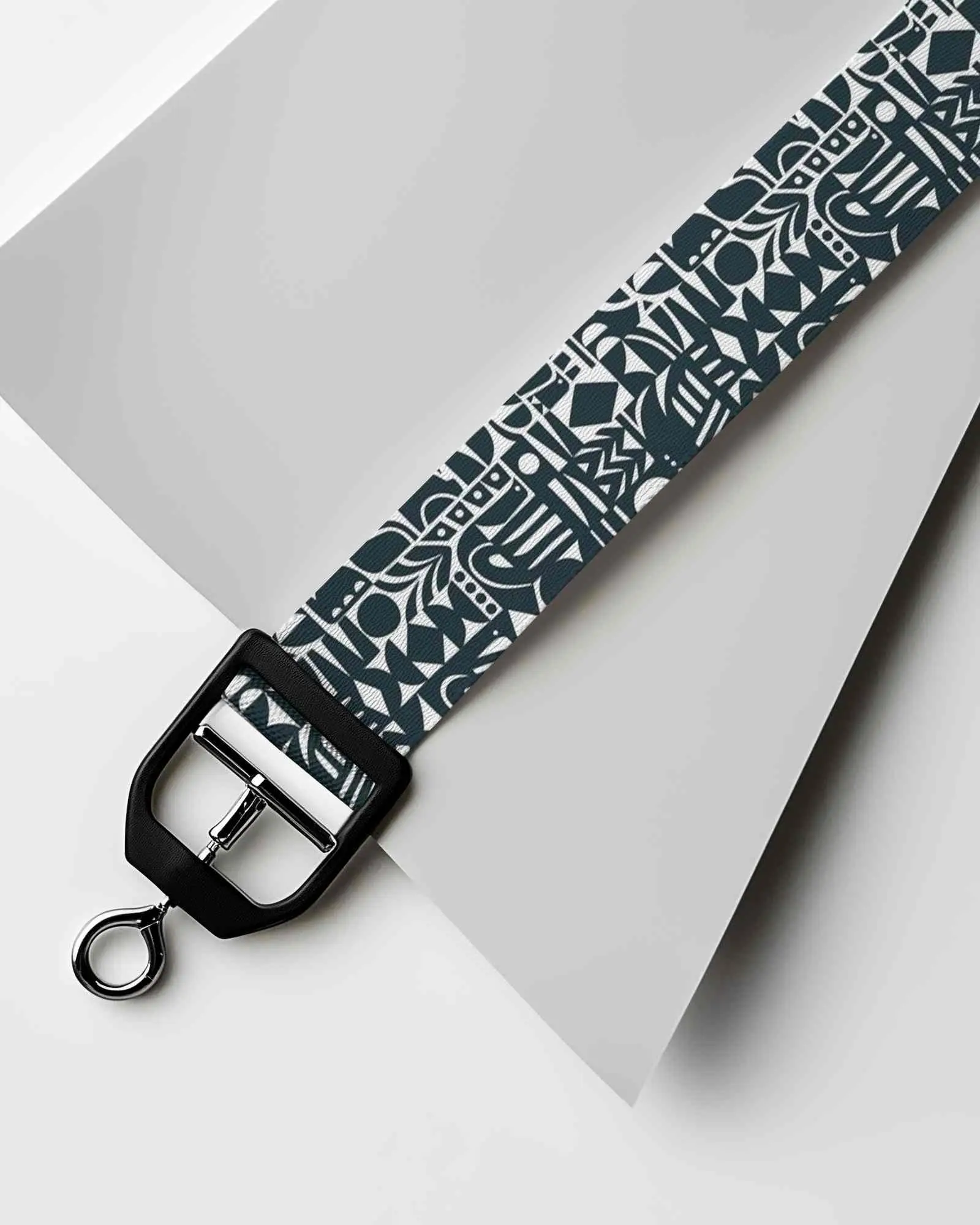
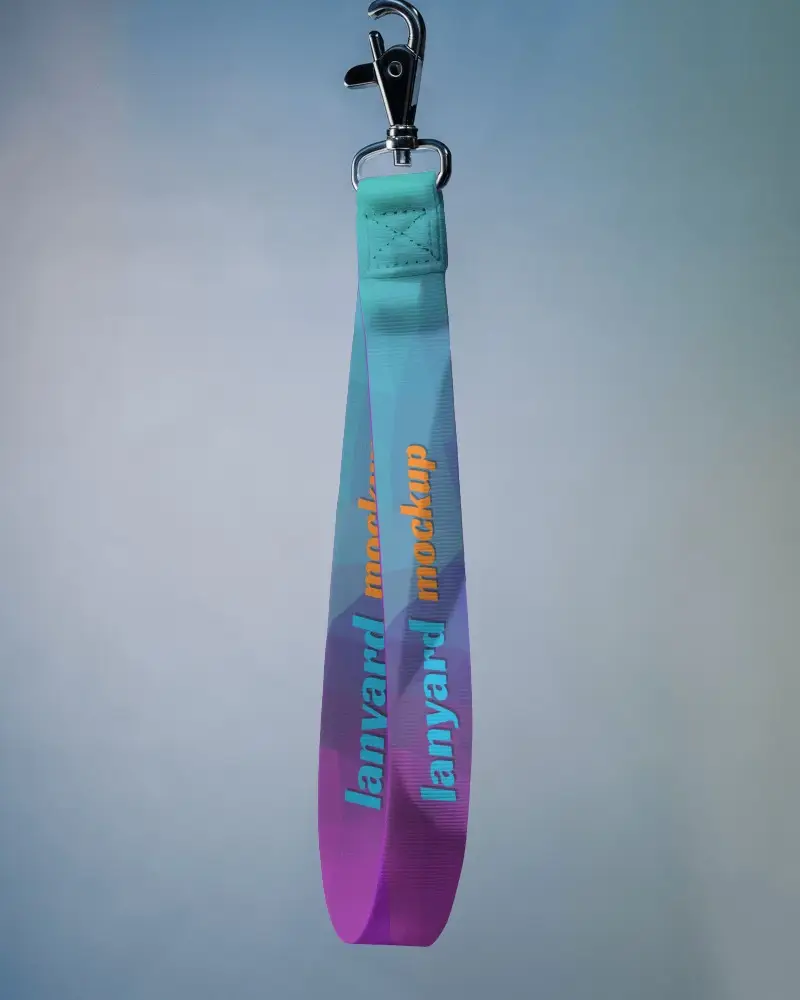
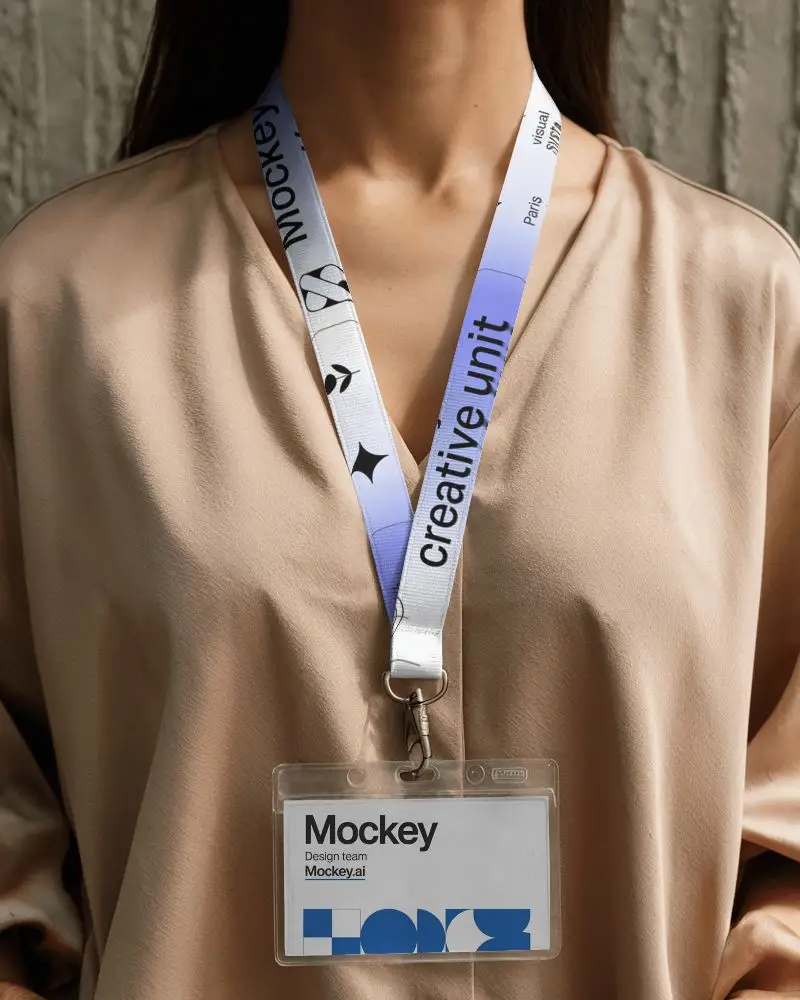
A White Lanyard Mockup is a picture used by designers to show how logos or names will look on a white lanyard.
Why Use Mockey’s White Lanyard Mockup?
Using a white lanyard mockup from Mockey AI is free to use and easy to customize. You can quickly change colors, logos, and use AI tools.
Is this White Lanyard Mockup Free?
Mockey AI lets you get a free white lanyard picture. Just sign up, choose a white lanyard template, add your logo, and get the mockup without paying anything or seeing a watermark.
Are Mockey’s White lanyard mockups suitable for commercial use?
Mockey's white lanyard mockups are clearly marked for commercial use. You can edit and export them in high-resolution.
Can I add a logo to my White lanyard mockup on Mockey?
You can add a logo to your white lanyard mockup with Mockey. Just choose a lanyard design, upload your logo in JPEG or PNG, and then move it around to make it fit.
Is there customer support available for Mockey’s White lanyard mockup tool?
You can get help with Mockey’s White lanyard mockup tool on their website. For questions or help, just visit the Contact Us section on the site.
Why create a White Lanyard mockup?
Creating a white lanyard mockup saves money, speeds up work, and lets you try different styles easily without making real samples.
