Professional Portrait Magazine Mockup in High Resolution
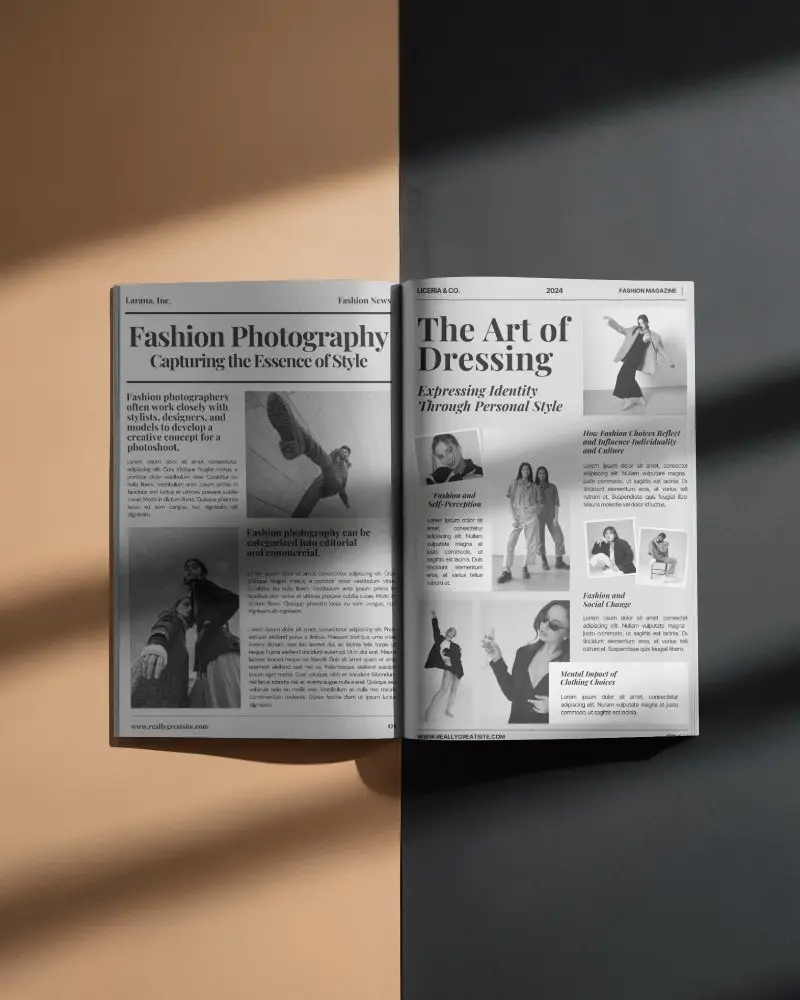
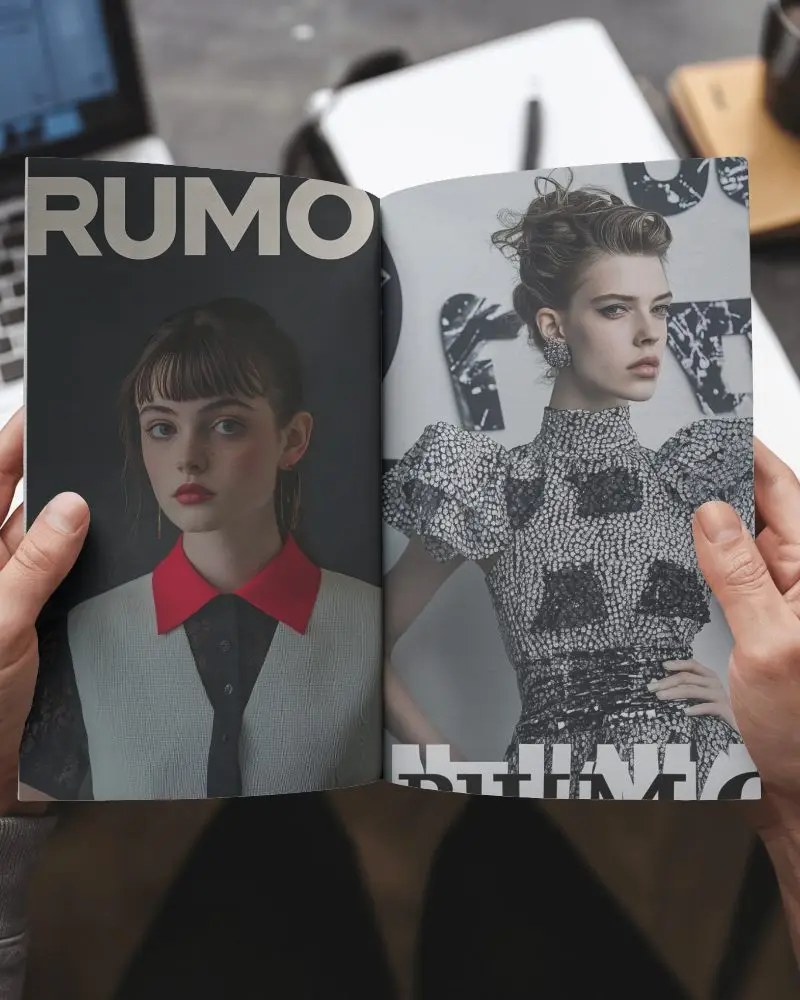
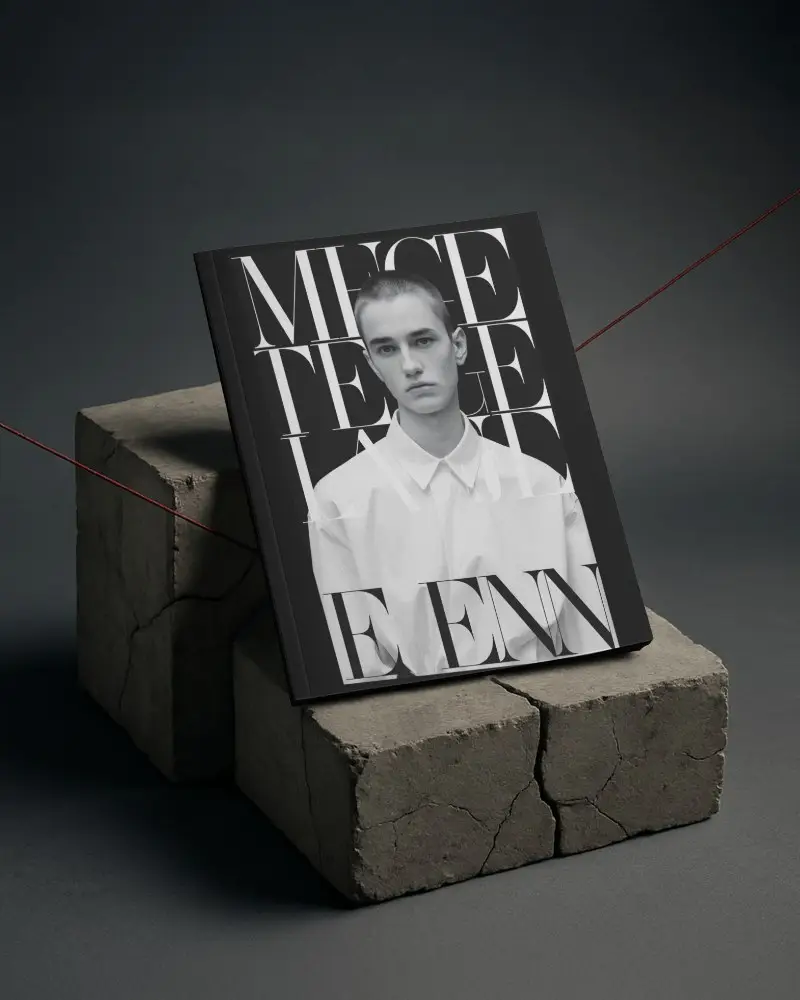
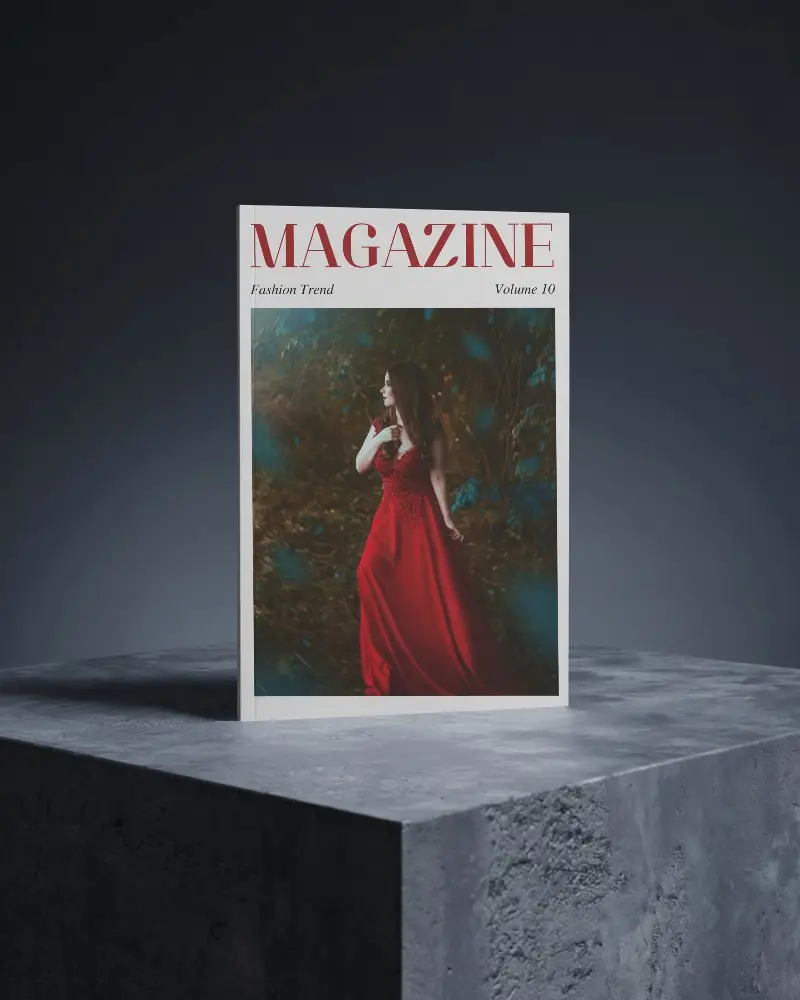
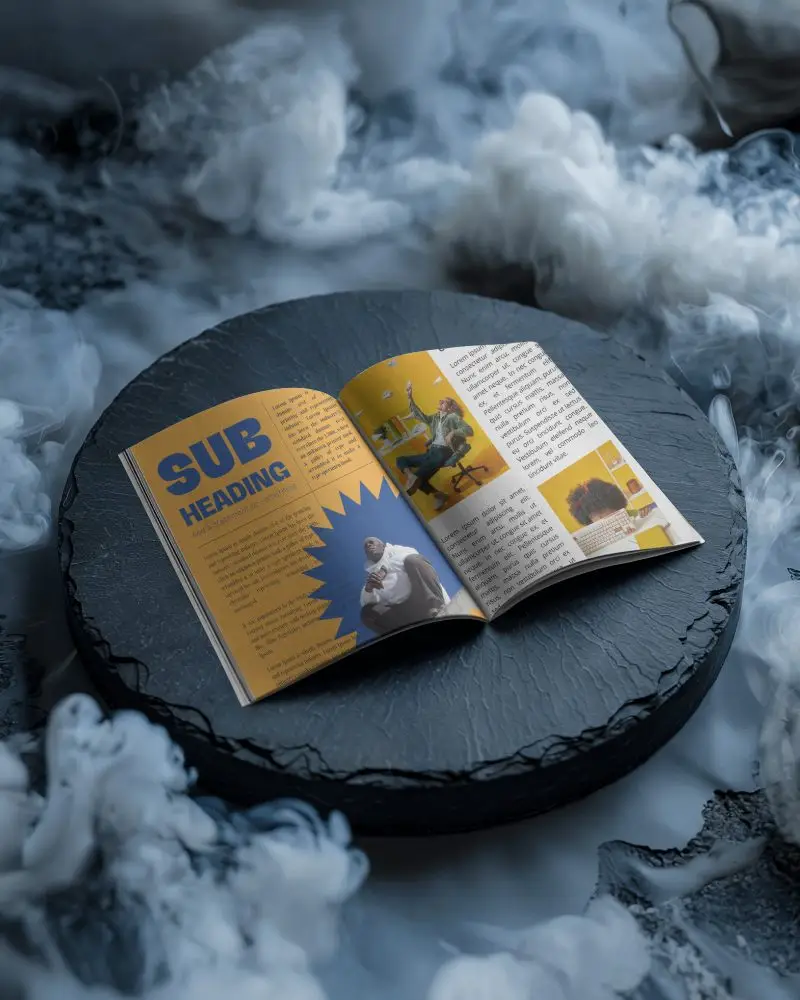
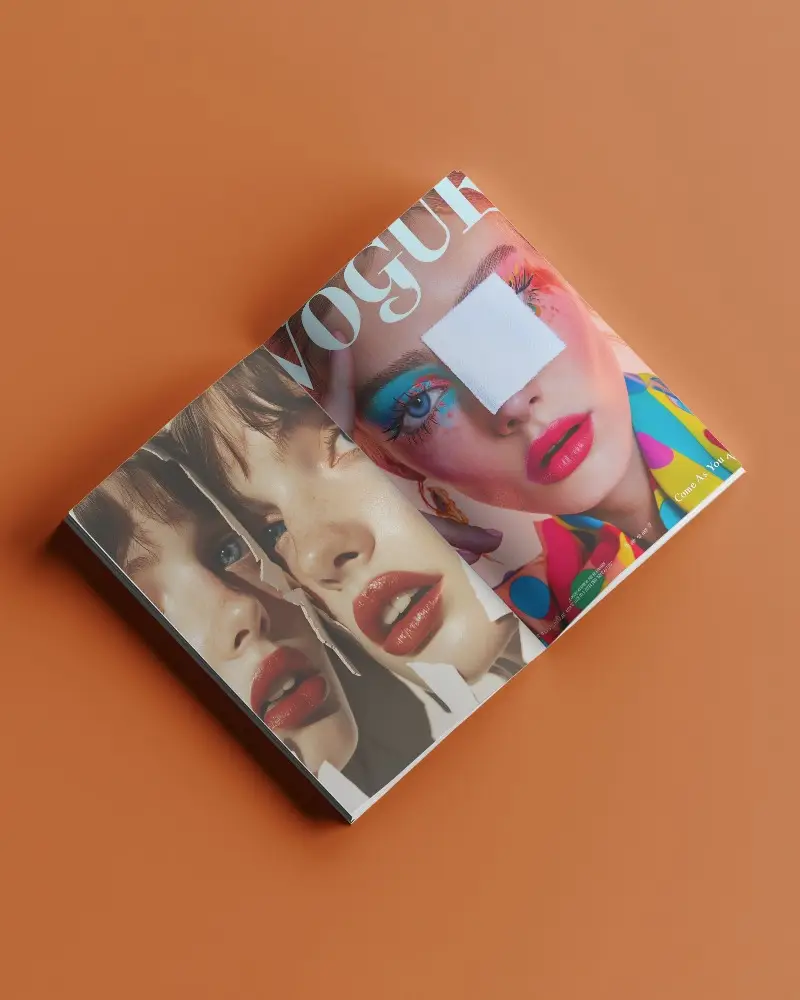
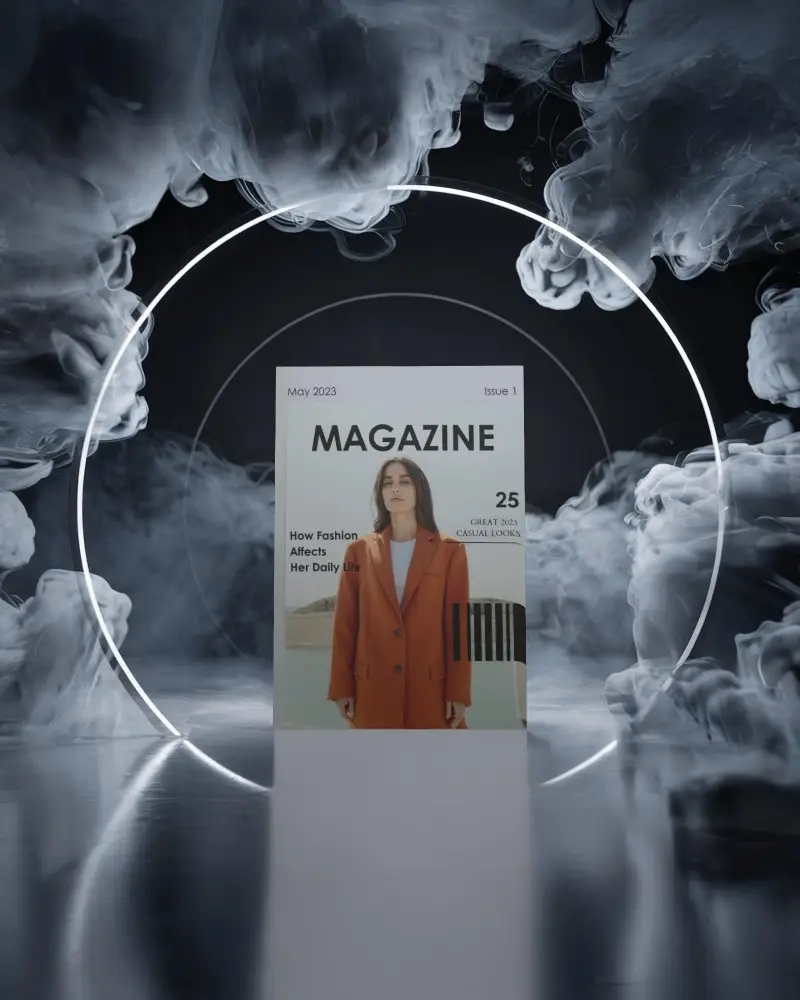
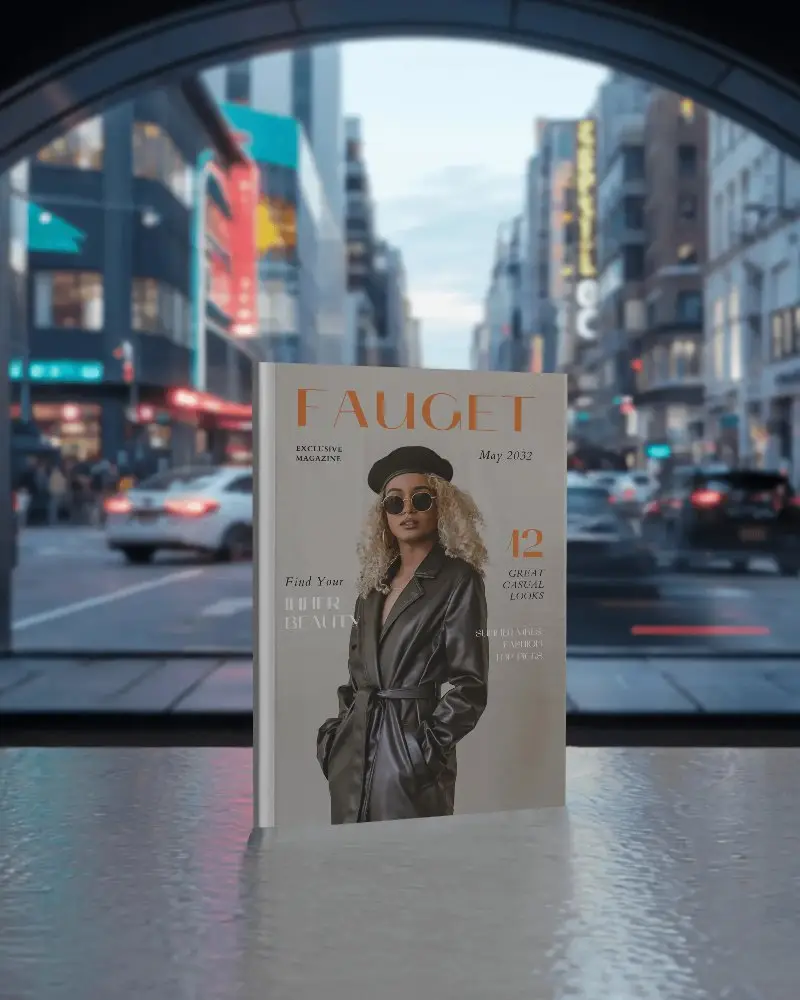
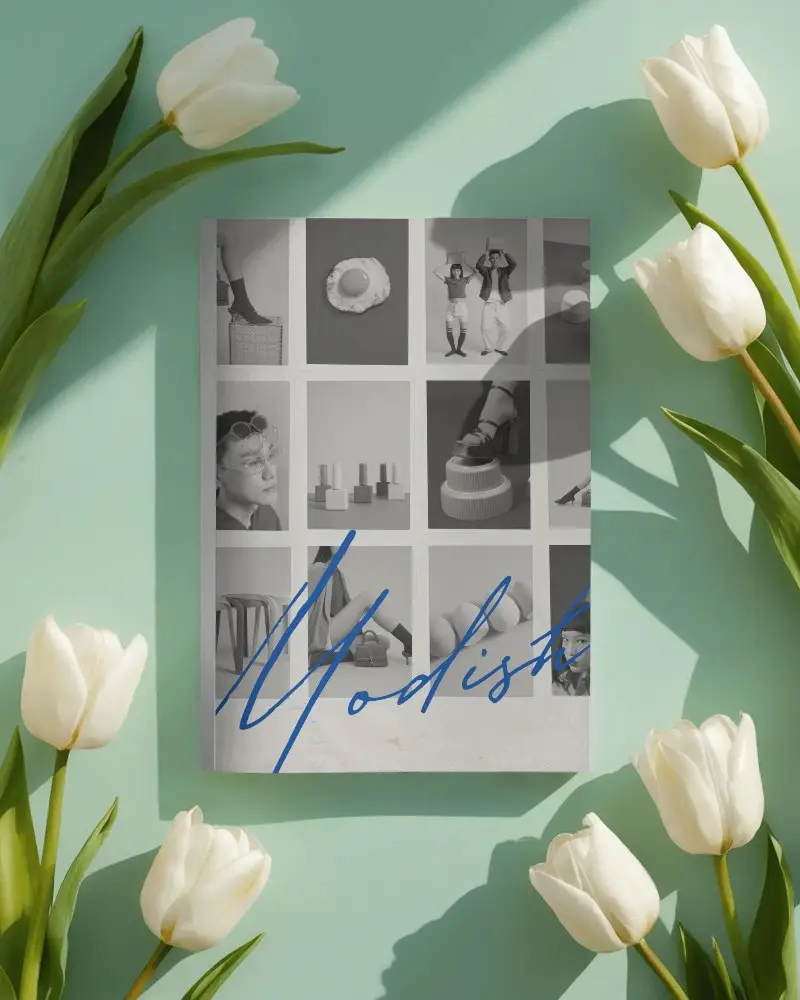
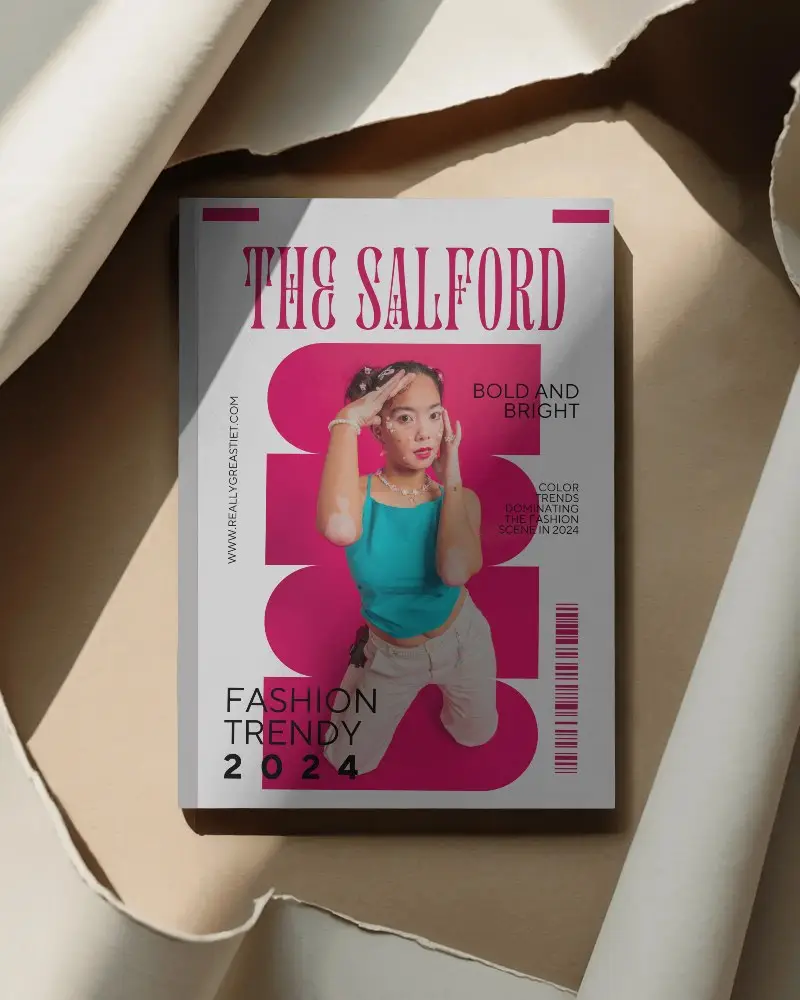
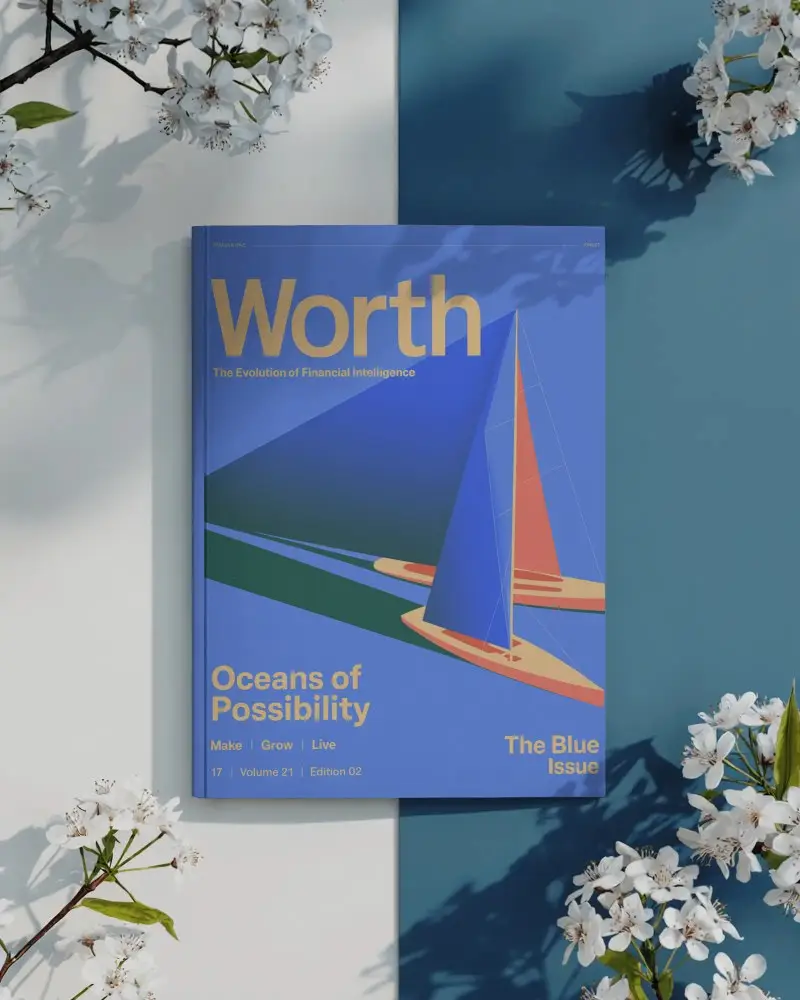
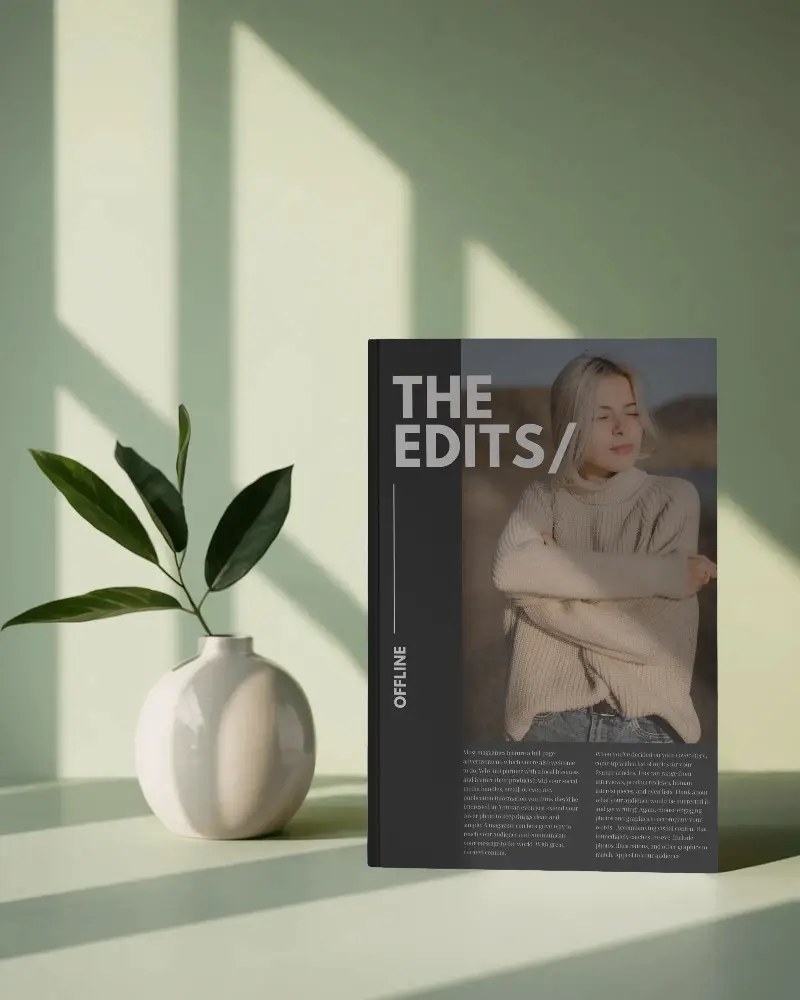
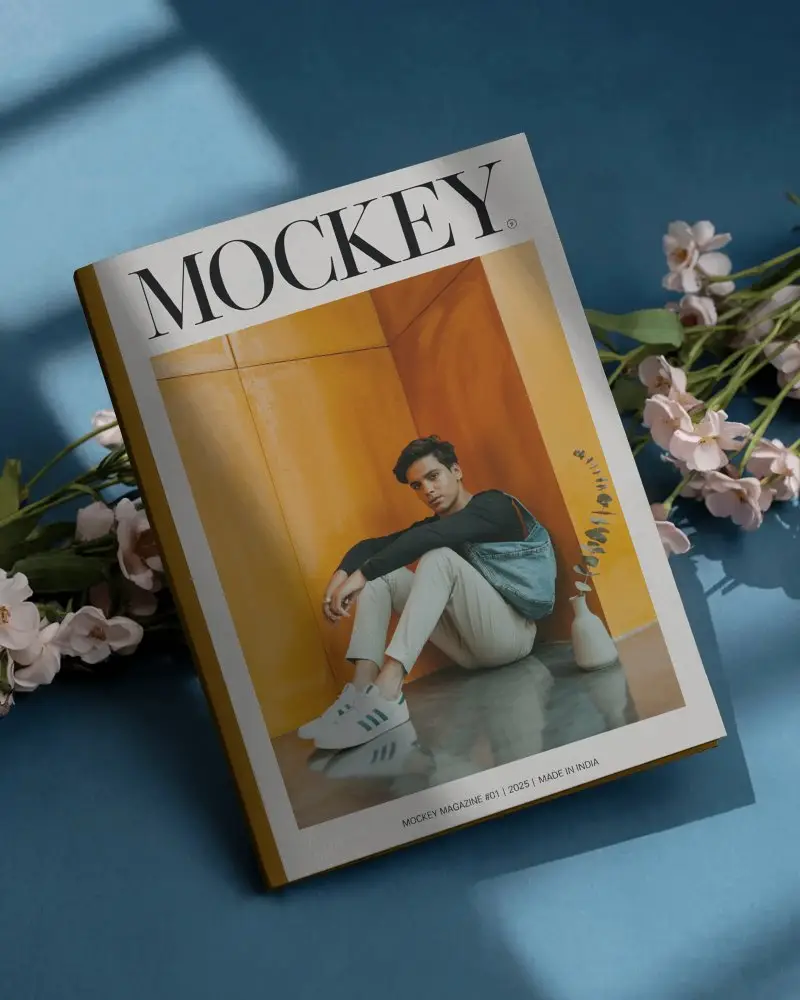
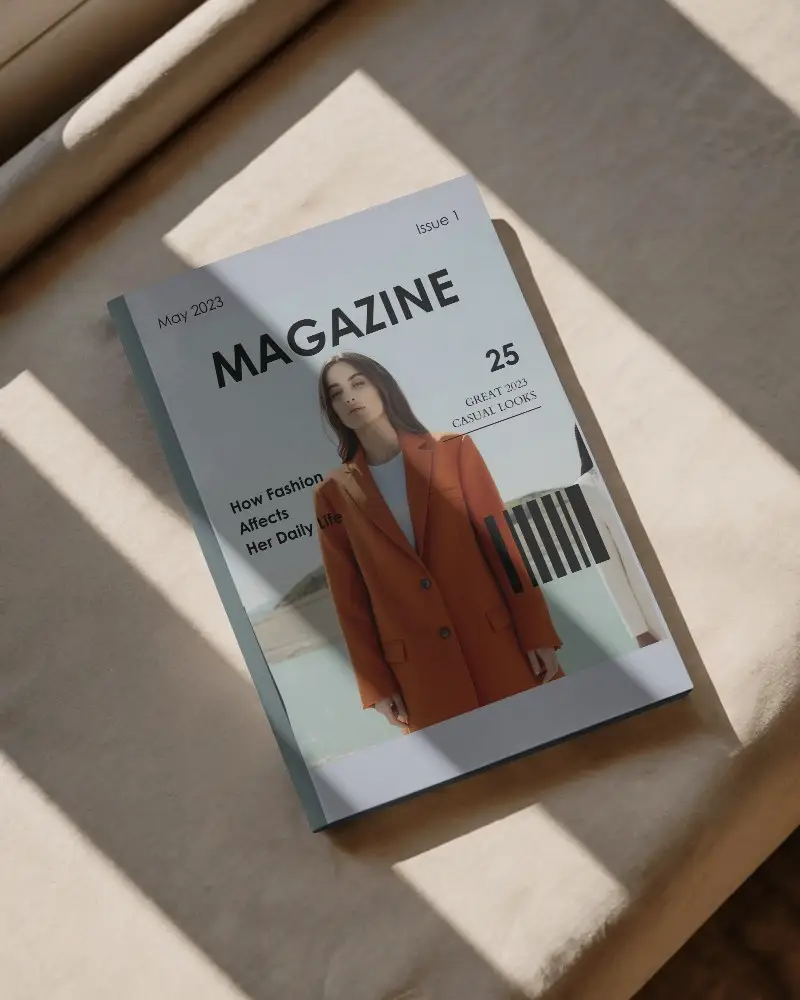
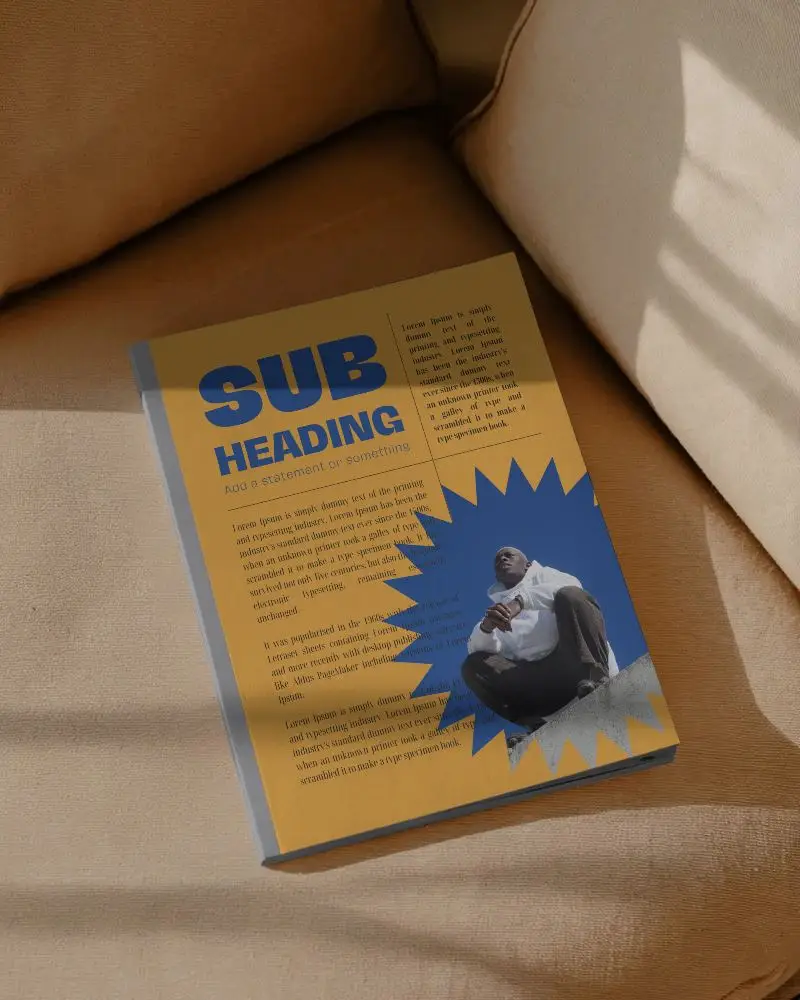
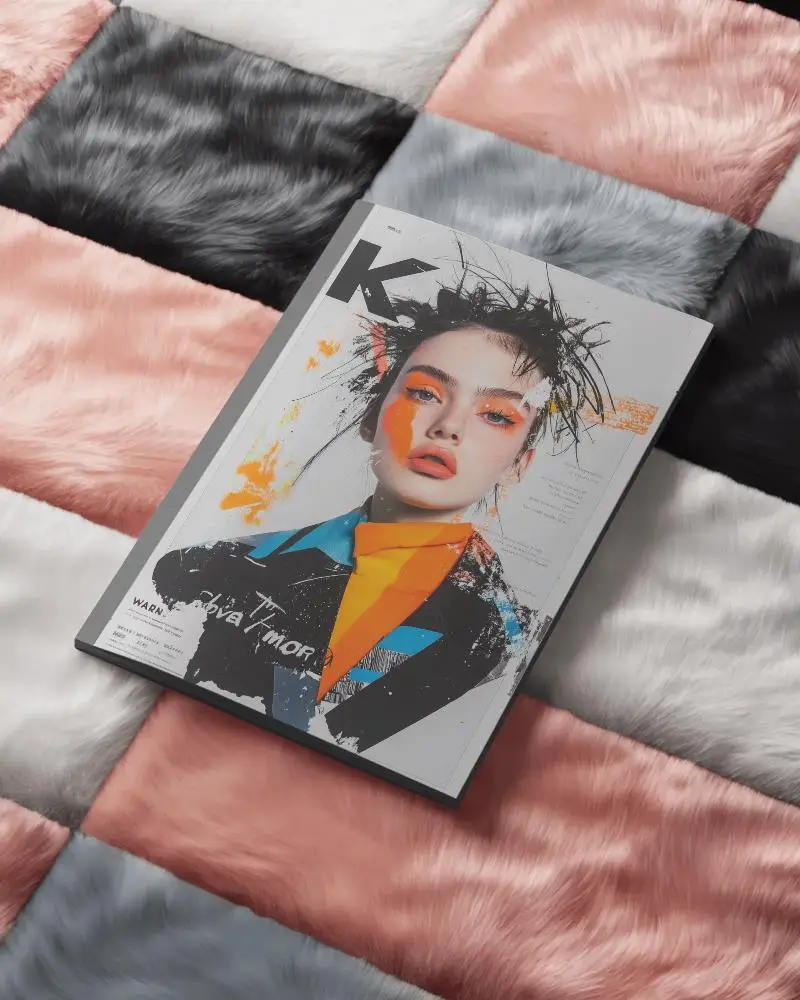
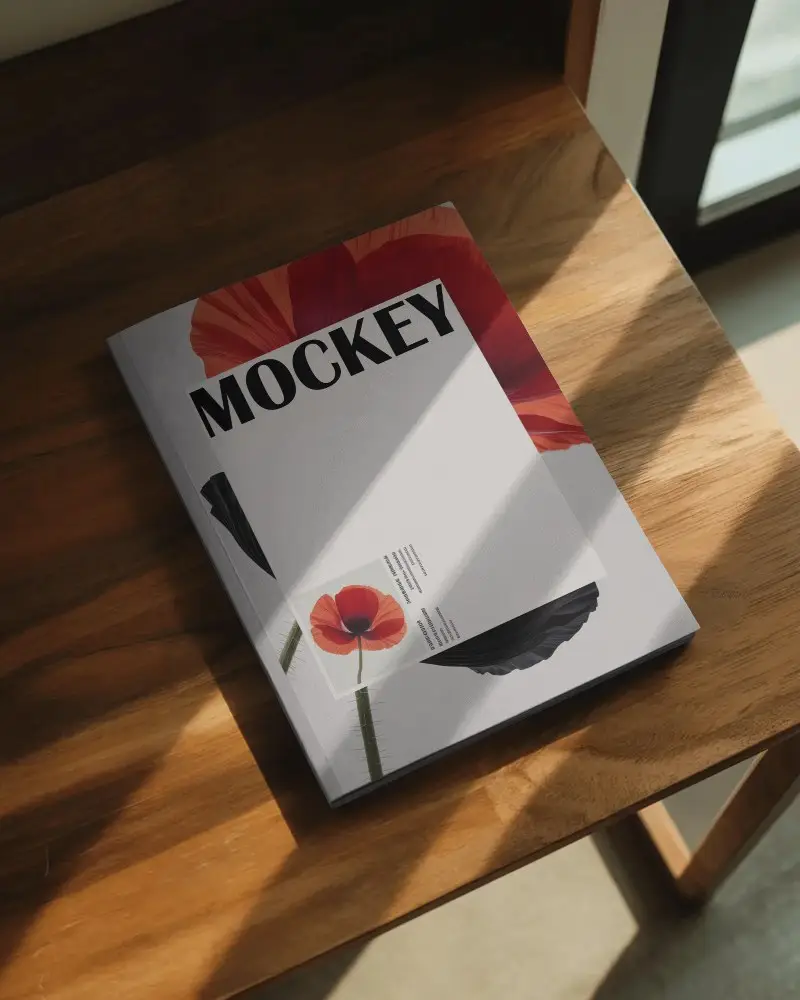
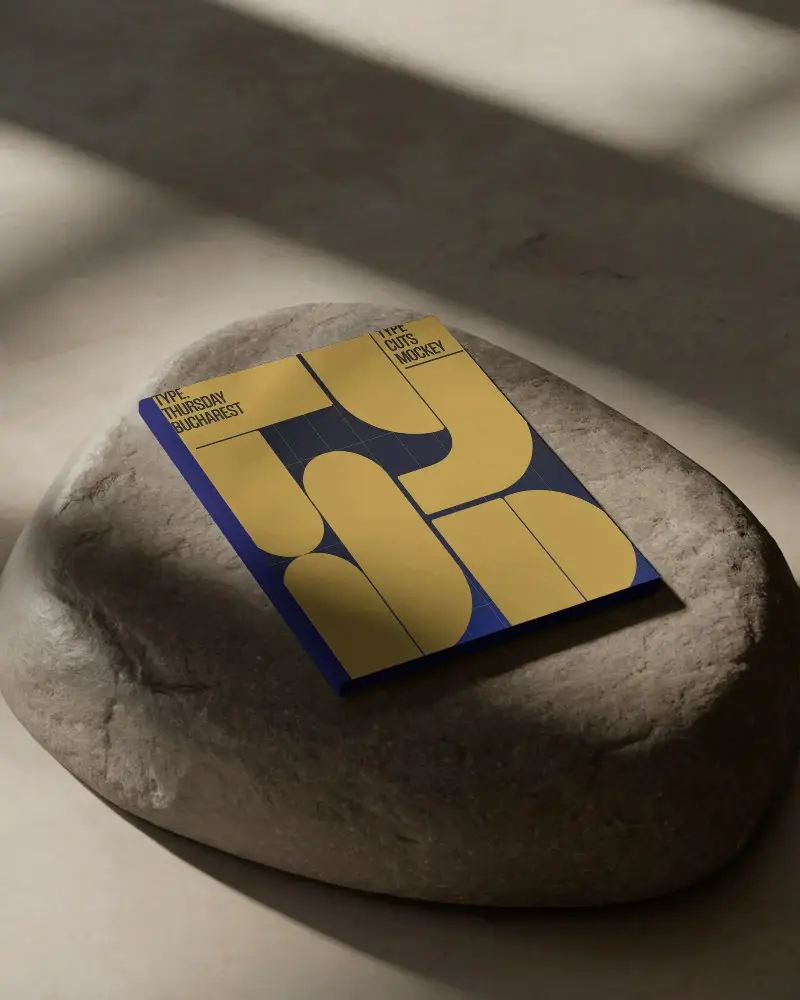
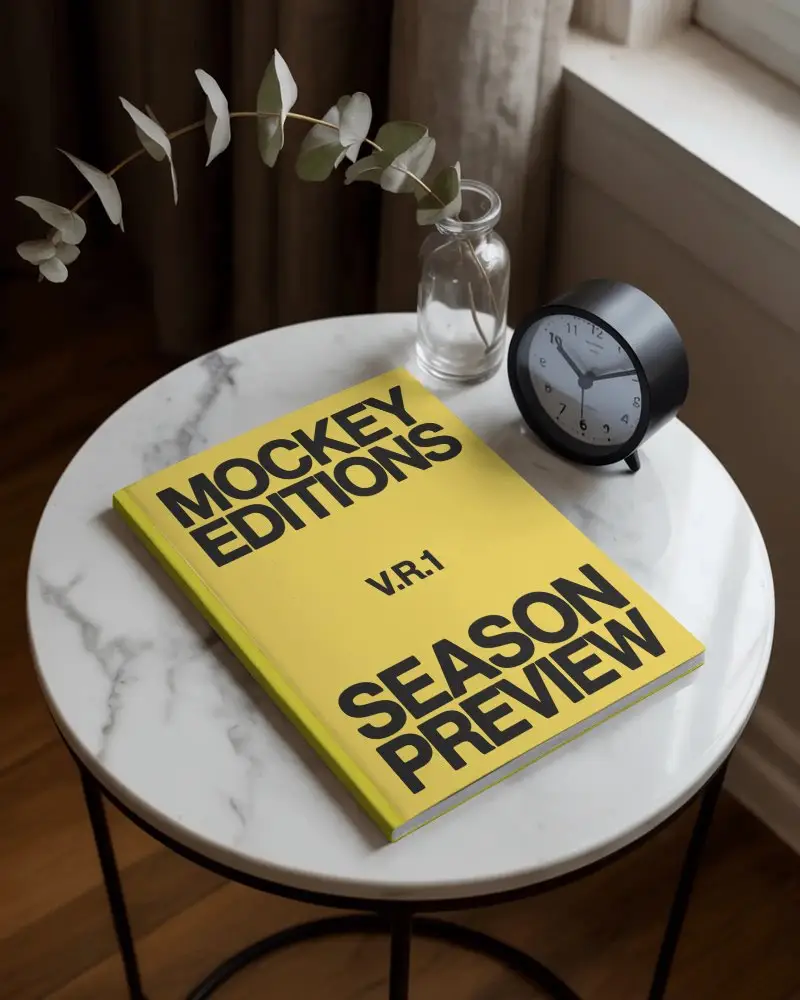
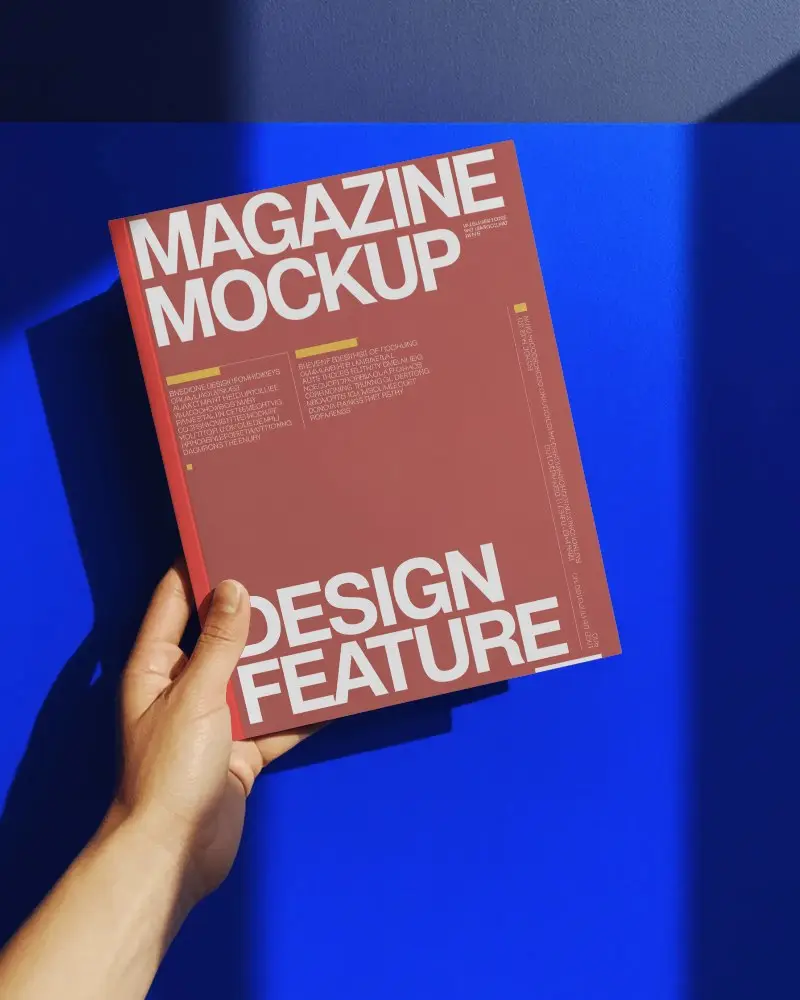
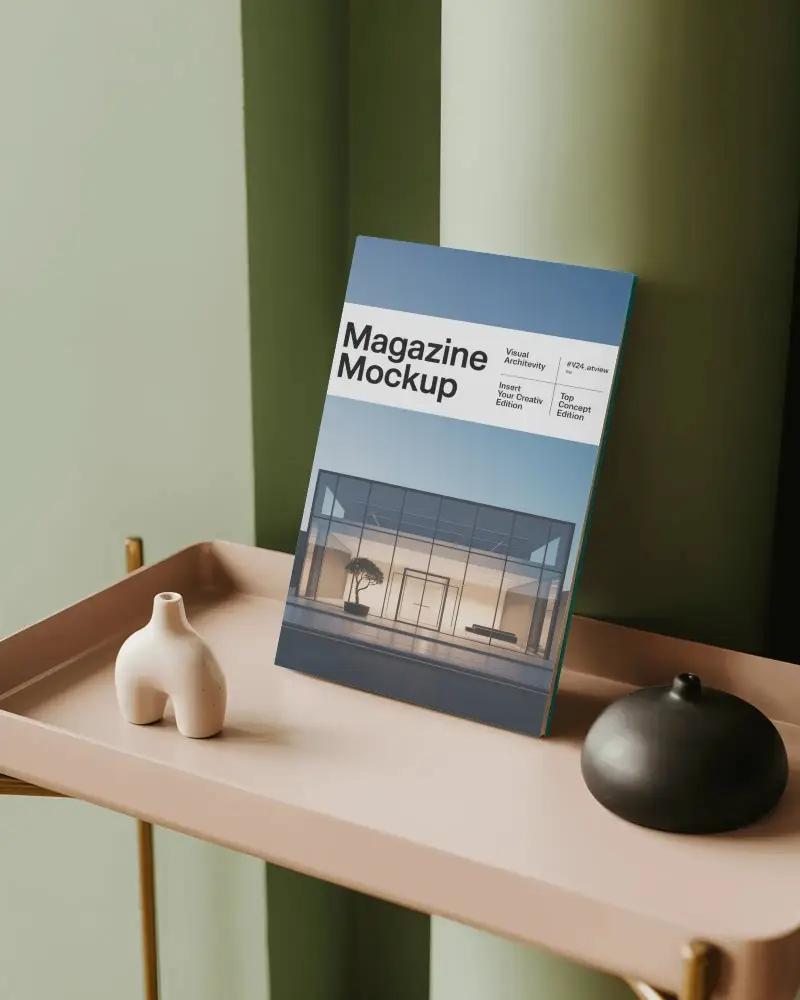
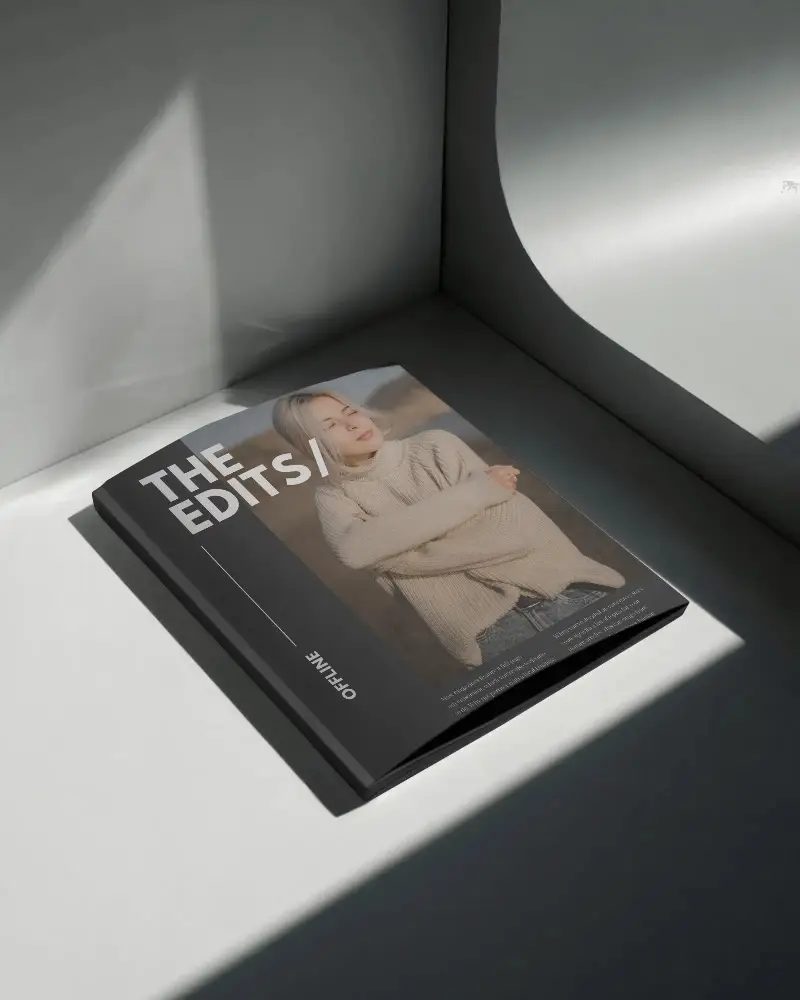
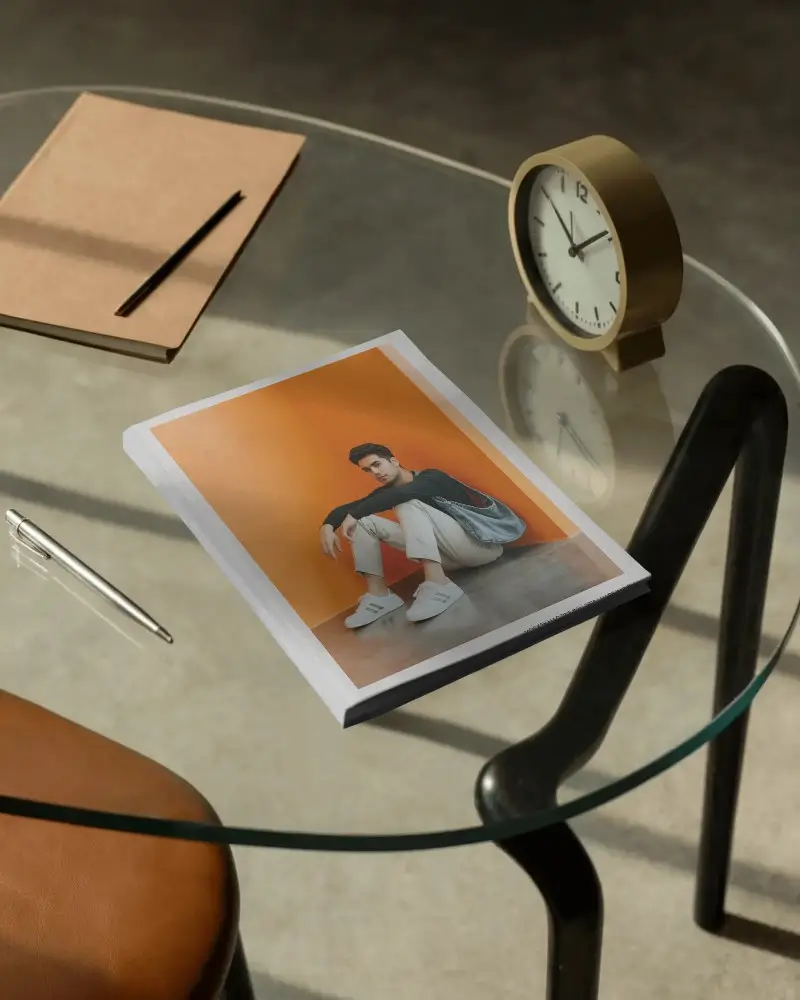
Portrait layouts are perfect for structured, vertical storytelling. A Portrait Magazine Mockup helps you present your design exactly how it will appear in print. Upload your layout to Mockey and preview your magazine in a realistic format within minutes.
How to Create a Portrait Magazine Mockup with Mockey
To create a portrait magazine mockup in Mockey AI:
- Step 1: Go to Mockups > Print > Magazine and choose a Portrait magazine template.
- Step 2: Click Upload Design to add your vertical layout. Customize colors and positioning as needed.
- Step 3: Click Download to save your portrait magazine mockup in JPG or PNG format based on your plan.


FAQs on Portrait Magazine Mockups
What is a Portrait Magazine mockup?
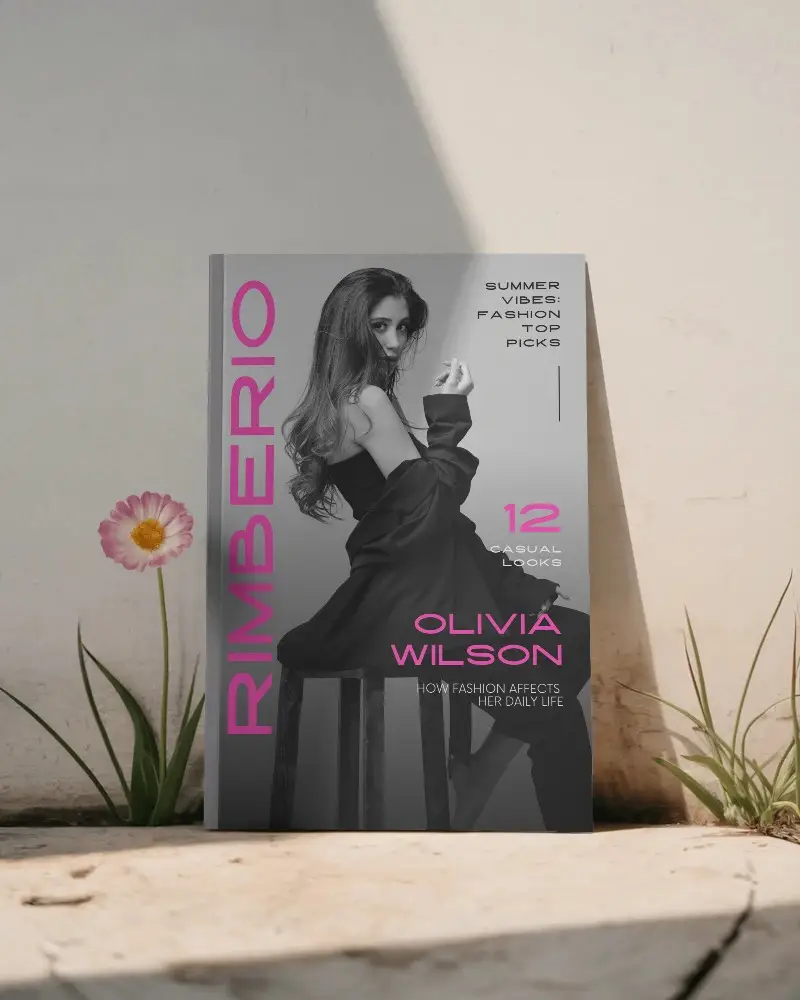
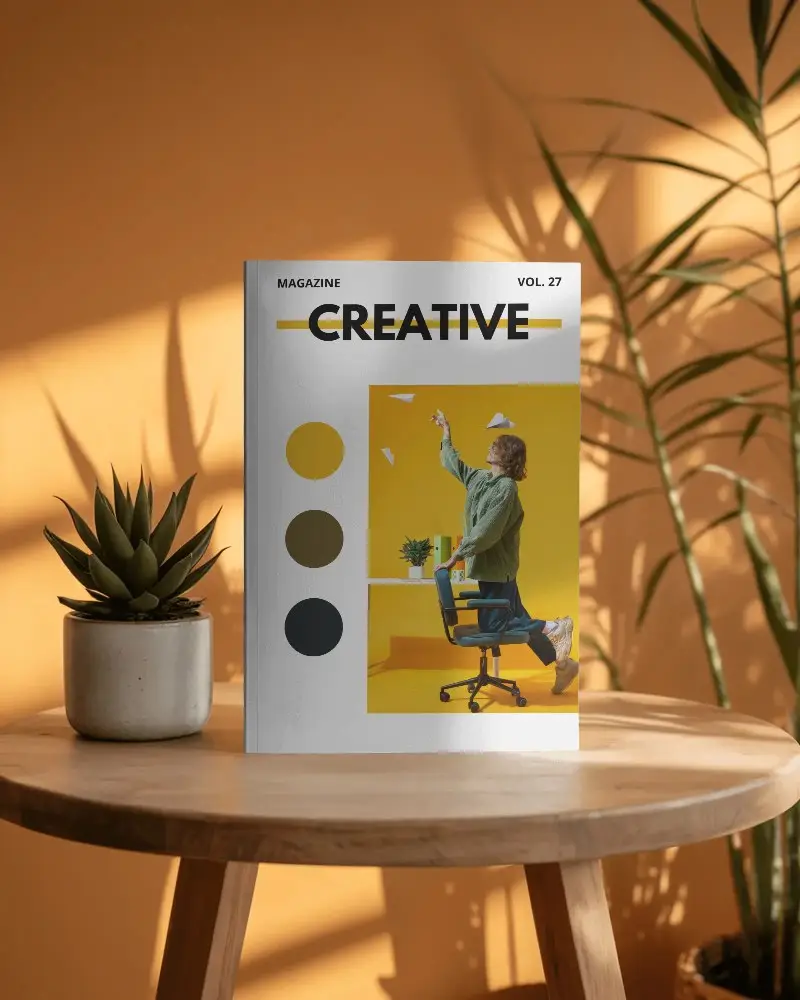
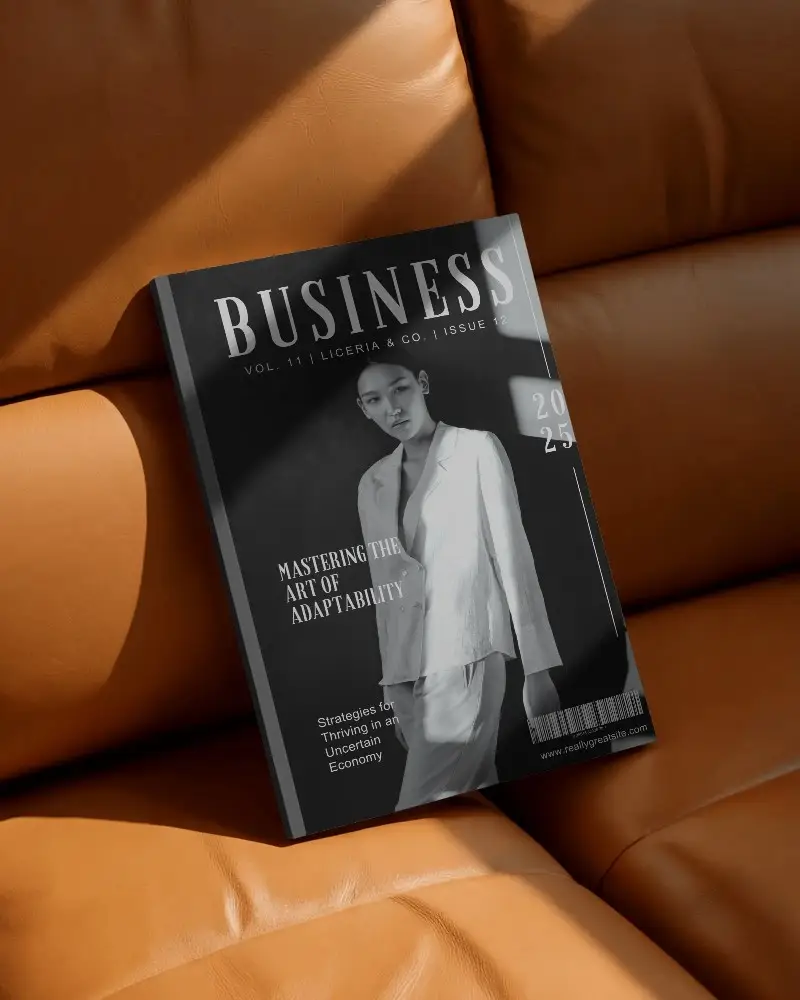
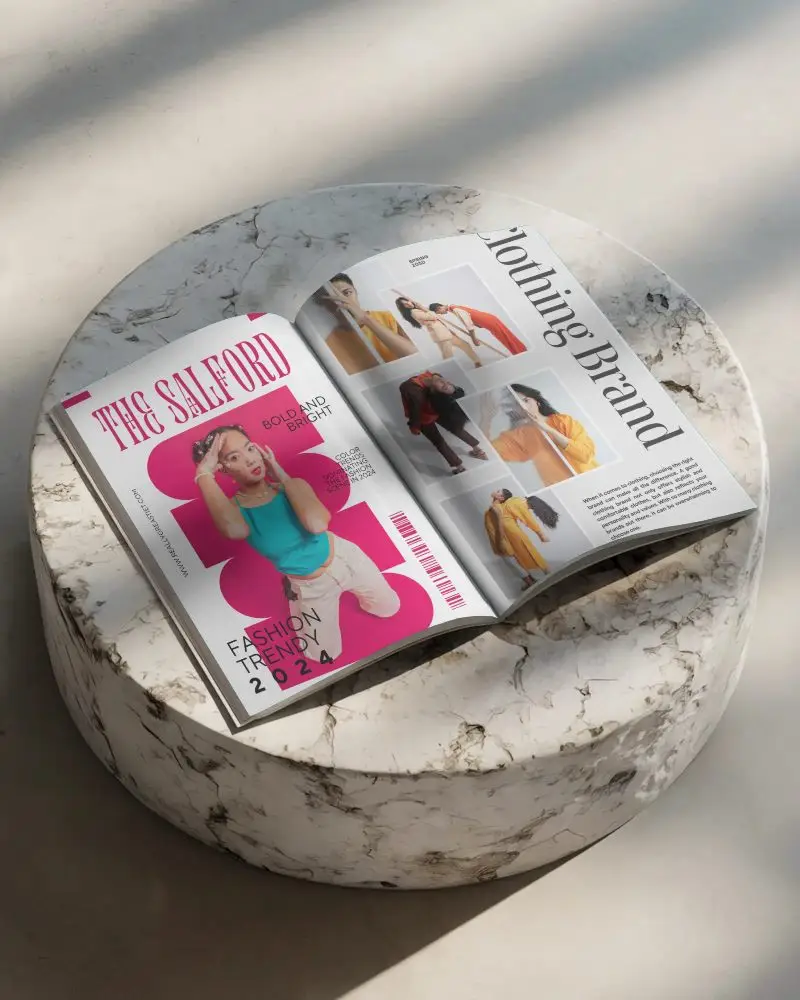
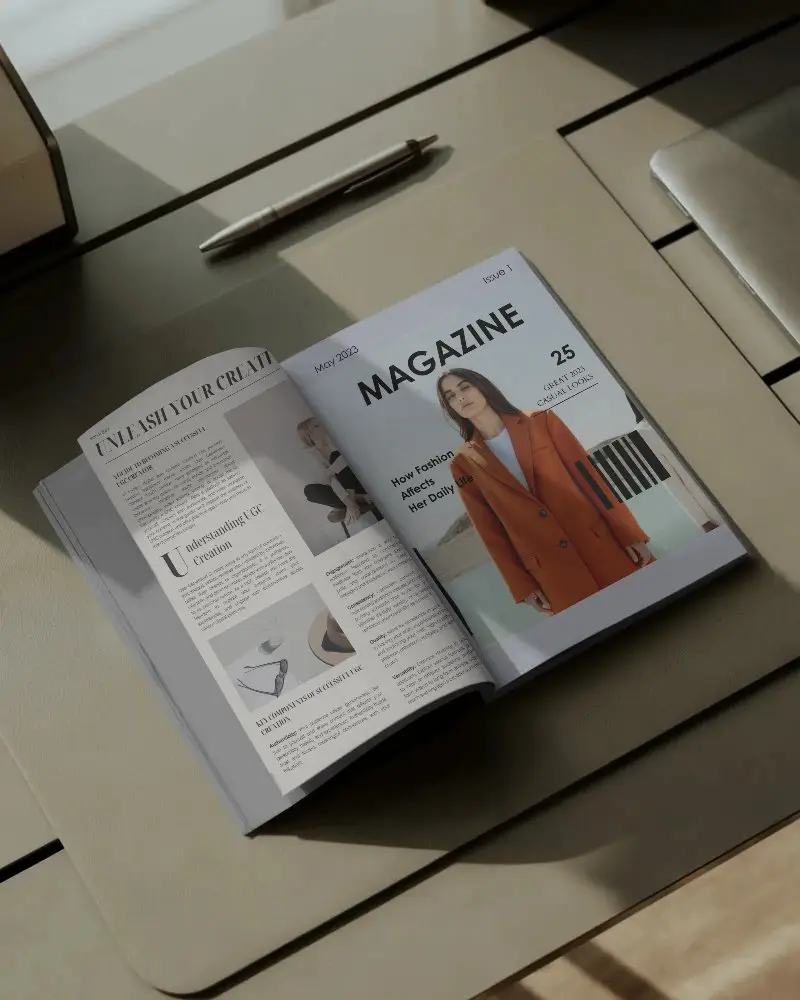
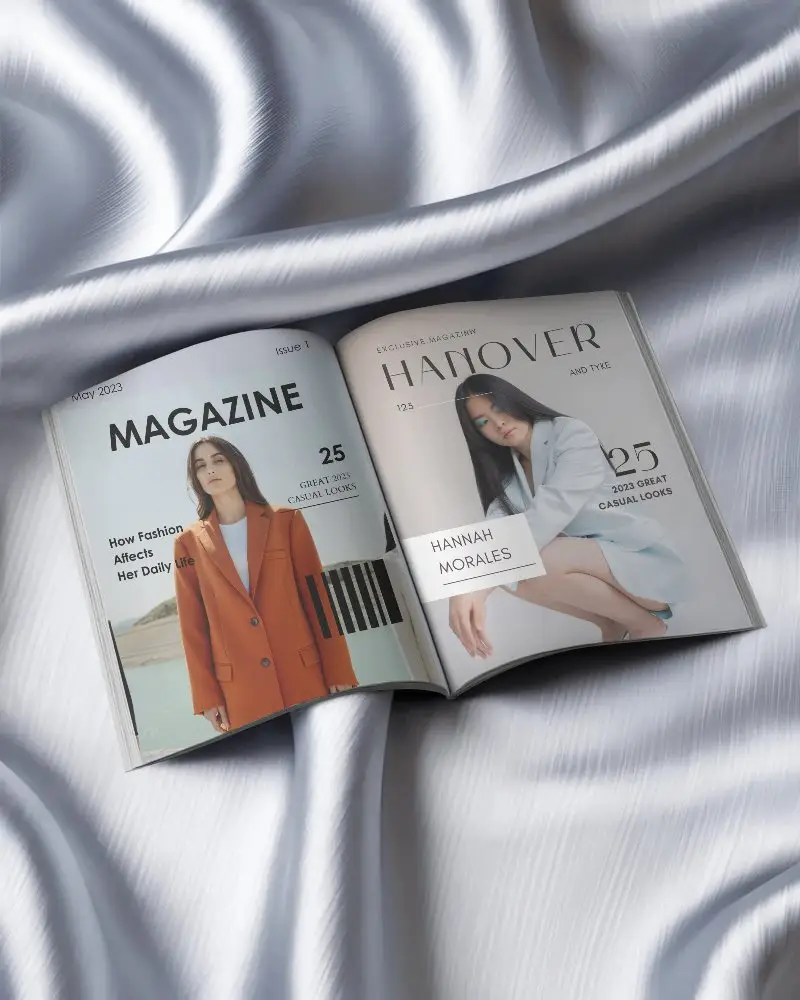
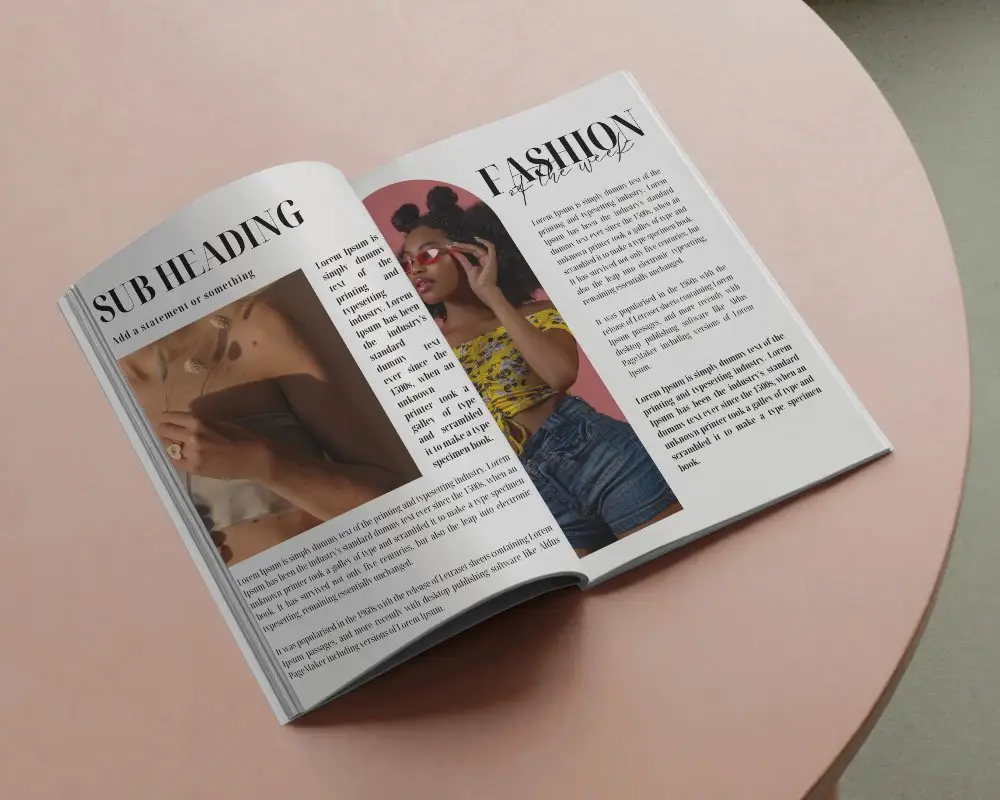
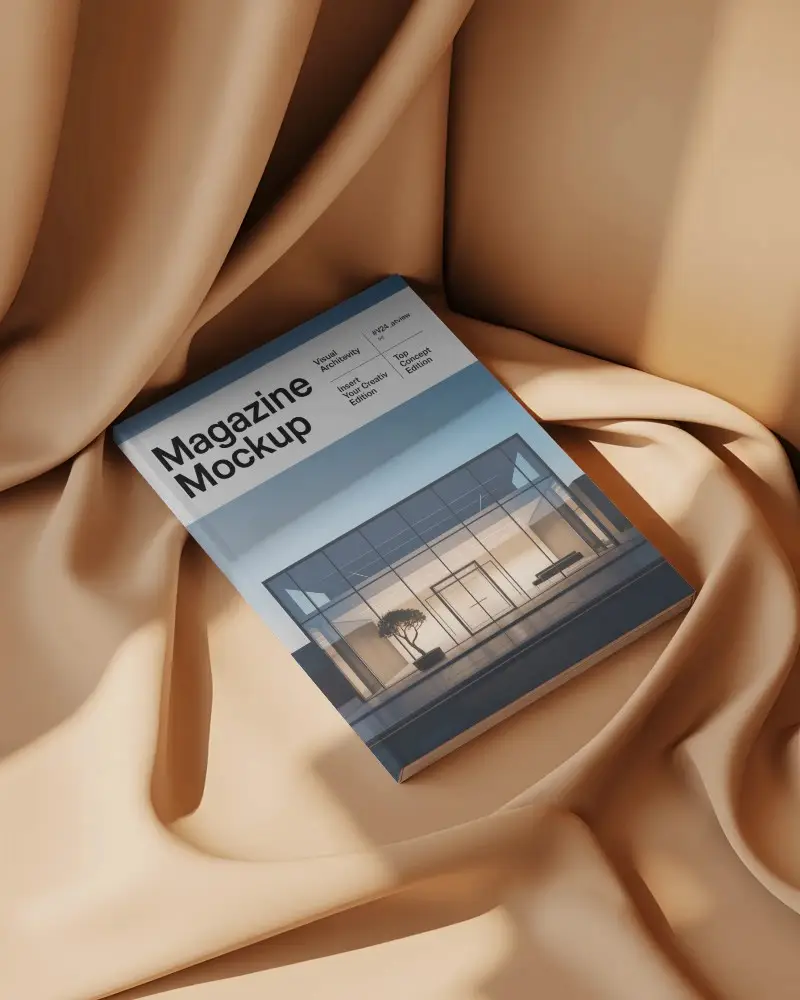
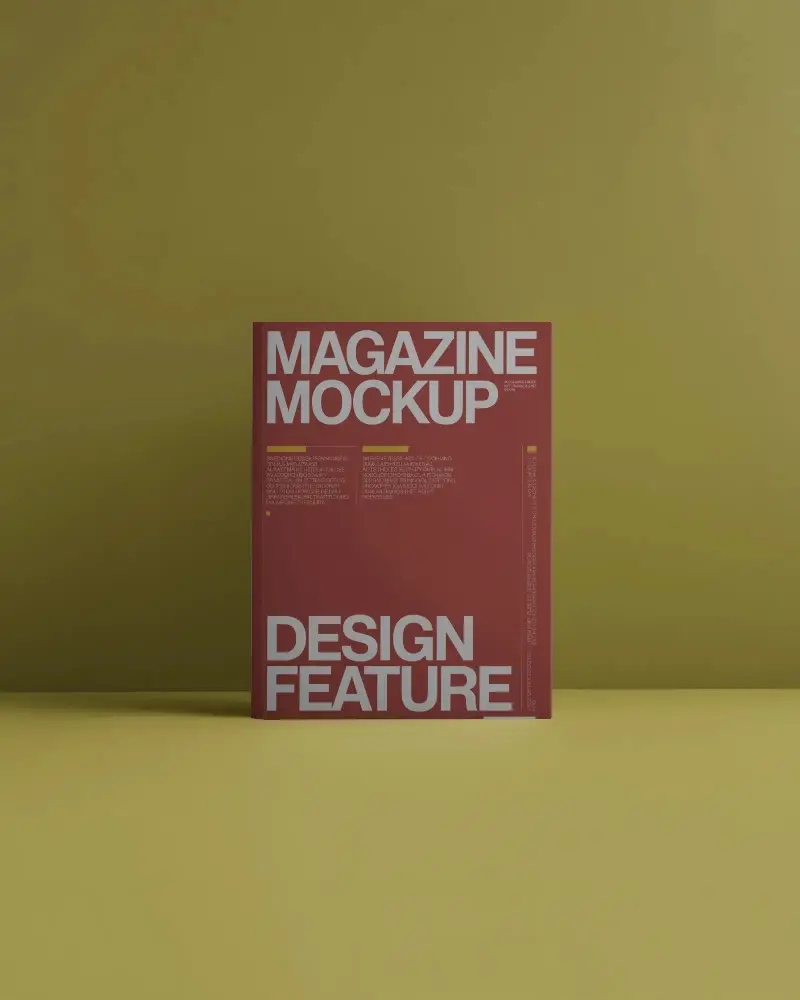
A portrait magazine mockup is a vertical template where you can place your design and preview how it will look before printing. Mockey AI displays it in realistic views like cover, open spread, or stacked copies.
Do any free apps do Portrait Magazine mockups?
Yes, tools like Mockey AI offer free portrait magazine mockups with editable templates, quick previews, and an easy-to-use editor.
Is a Portrait Magazine Mockup suitable for fashion or editorial magazines?
Yes, portrait magazine mockups are widely used for fashion, lifestyle, and editorial designs because the vertical layout fits cover images and headlines effectively.
What file format should I upload for a Portrait Magazine Mockup?
You can upload PNG, JPG, or WebP files. For best results, use high-resolution files (around 300 DPI) to ensure the mockup looks sharp and professional.
