Customize Your Free Horizontal Magazine Mockup Online
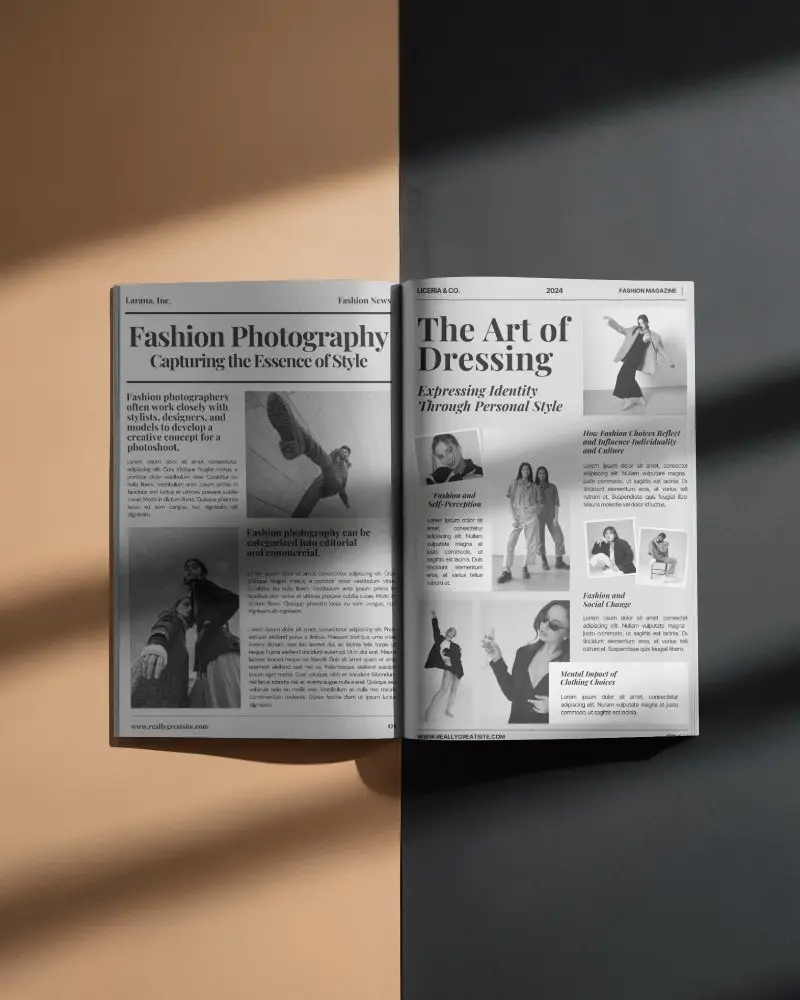
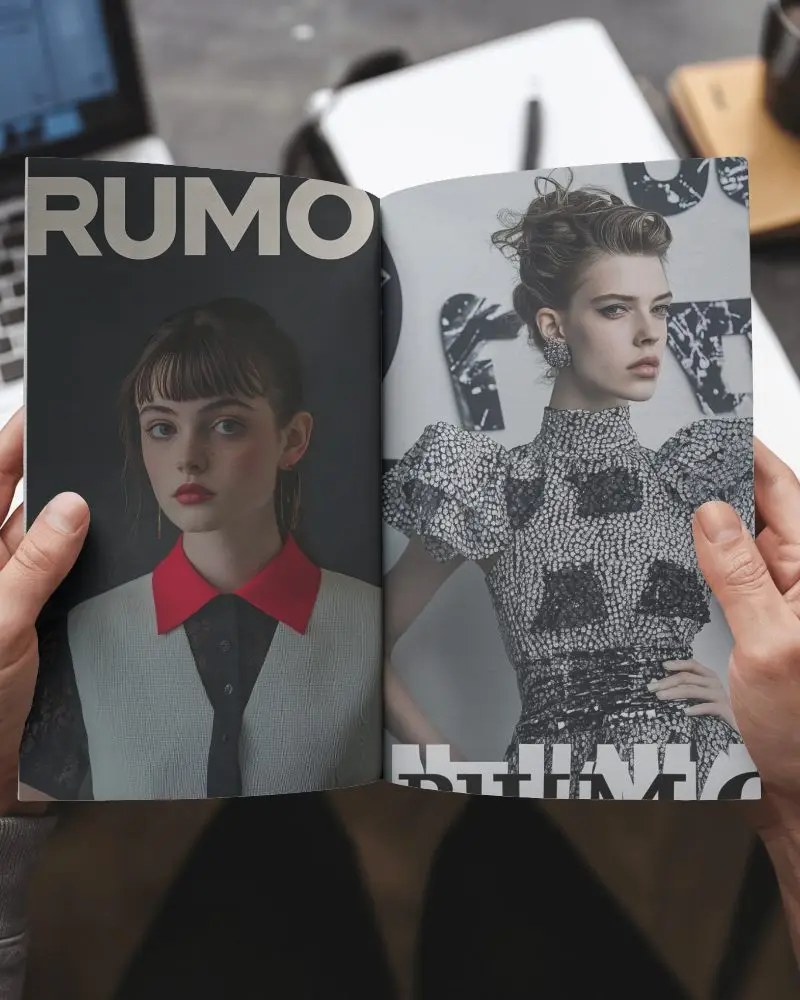
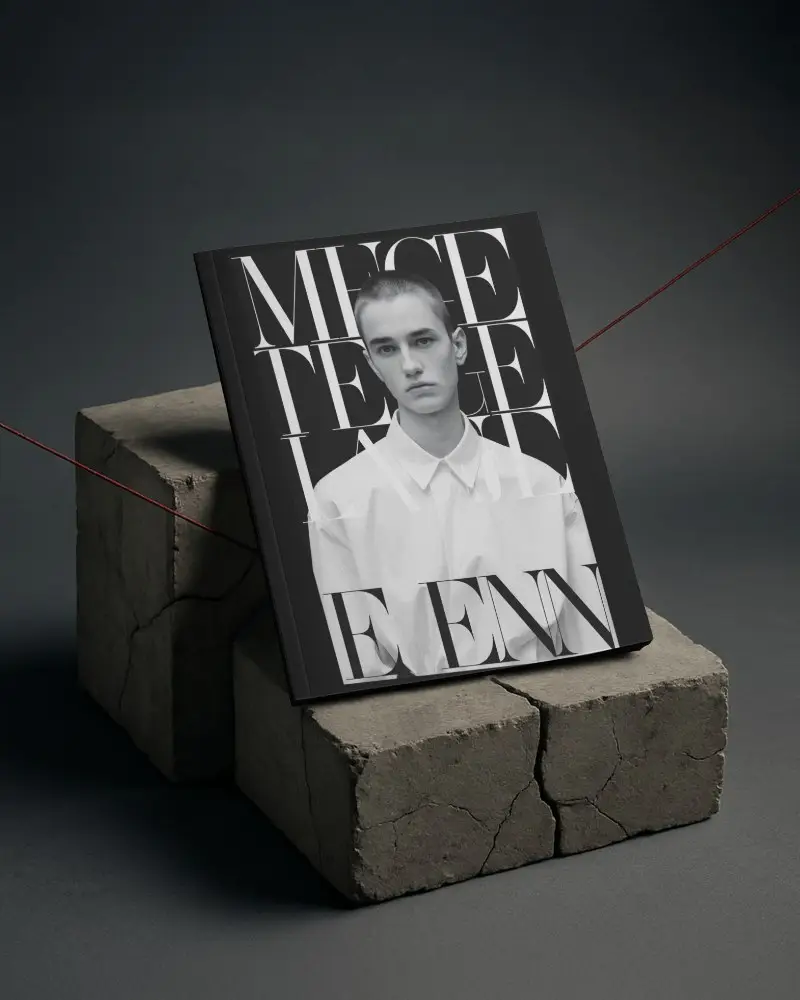
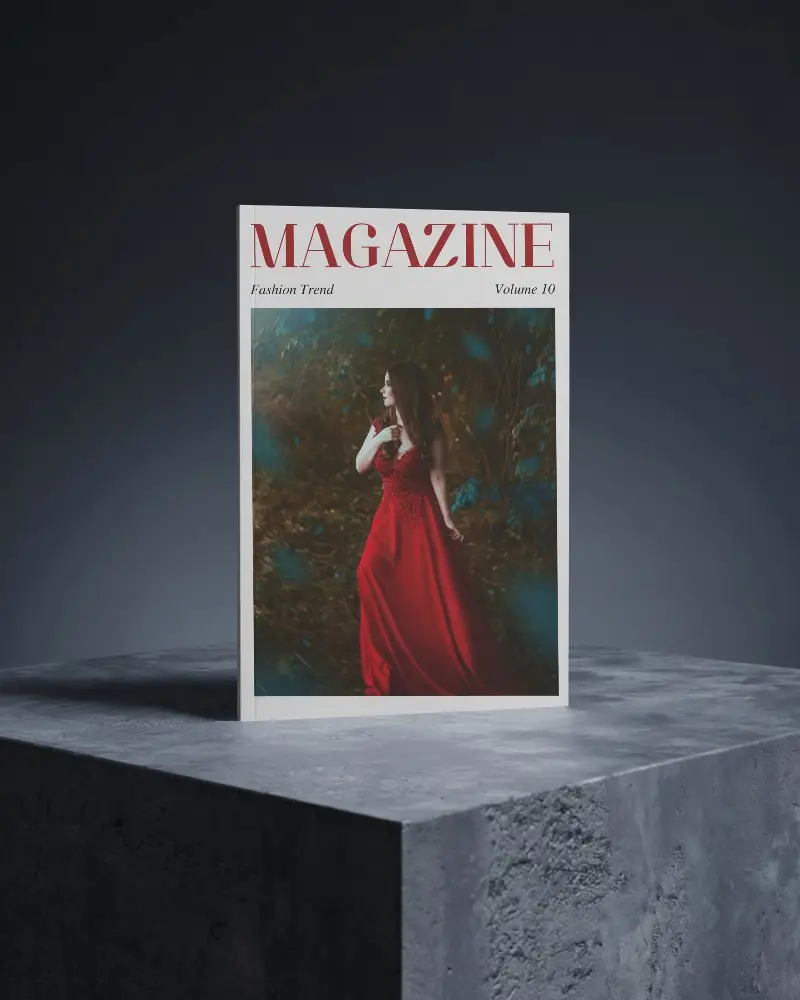
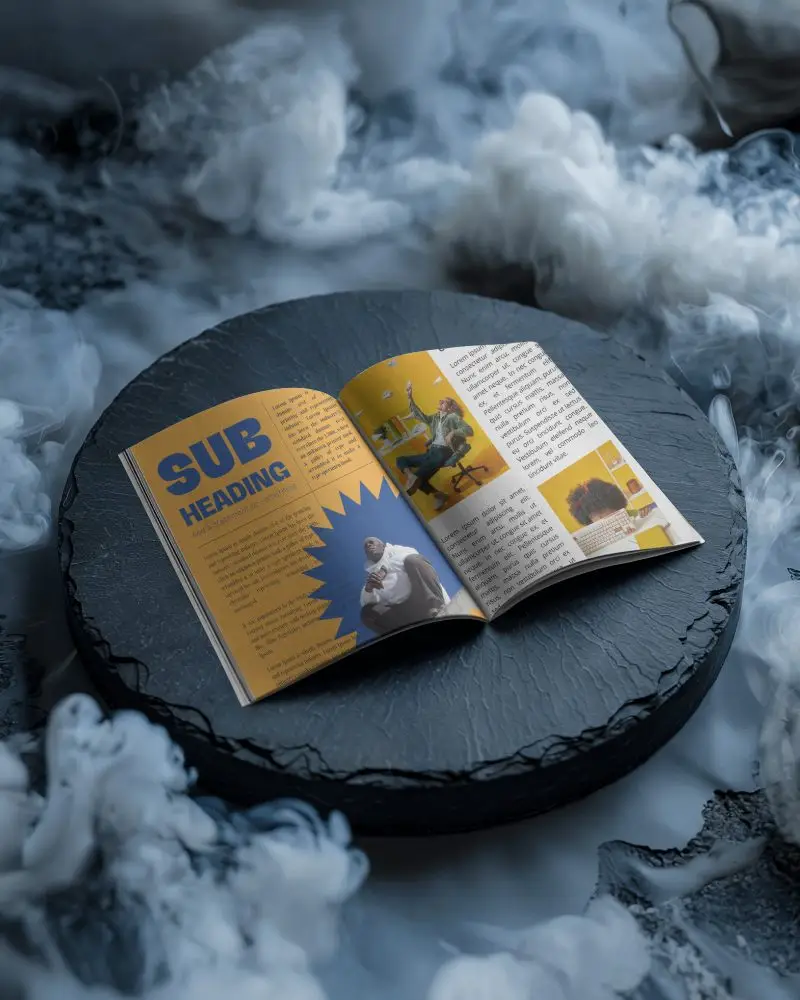
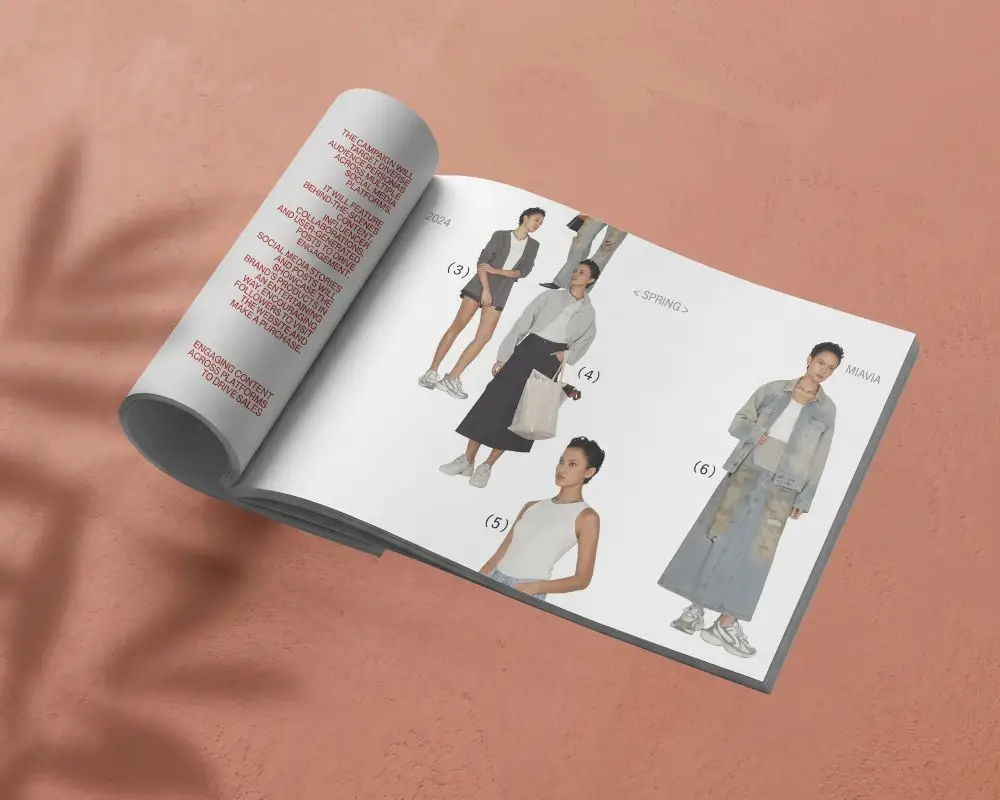
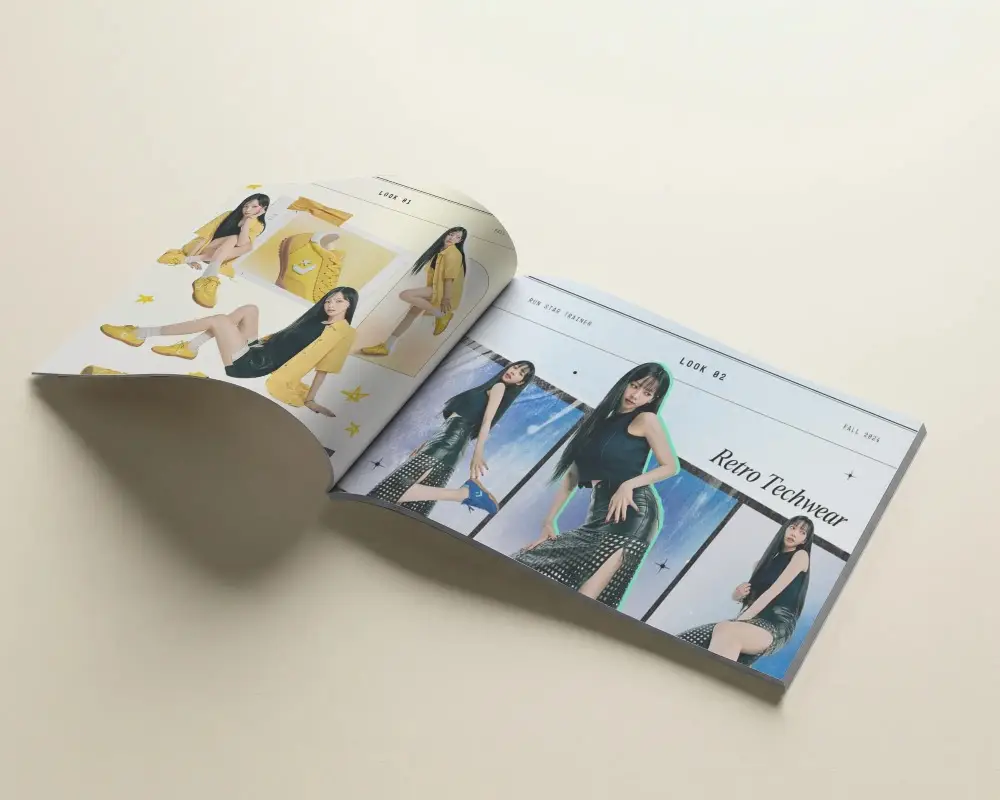
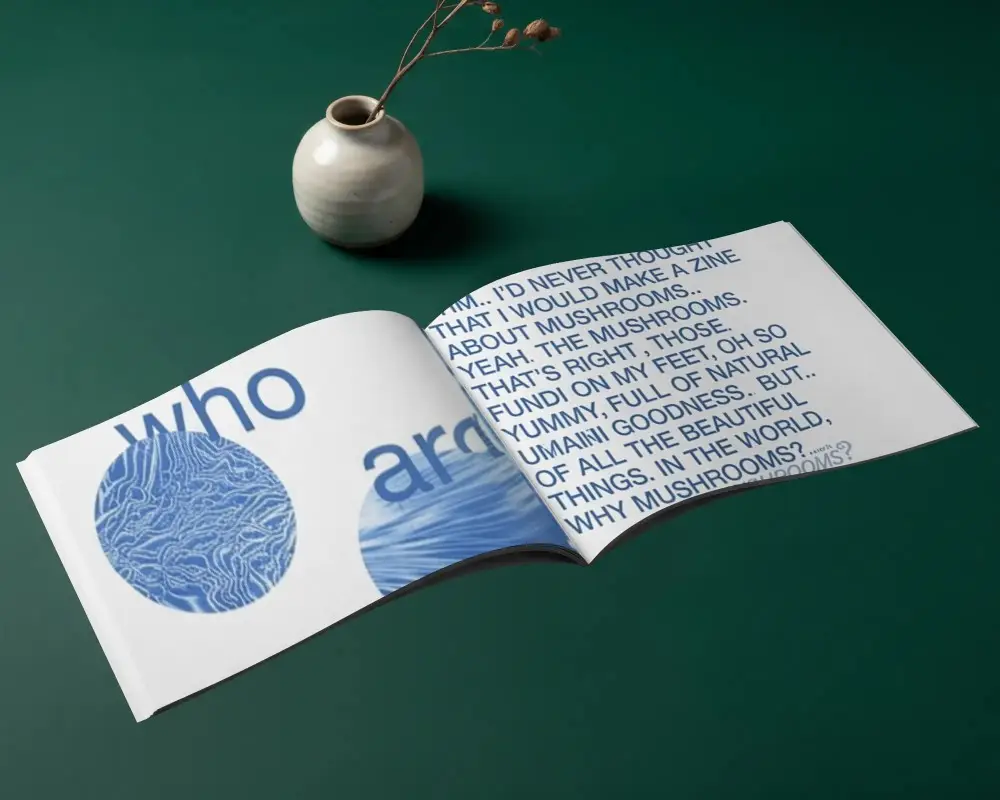
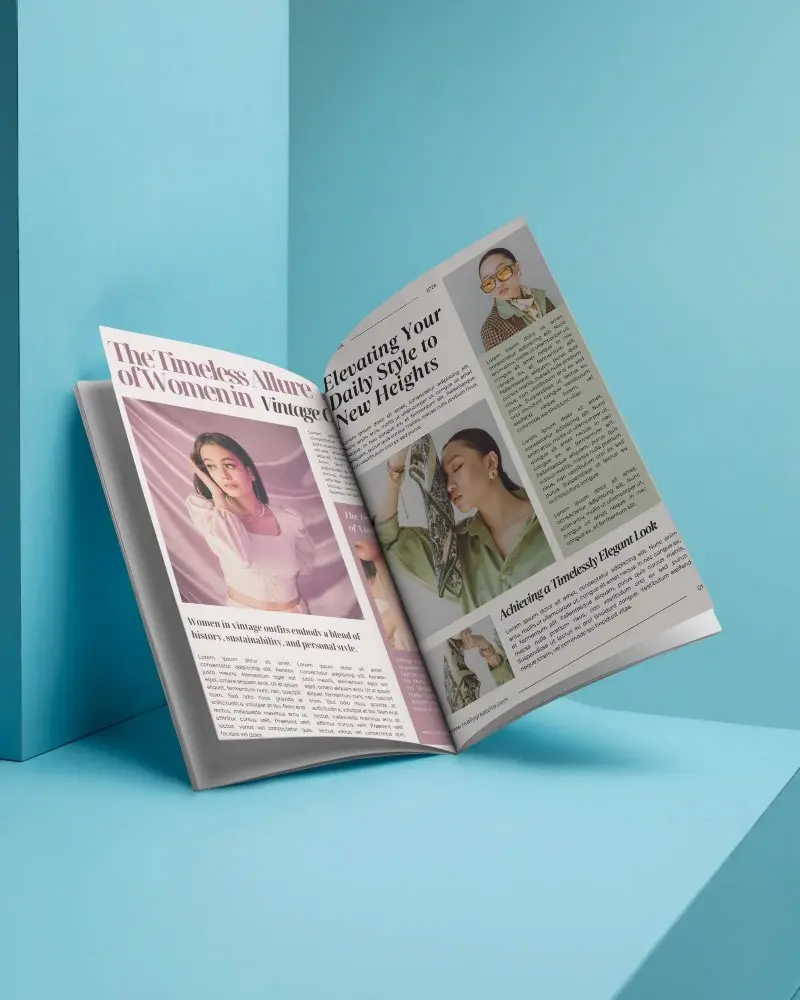
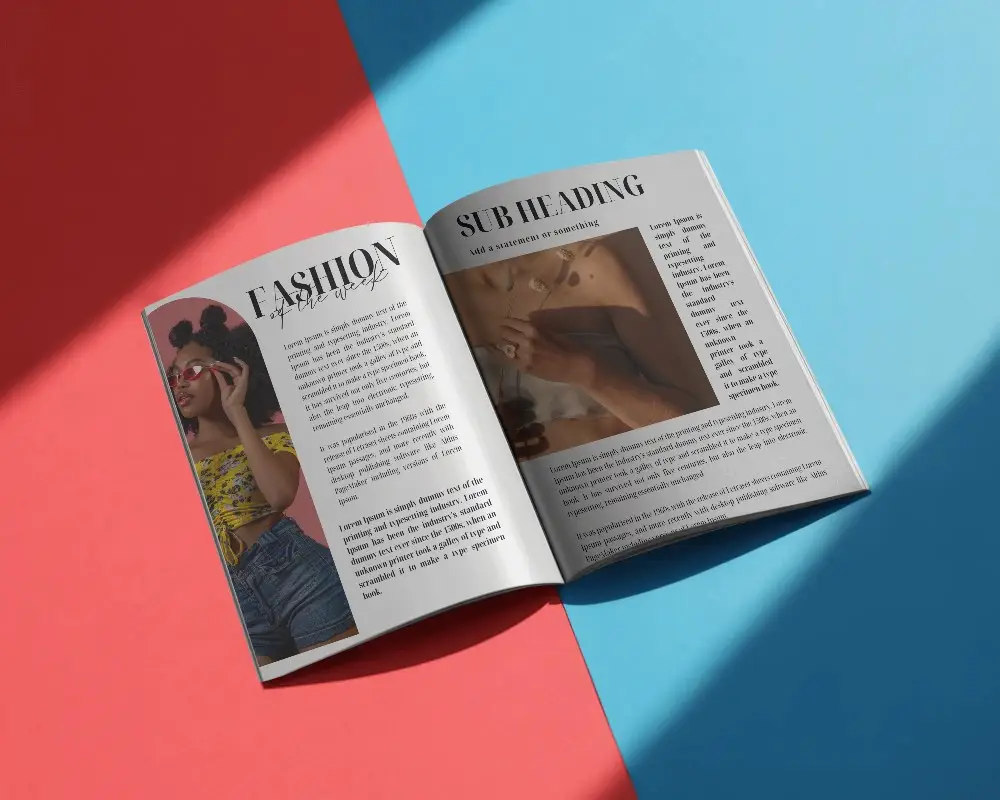
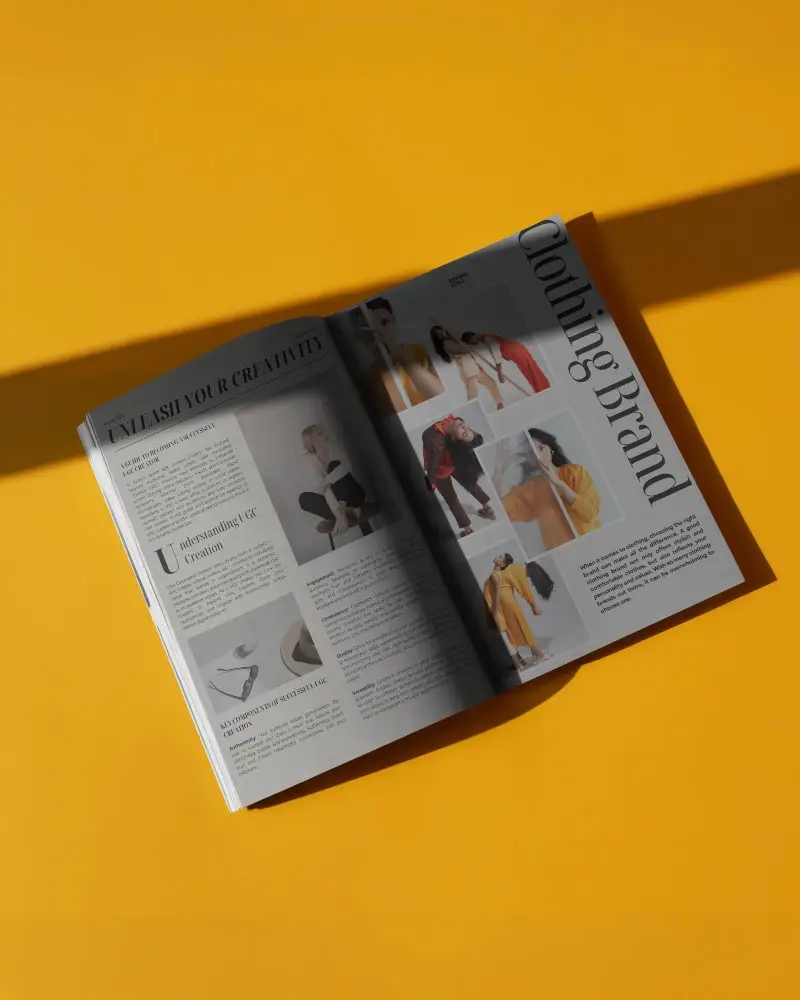
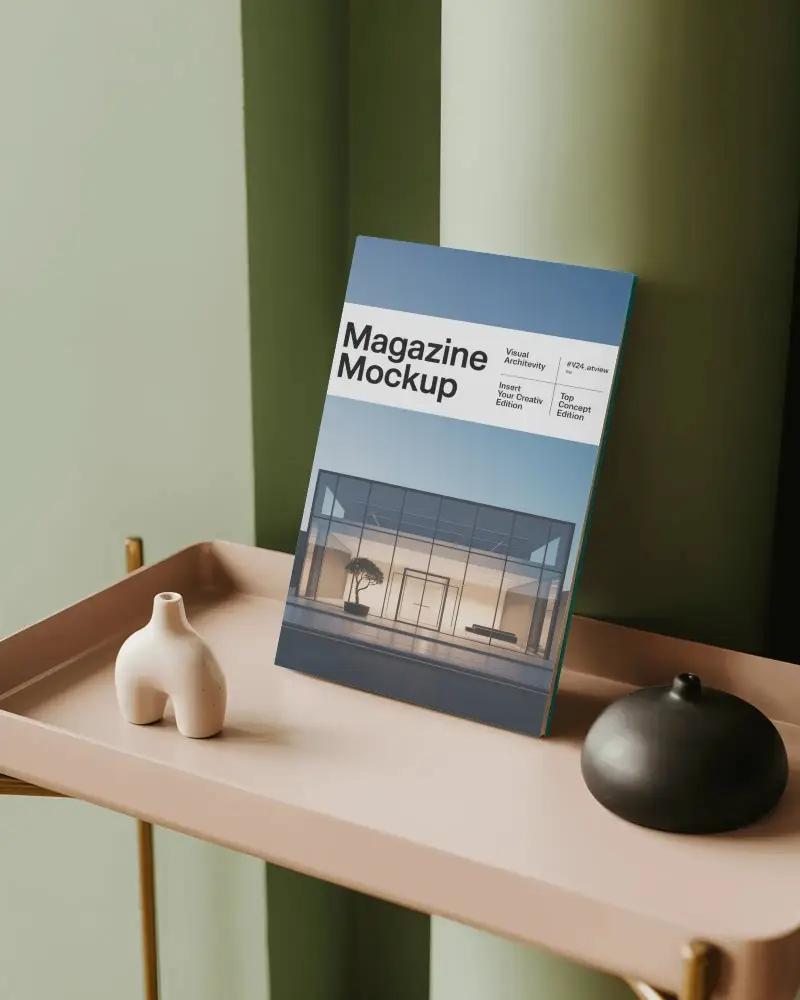
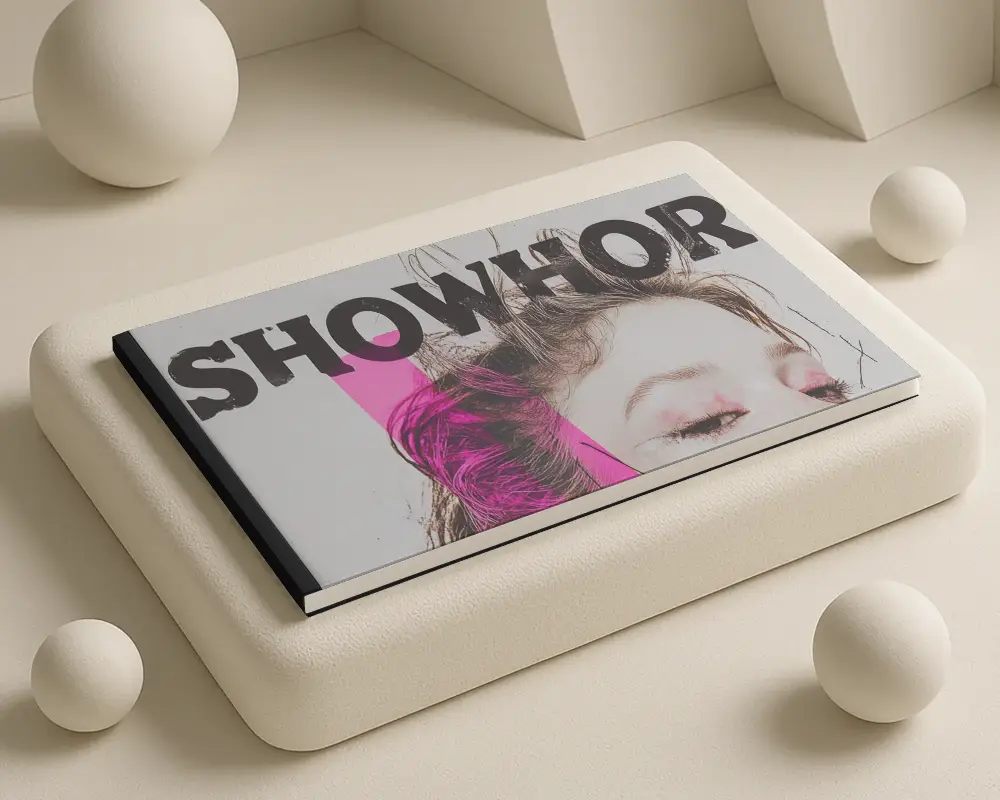
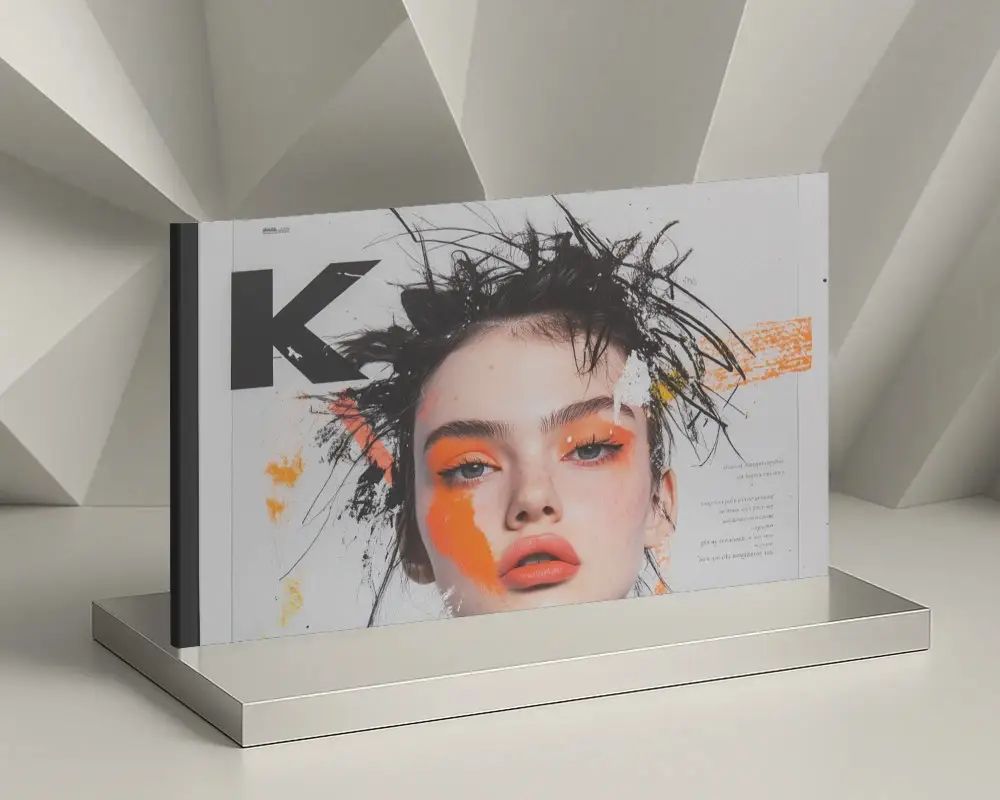
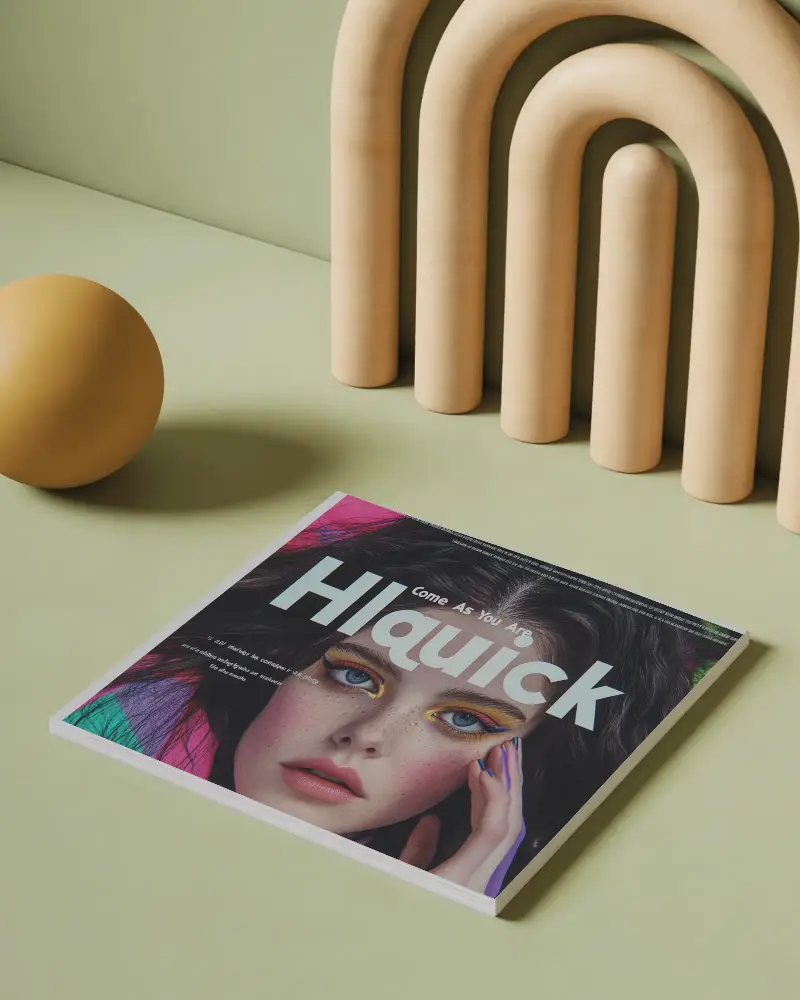
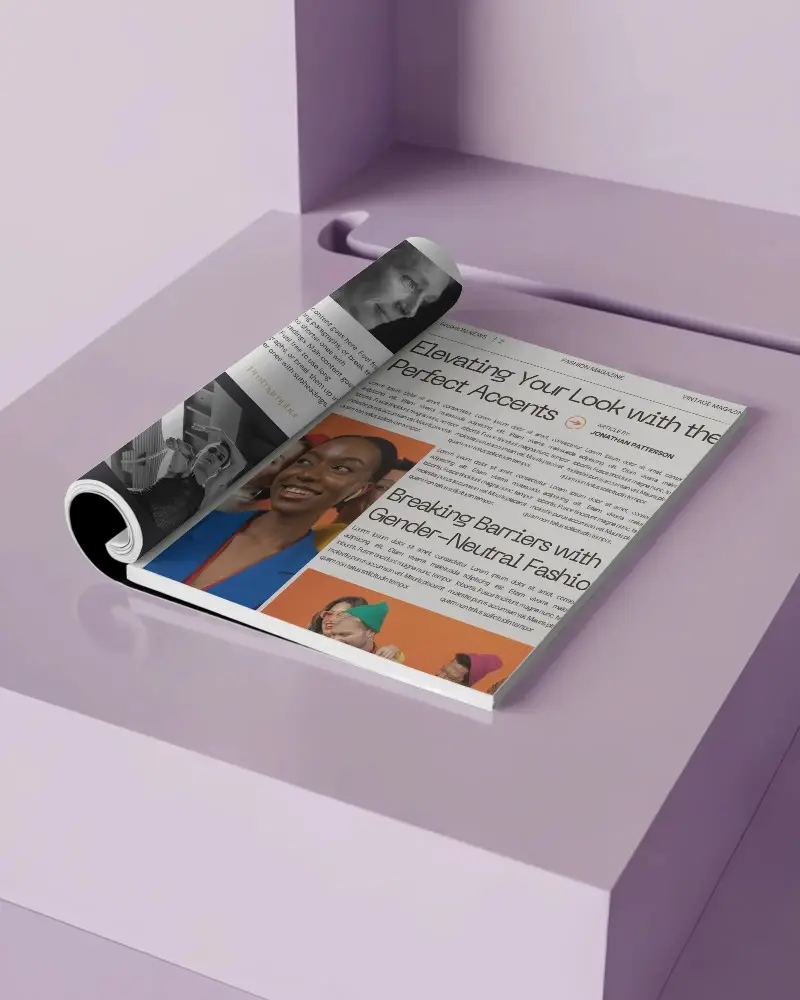
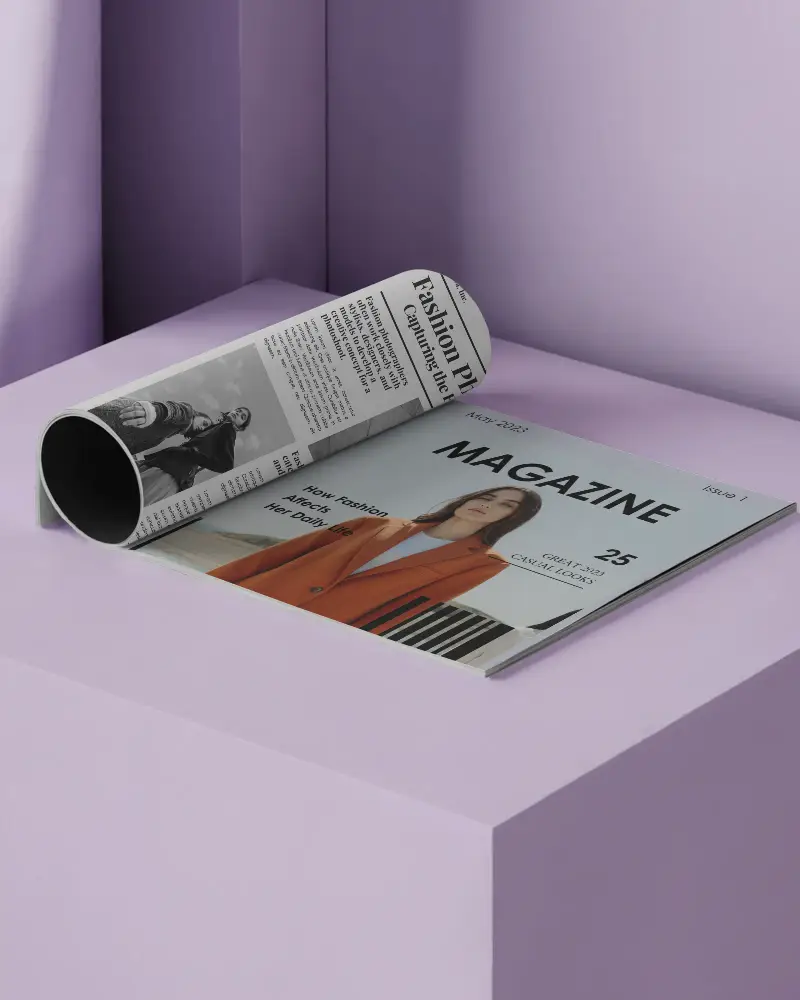
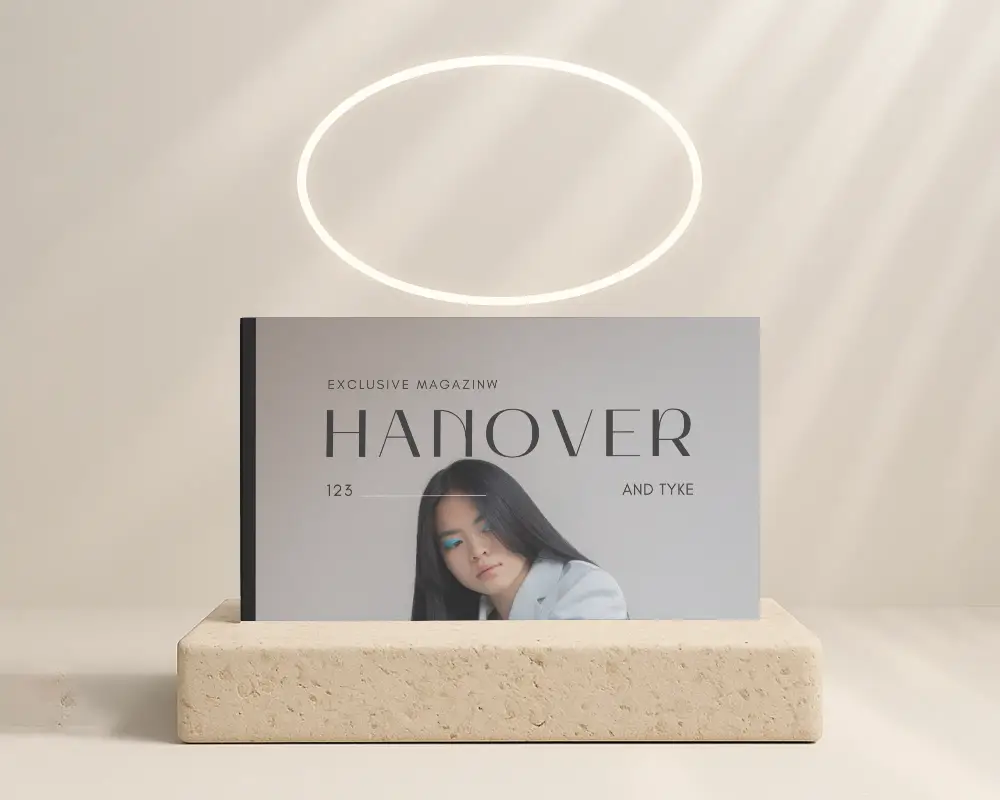
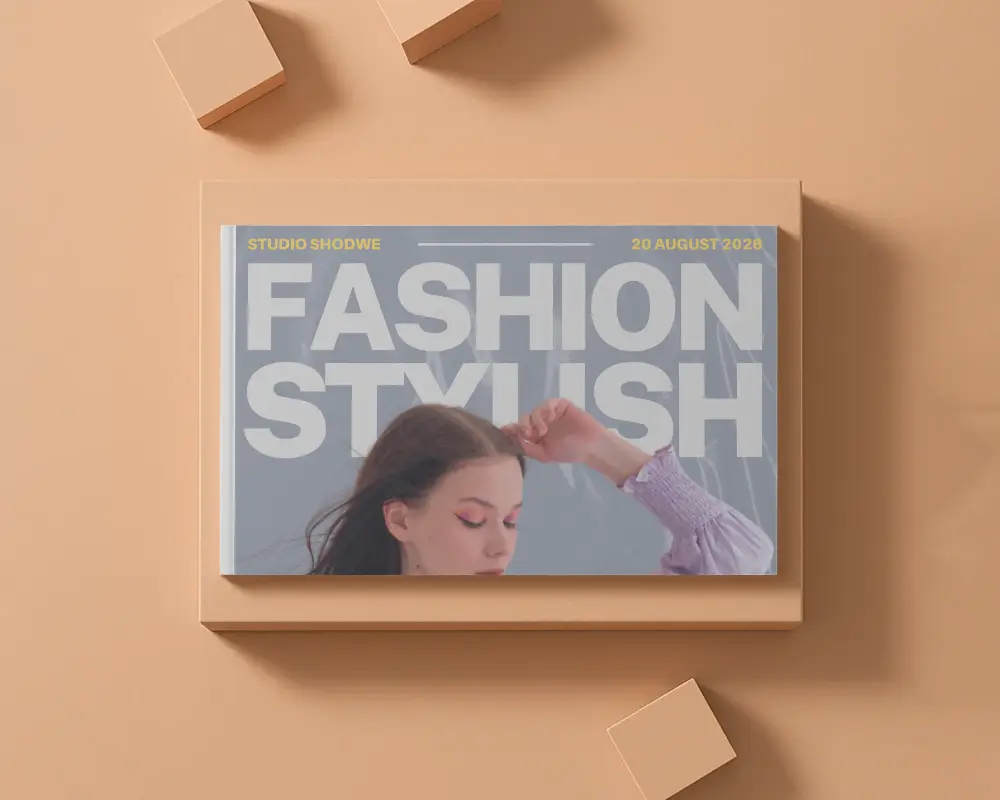
Horizontal layouts offer more visual space for bold images and creative spreads. A Horizontal Magazine Mockup helps you present your wide design in a realistic and professional format. Upload your layout to Mockey and preview it instantly.


.png)
.png)
.png)
.png)
How to Make Horizontal Magazine Mockup with Mockey
Here’s how to quickly create a horizontal magazine mockup using Mockey.ai:
- Step 1: Go to Mockey.ai and navigate to Mockups > Print > Magazine > Horizontal tag.
- Step 2: Pick from over 100 landscape-style templates including open, closed, and flat-lay views.
- Step 3: Upload your magazine design and adjust its placement, shadow, and background.
- Step 4: Preview your design with real-time rendering tools built into Mockey.
- Step 5: Download your mockup in high-resolution PNG or JPEG format — watermark-free!


FAQs on Horizontal Magazine Mockups
What is a Horizontal Magazine Mockup?
A horizontal magazine mockup shows a template laid out in landscape style. You can add and preview your design from above or at an angle.
Why create a Horizontal Magazine mockup?
Creating a horizontal magazine mockup? You get to show off the layout, the fonts, the images—everything. Clients can actually see what the final output will look like.
Why Use Mockey’s Horizontal Magazine Mockup?
A great tool for horizontal magazine mockups is Mockey AI. It’s a free mockup generator. Over 100 stylish templates—open, closed, and more. High quality, always updated.
Is this Horizontal Magazine Mockup Free?
Mockey AI has free horizontal magazine mockups. And if you ever want more premium templates, they’ve got those as well for $7/month.
