Customize Your Free Folded Magazine Mockup Online
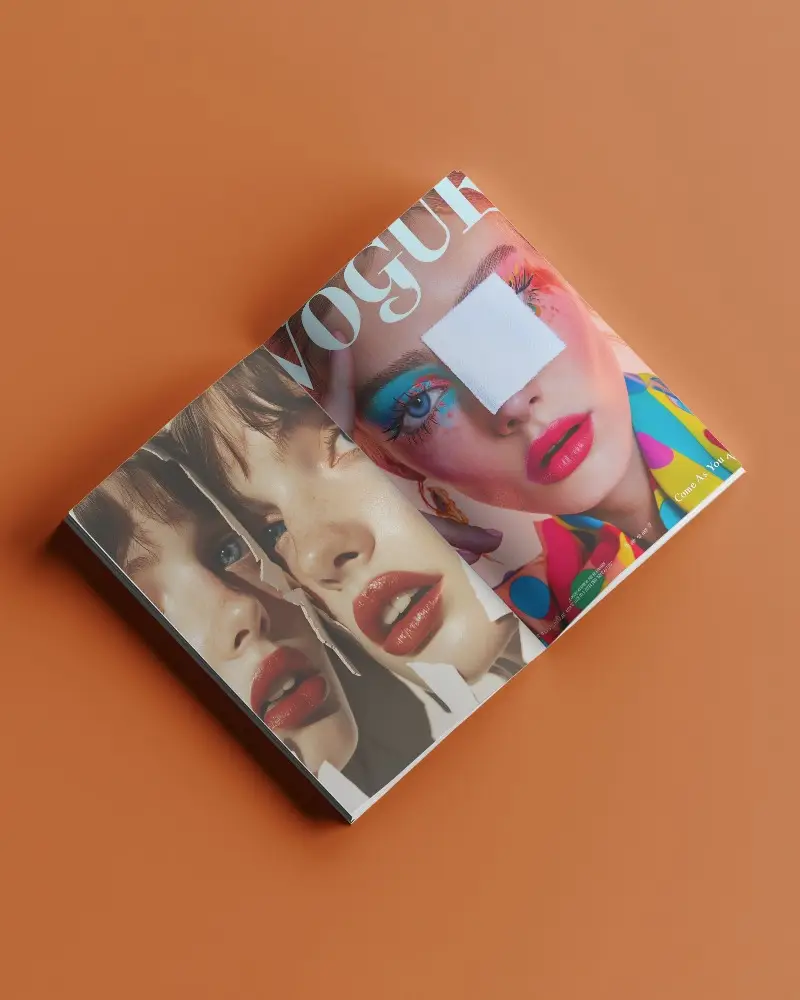
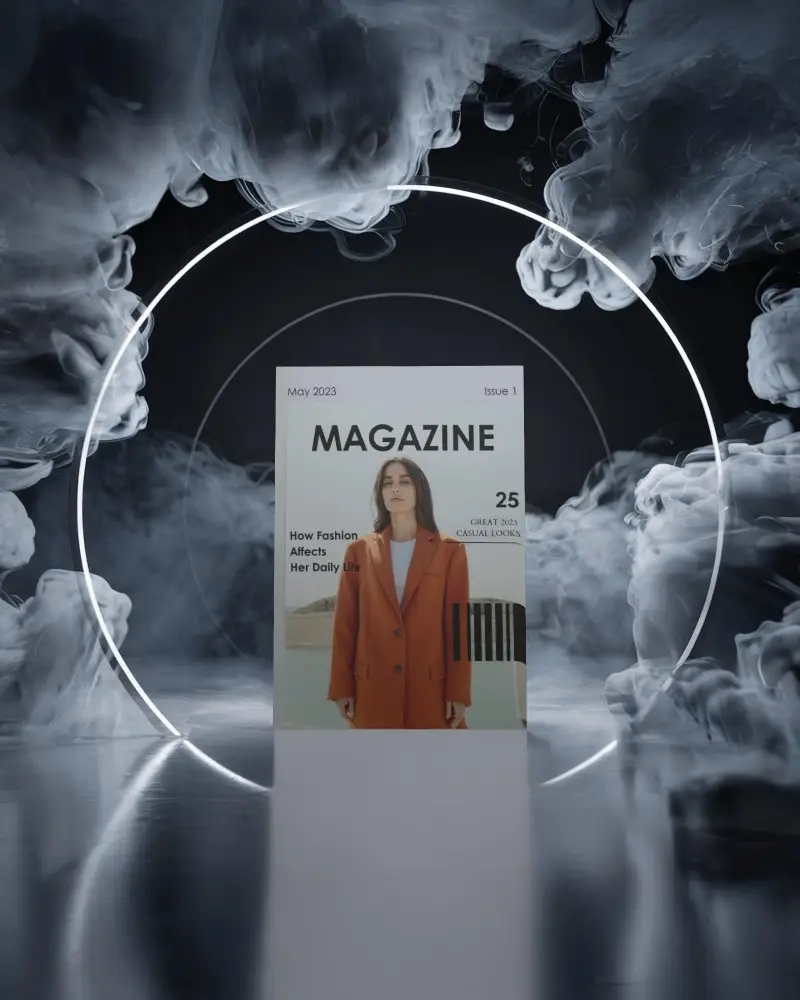
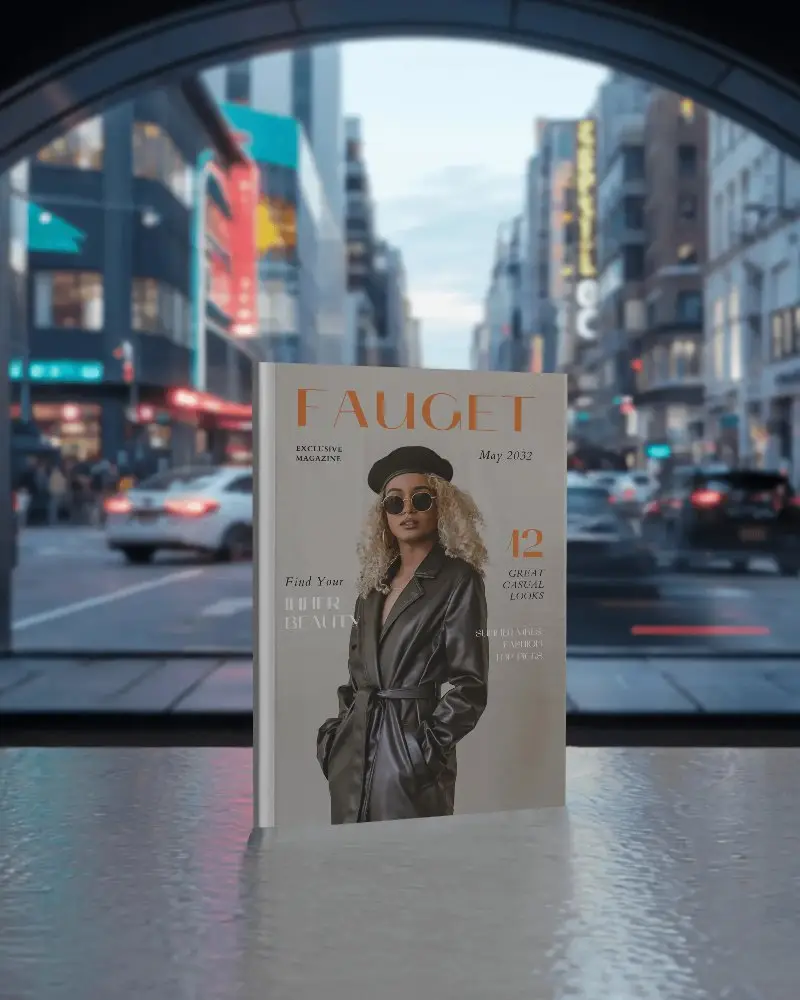
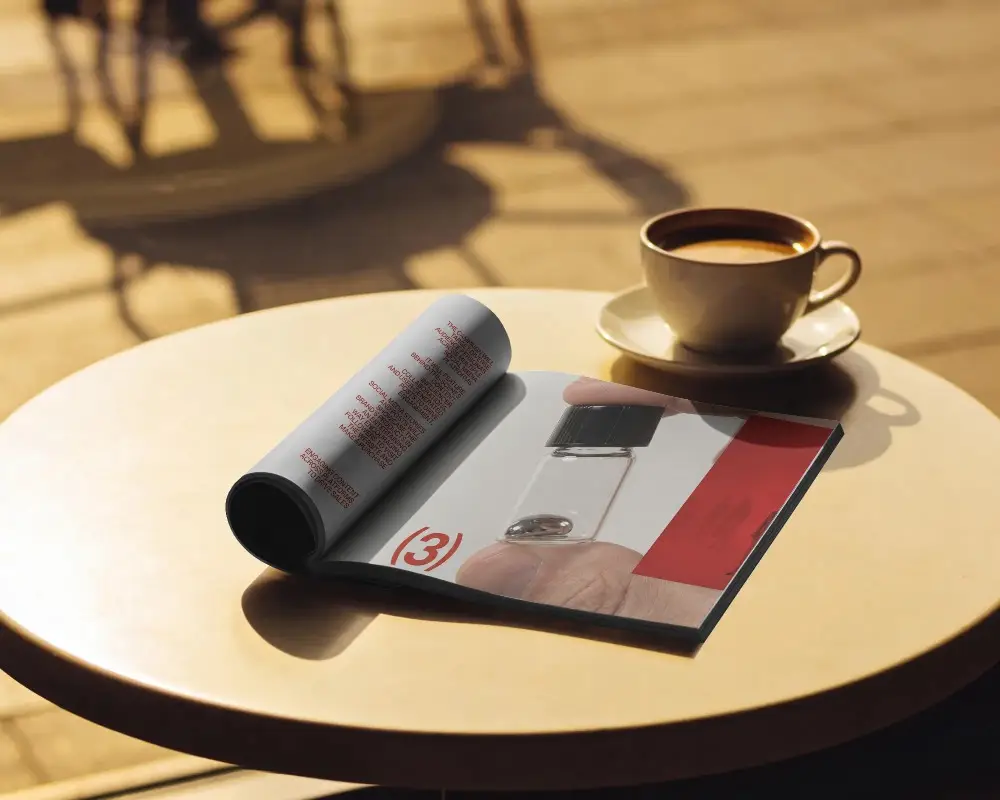
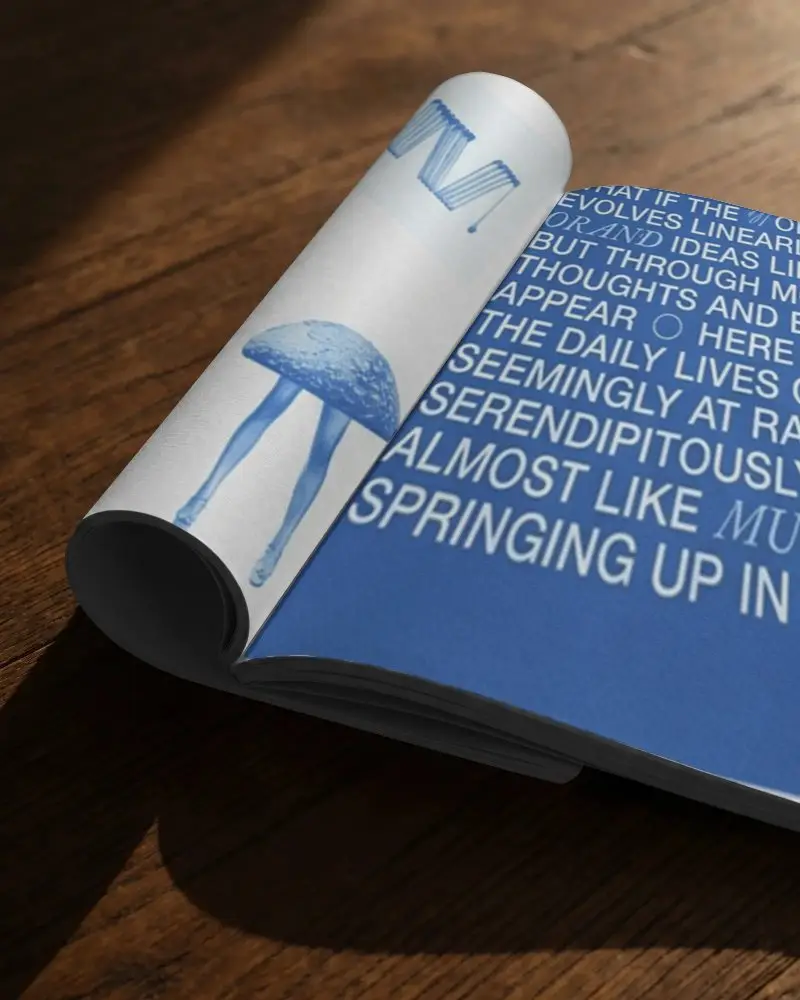
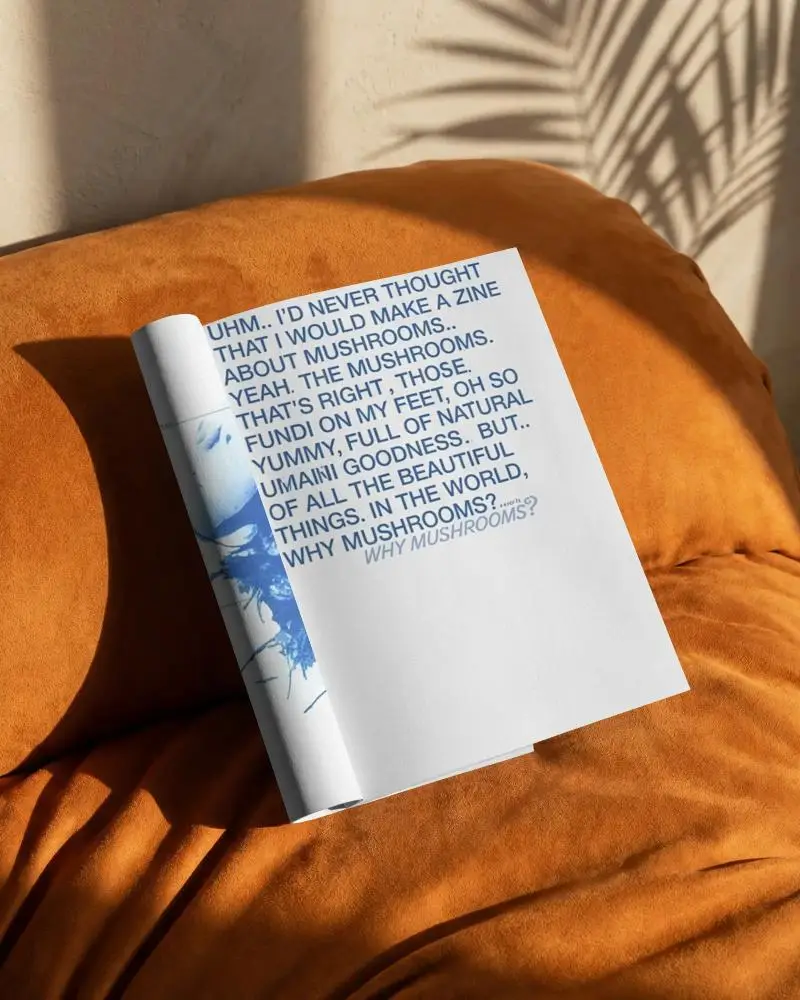
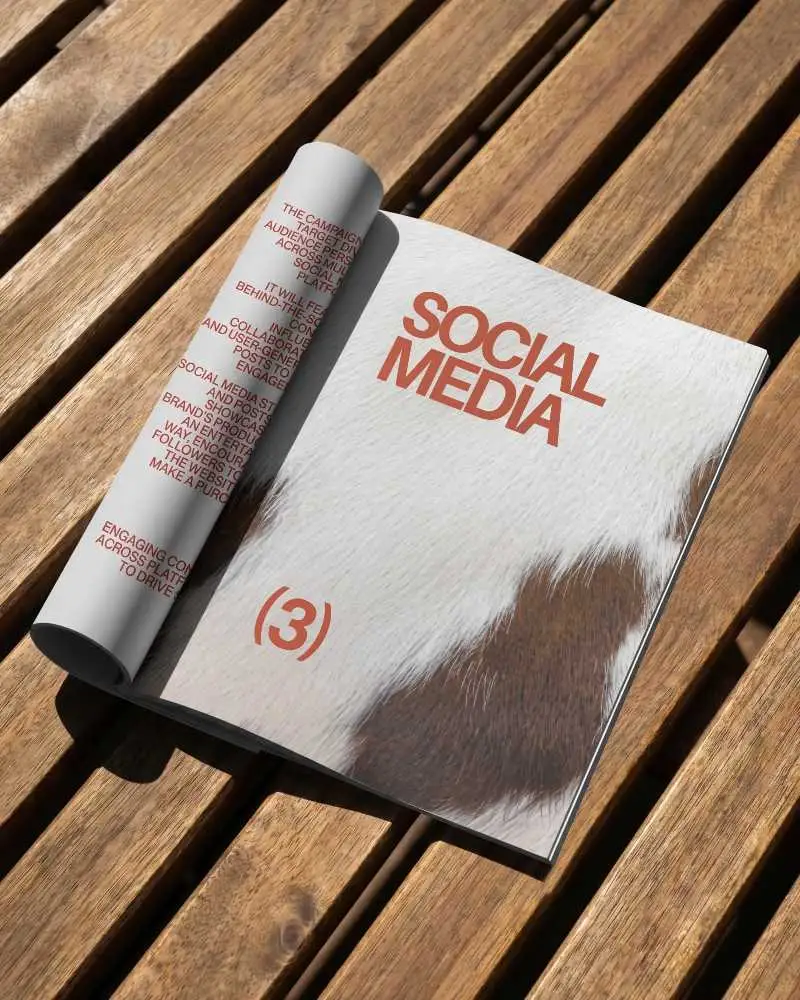
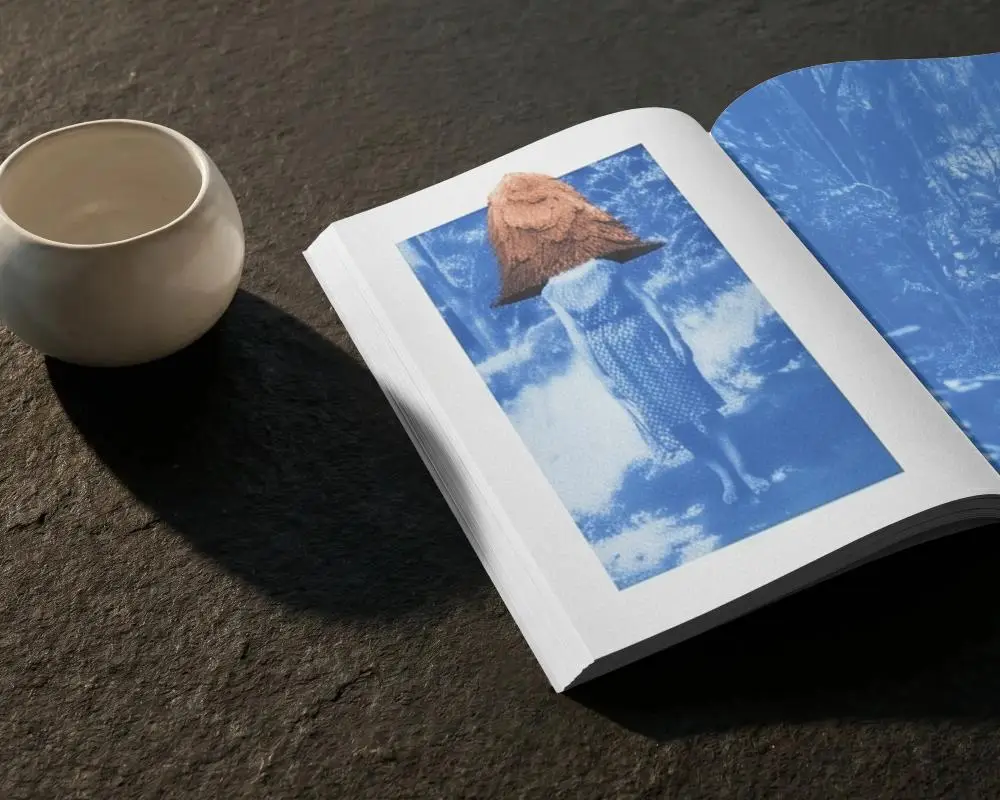
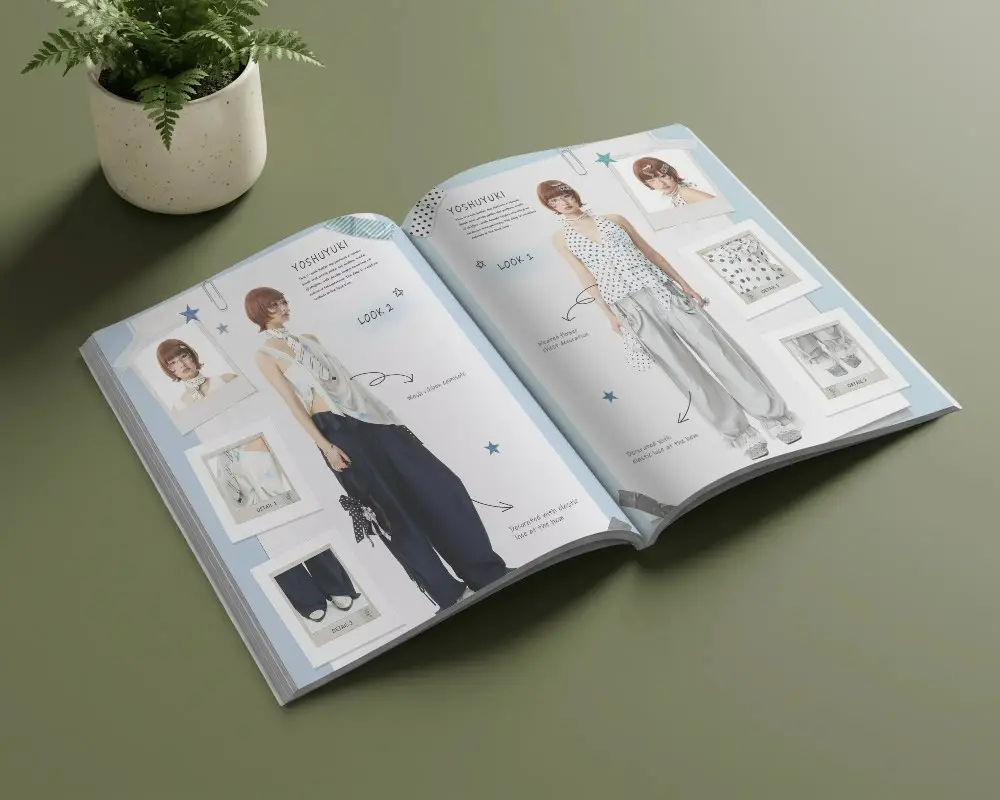
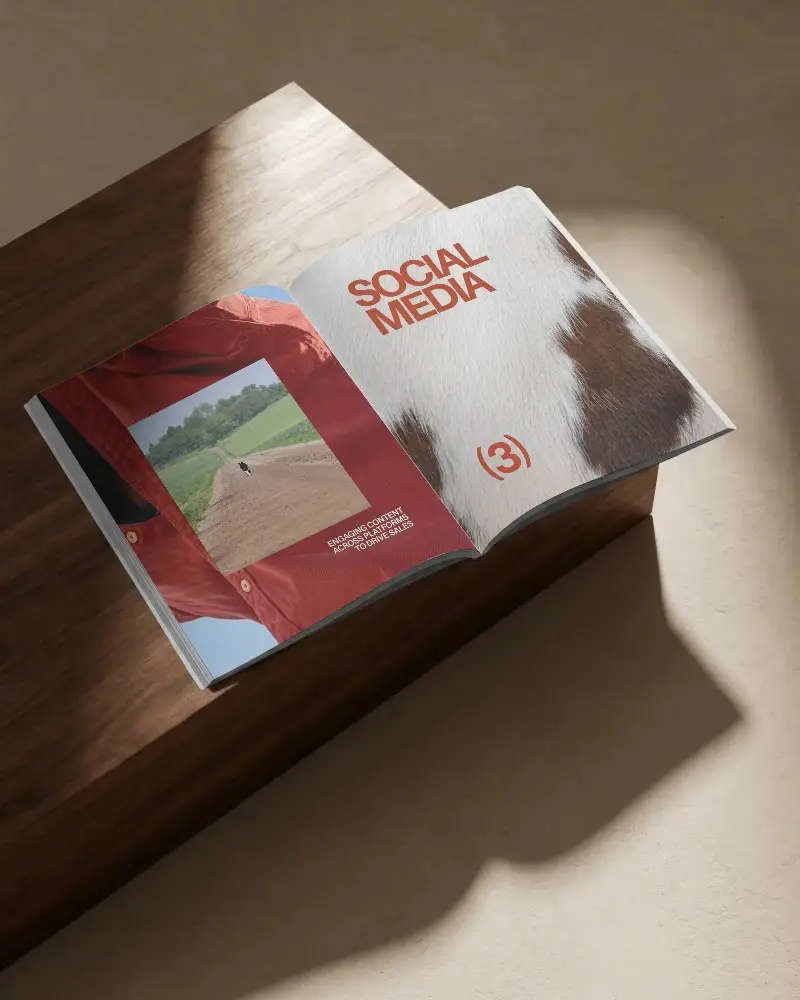
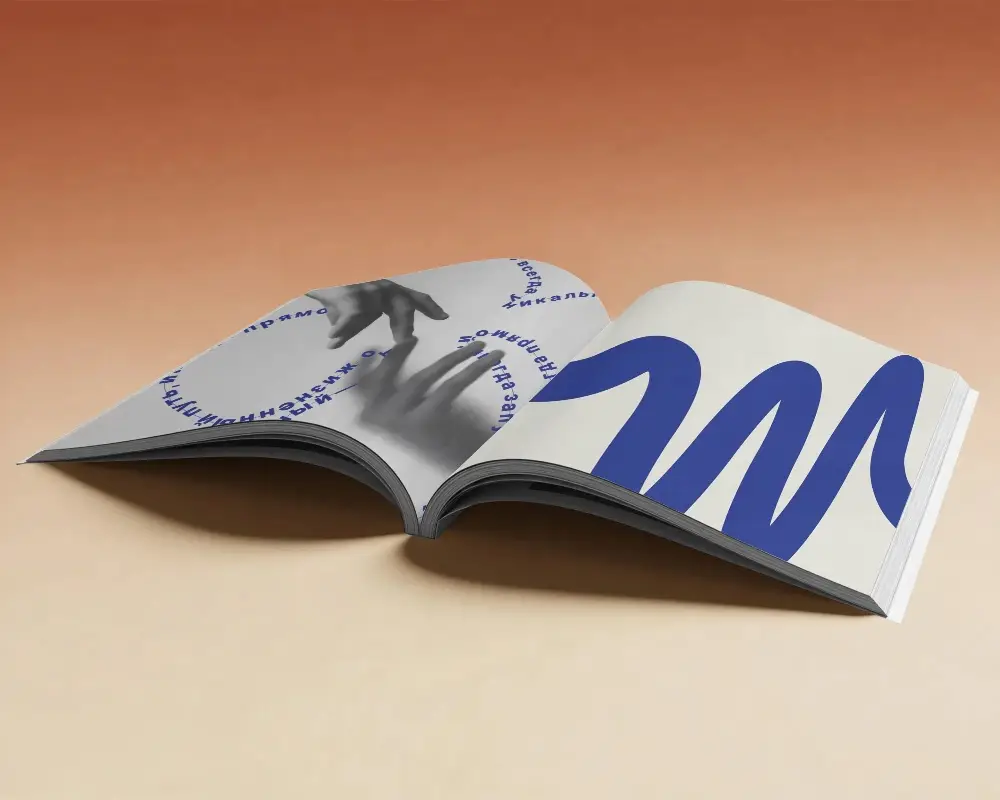
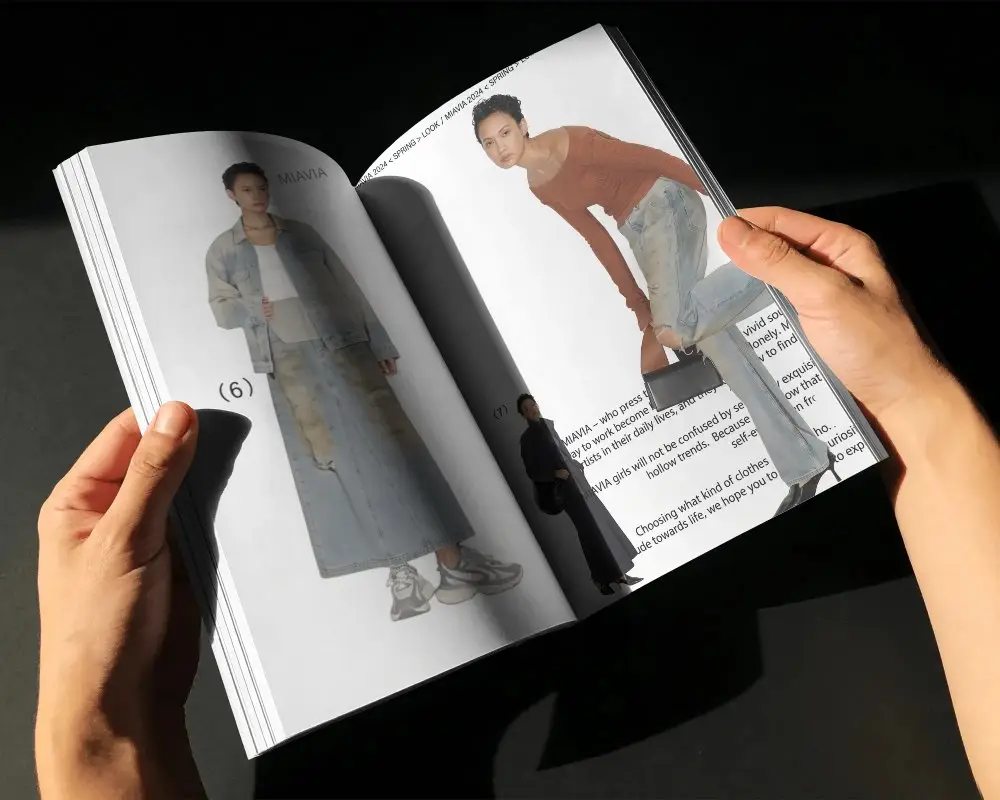
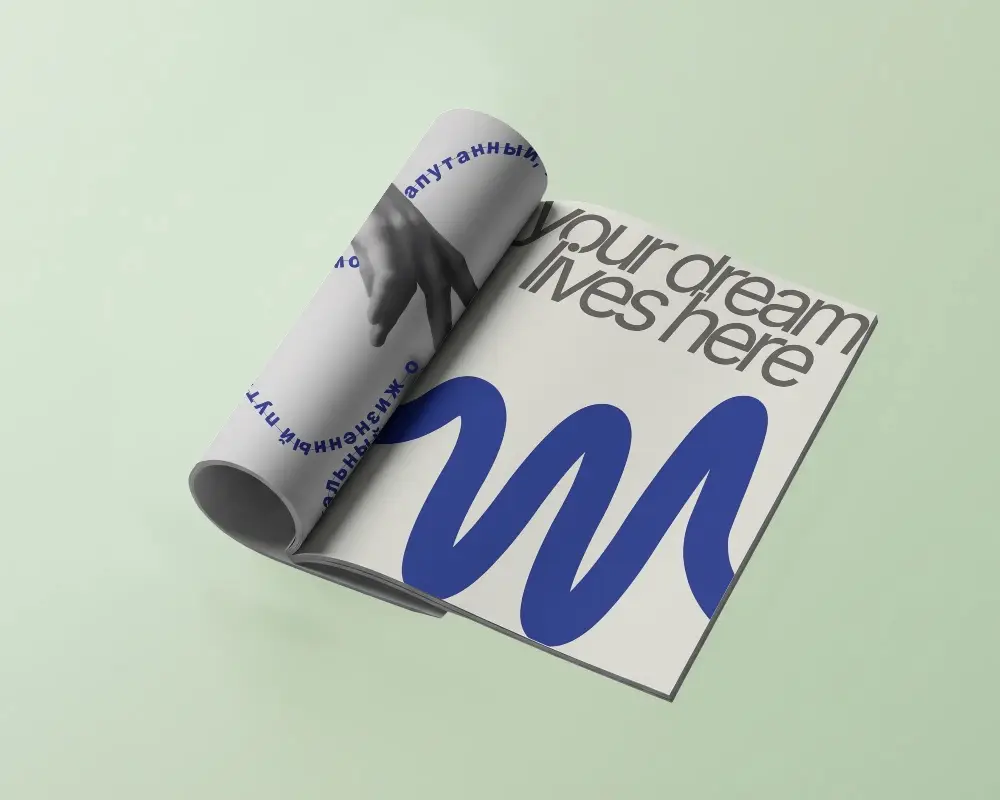
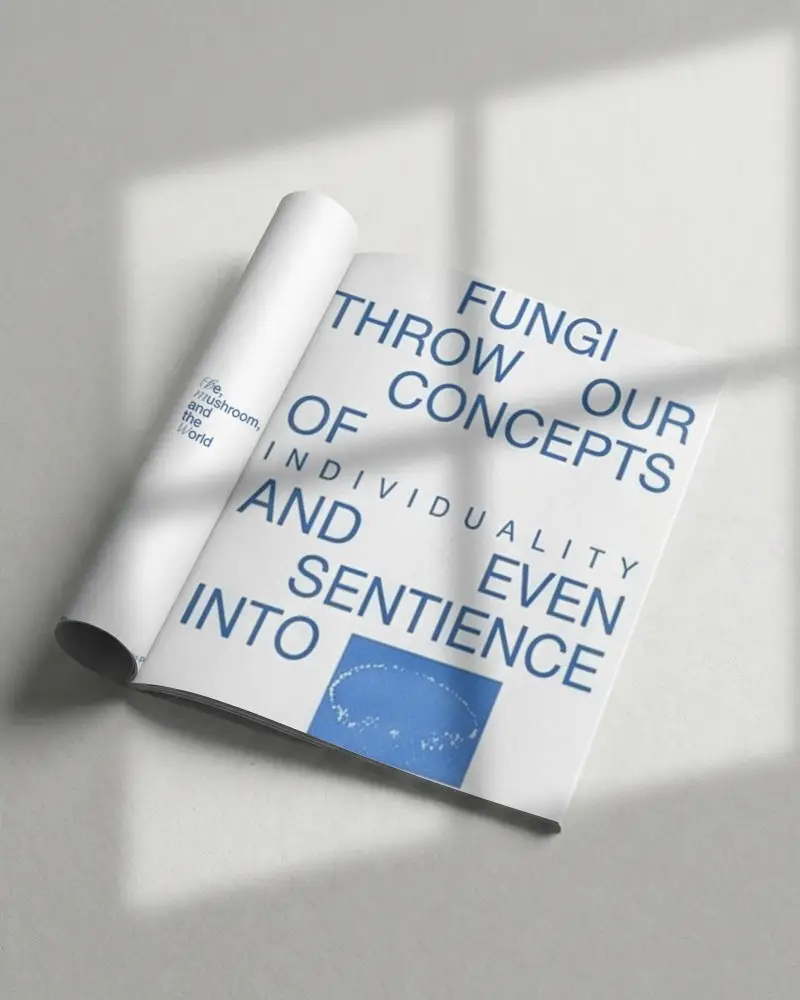
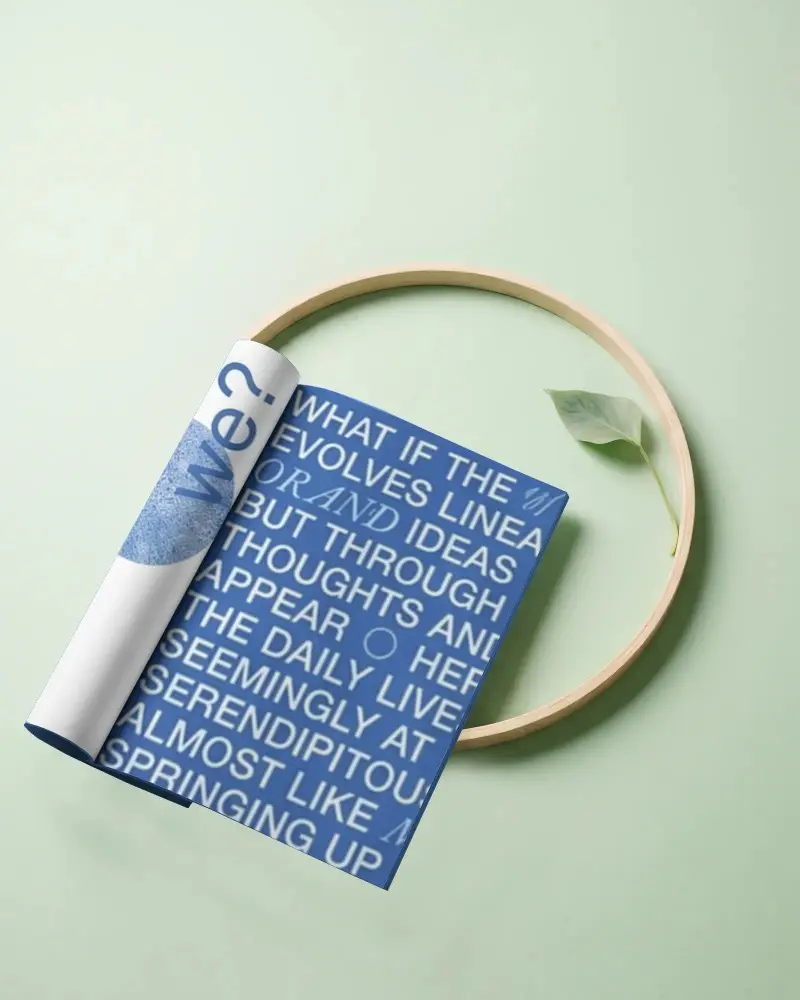
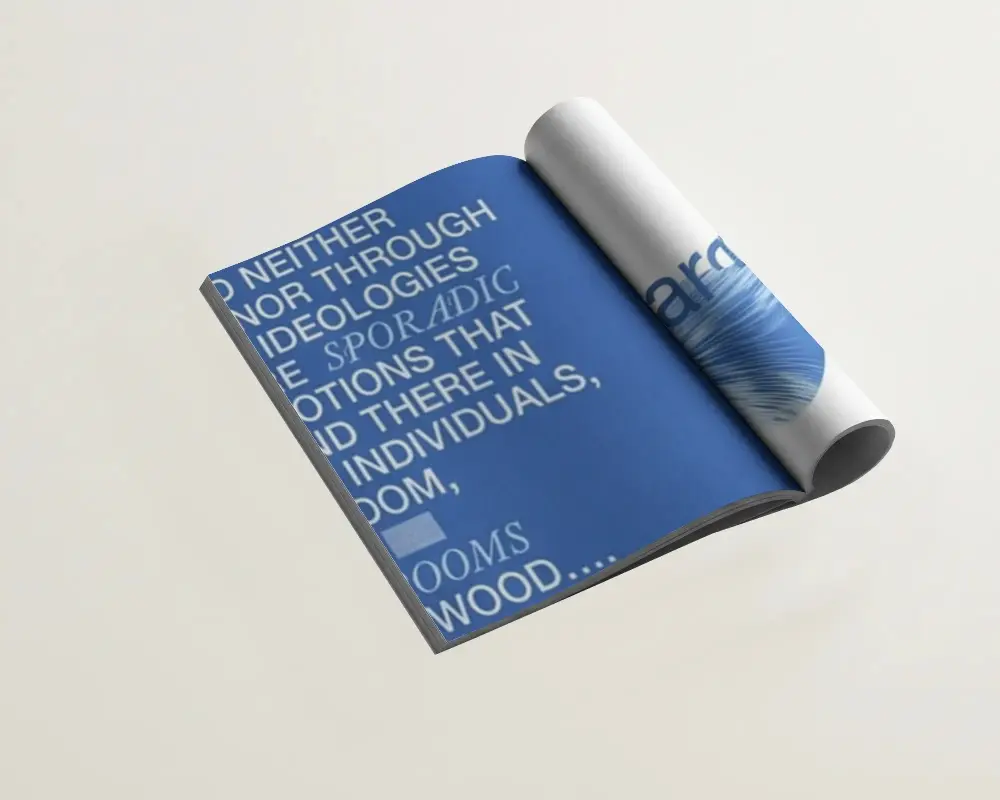
Sometimes a flat preview isn’t enough. A Folded Magazine Mockup shows how your design looks when partially closed or held, giving it a more realistic feel for client presentations or portfolios. Create your Folded Magazine Mockup now and see it come to life in minutes.
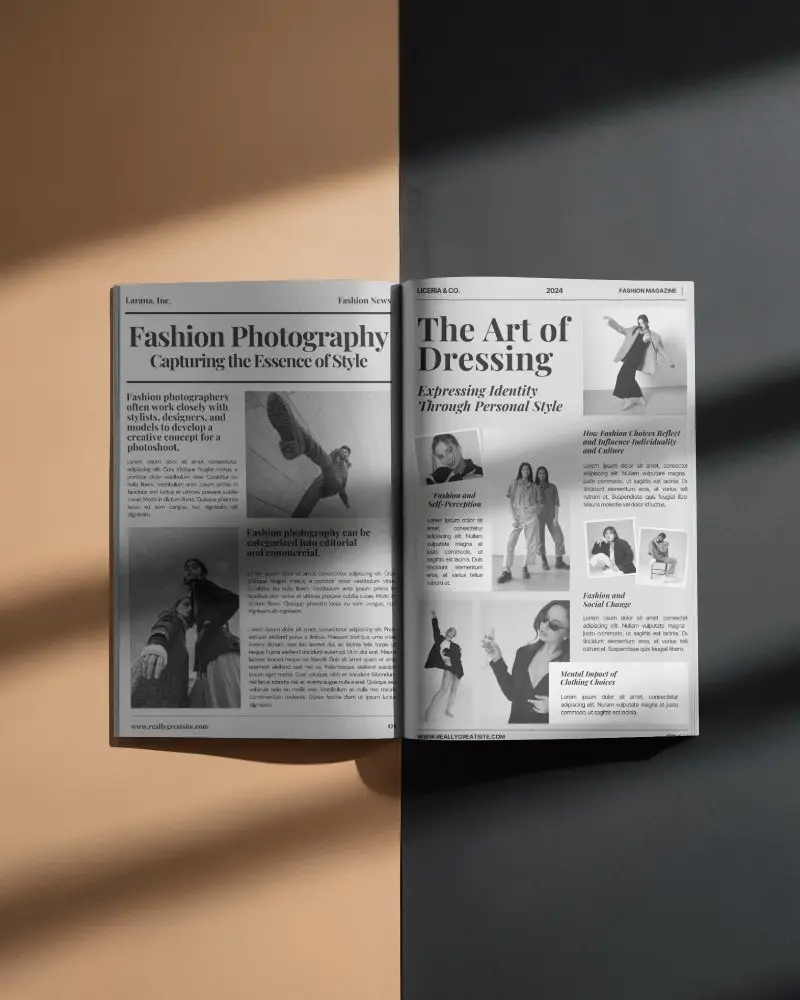
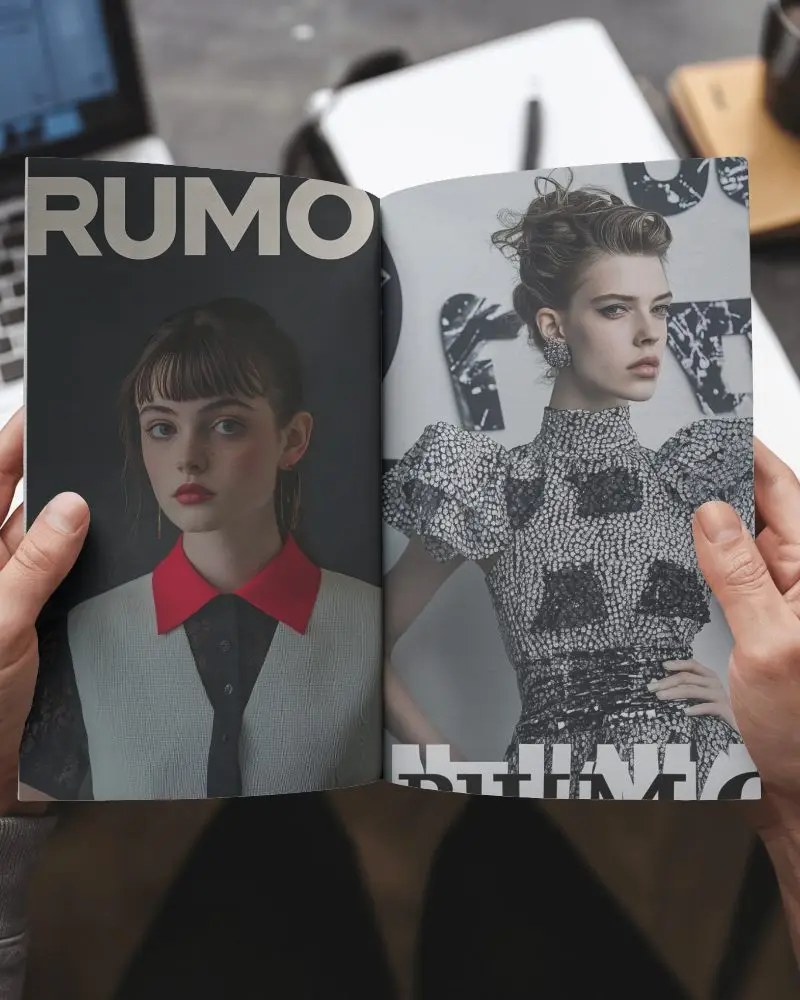
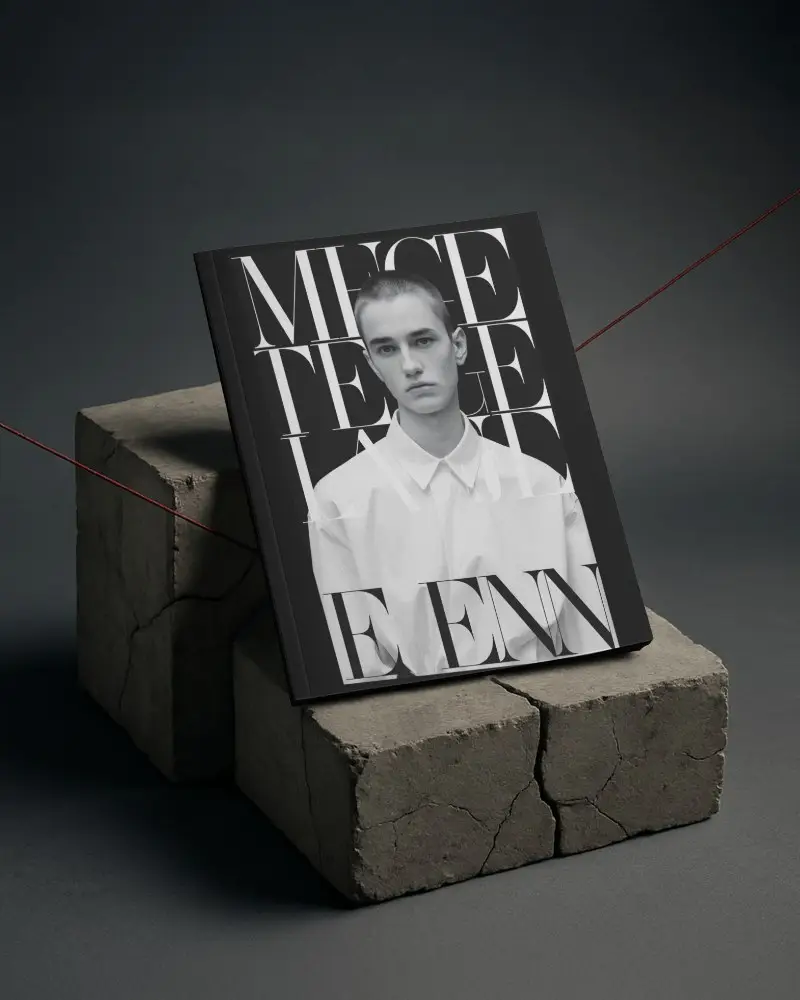

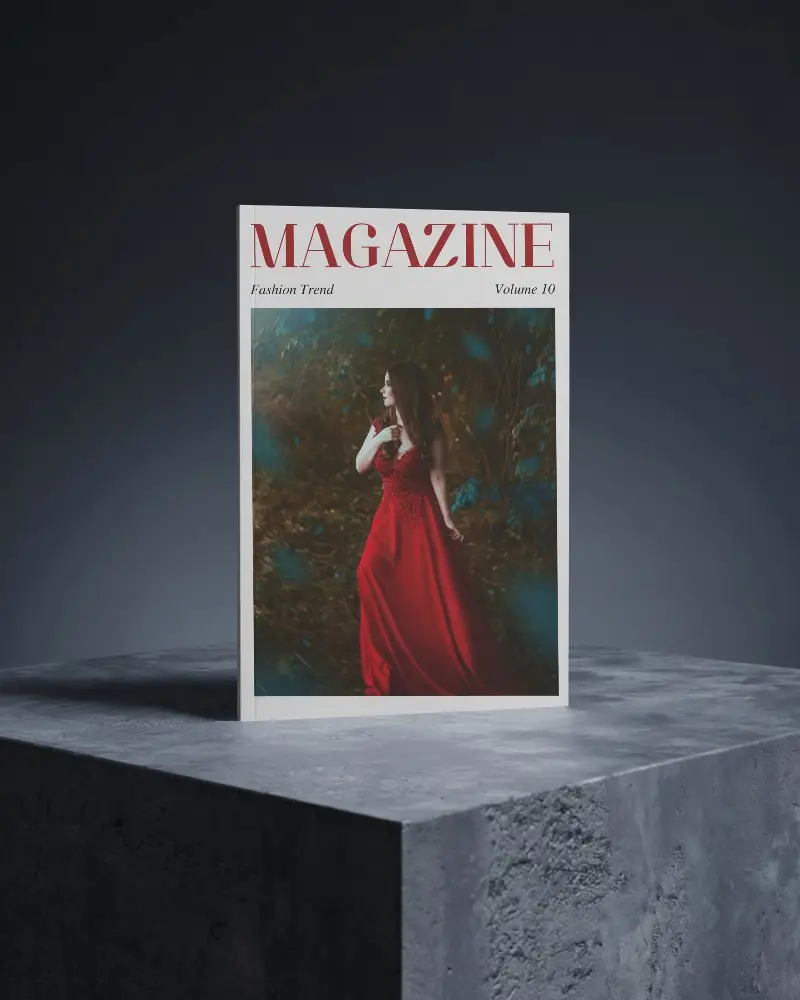

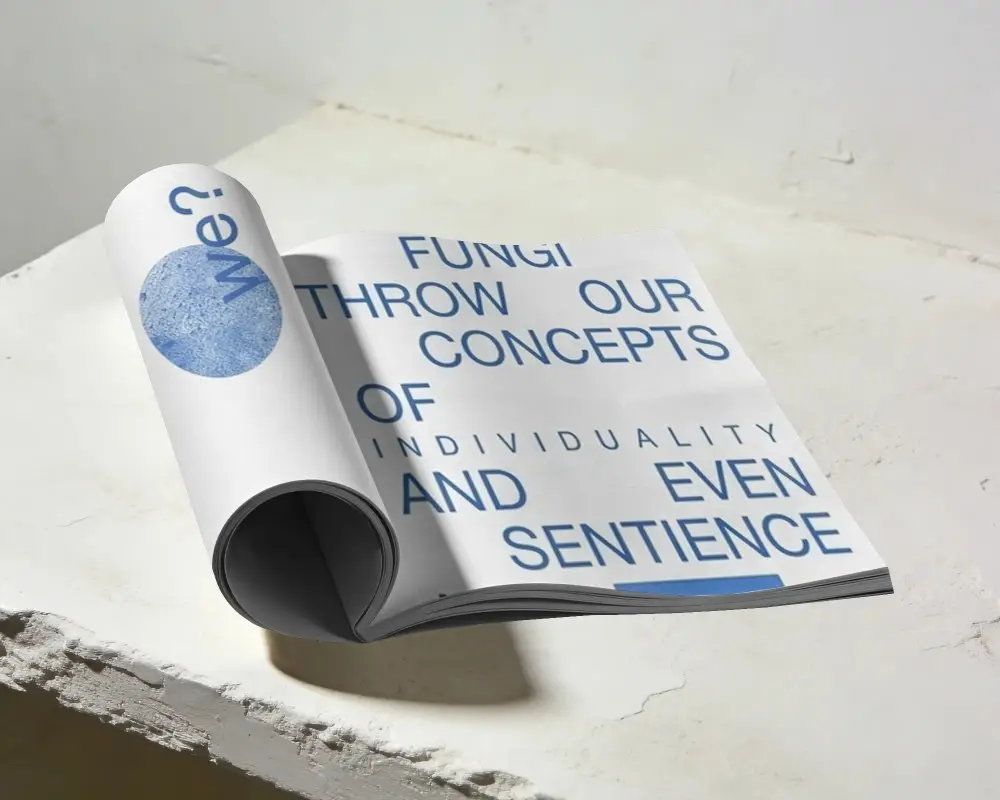
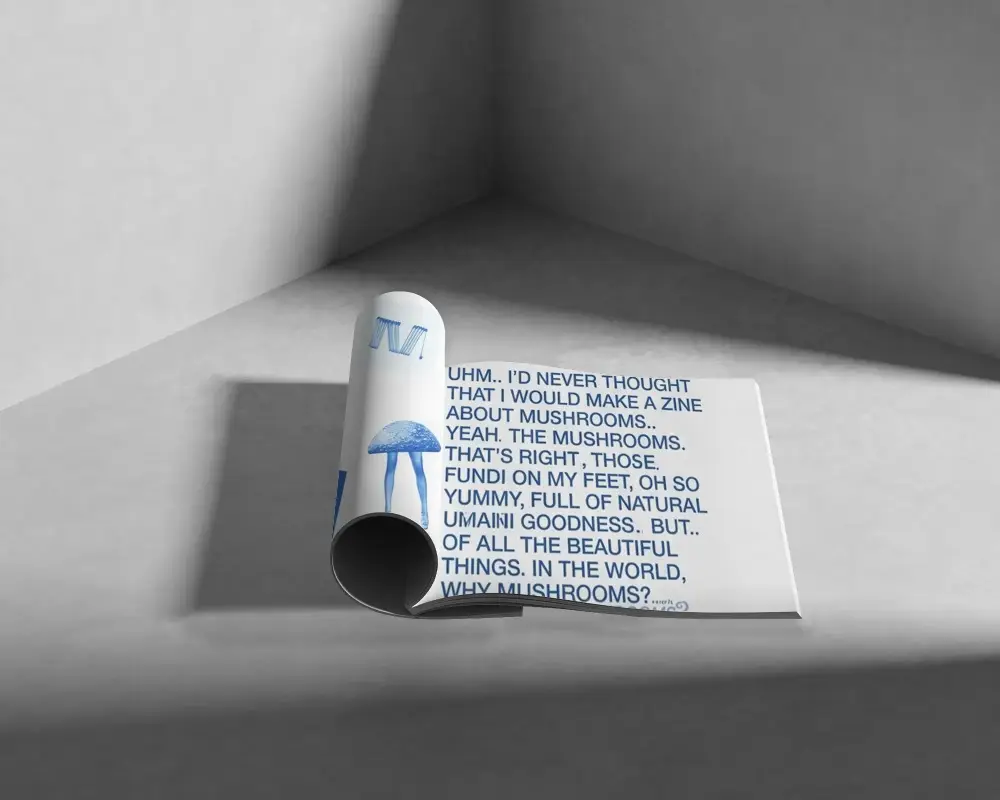
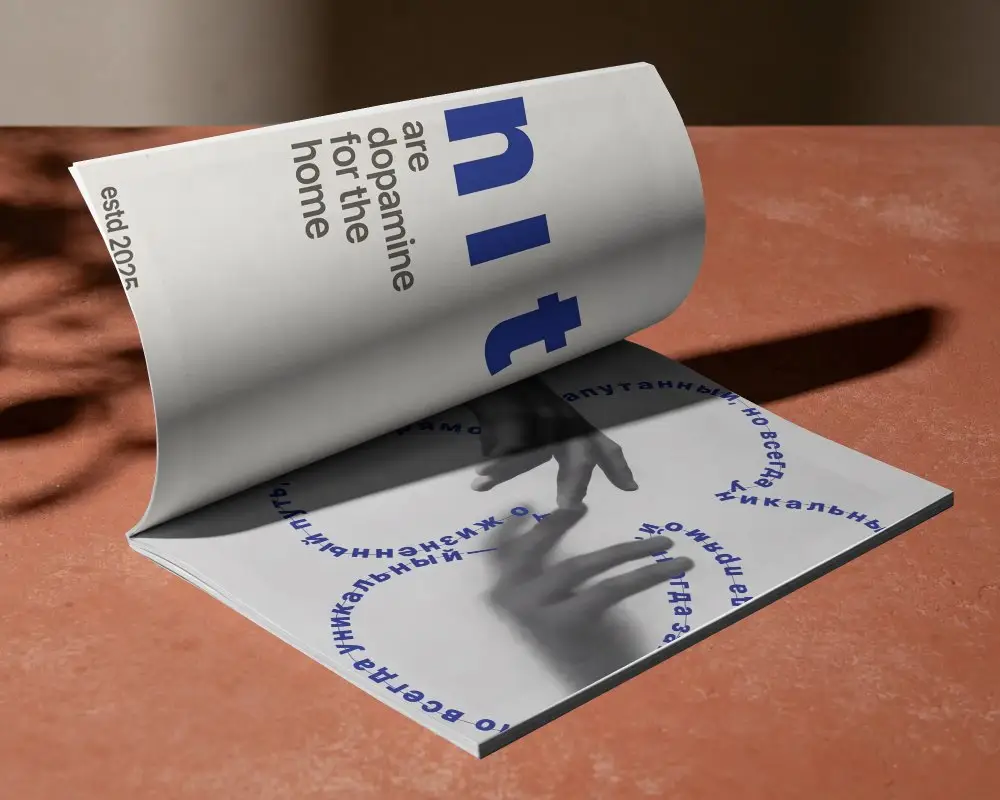
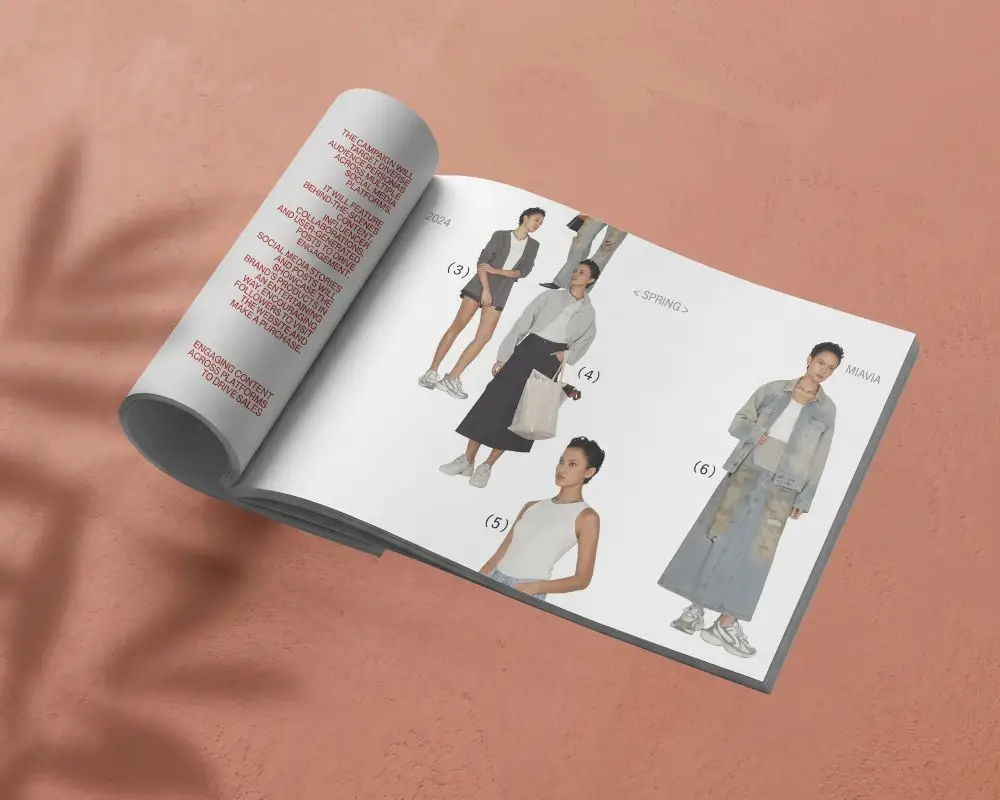
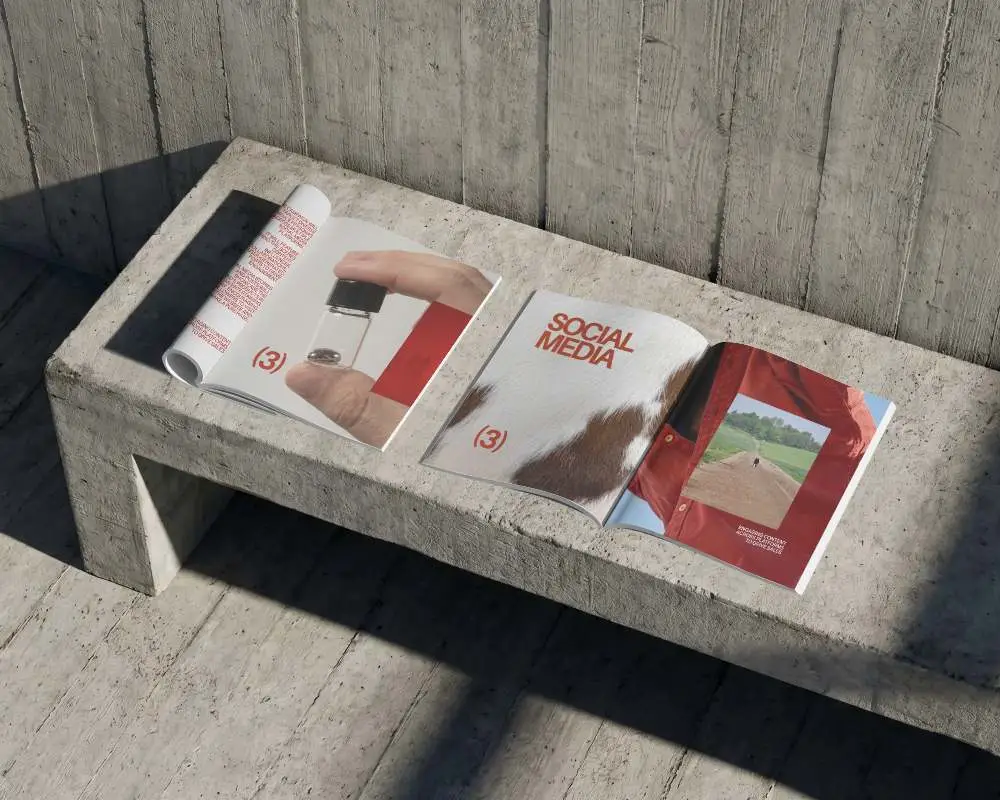
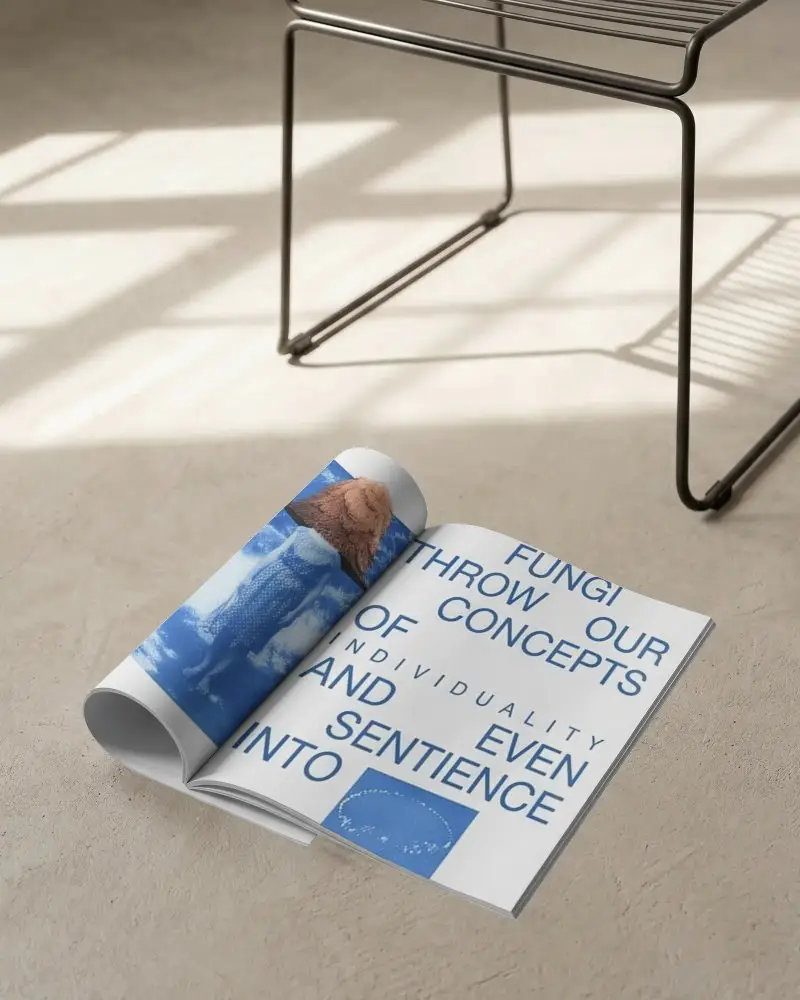
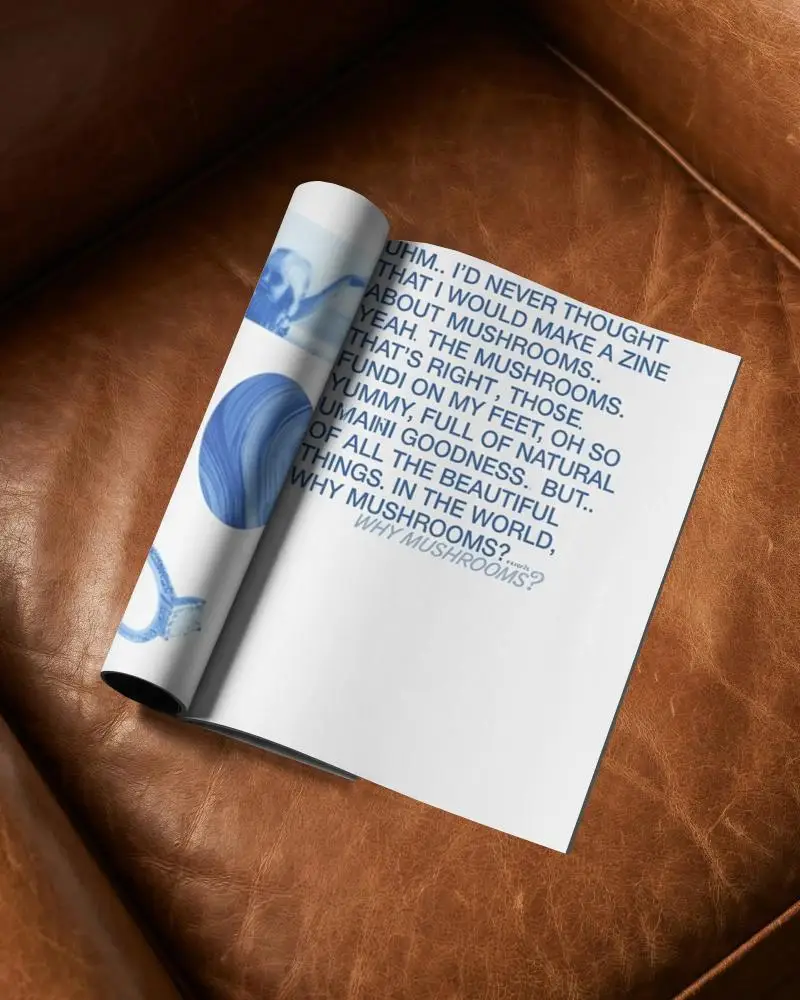
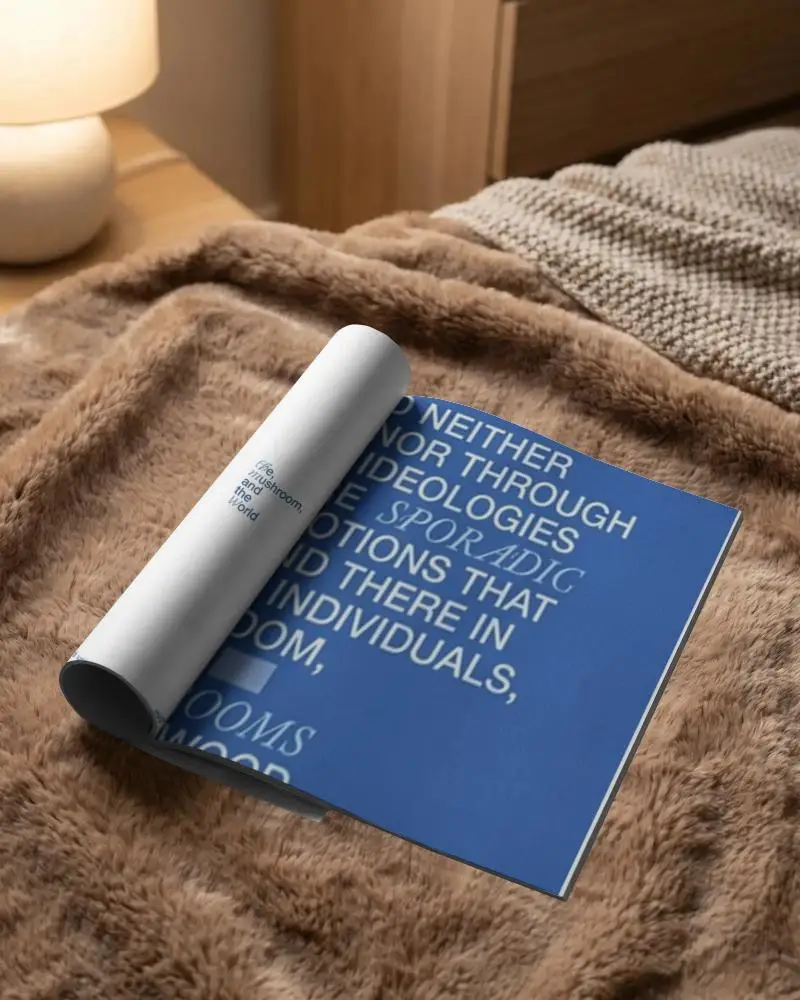
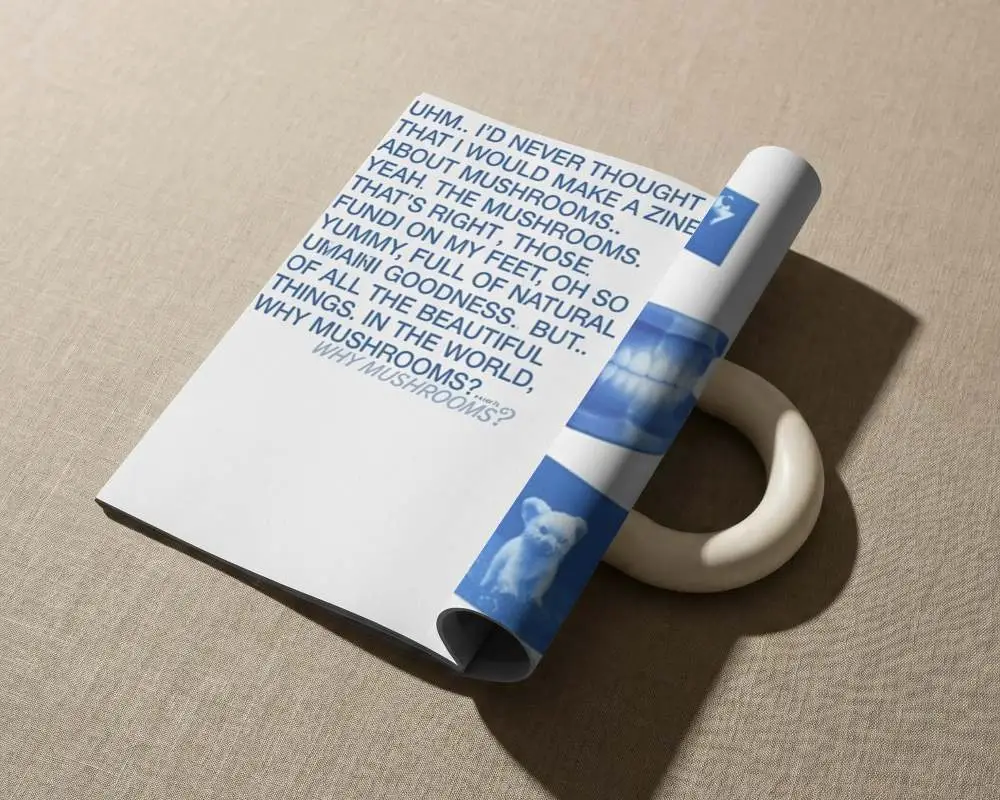
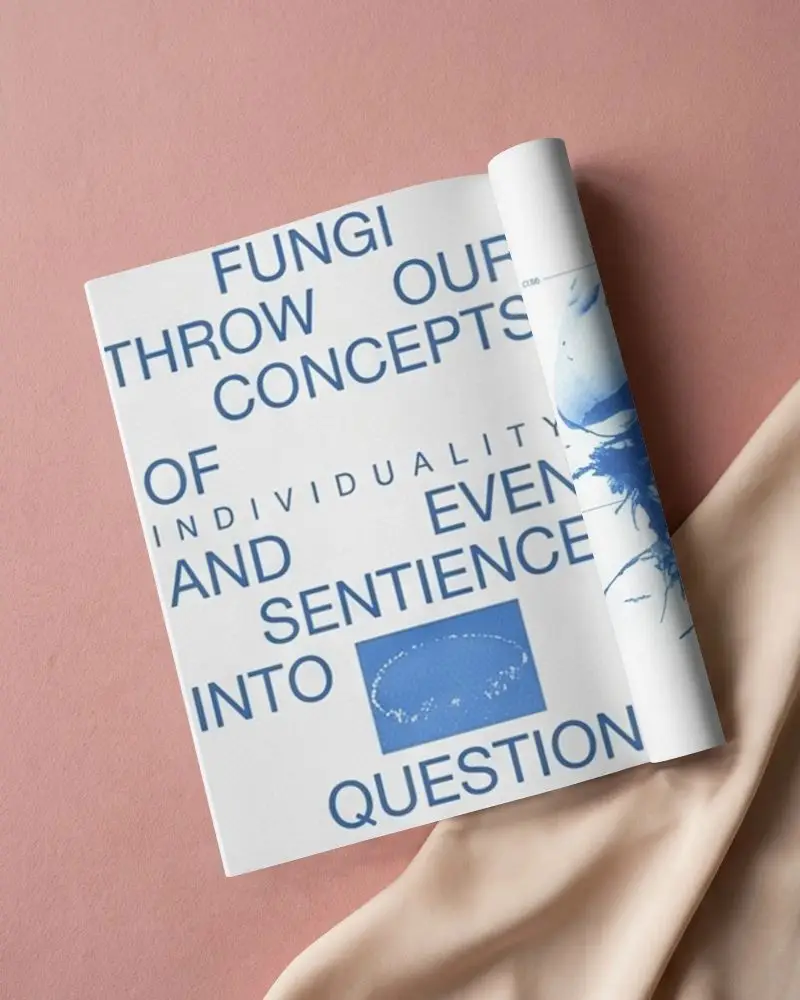
How to Make Folded Magazine Mockup with Mockey
Follow these steps to design a professional folded magazine mockup using Mockey.ai:
- Step 1: Go to Mockey.ai and navigate to Mockups > Print > Magazine > Folded tag.
- Step 2: Choose a folded magazine layout — open view, inside spread, or angled fold.
- Step 3: Upload your design, adjust placement and shadows for a natural look.
- Step 4: Preview your mockup in real-time and make changes using built-in tools.
- Step 5: Download the final result in high-resolution PNG or JPEG format — watermark-free.


FAQs on Folded Magazine Mockups
What is a Folded Magazine Mockup?
You can use a Folded Magazine Mockup to gain a better understanding of your magazine design through a digital template. Think of it as your magazine, folded just right, looking real and ready to impress. You can include and customize your design using a mockup generator.
Why create a Folded Magazine mockup?
A folded magazine mockup is more than just visual. It’s your idea, brought to life. You spot mistakes early. You impress your clients. And when it hits the internet? People notice. That’s the power of a good mockup.
Why Use Mockey’s Folded Magazine Mockup?
The Mockey AI generates folded magazine mockups quickly. It’s quick. No watermarks. Tons of cool templates. Just pick, tweak, and impress your audience. Feels good to create something that stands out.
Is this Folded Magazine Mockup Free?
You can get free mockups of folded magazines from Mockey AI. Would you like to get exclusive backgrounds and bundles? $7/month for Pro members.
