Blank Magazine Mockup – Clean & Editable Template
A clean base makes your design stand out better. A Blank Magazine Mockup gives you a simple, distraction-free preview so the focus stays entirely on your artwork. Upload your layout and generate a realistic mockup in just a few clicks.
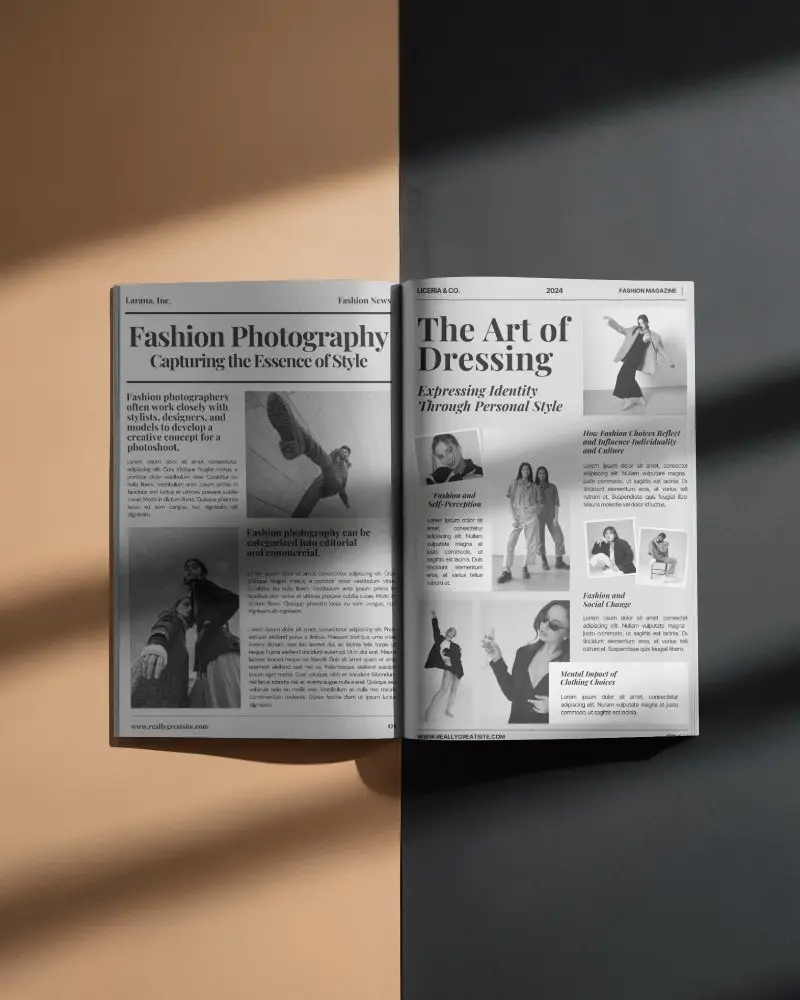
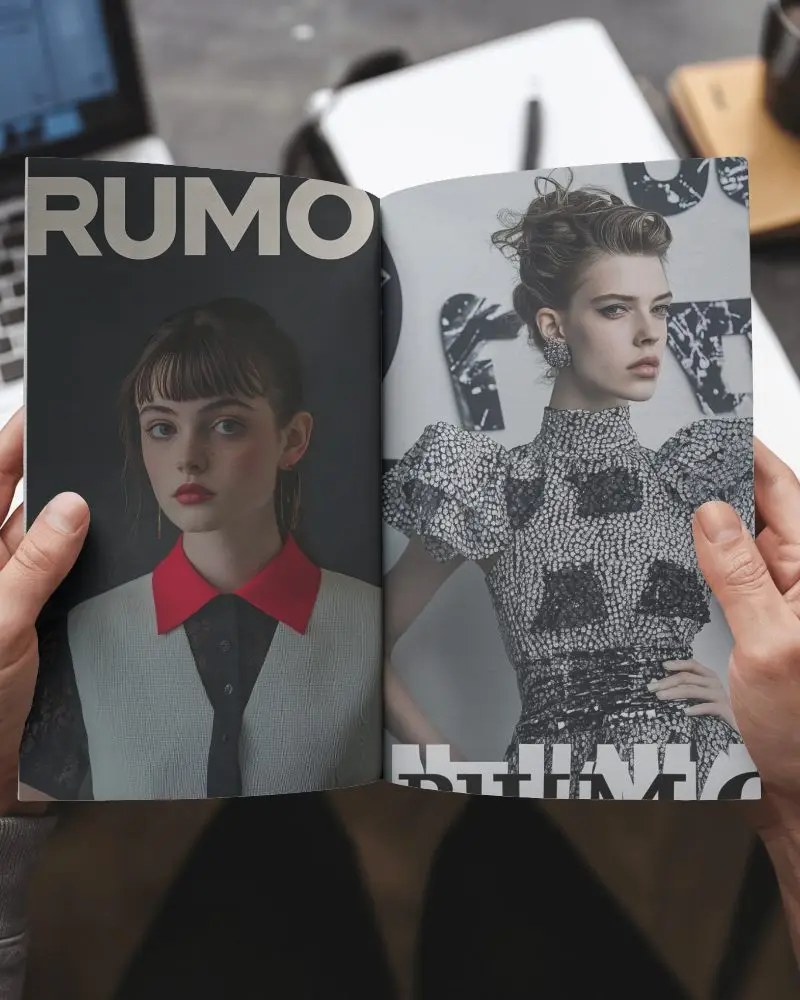
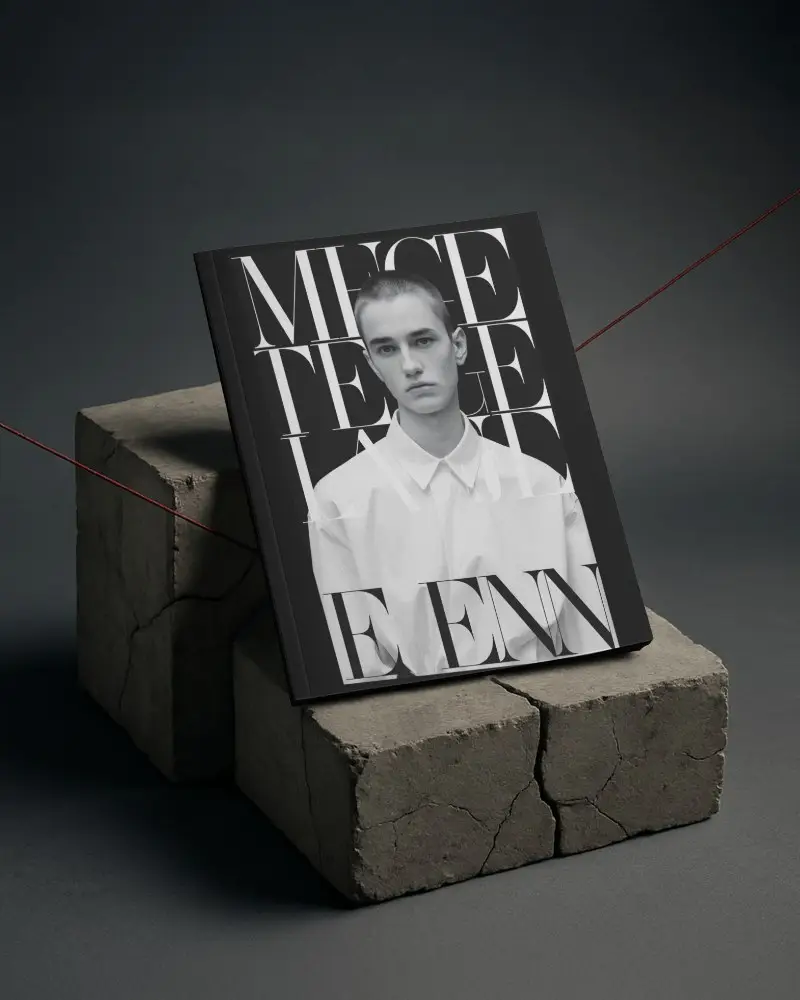

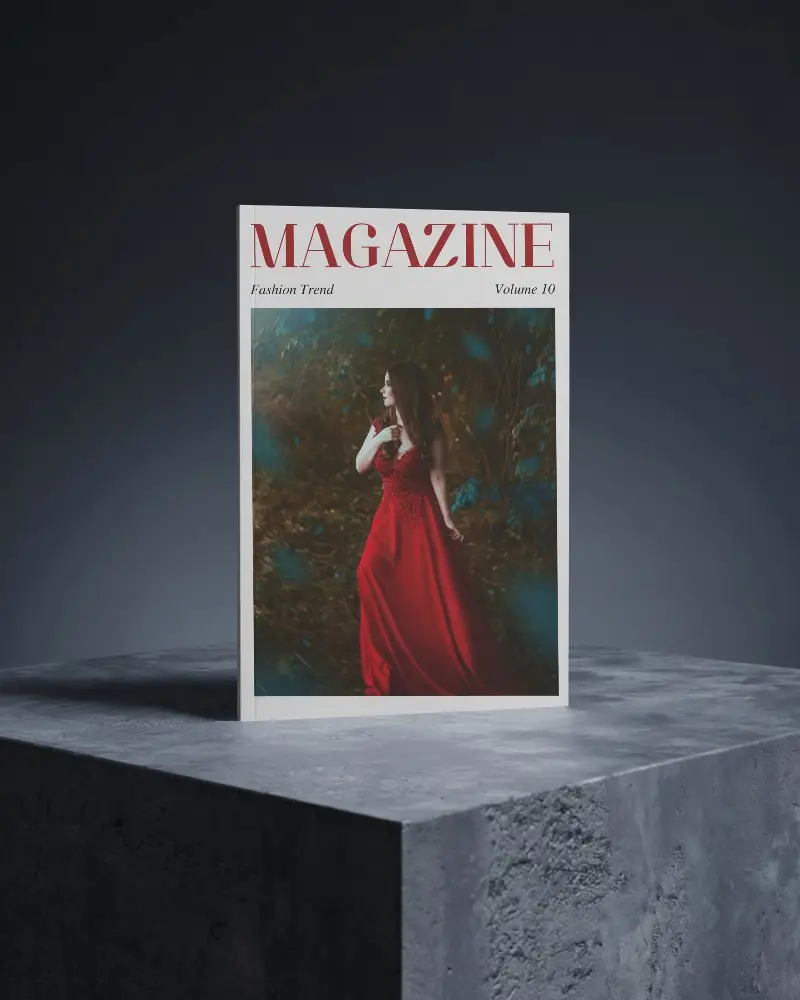
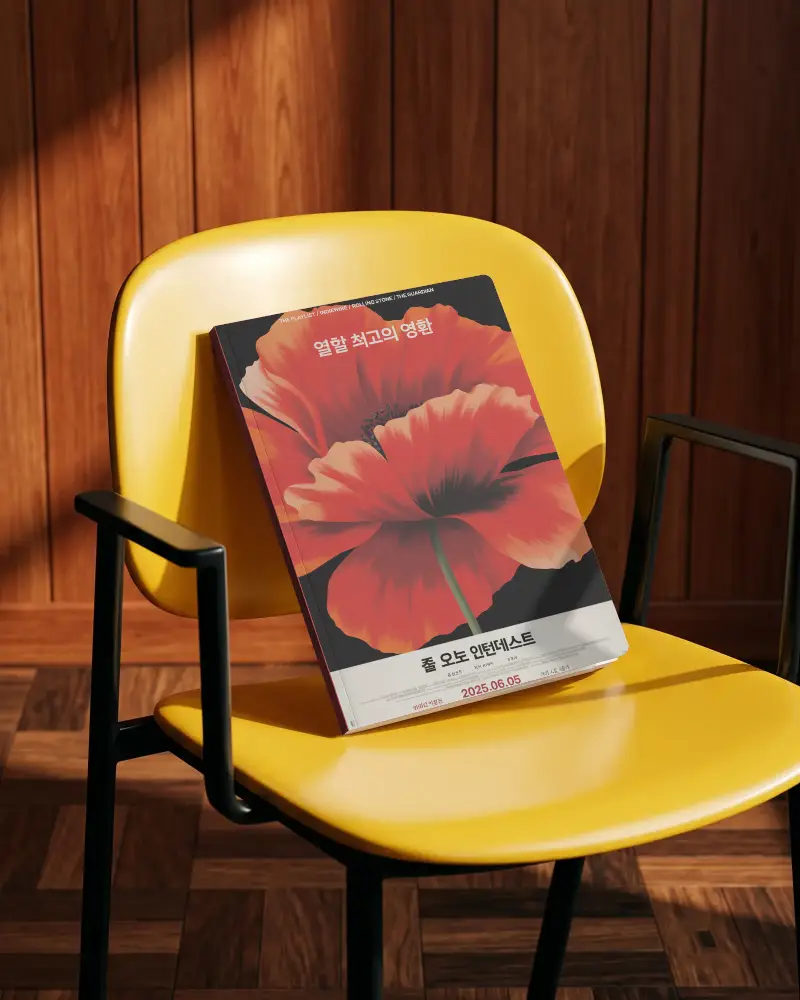
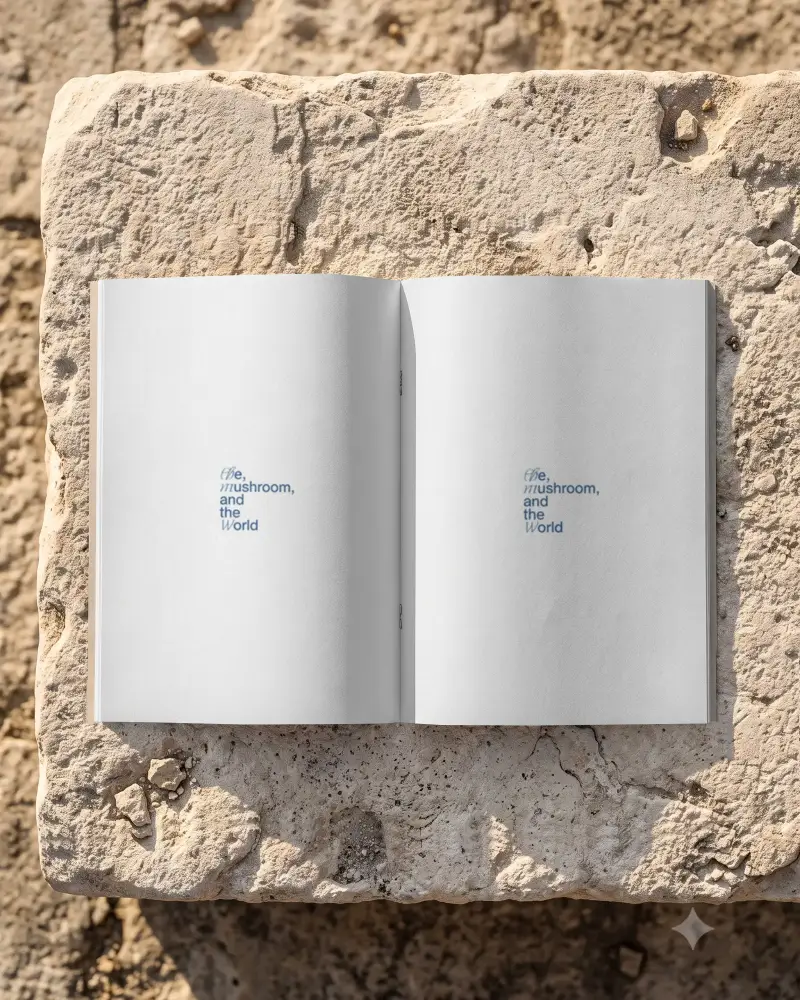
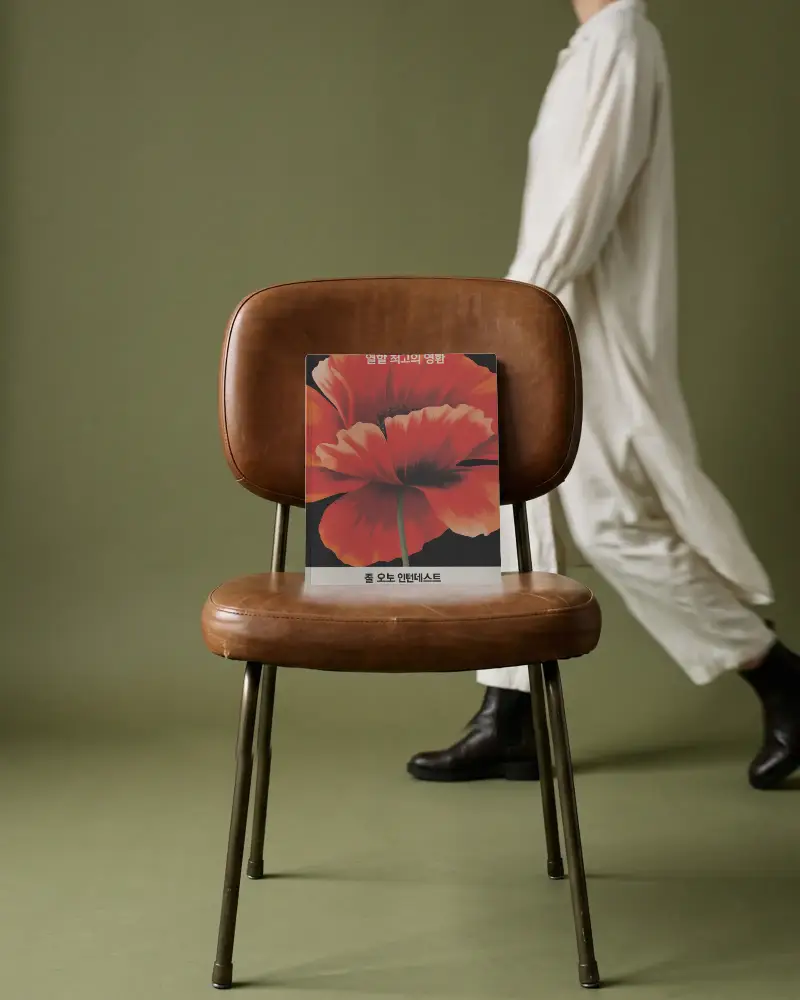
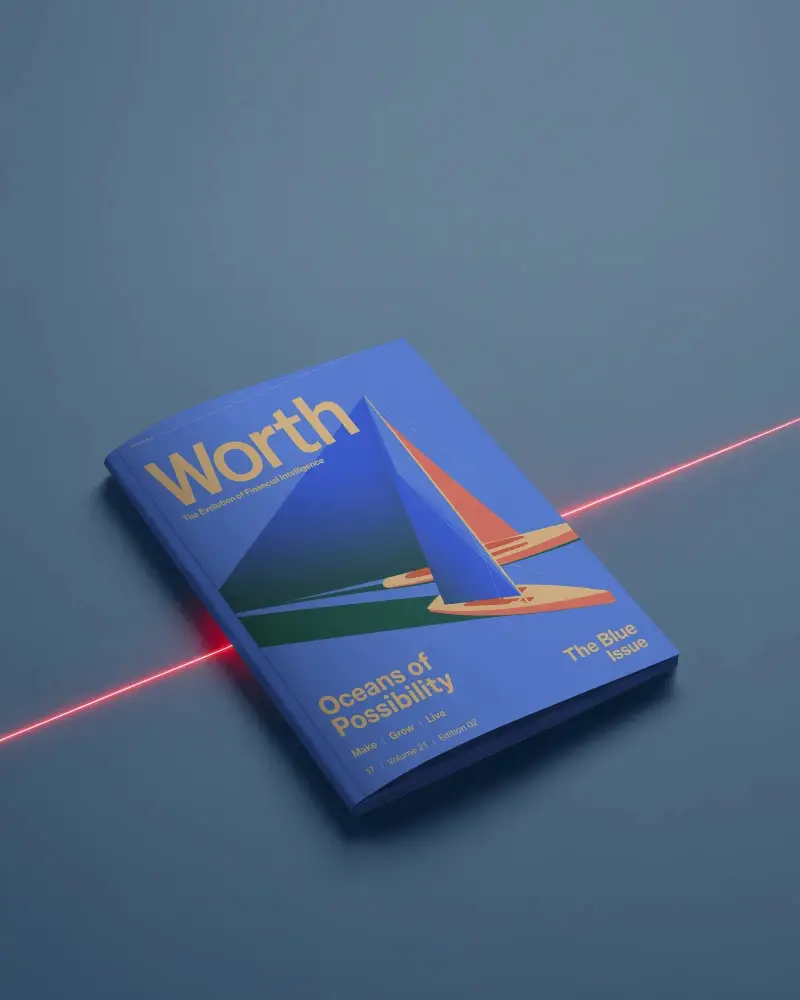
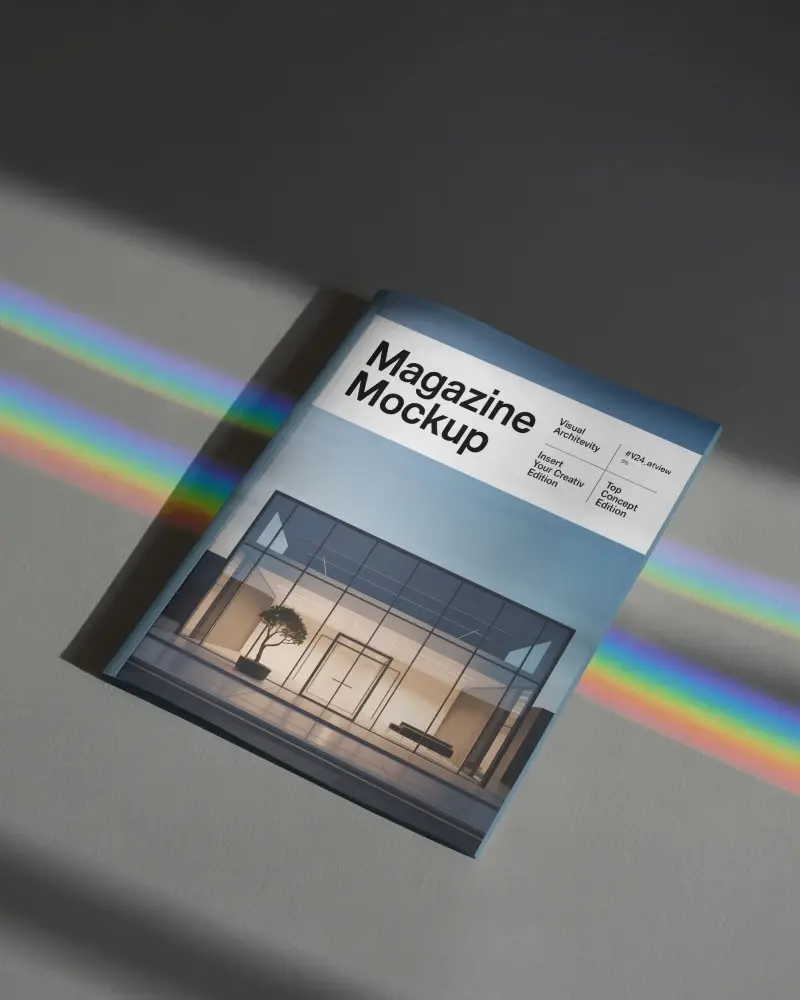
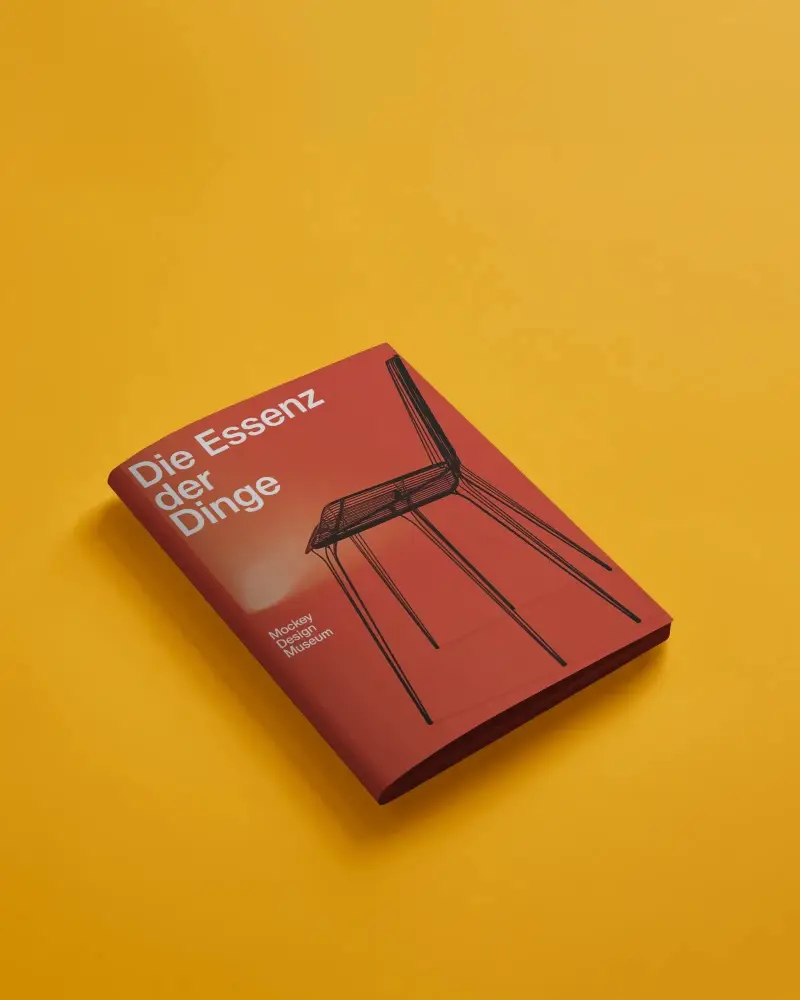
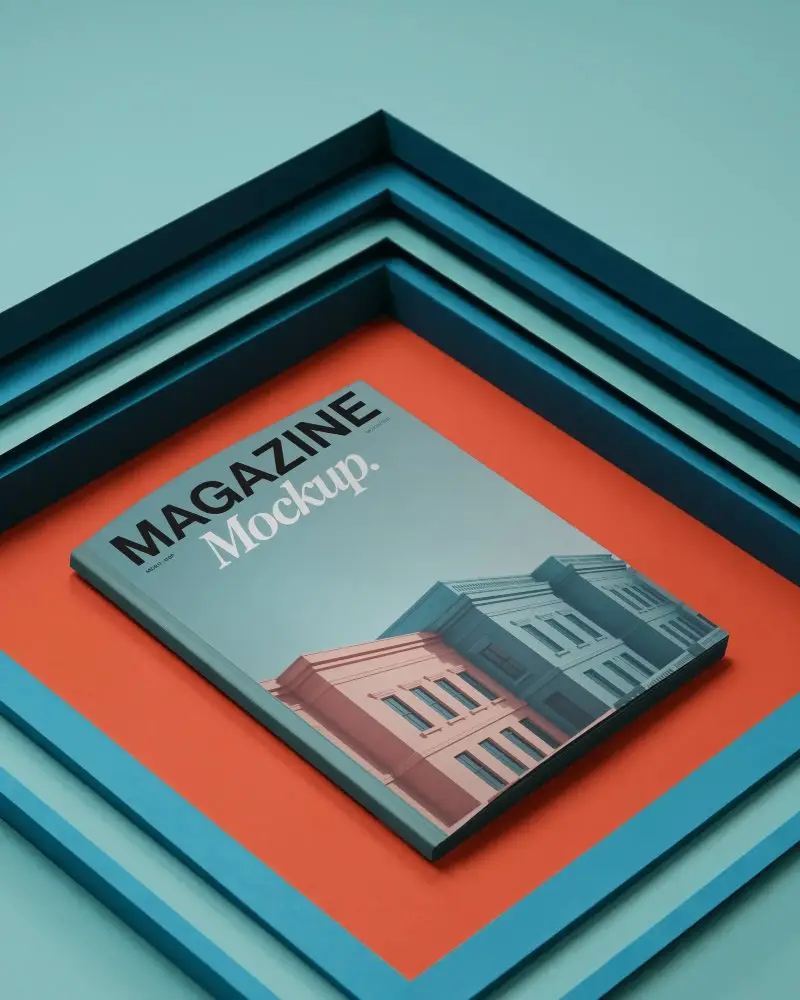
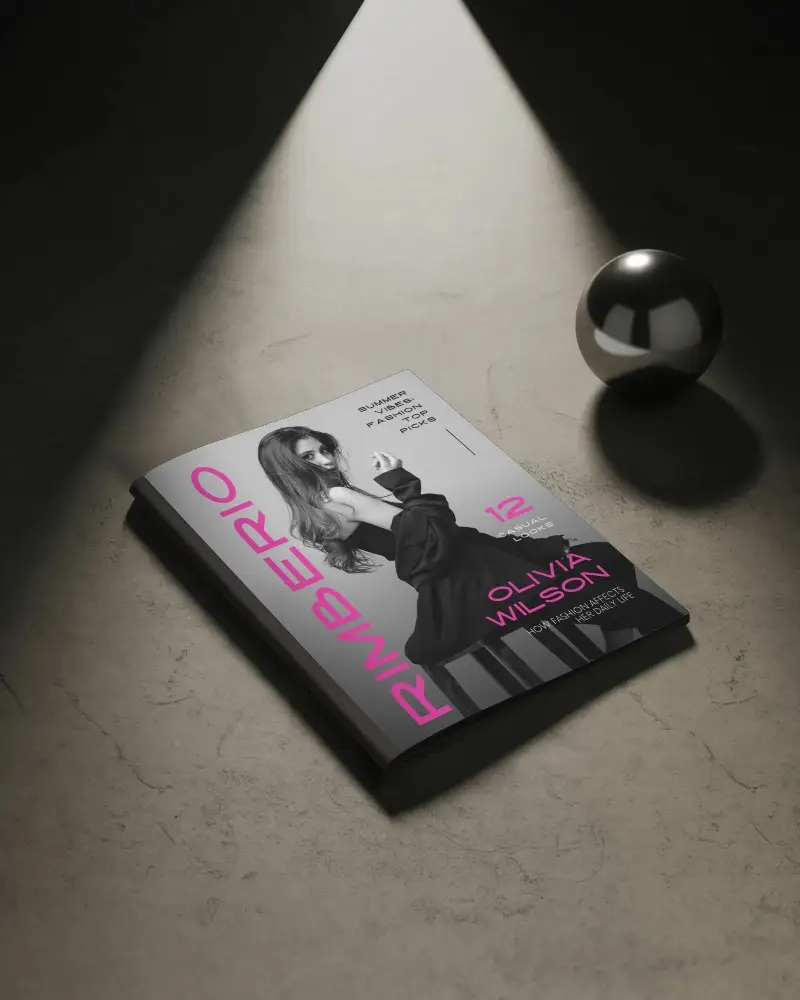
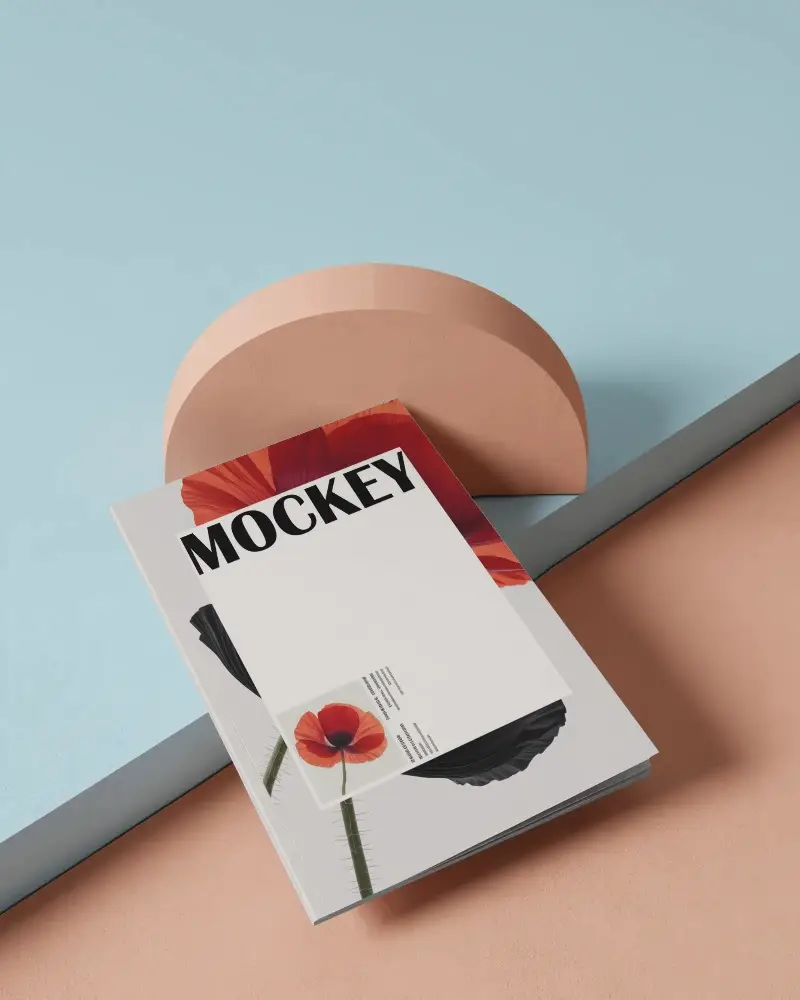
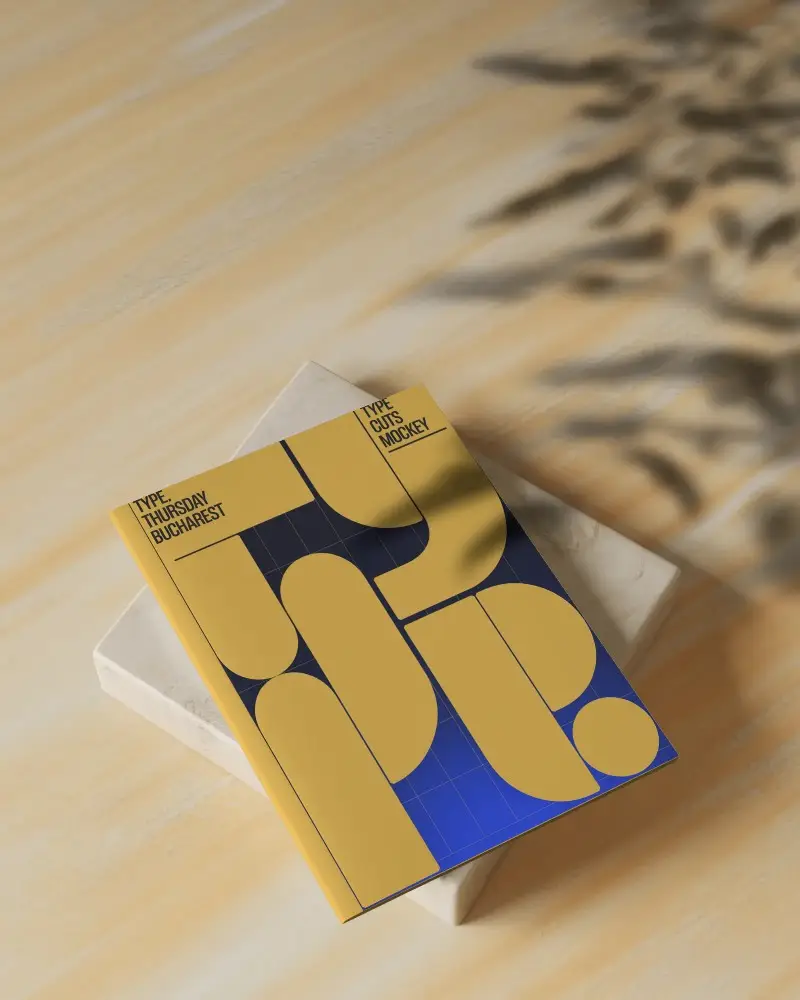
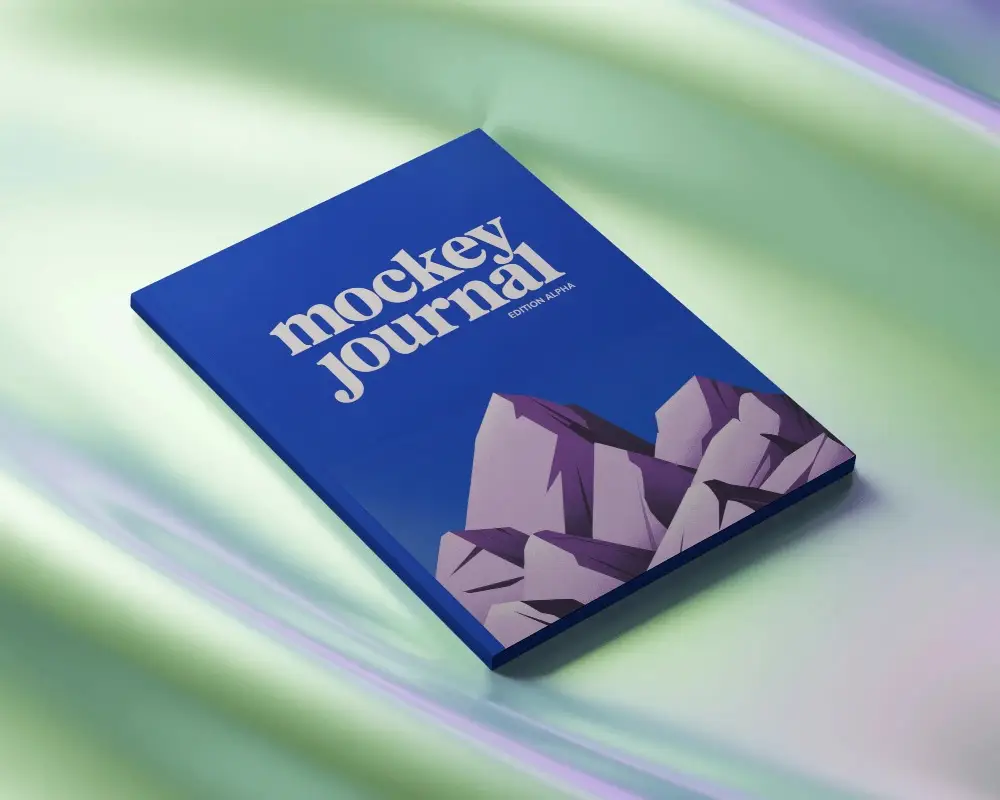
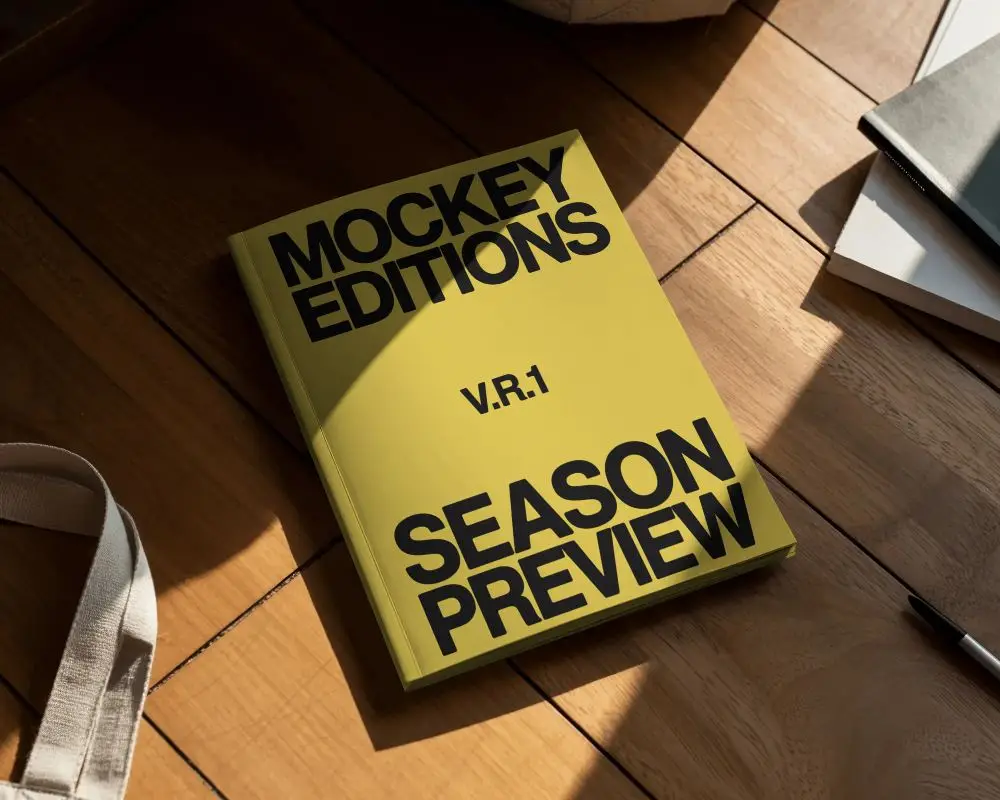
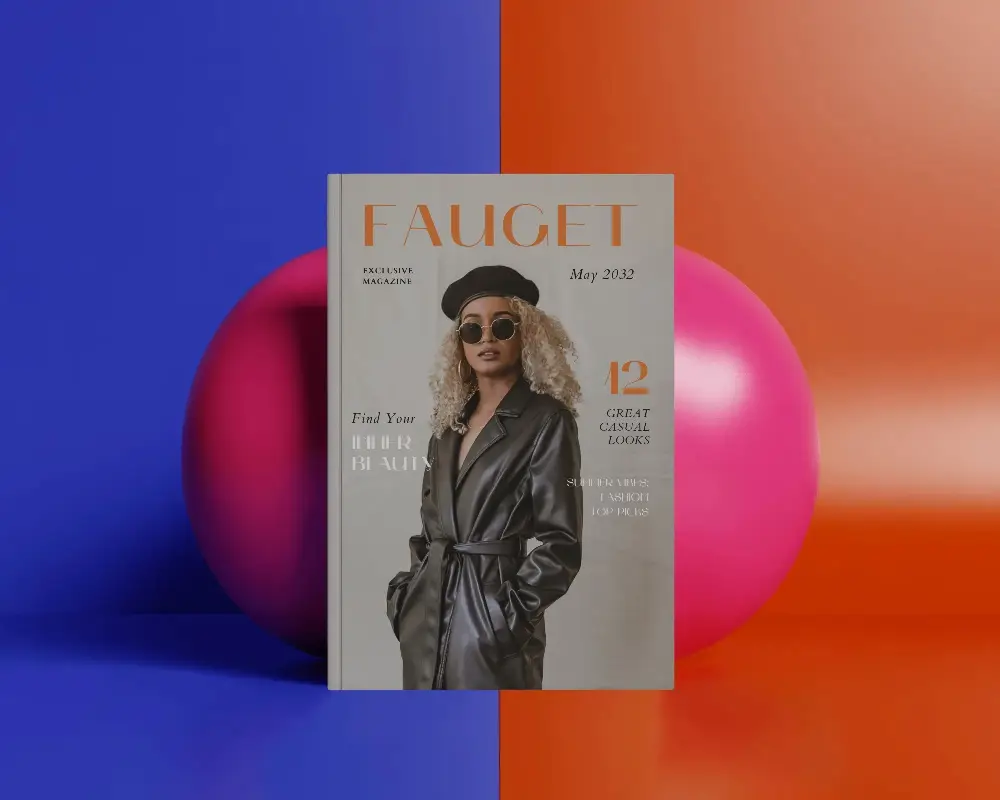

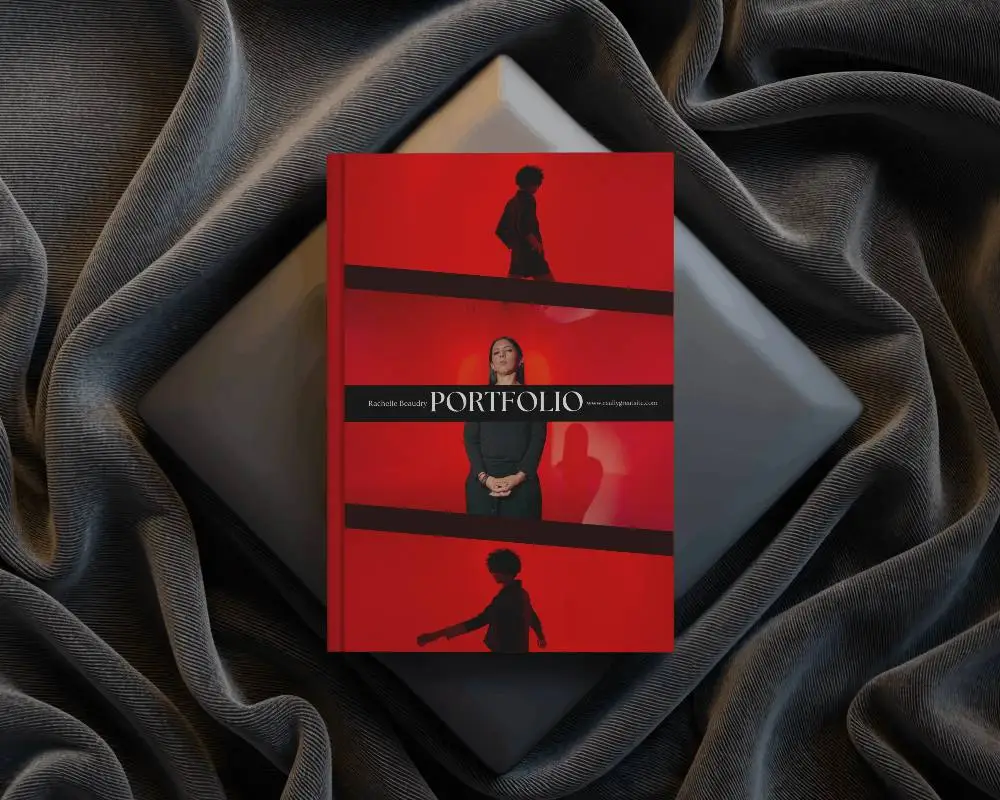
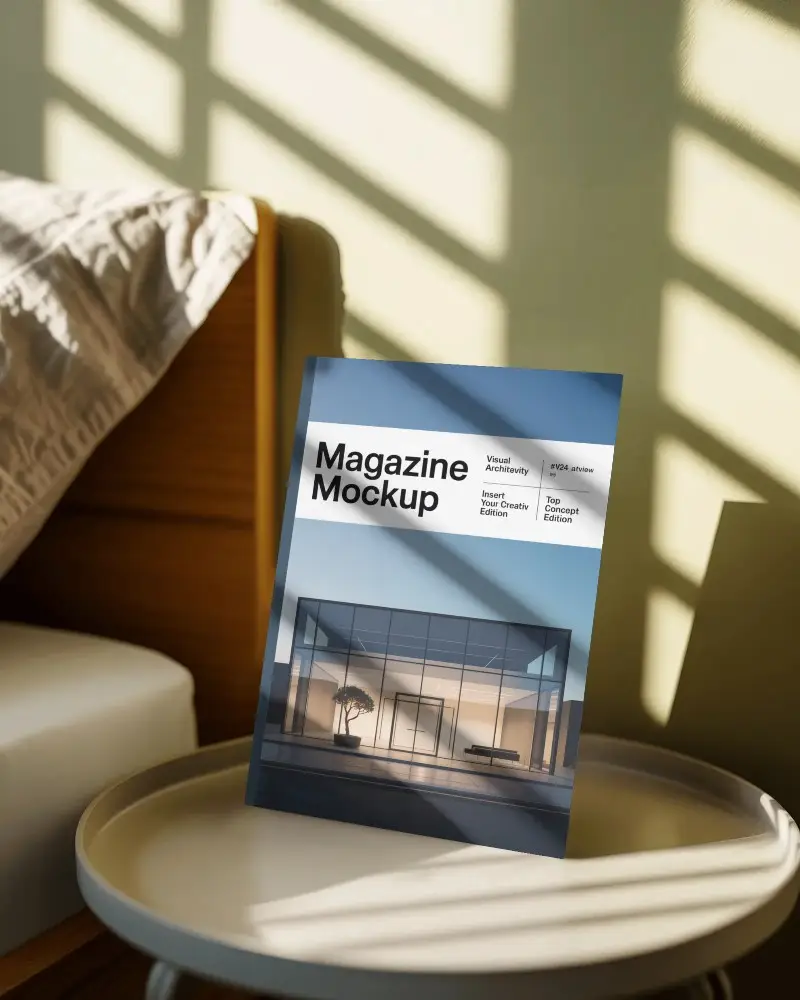
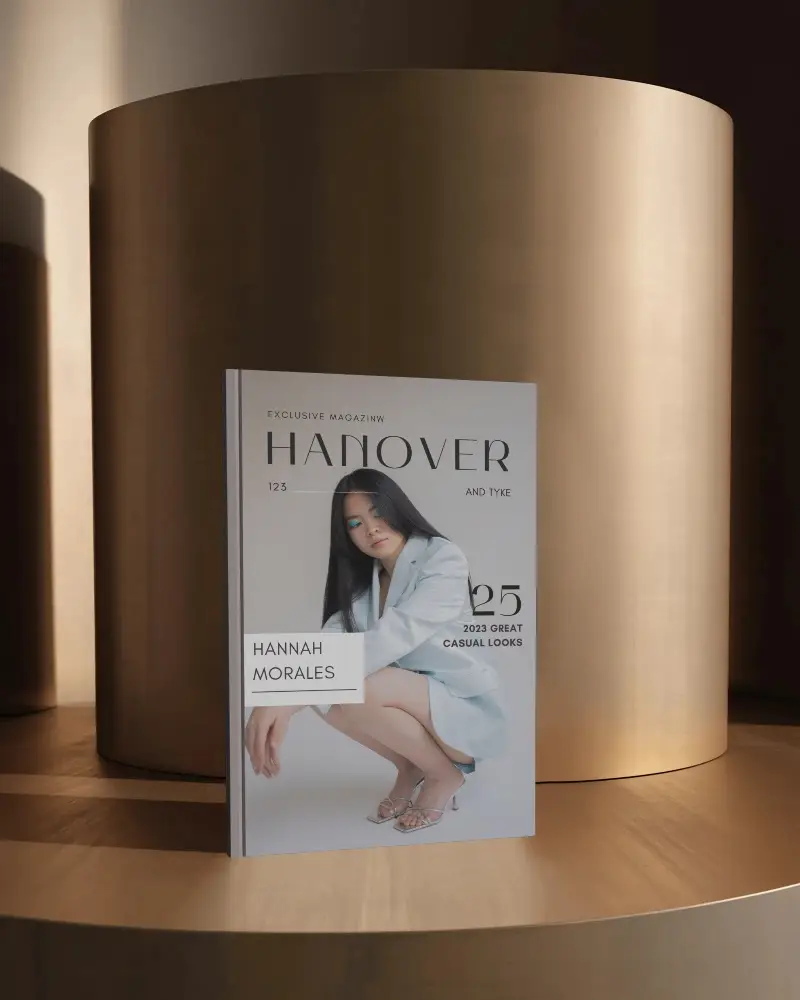
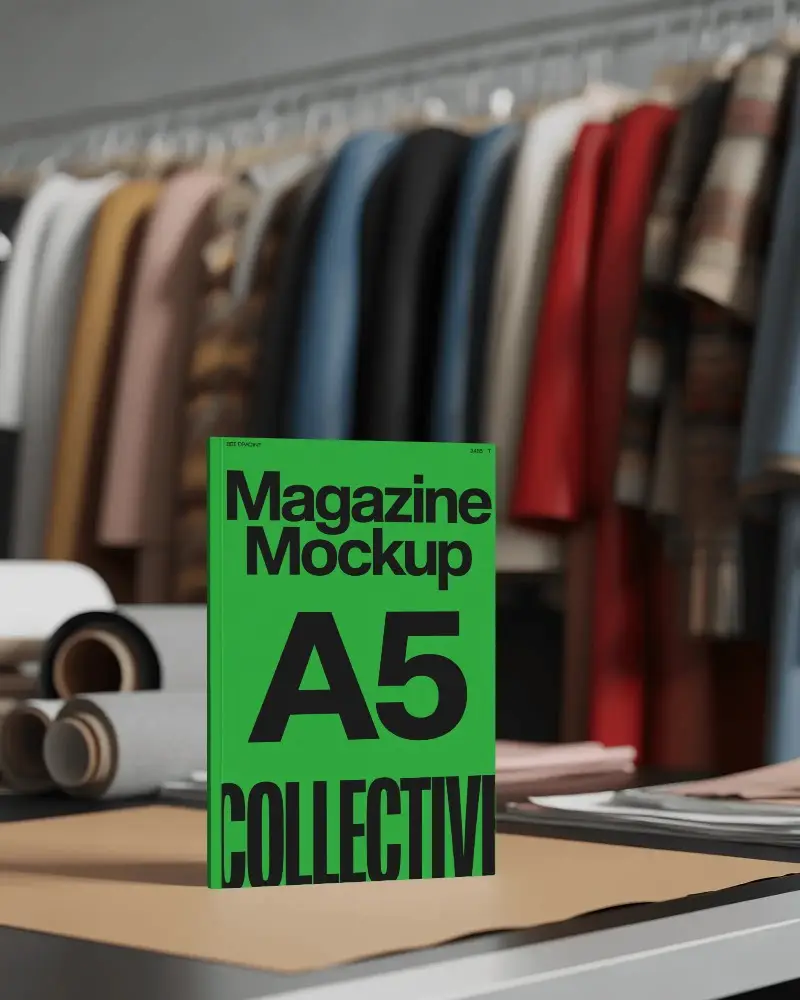
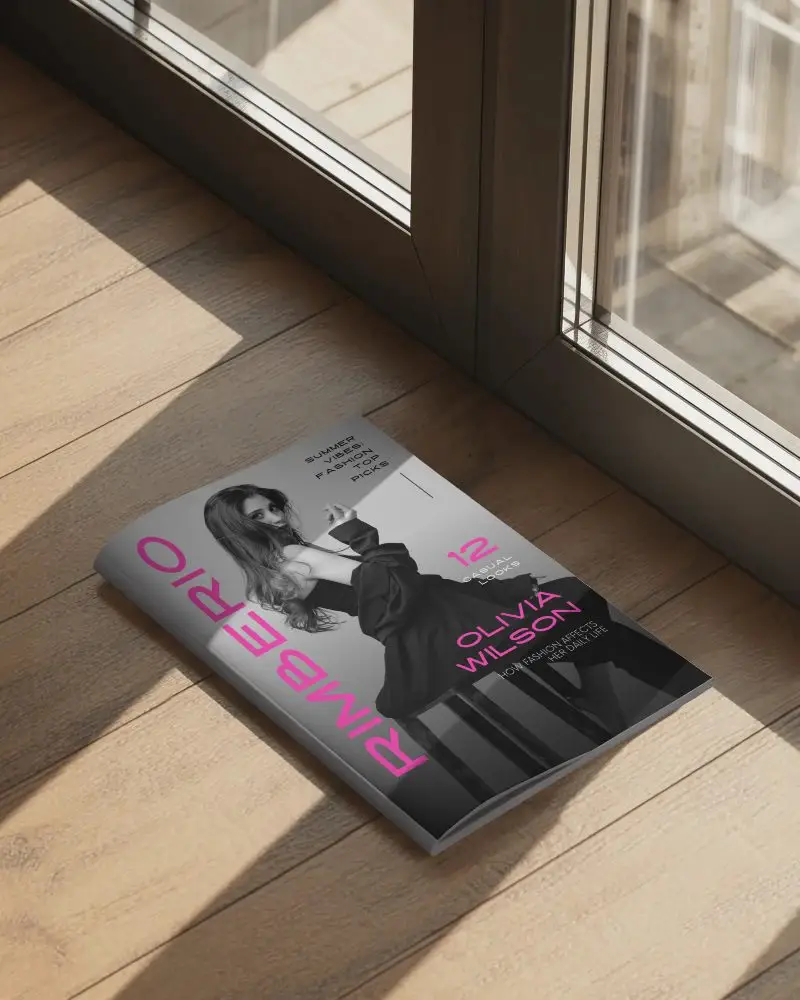
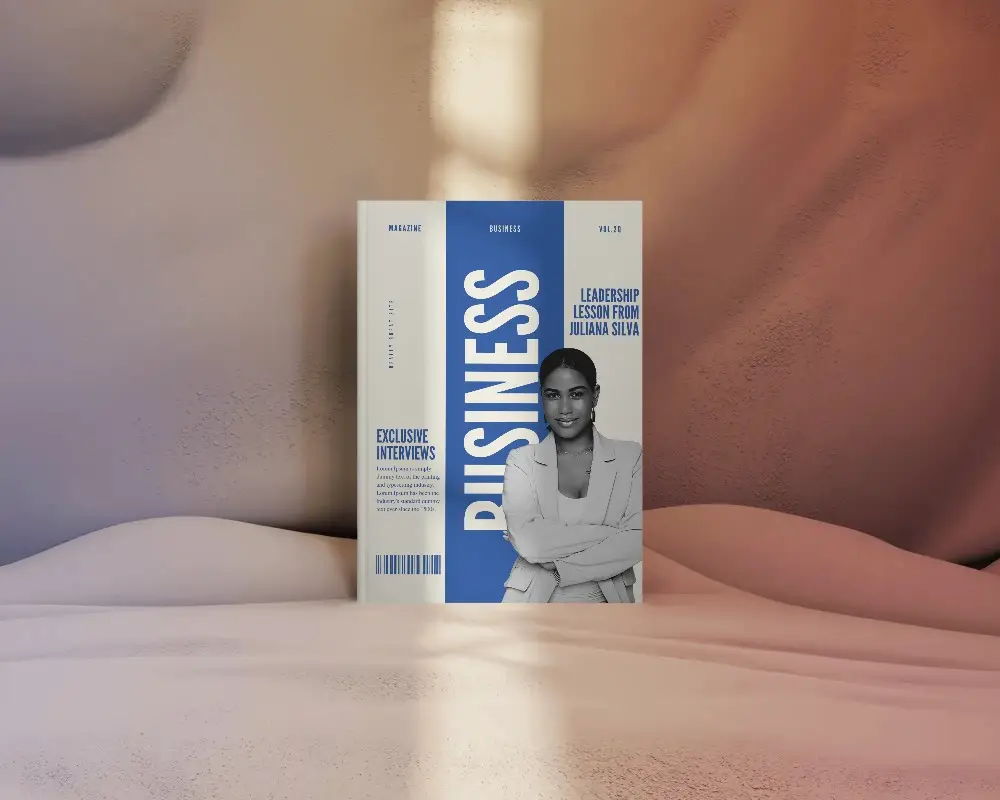
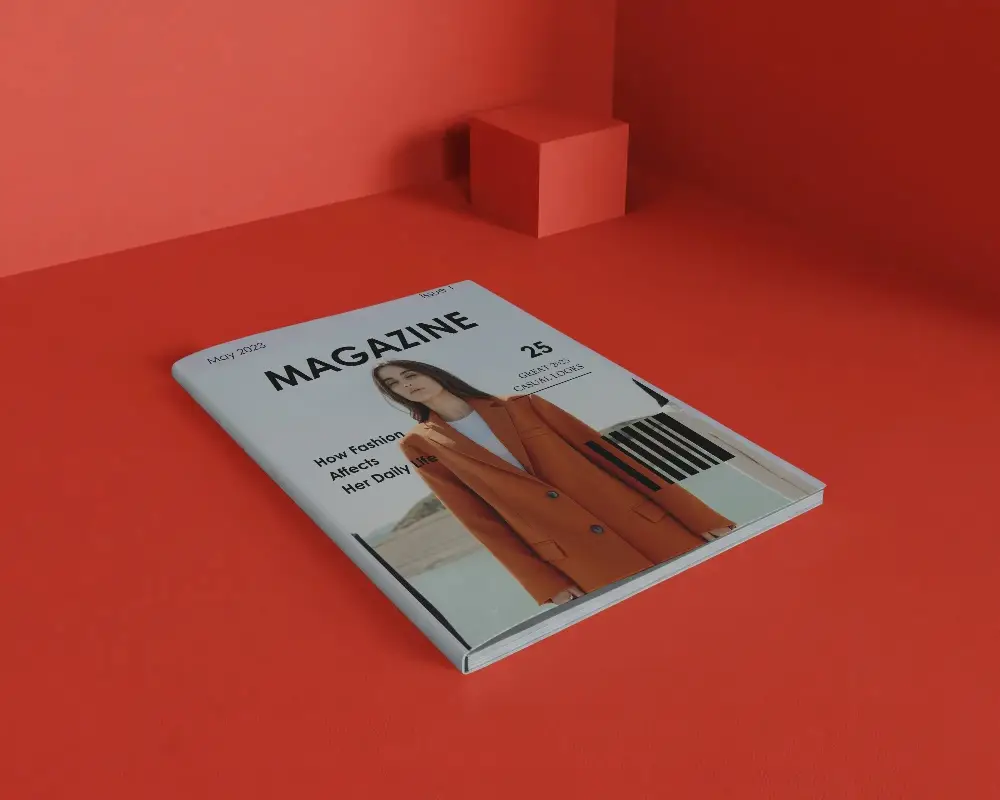
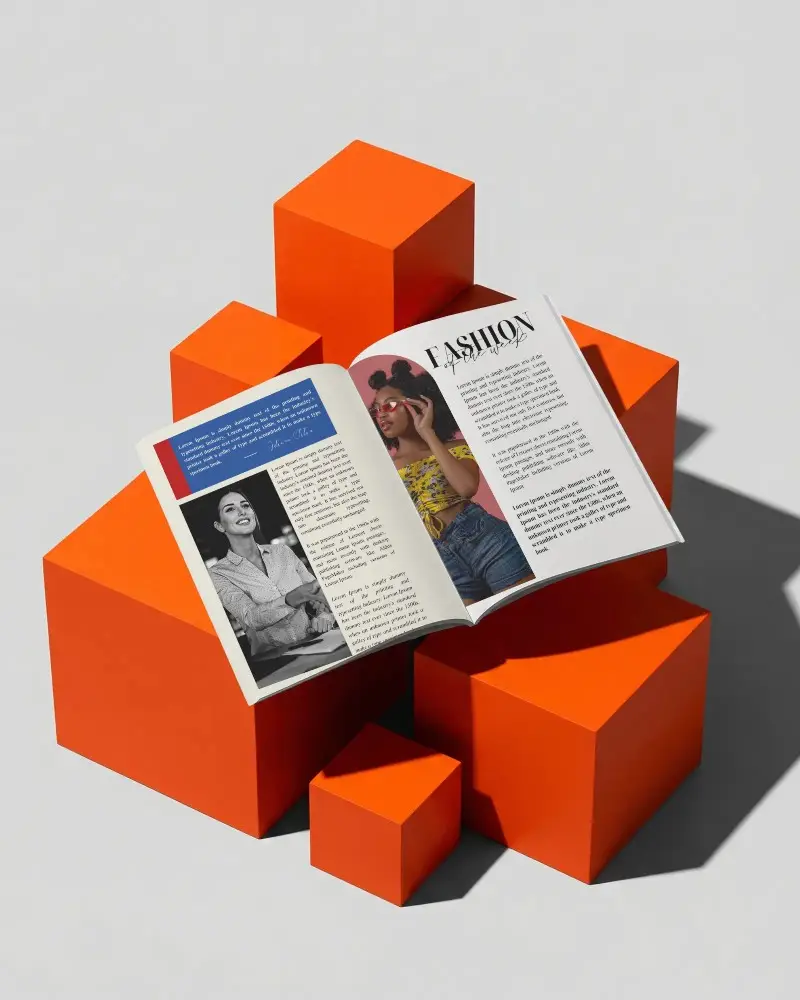
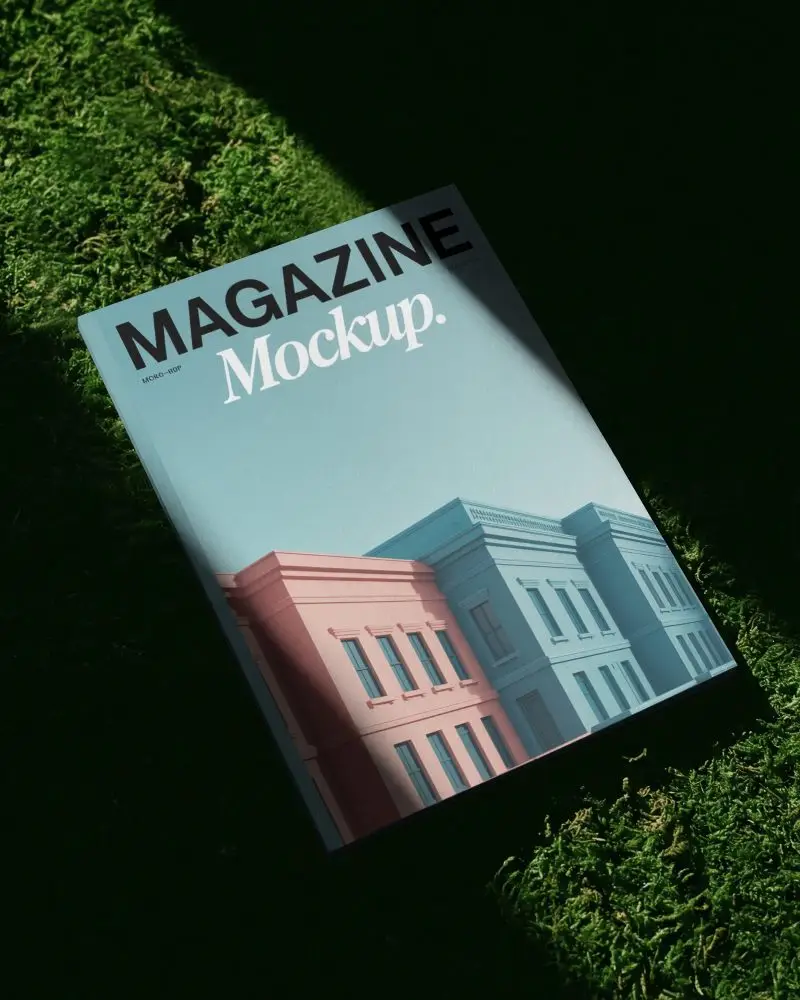
How to Make Blank Magazine Mockup with Mockey
Use these steps to create a realistic blank magazine mockup using Mockey.ai:
- Step 1: Visit Mockey.ai and go to Mockups > Print > Magazine > Blank tag.
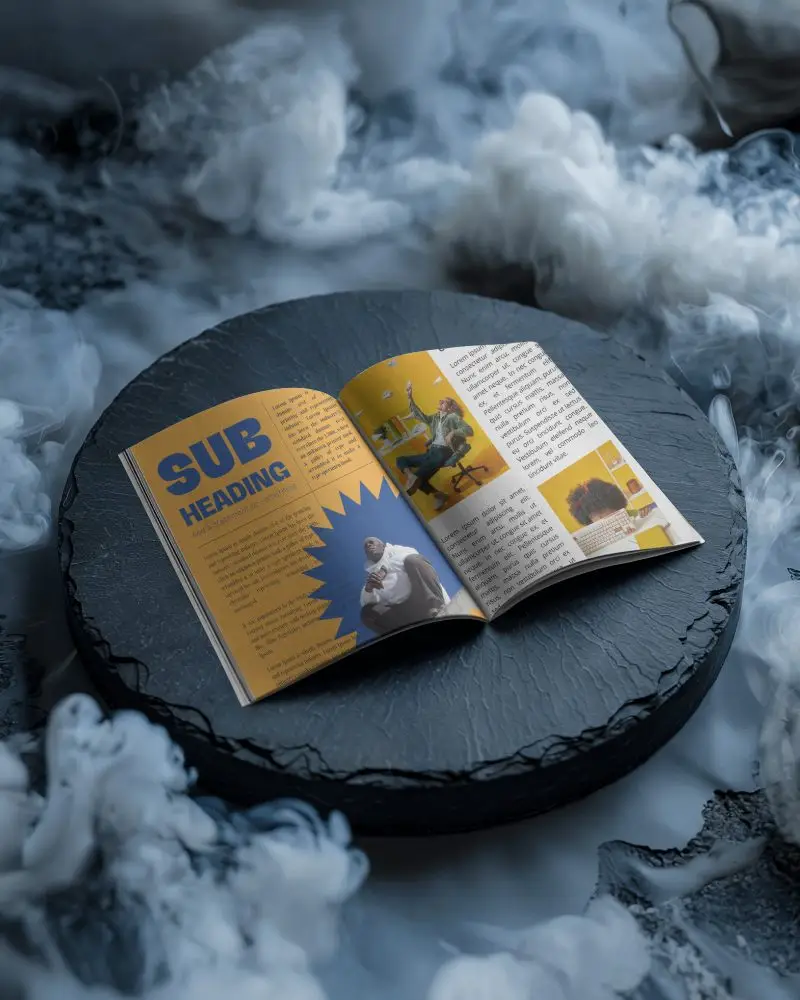
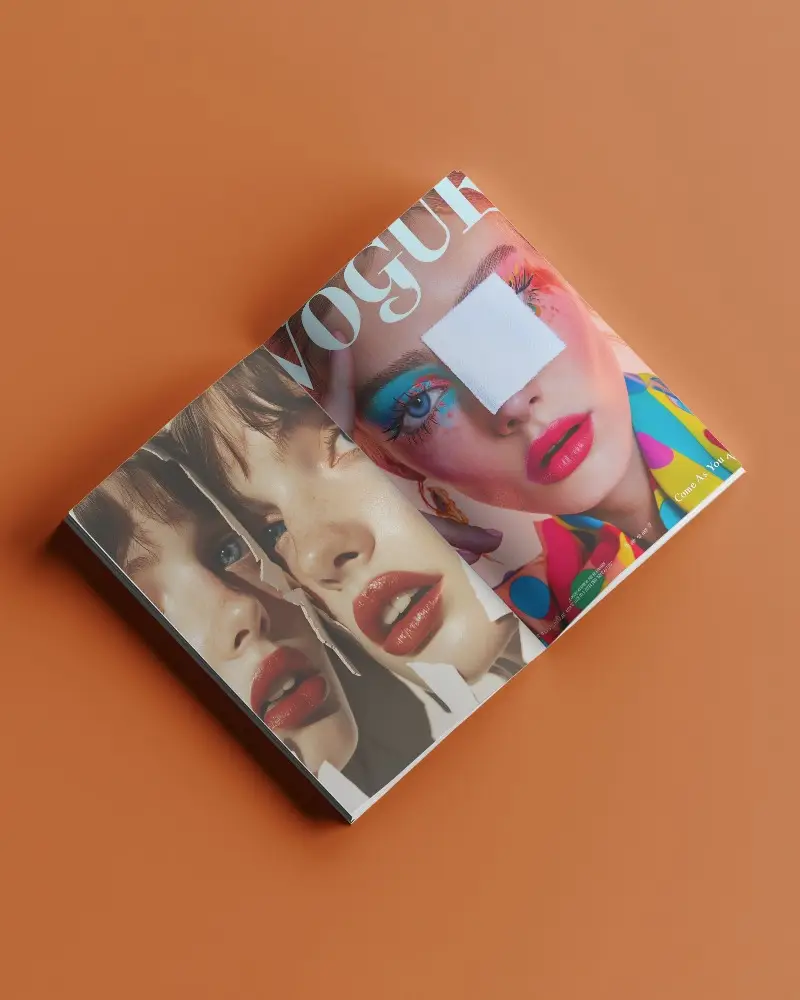
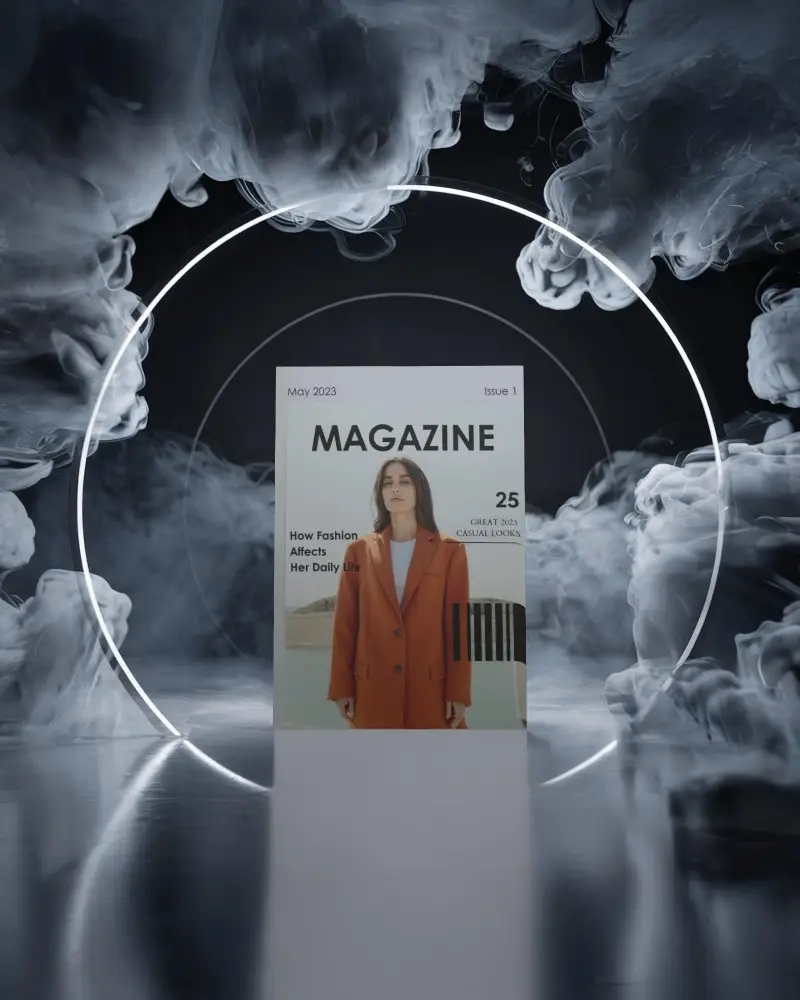
- Step 2: Pick a blank magazine mockup — choose from open, closed, or flat-lay views.
- Step 3: Upload your design for the front cover or inside layout.
- Step 4: Customize background, shadows, and colors for realism.
- Step 5: Download your final mockup in high-resolution PNG or JPEG with no watermark.


FAQs on Blank Magazine Mockups
What is a Blank Magazine Mockup?
A Blank Magazine Mockup is a digital template that shows a magazine in a real-world setting, just without the design. The pages and cover are empty, waiting for your design magic. You can use a mockup generator that helps add your design and modify it.
Why create a Blank Magazine mockup?
Personalize easily with Mockey AI’s blank magazine mockups. Add your image after picking a template and save it — it's ready. So many templates. Even AI-generated scenes.
Why Use Mockey’s Blank Magazine Mockup?
The blank magazine mockups in Mockey AI are painless to customize. It's as simple as uploading your design, choosing a background and color, and downloading.
Is this Blank Magazine Mockup Free?
You can download free blank mockups from Mockey AI that do not have watermarks. We offer more than 100 templates, all of which can be customized with your design, color scheme, and background.
