Create Pizza Box Mockups
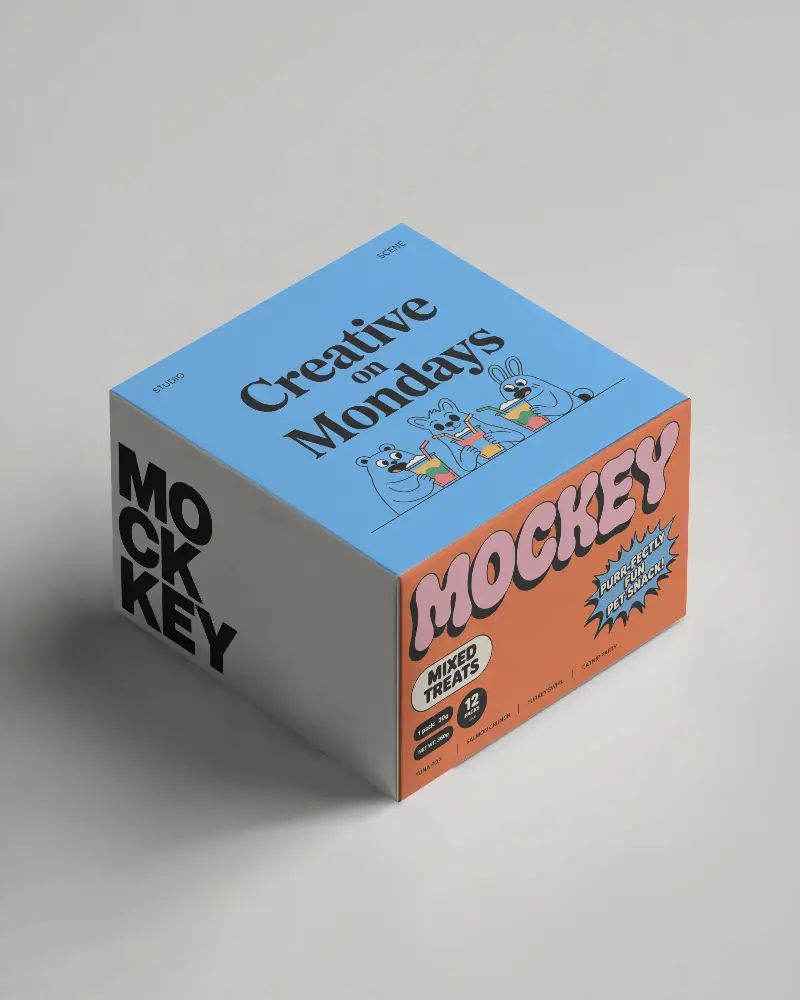
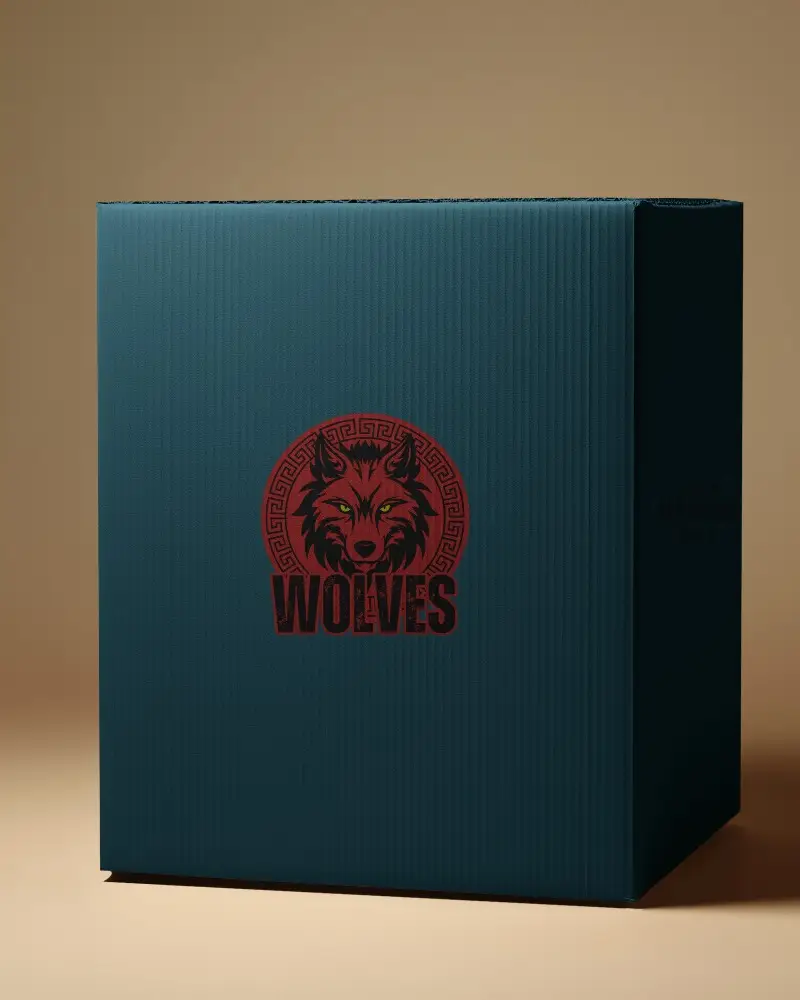
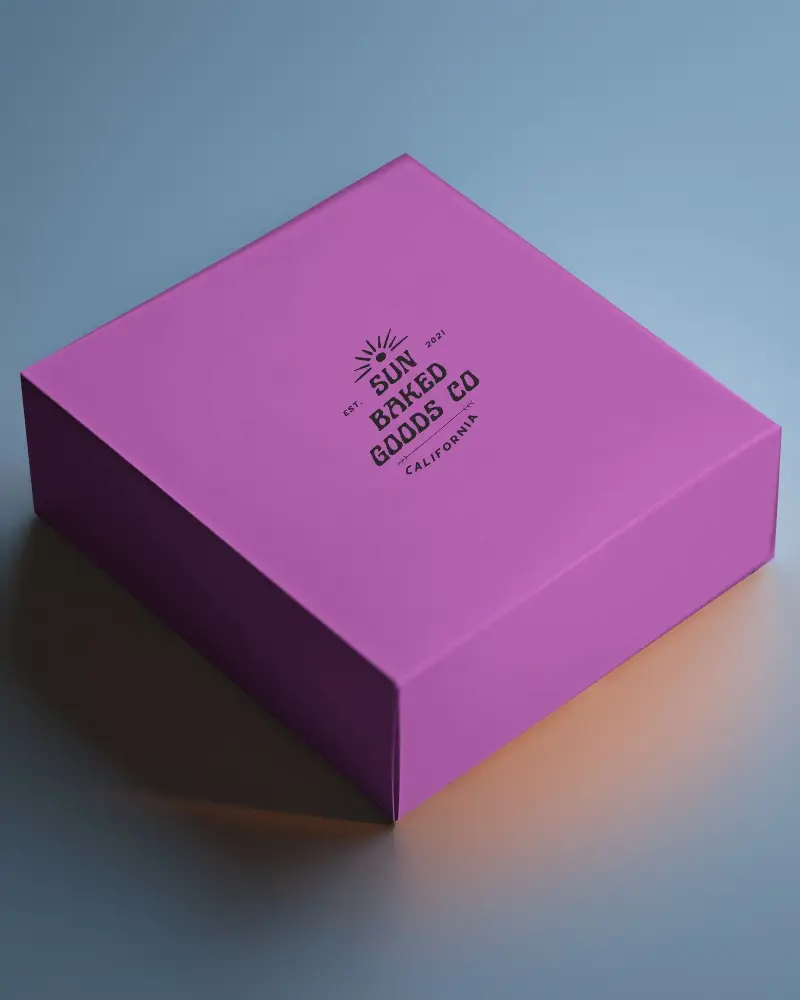
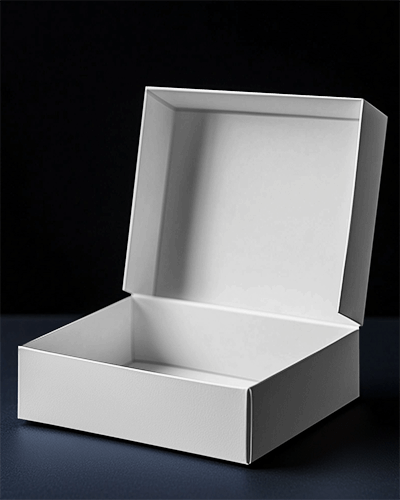
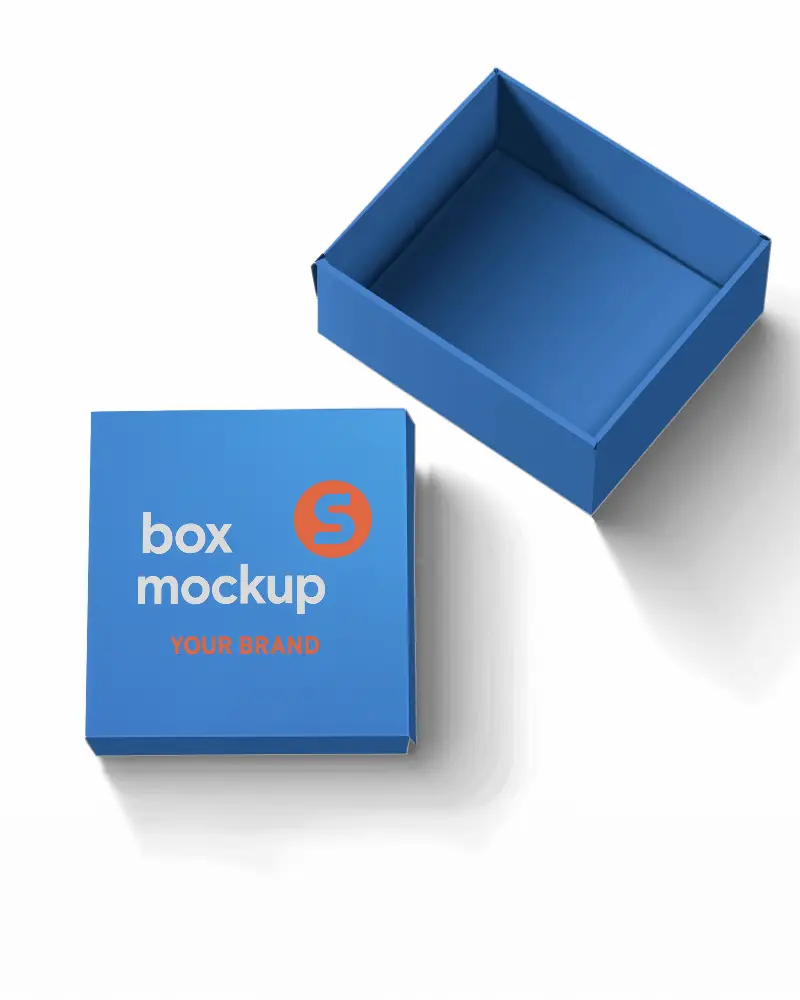
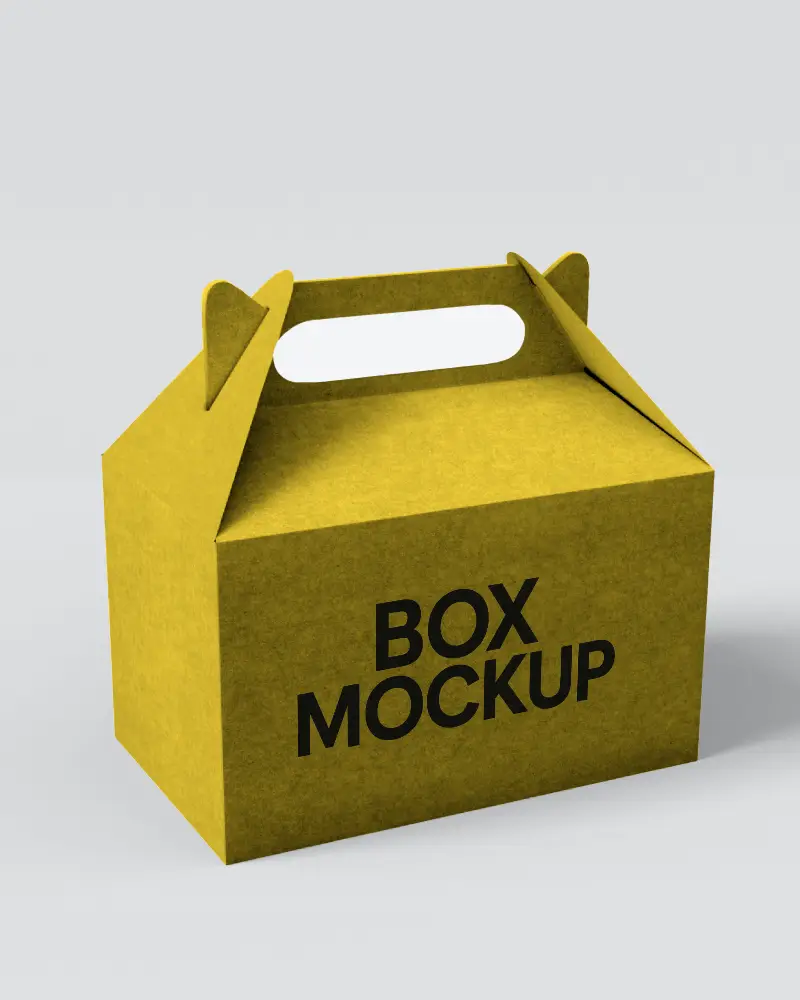
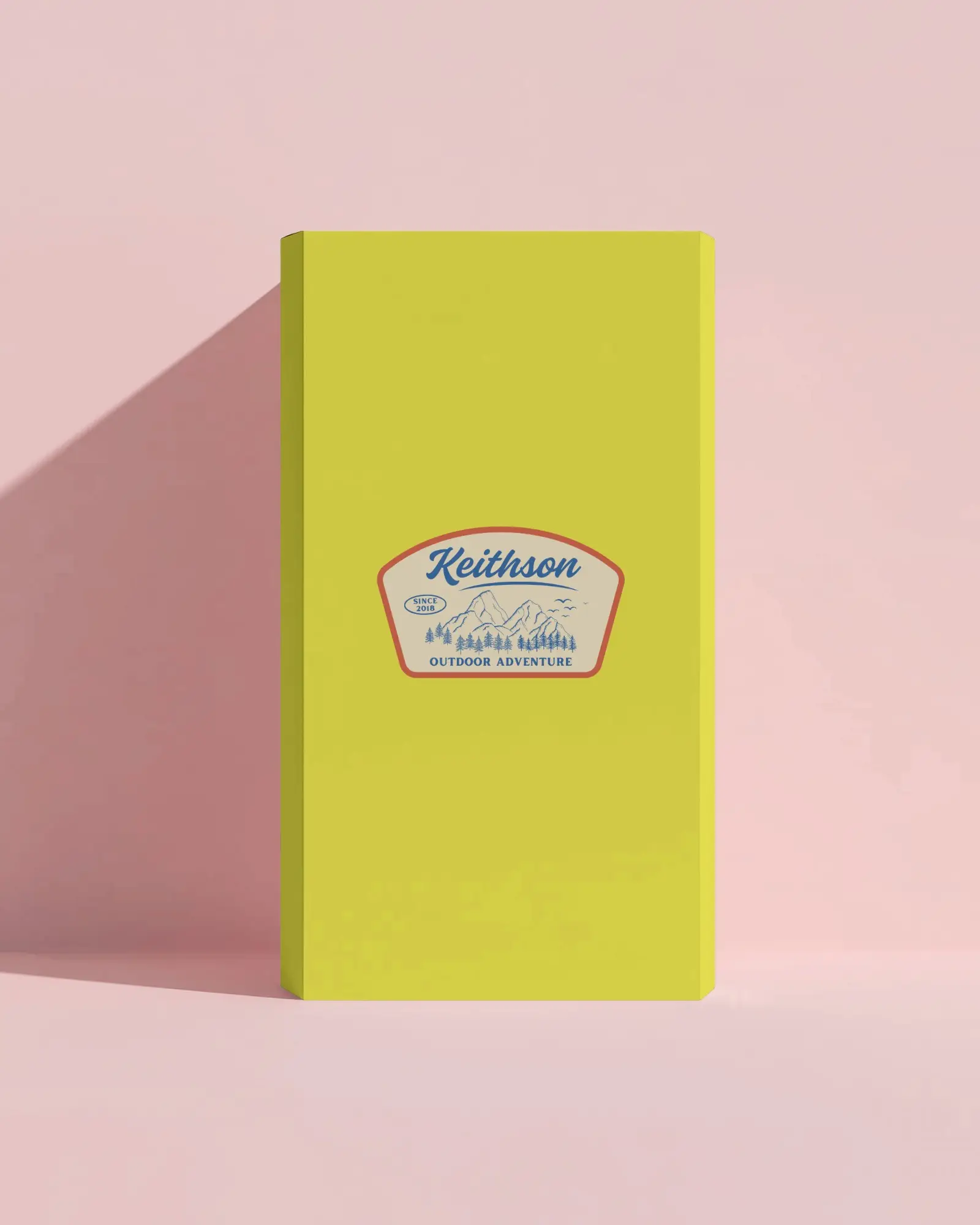
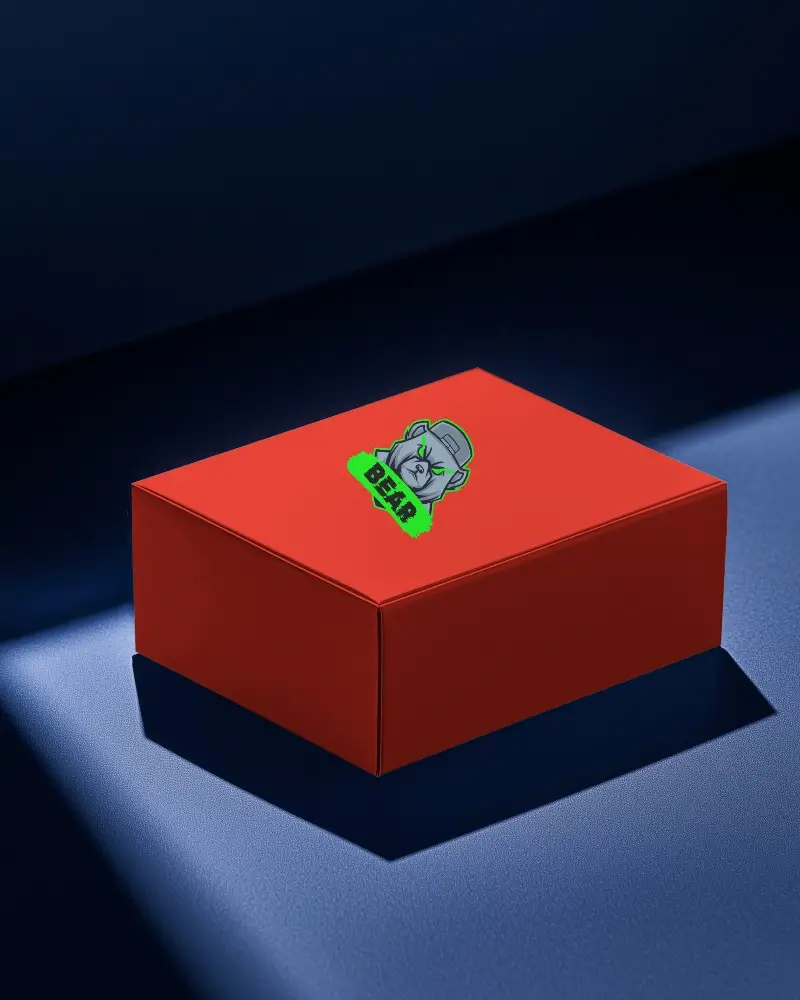
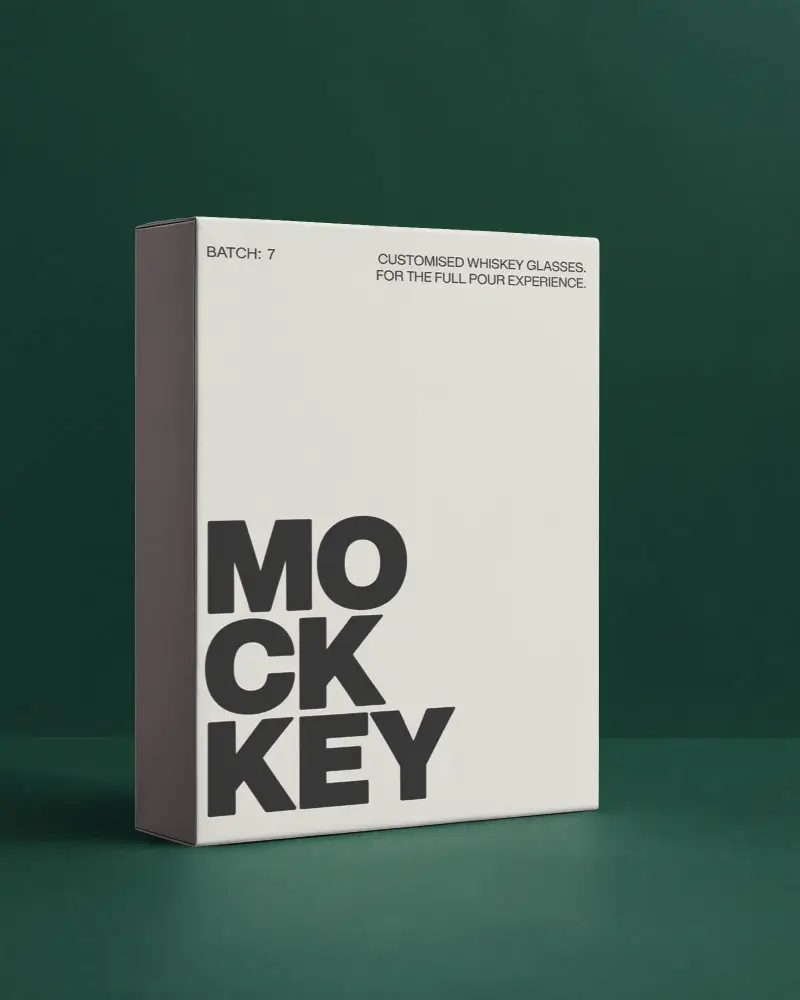
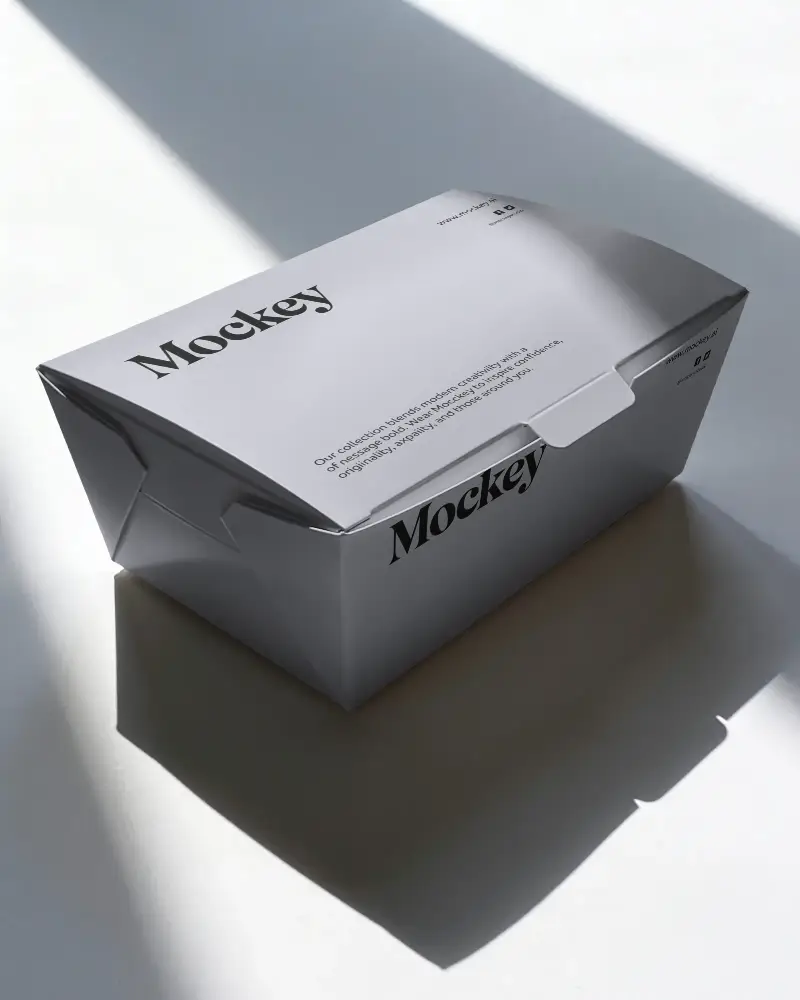
Mockey AI gives you free pizza box mockups to see how your packaging will look. You can easily customize and download beautiful pizza box designs to make your brand stand out.
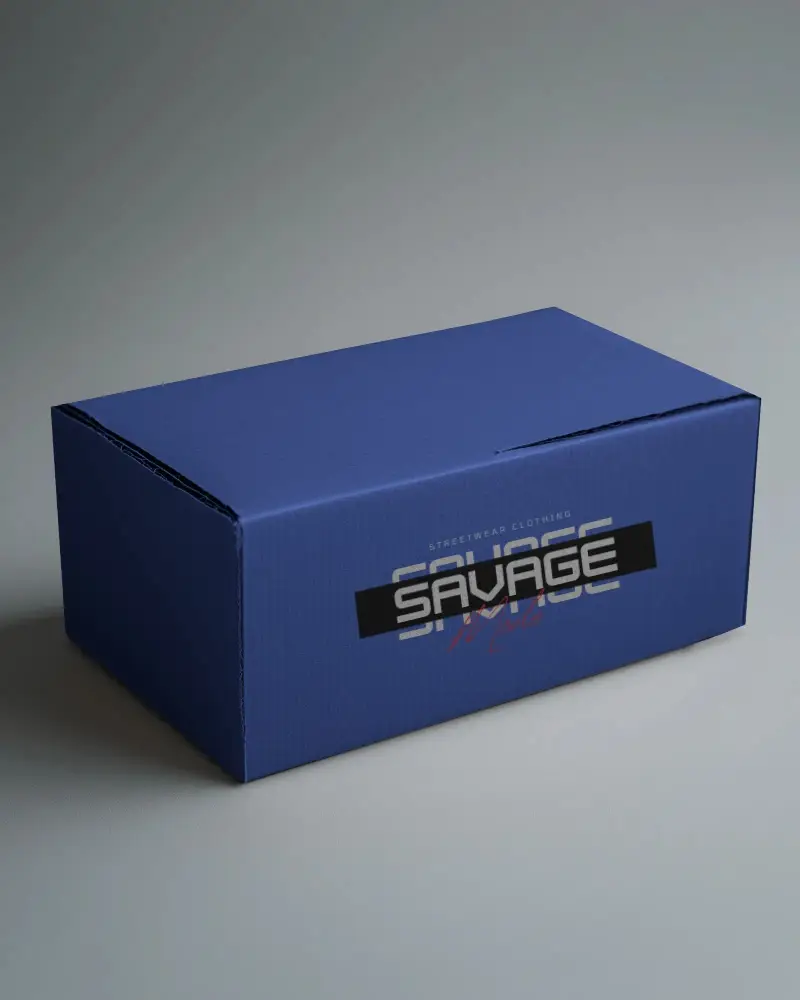
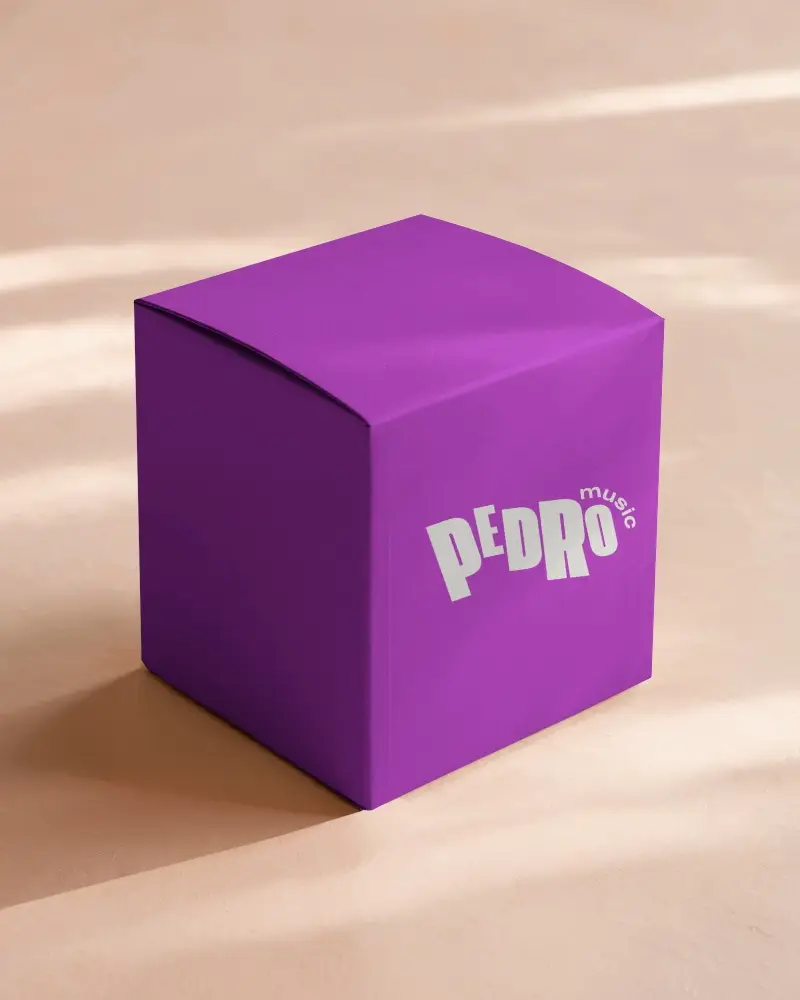
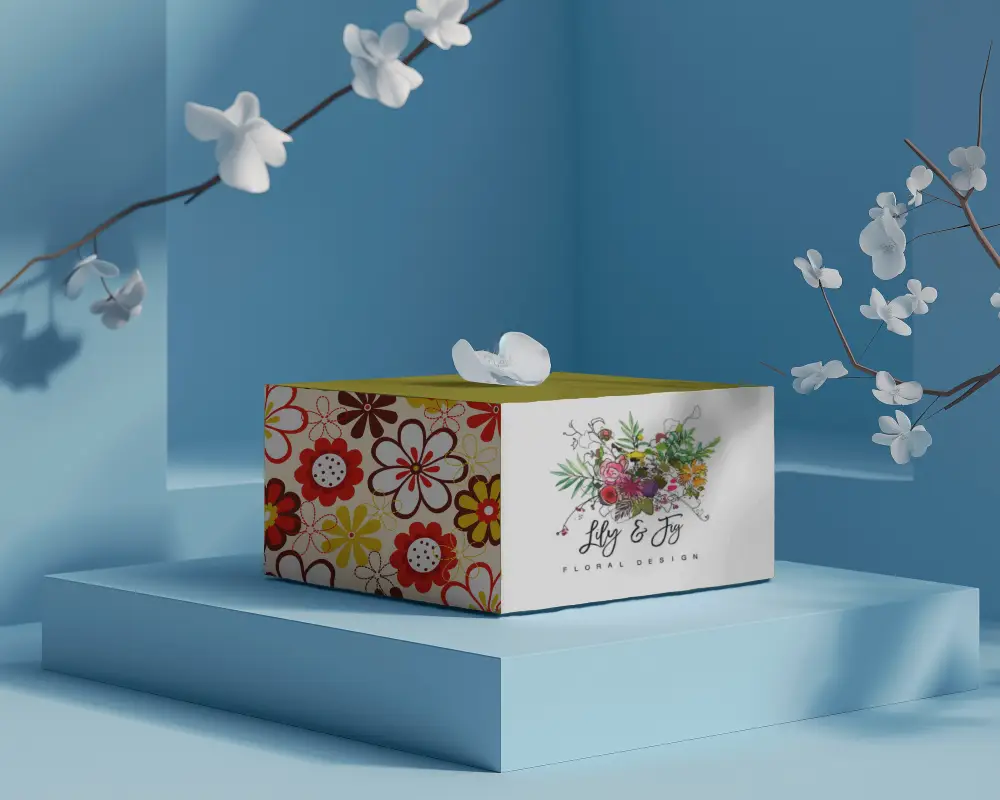
.png)
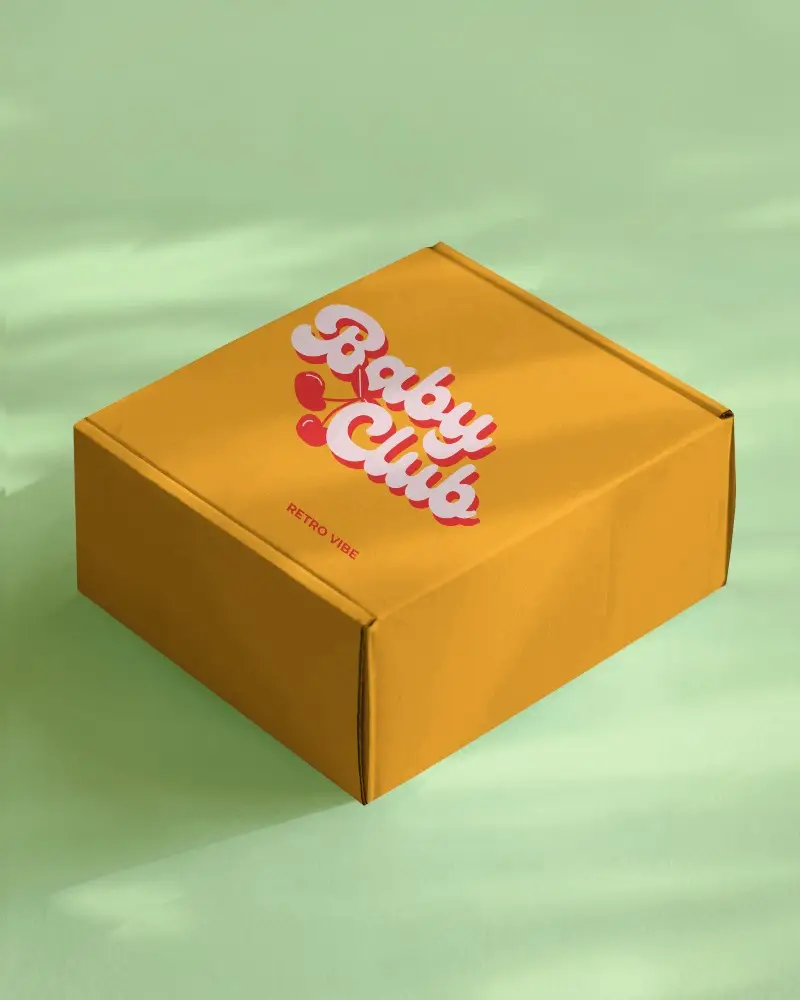
.png)
.png)
(1).png)
.png)
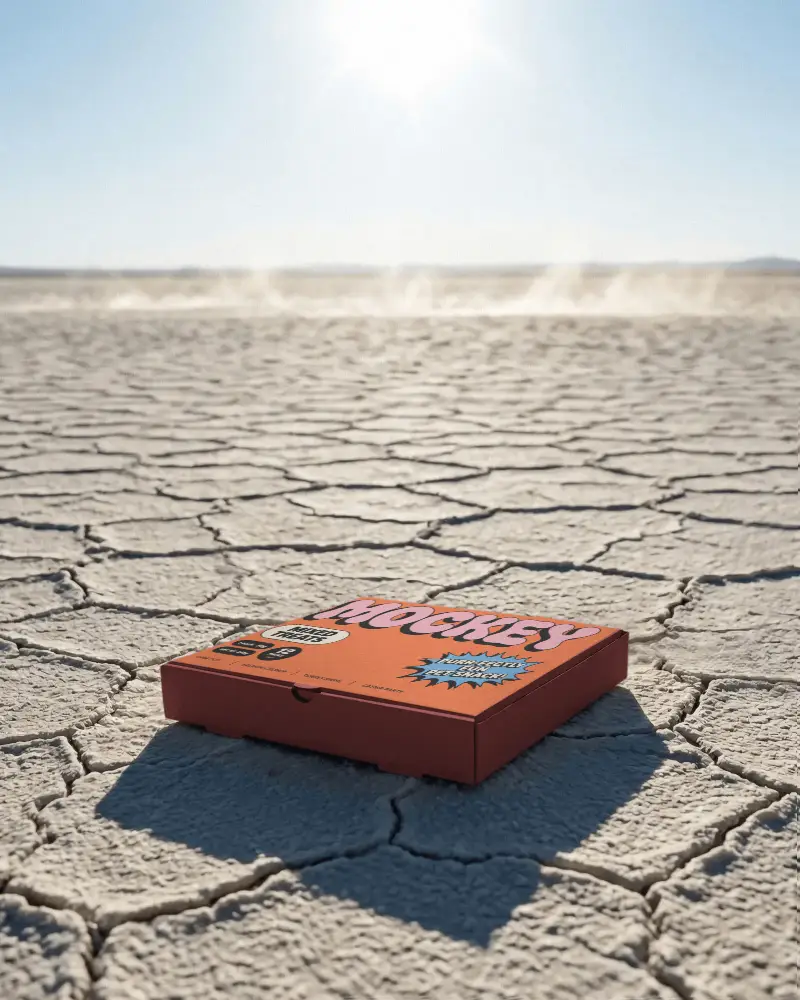
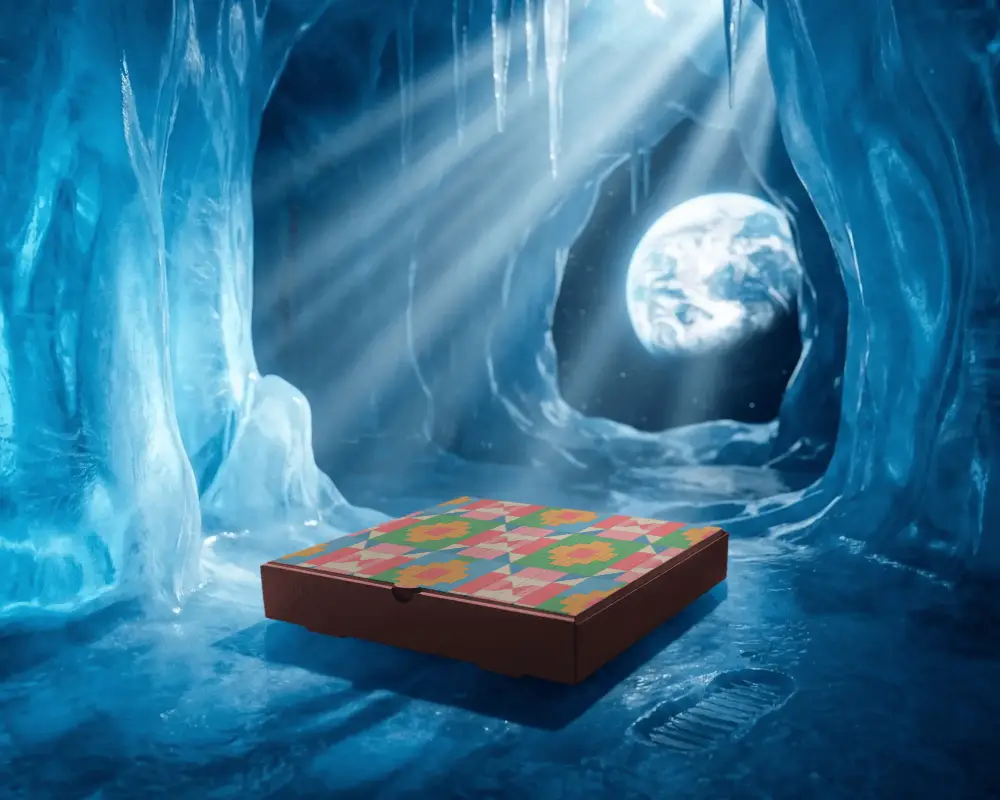
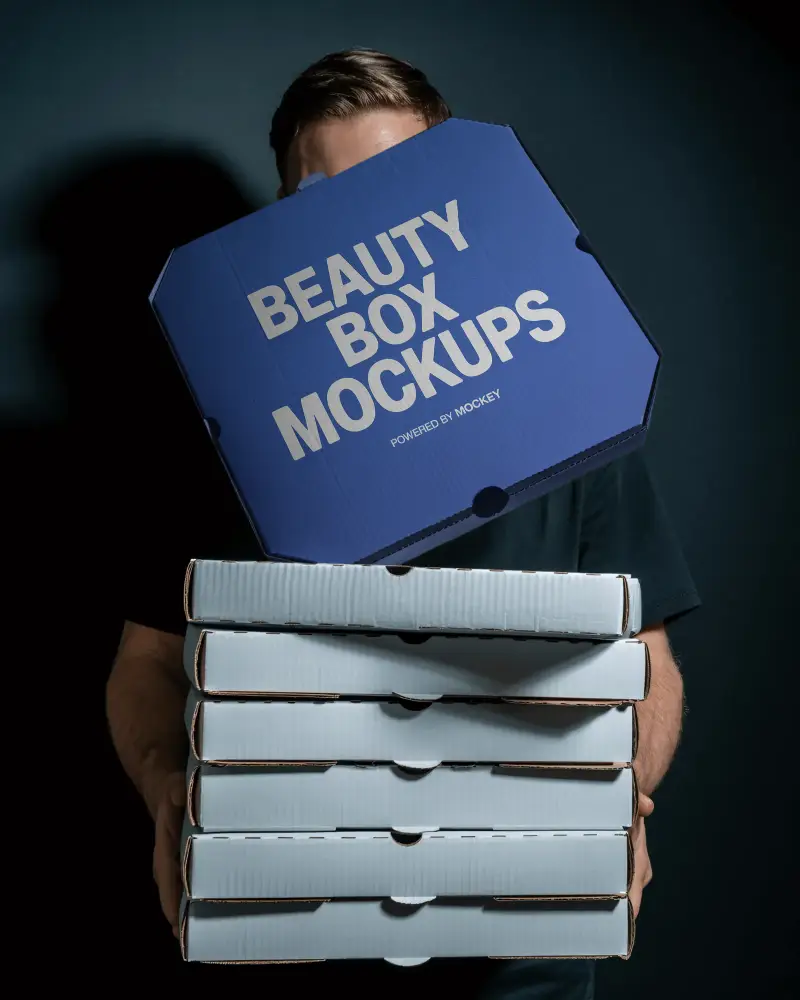
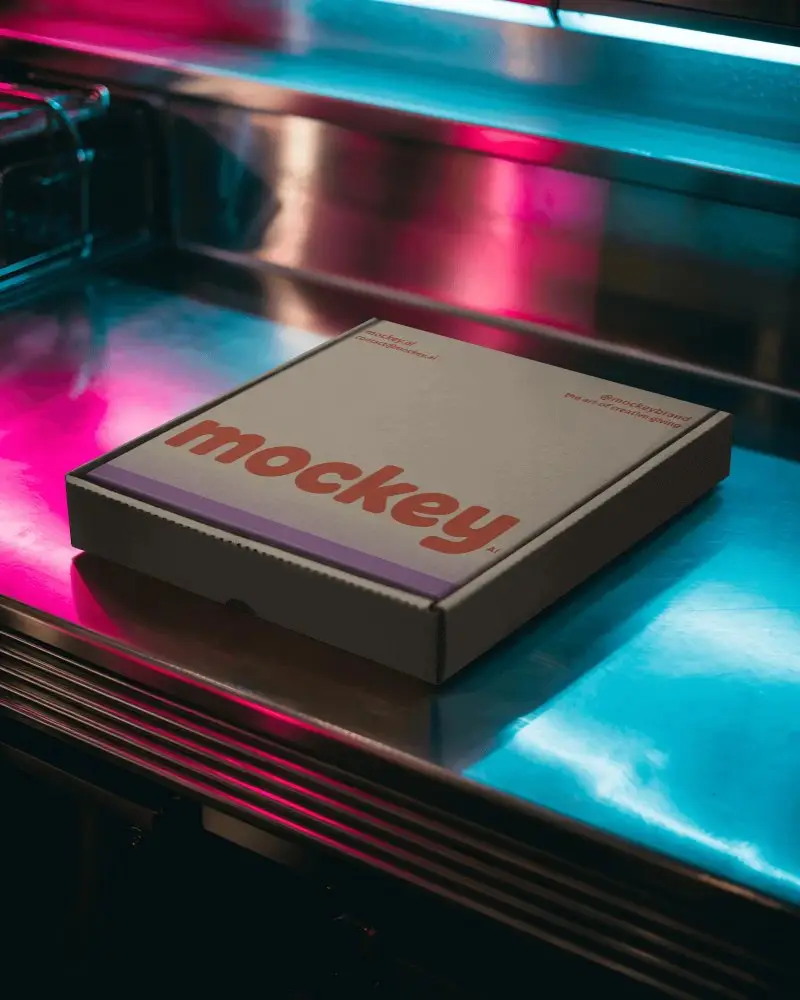
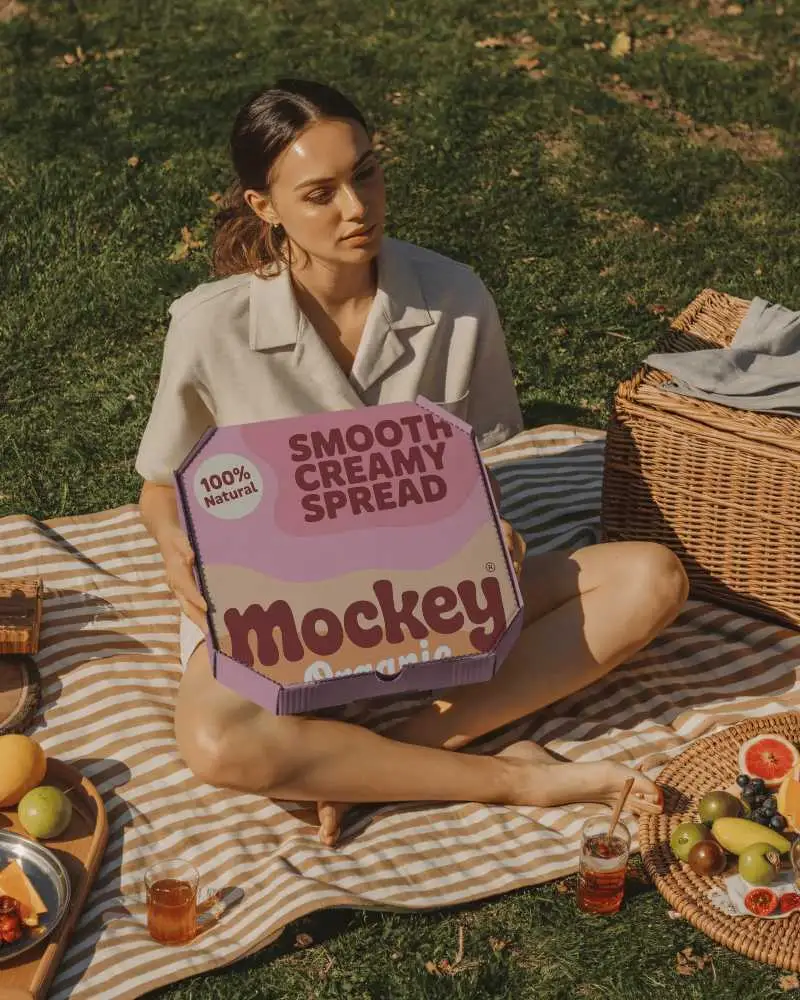
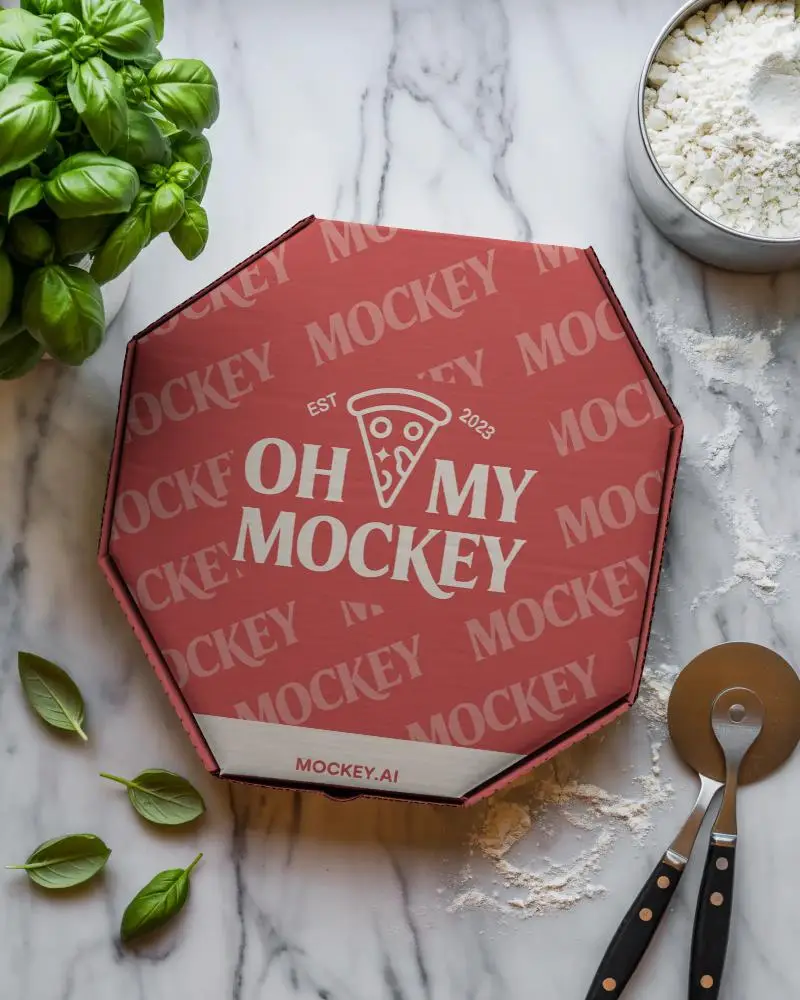
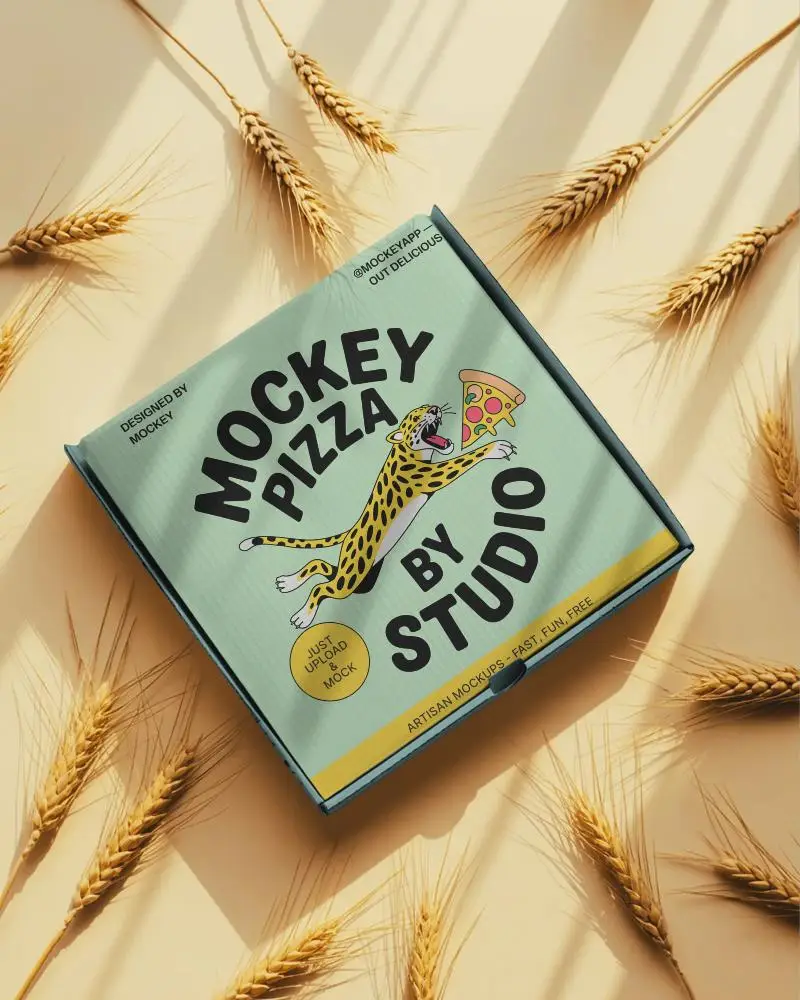
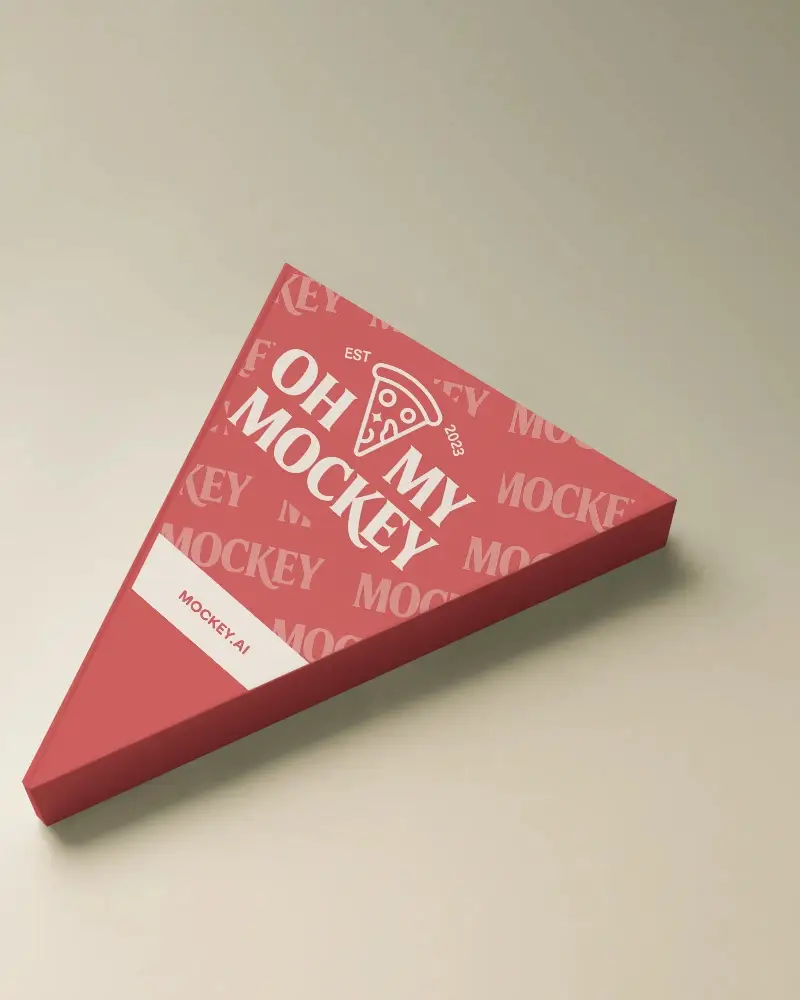
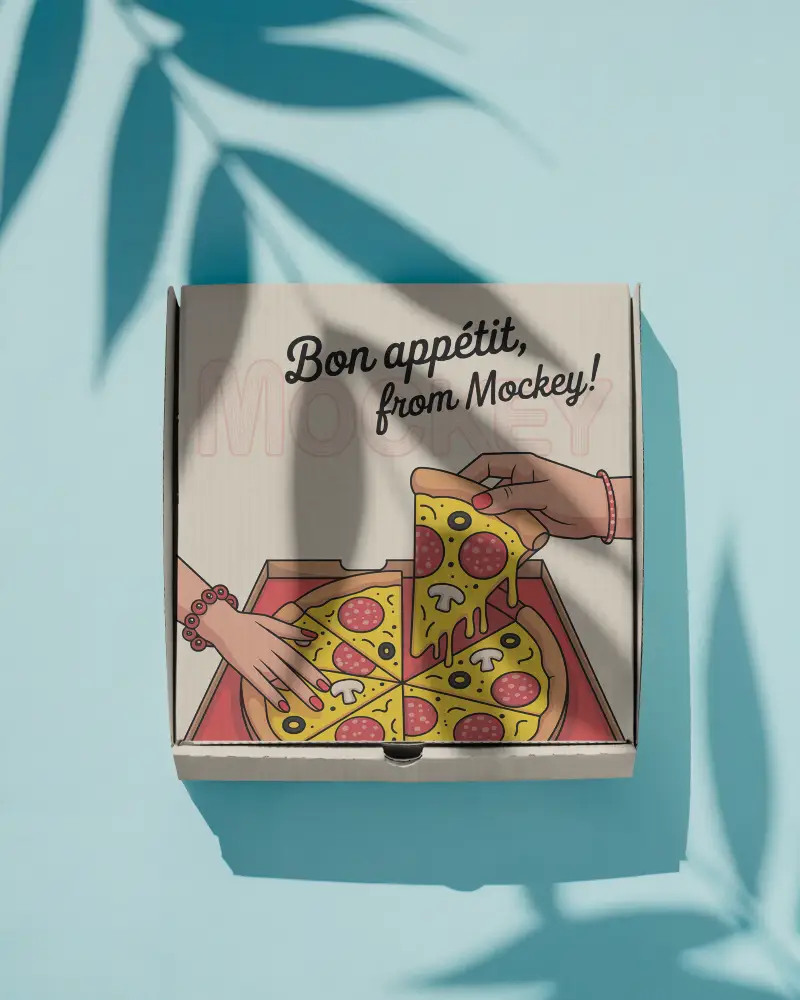
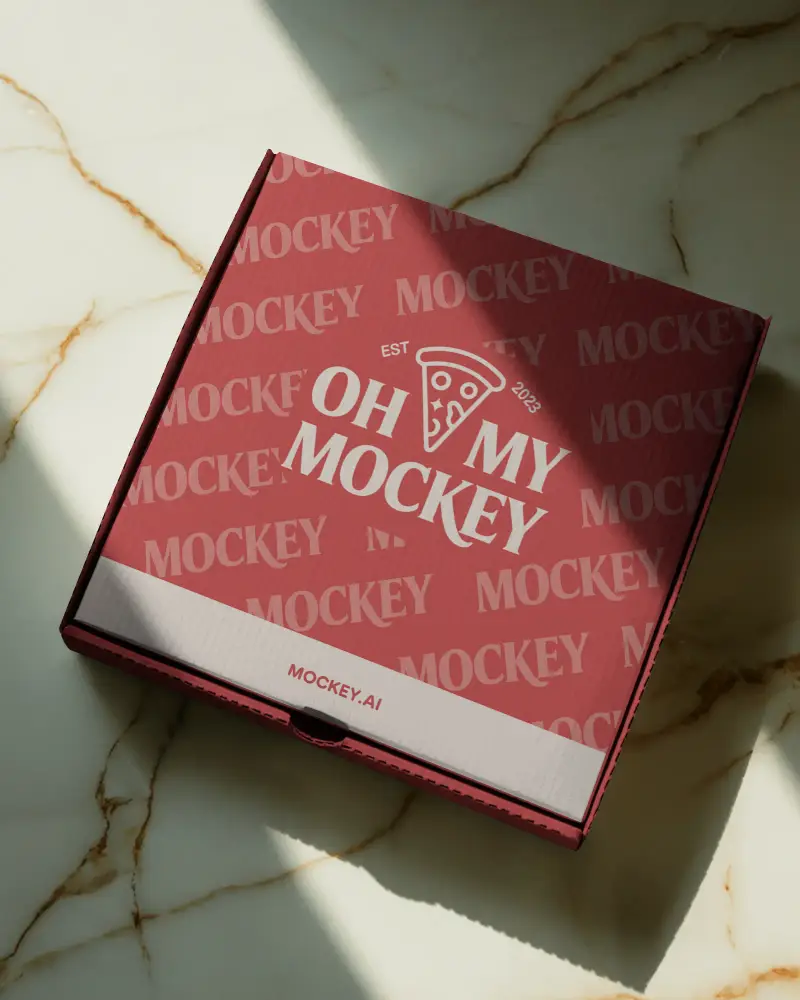
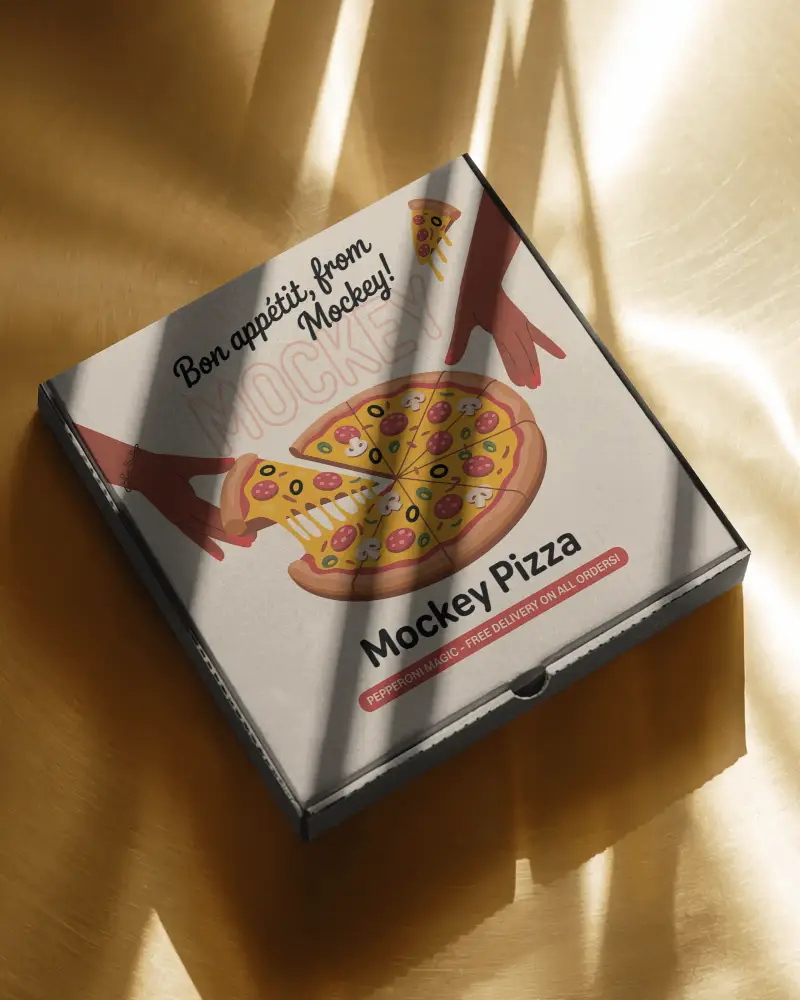
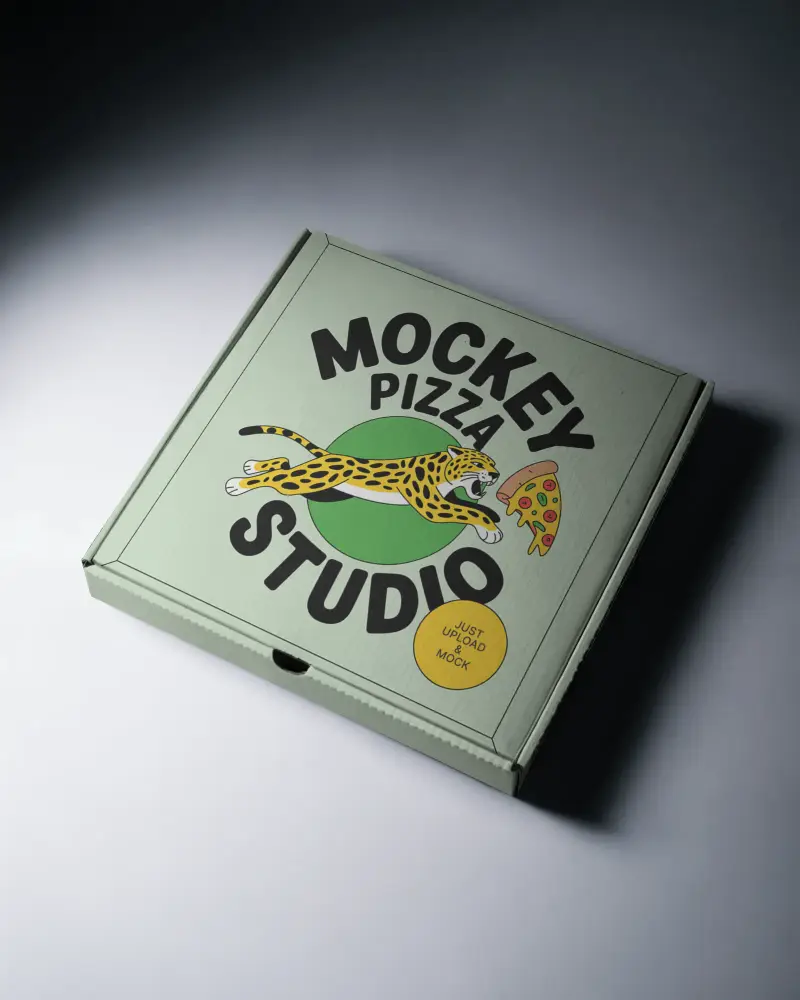
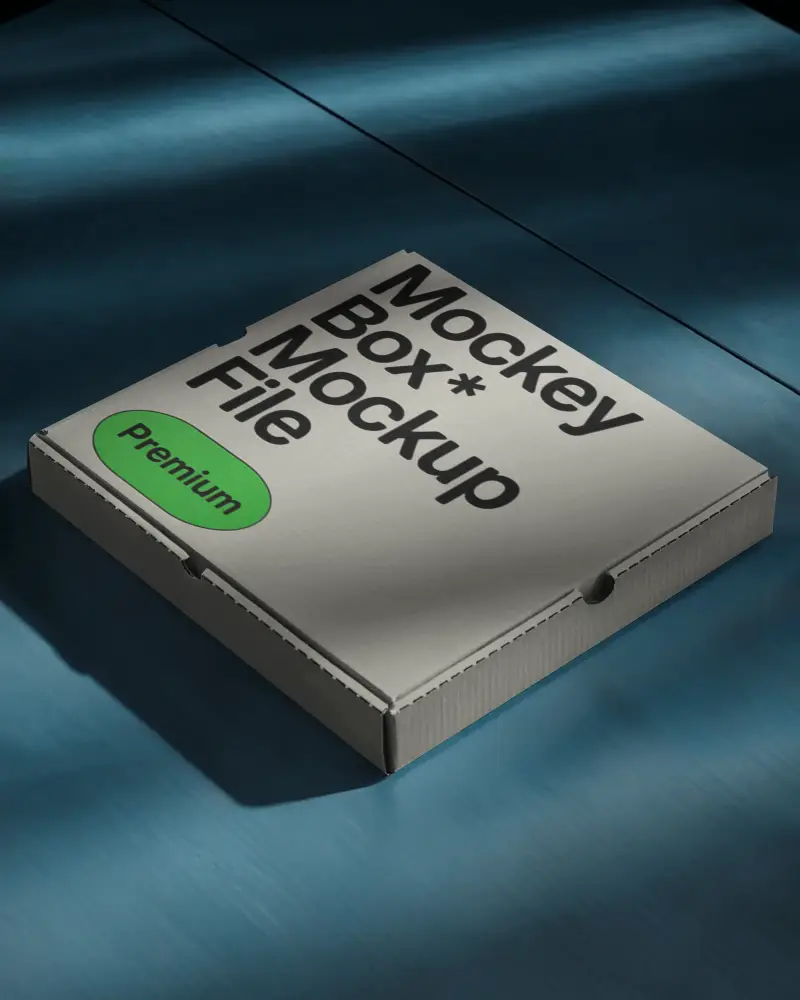

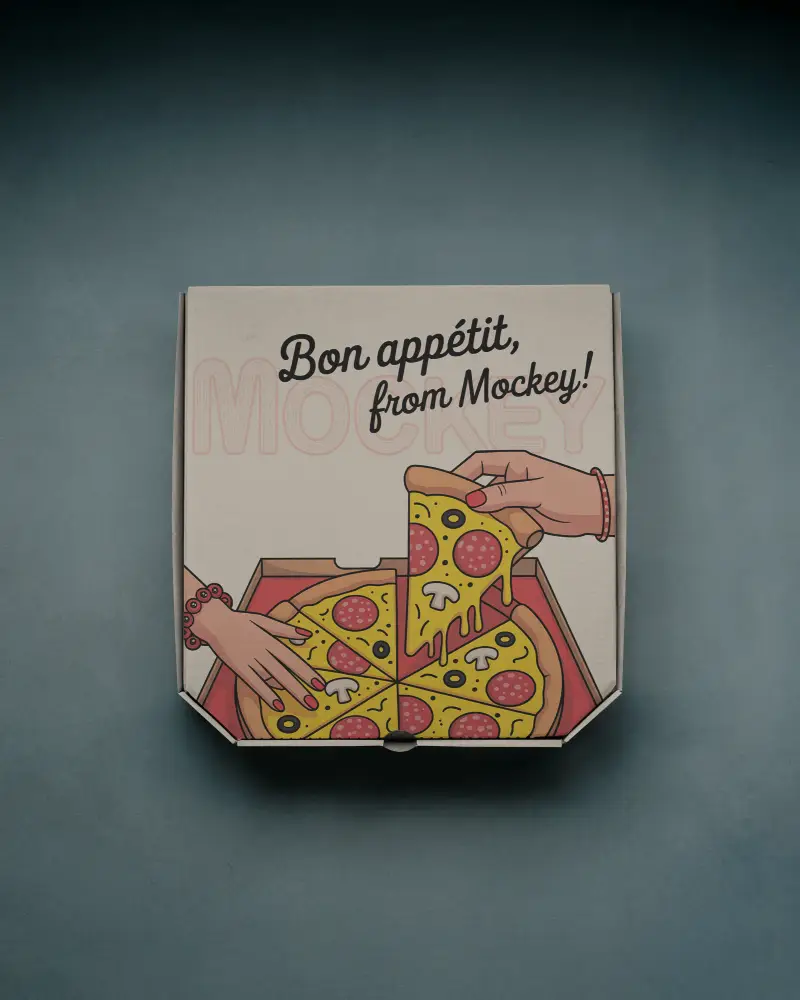
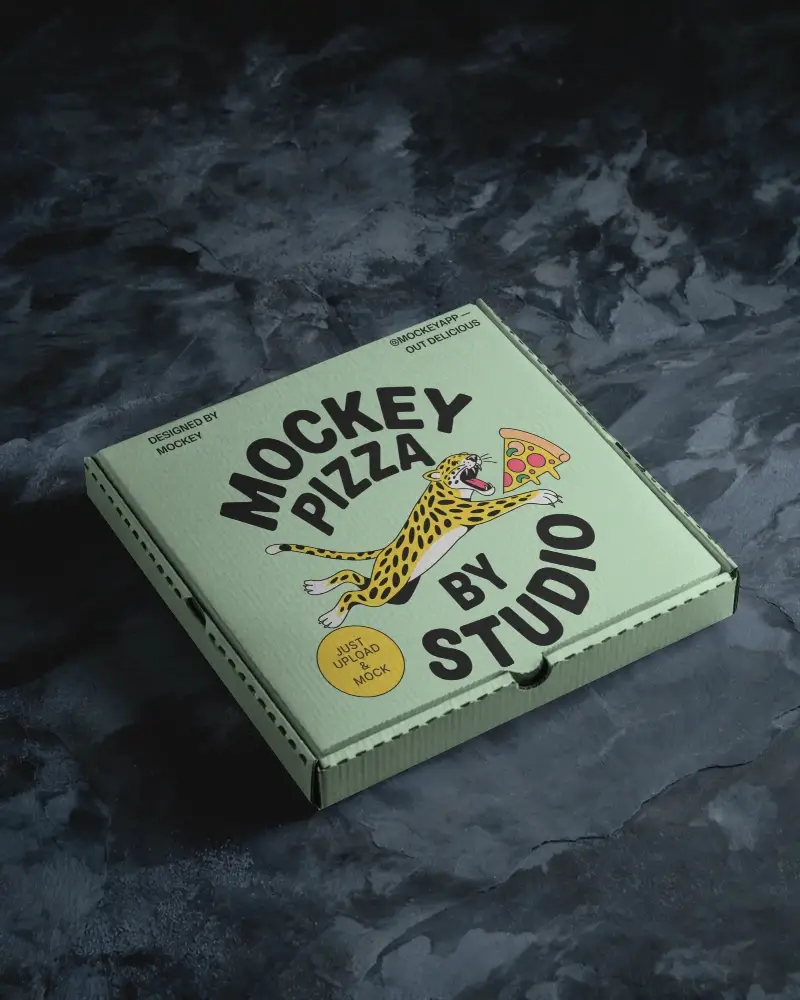
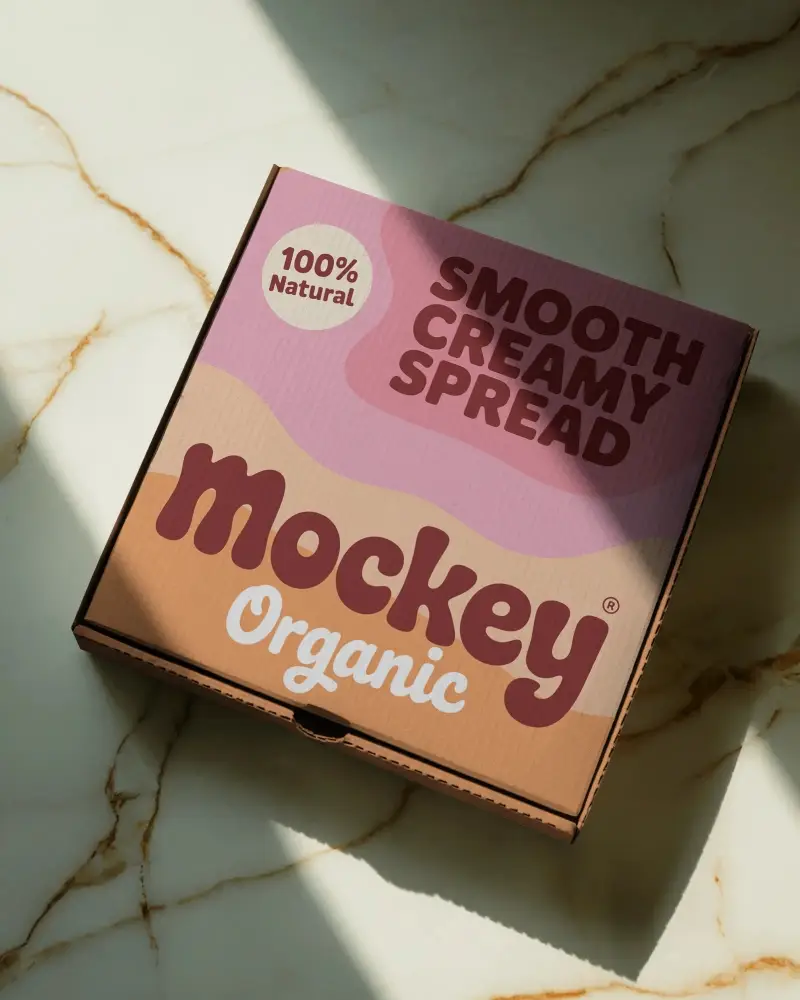
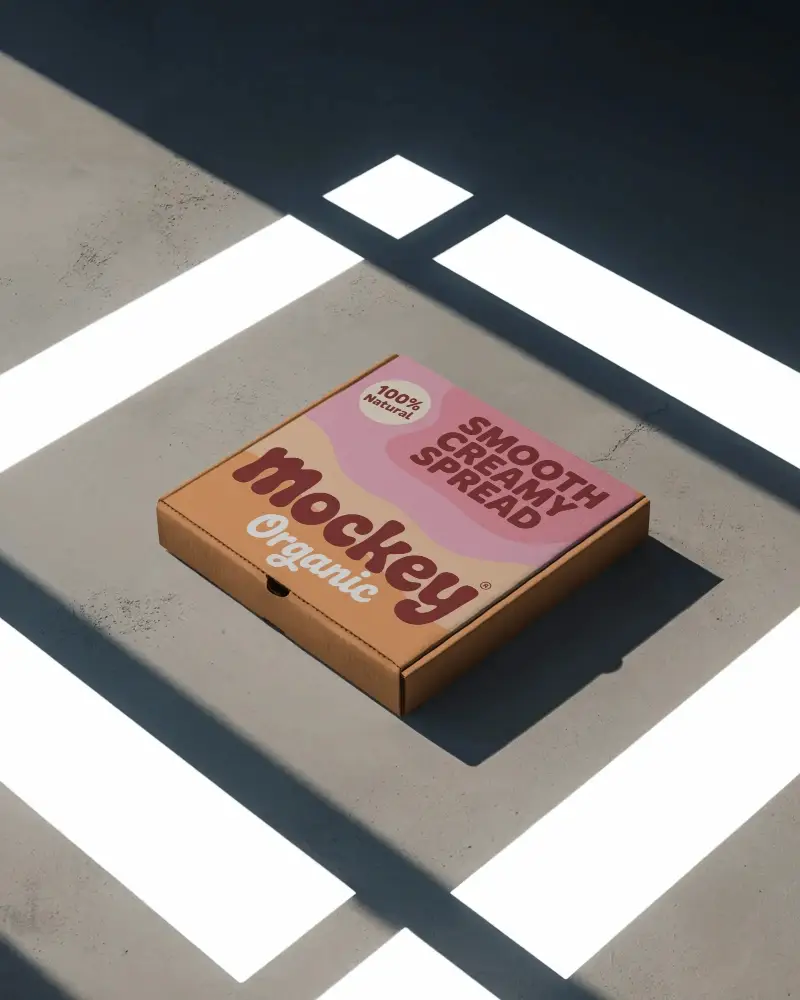
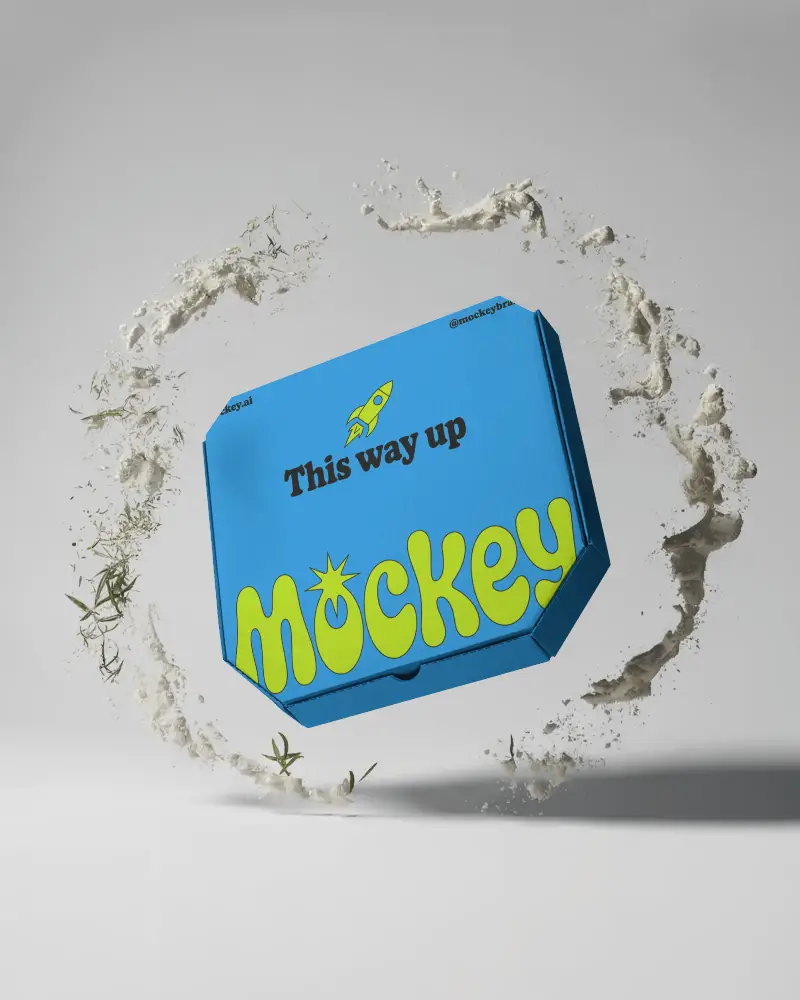
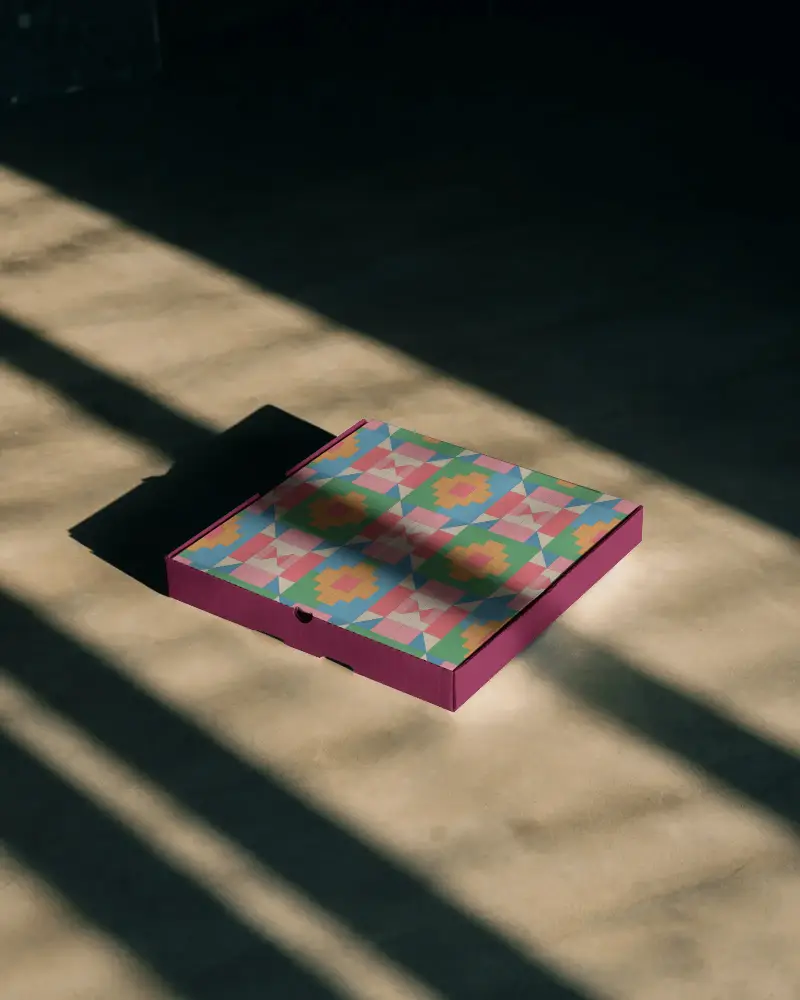
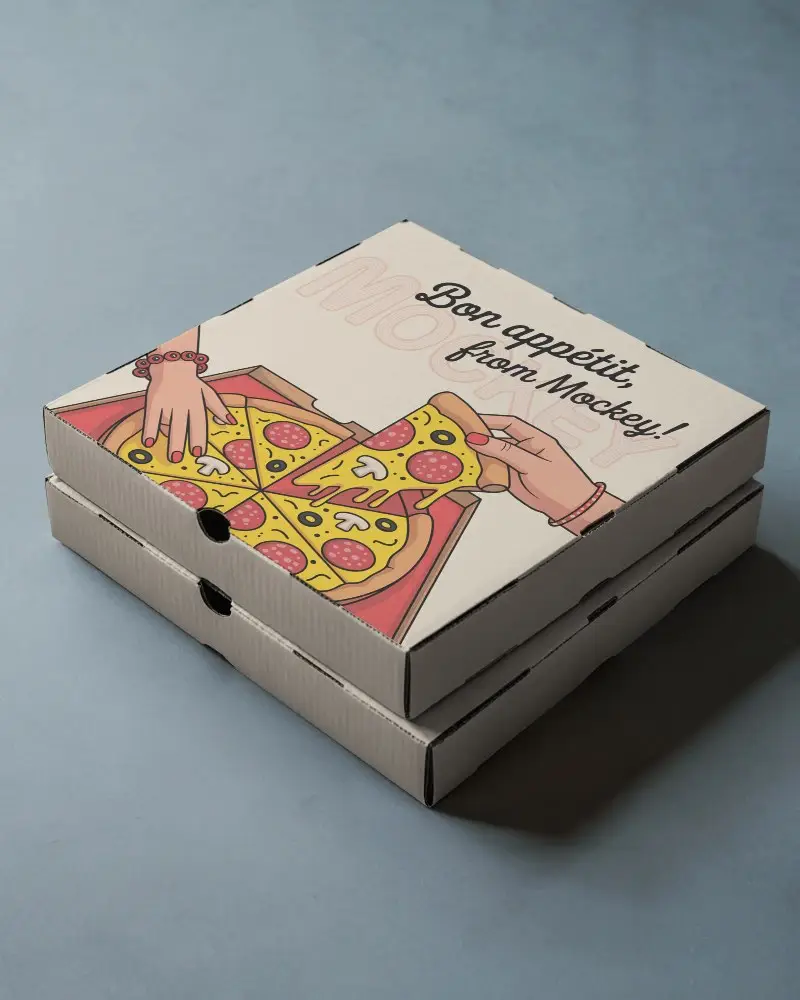
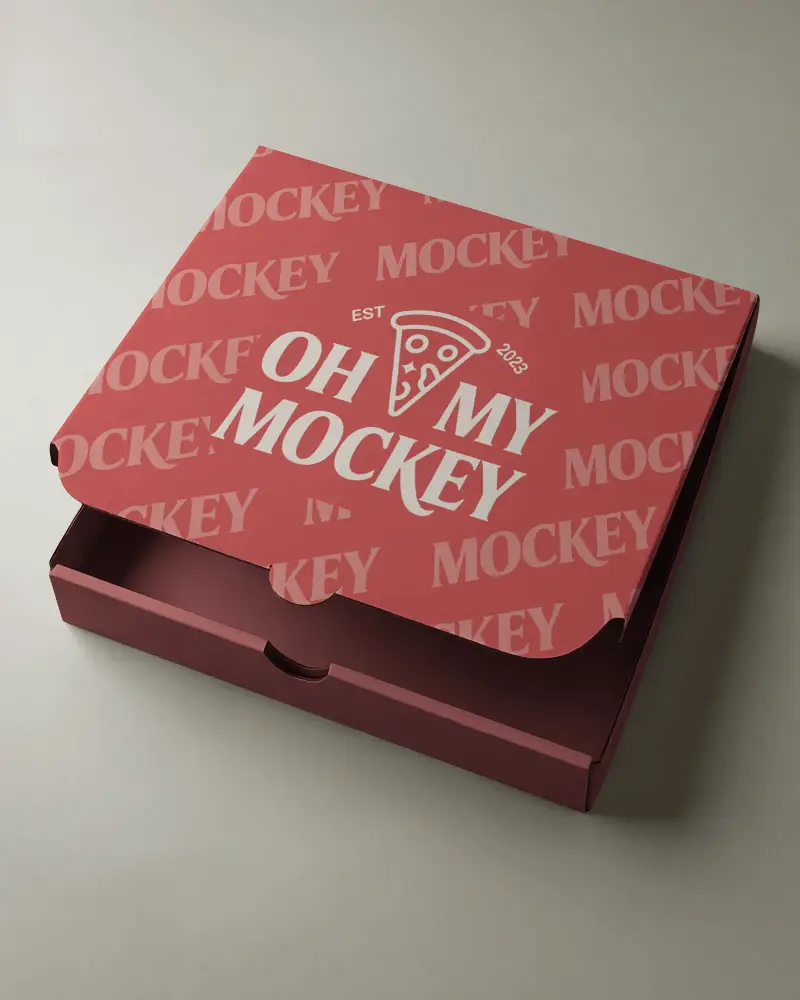
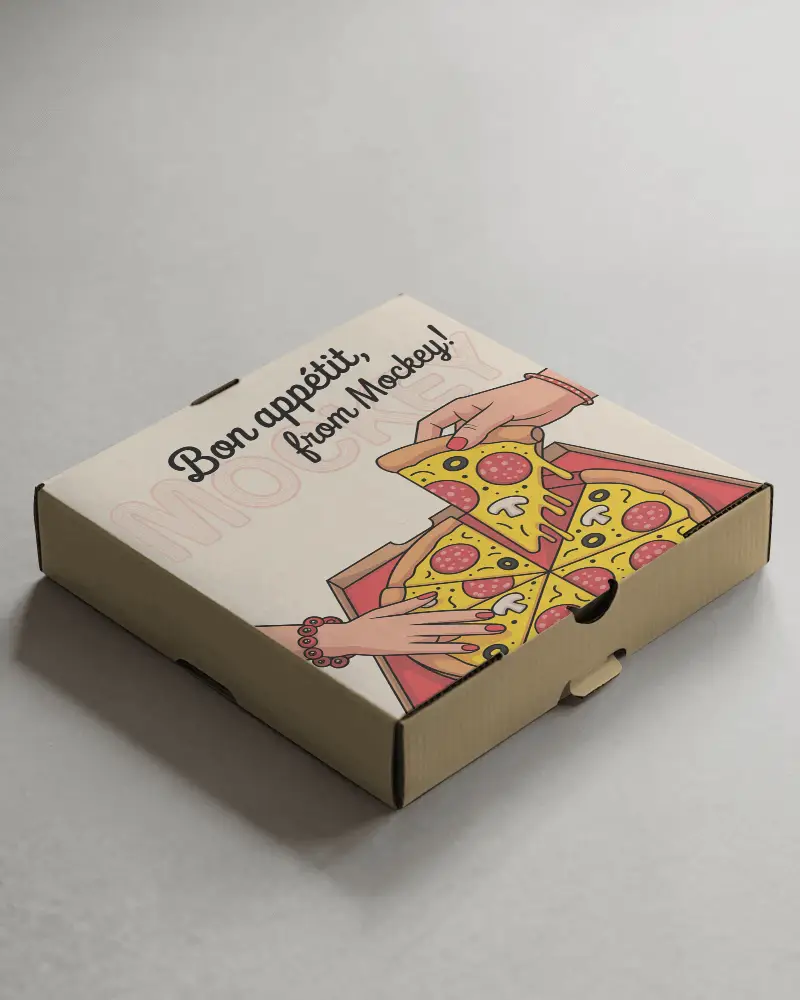
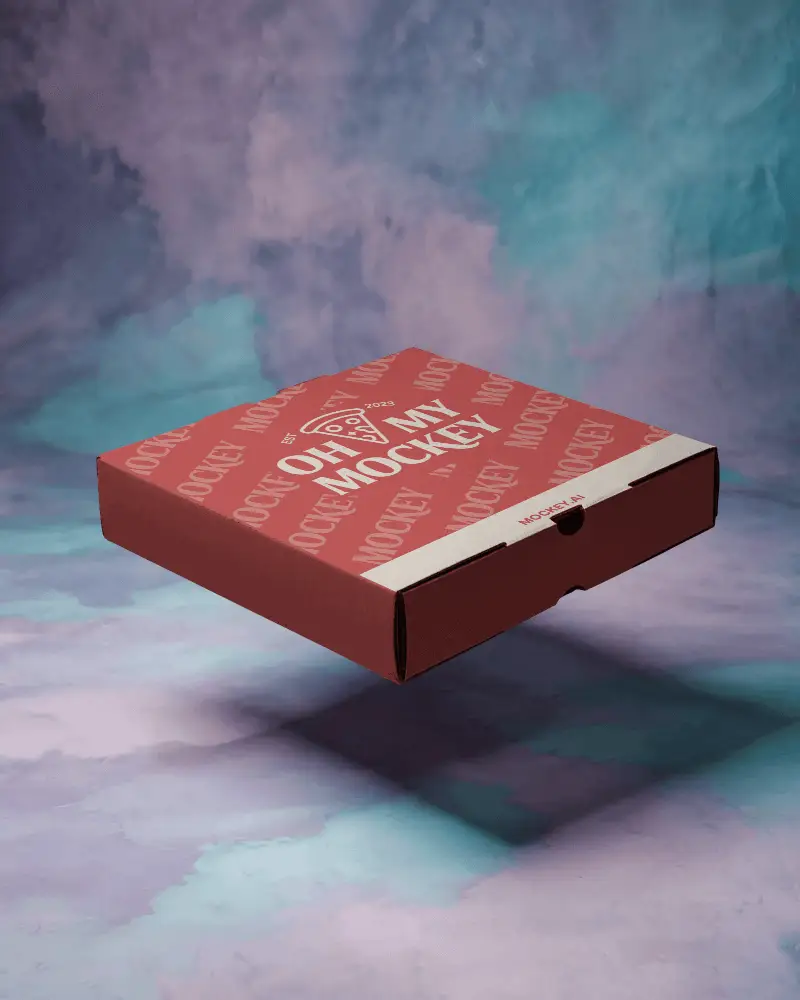
How to Create a Pizza Box Mockup with Mockey
- Step 1: Sign in and click on “Mockups”. Go to Categories and follow Print > Box.
- Step 2: Select the Pizza Box tag and choose a template.
- Step 3: Upload your design, customize it, and download the pizza box mockup instantly.


FAQs on Pizza Box Mockups
What is a pizza box mockup?
A pizza box mockup is a template that lets you add your own brand logo or design to a pizza box and show it to a client before printing. It’s a graphic that helps designers preview how a logo or artwork will look on a real box.
Who should use a pizza box mockup?
Pizza box mockups are used by pizzerias or brand agencies to see how their logo or marketing message will look on a real pizza box before it’s actually made. This helps you show how the pizza box will really look and get approval from clients, so the final package looks good and works well.
Can I use the pizza box mockup for marketing and social media?
Yes, you can use a pizza box mockup for marketing or social media if the rules that come with it allow it. Just make sure the license says you can use it for business purposes.
Is the pizza box mockup suitable for print-on-demand?
A pizza box mockup is not the real file used for printing. It’s just a picture that shows how your design will look on the box. To actually print it, you need another file made in the right size and format for printing.
