Professional Open Magazine Mockup – Easy Customization
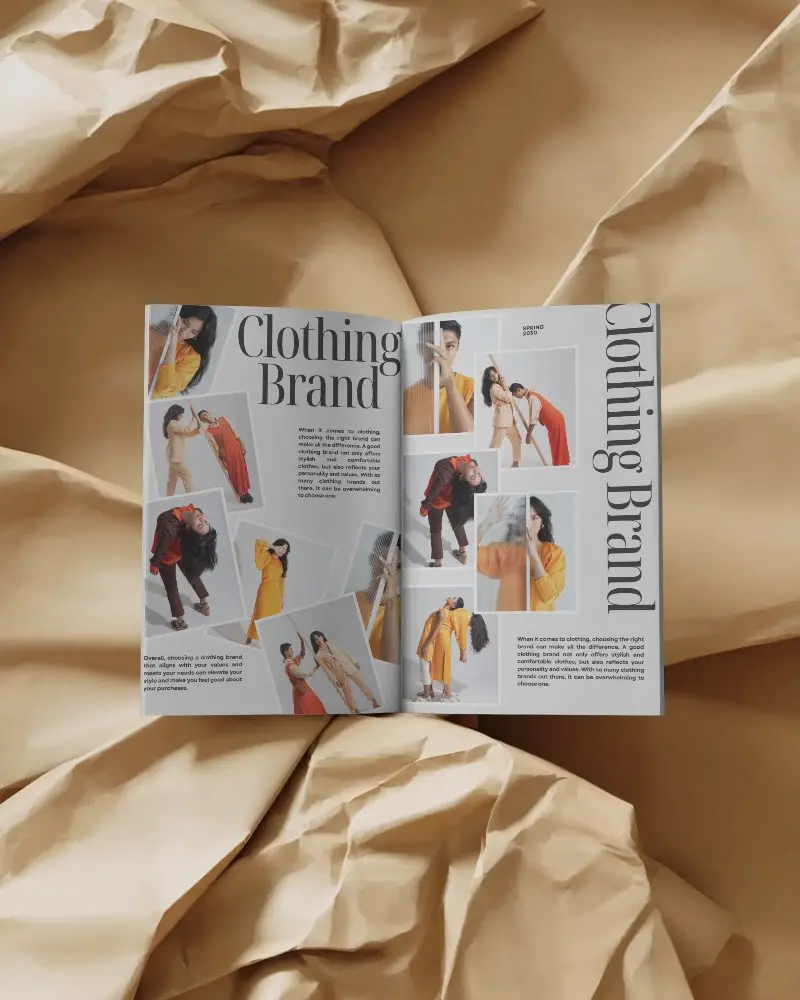
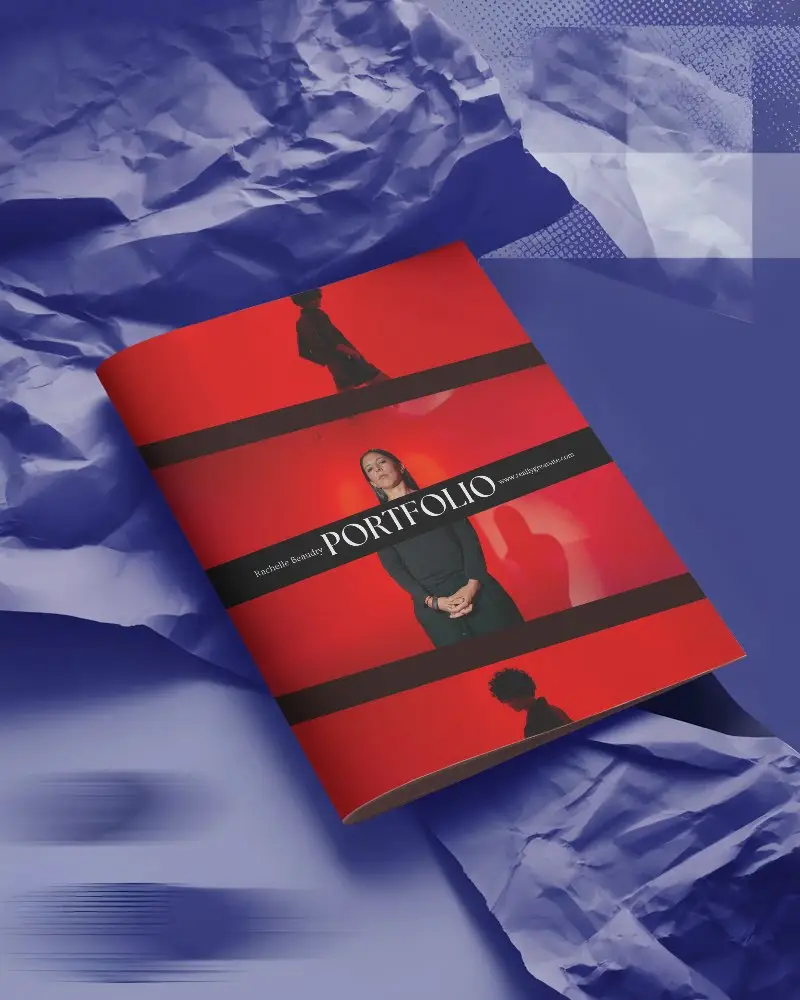
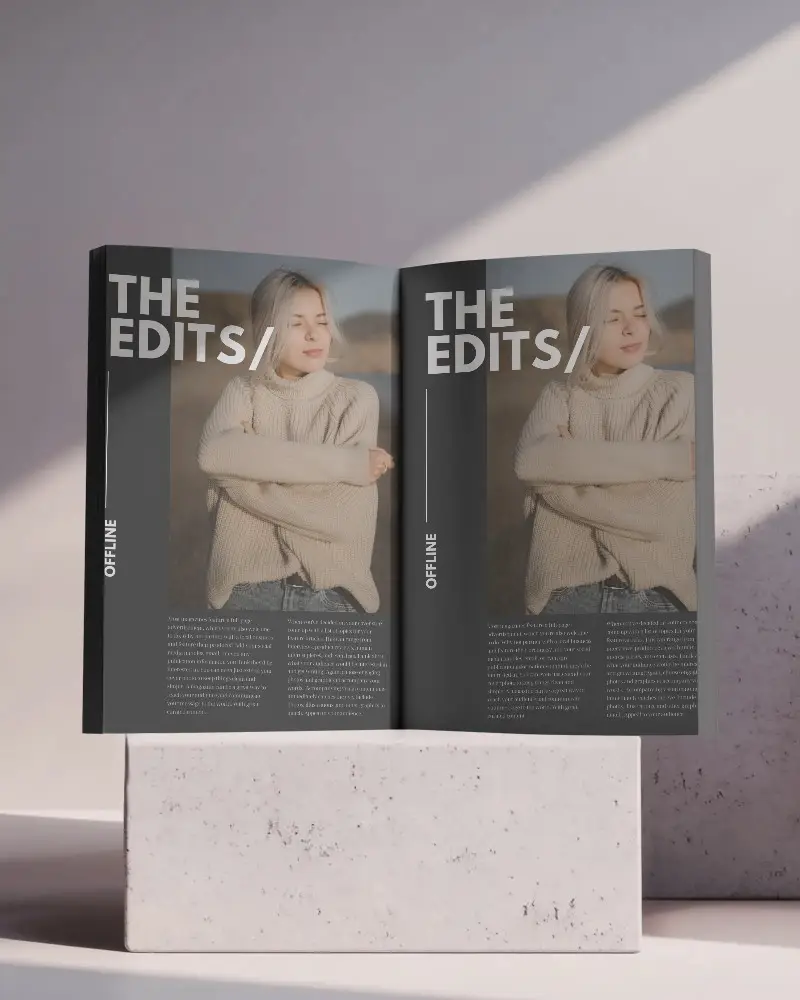
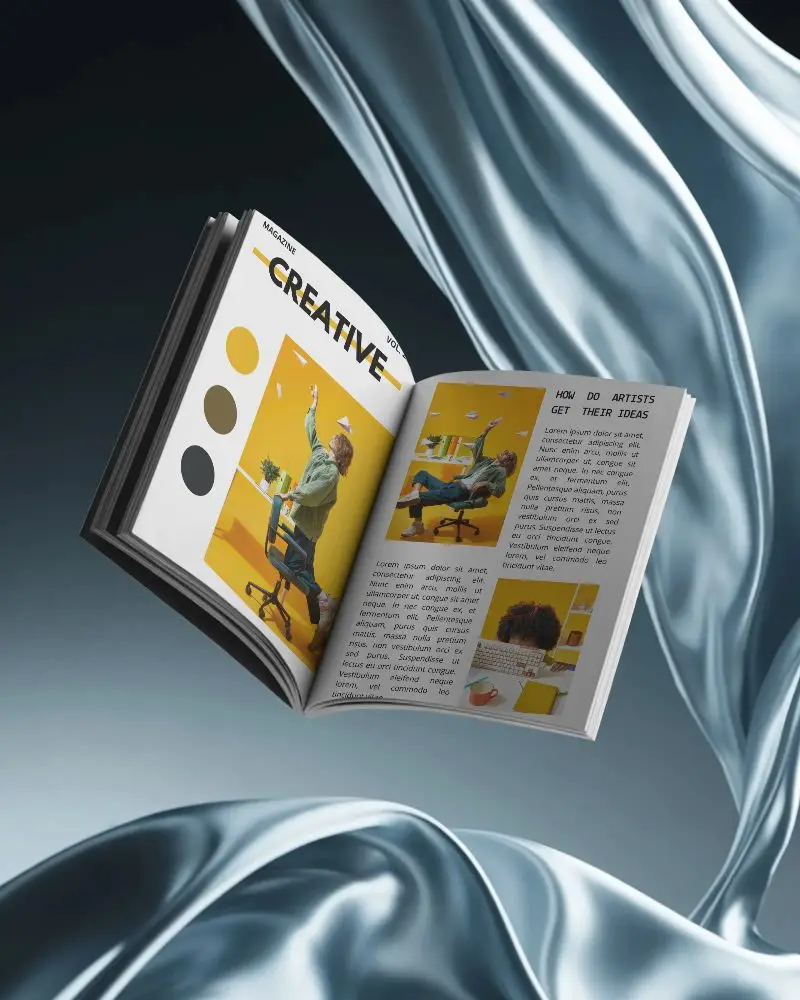
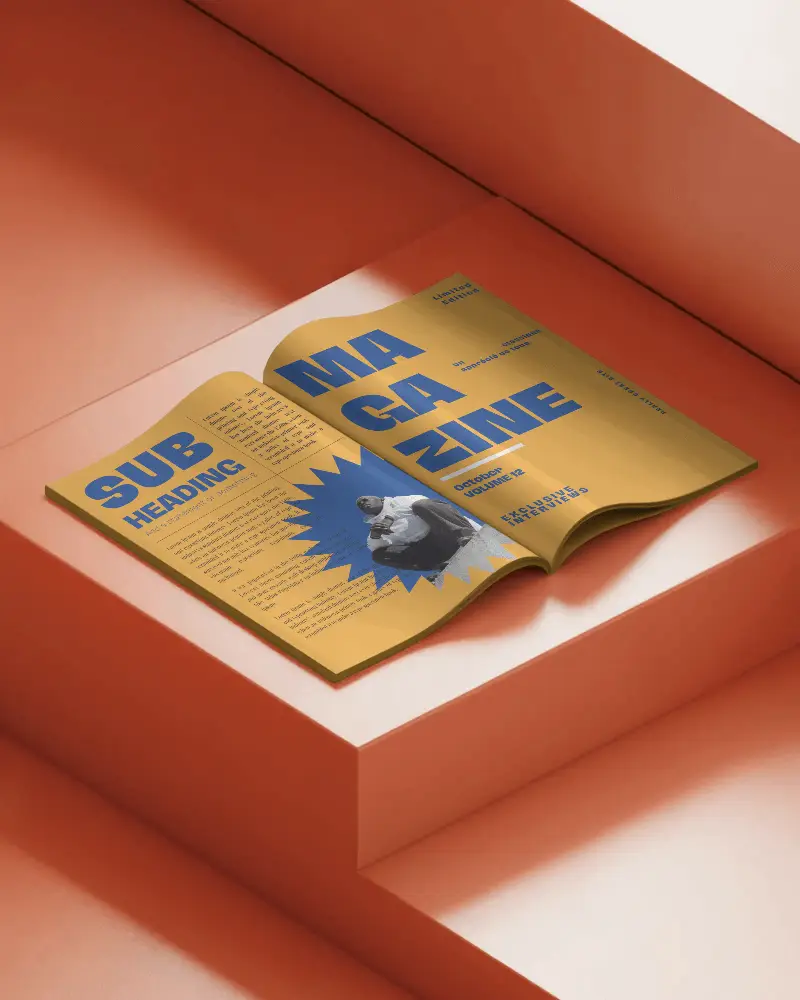
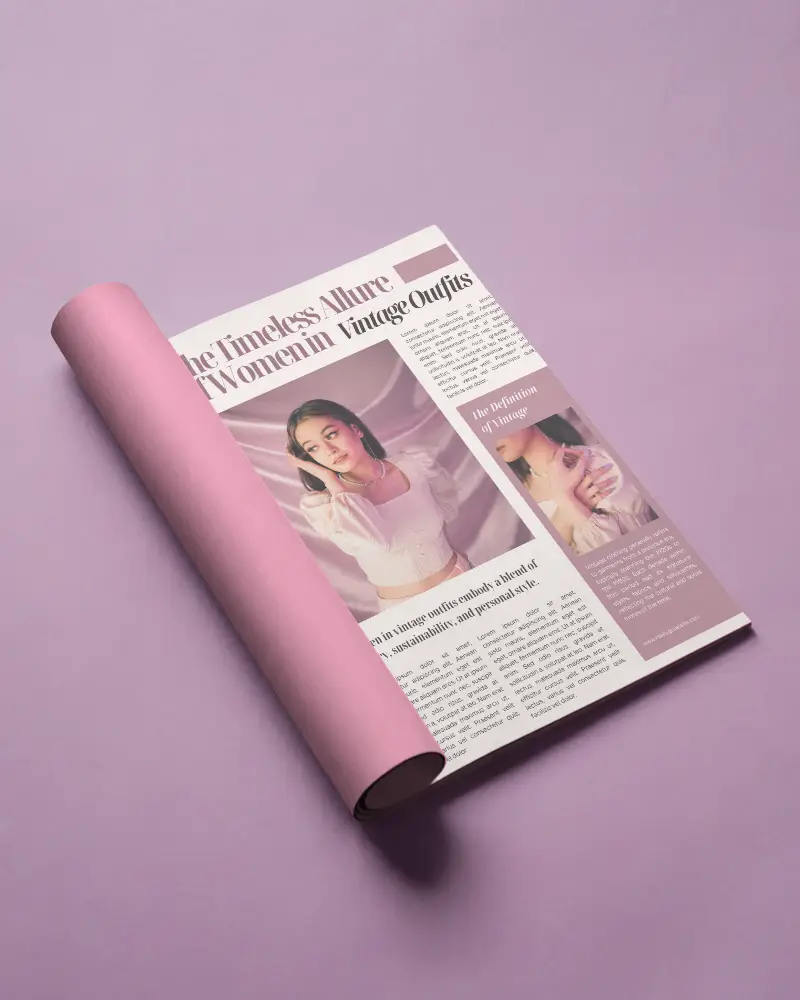
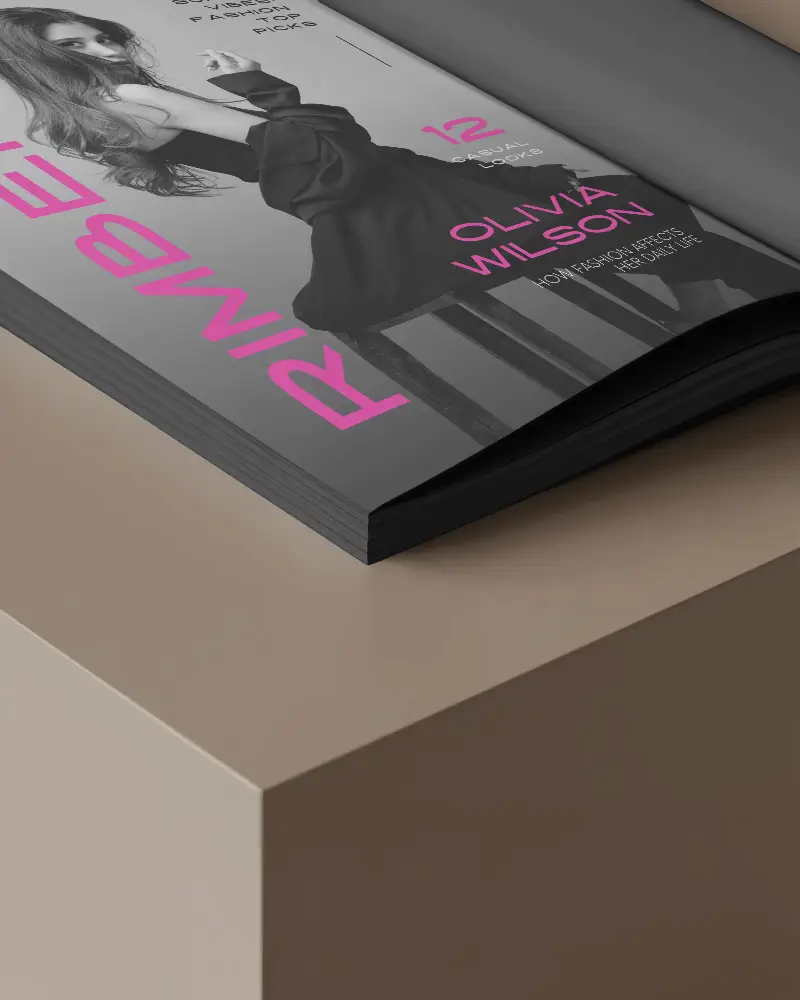
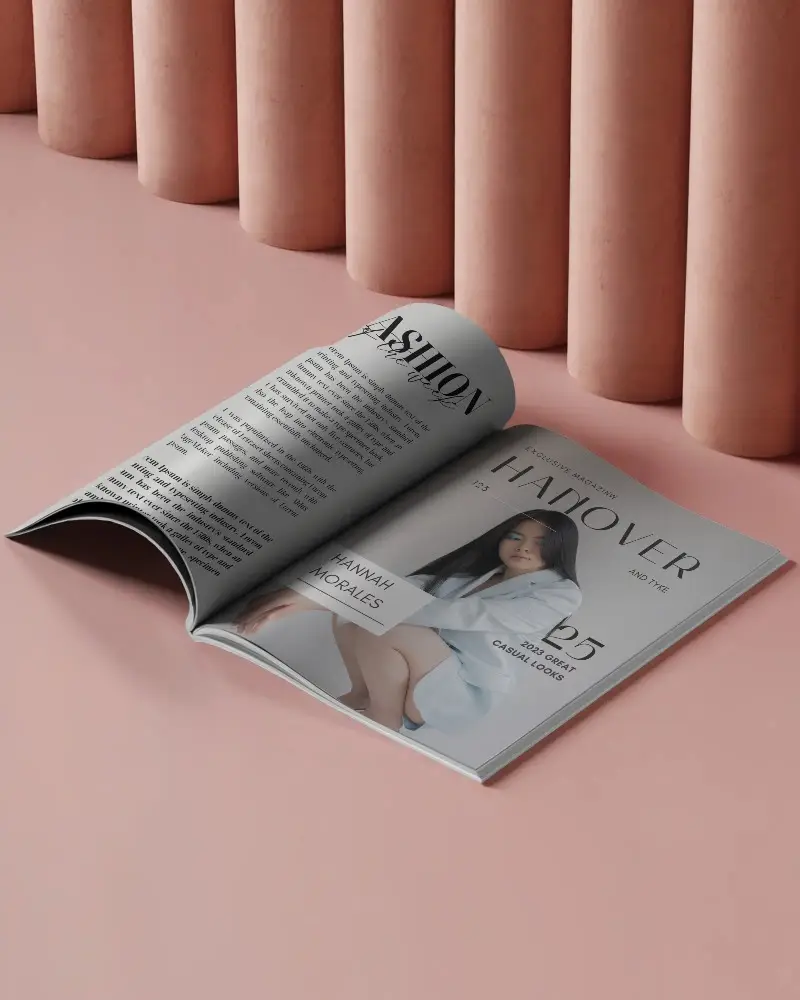
Showcase your editorial design the way it’s meant to be seen. An open magazine mockup helps you present both pages in a realistic, professional view. With Mockey, you can create a free open magazine mockup in seconds and make your layout stand out instantly.
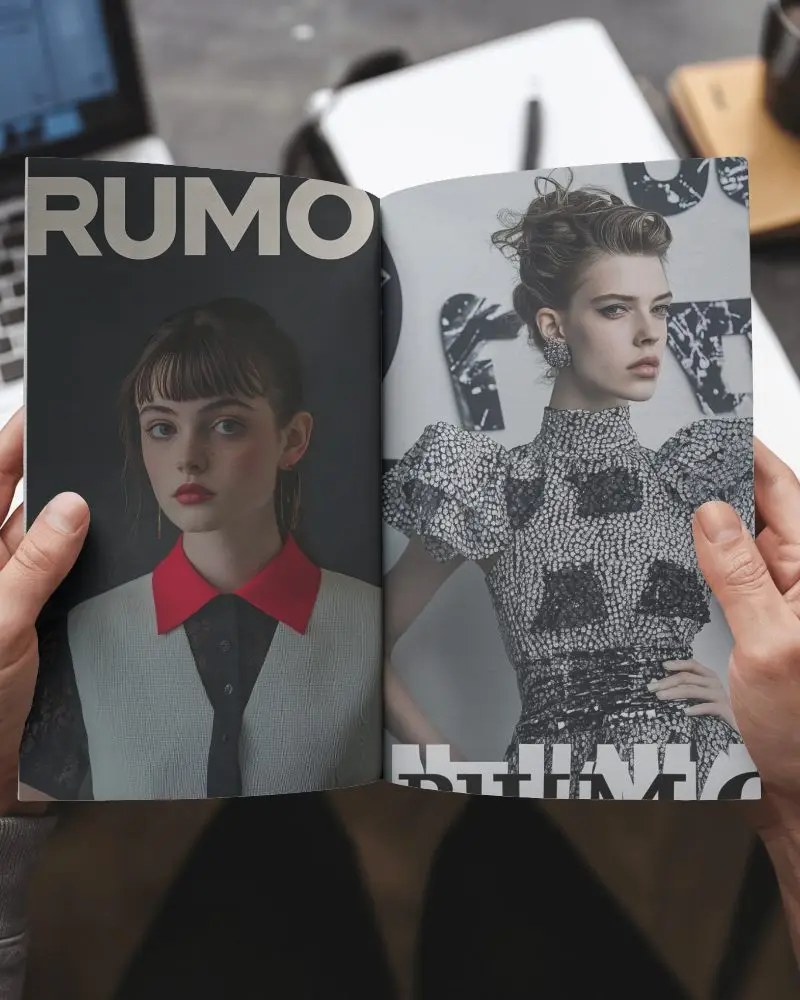
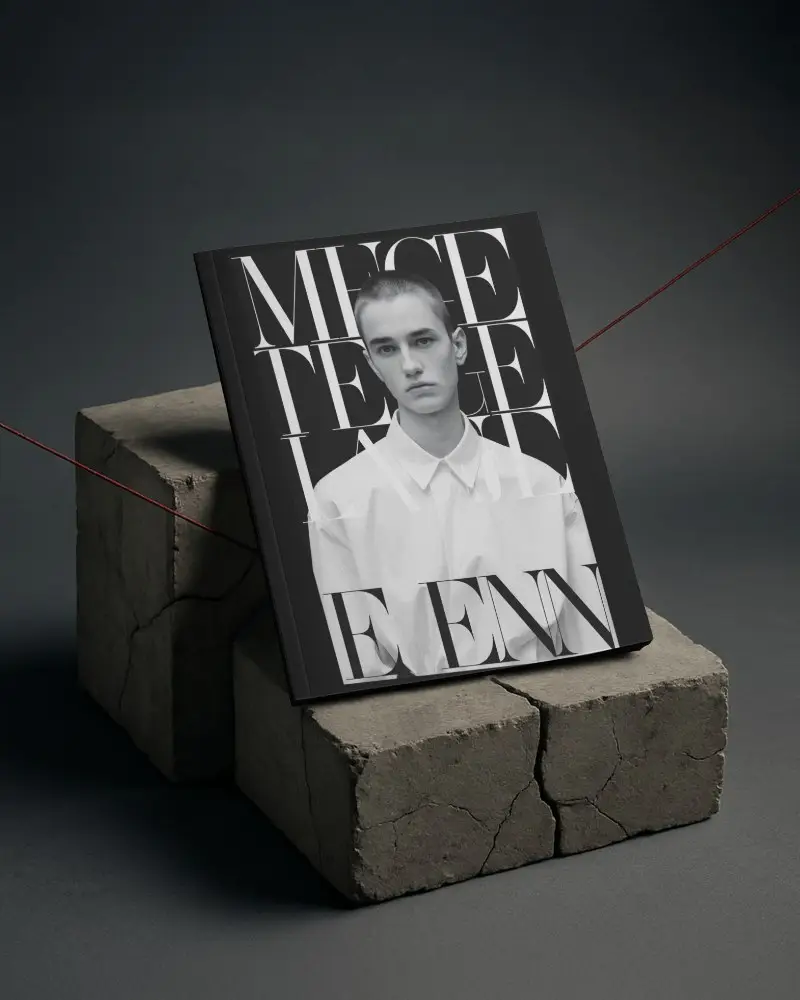
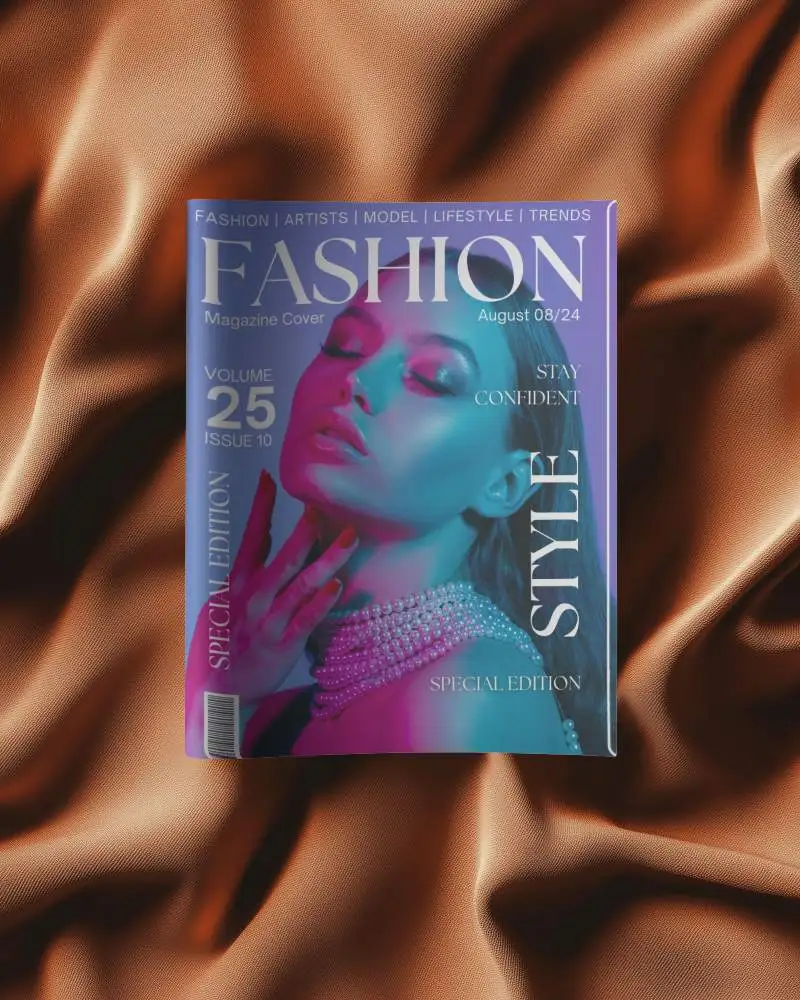
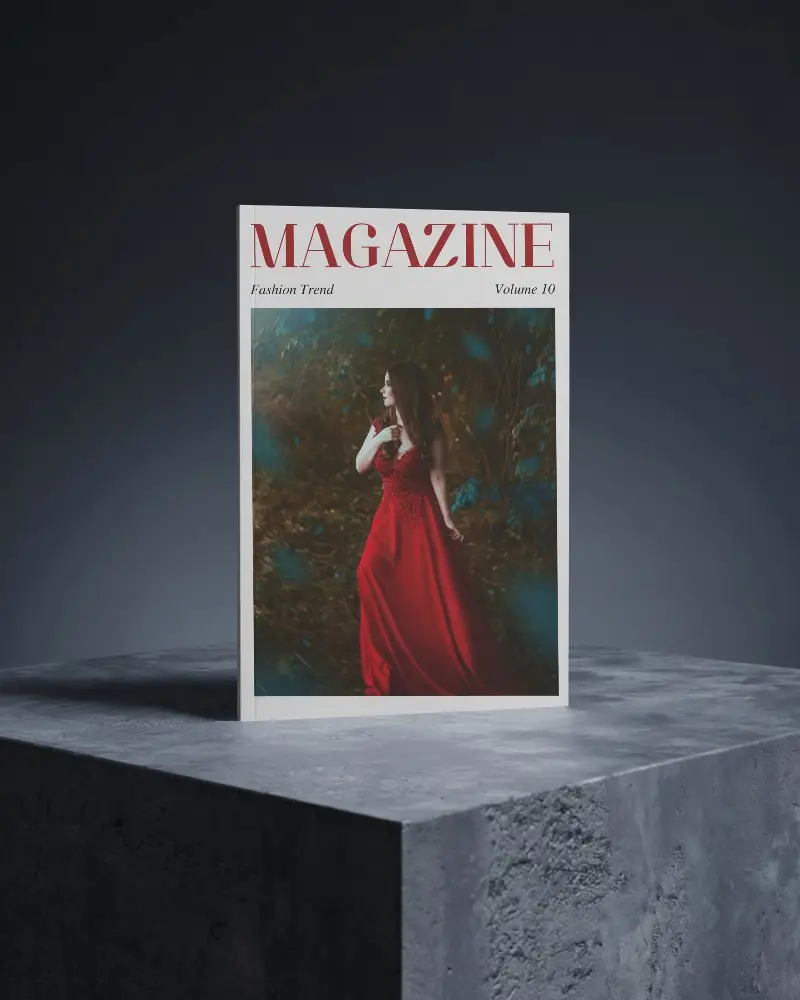
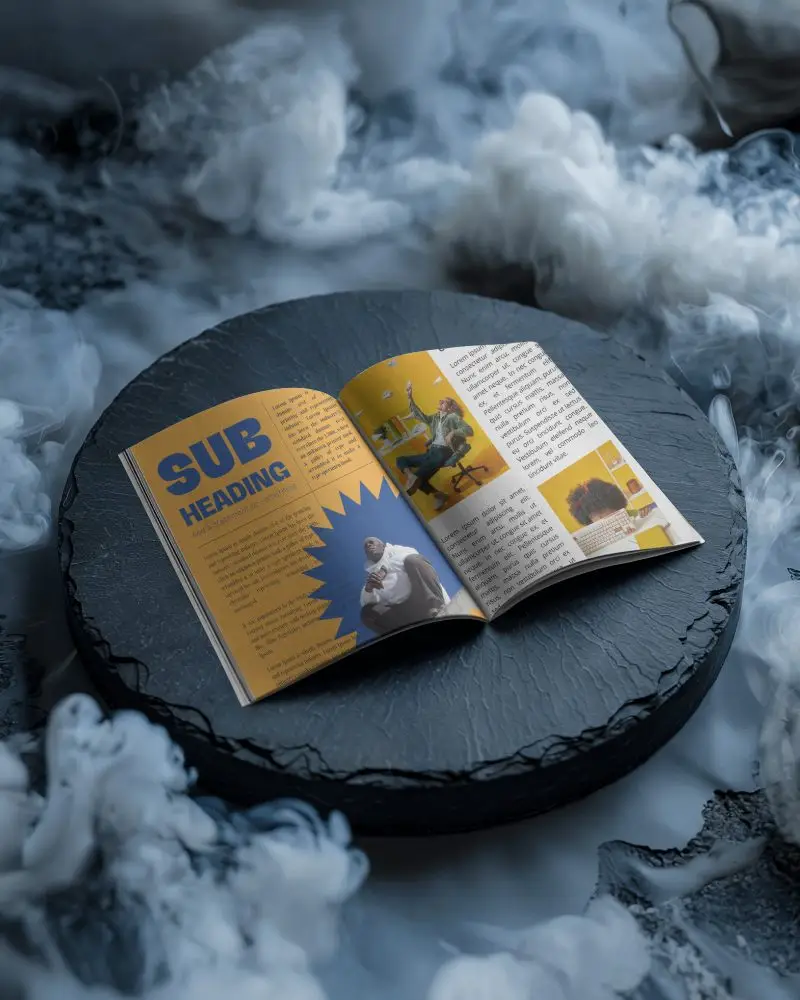
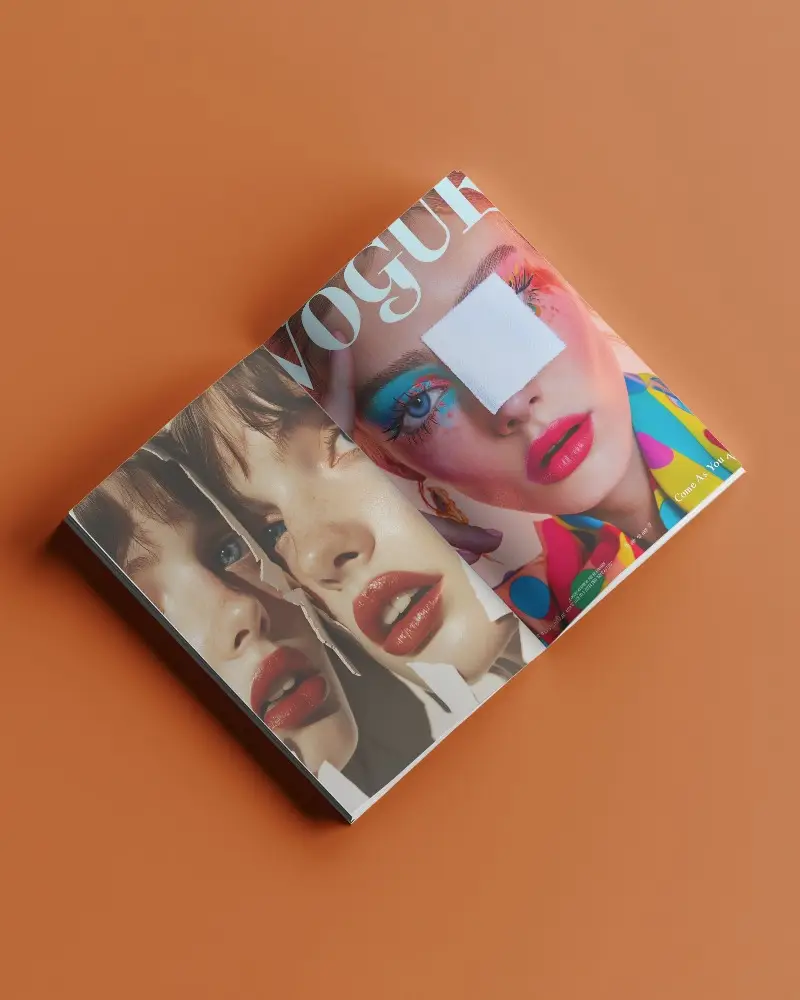
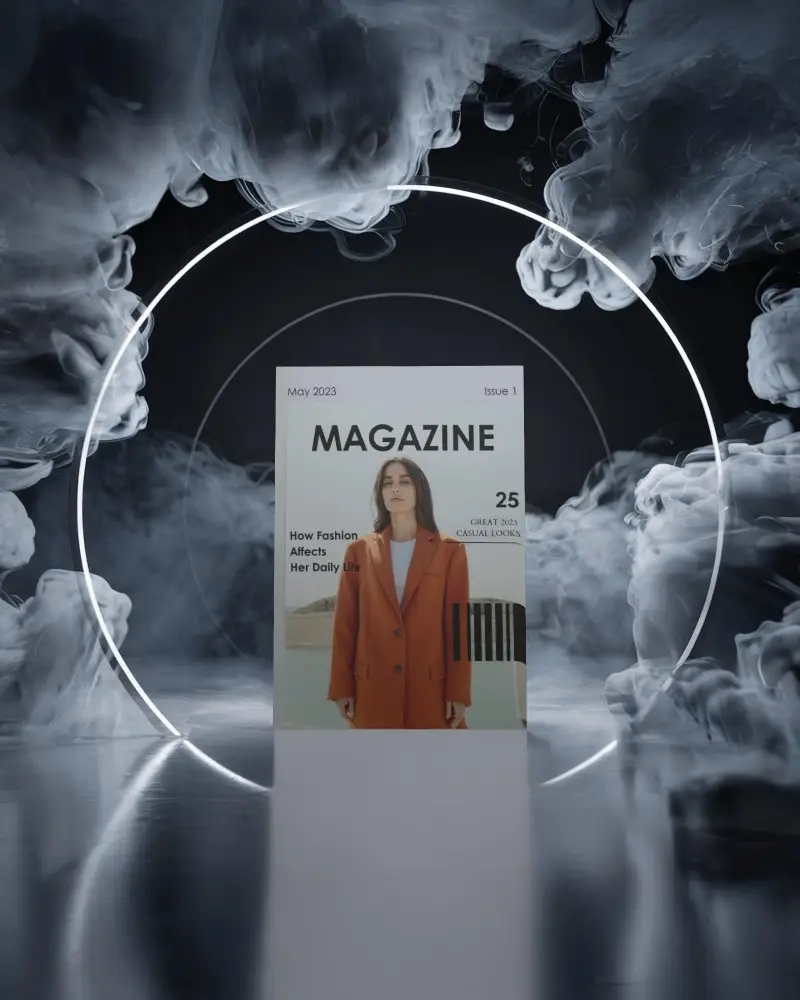
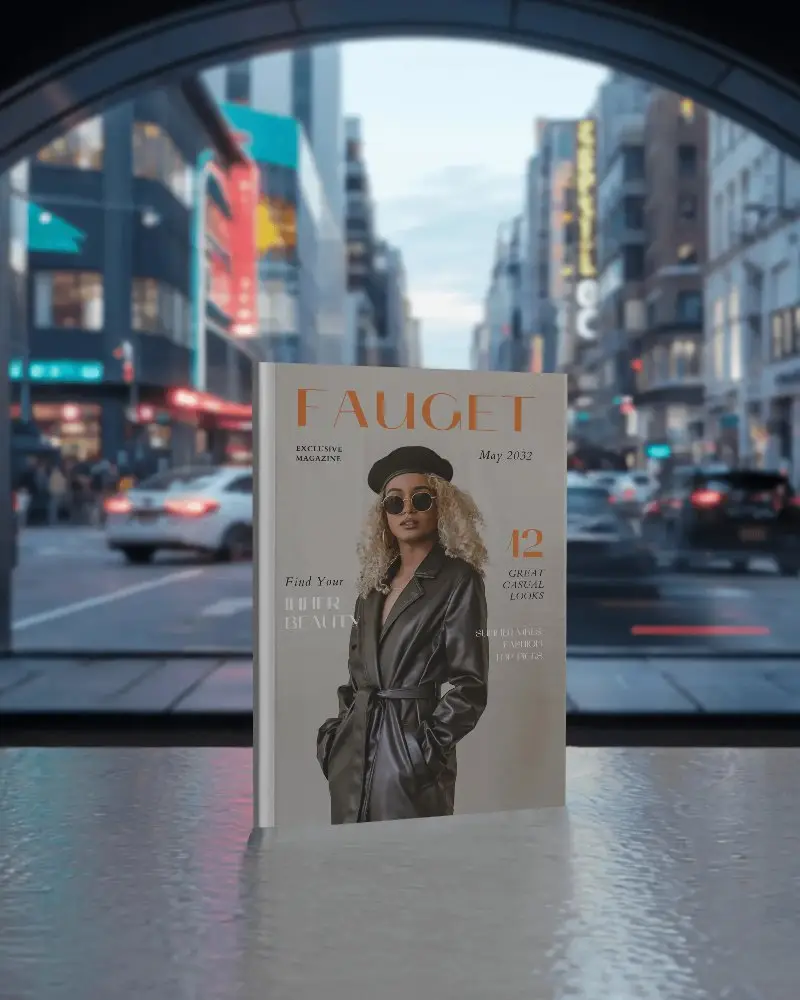

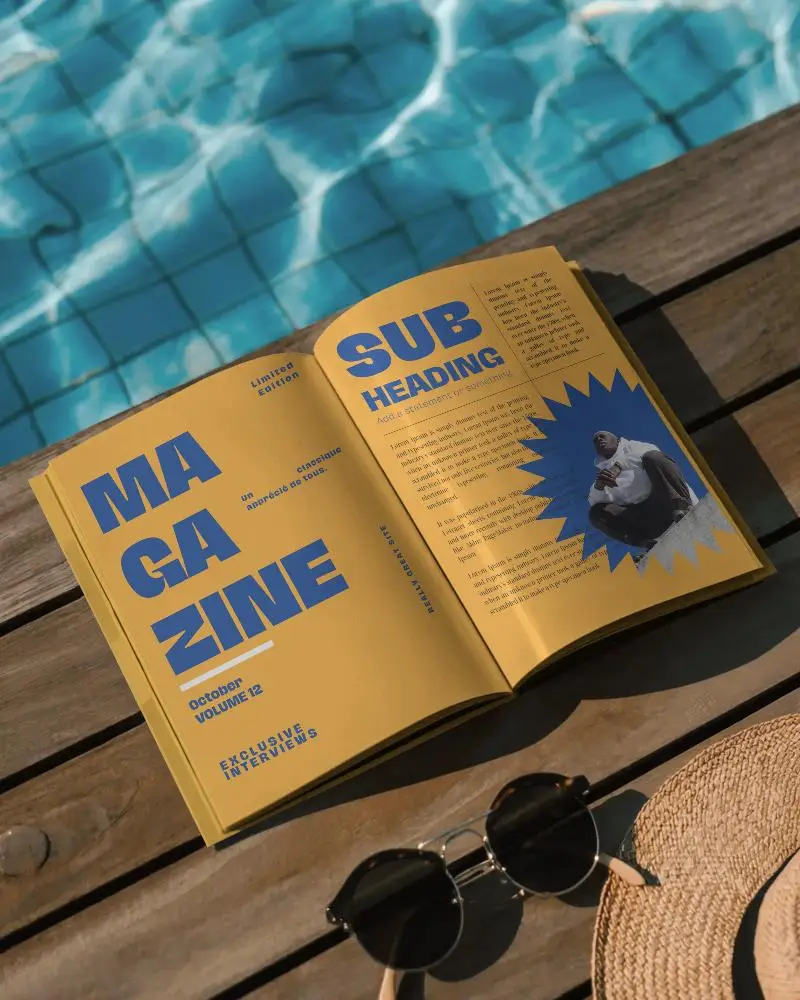

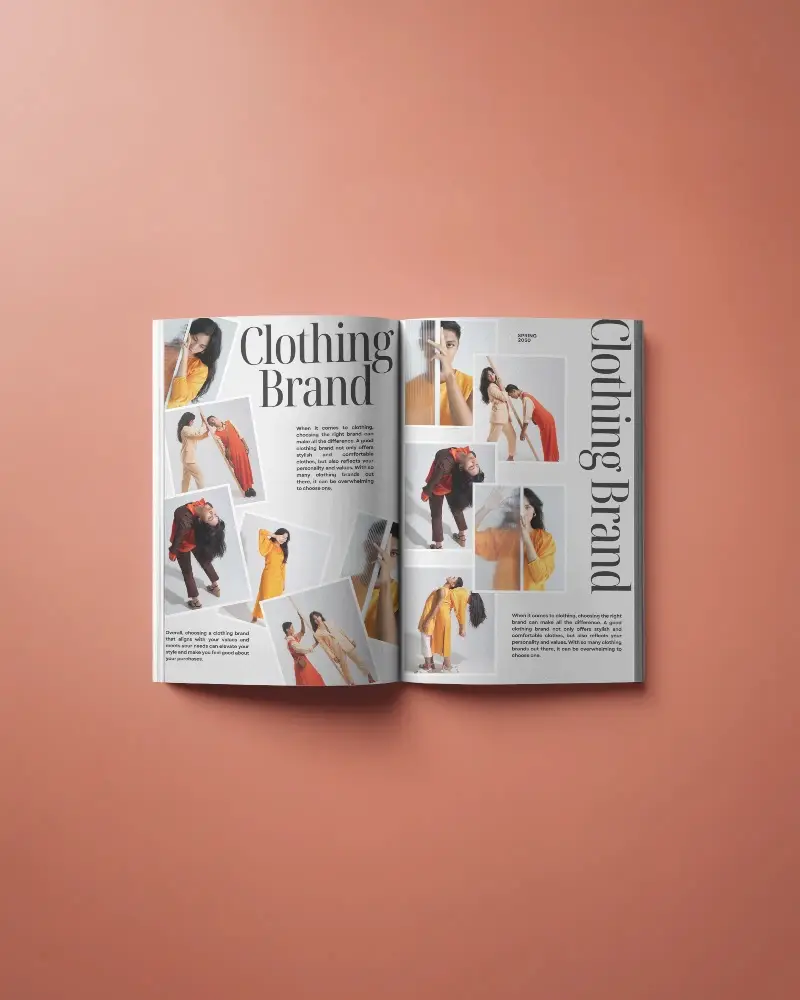
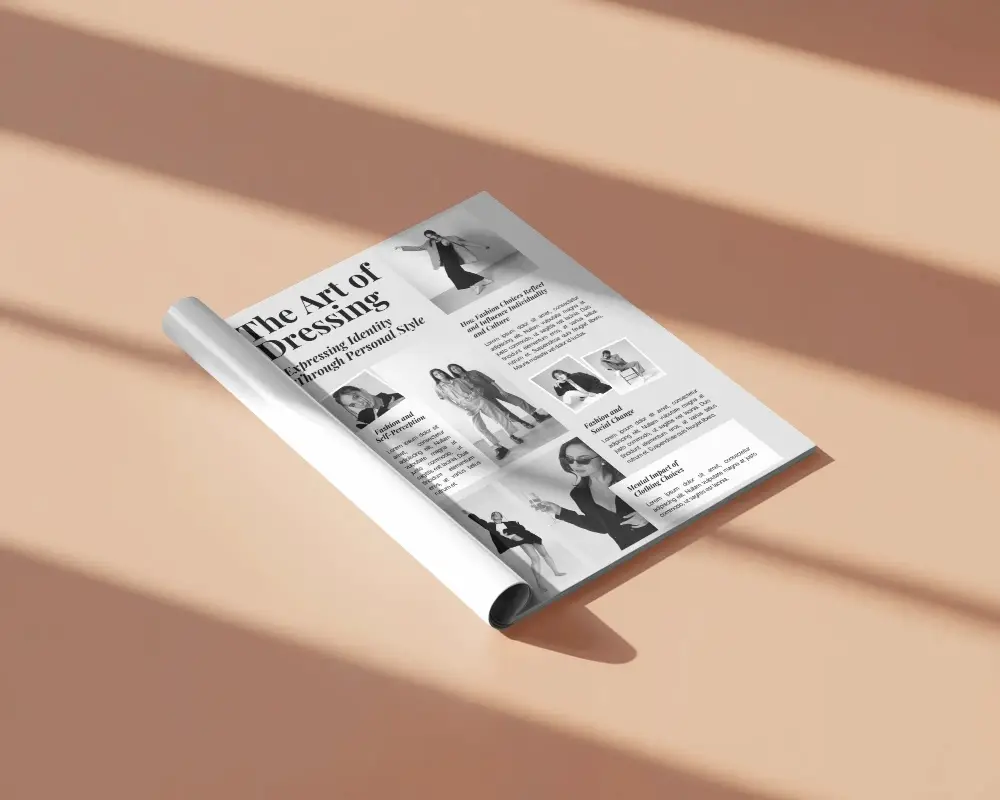
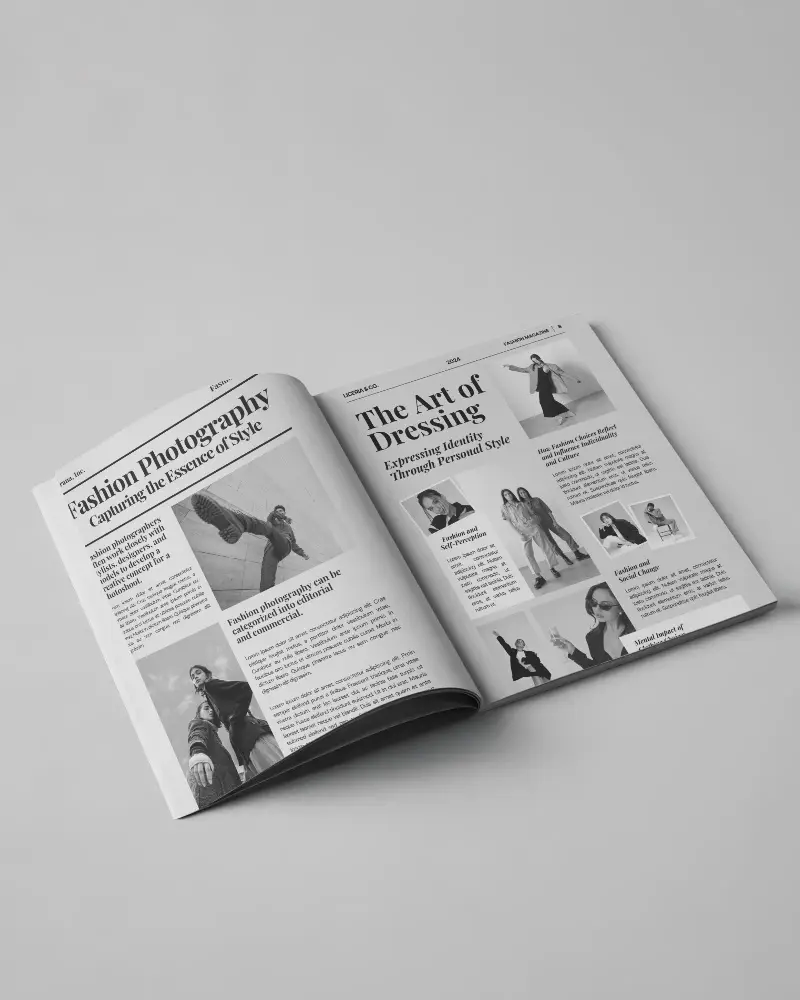



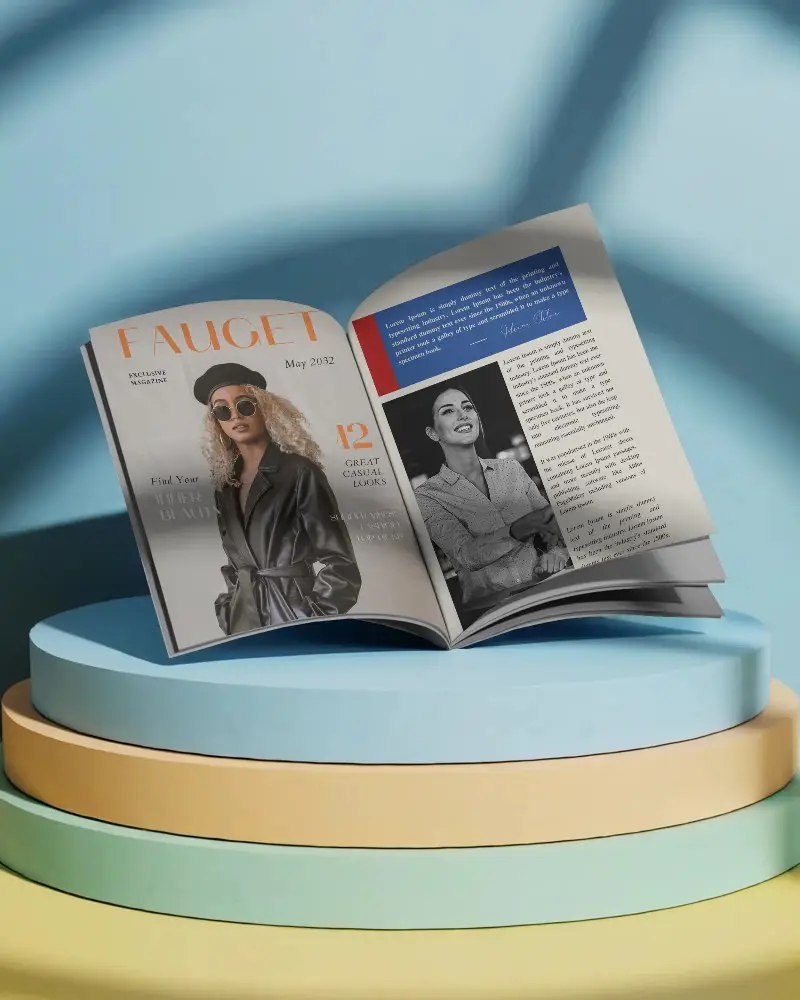
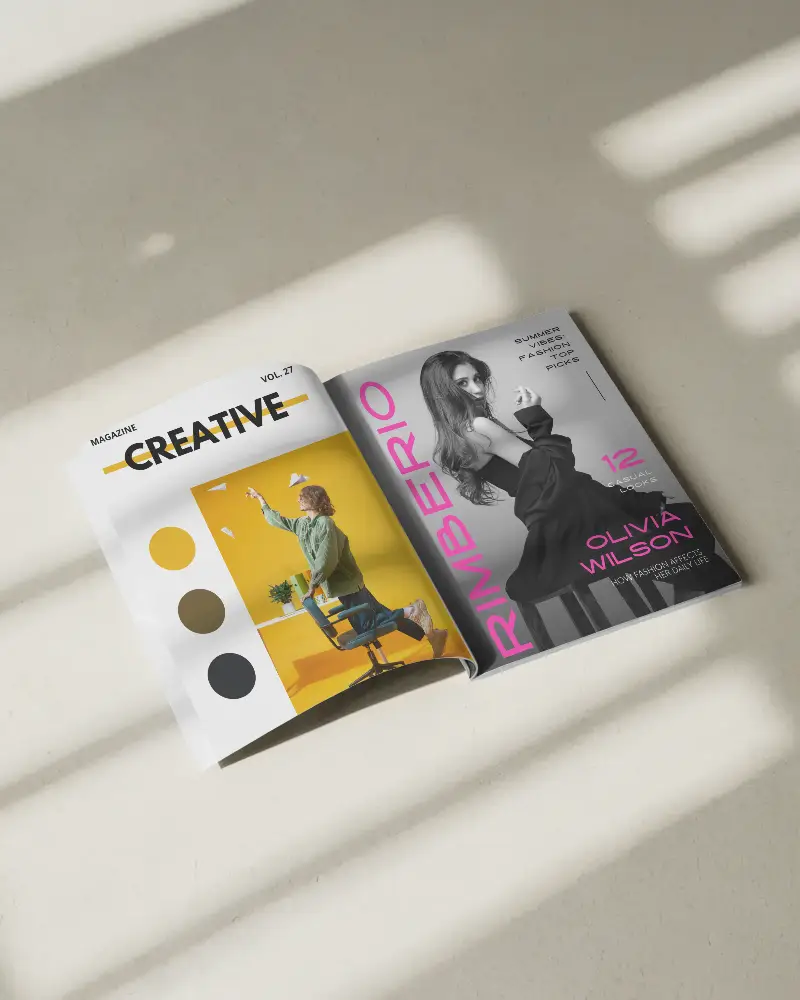
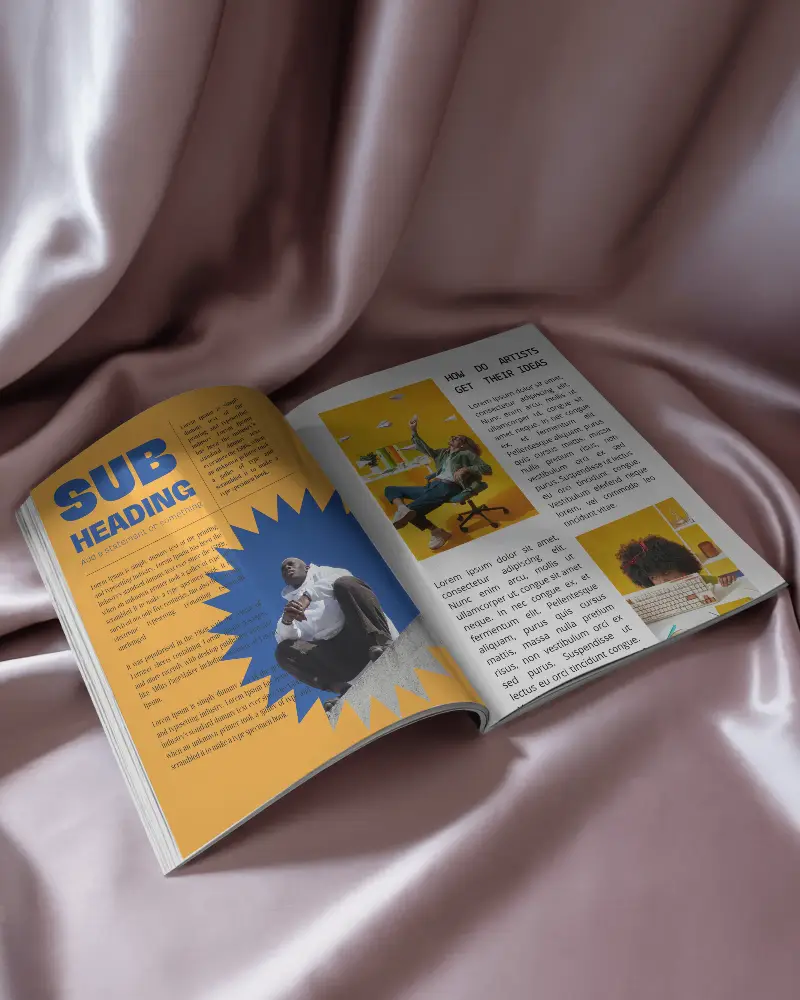
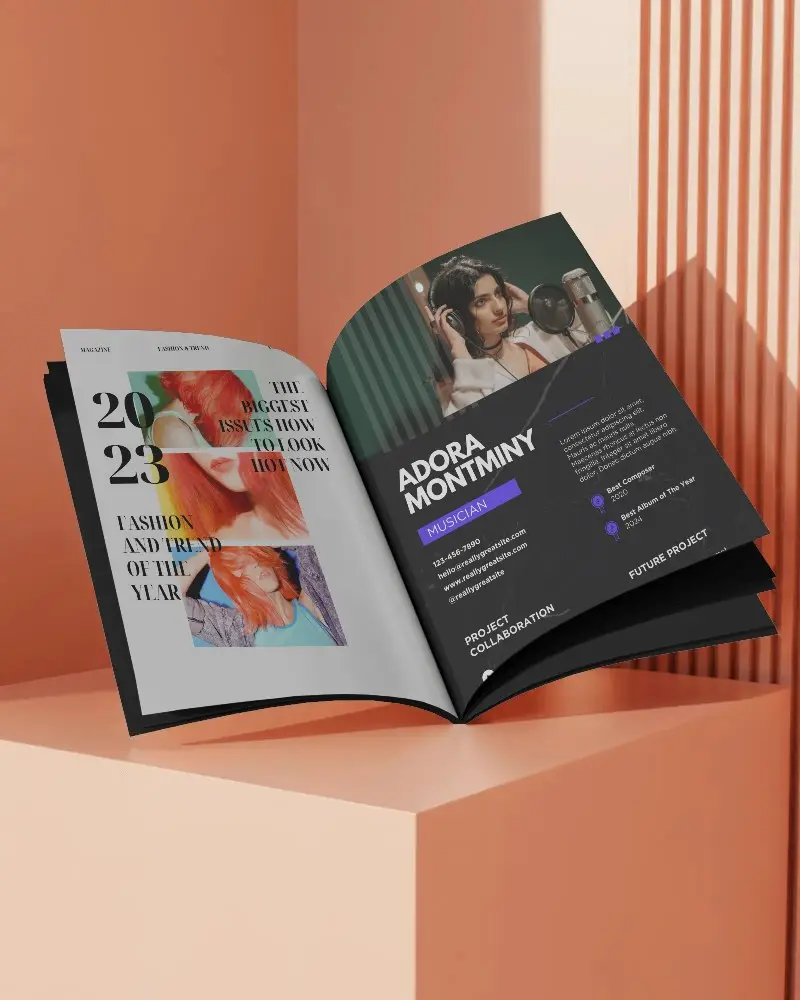
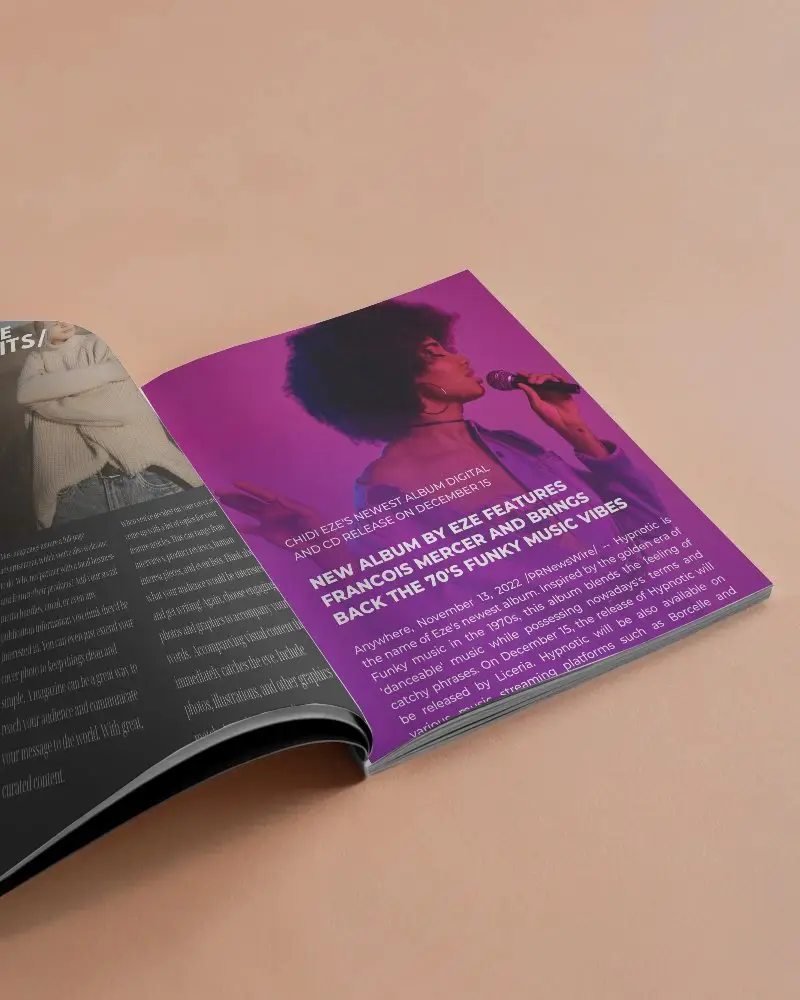
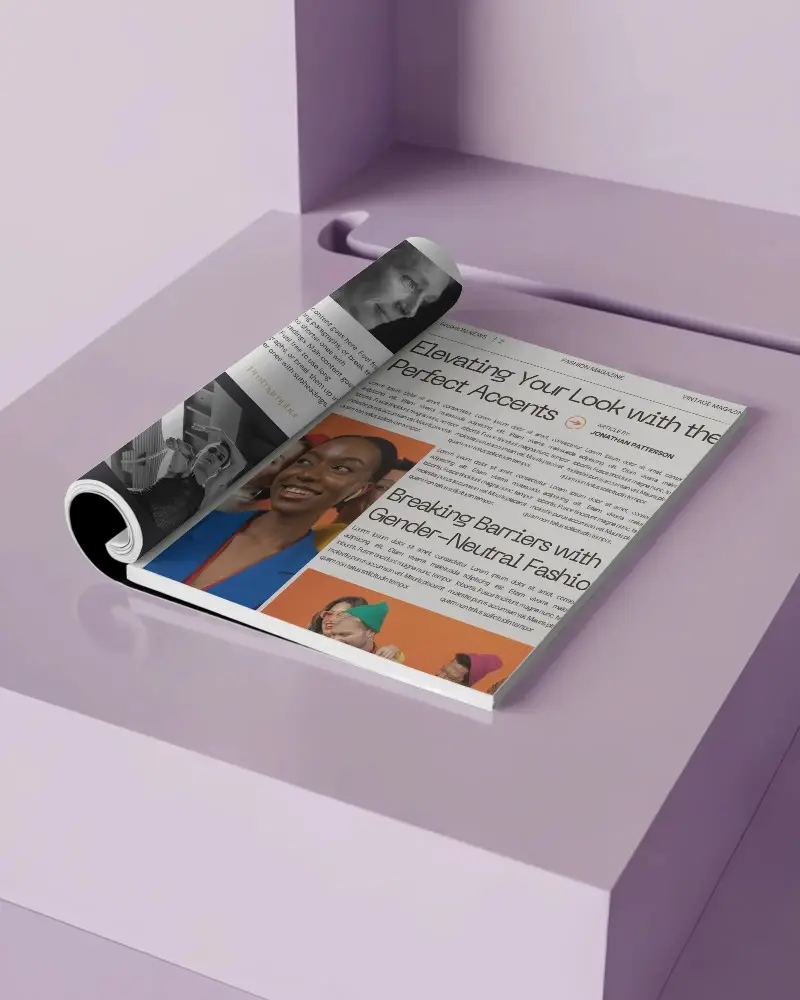
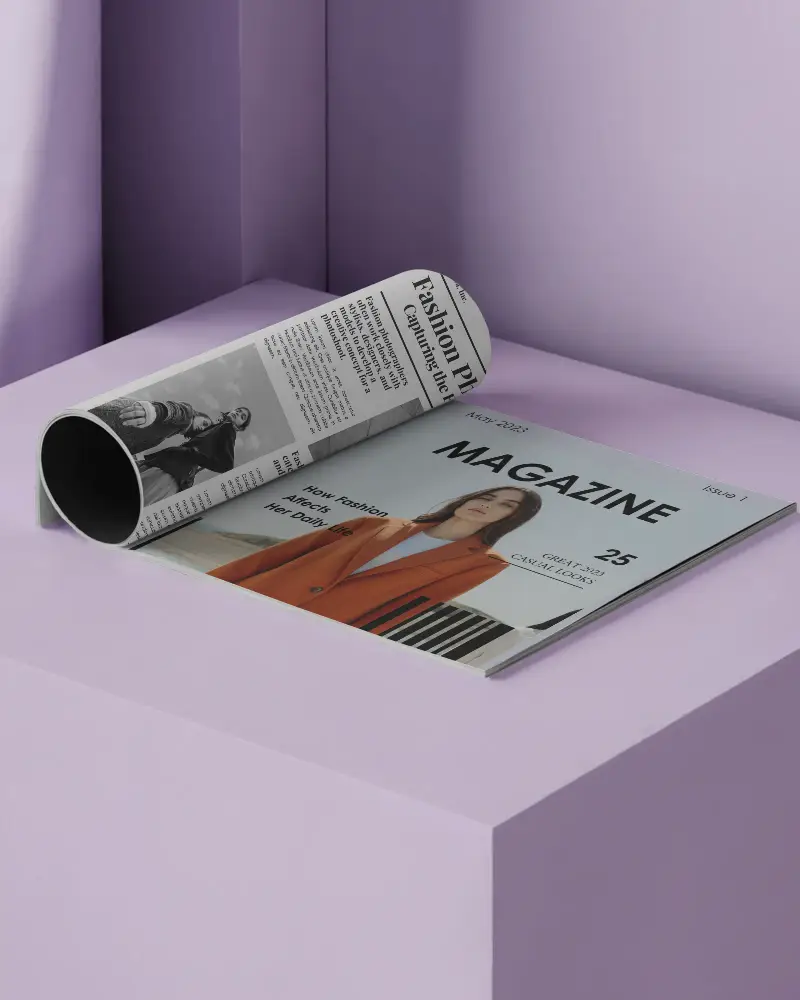
How to Create Open Magazine Mockup with Mockey
To create an open magazine mockup in Mockey AI:
- Step 1: Navigate to Mockups > Print > Magazine and choose a template under the Open category.
- Step 2: On the next screen, click Upload Design to add your artwork. You can also change the colors and use AI tools like Anime or Photoshoots if you have the Creator Plan.
- Step 3: Click Download to save your open magazine mockup in PNG or JPEG format in various sizes.


FAQs on Open Magazine Mockups
What is an Open magazine mockup?
An Open Magazine Mockup is a digital picture showing how a magazine looks when opened. Designers use it to see and share designs, change pages easily, and pick different styles for presentations.
Do any free apps do Open magazine mockups?
Mockey AI lets you create free, realistic open magazine mockups. Pick a style, upload your design, and download it as a picture or AI Anime visual.
Can I customize both the pages and the cover in an open magazine mockup?
Yes! You can change the pages and cover in a magazine mockup using online tools like Mockey AI and save it in your device for free.
Does Mockey offer free open magazine mockup templates?
Mockey AI has 100+ free open magazine templates. Pick one, add your design, change colors, and download without watermarks. It's easy, free, and works for different magazine sizes like square, portrait, and landscape.
What file formats are available for open magazine mockups on Mockey?
Mockey AI lets you create and save open magazine mockups for free in PNG and JPEG formats. These images are HD, with sizes up to 1600 × 2000 pixels.
Can I create an open magazine mockup on my phone using Mockey?
You can make an open magazine mockup on your phone with Mockey AI. Pick a template, insert your design, modify colors or background, and save it for free—no need for Photoshop!
How realistic are the open magazine mockups on Mockey?
Mockey AI’s open magazine mockups look real and help show your custom designs professionally. They are easy to use, customizable, and save money by testing designs before printing.
