Mailing Box Mockup Free Download | Free Mailer Box Mockups
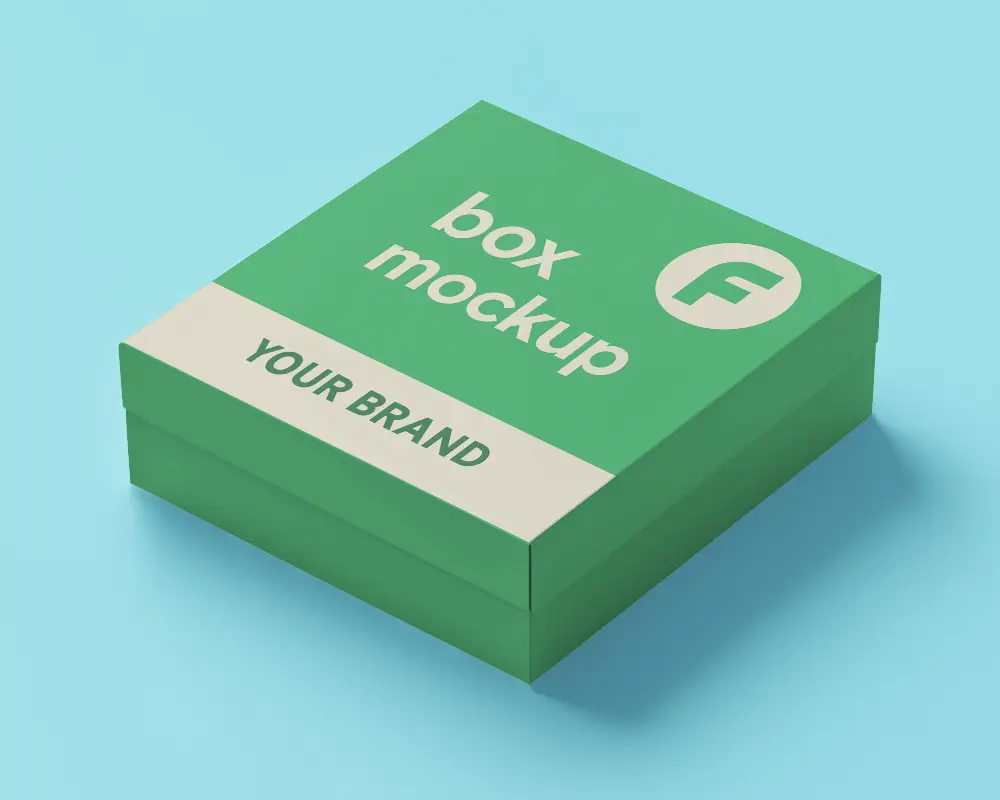
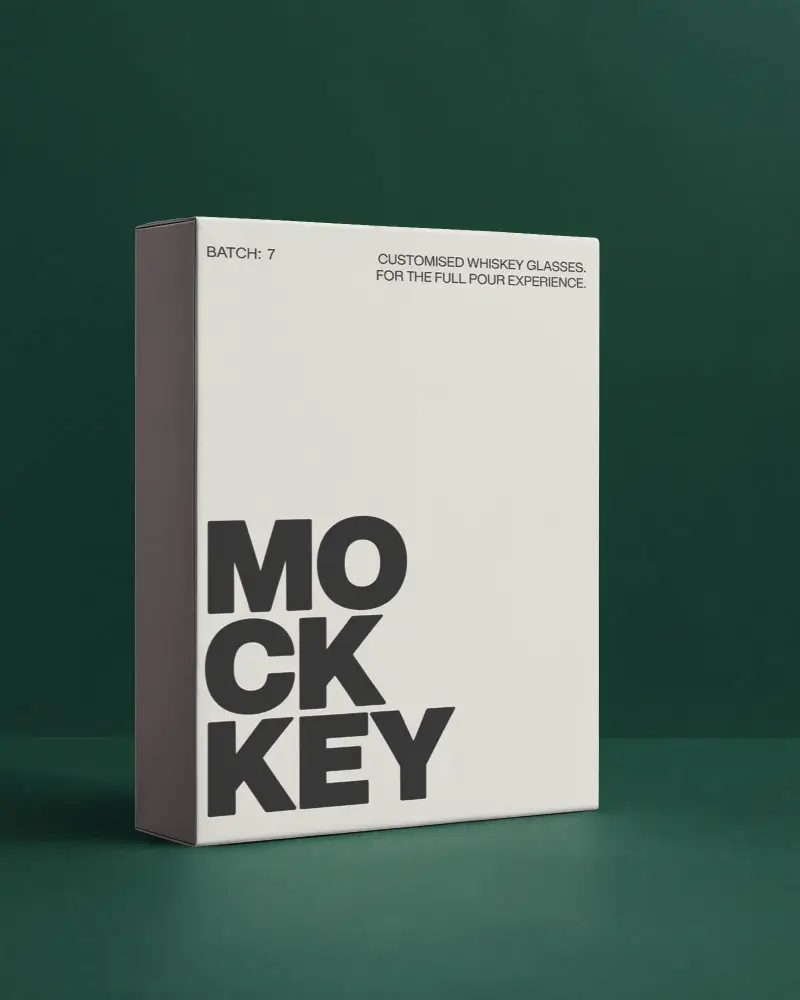
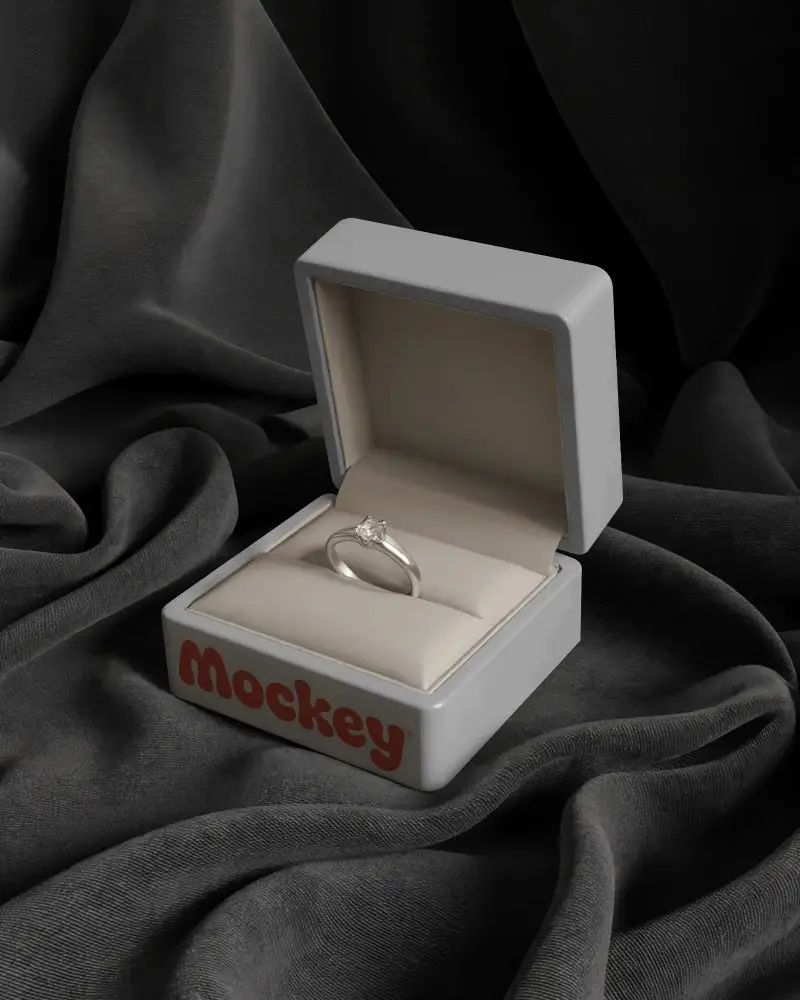
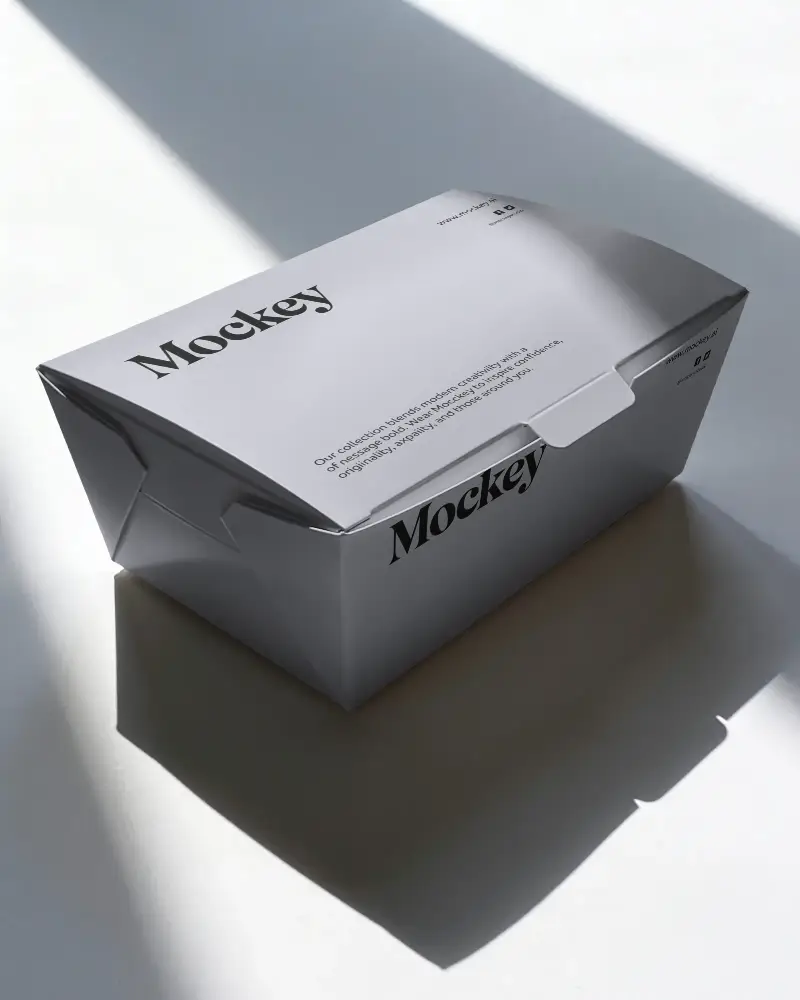
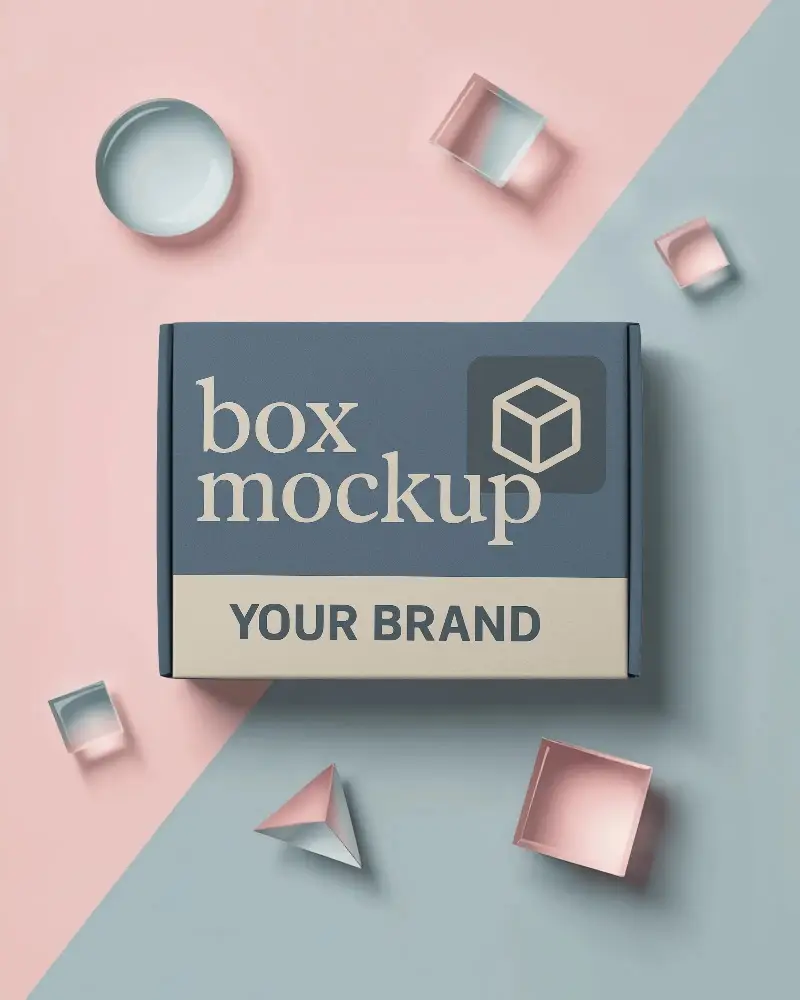
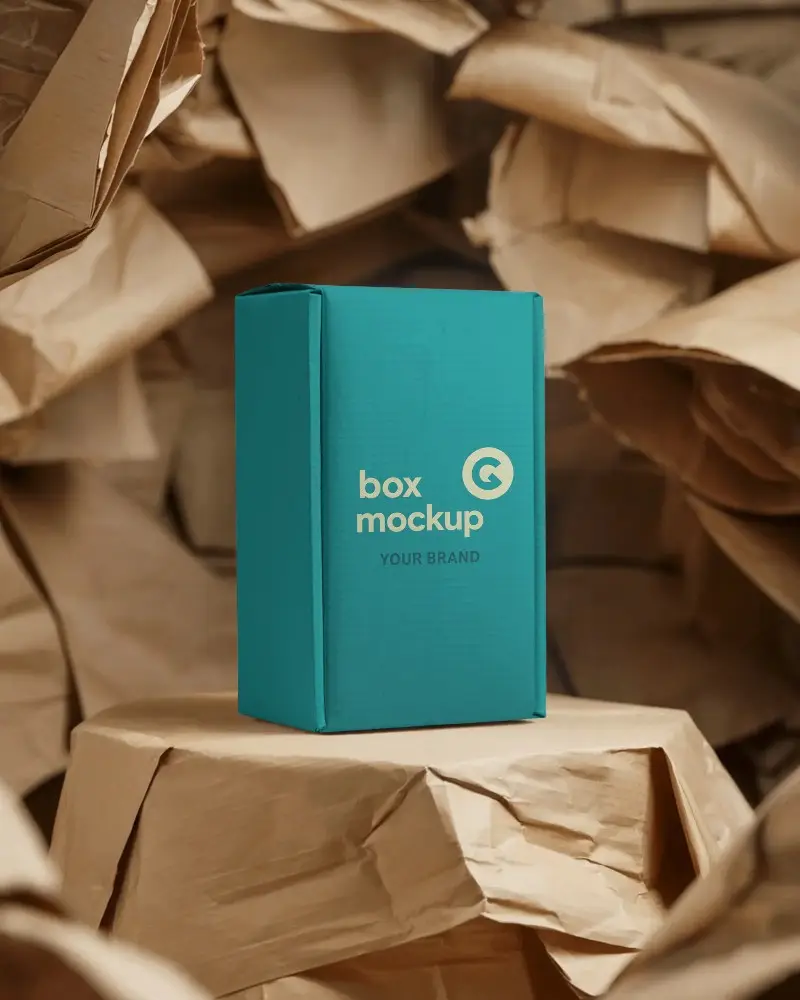
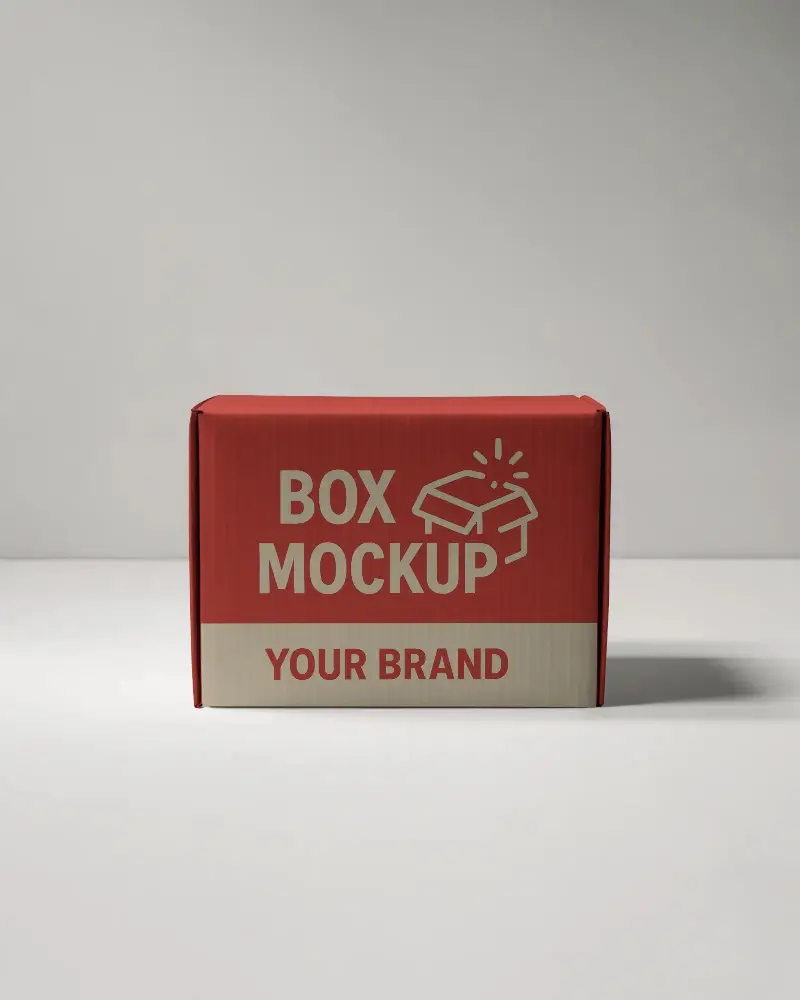
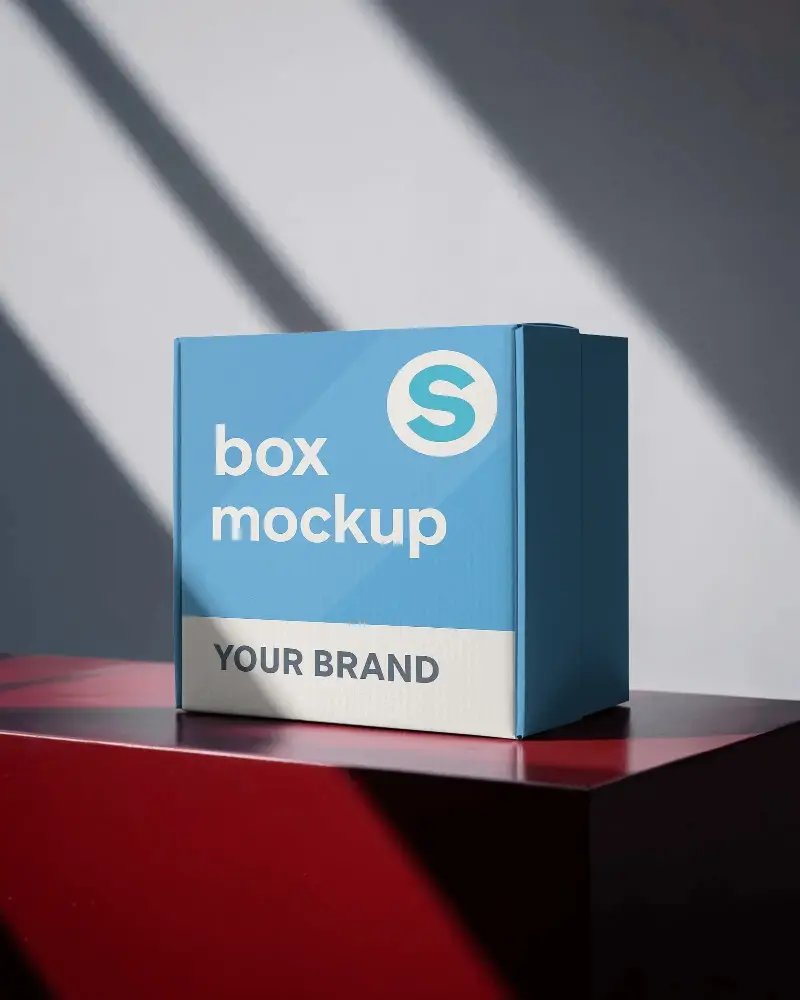
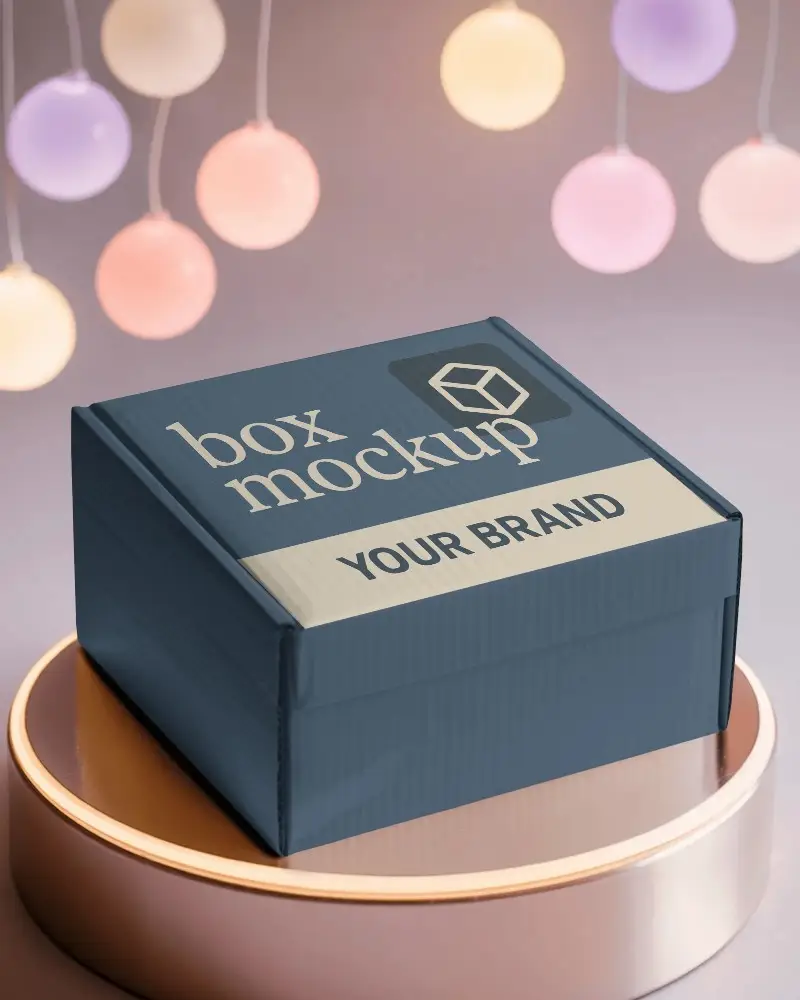
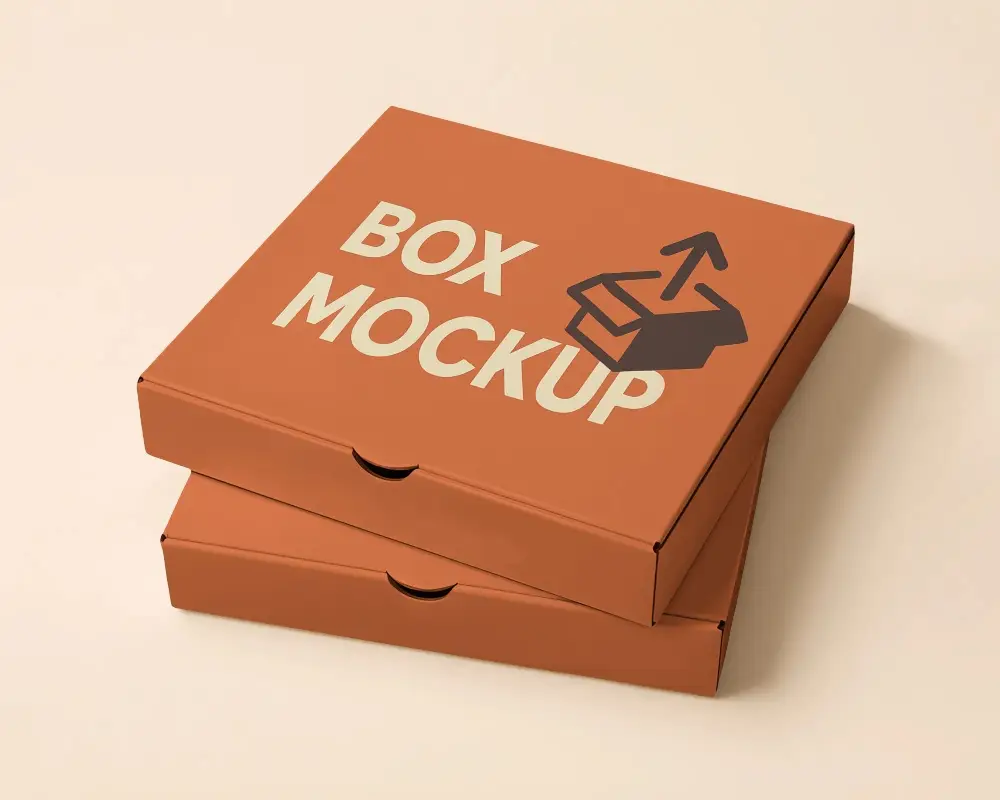
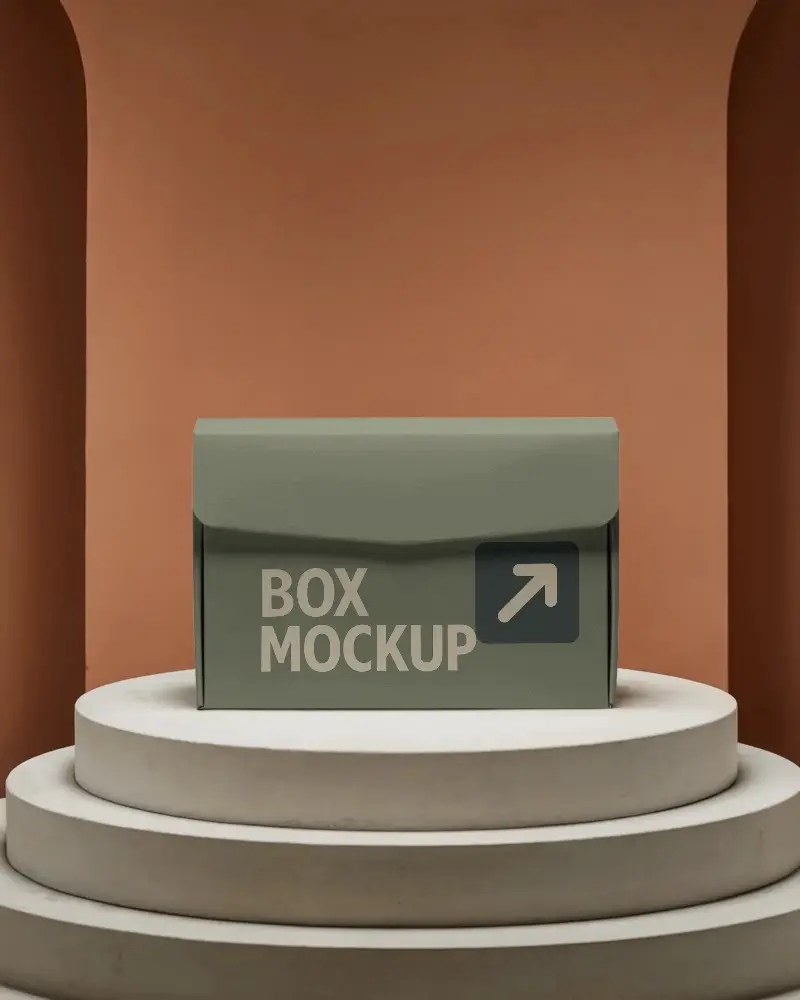
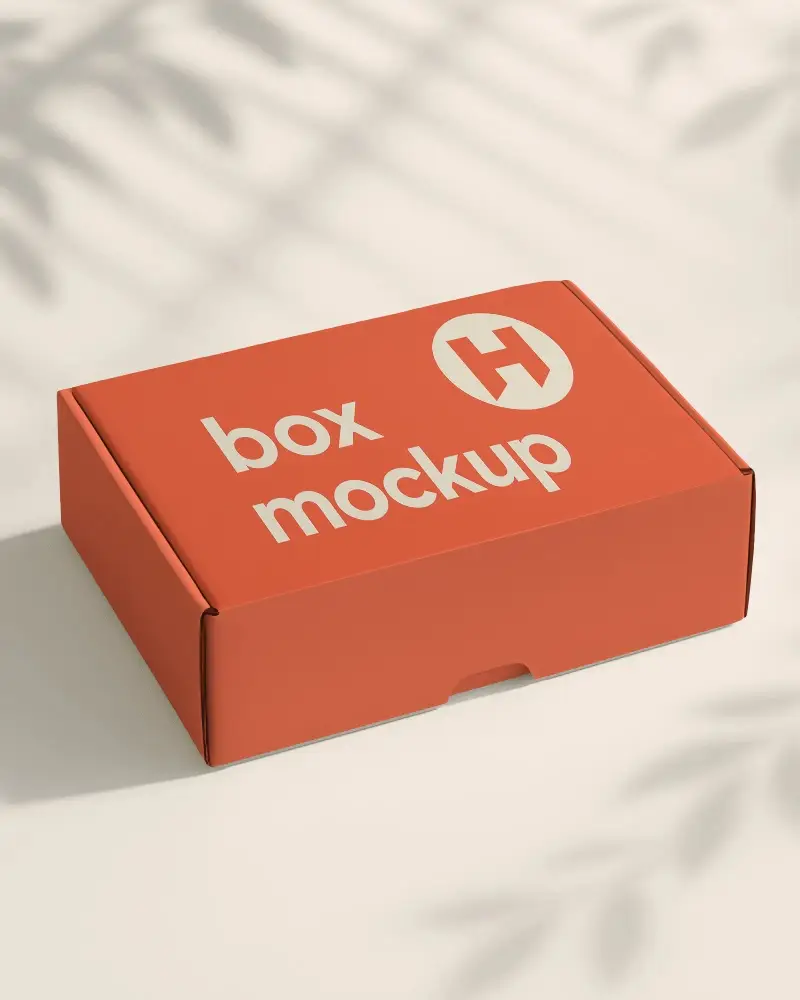
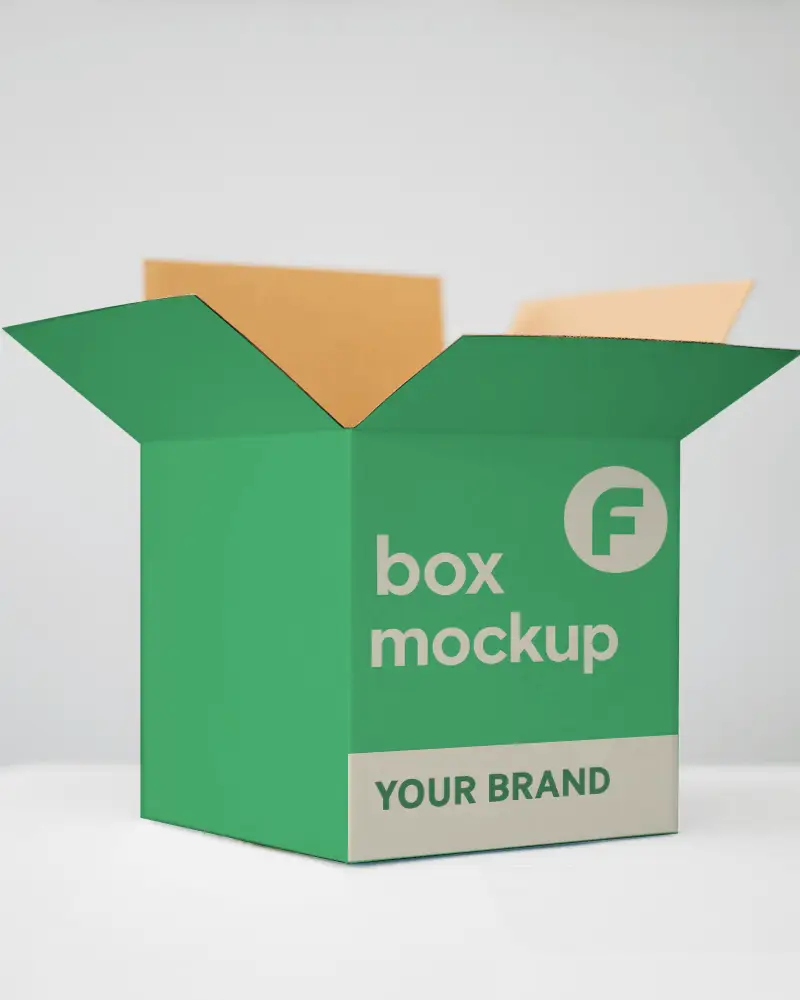
Grab a free Mailing Box Mockup at Mockey.ai! Easily customize and showcase your packaging designs with realistic, high-quality visuals. No design skills needed!
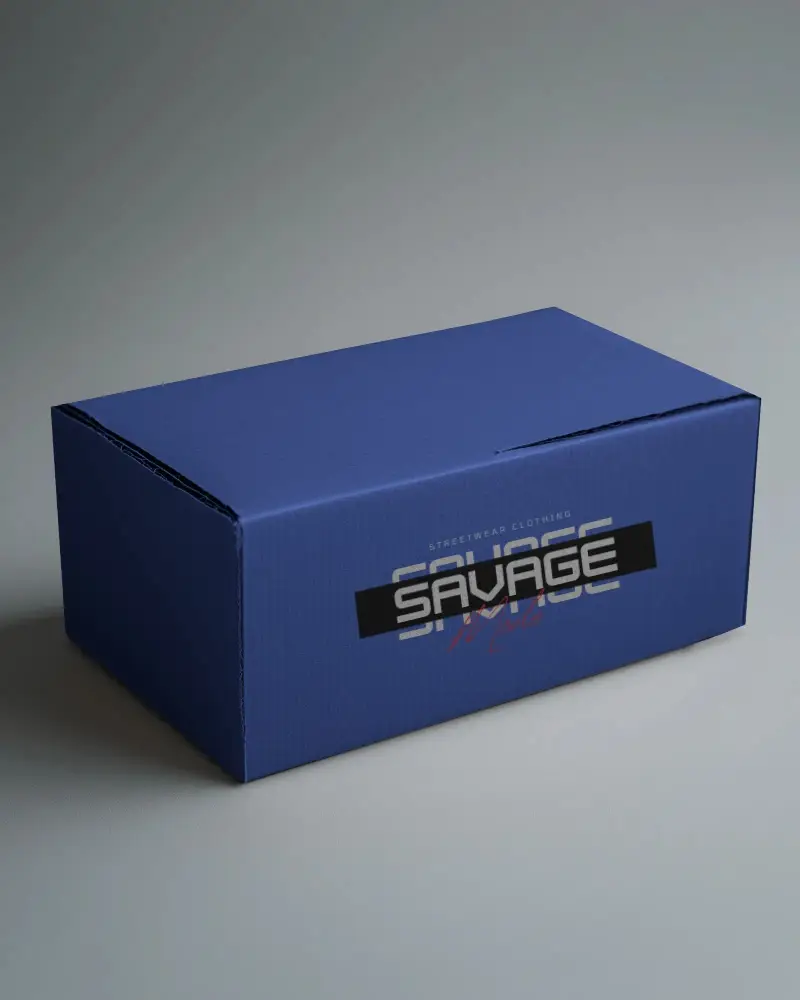
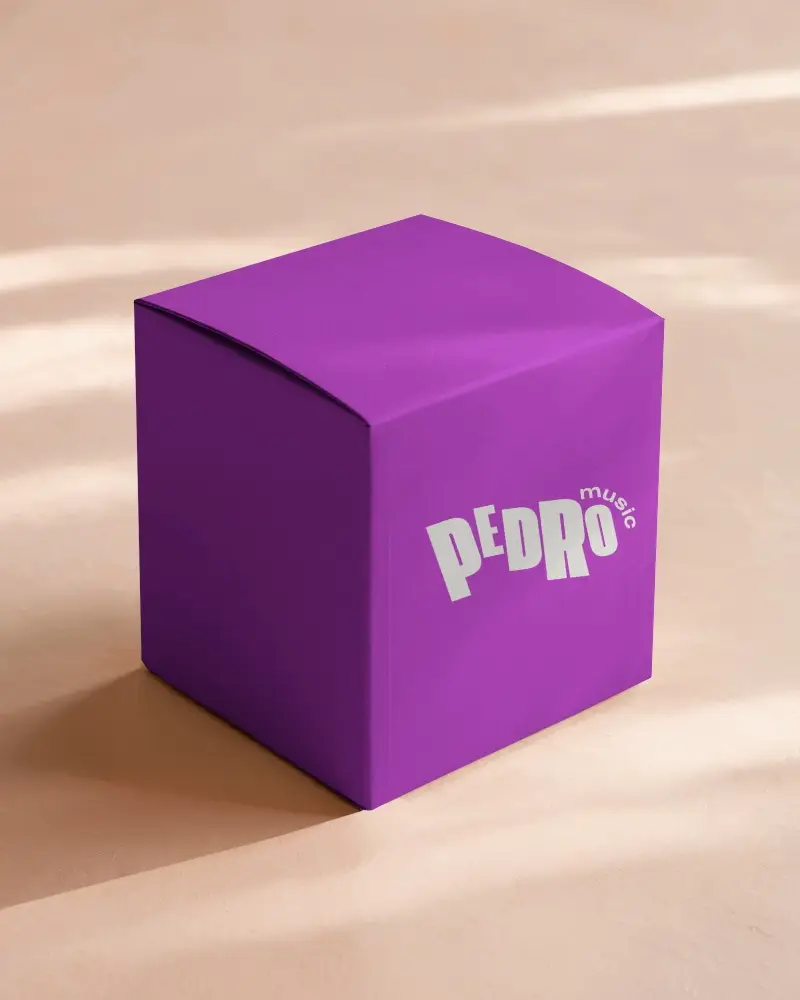
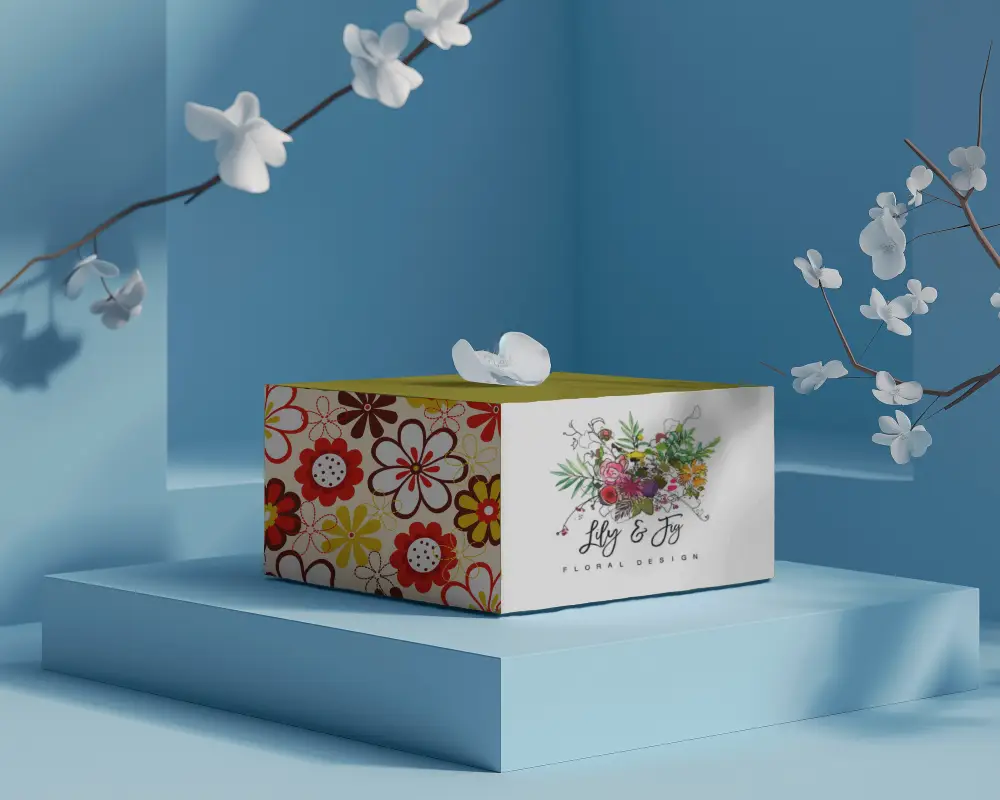
.png)
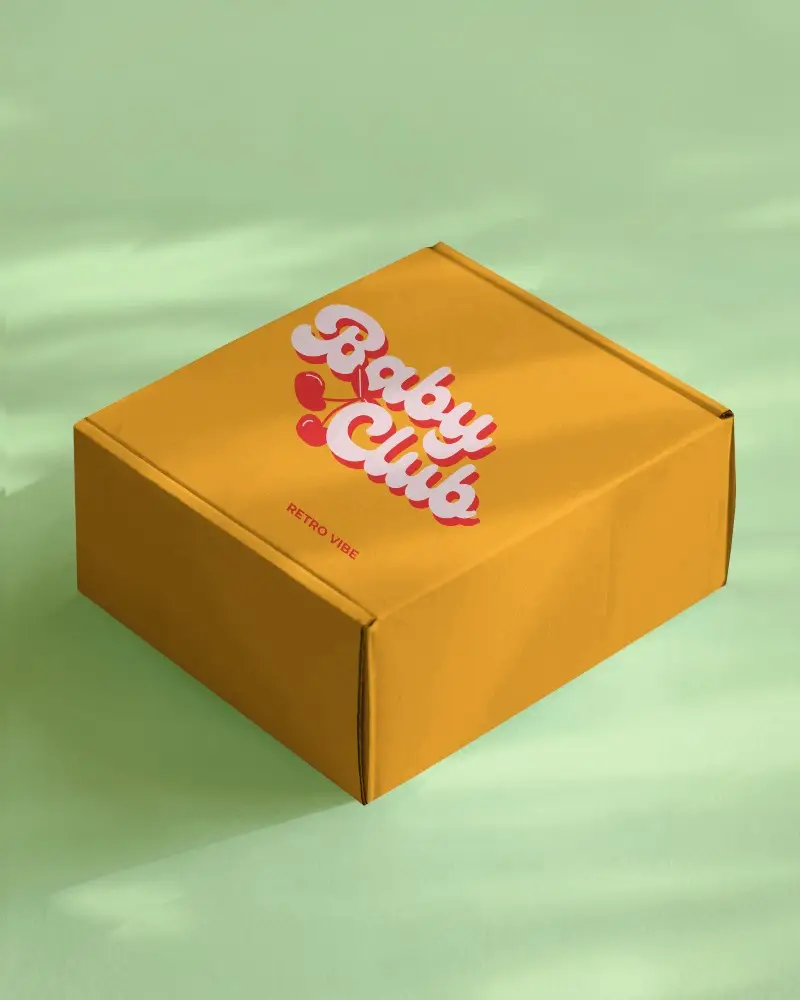
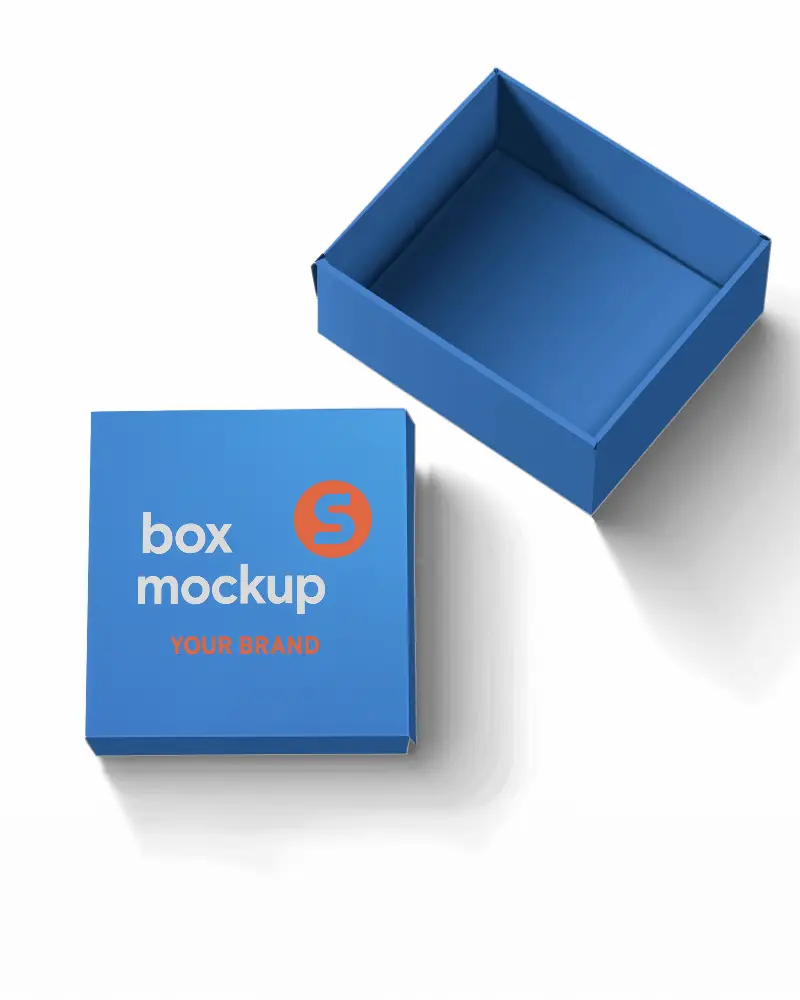
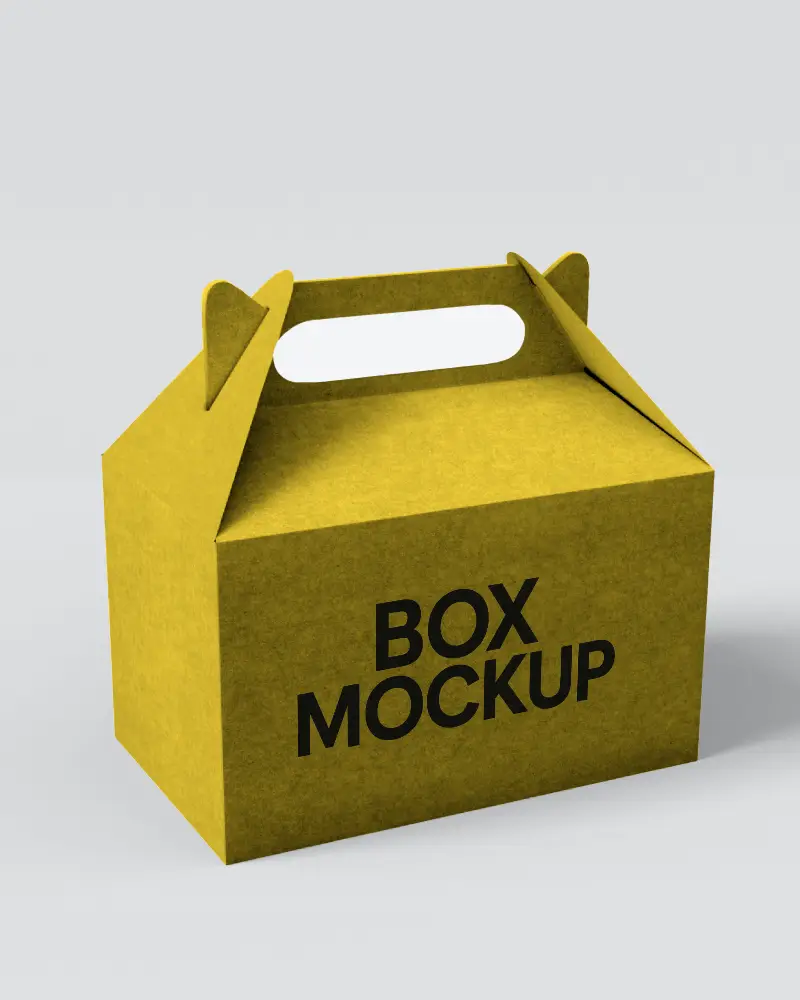
.png)
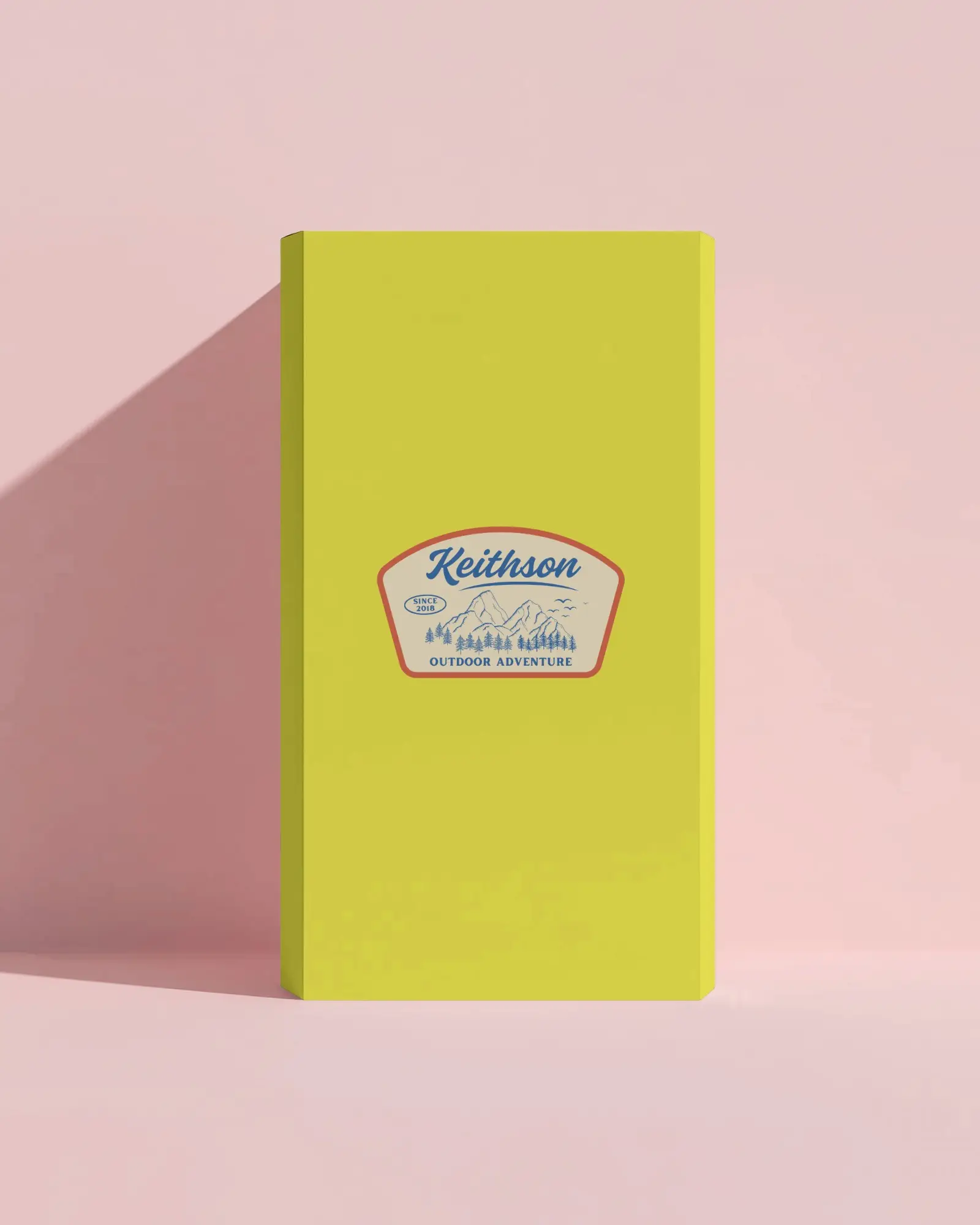
.png)
(1).png)
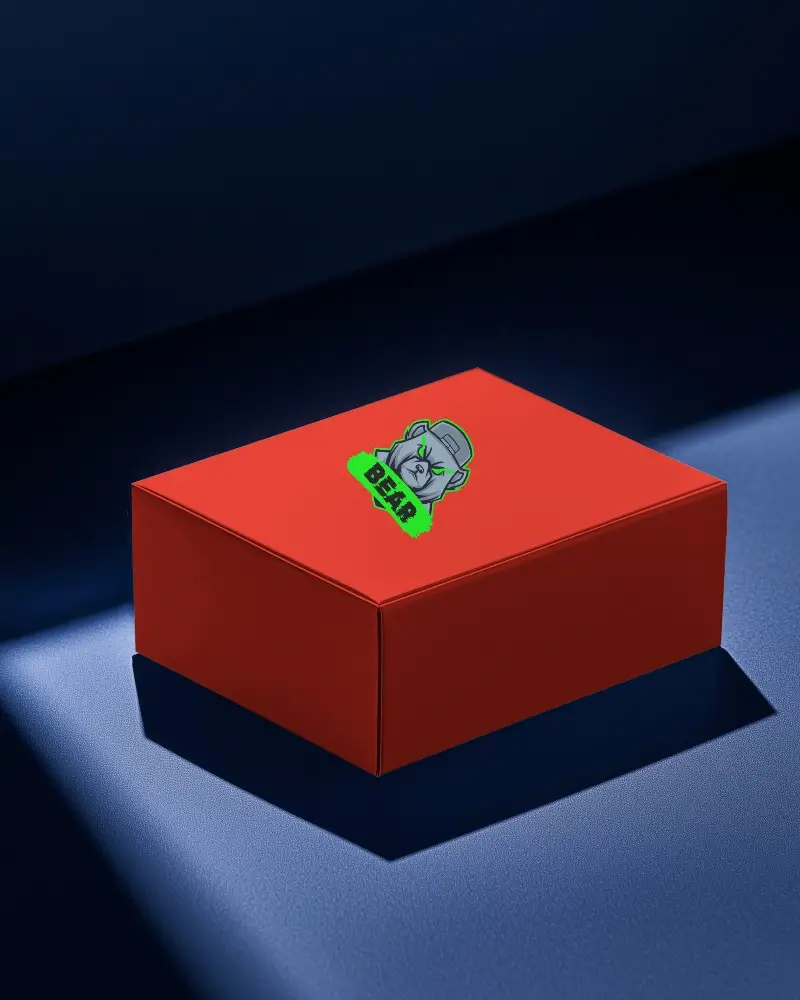
.png)
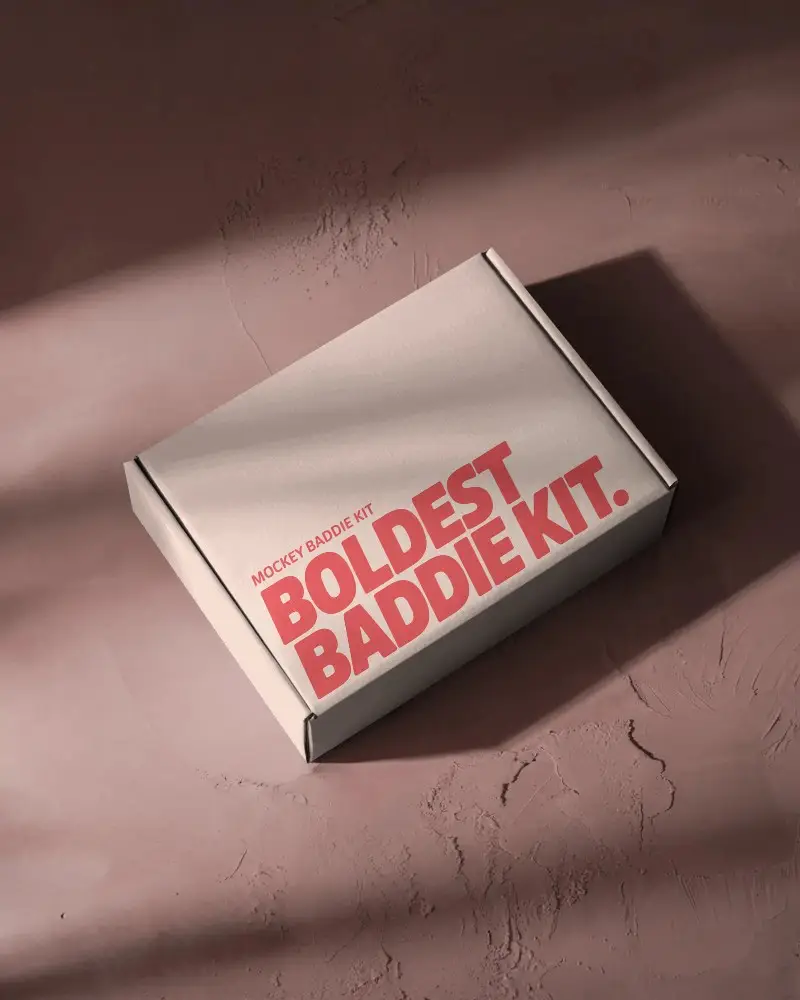
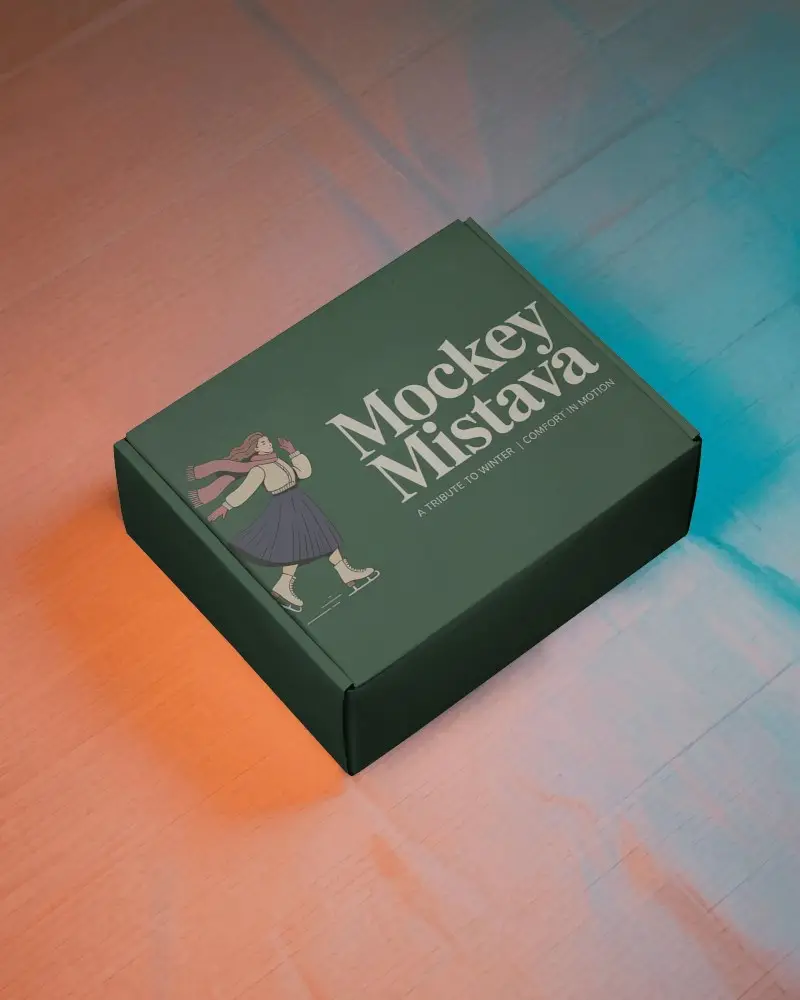
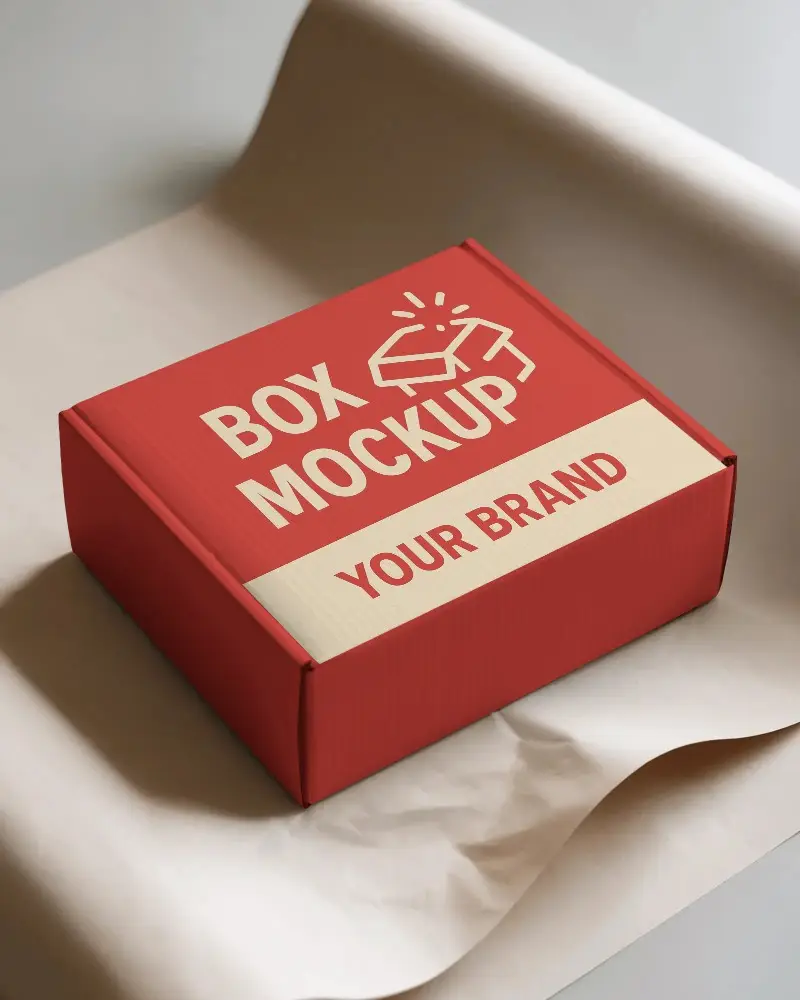
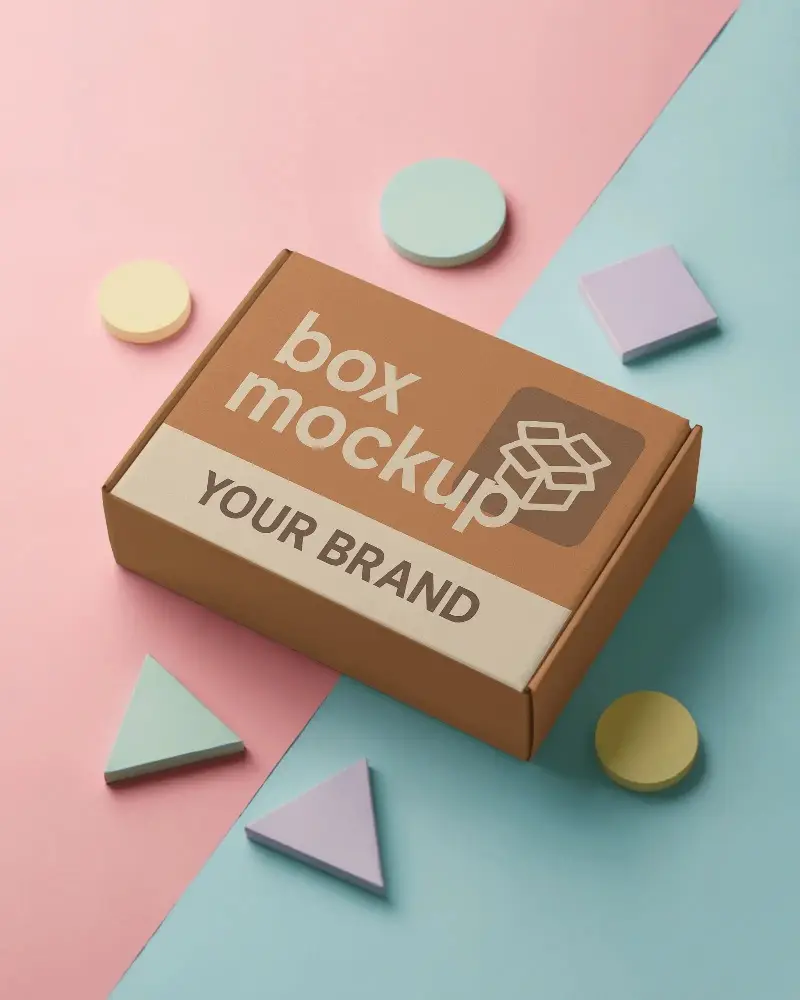

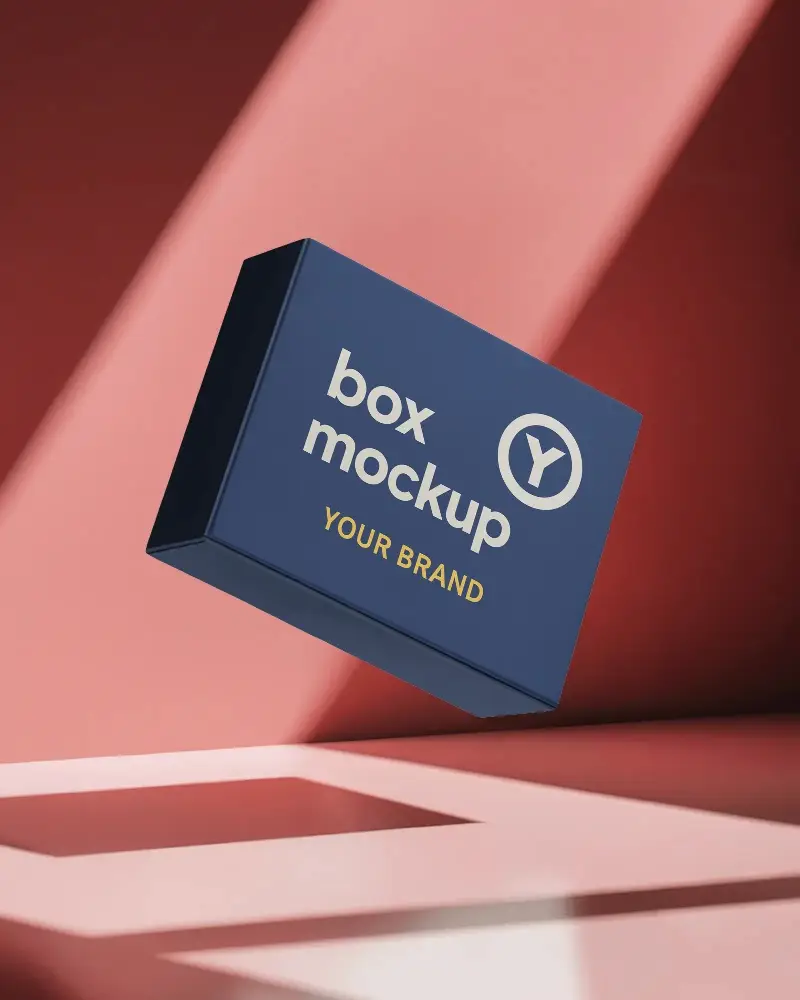
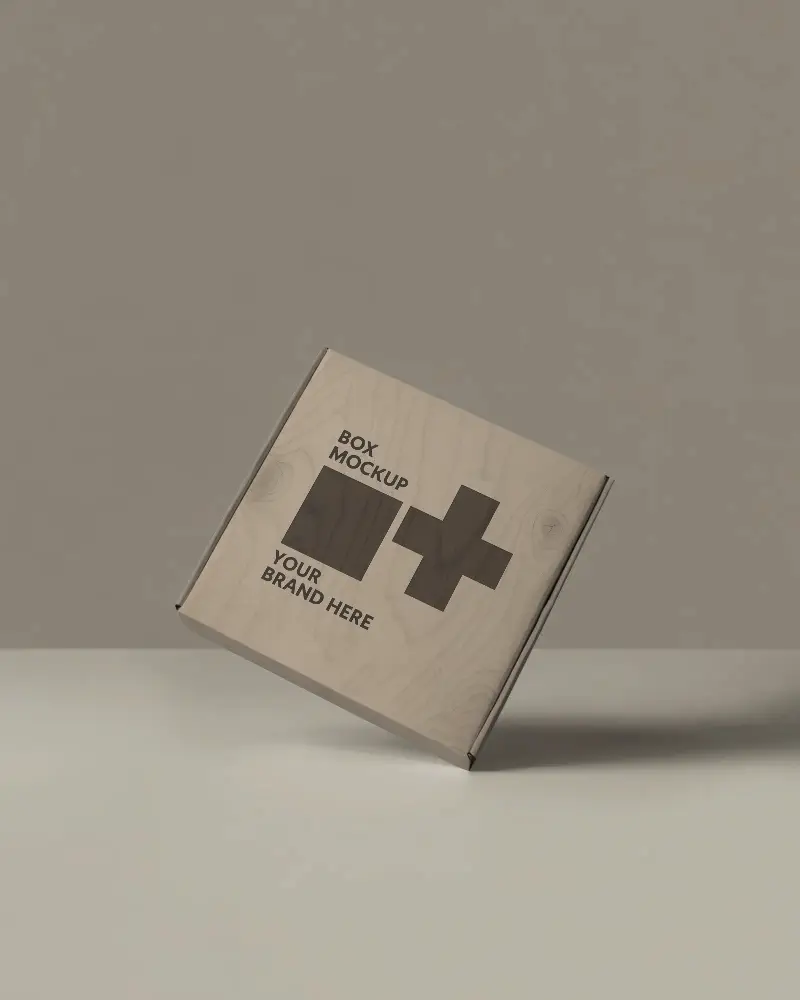

.png)
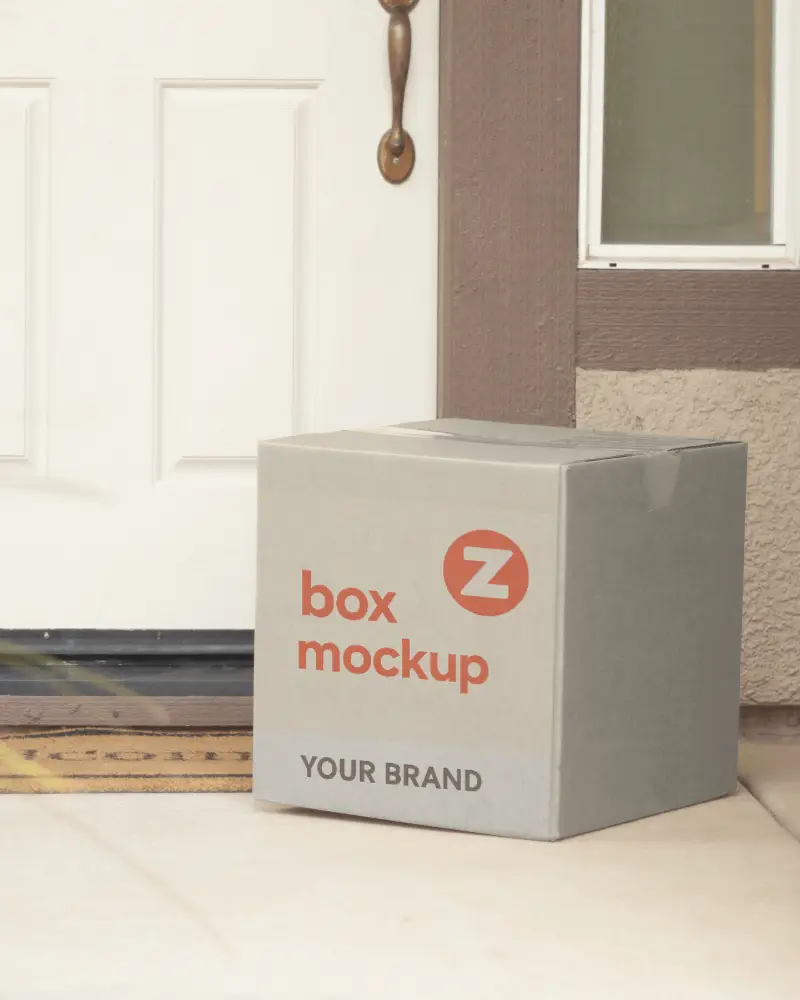
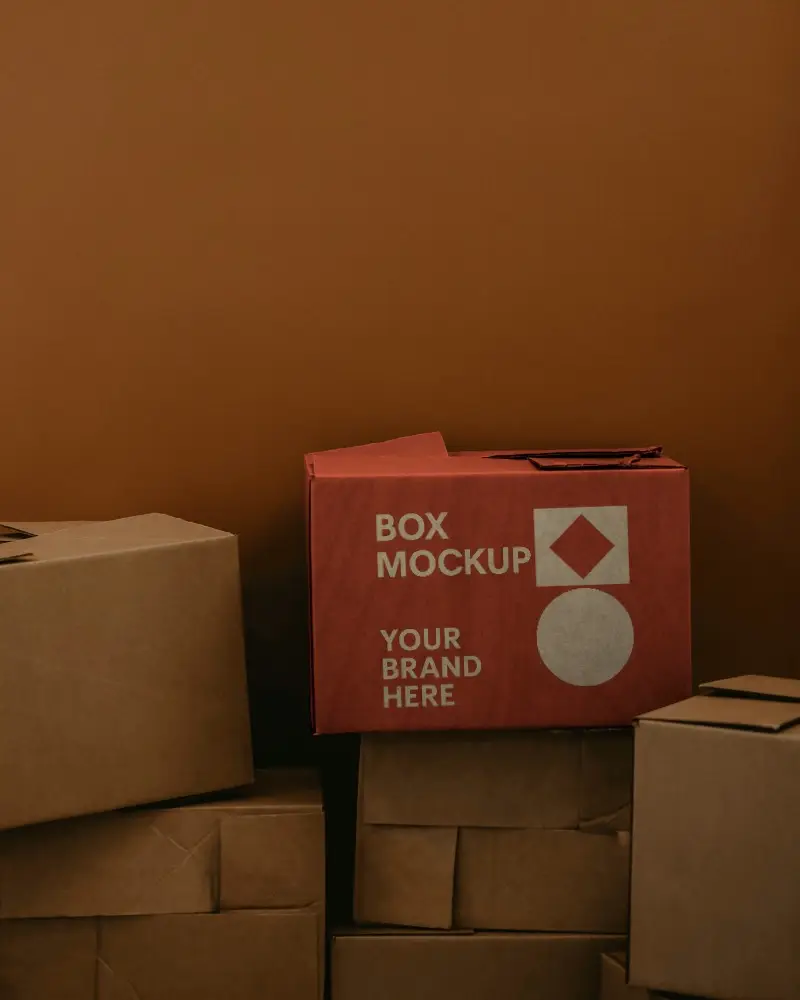
.png)
How to Create Mailing Box Mockup with Mockey
To create a mailing box mockup in Mockey AI:
- Step 1: Navigate to Mockups > Packaging > Box > Mailing and choose a template from the library.
- Step 2: On the following page, you'll find the option to upload your design and adjust the template's colors in the Edit section. If you upgrade to the Creator Plan, you can also access AI tools.
- Step 3: Finally, click the Download button to save your Mailing Box mockup in either PNG or JPEG format, available in various sizes.


FAQs on Mailing Box Mockups
What is a Mailing Box Mockup?
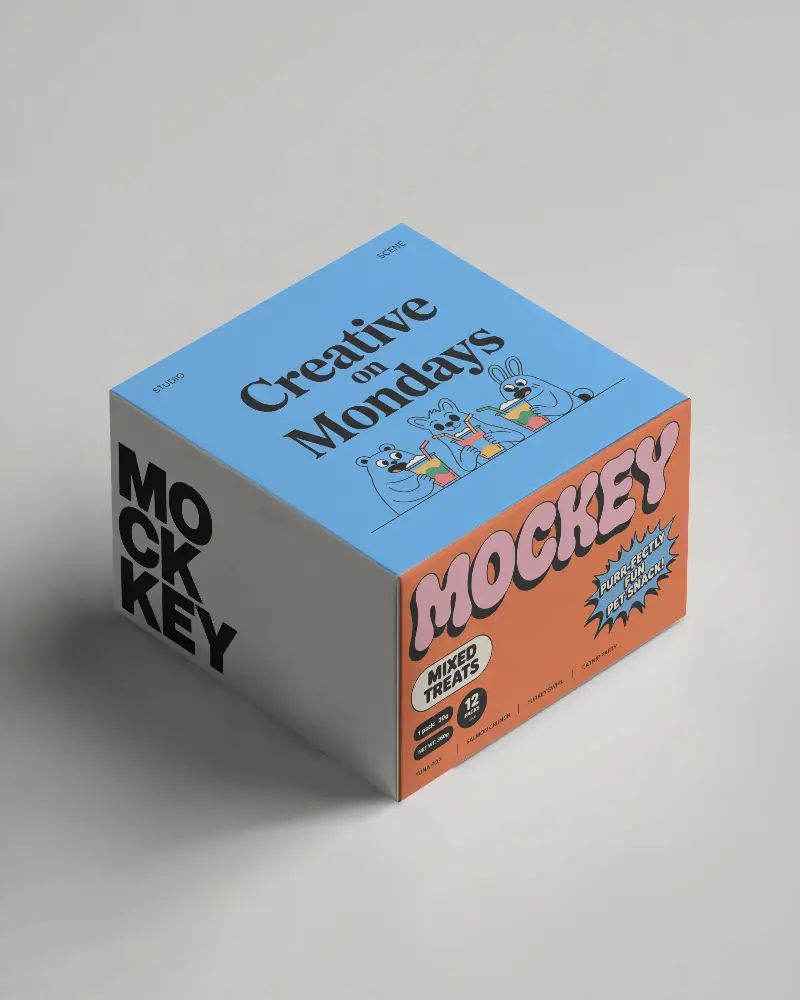
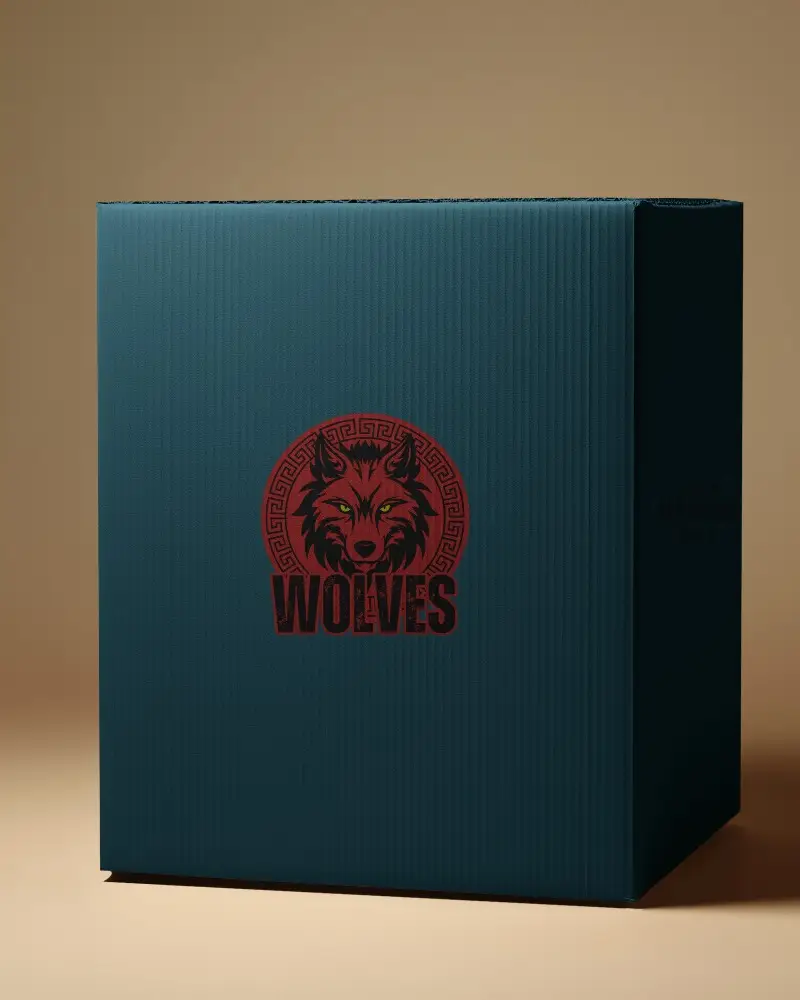
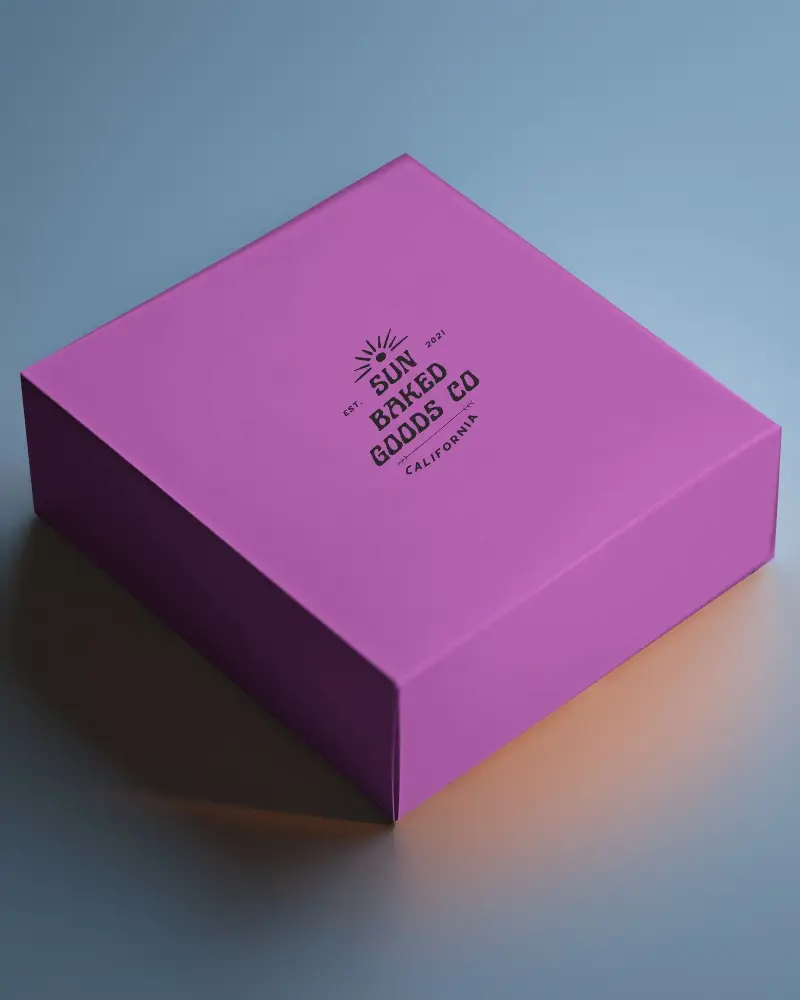
A mailing box mockup is a digital prototype that helps customize packaging with background and color, making it easier to design branded shipping boxes.
Why create a Mailing Box Mockup?
Design a mailing box mockup to preview packaging concepts, improve presentations, and display products in a natural setting.
Why Use Mockey’s Mailing Box Mockup?
Edit the best mailing box mockups with Mockey AI for free. Customize designs with AI tools and get fast results.
Is this Mailing Box Mockup Free?
Mockey AI provides free mailing box mockups with access to 500+ editable templates, available for instant download at no cost.
Where can I get free Mailing Box Mockups?
Get free mailing box mockups on Mockey AI with easy tools and ready templates—no design skills needed!
What file formats are supported for uploading designs?
Mockey AI supports uploading designs in PNG and JPEG formats.
Are Mailing Box Mockups available in different sizes and styles?
Yes, Mockey offers mailing box mockups in three sizes: 1600x2000 px, 800x1000 px, and 400x500 px, so you can pick the perfect fit for your design.
