Ring Mockup Free Download - Ring Mockup Templates
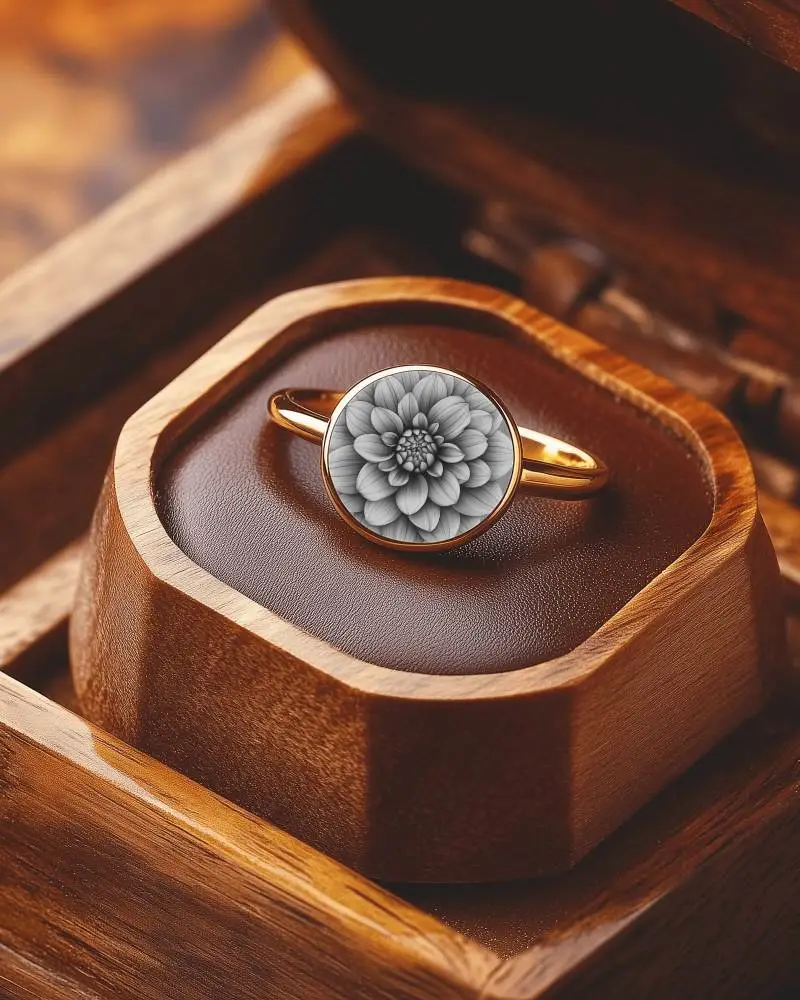
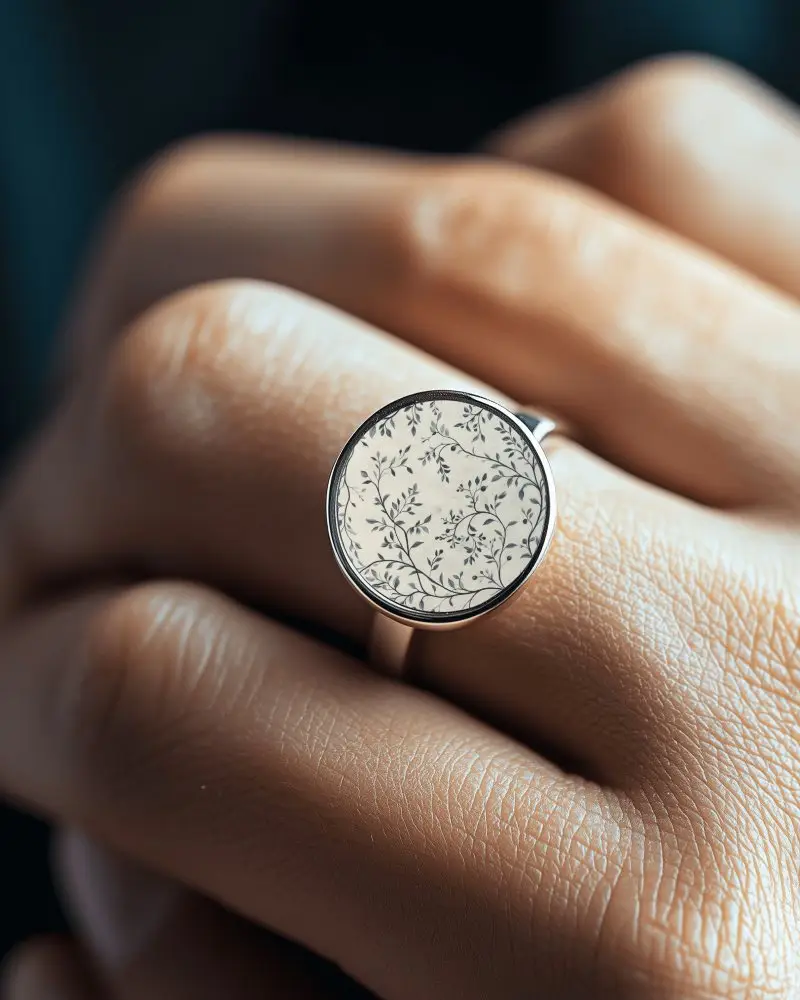
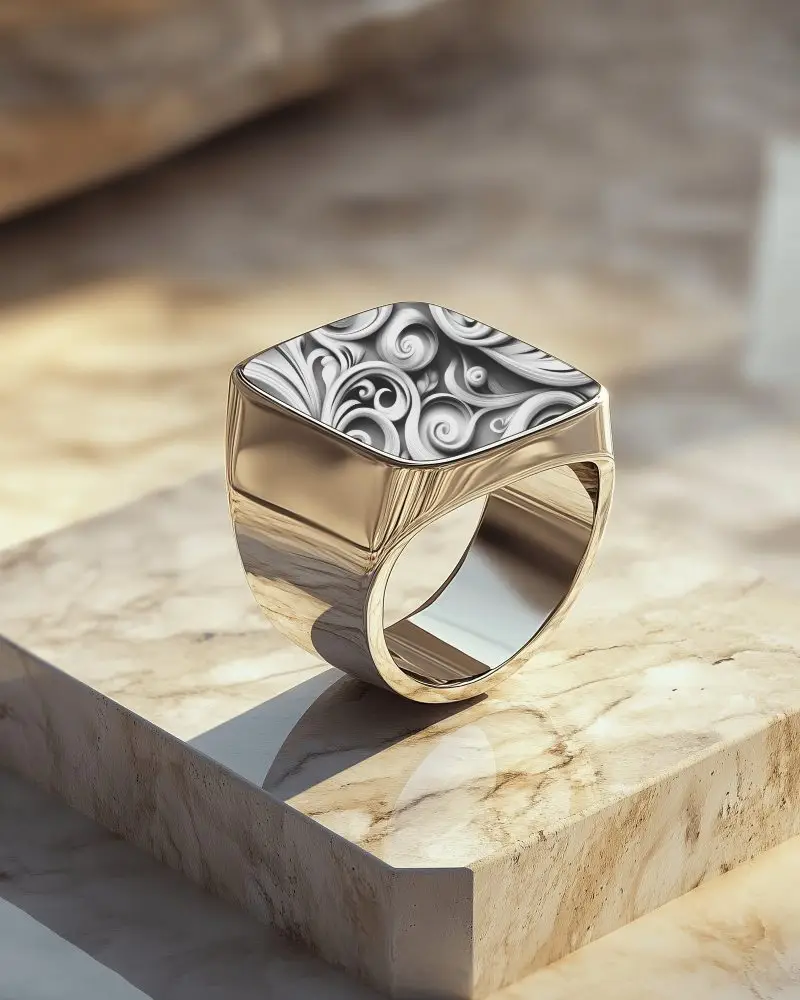
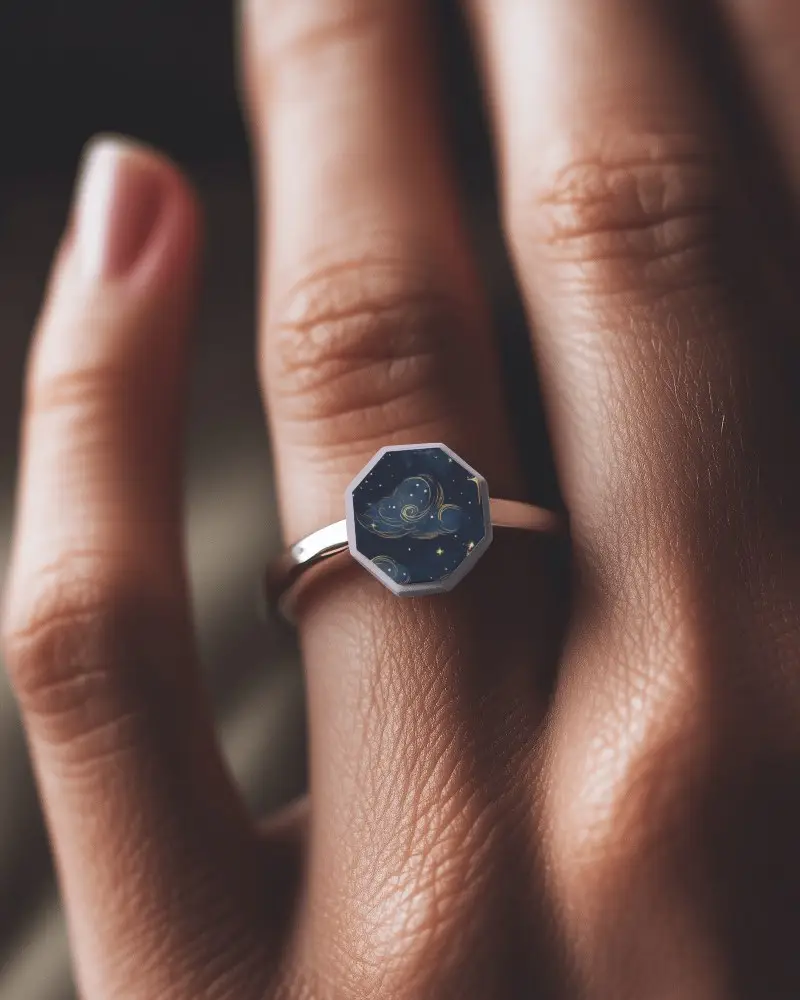
Need a perfect ring mockup? Use Mockey to create high-quality wedding rings mockups and fashion ring mockups instantly for free!
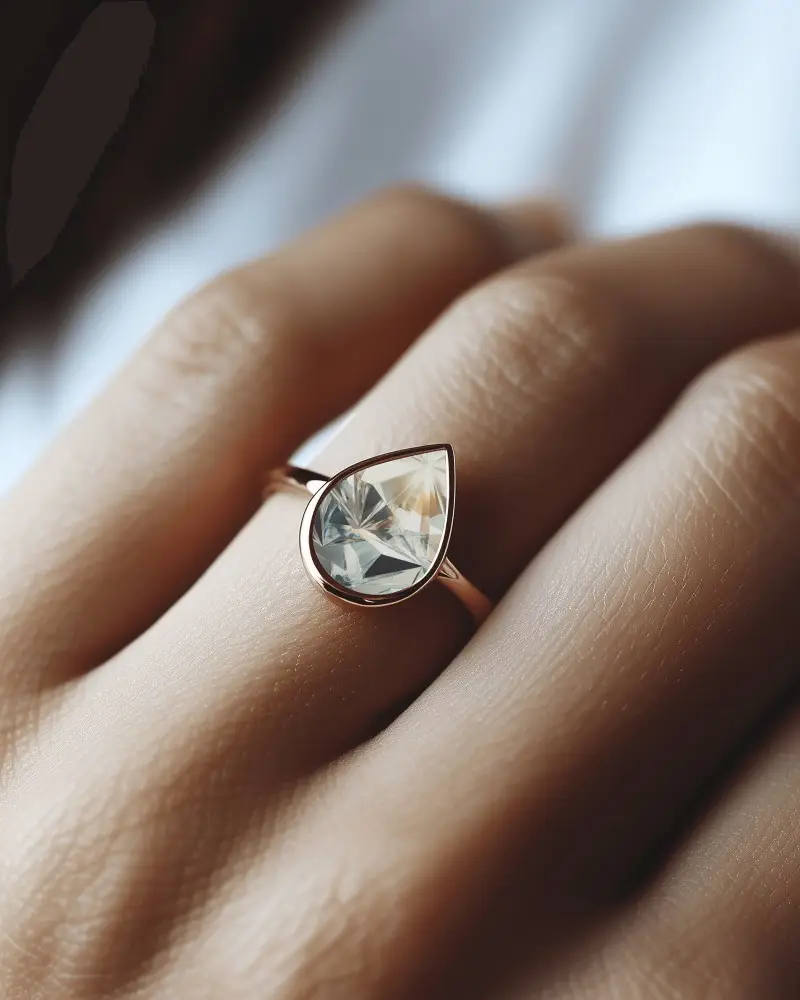

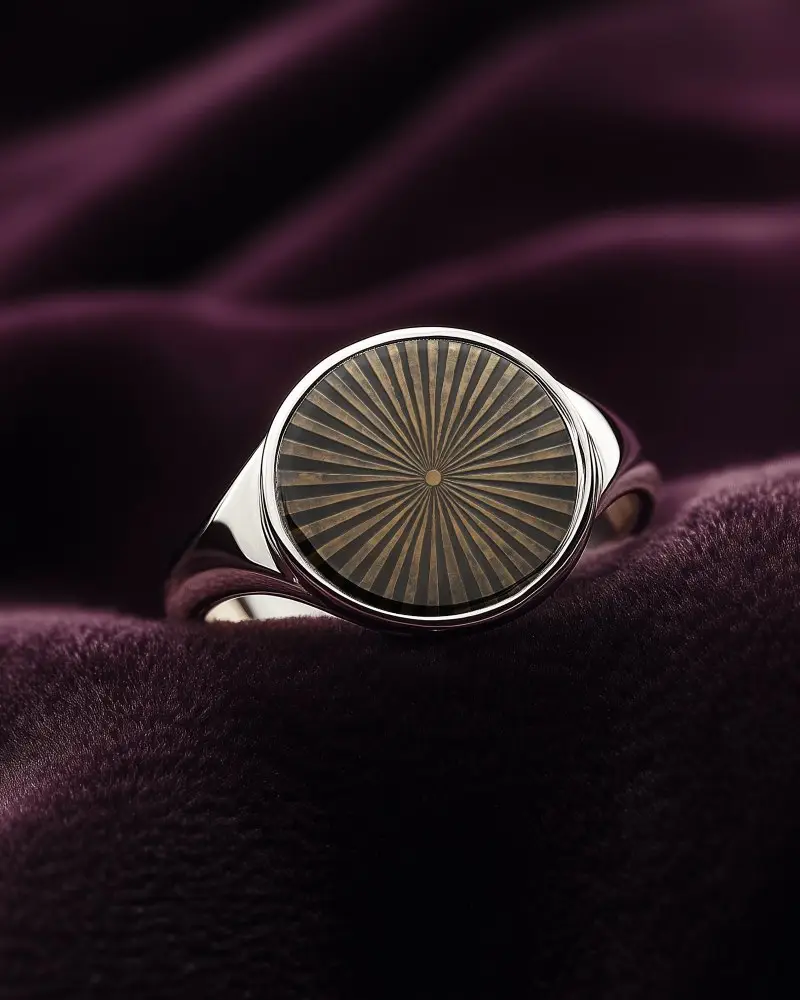
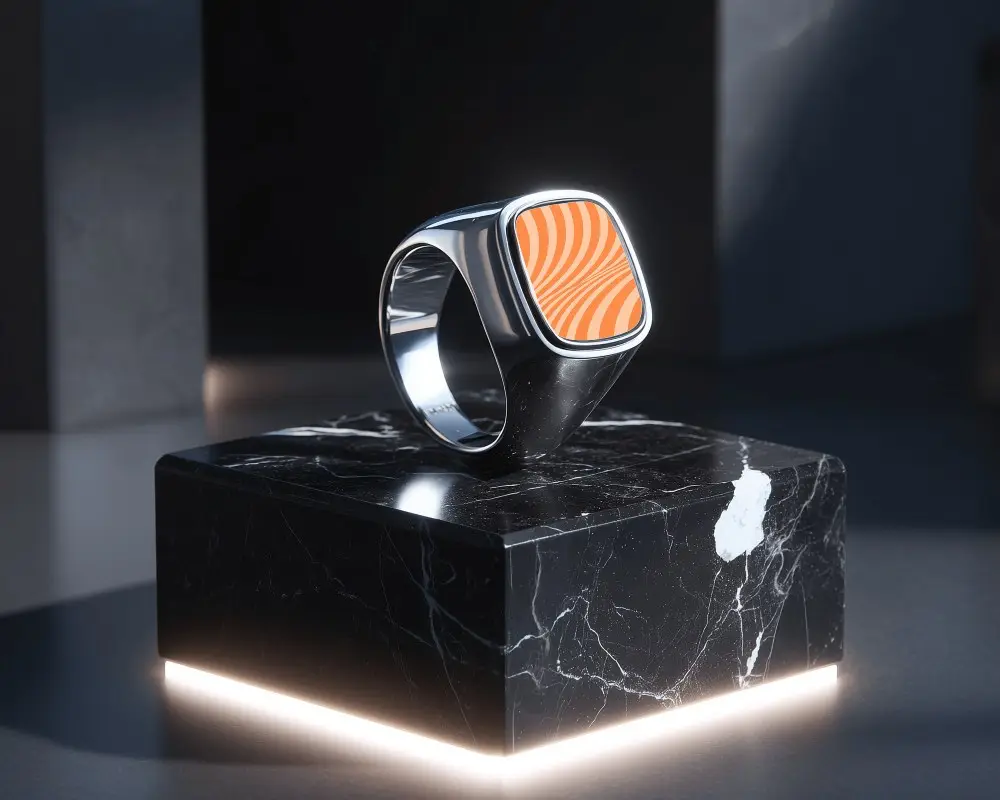
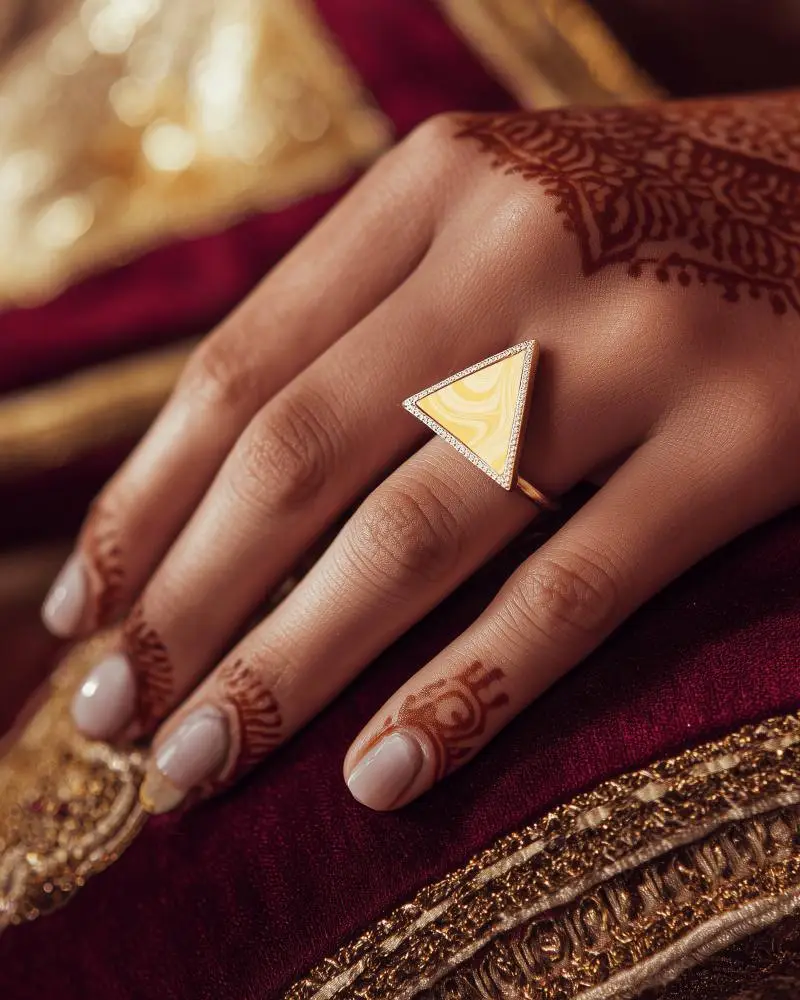
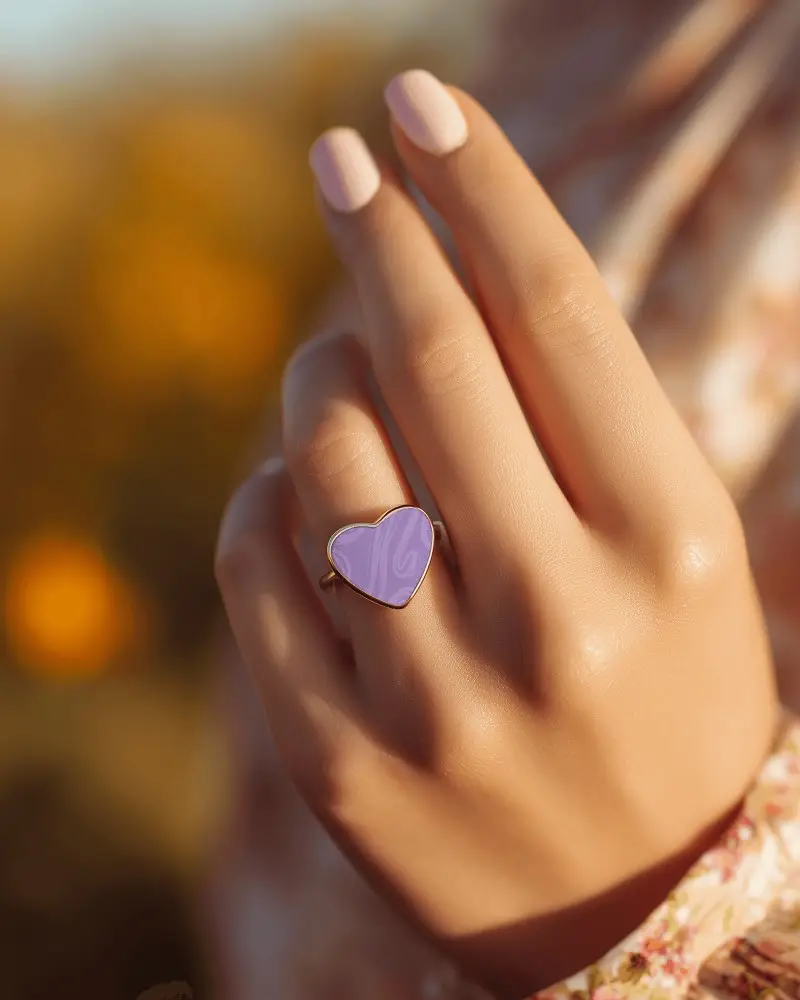
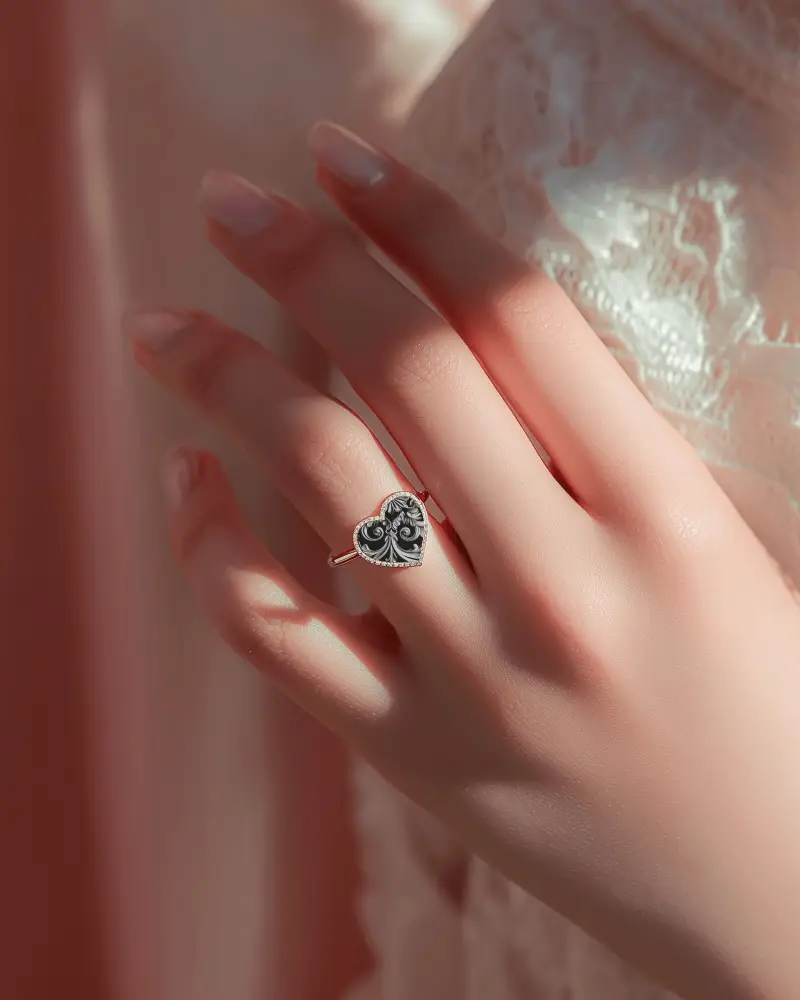
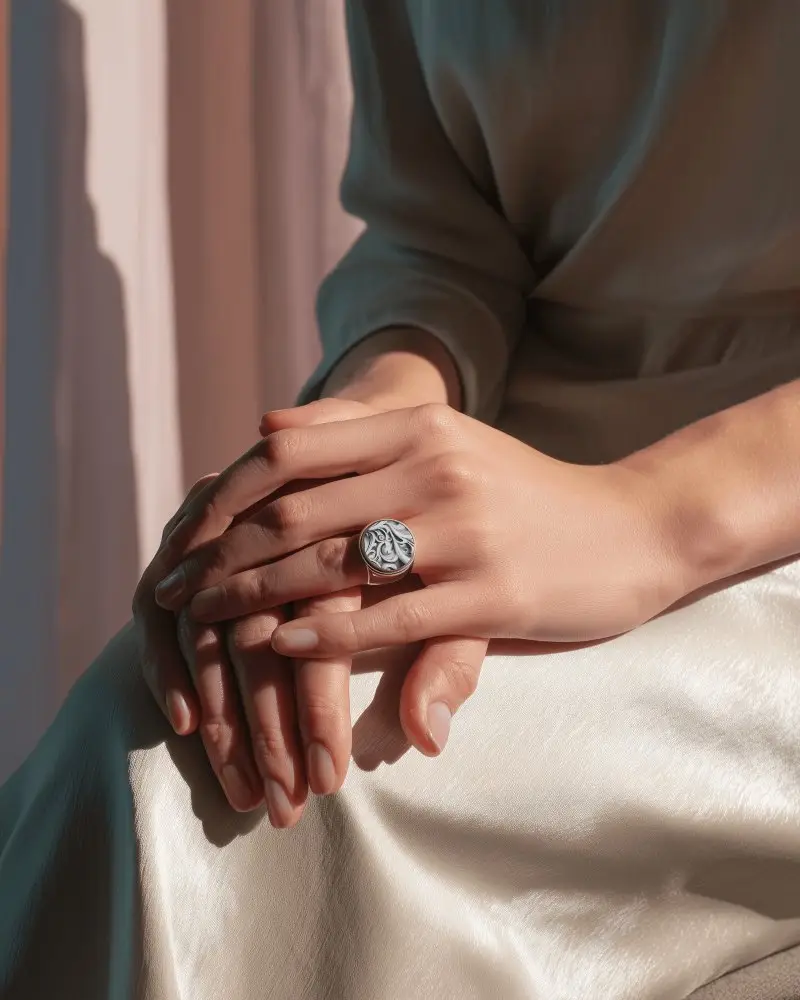
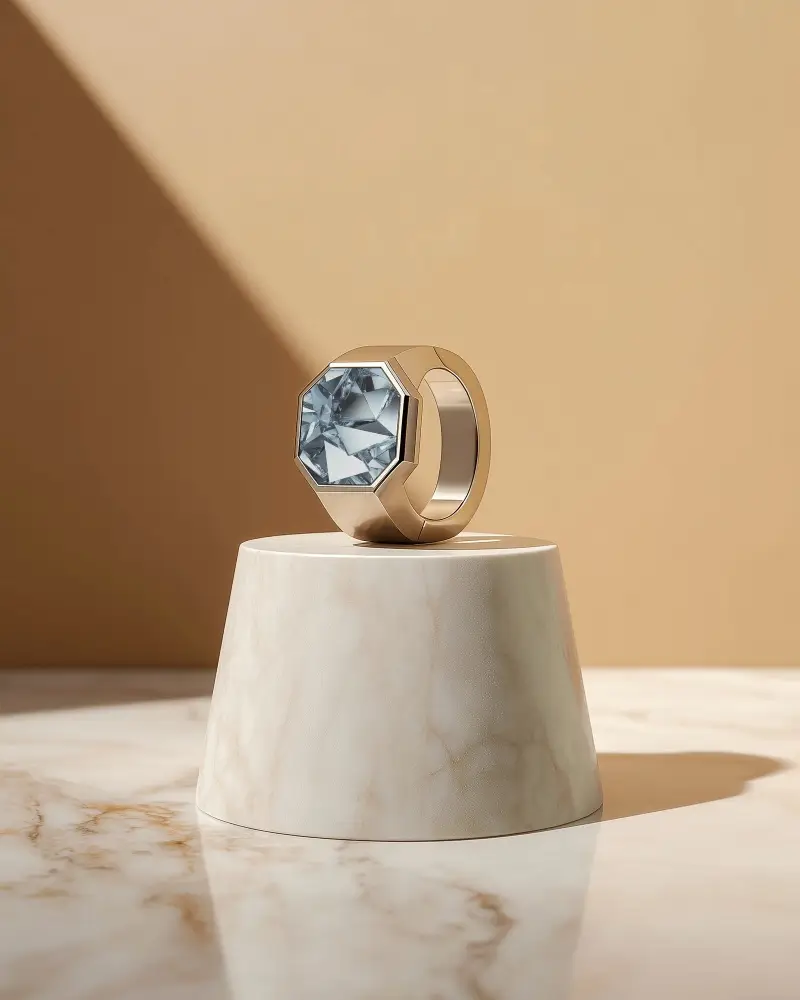
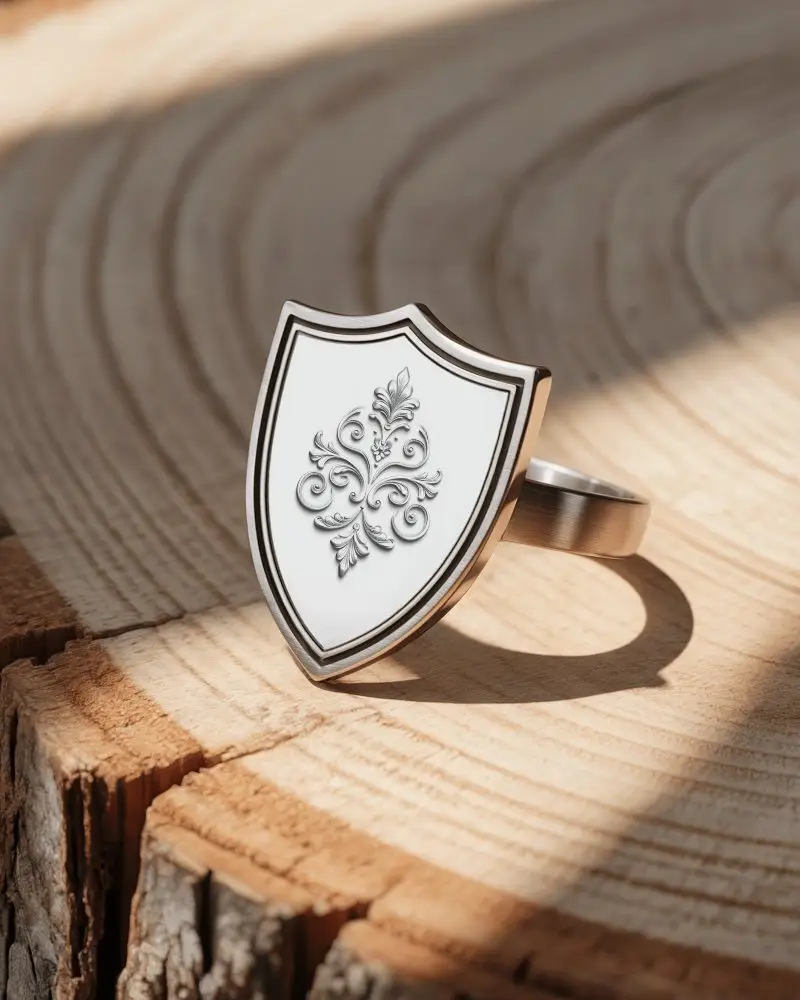
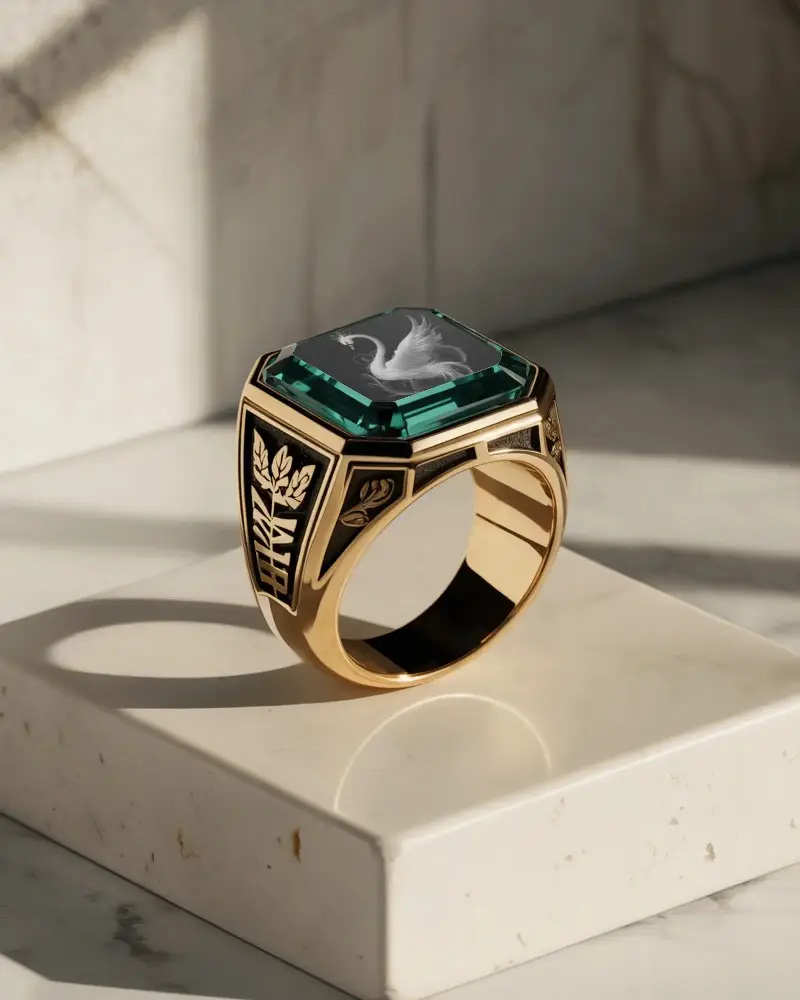
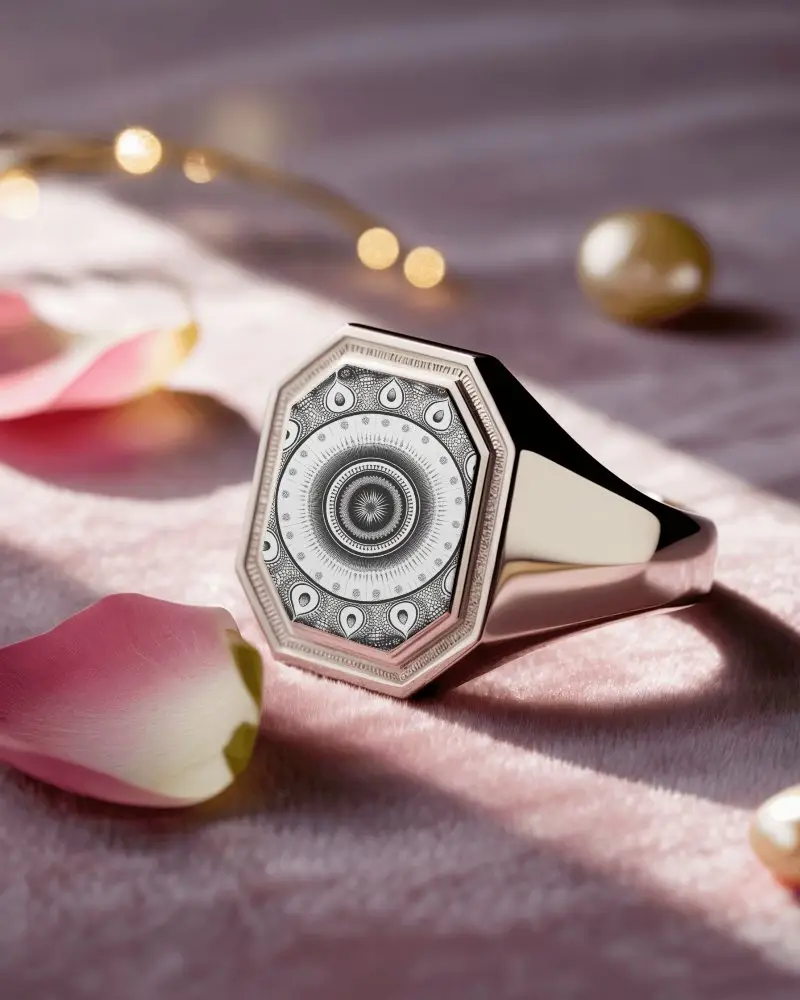
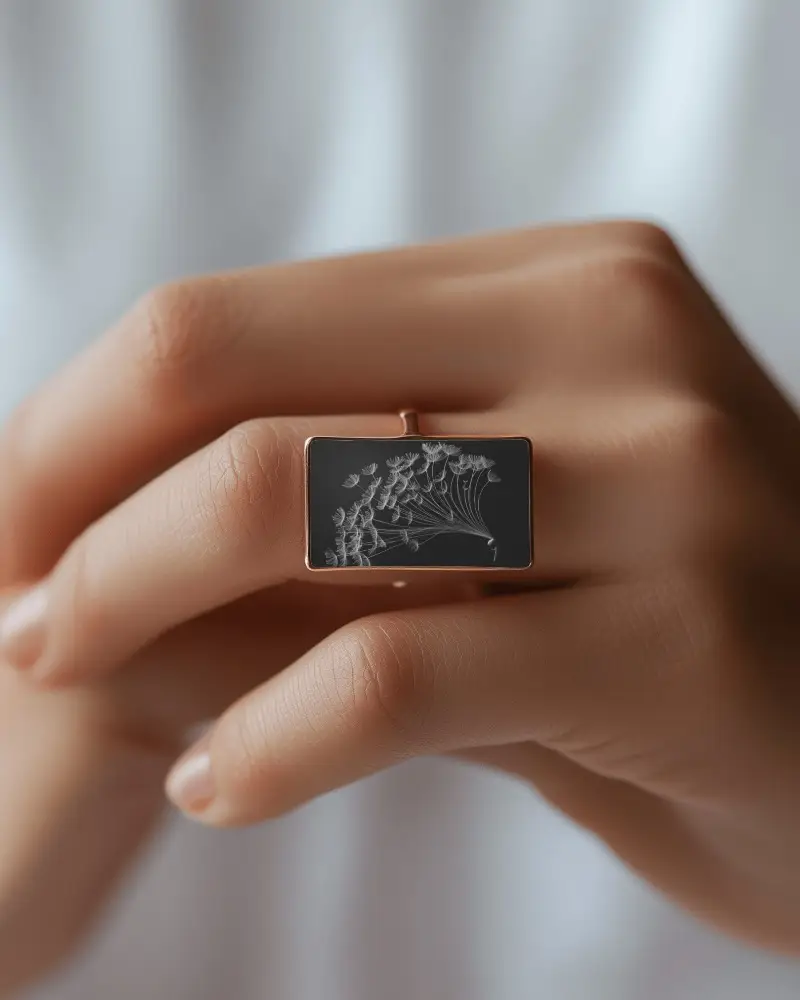
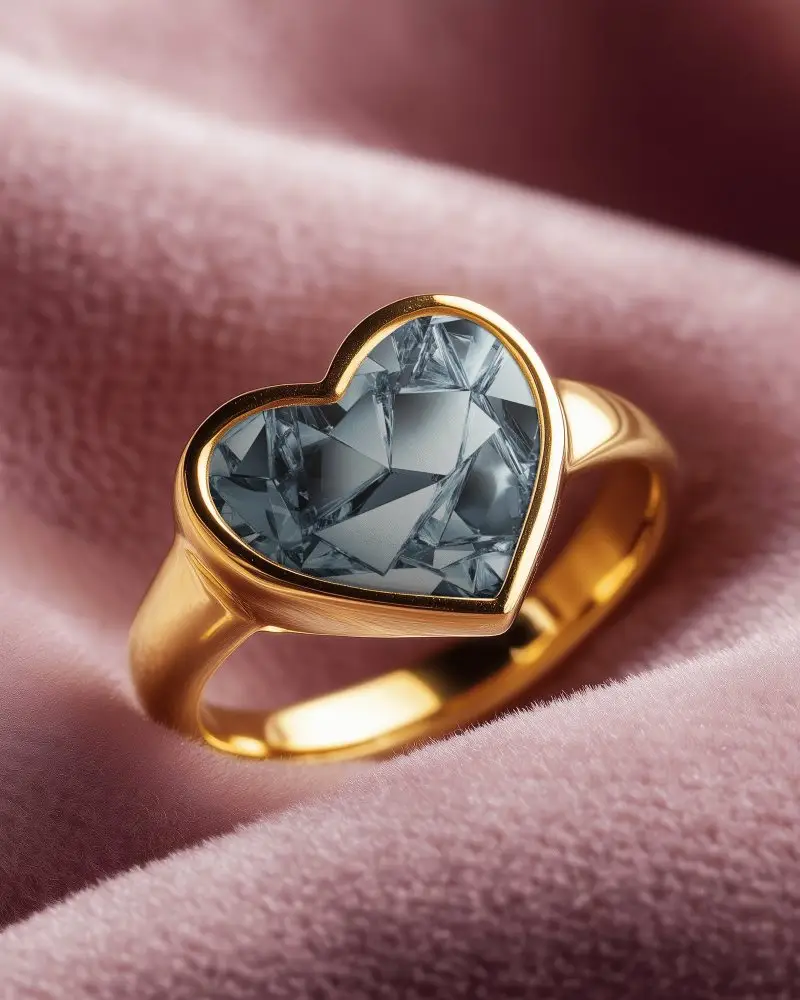
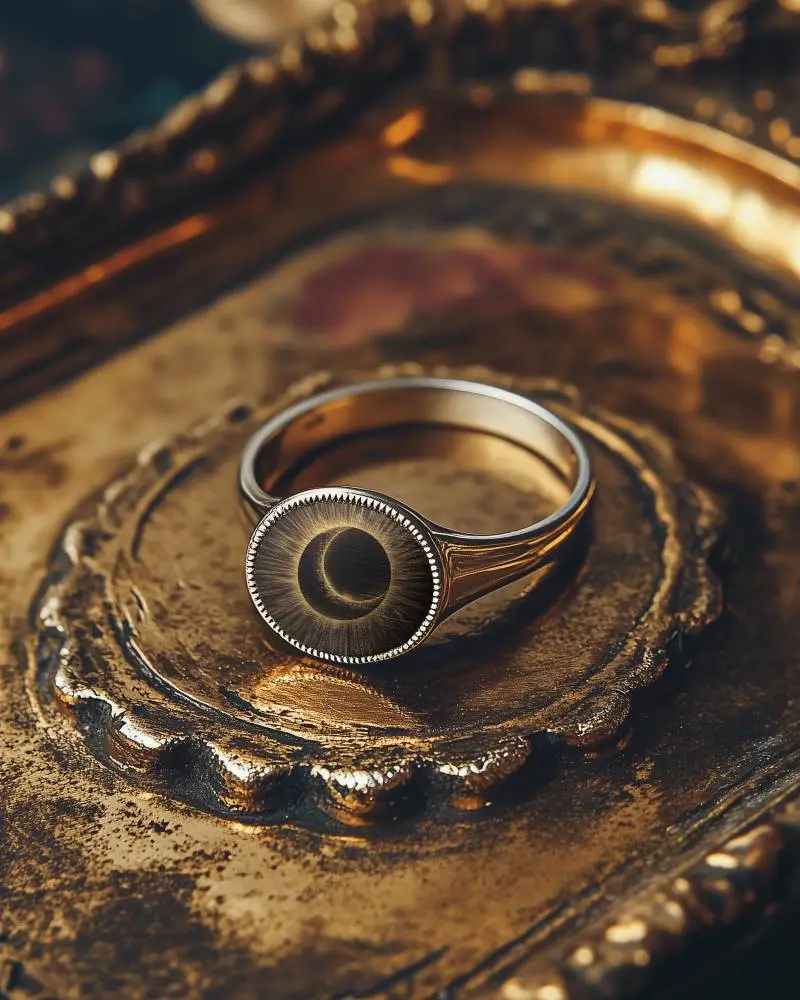
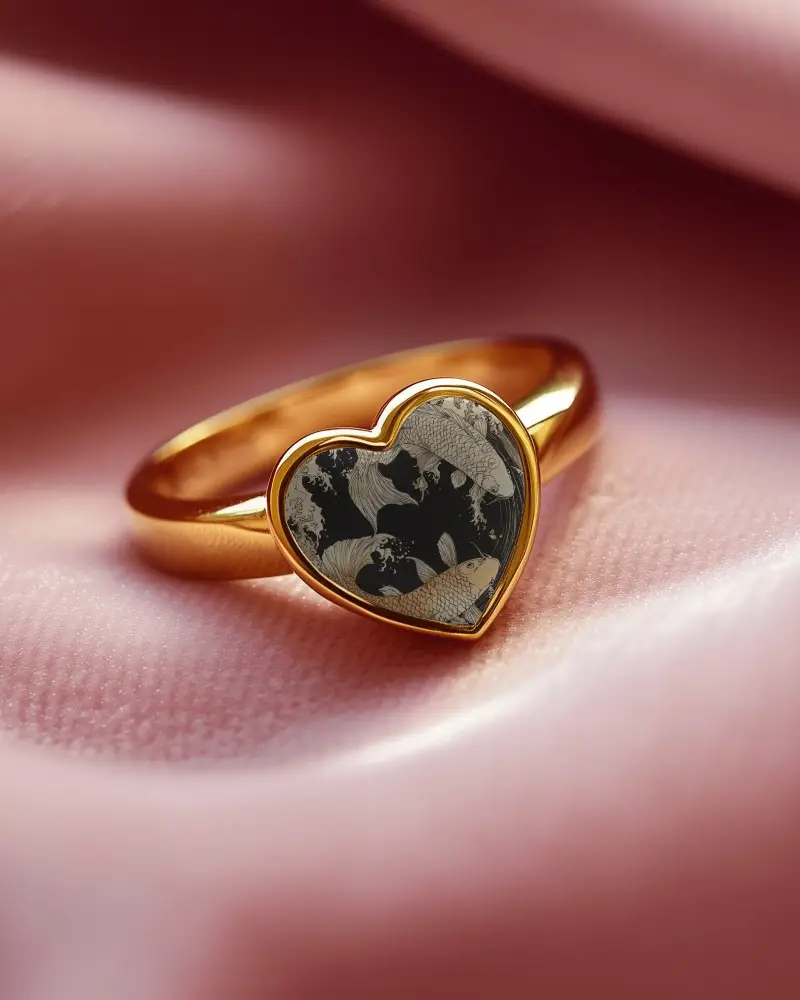
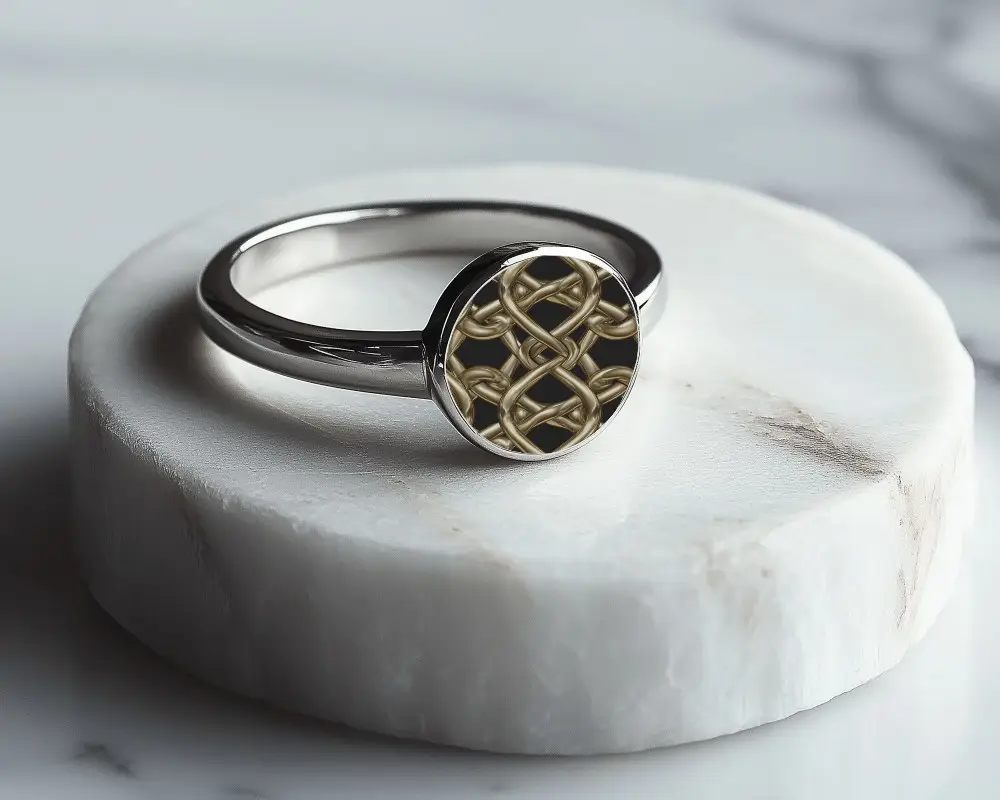
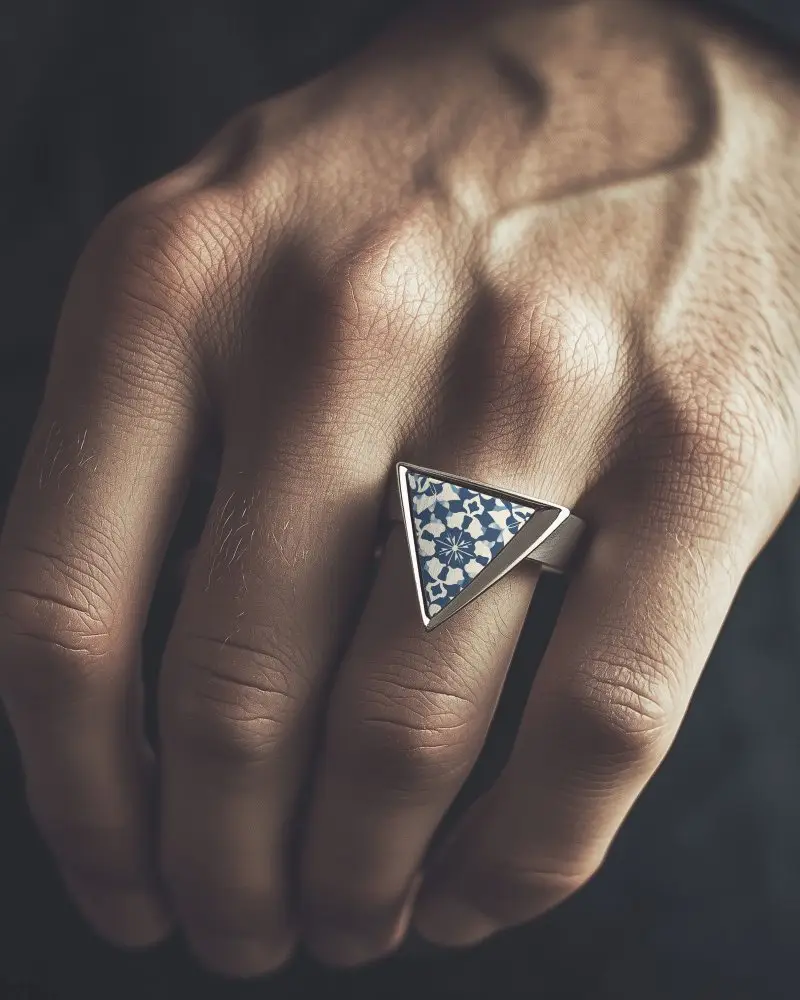
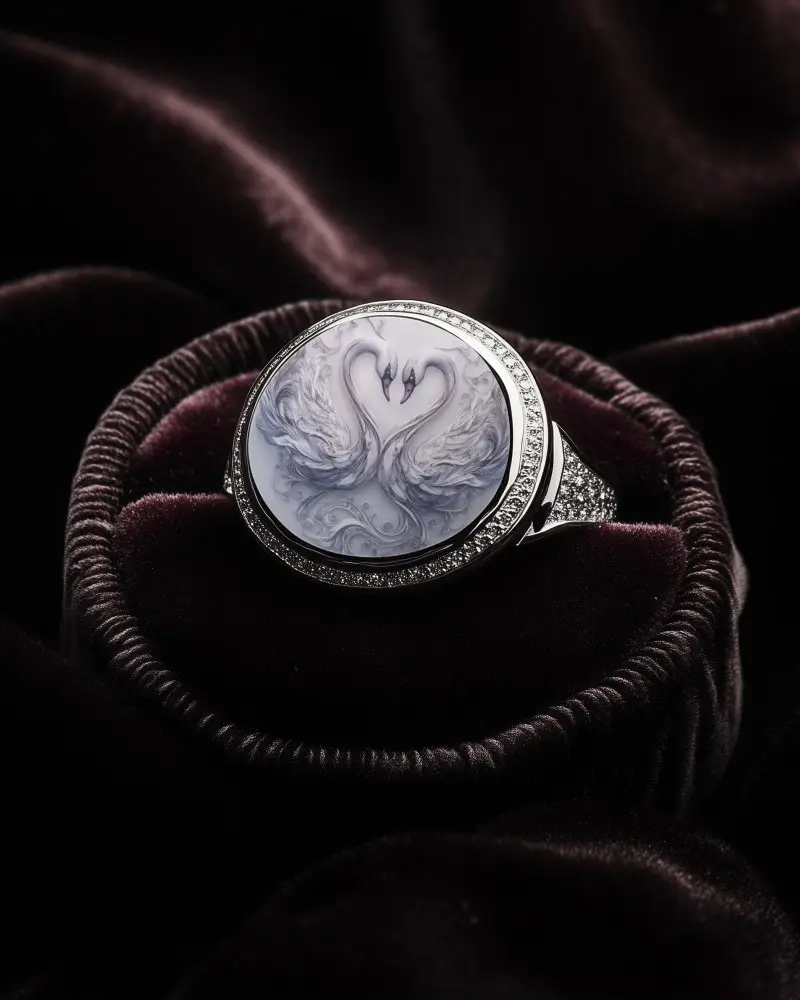
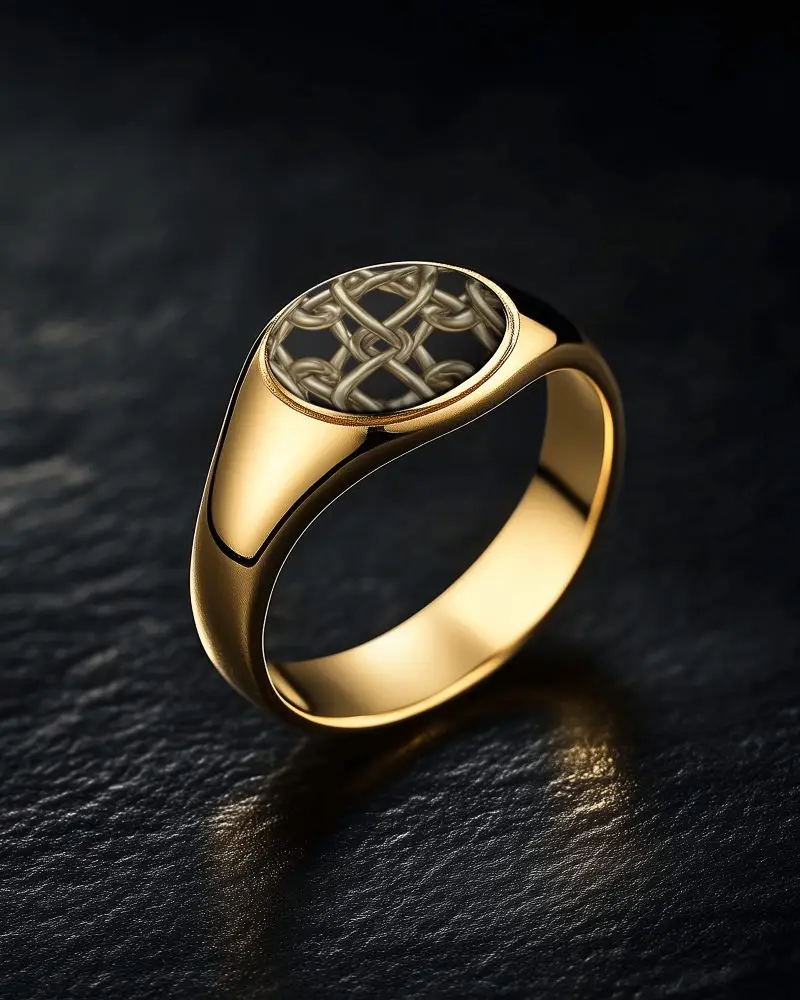
How to Create a Ring Mockup with Mockey AI
To create ring mockups:
- Step 1: Create an account on Mockey AI. Then, click on 'Upload Design.'
- Step 2: On the left side, find 'Jewelry' and choose 'Ring.' Pick any template and alter the color or background using the editing tools.
- Step 3: When you’re happy, click 'Download' to save your ring mockup in different sizes.


FAQs on ring Mockups
What is a Ring mockup?
A ring mockup is a sample of a ring as a picture, used to see how it looks or feels before buying. It helps choose the best template easily.
Why create a Ring mockup?
A ring mockup saves time, money, and avoids mistakes. It’s useful for showing, changing, and selling rings easily.
Why Use Mockey’s Ring Mockup?
Mockey AI's ring mockups are easy to use, affordable with a premium plan, look great, and work on any device. You don’t need any other design tools.
Is this Ring mockup Free?
Mockey AI has free ring mockups in JPEG format. You can use them for business or design work. If you use the free ones, say thanks by giving credit. Premium users don’t need to give credit.
Can I use a ring mockup for commercial purposes?
Yes, you can use ring mockups to sell or promote things, but it depends on the license. Some are free but only for personal use, some need payment for business use, and others allow full commercial use. Check the rules.
Do I need graphic design skills to create a ring mockup?
You don't need to be a design expert to make a ring mockup. You can use ready-made templates online. Just add your design or logo. For advanced changes, knowing a little about design tools will help more.
What types of ring mockups does Mockey offer?
Mockey AI has different ring types like wedding rings, love rings, fancy rings, or winner rings. Use tags to select these templates.
