Wedding Ring Mockup Free Download - Wedding Ring Mockup Templates
Create stunning wedding ring mockups in minutes! Use Mockey’s free tool to showcase your ring designs with ultra-realistic mockups. Try it now!
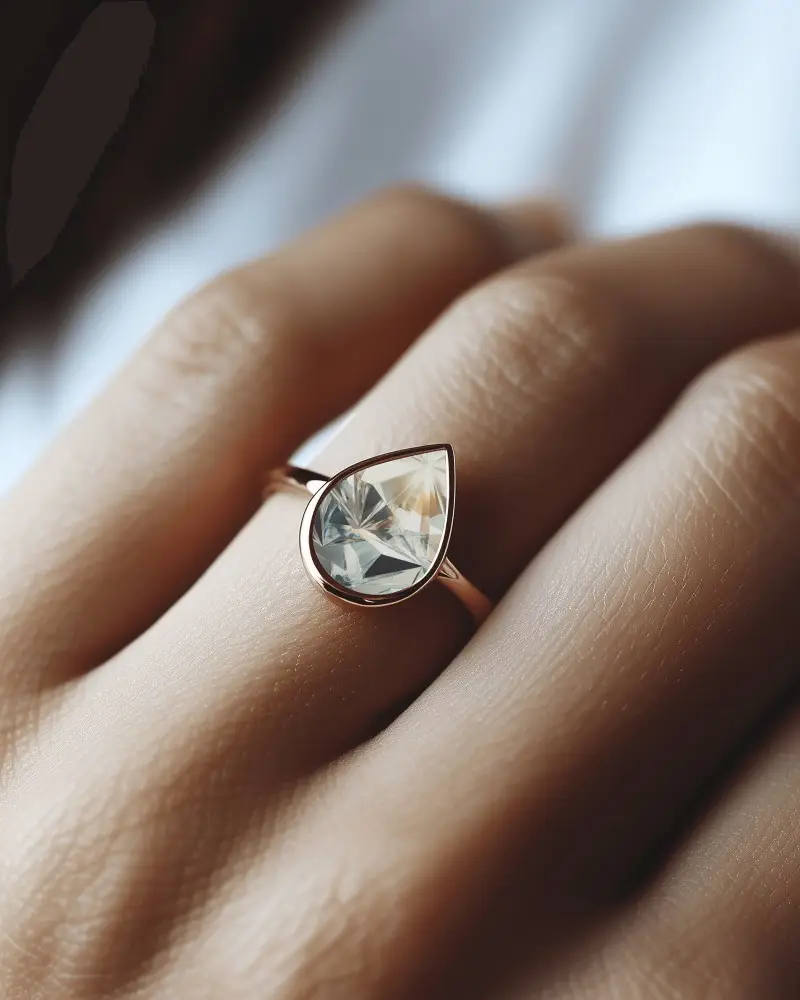
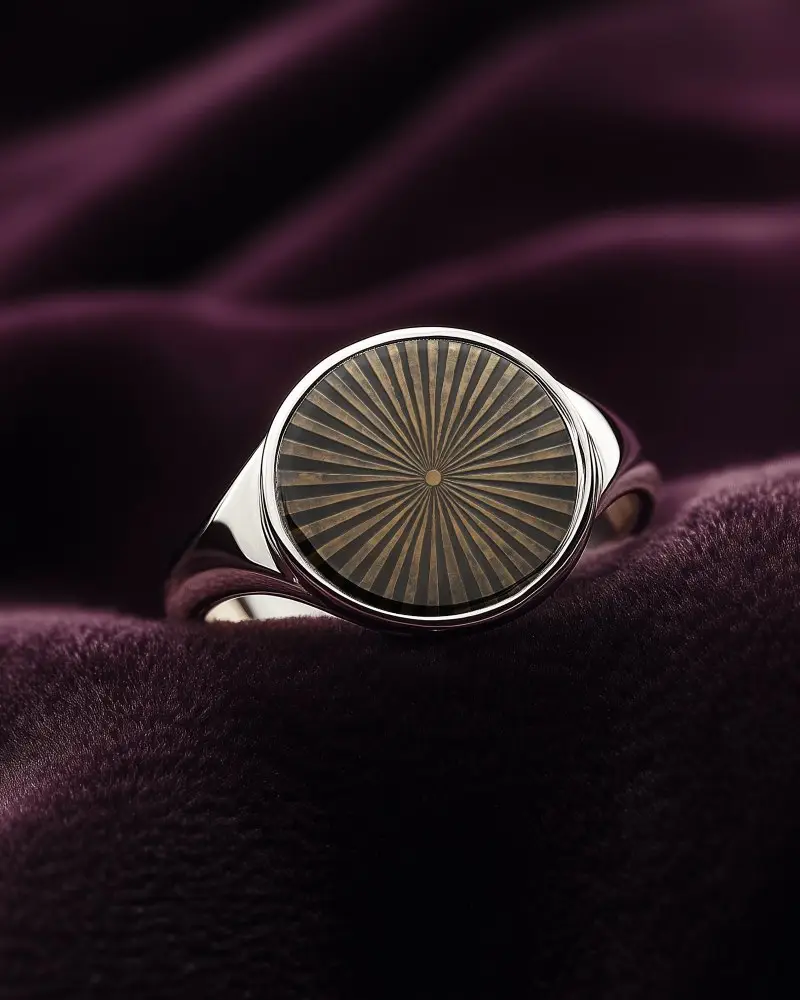
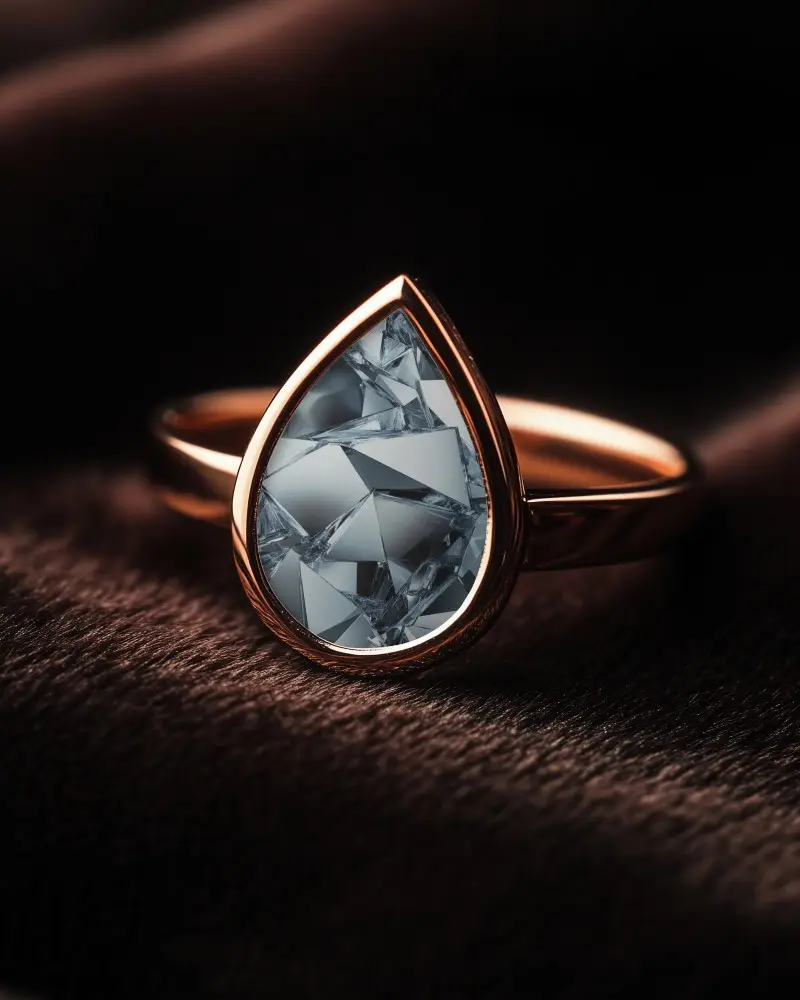
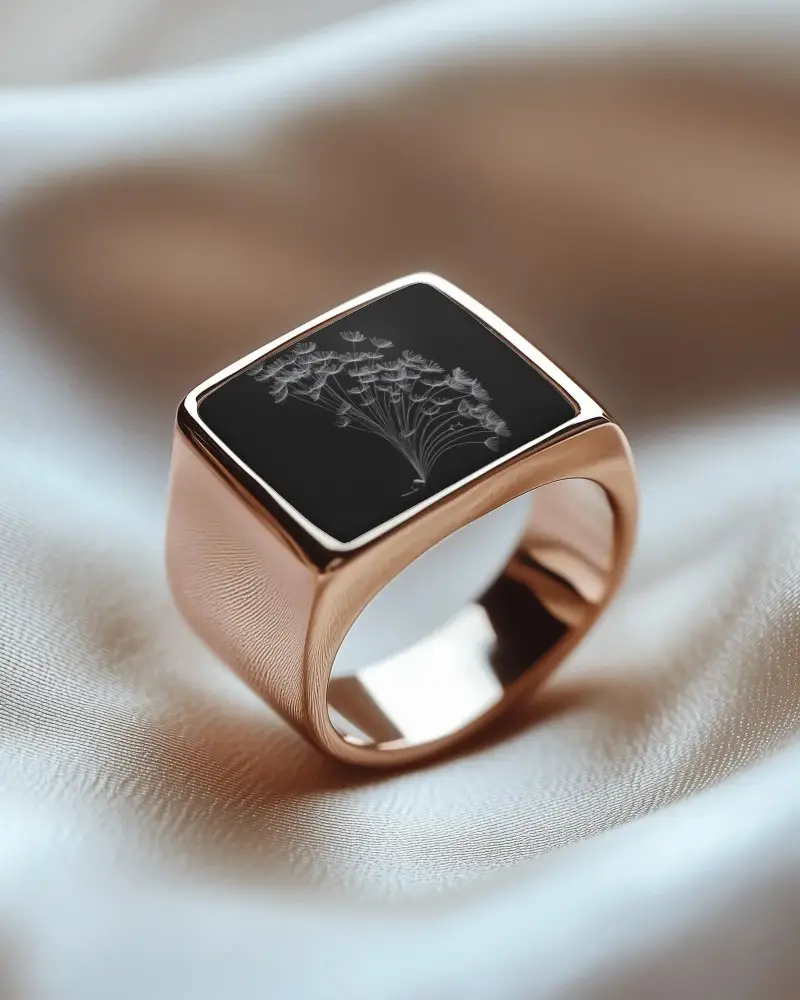
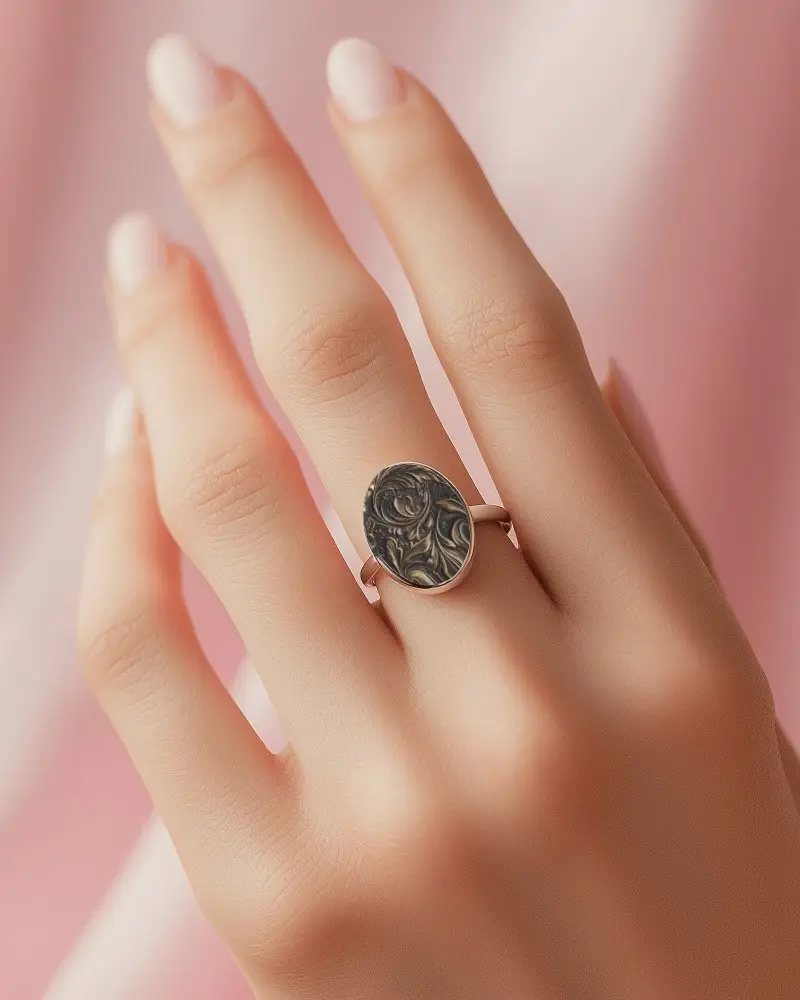
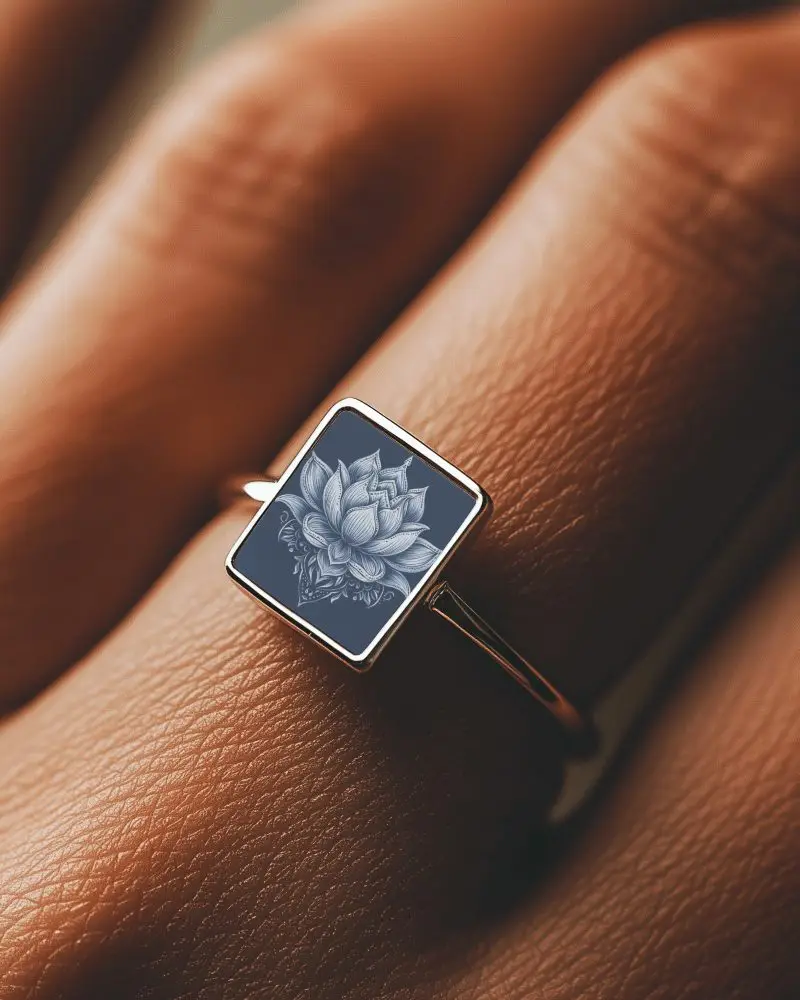
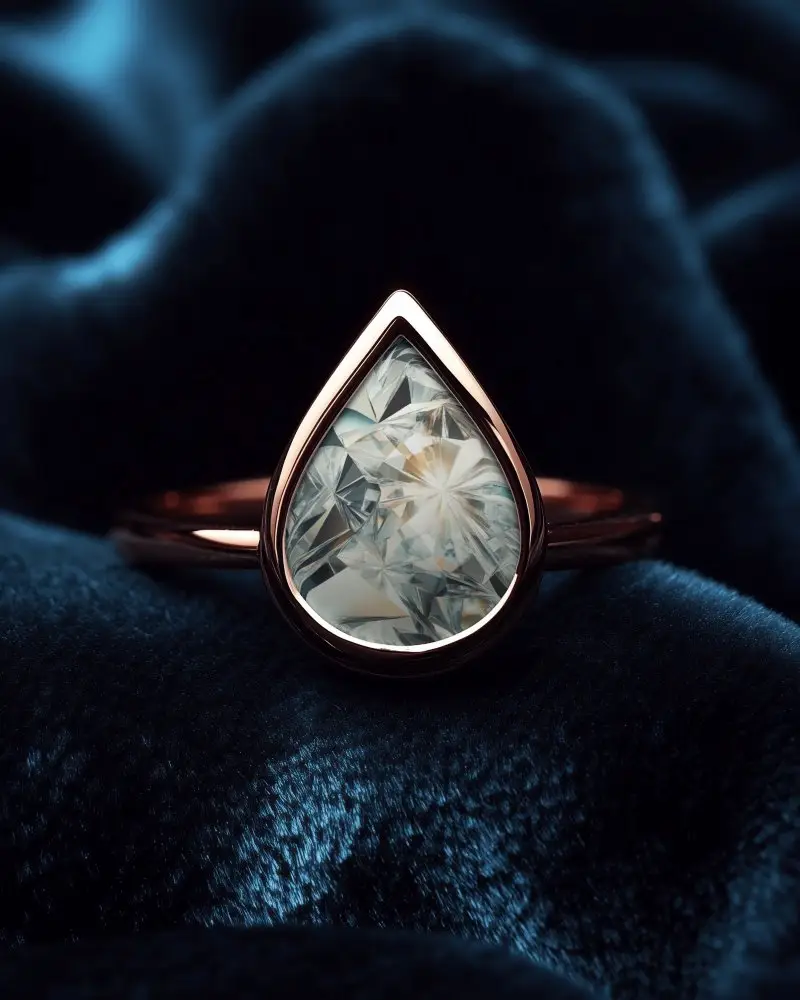
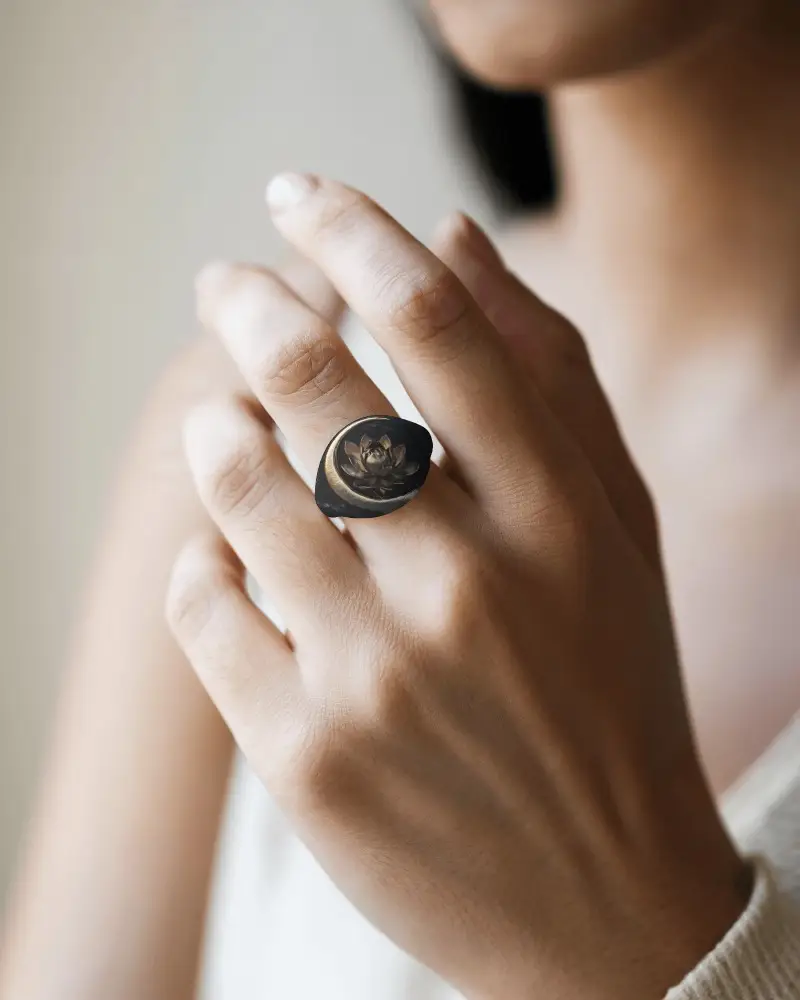
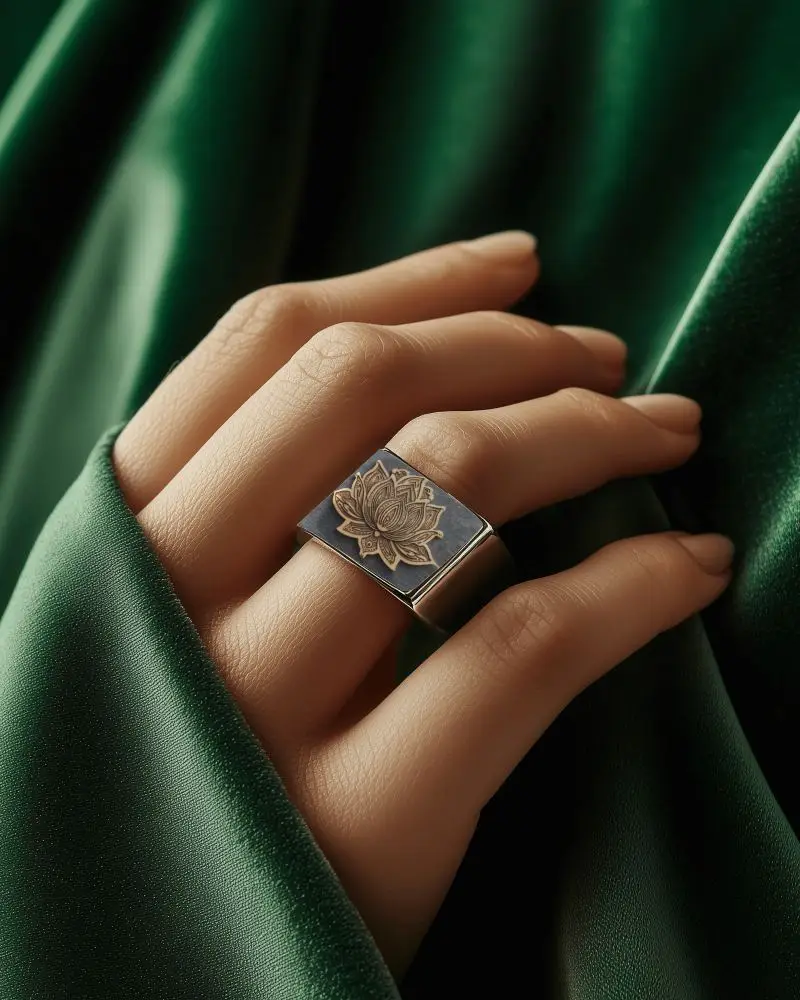
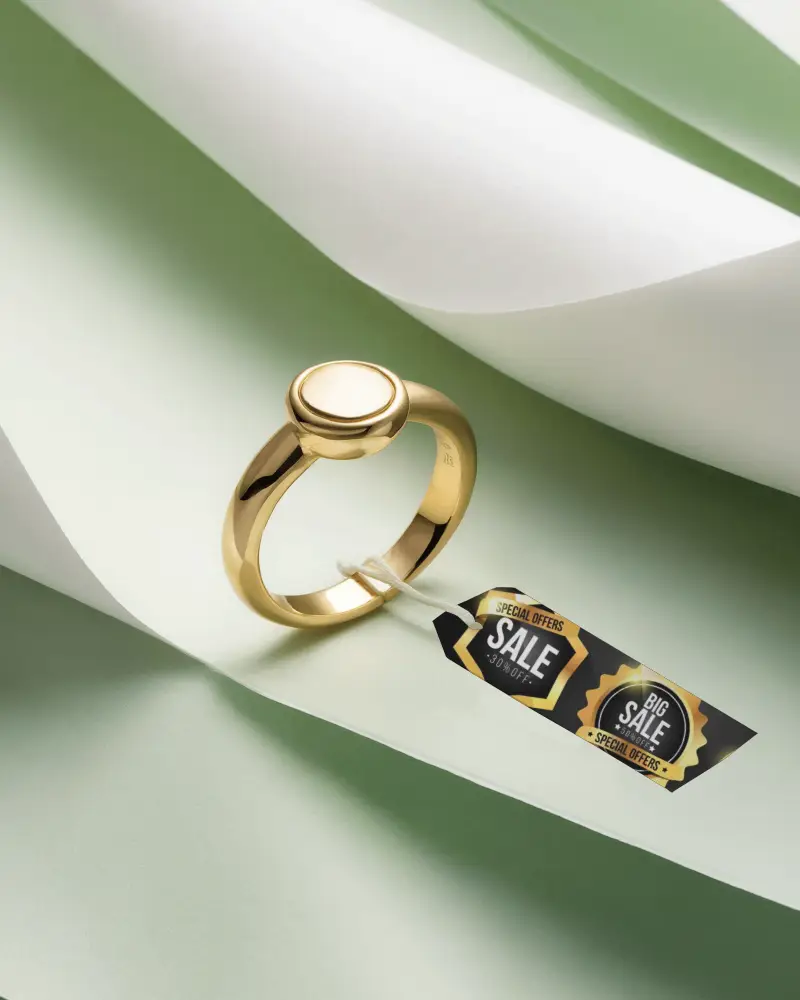
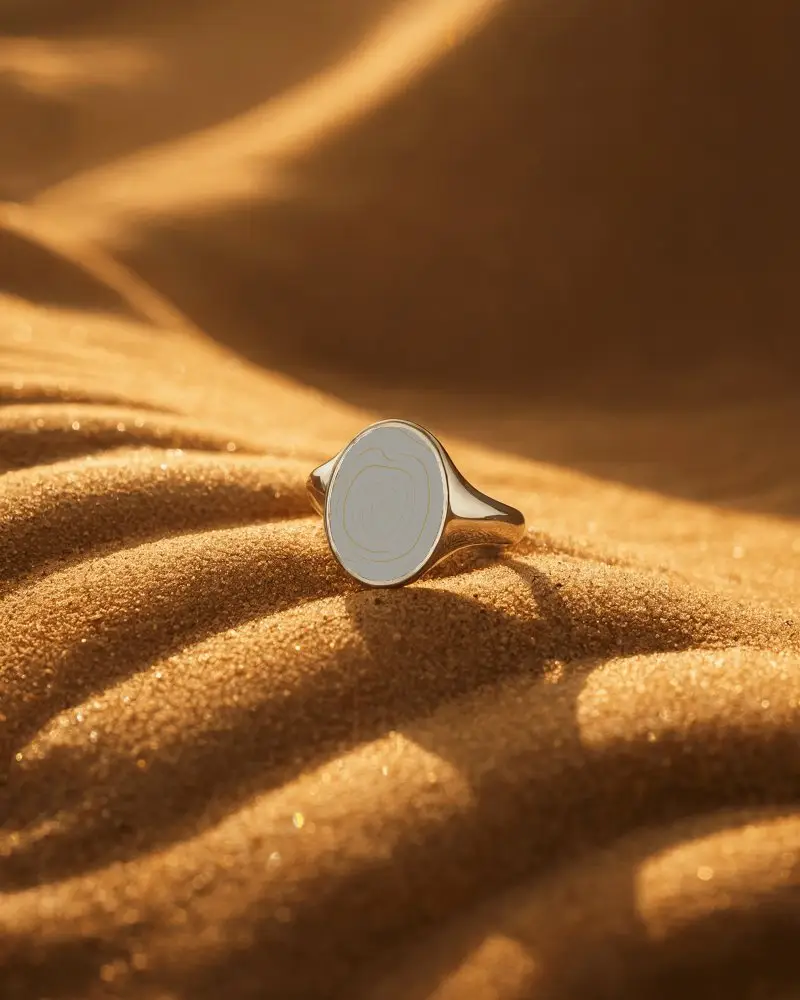
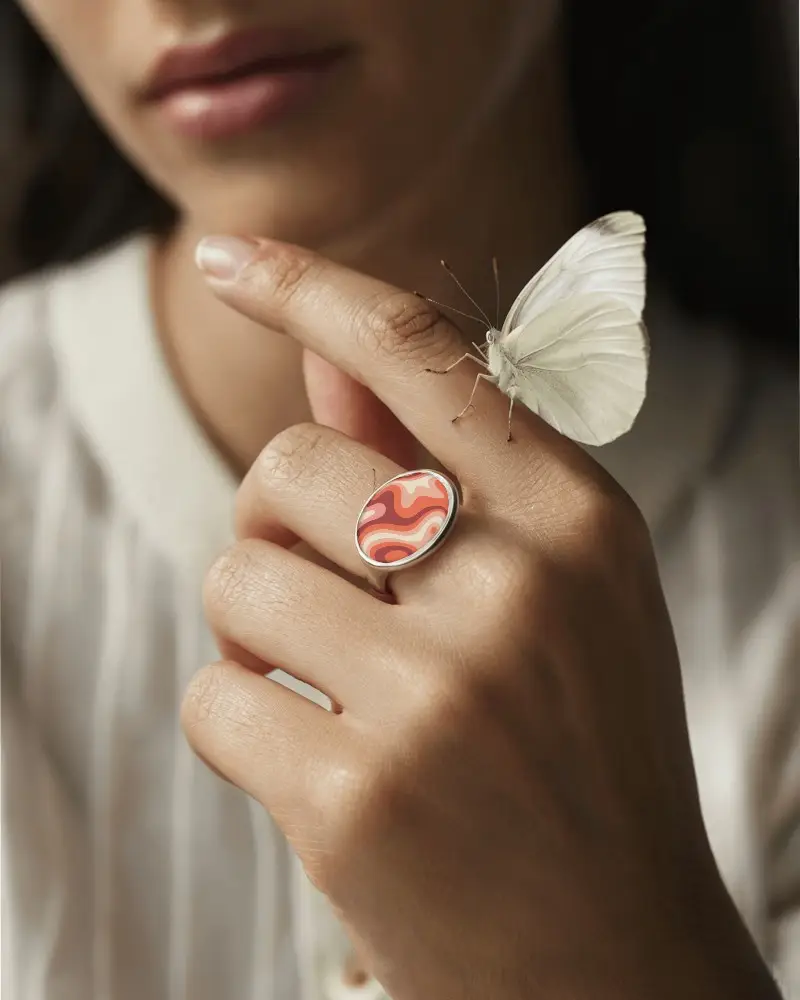
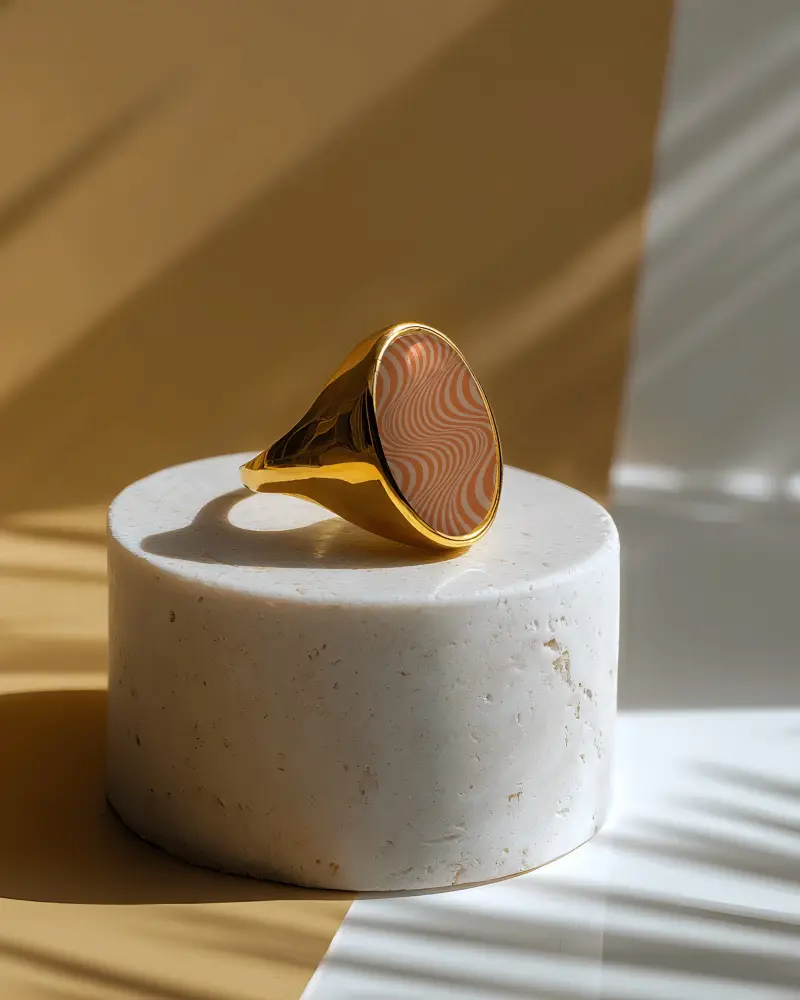
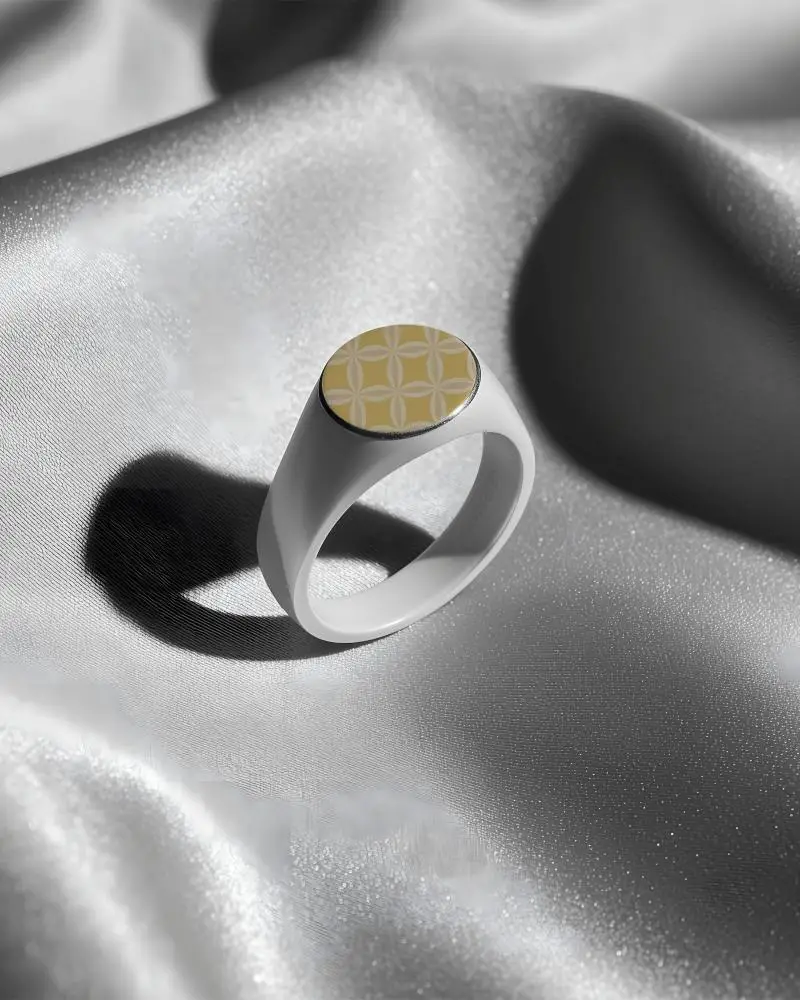
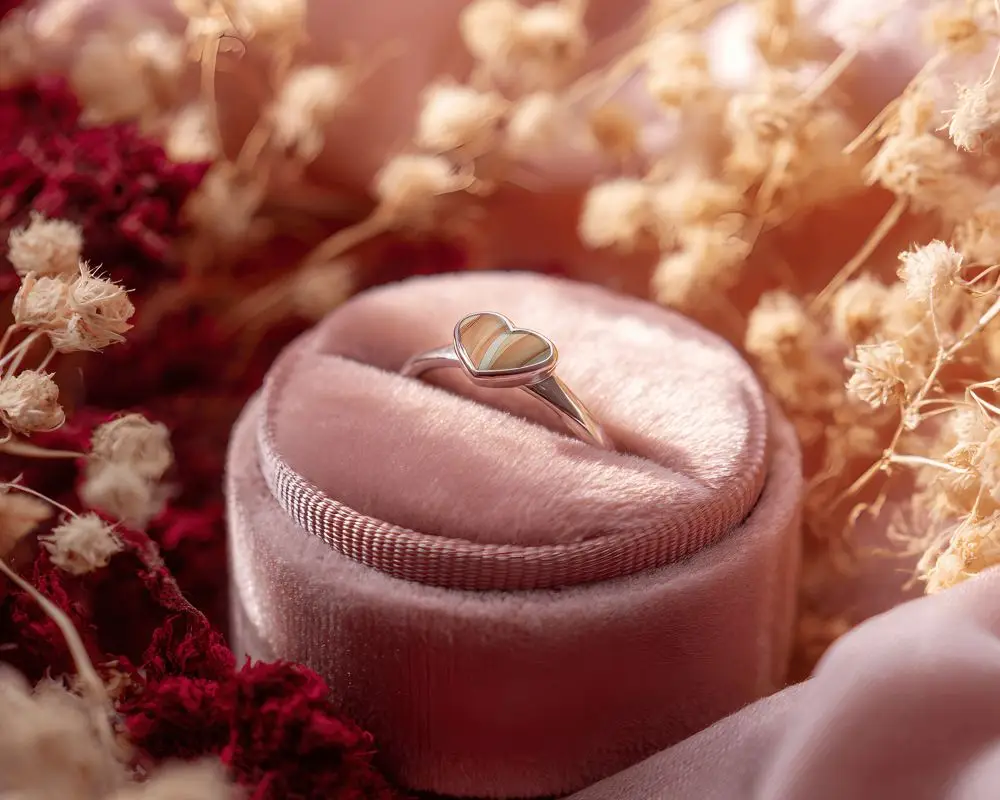
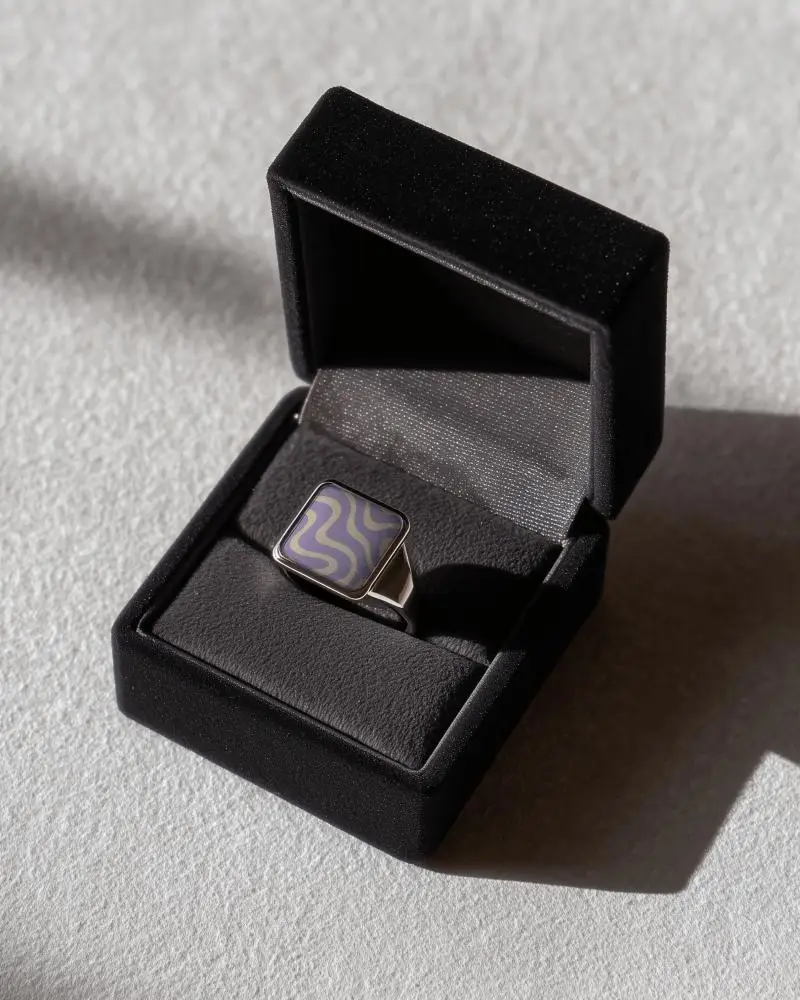
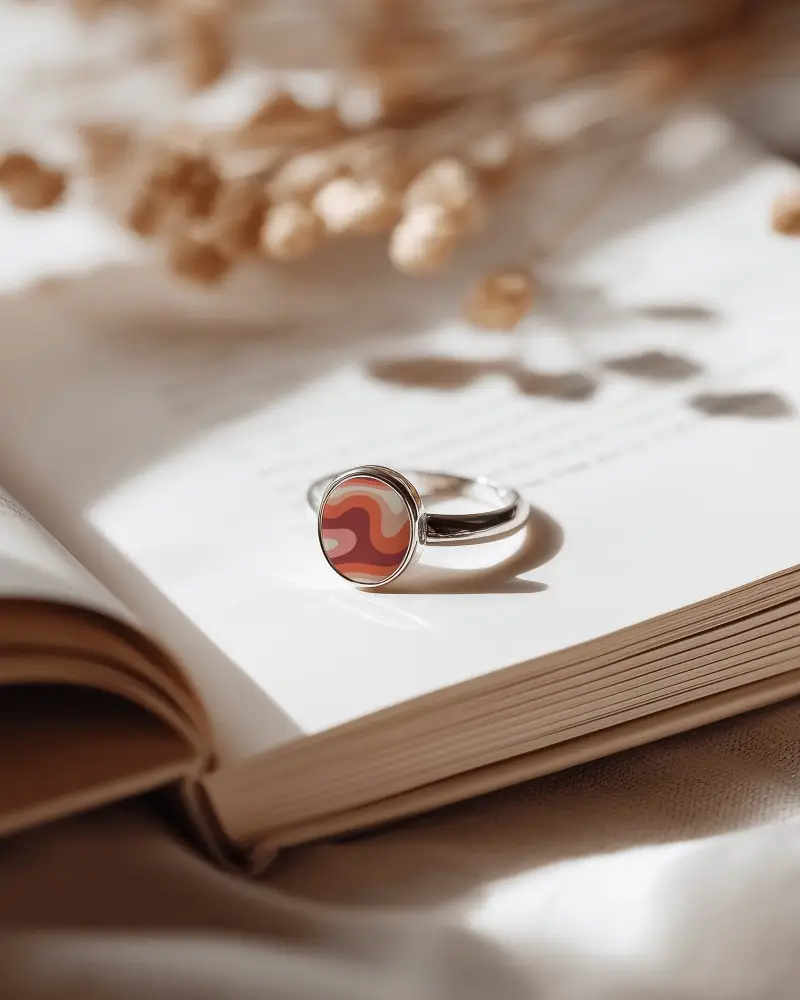

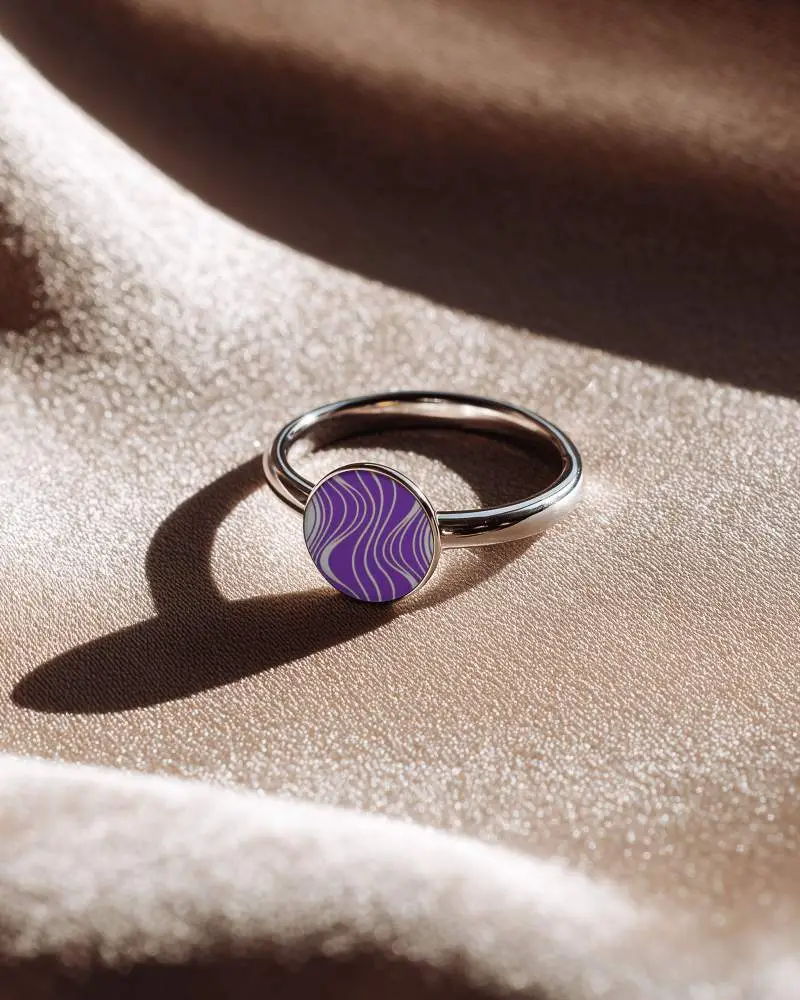
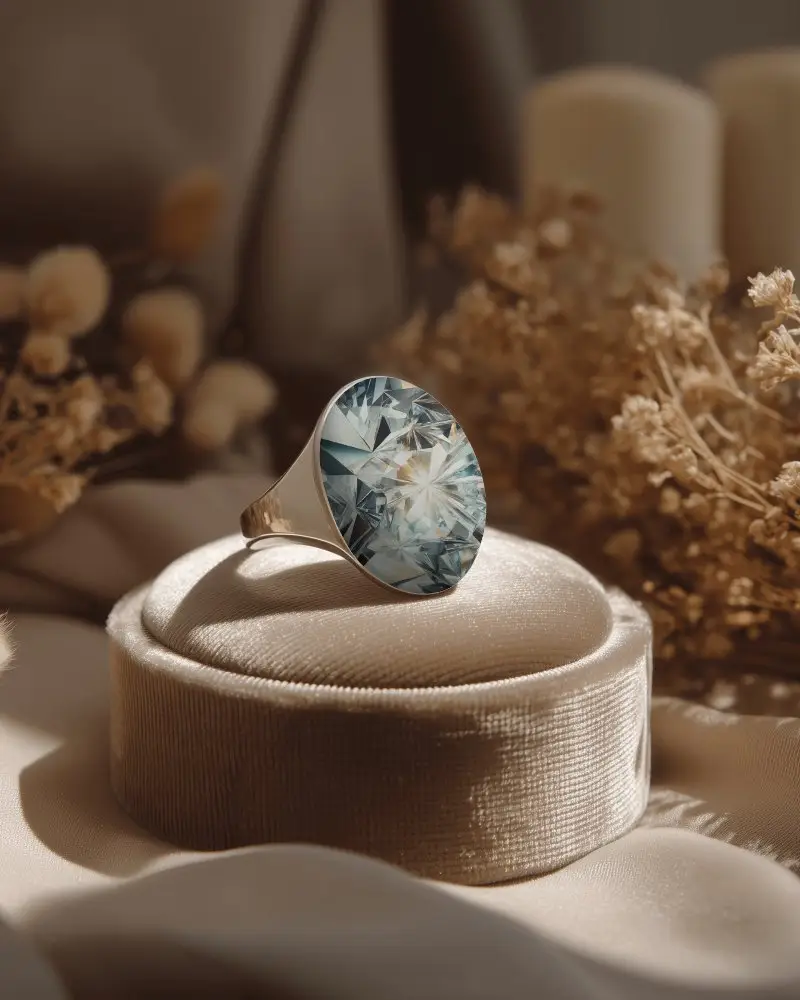

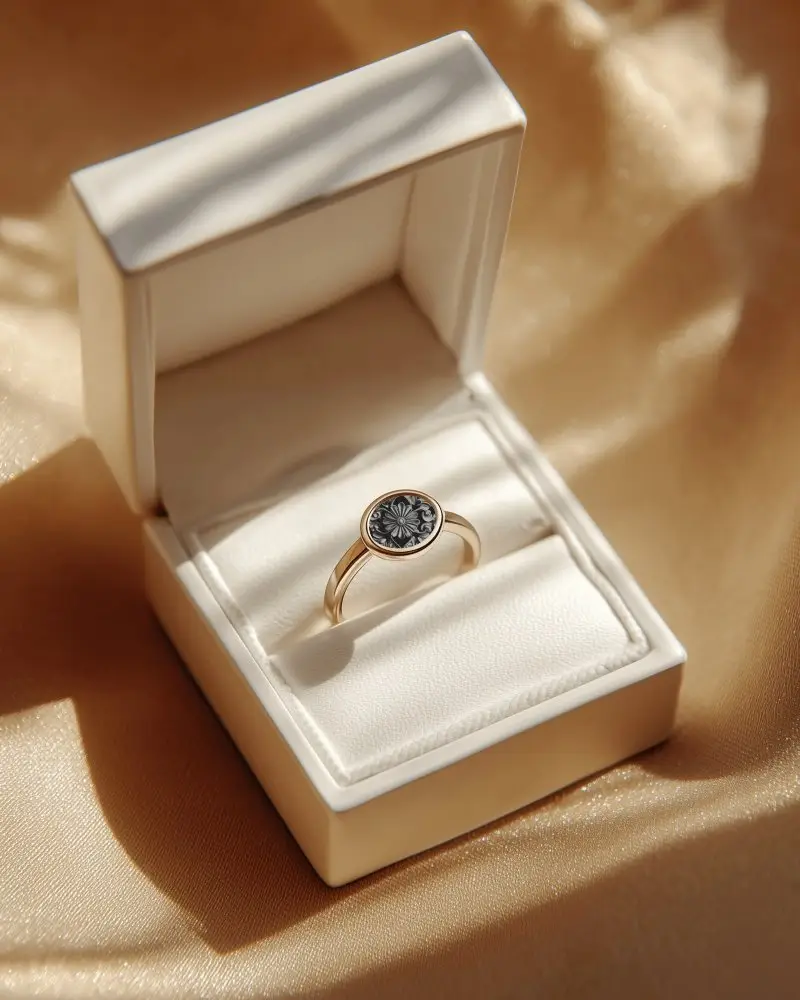
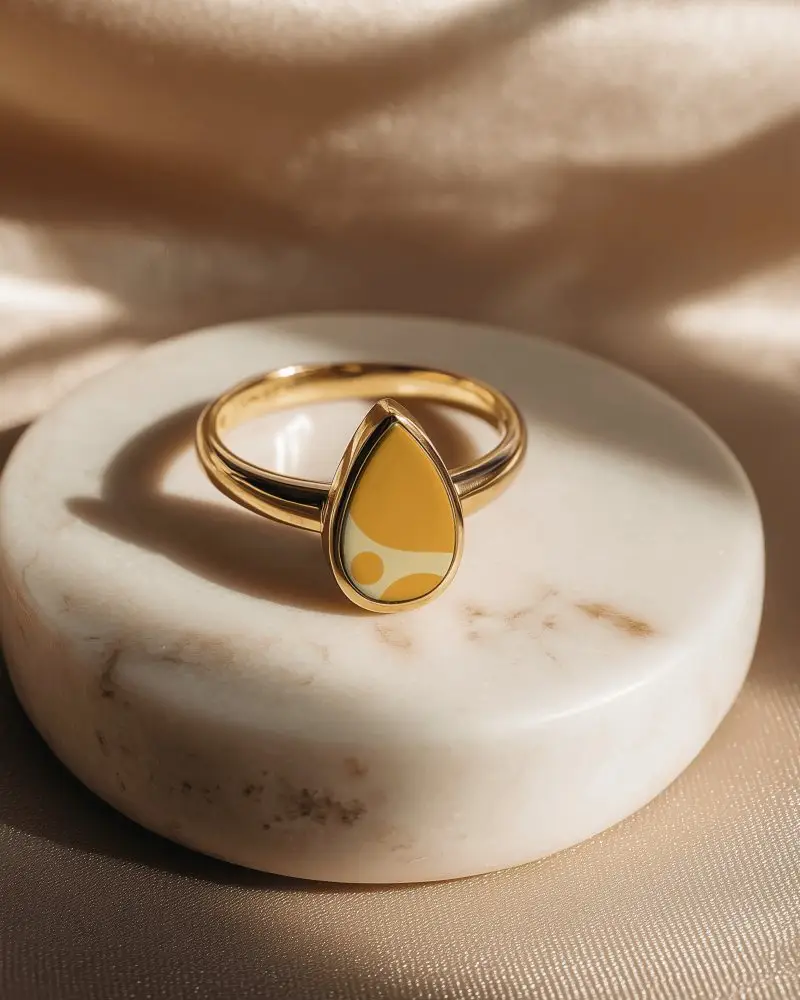
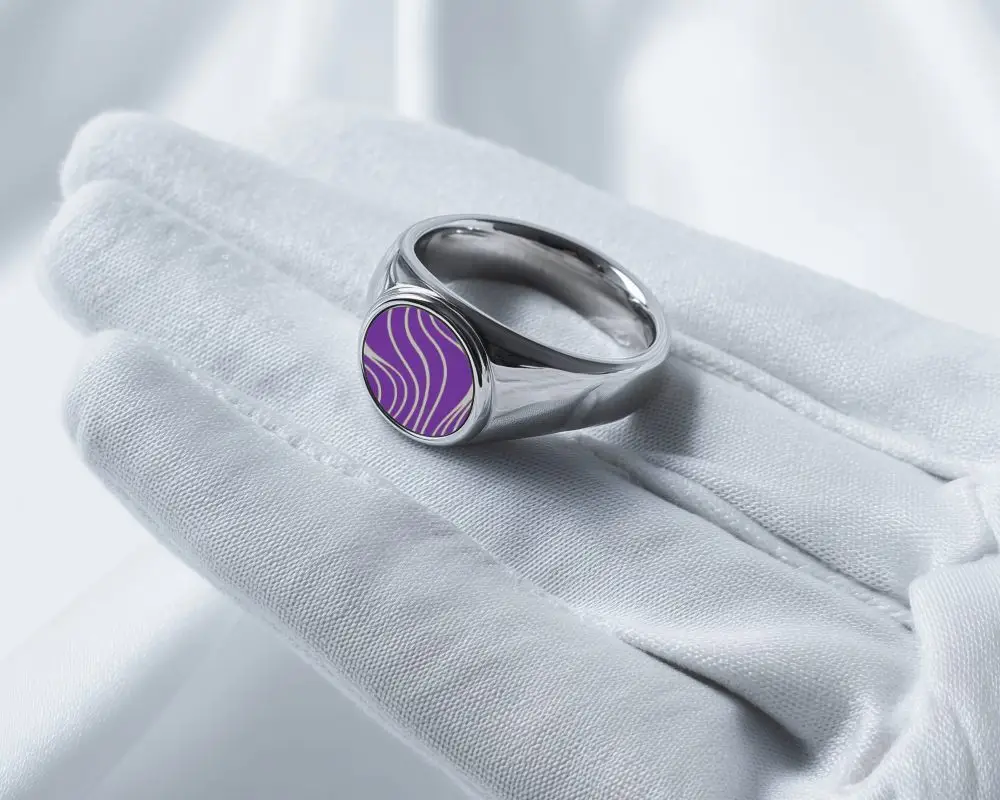
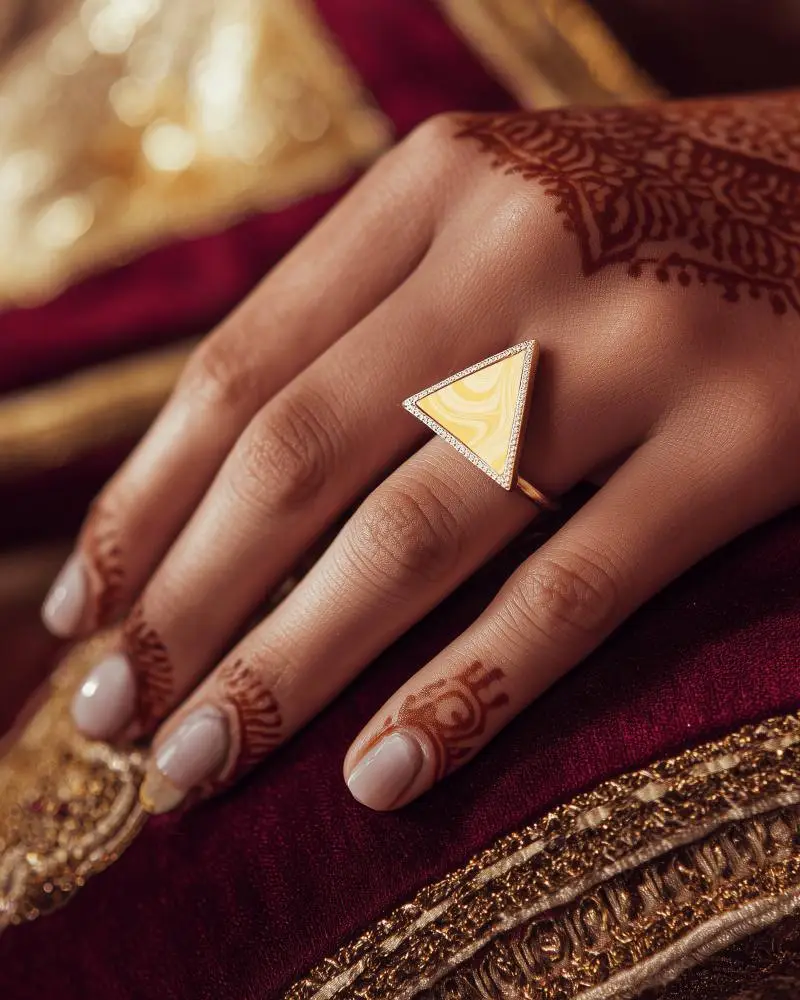
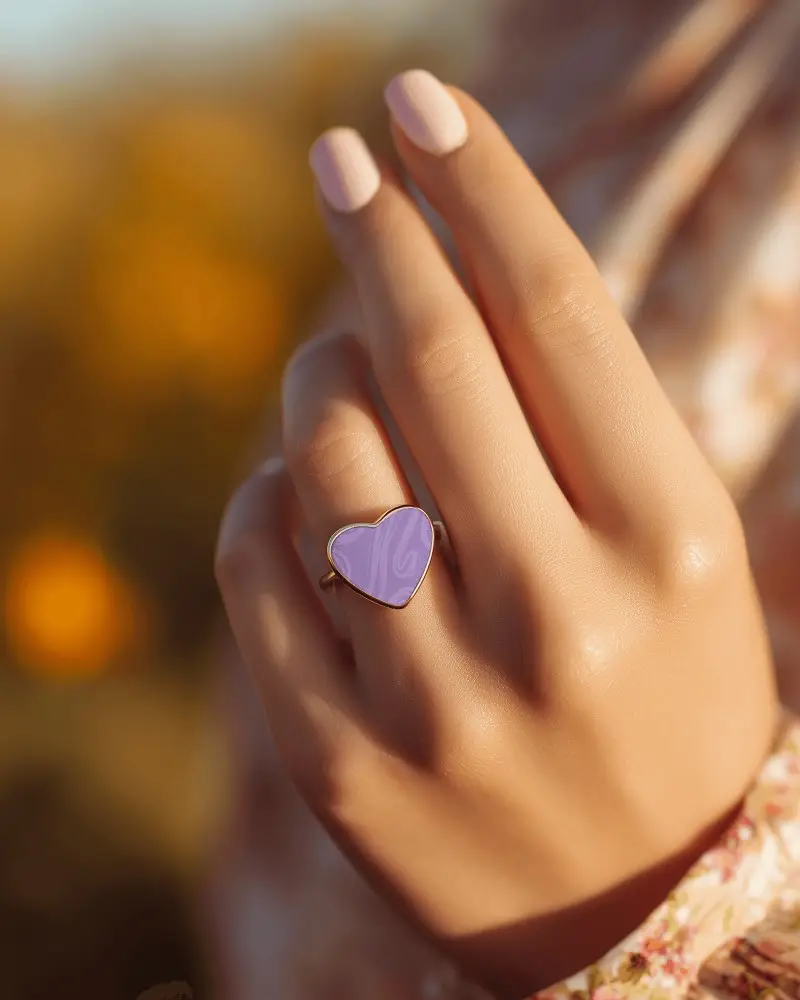
How to Create a Wedding Ring Mockup with Mockey AI
To create wedding ring mockups:
- Step 1: Sign up at Mockey AI. Then, hit 'Upload Design' on the homepage.
- Step 2: On the left panel, locate 'Jewelry' and select 'Ring.' Choose the wedding tag, select the template and customize the colors or background.
- Step 3: Click 'Download' to save your wedding ring mockup in various sizes.


FAQs on Wedding Ring Mockups
What is a Wedding Ring Mockup?
A wedding ring mockup is a picture or model of a wedding ring, showing what it will look like before it’s made. You can customize this using a jewelry mockup generator.
Why create a Wedding Ring Mockup?
A wedding ring mockup lets customers and jewelers change details, avoid mistakes, show designs easily in ads, and save time and money compared to making real rings first.
Why Use Mockey’s Wedding Ring Mockup?
Mockey AI’s wedding ring mockups can customize colors and logos easily, and they’re best for small businesses. Plus, there are no complicated tools or extra fees to worry about.
Is this Wedding Ring Mockup Free?
Mockey AI has free wedding ring mockups. Some special ones cost money or need a subscription. Always check if it's free or needs payment.
