Best Luxury Gift Box Mockup for Holiday Gifts and Special Occasions
Create stunning gift box mockups for free with Mockey.ai! Customize designs instantly and showcase your packaging with high-quality, realistic mockups.
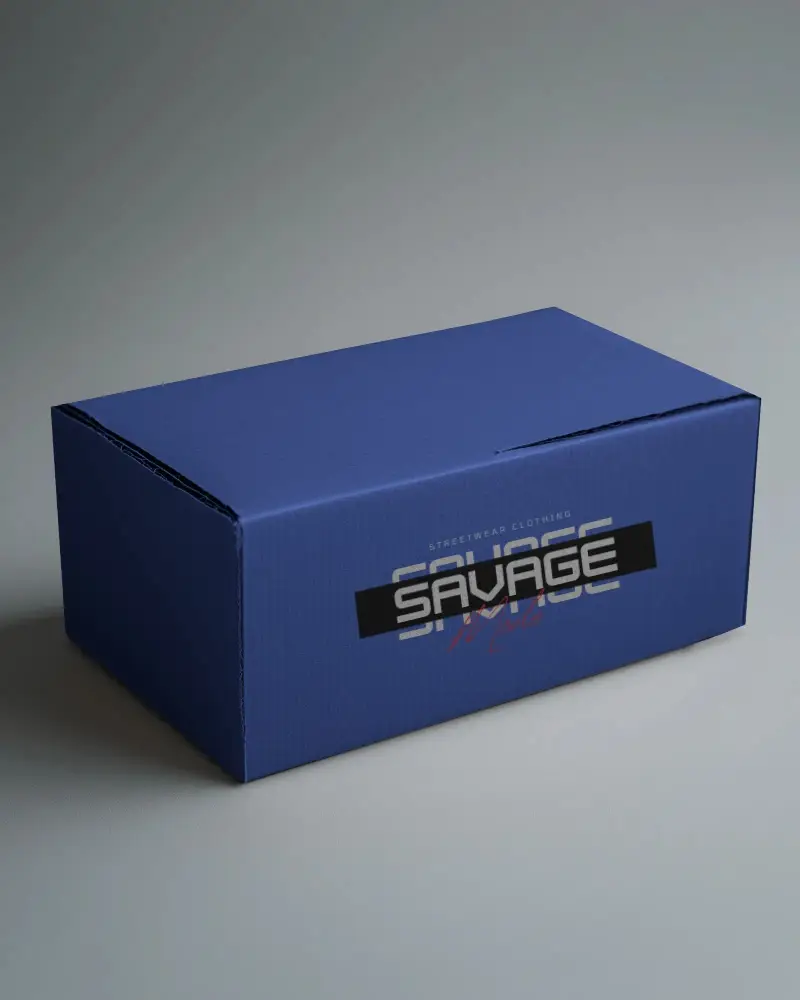
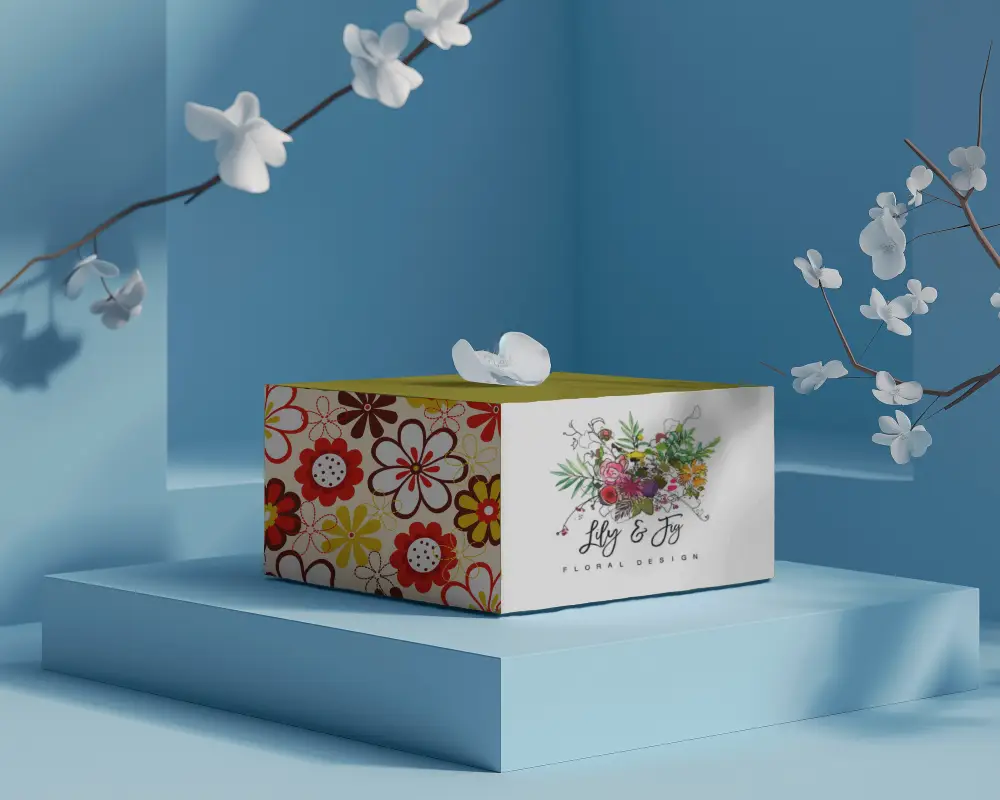
.png)
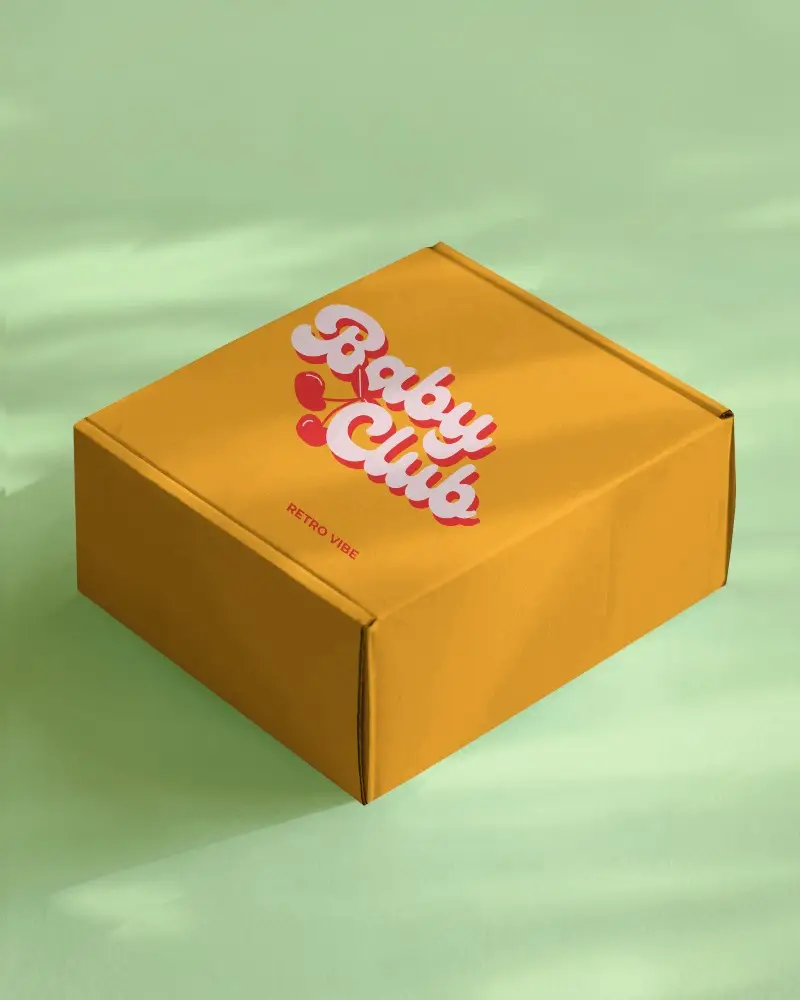
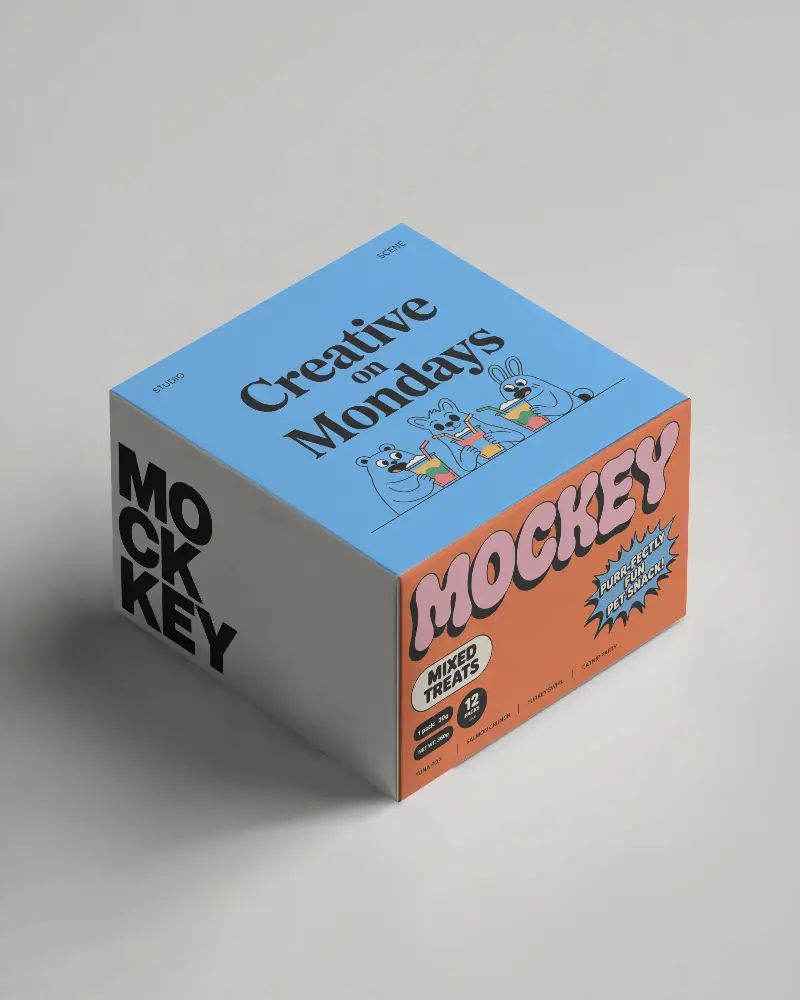
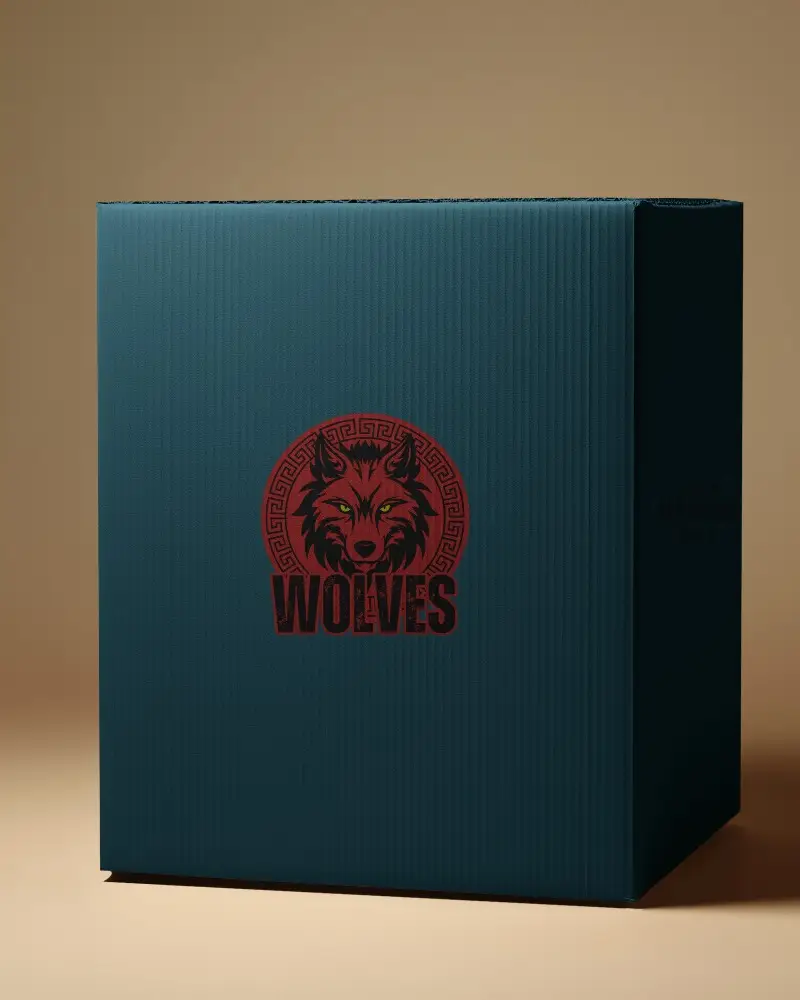
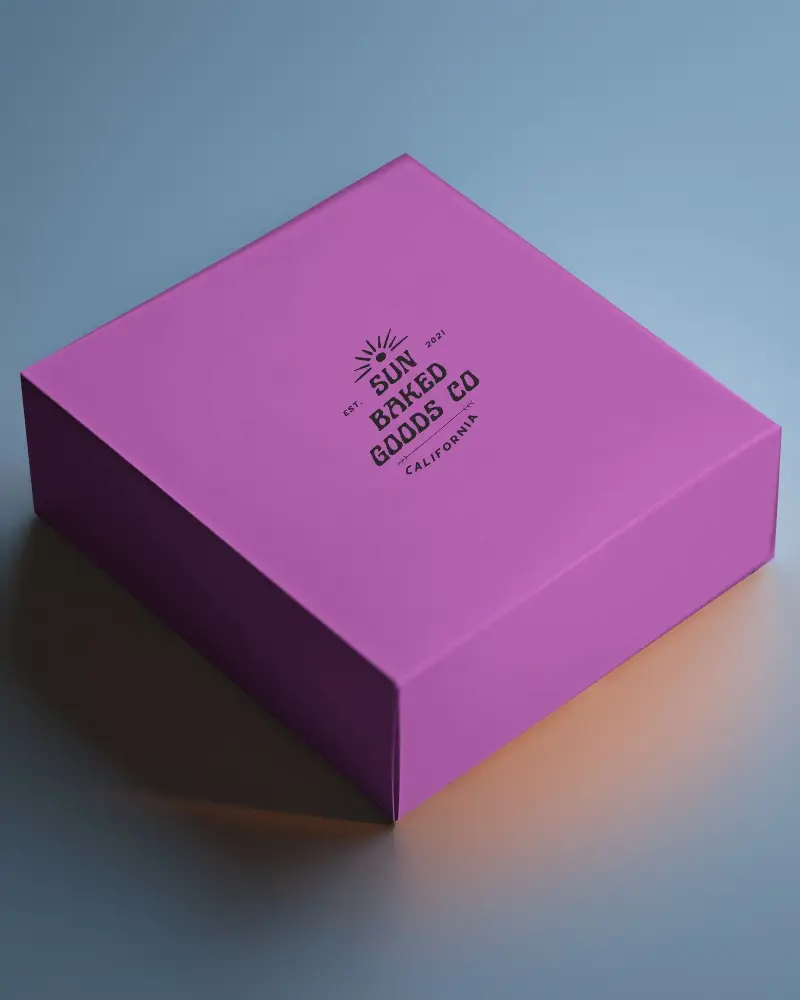
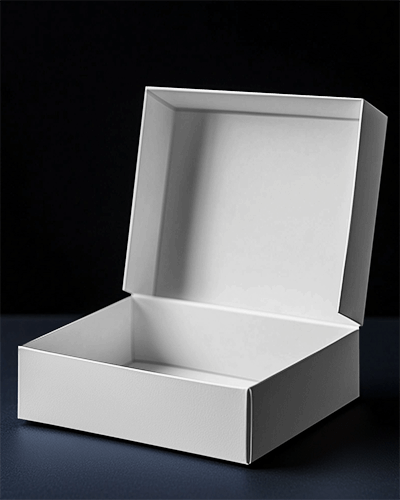
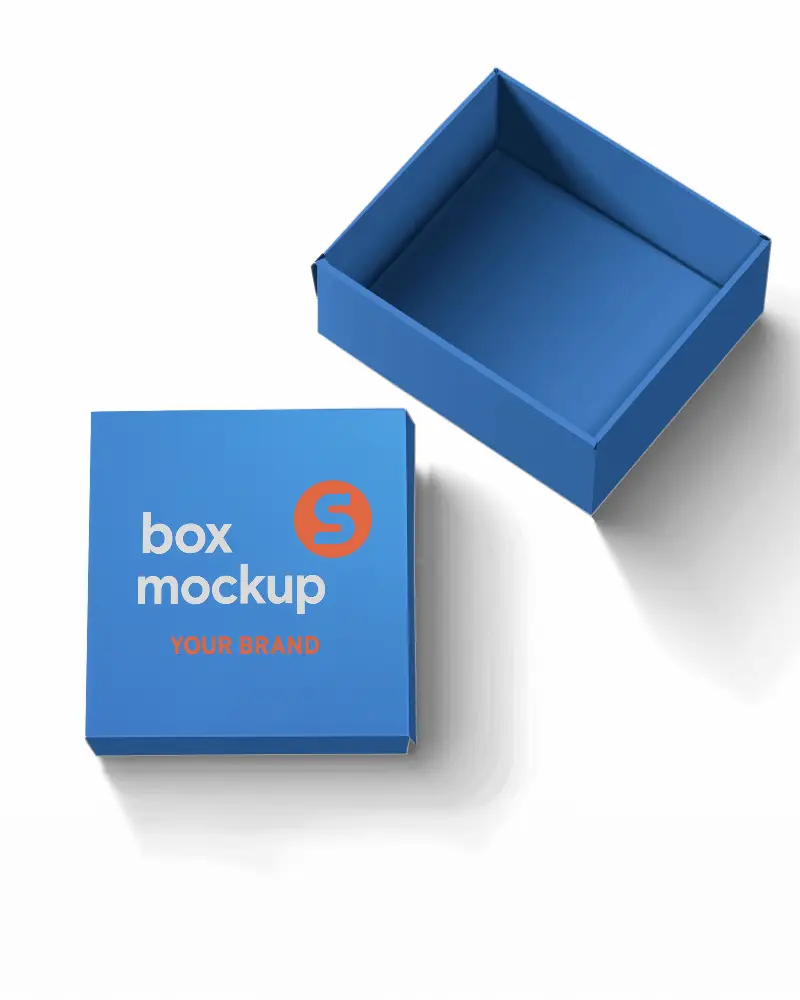
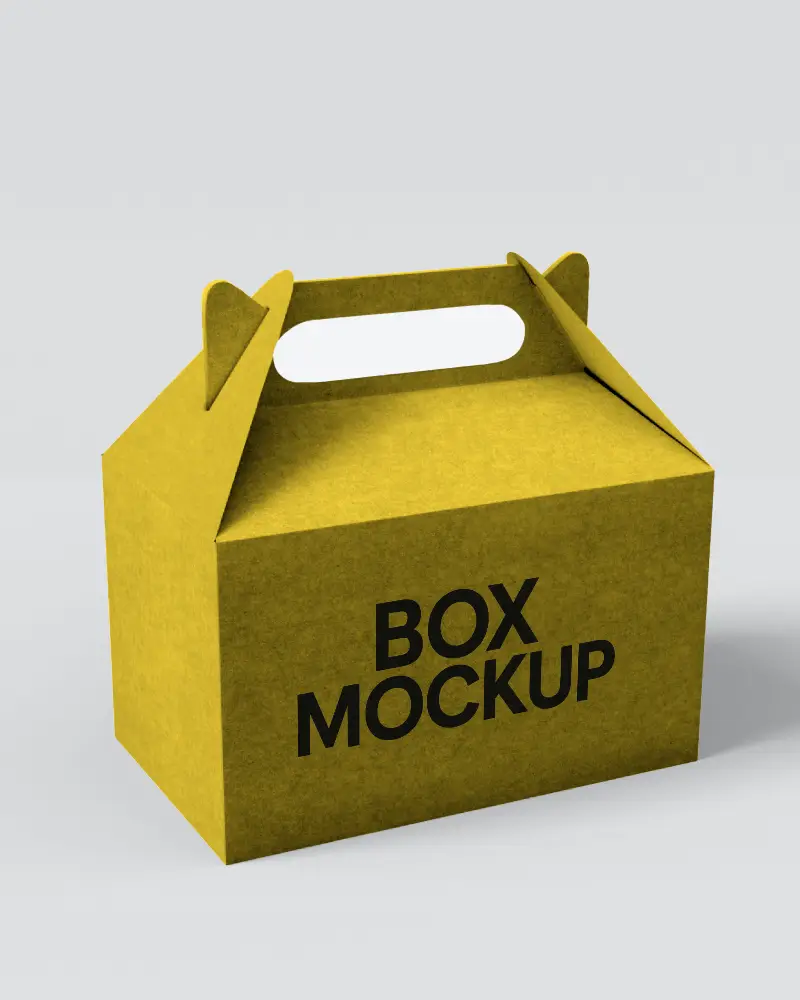
.png)
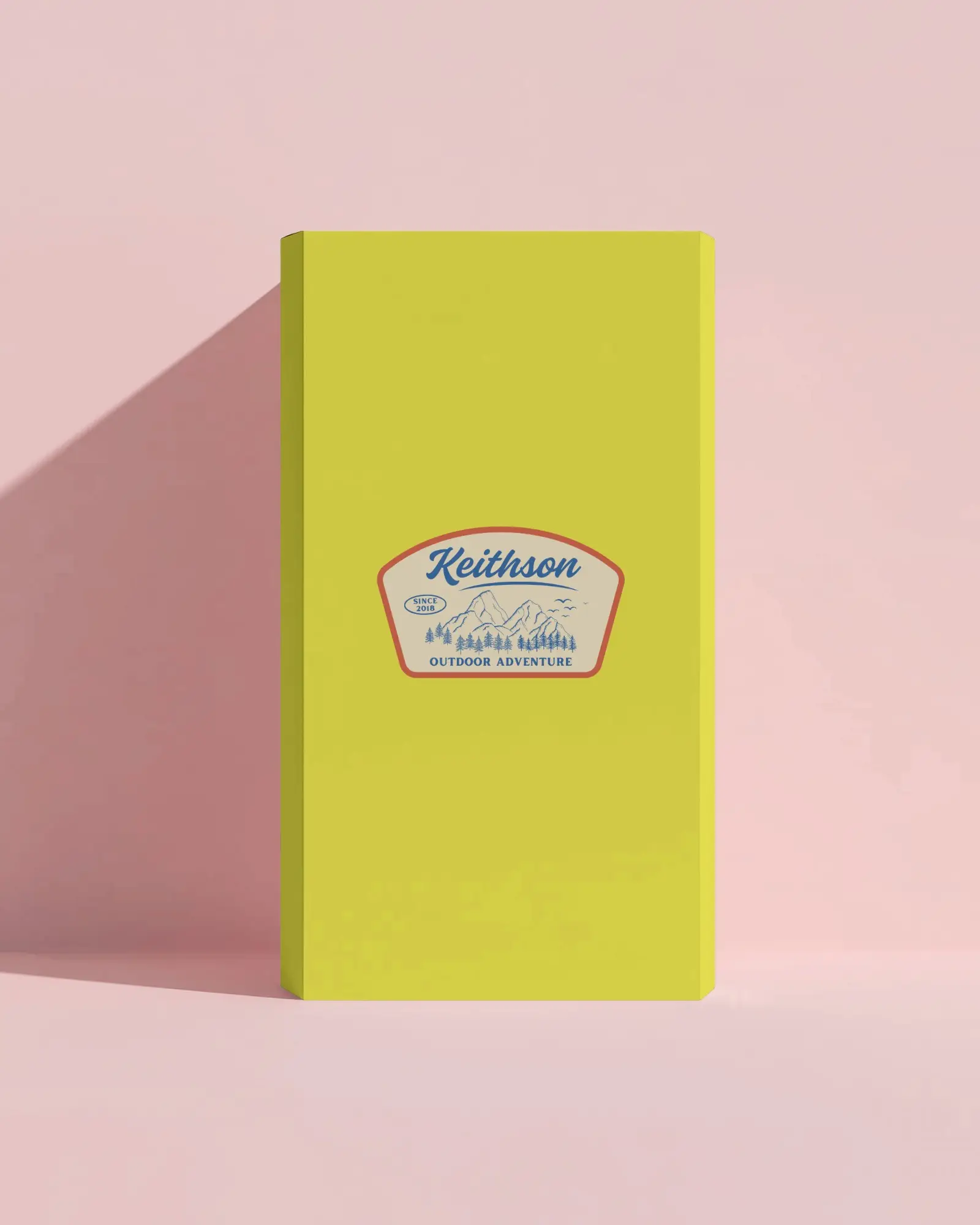
.png)
(1).png)
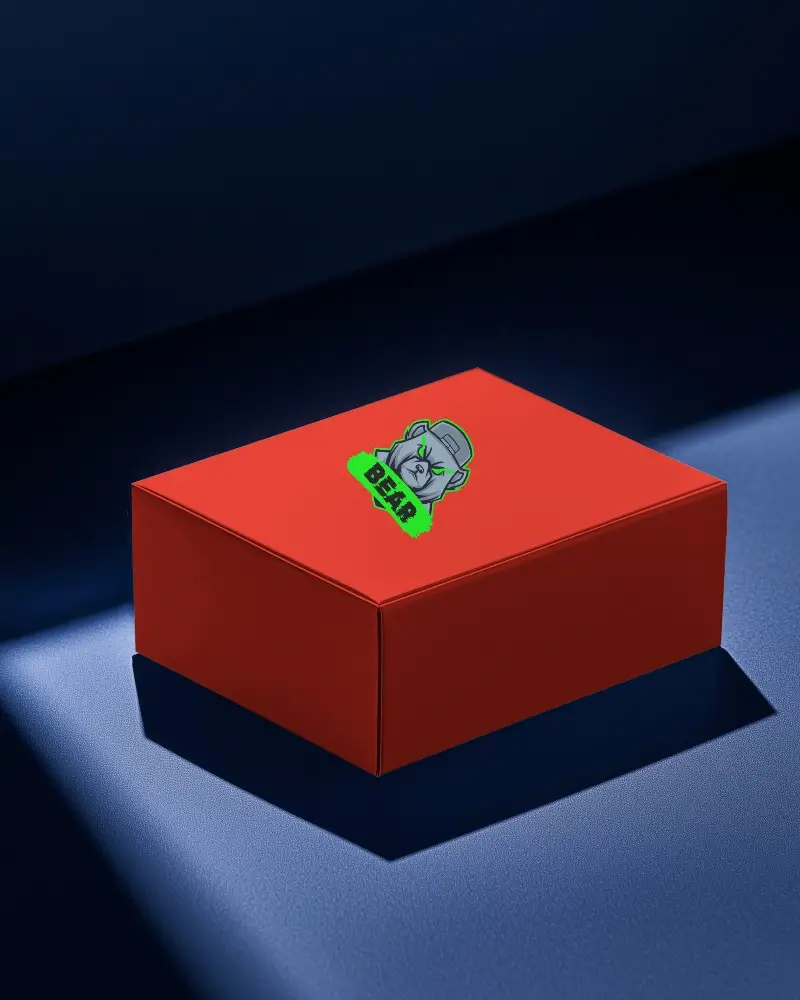
.png)
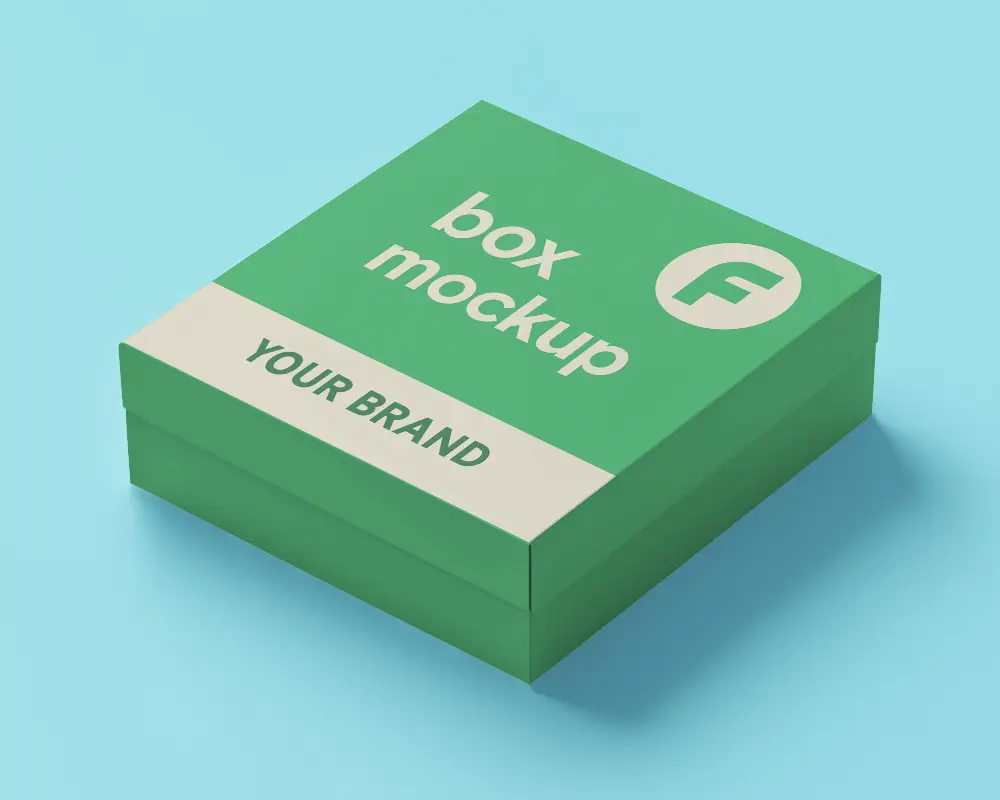
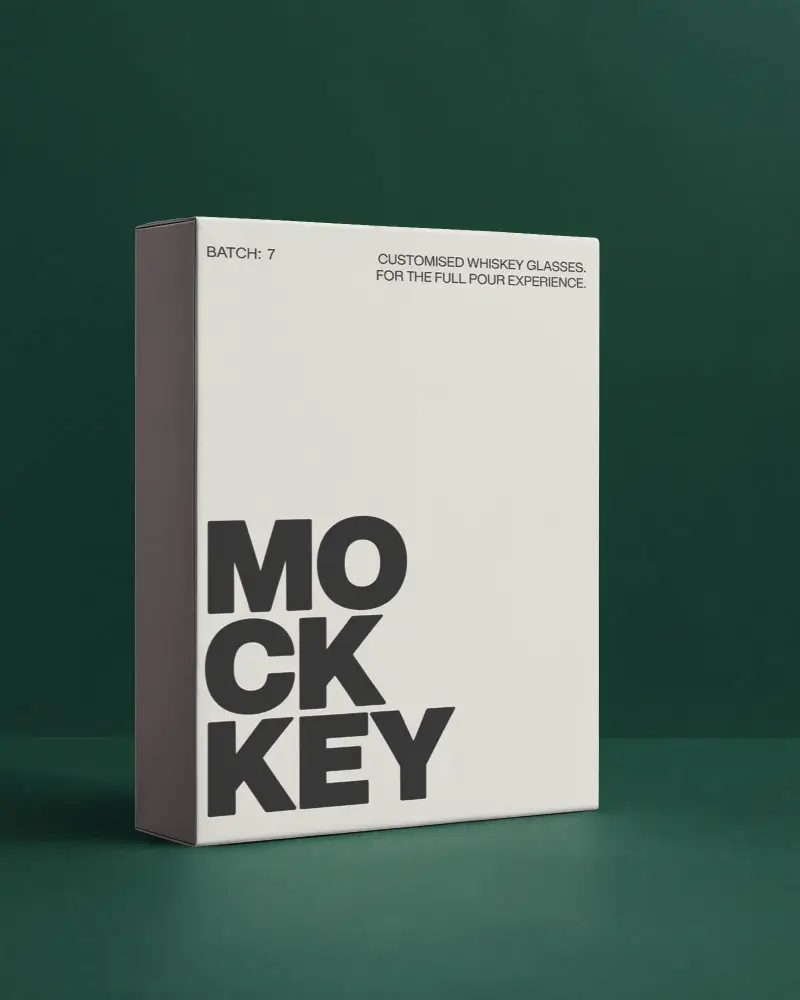
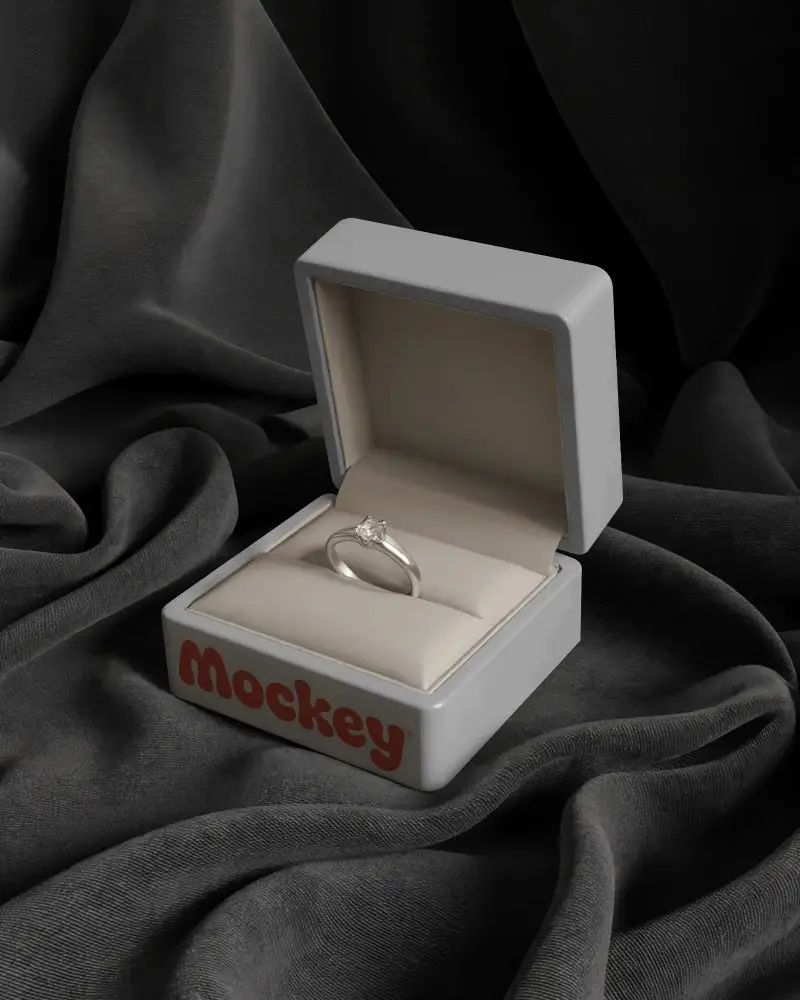
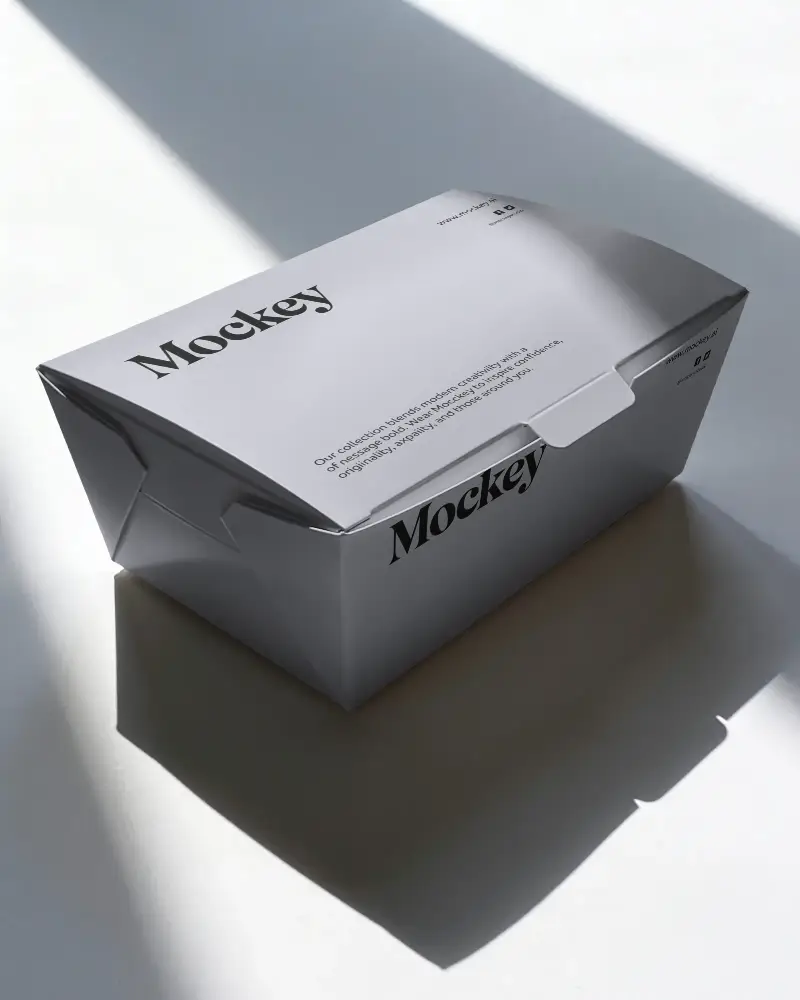
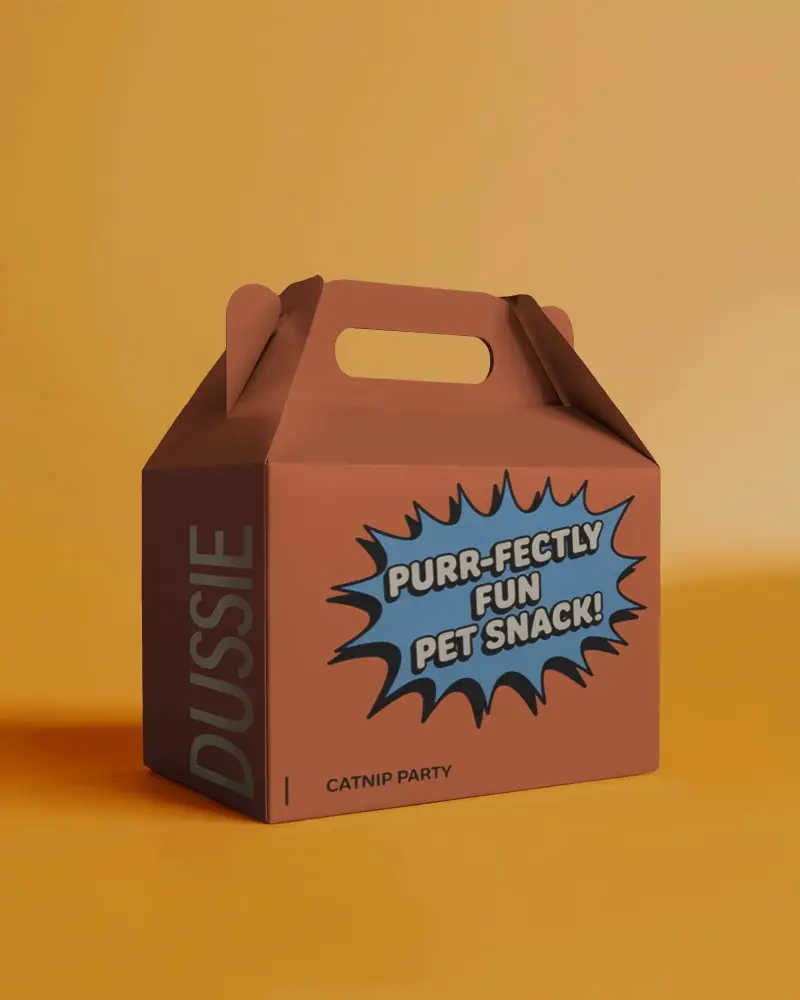
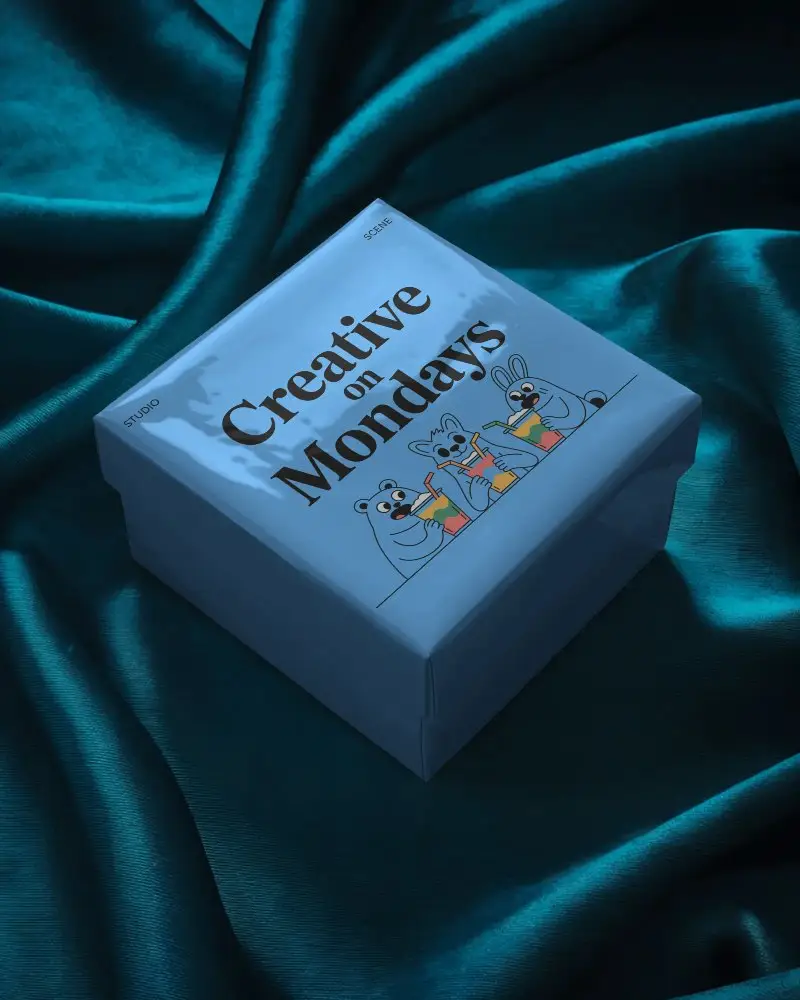
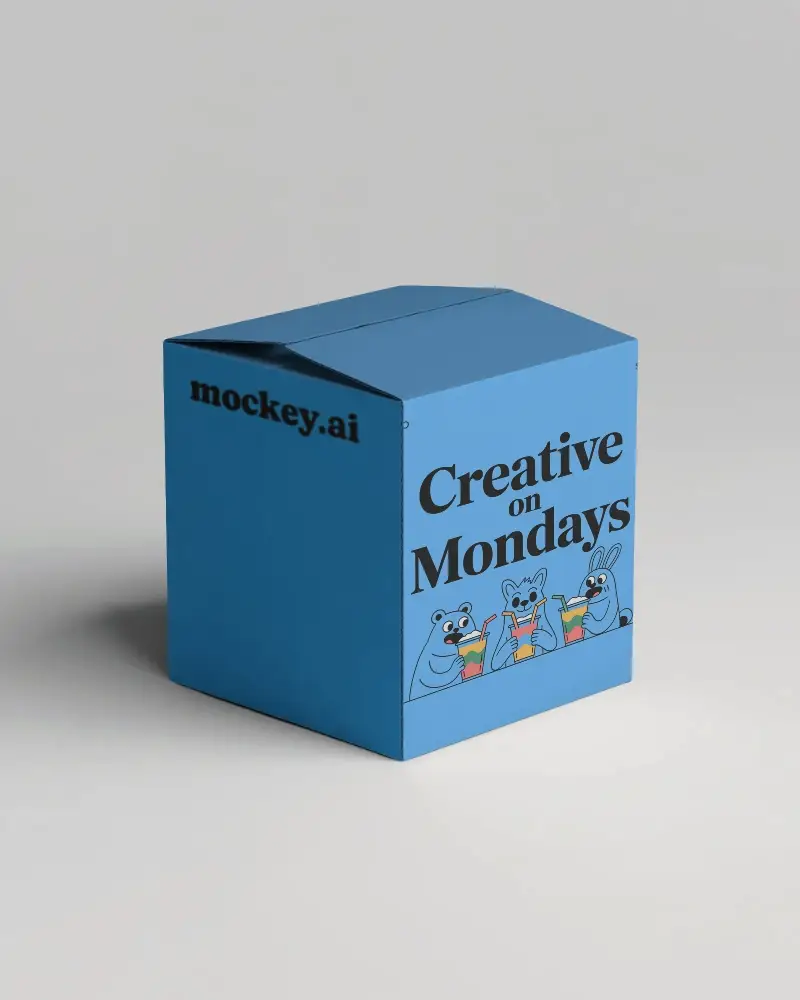
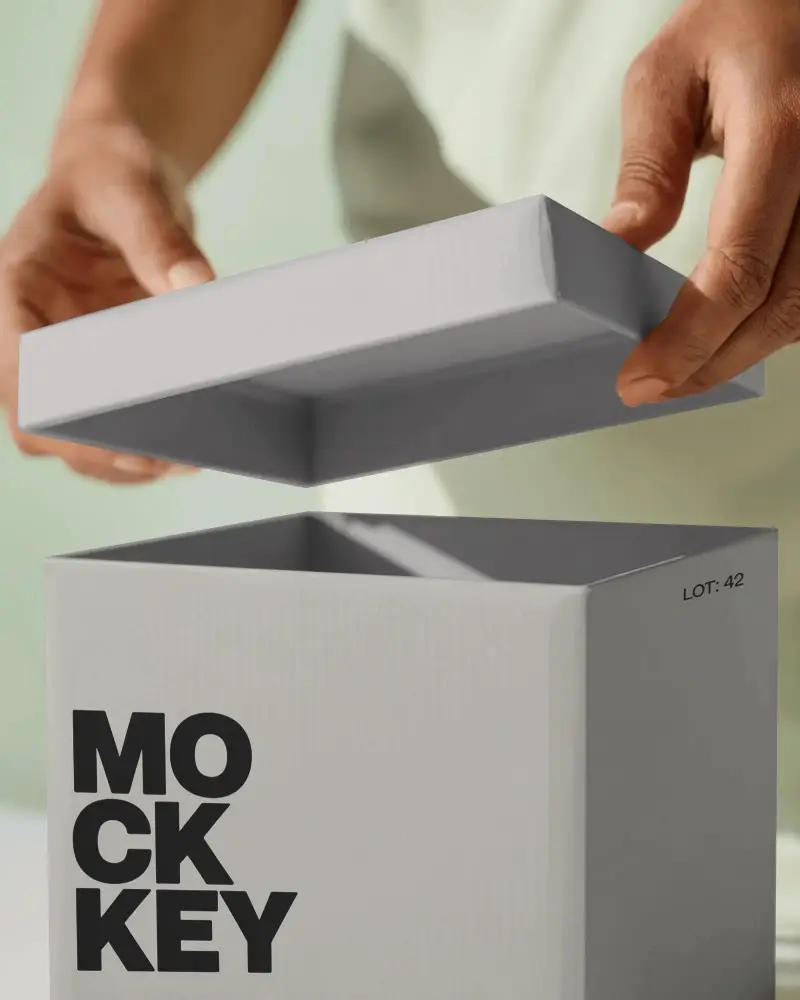
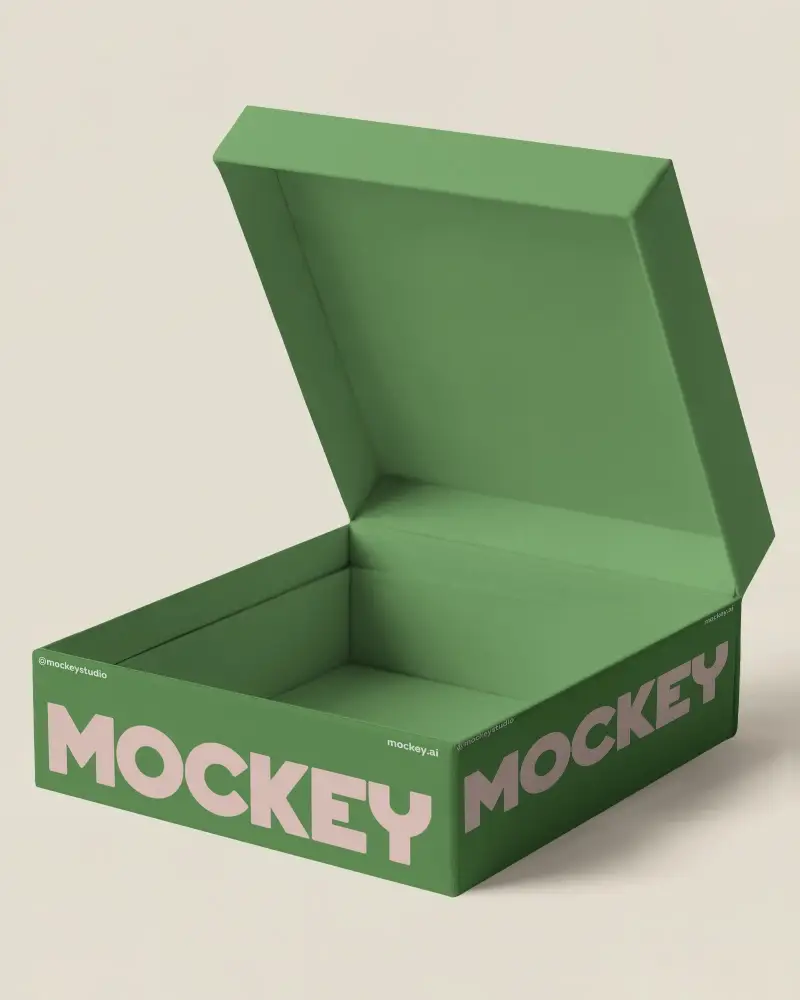
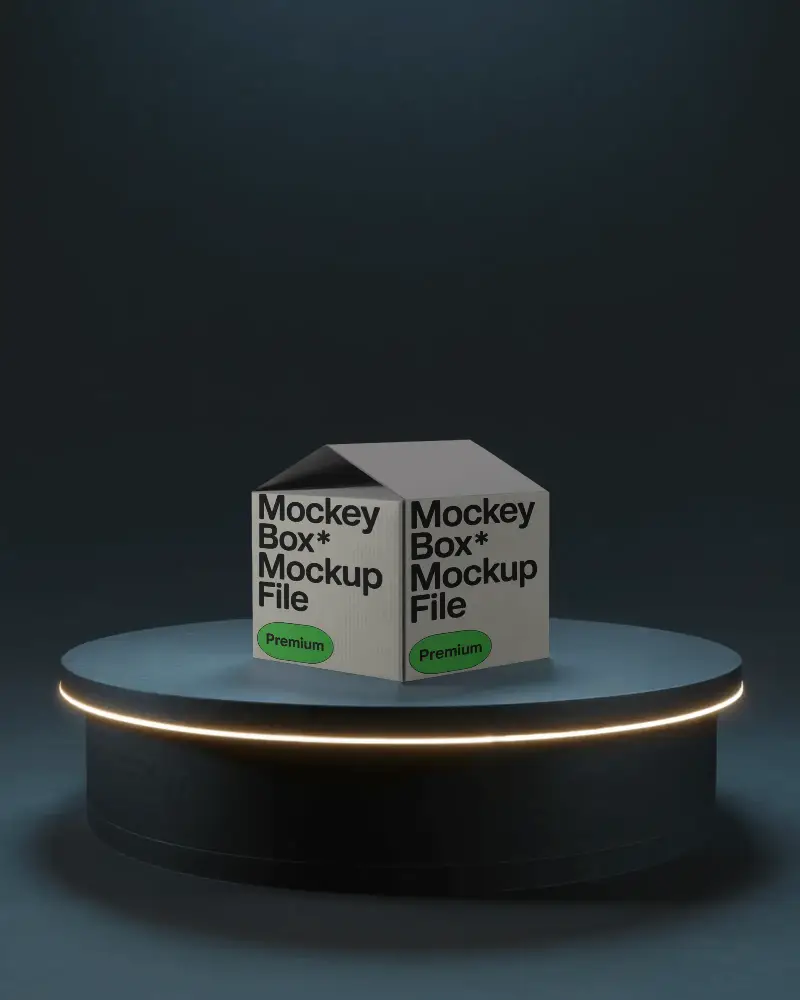
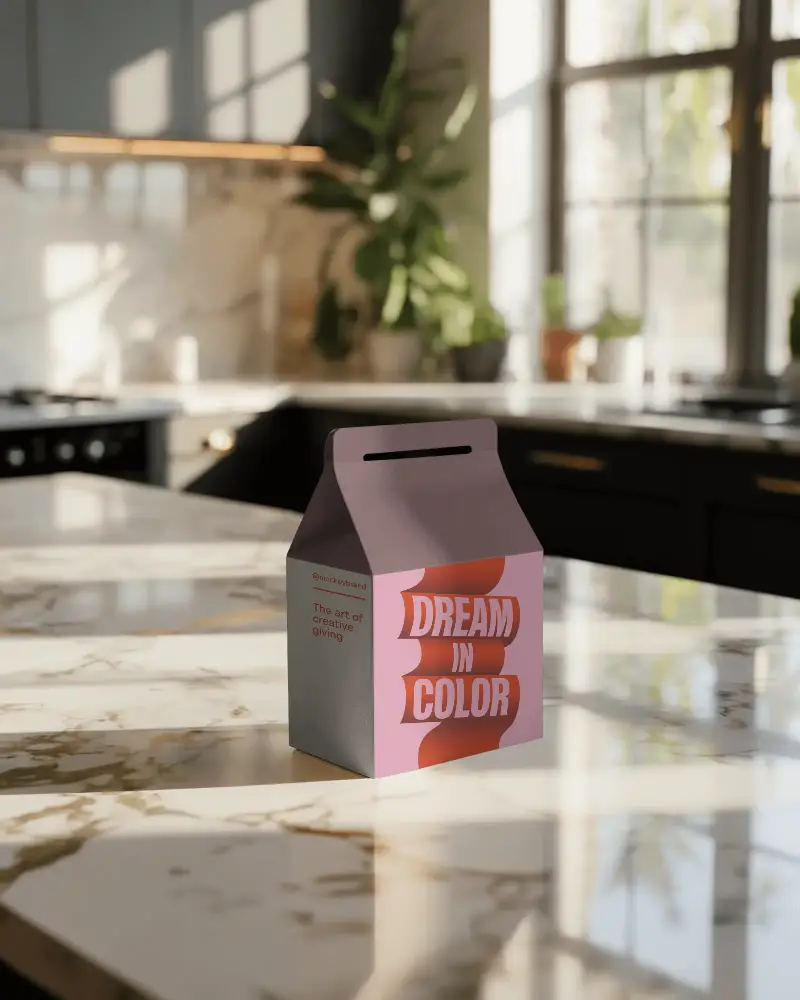
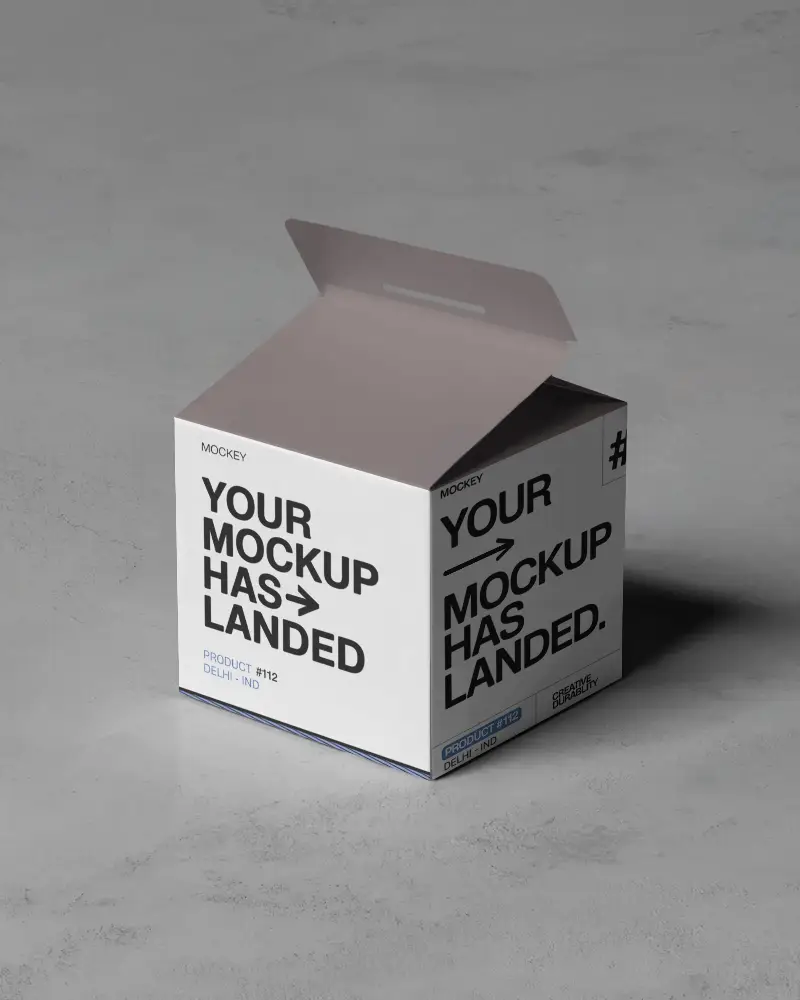

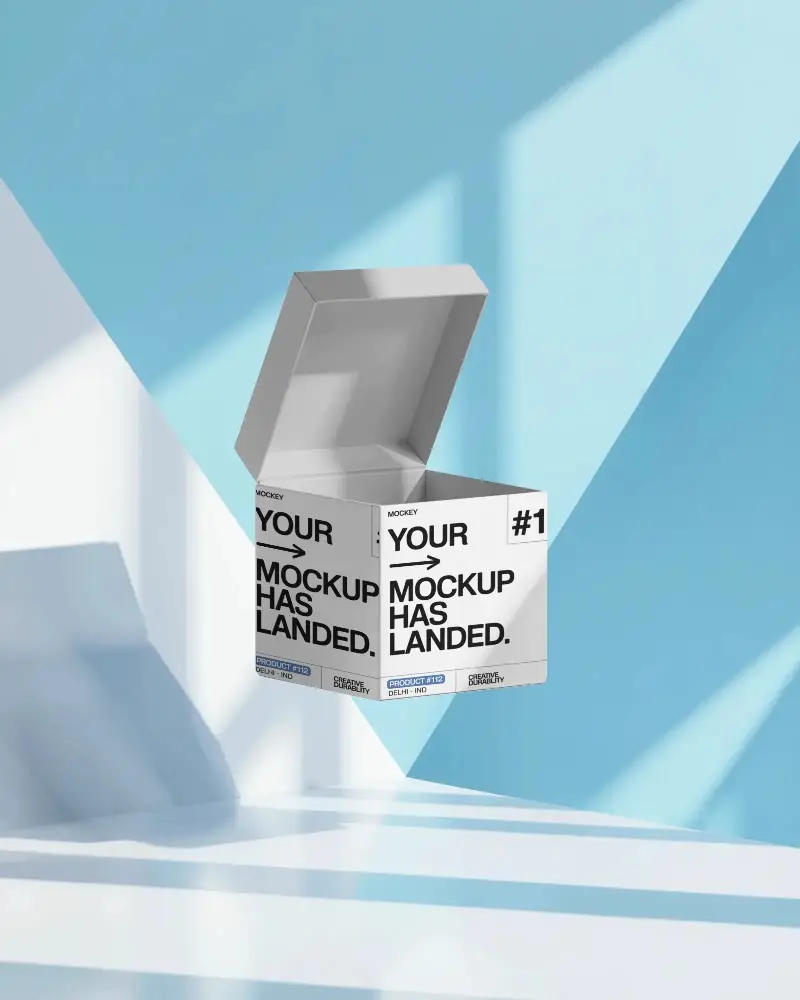
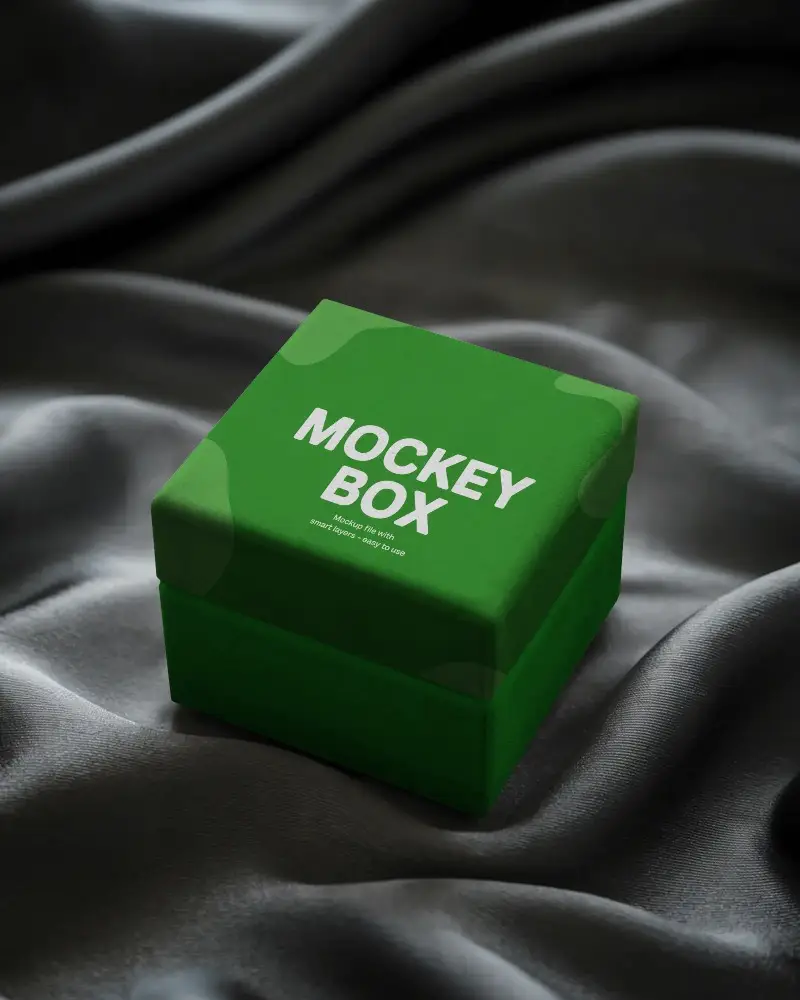
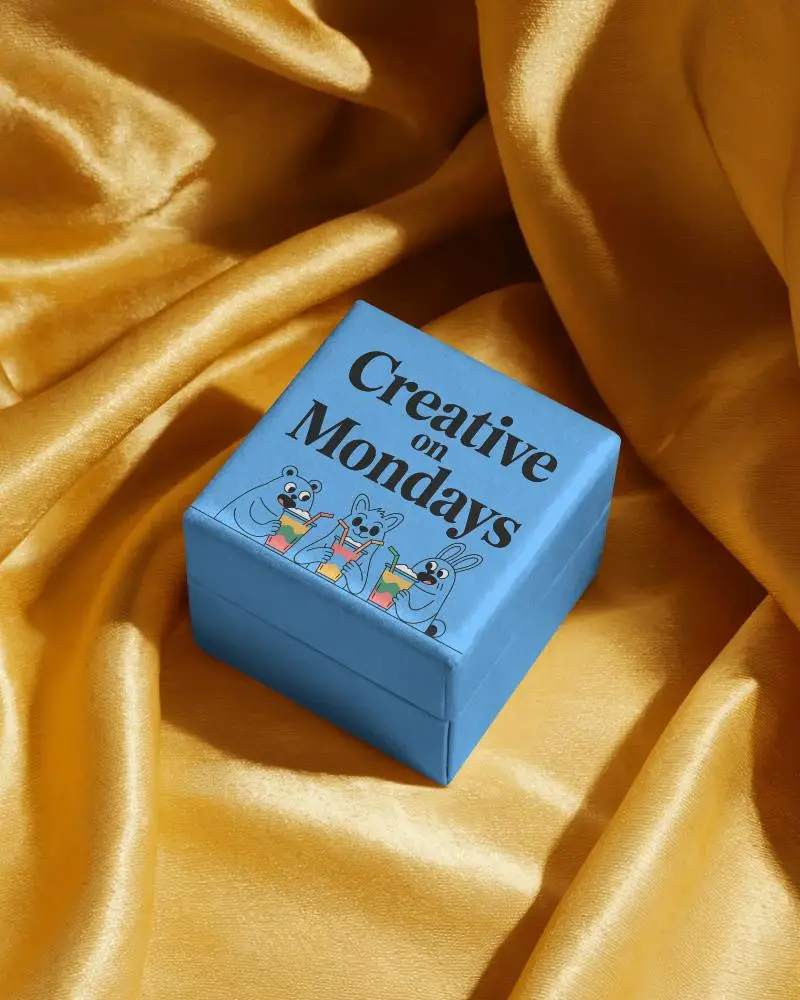
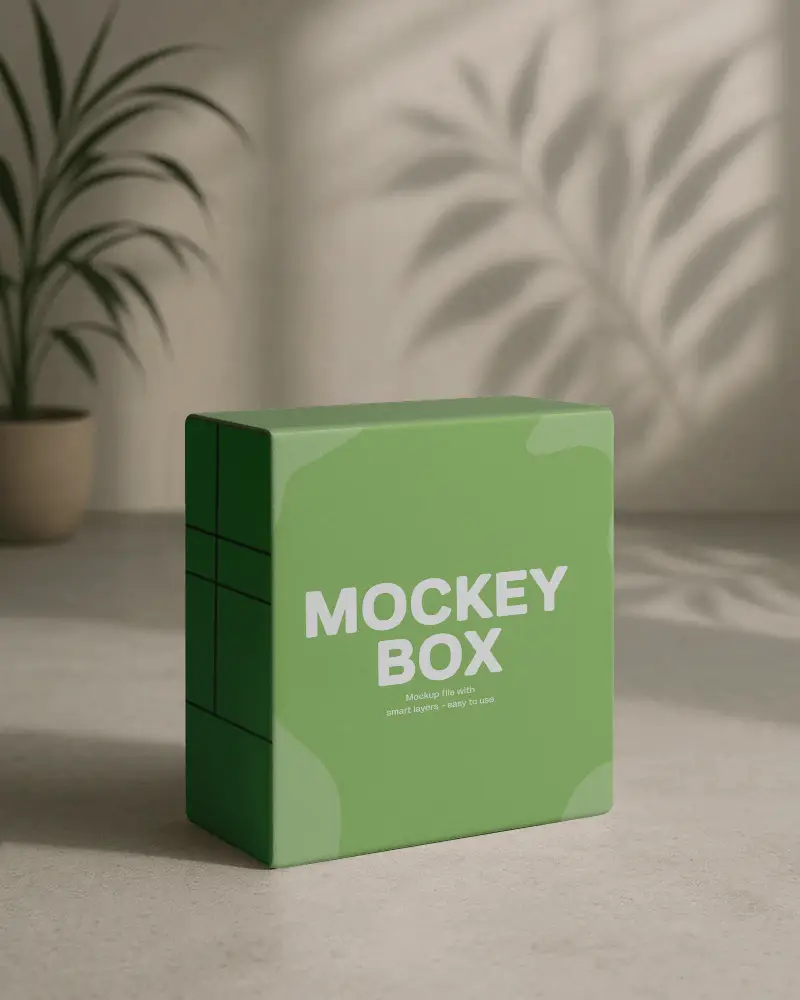
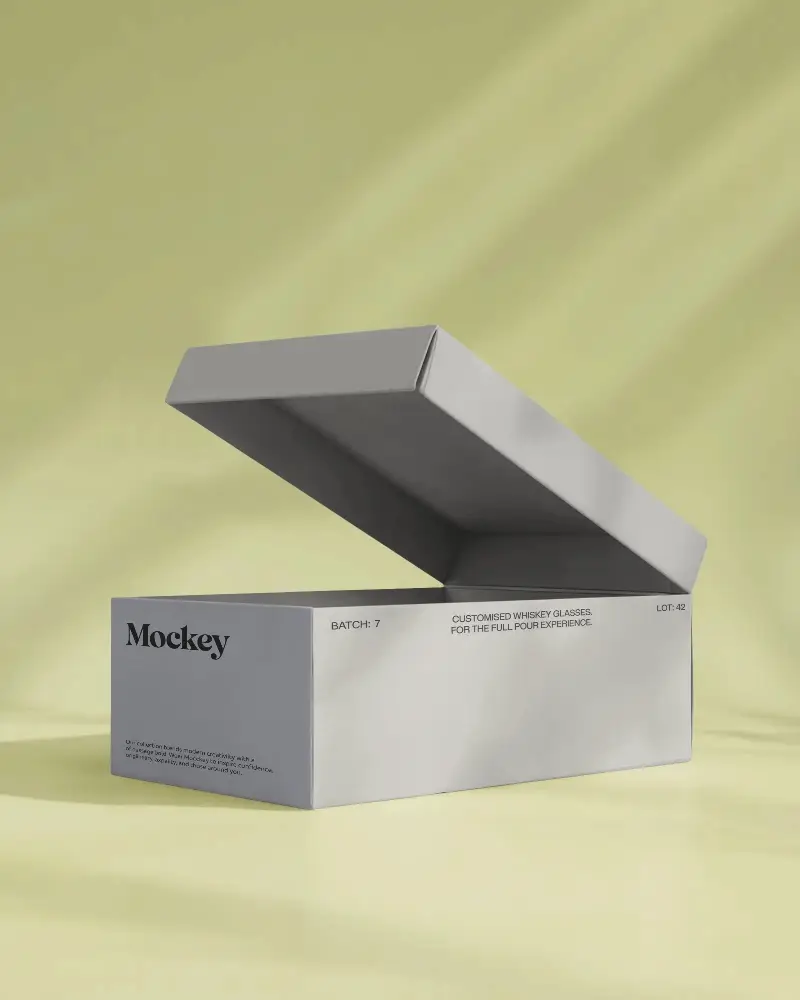
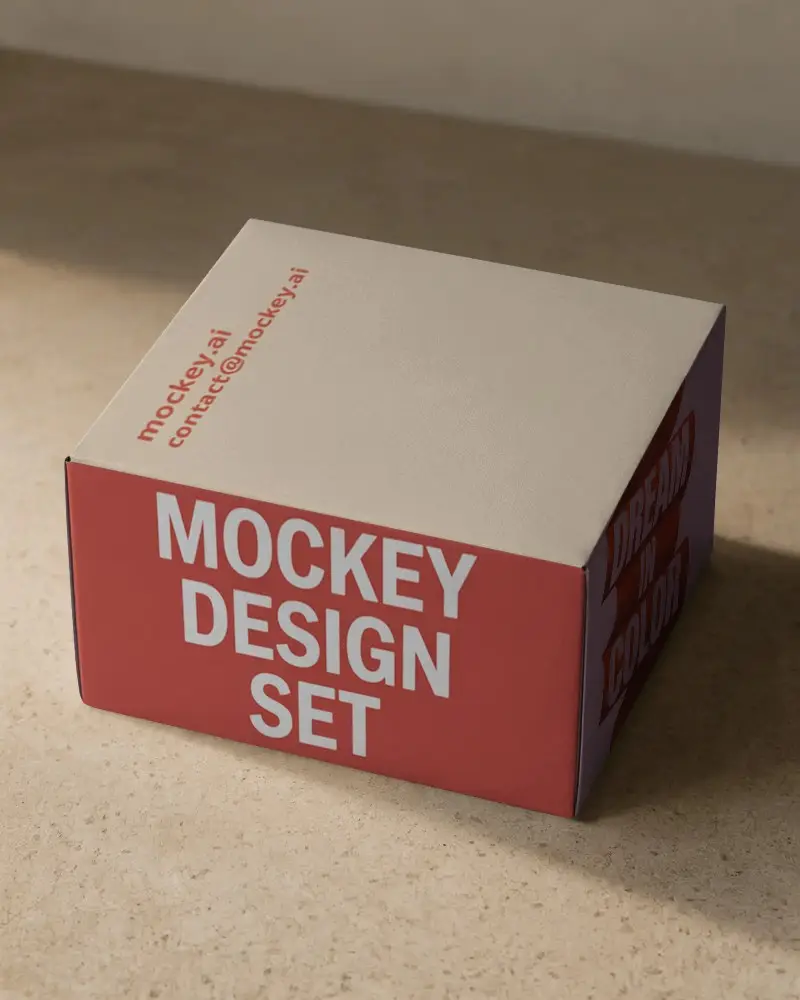
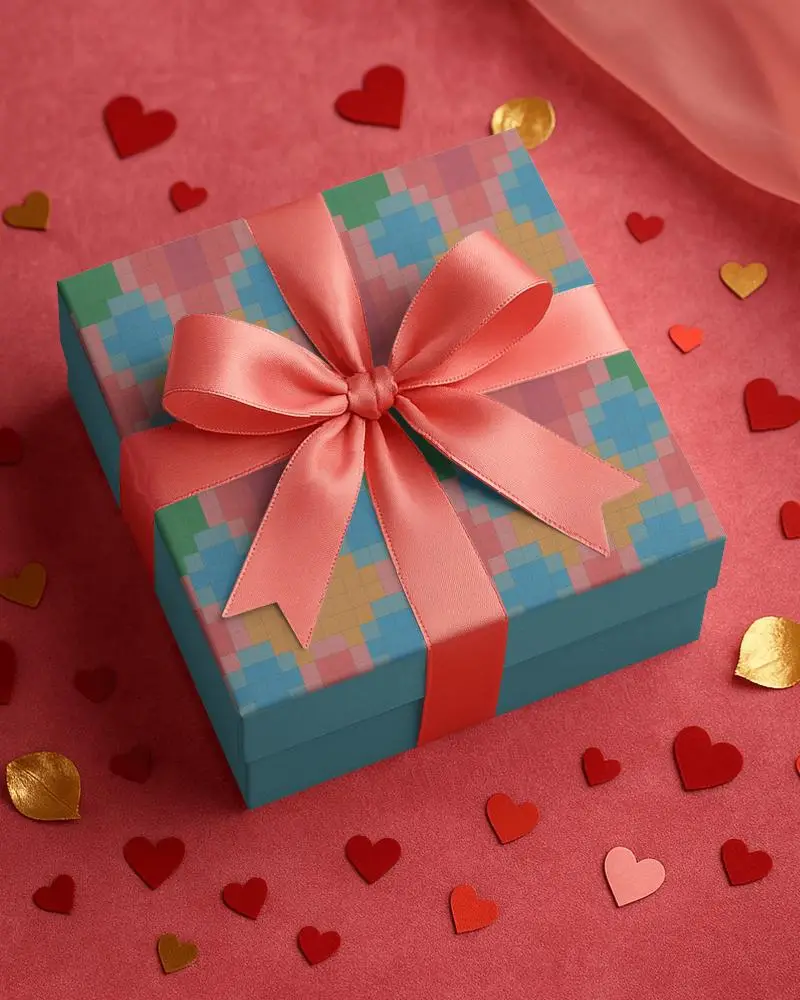
How to Create Gift Box Mockup with Mockey
To create a gift box mockup in Mockey AI:
- Step 1: Navigate to Mockups > Packaging > Box > Gift and choose a template from the library.
- Step 2: On the following page, you'll find the option to upload your design and adjust the template's colors in the Edit section. If you upgrade to the Creator Plan, you can also access AI tools.
- Step 3: Finally, click the Download button to save your Gift Box mockup in either PNG or JPEG format, available in various sizes.


FAQs on Gift Box Mockups
What is a Gift Box Mockup?
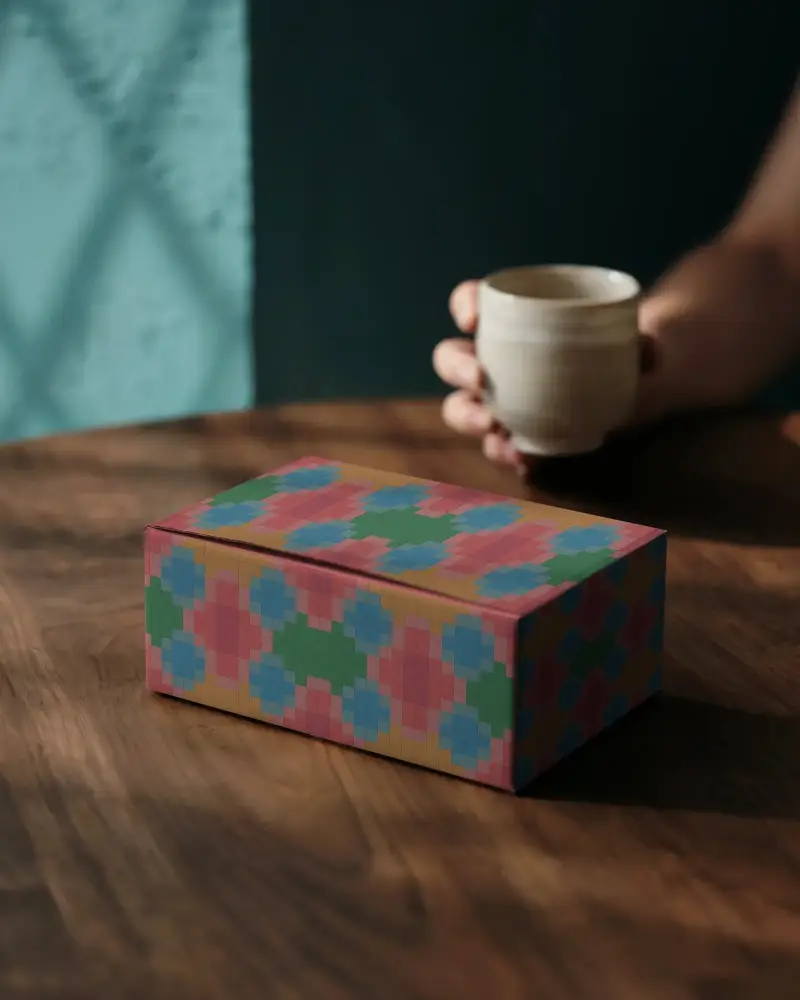
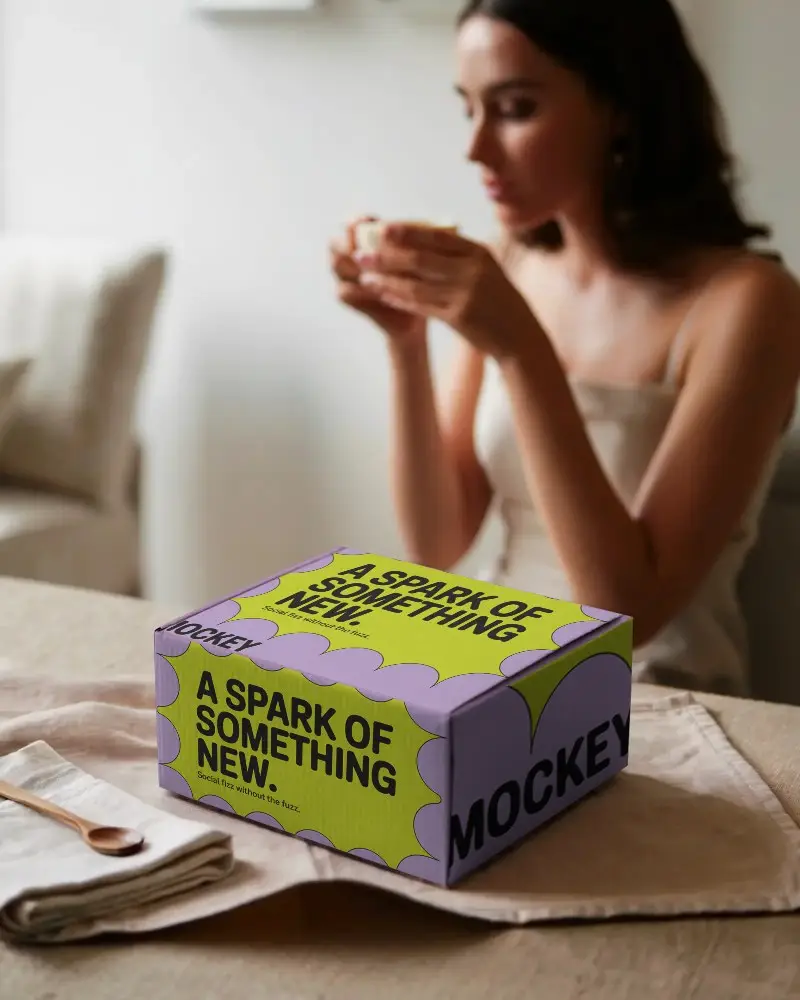
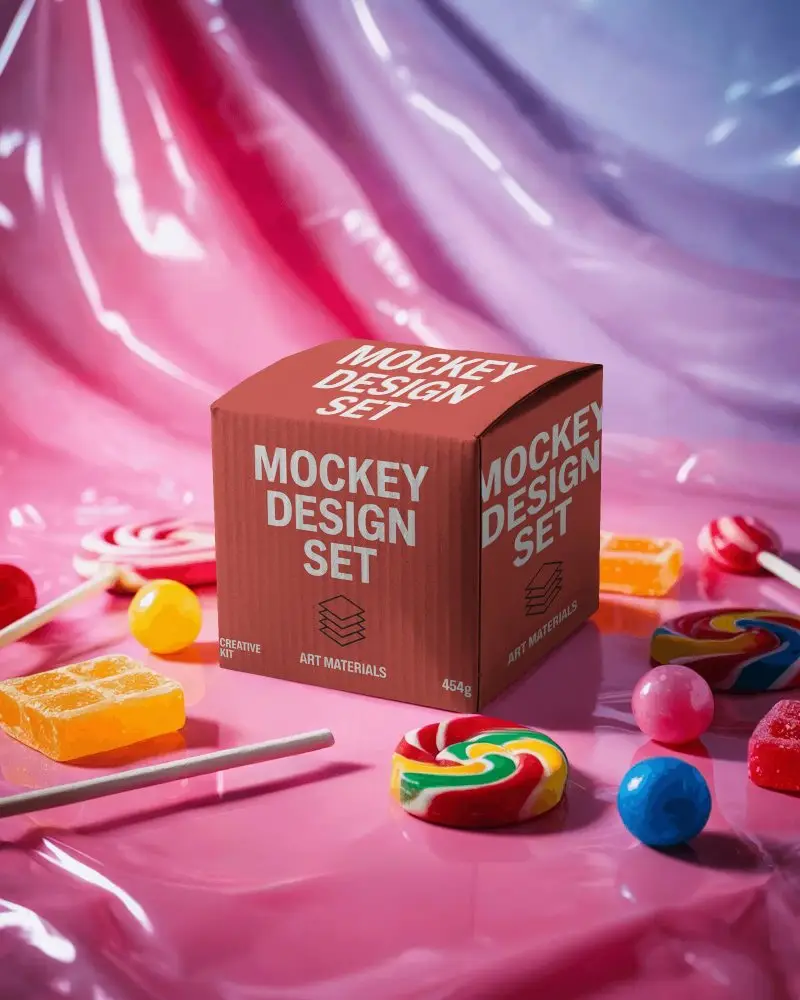
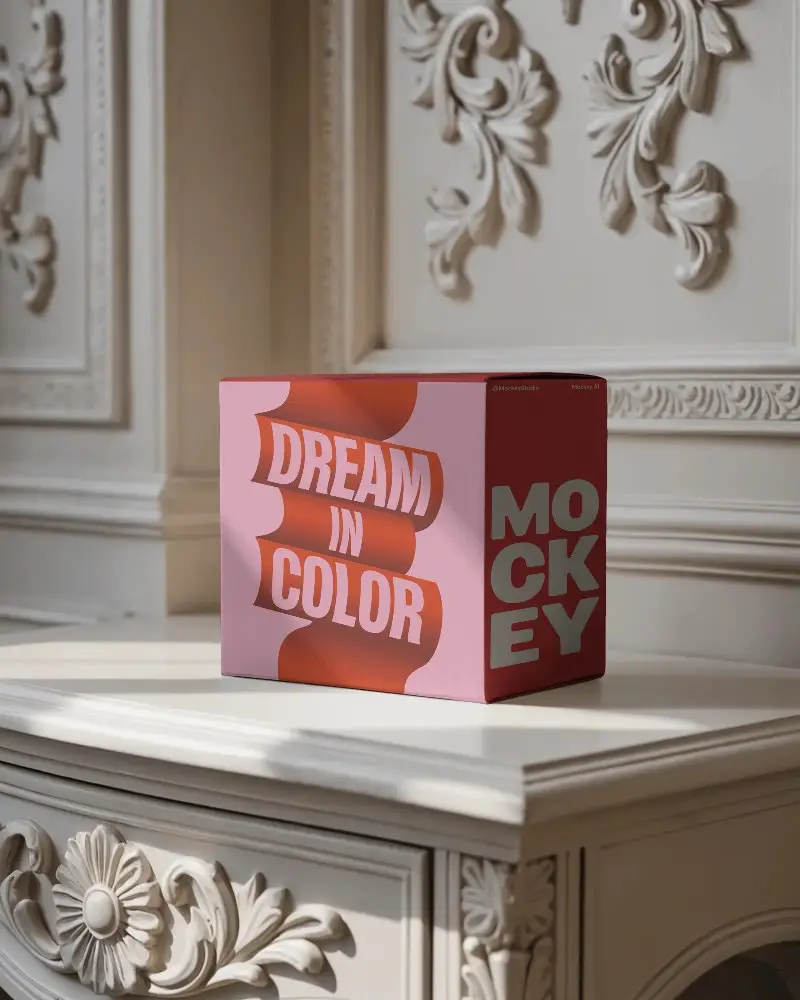
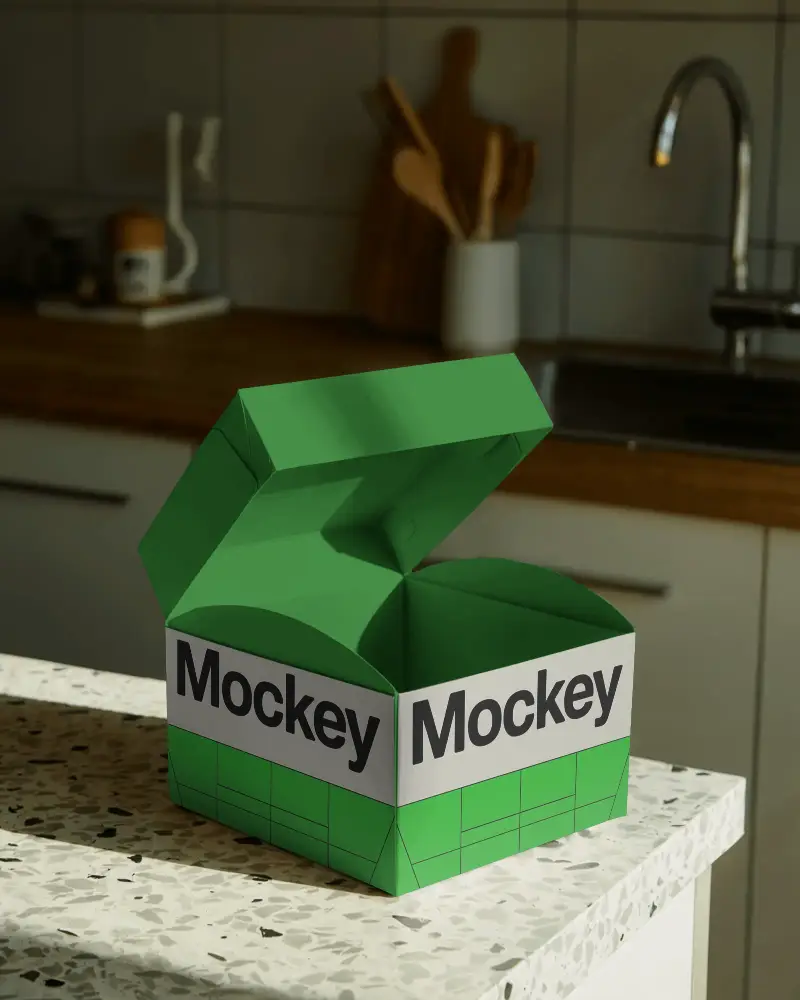
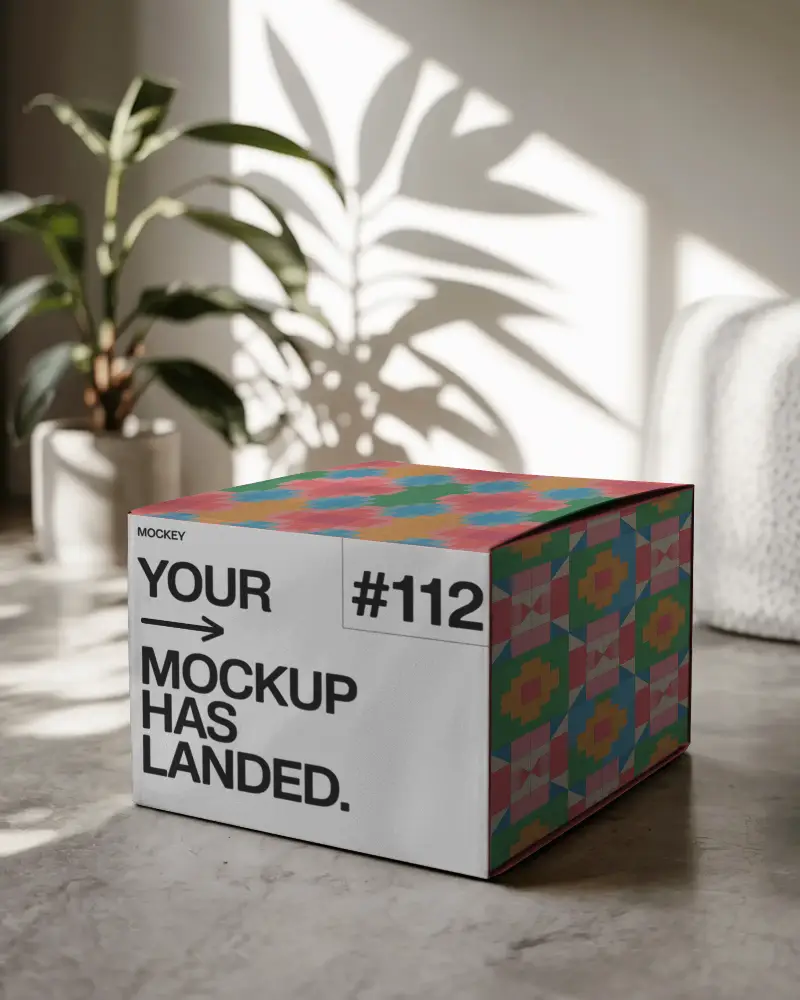
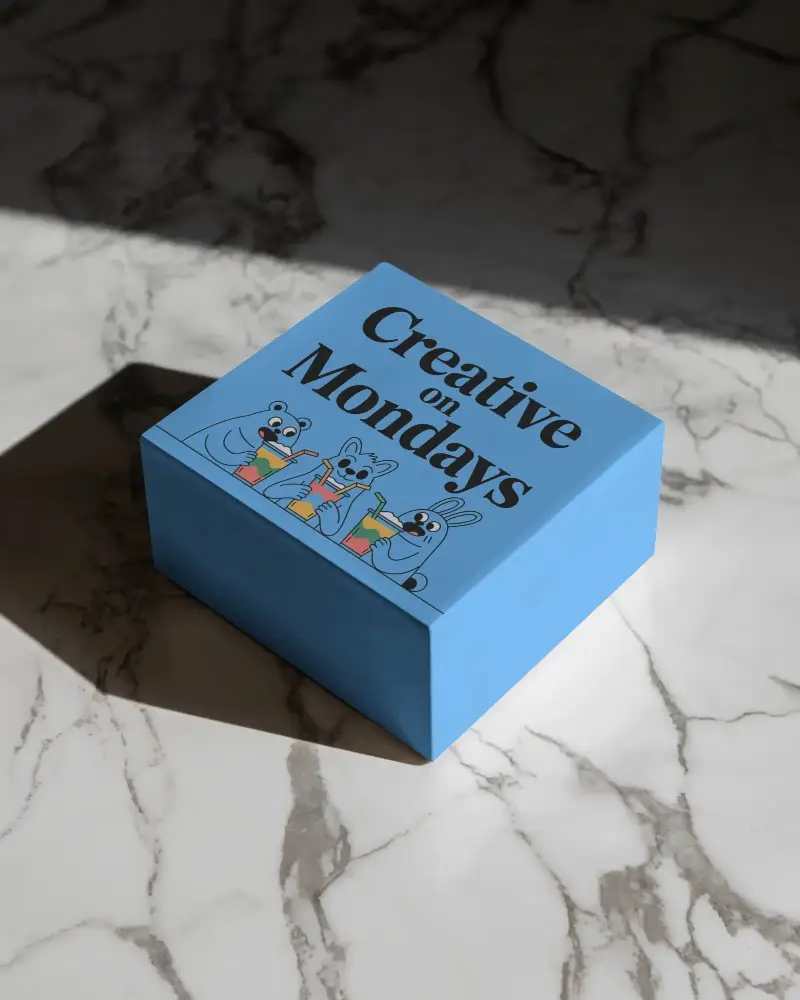
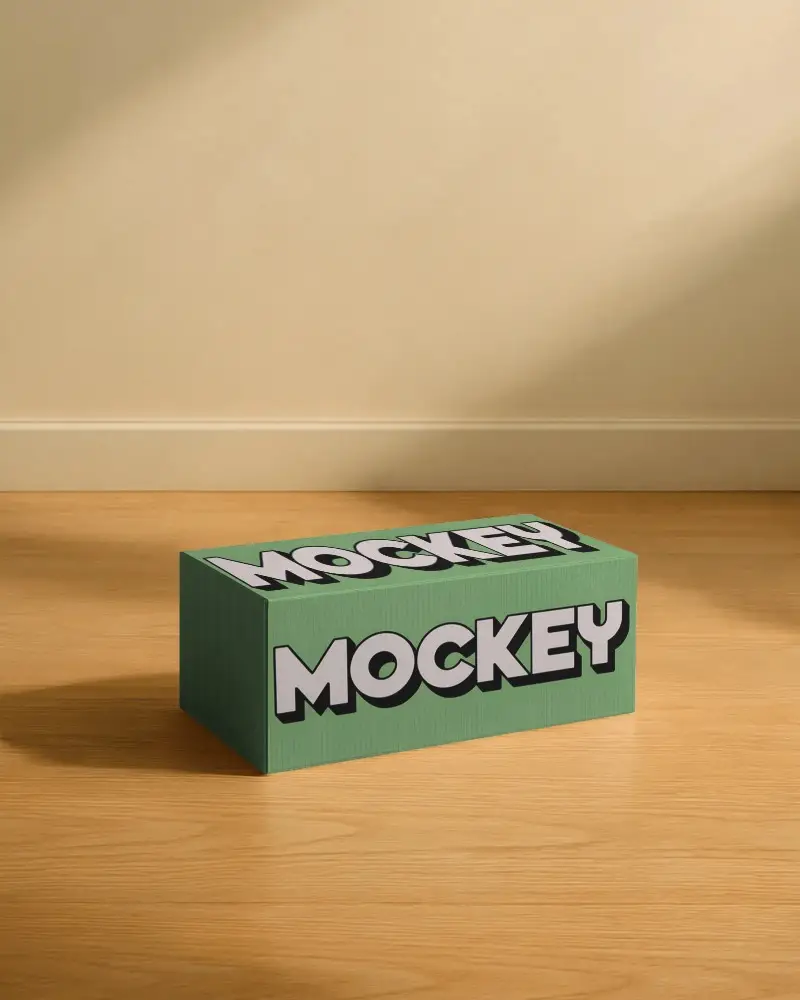
A gift box mockup is a digital template that lets users preview and personalize it by adding custom images or logos to a virtual Gift box design.
Why create a Gift Box Mockup?
Designers and marketers use gift box mockups to visualize packaging, test design ideas, and present branding in realistic settings. This approach boosts customer engagement, simplifies revisions, and minimizes production risks.
Why Use Mockey’s Gift Box Mockup?
Mockey’s Gift Box Mockup delivers visuals with HD detail. Its AI-powered customization tools include Photoshoots and anime styles.
Is this Gift Box Mockup Free?
Certain gift box mockups, such as those available on Mockey AI, are free, whereas some platforms require a subscription or payment.
Where can I find free gift box mockups?
Explore a curated collection of free gift box mockups exclusively available at Mockey AI. Our professionally designed box templates offer stunning visuals and quick customization.
Can I customize a gift box mockup?
Mockey AI enables the customization of gift box mockups to help you adjust dimensions, colors, and design details with AI tools.
What types of gift box mockups are available?
Mockey AI offers an exclusive selection of gift box mockups, including cardboard, rectangular, branding, mailing, product, white, black, 3D, and square styles.
Can I use mockups for commercial projects?
Mockey AI enables the use of high-quality mockups in commercial projects under clearly defined licensing terms.
How do I make my own gift box mockup?
To create your custom gift box mockup, follow Mockups > Packaging > Box > Gift. Choose a premium template and add your artwork. Apply realistic colors and use AI tools, and then finalize adjustments for a professional gift box mockup.
