Fashion Ring Mockup Free Download - Fashion Ring Mockup Templates
Showcase your fashion ring designs with a high-quality fashion ring mockup! Create stunning, realistic mockups for free with Mockey. No design skills needed. Try now!
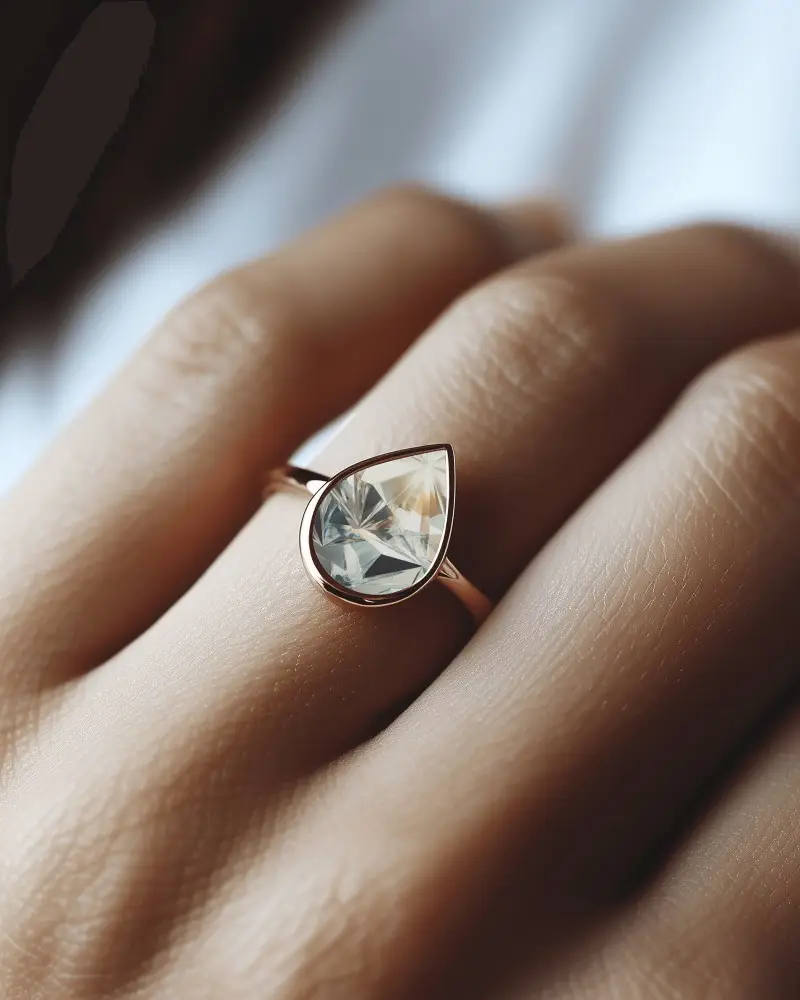

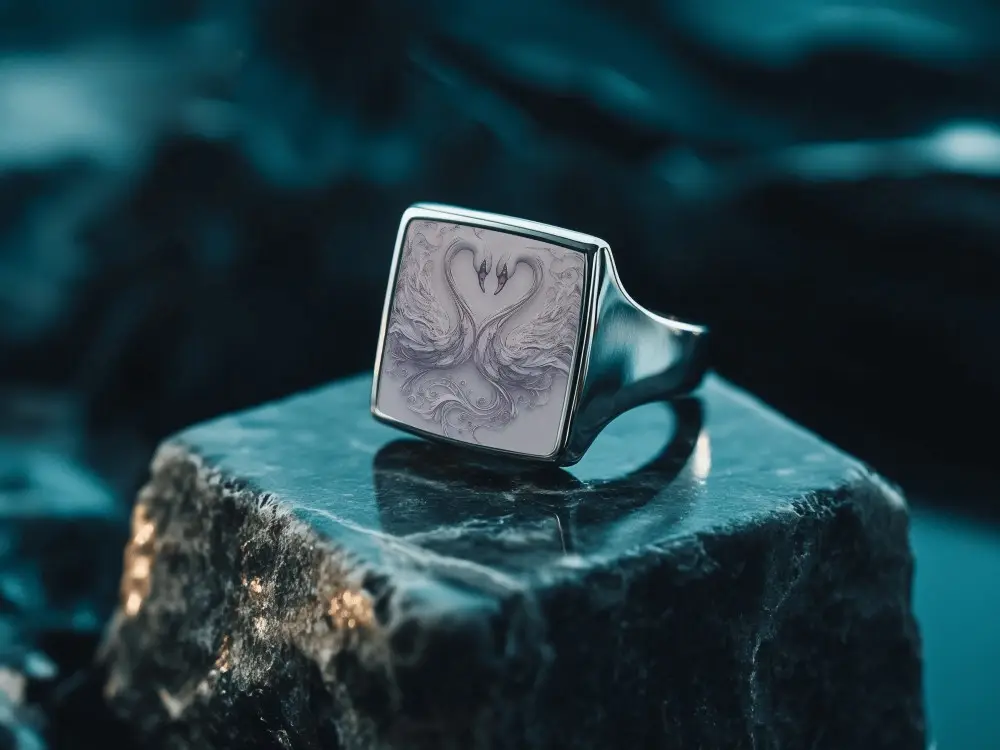
How to Create a Fashion Ring Mockup with Mockey AI
To create fashion ring mockups:
- Step 1: Sign up for Mockey AI. Once logged in, click 'Upload Design' on the main page.
- Step 2: On the left side, look for 'Jewelry' and choose 'Ring.' Pick the fashion tag, select a template, and edit the colors or background.
- Step 3: Click 'Download' to get your fashion ring mockup in various sizes.


FAQs on Fashion Ring Mockups
What is a Fashion Ring Mockup?
A fashion ring mockup displays a digital representation or prototype of a fashion ring created before the actual one. It helps people see how the ring will look, make changes if needed, and avoid any mistakes before the real ring is made.
Why create a Fashion Ring Mockup?
Creating a fashion ring mockup helps you show your idea, change things easily, get people excited, avoid surprises, save money, and make everything simpler.
Why Use Mockey’s Fashion Ring Mockup?
Mockey AI can change fashion ring mockups easily with simple tools, and it's all free. It’s a fun and easy way to edit templates with your design without any hassle.
Is this Fashion Ring Mockup Free?
You can find free fashion ring mockups on websites like Mockey AI. They have nice ones you can get for free. But some templates may cost money, so always check before you download to make sure it's free.
