Engagement Ring Mockup Free Download - Ring Mockup in Seconds
Create a perfect engagement ring mockup in seconds. Upload your design, adjust details, and get a realistic preview effortlessly. Start now for free!

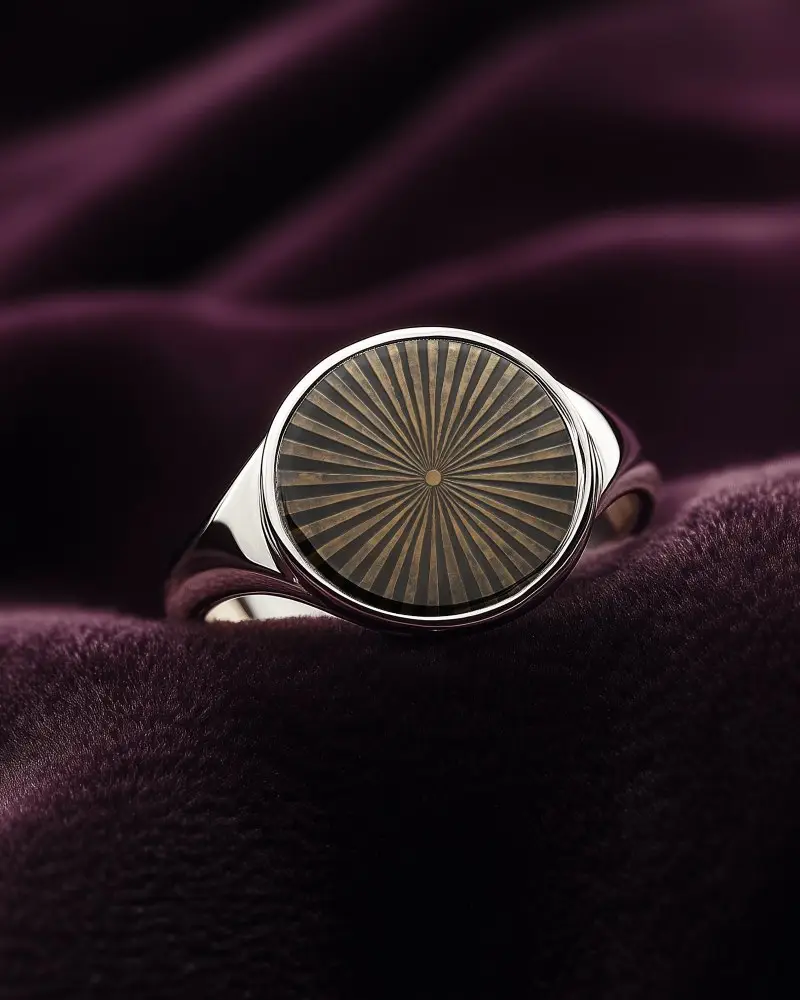
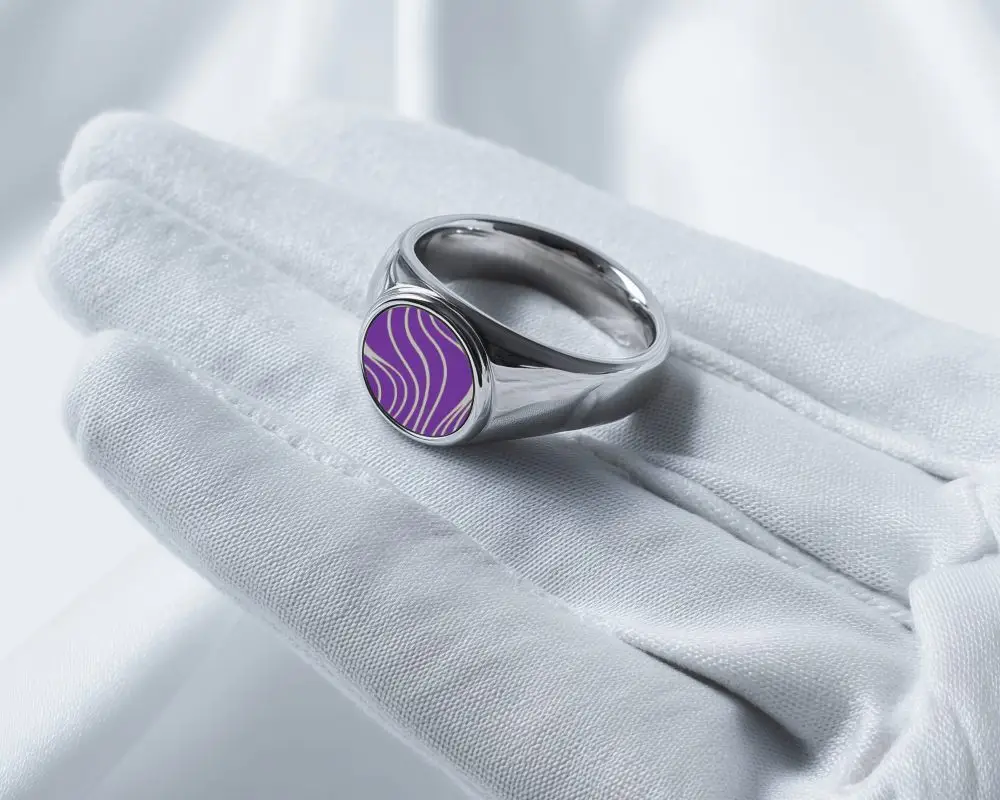
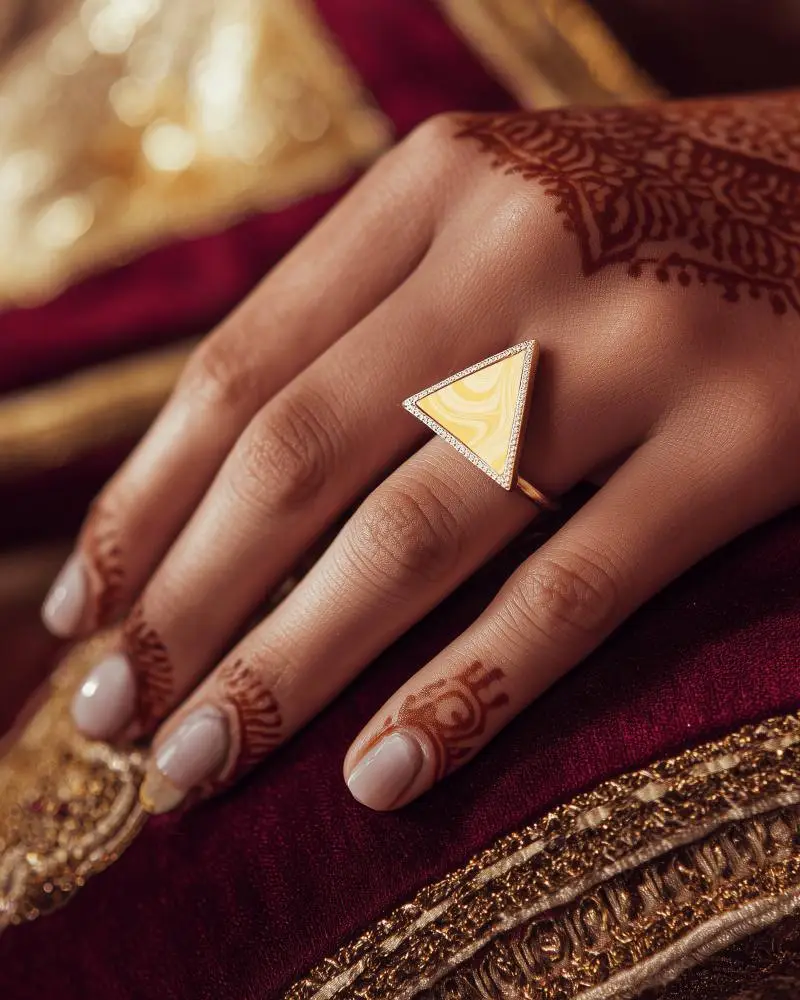
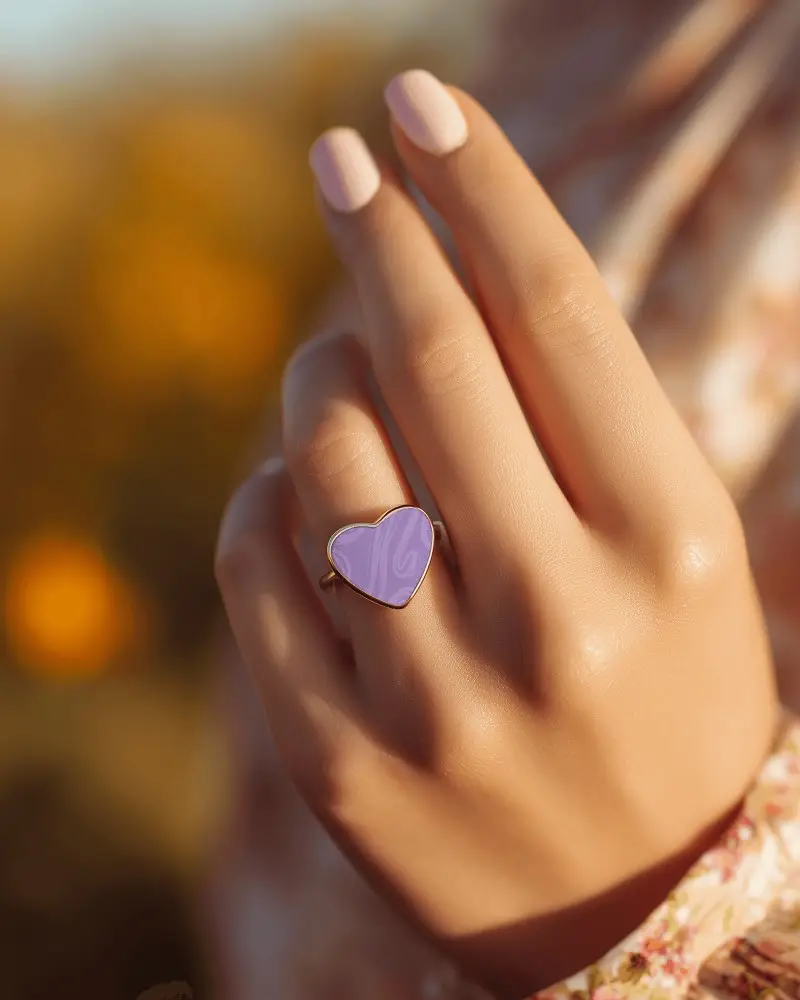
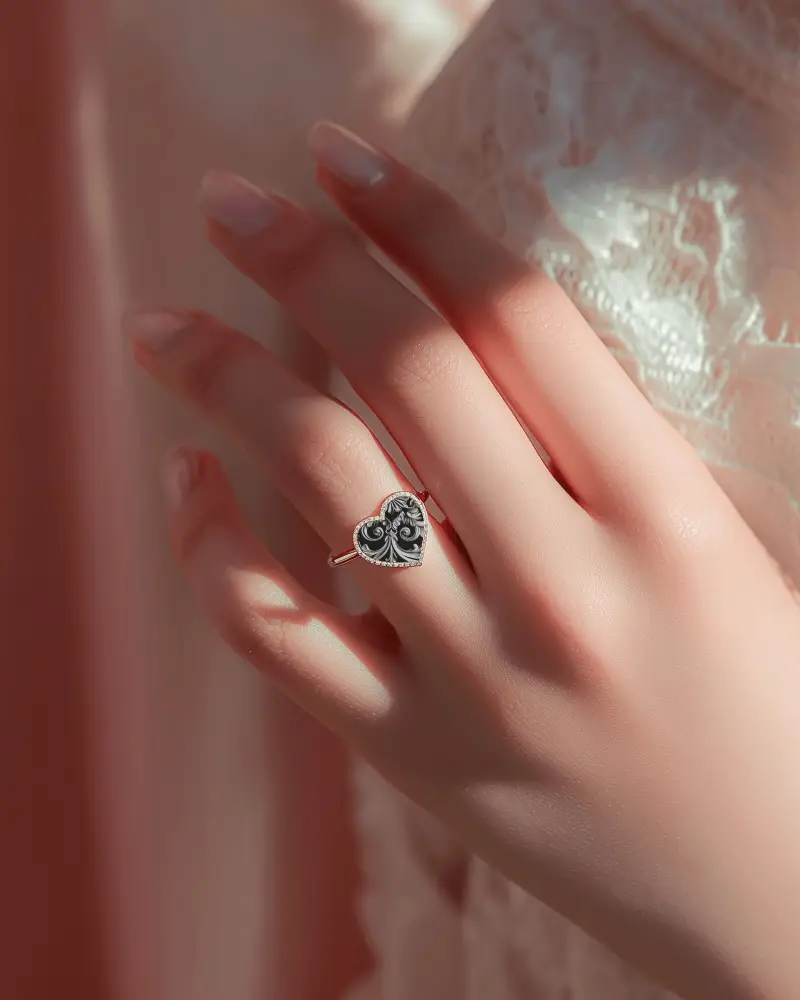
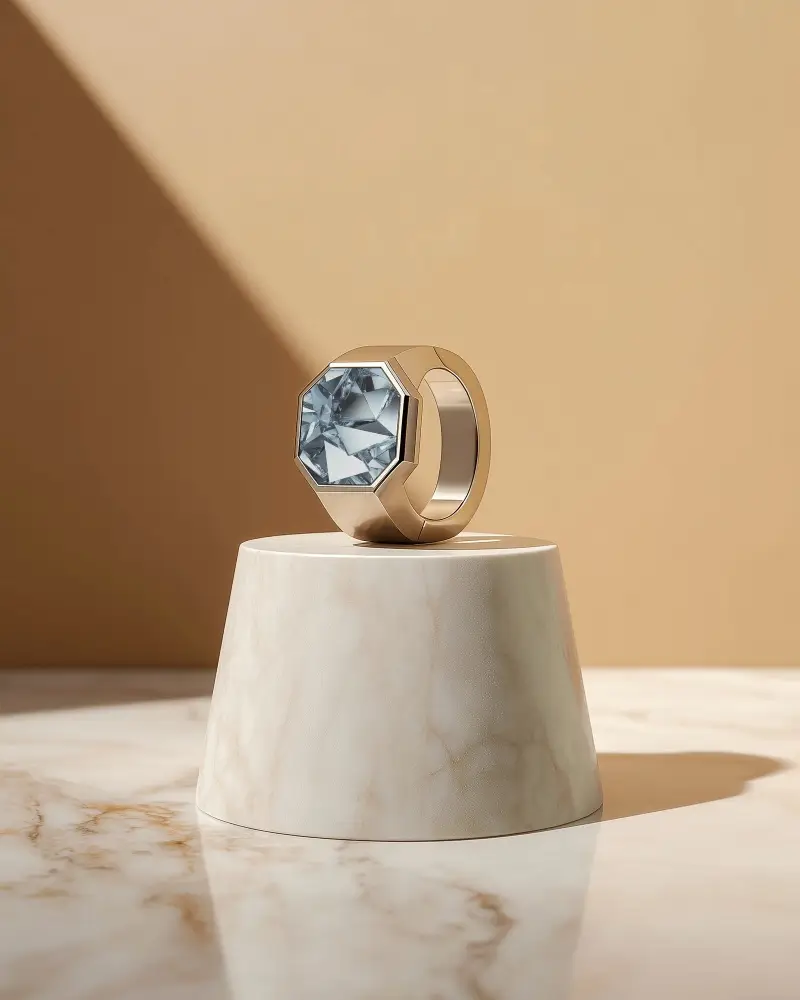
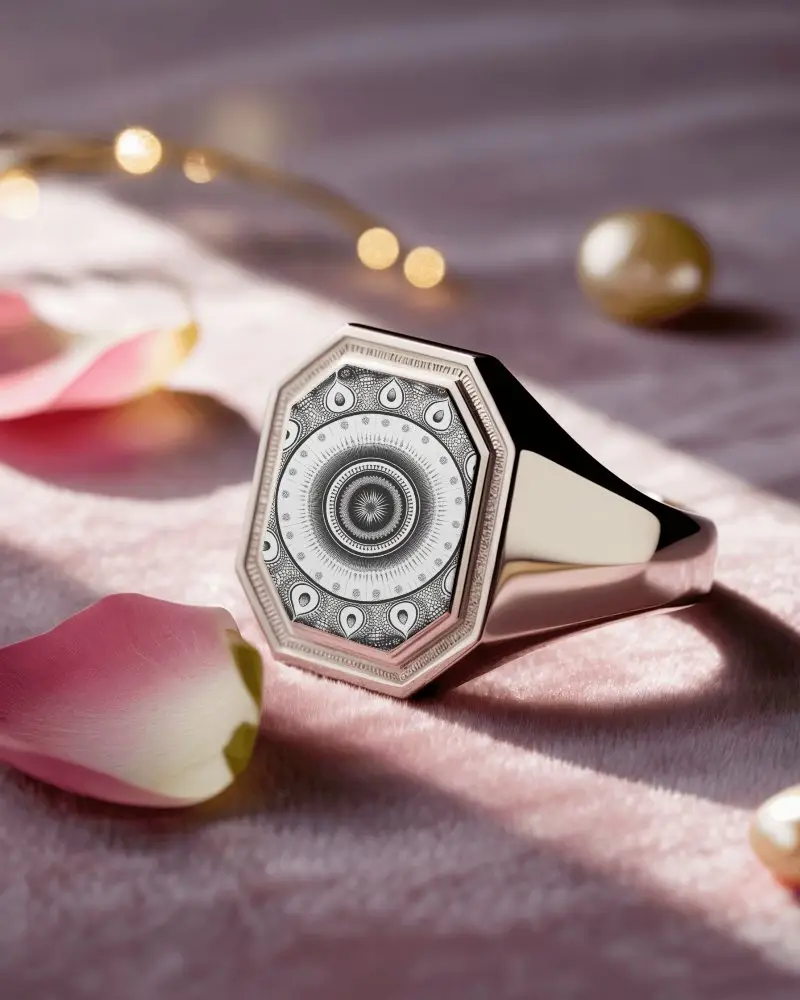
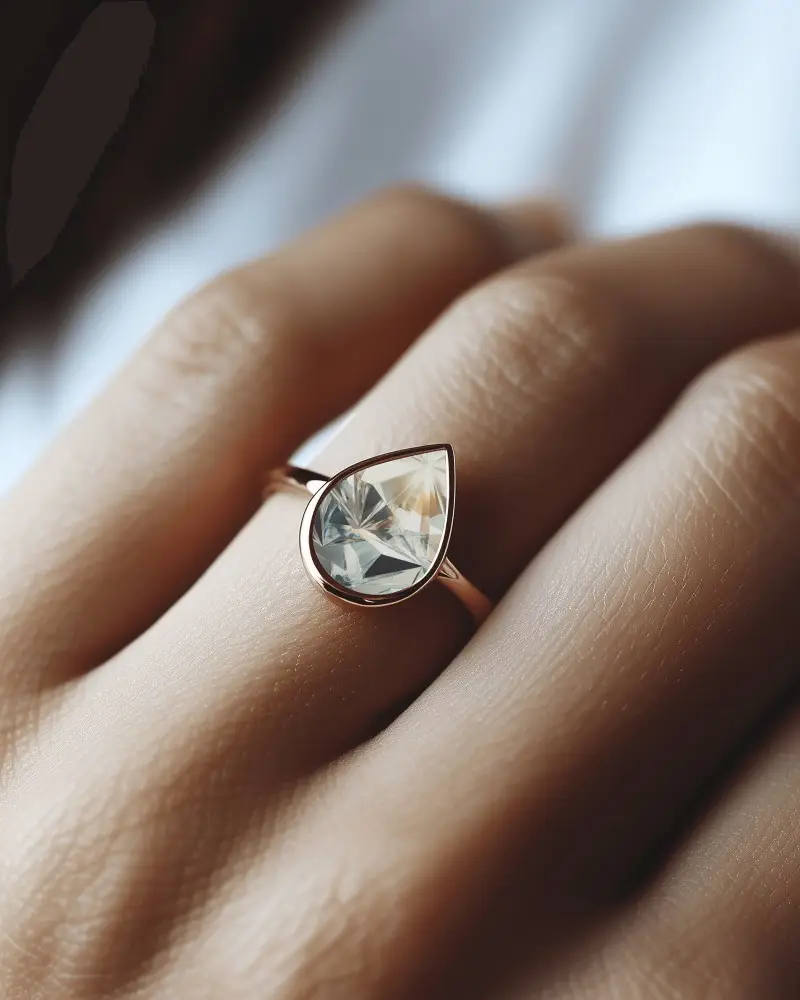
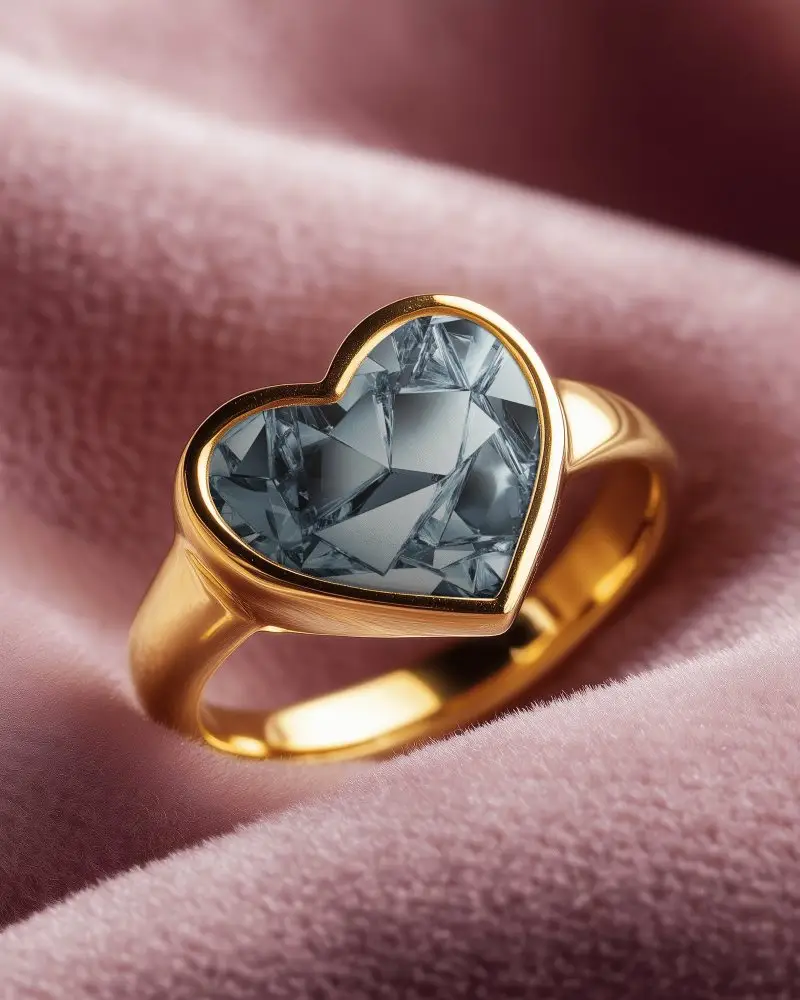
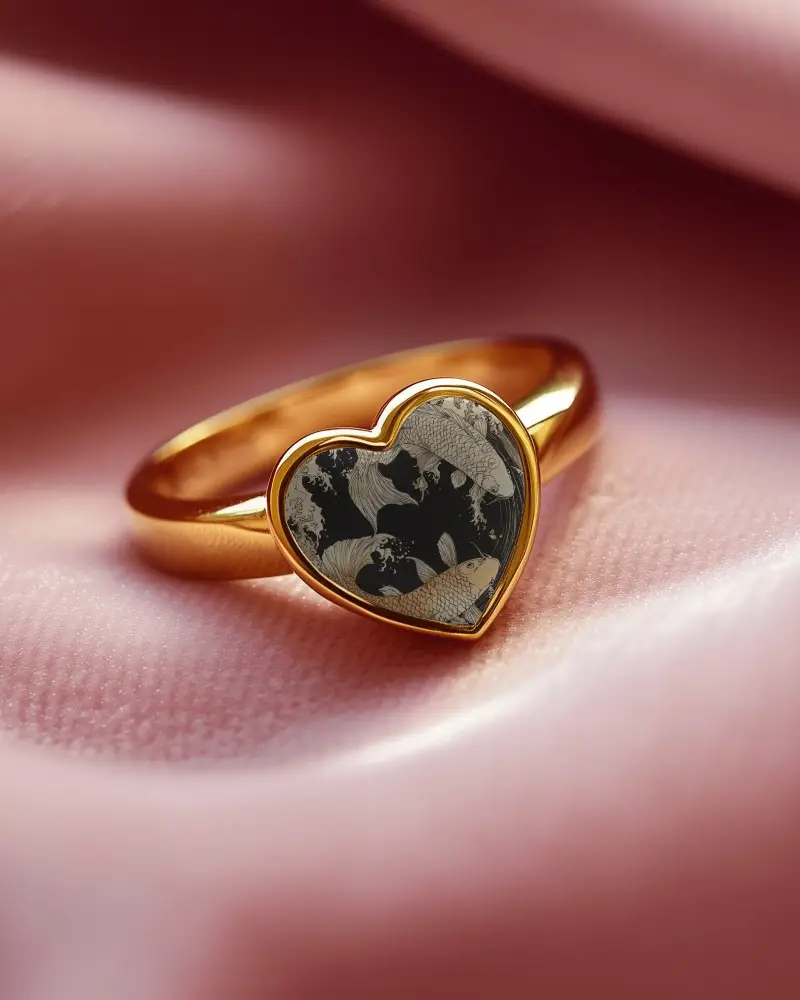
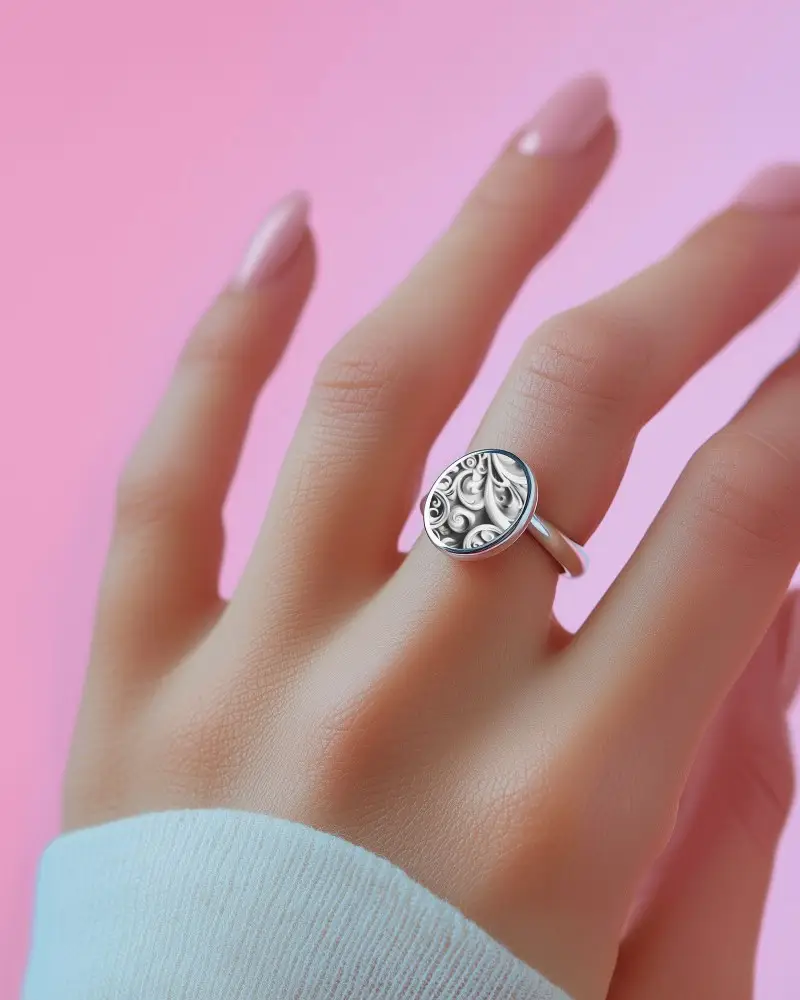
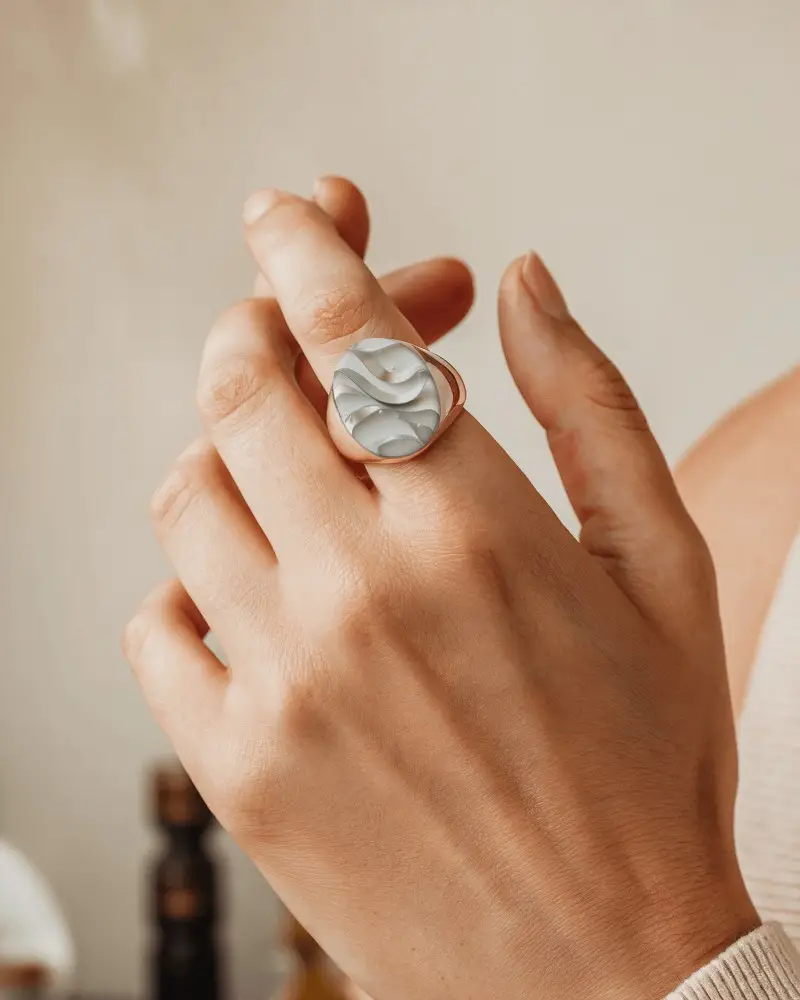
How to Create an Engagement Ring Mockup with Mockey AI
To create engagement ring mockups:
- Step 1: Visit Mockey AI and create an account. After that, select 'Upload Design.'
- Step 2: Locate the 'Jewelry' section on the left side and select 'Ring.' Choose an engagement tag to pick a template and customize the colors or background.
- Step 3: Once you are satisfied with your design, click 'Download' to save your engagement ring mockup in various sizes.


FAQs on Engagement Ring Mockups
What is an Engagement Ring Mockup?
An engagement ring mockup is a sample or model of an engagement ring made before the real one. It shows how the ring will look, so people can see it, change the design if needed, and avoid mistakes before making it.
Why create an Engagement Ring Mockup?
Creating an engagement ring mockup helps tell your story, allows changes, builds excitement, avoids surprises, saves money, and makes the whole process easier.
Why Use Mockey’s Engagement Ring Mockup?
Mockey AI helps you create amazing engagement ring mockups using unique templates. You can easily edit them with simple tools for free.
Is this Engagement Ring Mockup Free?
You can find free engagement ring mockups and templates on trusted websites like Mockey AI. They have fine quality templates you can download for free. But some templates need money, so make sure to check before downloading.
