box
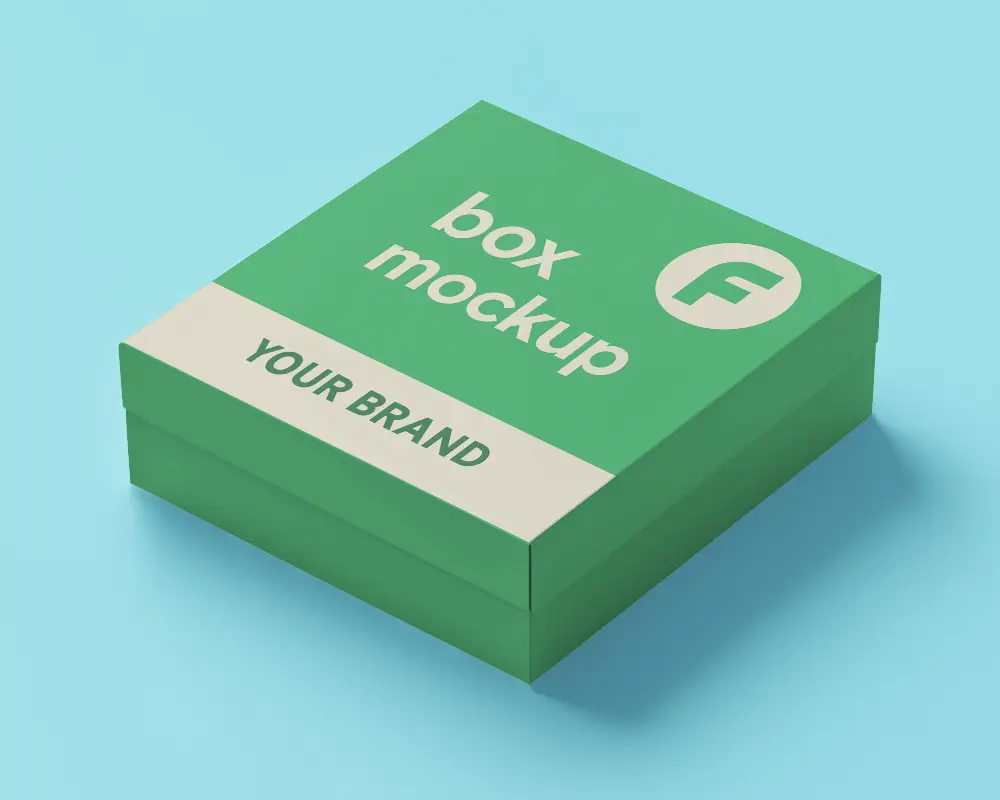
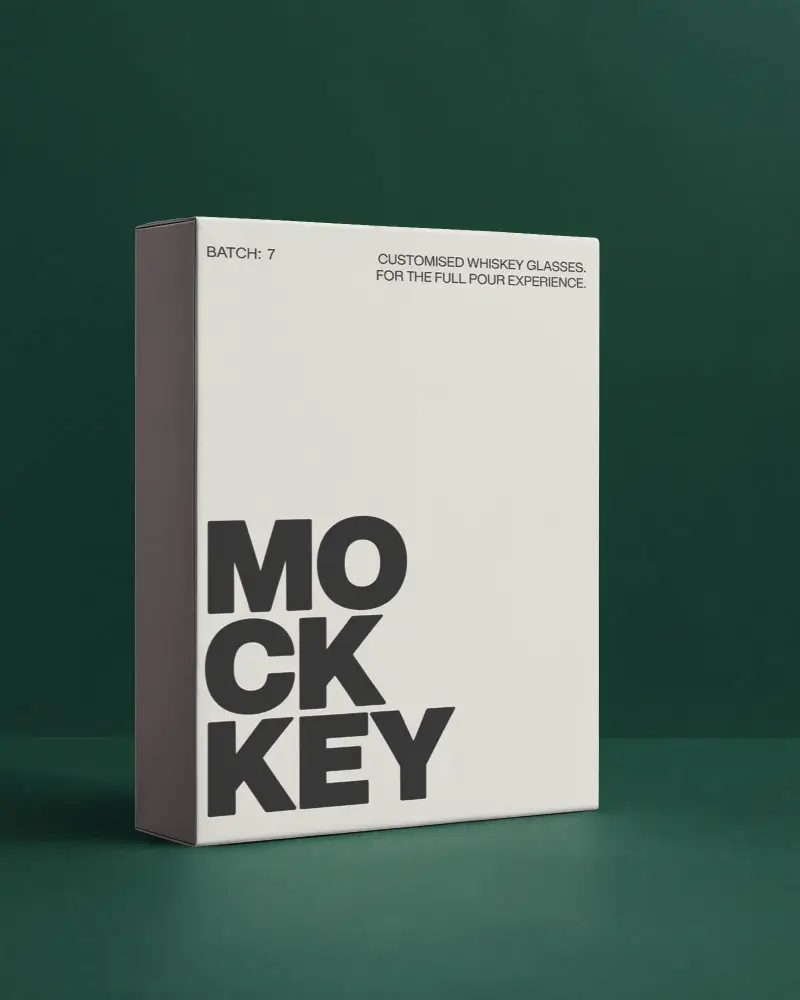
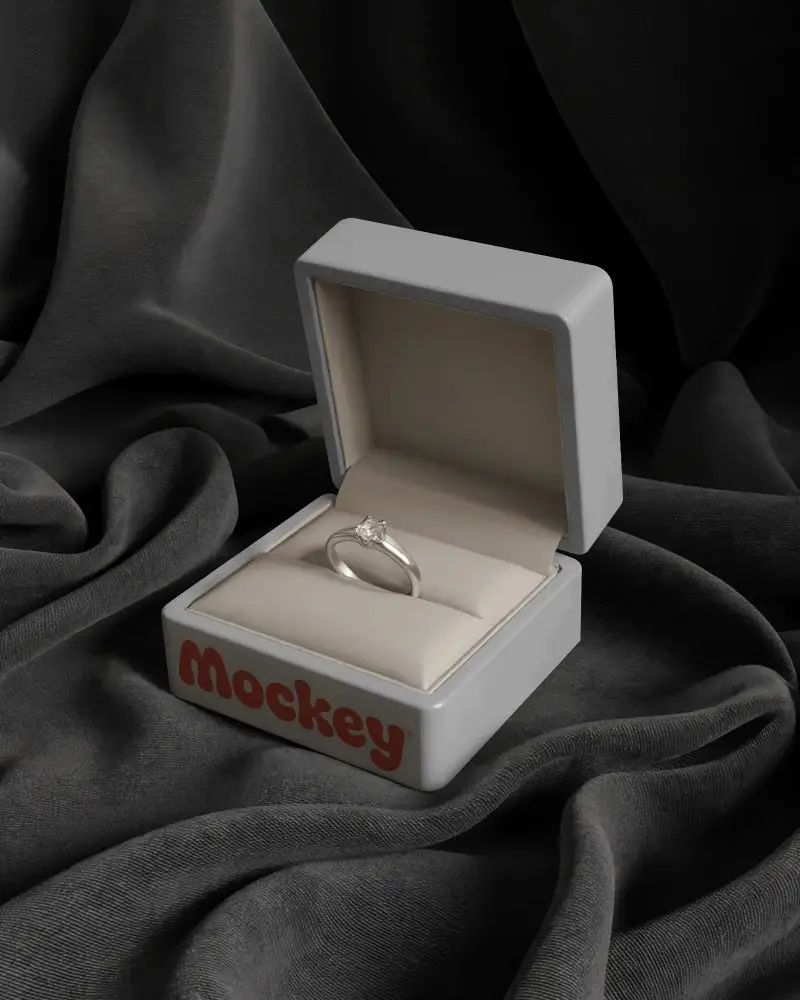
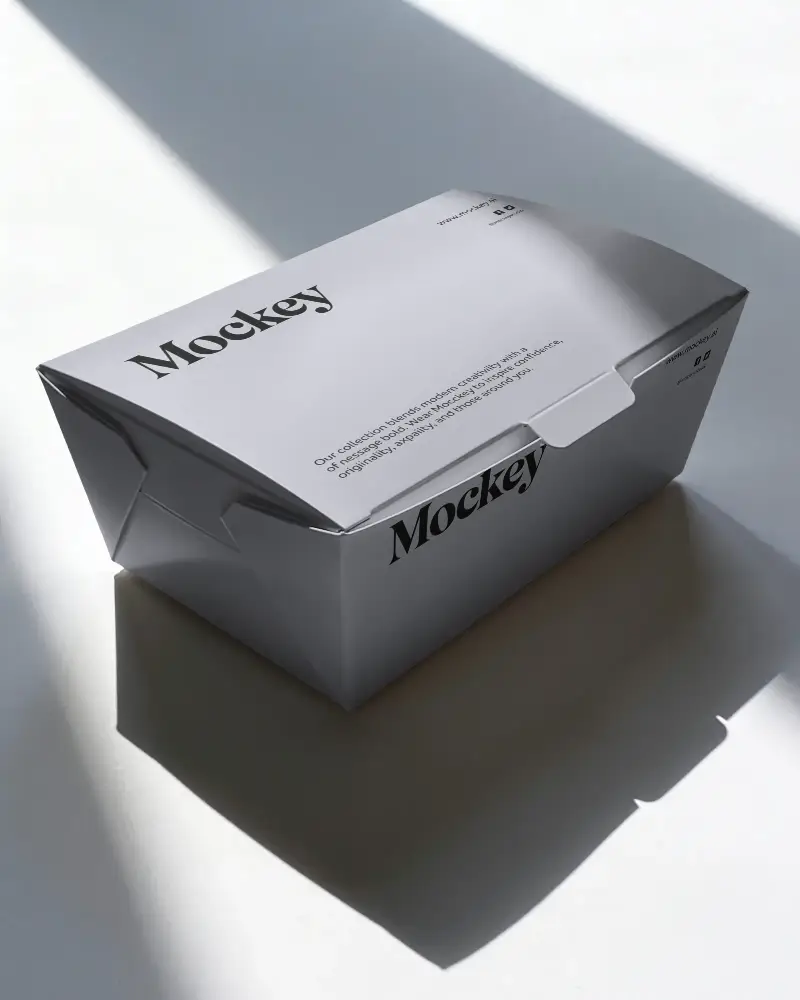
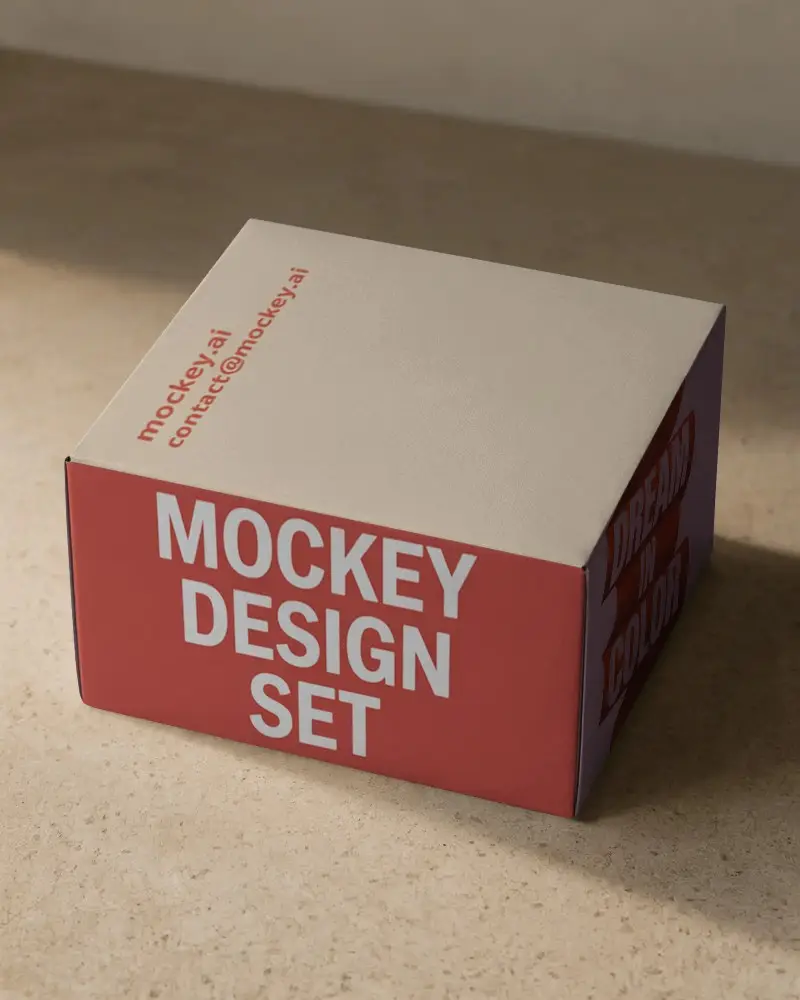
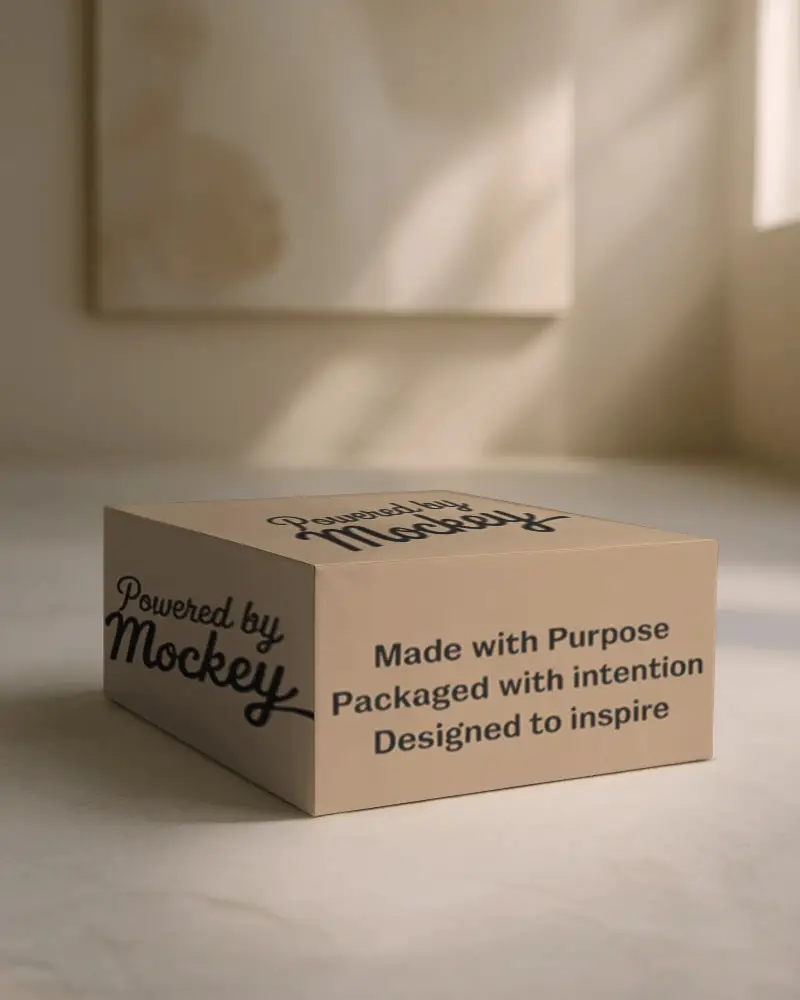
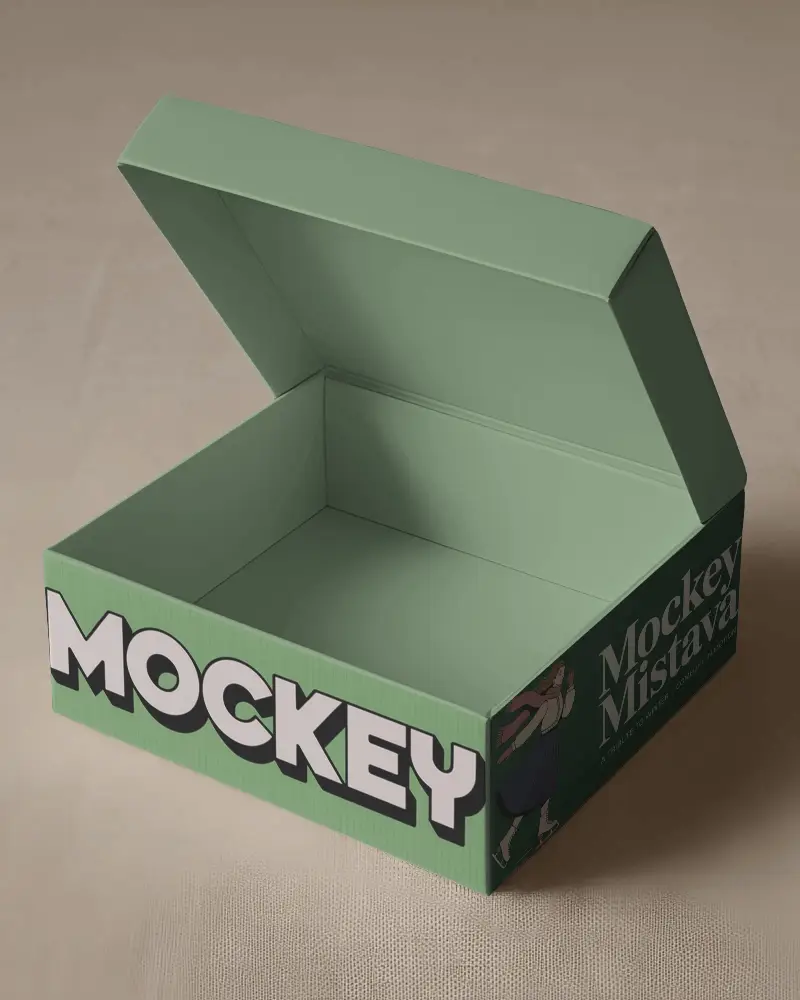
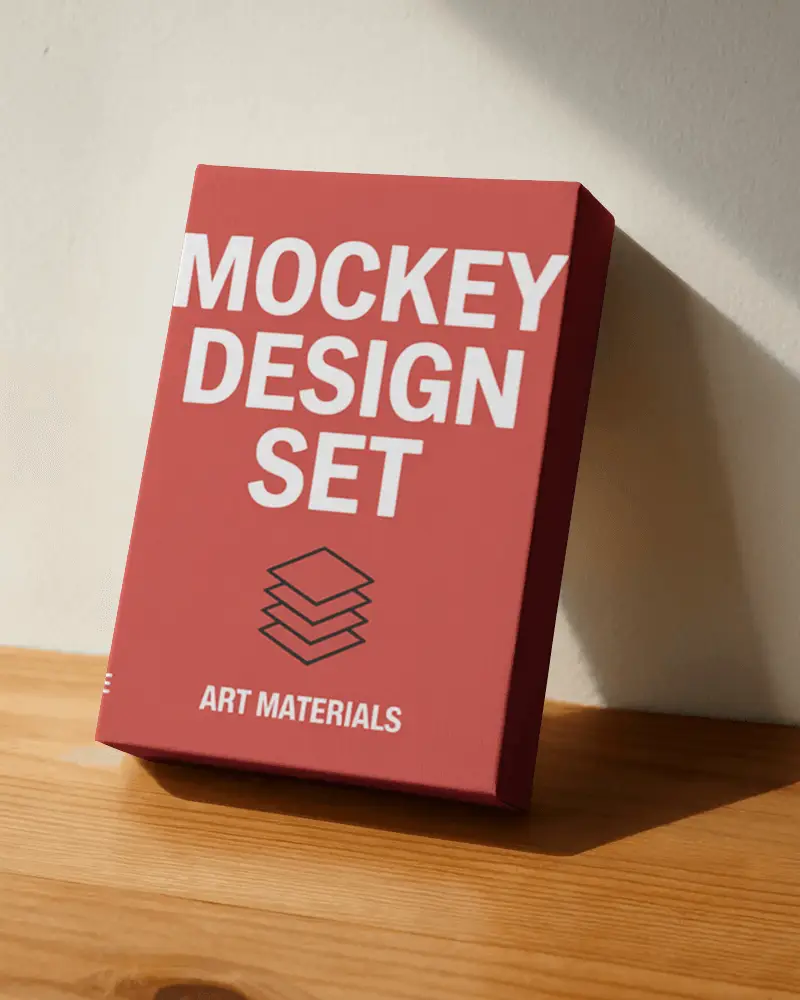
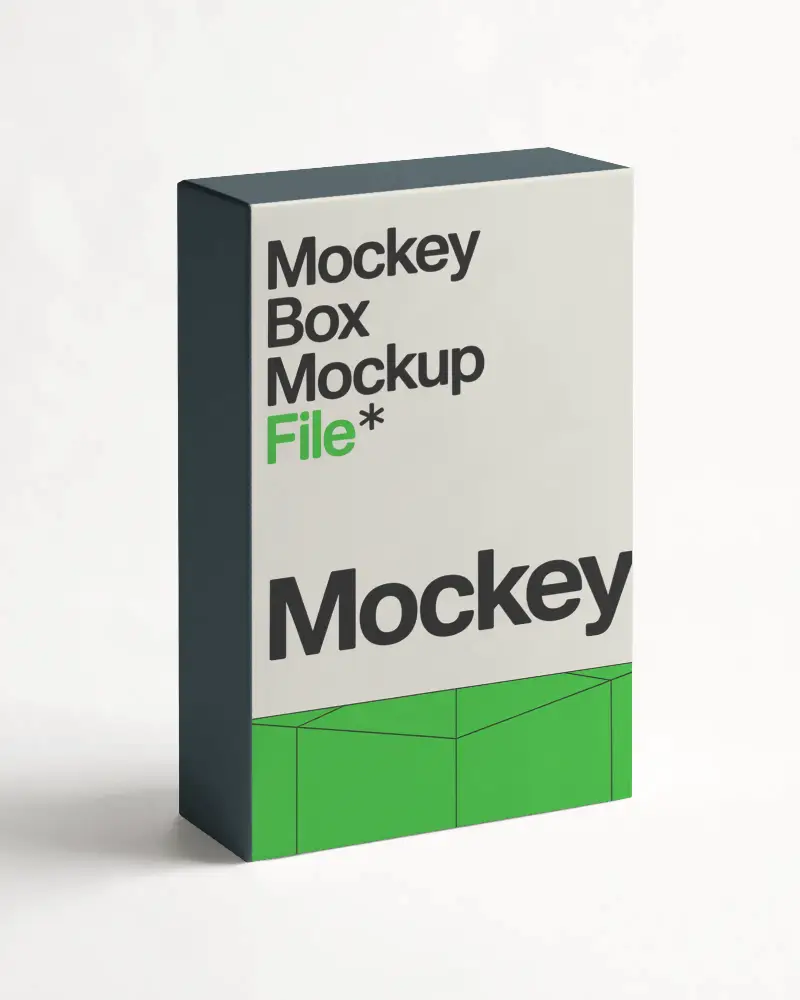
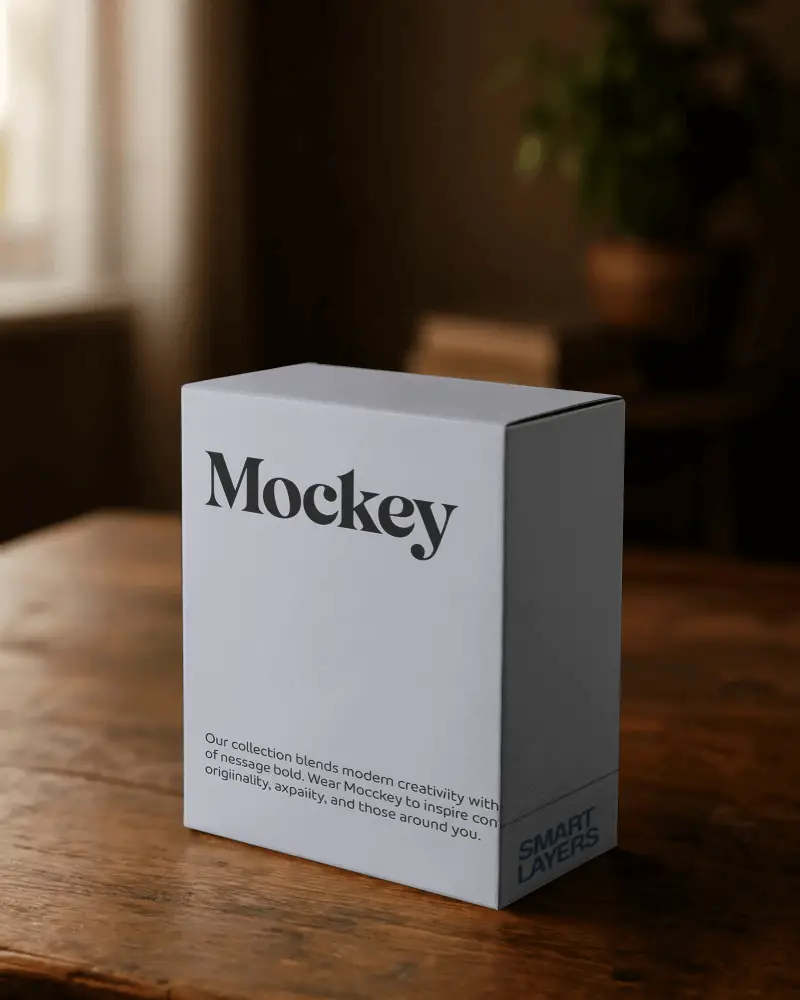
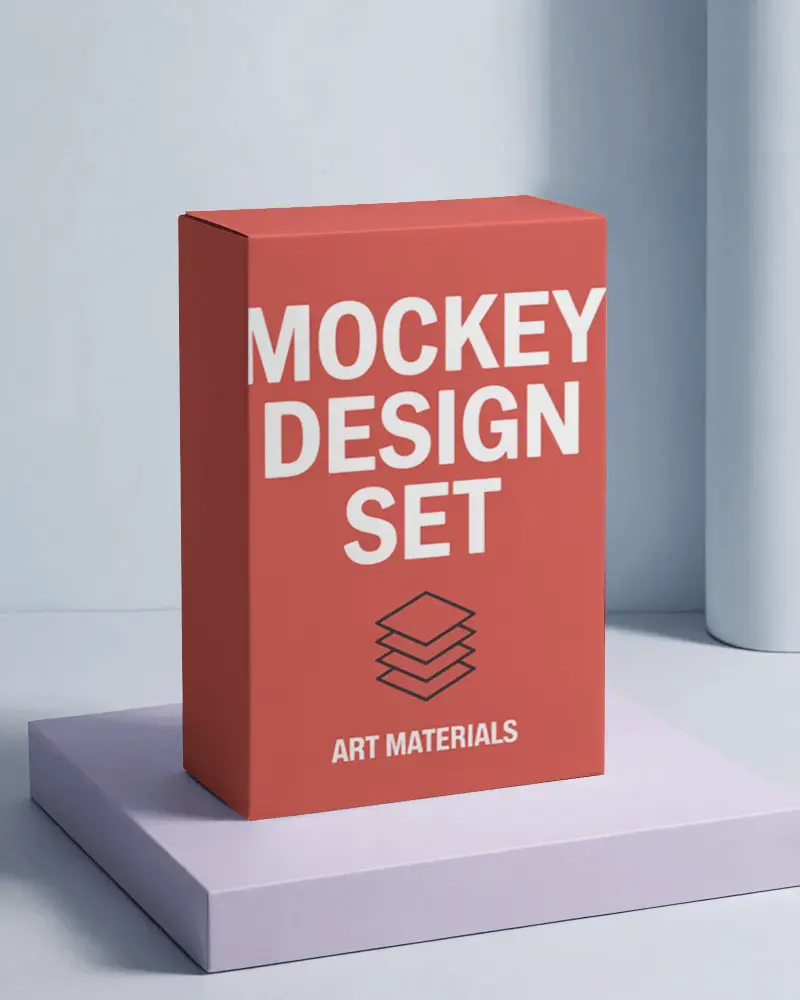
Cuboid Box Mockup Free to Download
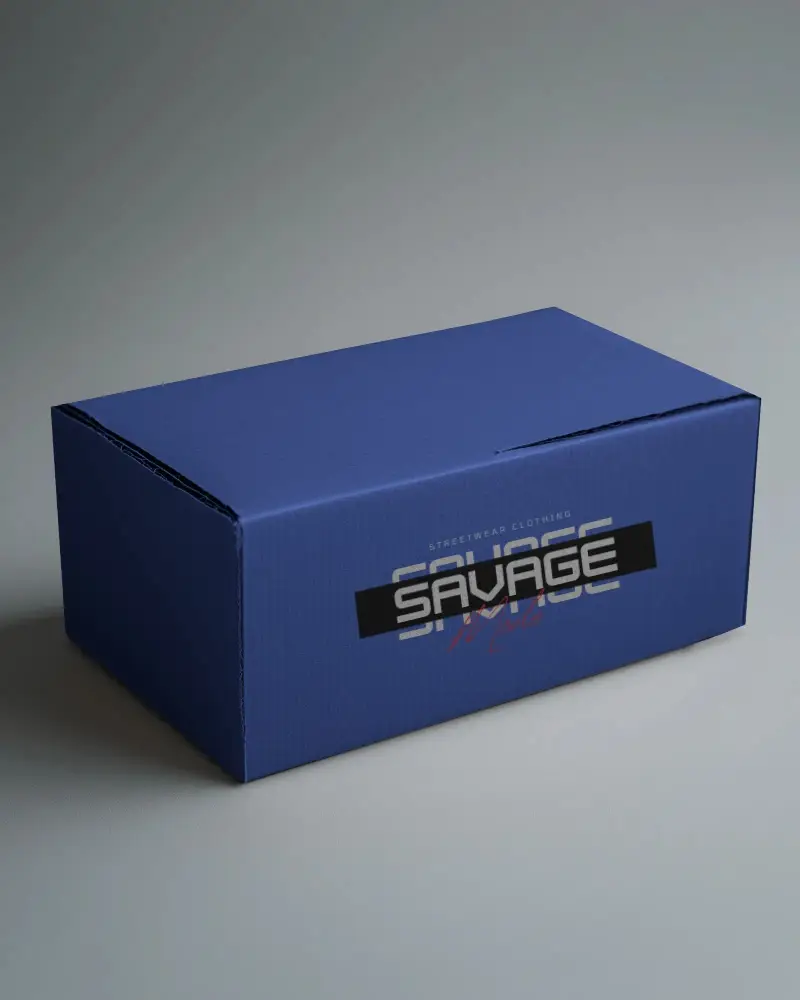
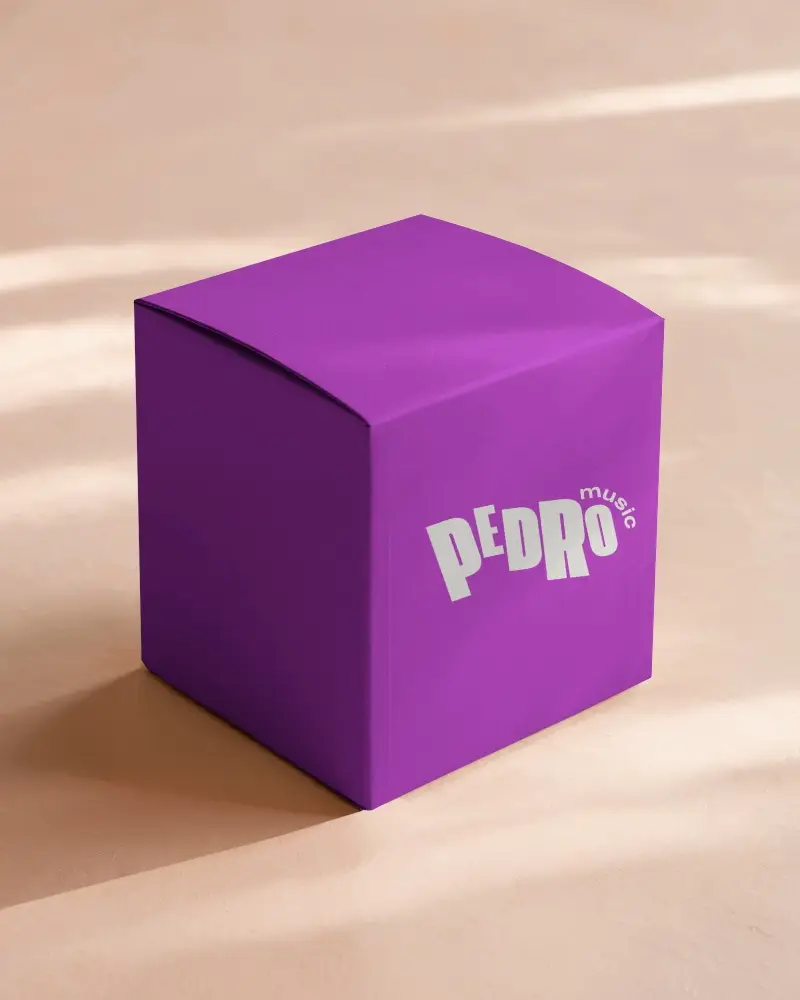
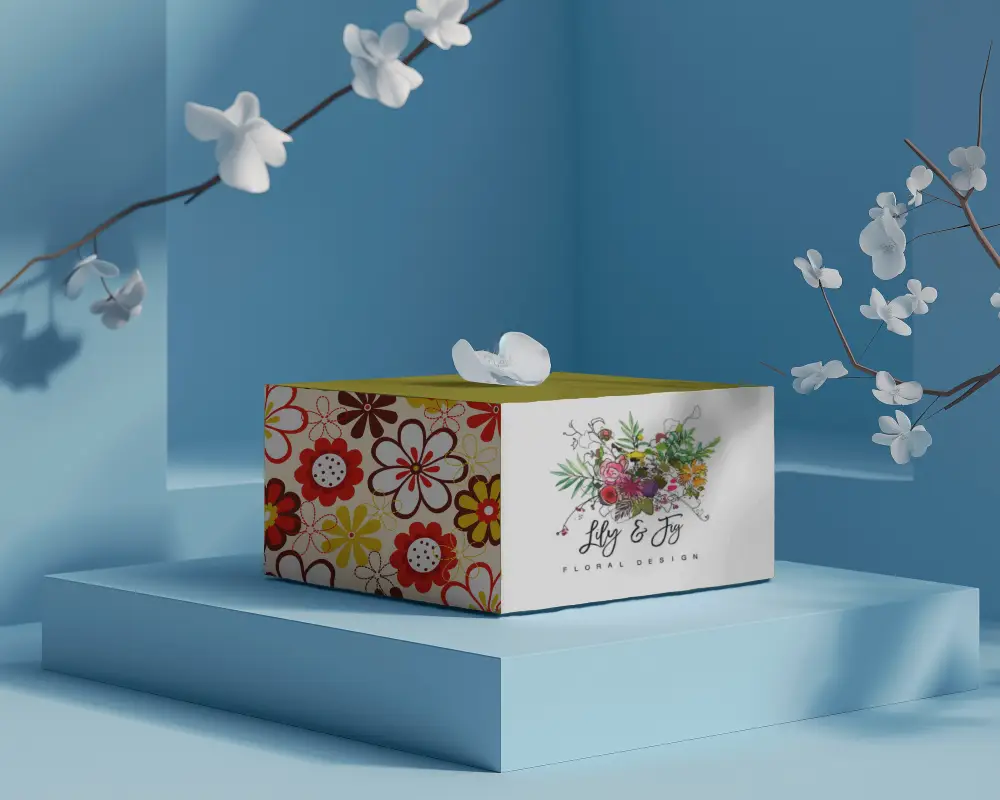
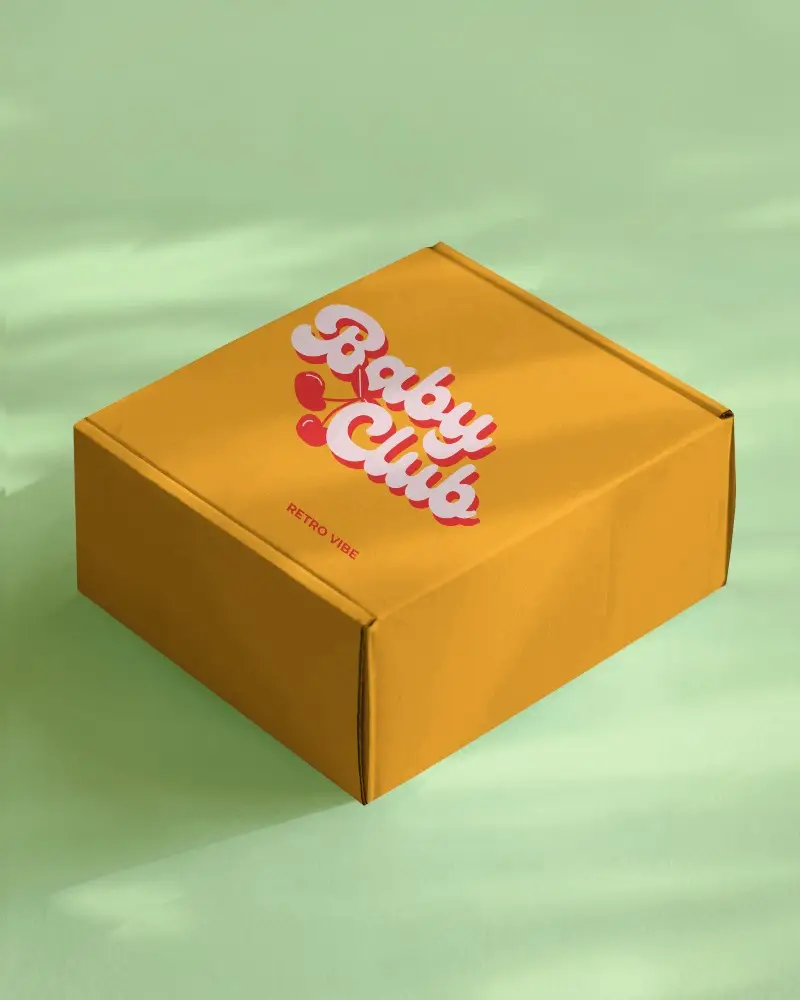
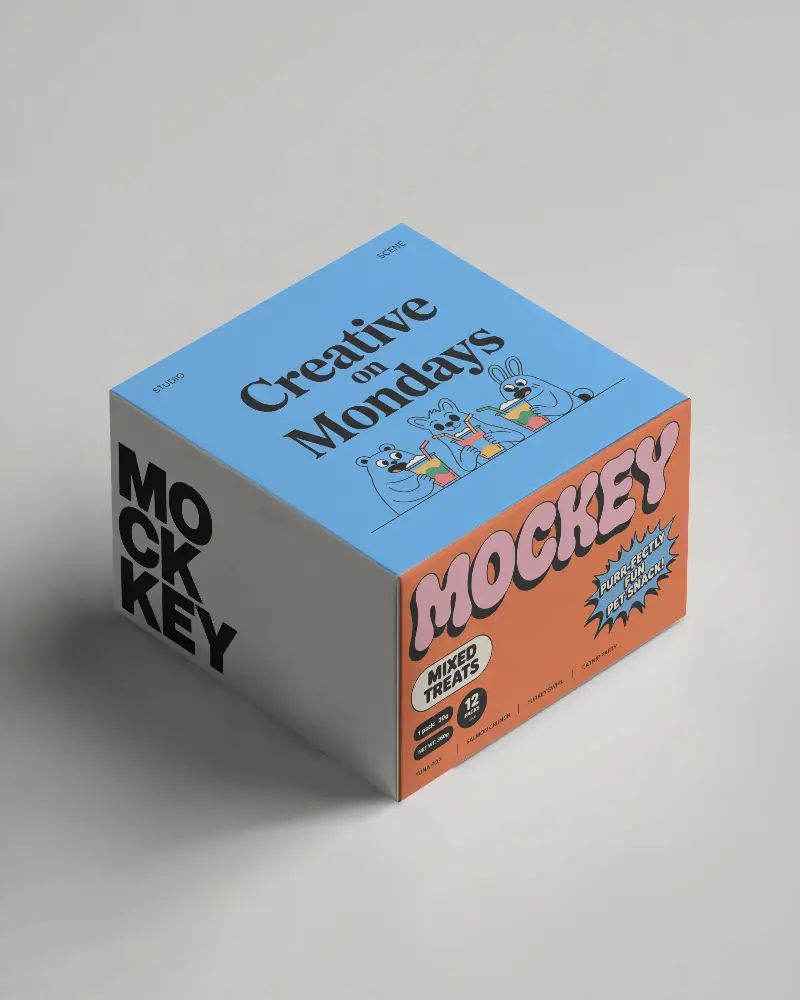
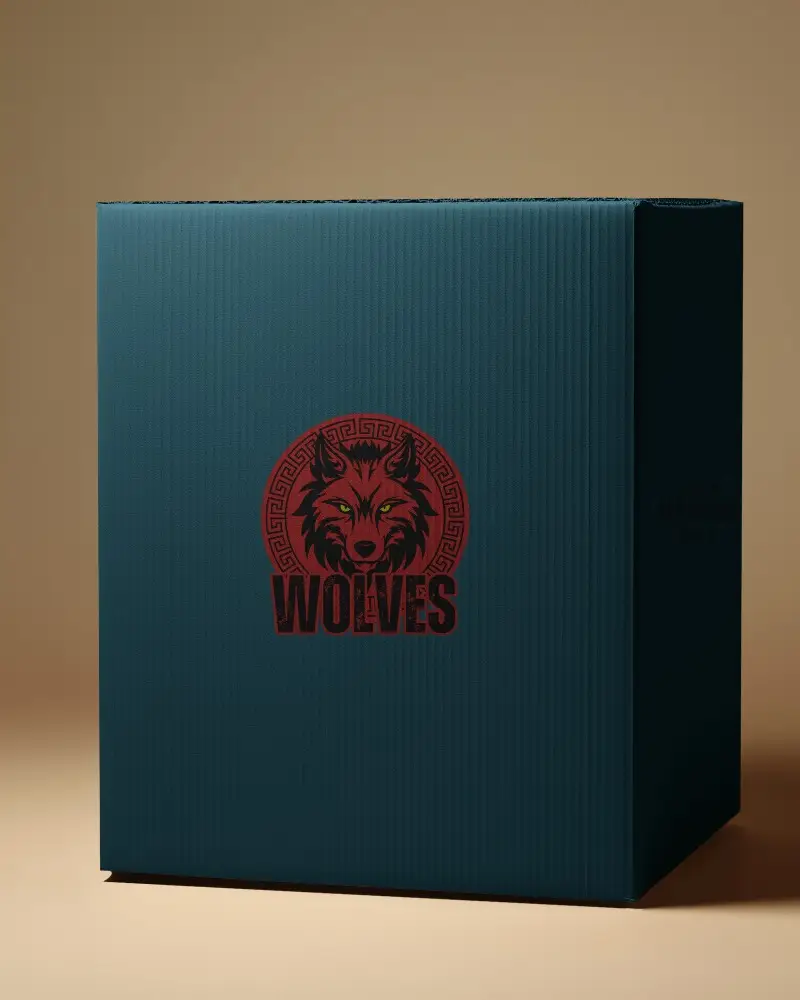
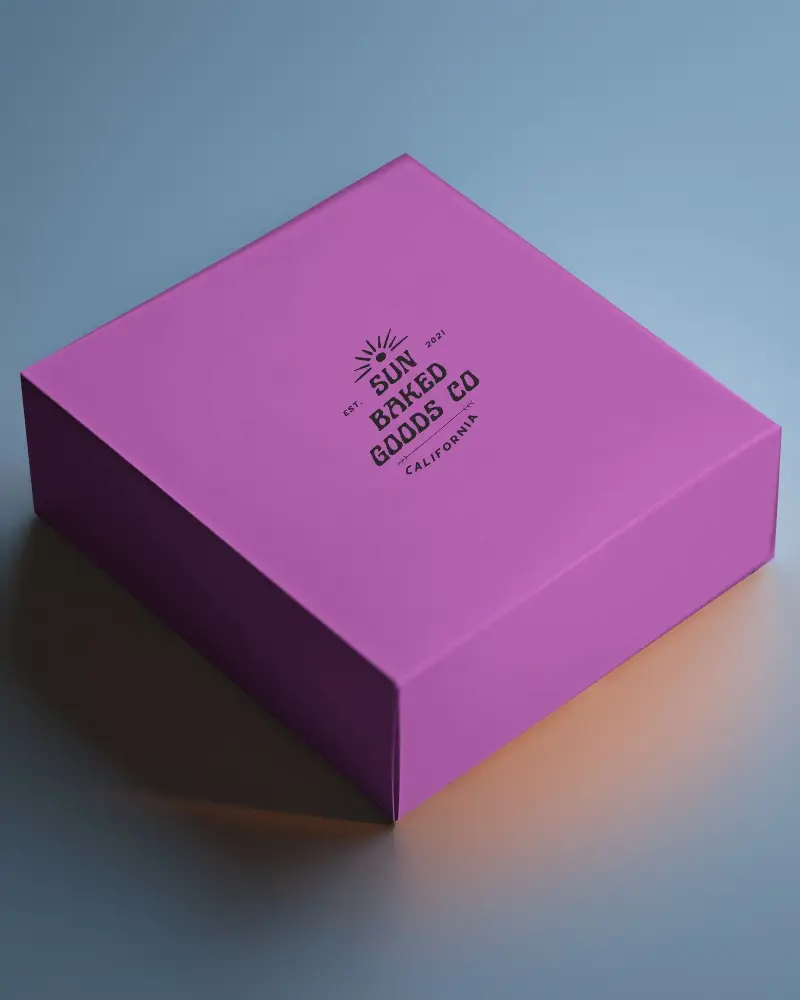
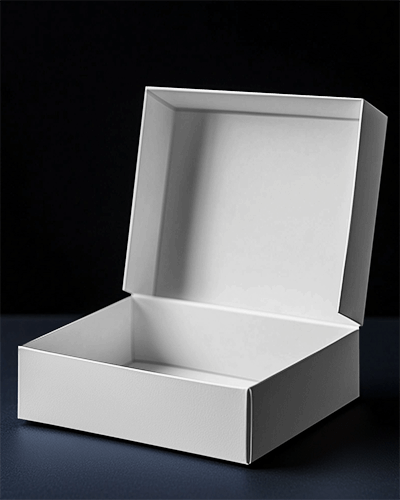
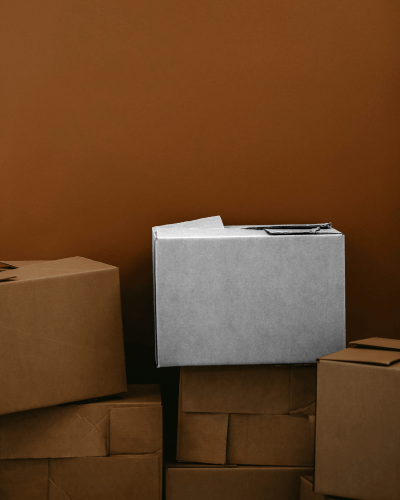
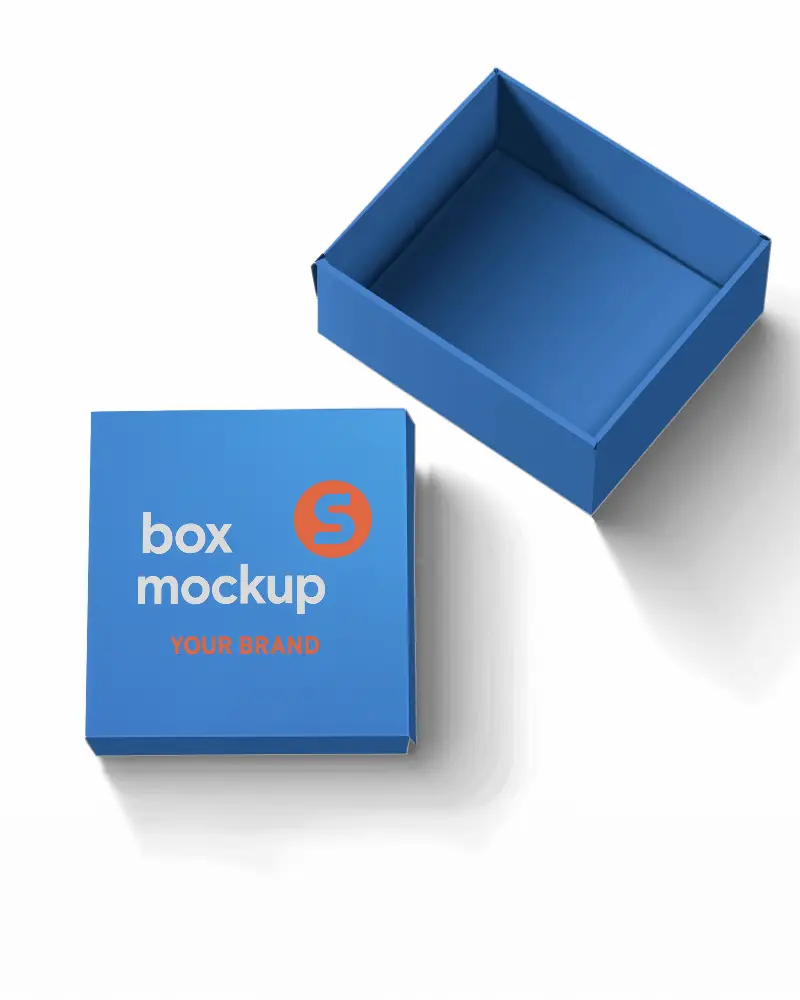
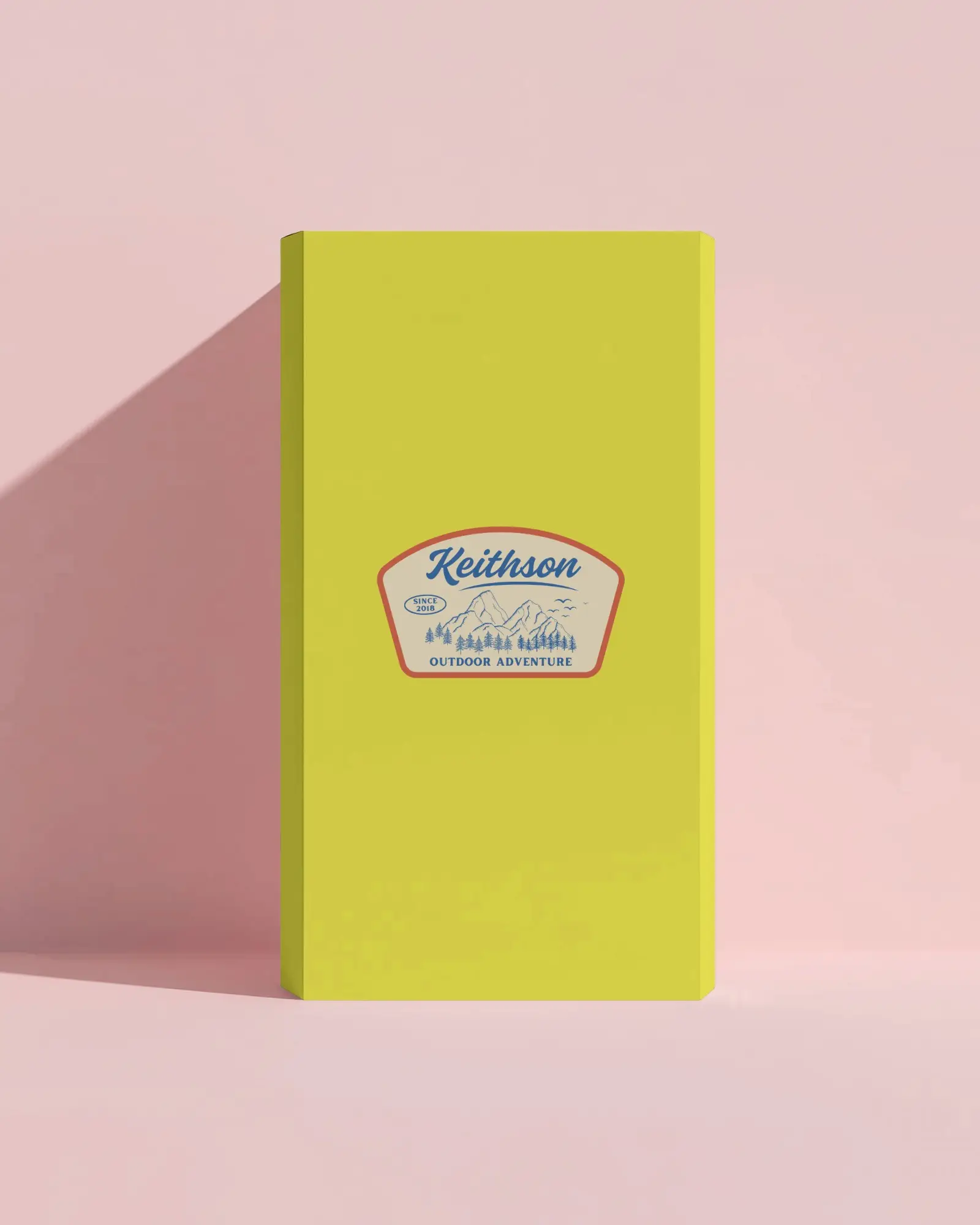
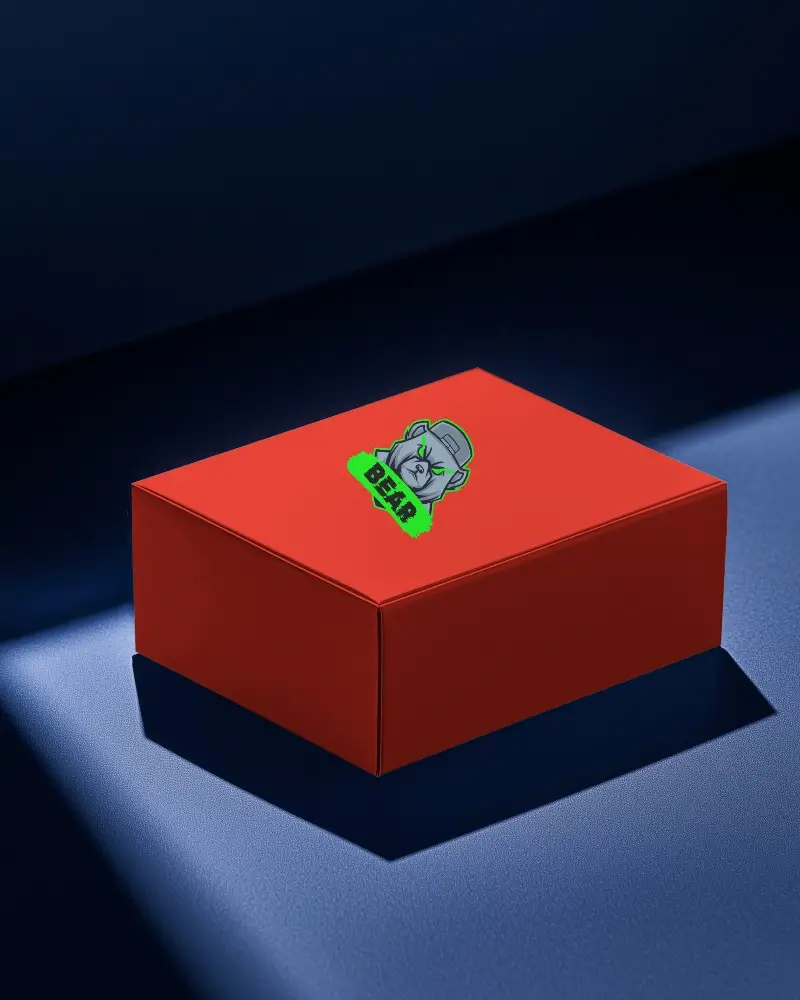
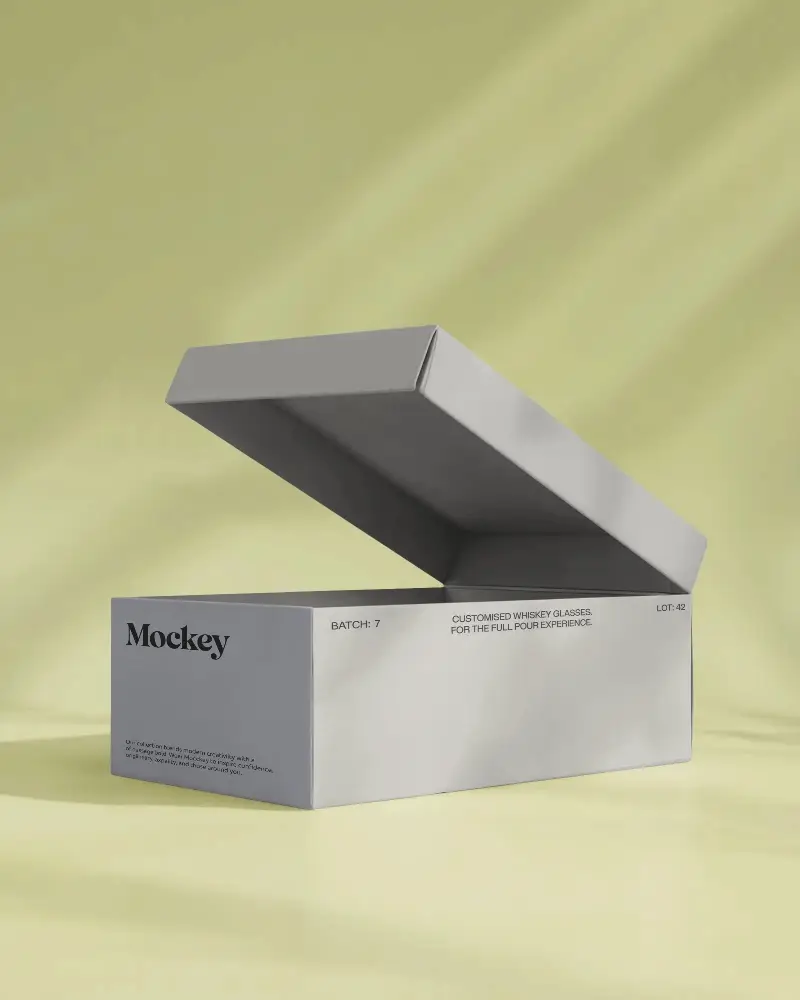
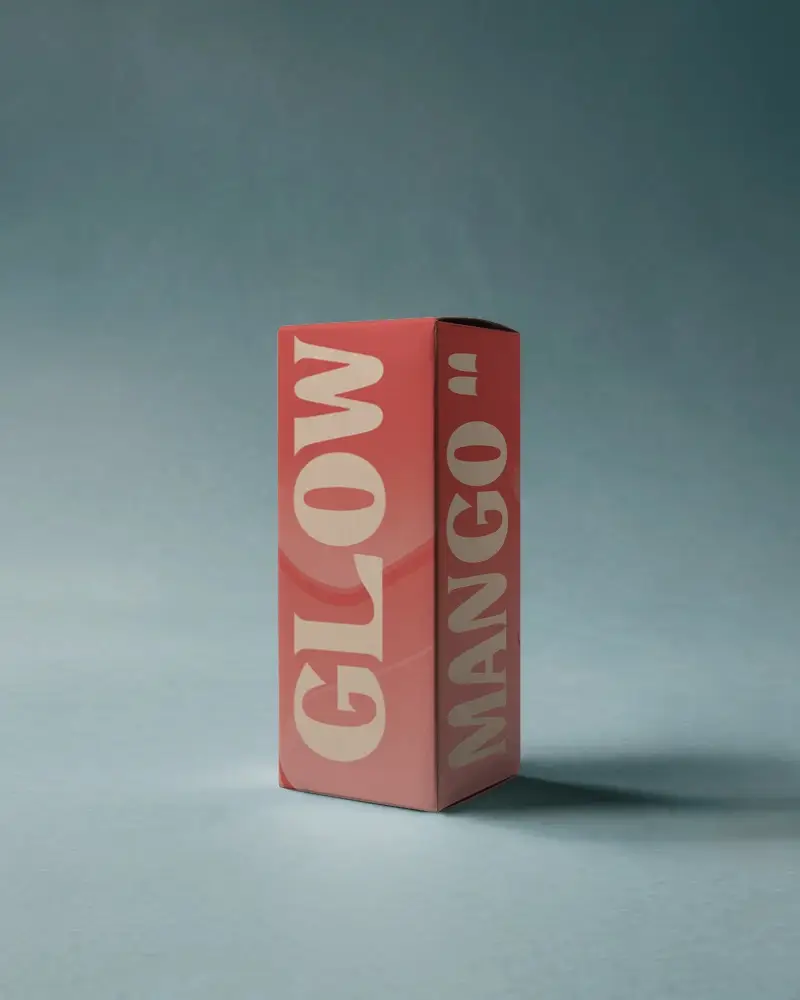
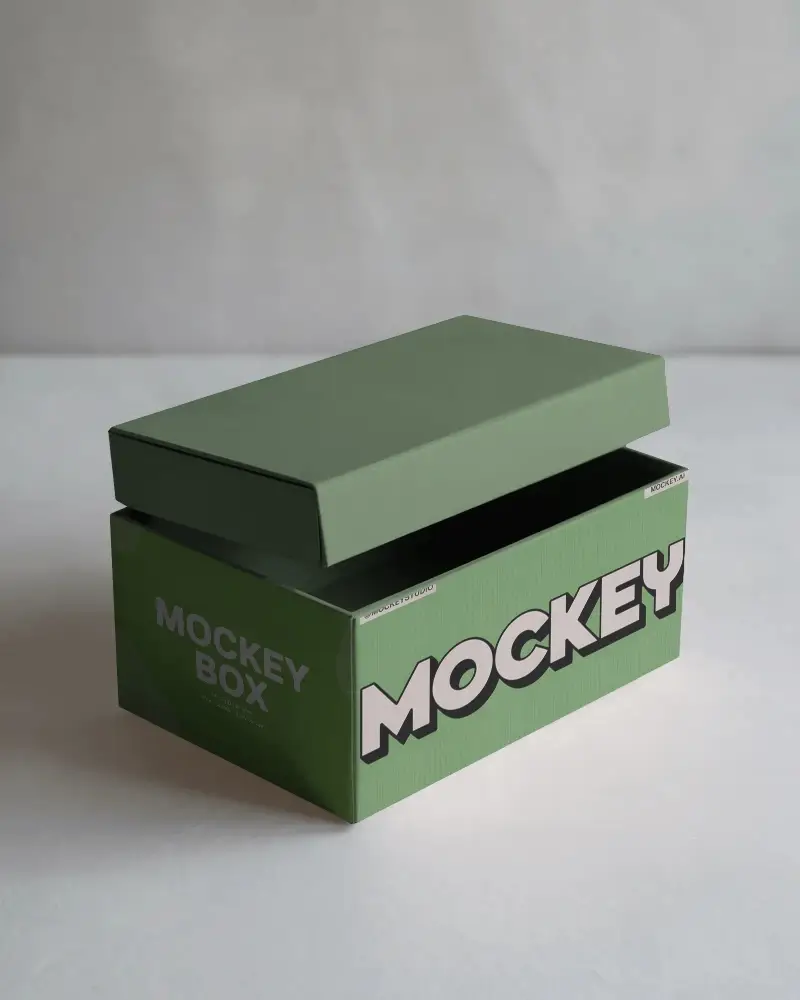
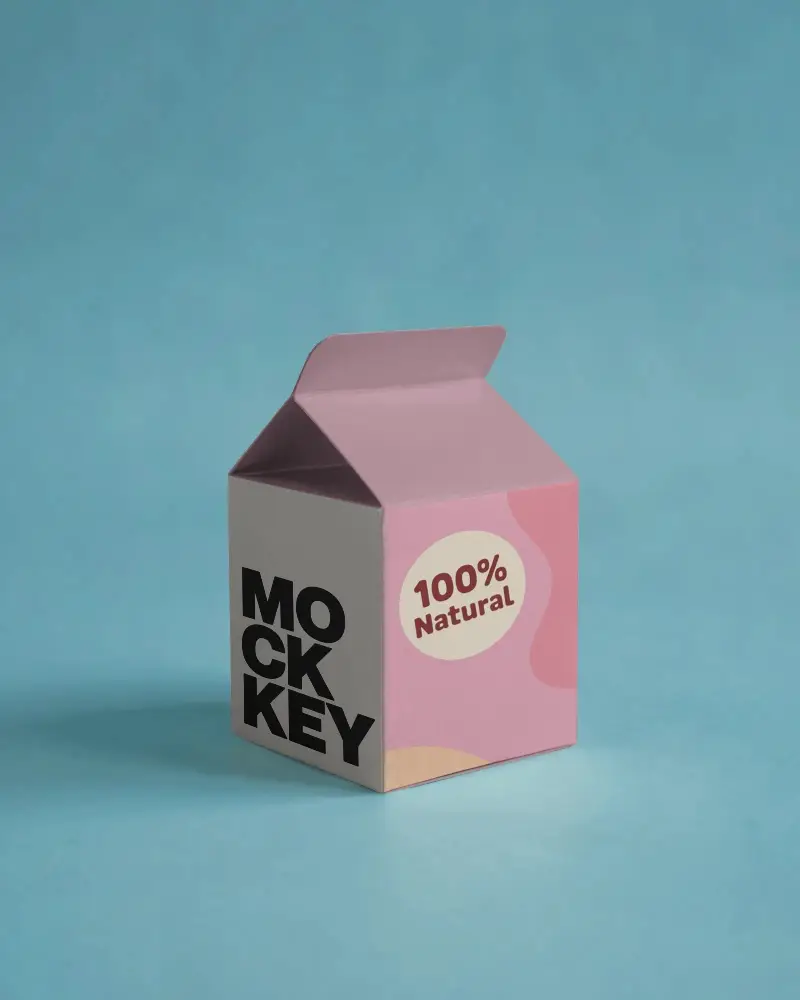
Download Free Cuboid Box Mockup. Use it to showcase your packaging designs with ease. Just replace your artwork using smart objects in Mockey.ai.
.png)
.png)
.png)
(1).png)
.png)
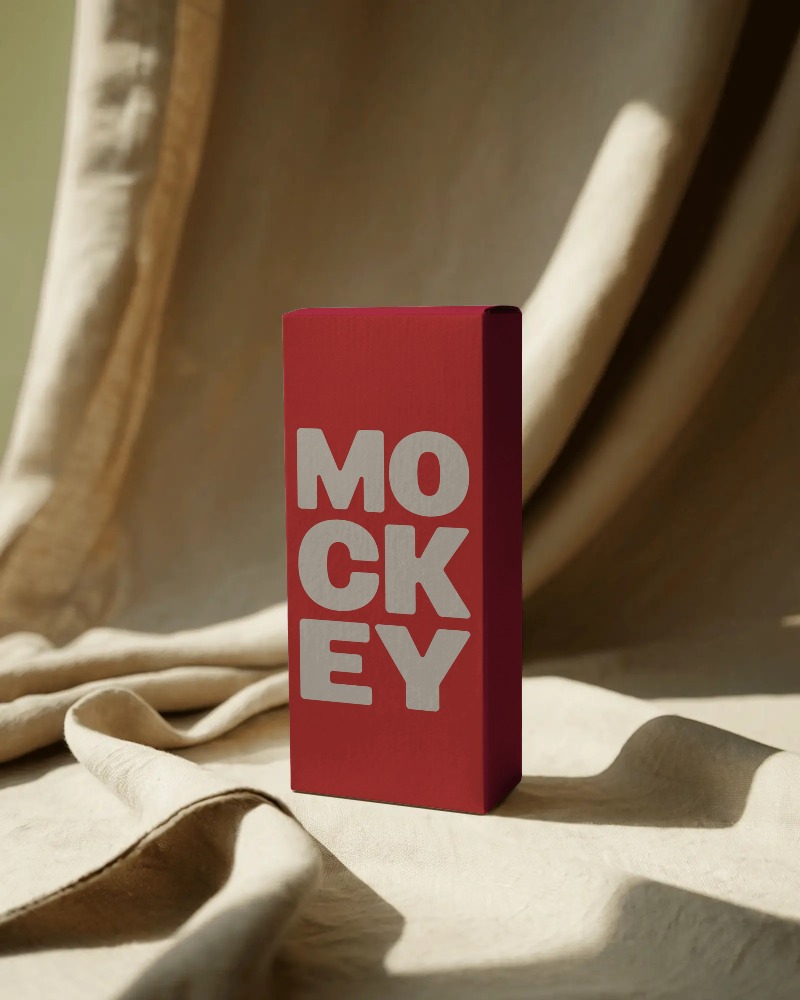
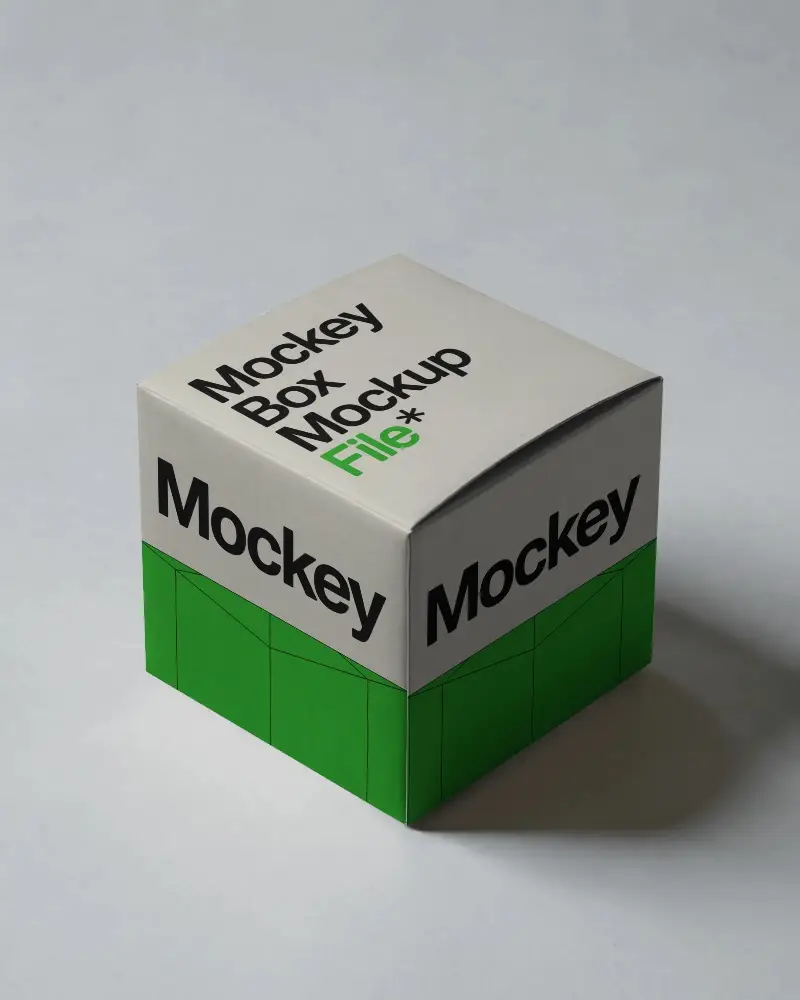
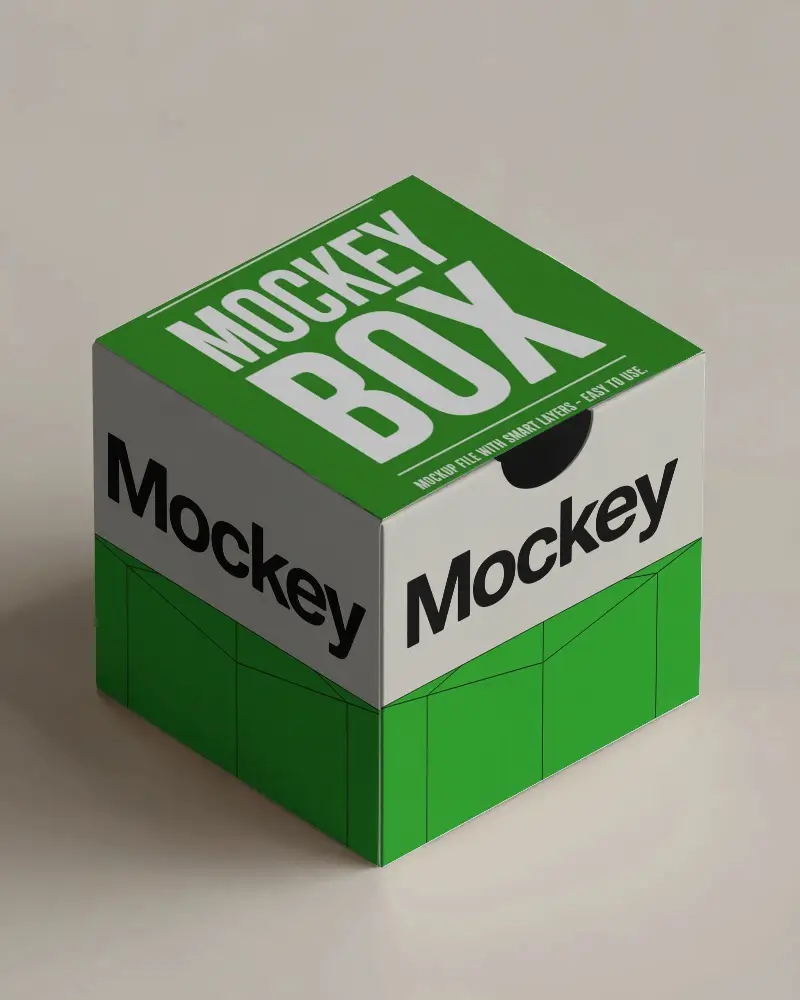
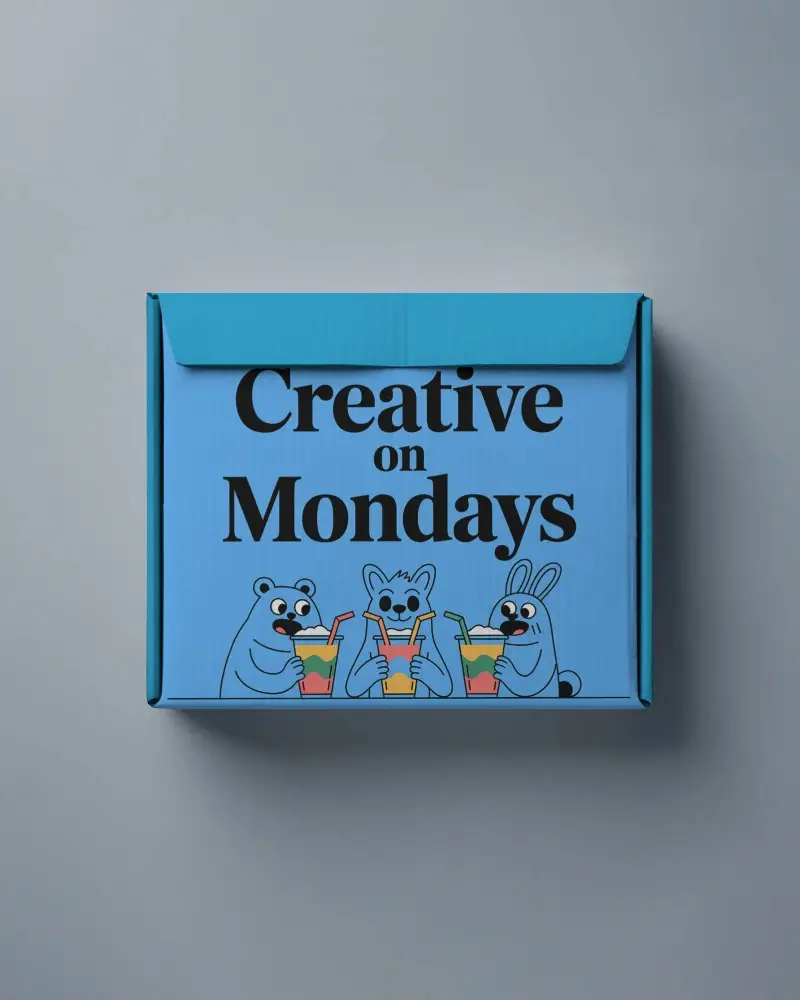
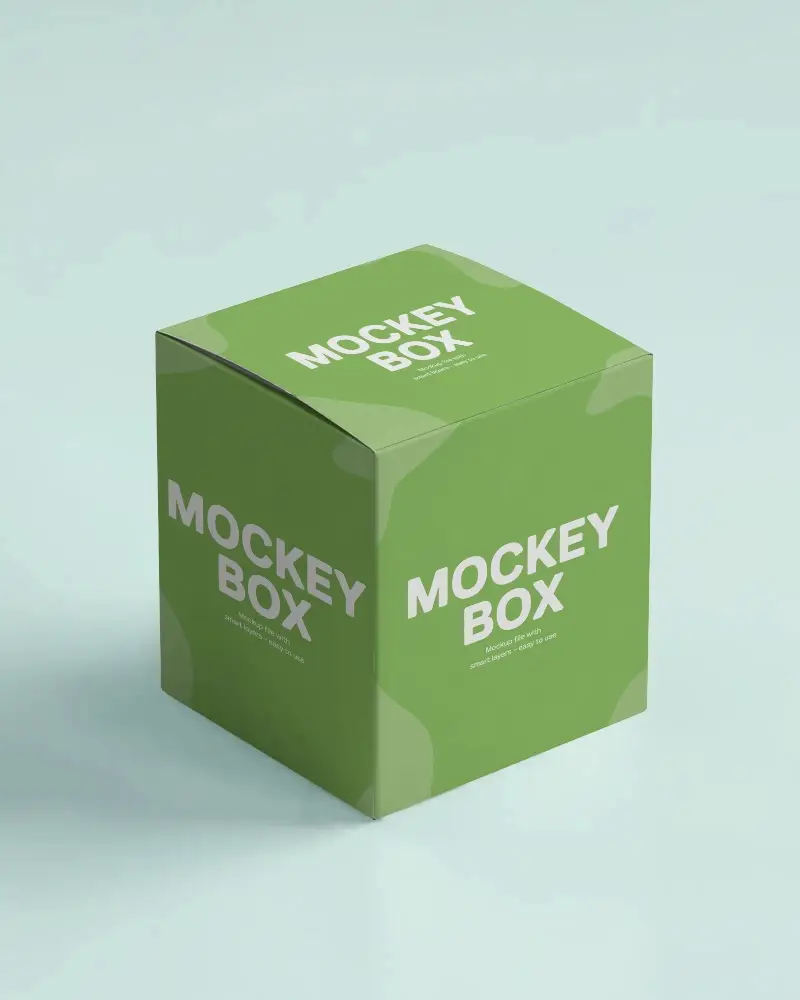
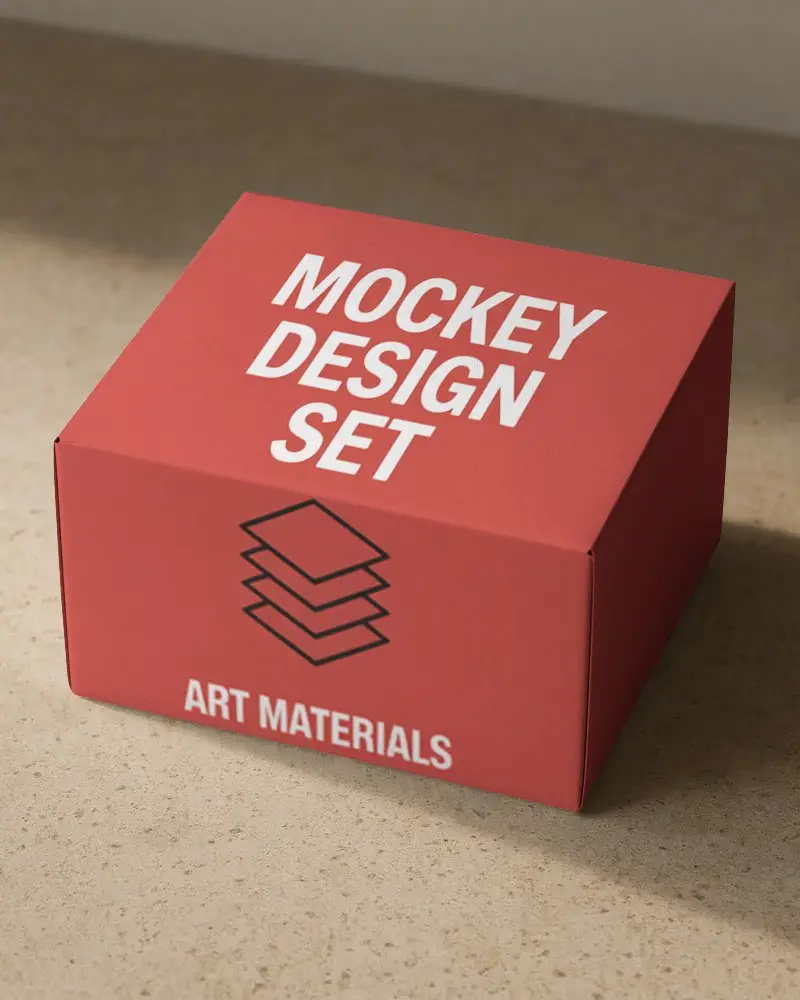
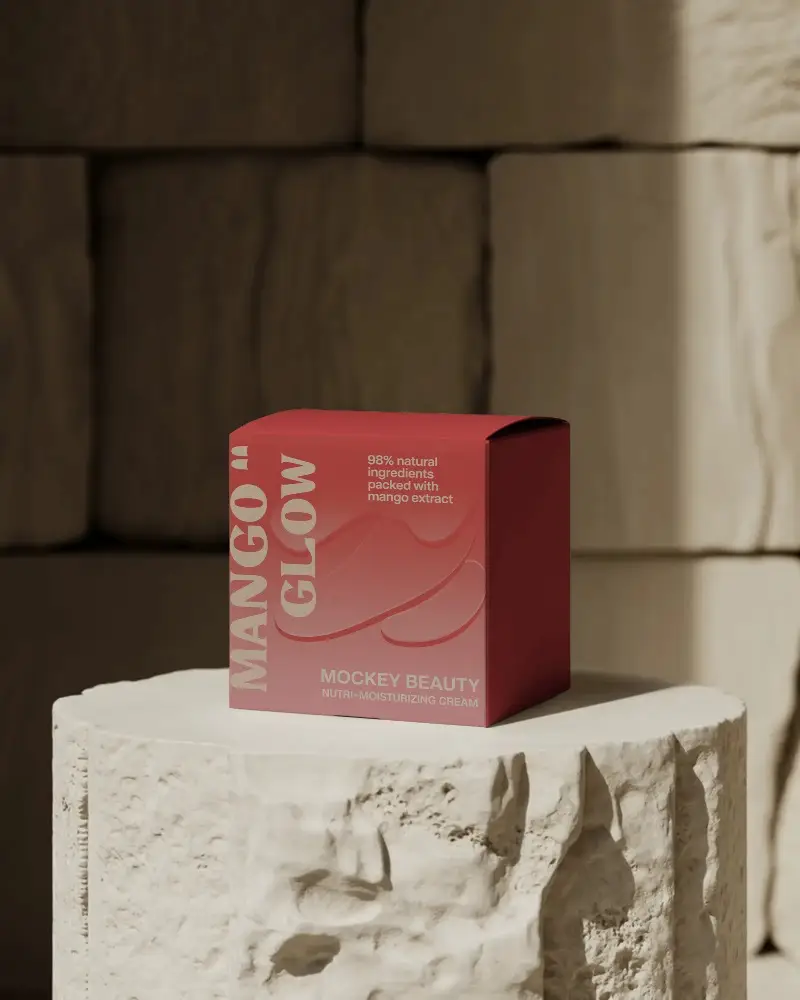
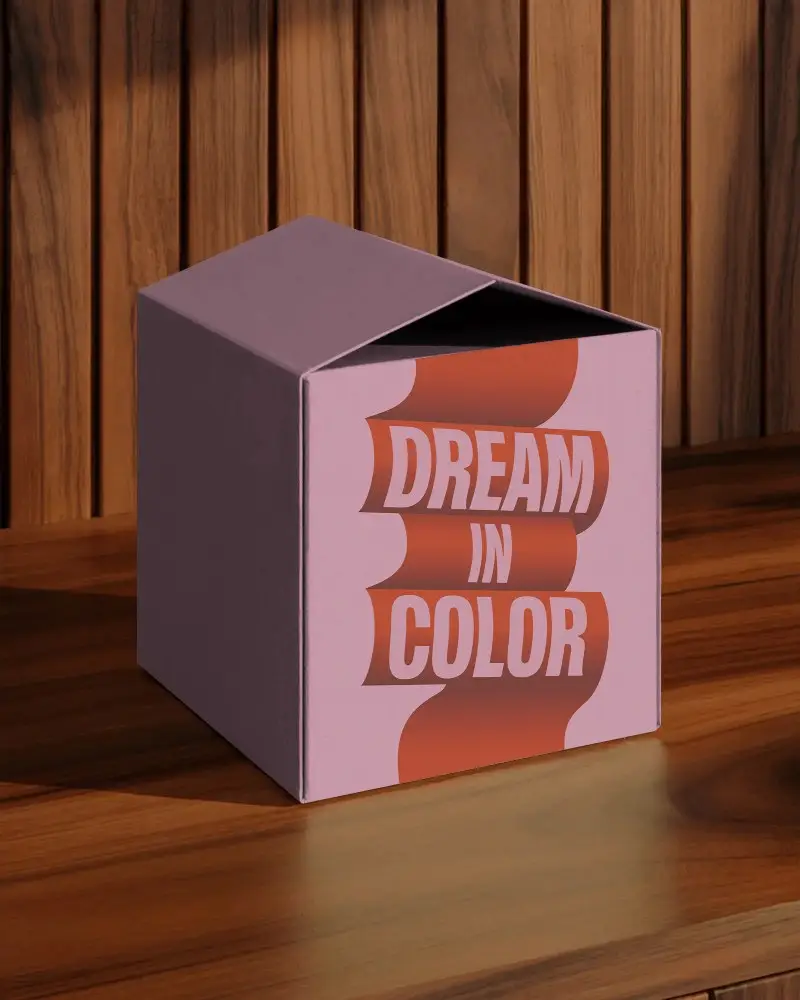
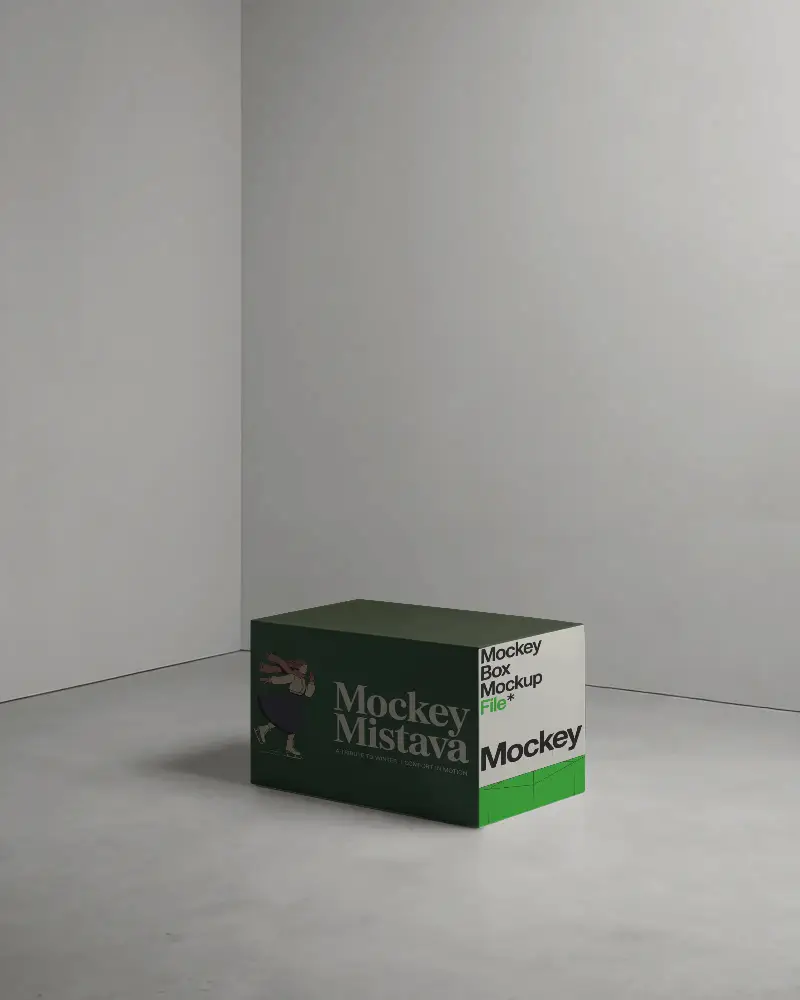
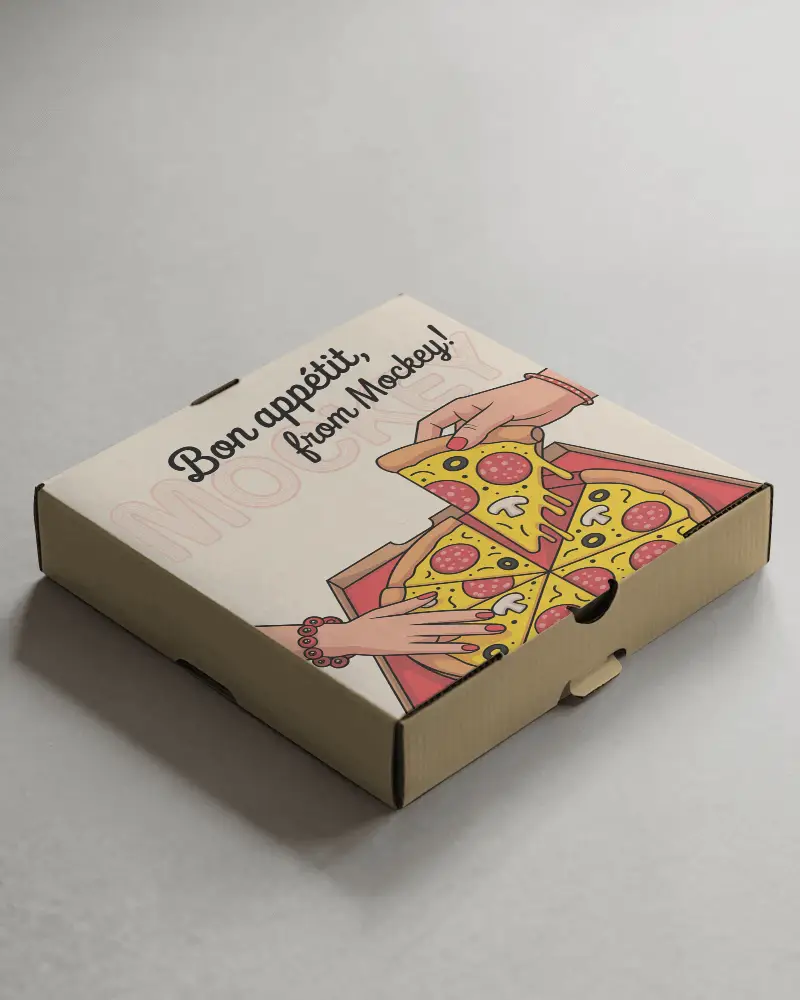
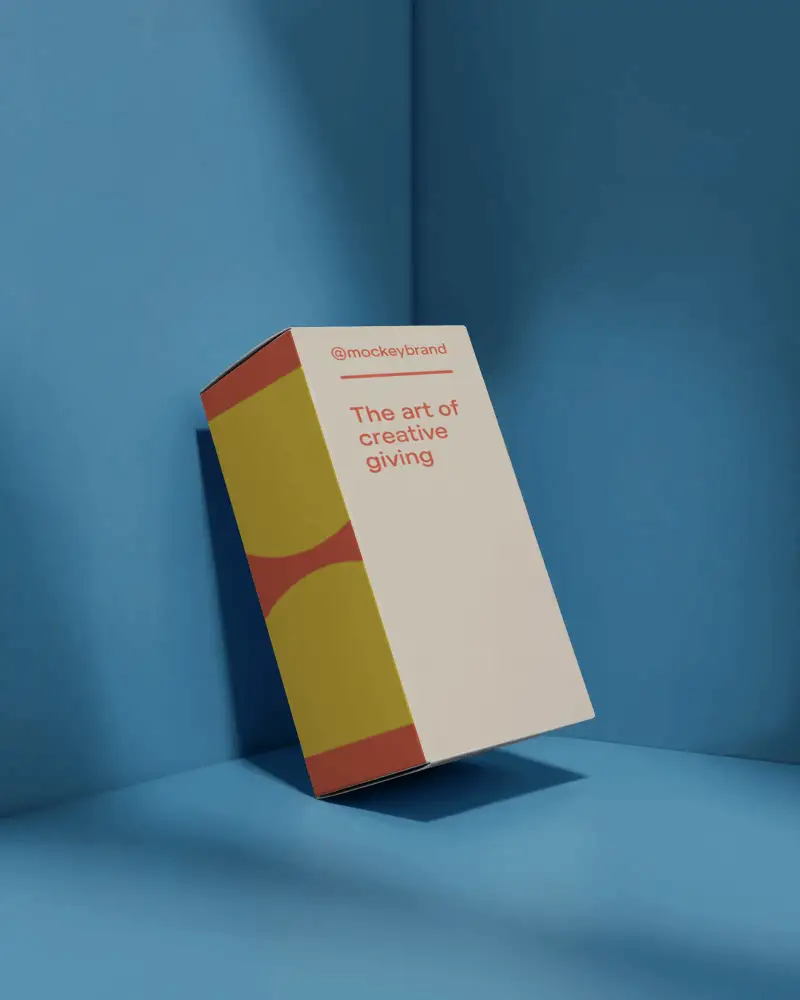
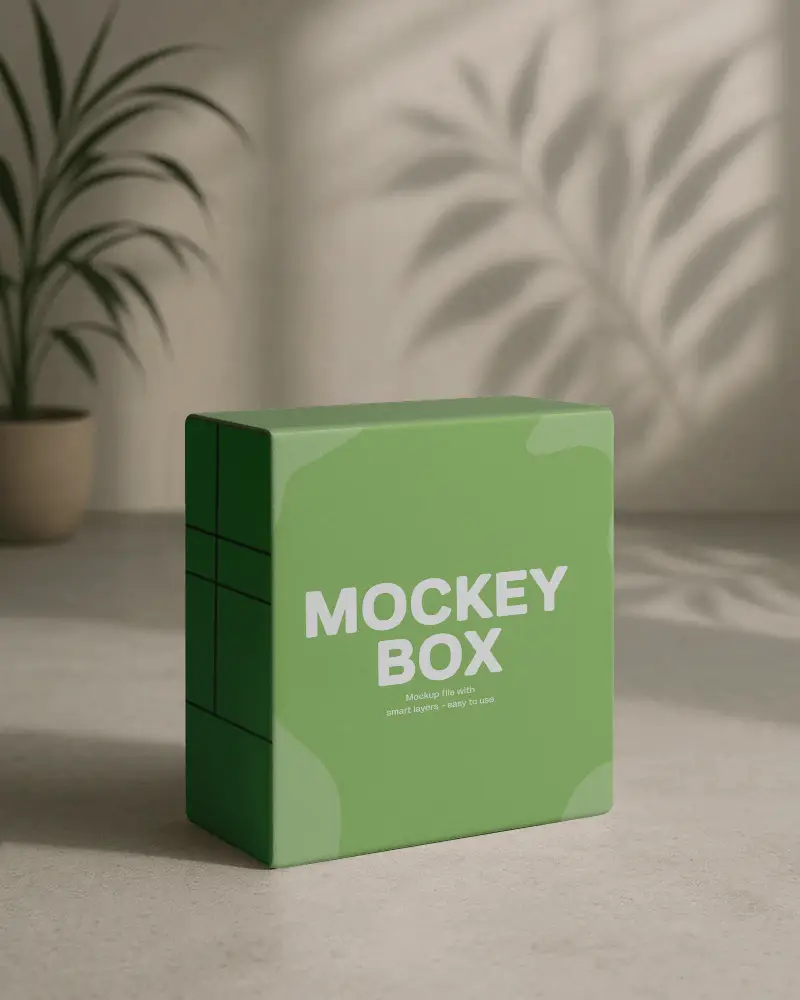
How to Create Cuboid Box Mockup with Mockey
To create a cuboid box mockup in Mockey AI:
- Step 1: Navigate to Mockups > Packaging > Box > Cuboid and choose a template from the library.
- Step 2: On the following page, you'll find the option to upload your design and adjust the template's colors in the Edit section. If you upgrade to the Creator Plan, you can also access AI tools.
- Step 3: Finally, click the Download button to save your Cuboid Box mockup in either PNG or JPEG format, available in various sizes.


FAQs on Cuboid Box Mockups
What is a Cuboid Box Mockup, and how is it used?
A Cuboid Box Mockup is a 3D representation of a rectangular packaging box. Best for your business such as product packaging before actual production.
Can I customize the design and dimensions of the mockup?
Mockey AI lets you personalize cuboid box mockup designs by uploading artwork, changing colors, and editing backgrounds with its easy-to-use editor.
What file formats are available for the Cuboid Box Mockup?
You can download cuboid box mockups in PNG and JPEG formats.
Does the mockup include smart objects for easy editing?
Mockey.ai mockups don’t include a built-in smart objects feature, but you can add smart objects in Photoshop by using their templates.
Can I use the mockup for commercial projects?
Mockey AI’s cuboid box mockup is available for commercial use.
