Free Crewneck Sweatshirt Mockups
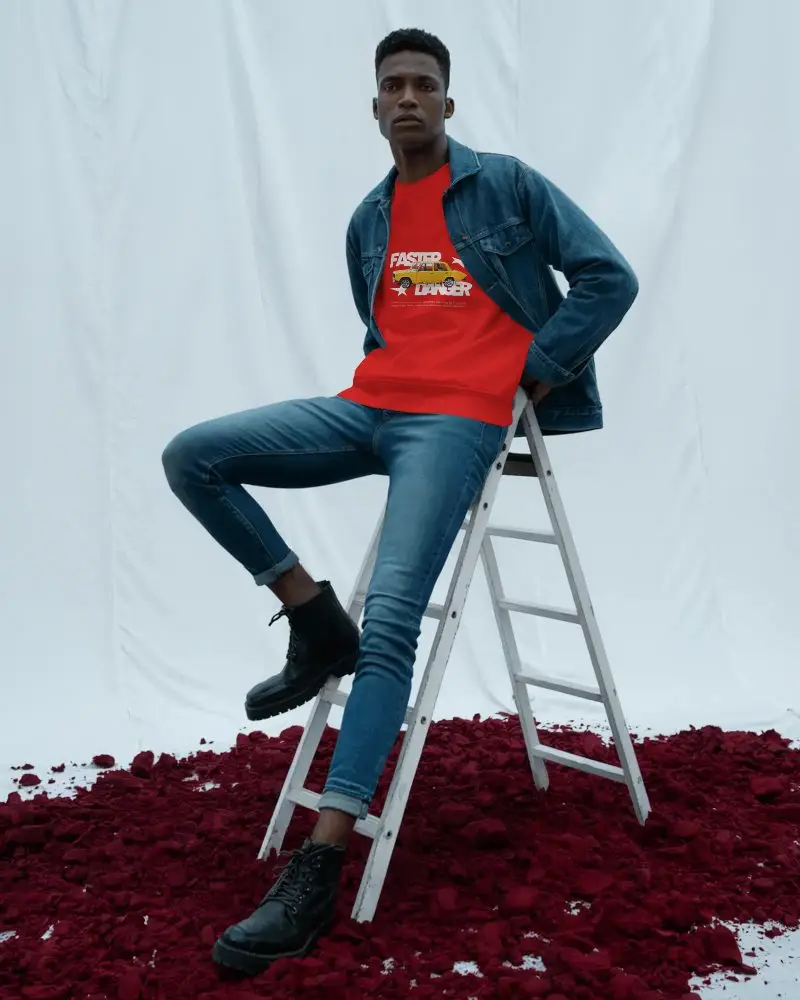
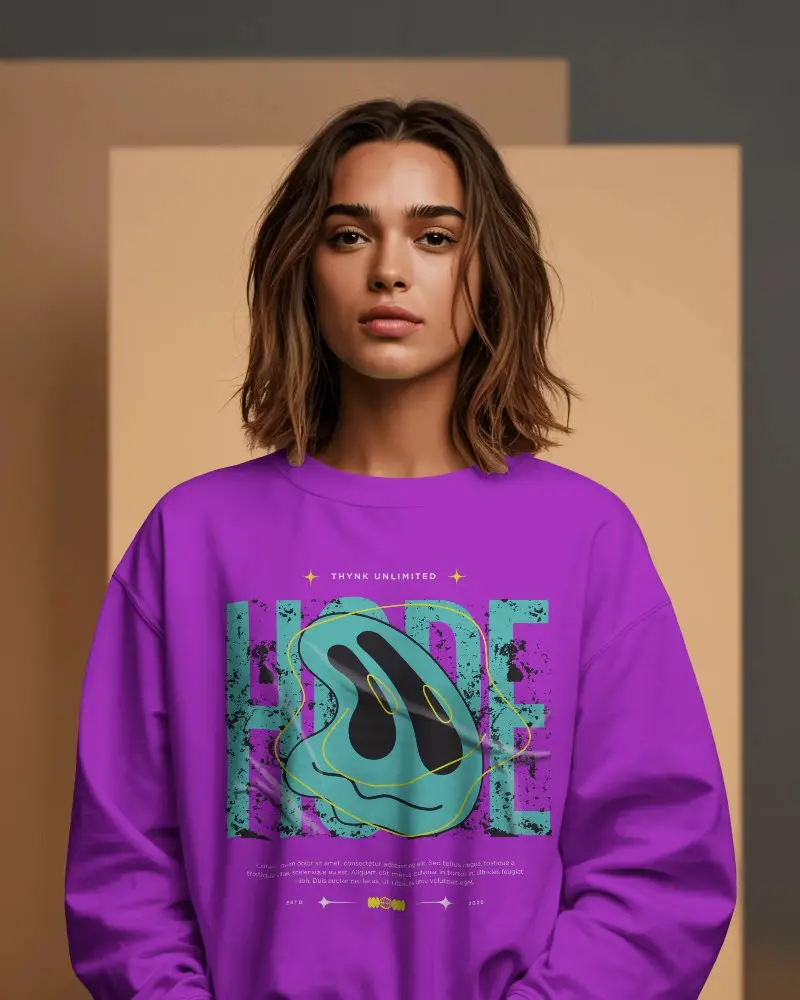
Create stunning designs with free crewneck sweatshirt mockups from Mockey. Instantly visualize your artwork on realistic sweatshirts and bring your brand to life in just a few clicks.
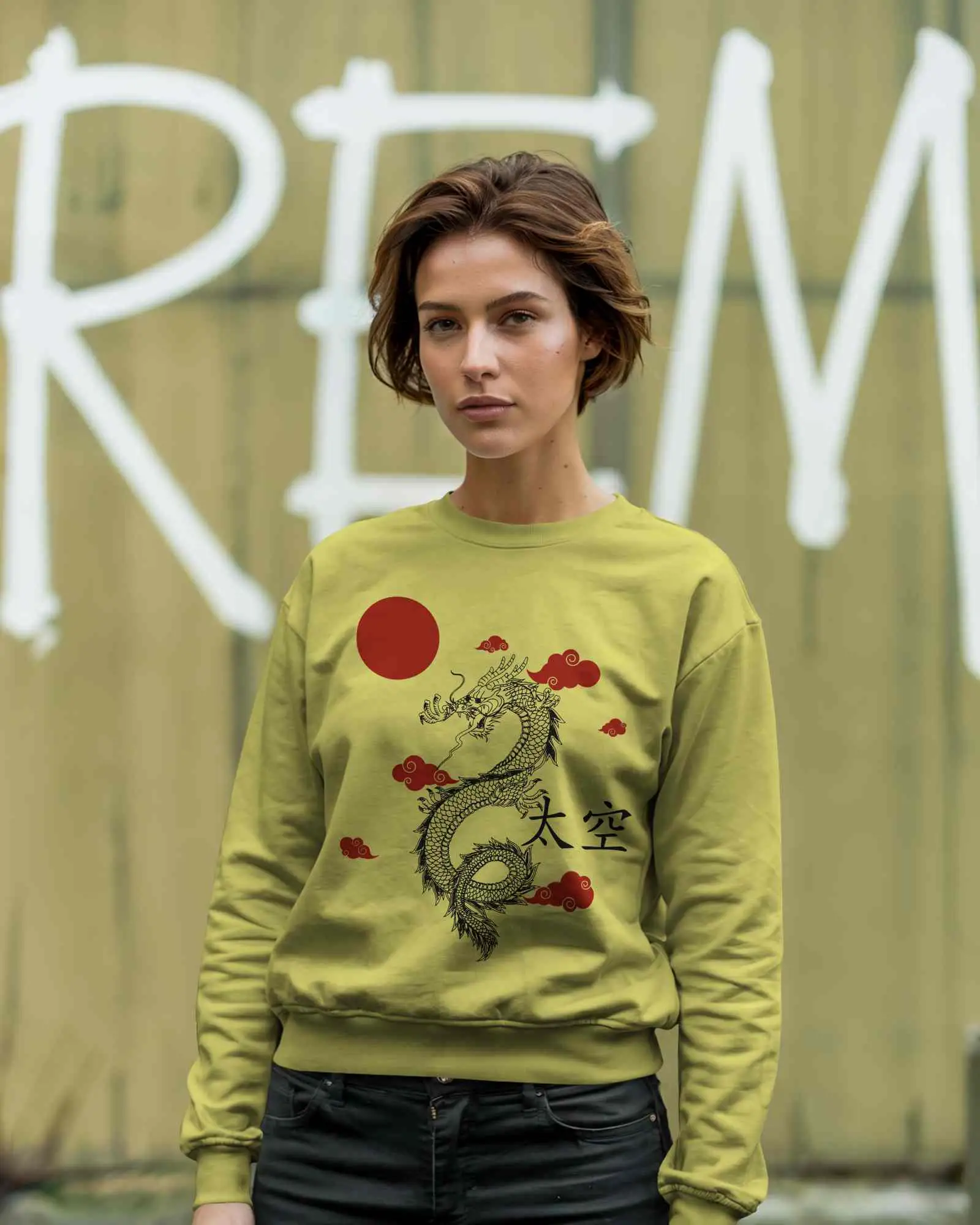
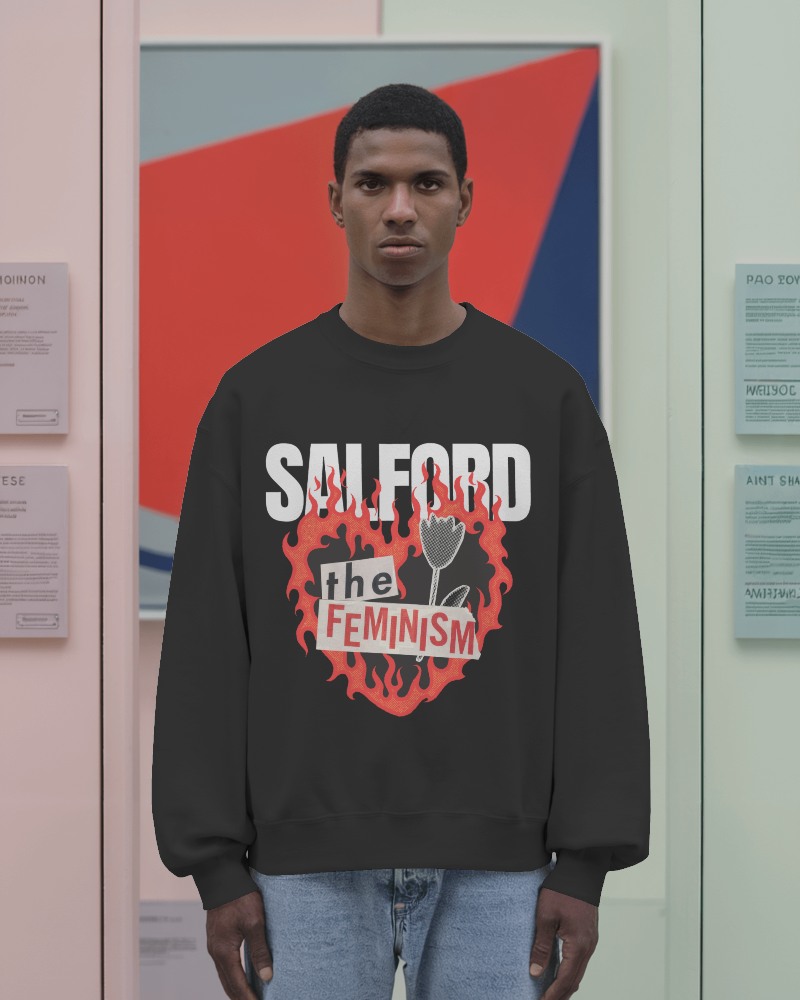
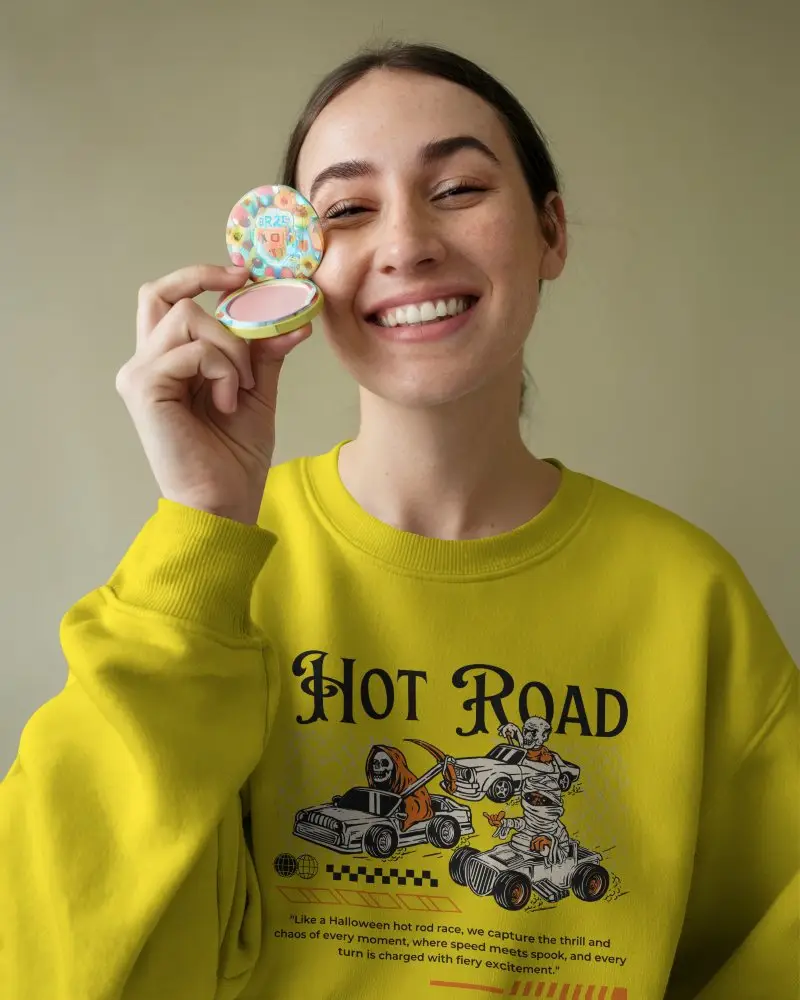
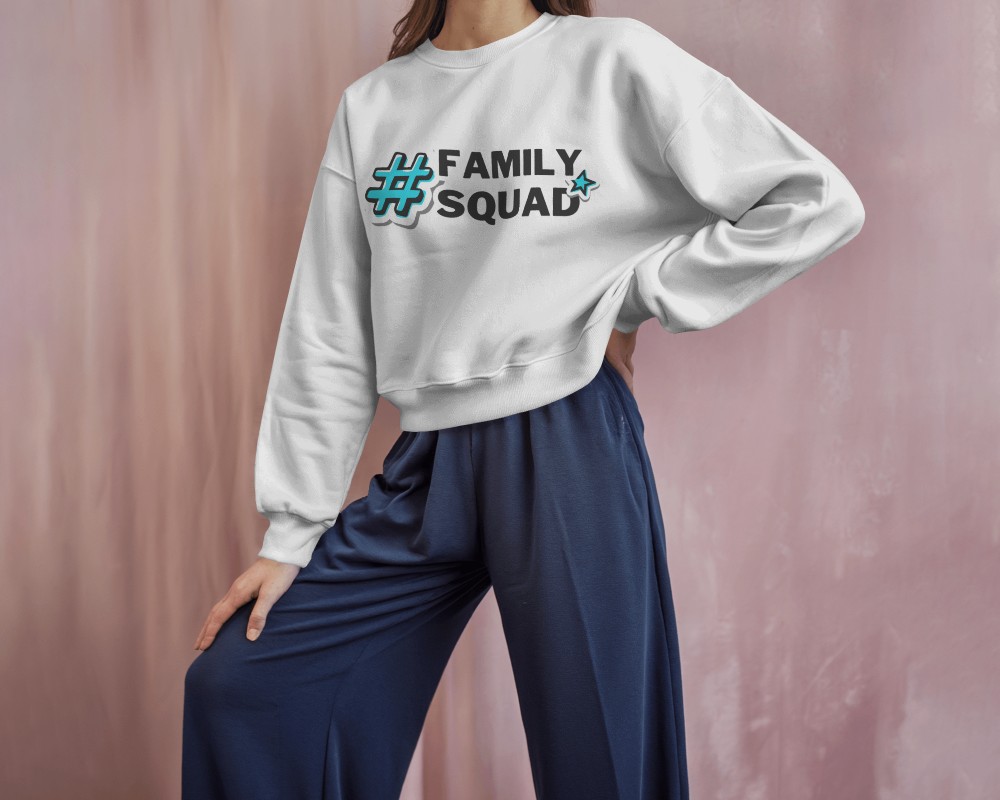
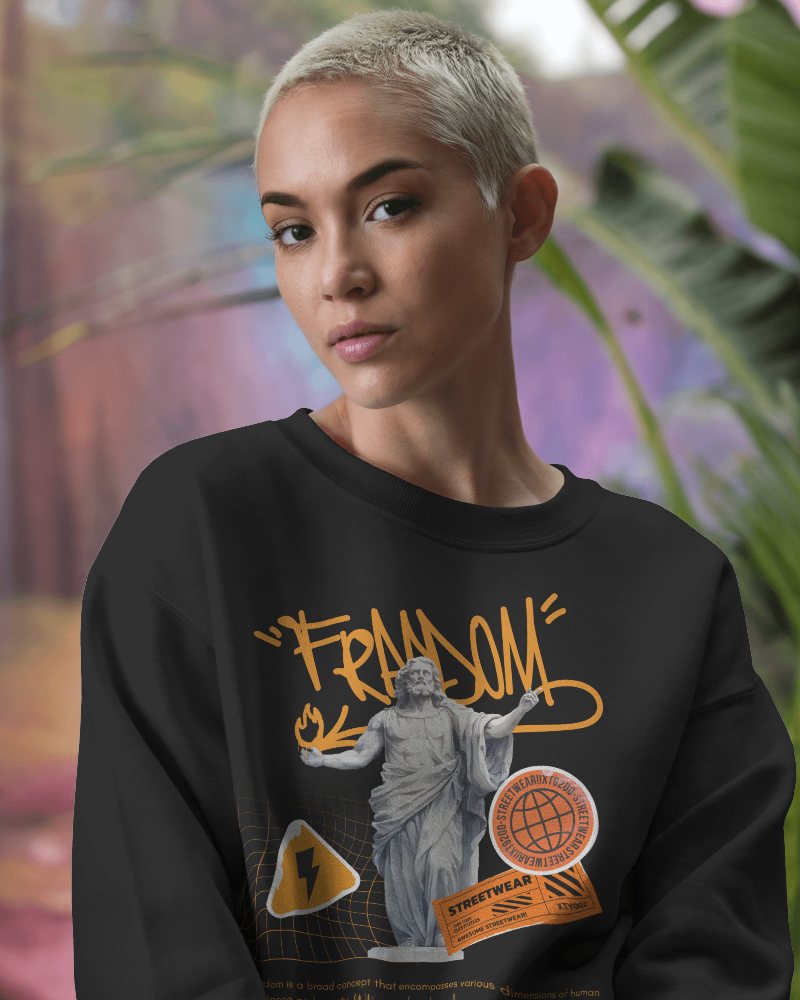
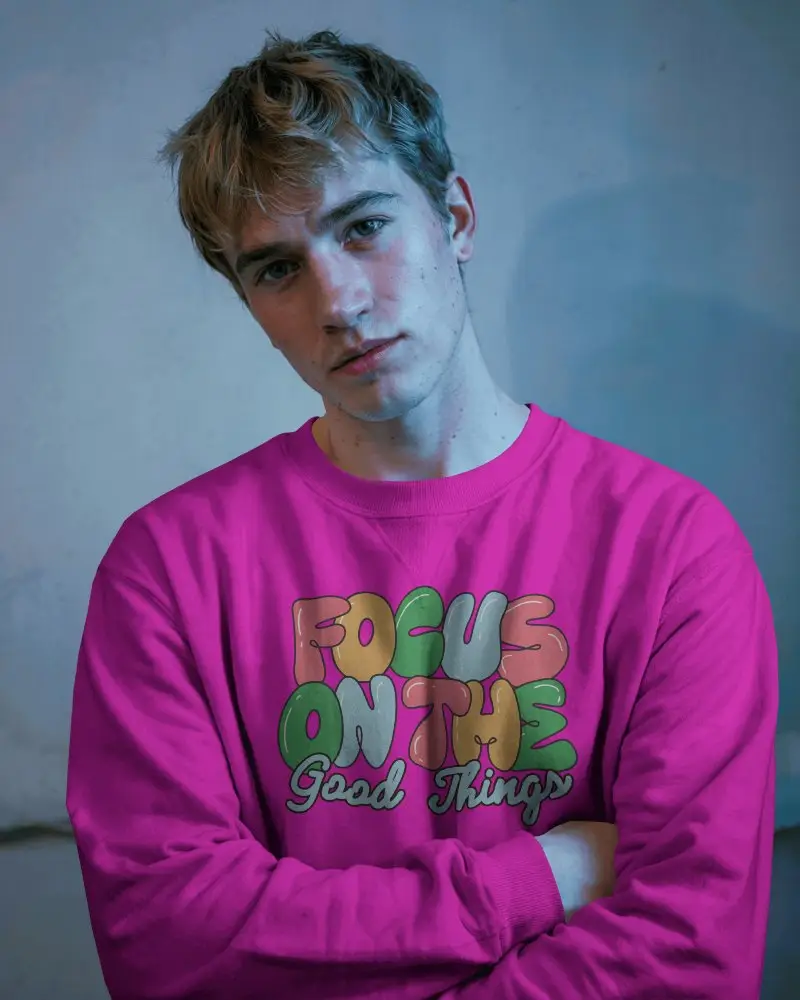
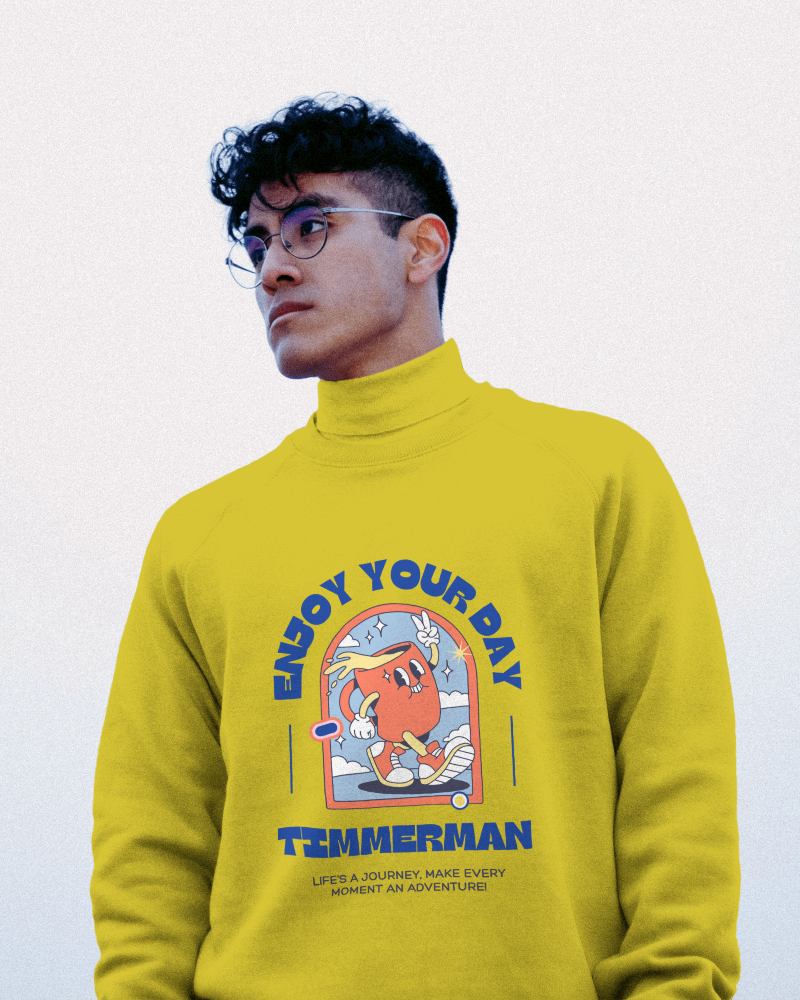
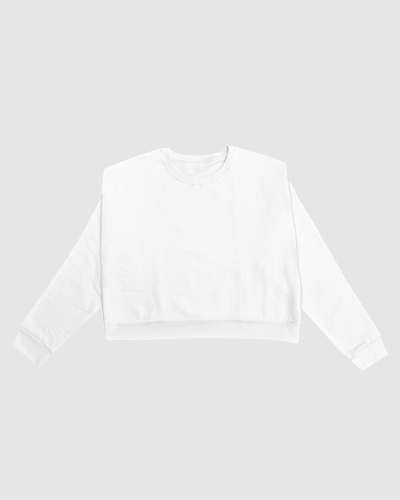
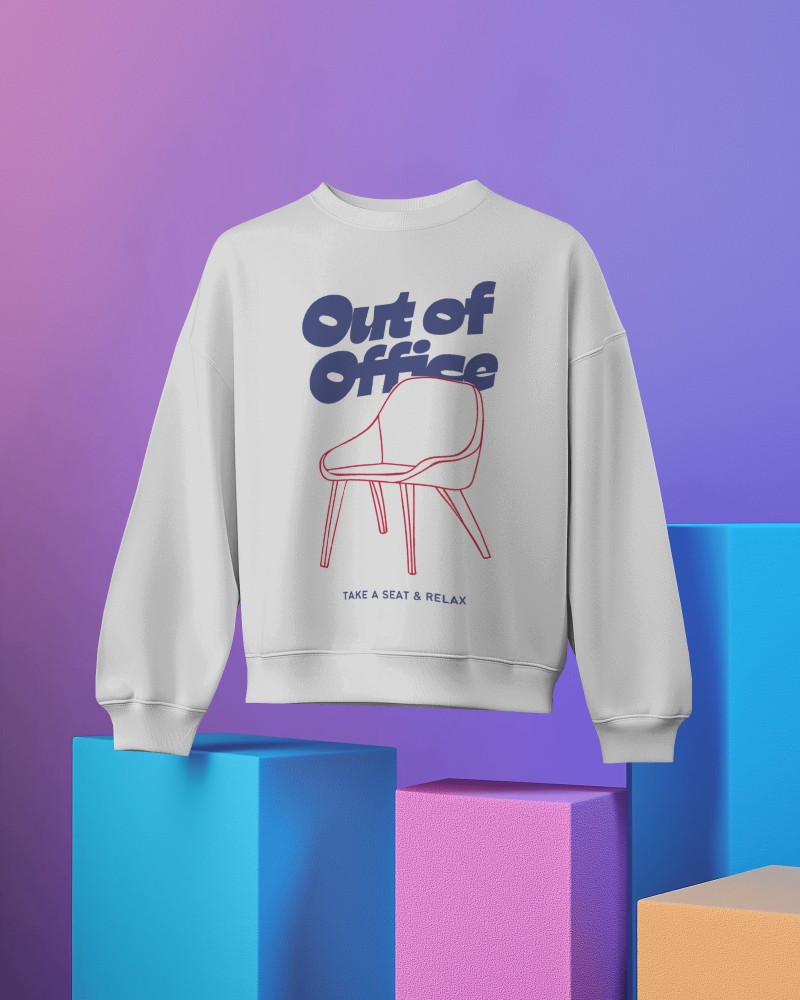
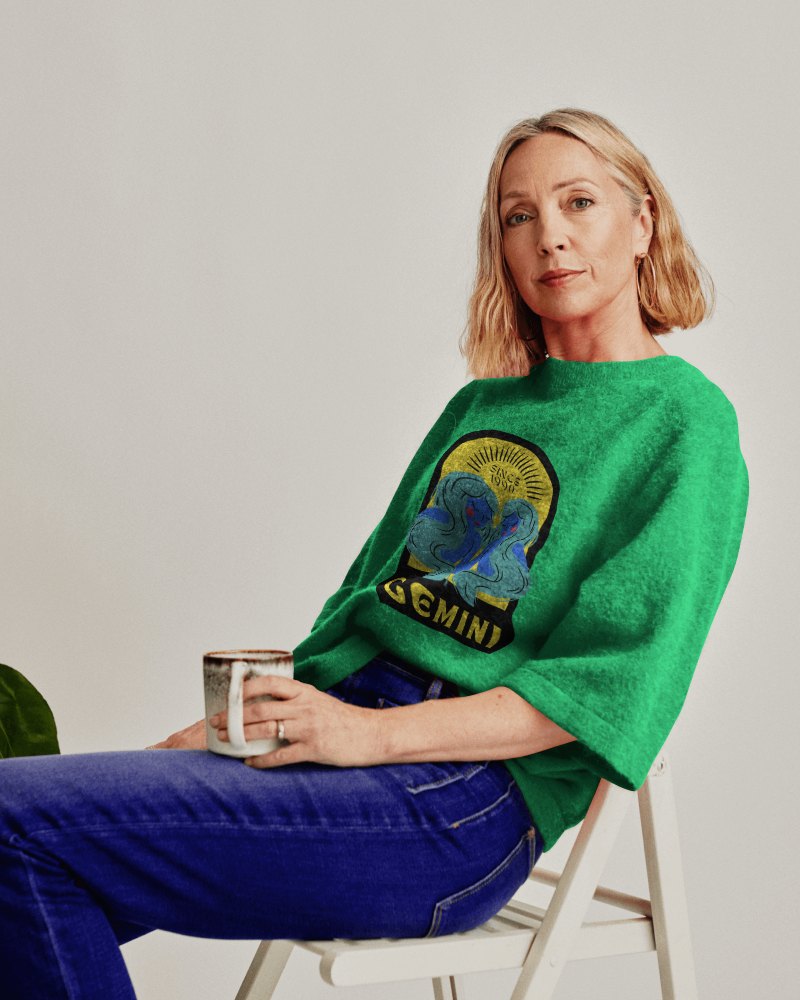
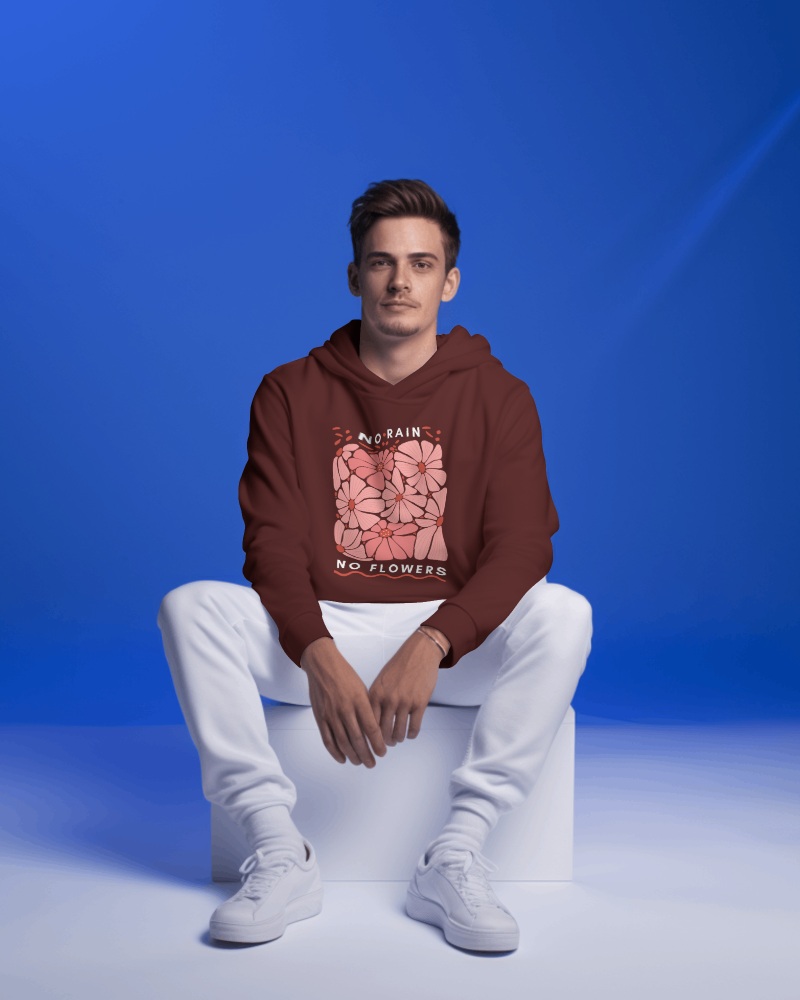
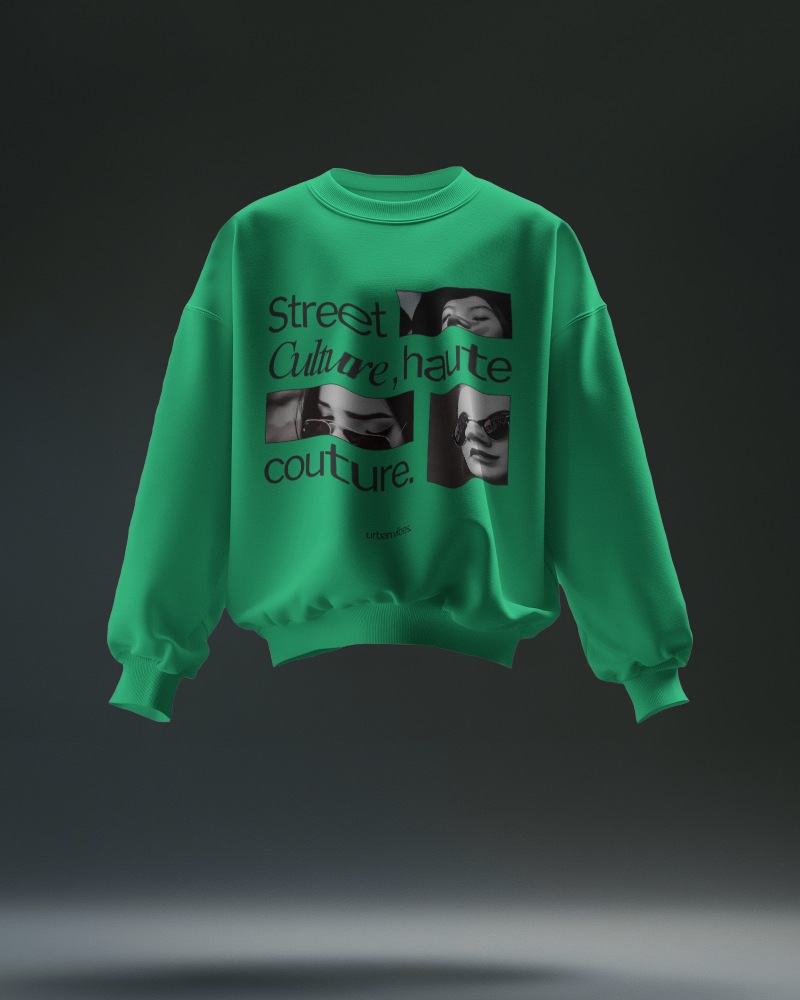
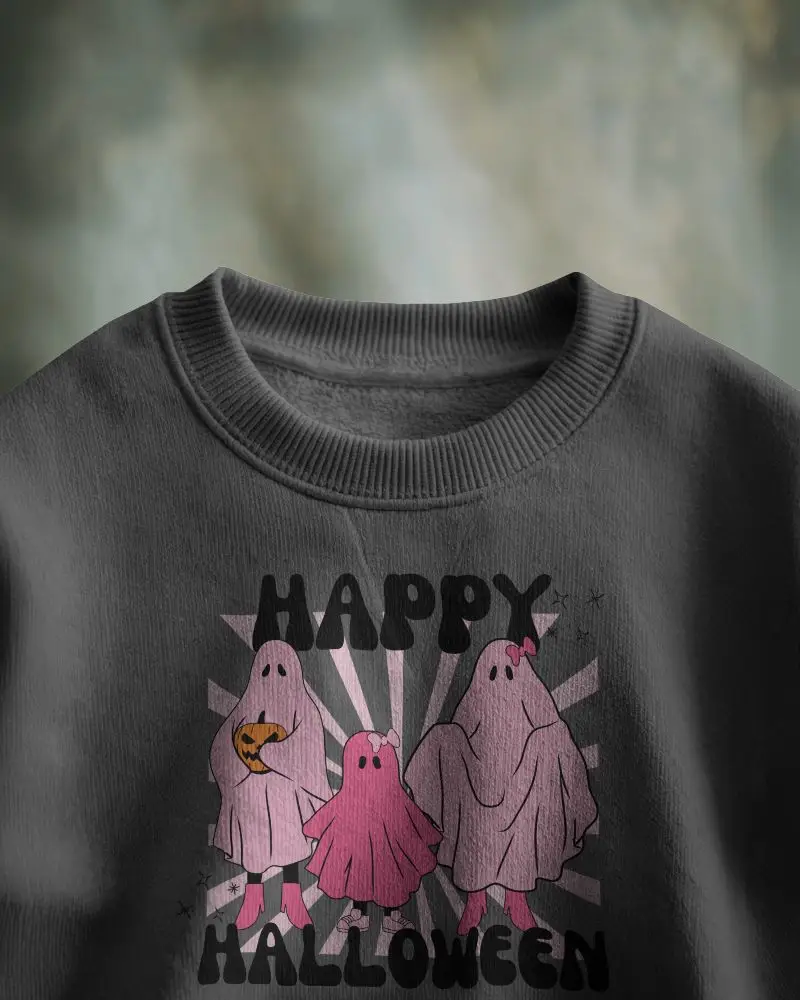
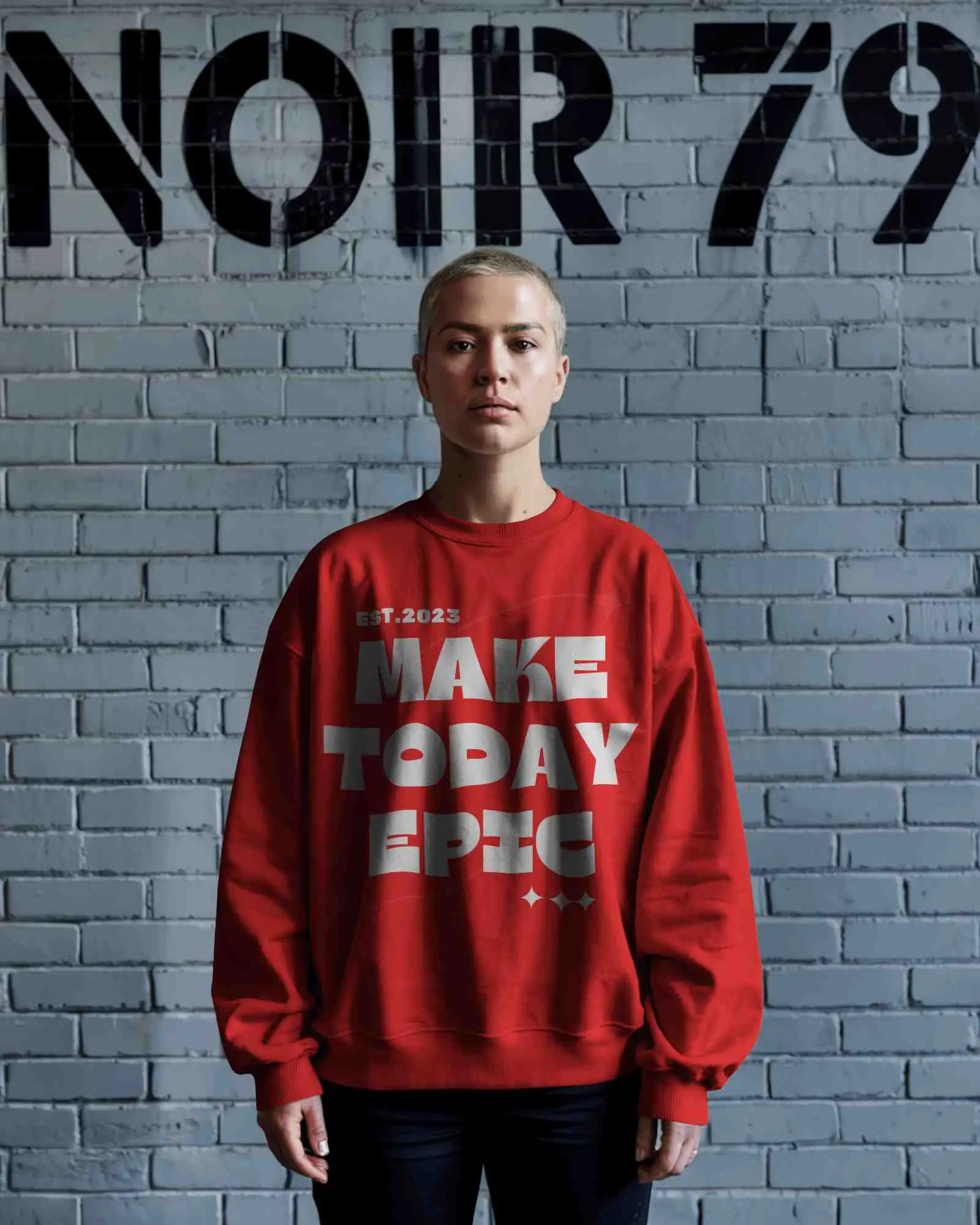
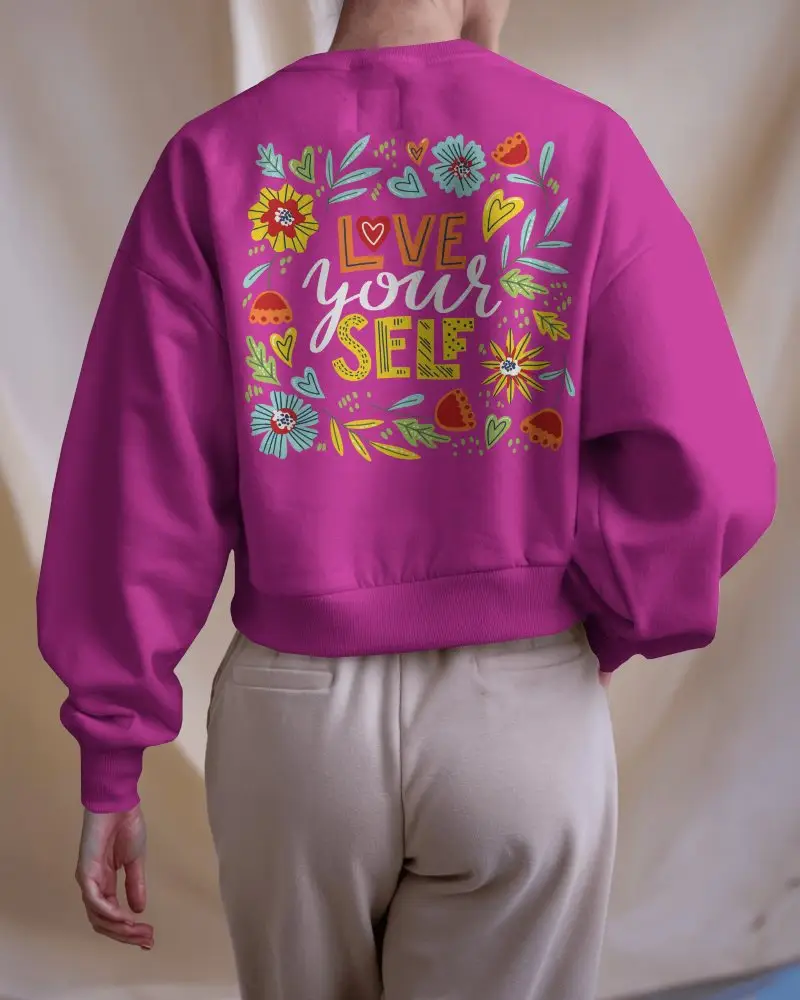
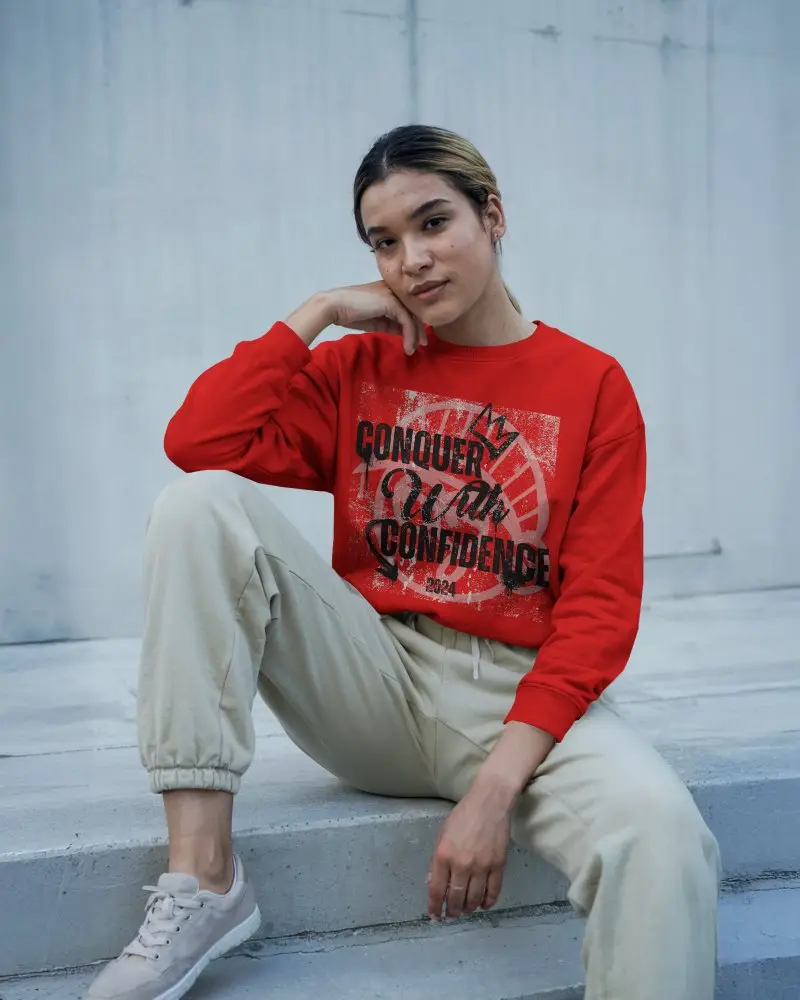
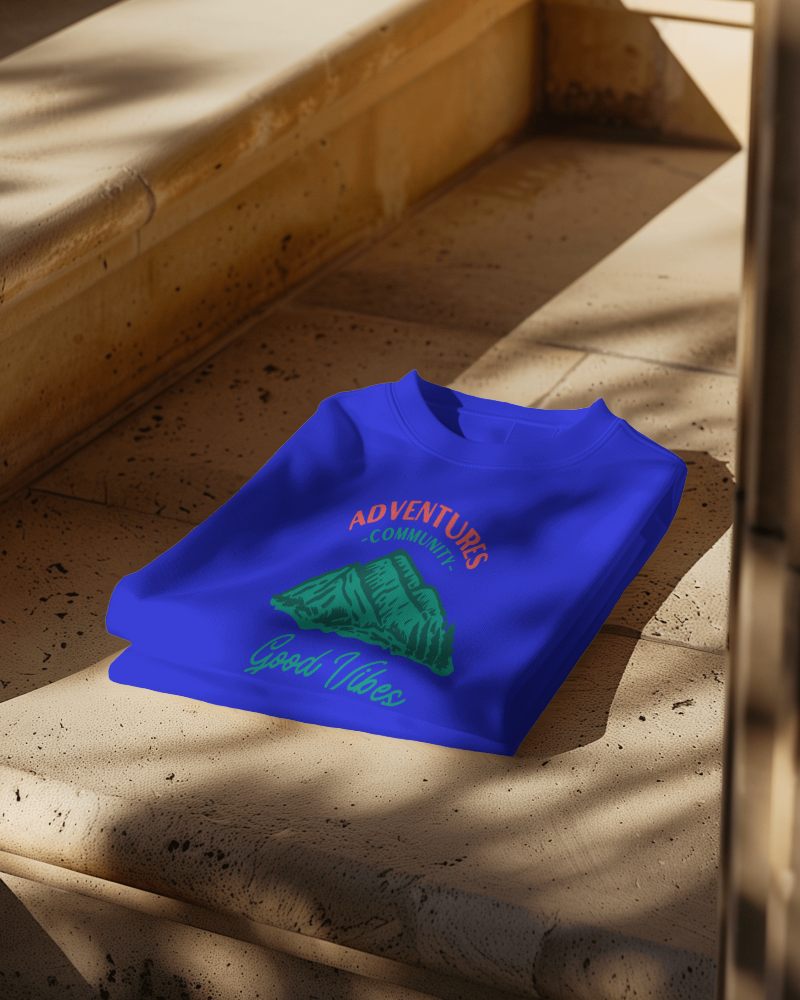
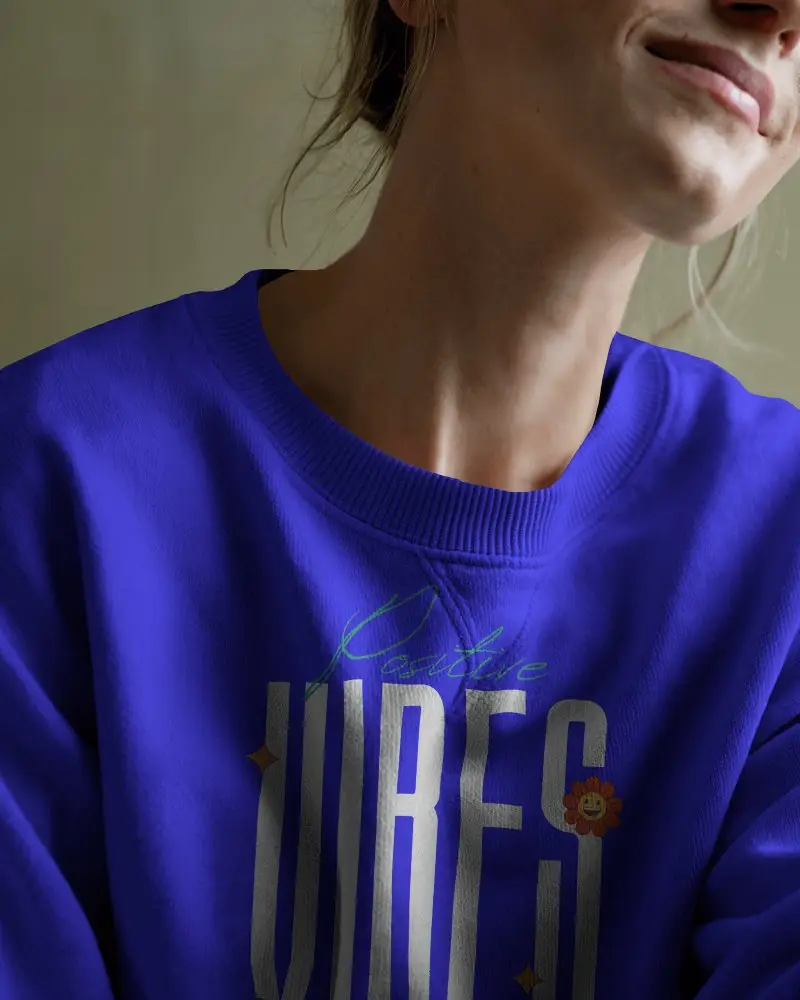
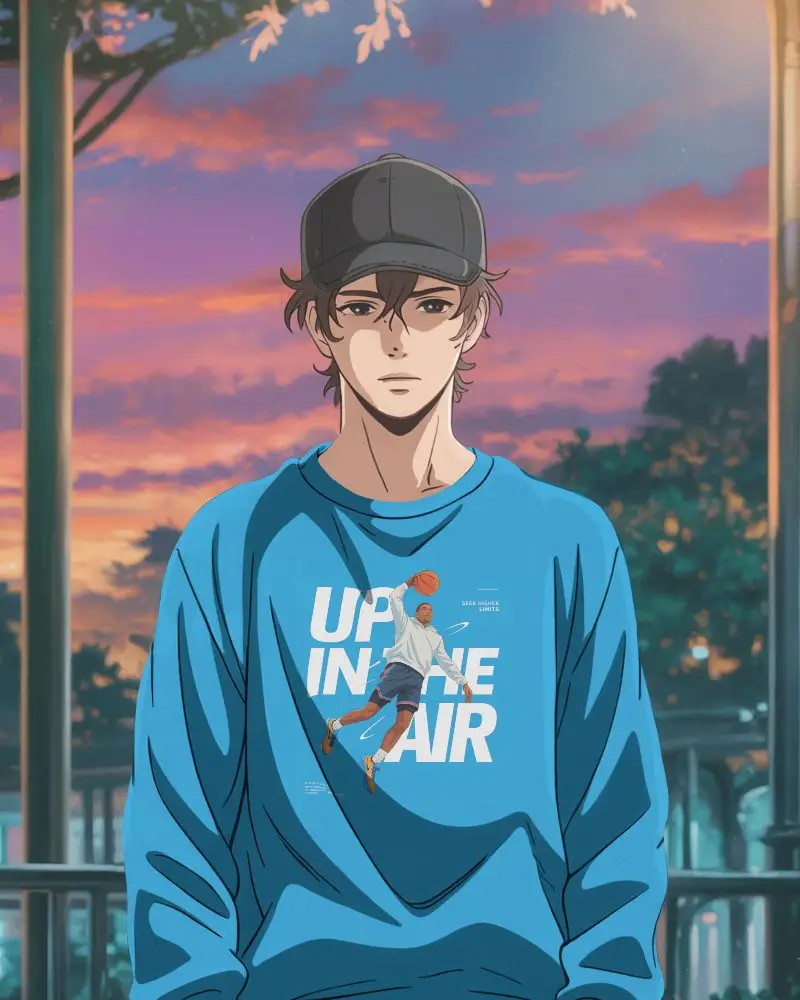
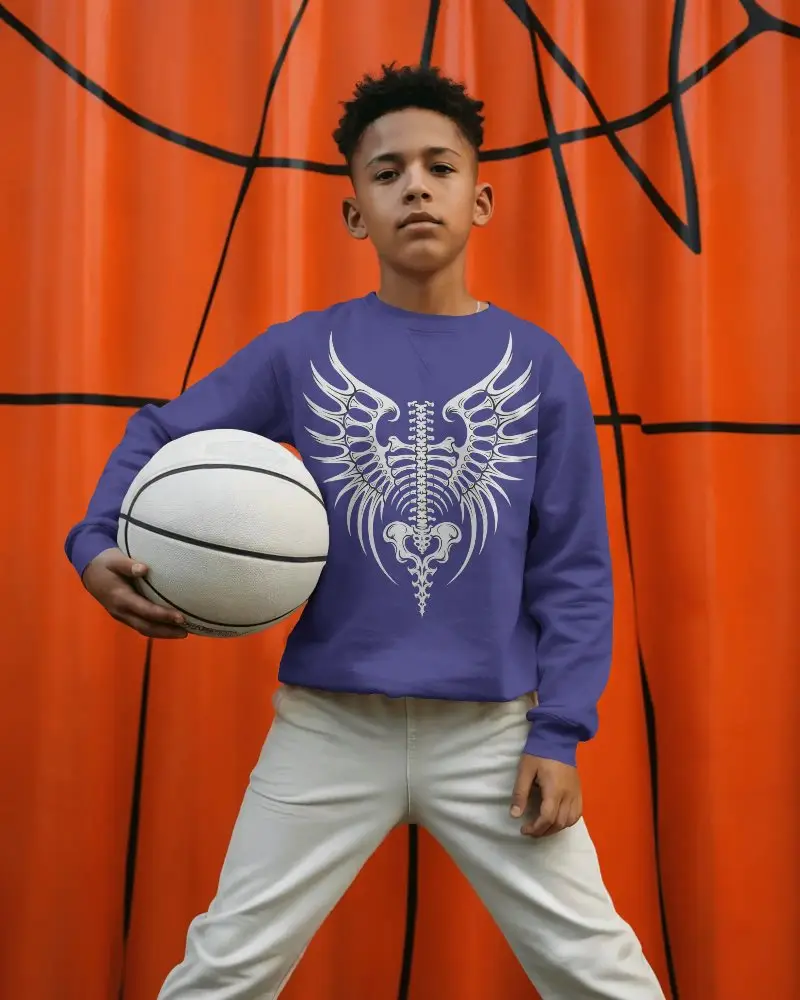


How to Create Crewneck Sweatshirt Mockup with Mockey AI
To create a crewneck sweatshirt mockup:
- Step 1: Go to Mockey.ai and sign up for free.
- Step 2: Navigate to ‘Mockups > Apparel > Sweatshirt’ and select the ‘Crewneck Sweatshirt’ tag.
- Step 3: Upload your design, adjust its placement or color, and download your sweatshirt mockup in PNG or JPG format.


FAQs on Crewneck Sweatshirt Mockups
What is a crewneck sweatshirt mockup?
A crewneck sweatshirt mockup is a template of a crewneck sweatshirt where you can upload your design and present it to your client. All you need is a sweatshirt mockup generator—nothing more.
Are crewneck sweatshirt video mockups available, too?
On Mockey AI, there’s also an option for crewneck sweatshirt video mockups. You just need to go to the video mockups section, find the sweatshirt under apparel, and explore video templates using the crewneck tag.
Can I upload my own design to the mockup?
Yes, you can upload your own custom design onto our mockup. Just make sure that the image is in PNG or JPG format.
Is this mockup good for print on demand or online shops?
Crewneck sweatshirt mockups are a must for print-on-demand and online stores. Customers can see exactly what they are buying by viewing your custom designs on real products. Realistic or lifestyle mockups improve the look of products.
Can I create multiple designs on the crewneck sweatshirt mockup?
If you have multiple designs, you can add them one by one to the crewneck sweatshirt mockup template. If you upgrade to a paid plan, you can use the “+” button on the editor page to preview your designs.
