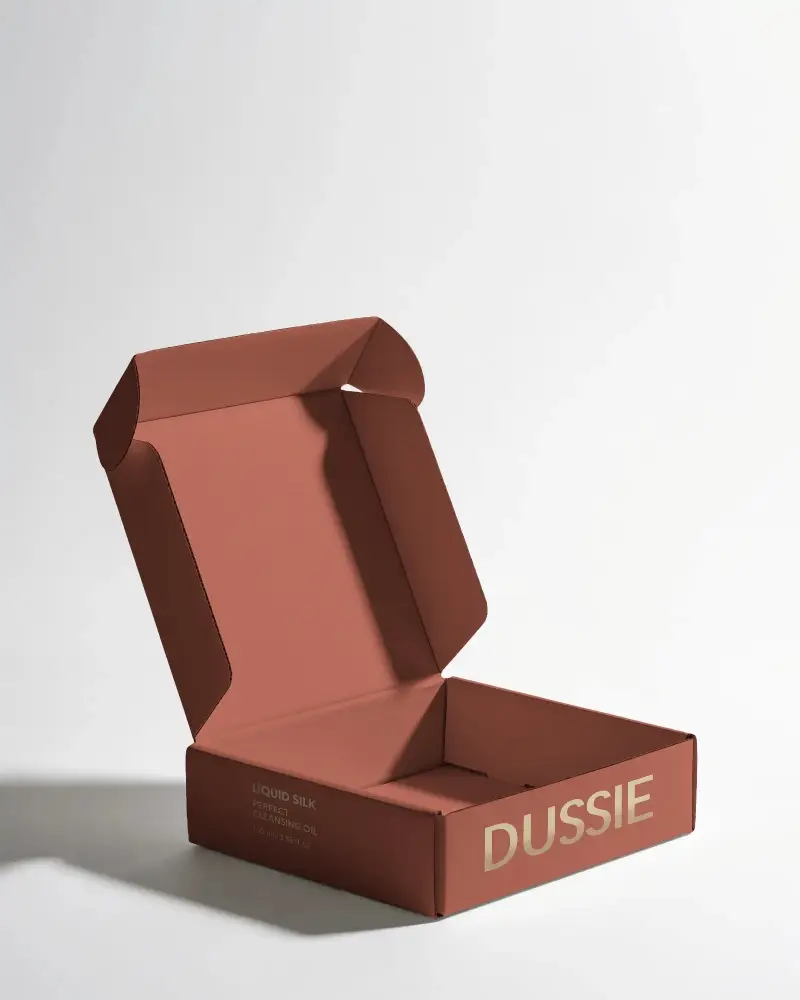
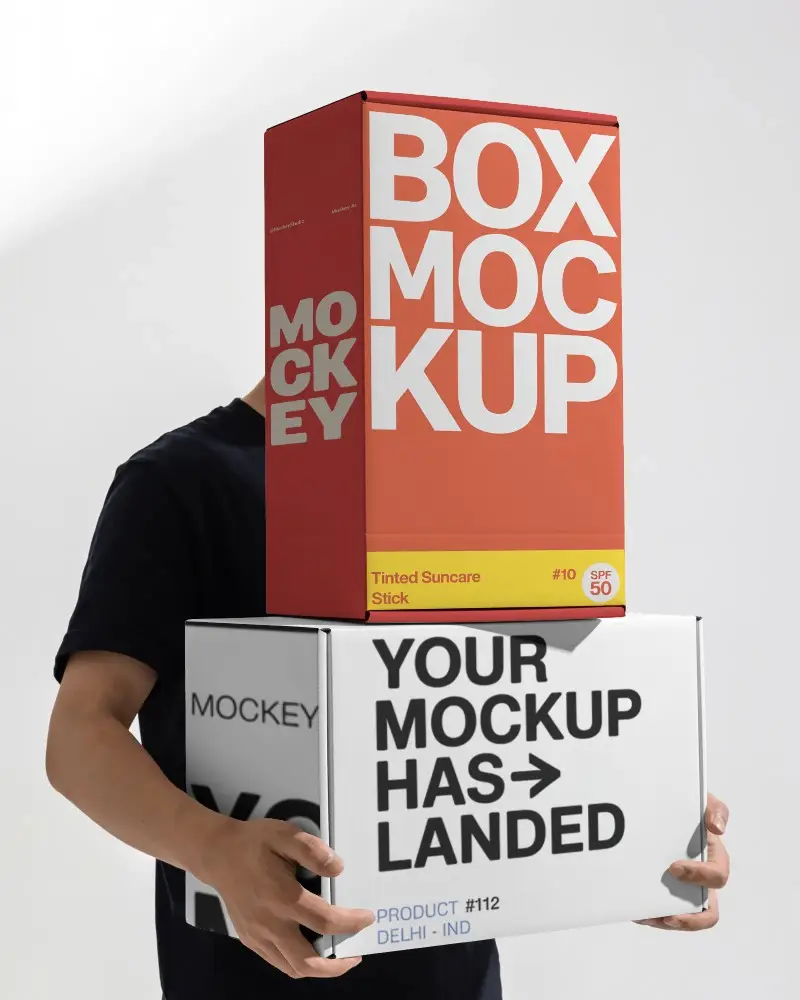
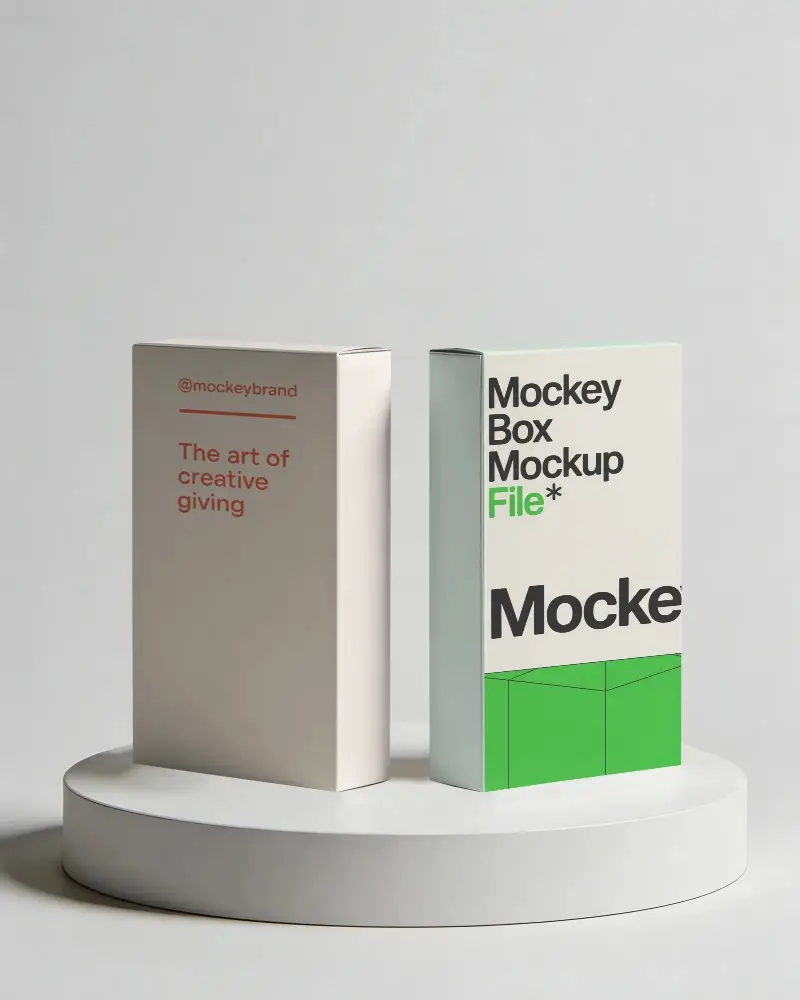
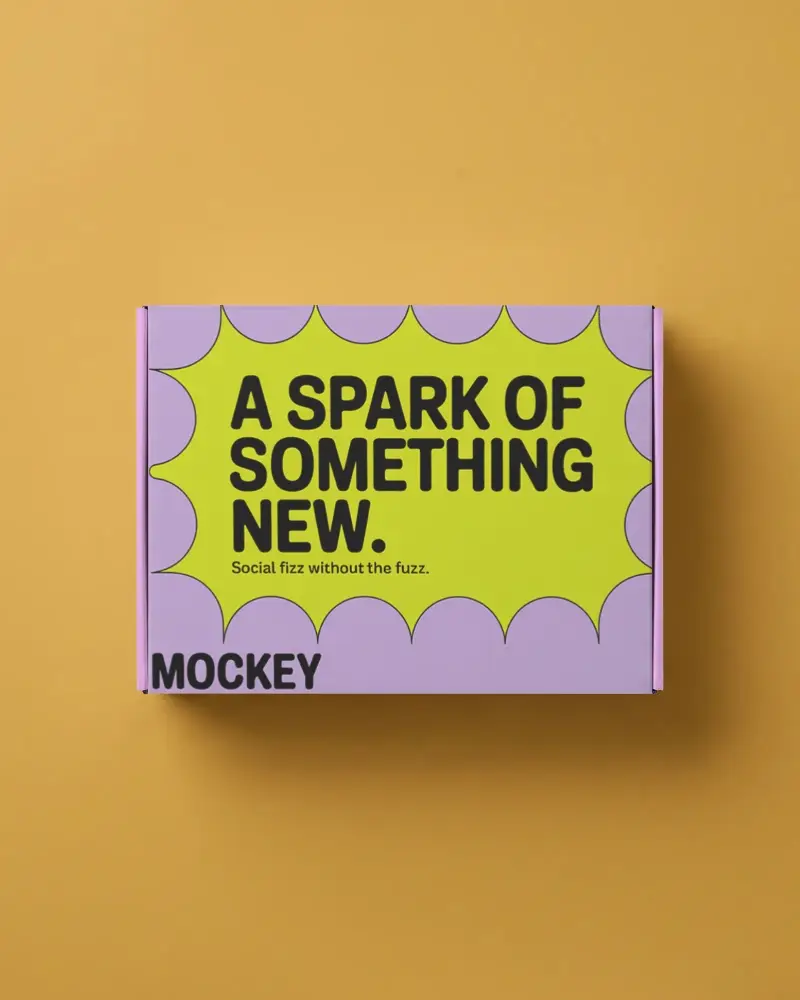
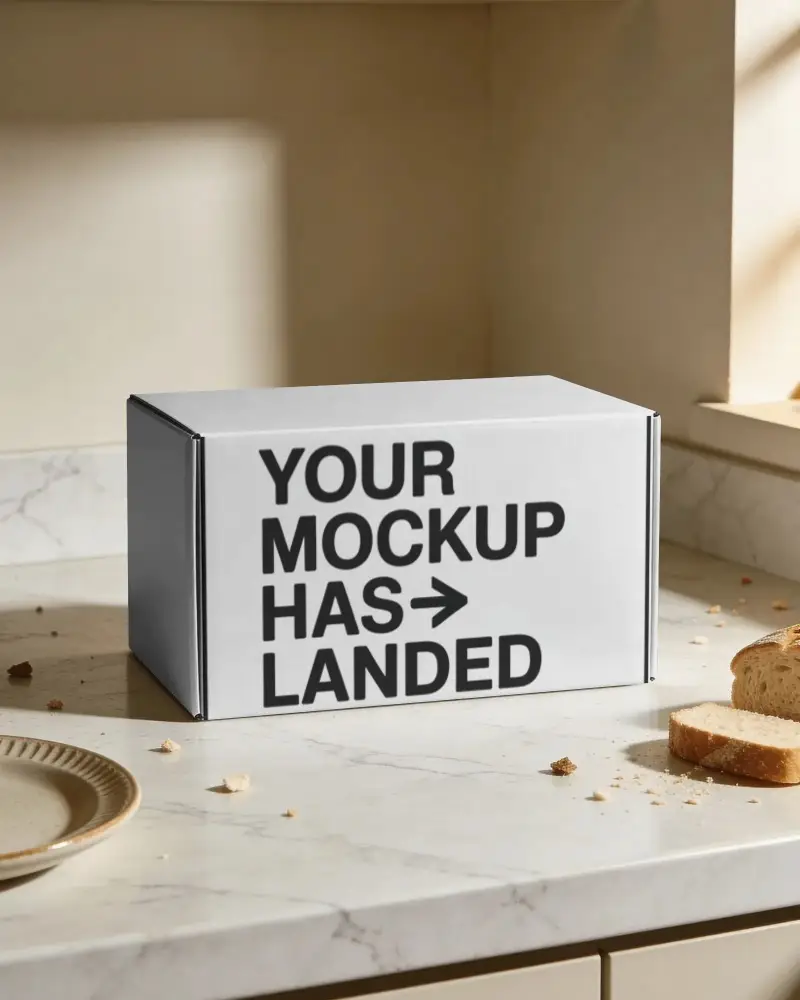
Cardboard Box Mockup Free to Download
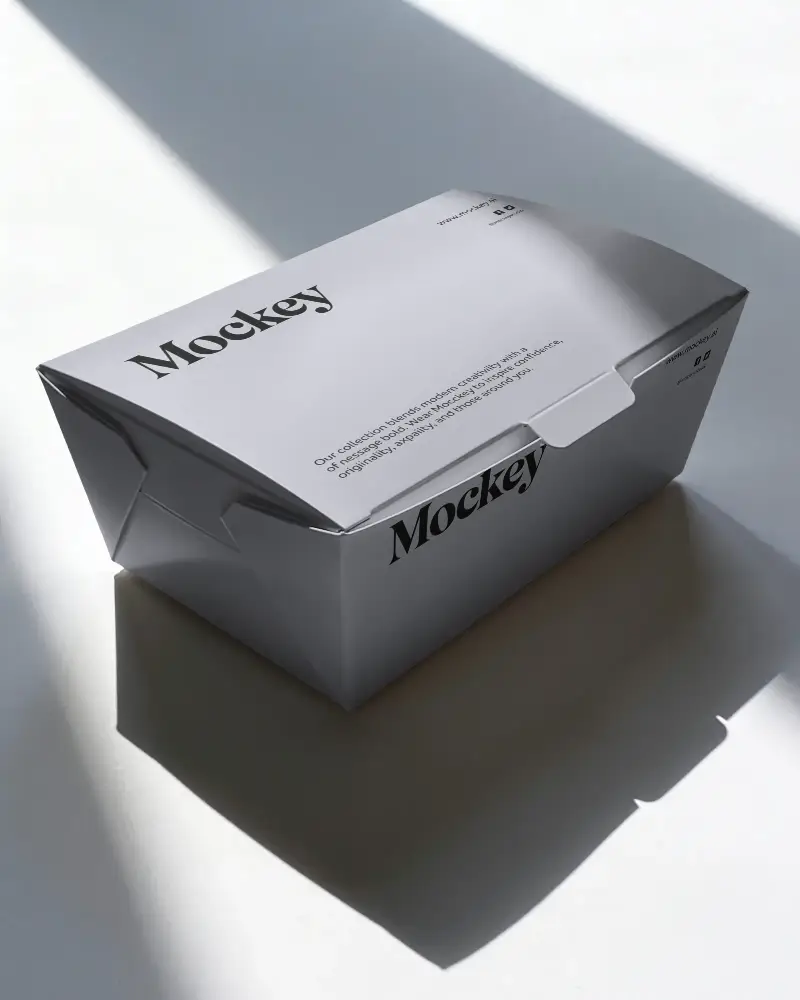
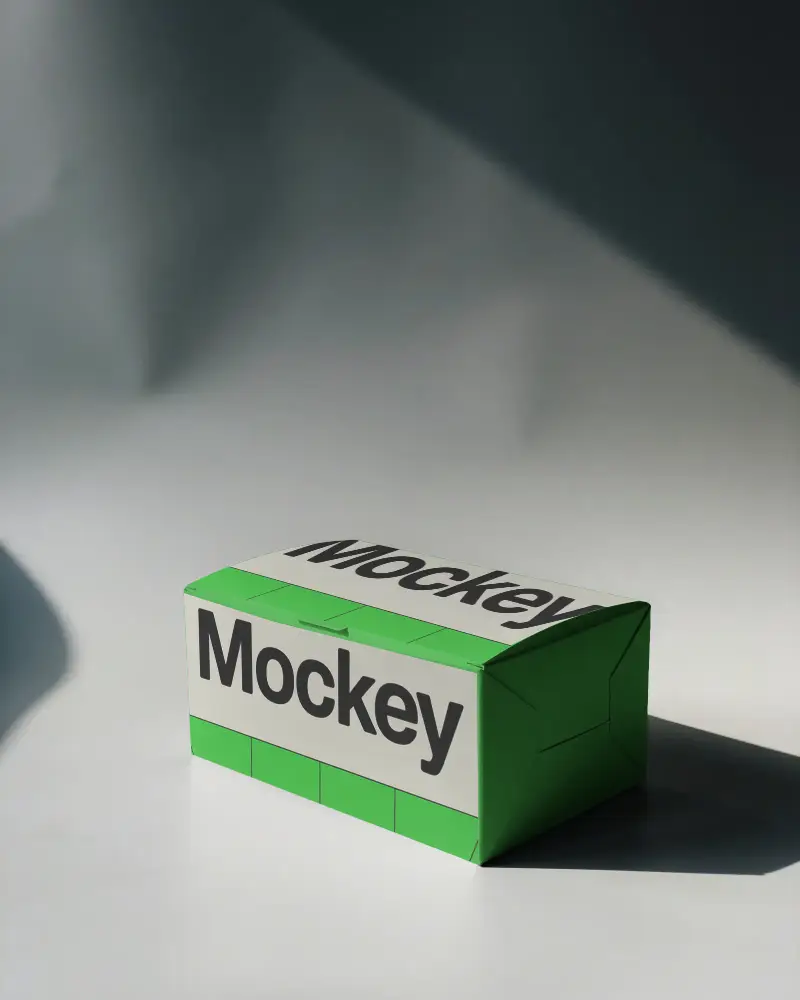
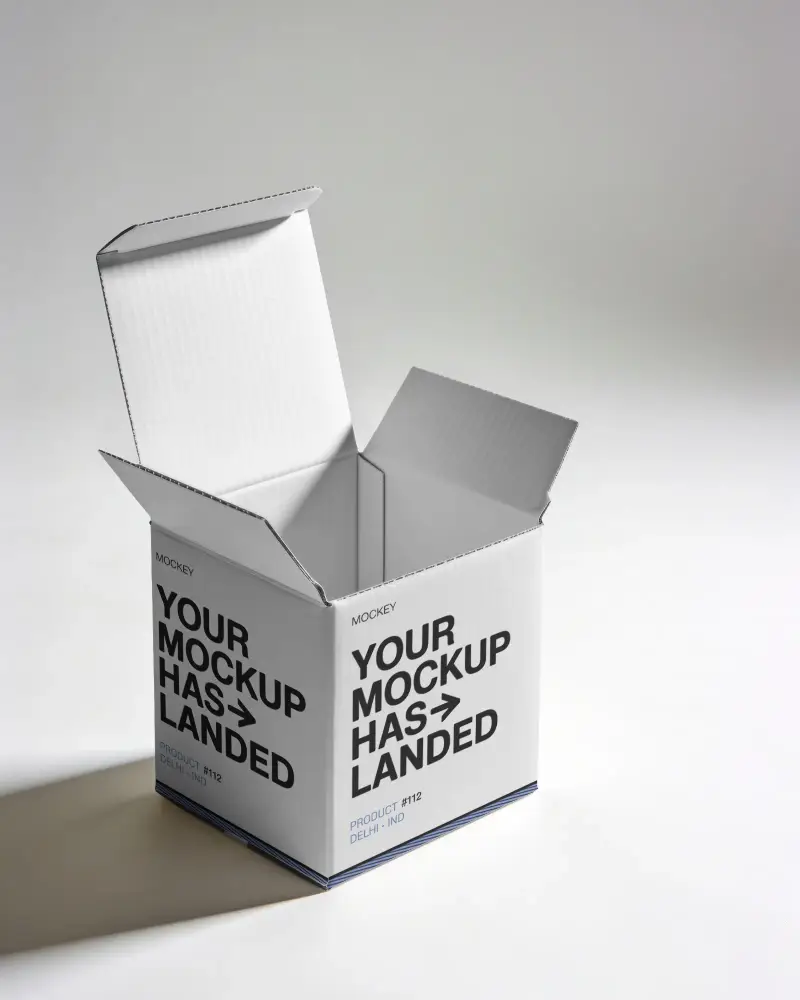
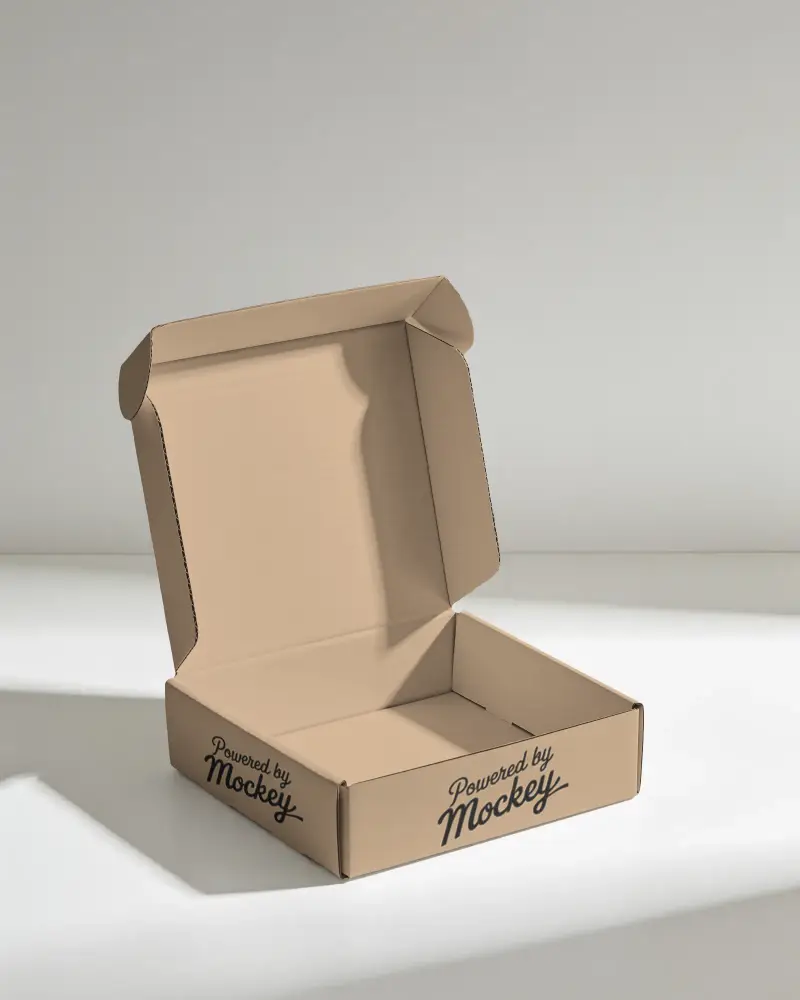
Get a free cardboard box mockup at Mockey.ai! Customize & showcase your designs with high-quality, realistic cardboard box packaging mockups in seconds.
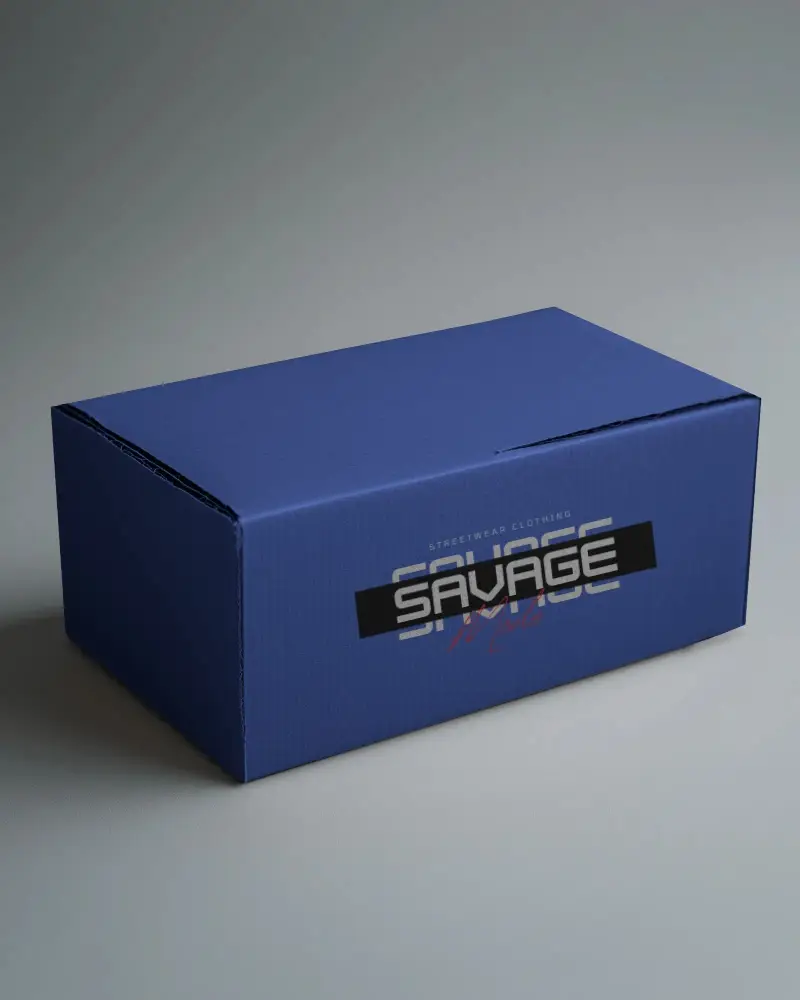
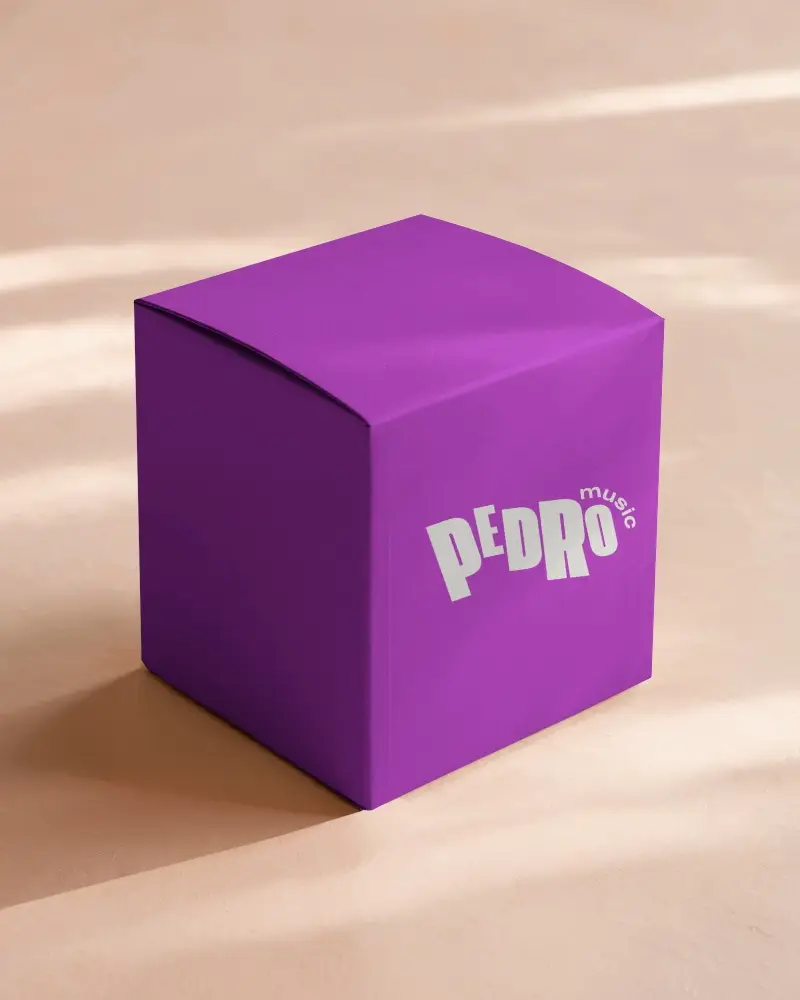
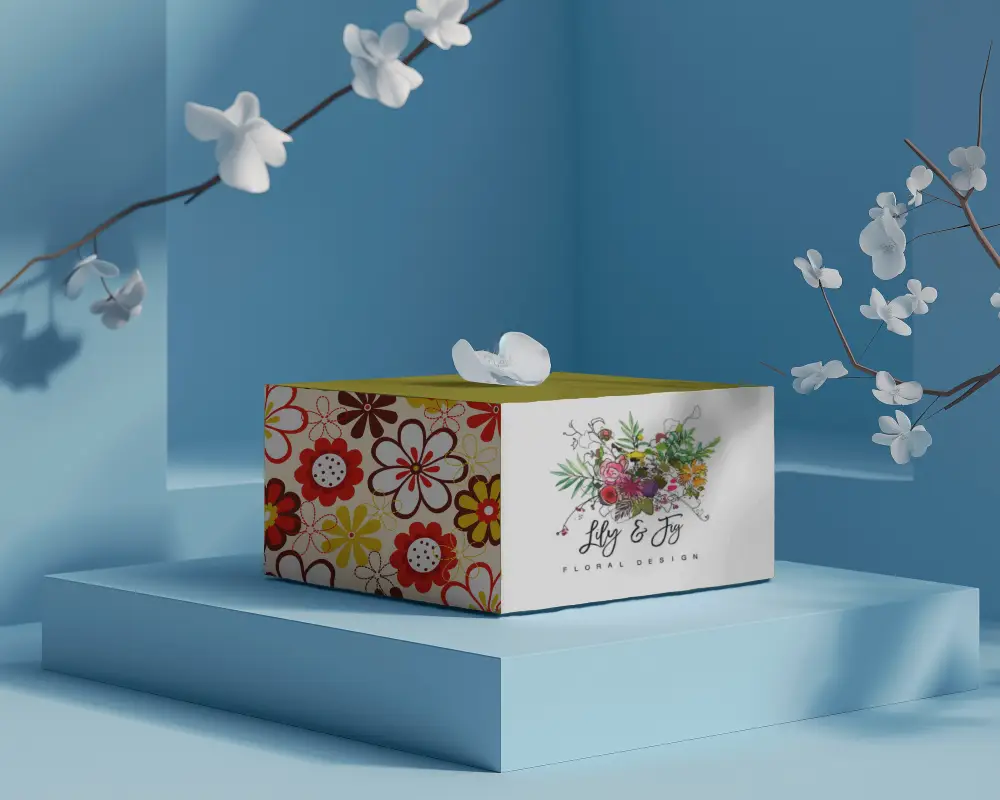
.png)
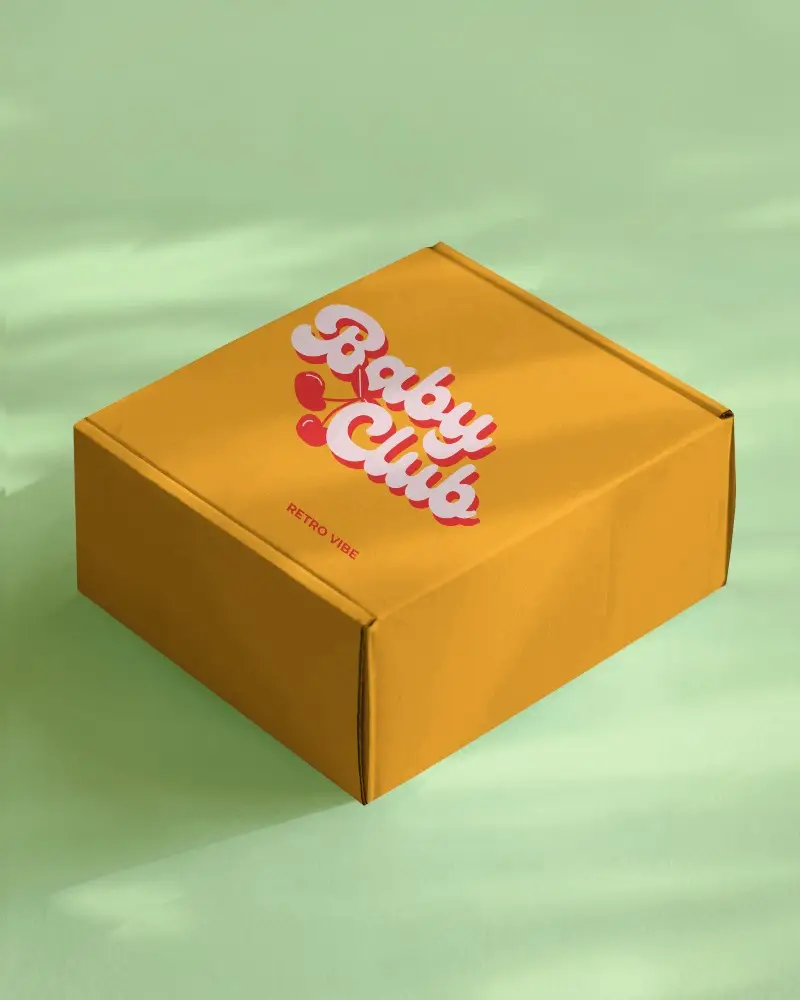
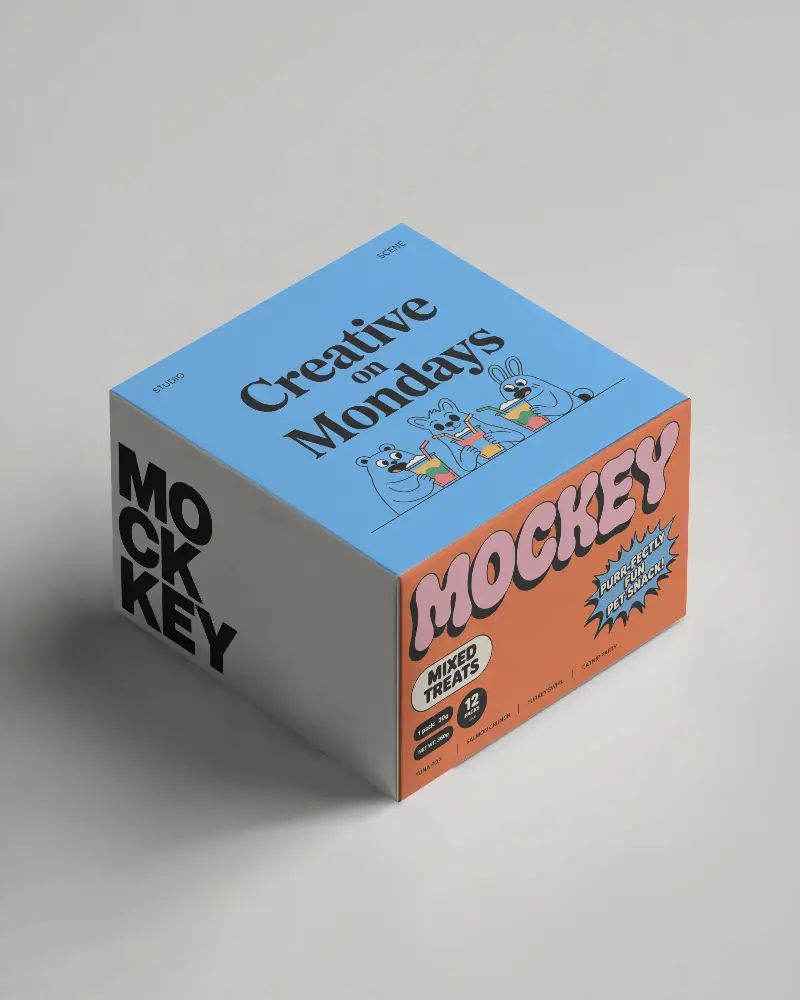
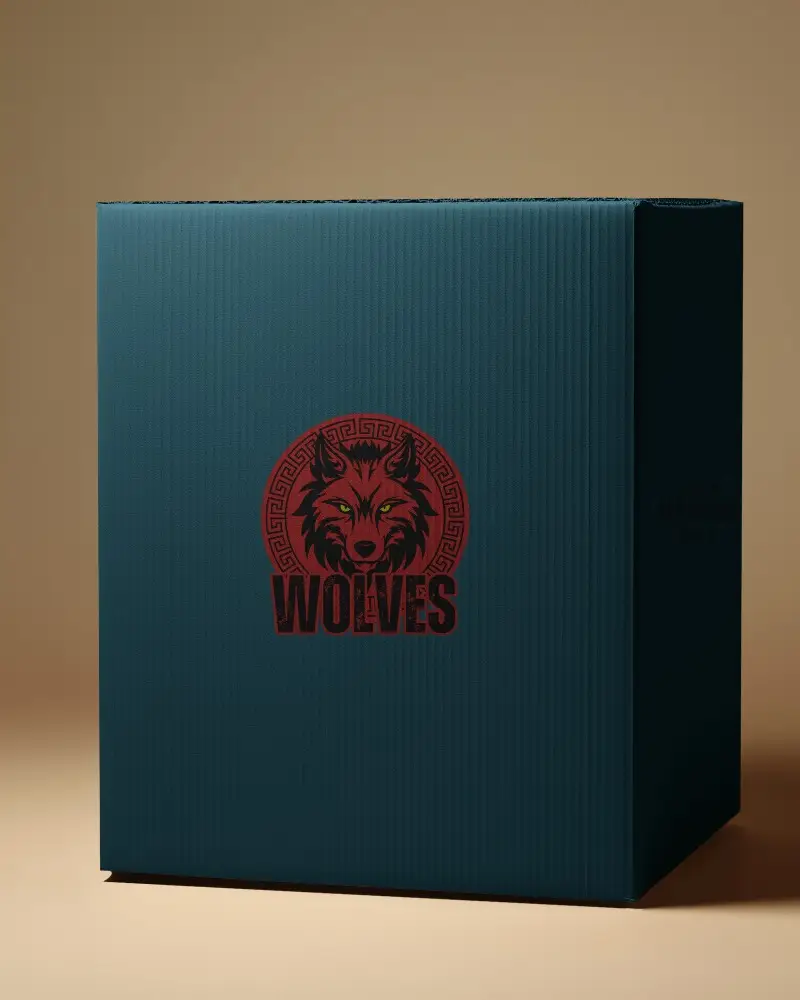
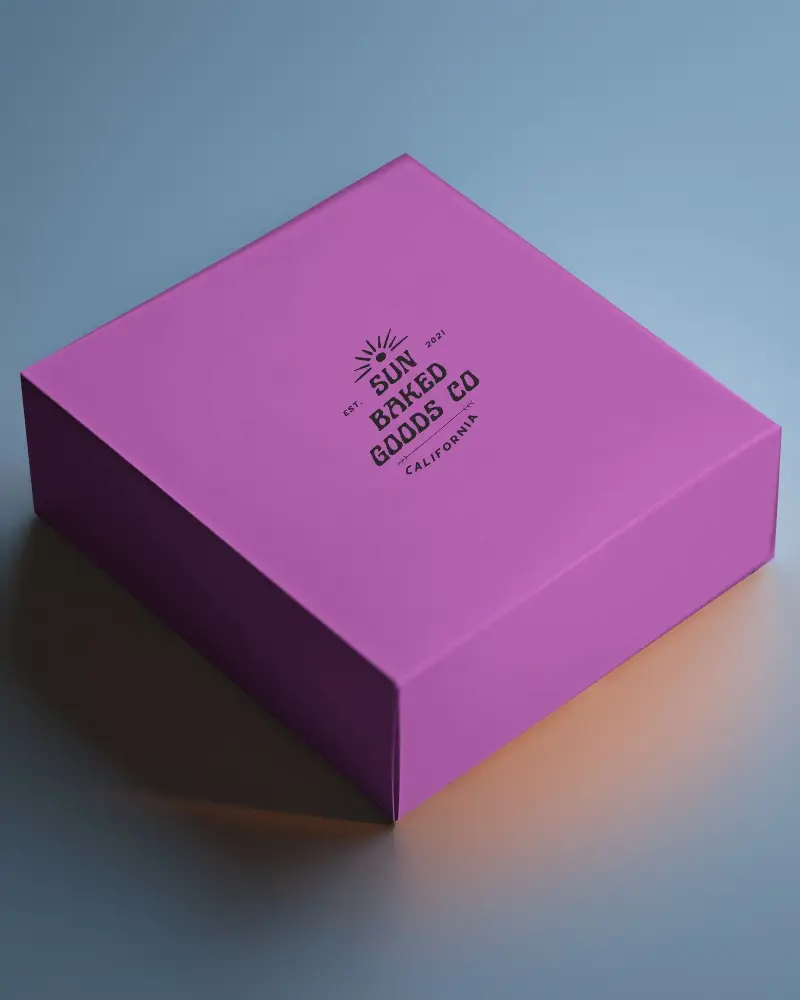
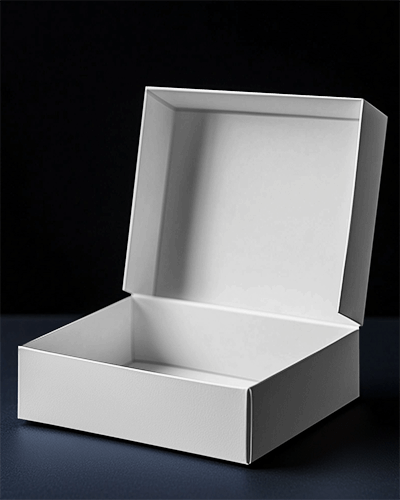
.png)
(1).png)
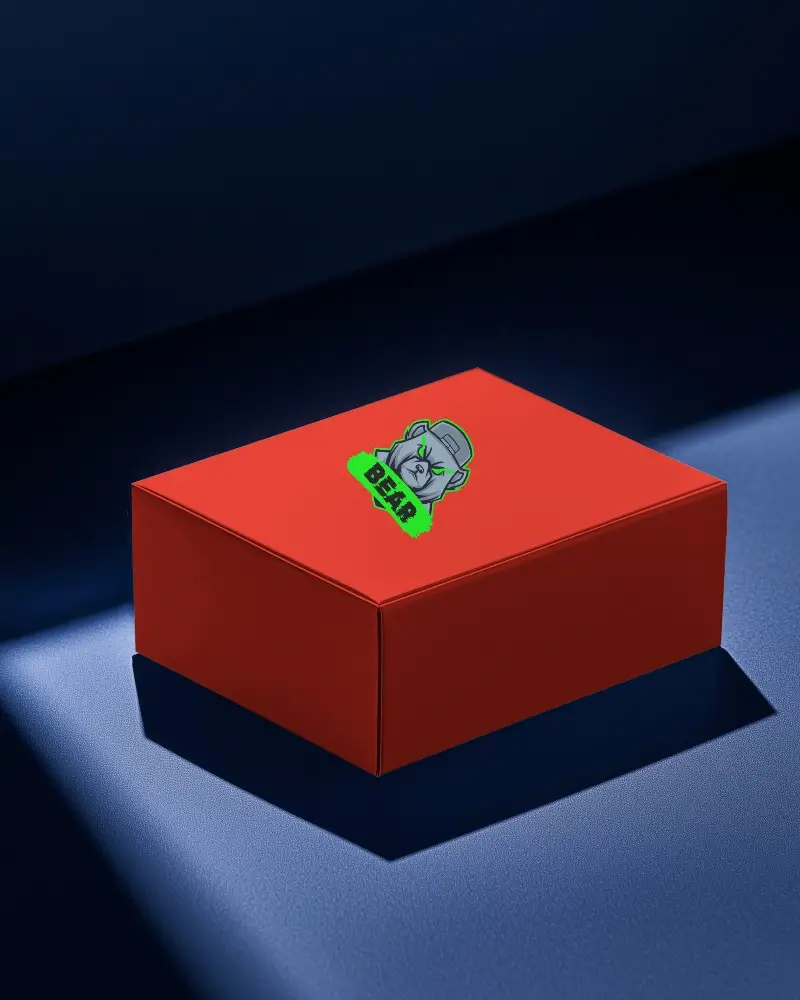
.png)
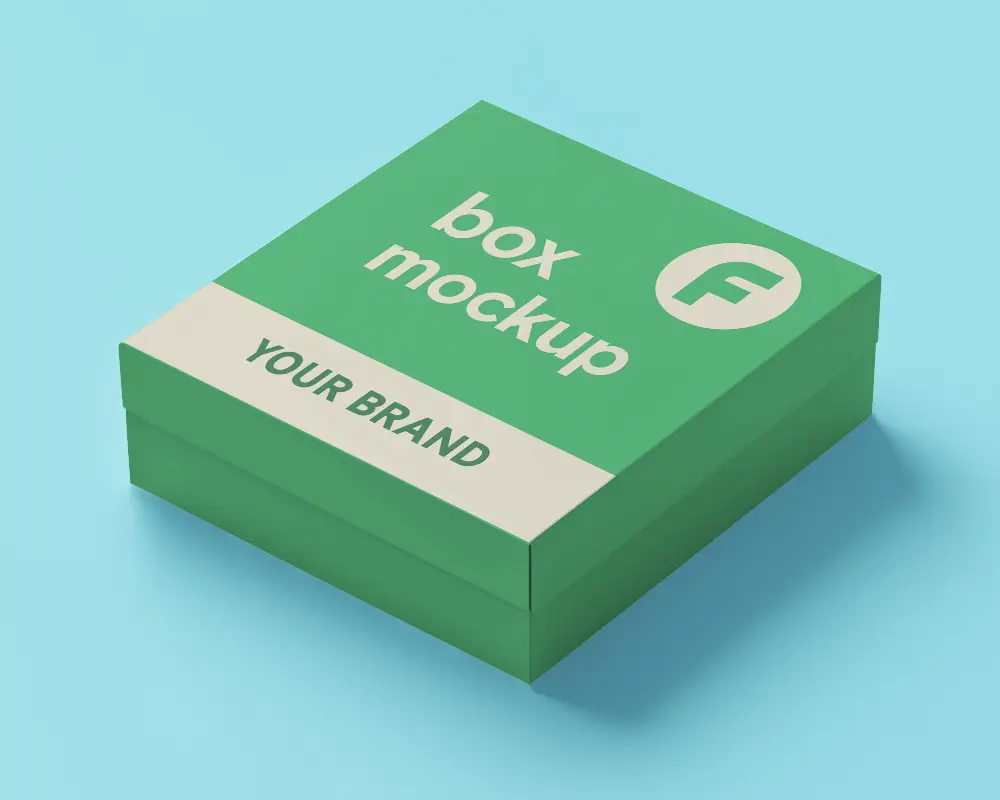
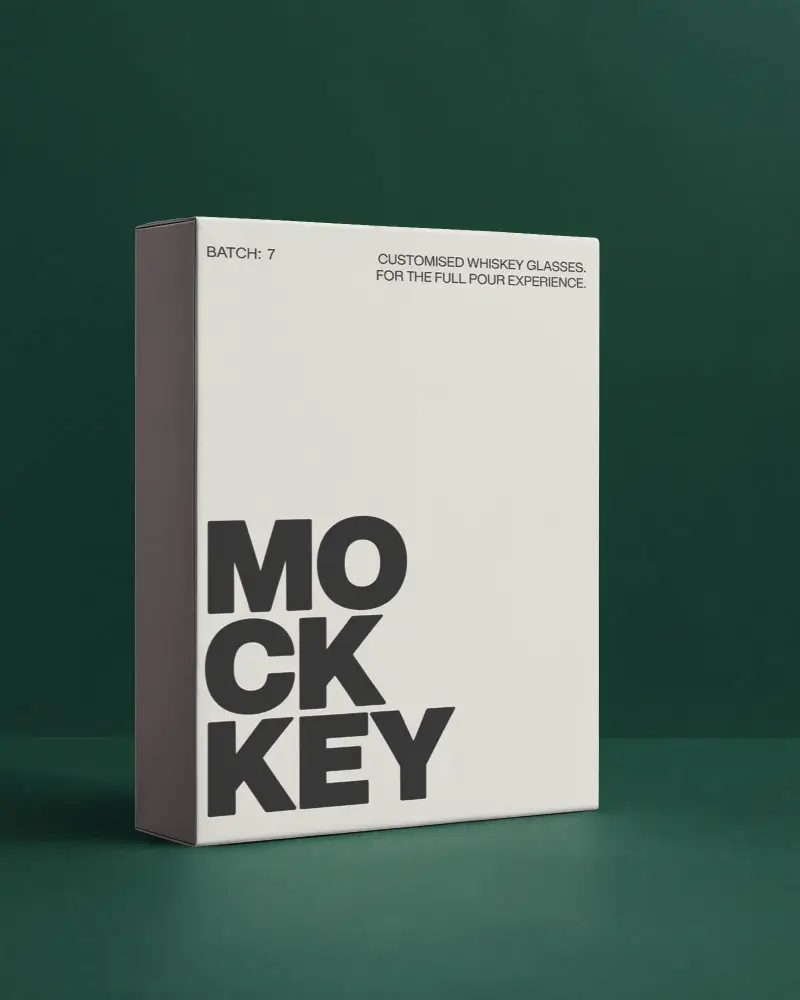
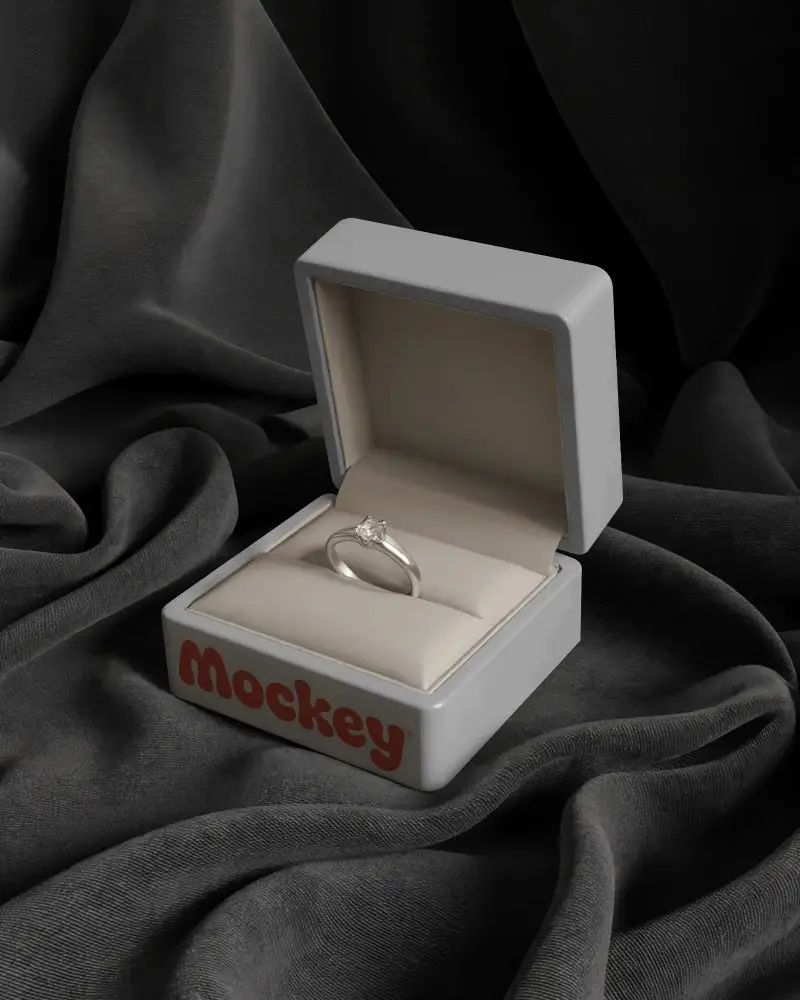
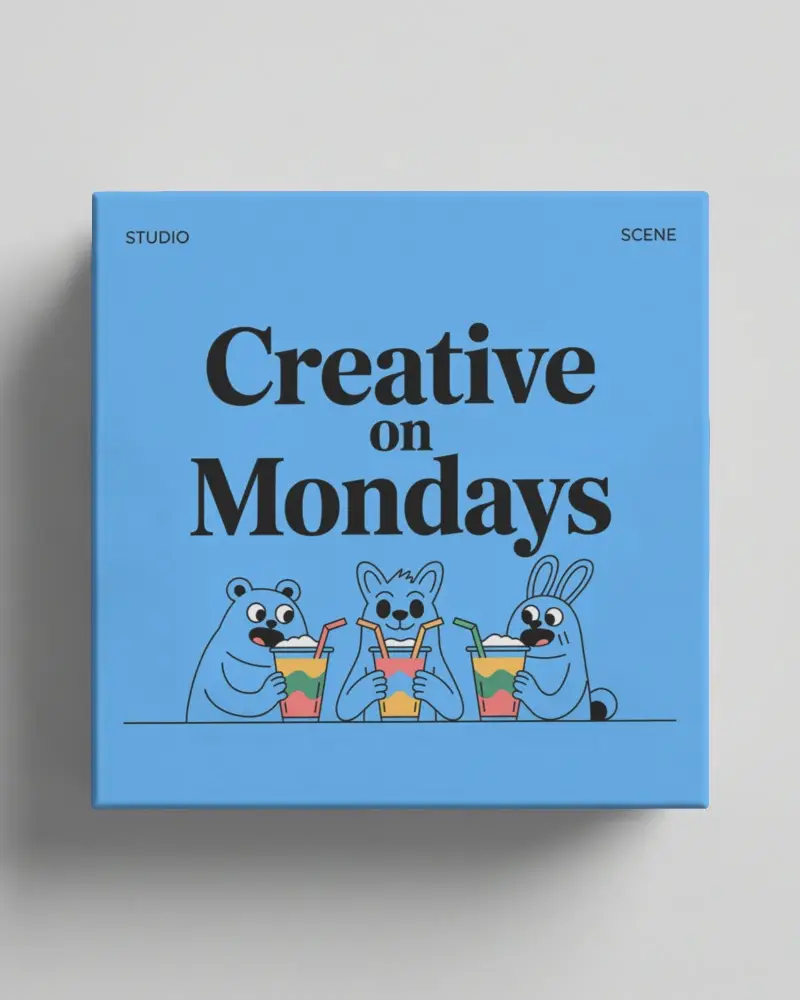
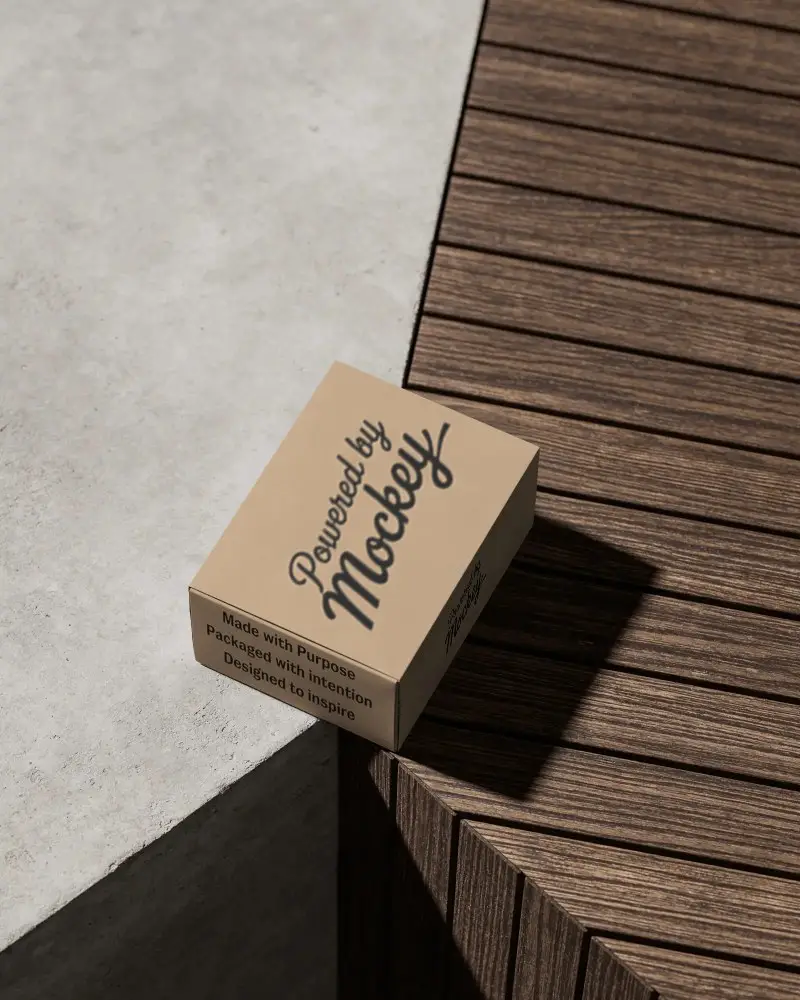
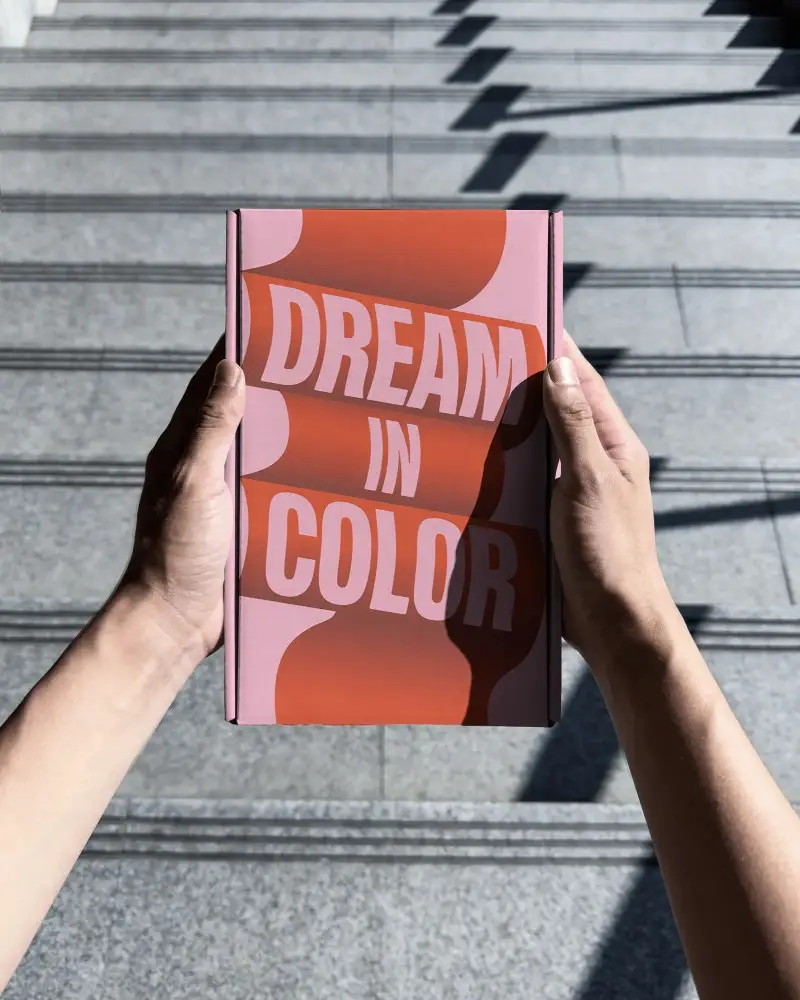
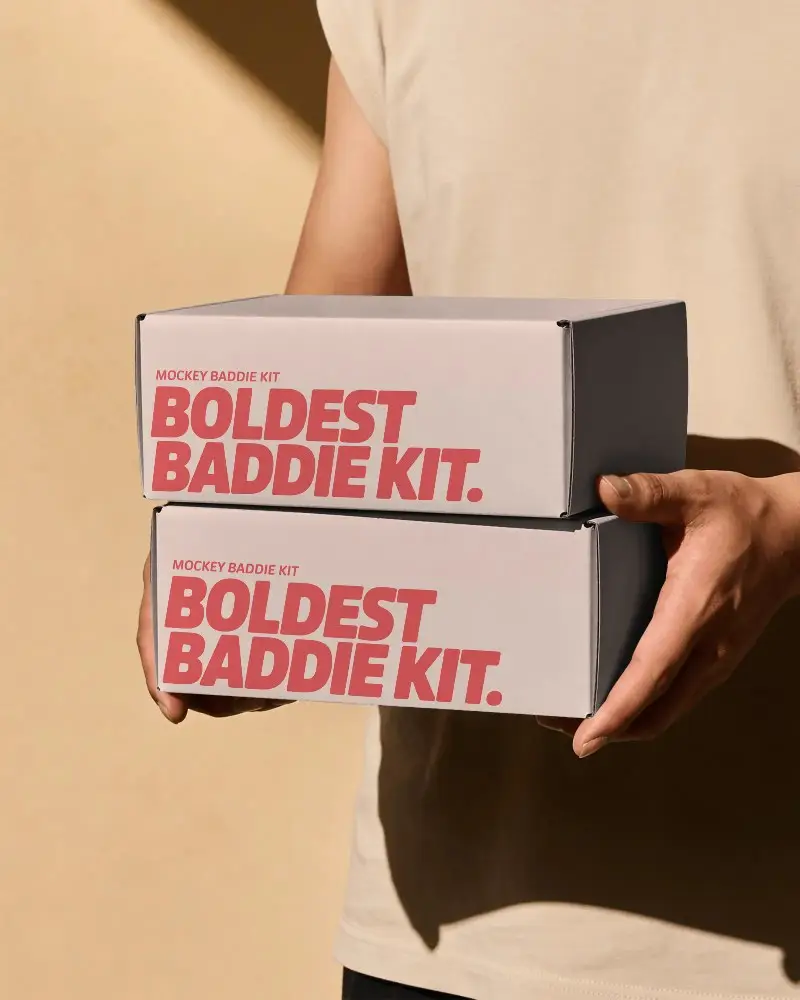
How to Create Cardboard Box Mockup with Mockey
To create a cardboard box mockup in Mockey AI:
- Step 1: Navigate to Mockups > Print > Packaging > Cardboard Box and choose a template from the library.
- Step 2: On the following page, you'll find the option to upload your design and adjust the template's colors in the Edit section. If you upgrade to the Creator Plan, you can also access AI tools.
- Step 3: Finally, click the Download button to save your Cardboard Box mockup in either PNG or JPEG format, available in various sizes.


FAQs on Cardboard Box Mockups
What is a Cardboard Box Mockup?
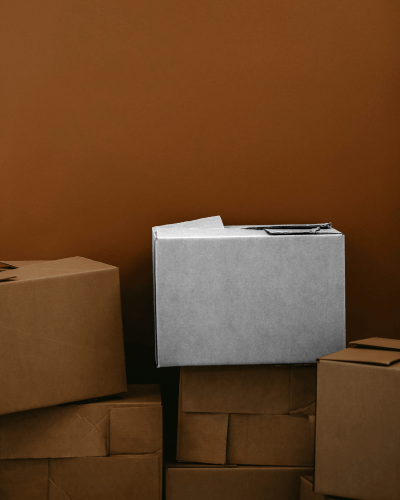
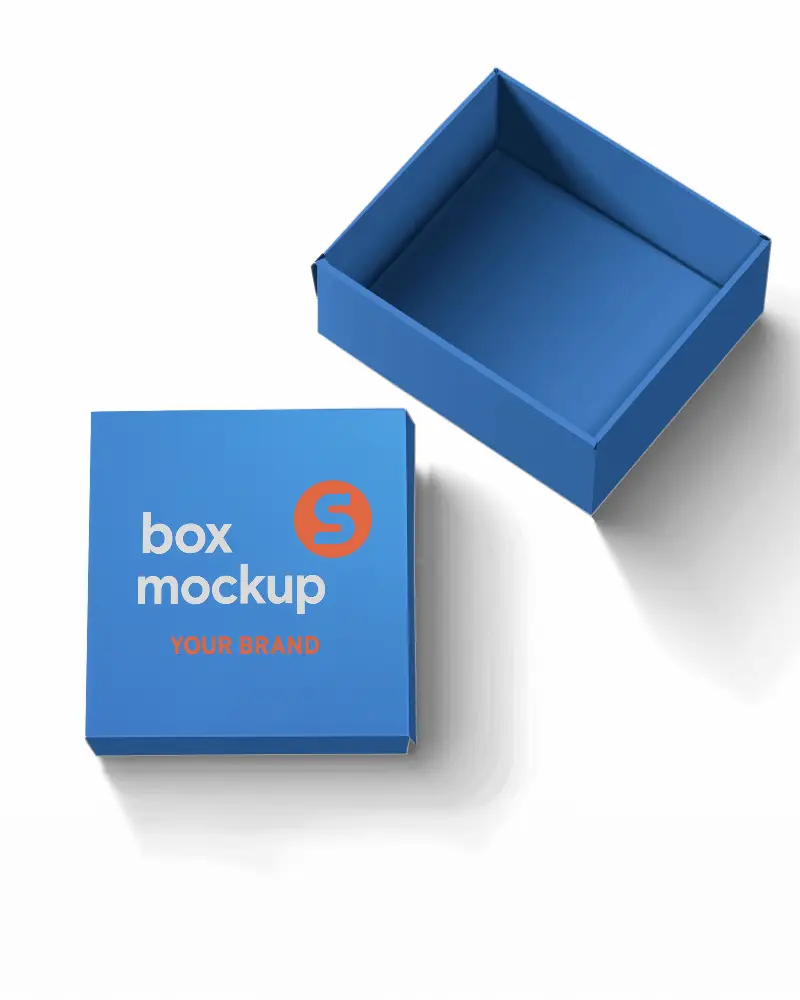
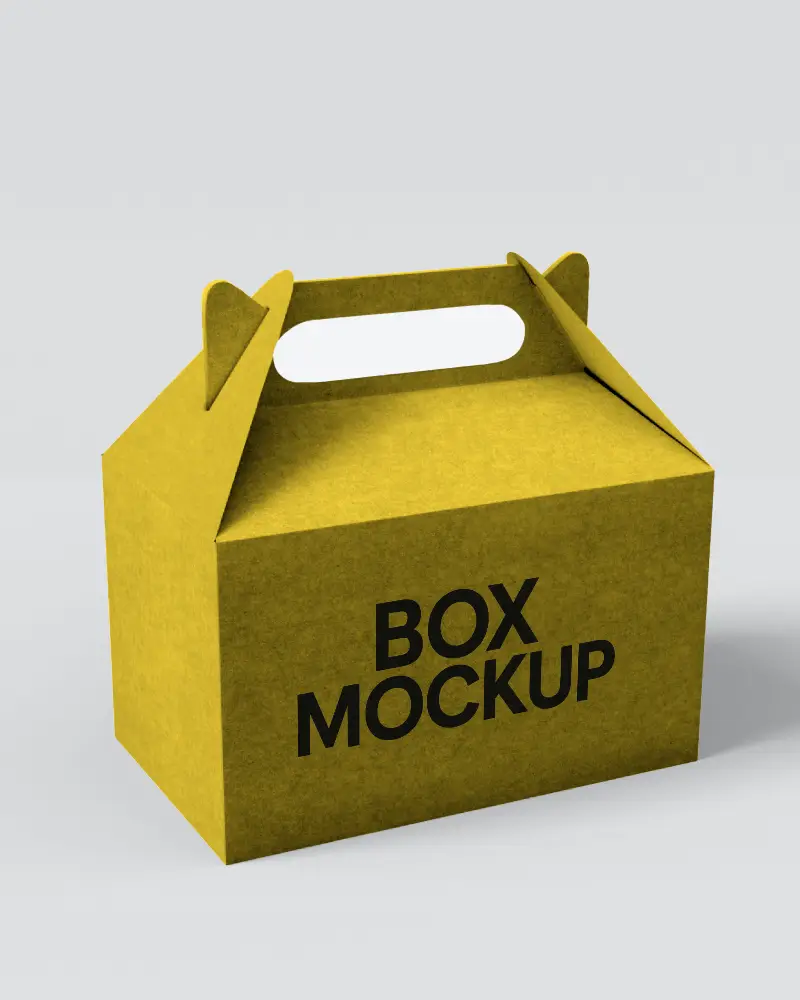
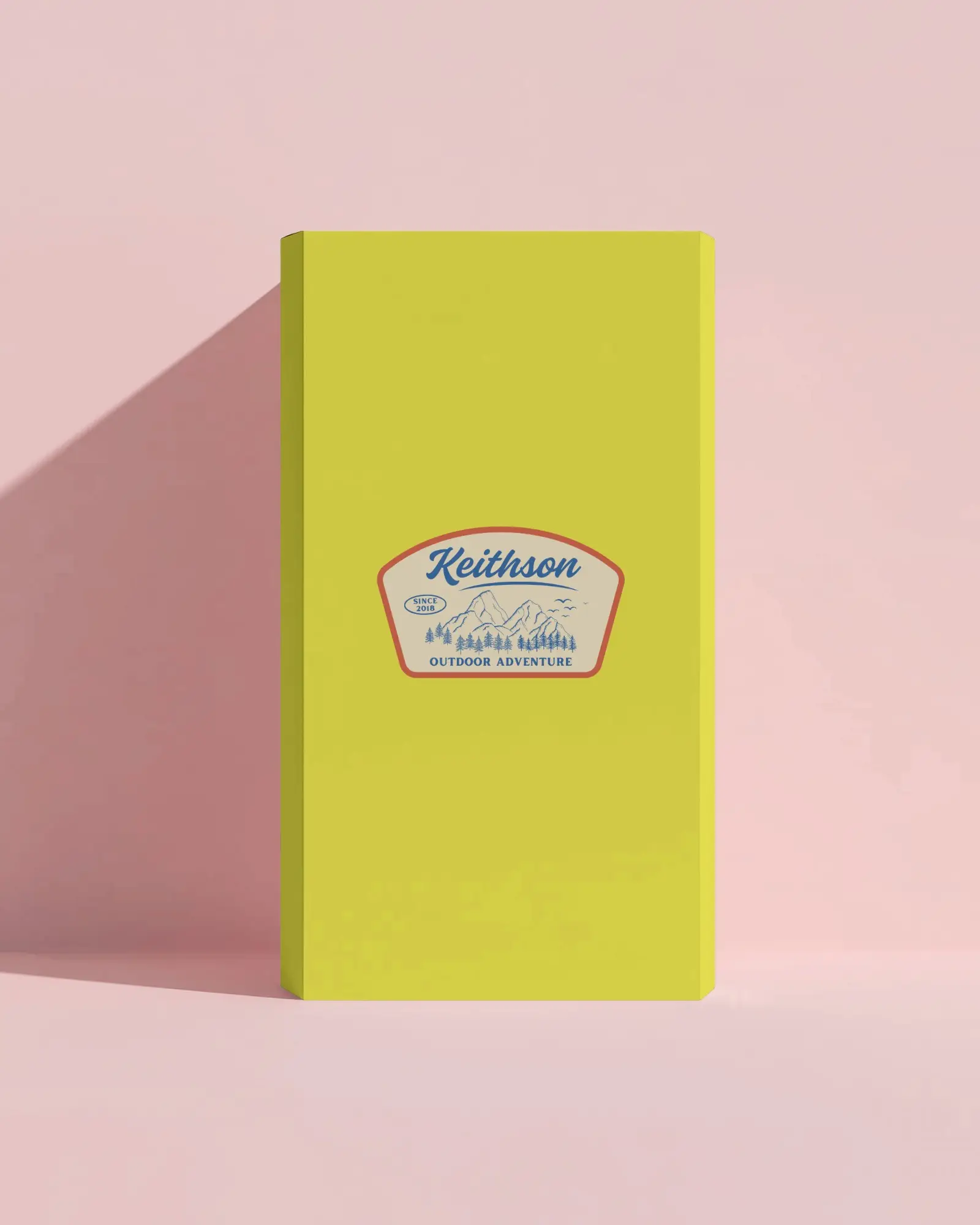
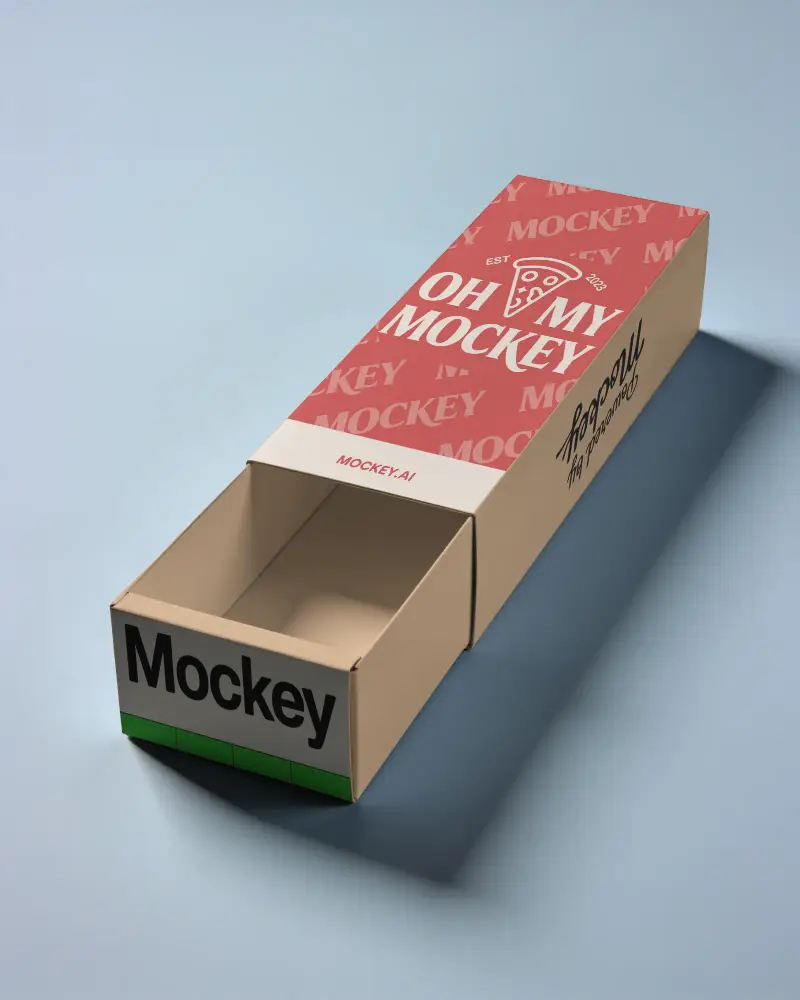
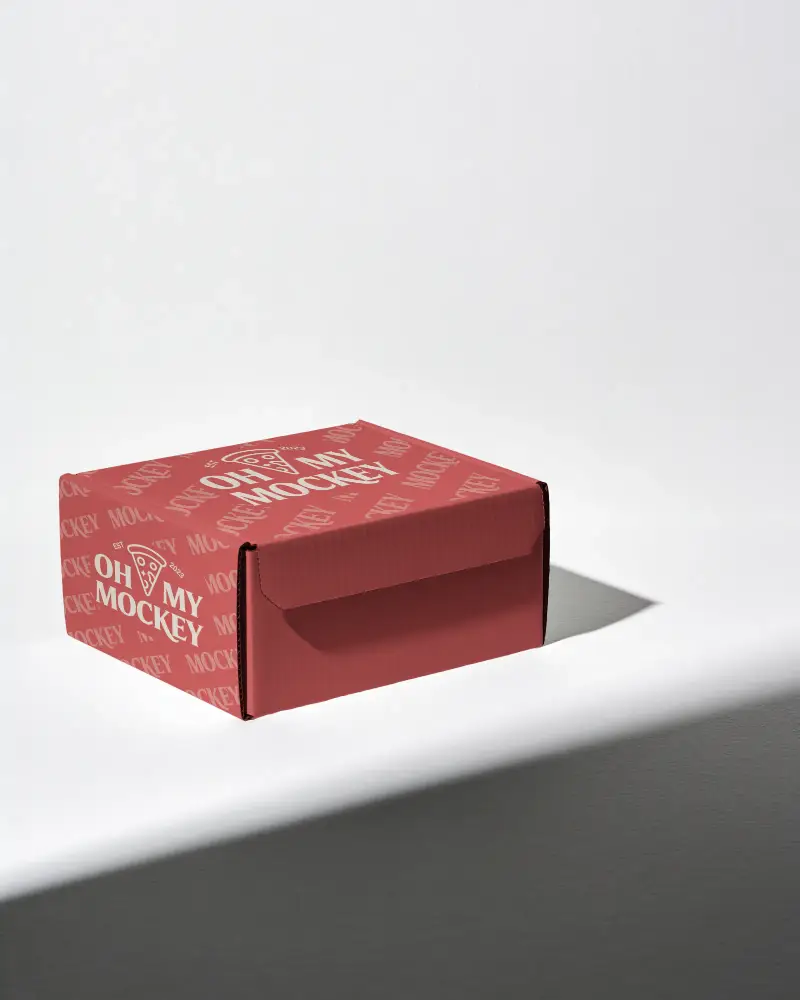
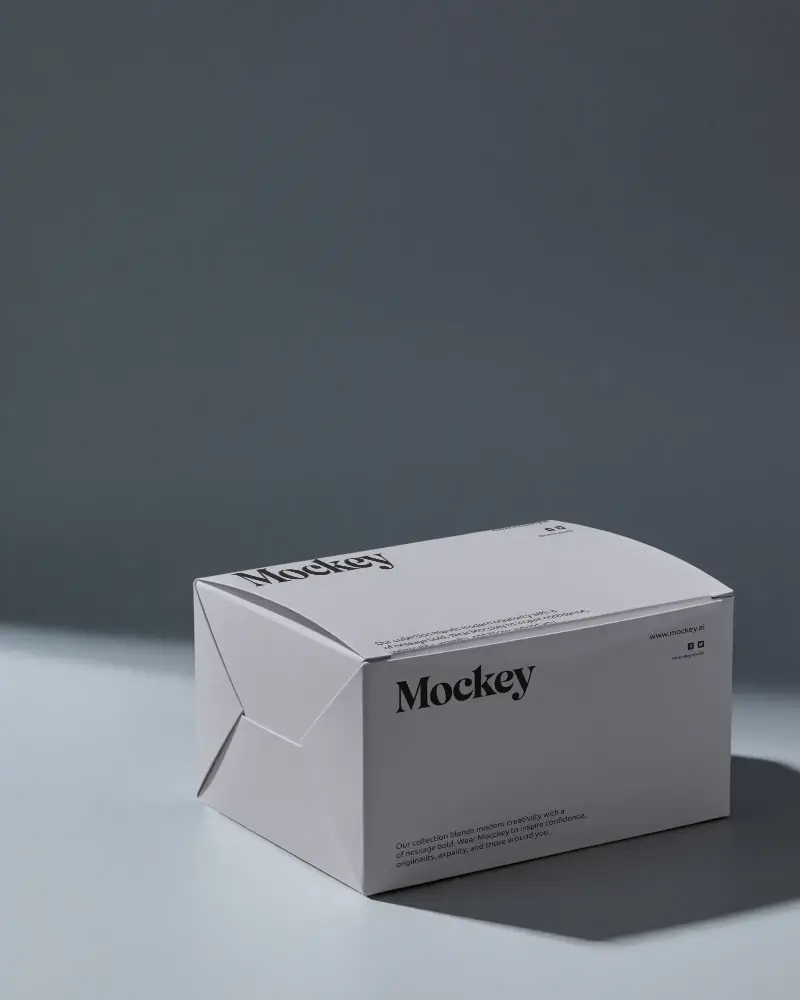
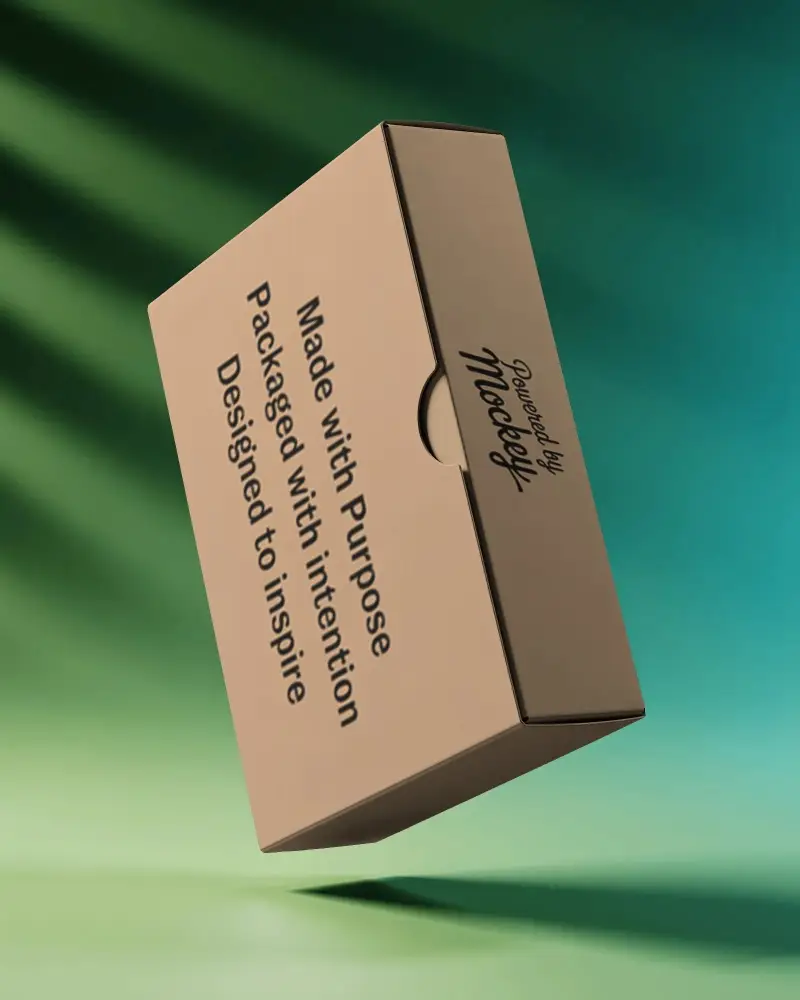
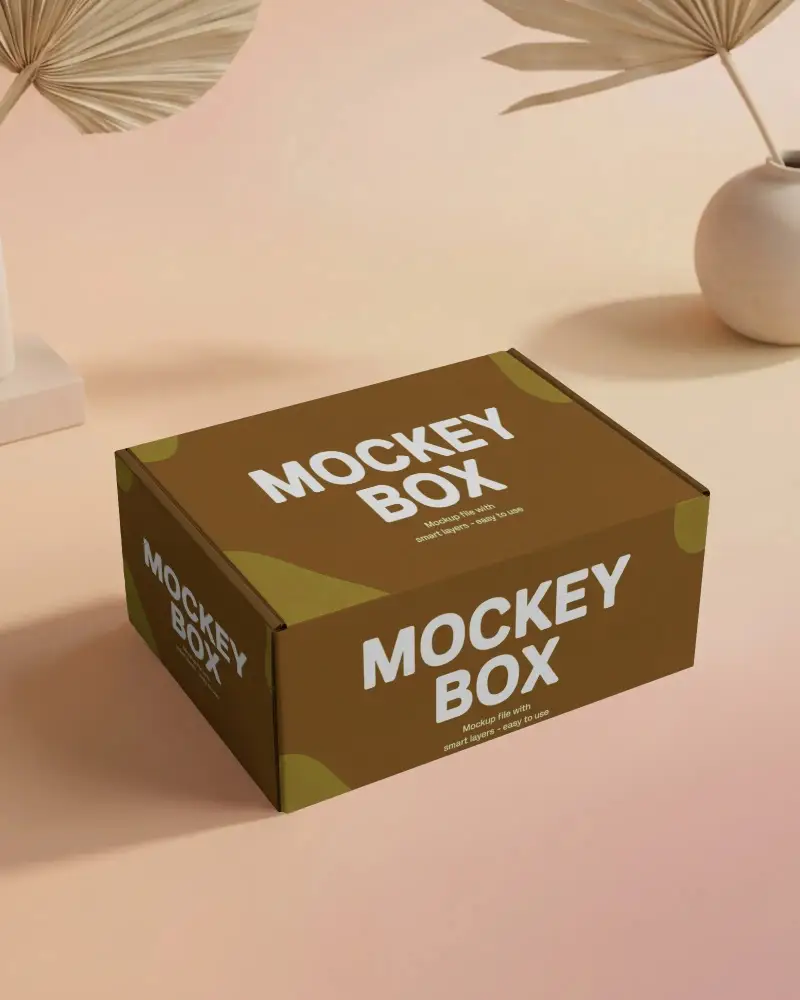
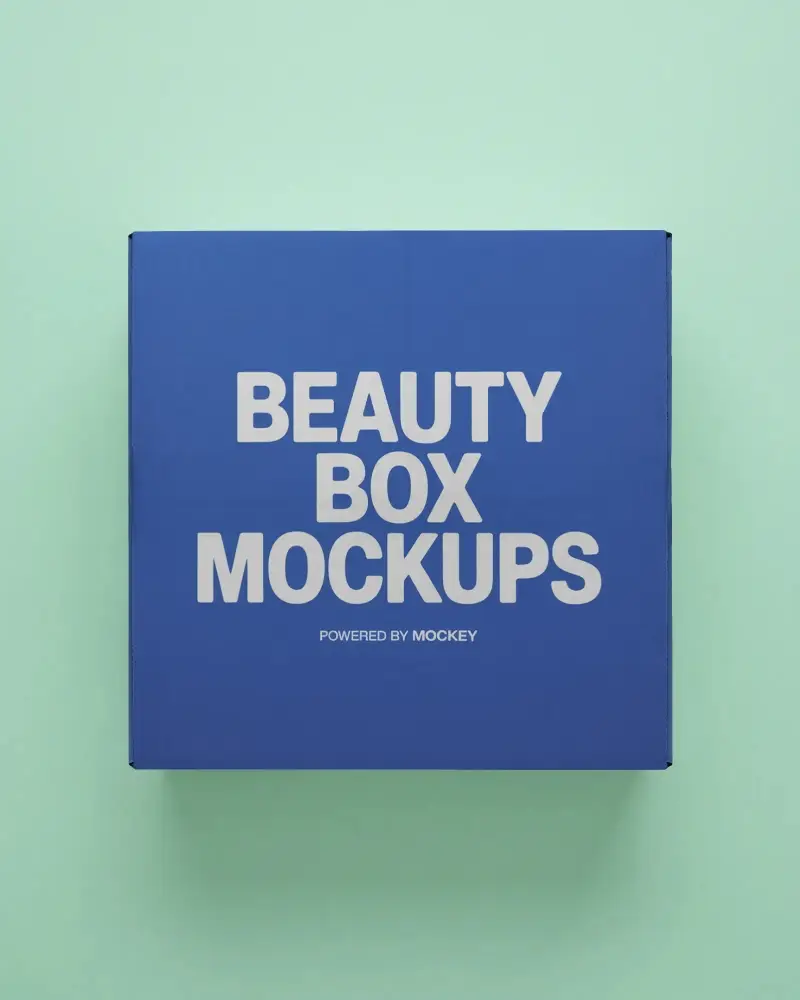
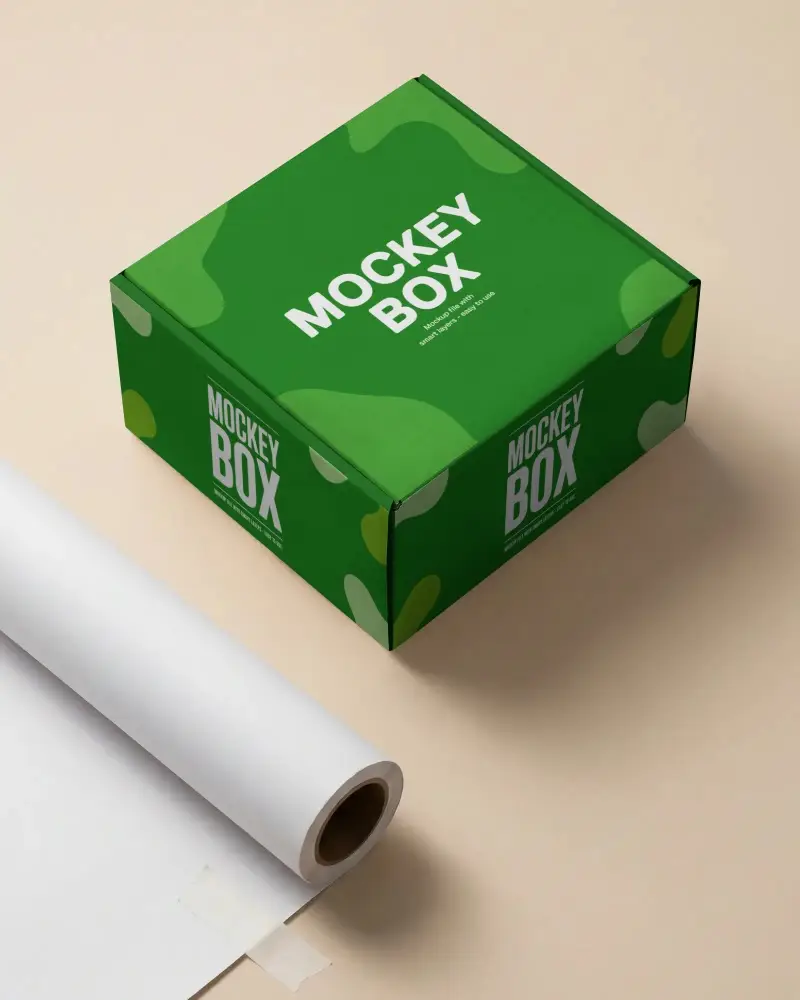
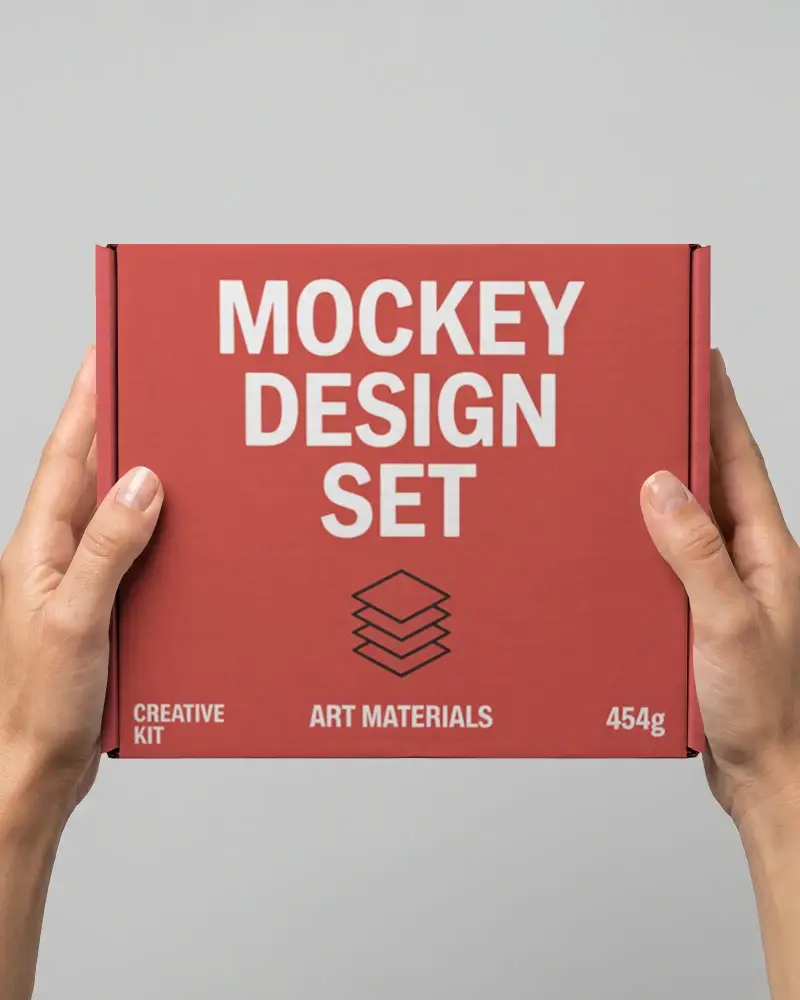
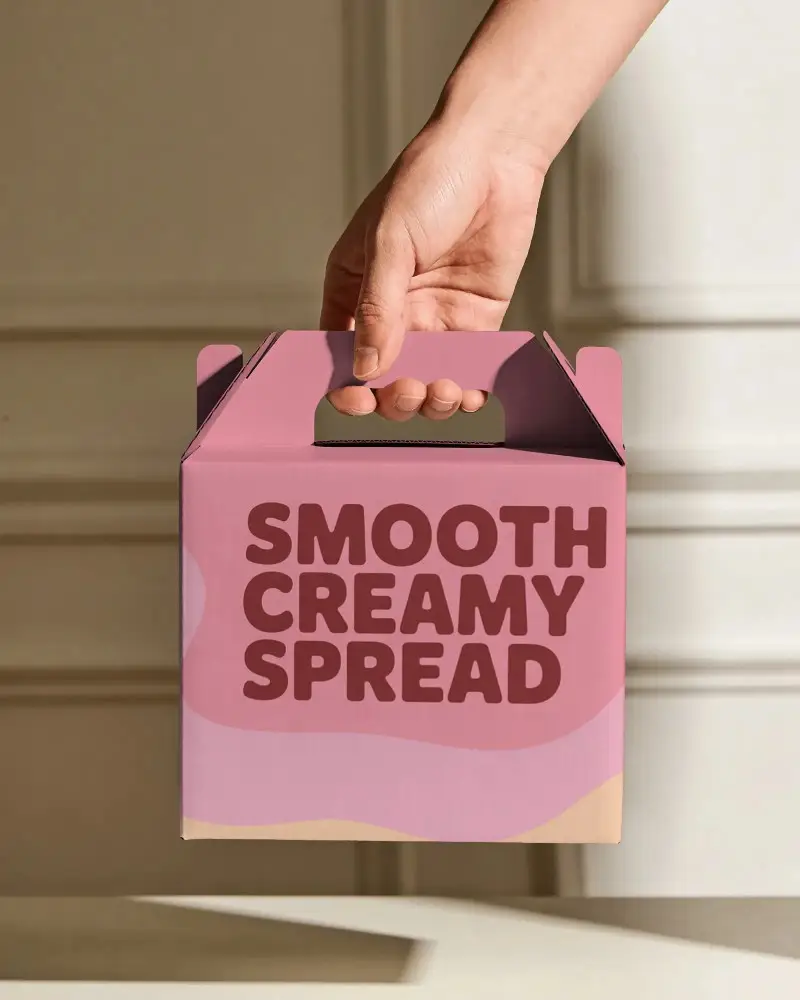
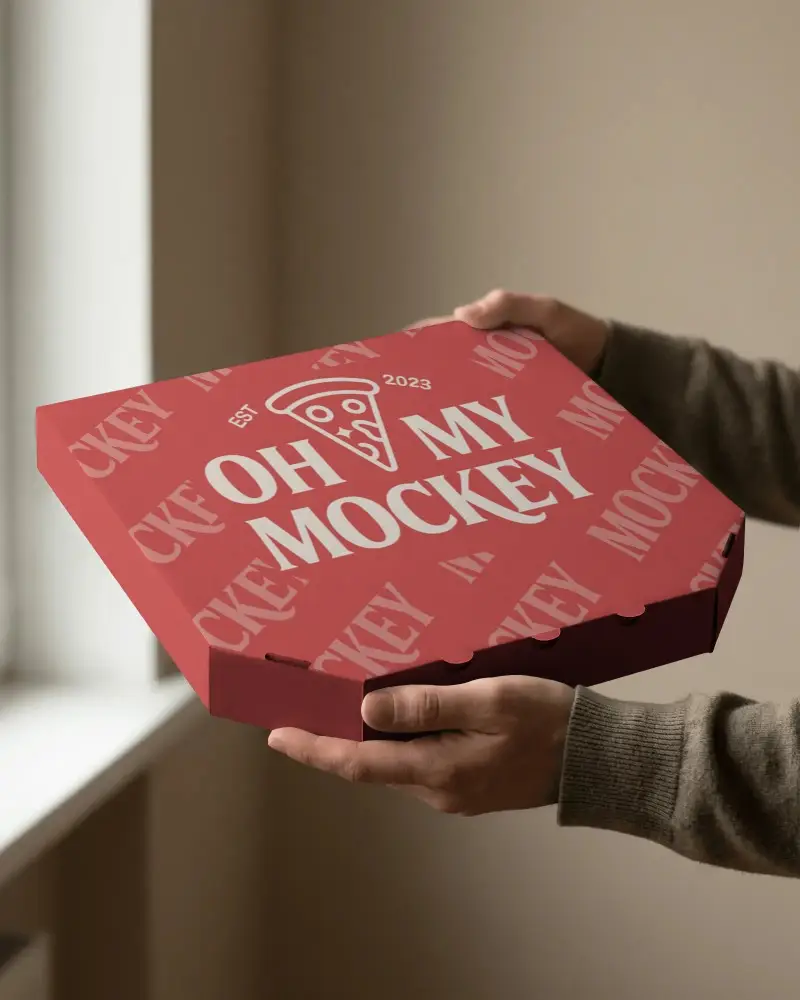
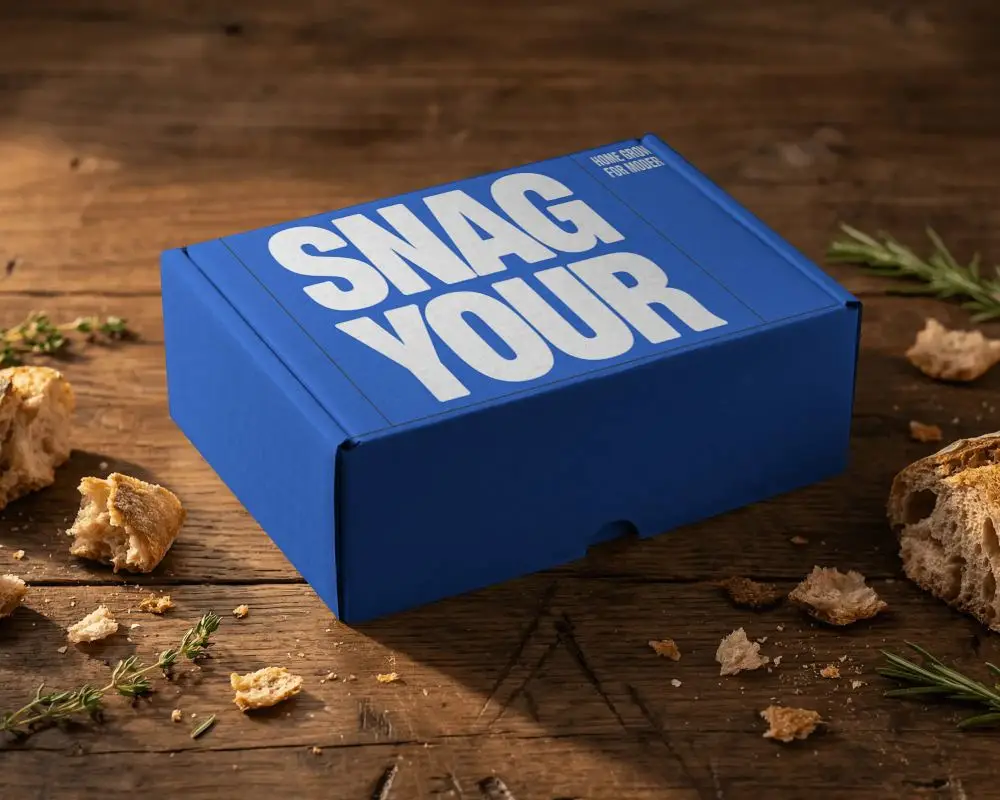
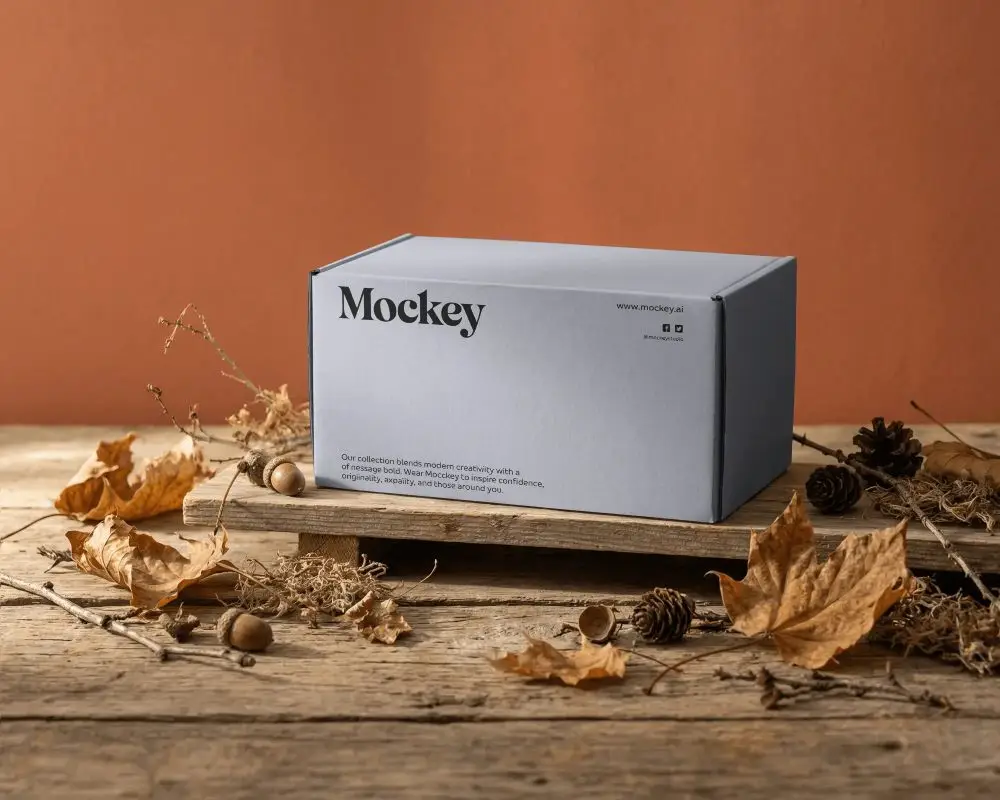
A cardboard box mockup is a digital template that allows users to apply custom logos, graphics, and colors. Typically available in PNG format, it works with AI-powered editors for quick and easy customization.
Why create a Cardboard Box Mockup?
A cardboard box mockup offers a preview of the packaging, helps businesses refine designs, set clear expectations, and make informed decisions before mass production.
Why Use Mockey’s Cardboard Box Mockup?
Mockey's cardboard box mockup helps you display designs with precision, refine branding concepts, and create impactful marketing visuals.
Is this Cardboard Box Mockup Free?
Mockey.ai provides free cardboard box mockups with access to 500+ customizable templates, all available for save without watermarks.
What file formats do cardboard box mockups come in?
Mockey AI offers cardboard box mockups in JPG and PNG formats. If you need a PSD file, you can request it.
Can I use a mockup for e-commerce and branding?
Yes, you can use mockups for e-commerce and branding. They help visualize products and branding elements in real-life contexts.
