Best Free Branding Box Mockups
Boost your brand with a stunning branding box mockup! Create realistic, high-quality designs in minutes with Mockey.ai. Try it now for free!
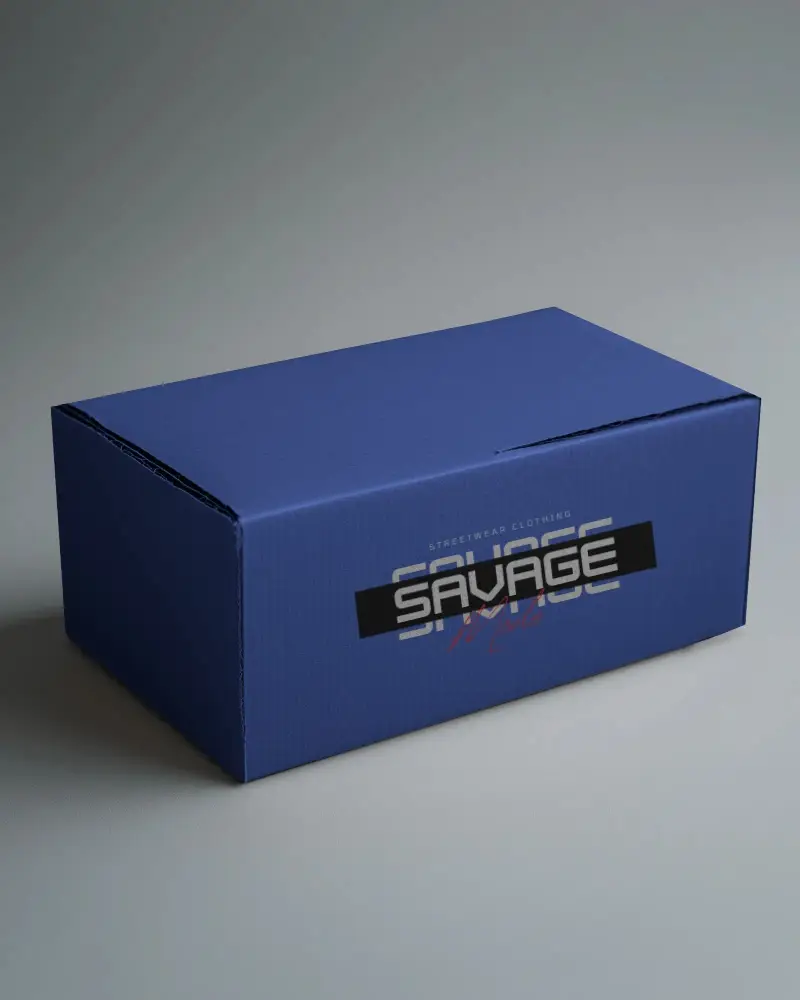
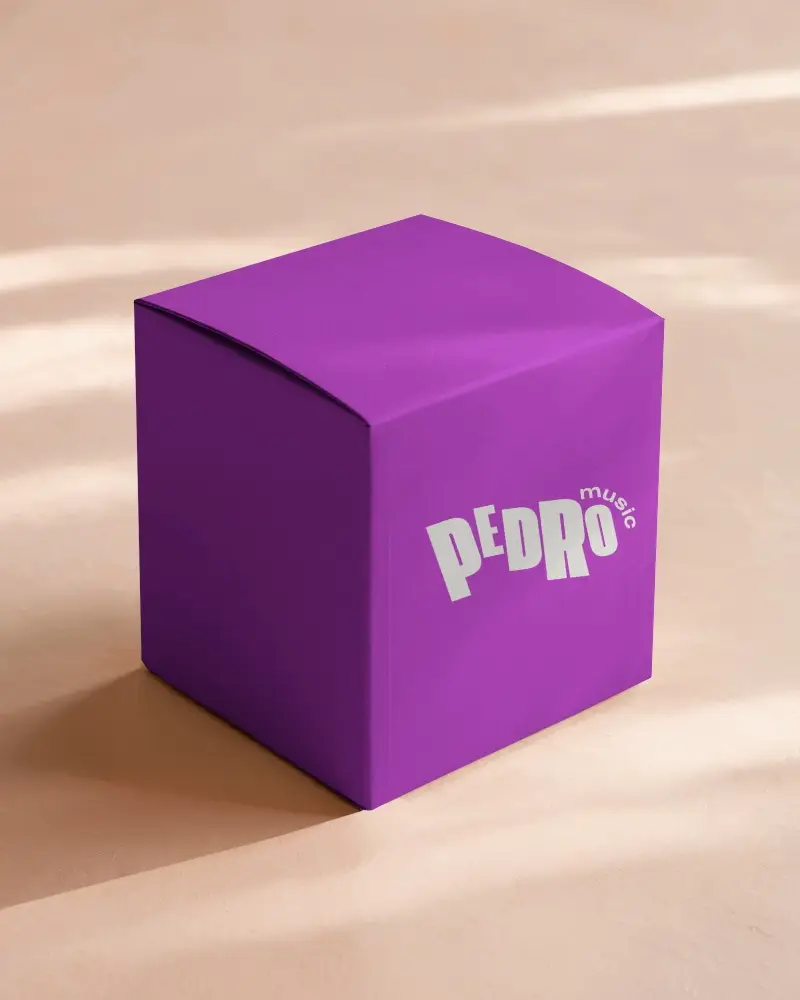
.png)
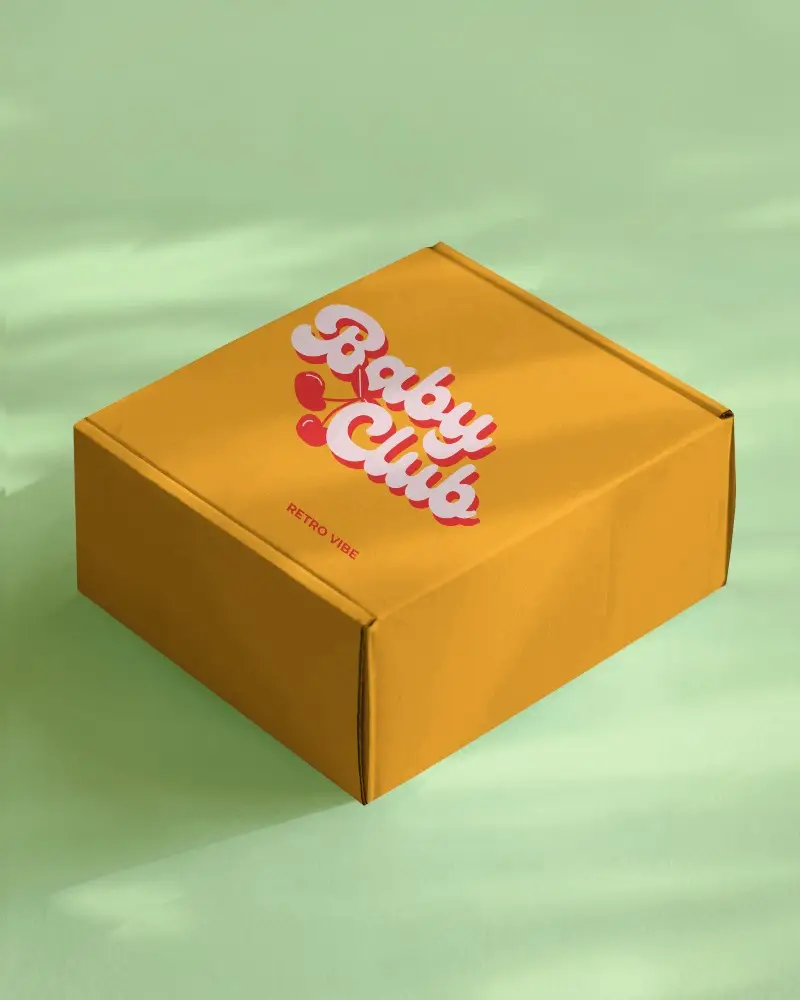
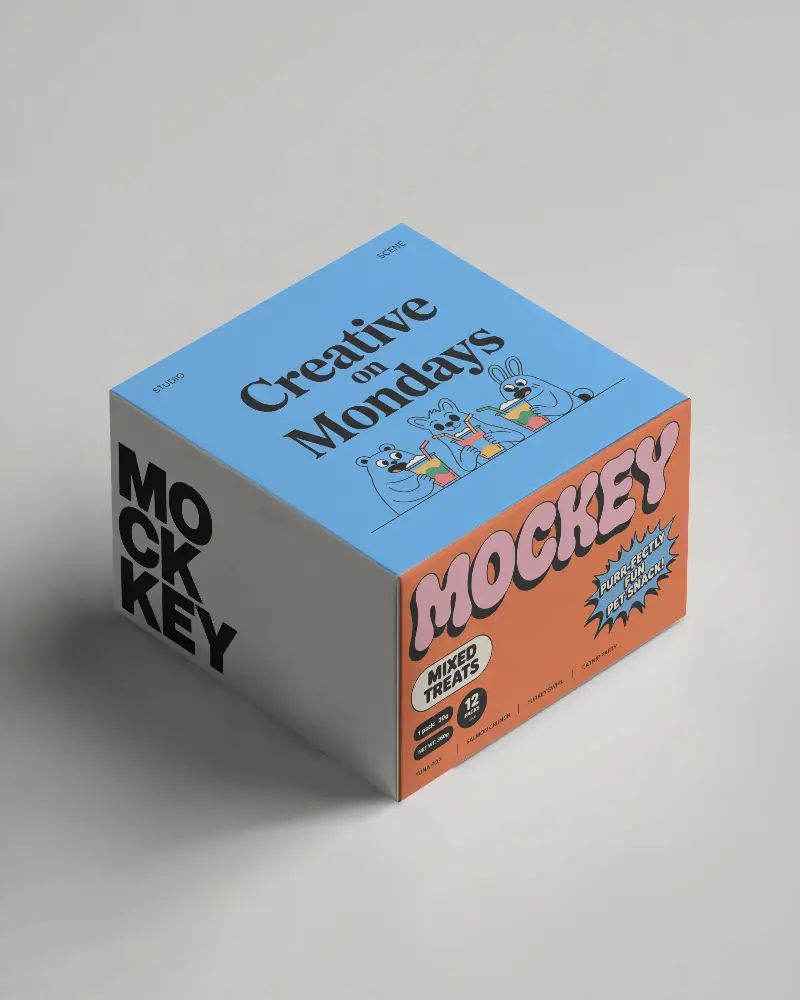
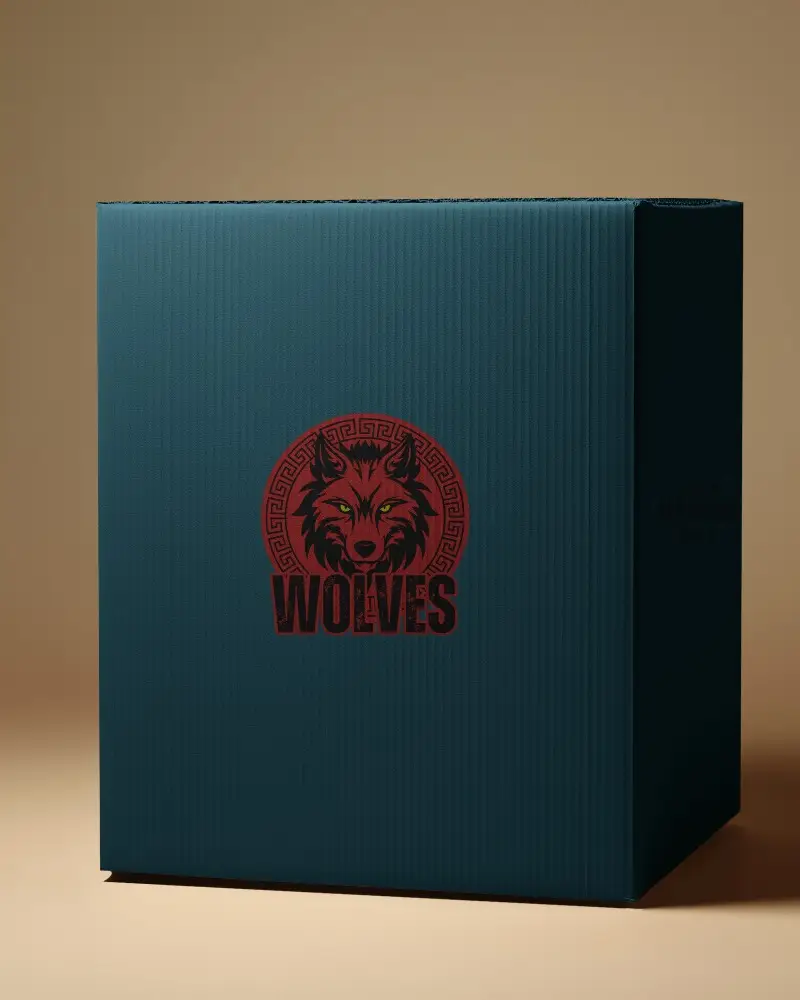
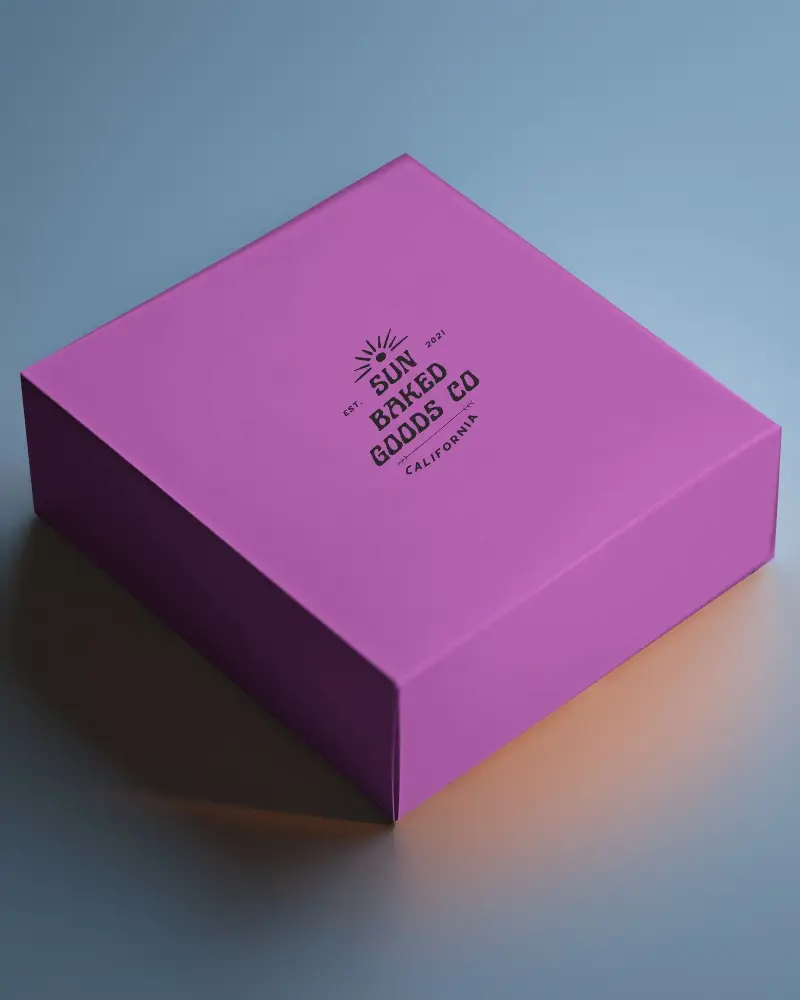
.png)
.png)
(1).png)
.png)
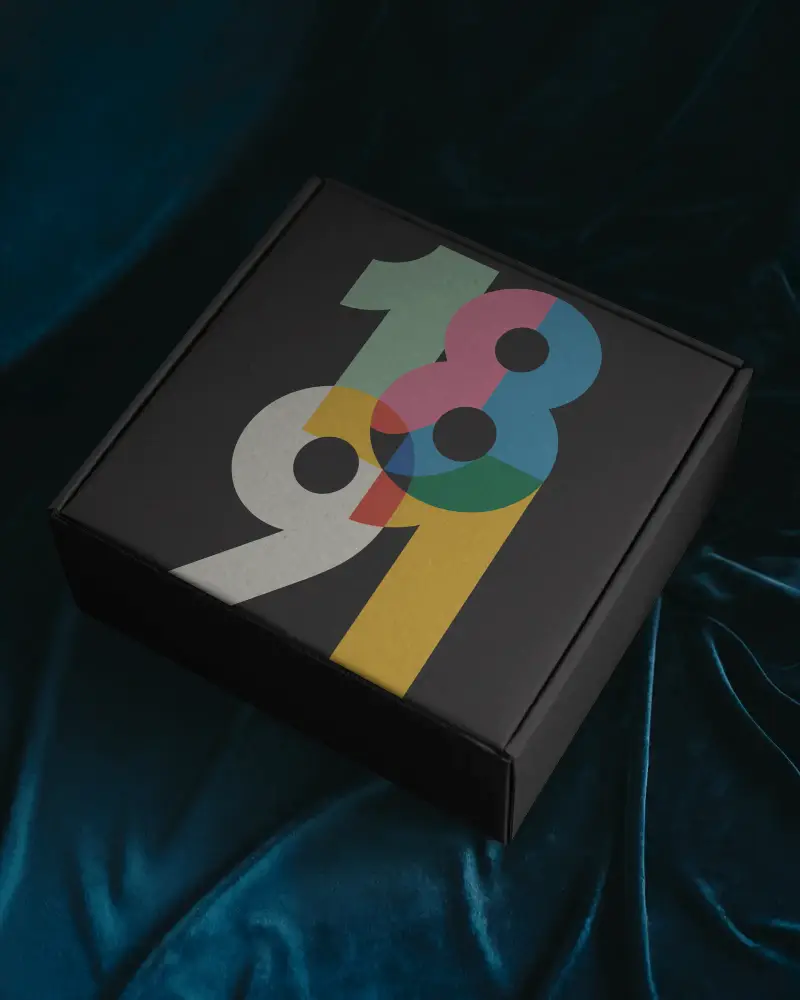
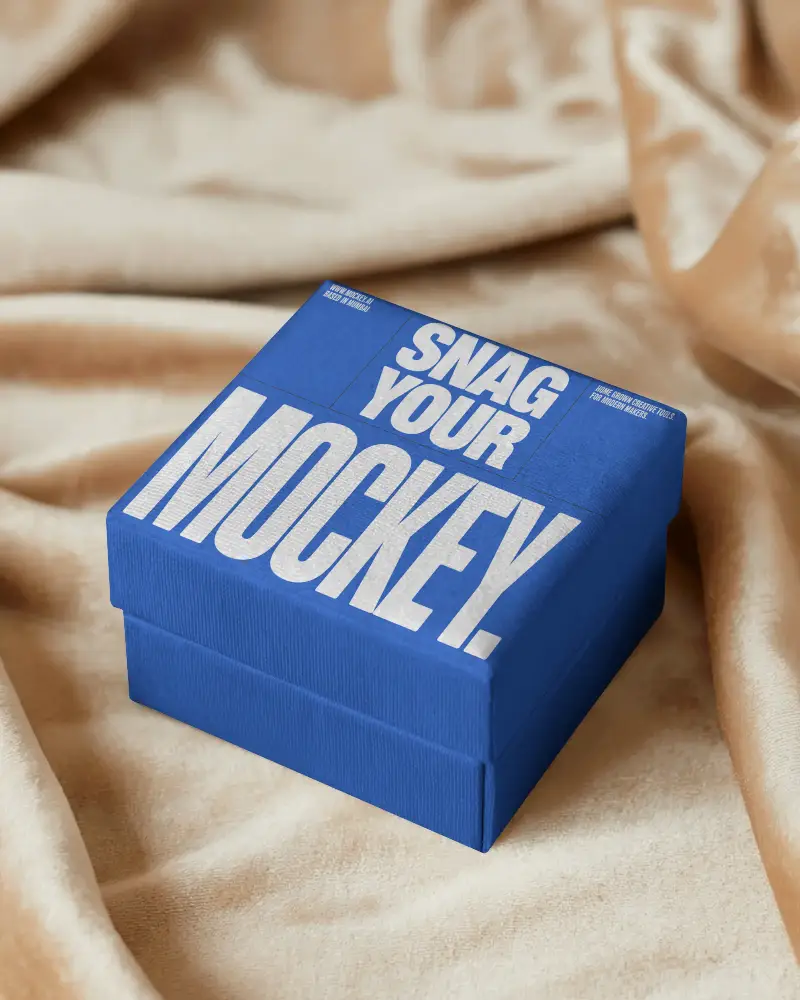
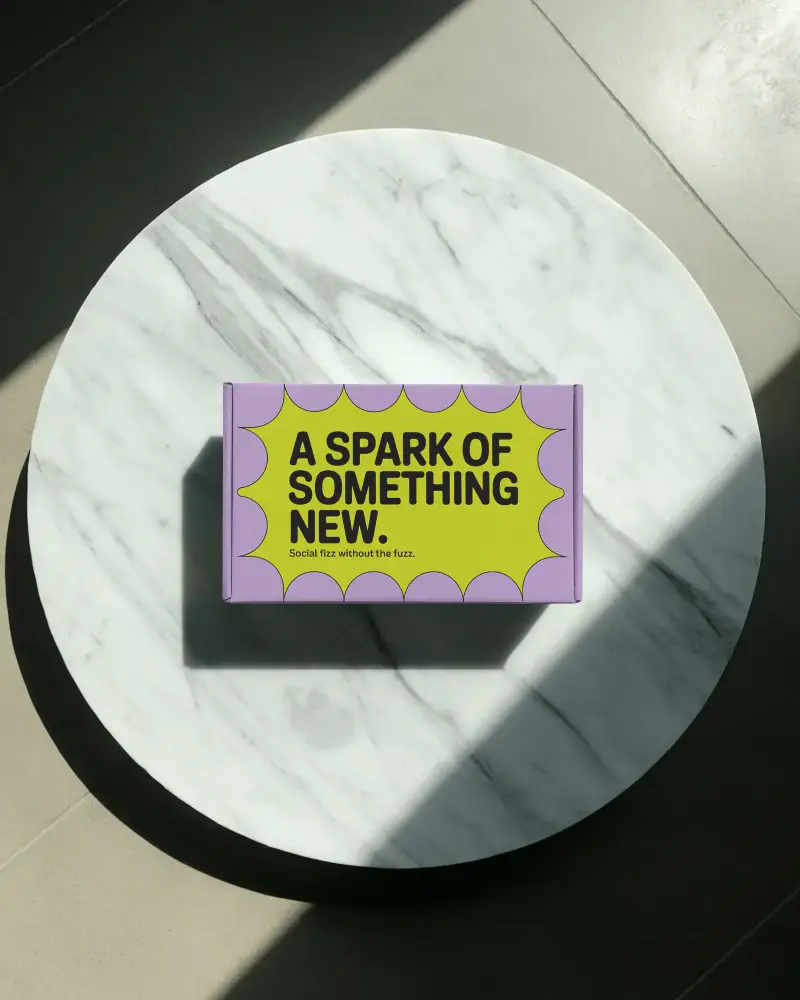
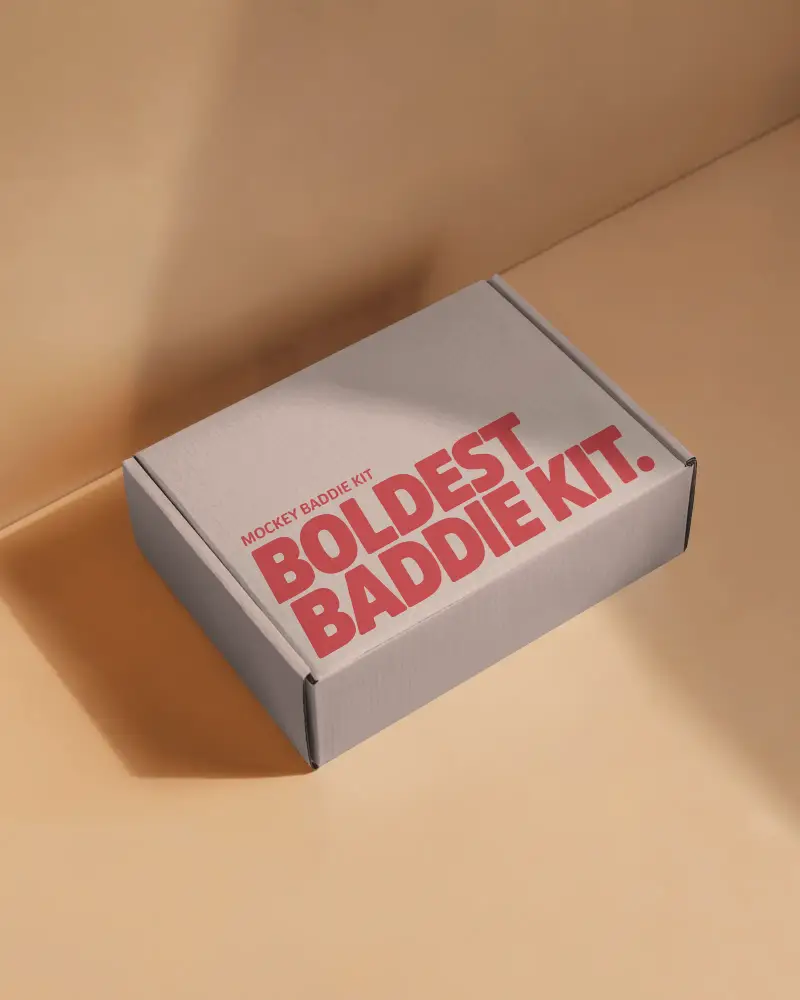

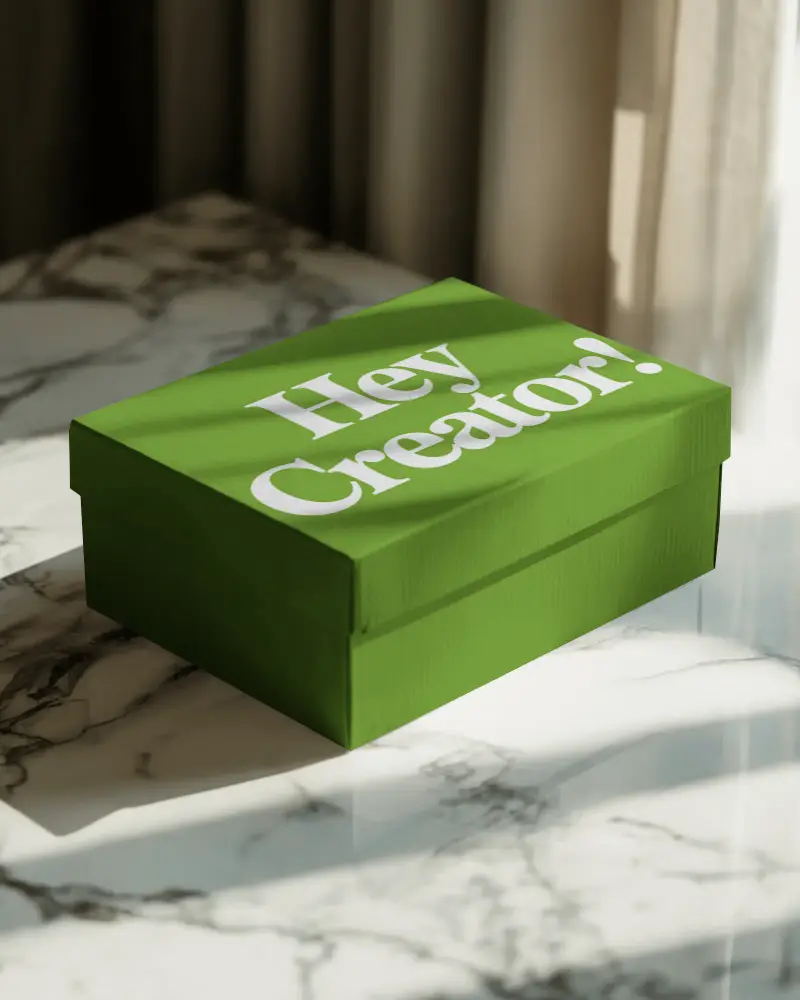
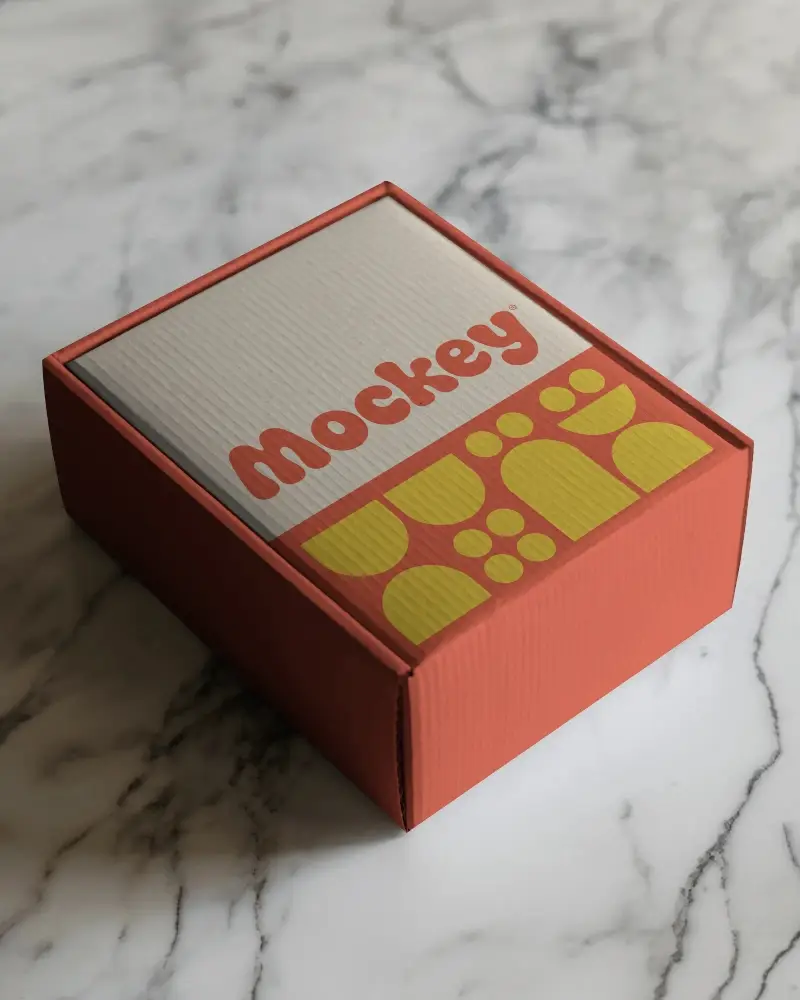
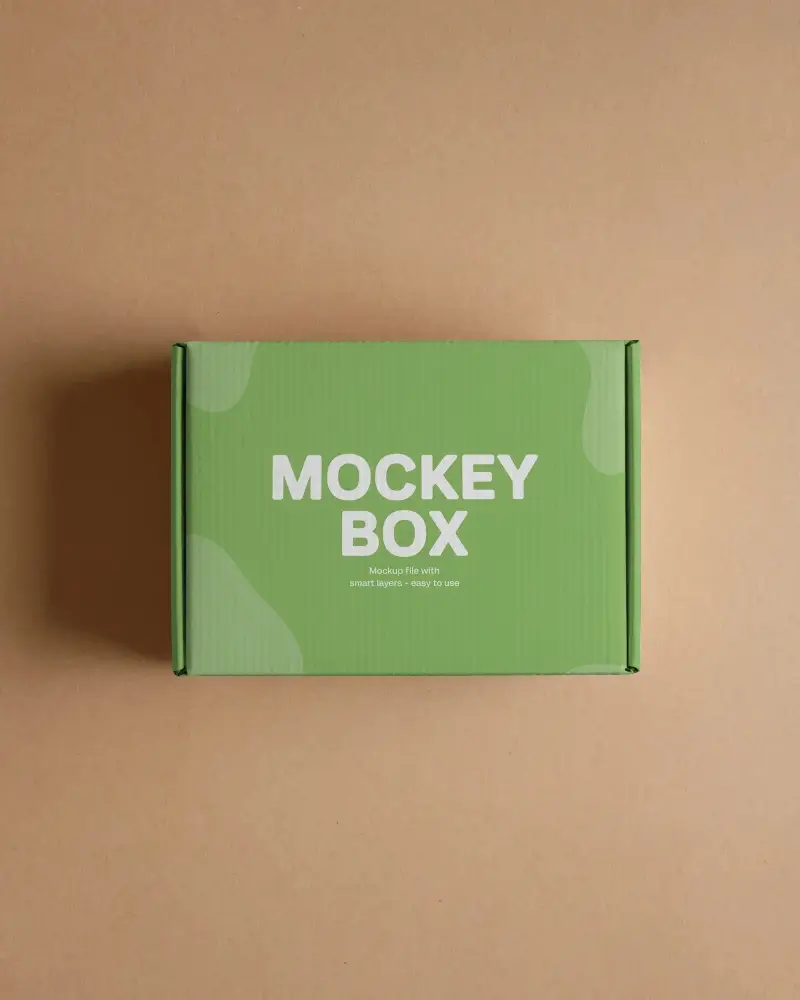
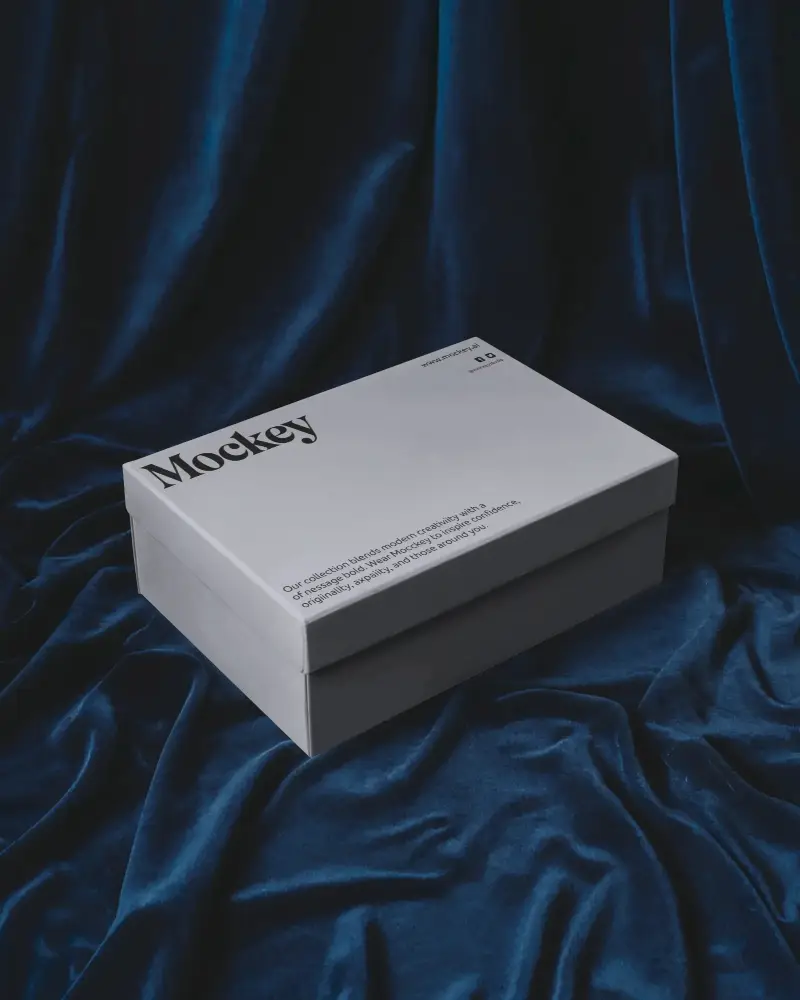
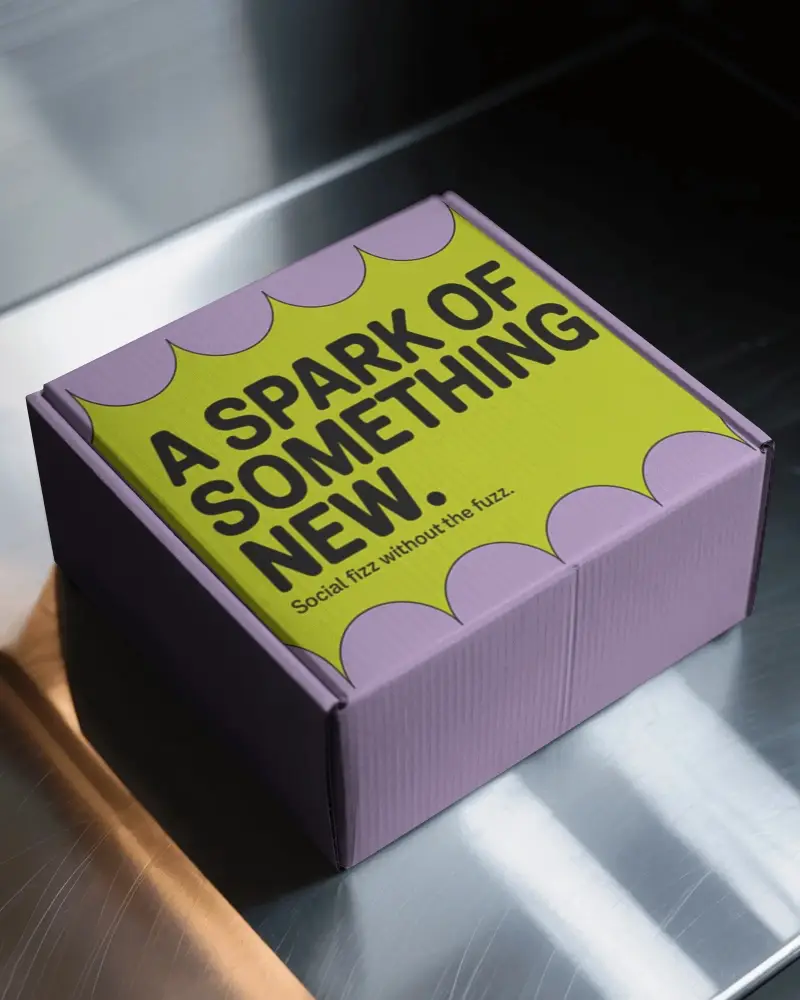
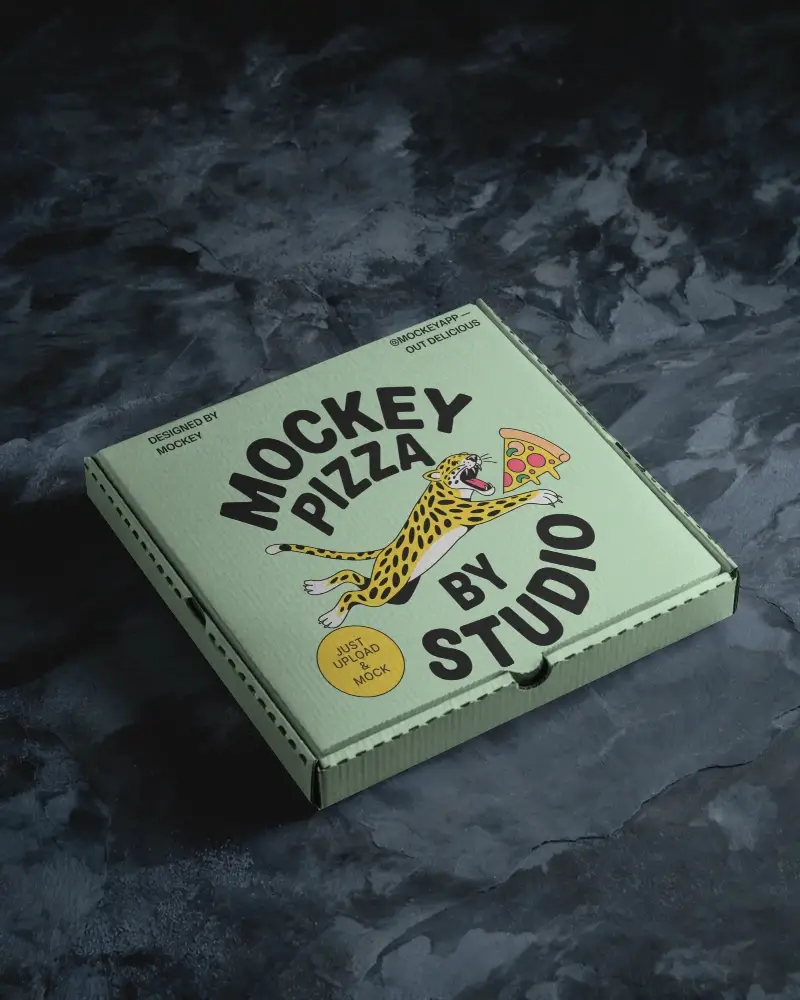
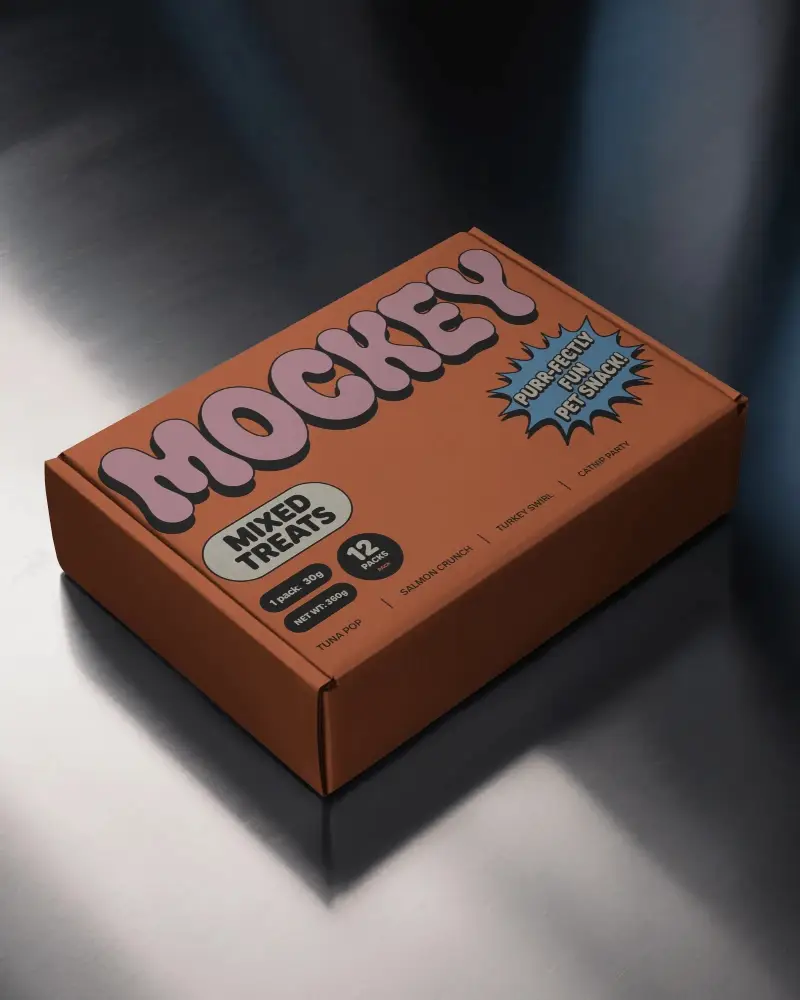
How to Create Branding Box Mockup with Mockey
To create a branding box mockup in Mockey AI:
- Step 1: Navigate to Mockups > Packaging > Box > Branding and choose a template from the library.
- Step 2: On the following page, you'll find the option to upload your design and adjust the template's colors in the Edit section. If you upgrade to the Creator Plan, you can also access AI tools.
- Step 3: Finally, click the Download button to save your Branding Box mockup in either PNG or JPEG format, available in various sizes.


FAQs on Branding Box Mockups
What is a Branding Box Mockup?
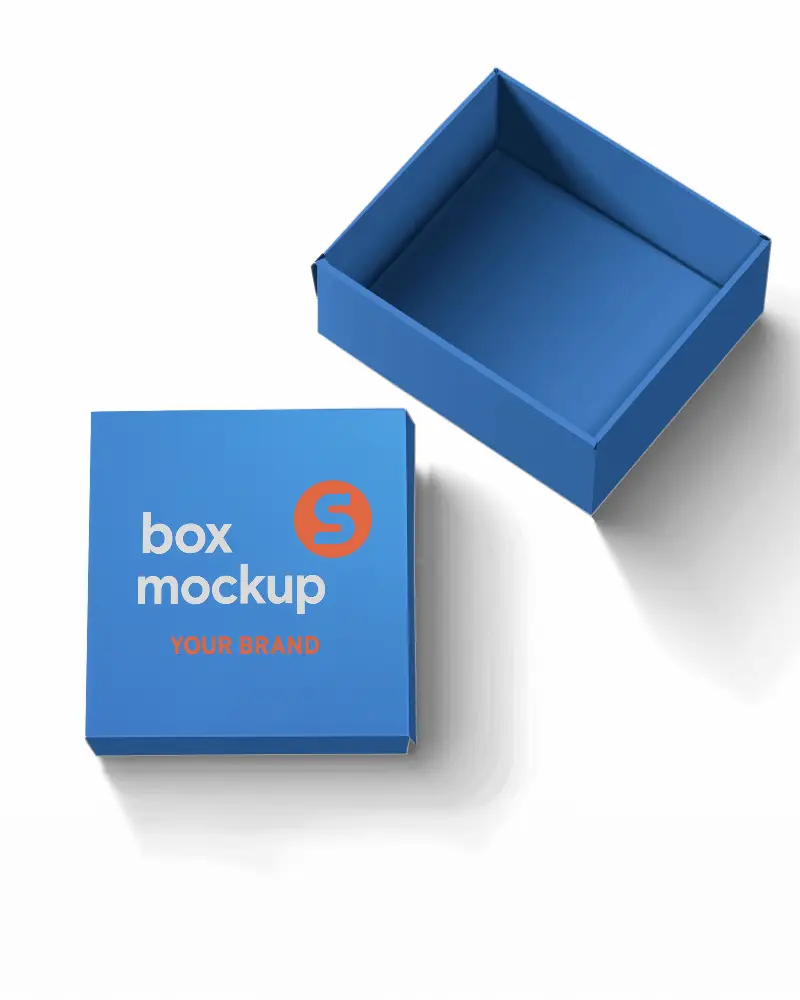
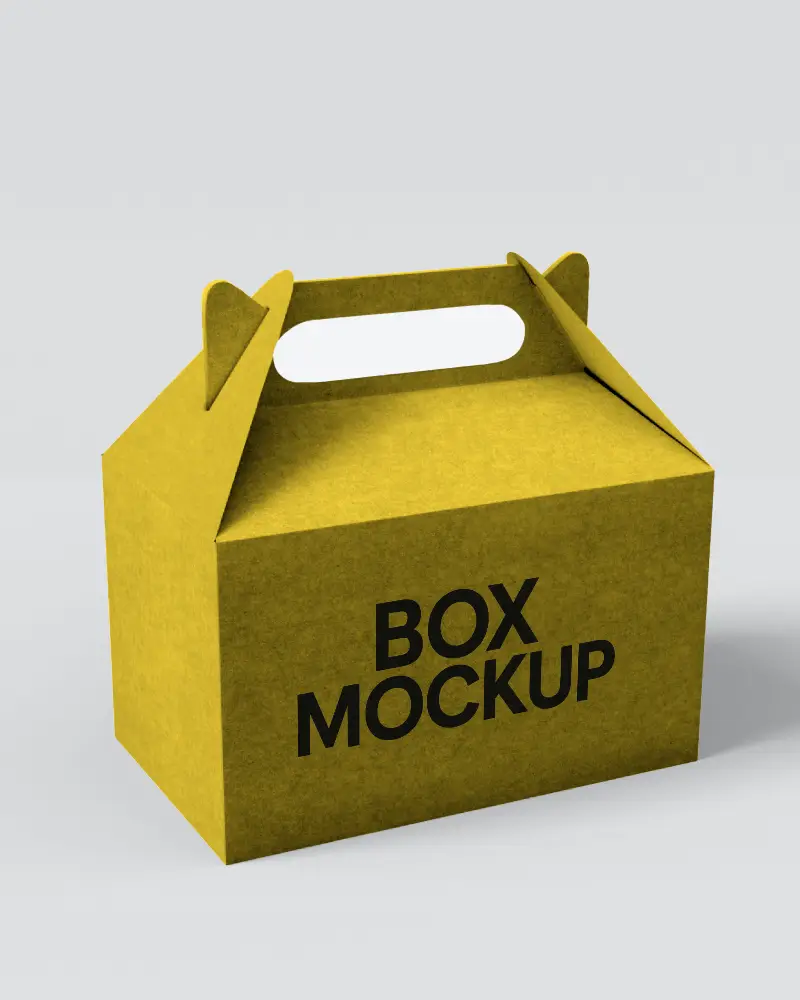
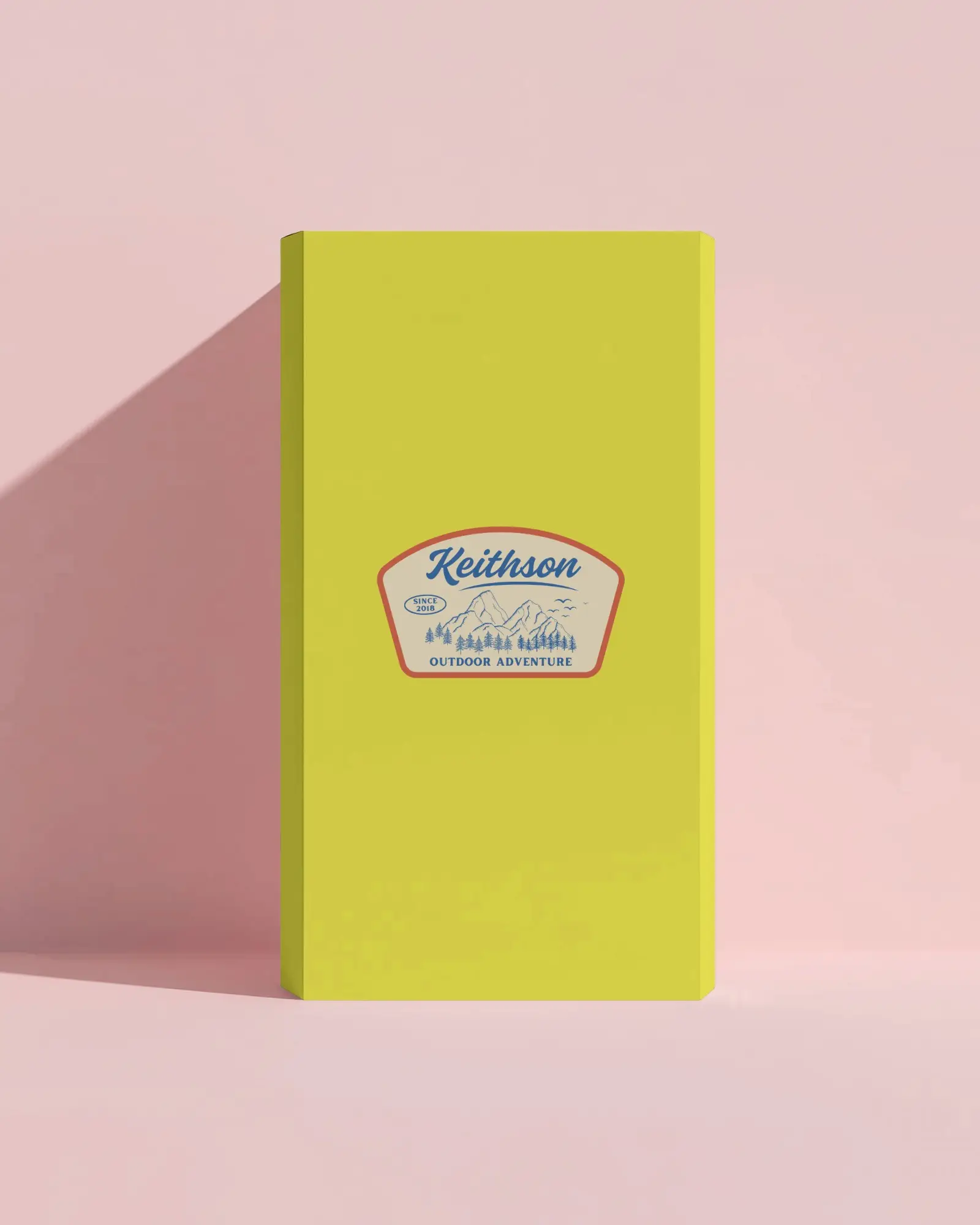
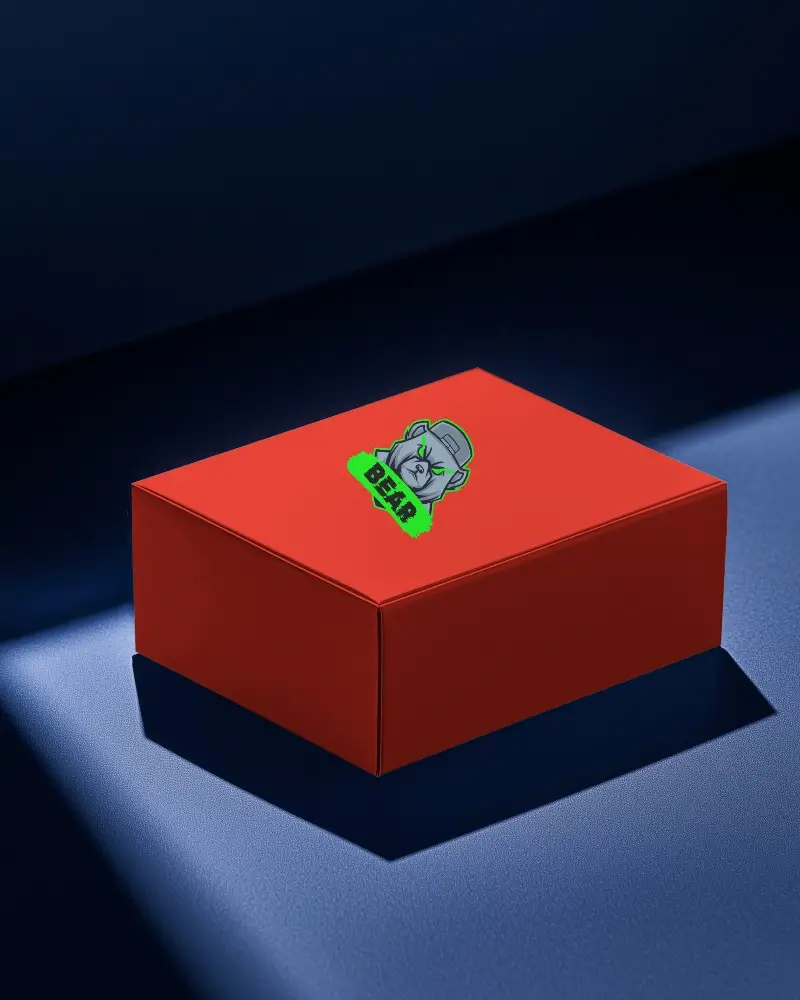
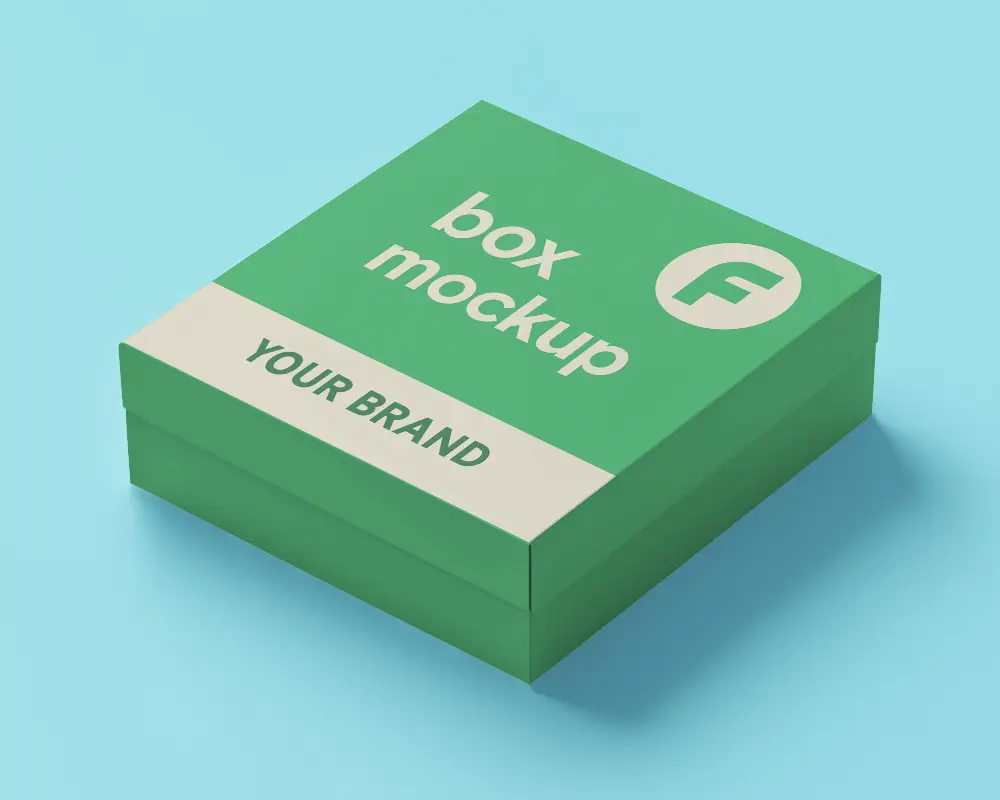
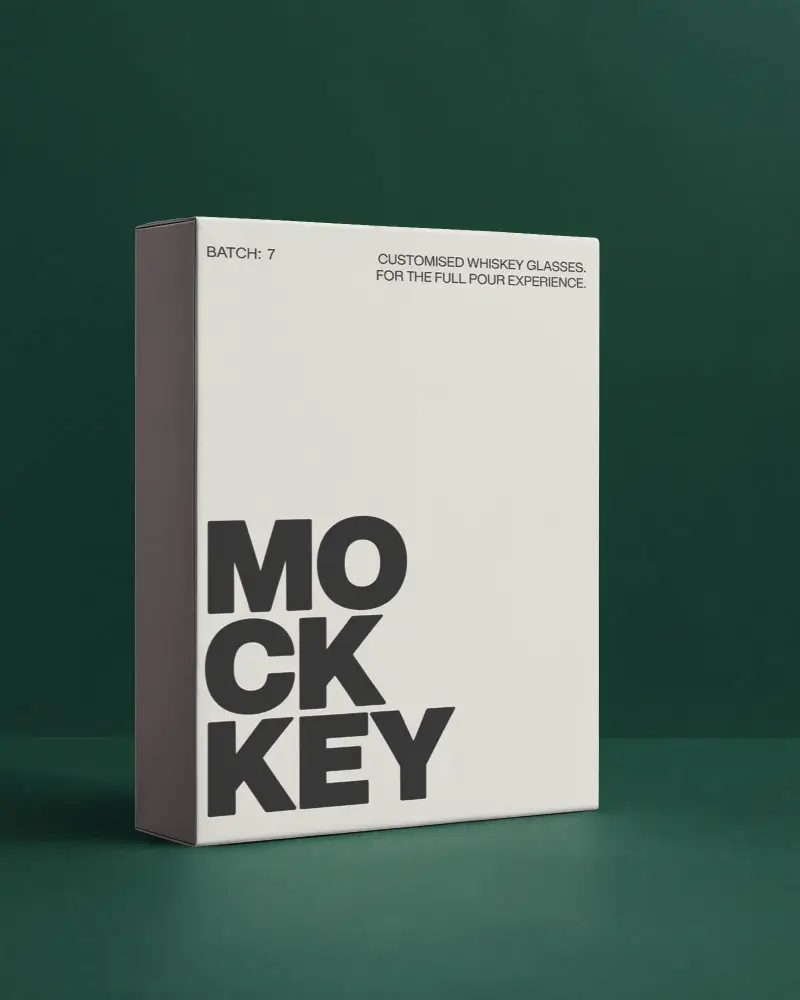
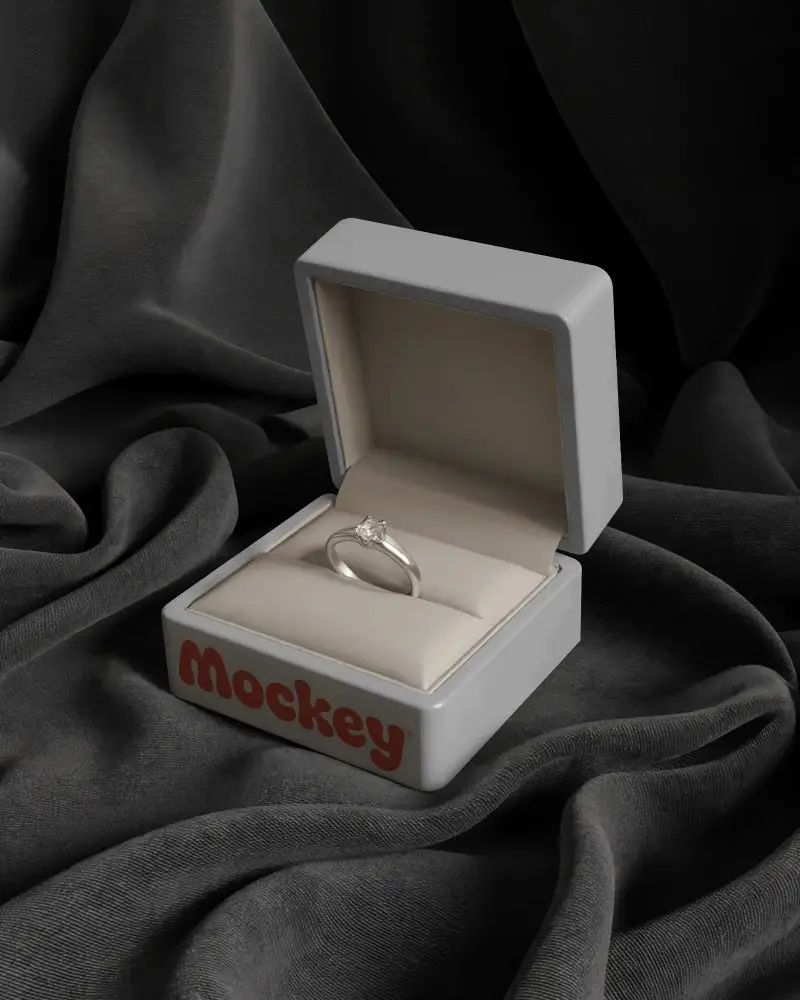
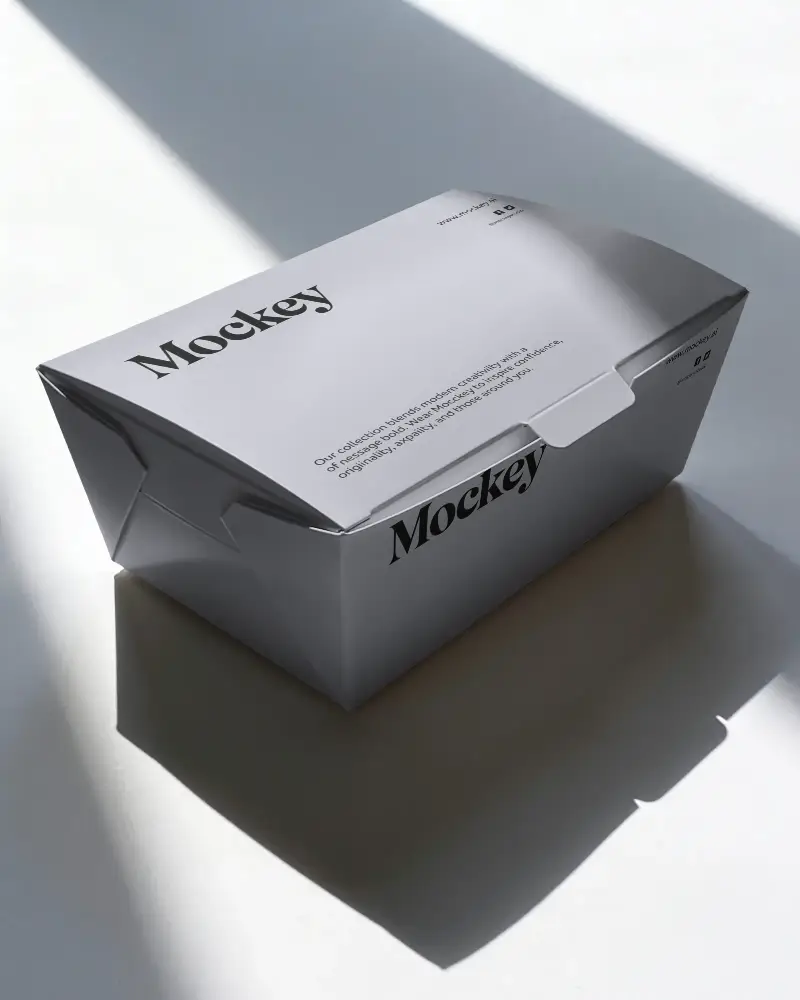
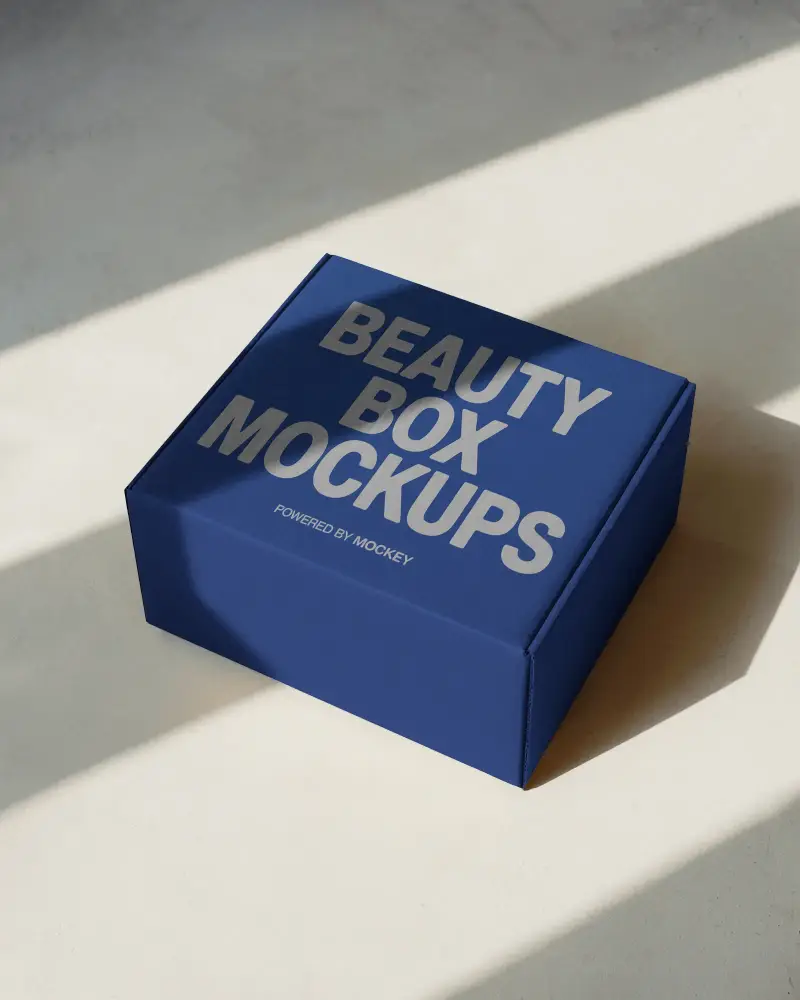
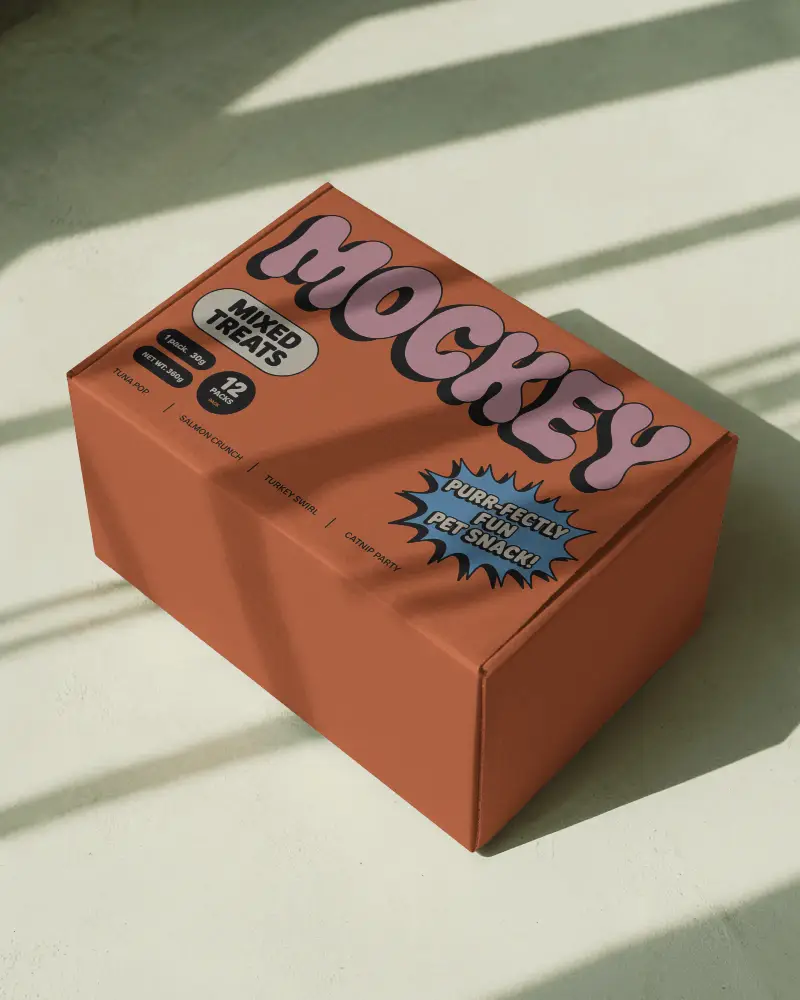
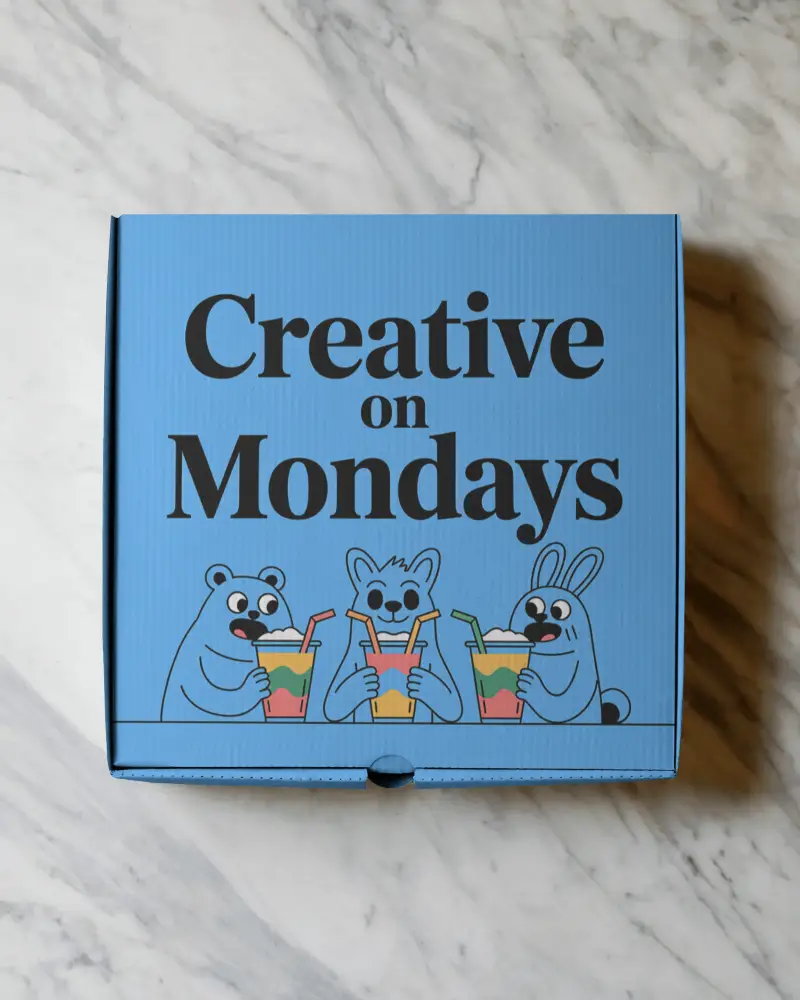
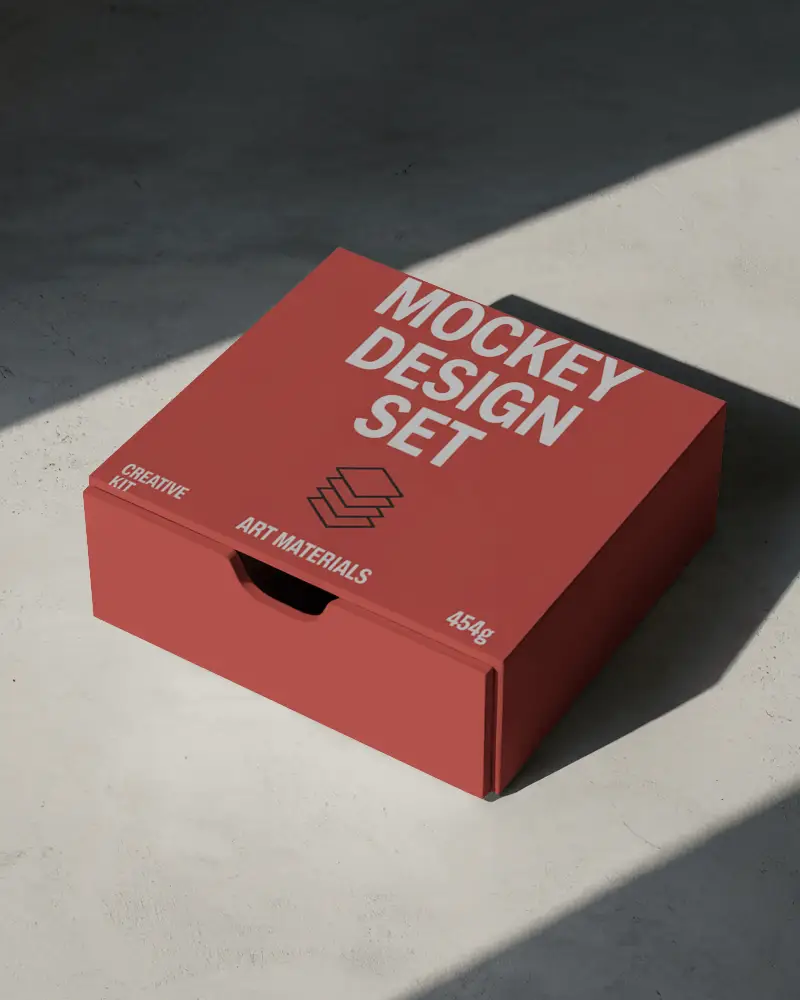
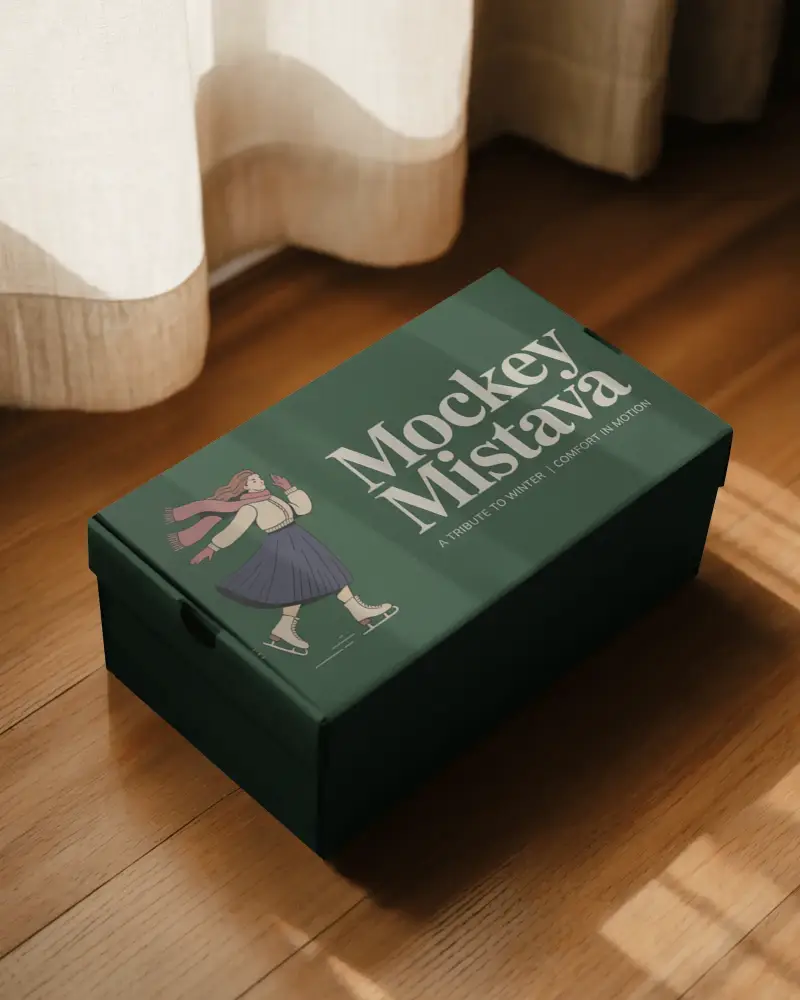
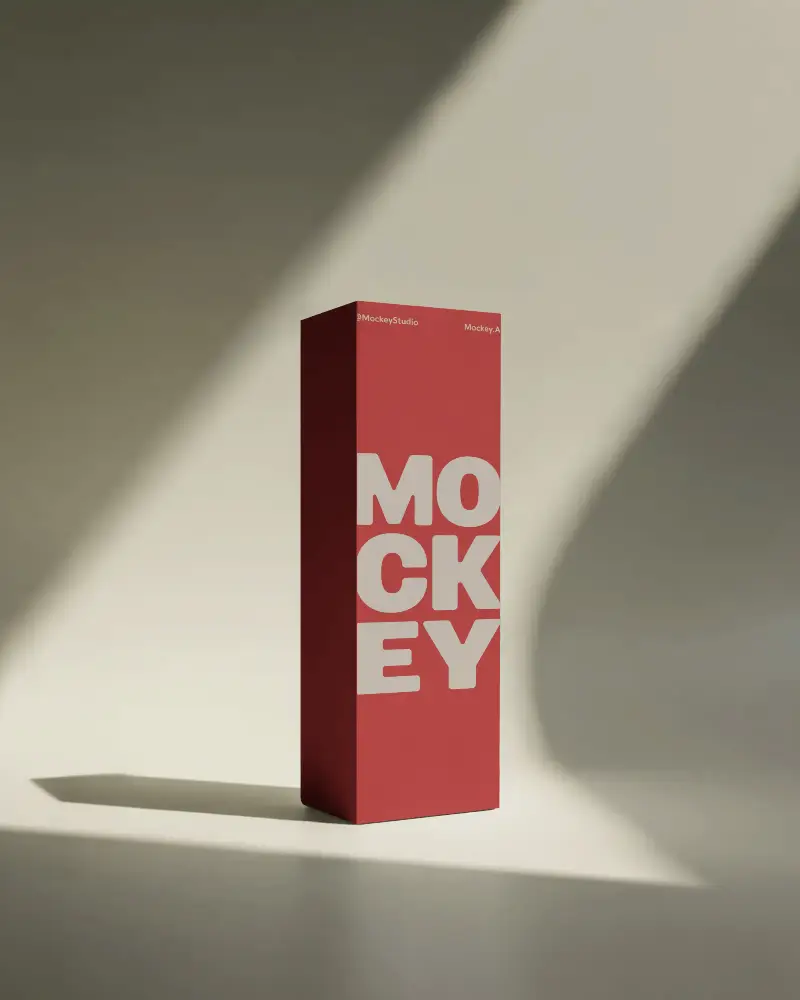
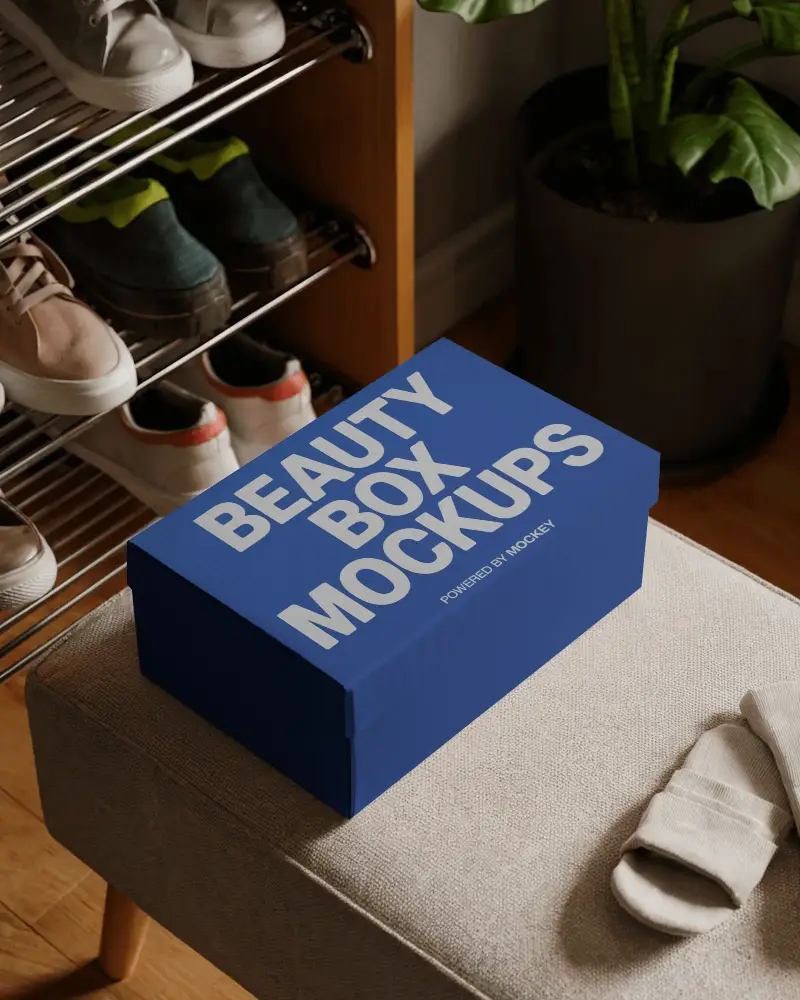
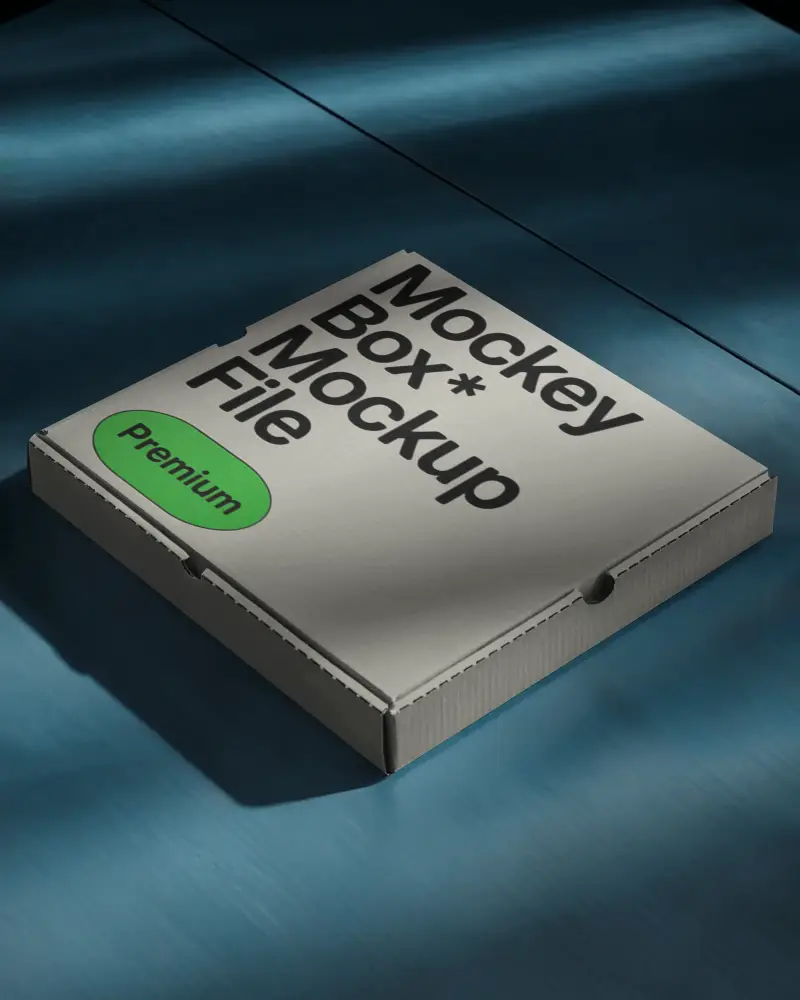
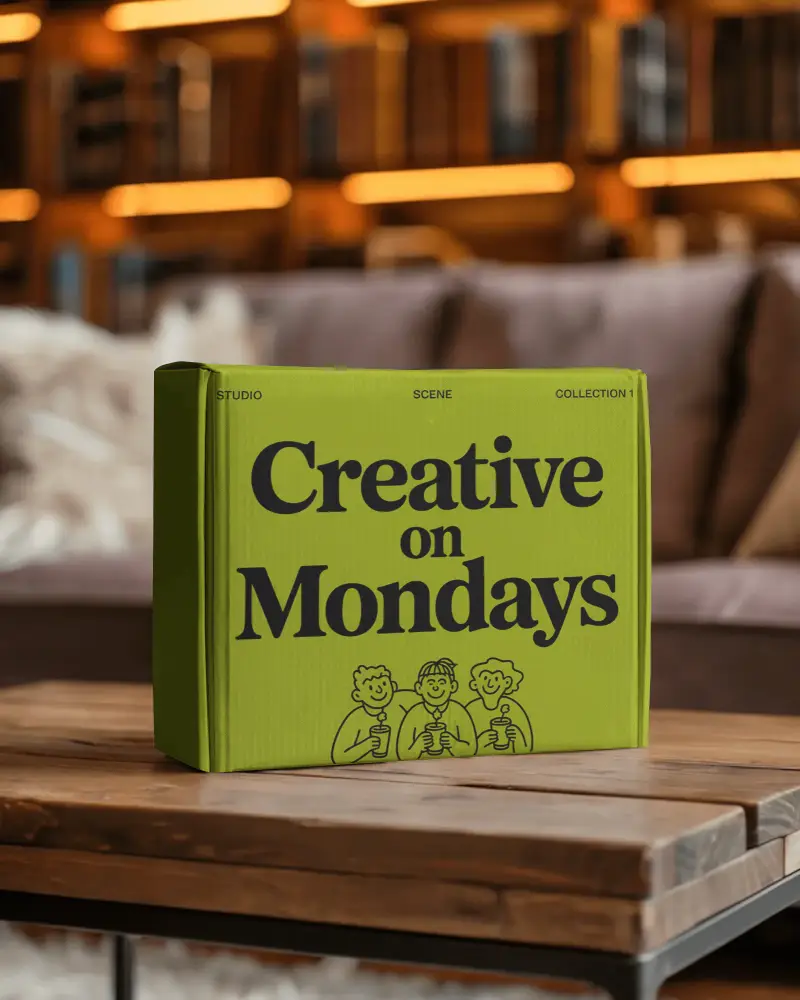
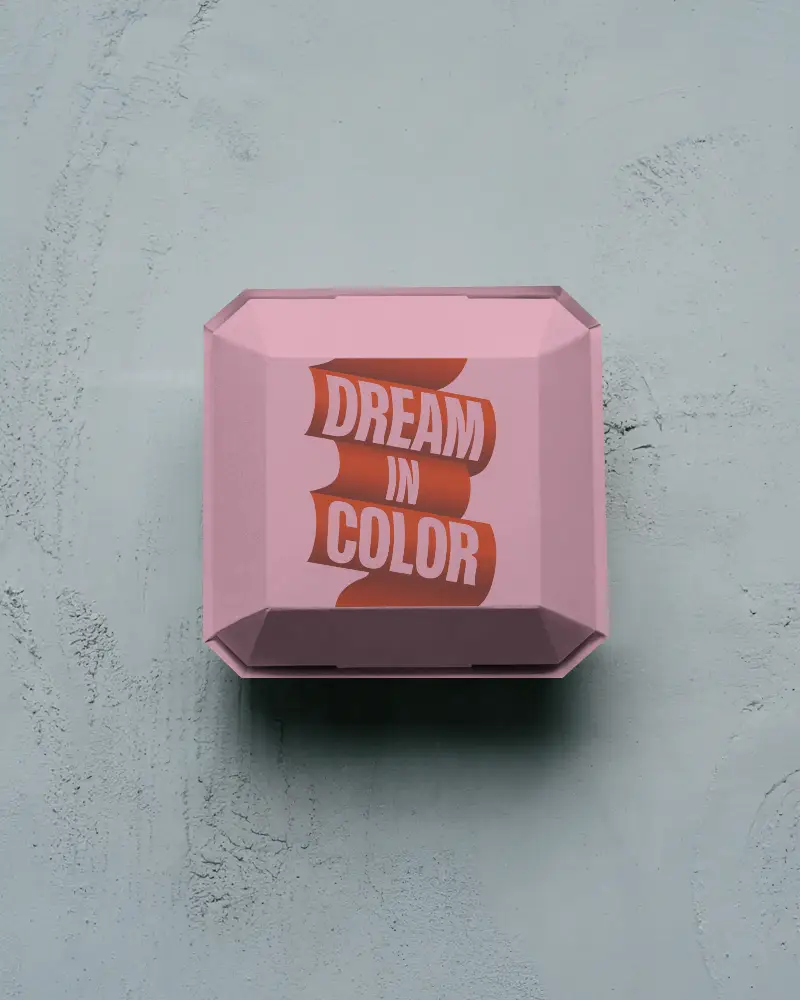
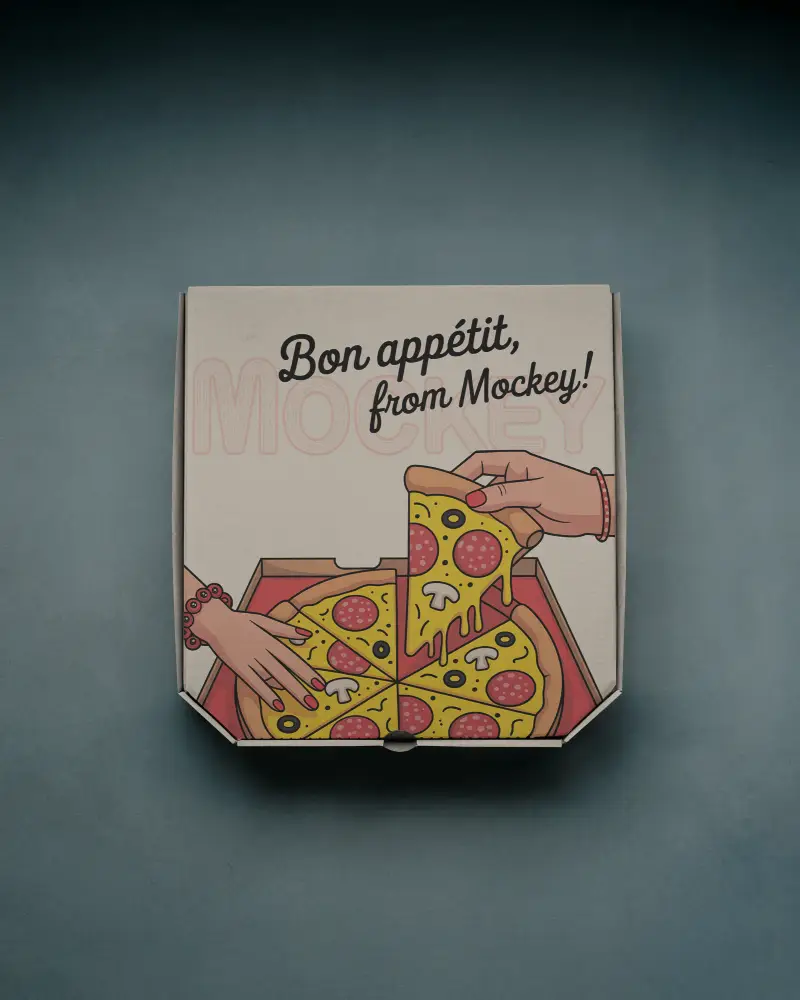
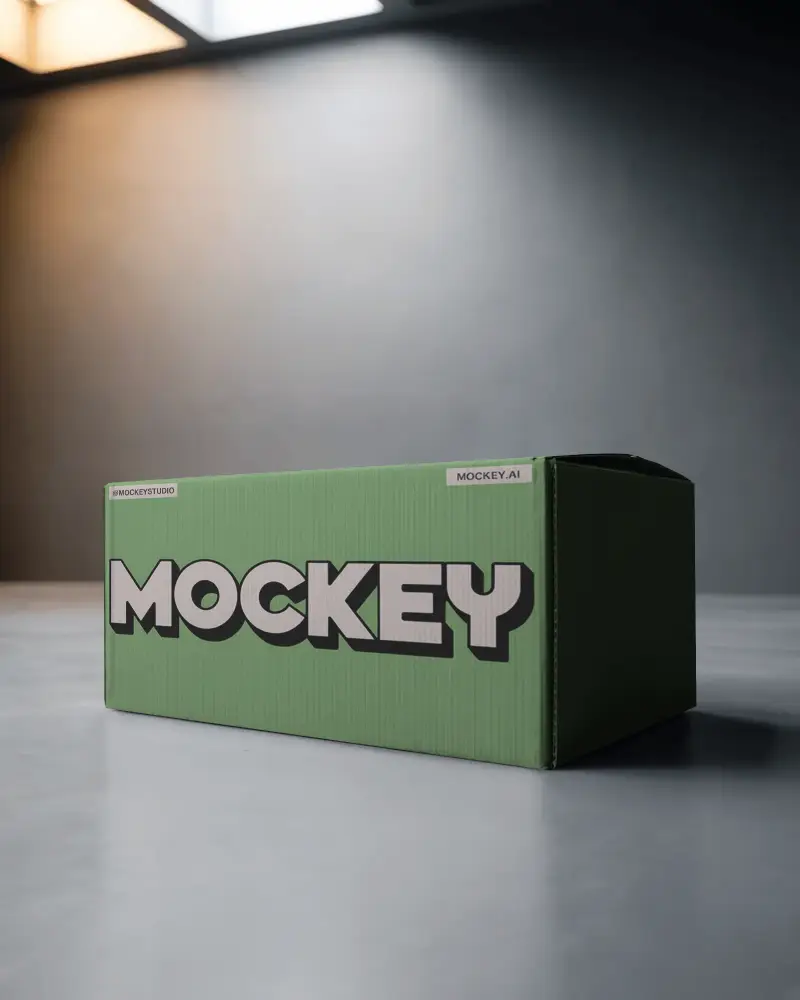
A unique branding box mockup to display your design realistically. Best for packaging ideas for food, shoes, electronics, and more.
How can I customize a Branding Box Mockup?
To customize it, go to Mockups > Packaging > Box > Branding. On the next page, upload your logo, choose a color, warp your design, or use AI tools. Click Download to save it as a PNG file.
What file formats are available for Branding Box Mockups?
You can get branding box mockups in JPG, PNG, or video formats on Mockey AI for your designs and presentations.
Can I use Branding Box Mockups for commercial projects?
You can use branding box mockups for business projects, but make sure to check the license rules for the mockup you pick.
Where can I find free Branding Box Mockups?
Get free branding box mockups on Mockey AI for your design projects.
How do I change the background of a Branding Box Mockup?
On the customization page, click the Background button to add your own background, make it transparent, or choose one from the Mockey AI library.
Can I adjust the lighting and shadows in a Branding Box Mockup?
To change lighting and shadows, upgrade to the Creator Plan to use AI tools like Anime and Photoshoots for your branding box.
Are there different styles and sizes of Branding Box Mockups available?
Yes, branding box mockups come in different styles and sizes, such as 400x500, 800x1000, and 1600x2000 pixels.
