Free Black Sweatshirt Mockups
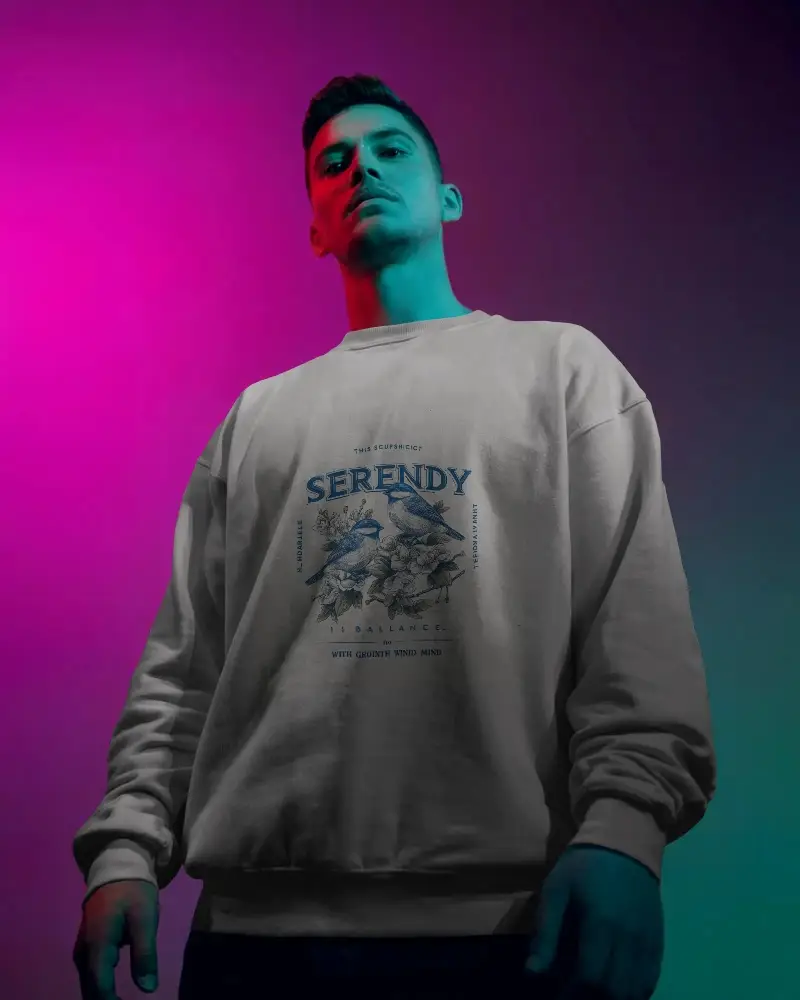
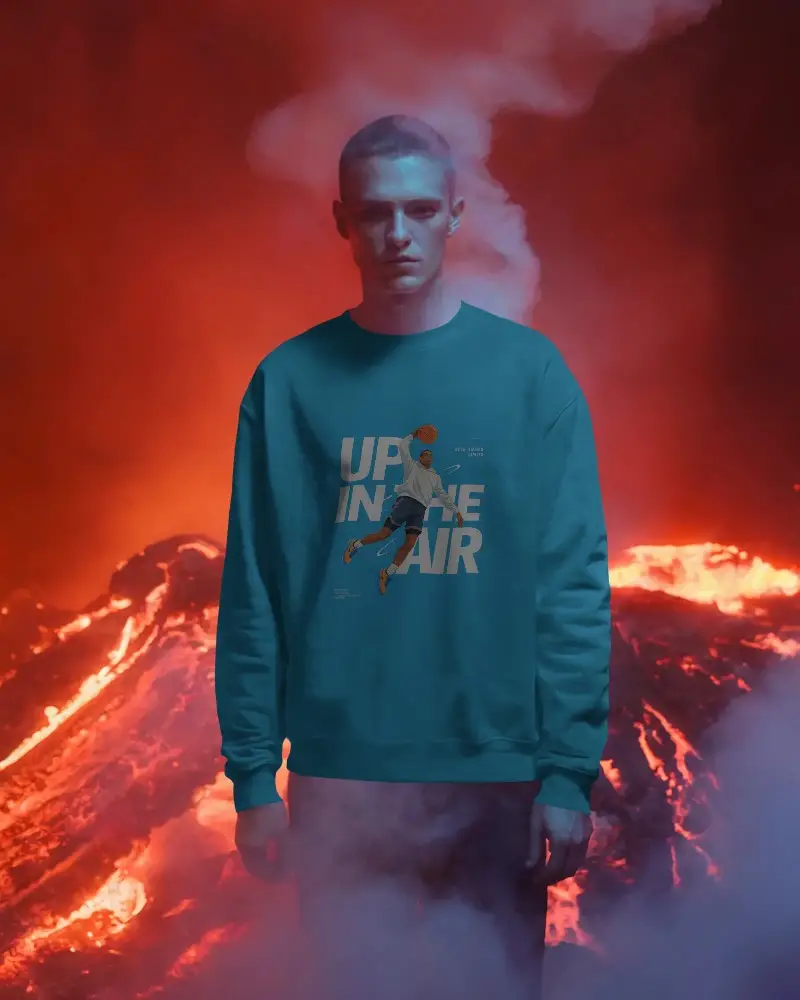
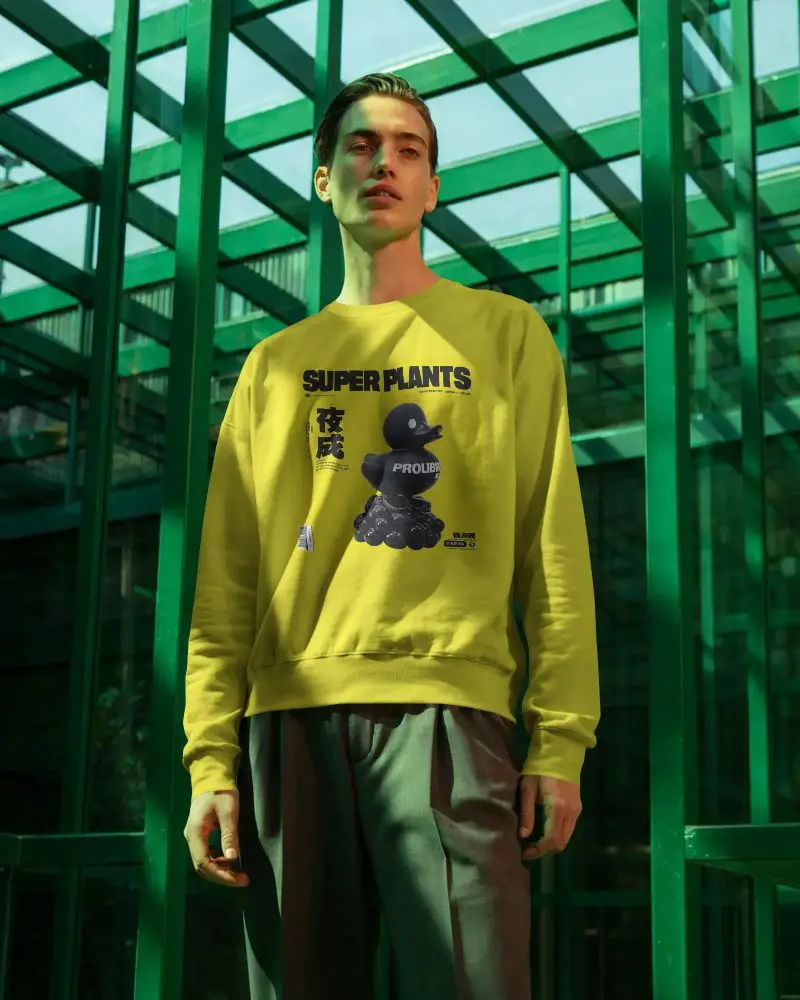
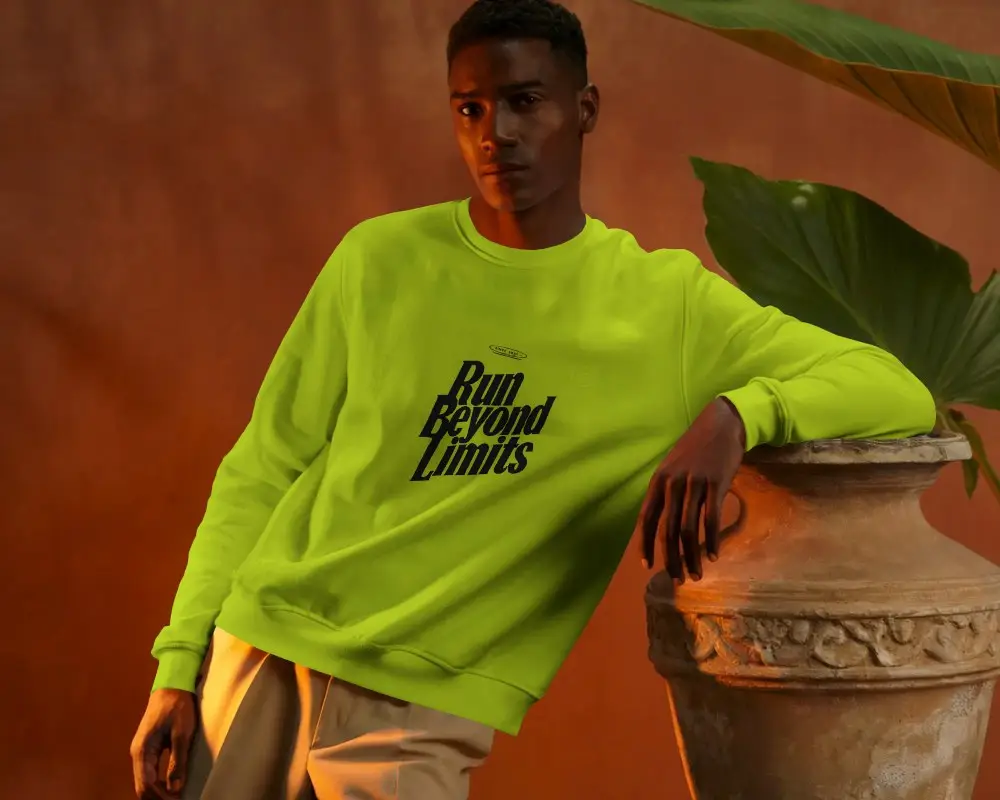
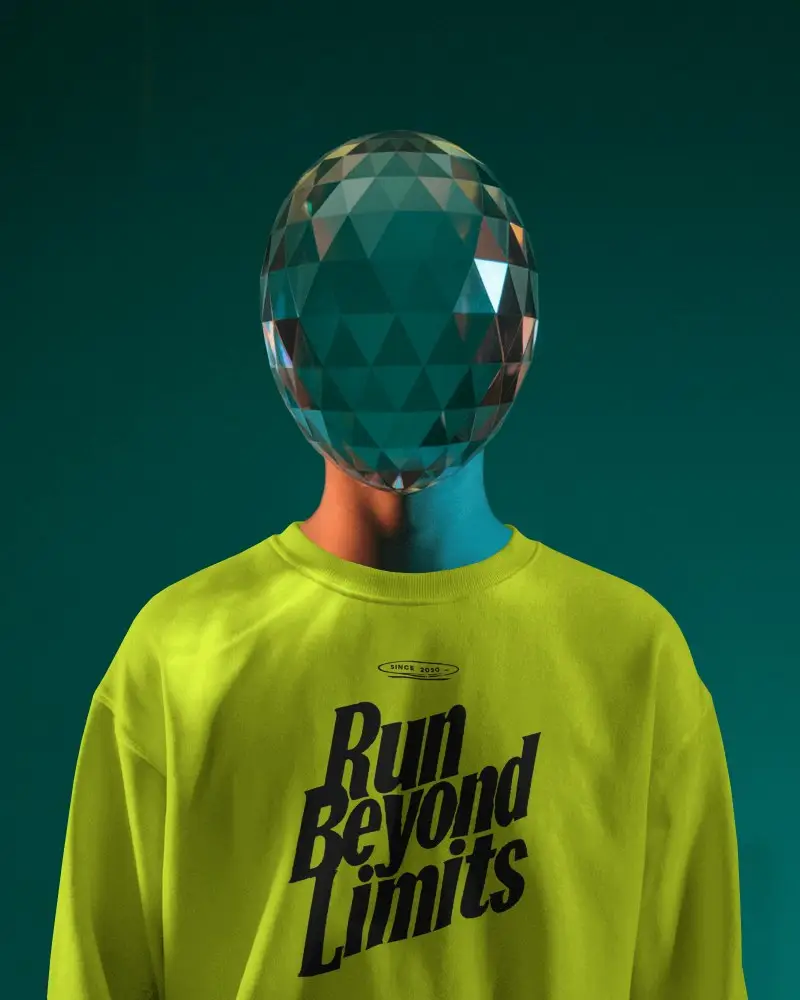
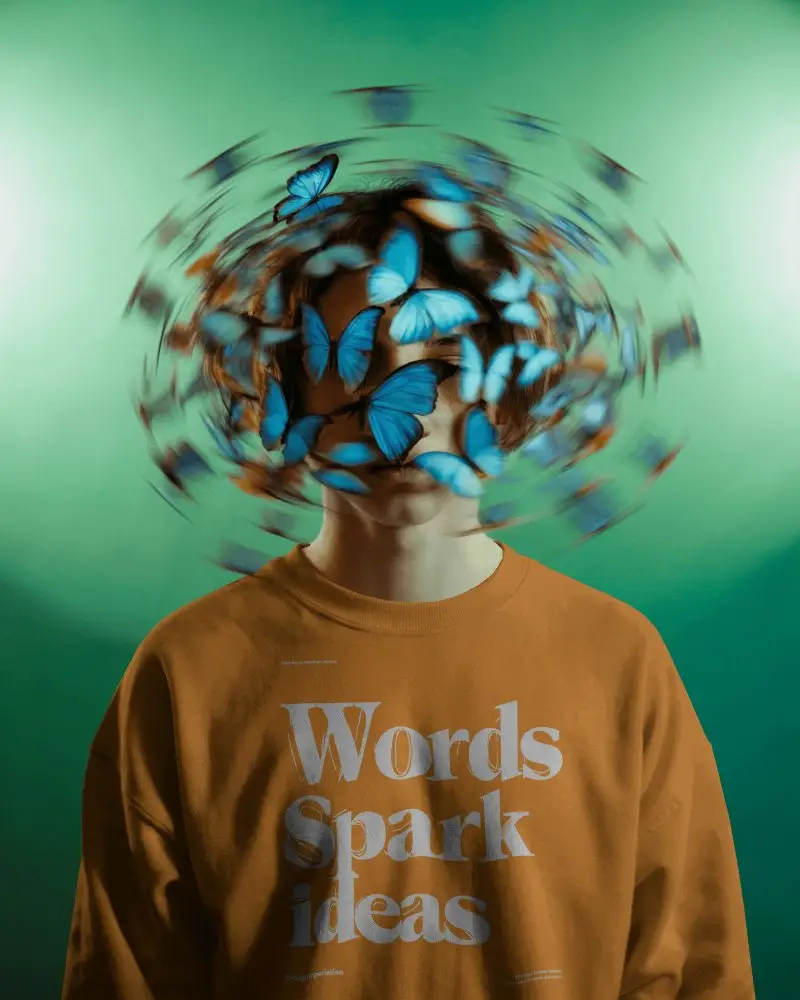
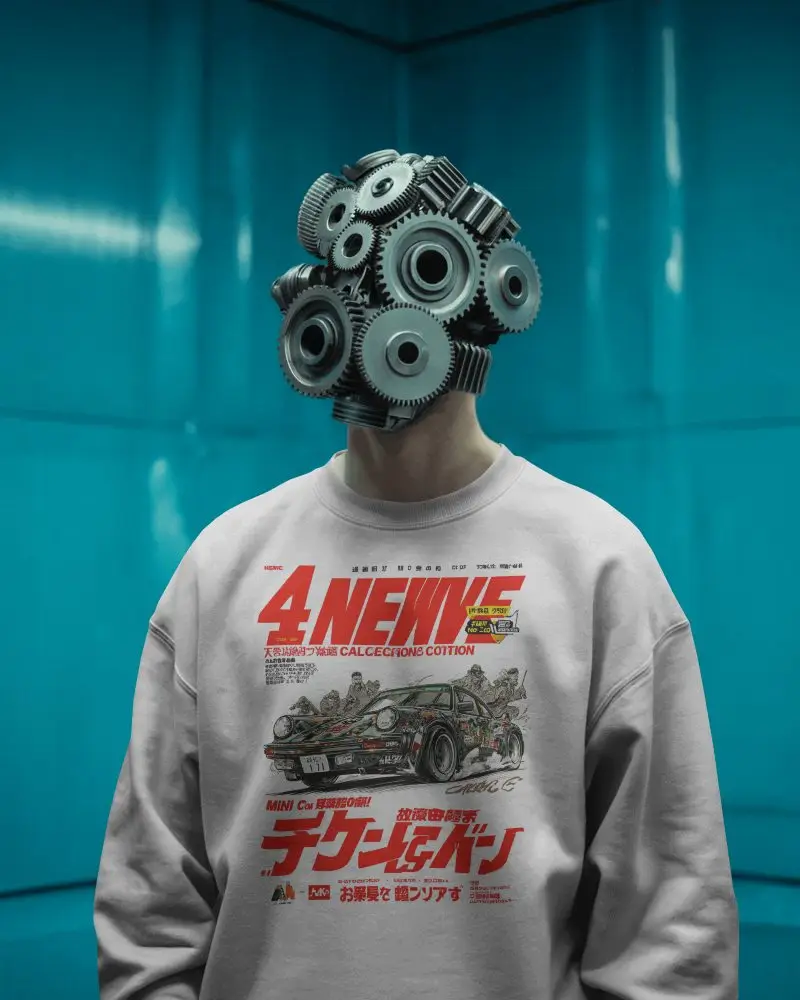
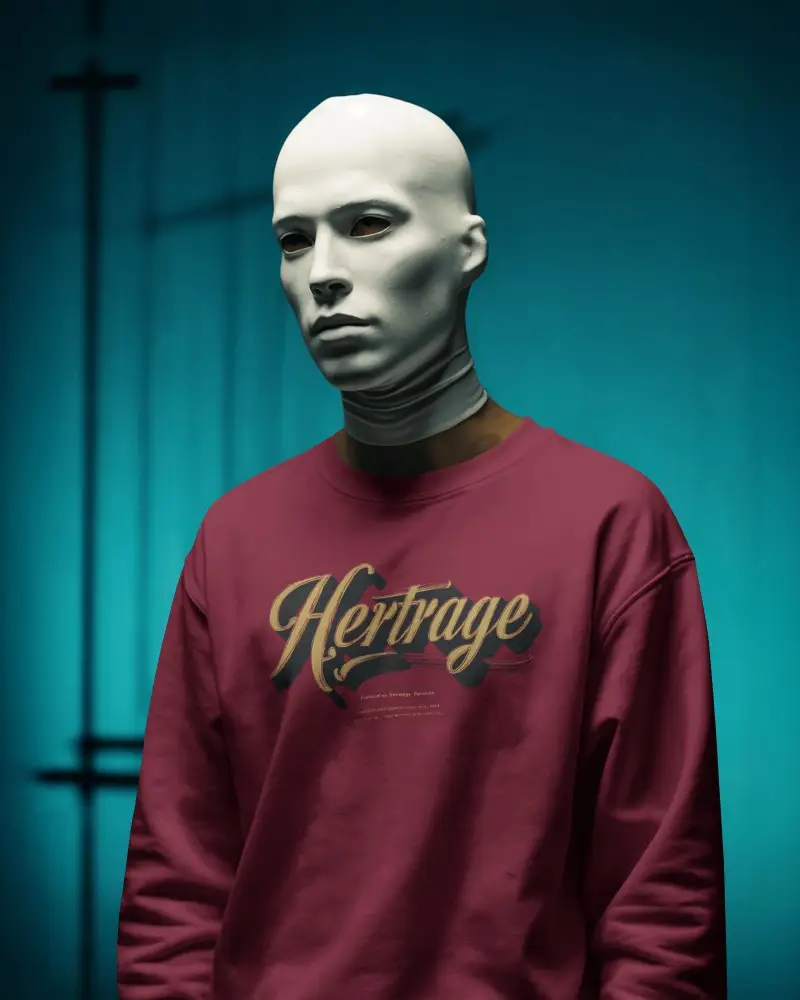
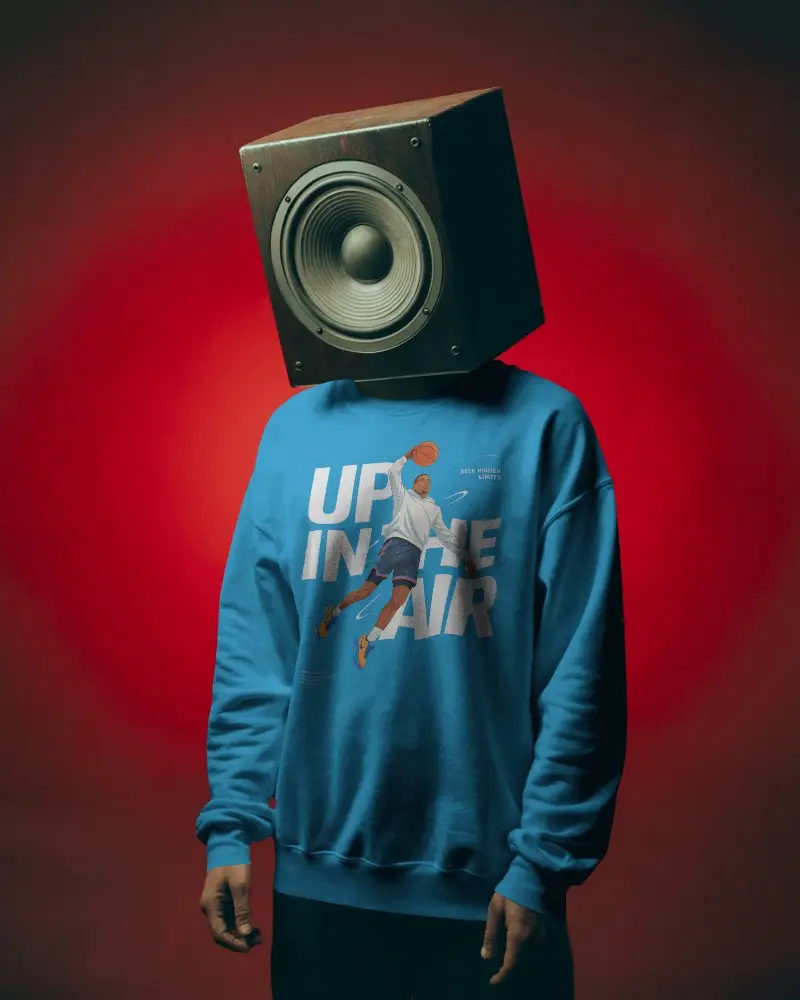
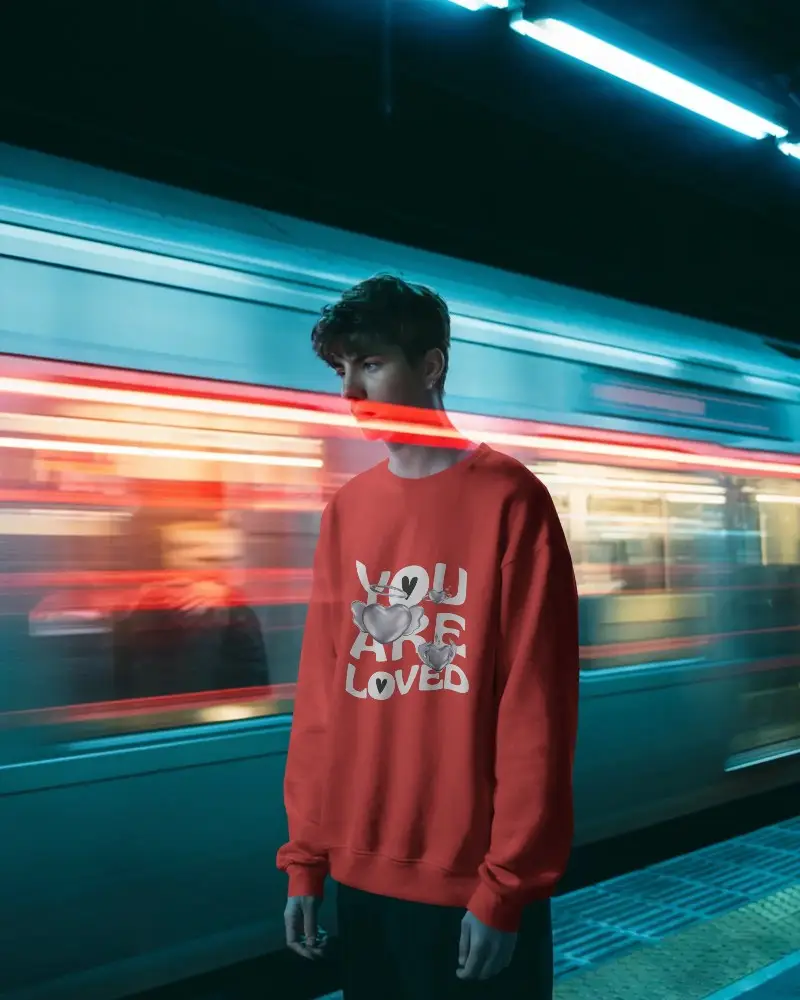
Design your next apparel project with free black sweatshirt mockups from Mockey. Get high quality, realistic templates powered by AI to make your brand look stylish and authentic.
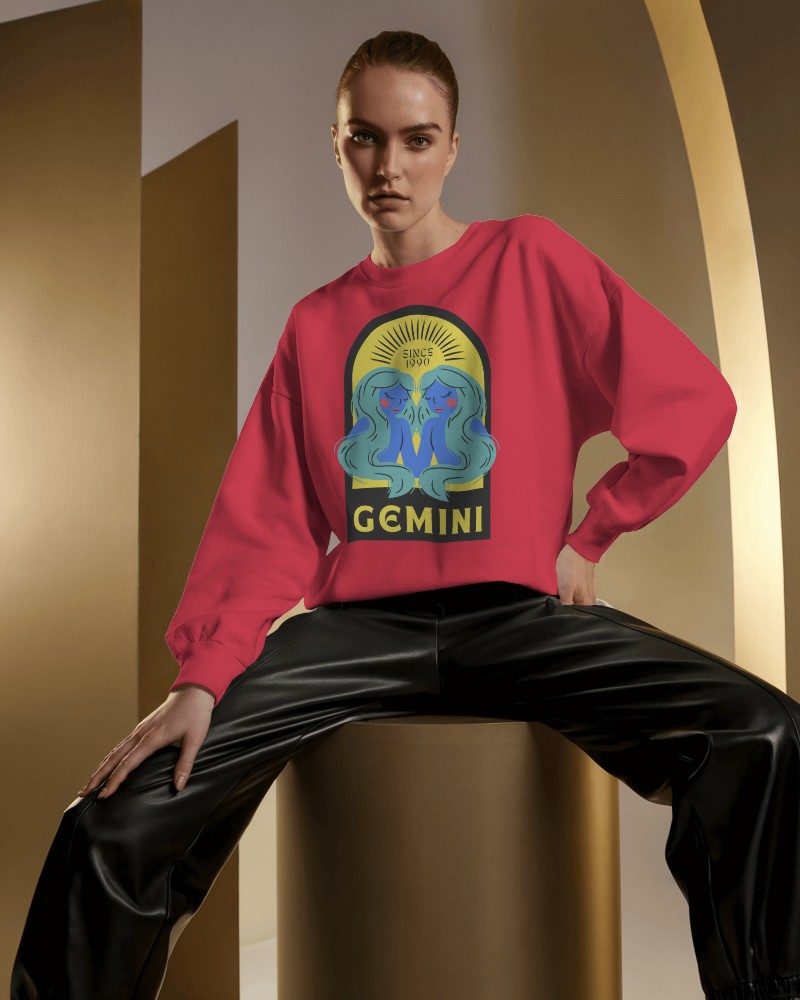
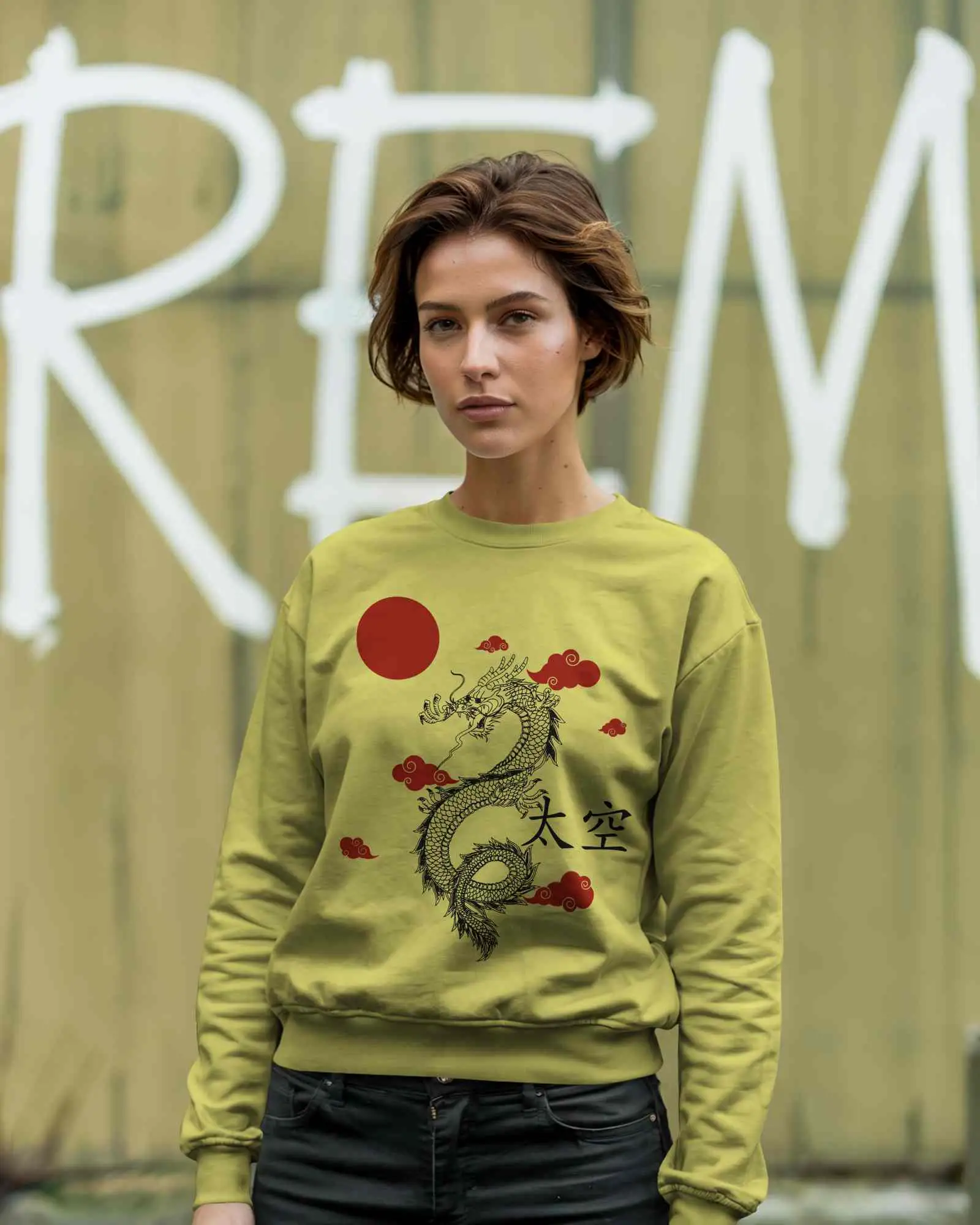
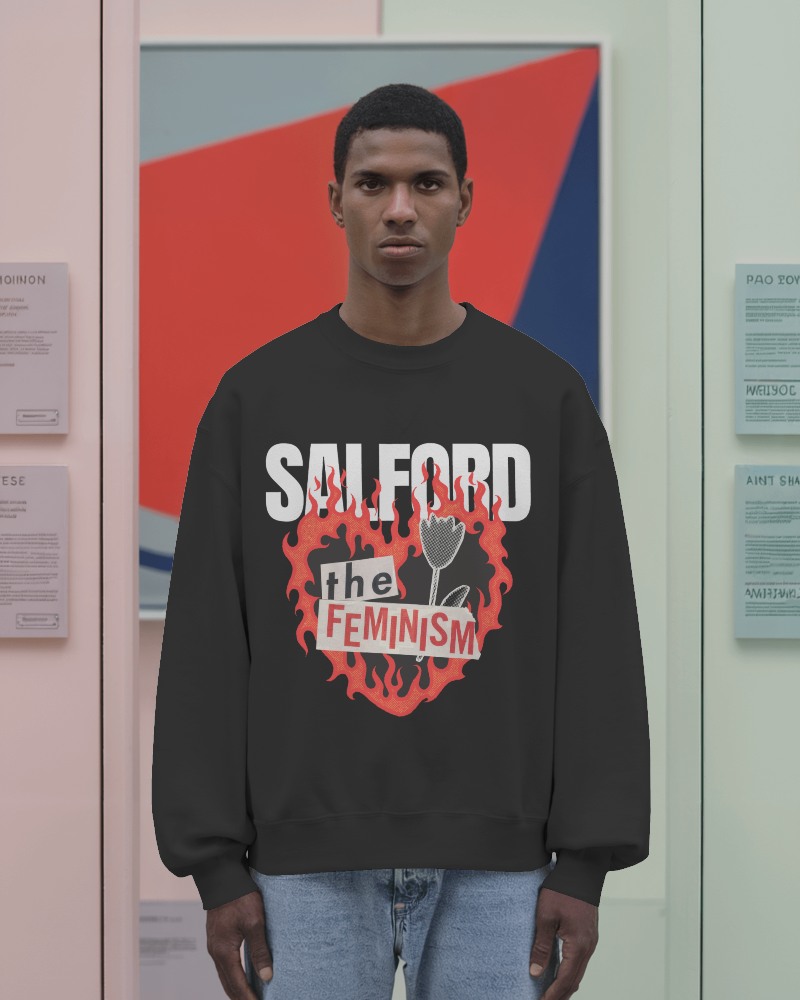
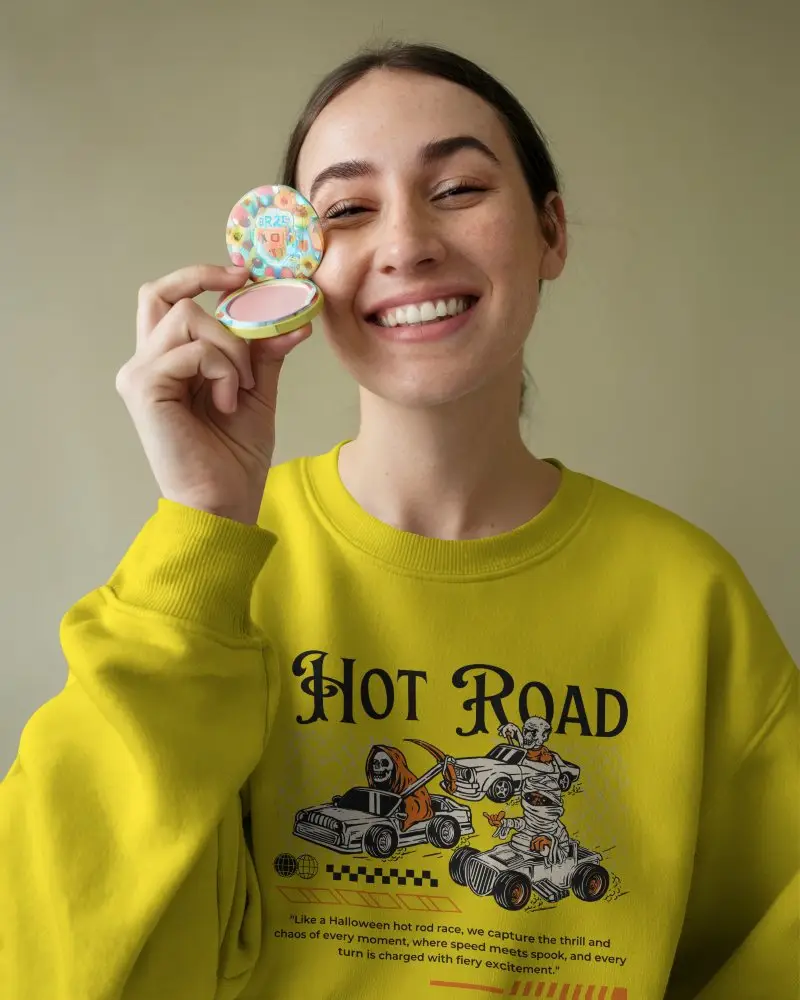
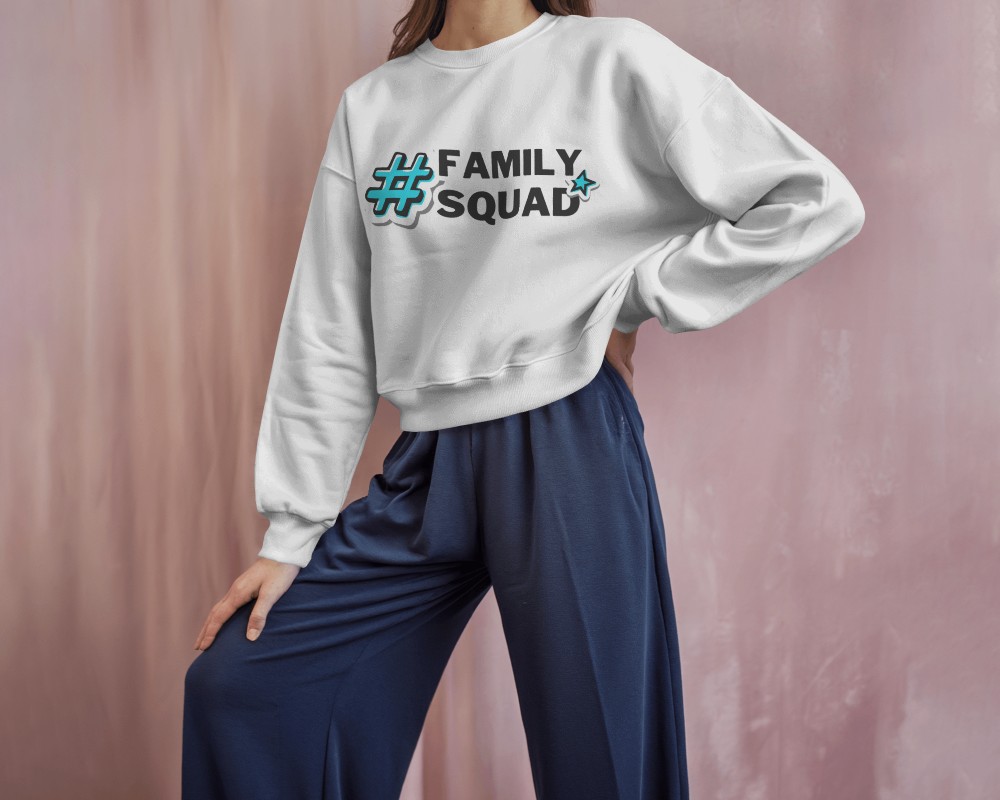
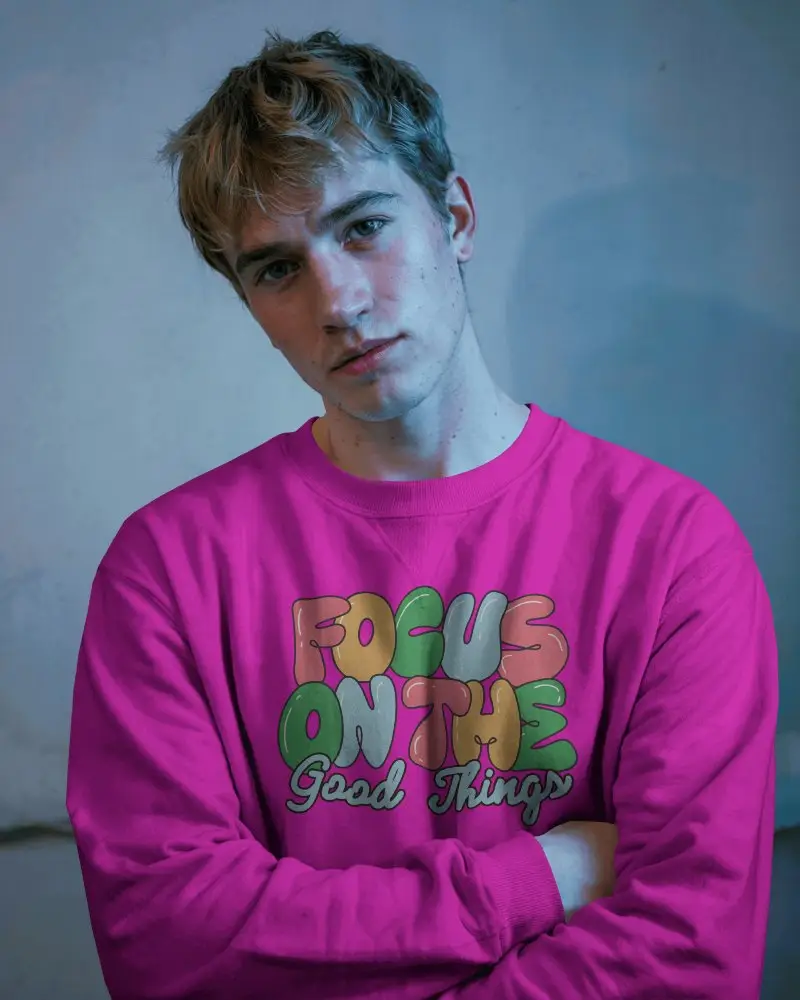
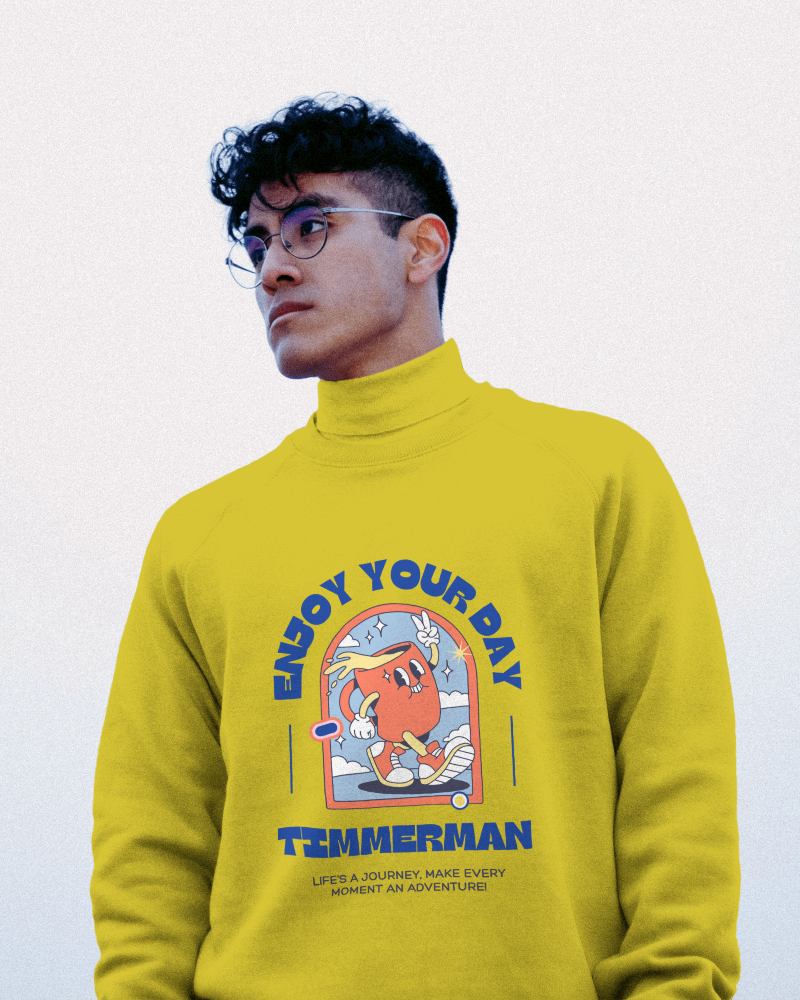
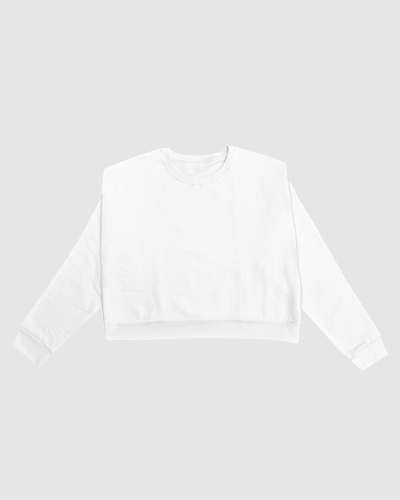
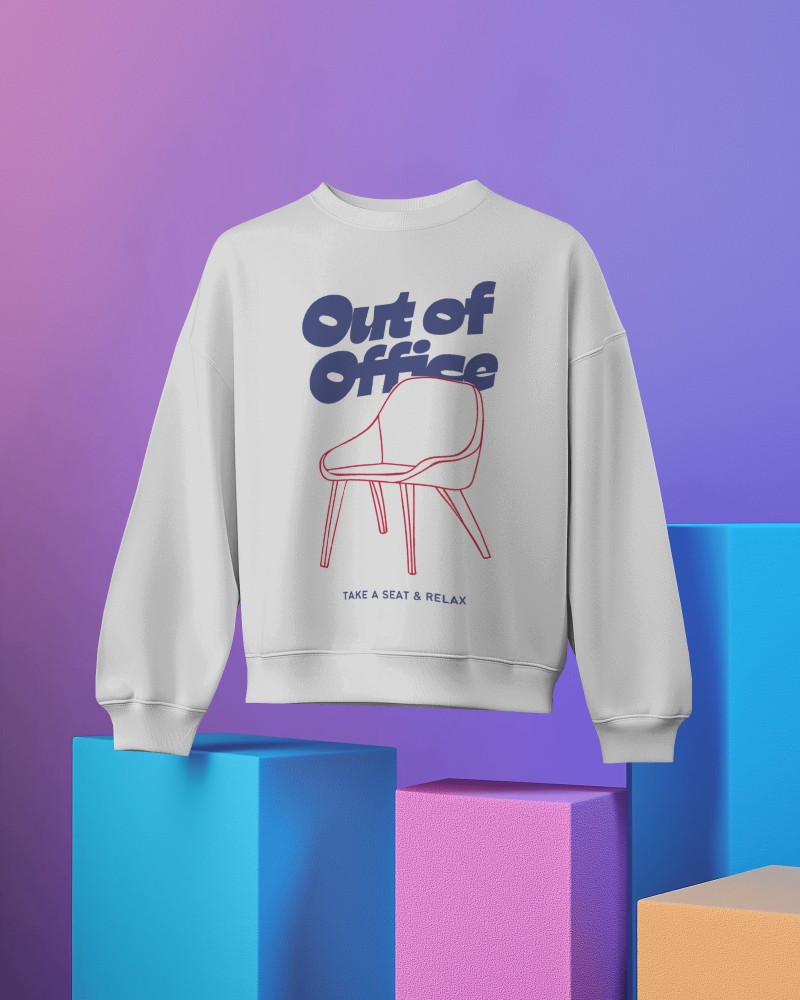
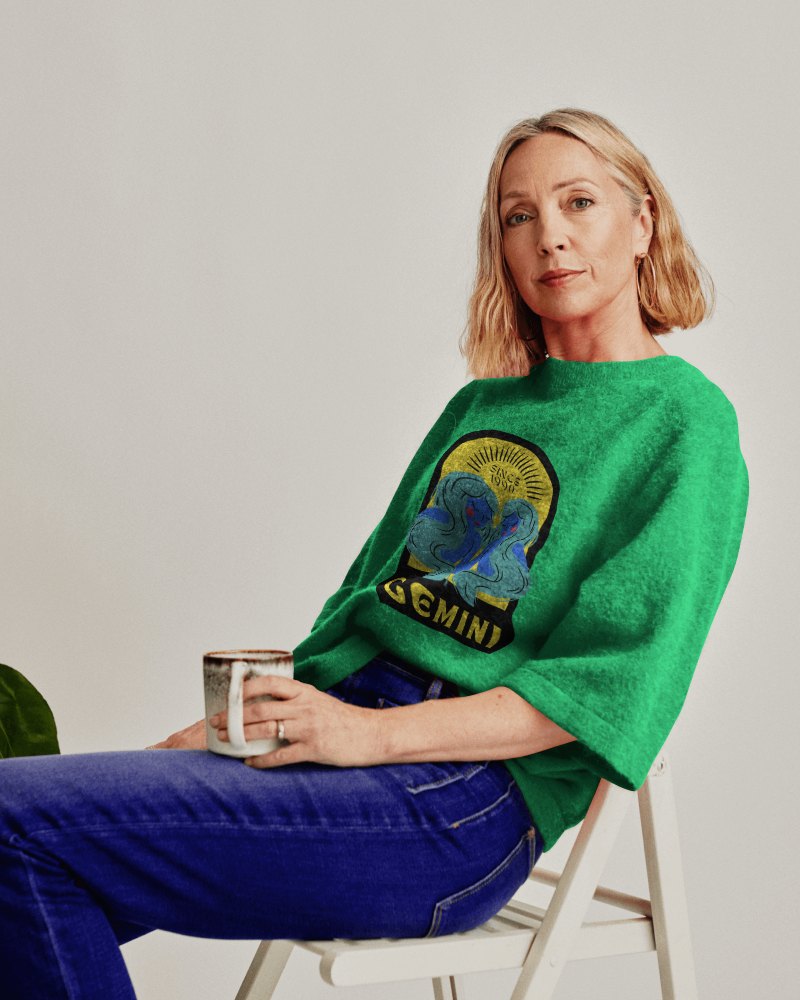
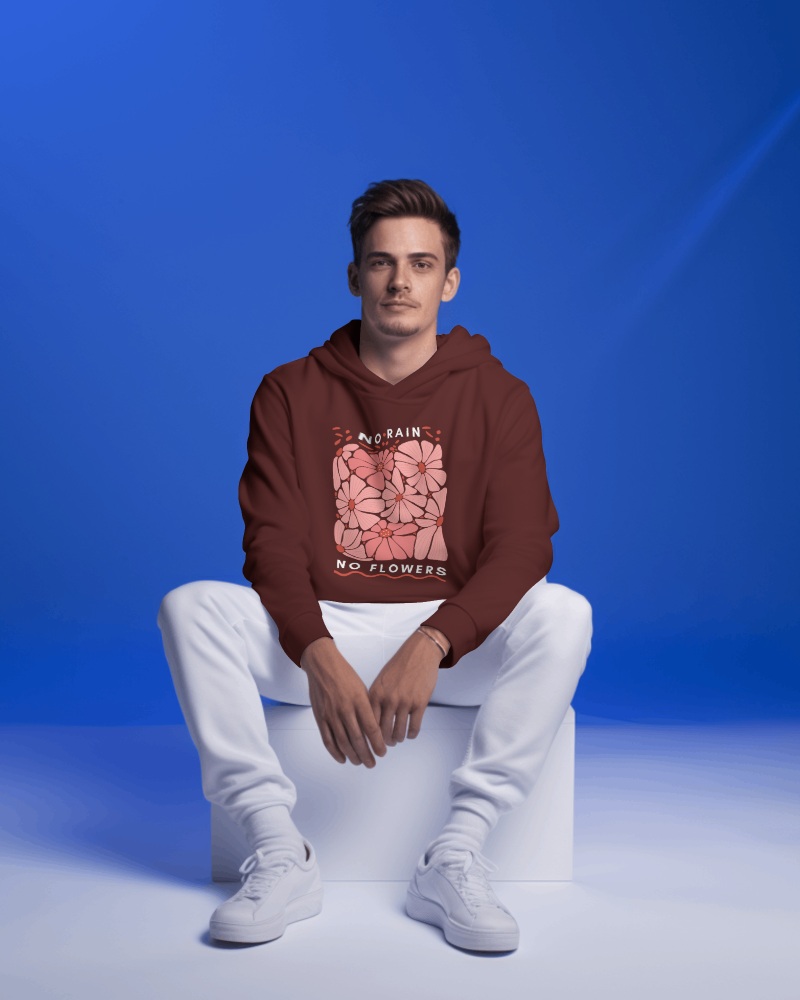
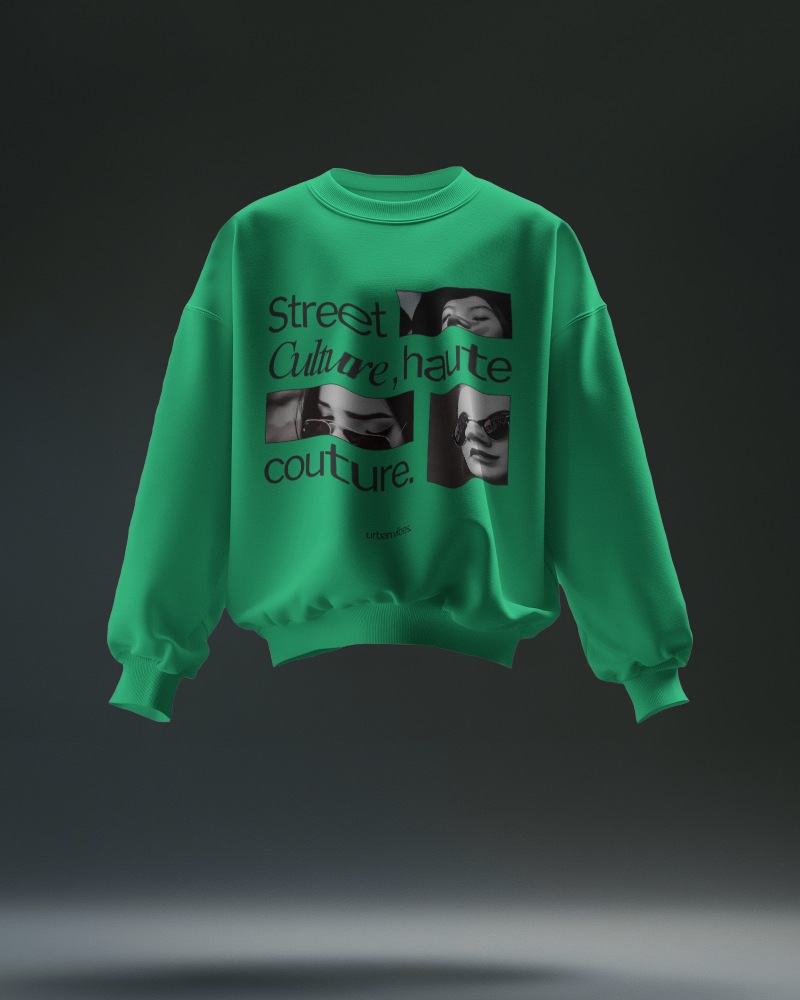
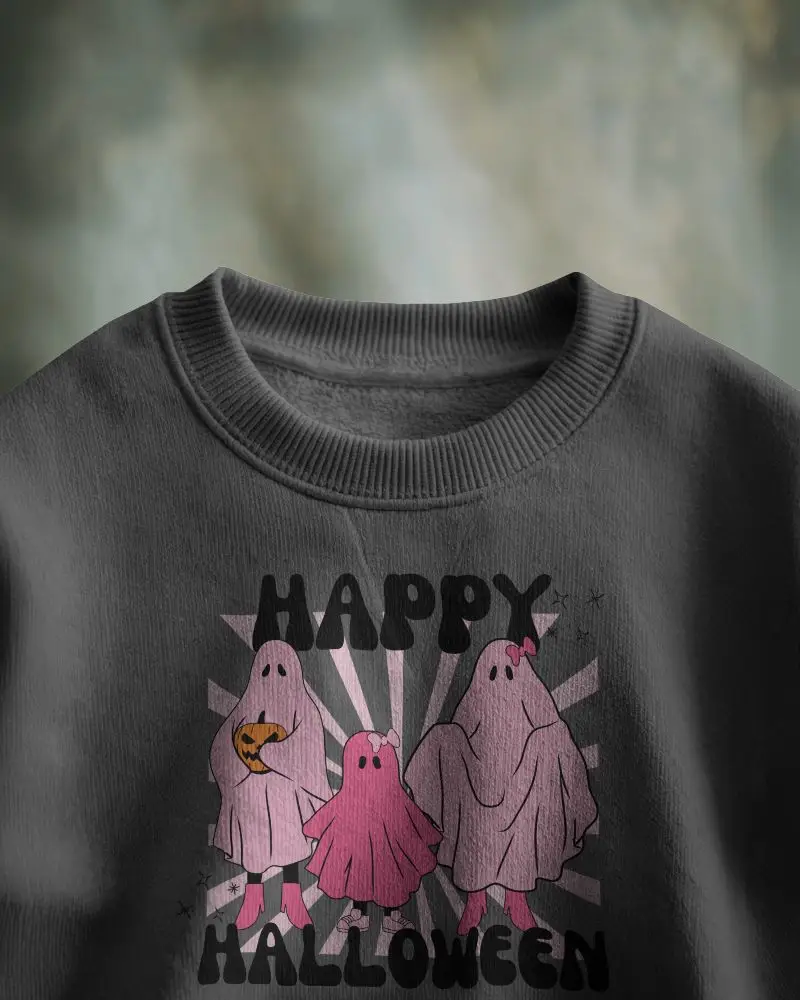
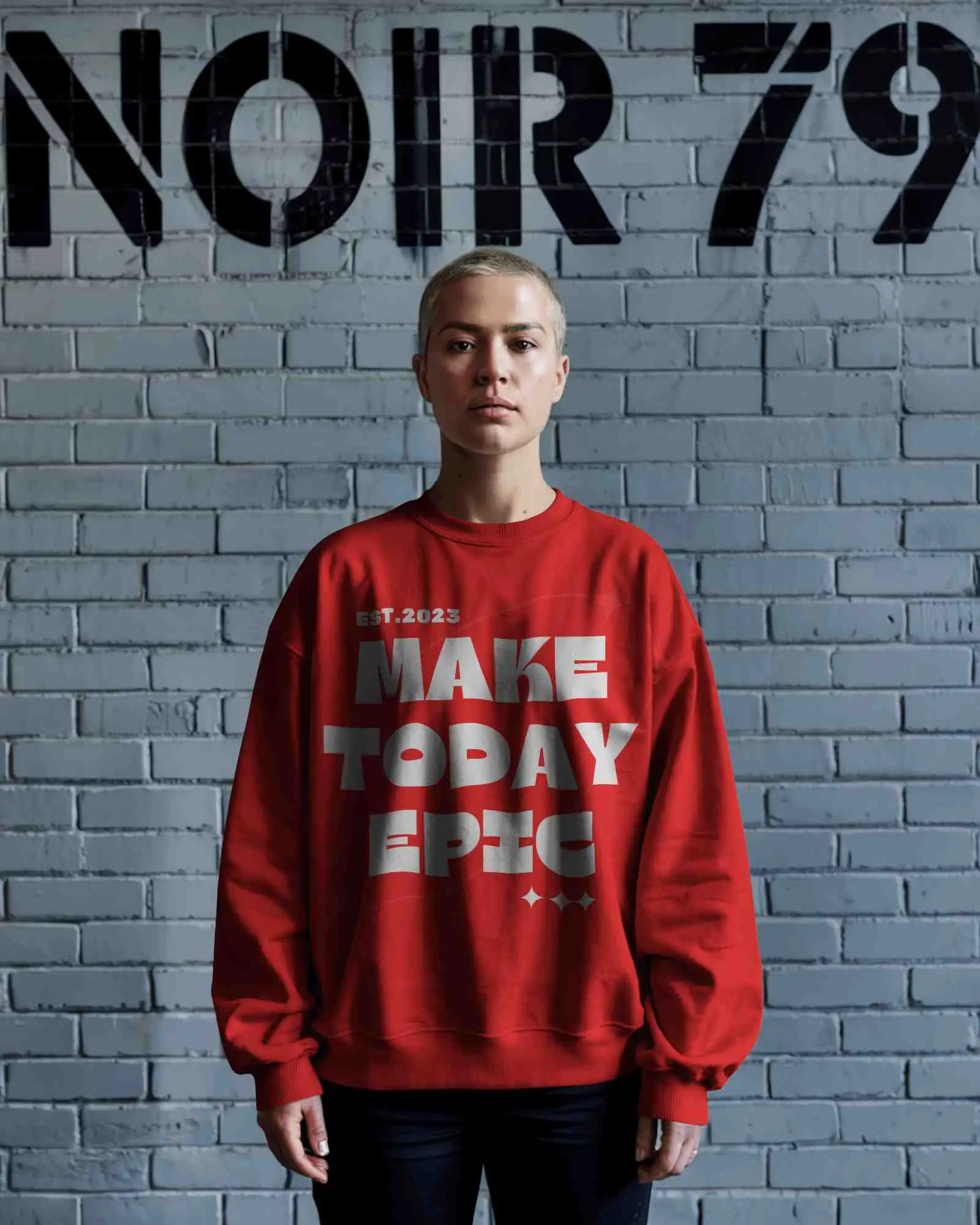
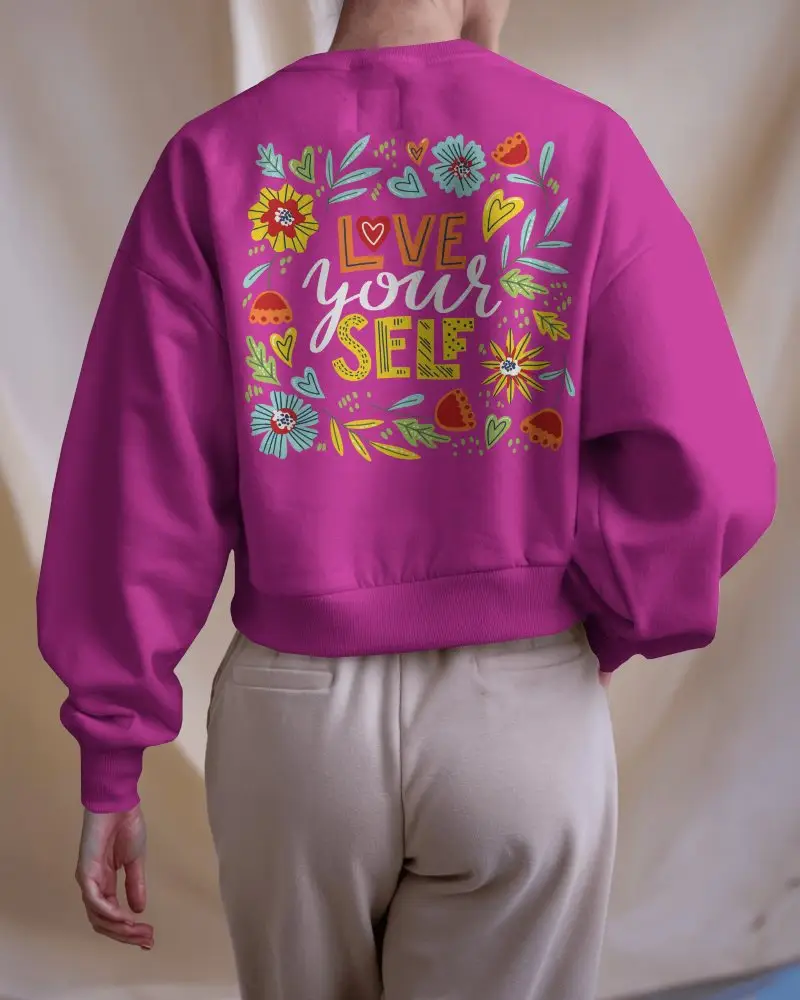
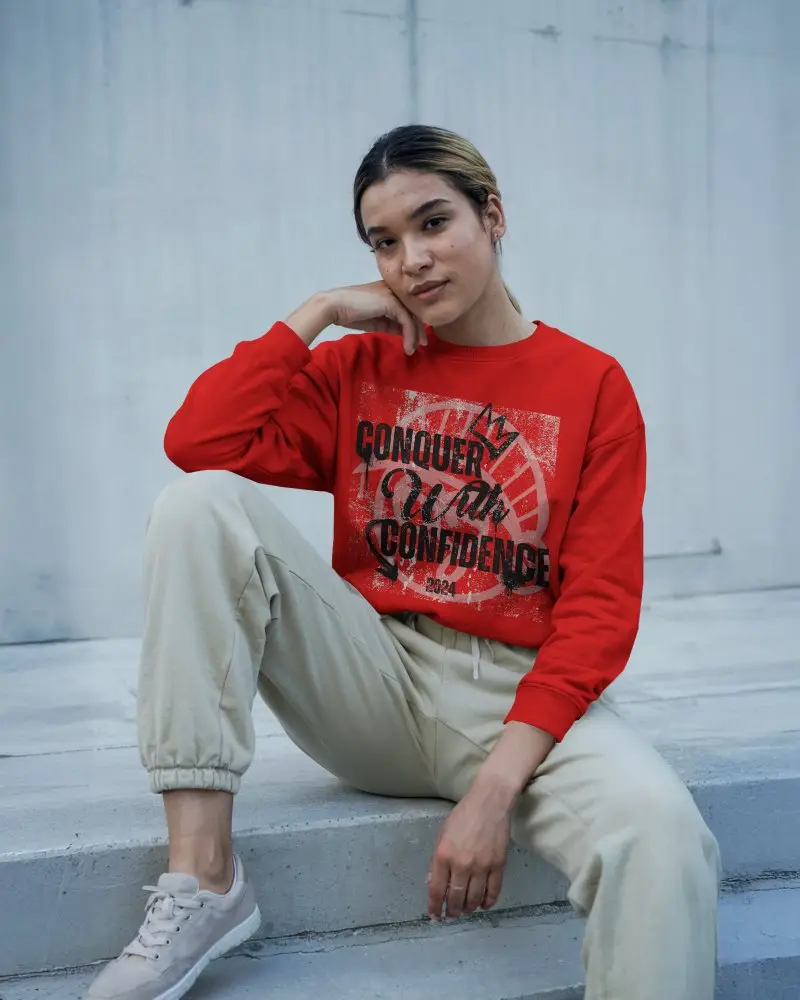
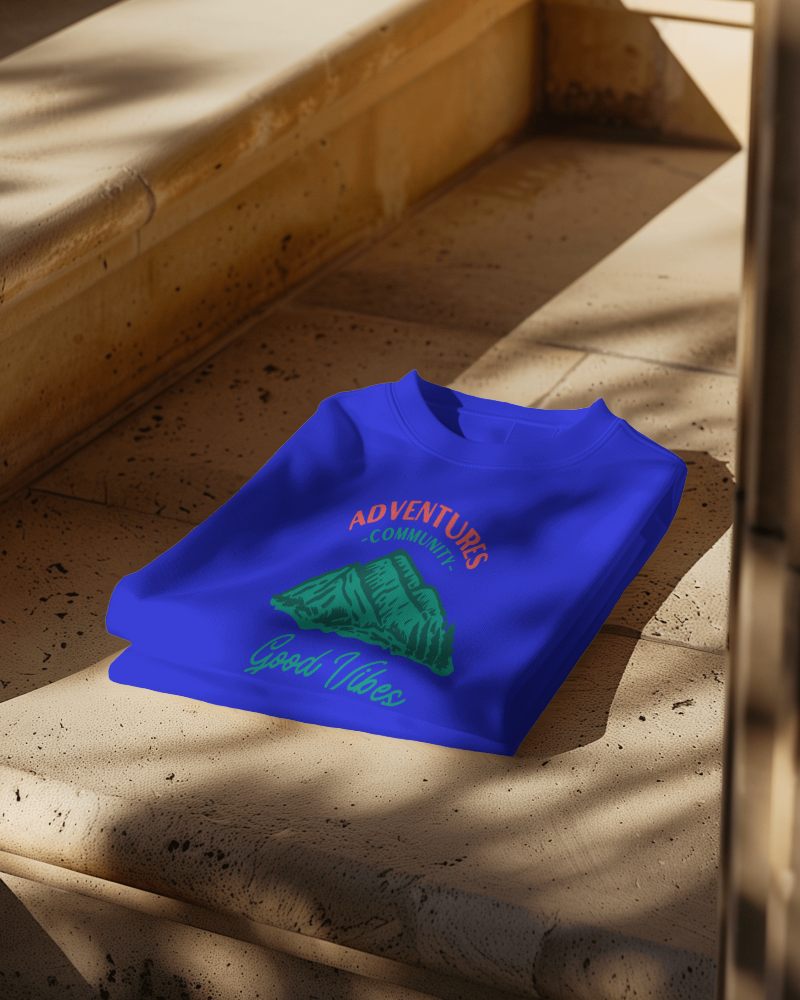
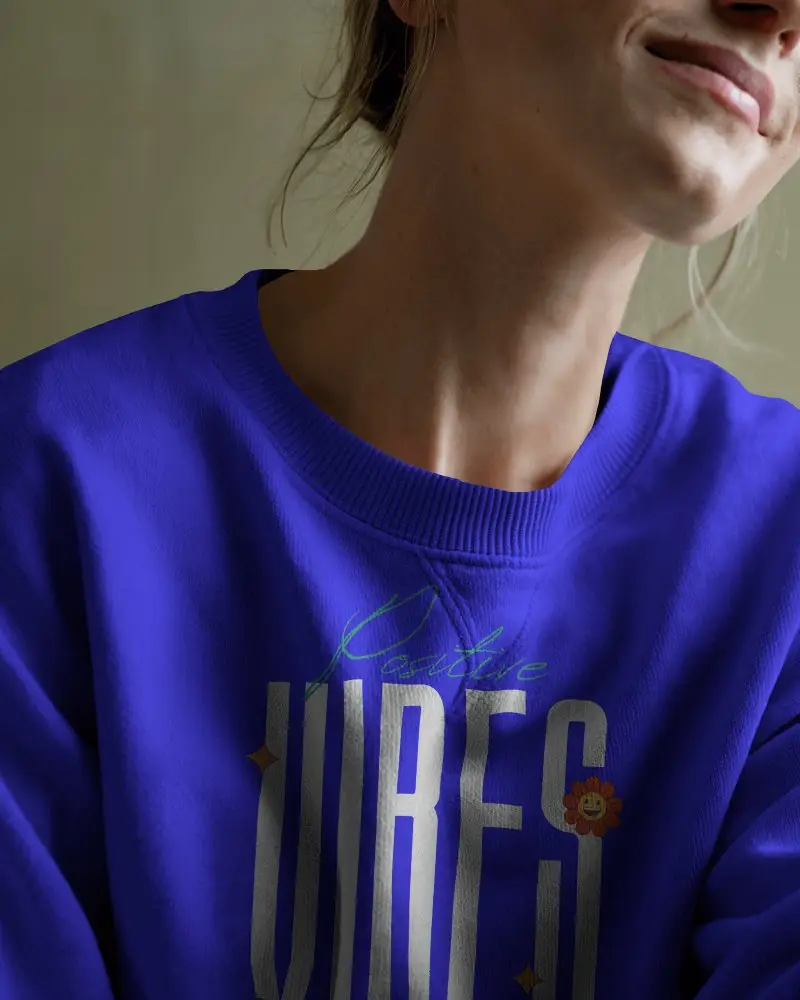
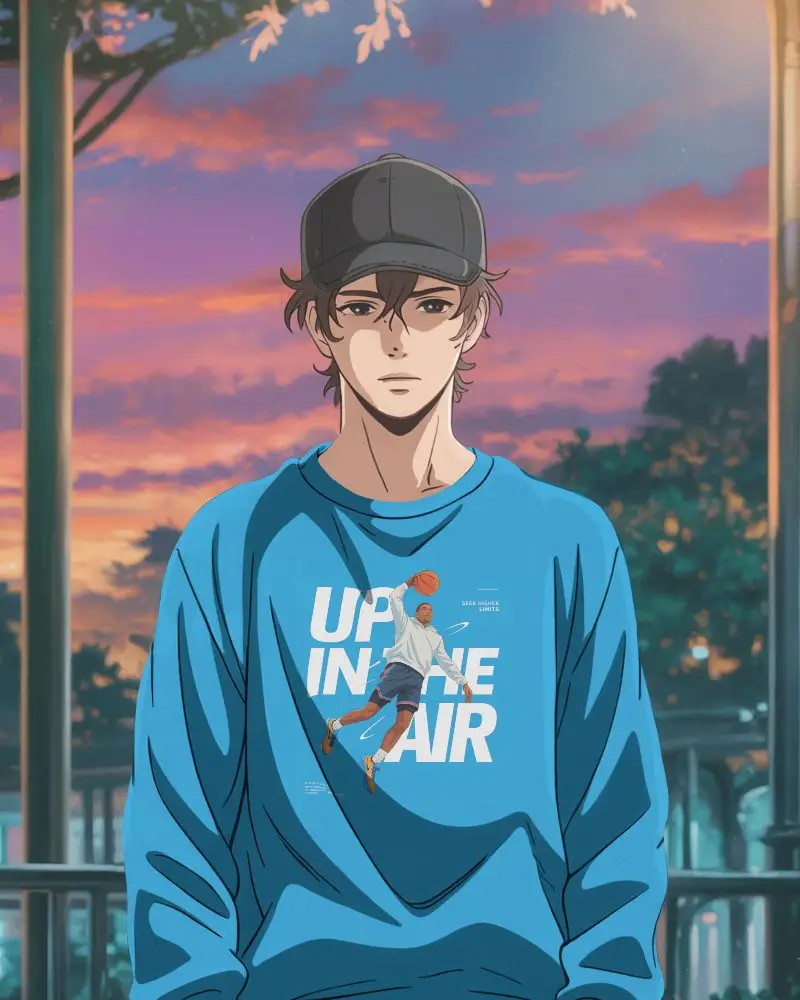
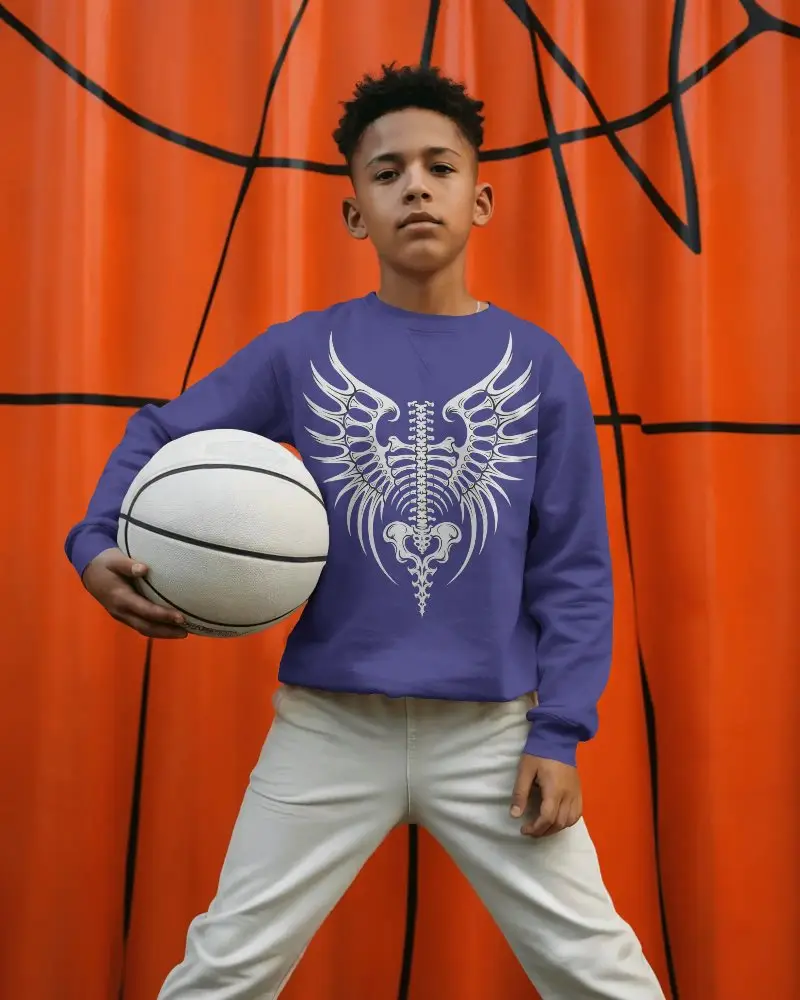
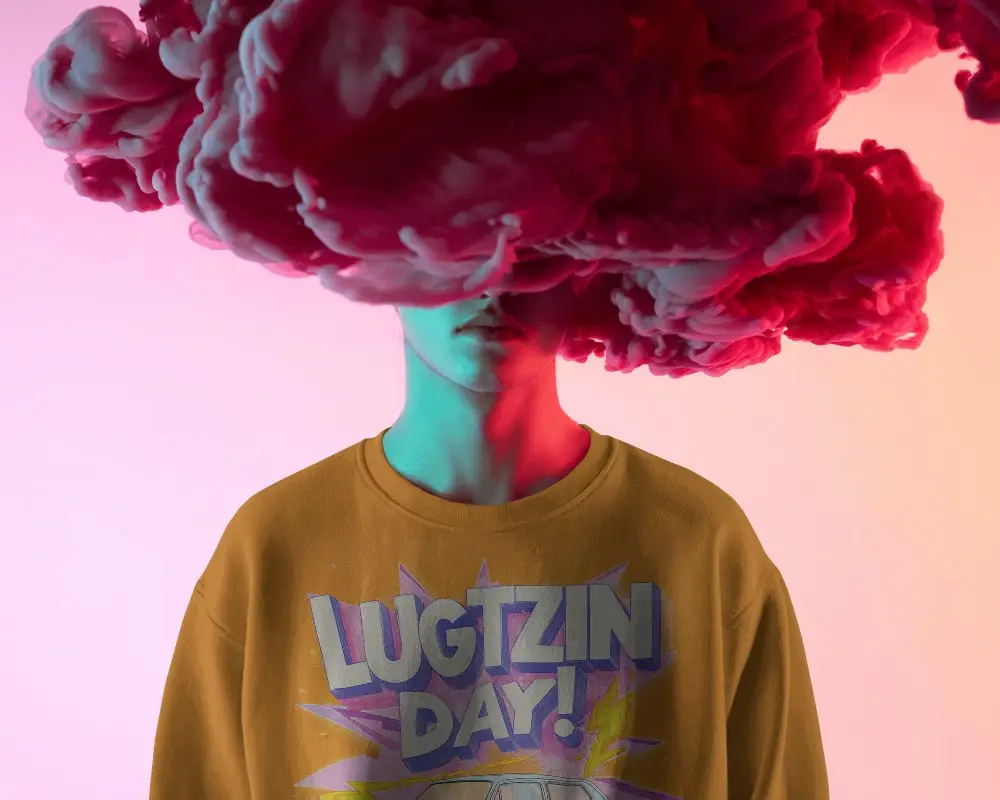
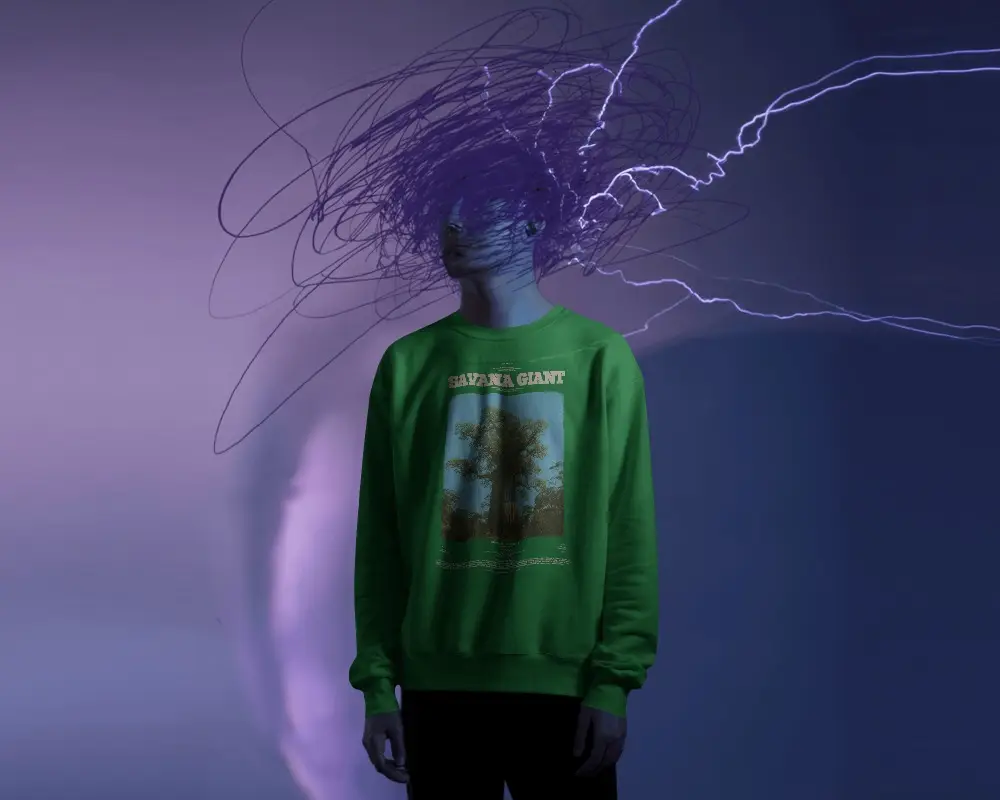
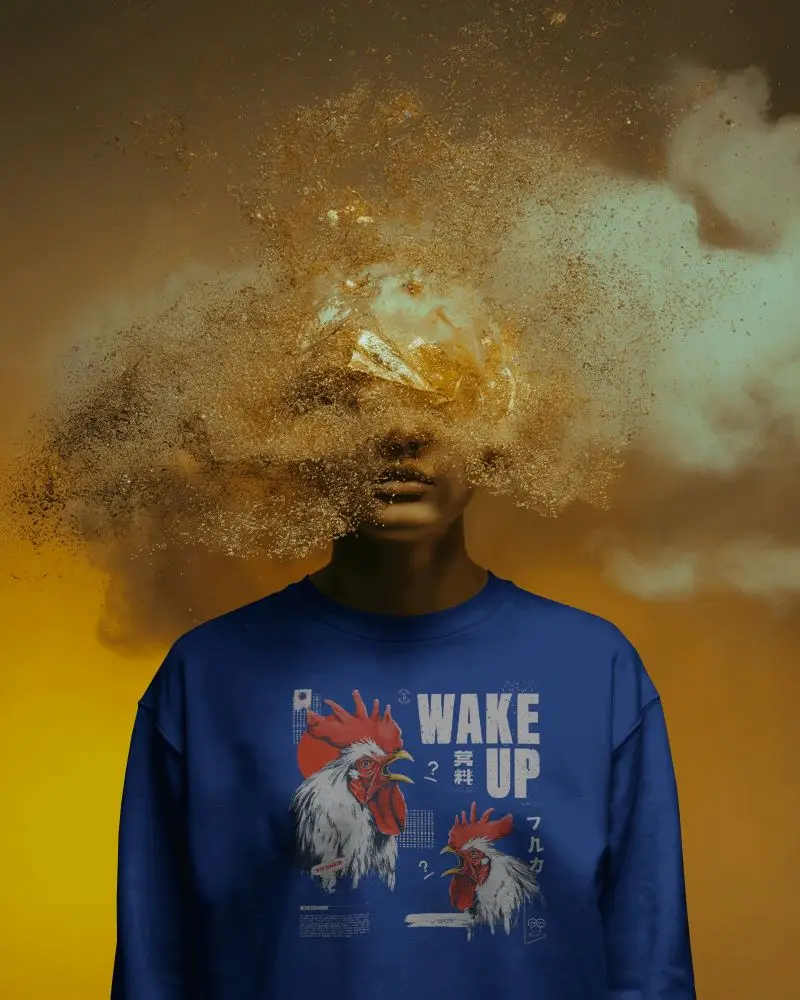
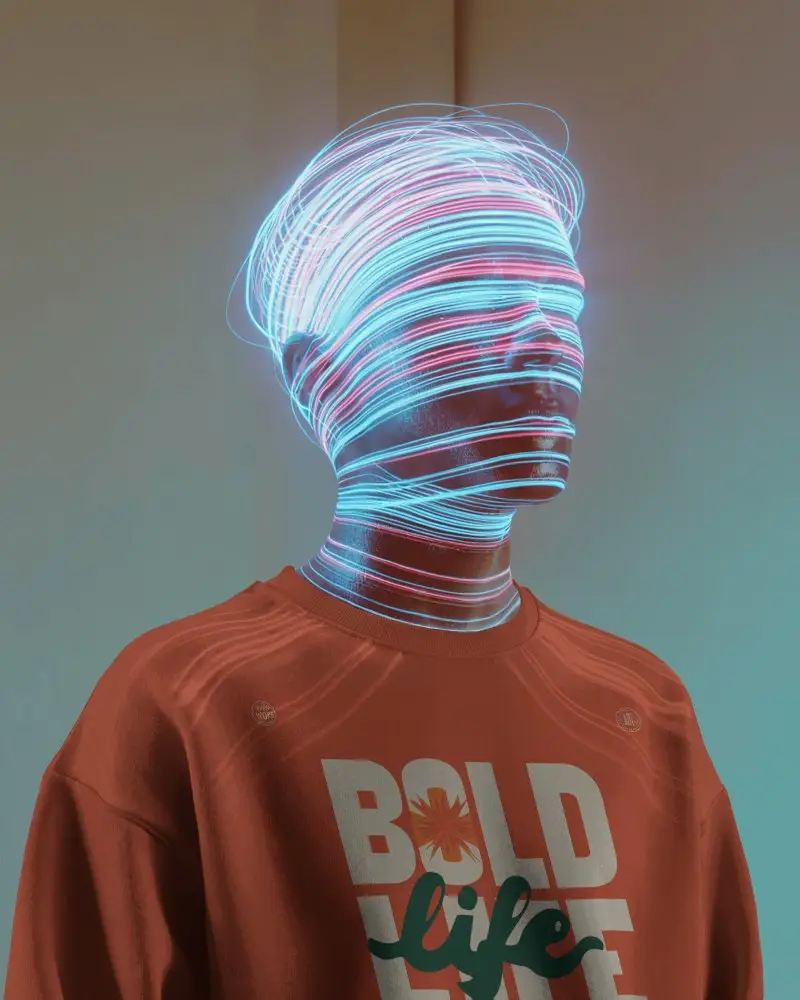
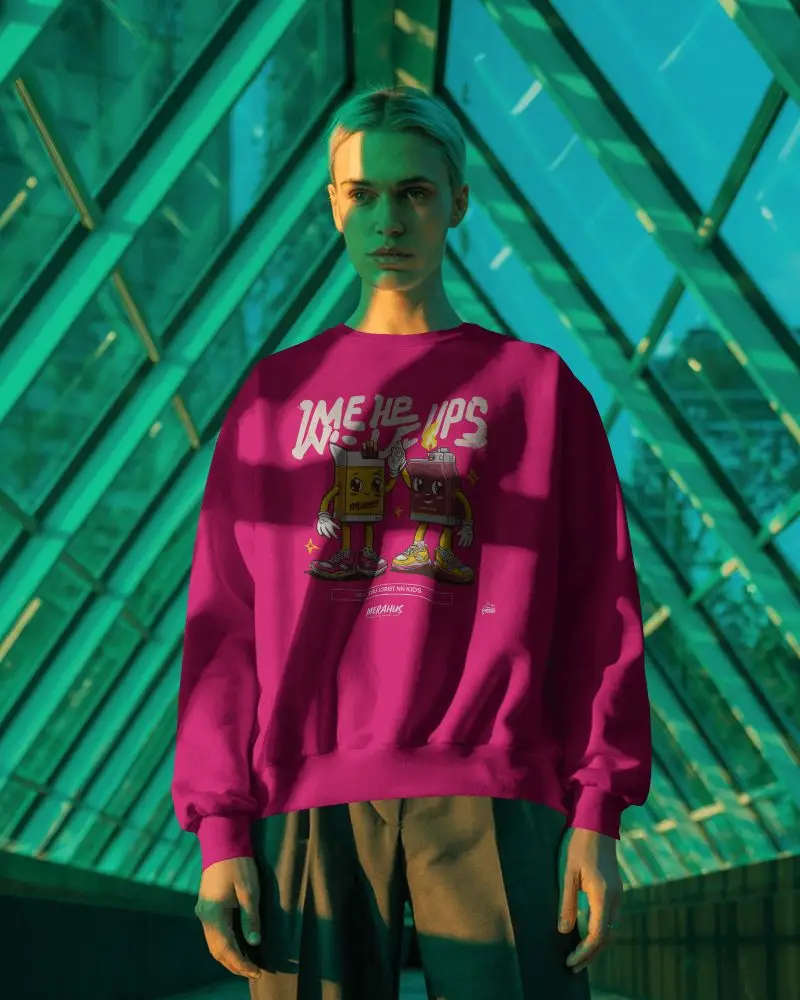
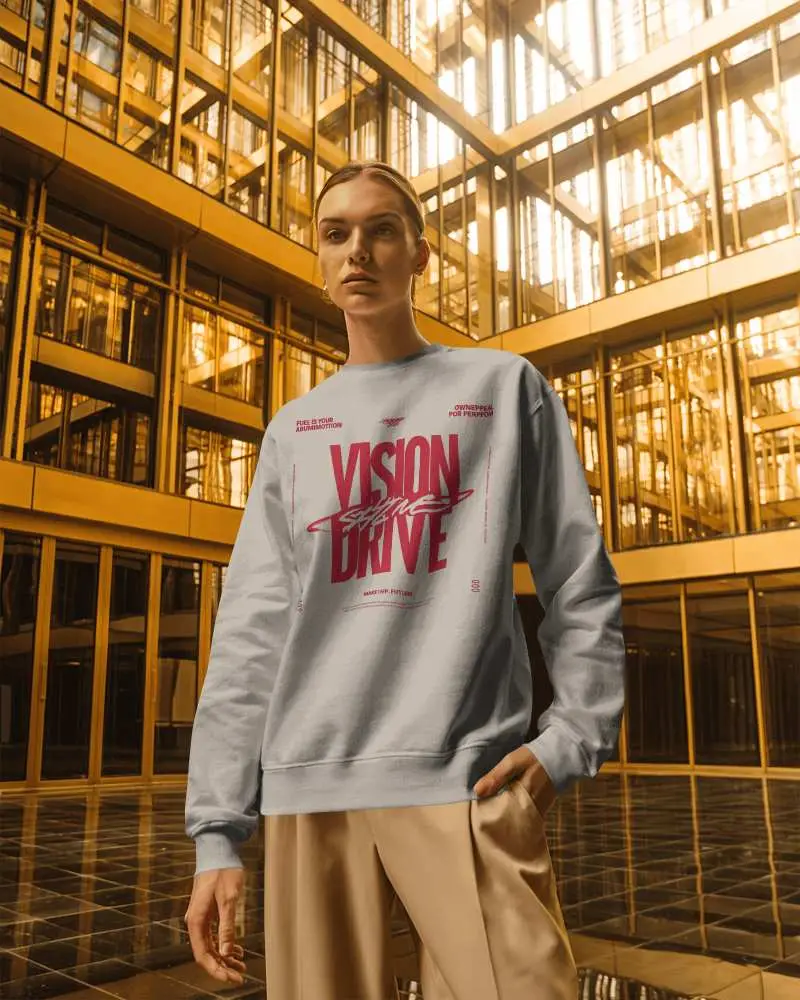
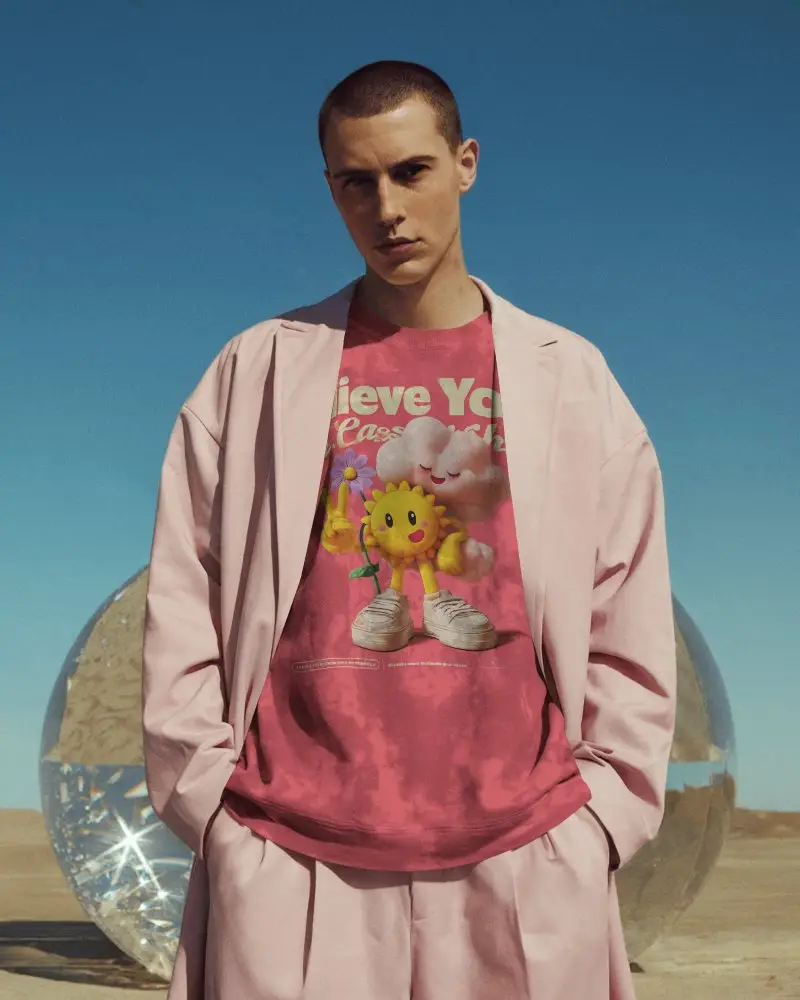
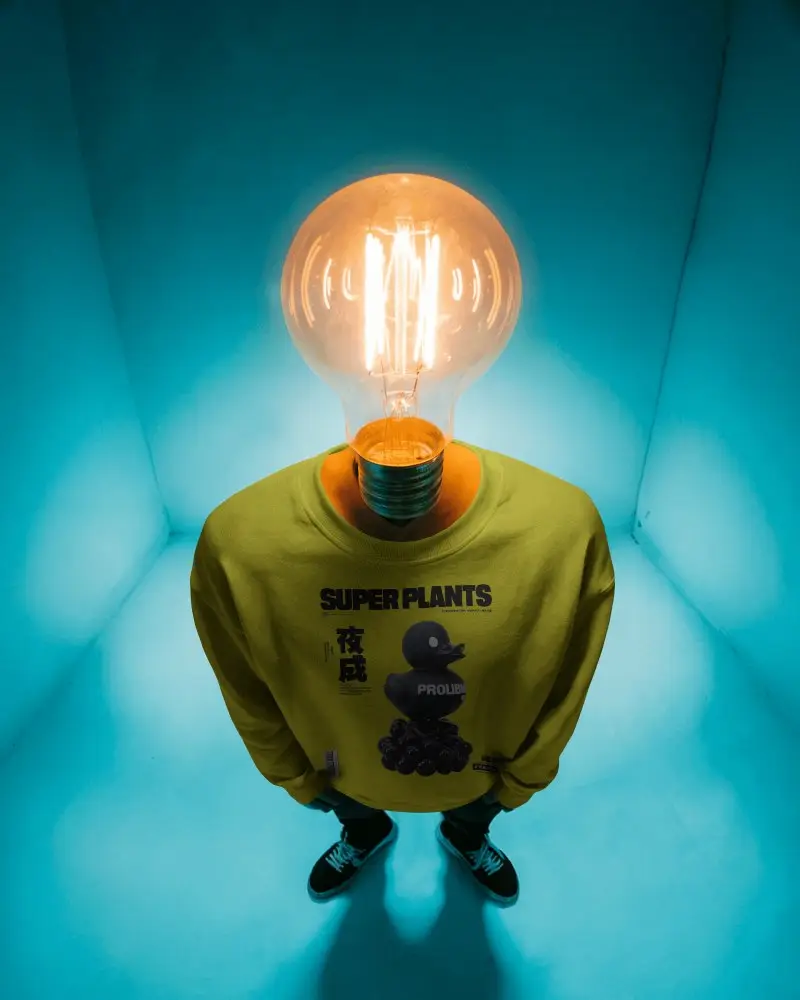
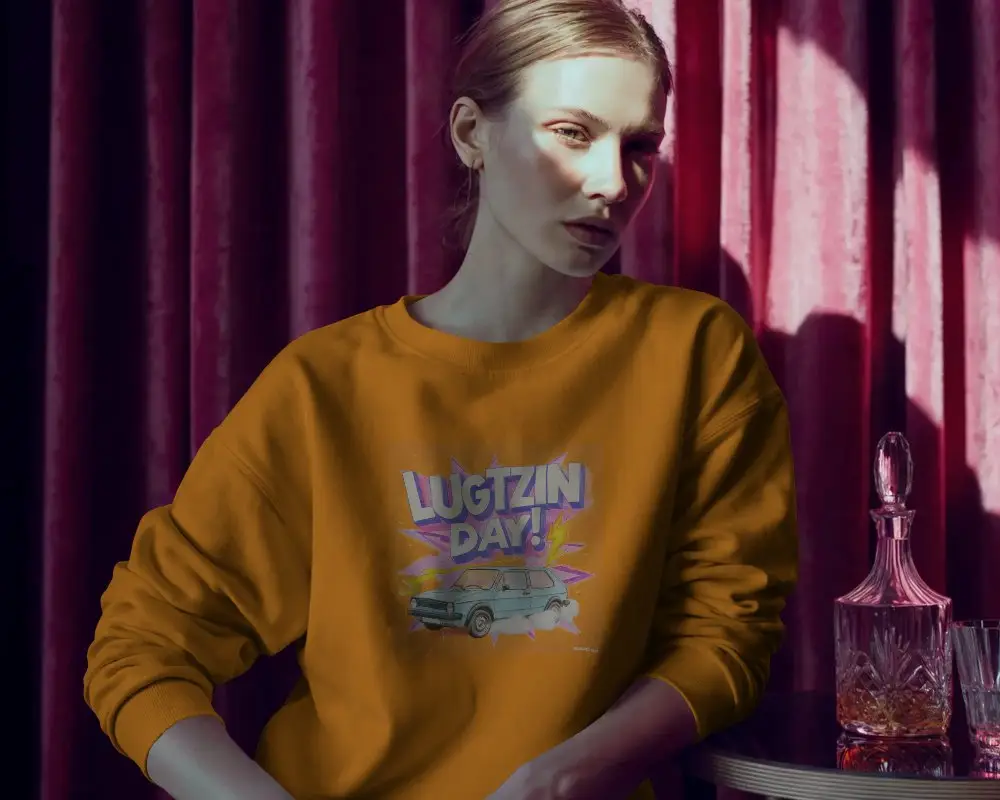
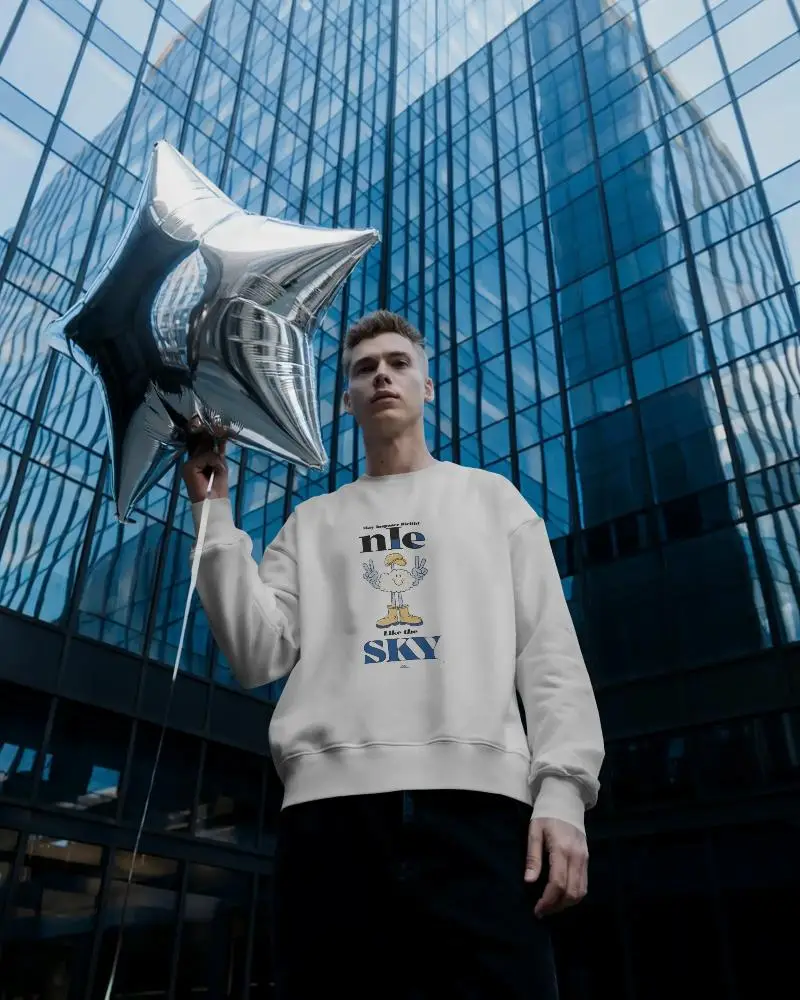
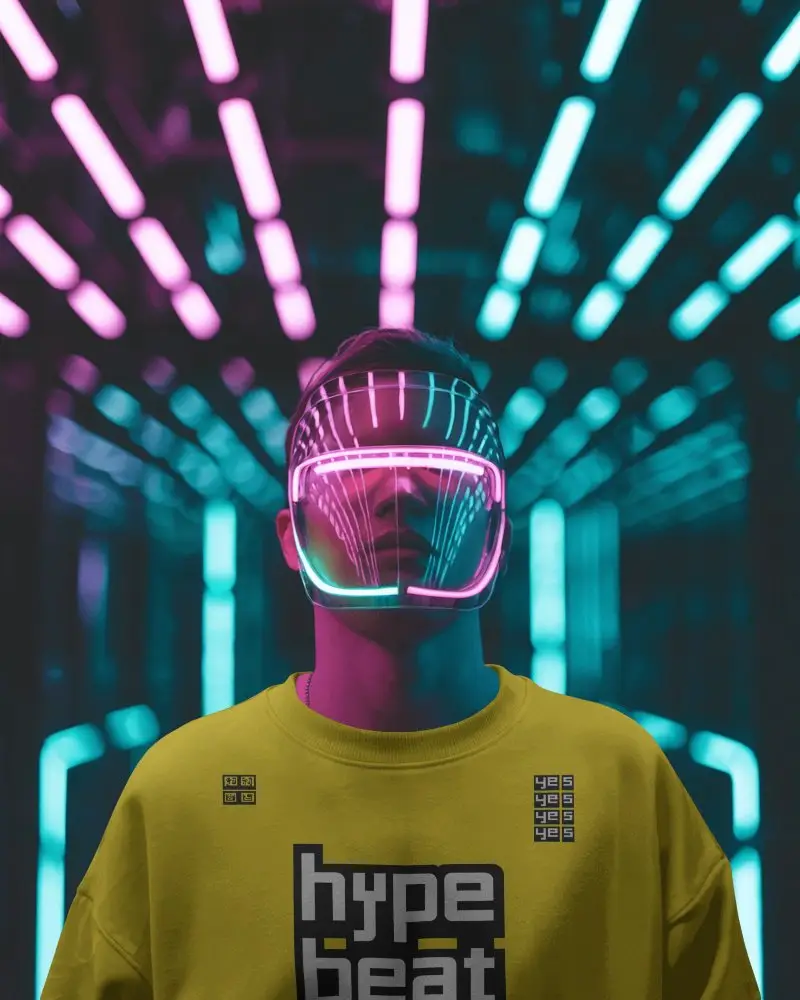
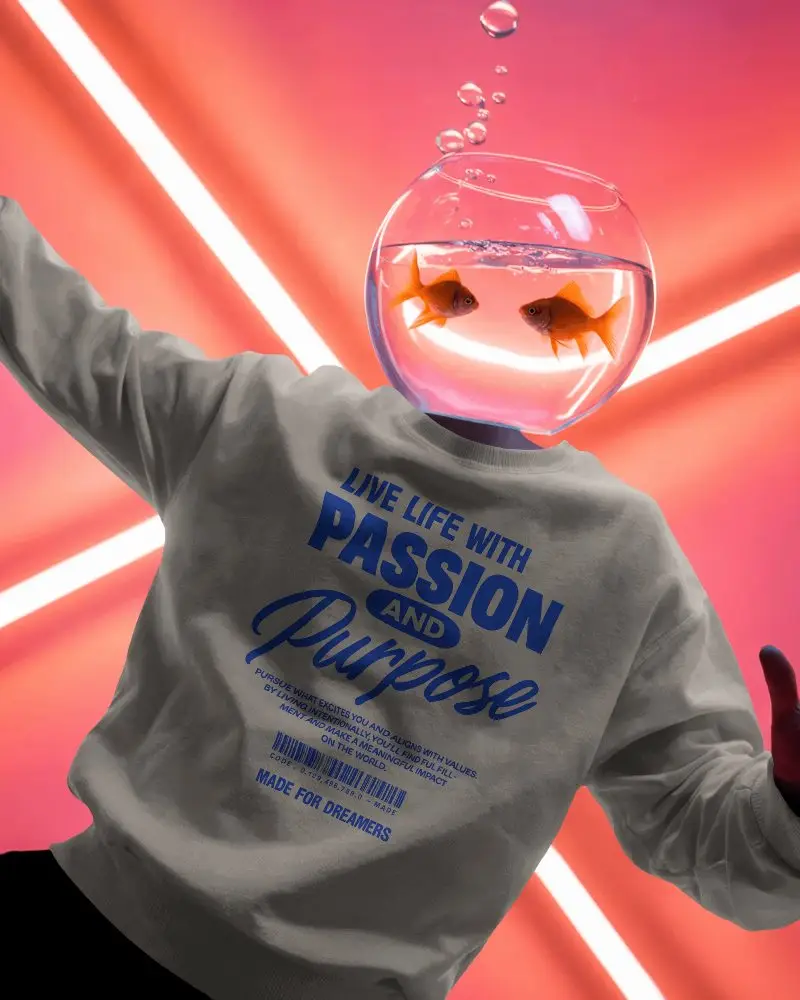


How to Create Black Sweatshirt Mockup with Mockey AI
To create a black sweatshirt mockup:
- Step 1: Go to Mockey.ai and sign up or log in to your account.
- Step 2: Head to ‘Mockups > Apparel > Sweatshirt’ and select the ‘Black Sweatshirt’ tag.
- Step 3: Upload your design, make any needed adjustments, and download your mockup in PNG or JPG format.


FAQs on Black Sweatshirt Mockups
Why use a black sweatshirt mockup?
A black sweatshirt mockup helps you add your design to a black sweatshirt. The main benefit is that you don’t need to make it production-ready first or spend on a physical sample.
Is the black sweatshirt mockup suitable for white or light-colored designs?
On a black sweatshirt mockup, designs in white or light colors look visually clear and appealing.
Can I change the background of the black sweatshirt mockup?
You cannot change the background of a black sweatshirt mockup if you use Mockey AI. But if you want to change the background, you can use the prompts to improve the mockup.
Where can I find more mockups like the black sweatshirt mockup?
Besides black sweatshirt mockups, you’ll also find options in gray, white, red, and more on Mockey AI. Simply select the sweatshirt under the apparel mockups and explore templates using any tag on its catalog page.
Does Mockey AI only offer black sweatshirt mockups?
Not just black sweatshirt mockups, you’ll also get the option to pick tags like gray sweatshirt mockups, red sweatshirt mockups, white sweatshirt mockups, and more.
