Free Sweatshirt Mockup Templates
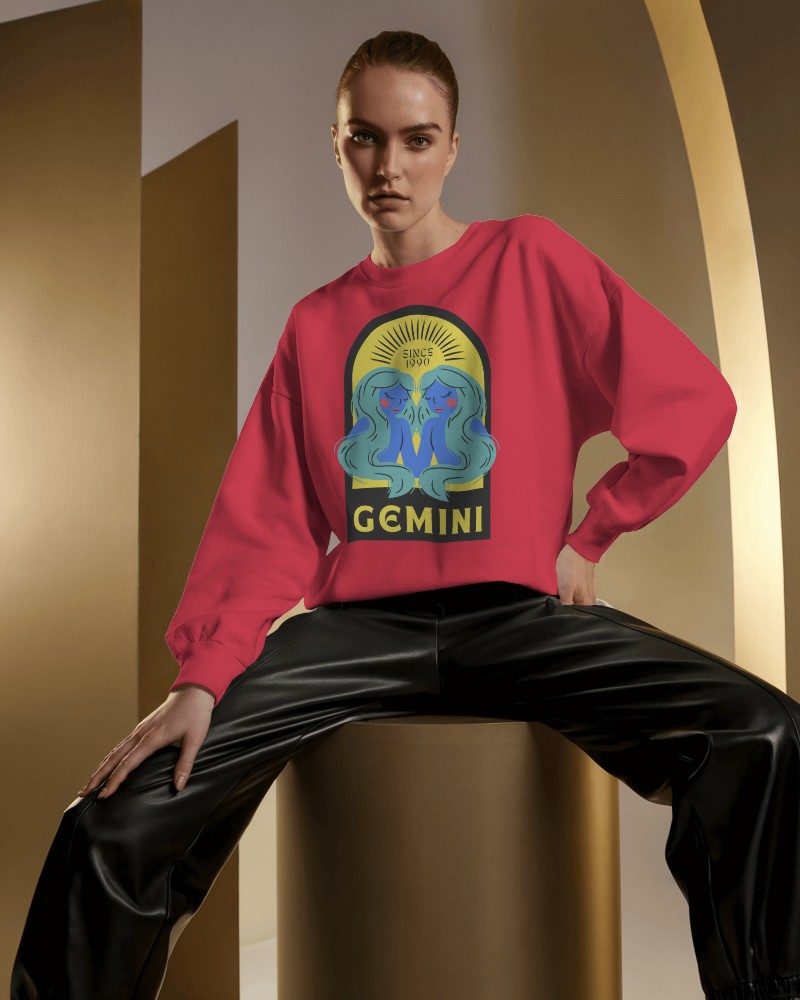
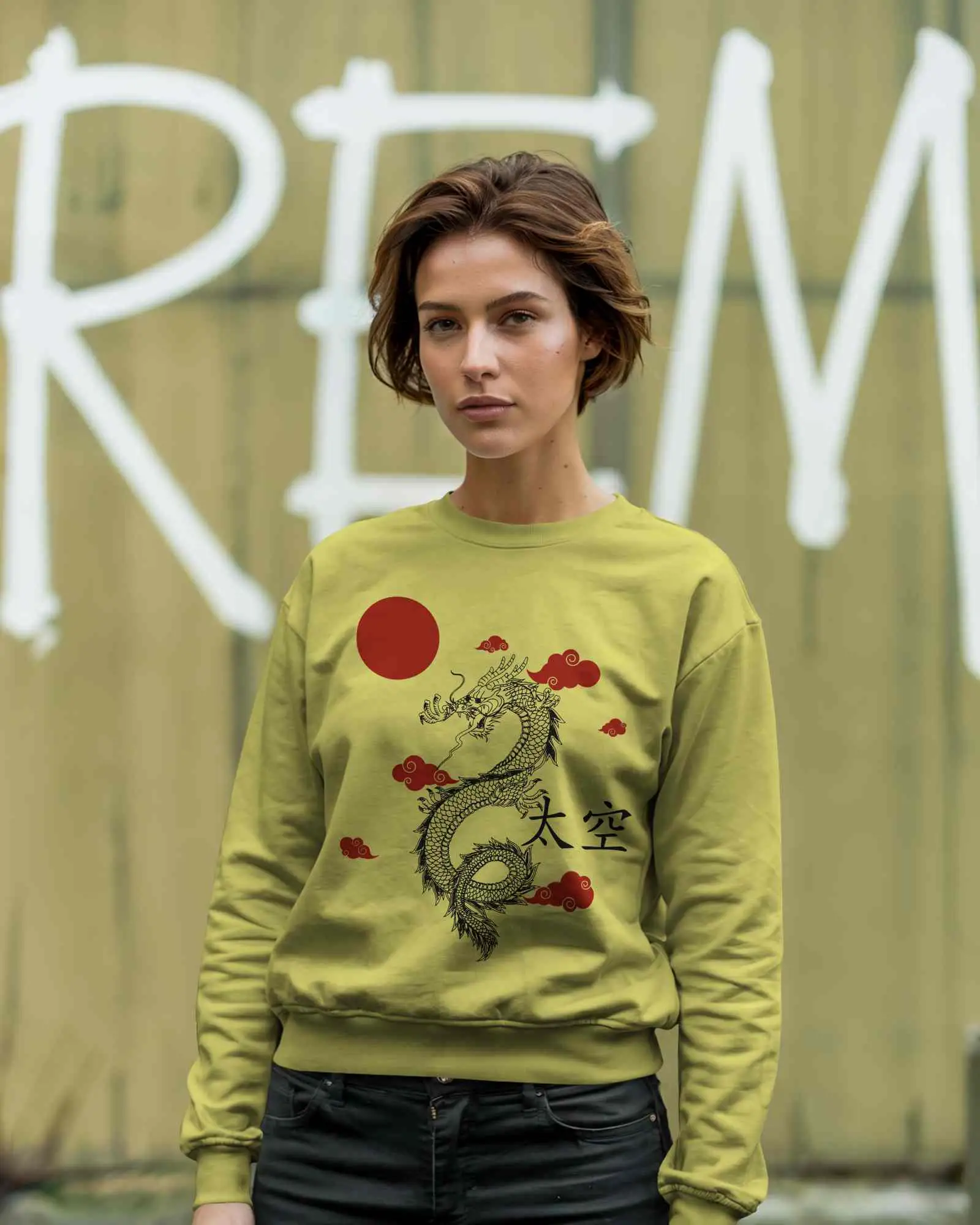
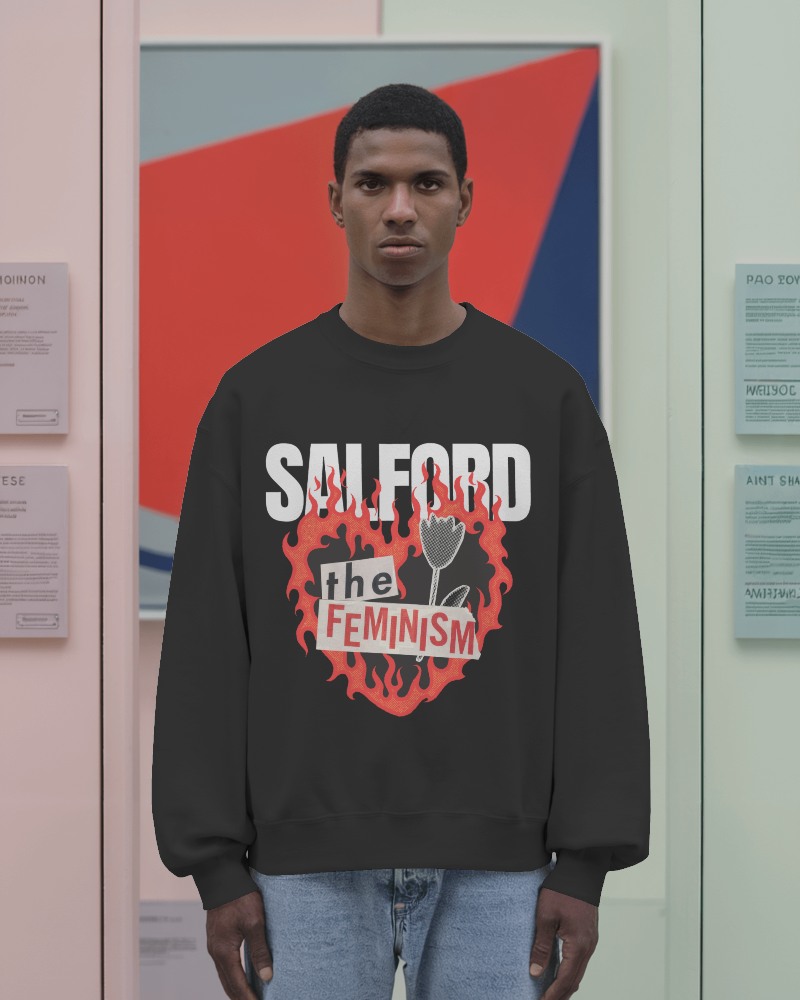
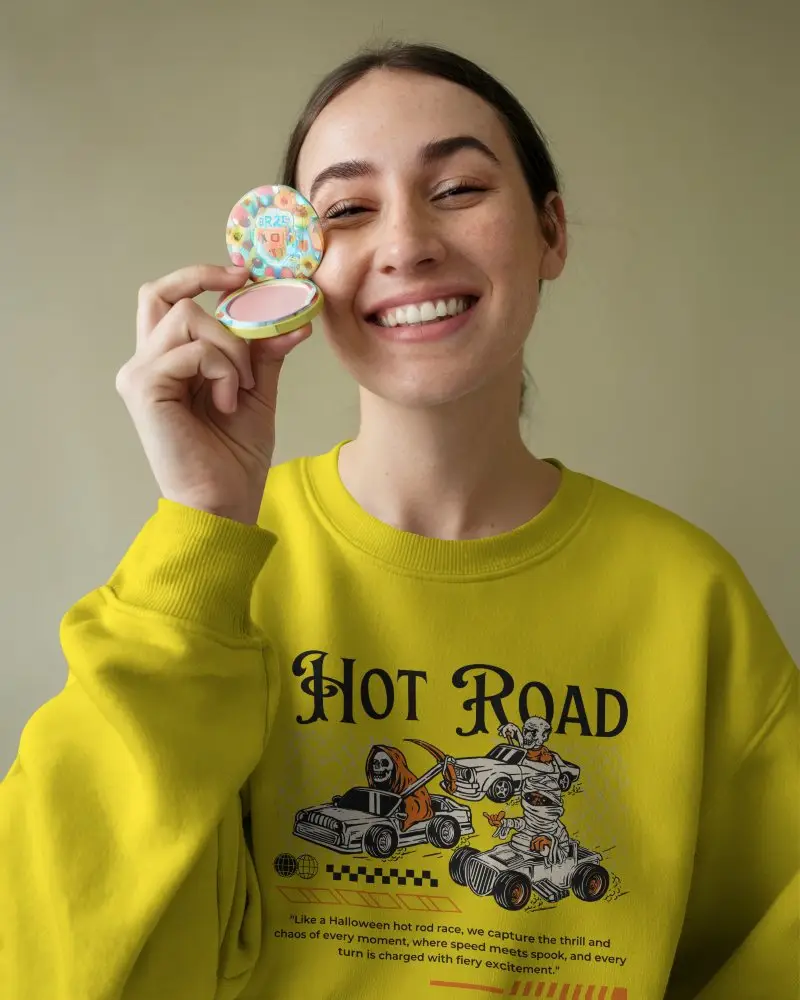
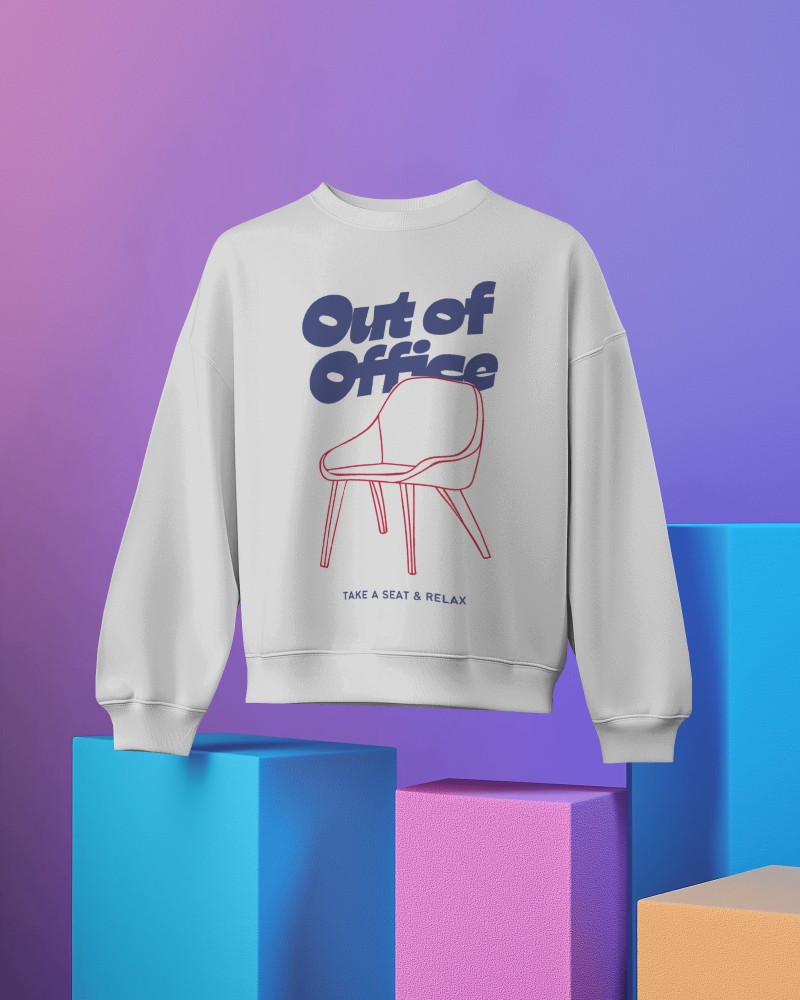
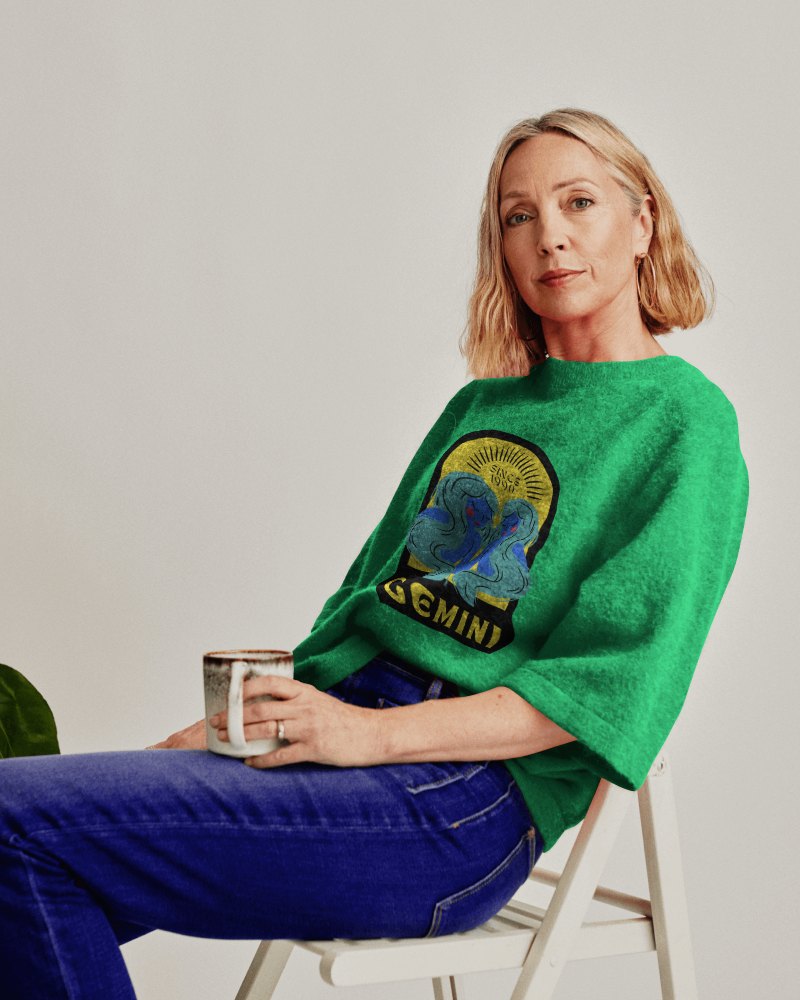
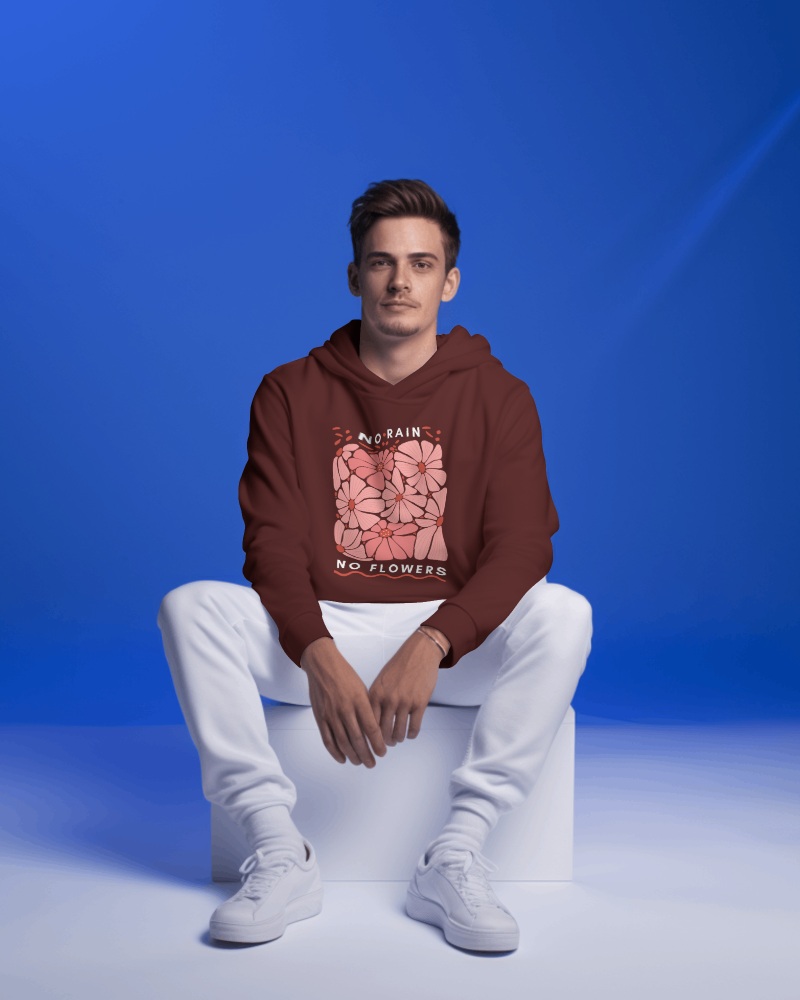
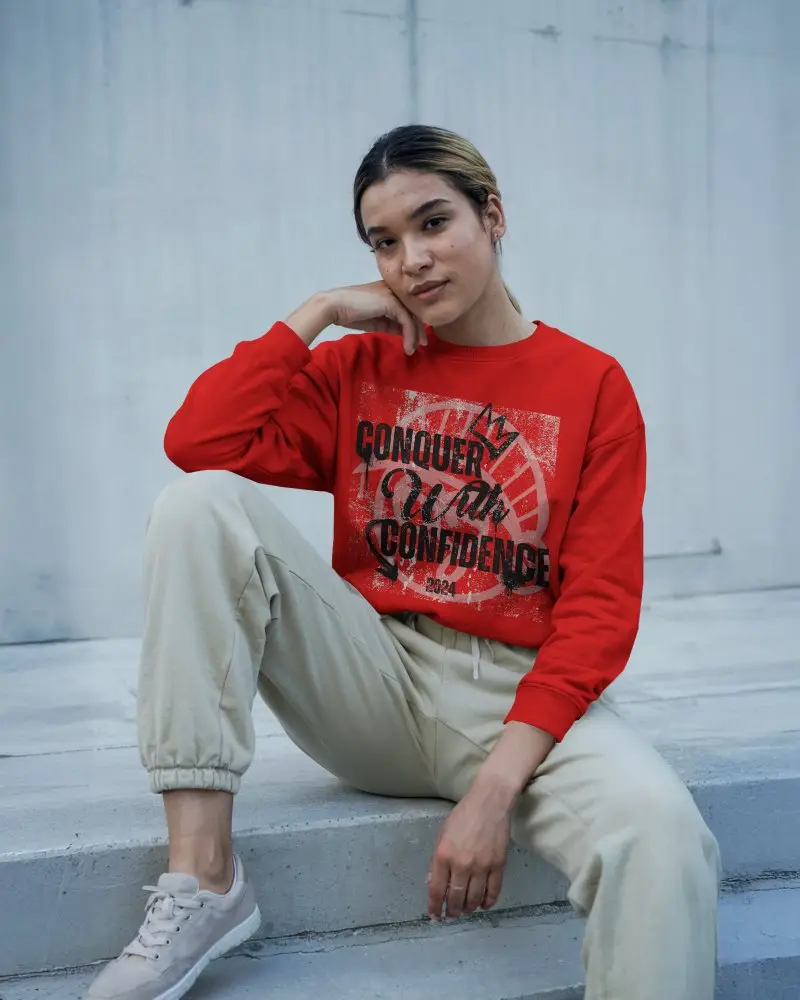
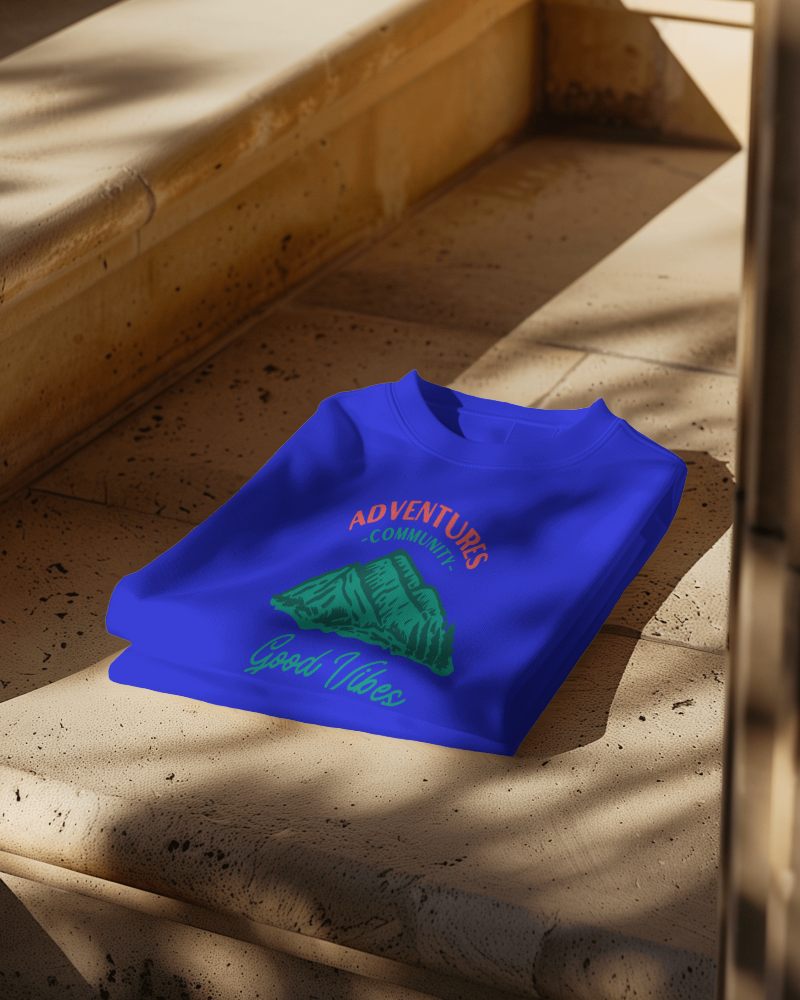
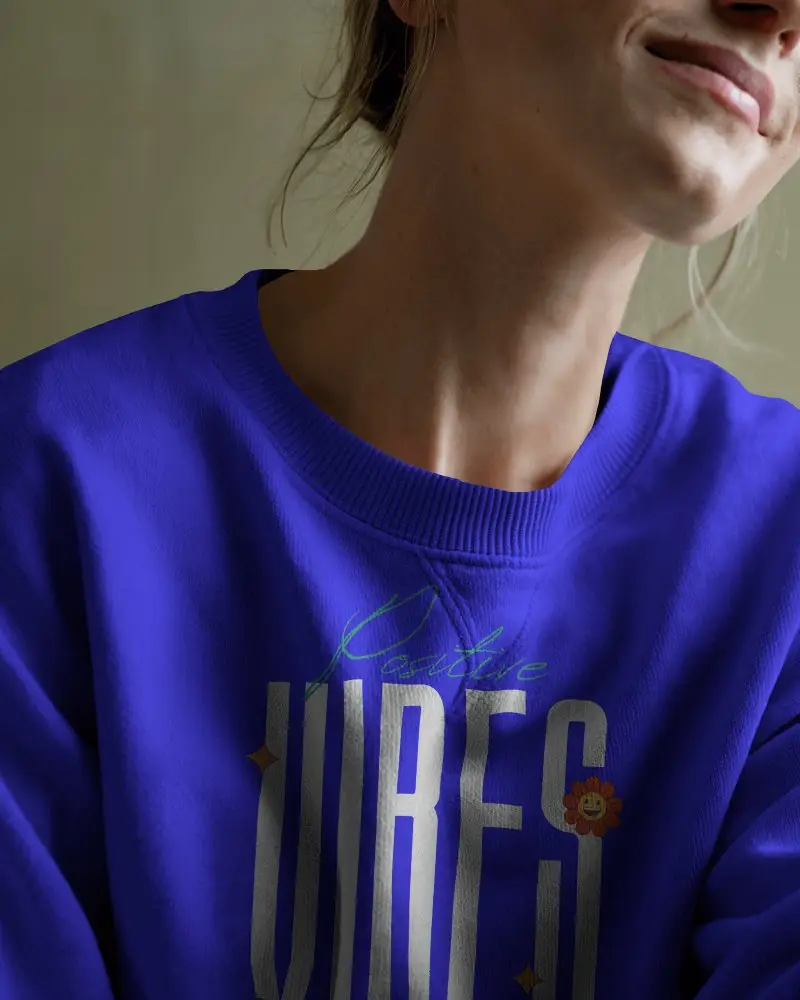
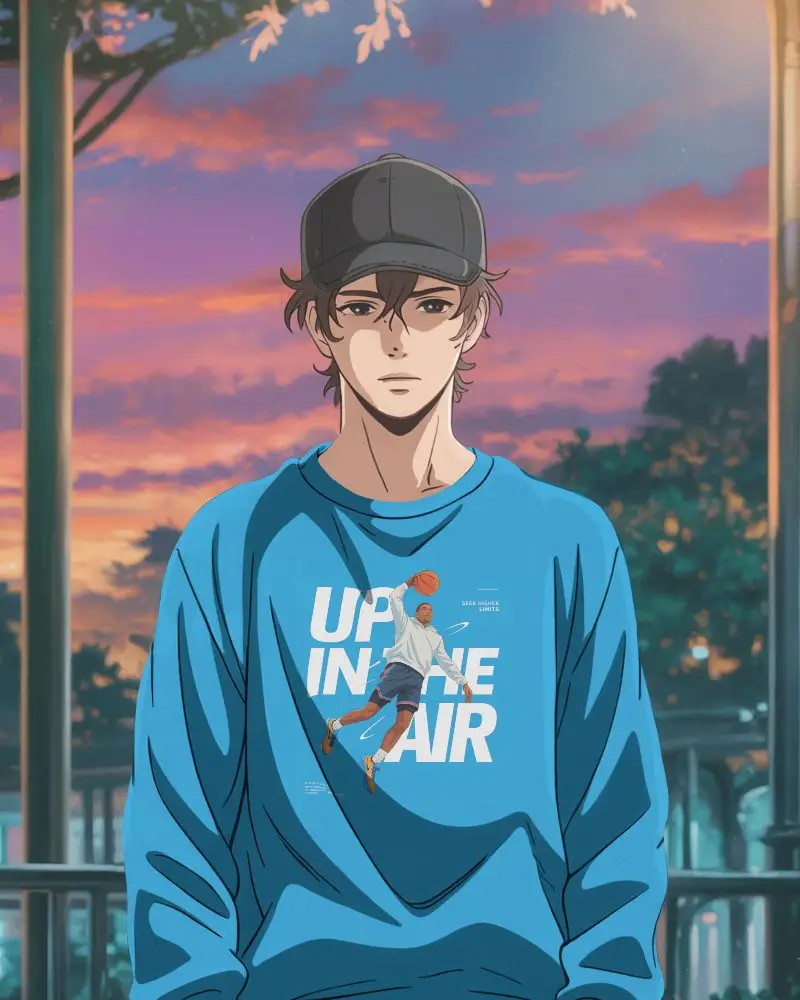
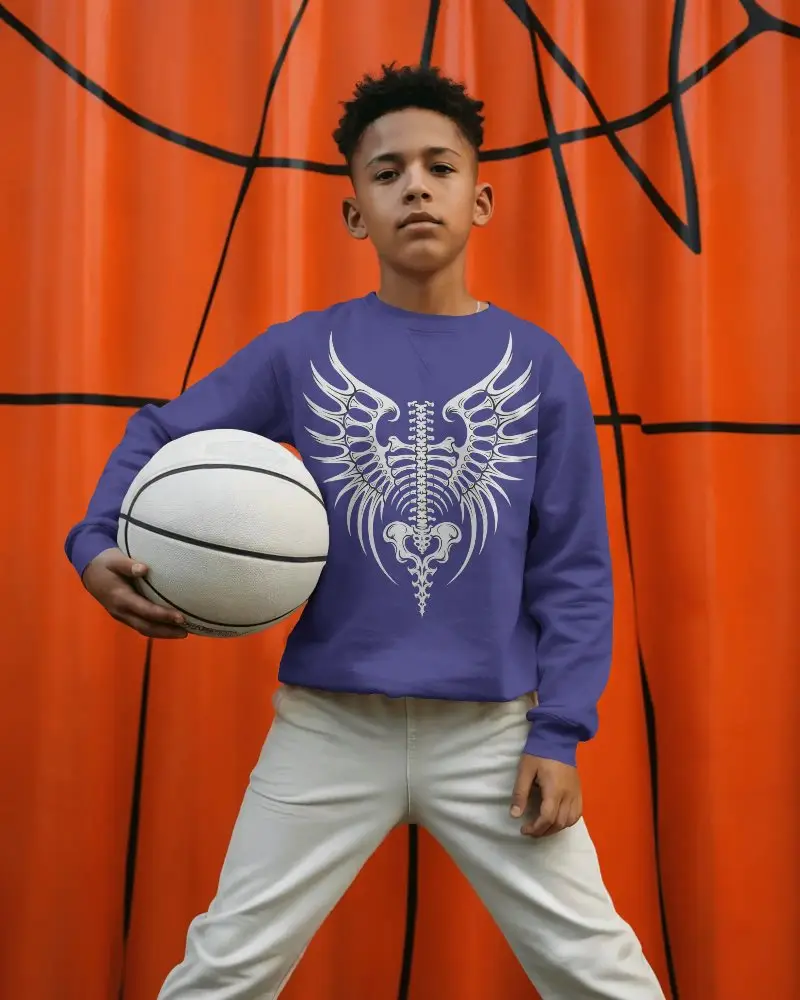
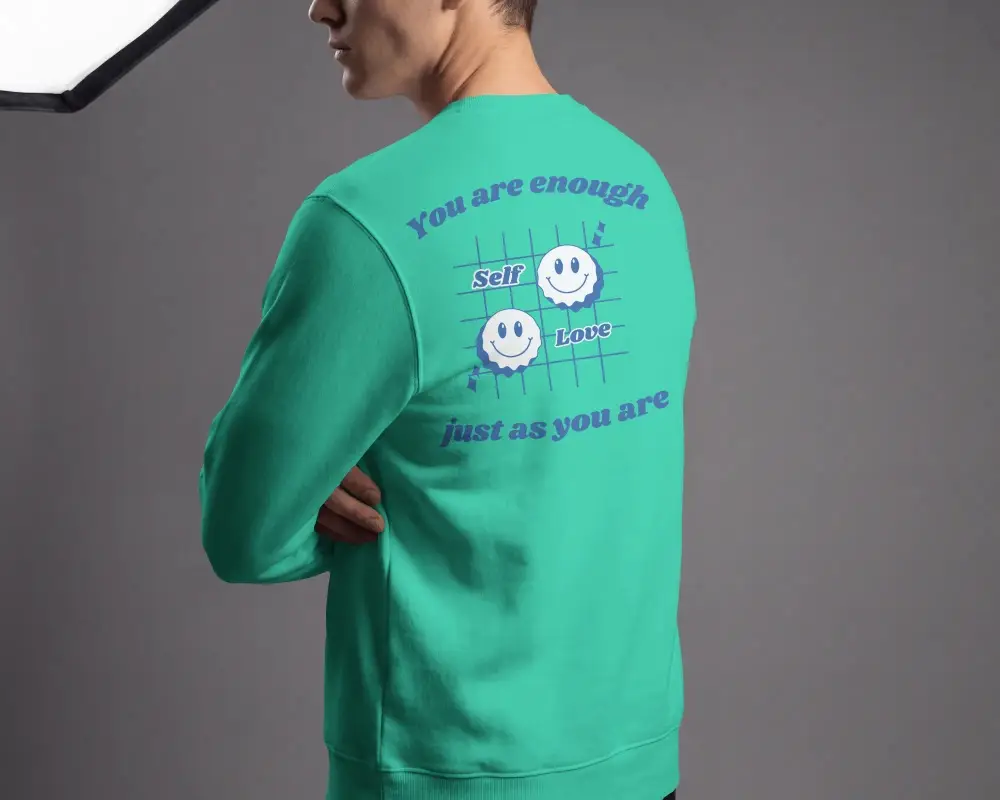
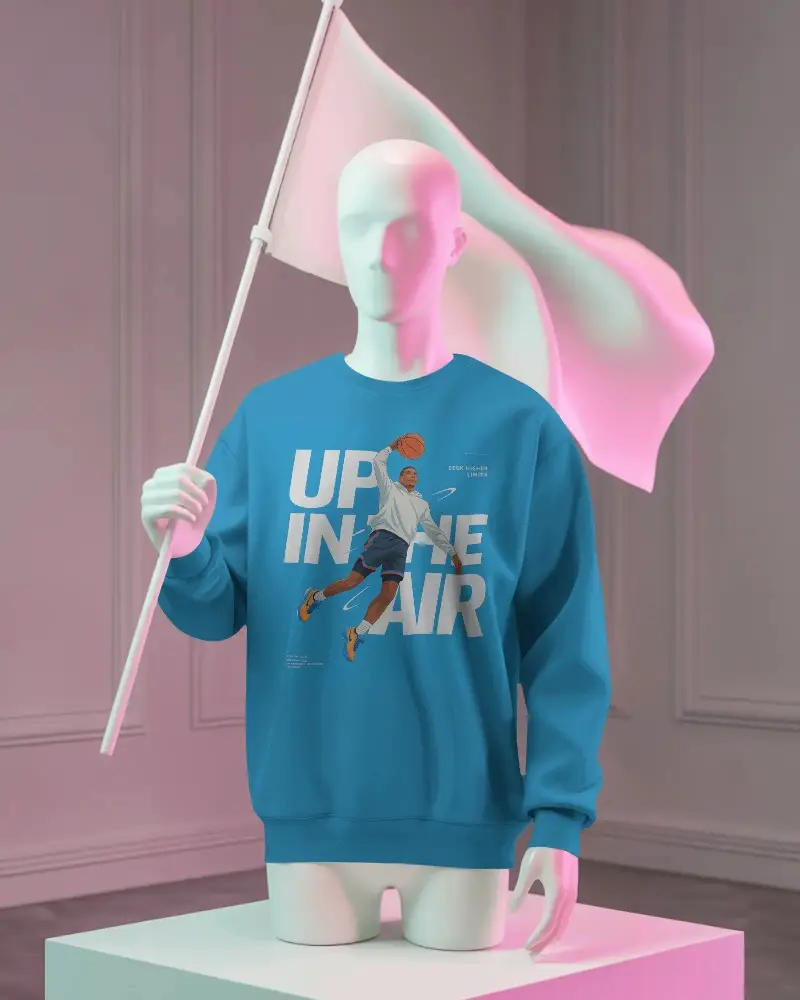
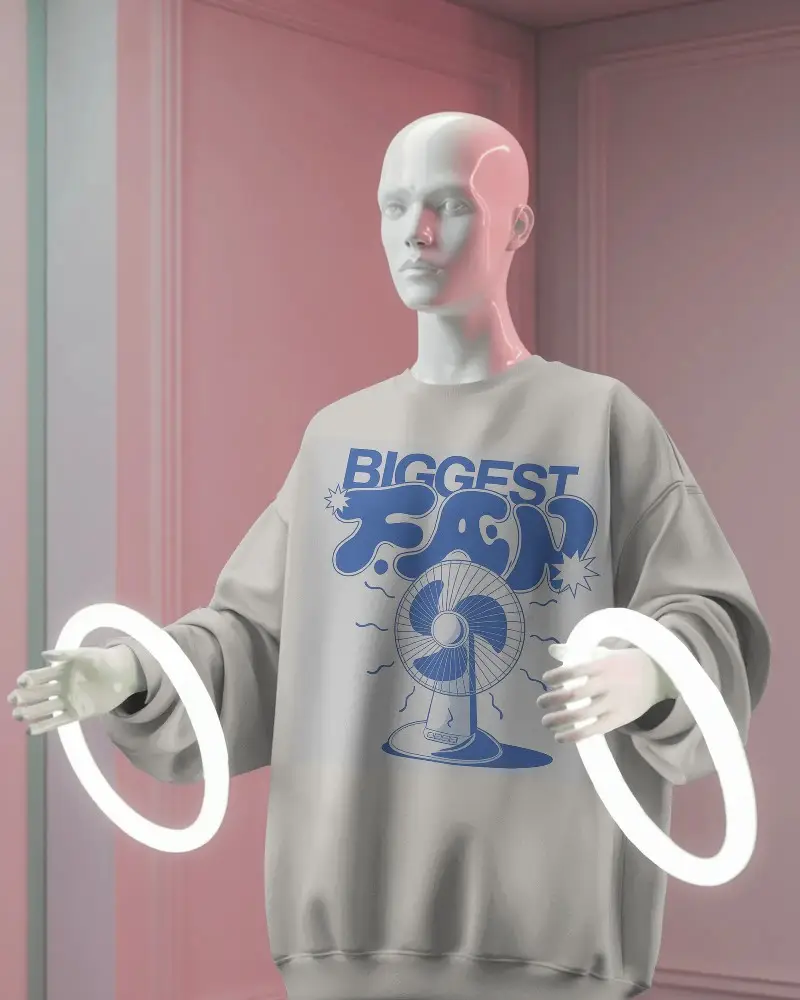
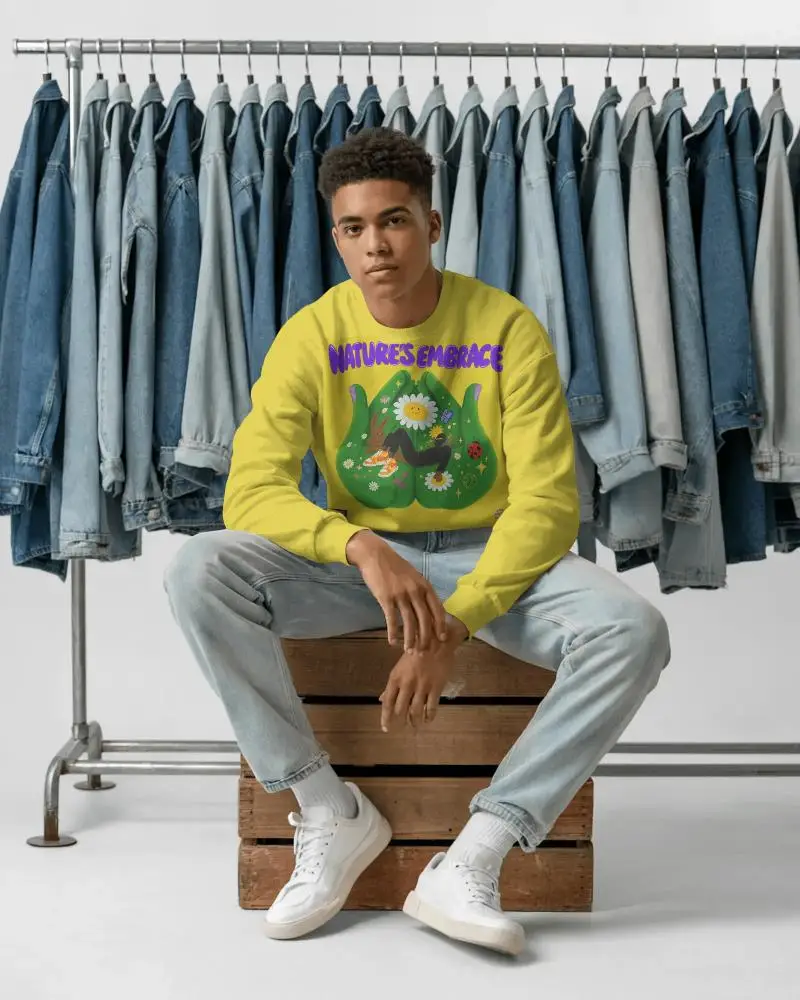
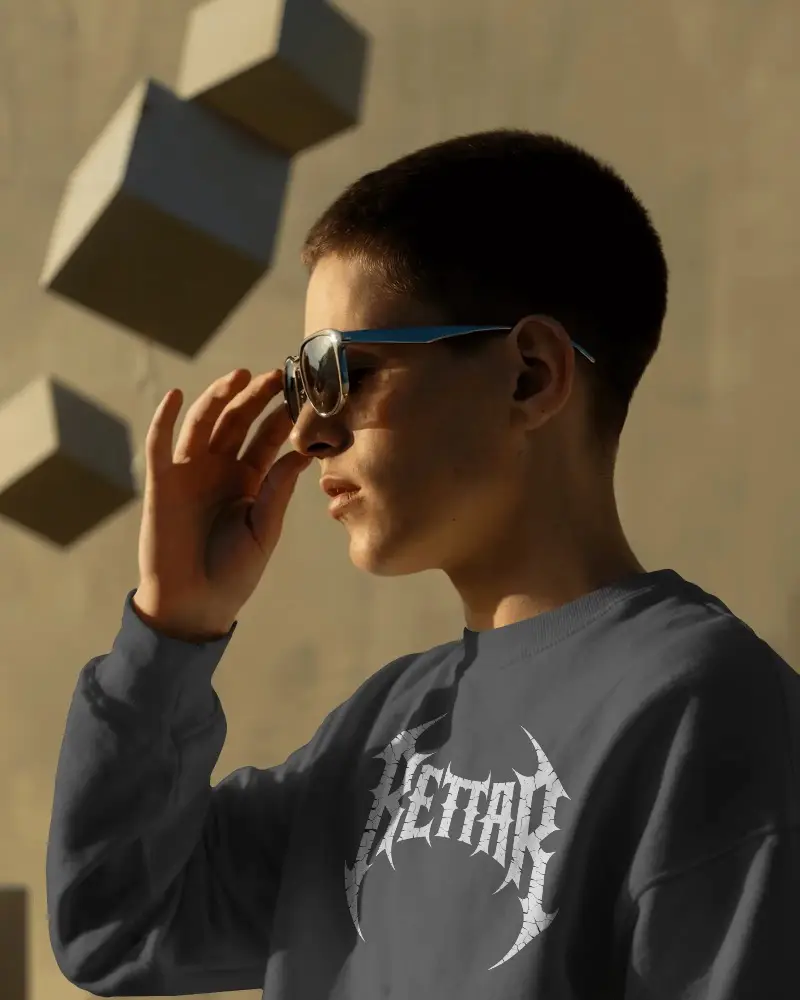
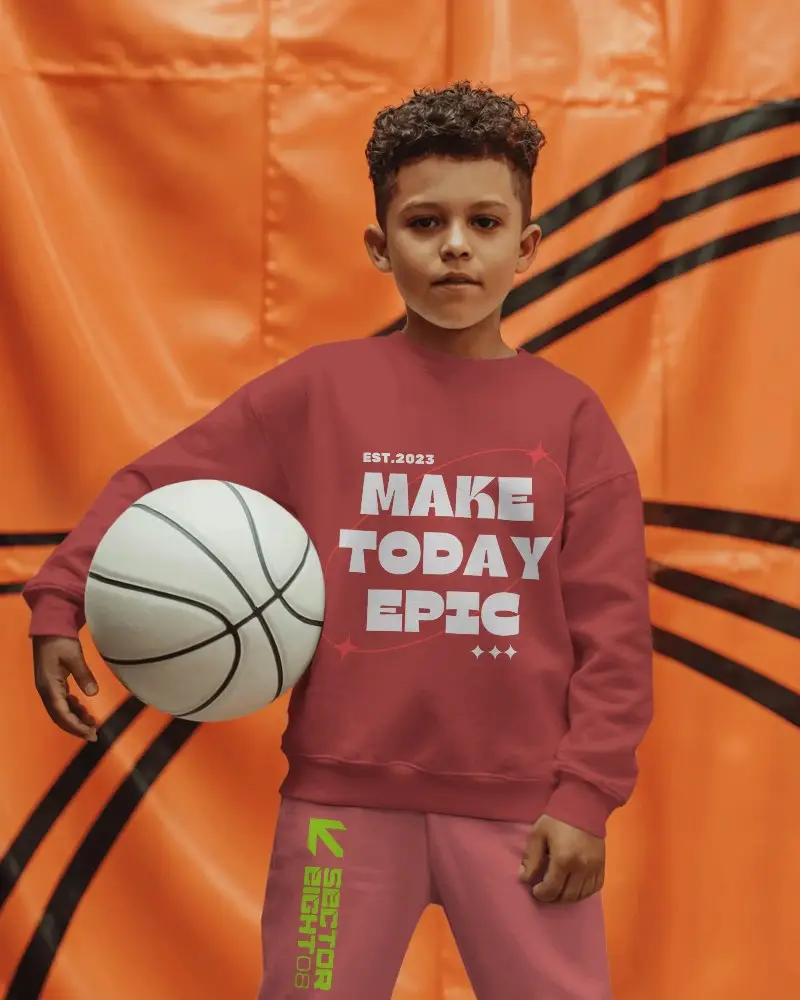
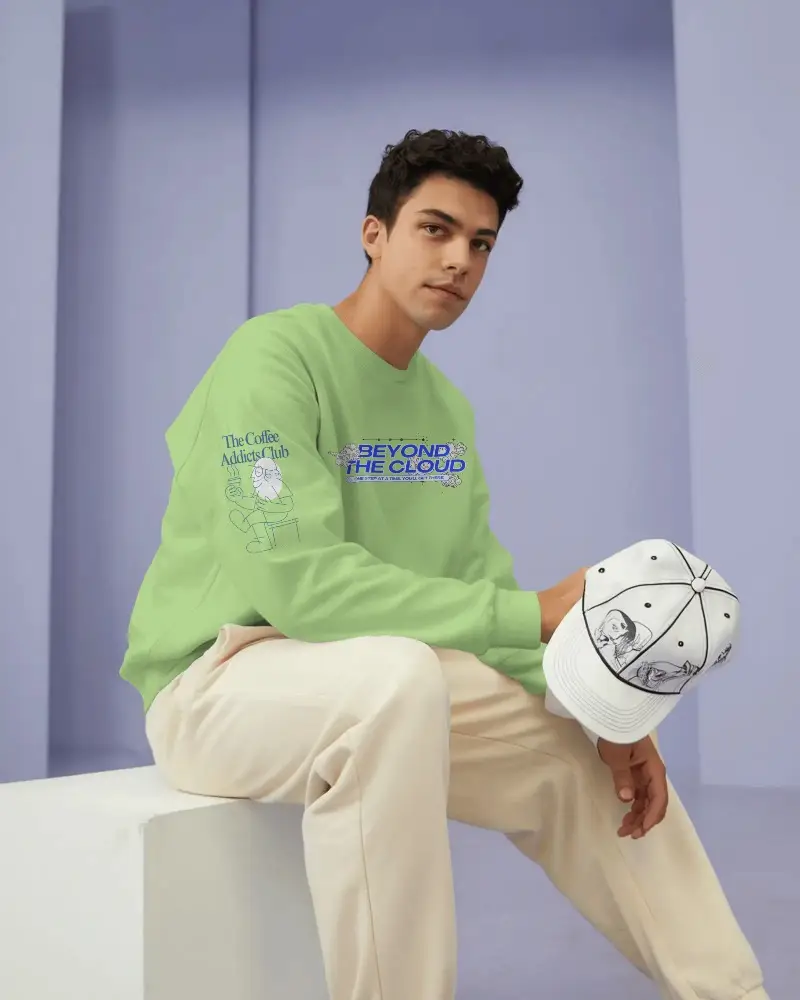
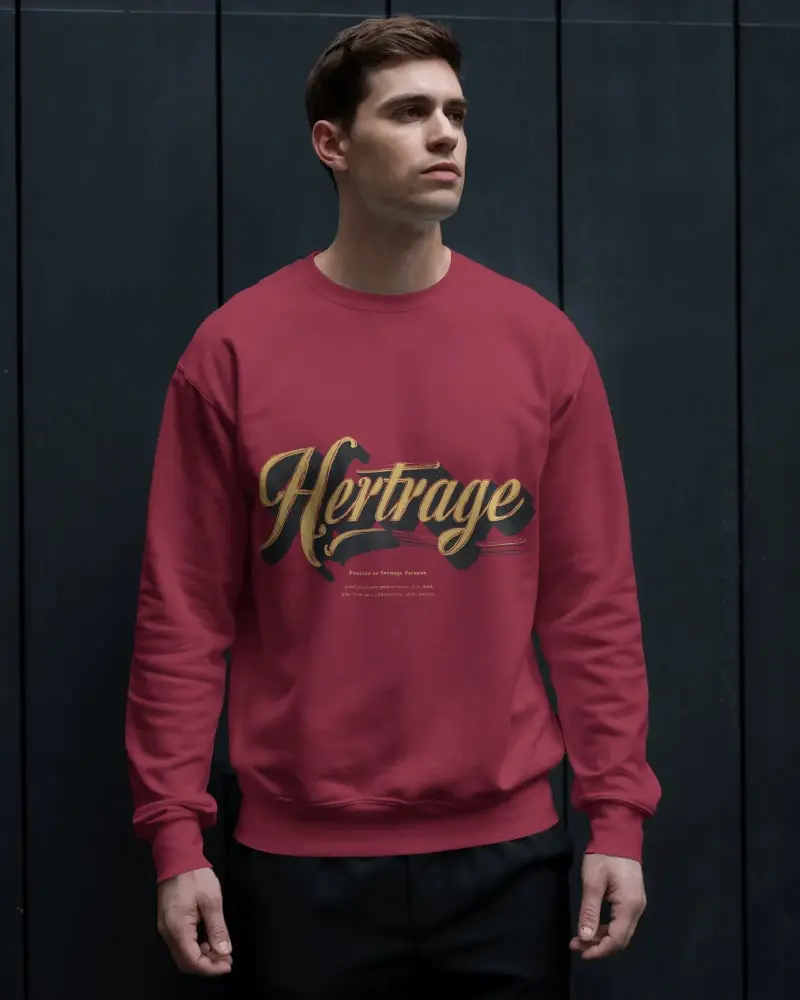
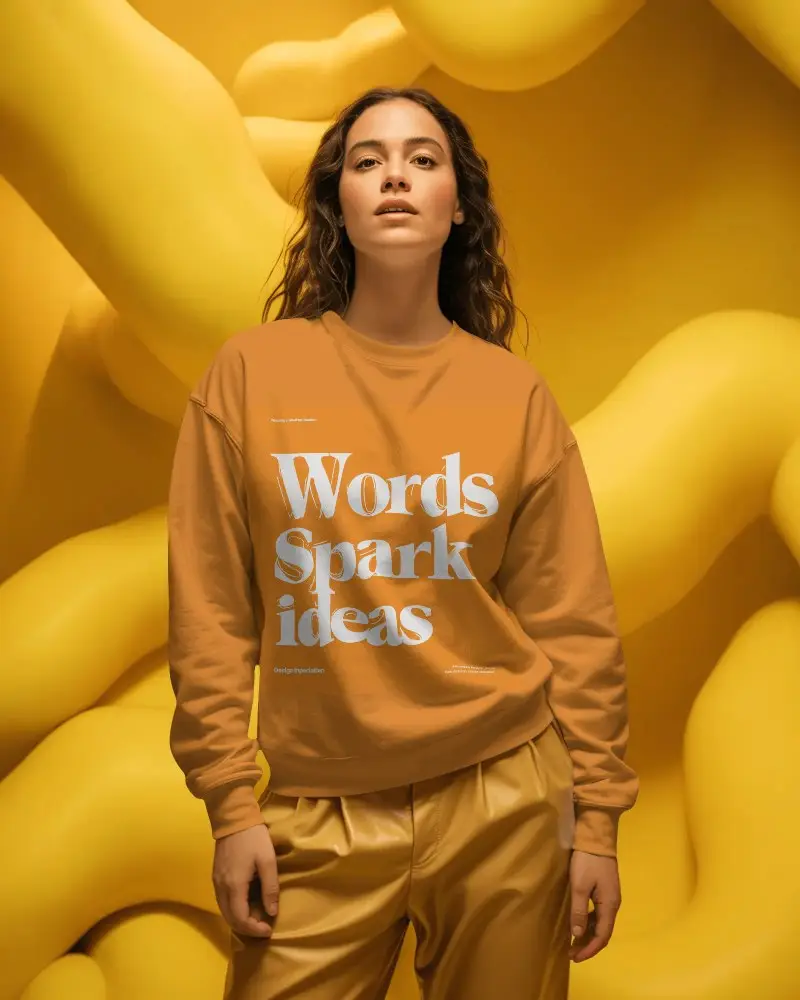
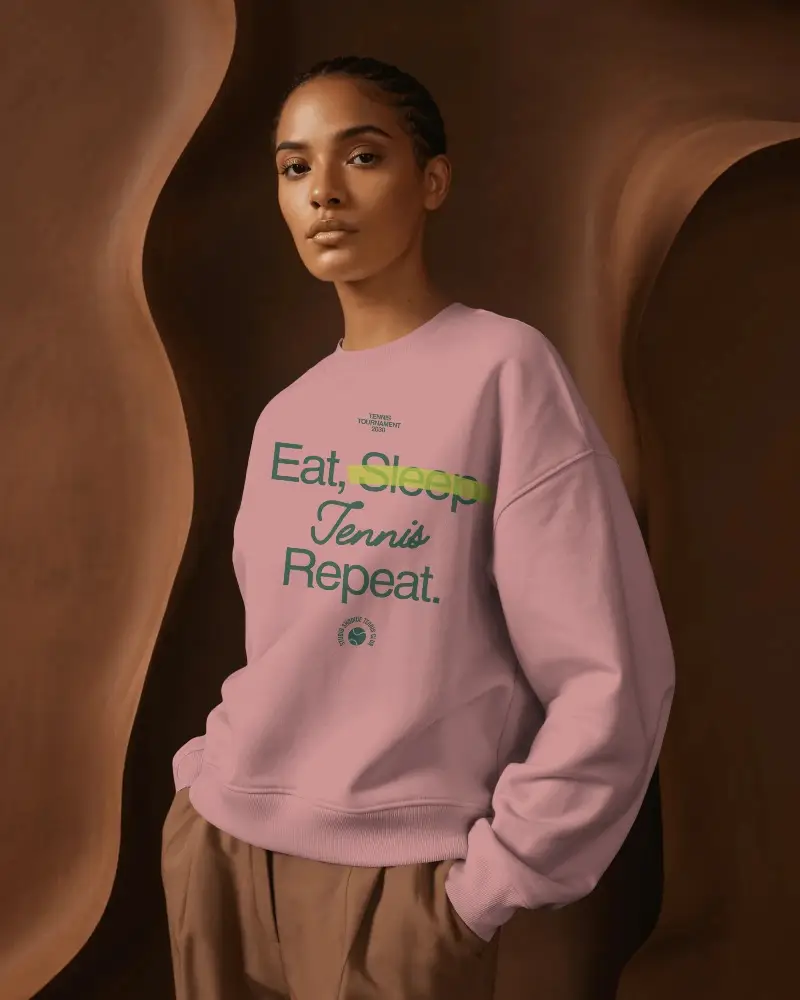
A great sweatshirt mockup will give your shoppers a clear view of your design before they purchase. Explore free templates for crewneck, pullover, oversized, men's, women's & unisex sweatshirts. Use model, folded, front, back & lifestyle scenes. Add your logo, illustration, or graphic & personalize online. Great for apparel brands, POD sellers, Etsy shops, Shopify stores, streetwear brands, and merch drops.
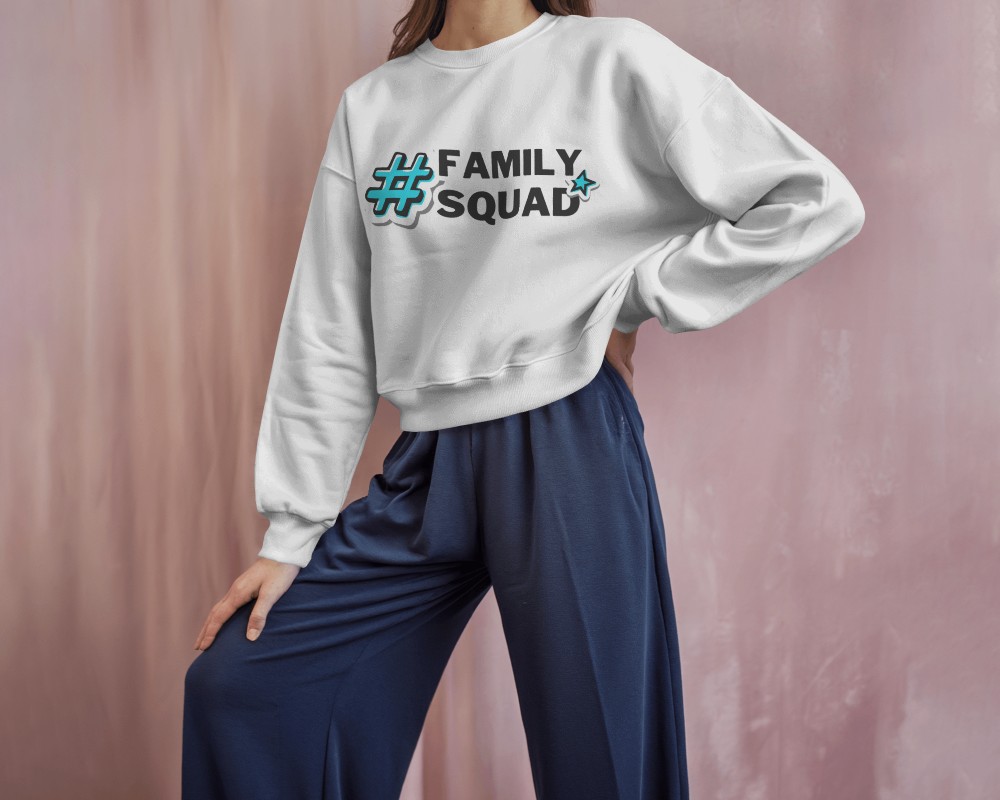
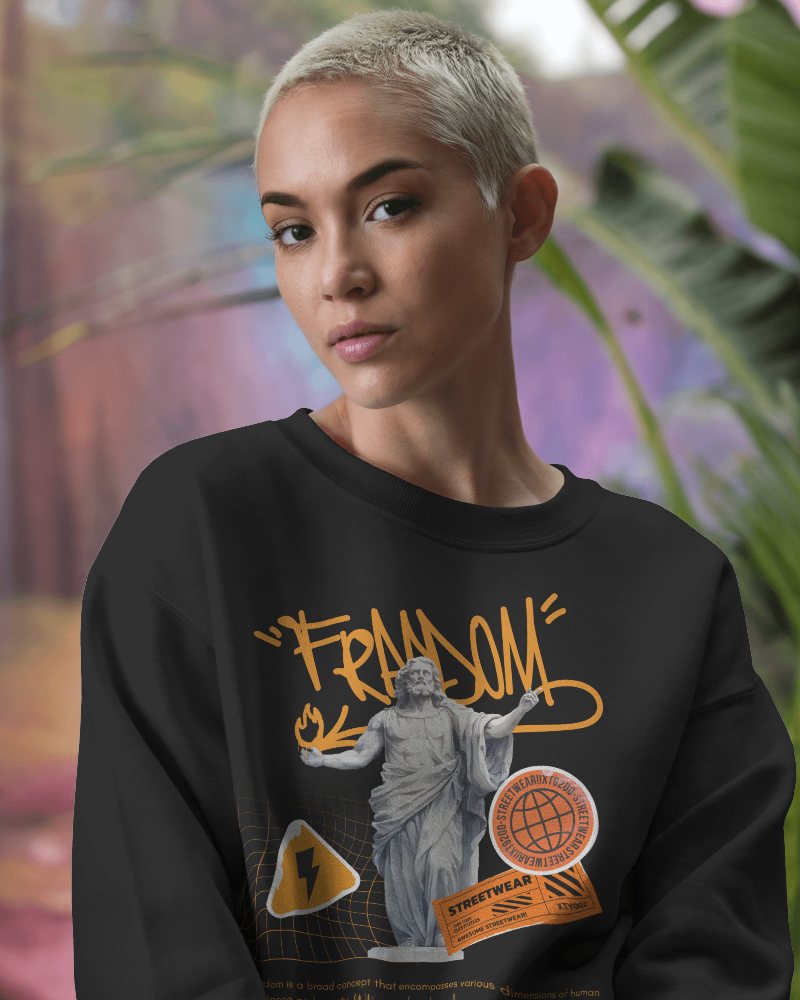
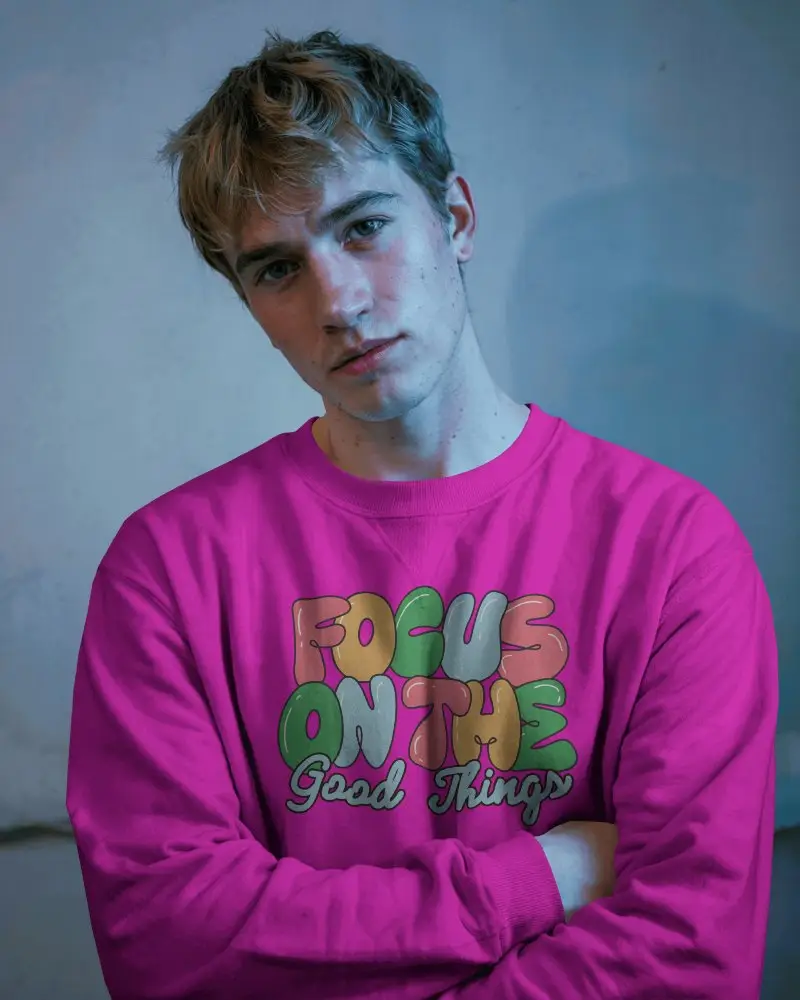
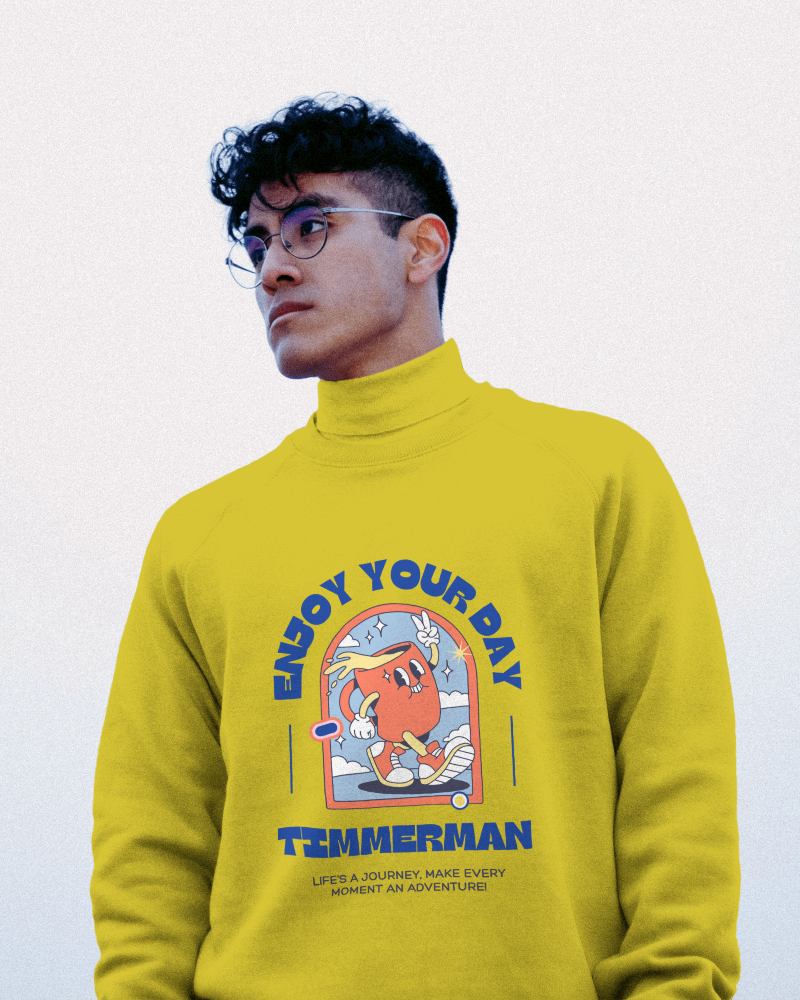
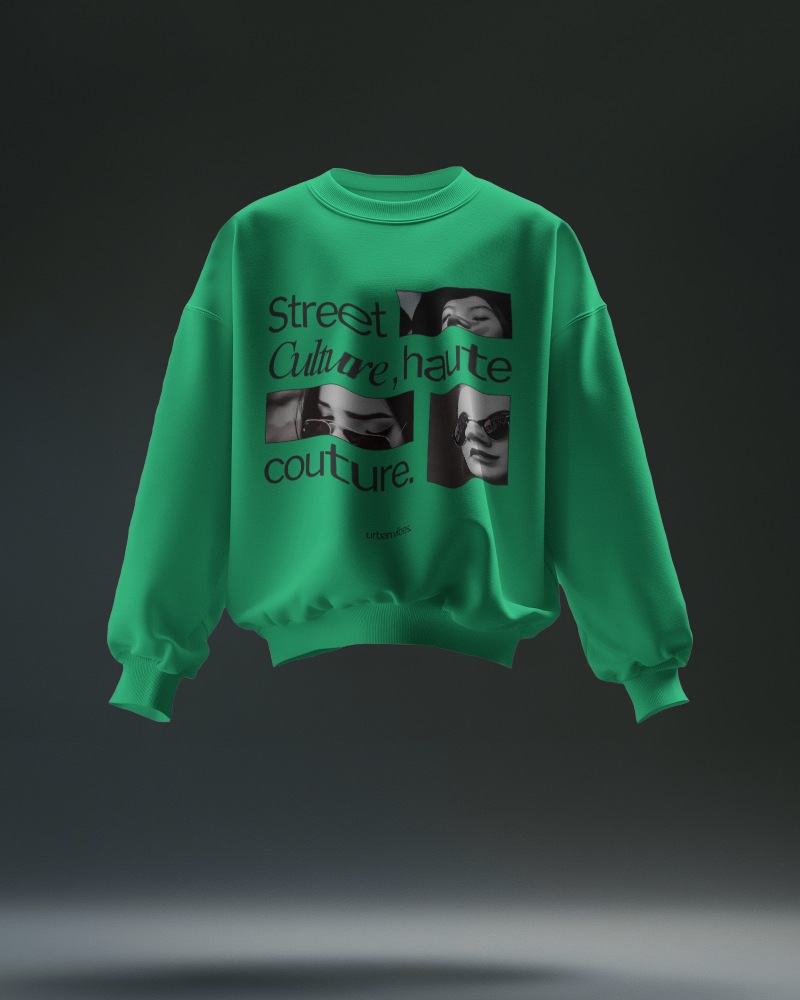
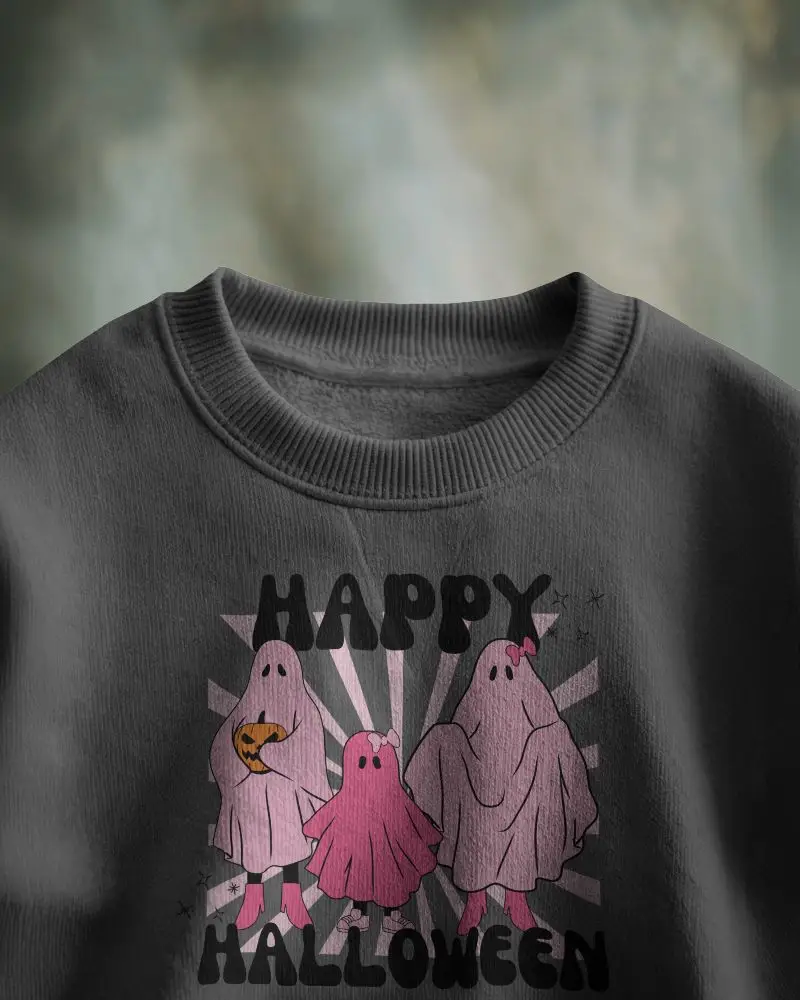
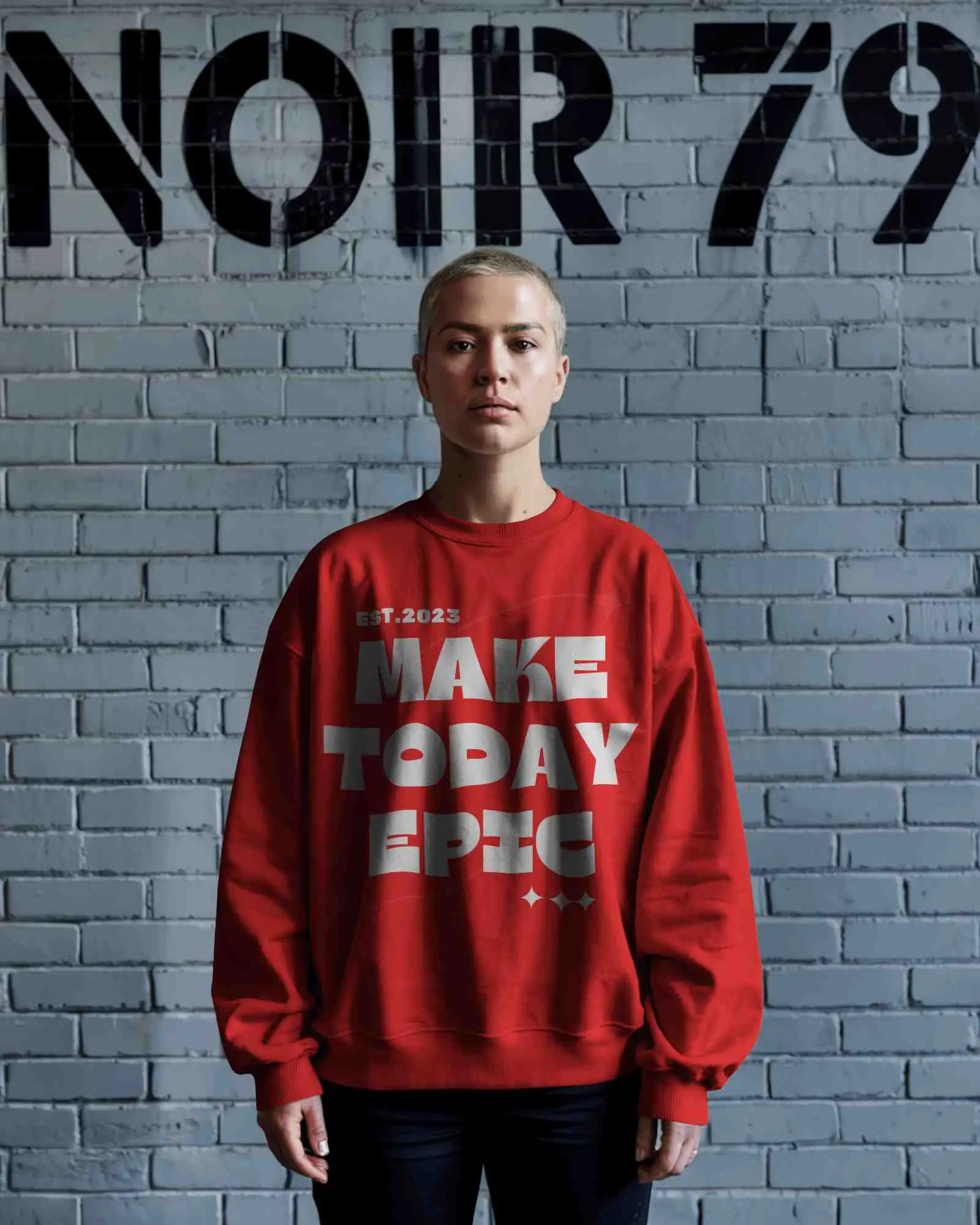
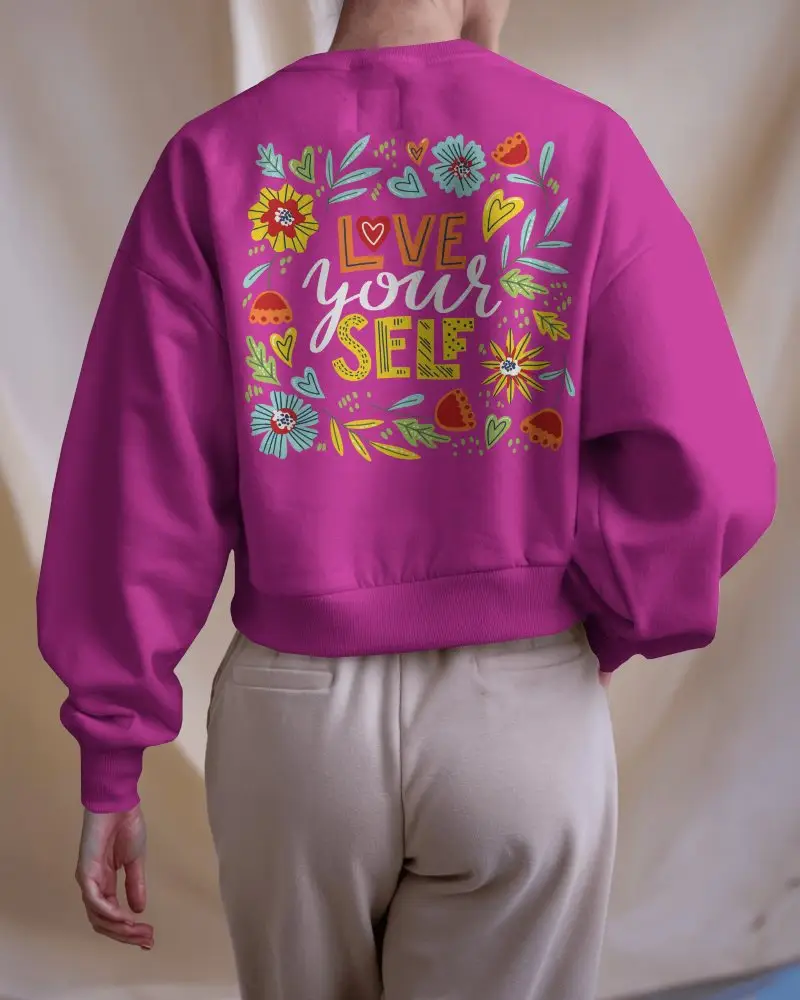


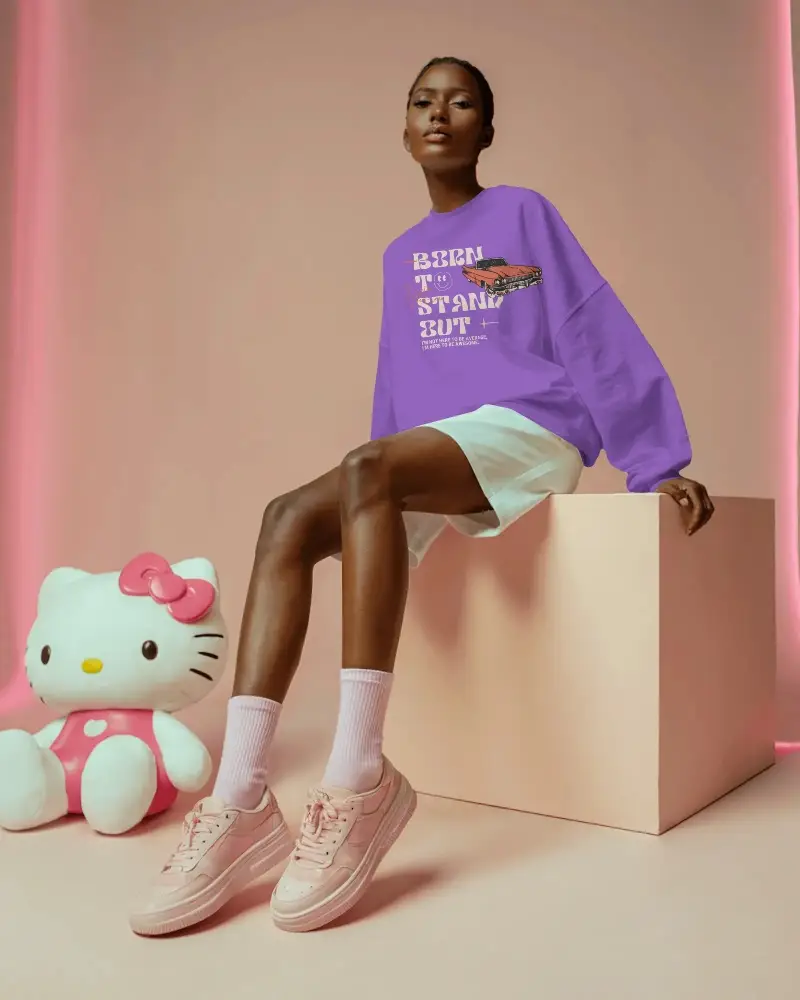
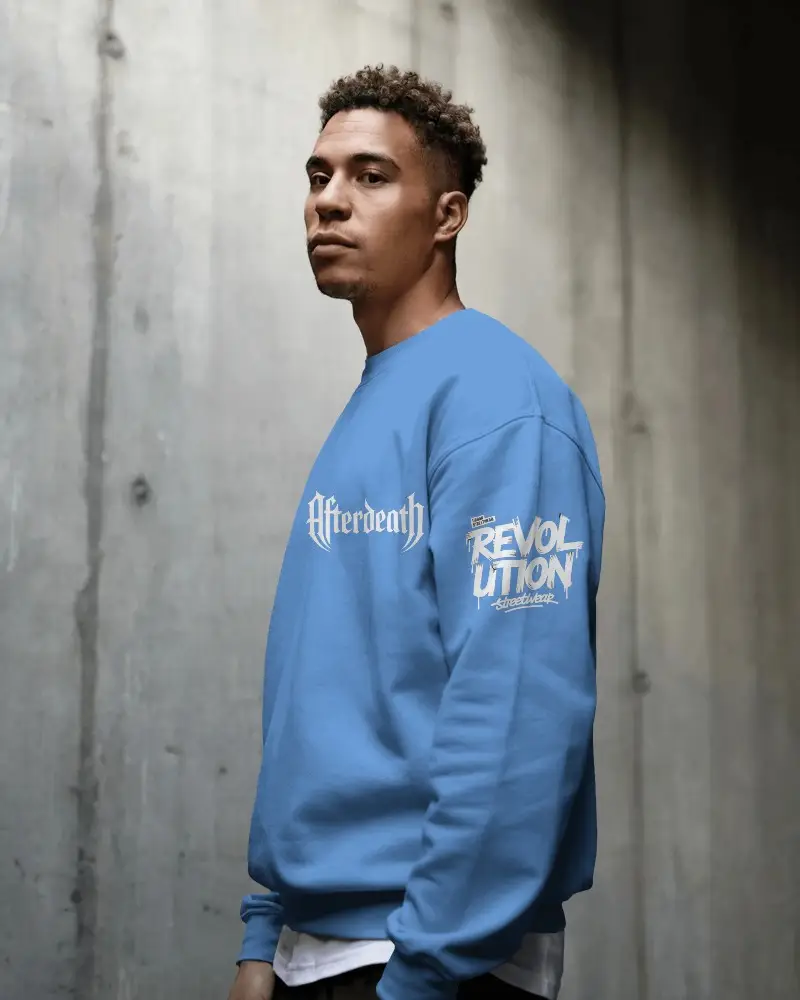
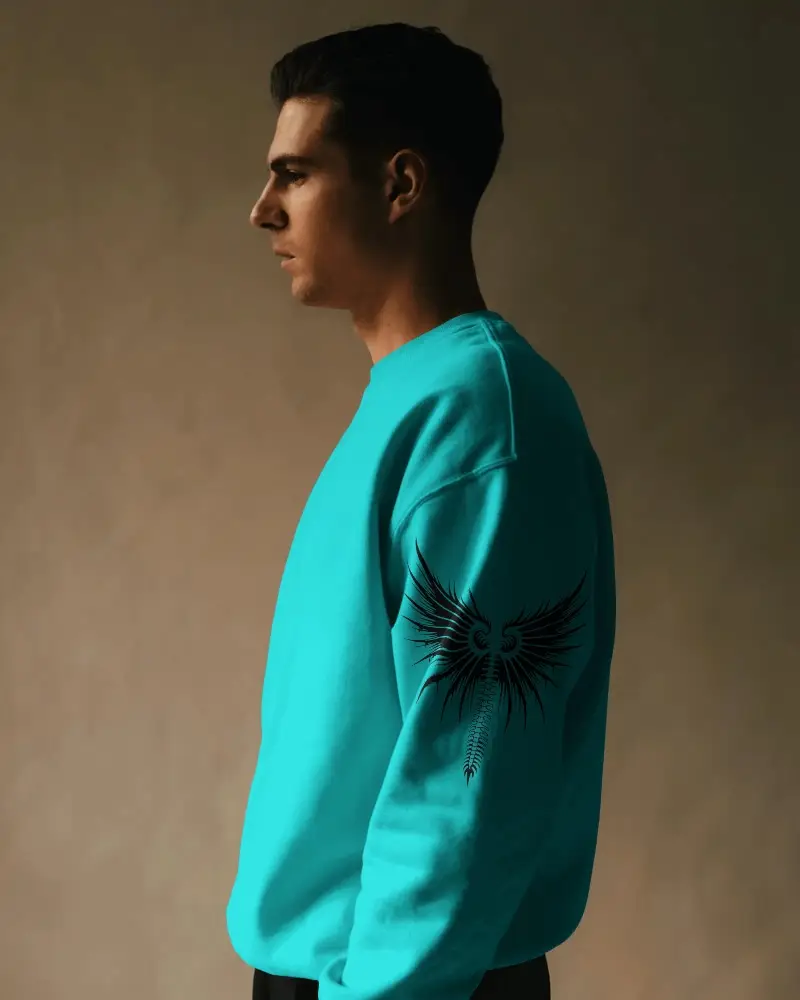
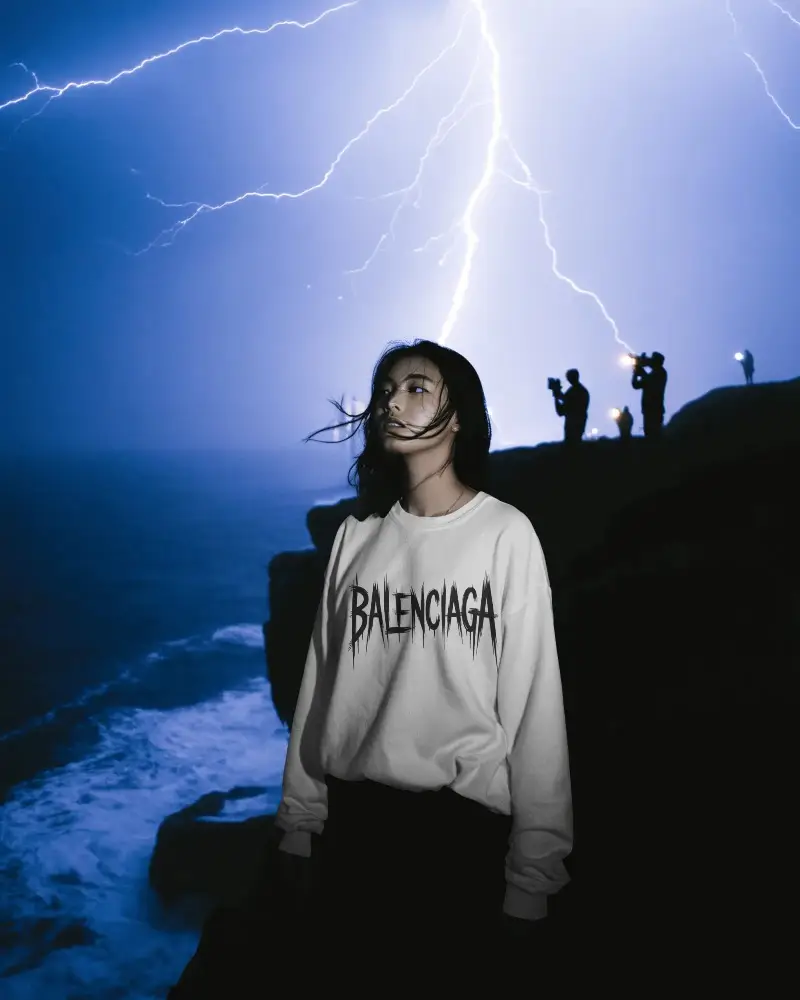
How to Customize Sweatshirt Mockups with Mockey AI
To customize the sweatshirt mockup:
- Step 1: Pick from crewneck, pullover, or turtleneck sweatshirt style.
- Step 2: Drop your design and adjust it.
- Step 3: Set the sweatshirt shade using the color picker.
- Step 4: Warp it and turn on Place Anywhere to move your design.
- Step 5: Try out Multi Shot, Photoshoot, or Animate to add more variety.
- Step 6: Download the sweatshirt mockup in high resolution.


FAQs on sweatshirt Mockups
What is a sweatshirt mockup?
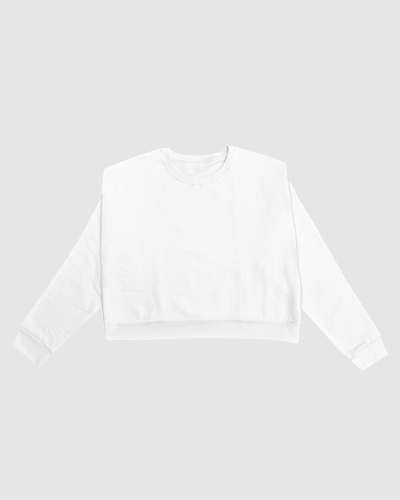
A sweatshirt mockup is a blank sweatshirt template you drop your design onto. Add your logo, text, or artwork with the editing tools, and you can see how it'll look on the fabric before you commit to printing it.
Can I use sweatshirt mockups for Etsy and Shopify?
Yes. Etsy requires sweatshirt mockups to accurately reflect the product's real color, fit, and style, no blank placeholders. Shopify's more flexible, allowing stylized or lifestyle scenes. Misleading ones can risk your shop getting flagged.
Can I create men's, women's, and unisex sweatshirt mockups?
Yes, you've got tags for Men, Women, and Unisex sweatshirt mockups right on the catalog page, along with other styles.
Can I create front and back sweatshirt mockups?
Yes, we've front and back sweatshirt mockup templates. Search for front and back sweatshirts in the search bar, and they'll show up for customization.
What sweatshirt mockup styles and export formats are supported?
Mockey AI covers crewneck, pullover, turtleneck, hooded, and crop. Also, options like urban, folded, back view, and close-up shots, in Men's, Women's, Unisex, and even Kids sizing. For export, you can download in JPG or PNG, with size options at 1600x2000px, 800x1000px, or 400x500px.
