Generate Free A4 Magazine Mockup Instantly
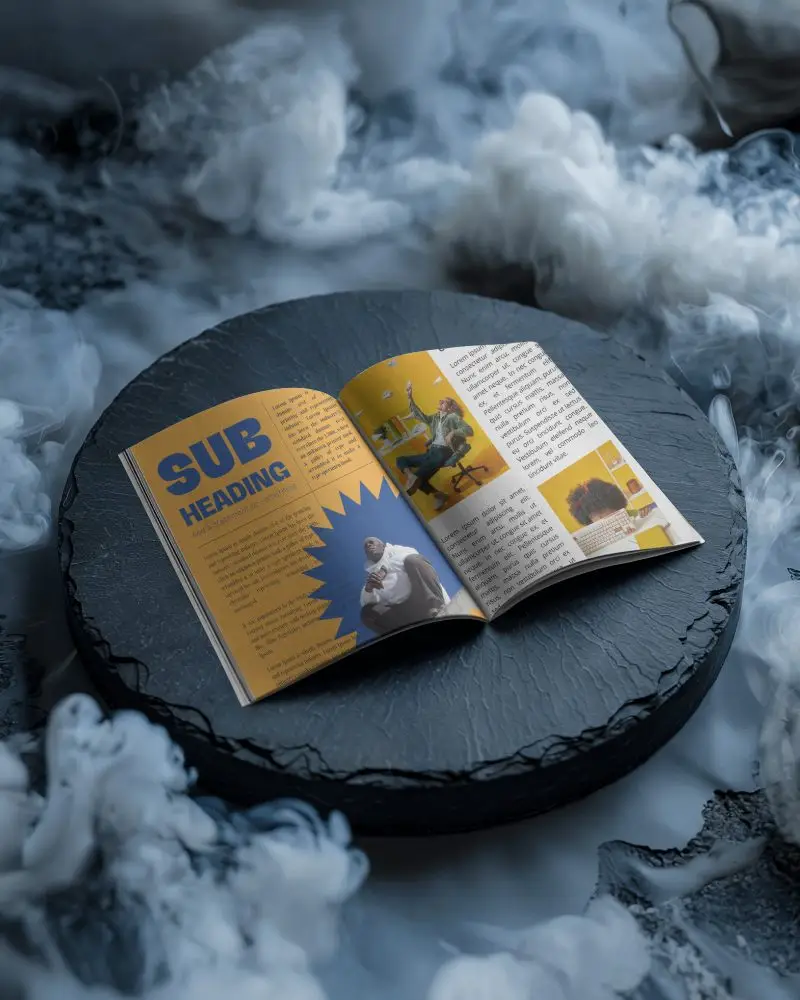
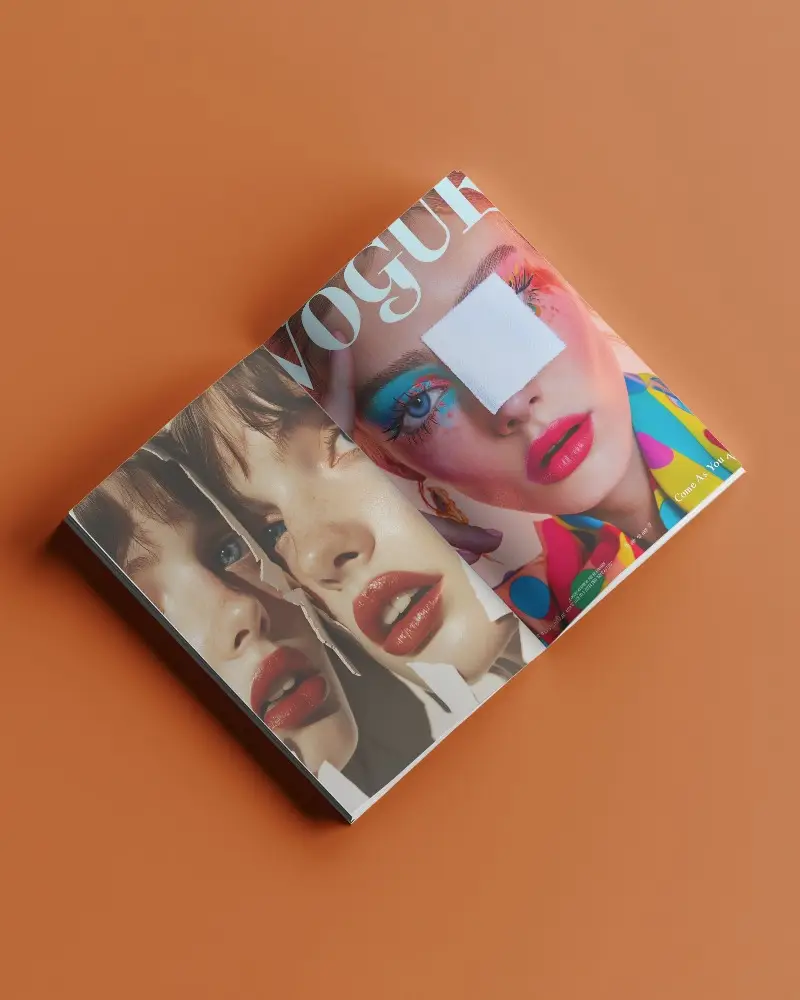
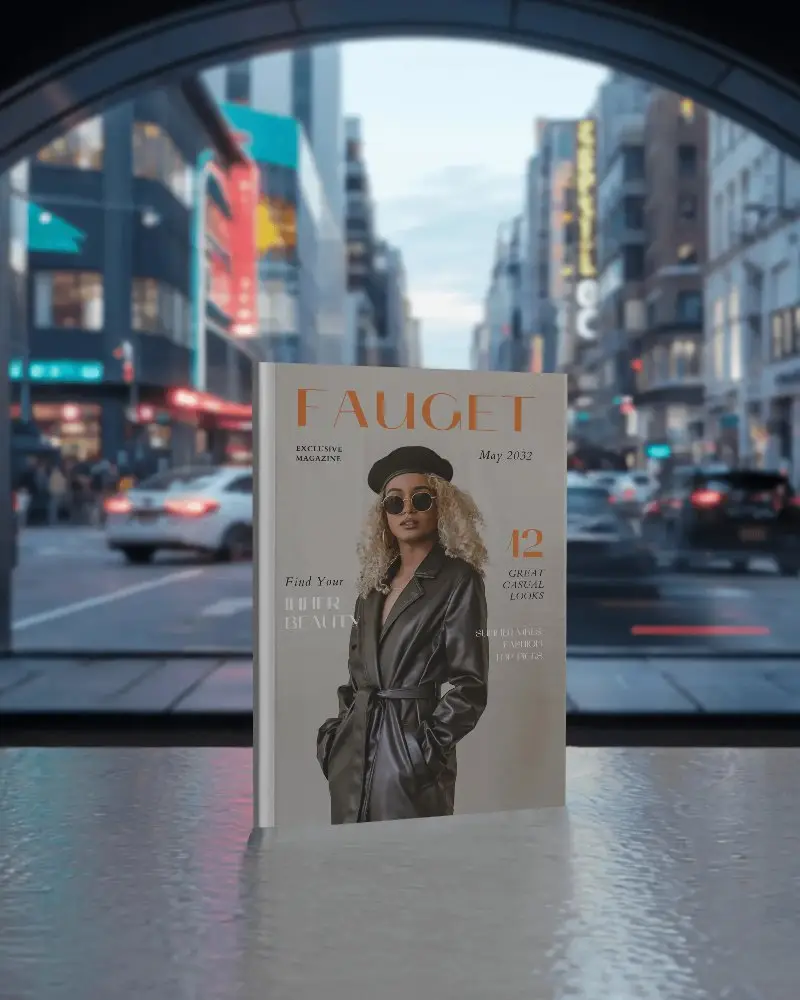
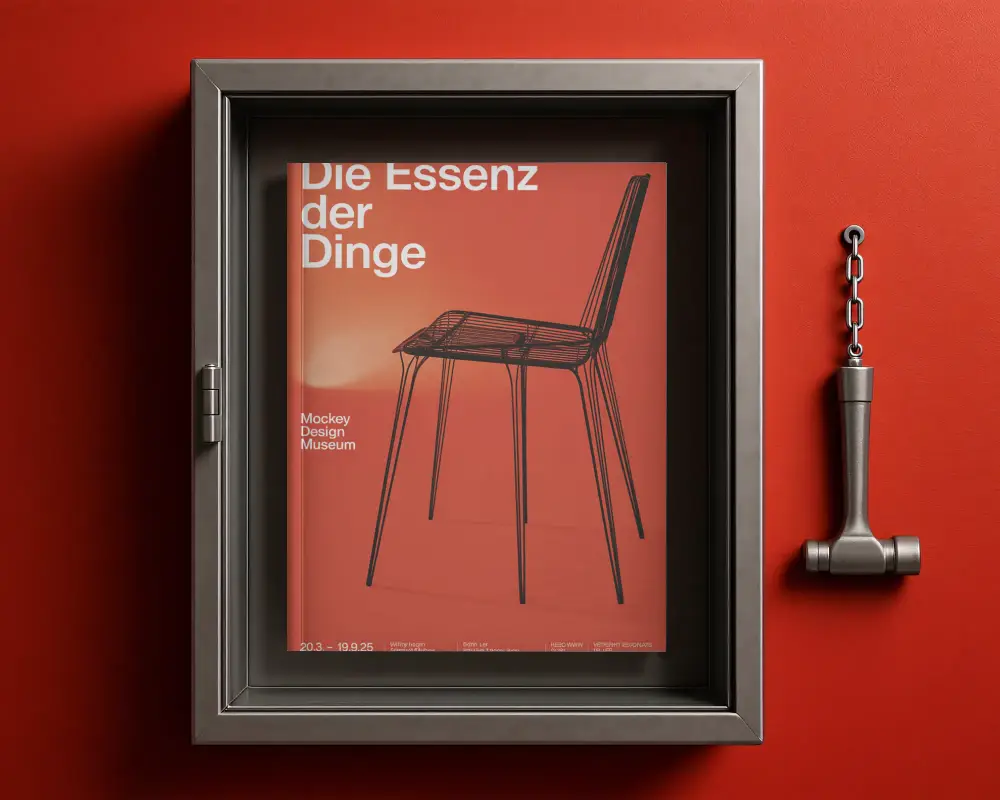
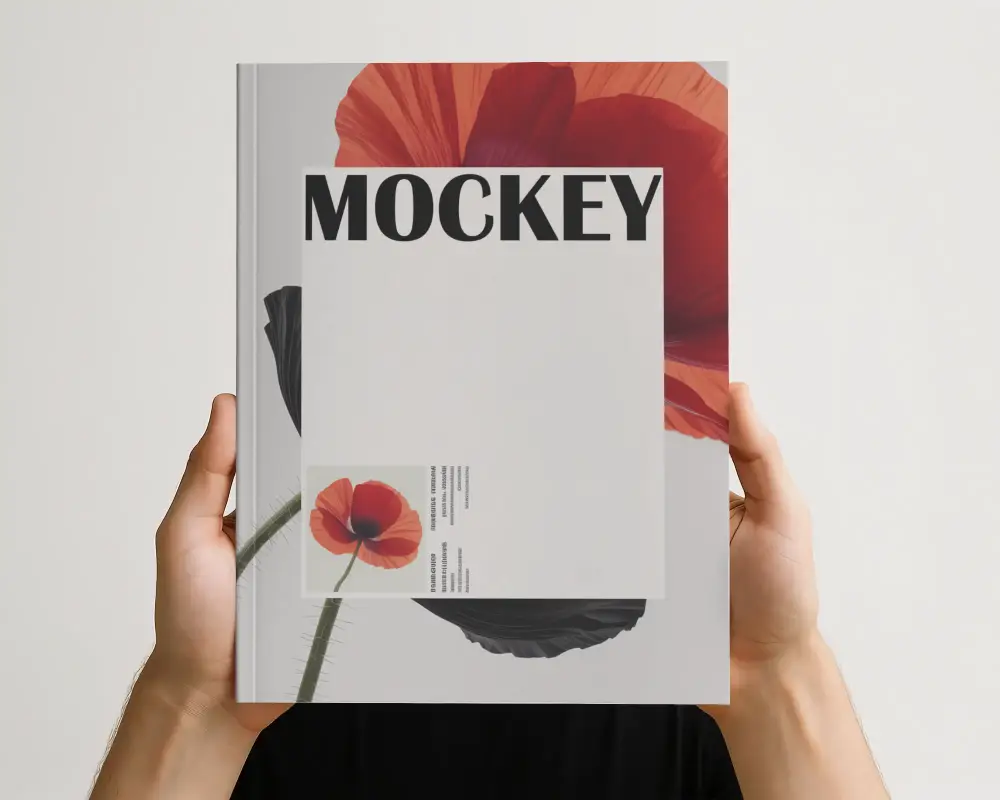
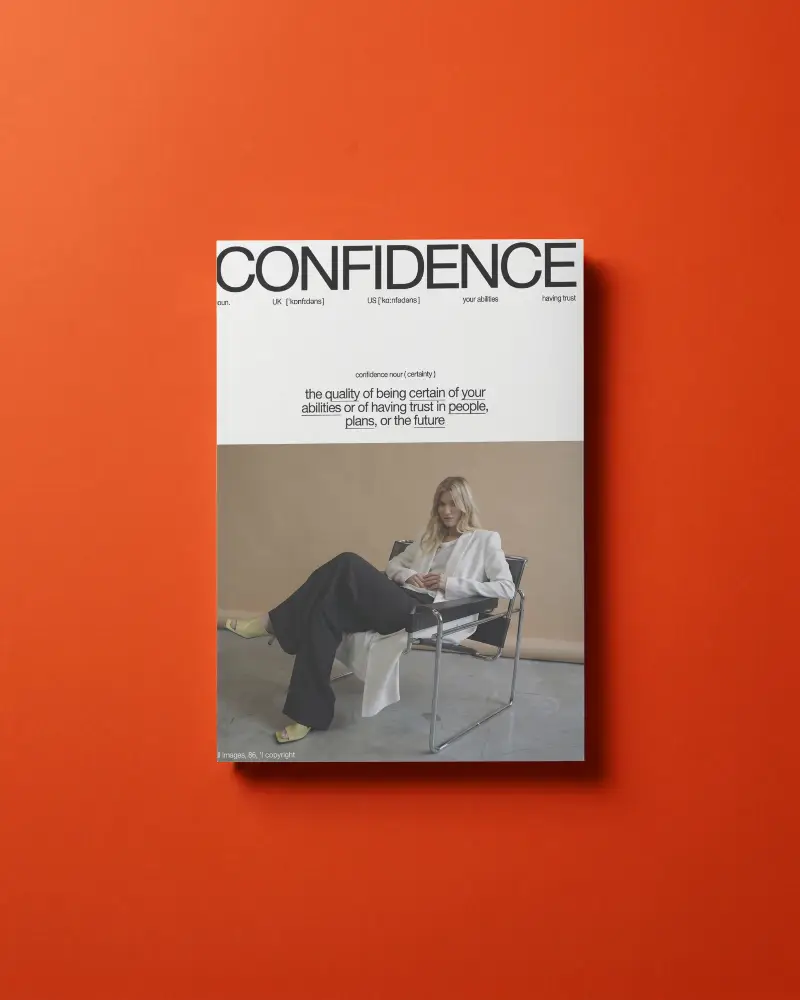
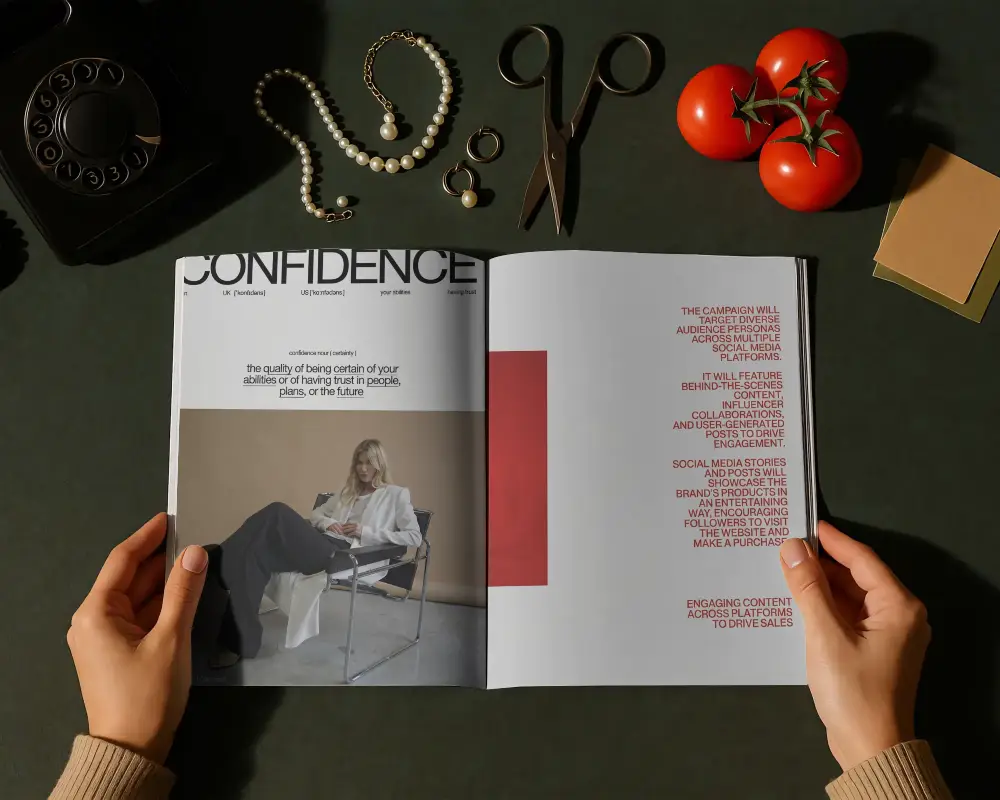
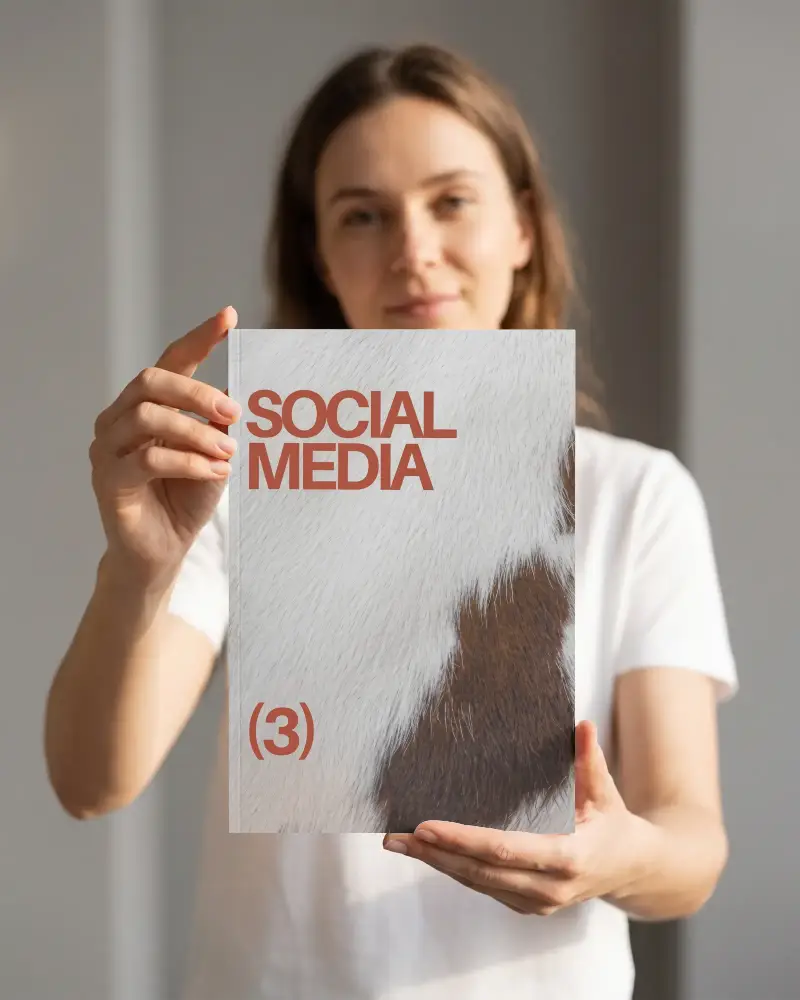
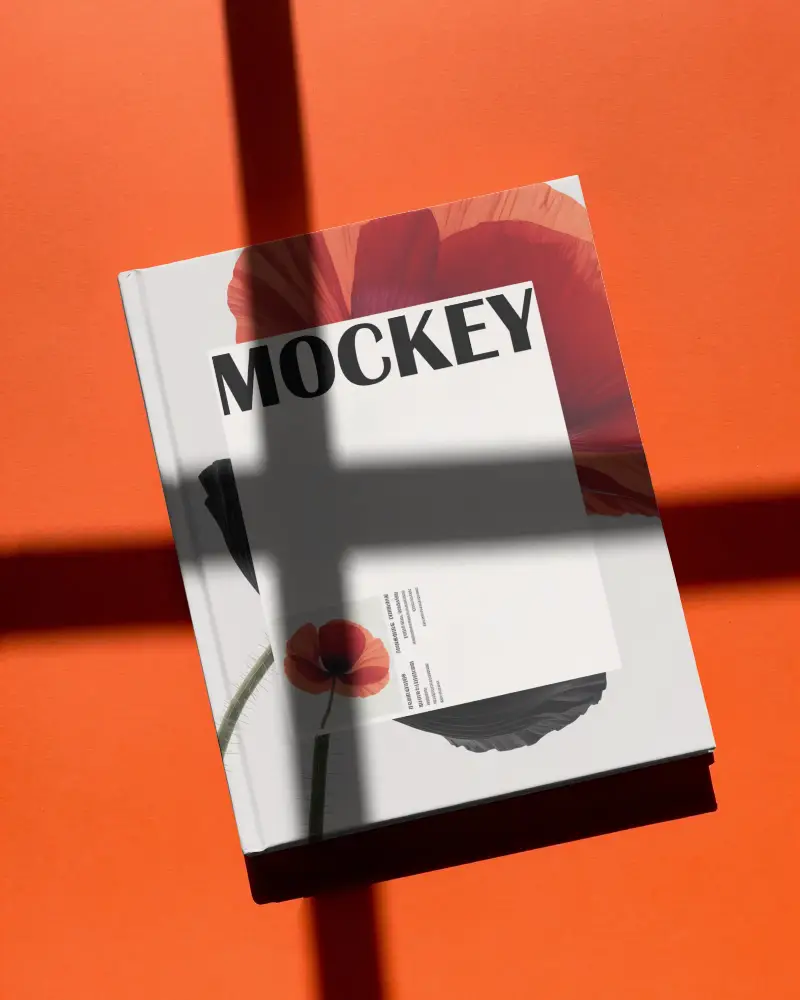
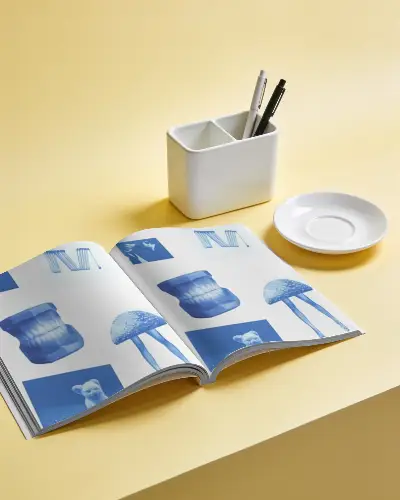
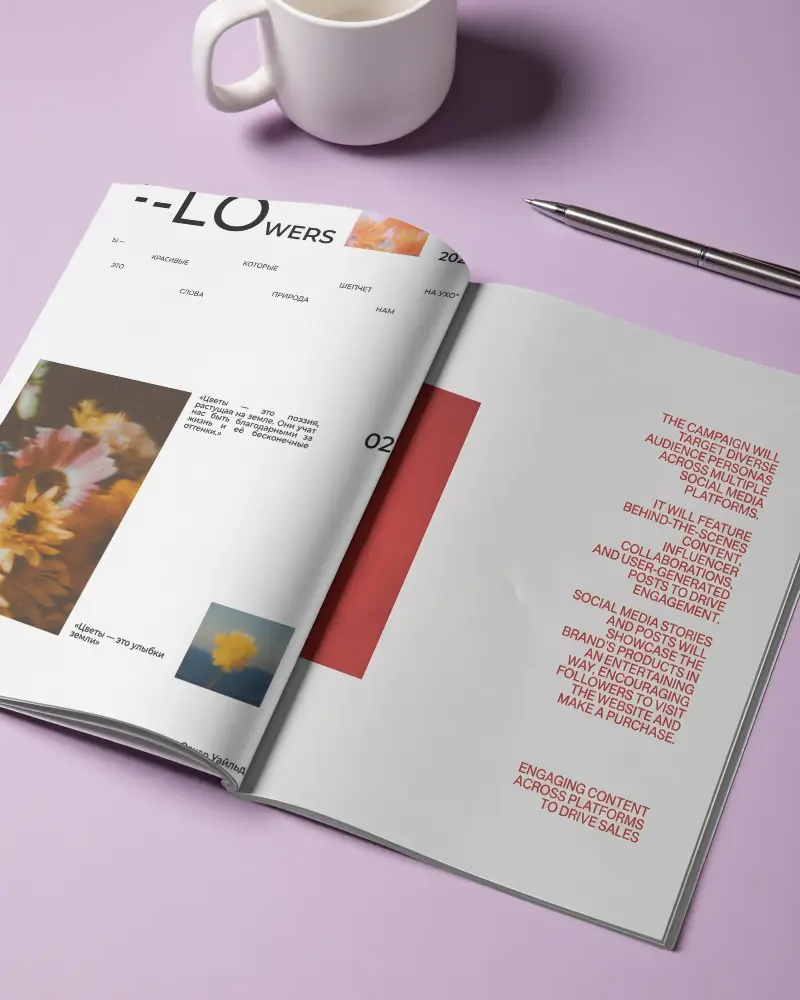
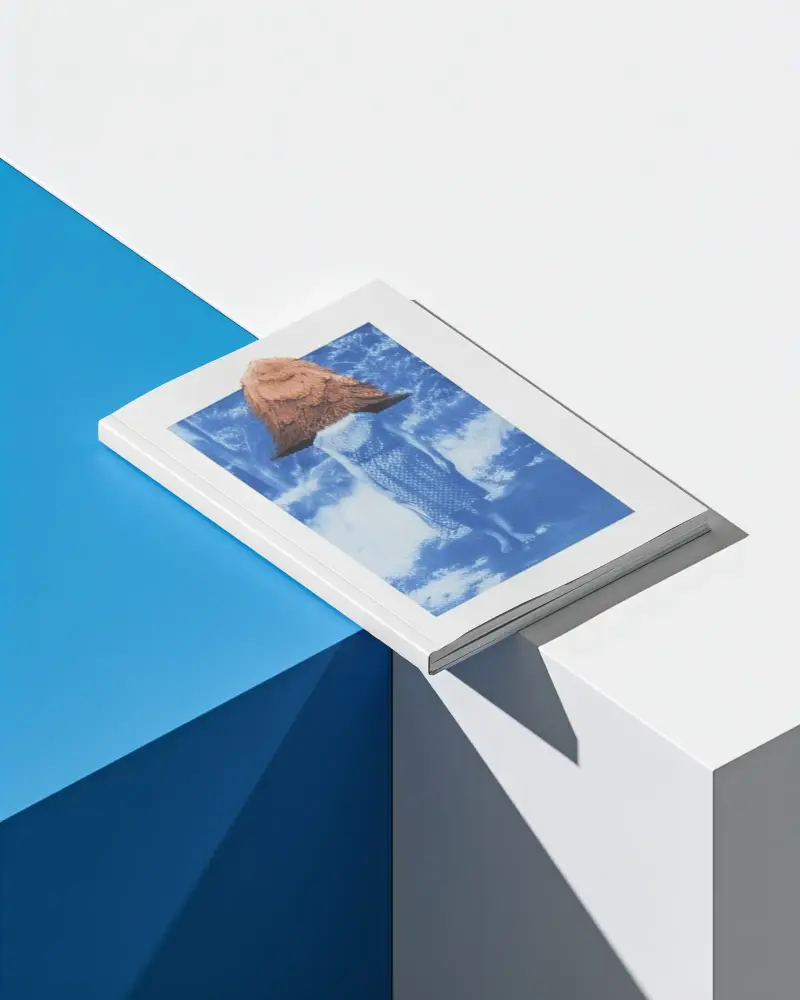
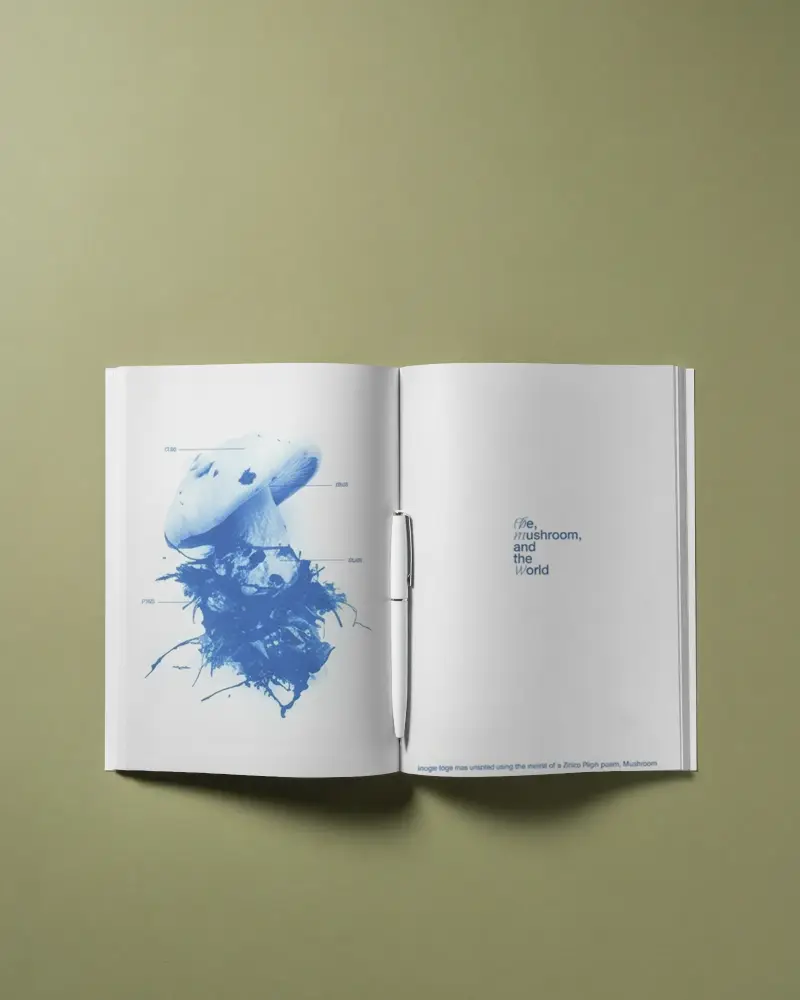
A4 is one of the most widely used magazine sizes for print and presentations. A Free A4 Magazine Mockup helps you preview your layout exactly how it will appear on paper. Upload your design to Mockey and create a realistic A4 magazine preview within minutes.
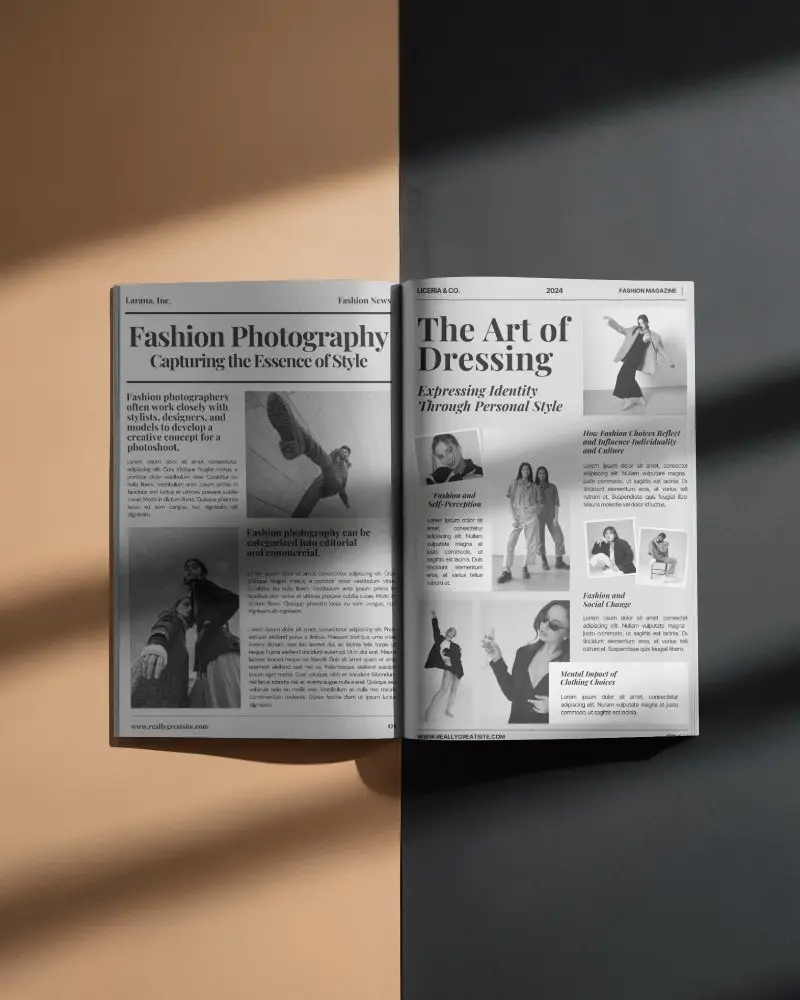
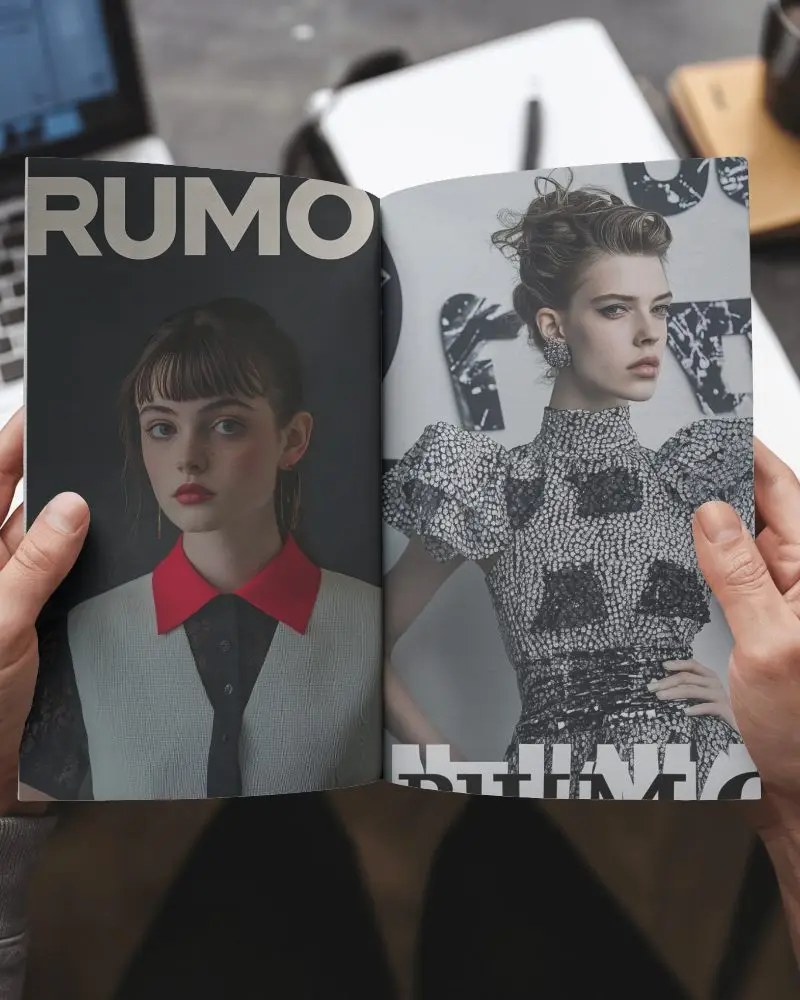
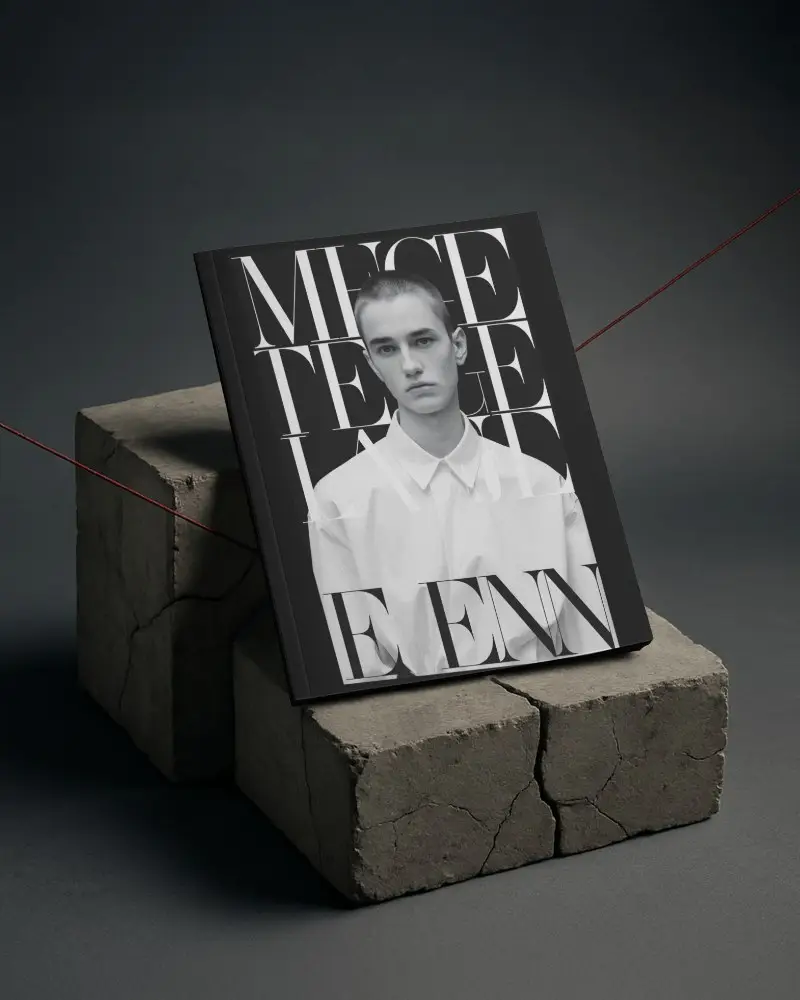

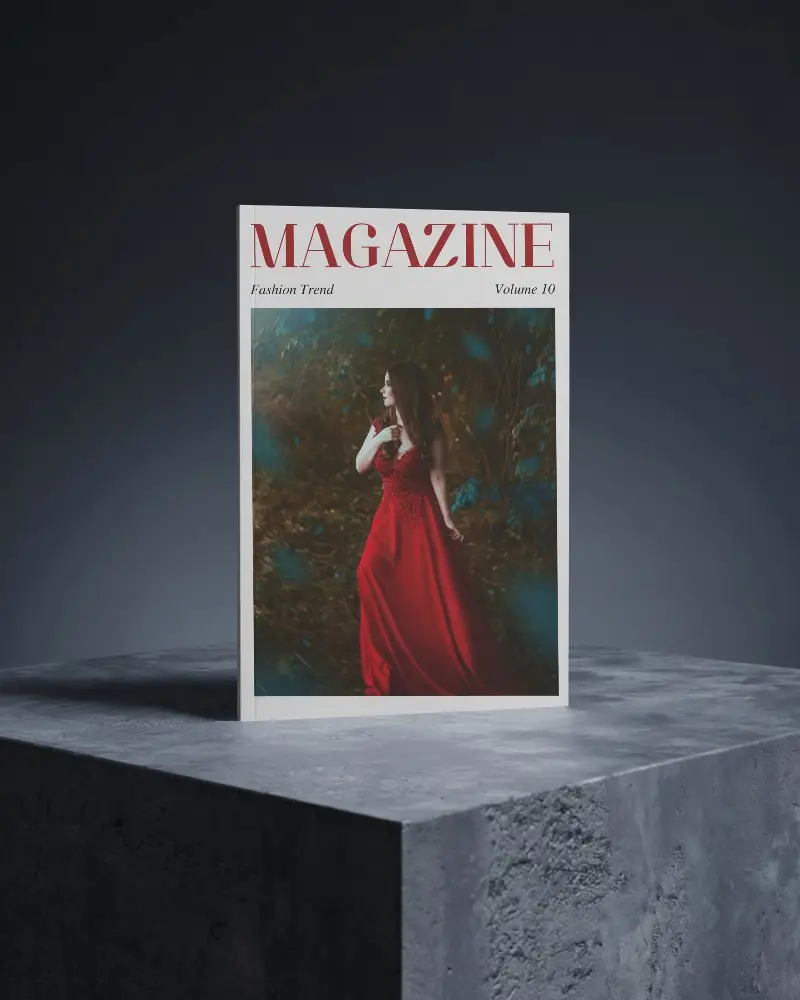




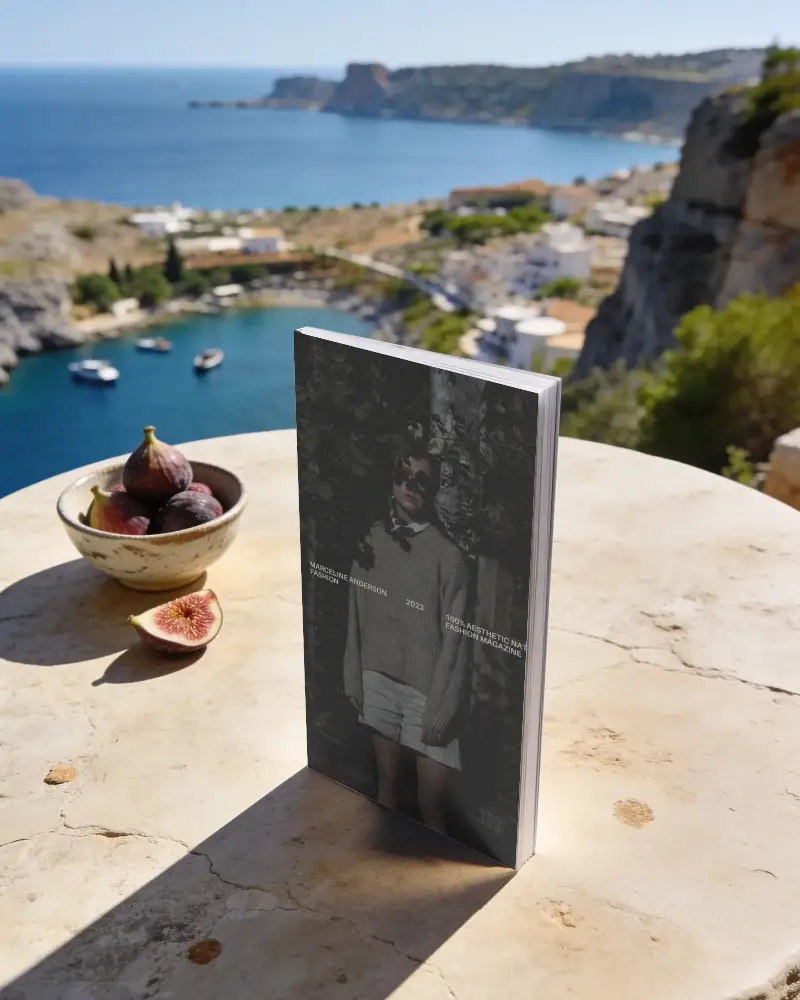
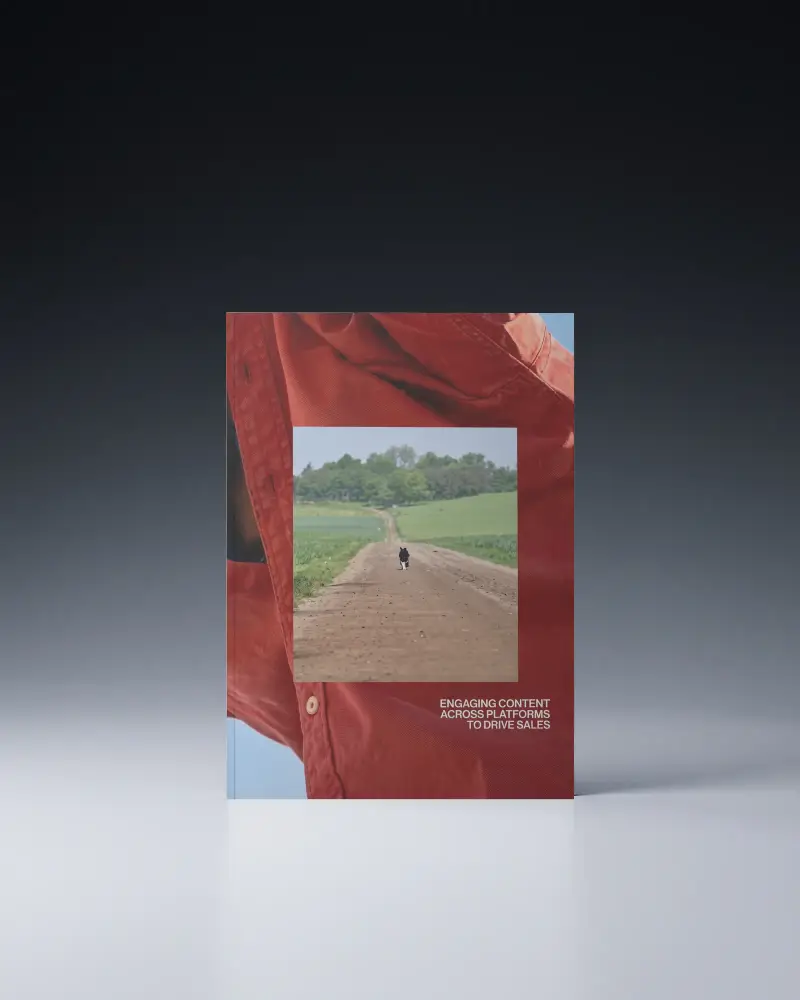
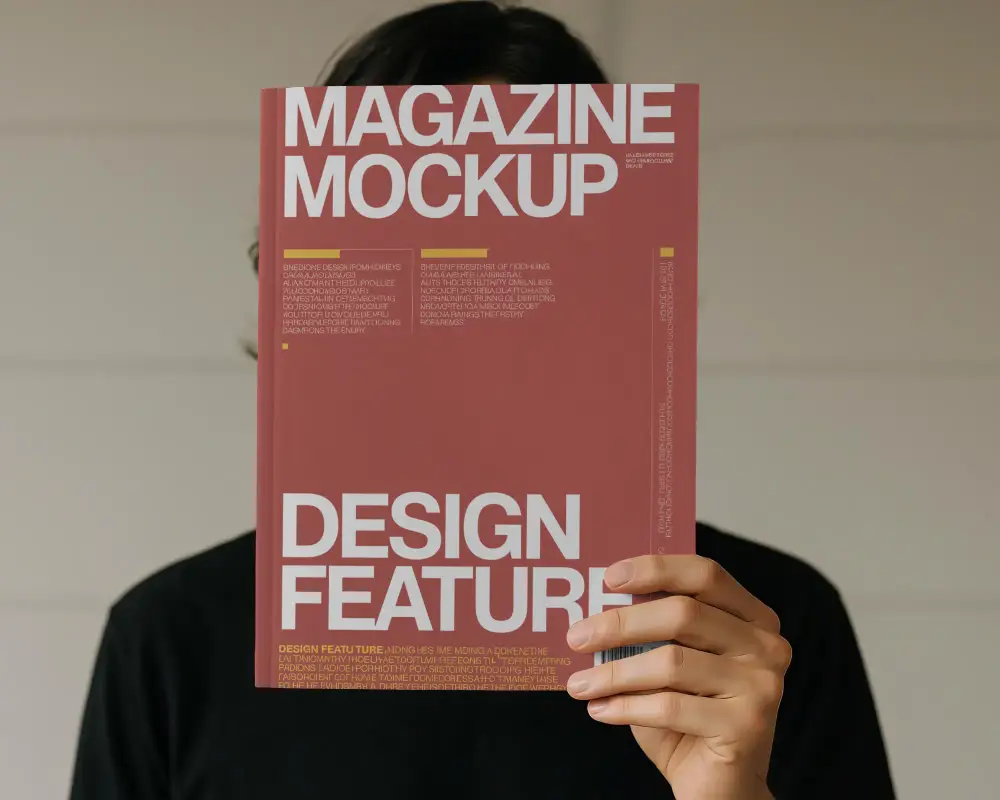
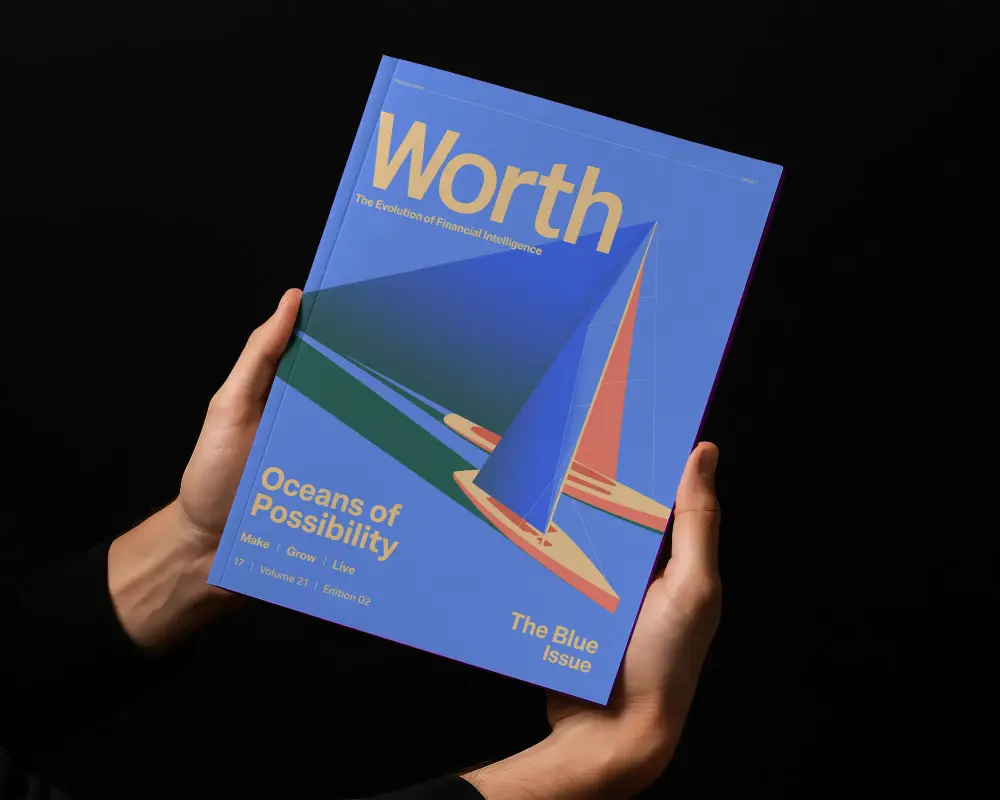
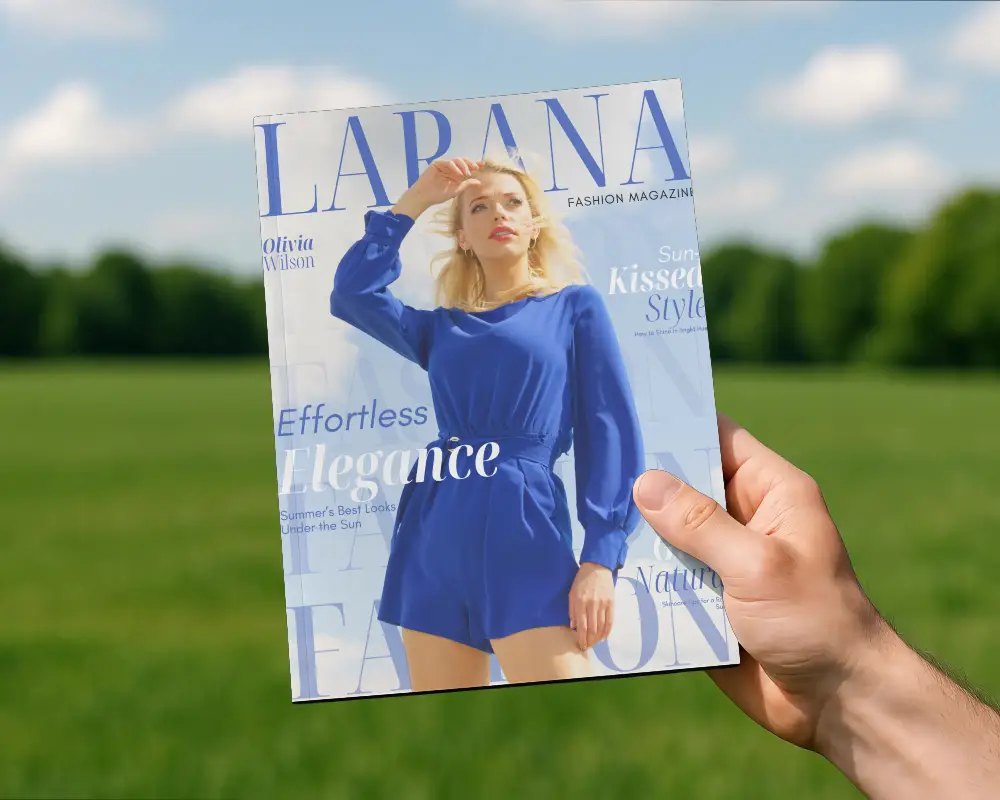

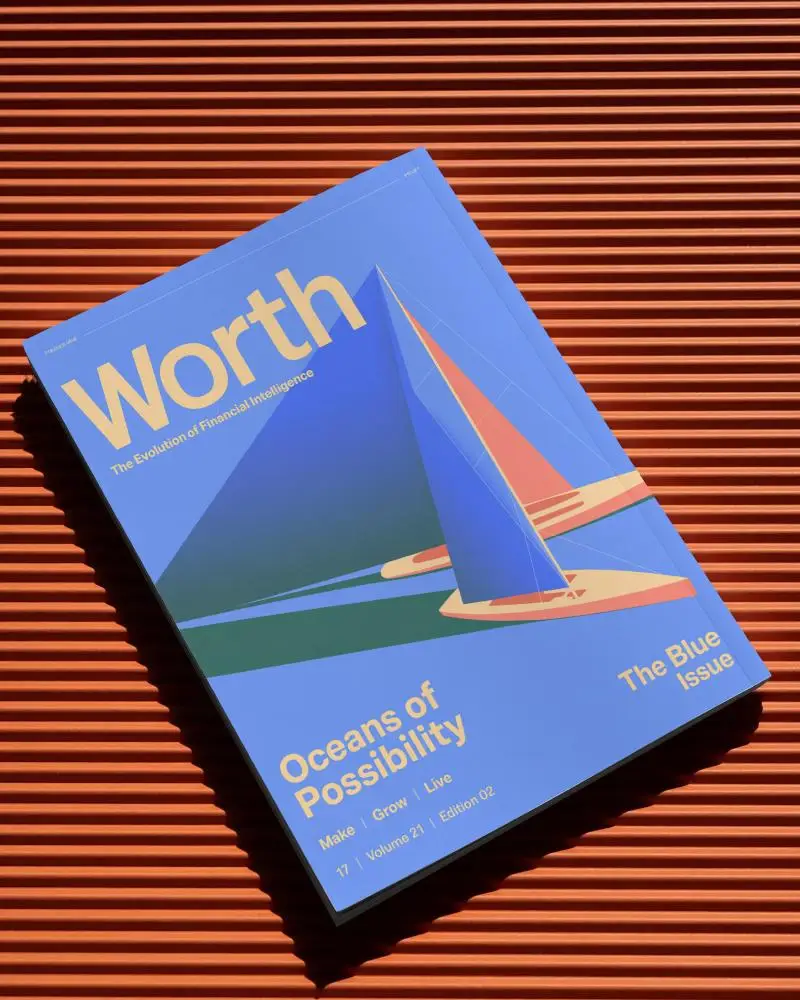
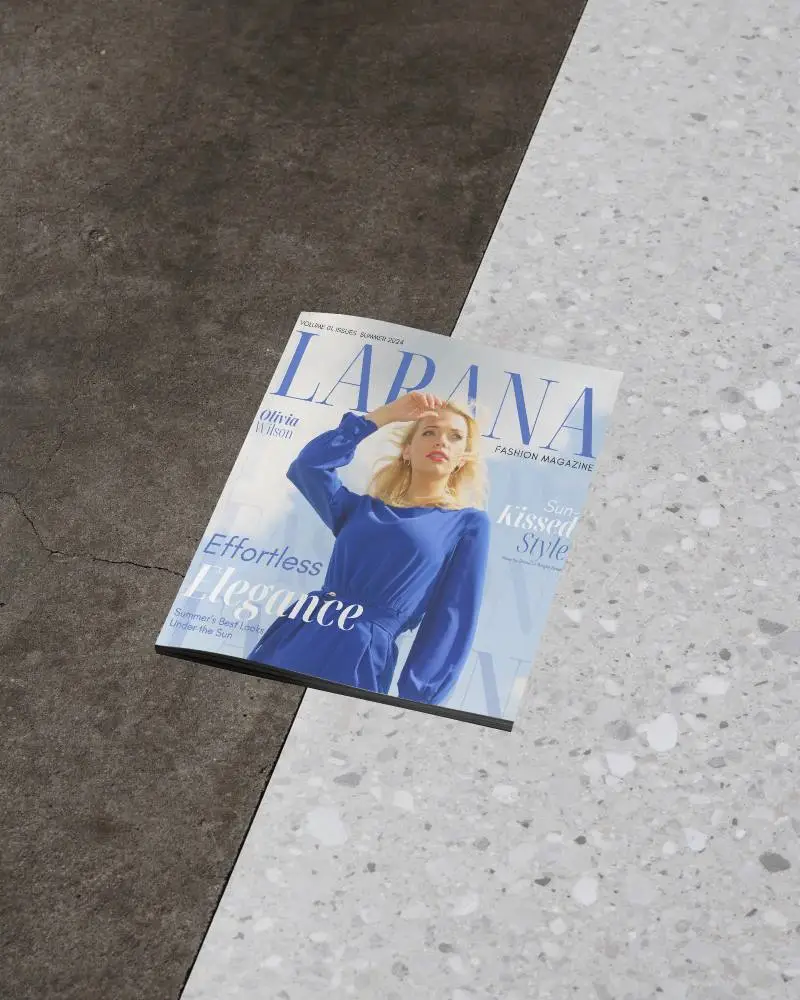
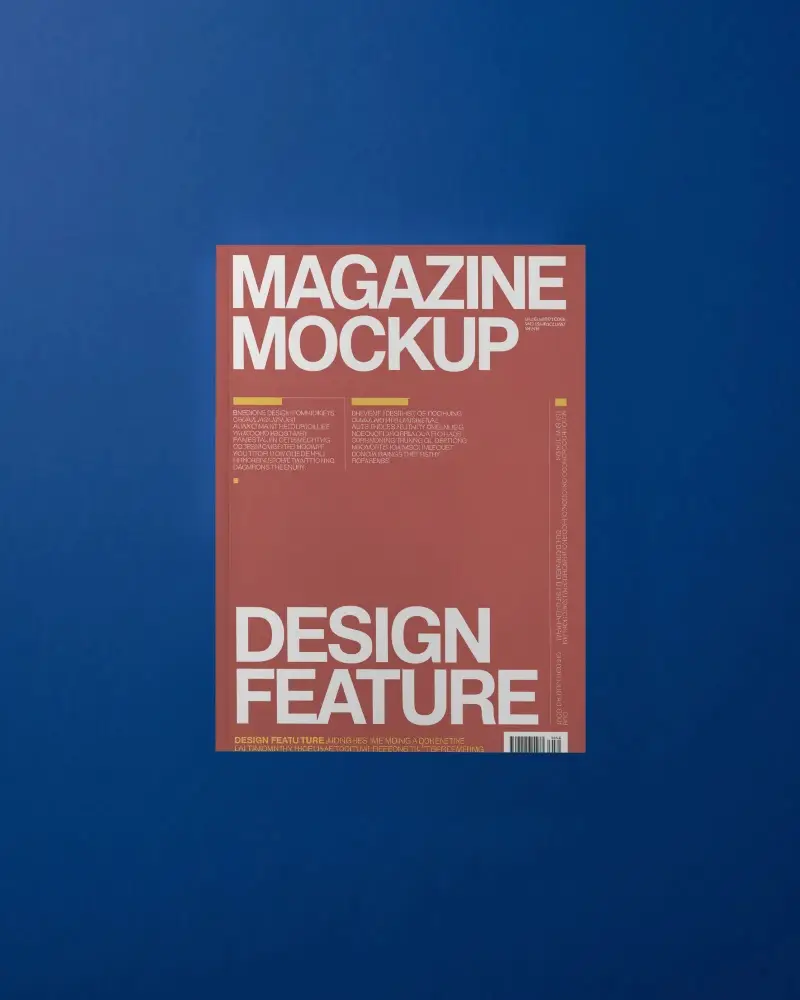

How to Make A4 Magazine Mockup with Mockey
Follow these simple steps to create your A4 magazine mockup using Mockey.ai:
- Step 1: Visit Mockey.ai and navigate to Mockups > Print > Magazine, then select the 'A4' tag.
- Step 2: Choose a layout that fits your project — front cover, open spread, back, or angled view.
- Step 3: Upload your artwork, align your design, and preview it live.
- Step 4: Customize lighting, background, and shadow for a realistic presentation.
- Step 5: Download your A4 magazine mockup in JPEG or PNG format — watermark-free!


FAQs on A4 Magazine Mockups
What is an A4 Magazine Mockup?
An A4 magazine mockup is a ready-made template that shows off an A4 magazine with your design like it’s the real thing. Clean and realistic.
Why create an A4 Magazine mockup?
Making an A4 magazine mockup lets you see your design before it even goes to print. Clients love it too. They are able to detect what works and adjust what doesn't.
Why Use Mockey’s A4 Magazine Mockup?
Personalizing Mockey AI's A4 magazine mockups is simple. Just upload your design, pick a style, and download. Tons of templates and even AI scenes.
Is this A4 Magazine Mockup Free?
Mockey AI has free A4 magazine mockups—no watermarks. Over 100 templates to customize with your design, colors, sizes, and backgrounds.
