3d Box Mockup Free to Download
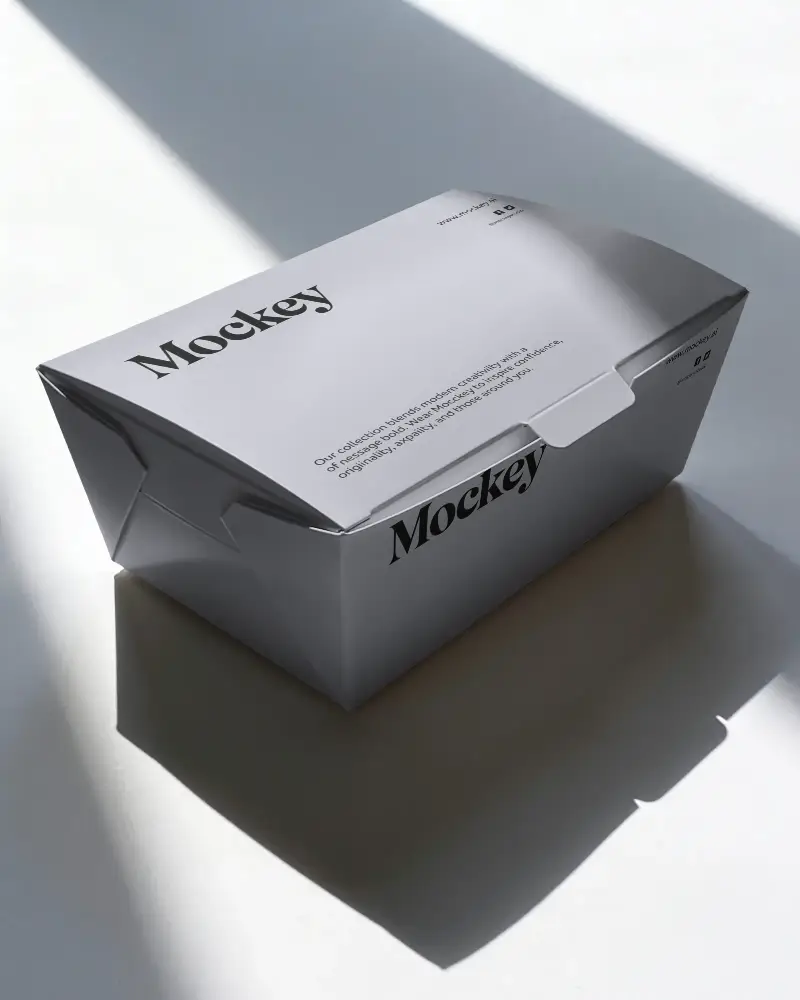
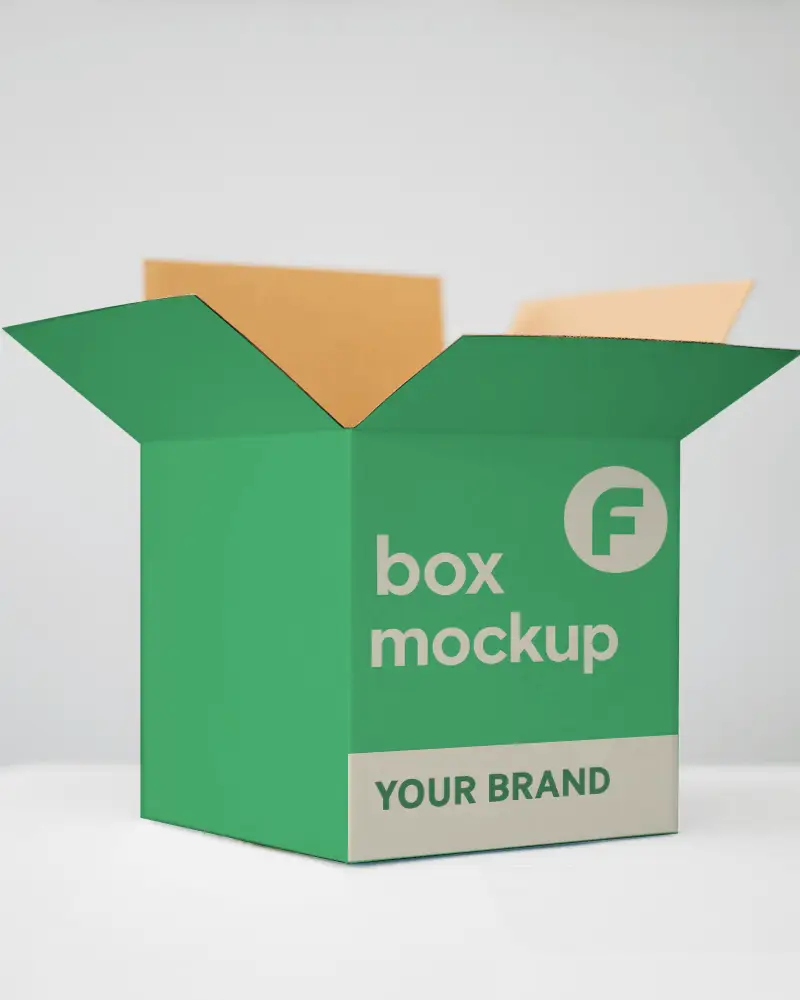
Bring Your Mockup Designs to Life with Mockey's 3d Box Mockup and showcase your brand like a pro. Try it now!
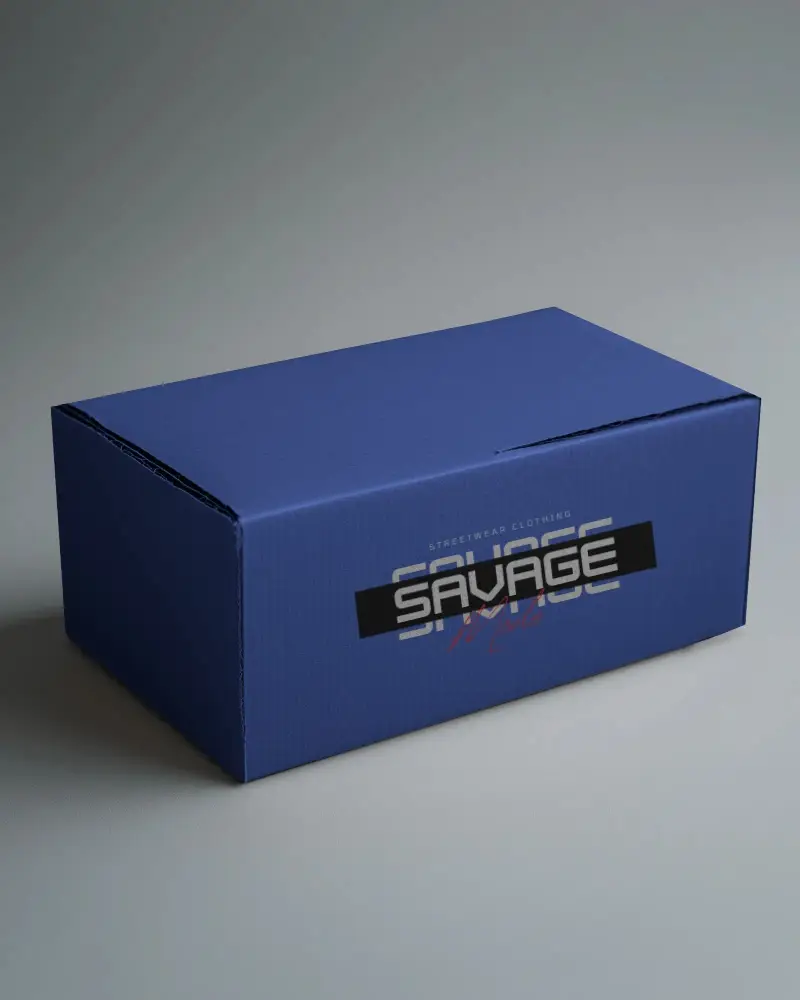
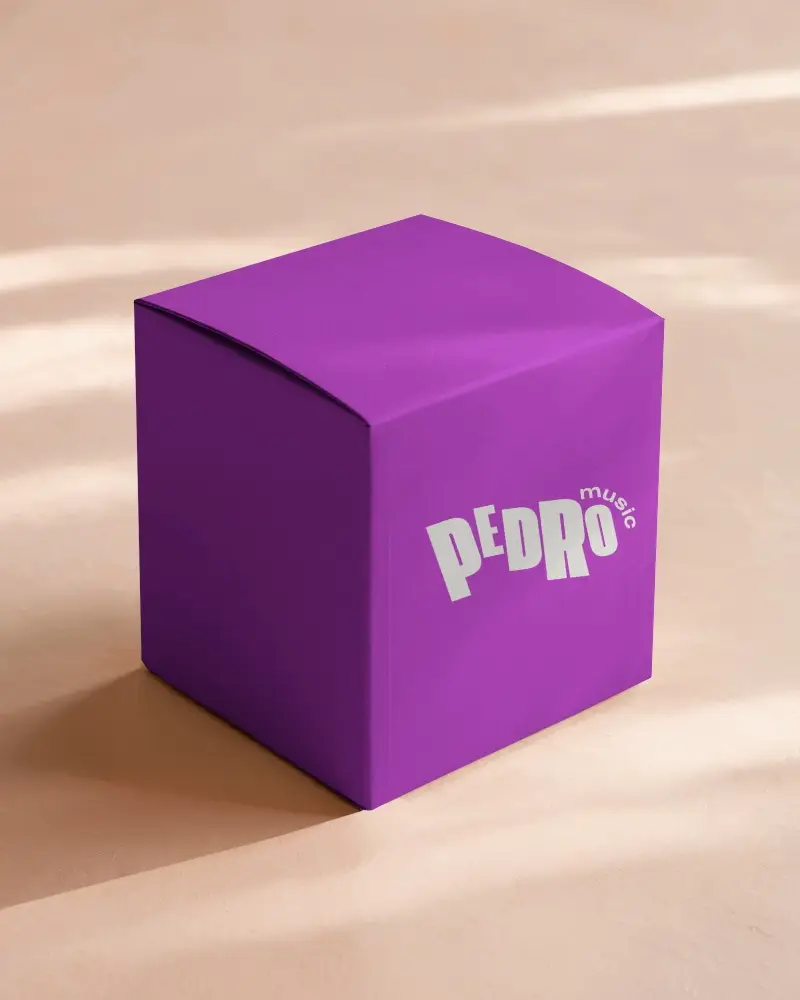
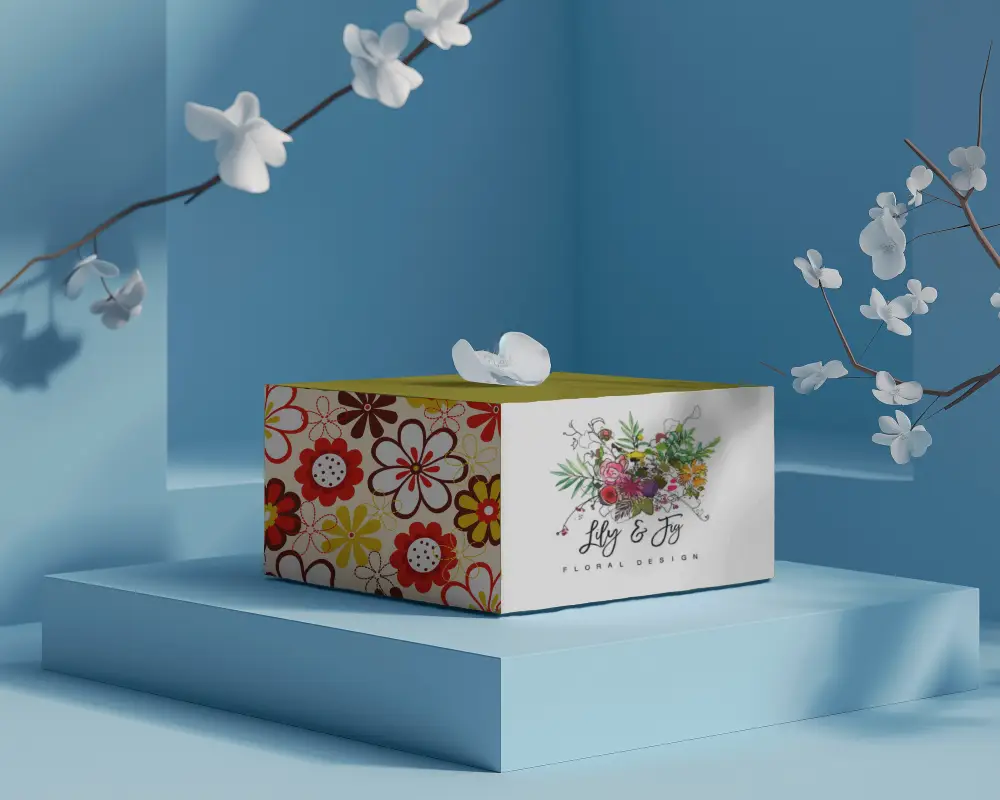
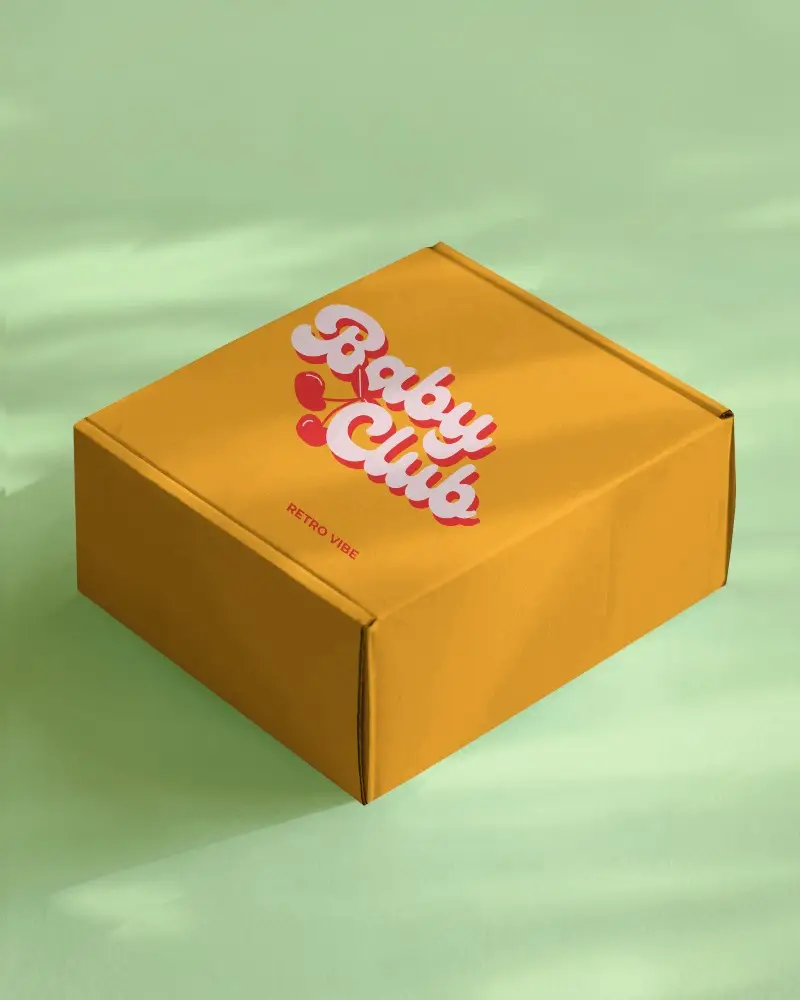
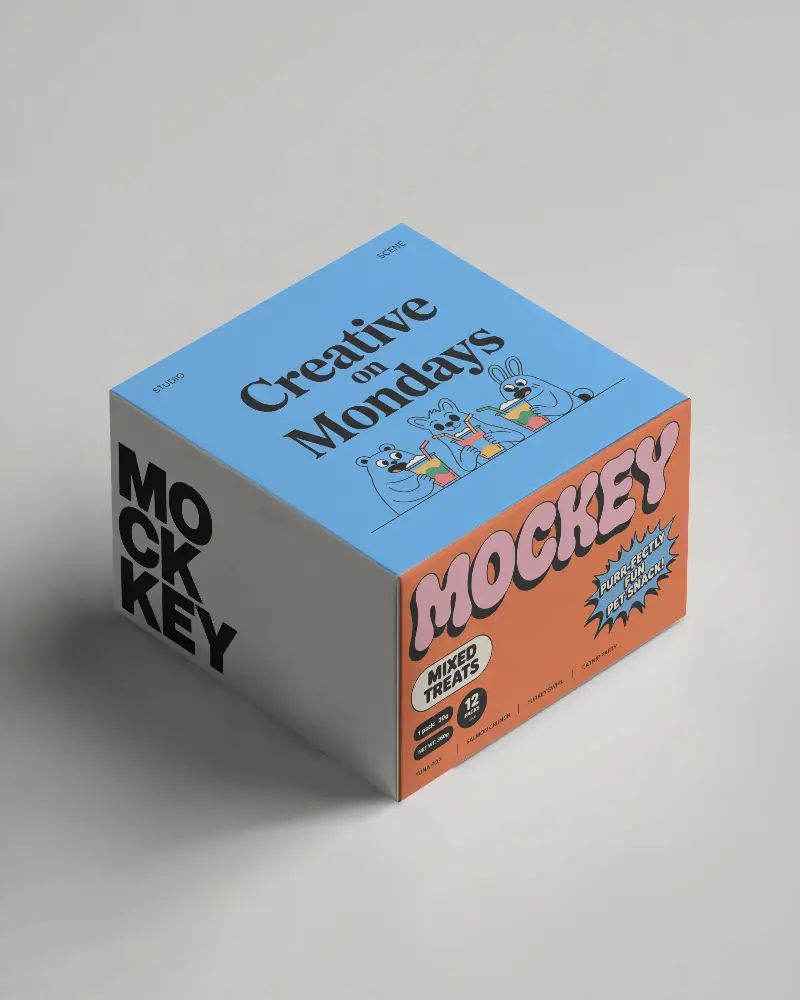
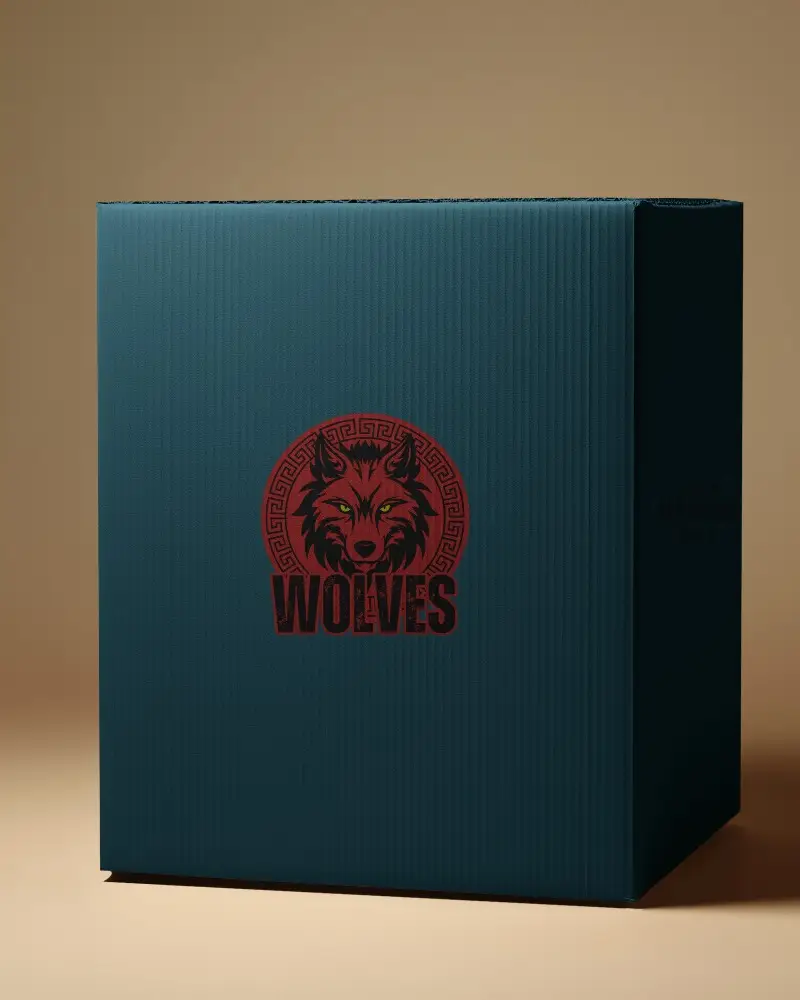
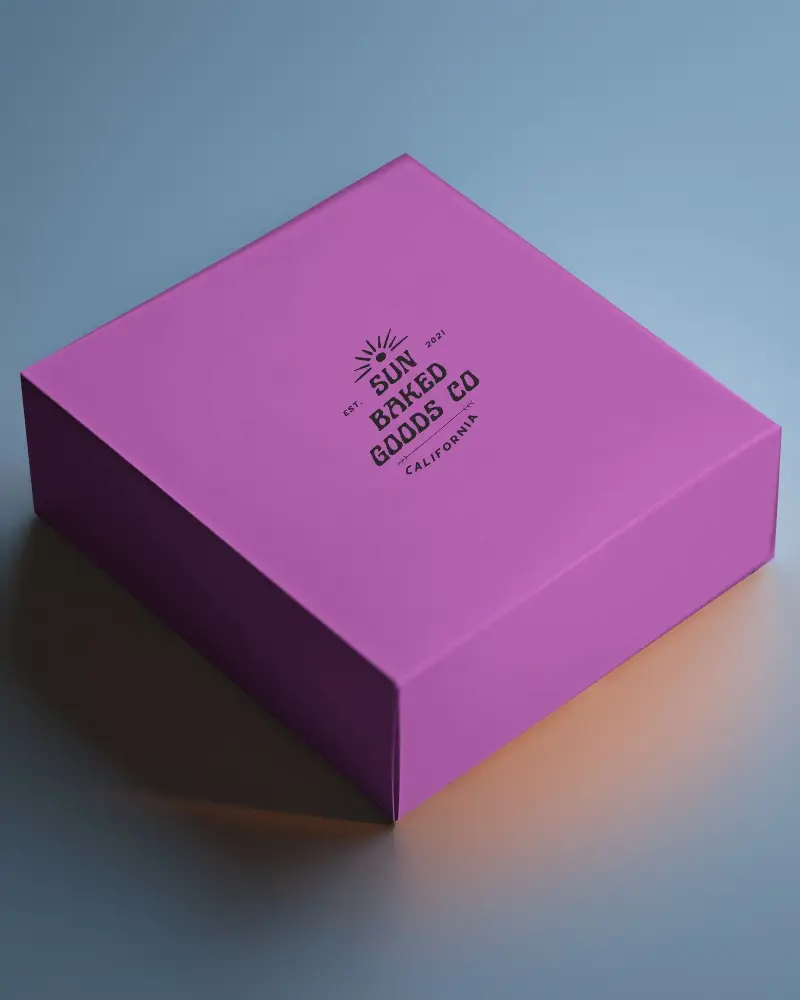
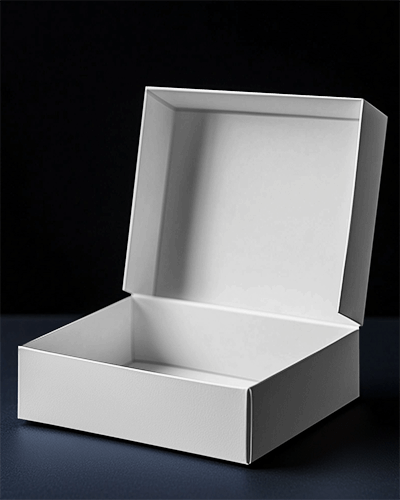
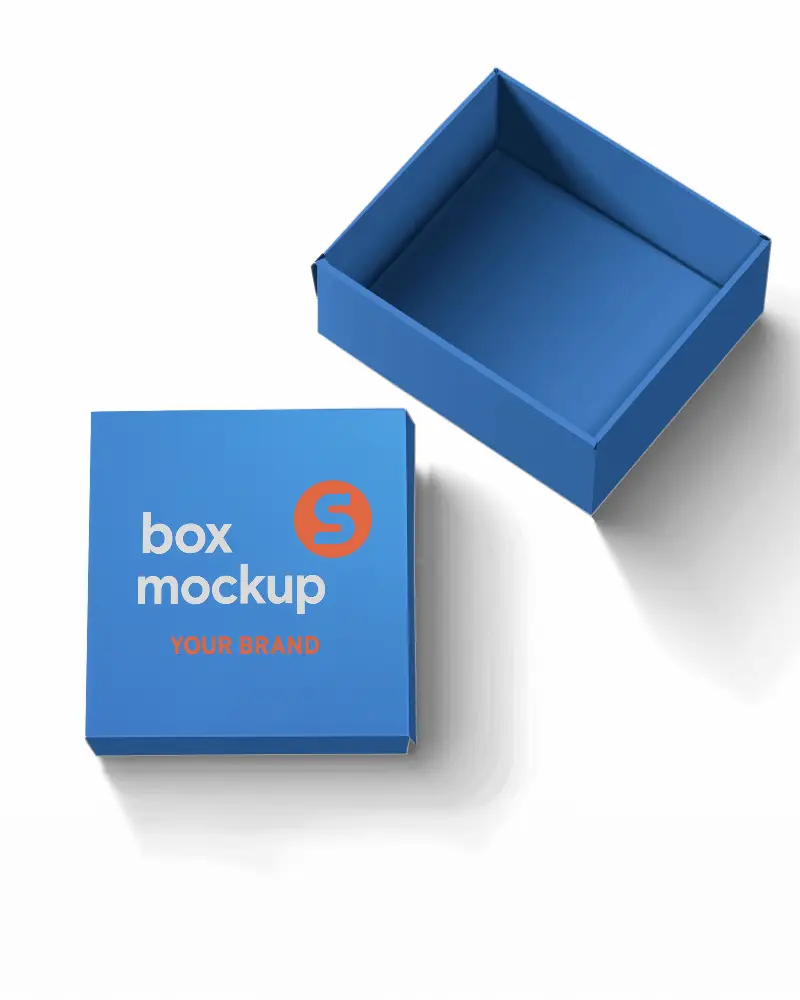
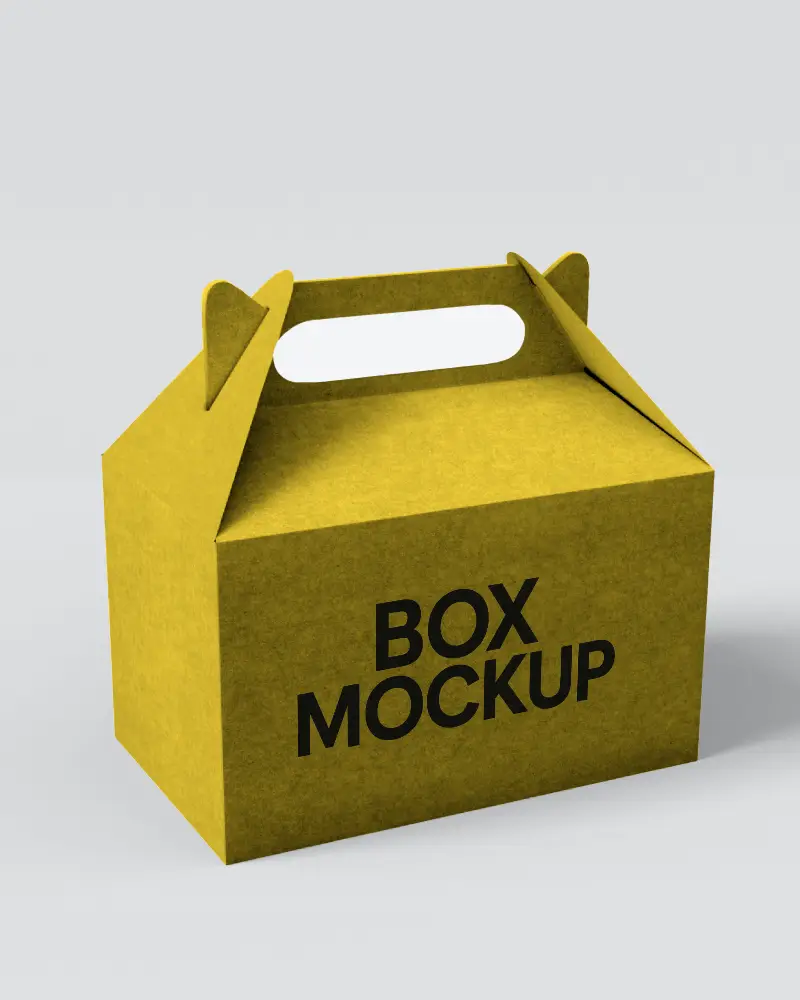
.png)
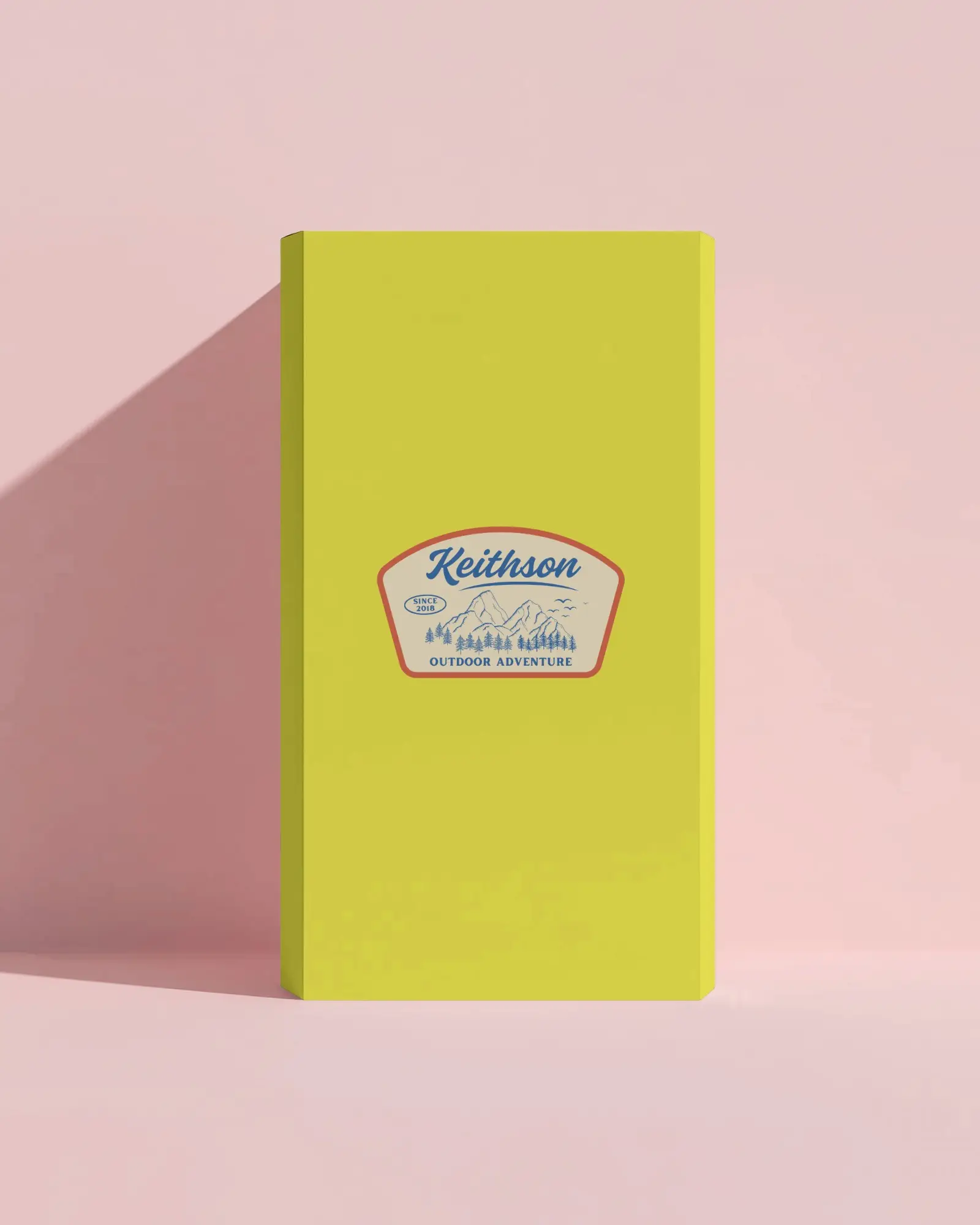
.png)
(1).png)
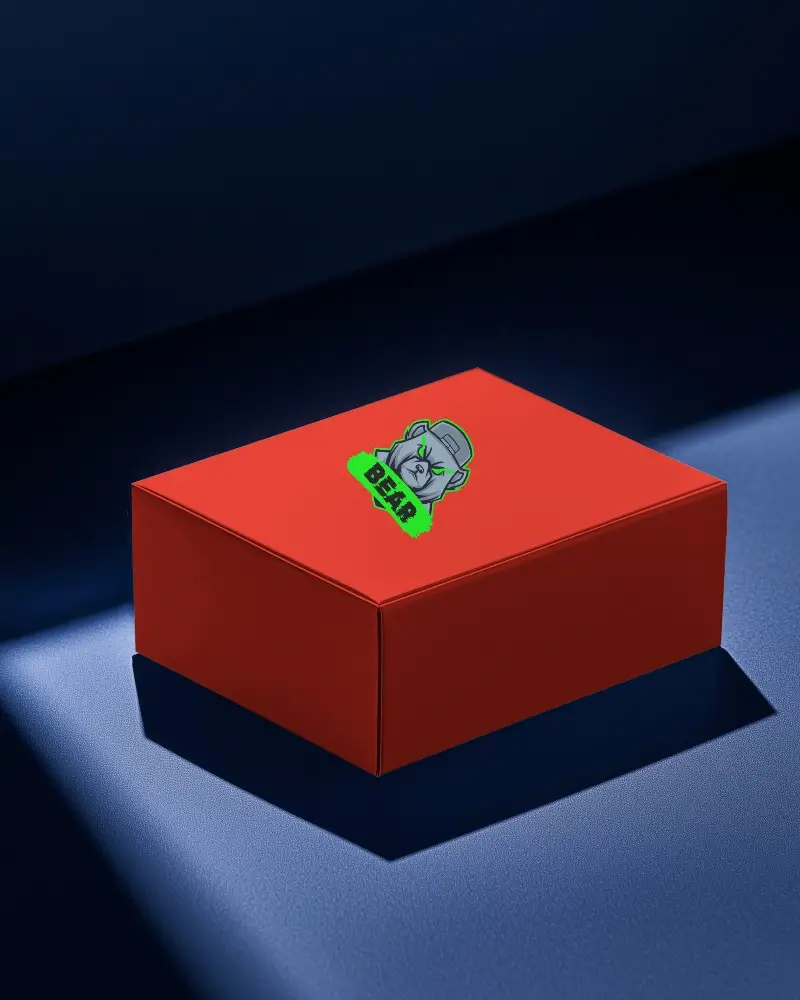
.png)
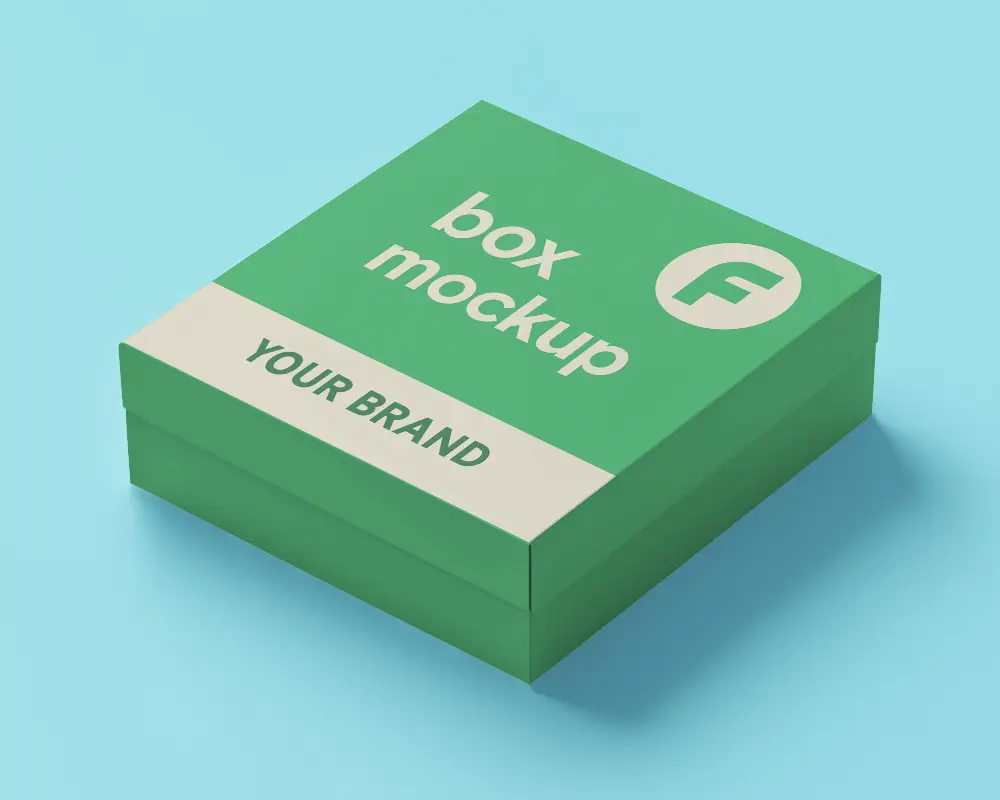
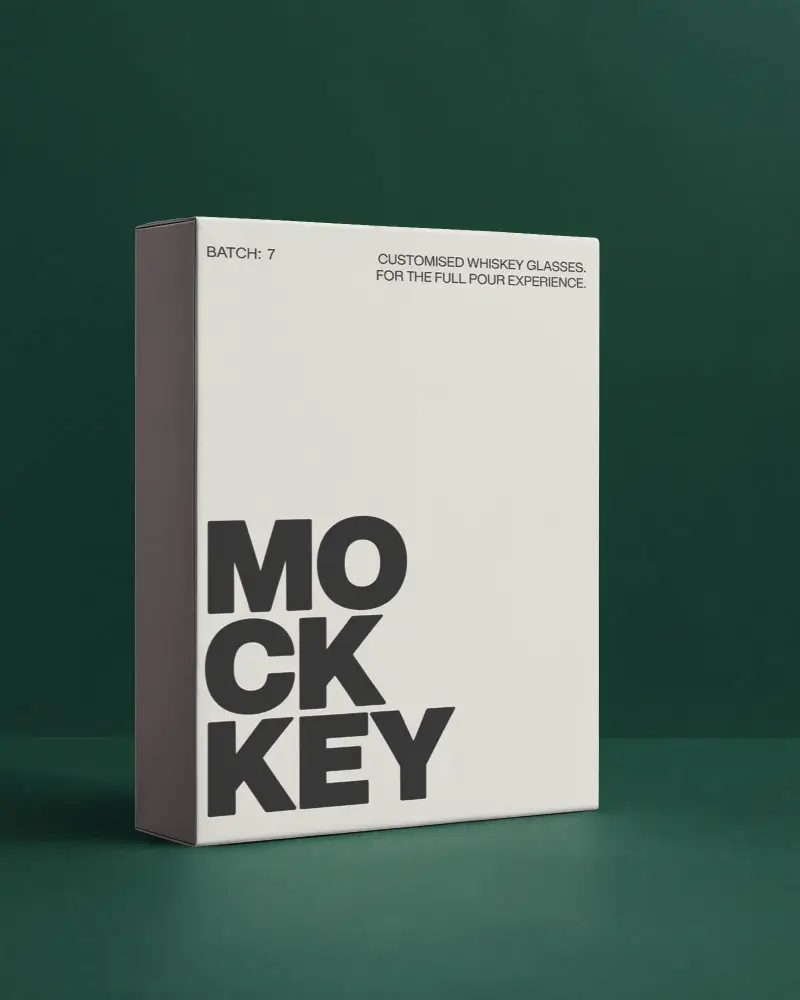
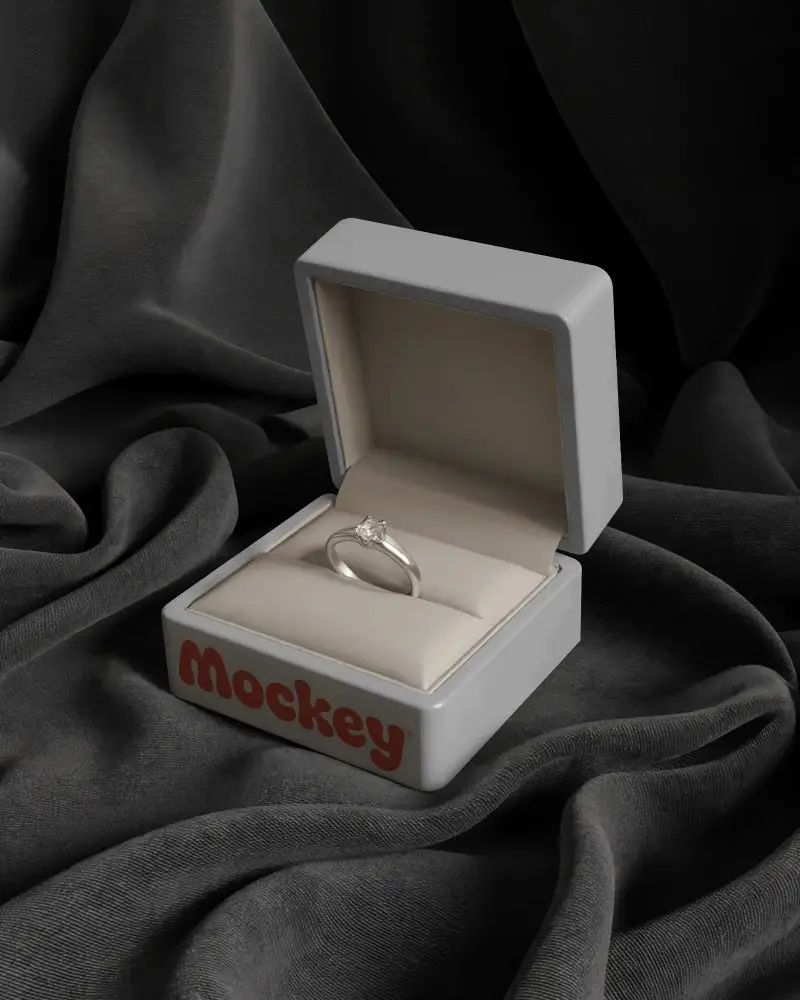
.png)
.png)
How to Create 3d Box Mockup with Mockey
Follow the steps to create 3d Box Mockups in Mockey AI
- Step 1: Follow Mockups > Packaging > Box > 3d Box in the navigation bar.
- Step 2: Pick a template and upload your design.
- Step 3: Customize your 3d Box mockup, get it how you like, and download it in high quality.


FAQs on 3d Box Mockups
What is a 3d Box Mockup?
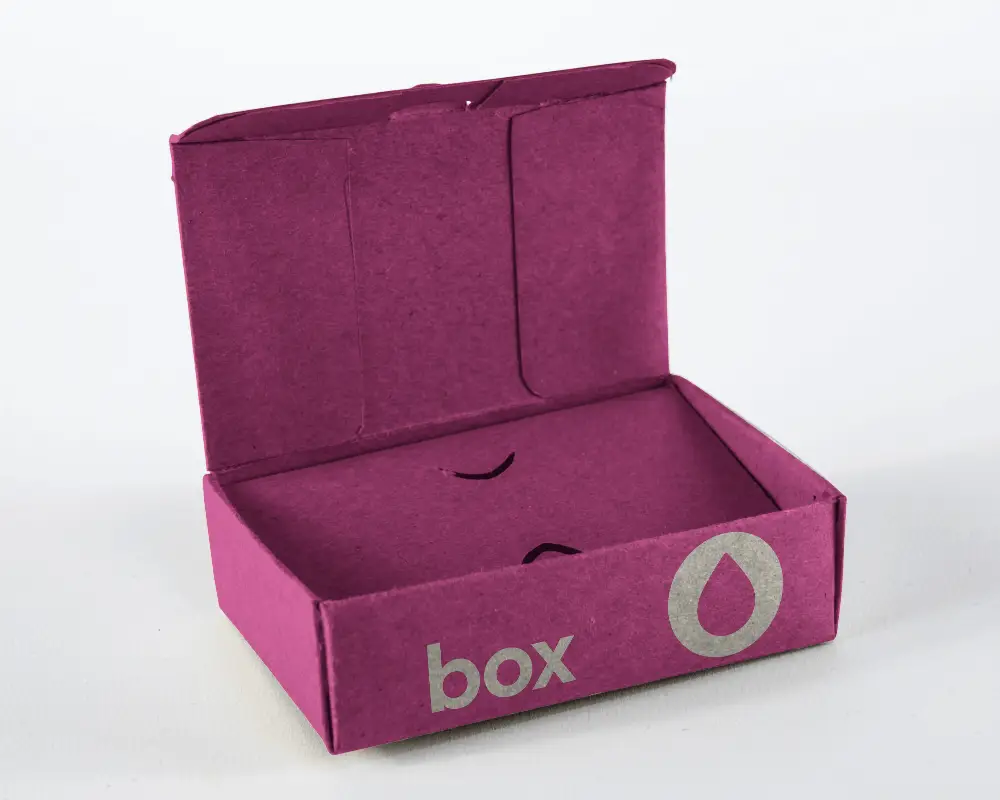
A 3d Box mockup is a digital model of a product's packaging design. It helps visualize how the packaging will look before it's produced, allowing designers to check the appearance and functionality of the design.
Why create a 3d Box Mockup?
Creating a 3d Box mockup helps you review how your packaging design looks, test different options, and ensure it aligns with your brand and functions well, all before producing physical prototypes.
Why Use Mockey’s 3d Box Mockup?
Mockey's 3d Box Mockup Generator allows you to effortlessly create impressive 3D mockups for your packaging designs. You can extensively customize the mockups without needing to sign up, making it ideal for visualizing and presenting your ideas professionally.
Is this 3d Box Mockup Free?
Yes, the 3d Box Mockup Generator on Mockey.ai is free to use. It includes over 1,000 templates that you can customize, offering a quick and easy way to create high-quality mockups.
