T-Shirt
3737+ mockups
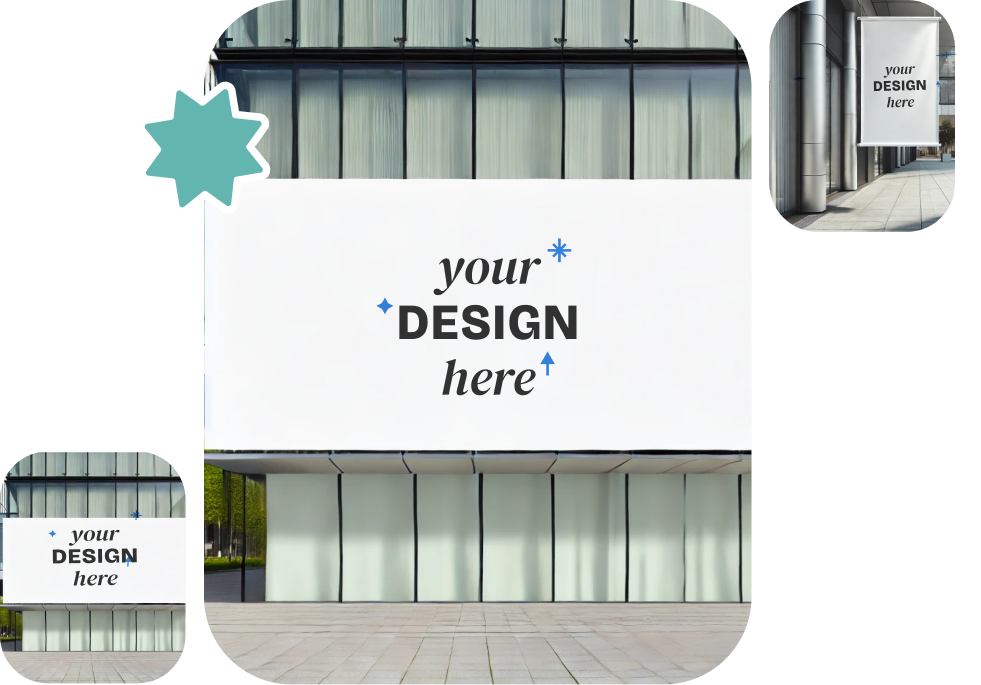
Use our LinkedIn mockup generator to change background colors, resize, and move your design around in real-time to match your style. Once it’s perfect, download high-quality LinkedIn mockups with no watermarks. It’s quick and simple, and it helps you save time while showing off your work like a pro!
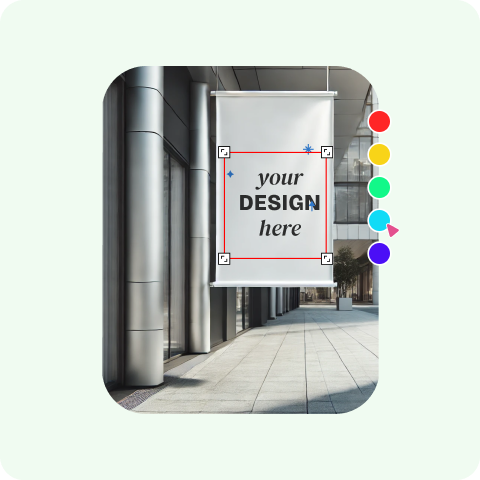
Sign-up is needed. Then tap on the “Mockups” button to begin.
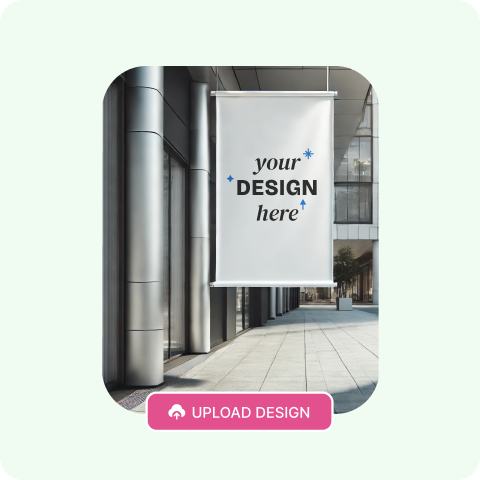
Choose a template from our library and then upload your own design to customize. Change colors, resize, or use AI Photoshoot, and see it instantly wrap onto the mockup with a live preview.
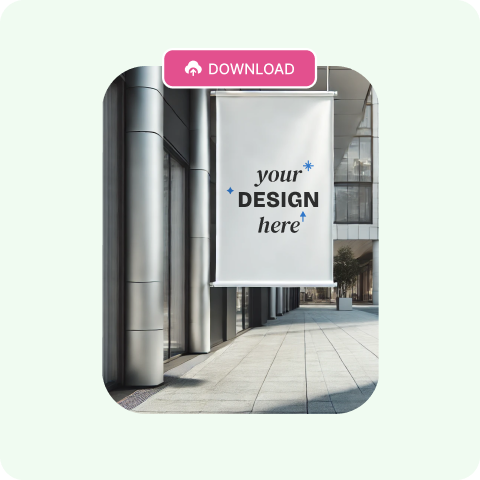
Save your high-quality mockup (1600 x 2000 pixels) without watermarks, ready to use for personal or commercial projects.
There are different formats available when it comes to LinkedIn mockups, each tailored to meet the specific requirements of the client.
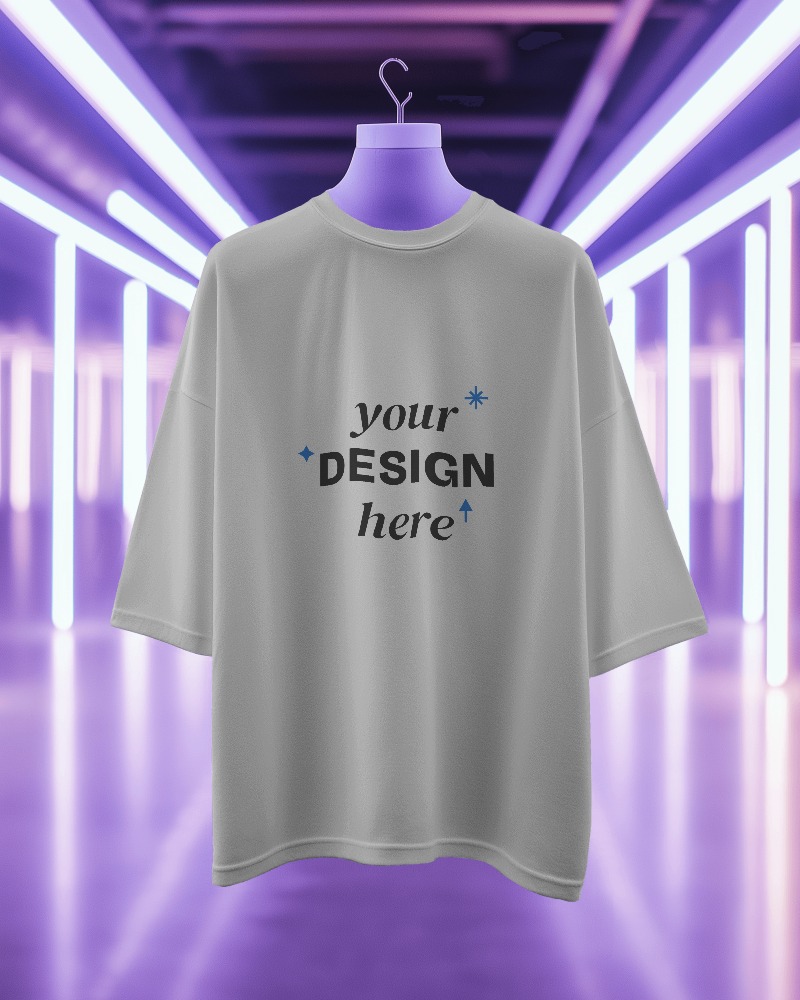
Check out how your LinkedIn post will appear before you hit that send button! The LinkedIn mockup generator lets you see exactly how your posts will look in your feed, making sure every detail is perfect. Enjoy a seamless preview before sharing it with your clients.
See how your ad will appear on LinkedIn before publishing. Test layouts, images, headlines, and calls to action in a realistic environment. Avoid costly trial-and-error by identifying design or content issues early. Whether you customize the LinkedIn mockup or Bottle mockup, this mockup generator helps you to impress clients with professional-looking outputs.
We help you see how your LinkedIn profile will look before making changes. Best for creating impressive screenshots for resumes, websites, or presentations. Refine content for better visibility and engagement without affecting your live profile.
Create one-of-a-kind posts, ads, and profiles effortlessly with our LinkedIn Mockup Generator. It’s enjoyable, incredibly easy to use, and ensures your designs always shine! Are you excited to craft something amazing? Dive into the Generator today!
Discover the reasons why you should choose Mockey’s LinkedIn mockup generator over others.
Users can easily customize their mockups by changing color. They can also edit backgrounds and use AI Photoshoots to create unique designs that fit their marketing needs, making LinkedIn ads, posts, and profiles more effective.
You can easily download a LinkedIn mockup for free from Mockey, and there’s no watermark! It’s fast and straightforward to design stunning, professional mockups for your LinkedIn posts, profiles or ads.
Creating a LinkedIn mockup with Mockey.ai is super easy. First, head over to Mockey.ai and sign up there. Once you’re in, go to the Mockups section and pick a LinkedIn template in the Social Media section. Then, add your image by hitting on Upload Design. You can customize it however you want to make it just right. When you’re happy with how it looks, download your LinkedIn mockup in the format you need.
You can create free LinkedIn mockups with Mockey AI. It’s easy to use, and it has over 100 free templates. All you need to do is sign up for a free account, pick a template, make it your own, and then download the high-quality mockup to use for marketing or social media.
For LinkedIn mockups, the best image size is 1200 x 627 pixels, with a 1.91:1 aspect ratio. Make sure the image is either in PNG or JPEG format and doesn’t exceed 3MB in size.
Mockey AI has a free LinkedIn mockup generator where you can easily edit and download cool, unique LinkedIn mockups without any watermarks. You can choose from more than 100 templates to make your mockups your own.
Mockey mockup generator lets you save your mockups in high-quality PNG and JPG formats.
To customize a LinkedIn post mockup on Mockey AI, first, choose a LinkedIn post template from the collection. Then, use the editor to change the image, update the background, and use the AI Photoshoot feature. When you’re happy with the design, download the mockup in formats like PNG or JPEG.
A LinkedIn mockup template is a ready-made design that helps users see how their LinkedIn profile, posts, or ads will look. You can change the images and text to make it your own, which makes designing for branding and marketing on LinkedIn easier.
To create a LinkedIn profile mockup, first pick a professional template from Mockey AI. Then, personalize it by adding your image, color and background. Once you’re done, export the mockup to see how your profile will look, making sure it matches your professional image