
Bulk Mockup Generator for 50 Products, One Design
Create mockups for your entire product range in one go. Showcase new designs across your store without creating each product mockup one by one.
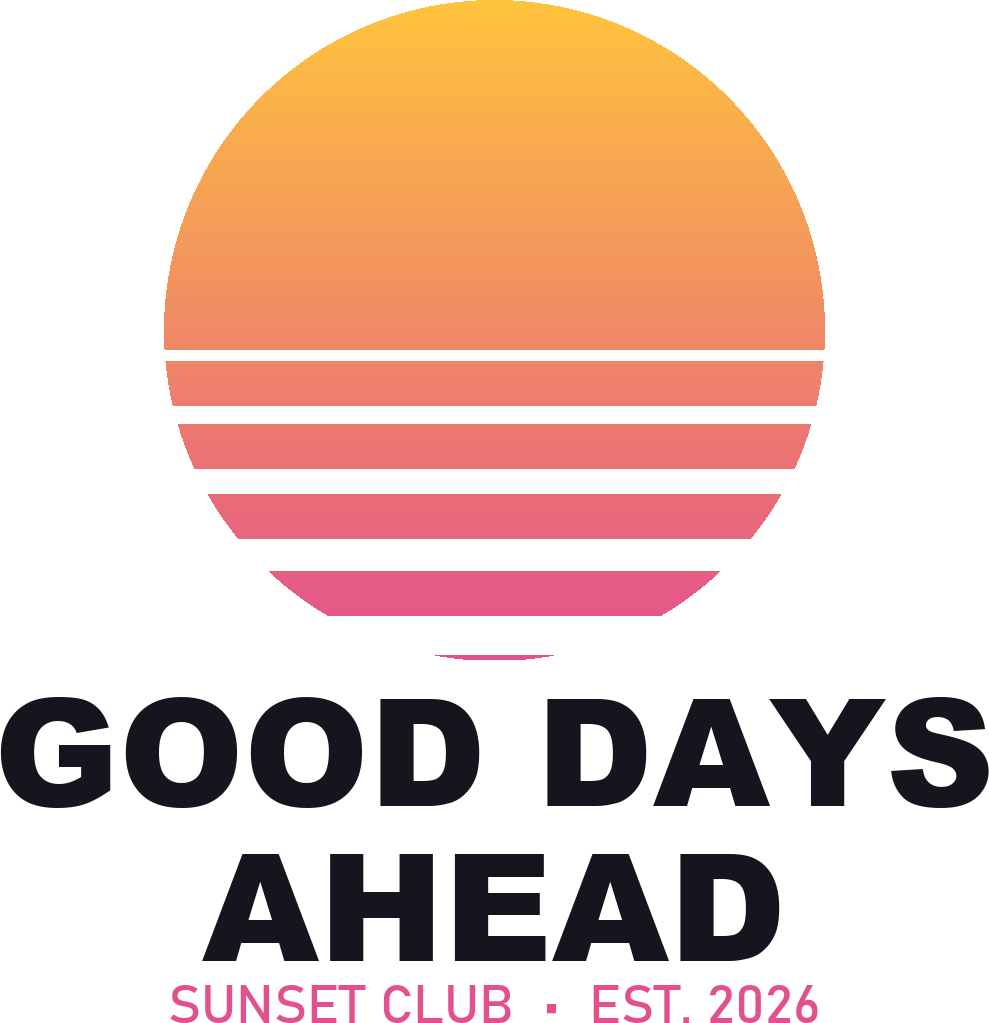
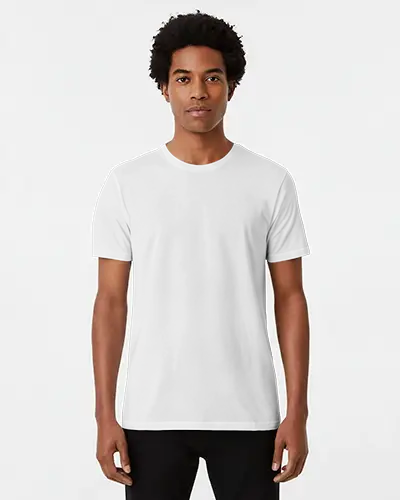
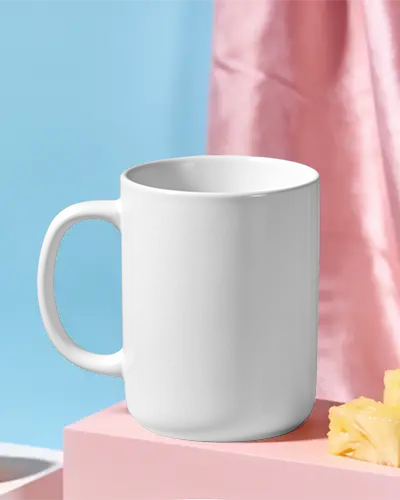
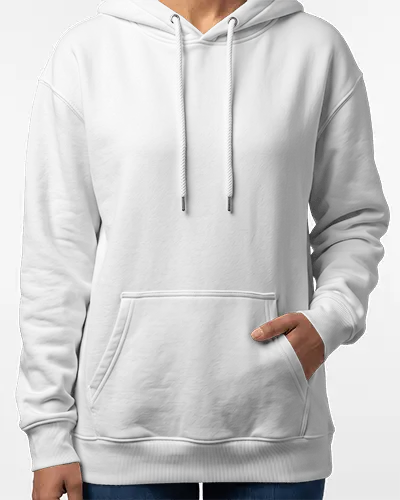
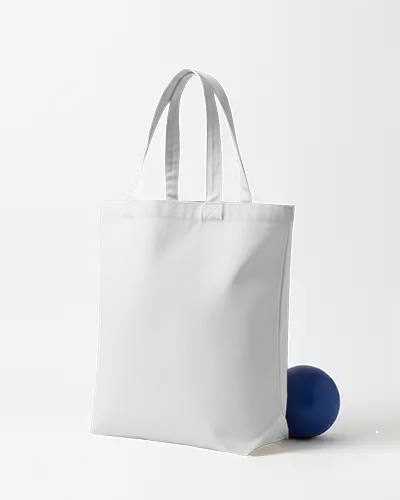
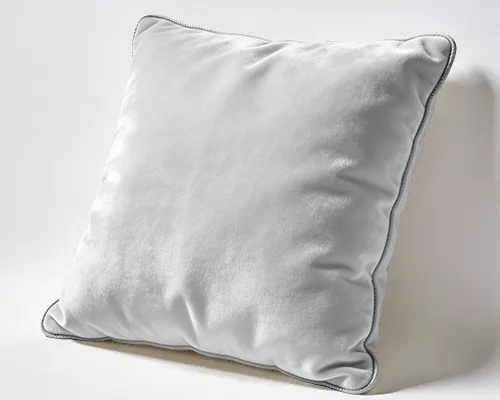
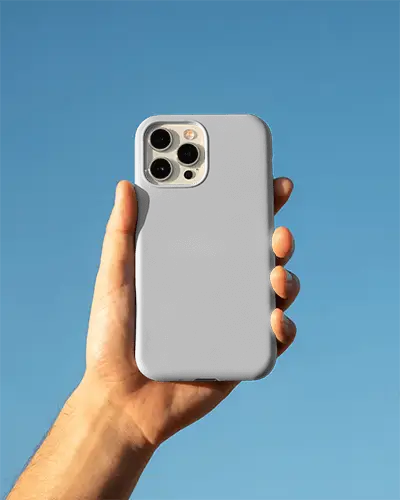
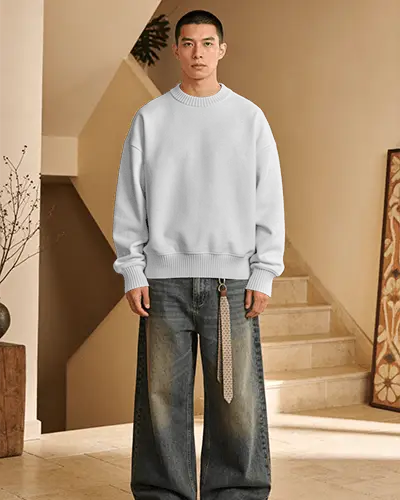
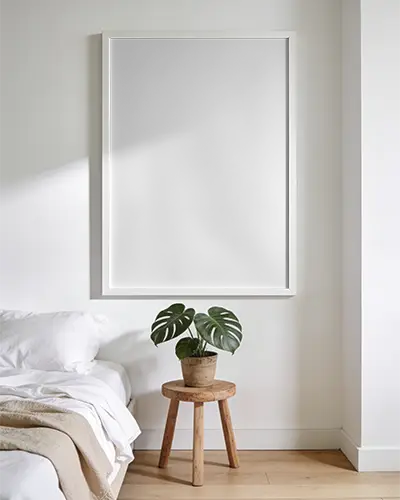
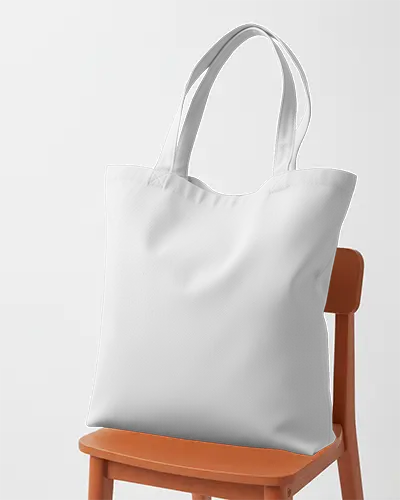
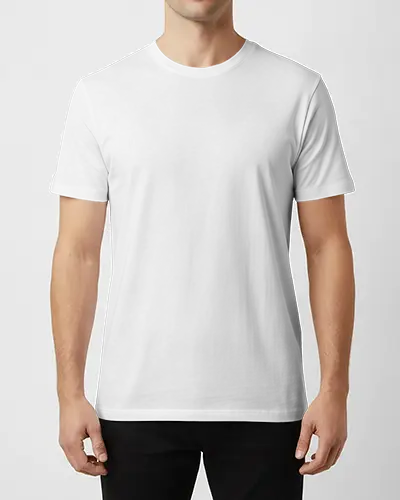
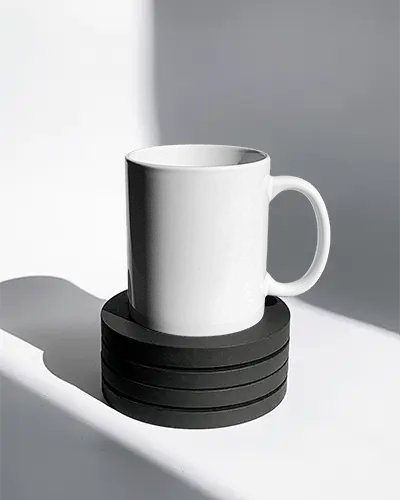
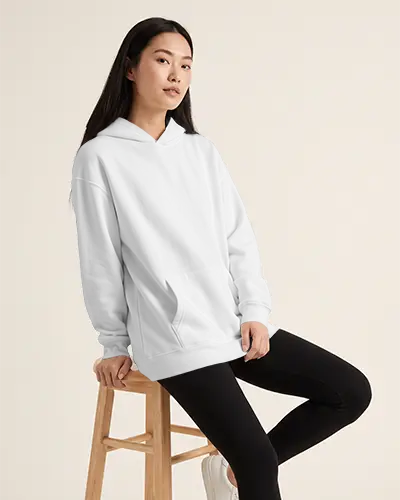
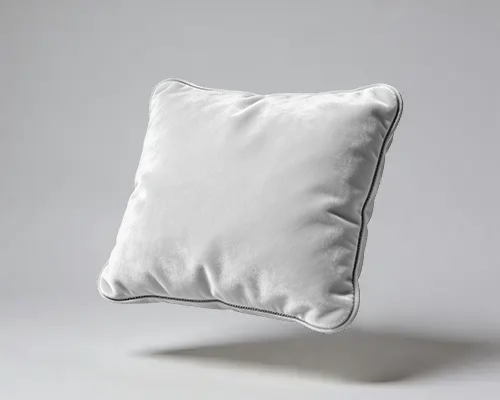
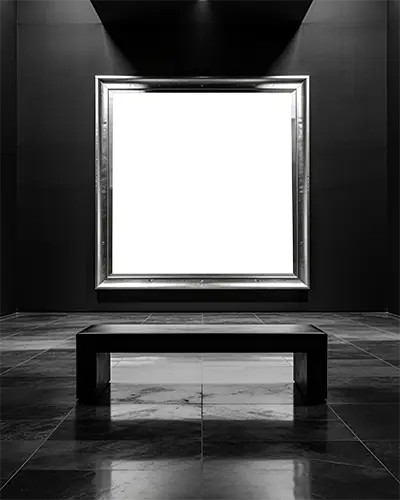 One design on every product above
 Put One Design on More Products
Test your design across apparel, accessories, home decor, and more. Compare how it looks on different products, switch colors, and pick the mockups that fit your store or next product launch.

How to Create Bulk Mockups from One Design?
We’ve broken it down. Learn how to create your bulk mockup in just 3 steps.
Buy the Starter Plan & Enable Bulk Mode
Go to Mockey and purchase the Starter plan by clicking on Pricing. Then tap on Mockups and enable Bulk Mode.
Upload Your Design and Adjust
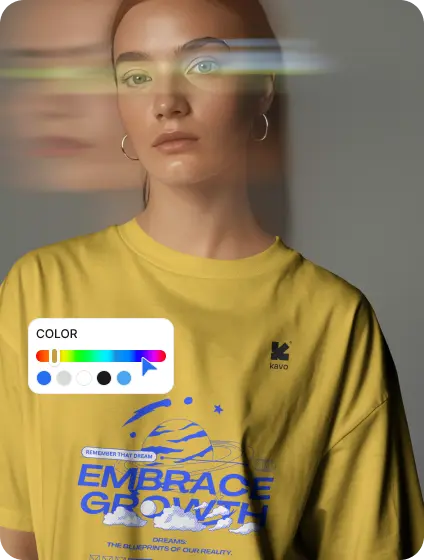
Press the Design button to add an image and preview it on different products. You can also adjust the color and size.

Download All
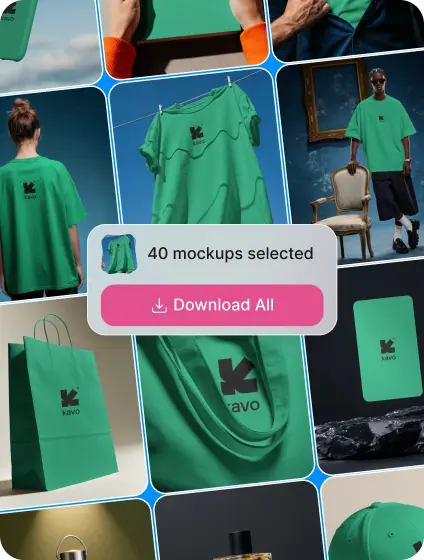
You can select up to 50 products at once. Then, click Download All to save your bulk mockups as a ZIP file.
Creating Mockups One by One vs. in Bulk
| Features | Individual Creation | Mockey Bulk Mode |
|---|---|---|
| Design Upload | Upload and place your design on each product separately | Upload once and apply it across multiple products |
| Time Required | Repeat the process for every product | Generate mockups for up to 50 products in one batch |
| Customization | Adjust colors and design size for each mockup manually | Change product colors and design sizes in Bulk Mode |
| Product Variety | Create each product mockup separately | Work with up to 50 product templates at once |
| Selecting Mockups | Save or download each finished mockup individually | Select the mockups you want from the generated results |
| Downloading | Download product images one by one | Download selected mockups together in a ZIP file |
Why Use Our Online Bulk Mockup Generator?
One upload, up to 50 products, and only the mockups you want in one ZIP
Turn one design into mockups for up to 50 product templates in one batch. Make your product launch more efficient by spending less time repeating the same steps.
Change product colors and adjust design sizes to get the look right for each product. It’s not necessary to stick with the default appearance.
Select your favorite mockups from the results and leave the rest behind. If you only need tote bag mockups or sweatpants mockups, choose ready-made templates from the Mockup Templates section under Products.
No need to download each mockup separately. Get all your selected product images together in one ZIP file, ready to organize and use.
Just enable Bulk Mode, upload your design, and select the products you want. You can also easily adjust your design image within the mockup generator.
Forget uploading the same design and repeating the process for every product. Focus on choosing the best results instead of worrying about batch creation.
Explore More Mockup Generators
Your catalog should not stop at one type. Explore Mockey’s other generators.
We take pride in serving quality
with highest rated mockup generator

Rating on Trustpilot
with 40+ reviews and counting
I am blown away by the level of personal customer service. I don't remember when I last encountered it. So refreshing. They listen to feedback of what works and what doesn't, and within minutes courteously thanked me for it and let me know they'd be working on adding the specific mockups I was looking for

I have recently purchased the forever package. I initially tried the starter plan and decided this app is great for me, easy to use for a newbie.

Very good ai for creating mock-ups. And good service also. Recommending to who is planning to start print on demand. 100% worth

Book Mockups are a great tool for experiencing the final look of the product.

I had an excellent experience with Mockey AI's customer support team. I accidentally forgot to cancel my subscription's auto-renewal and was charged for the next billing cycle. After contacting support, I received a prompt, professional, and courteous response from Shahid.

The great thing is that , need not to learn PS for mockups , mockey is way simple. And the customer service is good too.

Customer service is excellent! Outstanding swiftness and efficiency of their work. For the sake of it, 5 stars!
Very good customer service. I was new to Mockey and decided to sign up for the monthly plan rather than the yearly plan to test out their product. Definitely five stars for their excellent communication and fairness.
Create 50 Product Mockups From One Design
See how your artwork looks on different products before deciding what to sell. To create bulk mockups for your next collection, use our bulk mockup generator.
FAQs
01 What is bulk mockup generator?
Multiple mockups can be created at once using a bulk mockup generator. You don’t have to add the artwork to each mockup separately, which saves time when you’re working with lots of products.
02 Do I need Adobe Photoshop to create bulk mockups?
You can create bulk mockups in Mockey right from your browser. There’s no need to install Photoshop or any other Adobe software.
03 How many mockups can I create in a single batch?
With tools like Mockey, you can create 50 mockups in a single batch.
04 Does bulk mockup generator automatically resize and position my design on each product?
Upload your design and Bulk Mode puts it on the product templates you select. You can resize the design on each mockup afterward if it doesn’t look quite right.
05 Which input and output file formats does the Bulk Mockup Generator support?
You can upload your designs as PNG or JPG files. When the mockups are ready, select the ones you want and download them all in a single ZIP file.
06 Can I use bulk-generated mockups for commercial purposes?
You can use your Mockey mockups for commercial projects, including product listings, ads, and your online store.