How to Make Mug Mockups Online – Quick Guide
This post will guide you step-by-step on how to make mug mockups using the Mockey** mockup generator**, from the basics to perfecting your design.
If you’re reading this, you’re likely a designer or blogger looking to make mug mockups.
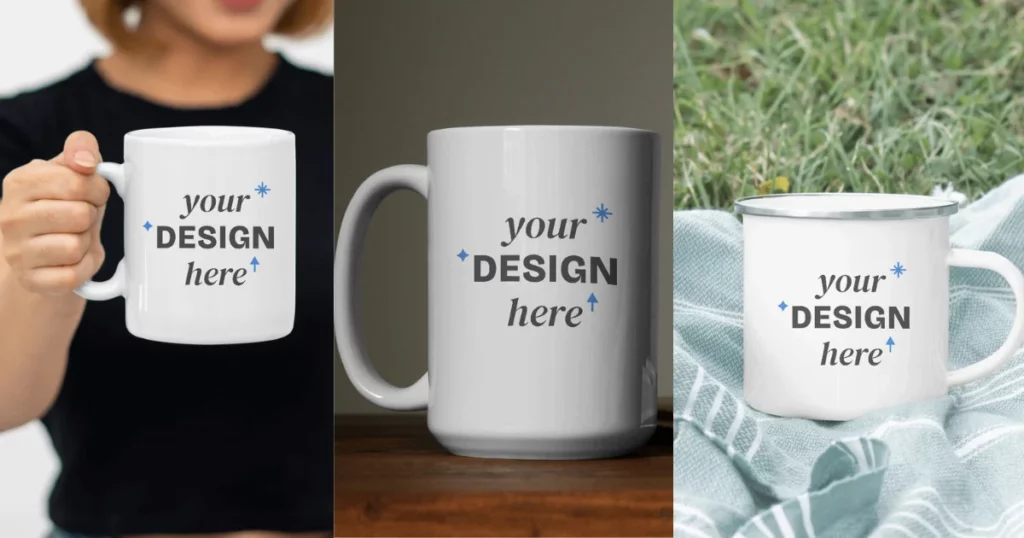
Table of Contents
What Is a Mug Mockup?
What is a mug mockup? A mug mockup is a visual showing how a mug design would look in real life. It’s used to showcase, advertise, or explain a product. Mockups are often used in portfolios or presentations.
Mockups were once mainly used by graphic designers, now with more accessible and ease of use software, anyone can use mockup generators to enhance their design ideas.
If you’re new to mockup generators, Mockey has great beginner tutorials. You can avoid all the premium generators as Mockey offers free and unlimited mockups to download.
A Quick Guide on How to Make Mug Mockups
Here is a quick guide on how to make a mug mockup in just a few minutes.
- Visit Mockey.ai.
- Follow Mockups > Home & Living > Mug in the navigation bar.
- Click Upload Design to add your image.
- Pick a template and start to customize it.
- Lastly, click Download to save your mug mockup without any watermark.
How to Make a Mug Mockup – Step-by-step Guide
This is a step-by-step guide that will show you how to make mug mockups using Mockey.
Step 1: Visit Mockey.ai
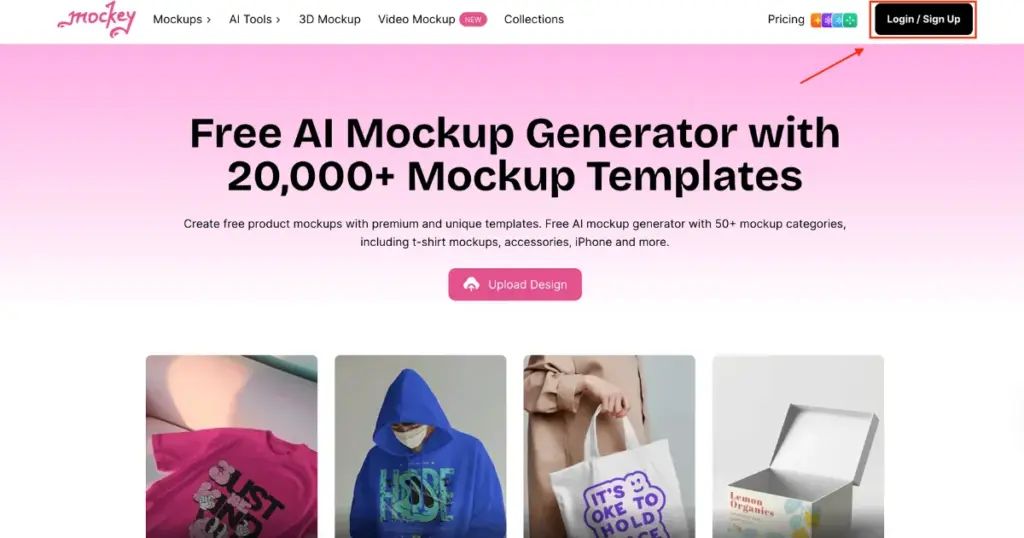
Start by visiting Mockey.ai from your PC or mobile device. This versatile mockup generator is designed for ease of use, allowing you to create stunning mockups directly from any device. The platform offers a user-friendly interface that makes navigating through its features simple and enjoyable.
Step 2: Sign Up for an Account
Before you dive into creating your mug mockups, you’ll need to sign up for an account on Mockey.ai. Registration is quick and easy, providing access to all the tools you need to bring your designs to life. Without signing up, you won’t be able to customize your mockups fully.
Step 3: Navigate to the Mug Mockup Section
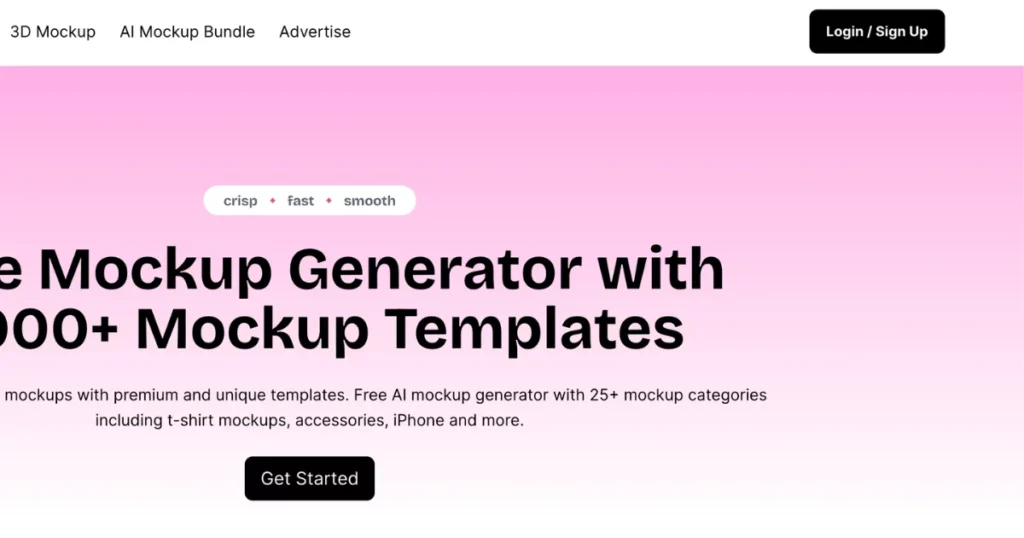
Once you’re on the homepage, you can navigate to the mockup tools through the main navigation bar at the top of the screen. Follow these steps:
- Click on “Mockups” in the navigation bar.
- Select “Home & Living” from the dropdown menu.
- Choose the “Mug” category to access various mug templates.
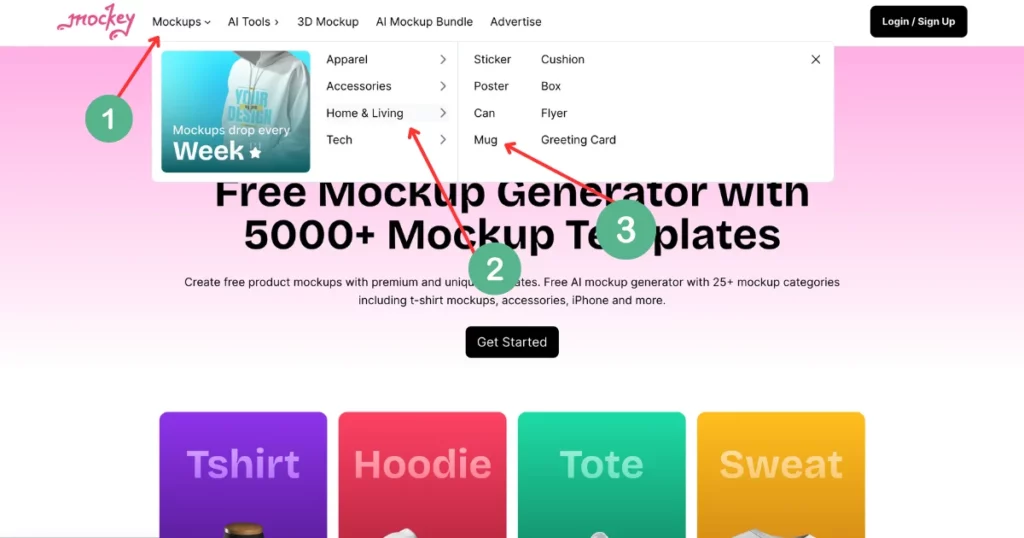
Alternatively, you can click the “Get Started” button, and on the next page, locate the “Mug” category under the “Home & Living” section found in the left bottom corner of the screen.
Step 4: Upload Your Design
With the mug category open, you’re now ready to upload your design:
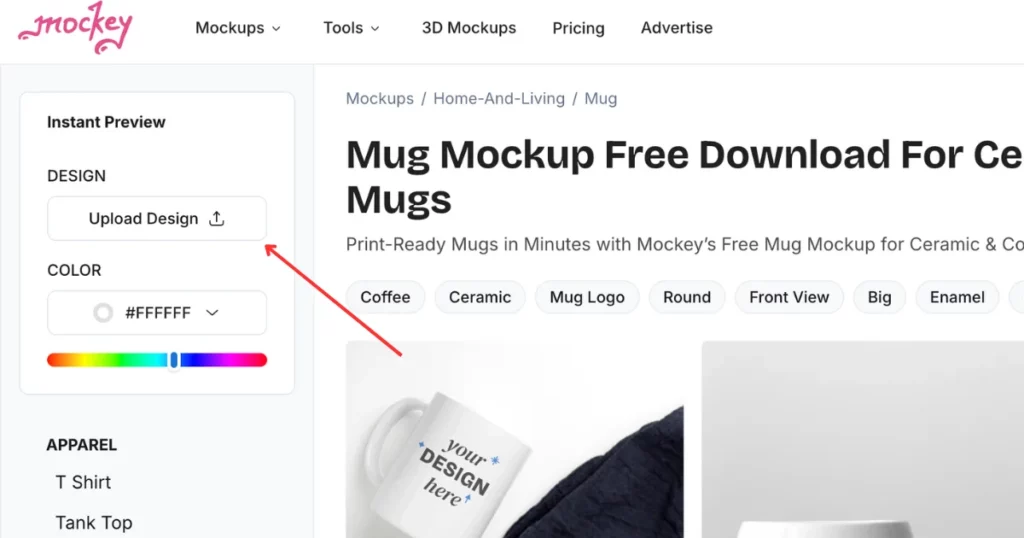
- Click on “Upload Design” to add your logo, artwork, or any design of your choice.
- You can upload files in PNG or JPG format directly from your PC or mobile device.
- Once uploaded, your design will automatically be placed on the mug templates, giving you a real-time preview of how your design looks on different mugs.
Step 5: Explore Mug Categories and Templates
Mockey.ai offers a variety of mug templates to choose from, including Coffee Mugs, Ceramic Mugs, Metal Mugs and many more!
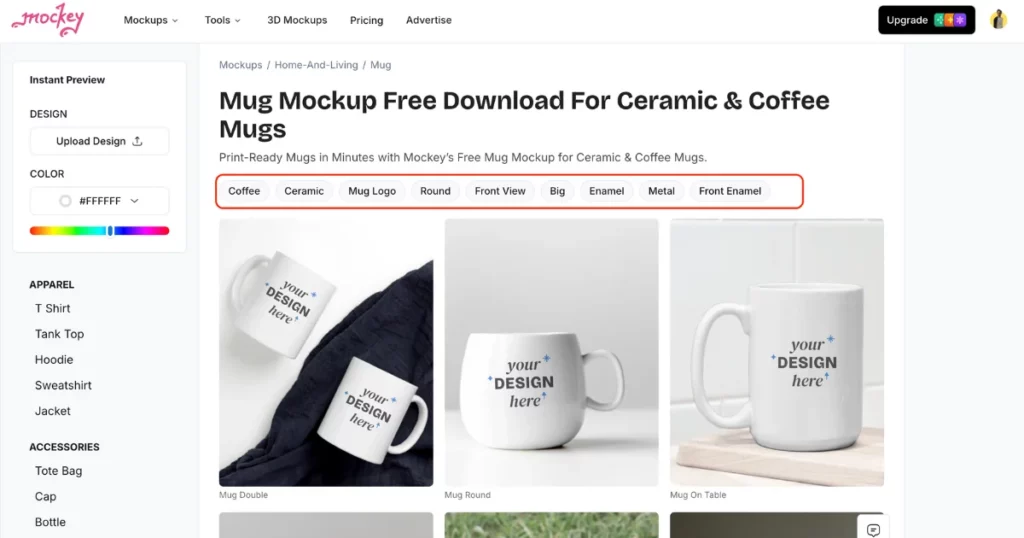
Pick the template that best suits your needs and start customizing it to match your brand or personal style.
Step 6: Customize Your Mug Design
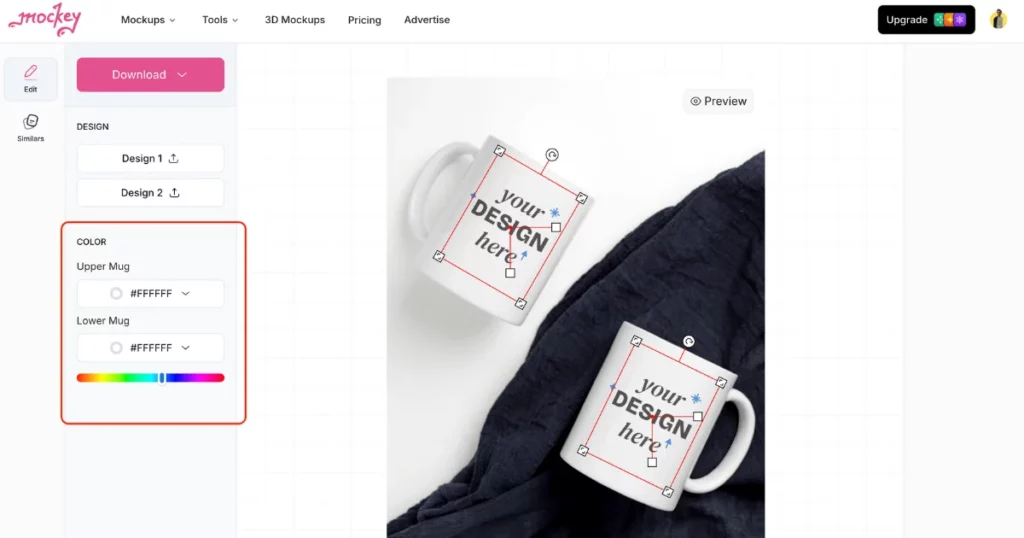
Customization is where the fun begins! With Mockey.ai, you can:
- Change the mug’s color to match your design.
- Resize and adjust your design to fit the mug shape perfectly.
- Experiment with different placements to ensure your design looks just right.
Step 7: Download Your Mockup
After you’ve finished customizing your mug mockup, it’s time to save your work:
- Click “Download” to save your mockup for free without any watermark.
- You can download your mug mockup in JPG format, available in sizes such as 800 x 1000 px and 400 x 500 px.
- For a higher resolution, 1600×2000 px, or to download in PNG format, consider upgrading to Mockey premium plan.
Best Mug Mockup Templates to Customize
1. Mug Double
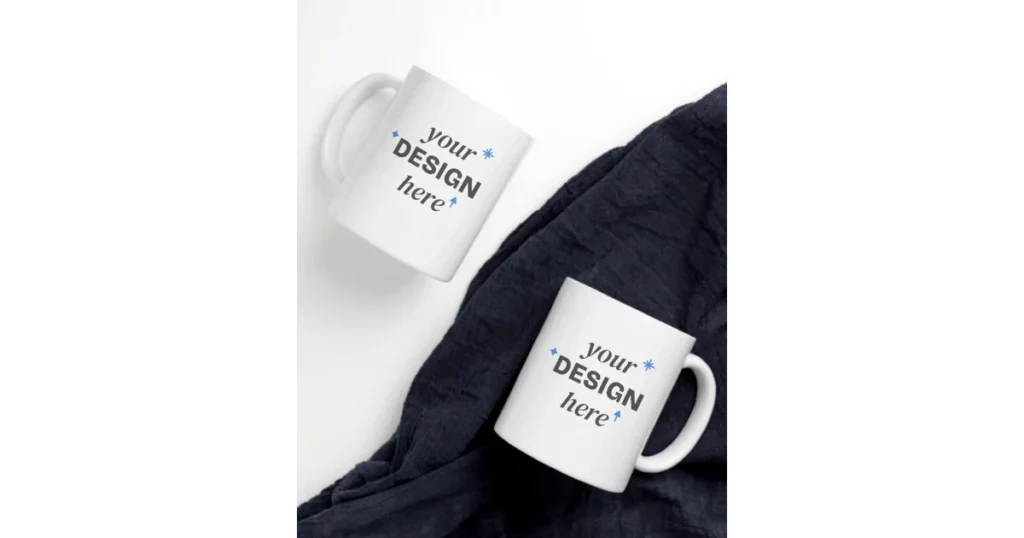
2. Mug Round
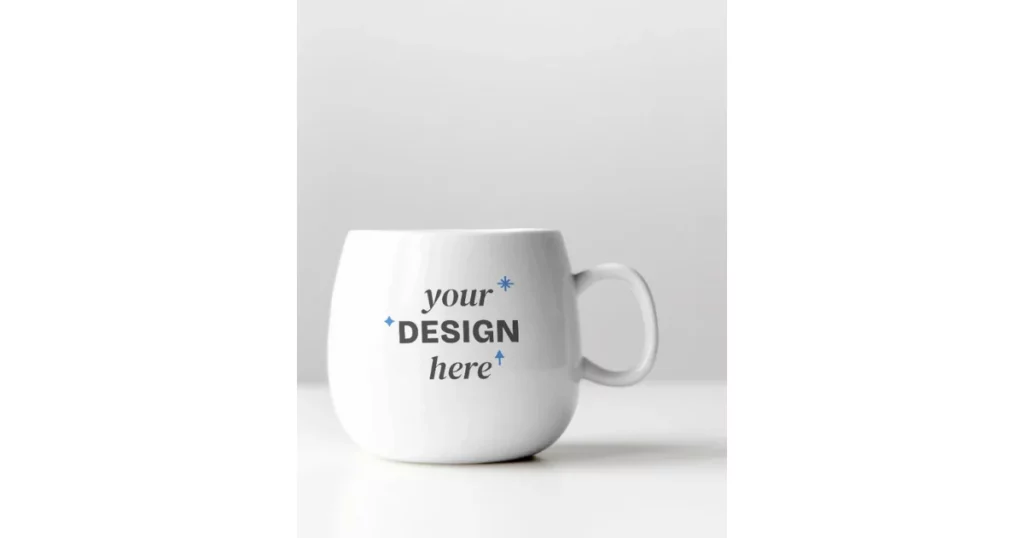
3. Mug on Table
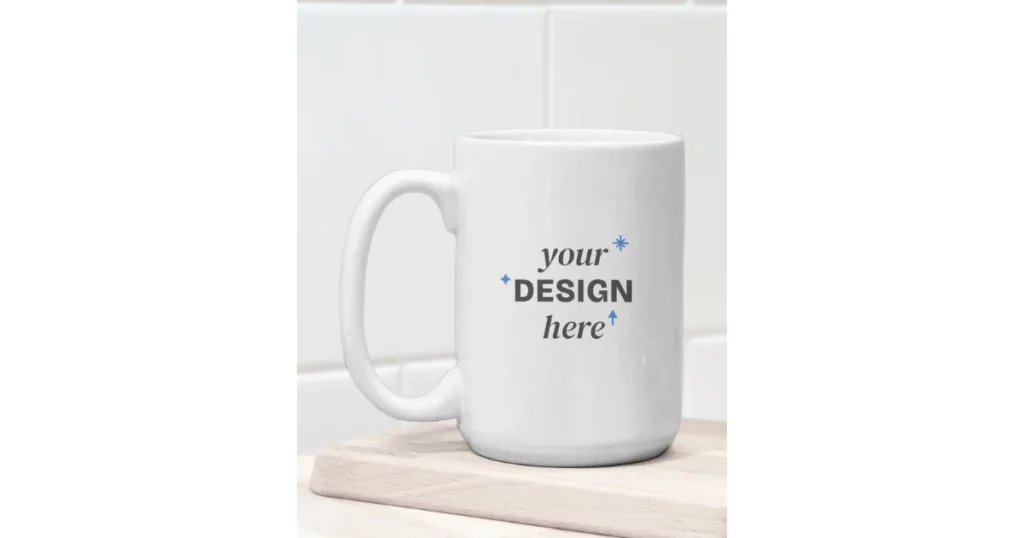
4. Mug Small
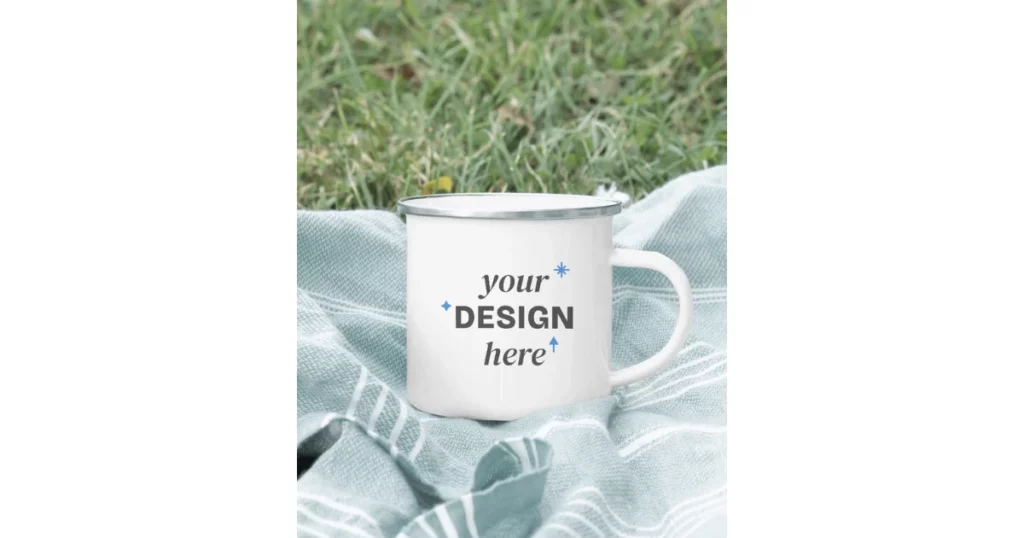
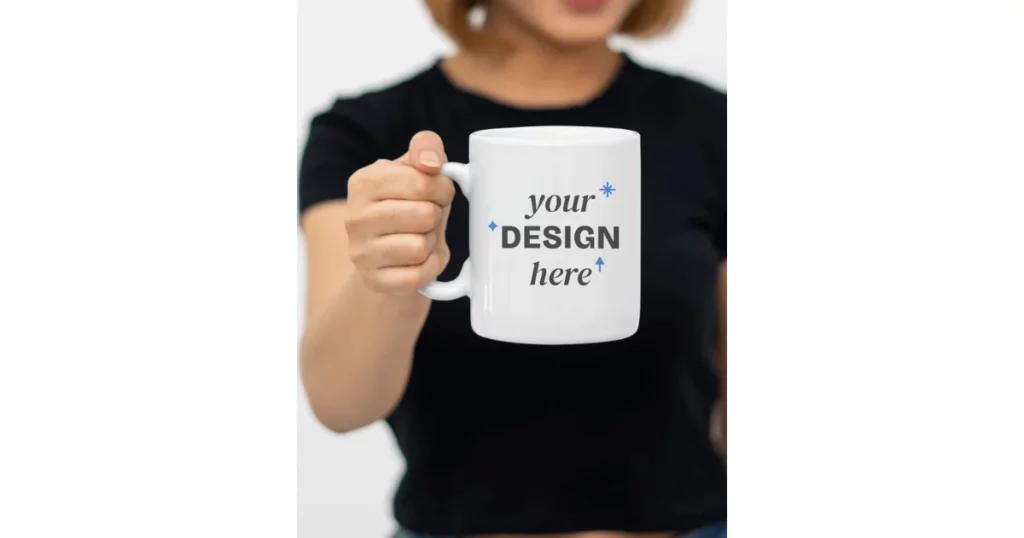
5. Mug in Hand
Conclusion
We have covered how to make mug mockups using the Mockey mockup generator. This is the only mockup generator that offers 27,000+ mockup templates, unlimited downloads and a user-friendly interface for free.
Unlike expensive and complex software like Photoshop, this AI design tool offers a premium plan that is more budget-friendly and easier to use. You don’t have to deal with the steep learning curve or the overwhelming array of features that **Photoshop **has.
Still, wonder how to make mug mockups? Visit the Mug mockup generator page for more details.
FAQs
How do I create my own mug mockup?
To make your own mug mockup, go to the Mockey website and follow Mockups > Home & Living > Mug. Upload your design and adjust colors or backgrounds as needed. Download your high-quality PNG mockup for free.
How to make a cup mockup in Photoshop?
To create a cup mockup in Photoshop, start by finding a high-quality photo of a cup. Open this photo in Photoshop and isolate the cup from the background. Then, add your design or logo as a smart object and adjust it to fit the cup’s shape. Make any necessary color or texture adjustments, and finally, export the completed mockup.
How do you make designs on mugs?
To design mugs, first wash and dry the mug. Draw or paint your design on it, then bake the mug to set the design. For decals, print them on transfer paper, stick them on with water, and let them dry.
Related reading:
- How to Make T Shirt Mockup in Photoshop (2024)
- What is a Mockup? Its Types and How to Create for Free
- Wireframe vs Mockup vs Prototype – Explained in 2024
- How to Make a Mockup: Create Mockup Online Without Photoshop
- How to Make Book Mockups for Free in 2024
- How to Make Clothing Mockups – Quick Guide

Sangram Sahoo
I’m a content writer with 4 years of experience. I specialize in creating practical content around mockups, print-on-demand, apparel, and e-commerce design.
